Customer Ratings & Reviews
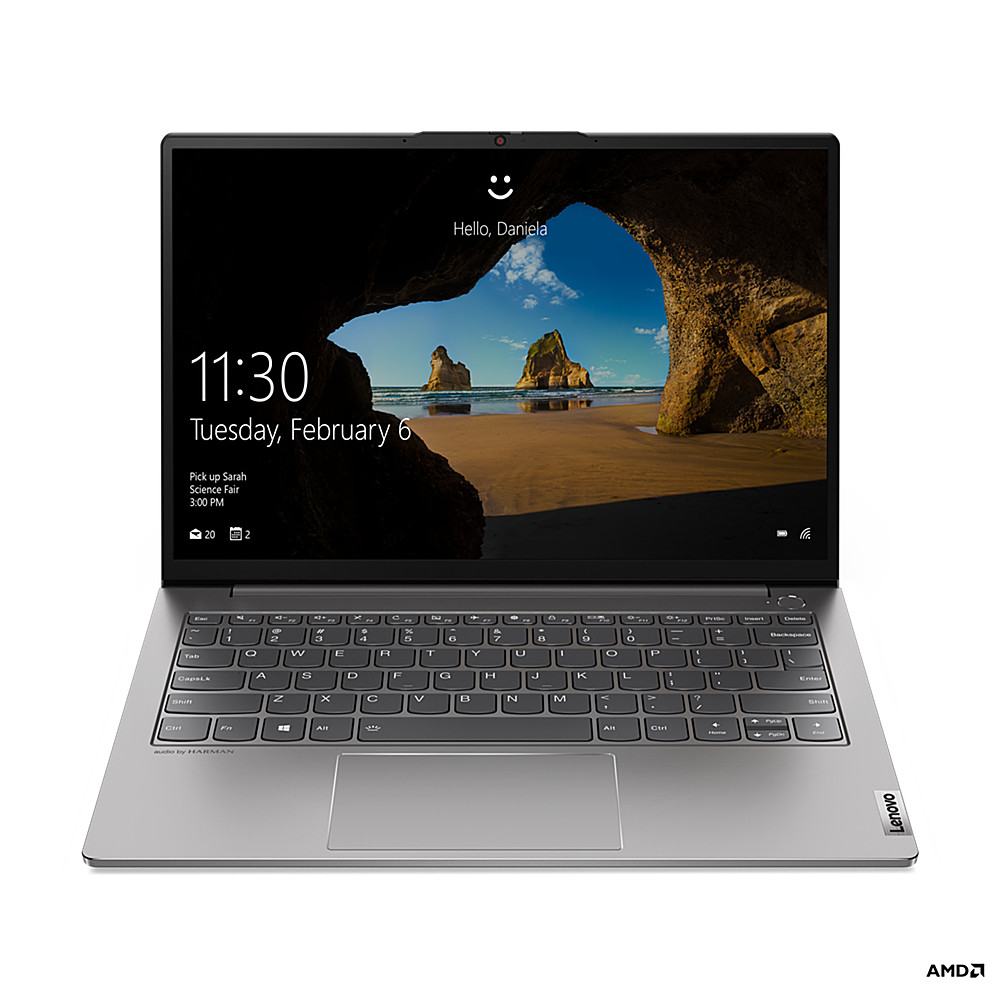
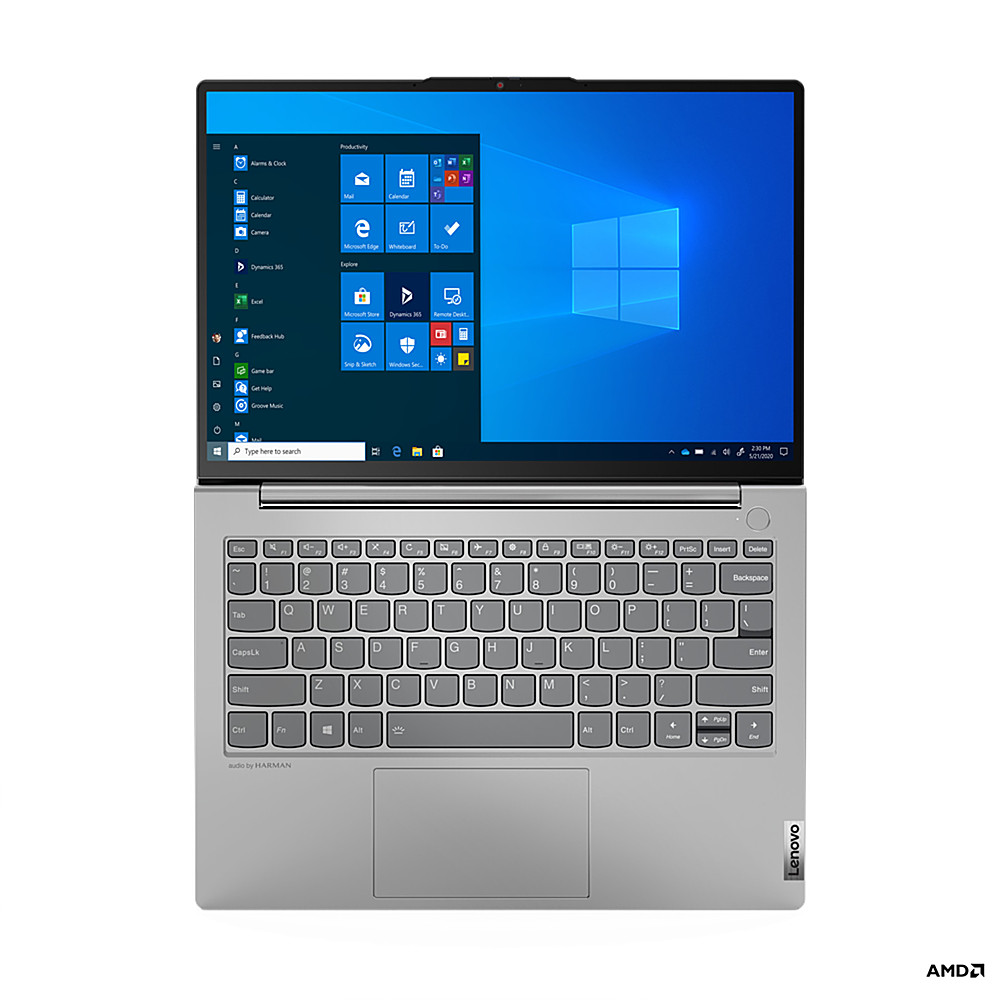
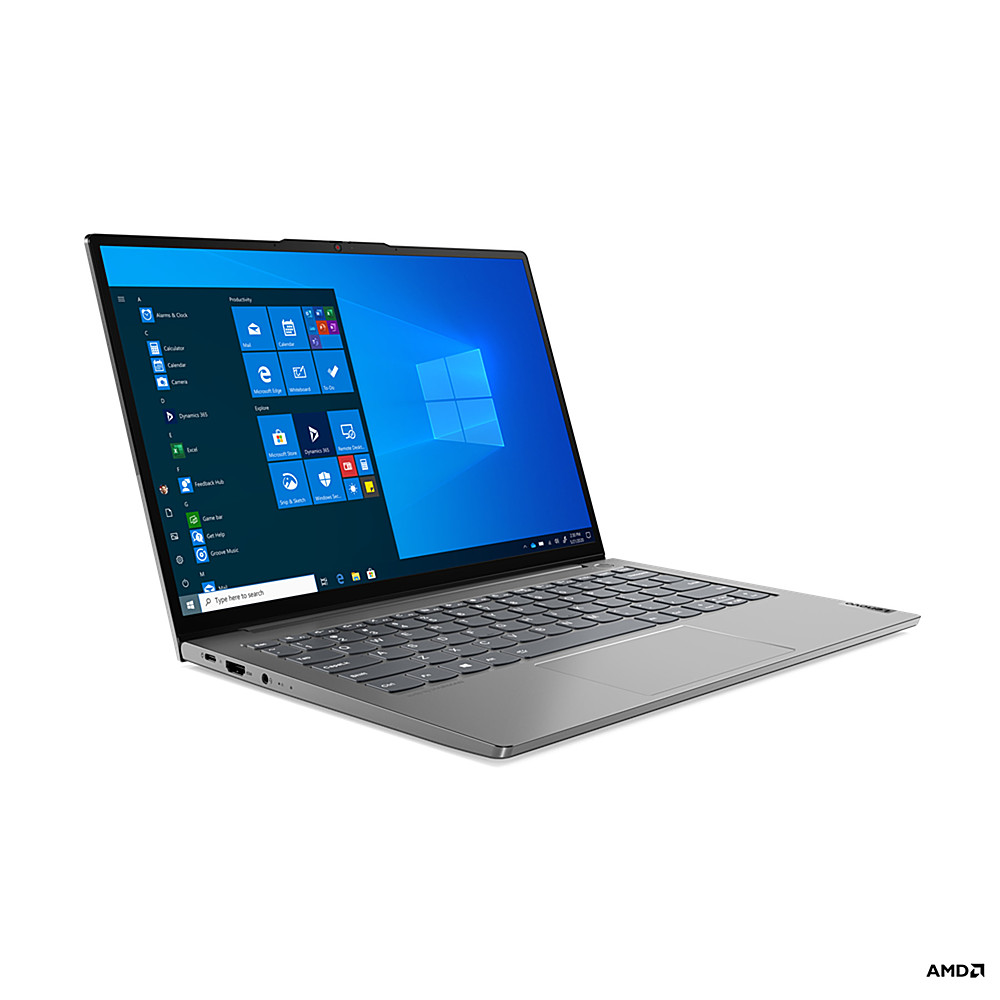
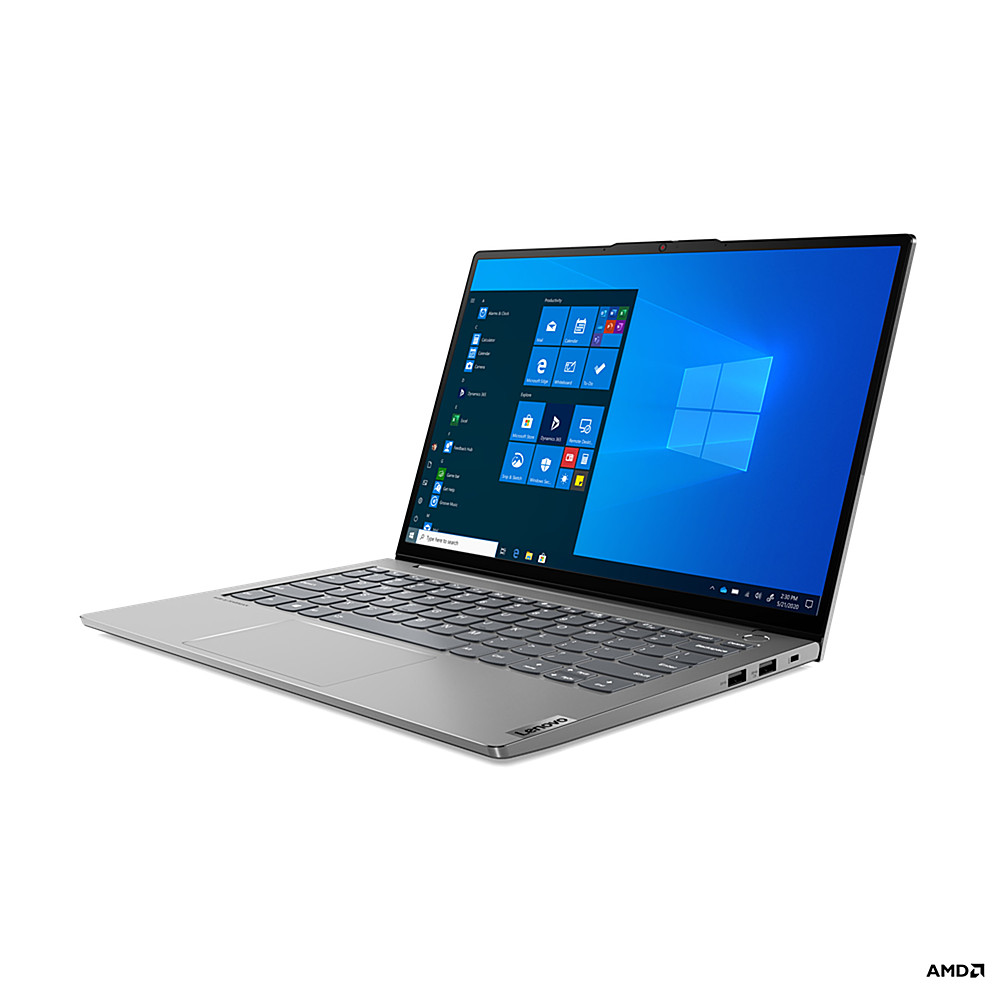
- Model:
- 20YA002HUS
- SKU:
- 6486494
to a friend
- Pros mentioned:Screen, Well-builtCons mentioned:Ram
Amazing screen but soldered RAM.
||Posted . Owned for 3 weeks when reviewed.This reviewer received promo considerations or sweepstakes entry for writing a review.Great build quality. Feels really nice. Screen is amazing. The only downside is the RAM is solder d and cannot be upgraded.
I would recommend this to a friendBrand response from Lenovo Product Expert
Posted .Thank you for choosing the Lenovo ThinkBook 13s G2 13.3in. Laptop. We are very pleased to hear that the specifications and features of the Lenovo ThinkBook 13s G2 13.3in. Laptop meet your computing needs so well.

- Cons mentioned:Loud fan
Noisy fans
||Posted . Owned for 1 month when reviewed.This reviewer received promo considerations or sweepstakes entry for writing a review.Nice display and build feels very nice. Major downside is the fan is loud and the fan is always running so you hear it all the time.
No, I would not recommend this to a friendBrand response from Lenovo Product Expert
Posted .We are sorry to hear that you are having issues with your Lenovo ThinkBook 13s Gen 3 Laptop, model number 20YA002HUS. Check for unwanted background processes running on your computer and then end the processes you don't need to have running. Here is a link to information for doing this in Windows 10: https://www.windowscentral.com/how-identify-and-terminate-high-resource-processes-using-task-manager-windows-10. Also, be sure any software you installed is compatible with Windows 10. There is no need to install Microsoft Office software. The software is already part of the operating system, you just need to activate the software with a purchased product key. If you have installed a copy of Microsoft Office, this is conflicting with the existing copy on the system and this will slow your system down. If you have installed a 3rd party anti-virus program, be sure that Windows Defender is turned off and that the trial version of McAfee Anti-Virus software is uninstalled. There can only be one anti-virus program on the system. Here is a link to instructions for uninstalling McAfee from a Windows computer: https://service.mcafee.com/?articleId=TS101331&page=shell&shell=article-view You may need to restore your system to original factory default settings if any of the programming errors have occurred. You can do that by typing "restore" in the Cortana search window. Just click on the magnifying glass icon at the bottom left of your Windows 10 Desktop. Click on "Reset This PC" Then click on "Get Started" and follow the on screen directions to restore to factory defaults. If the issue continues, we recommend you call Lenovo Tech Support for Think Products at: 877-453-6686.
- Pros mentioned:Well-built
Nice laptop
||Posted .This reviewer received promo considerations or sweepstakes entry for writing a review.I have not used this machine yet, but it seems like a well-built unit.
I would recommend this to a friend