Customer Ratings & Reviews

- Model:
- 21NYS2WW00
- SKU:
- 11147148
to a friend
Buyer Beware!!
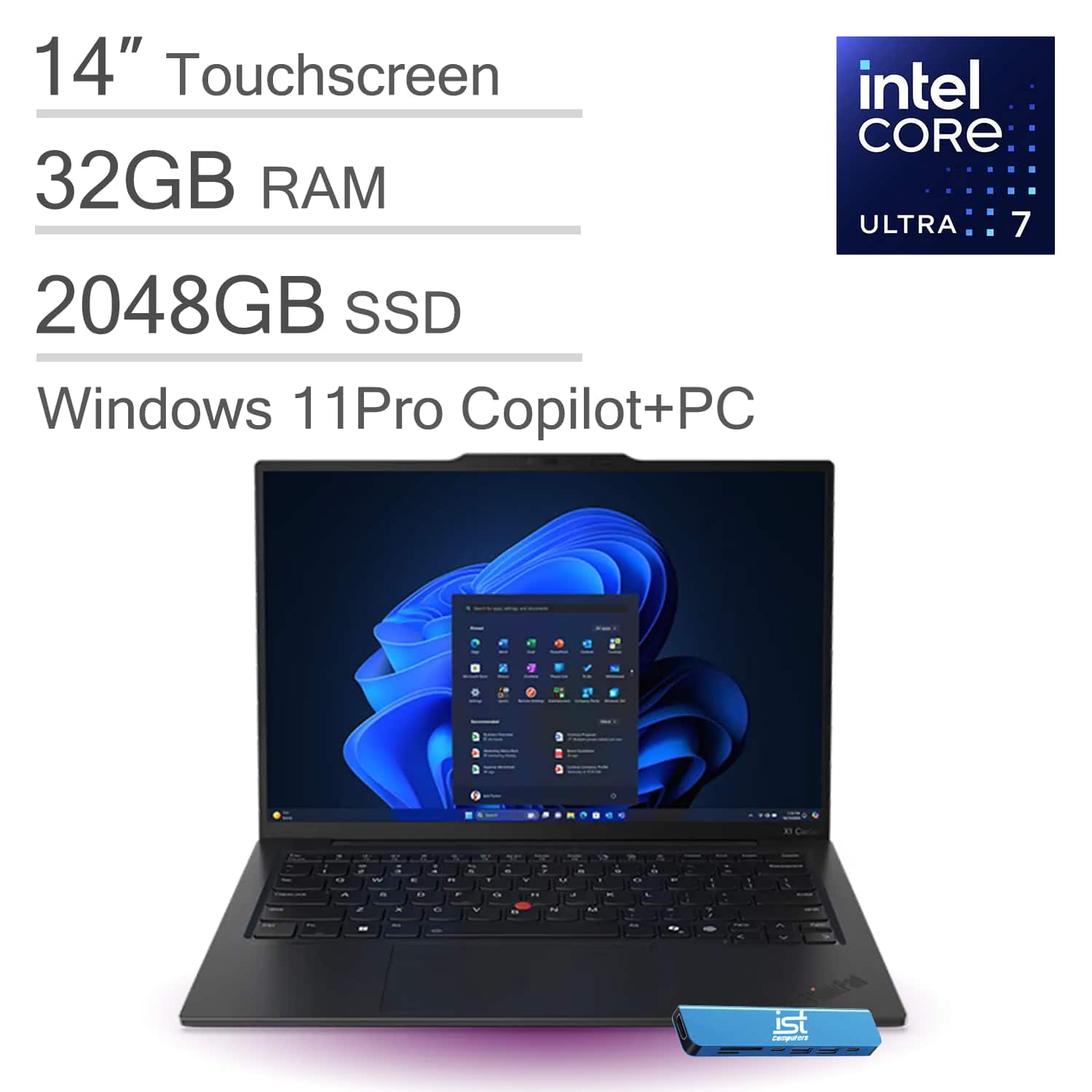
||Posted . Owned for 2 weeks when reviewed.This reviewer received promo considerations or sweepstakes entry for writing a review.Sooo I actually had to send my X1 back to the company that sent me mine!! And this was after a week of troubleshooting… “ finally had to roll the driver back because the operating system was corrupted “ then told me to do something else to the computer “ … with them as well, ITS computer is great tho the sent me a label to send the other computer back to them once they receive it they gonna do whatever and replace my computer supposedly!! We’ll see if it shows up with the same 32gb ram an 2TB storage!! Says Lenovo is having issues with that particular line up of computer and a patch will be issued at some point!!
No, I would not recommend this to a friendPerformance Not Meeting Expectations for Dev Works
||Posted .This reviewer received promo considerations or sweepstakes entry for writing a review.Ideally, the device is not performing at the level I expected. I purchased this laptop specifically to support my development work; however, even for basic activities such as watching YouTube or general multimedia usage, the performance is not meeting the expected standards. Based on my experience, this may not be an ideal device for such use cases.
No, I would not recommend this to a friendBrand response from Lenovo Product Expert
Posted .Hi,
Thanks for choosing Lenovo and for sharing your feedback with us. Although, we're sorry to hear that the system is underperforming for you. We strive to provide the best experience possible, and we'd like to work with you to address this.
Regarding the system performing below expectations, we recommend ensuring you have the latest software by checking for updates, as this could correct the issue that may be software or firmware related. To do so, first, open the Settings app > Select the Windows update tab > Select the Check for updates button, apply all available updates. Next, open the Lenovo Vantage app > on the homepage, select the Check for updates button, following on-screen prompts to apply all available updates here as well.
We are glad to read that you are satisfied with your purchase.
Please don't hesitate to reach out to us via the Q& A section of this product page or contact Lenovo Support should you have any questions or need assistance.
Regards,
Lenovo