Customer Ratings & Reviews













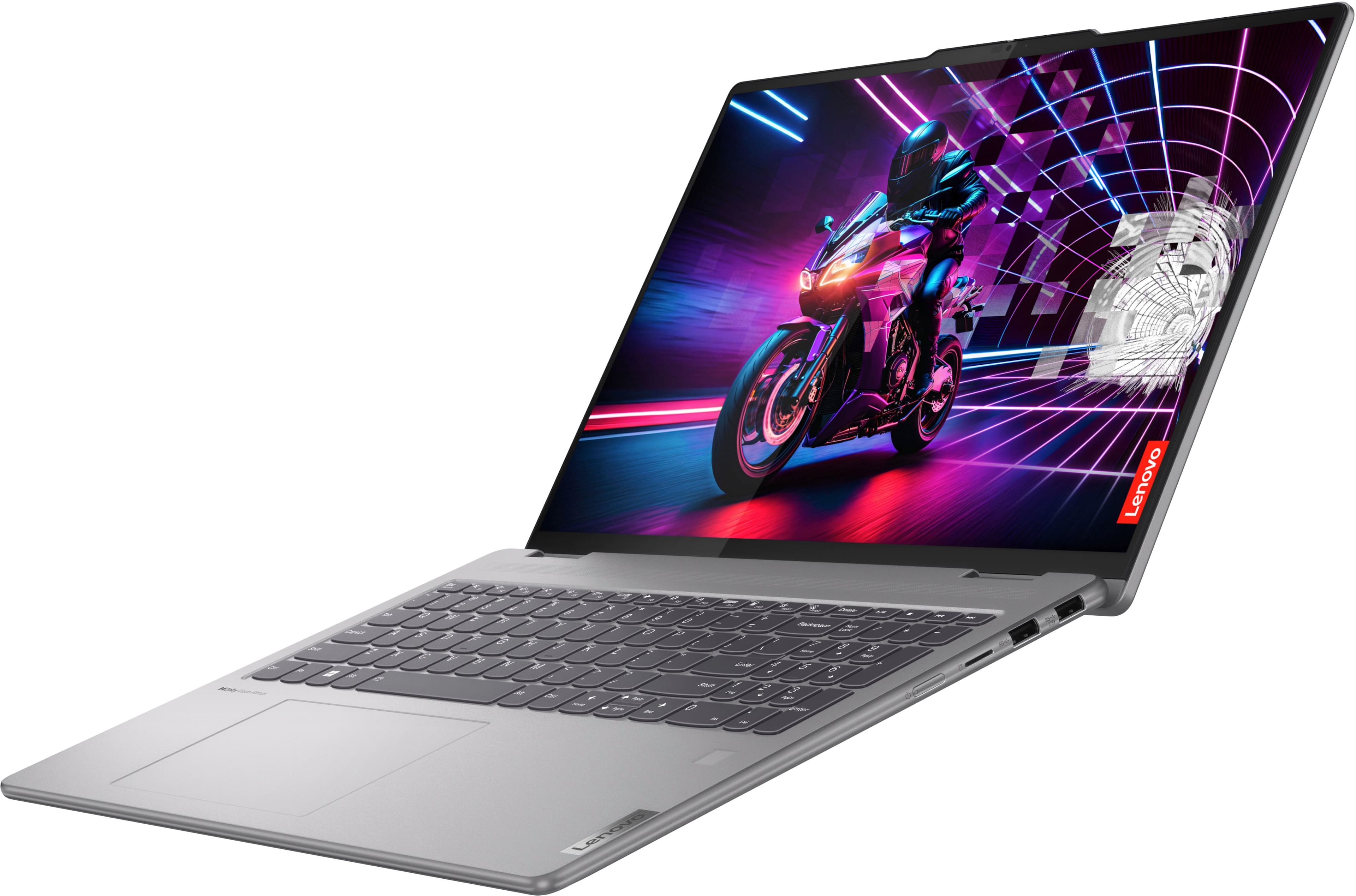
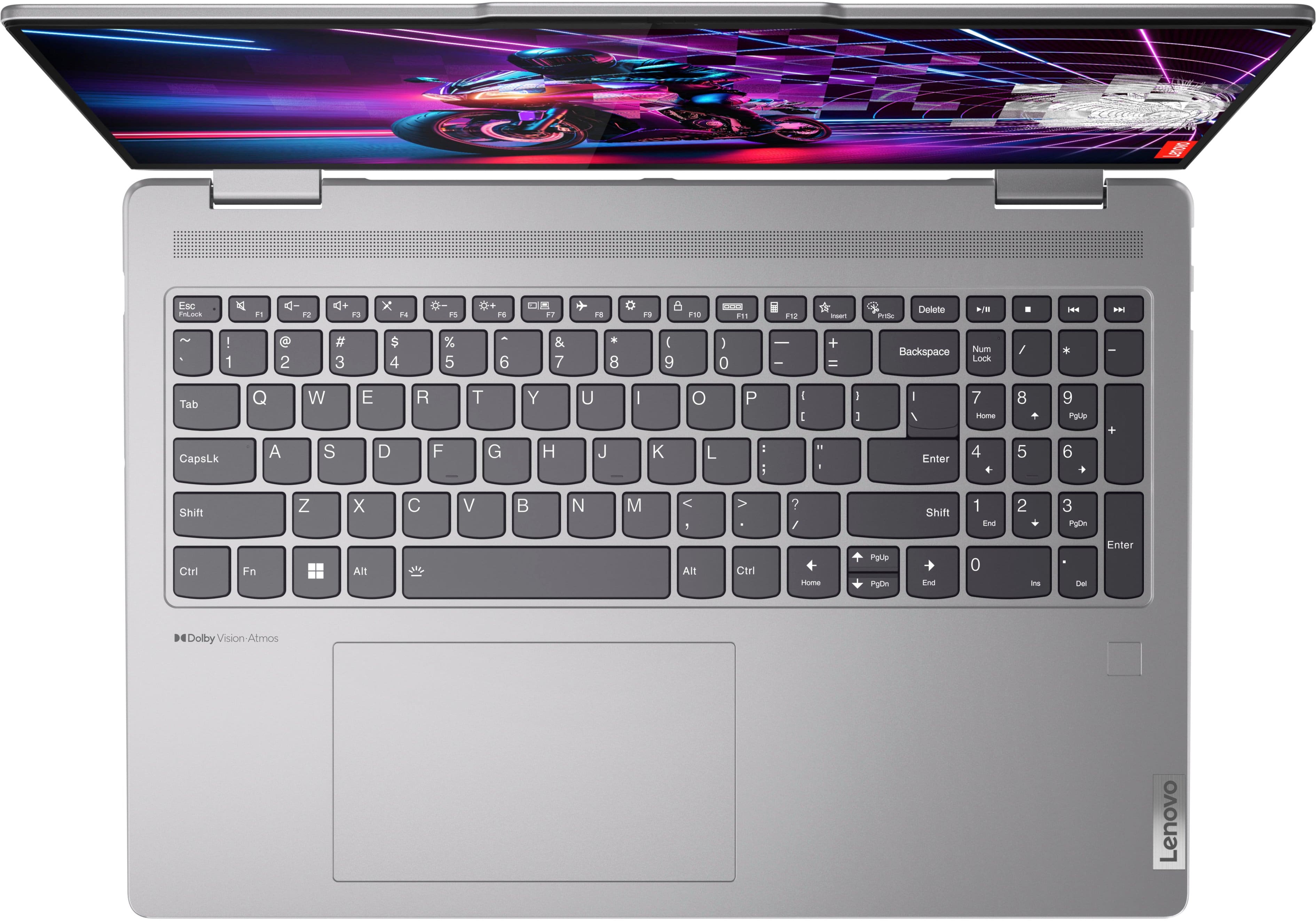
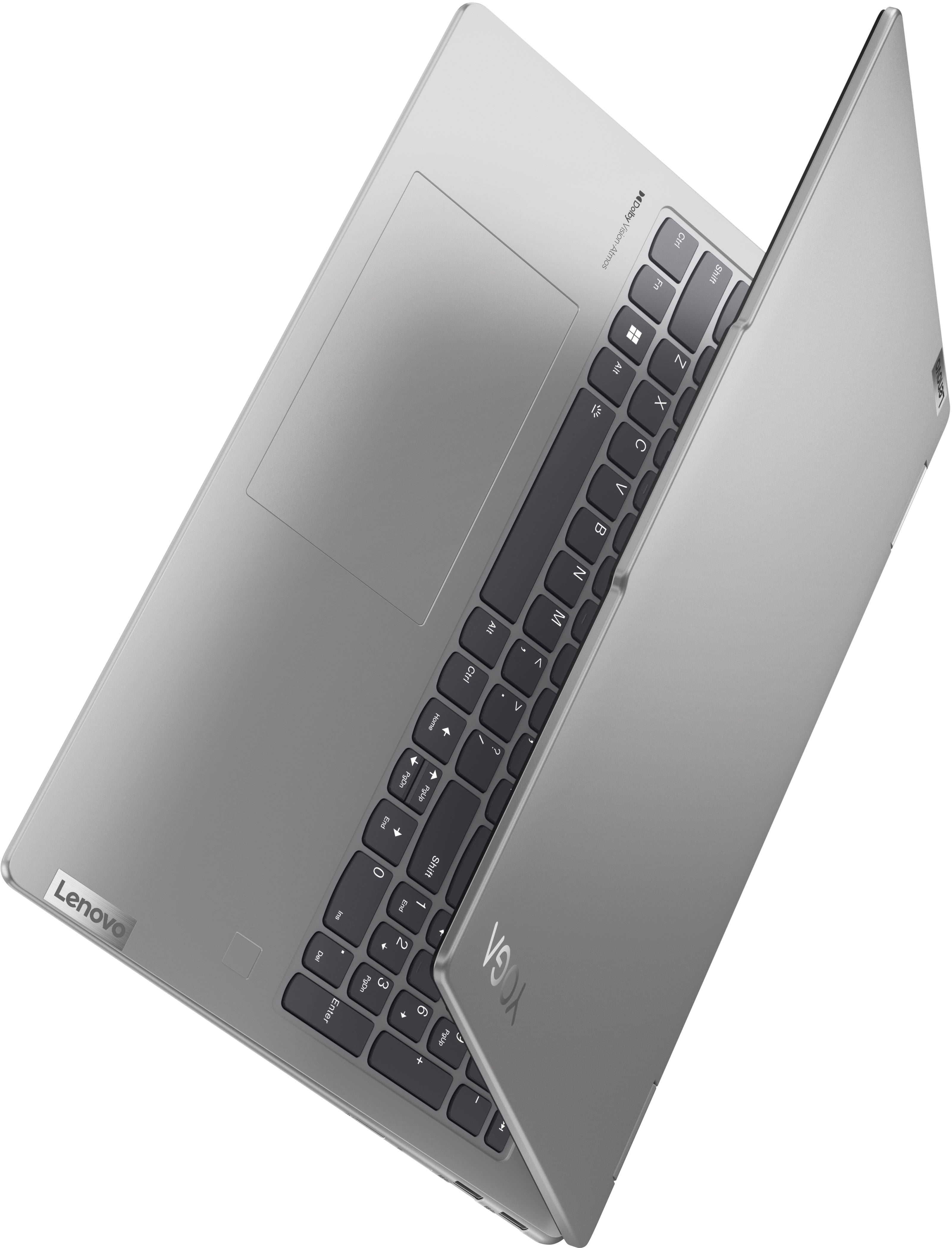
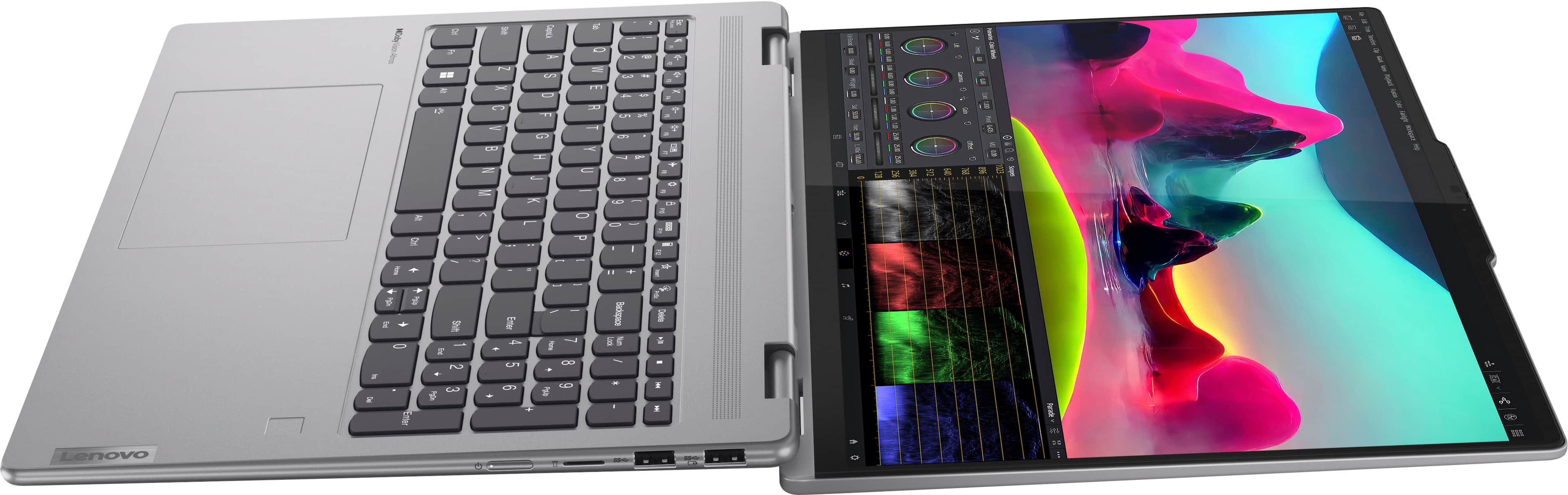





- Model:
- 83DM0006US
- SKU:
- 10948323
Rating by feature
- Battery Life
Rating 4.7 out of 5 stars
- Speed
Rating 4.8 out of 5 stars
- Display
Rating 4.8 out of 5 stars
Customers are saying
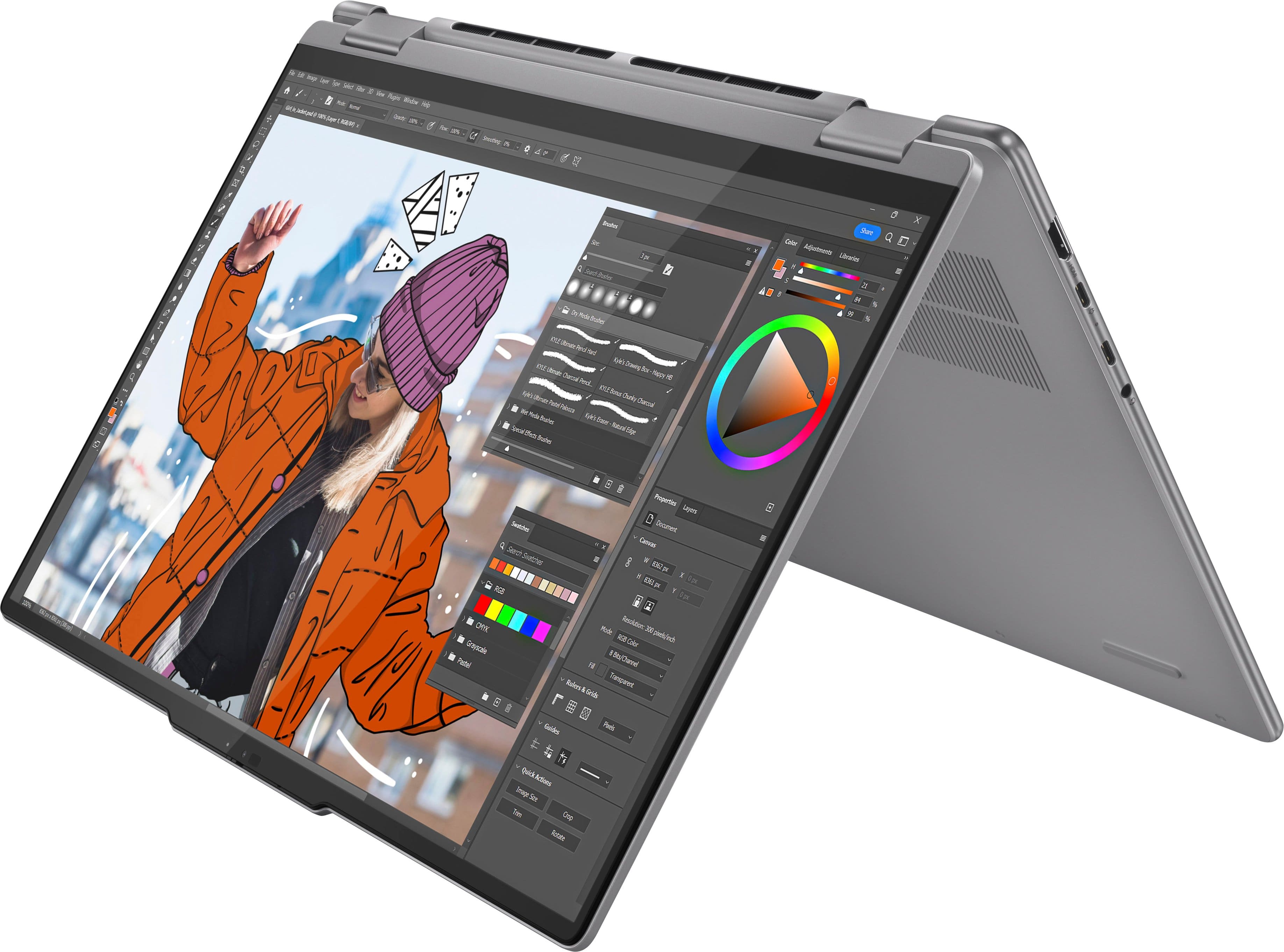
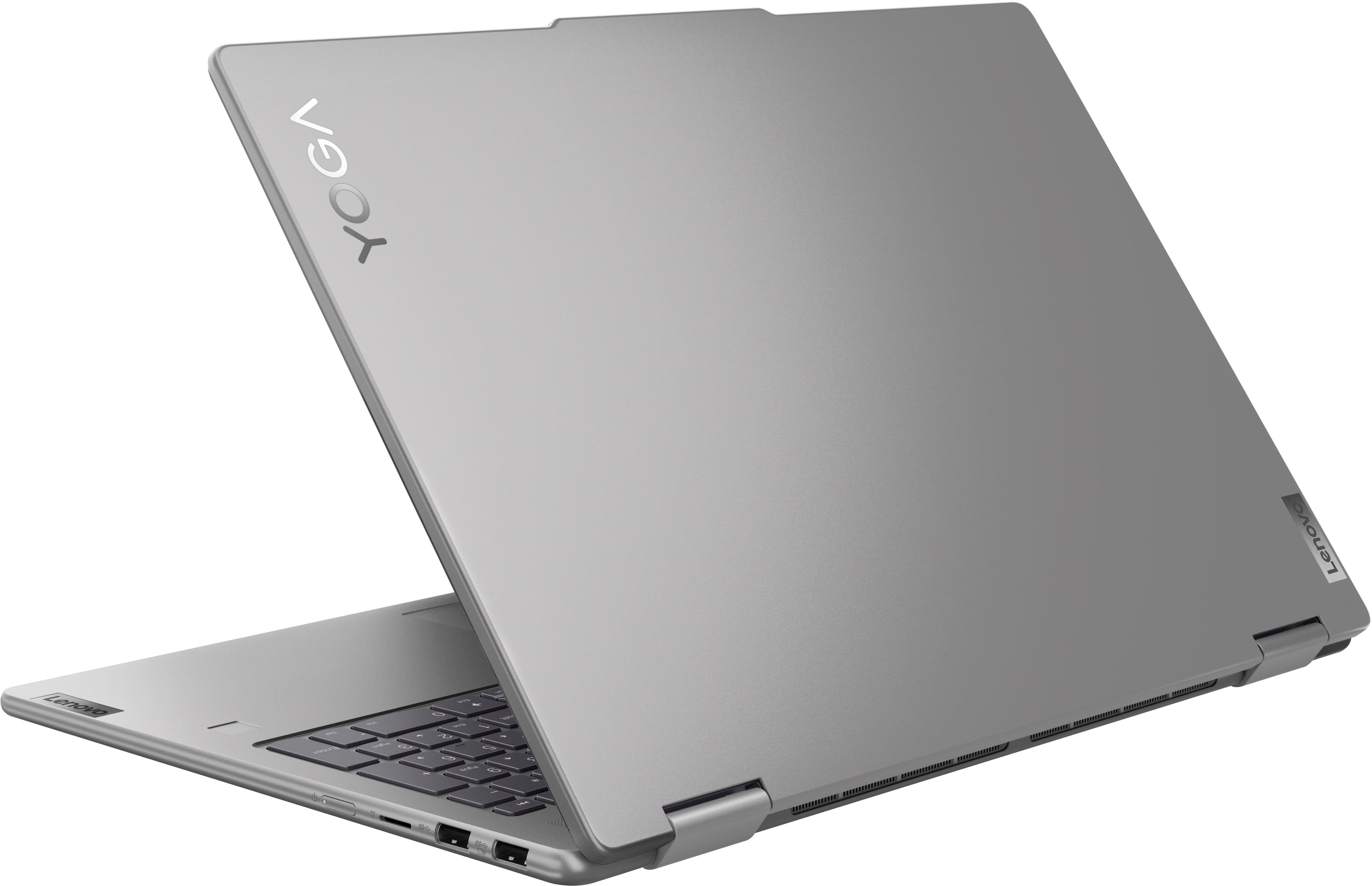
Customers admire the Yoga 7 2-in-1 laptop for its overall performance, speed, and long battery life. The design and ease of use are also appealing to users, along with the touchscreen and screen size. Additionally, customers appreciate the ample storage capacity.
This summary was generated by AI based on customer reviews.
Laptop purchase successful
||Posted . Owned for 1 month when reviewed.This reviewer received promo considerations or sweepstakes entry for writing a review.Exactly what I expected. Best decision on my coice of laptop.
I would recommend this to a friendNew laptop
||Posted . Owned for 3 weeks when reviewed.This reviewer received promo considerations or sweepstakes entry for writing a review.The Best Buy team was awesome in working with me and meeting my needs on my laptop. The Geek Squad was very informative and professional during the transfer process as well. Thank you all for your help and support.
I would recommend this to a friendBrand response from Lenovo Product Expert
Posted .Hey JudithS,
Thank you for choosing Lenovo and for sharing your feedback with us!
We are pleased to read that you are satisfied with your purchase.
Please don't hesitate to reach out to us via the Q& A section of this product page or contact Lenovo Support should you have any questions or need assistance.
Regards,
Lenovo
LENOVO laptop
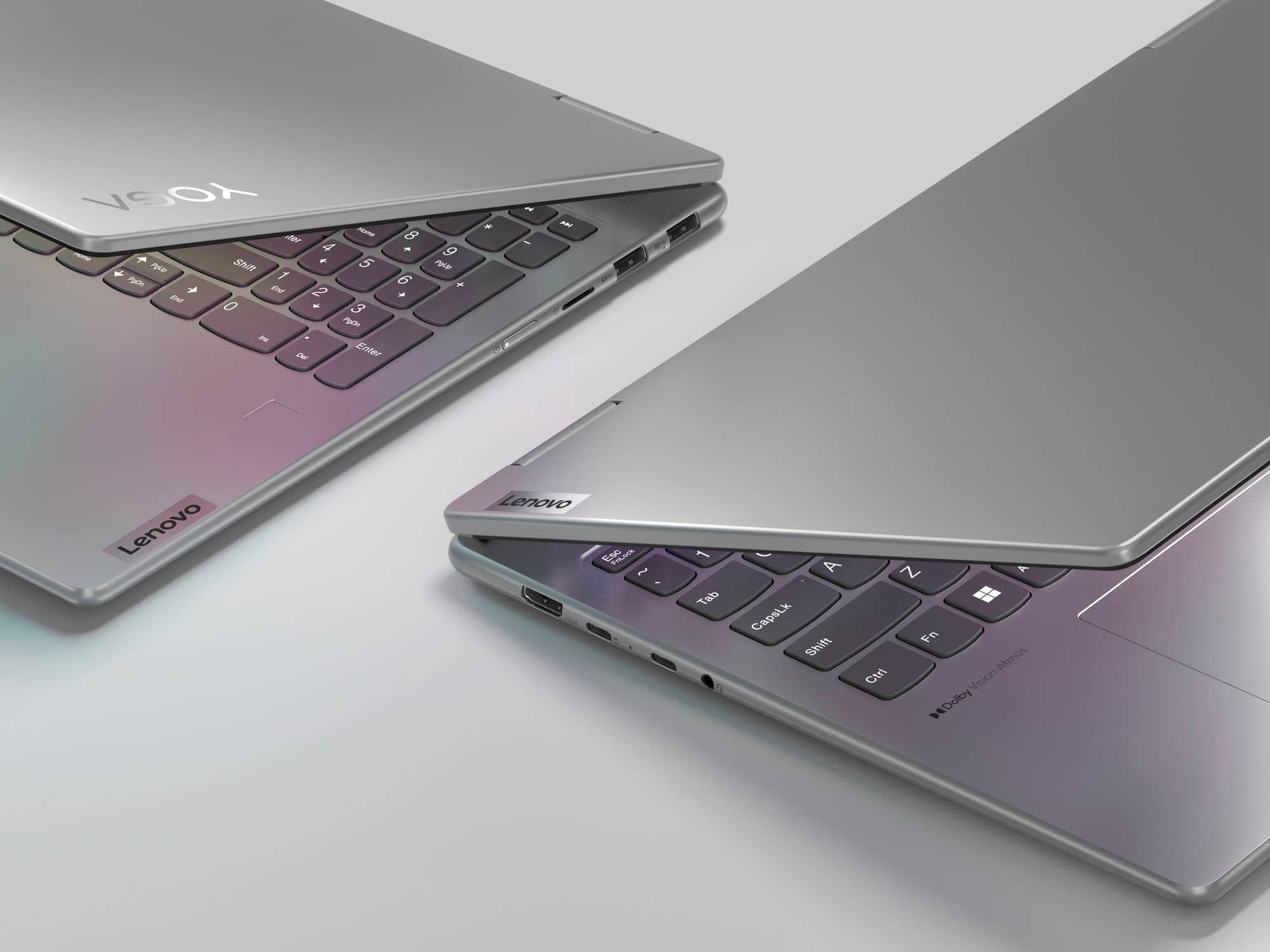
||Posted . Owned for 1 month when reviewed.This reviewer received promo considerations or sweepstakes entry for writing a review.Lenovo Laptop, it’s very sleek with a vibrant screen! It even has thumb print scanner for security!
I would recommend this to a friend- Pros mentioned:Overall performance
Its everything I needed
||Posted .This reviewer received promo considerations or sweepstakes entry for writing a review.Works great and can handle my small business load!
I would recommend this to a friendBrand response from Lenovo Product Expert
Posted .Hey LyndsyT,
Thank you for choosing Lenovo and for sharing your feedback with us!
We are glad to hear that your Yoga 7 works great for you.
Please feel free to reach out to us should you have any questions.
Best,
Lenovo
Lenovo Laptop
||Posted .This reviewer received promo considerations or sweepstakes entry for writing a review.Highly recommend for those looking for a great laptop at an affordable price.
I would recommend this to a friendlenovo labtop
||Posted . Owned for 1 month when reviewed.This reviewer received promo considerations or sweepstakes entry for writing a review.Lenovo has been working great, only issue is that intermittently the keyboard does not work when booting up, have to restart computer to get keyboard working.
I would recommend this to a friendLenovo Yoga - A Flex
||Posted . Owned for 2 weeks when reviewed.This reviewer received promo considerations or sweepstakes entry for writing a review.My son went to college four years ago, and his Lenovo Yoga lasted the entire four years. The old saying goes if it aint broke, don't fix it. So when my daughter's turn came around for college, I went with what was good. Lenovo Yoga for the win.
I would recommend this to a friendBrand response from Lenovo Product Expert
Posted .Hi LatashaO,
Thanks for choosing Lenovo again and for sharing your feedback with us!
We are pleased to read that you selected the Yoga 7 2-in-1 for your daughter's college journey.
Please feel free to reach out to us via the Q& A section of this product page should you have any questions or need assistance.
Best,
Lenovo
Hardware 5 star, Micro$oft 1 star
||Posted . Owned for 1 month when reviewed.This reviewer received promo considerations or sweepstakes entry for writing a review.I like the hardware, not so much how intrusive Microsoft has become. Lenovo makes great hardware. I am impressed with the laptop and its capabilities. I am VERY weary about how much Microsoft is sticking their nose into our privacy. No wonder everyone wants to stick with Windows 10 and not use Windows 11.
I would recommend this to a friendReceived as expected
||Posted . Owned for 3 weeks when reviewed.This reviewer received promo considerations or sweepstakes entry for writing a review.Performs as expected for price, good for casual use
I would recommend this to a friendLaptop
||Posted . Owned for 1 month when reviewed.This reviewer received promo considerations or sweepstakes entry for writing a review.I enjoy getting onto the network faster than before, still in the learning process on what's what and how to find things. The one item that would be nice to add to the preprogram apps is icon for scanning ready to use without having to download the program
I would recommend this to a friendBrand response from Lenovo Product Expert
Posted .Hi David,
Thanks for choosing Lenovo and for sharing your feedback with us!
We are pleased to read that you are enjoying your Yoga 7 2-in-1 thus far.
Please feel free to reach out to us via the Q& A section of this product page should you have any questions or need assistance.
Best,
Lenovo
Great Computer
||Posted . Owned for 1 month when reviewed.This reviewer received promo considerations or sweepstakes entry for writing a review.Great Computer so far. She loves it!! Does everything she expected and more.
I would recommend this to a friendNice laptop
||Posted . Owned for 1 month when reviewed.This reviewer received promo considerations or sweepstakes entry for writing a review.Nice laptop, nice features. Good price. I am very happy with this purchase
I would recommend this to a friendA laptop for education and personal use
||Posted . Owned for 1 week when reviewed.This reviewer received promo considerations or sweepstakes entry for writing a review.I have bought this laptop for my education and using everyday for many purposes. I will write another comment after using a while
I would recommend this to a friendBrand response from Lenovo Product Expert
Posted .Hi,
Thanks for choosing Lenovo and for sharing your feedback with us!
We are glad to read that you are satisfied with your purchase.
Please don't hesitate to reach out to us via the Q& A section of this product page or contact Lenovo Support should you have any questions or need assistance.
Regards,
Lenovo
Lenovo yoga
||Posted . Owned for 2 weeks when reviewed.This reviewer received promo considerations or sweepstakes entry for writing a review.Great laptop for the price and everyone that helped was very helpful.
I would recommend this to a friendLabtop
||Posted . Owned for 5 months when reviewed.This reviewer received promo considerations or sweepstakes entry for writing a review.Happy with the labtop but it locked itself out and had to pay 200 to wipe it. Not happy about that part
No, I would not recommend this to a friendIt’s worth the price
||Posted .This reviewer received promo considerations or sweepstakes entry for writing a review.To be honest it’s a pretty good laptop. I had to get a windows one for my engineering classes, and it’s been great. The battery lasts the whole day, and i runs the programs pretty smoothly. I recommend it!
I would recommend this to a friendBrand response from Lenovo Product Expert
Posted .Hi KarolS,
Thanks for choosing Lenovo and for sharing your feedback with us!
We are pleased to read that this Yoga 7 is well worth it to you.
Please feel free to reach out to us via the Q& A section of this product page should you have any questions or need assistance.
Best,
Lenovo
Laptop
||Posted . Owned for 3 weeks when reviewed.This reviewer received promo considerations or sweepstakes entry for writing a review.Great service at the Henrietta NEW YORK LOCATION would recommend
I would recommend this to a friend- Pros mentioned:Overall performance
worth the price
||Posted . Owned for 1 week when reviewed.This reviewer received promo considerations or sweepstakes entry for writing a review.great overall quality with clean and crisp display.
I would recommend this to a friendBrand response from Lenovo Product Expert
Posted .Hi DerrickS,
Thanks for choosing Lenovo and for sharing your feedback with us!
We are pleased to read that this Yoga 7 2-in-1 is working great for you overall.
Please feel free to reach out to us via the Q& A section of this product page should you have any questions or need assistance.
Best,
Lenovo
Laptop review
||Posted . Owned for 1 month when reviewed.This reviewer received promo considerations or sweepstakes entry for writing a review.Easy to use without all the extras frills that we didn’t need.
I would recommend this to a friendYoga 2 in 1
||Posted . Owned for 3 weeks when reviewed.This reviewer received promo considerations or sweepstakes entry for writing a review.Great computer, but a bit larger and heavier than I was expecting.
I would recommend this to a friend