Customer Ratings & Reviews



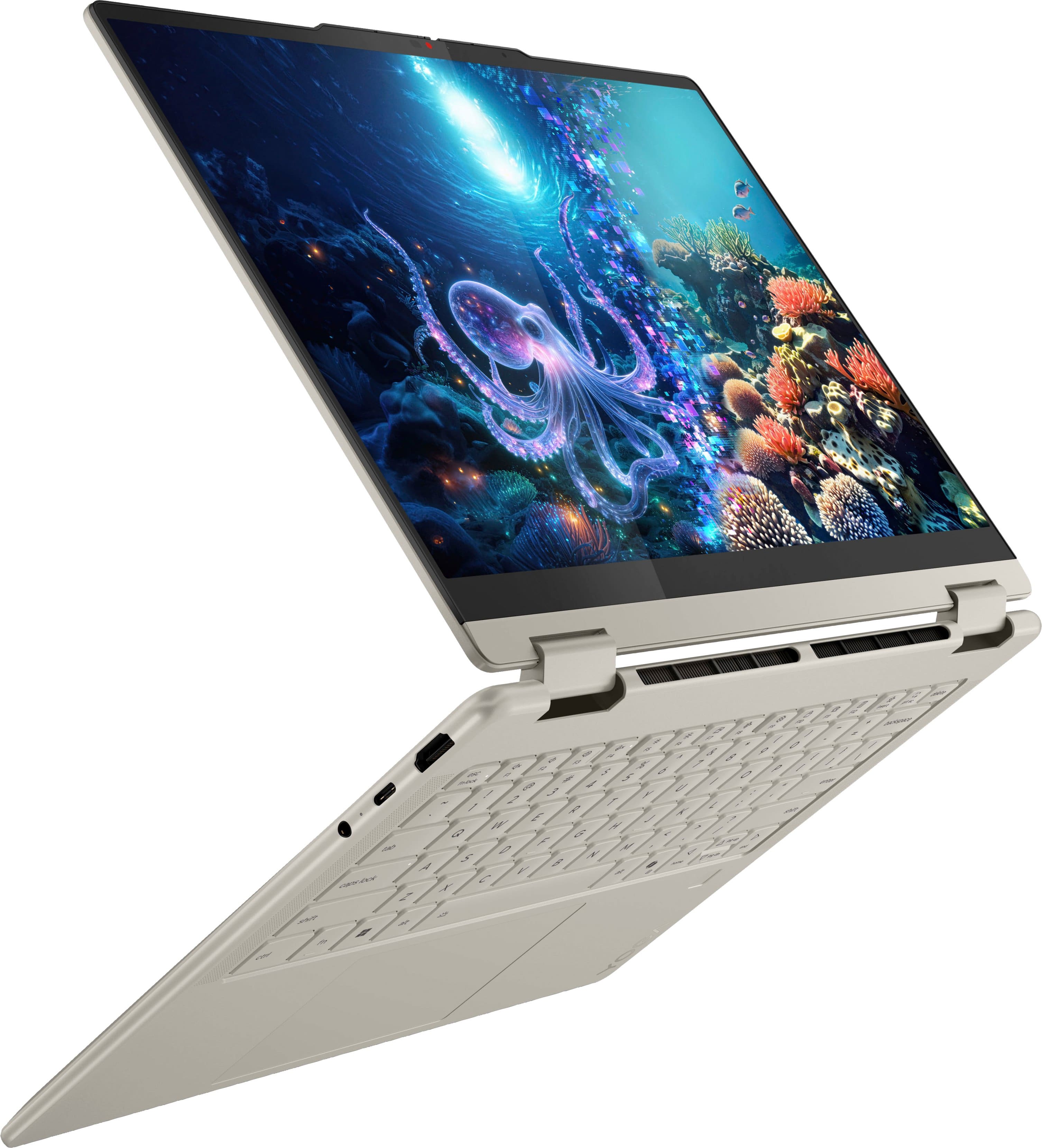
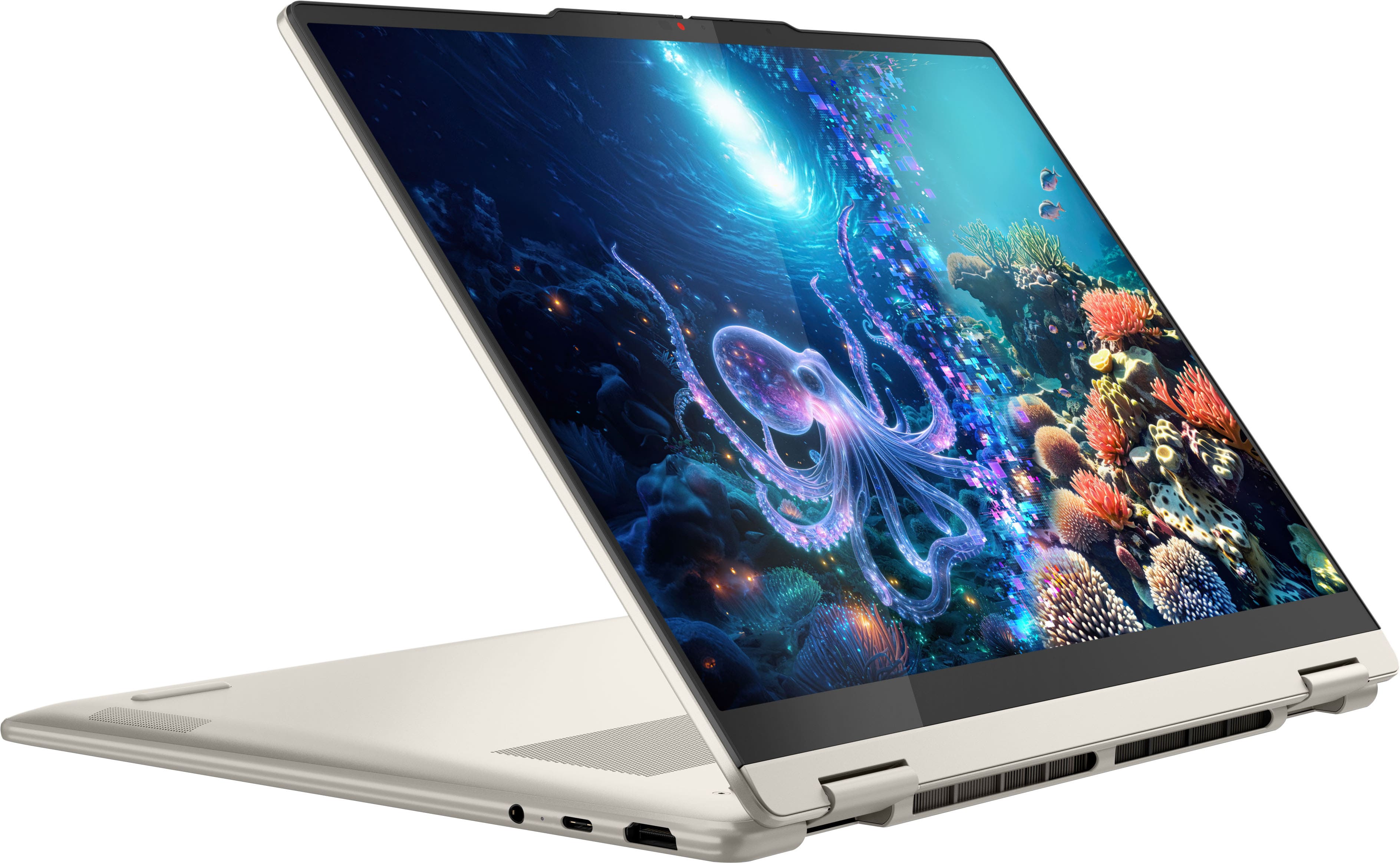


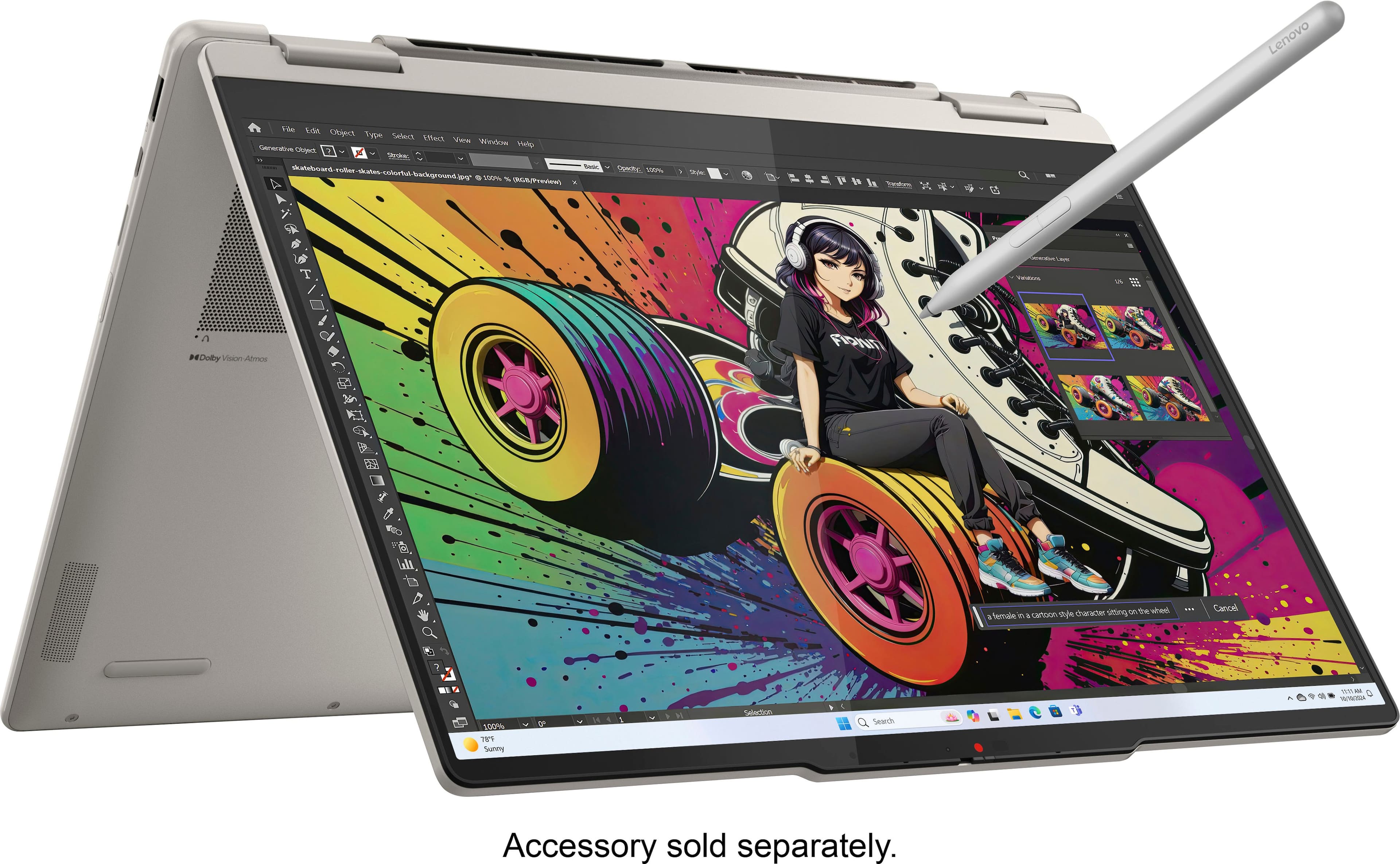

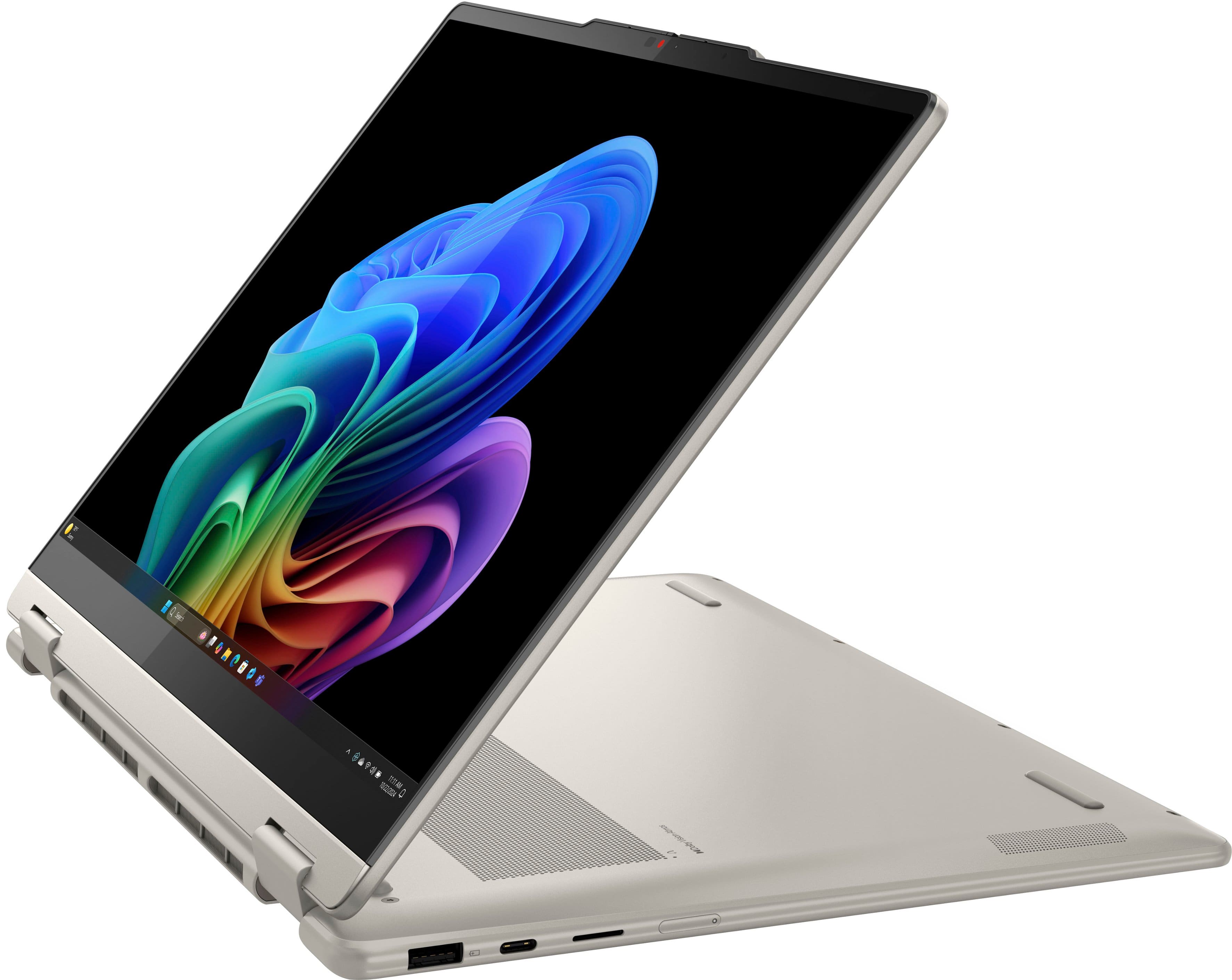













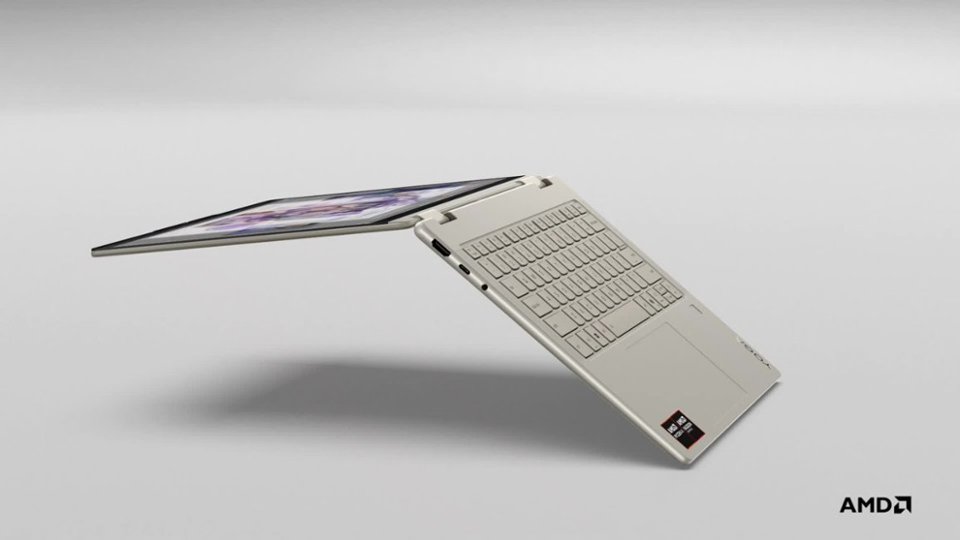
- Model:
- 83JR0002US
- SKU:
- 12301492
Rating by feature
- Battery Life
Rating 4.7 out of 5 stars
- Speed
Rating 4.7 out of 5 stars
- Display
Rating 4.8 out of 5 stars
Lenovo laptop is great!
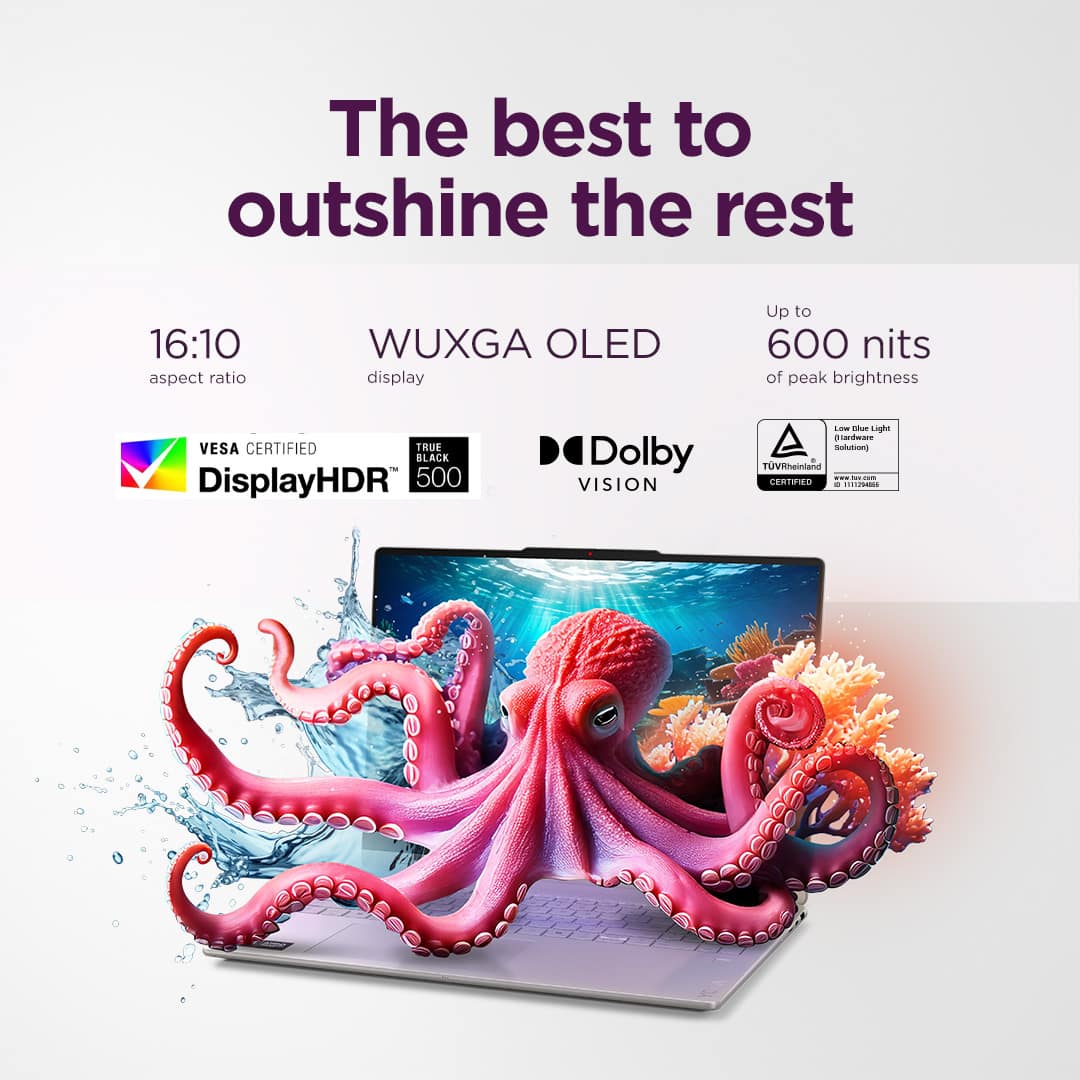
||Posted . Owned for 2 weeks when reviewed.This reviewer received promo considerations or sweepstakes entry for writing a review.This Lenovo laptop has beautiful color and clarity on the screen. Also the keys are slightly bigger so it is very east to type. It is exactly what I wanted.
I would recommend this to a friendBrand response from Lenovo Product Expert
Posted .Hi,
Thanks for choosing Lenovo and for sharing your feedback with us!
We are glad to read that you are satisfied with your purchase.
Please don't hesitate to reach out to us via the Q& A section of this product page or contact Lenovo Support should you have any questions or need assistance.
Regards,
Lenovo
love this compyter
||Posted . Owned for 3 weeks when reviewed.This reviewer received promo considerations or sweepstakes entry for writing a review.amazing computer only downside is the battery isnt that great
I would recommend this to a friendBrand response from Lenovo Product Expert
Posted .Hi JacobS,
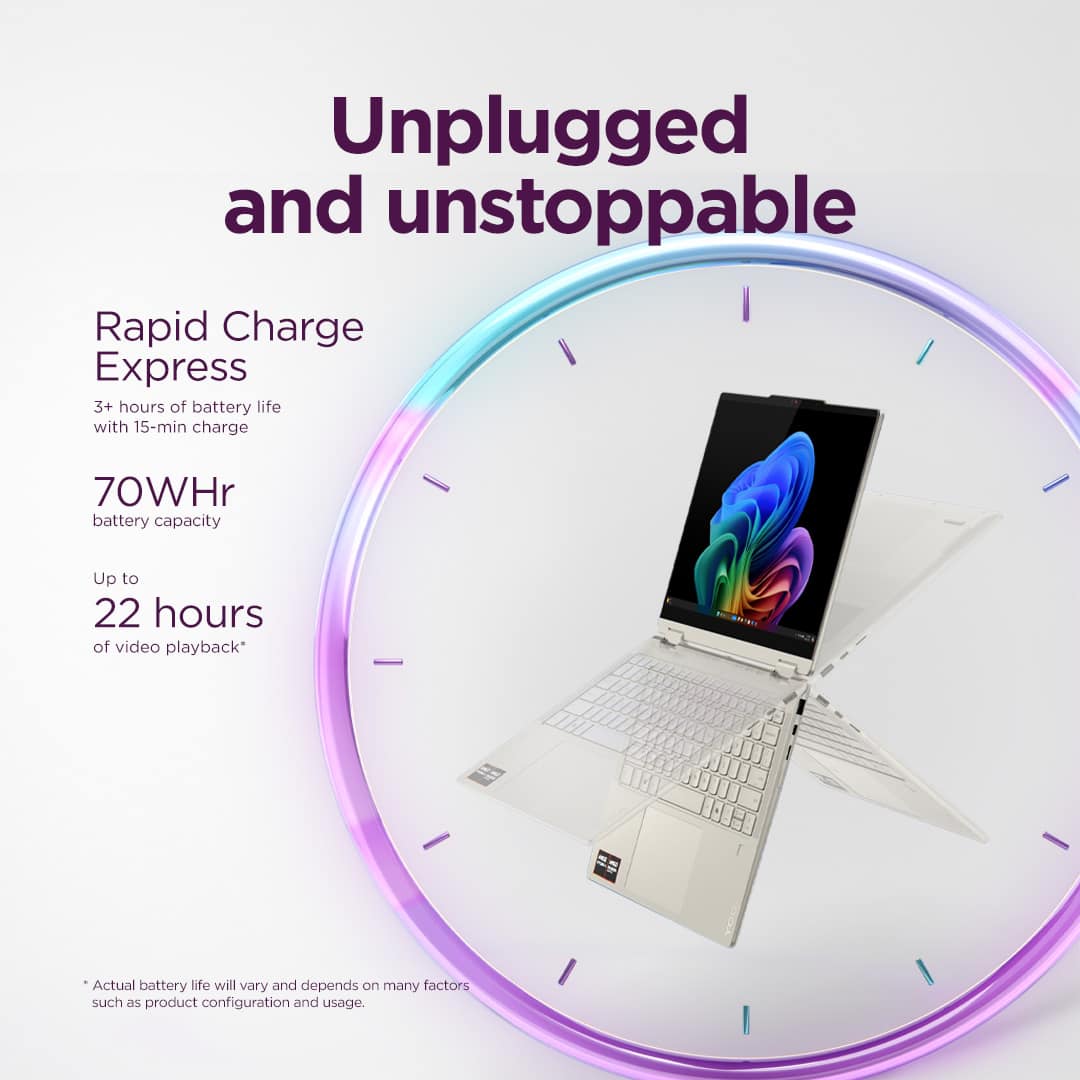
Thanks for choosing Lenovo and for sharing your feedback with us! We strive to provide the best experience possible, so to help with battery life, there are many variables that contribute to shorter battery life. Thankfully, many of those variables can be adjusted. By default, the system will tend to give more speed when needed, which can sacrifice battery life. If you want to squeeze out more battery life, we recommend utilizing the Lenovo Vantage application that is preinstalled to adjust settings related to power and battery performance (to access relevant settings, open Vantage > Device Settings > Power). You can also take advantage of the keyboard shortcut, Fn + Q to toggle thermal modes and easily switch between prioritizing battery life or power, or even the best of both worlds.
We are pleased to read that your experience with this Yoga 7 2-in-1 has been otherwise amazing and that you are loving it.
Please feel free to reach out to us via the Q& A section of this product page should you have any questions or need assistance.
Best,
Lenovo
Great
||Posted . Owned for 3 weeks when reviewed.This reviewer received promo considerations or sweepstakes entry for writing a review.The best laptop ever, it’s so fast I can personalize it to my liking I can multitask. I just love it.
I would recommend this to a friendBrand response from Lenovo Product Expert
Posted .Hey JulietN,
Thank you for choosing Lenovo and for sharing your feedback with us!
We are glad to hear that the Yoga 7 2-in-1 is the best laptop ever for you and that you are loving it.
Please feel free to reach out to us should you have any questions.
Best,
Lenovo
Laptop
||Posted . Owned for 1 month when reviewed.This reviewer received promo considerations or sweepstakes entry for writing a review.Good laptop. Glad I purchased it instead of my usual ipad
I would recommend this to a friendThe best laptop so far. Great service and suppo
||Posted . Owned for 2 weeks when reviewed.This reviewer received promo considerations or sweepstakes entry for writing a review.Light high speed proscessing and lots of storage. Perfect
I would recommend this to a friendUpgrade
||Posted . Owned for 1 month when reviewed.This reviewer received promo considerations or sweepstakes entry for writing a review.Just what I needed for my classes at school. Great Computer
I would recommend this to a friendBrand response from Lenovo Product Expert
Posted .Hi EddieB,
Thanks for choosing Lenovo and for sharing your feedback with us!
We are pleased to read that this Yoga 7 meets your needs exactly.
Please feel free to reach out to us via the Q& A section of this product page should you have any questions or need assistance.
Best,
Lenovo
Light weight
||Posted .This reviewer received promo considerations or sweepstakes entry for writing a review.This LP is everything I needed and more. The touchscreen is very responsive.
I would recommend this to a friendBrand response from Lenovo Product Expert
Posted .Hi 05Gto-
Thank you for choosing Lenovo and sharing your experience with us. We are happy to hear that you are enjoying the product features of the Yoga 7. We aim to offer great user experience and are overjoyed to see that we met our goal.
Please reach out to us through the Q & A section of this product webpage if you have any questions or need any assistance.
Best wishes,
Lenovo
AWSOME PRODUCT
||Posted . Owned for 3 months when reviewed.This reviewer received promo considerations or sweepstakes entry for writing a review.ITS ONE OF THE TOP LEVEL PC LAPTOP, RECOMMENDED FOR ALL.
I would recommend this to a friendAmazing deal and product!
||Posted .This reviewer received promo considerations or sweepstakes entry for writing a review.Wow! Amazing deal and an amazing laptop for my student and amateur 3D printing hobbyist.
I would recommend this to a friendGreat Laptop
||Posted . Owned for 1 month when reviewed.This reviewer received promo considerations or sweepstakes entry for writing a review.Great laptop for everyday use, solid quality, would recommend at this price point.
I would recommend this to a friendLaptop
||Posted . Owned for 3 weeks when reviewed.This reviewer received promo considerations or sweepstakes entry for writing a review.I love it. It's great,.,.........,...............,.
I would recommend this to a friendGreat laptop
||Posted . Owned for 3 weeks when reviewed.This reviewer received promo considerations or sweepstakes entry for writing a review.Great laptop for basic needs able to do all the things we need it to
I would recommend this to a friendBrand response from Lenovo Product Expert
Posted .Hi Stefan,
Thanks for choosing Lenovo and for sharing your feedback with us!
We are pleased to read that this Yoga 7 2-in-1 is working great for your use and needs.
Please feel free to reach out to us via the Q& A section of this product page should you have any questions or need assistance.
Best,
Lenovo
Good buy
||Posted . Owned for 6 months when reviewed.This reviewer received promo considerations or sweepstakes entry for writing a review.If you can get it on sale DO it I didn’t pretty pricey but I still love it
I would recommend this to a friendLaptop
||Posted .This reviewer received promo considerations or sweepstakes entry for writing a review.Easy purchase experience. Fast shipping. Everything was perfect so far!!!
I would recommend this to a friendPerfect for College
||Posted . Owned for 2 weeks when reviewed.This reviewer received promo considerations or sweepstakes entry for writing a review.It’s the perfect size for college! It’s very responsive and the display is great! The color is also very attractive.
I would recommend this to a friendBrand response from Lenovo Product Expert
Posted .Hi there SL30,
Thanks for choosing Lenovo and for sharing your feedback with us!
We are happy to read that this Yoga 7 2-in-1 is perfect for you and your use.
Please feel free to reach out to us via the Q& A section of this product page should you have any questions or need assistance.
Best,
Lenovo
My new laptop
||Posted . Owned for 2 weeks when reviewed.This reviewer received promo considerations or sweepstakes entry for writing a review.Salesman was awesome. Very knowledgeable and helpful
I would recommend this to a friendBrand response from Lenovo Product Expert
Posted .Hi,
Thanks for choosing Lenovo and for sharing your feedback with us!
We are glad to read that you are satisfied with your purchase.
Please don't hesitate to reach out to us via the Q& A section of this product page or contact Lenovo Support should you have any questions or need assistance.
Regards,
Lenovo
Optimistic about this new Lenovo
||Posted . Owned for 3 weeks when reviewed.This reviewer received promo considerations or sweepstakes entry for writing a review.First experiences seem very good. Some data items were not transferred over via Geek Squad. Overall im optimistic!
I would recommend this to a friendLaptop
||Posted . Owned for 3 weeks when reviewed.This reviewer received promo considerations or sweepstakes entry for writing a review.Love it. Great experience. Great Laptop, fine. The right size.
I would recommend this to a friendBrand response from Lenovo Product Expert
Posted .Hey GloriaJ,
Thanks for choosing Lenovo and for sharing your feedback with us!
We are glad to read that you love this Yoga 7 2-in-1.
Please feel free to reach out to us via the Q& A section of this product page should you have any questions or need assistance.
Best,
Lenovo
Happy Customer
||Posted . Owned for 1 month when reviewed.This reviewer received promo considerations or sweepstakes entry for writing a review.Purchased oduring thanks giving weekend at a vgood price I am overall very satisfied.
I would recommend this to a friendBattery could last longer
||Posted .This reviewer received promo considerations or sweepstakes entry for writing a review.works really well, but the battery could be better but you know.
I would recommend this to a friendBrand response from Lenovo Product Expert
Posted .Hi MarianaX,
Thanks for choosing Lenovo and for sharing your feedback with us!
We are pleased to read that this Yoga 7 2-in-1 is working quite well for you.
Regarding battery life, there are many variables that contribute to shorter battery life. Thankfully, many of those variables can be adjusted. By default, the system will tend to give more speed when needed, which can sacrifice battery life. If you want to squeeze out more battery life, we recommend utilizing the Lenovo Vantage application that is preinstalled to adjust settings related to power and battery performance (to access relevant settings, open Vantage > Device Settings > Power). You can also take advantage of the keyboard shortcut, Fn + Q to toggle thermal modes and easily switch between prioritizing battery life or power, or even the best of both worlds.
Please feel free to reach out to us via the Q& A section of this product page should you have any questions or need assistance.
Best,
Lenovo