Customer Ratings & Reviews





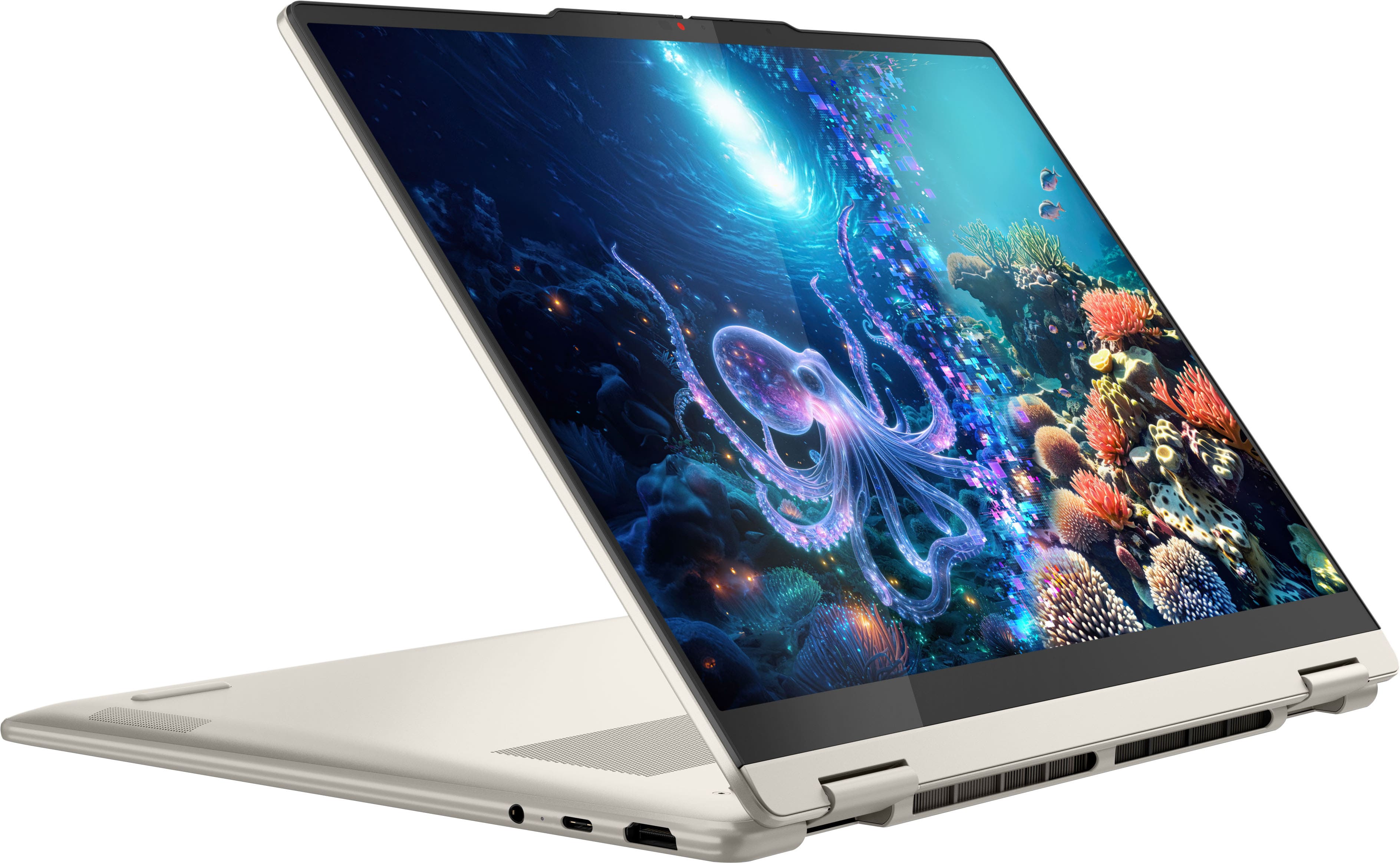

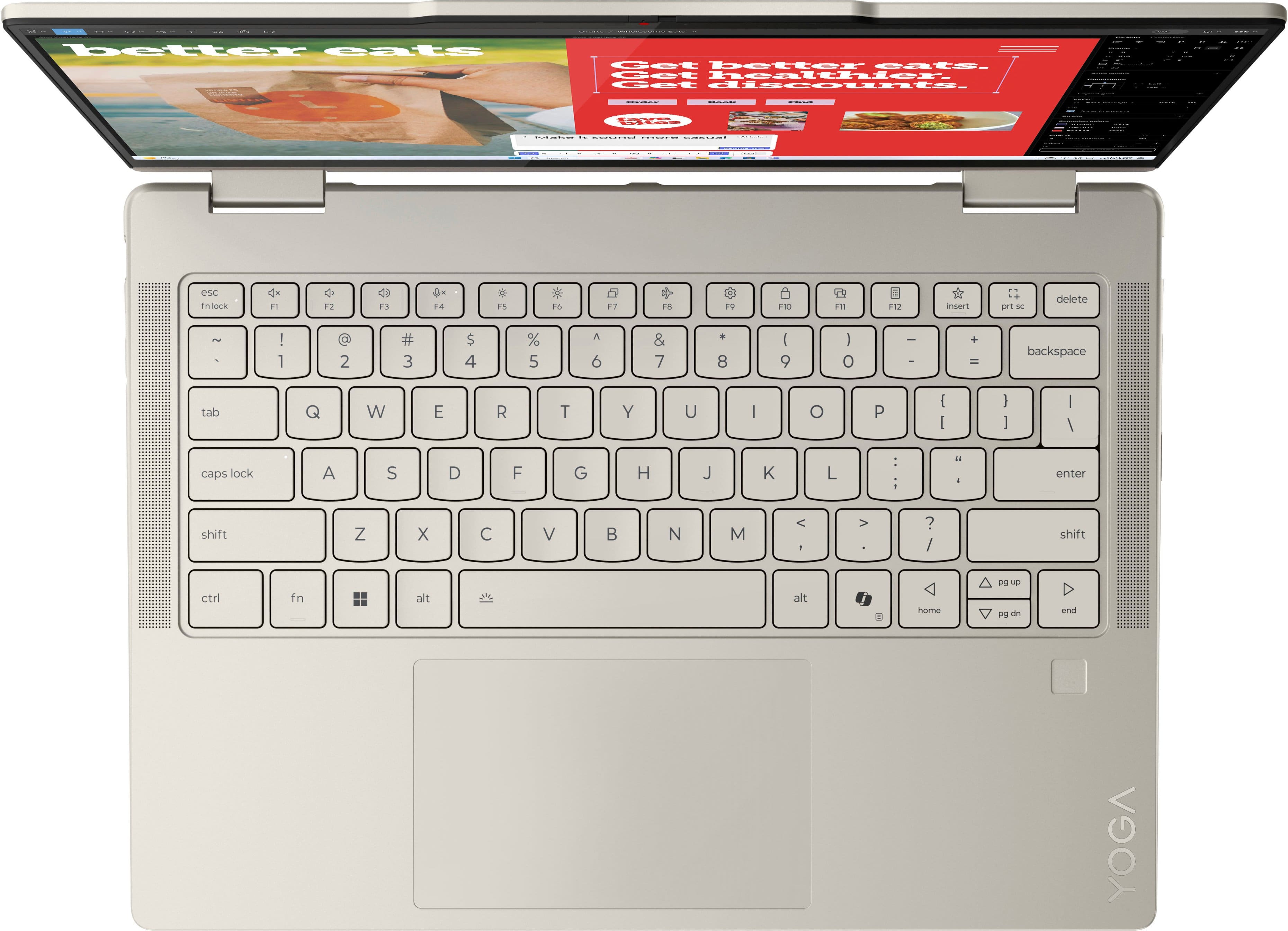
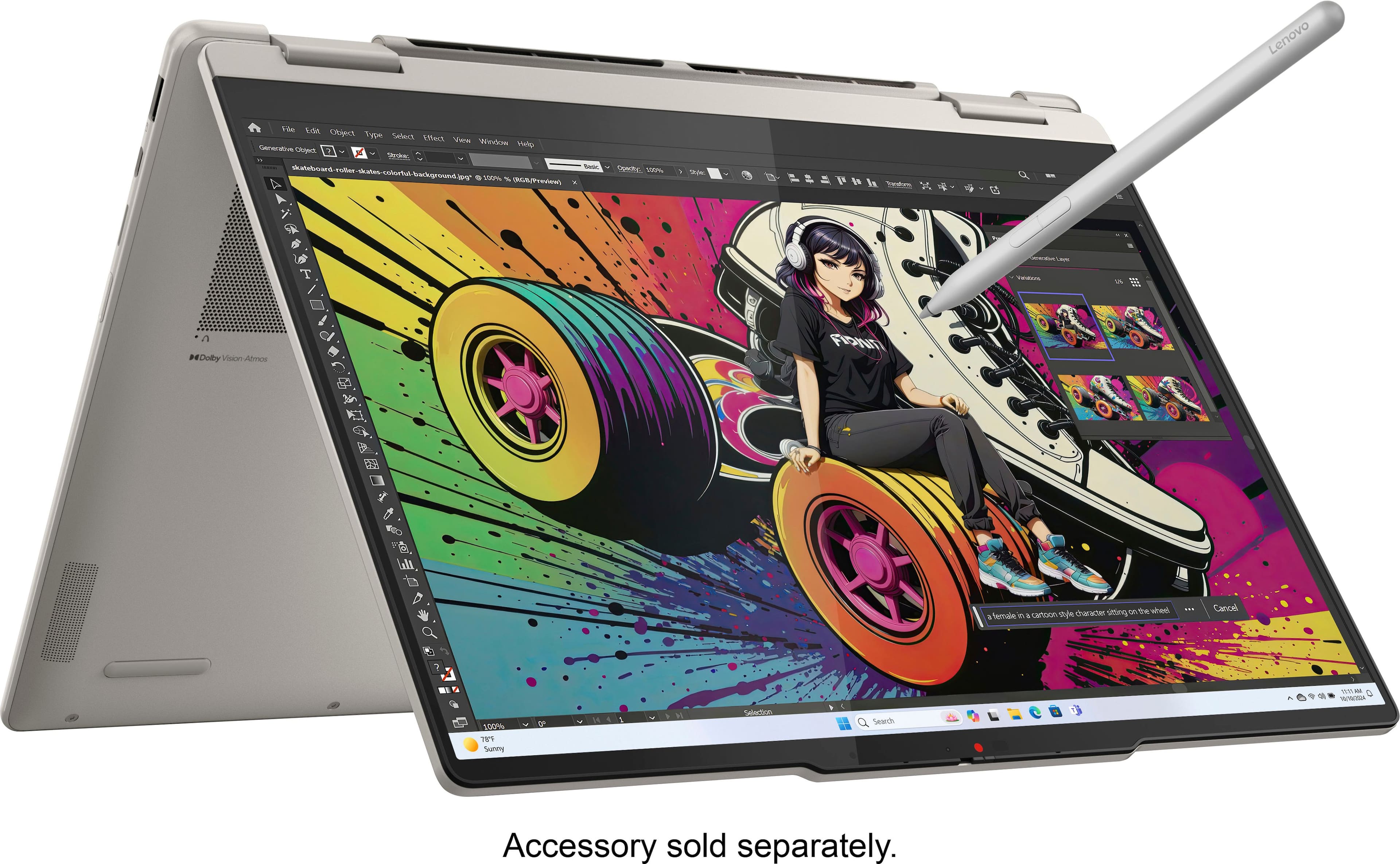
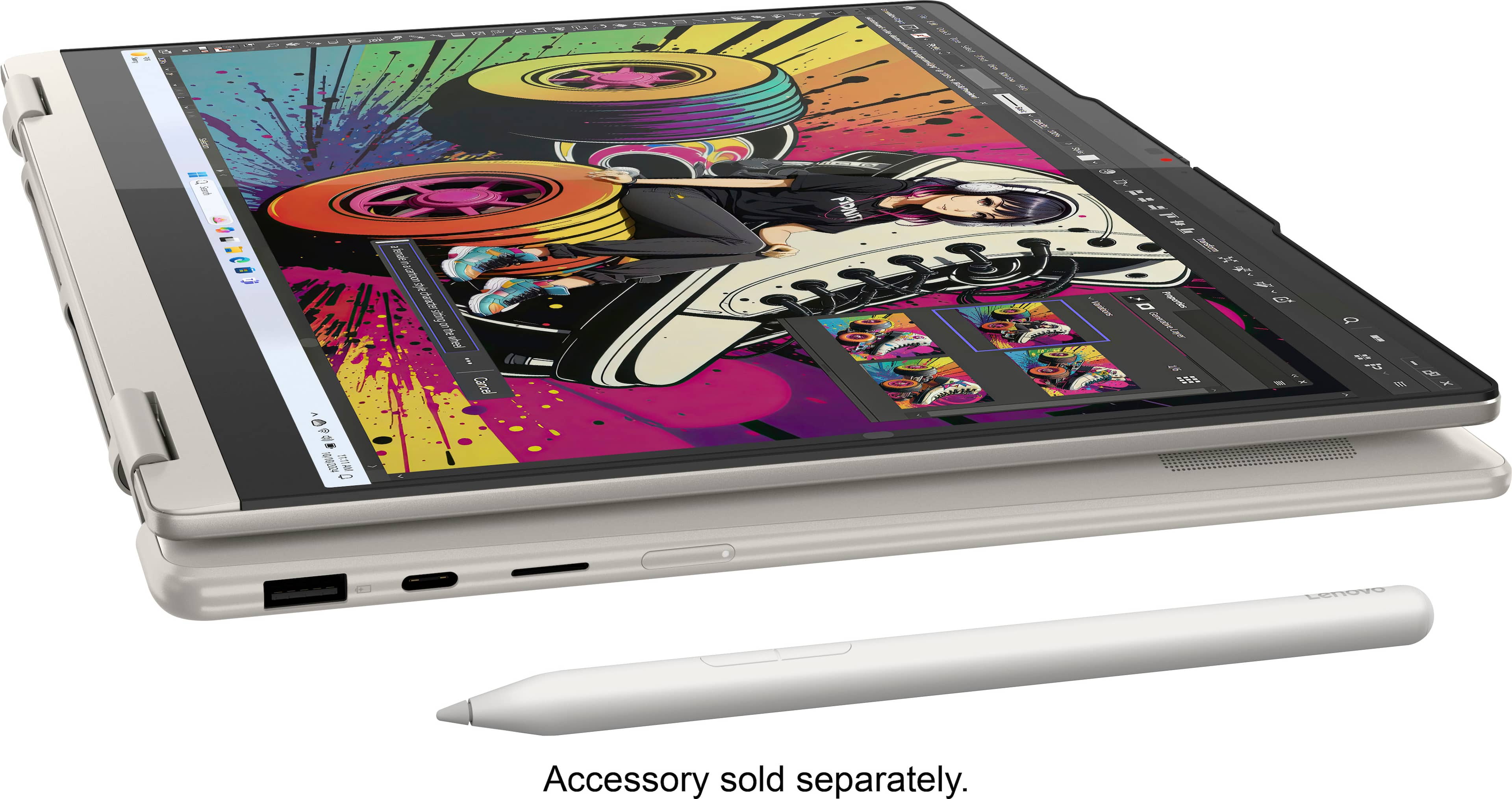













- Model:
- 83JR0002US
- SKU:
- 12301492
Rating by feature
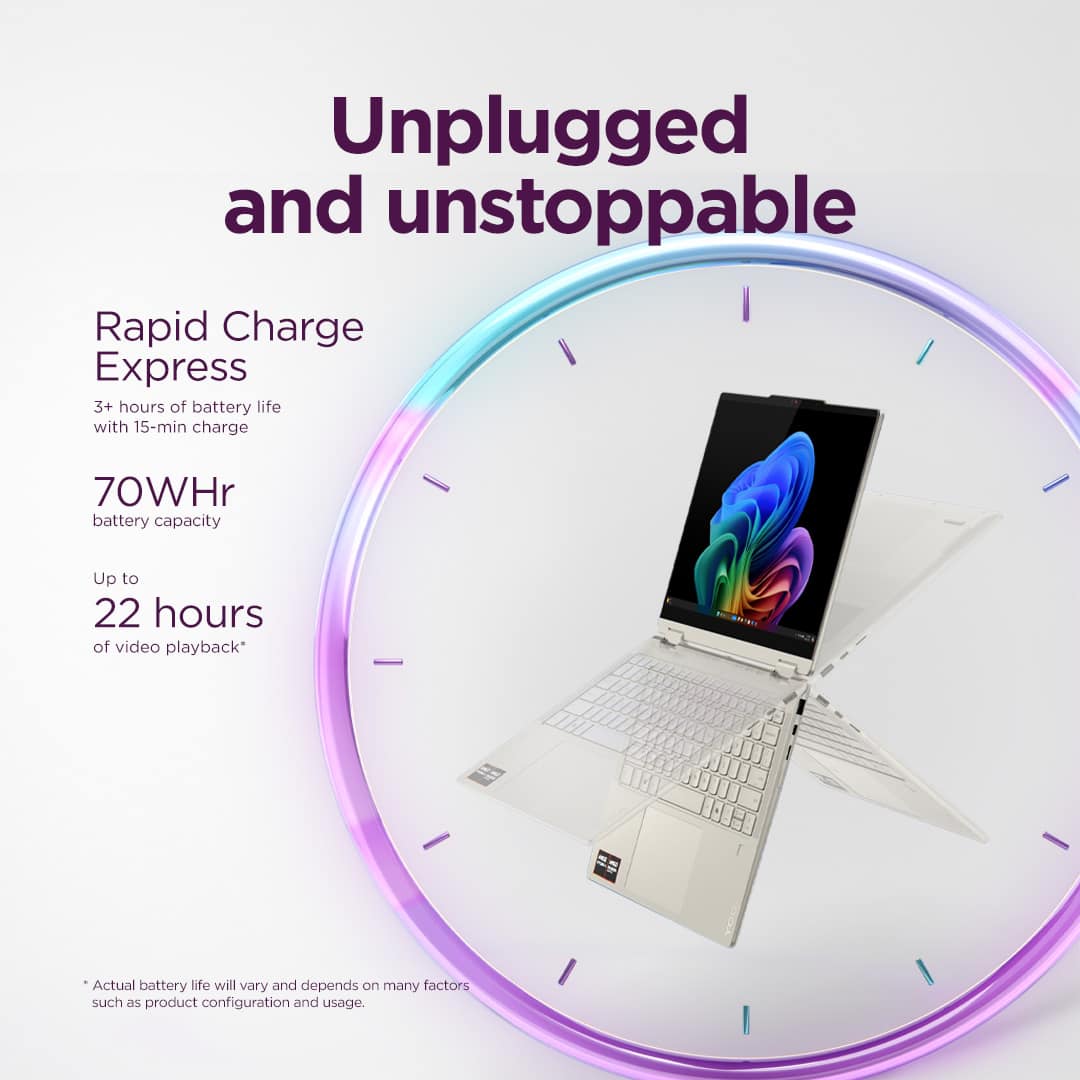
- Battery Life
Rating 4.7 out of 5 stars
- Speed
Rating 4.7 out of 5 stars
- Display
Rating 4.8 out of 5 stars
User Friendly
||Posted . Owned for 1 month when reviewed.This reviewer received promo considerations or sweepstakes entry for writing a review.Amazing and easy to use. Took me about an hour to connect everything
I would recommend this to a friendBoomer dad needed a new laptop
||Posted . Owned for 1 week when reviewed.This reviewer received promo considerations or sweepstakes entry for writing a review.Knowledgeable, professional staff to answer all my questions - it’d been nearly 10 years since my last computer purchase.
I would recommend this to a friendBrand response from Lenovo Product Expert
Posted .Hi ToddF-
Thank you for choosing Lenovo and sharing your experience with us. We are excited to hear that your in-store experience was fantastic, and you are enjoying the Yoga 7. We aim to provide excellent user experience, and we are overjoyed to hear that we met our goal.
Please reach out to us through the Q & A section of this product page if you have any questions or need assistance.
Best wishes,
Lenovo
Best buy is the best!
||Posted . Owned for 1 week when reviewed.This reviewer received promo considerations or sweepstakes entry for writing a review.Omg! Best buy gave me this laptop with nothing down, plus 18 mths no interest, tell me who can beat that. I love them!!!!!
I would recommend this to a friendBrand response from Lenovo Product Expert
Posted .Hi,
Thanks for choosing Lenovo and for sharing your feedback with us!
We are glad to read that you are satisfied with your purchase.
Please don't hesitate to reach out to us via the Q& A section of this product page or contact Lenovo Support should you have any questions or need assistance.
Regards,
Lenovo
Great but comes without charger
||Posted . Owned for 3 weeks when reviewed.This reviewer received promo considerations or sweepstakes entry for writing a review.It was a open-box in the good tier which supposed to comes with ALL vital parts, however ot comes without charger
I would recommend this to a friendGreat Laptop.
||Posted . Owned for 3 weeks when reviewed.This reviewer received promo considerations or sweepstakes entry for writing a review.Build quality is soo good and battery and processors are awesome.
I would recommend this to a friendcool computerl
||Posted . Owned for 2 weeks when reviewed.This reviewer received promo considerations or sweepstakes entry for writing a review.nice computer that will be a one stop shop a lot of gb
I would recommend this to a friendOwner
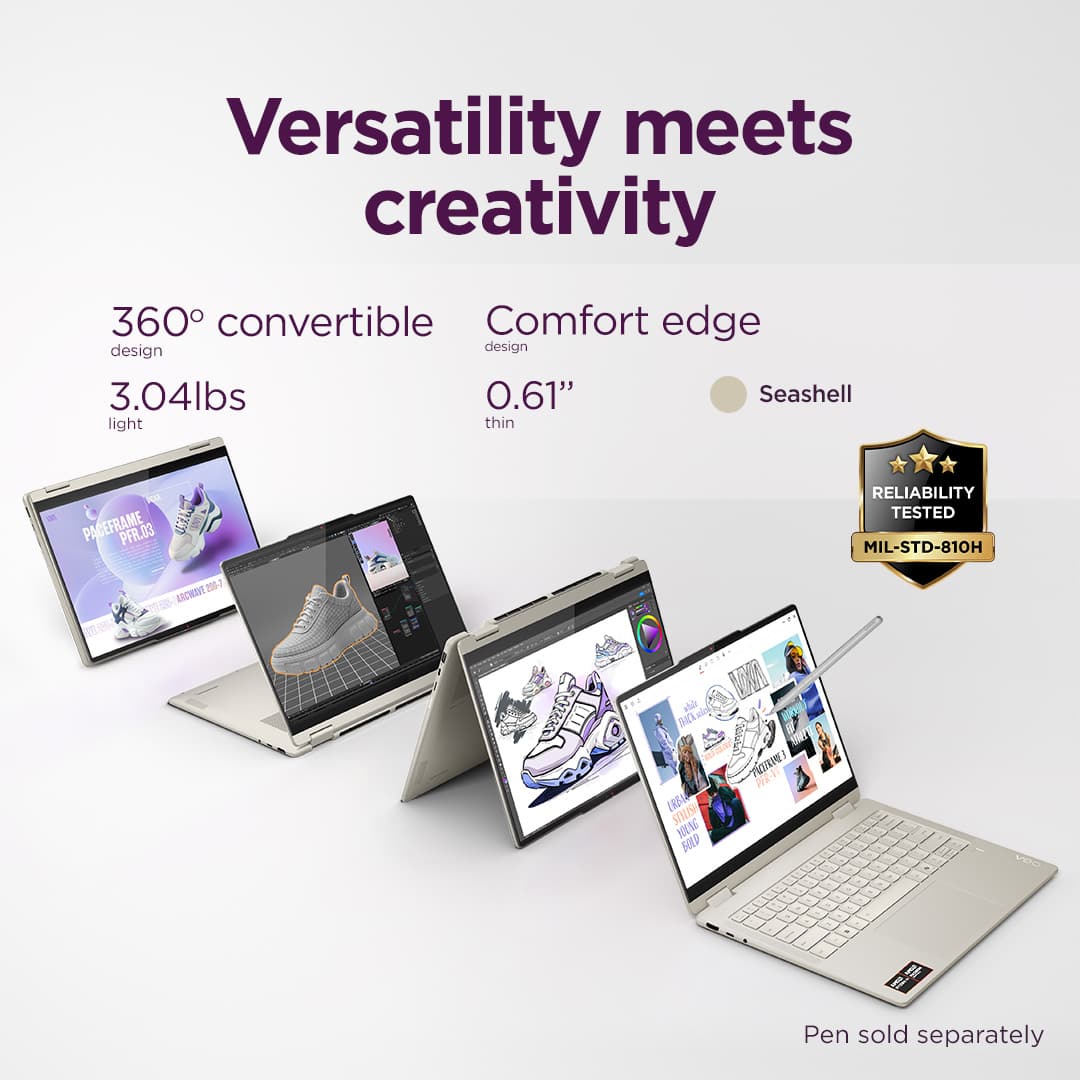
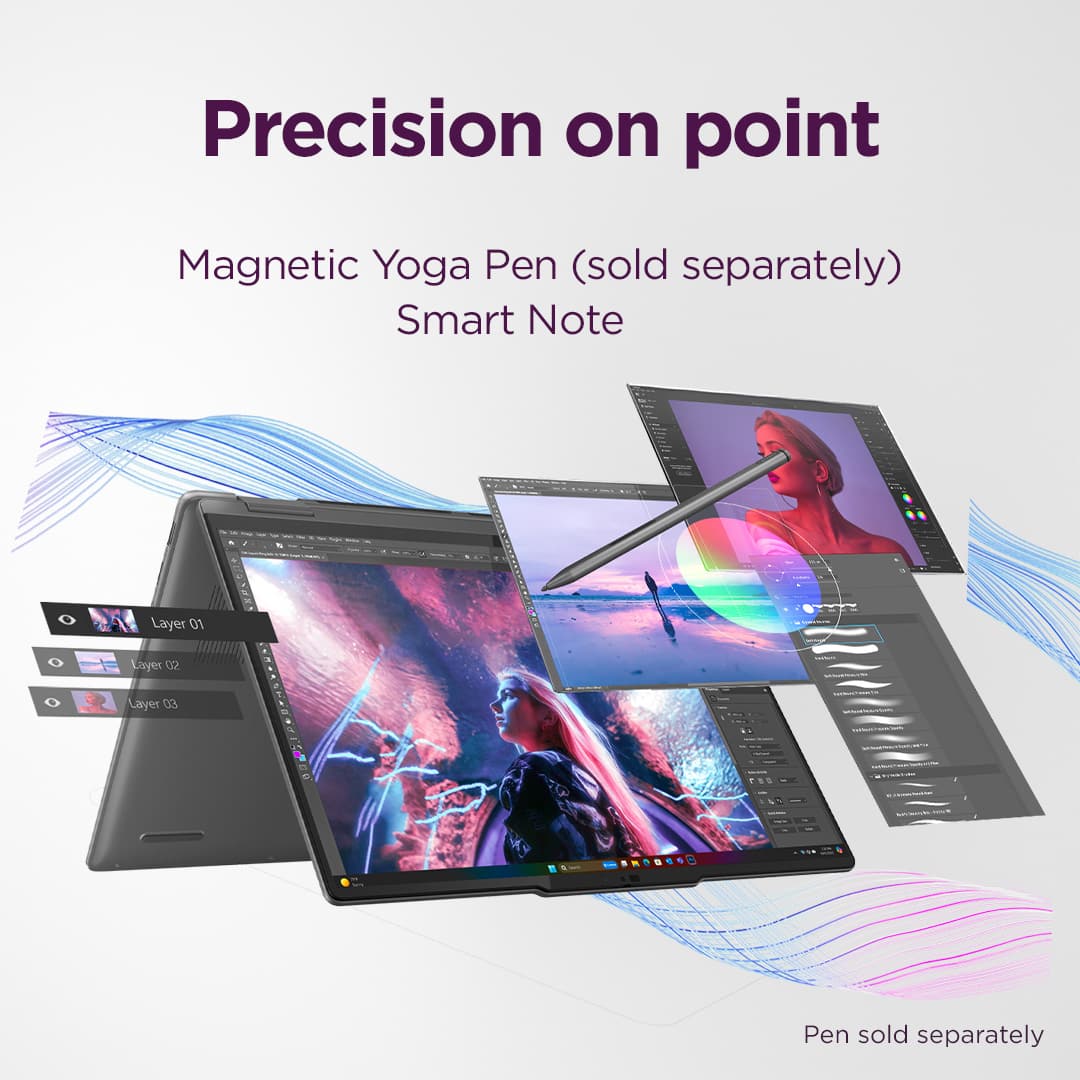
||Posted . Owned for 2 weeks when reviewed.This reviewer received promo considerations or sweepstakes entry for writing a review.very nice lab top with touch screen Purchase for my wife and she loves it , can be a lap top and fold over like a touch pad. great purchase for us
No, I would not recommend this to a friendBrand response from Lenovo Product Expert
Posted .Hey MarkG,
Thanks for choosing Lenovo and for sharing your feedback with us!
We are glad to read that your wife is loving this Yoga 7.
Please feel free to reach out to us via the Q&A section of the product page should you have any questions or need assistance.
Best,
Lenovo
laptop
||Posted .This reviewer received promo considerations or sweepstakes entry for writing a review.I would highly recommend this brand & style laptop.
I would recommend this to a friendLenovo Laptop
||Posted . Owned for 2 weeks when reviewed.This reviewer received promo considerations or sweepstakes entry for writing a review.I really like my laptop. It is very easy to type on.
I would recommend this to a friendBest laptop
||Posted .This reviewer received promo considerations or sweepstakes entry for writing a review.It was exactly the same function that was described so I was satisfied. This is the second time to buy Lenovo laptop and I am going to recommend to my family and friends in the future.
I would recommend this to a friendBrand response from Lenovo Product Expert
Posted .Hi Sabrinakang,
Thanks for choosing Lenovo and for sharing your feedback with us!
We are pleased to read that this Yoga 7 2-in-1 is the best laptop for you and that you highly recommend it.
Please feel free to reach out to us via the Q& A section of this product page should you have any questions or need assistance.
Best,
Lenovo
Perfect for personal use or business
||Posted . Owned for 3 weeks when reviewed.This reviewer received promo considerations or sweepstakes entry for writing a review.I use this product to run my small business and for personal use. It’s light and compact and easy to travel with plus it runs everything I need for my business. Printing labels, running spreadsheets and so much more.
I would recommend this to a friendBrand response from Lenovo Product Expert
Posted .Hey Boymom,
Thanks for choosing Lenovo and for sharing your feedback with us!
We are glad to read that this Yoga 7 2-in-1 is perfect for your use.
Please feel free to reach out to us via the Q& A section of this product page should you have any questions or need assistance.
Best,
Lenovo
Don’t recommend
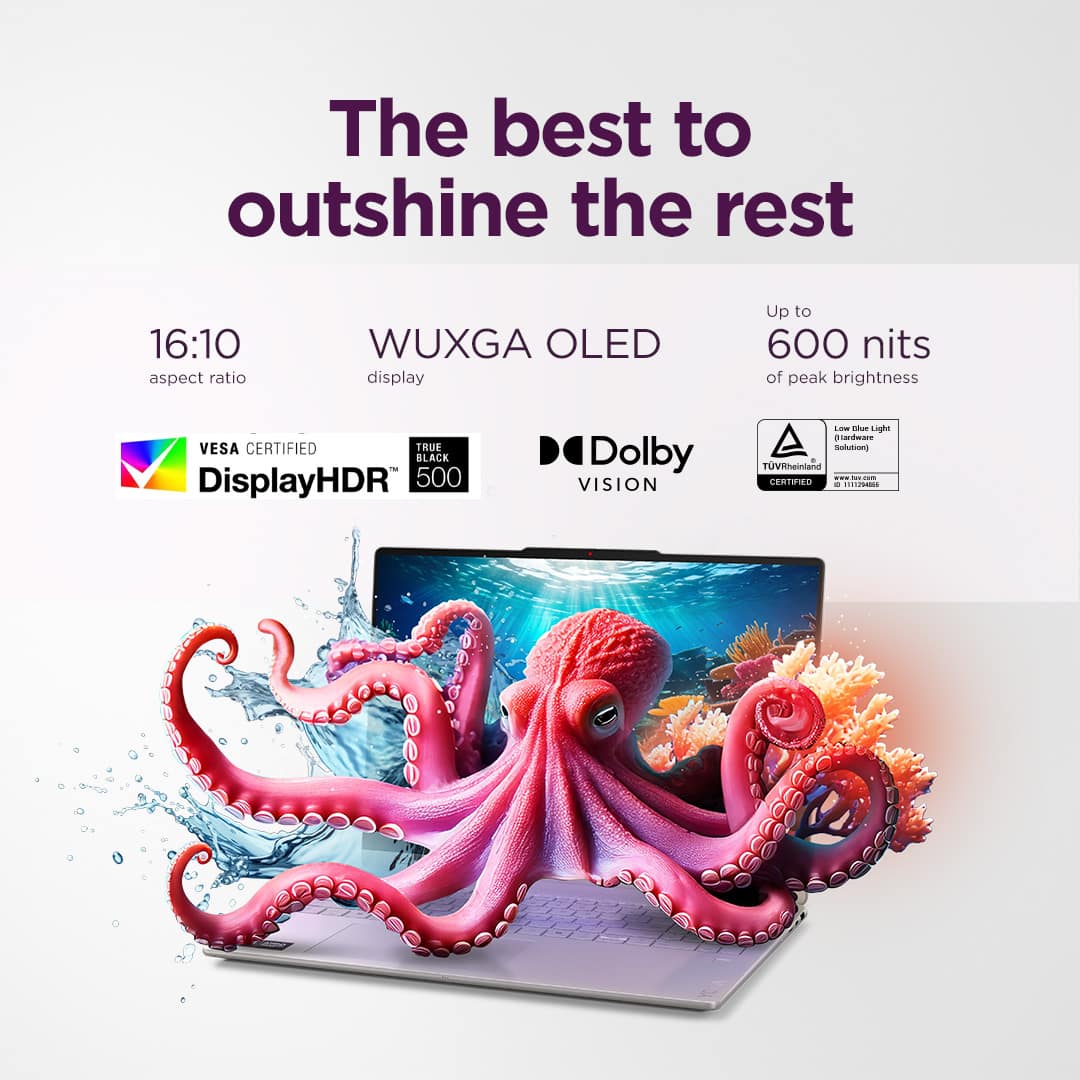
||Posted . Owned for 2 weeks when reviewed.This reviewer received promo considerations or sweepstakes entry for writing a review.The screen quality and the ram were overall great. I don’t recommend it though because it has extreme overheating issues that happen fairly quick. Had it not been for that, then it would be a top notch laptop.
No, I would not recommend this to a friendBrand response from Lenovo Product Expert
Posted .Hello EboriC,
Thak you for sharing your feedback with us. We're sorry to hear that you ran into an issue. We strive to provide the best experience possible, so if you'd like to, we want to work with you to try to resolve this.
To start, we recommend ensuring you have the latest software by checking for updates, as this could correct the issue. To do so, first, open the Settings app > Select the Windows update tab > Select the Check for updates button, apply all available updates. Next, open the Lenovo Vantage app > on the homepage, select the Check for updates button, following on-screen prompts to apply all available updates here as well.
If after the available updates are applied and the system restarts, yet the issue persists, in-depth troubleshooting will be necessary to fix the problem. We recommend contacting Lenovo Support here: 877-453-6686, for further assistance.
Please don't hesitate to let us know what else we can do to improve your experience, as your satisfaction is important to us.
Best regards,
Lenovo
Decent
||Posted .This reviewer received promo considerations or sweepstakes entry for writing a review.It’s decent thought it would have a long battery life but the battery life is mid. Also I wish you could disable the touch screen feature.
I would recommend this to a friendBrand response from Lenovo Product Expert
Posted .Hi YousifK,
Thanks for choosing Lenovo and for sharing your feedback with us!
Regarding your issue with battery life – there are many variables that contribute to shorter battery life. Thankfully, many of those variables can be adjusted. By default, the system will tend to give more speed when needed, which can sacrifice battery life. If you want to squeeze out more battery life, we recommend utilizing the Lenovo Vantage application that is preinstalled to adjust settings related to power and battery performance (to access relevant settings, open Vantage > Device Settings > Power). You can also take advantage of the keyboard shortcut, Fn + Q to toggle thermal modes and easily switch between prioritizing battery life or power, or even the best of both worlds.
Also, you can disable the touchscreen. To learn how to do so, please visit the following Microsoft Support web address for details: https://support.microsoft.com/en-us/windows/enable-and-disable-a-touchscreen-in-windows-b774e29d-be94-990f-c20f-e02892e572fc
We are glad to read that you are otherwise satisfied with your purchase.
Please don't hesitate to reach out to us via the Q& A section of this product page or contact Lenovo Support should you have any questions or need assistance.
Regards,
Lenovo
New laptop
||Posted . Owned for 1 week when reviewed.This reviewer received promo considerations or sweepstakes entry for writing a review.Easy to set up and use. Excellent customer service while buying
I would recommend this to a friendBrand response from Lenovo Product Expert
Posted .Hi,
Thanks for choosing Lenovo and for sharing your feedback with us!
We are glad to read that you are satisfied with your purchase.
Please don't hesitate to reach out to us via the Q& A section of this product page or contact Lenovo Support should you have any questions or need assistance.
Regards,
Lenovo
bmp659
||Posted . Owned for 3 weeks when reviewed.This reviewer received promo considerations or sweepstakes entry for writing a review.Still gettting used to features, and adapting to new features
I would recommend this to a friendgood computer
||Posted . Owned for 1 month when reviewed.This reviewer received promo considerations or sweepstakes entry for writing a review.generally met expectations, easy to setup. cumbersome start-up process
I would recommend this to a friendTerrible quality control
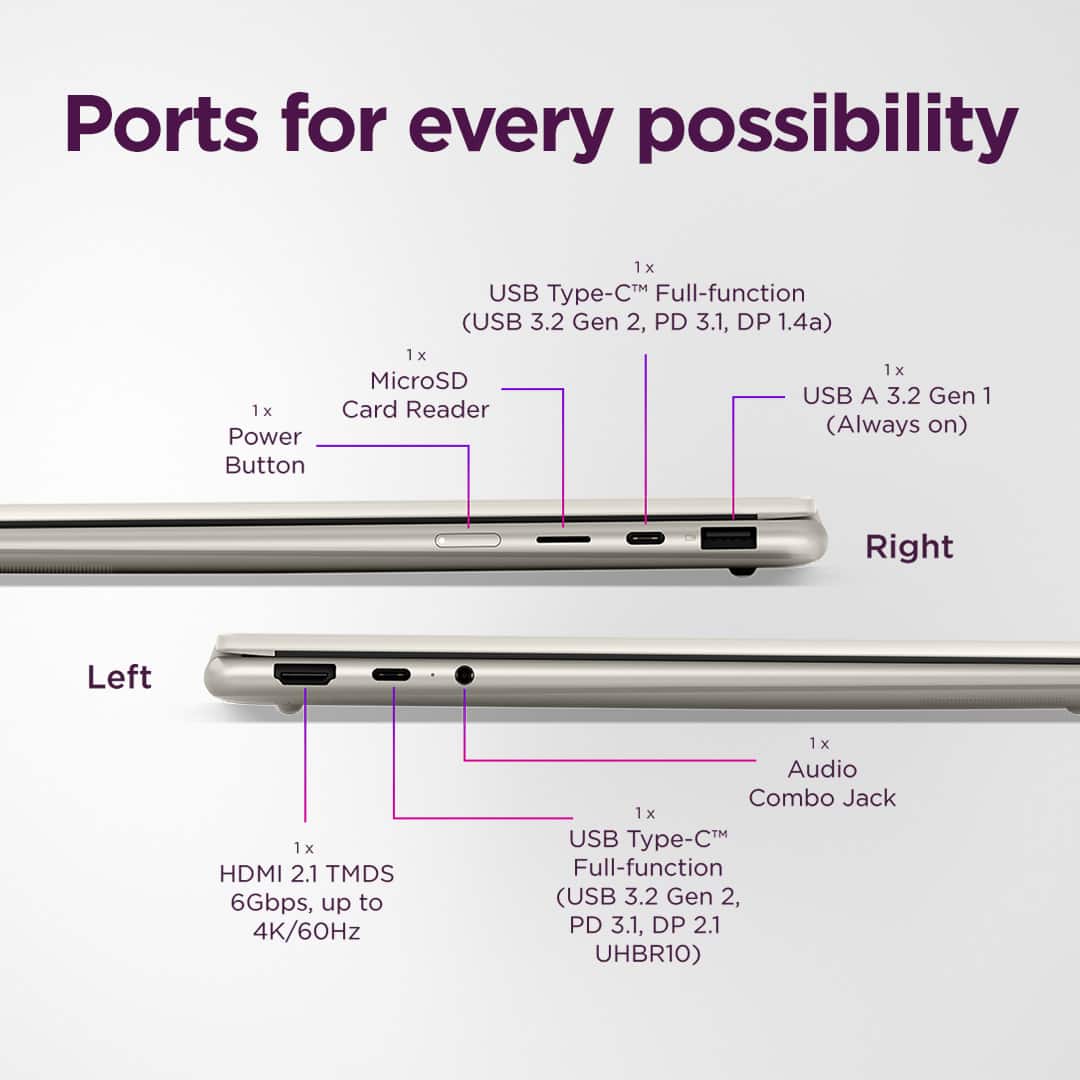
||Posted .This reviewer received promo considerations or sweepstakes entry for writing a review.WARNING do not buy - I wish I had known that Lenovo laptops have a usb-c charging defect. Please Google "usb-c Lenovo failure" before you think about this. I purchased this laptop brand new and didn't have time to set it up for a couple weeks. Then after 2 weeks of using it on my desk (it never left the house) the usb-c ports will not work to charge the unit, which renders it completely unusable since that is the only way it gets power. Once it's past the 14 day return window to Bestbuy, you have to deal with mailing a brand new laptop back to Lenovo for service. What a great way to spend time and money on a paperweight.
No, I would not recommend this to a friendBrand response from Lenovo Product Expert
Posted .Hi-
Thank you for sharing your experience with the Yoga 7. We are disappointed to hear you are facing issues with charging though the USB-C ports. We would like to suggest a few solutions that may correct your issues before needing to send your device out for repairs.
Firstly, we recommend performing a static discharge. To start, please disconnect all cables connected to the device, then ensure that your device is powered off, next hold down the power button for 60 seconds. After you have completed these steps, please reconnect the AC adapter and let the device charge for a few minutes before turning on your device. If your device turns on, please ensure that all available updates are installed through Lenovo Vantage. To check for updates in Lenovo Vantage, start by launching the Lenovo Vantage app and selecting the “Check for updates” button on the right-hand side of the homepage.
If these issues persist, please reach out to Lenovo Support here: 877-453-6686 where you can speak to our customer support team. Please reach out to us through the Q & A webpage with any updates on your issues.
Best wishes,
Lenovo
Lenovo is my fave PC
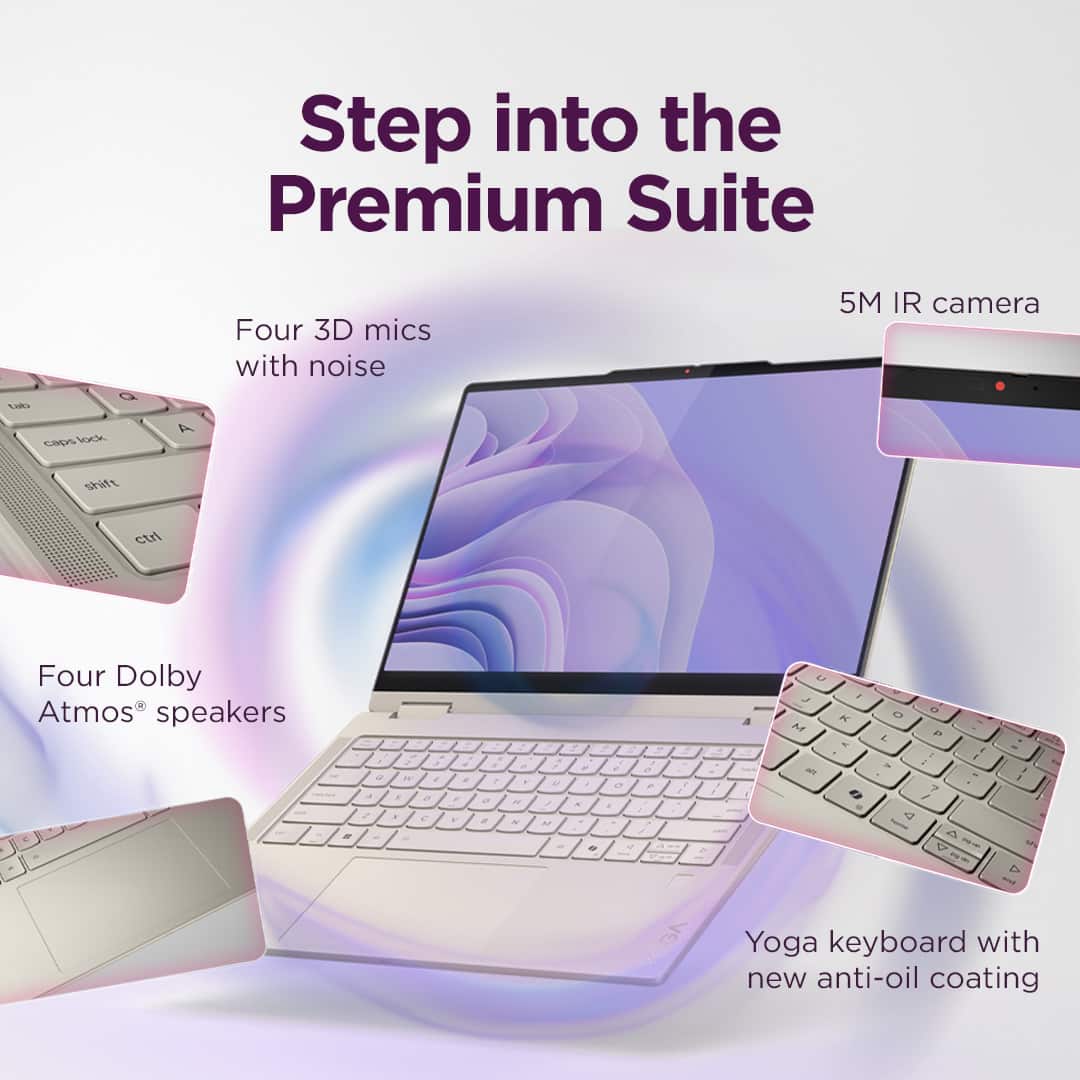
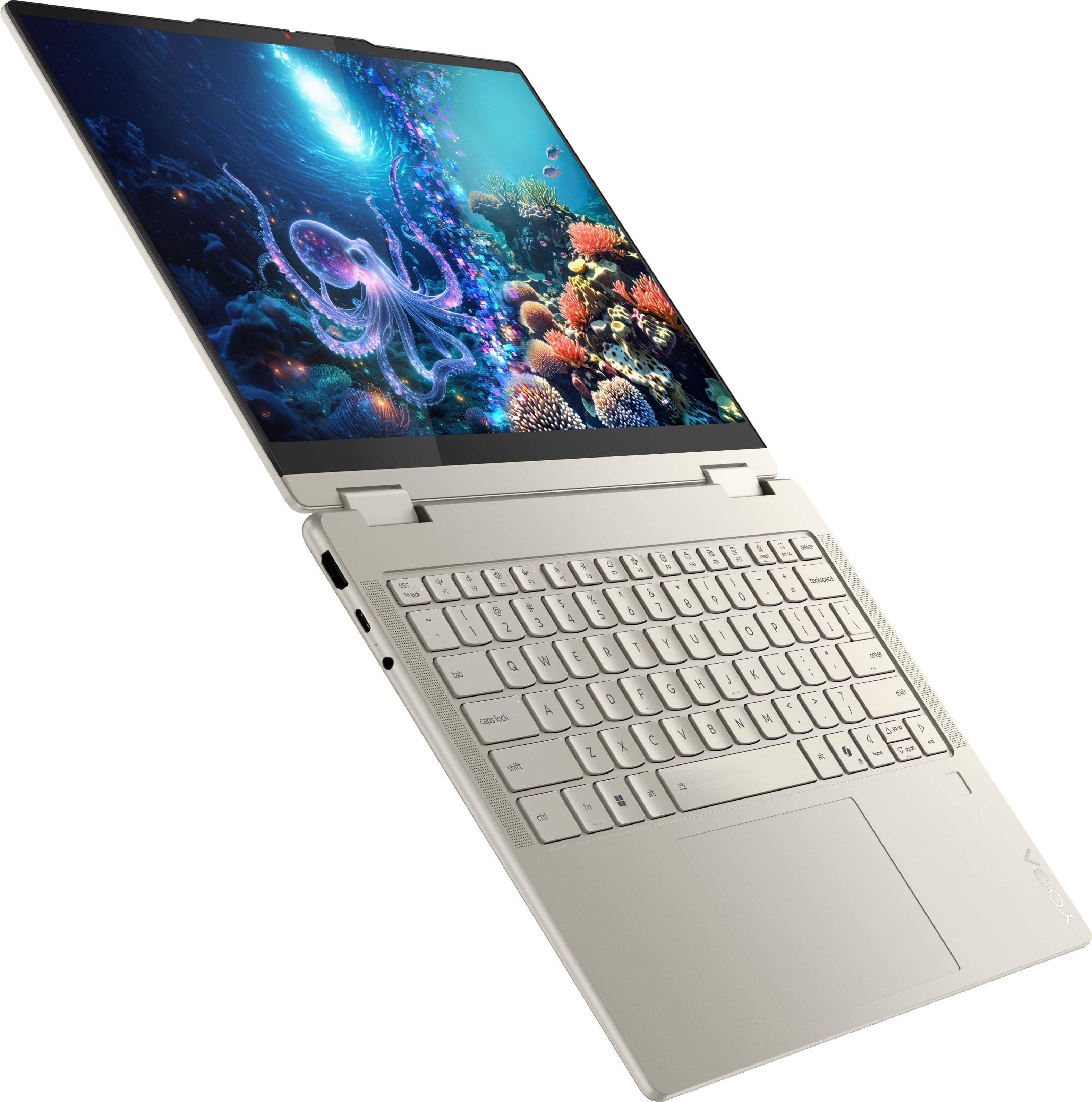
||Posted .This reviewer received promo considerations or sweepstakes entry for writing a review.Keyboard is silky and not shallow, lights are on the side away from view, and it’s pretty sweet. I’m a fan.
I would recommend this to a friendBrand response from Lenovo Product Expert
Posted .Hey,
Thanks for choosing Lenovo and for sharing your feedback with us!
We are glad to read that this Yoga 7 is your favorite PC.
Please feel free to reach out to us via the Q&A section of the product page should you have any questions or need assistance.
Best,
Lenovo
2 in 1
||Posted . Owned for 3 weeks when reviewed.This reviewer received promo considerations or sweepstakes entry for writing a review.Happy with it https://www.bestbuy.com/site/lenovo-yoga-7-2-in-1-copilot-pc-14-2k-oled-touchscreen-laptop-amd-ryzen-ai-5-340-16gb-memory-512gb-ssd-seashell/6615841.p?skuId=6615841 May get anther one. Looking to also ge desl top
I would recommend this to a friendBrand response from Lenovo Product Expert
Posted .Hi JoeK,
Thanks for choosing Lenovo and for sharing your feedback with us!
We are pleased to read that you are happy with your Yoga 7 2-in-1.
Please feel free to reach out to us via the Q& A section of this product page should you have any questions or need assistance.
Best,
Lenovo
Lenovo Yoga laptop
||Posted . Owned for 3 weeks when reviewed.This reviewer received promo considerations or sweepstakes entry for writing a review.Exactly the computer I wanted to replace the larger Dell after 5 years. The salesperson at Best Buy and the Geek Squad helped me to convert and transfer all data to the YOGO Lenovo laptop. Highly recommend this laptop.
I would recommend this to a friendBrand response from Lenovo Product Expert
Posted .Hey DonaldC,
Thanks for choosing Lenovo and for sharing your feedback with us!
We are glad to read that this Yoga 7 2-in-1 is an exact fit for your needs.
Please feel free to reach out to us via the Q& A section of this product page should you have any questions or need assistance.
Best,
Lenovo