Customer Ratings & Reviews
- Model:
- 82BH000XUS
- SKU:
- 6434673
Rating by feature
- Value
Rating 4.1 out of 5 stars
- Quality
Rating 4.2 out of 5 stars
- Ease of Use
Rating 4.3 out of 5 stars
Customers are saying
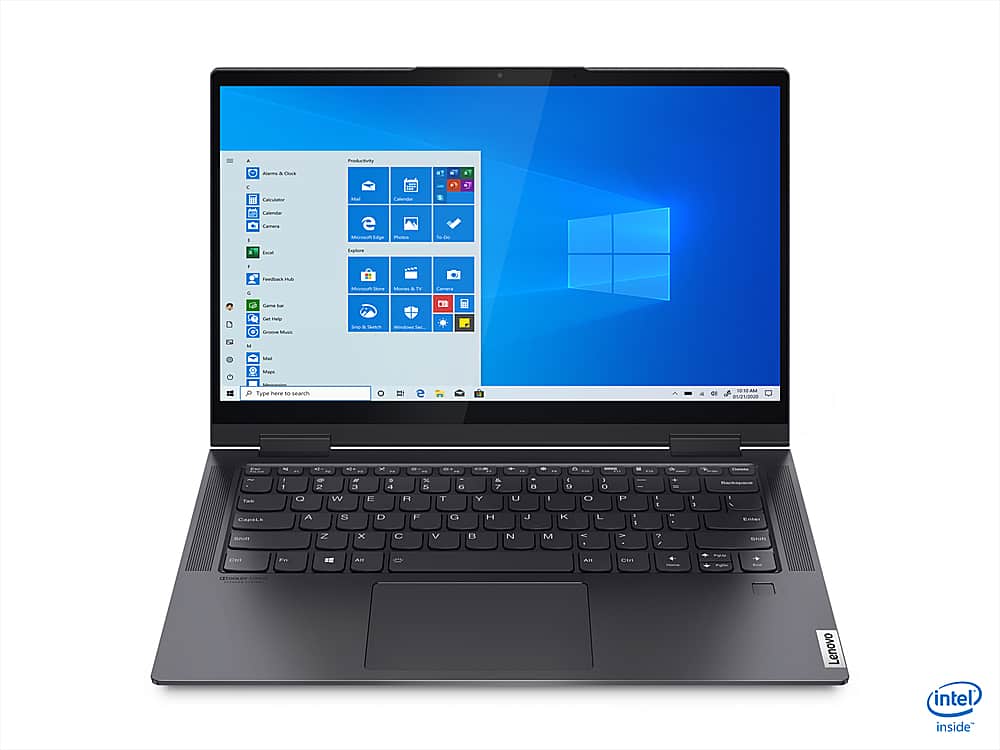
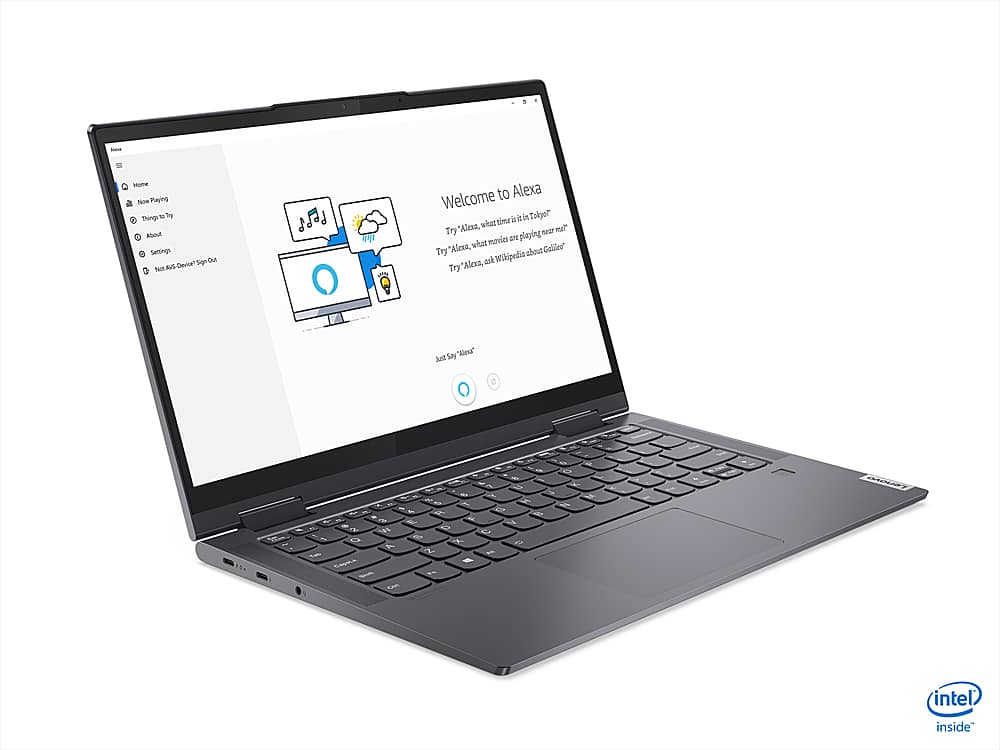
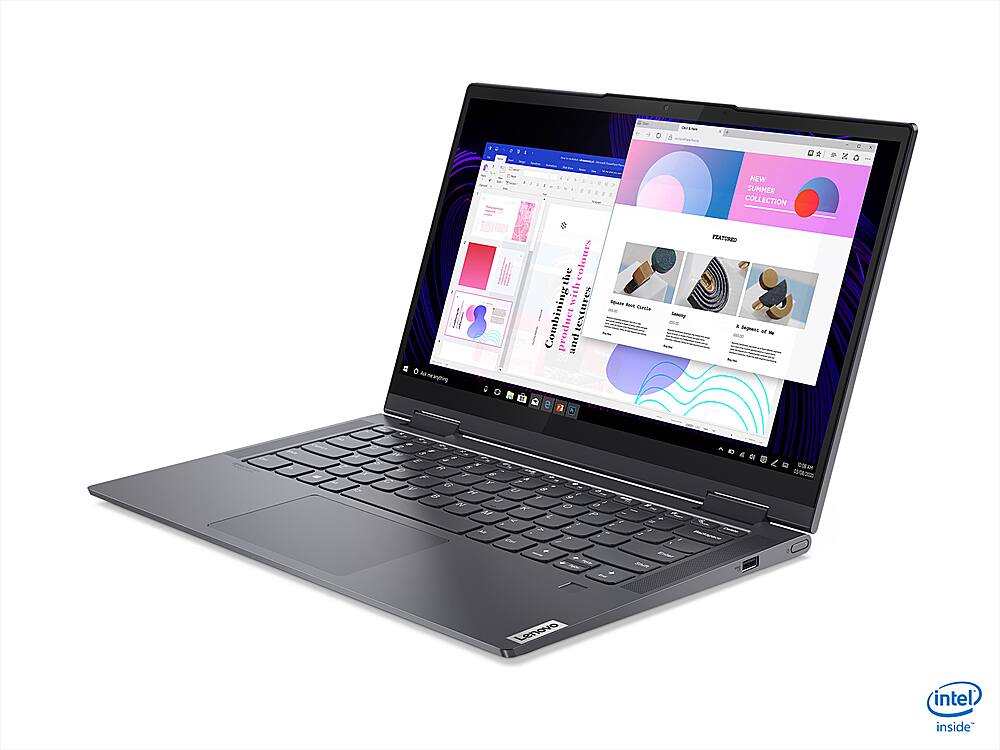
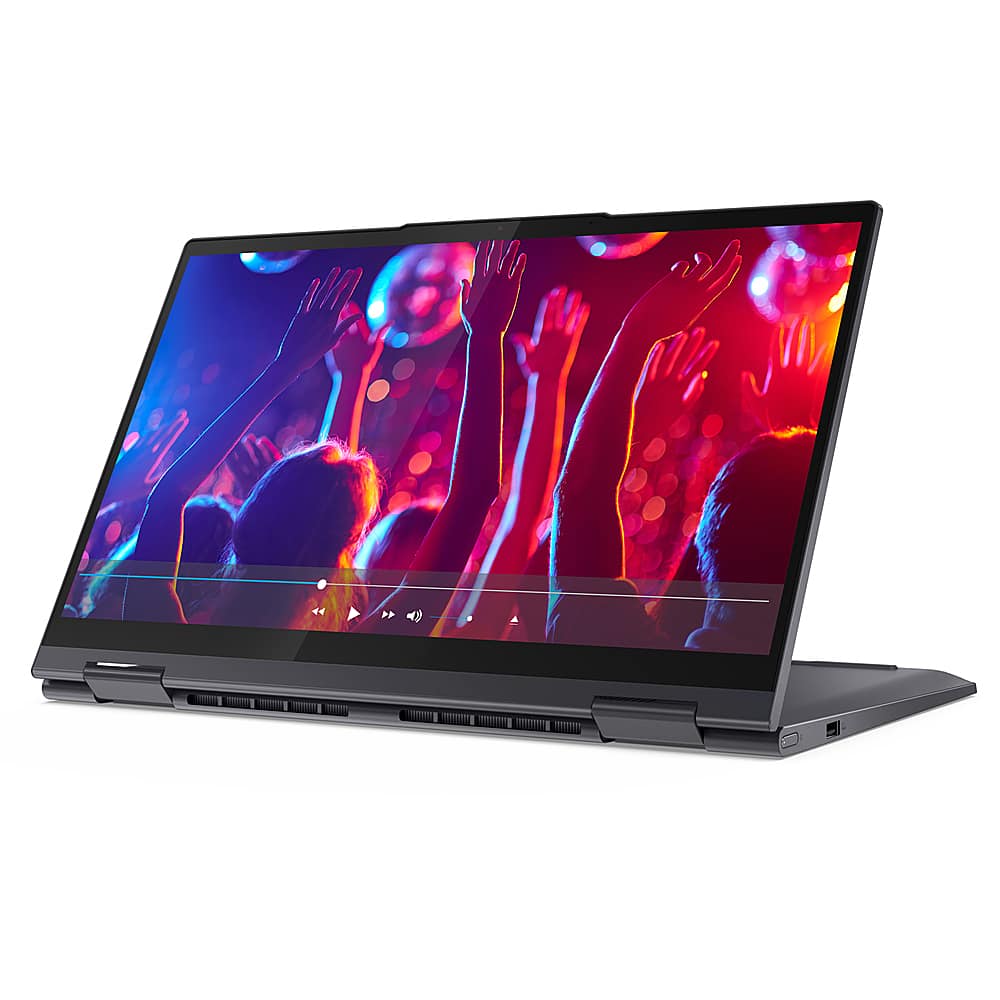
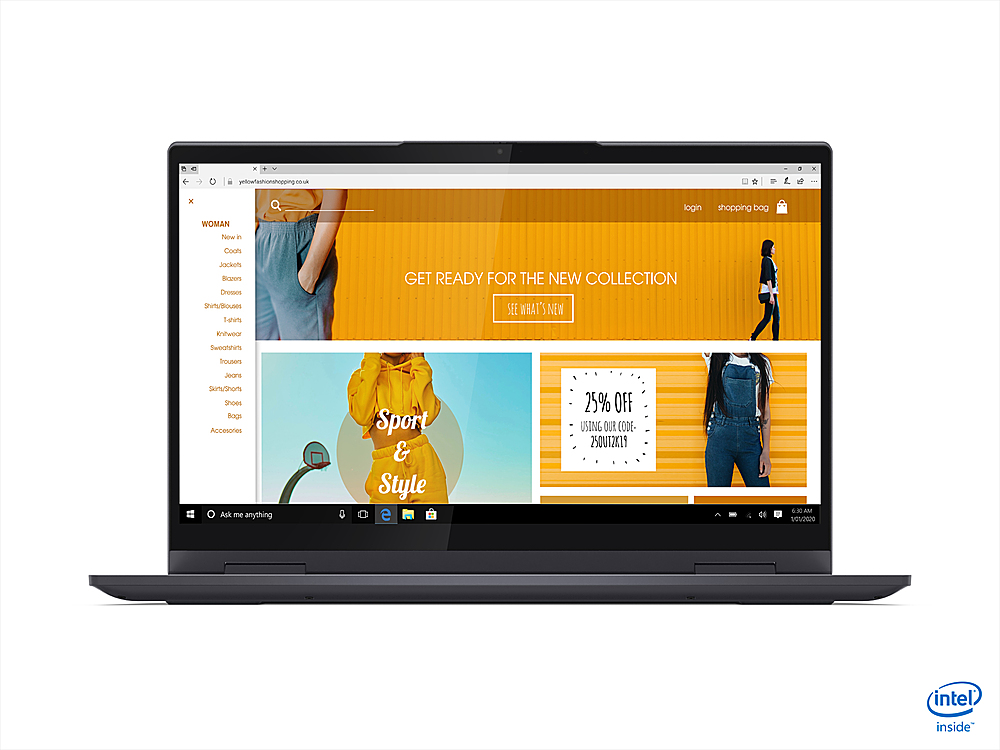
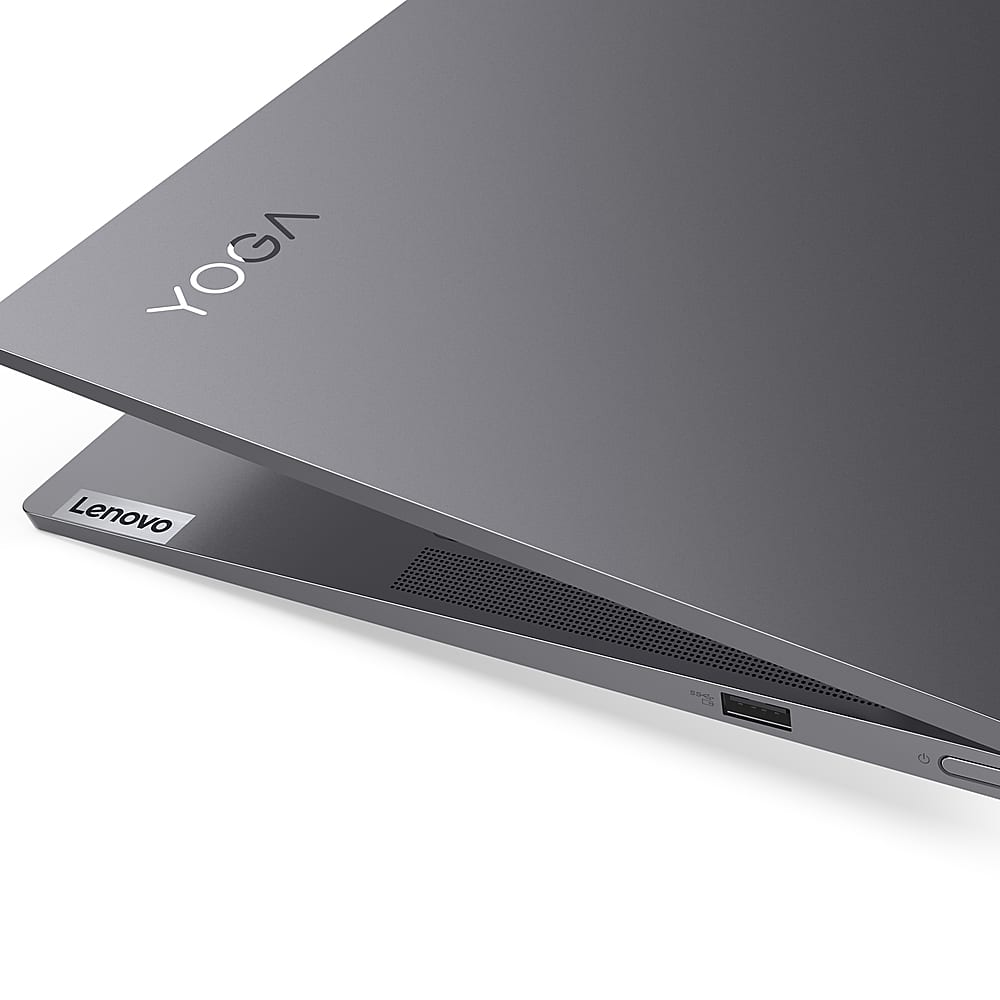
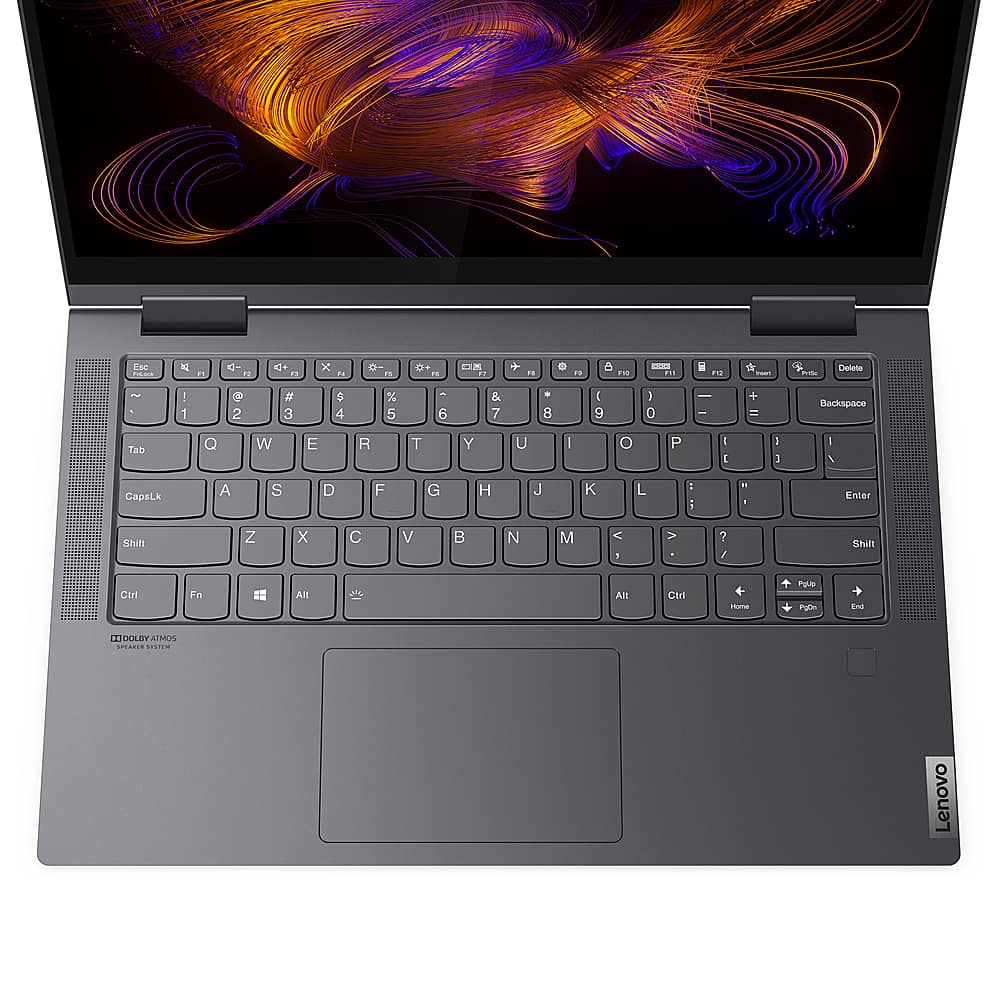
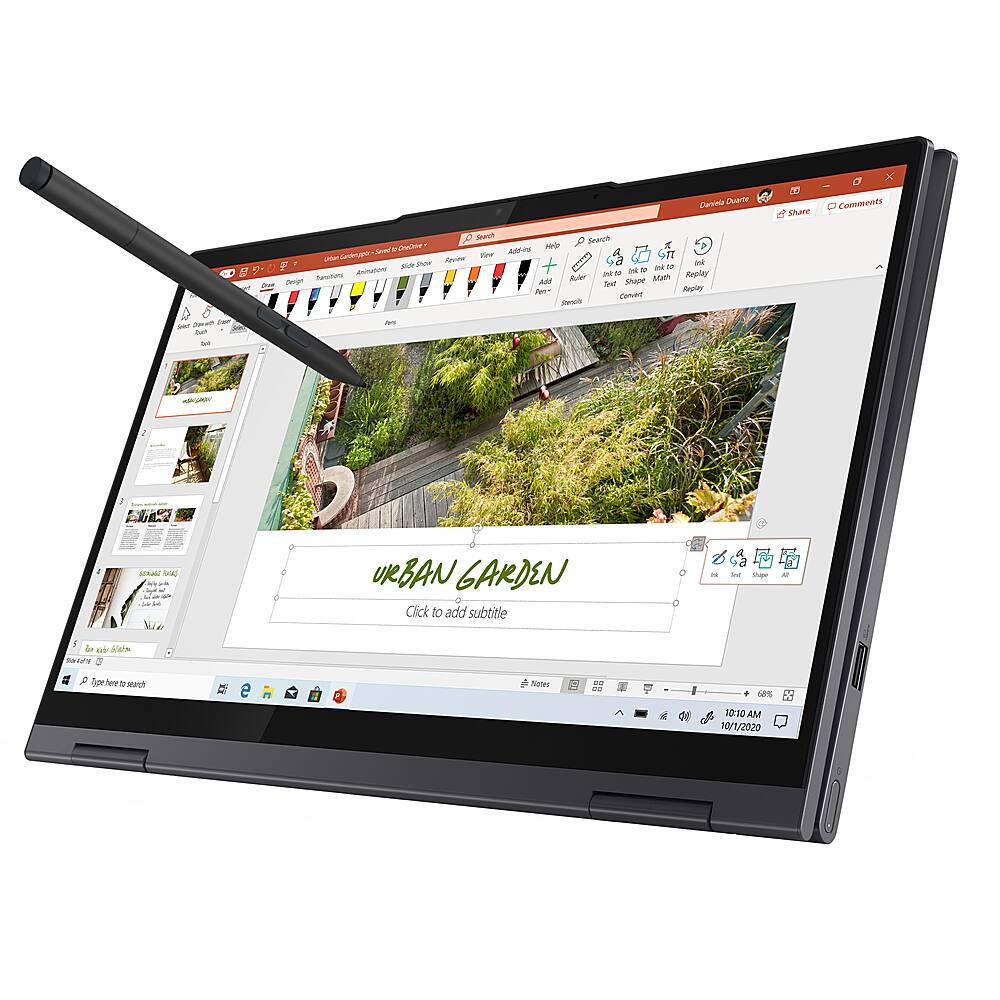
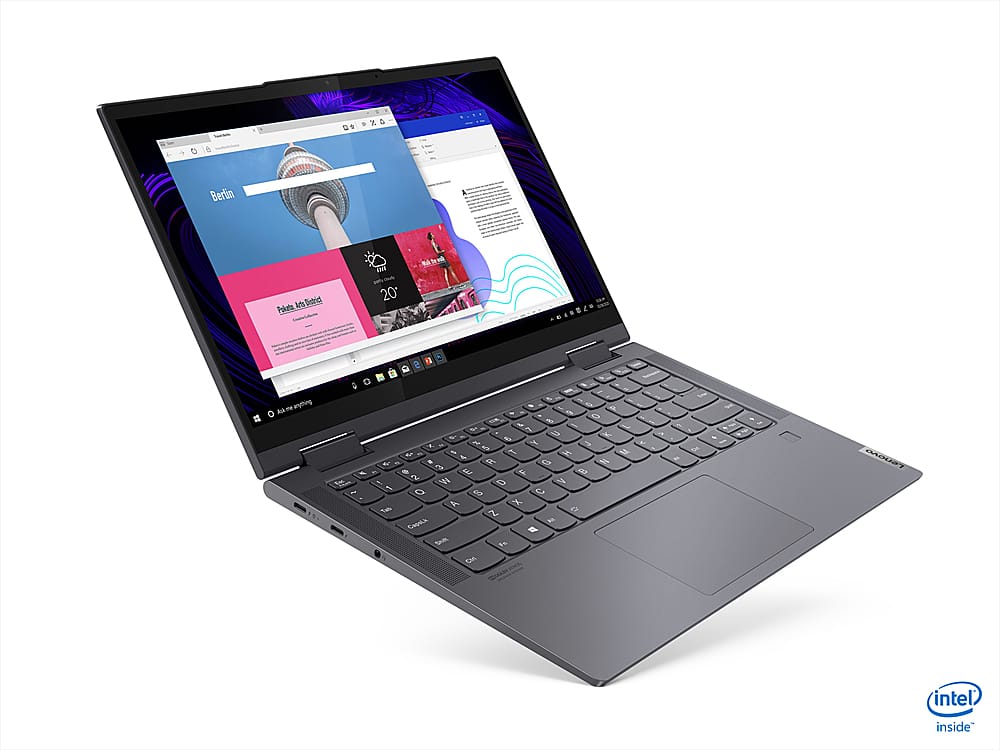
Customers appreciate the Yoga 7i 14 2-in-1 laptop for its lightweight design, which makes it easy to carry around and use.
This summary was generated by AI based on customer reviews.
Nice laptop
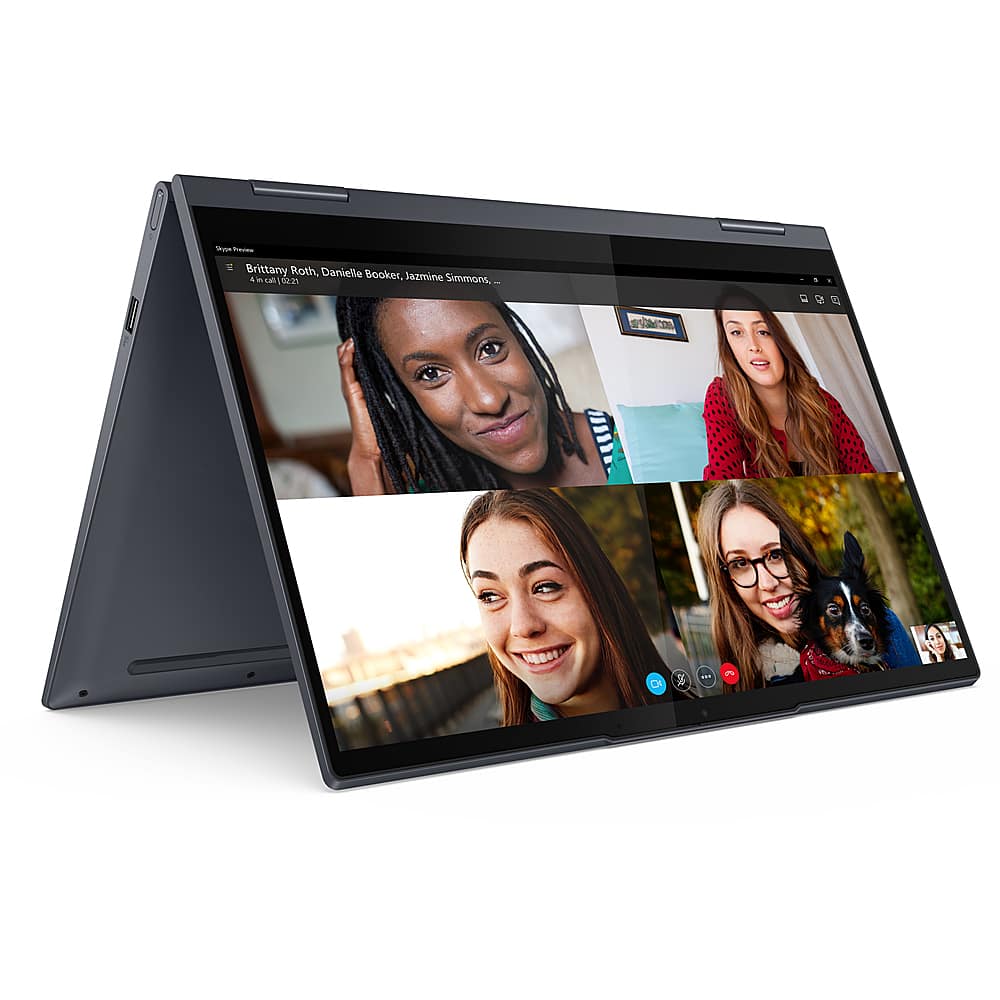
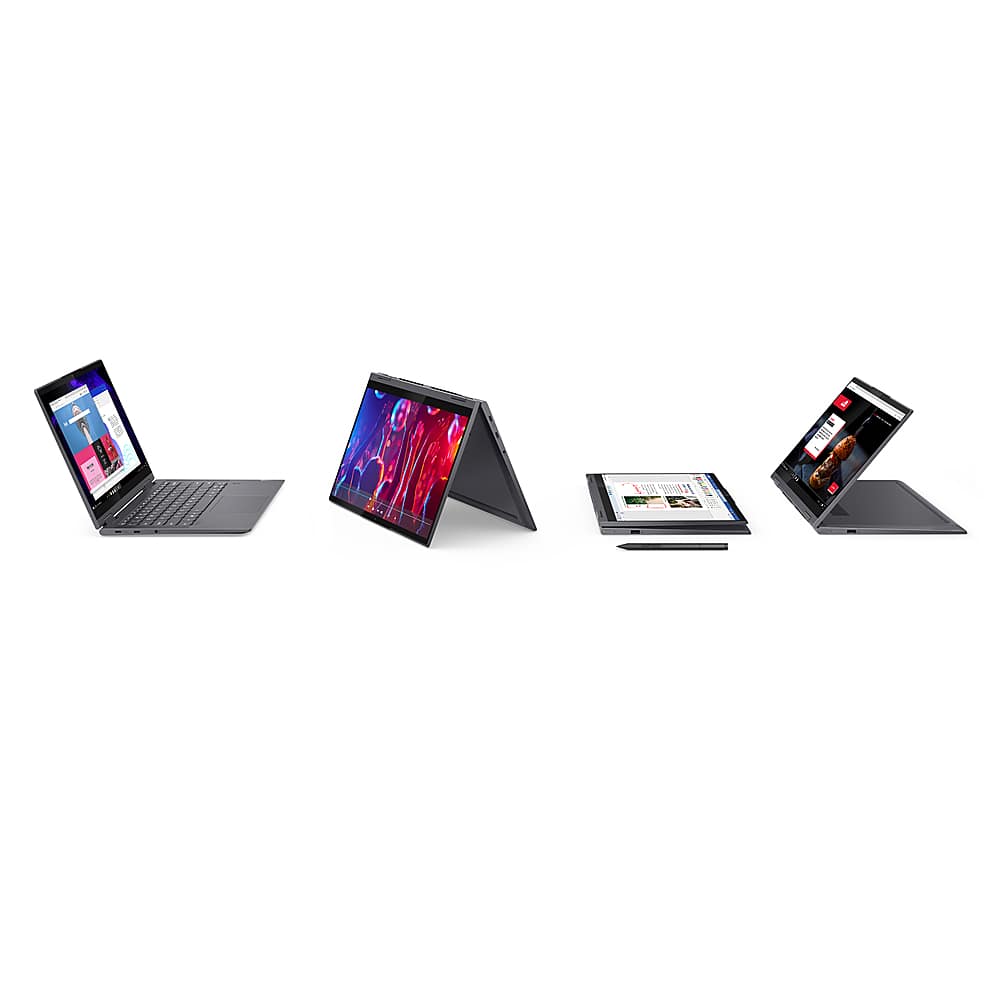
||Posted . Owned for 1 month when reviewed.This reviewer received promo considerations or sweepstakes entry for writing a review.Very good laptop love the flip to tablet feature. Fast internet search. Great color and image.
I would recommend this to a friendBrand response from Lenovo Product Expert
Posted .Thank you for choosing the Lenovo Yoga 7i-14. We are pleased to hear that the features and performance of the Yoga 7i-14 meets your computing needs so well.

Lenovo for the win
||Posted .This reviewer received promo considerations or sweepstakes entry for writing a review.Lenovo delivers again! The specs are great, and so was the price.
I would recommend this to a friend- Cons mentioned:Factory reset issue
Disappointed
||Posted . Owned for 1 month when reviewed.This reviewer received promo considerations or sweepstakes entry for writing a review.Speed is substandard. Started machine one day and it had reset itself to factory setting. Luckily I back everything up to cloud. Very Disappointed with this model. My last Lenovo was excellent.
No, I would not recommend this to a friendBrand response from Lenovo Product Expert
Posted .We are sorry to hear that you are having issues with your Lenovo Yoga 7i-14, model number 82BH000XUS. Be sure any software you installed is compatible with Windows 10. There is no need to install Microsoft Office software. The software is already part of the operating system, you just need to activate the software with a purchased product key. If you have installed a copy of Microsoft Office, this is conflicting with the existing copy on the system and this will slow your system down. If you have installed a 3rd party anti-virus program, be sure that Windows Defender is turned off and that the trial version of McAfee Anti-Virus software is uninstalled. There can only be one anti-virus program on the system. You may need to restore your system to original factory default settings if any of the programming errors have occurred. You can do that by typing "restore" in the Cortana search window. Just click on the magnifying glass icon at the bottom left of your Windows 10 Desktop. Click on "Reset This PC" Then click on "Get Started" and follow the on screen directions to restore to factory defaults. If the problem persists, we recommend you contact Lenovo Tech Support at: 877-453-6686.
- Cons mentioned:Functionality
Drawback
||Posted . Owned for 3 weeks when reviewed.This reviewer received promo considerations or sweepstakes entry for writing a review.The functionality is too bad, not working properly and many disadvantages with this one I suffered a lot to login and logout the system
No, I would not recommend this to a friend Great laptop
Posted .This reviewer received promo considerations or sweepstakes entry for writing a review.I have had this laptop now for 5+ years and it is still going strong.
I would recommend this to a friendBAD touchscreen
Posted .This reviewer received promo considerations or sweepstakes entry for writing a review.If I could give this zero stars I would have. Within 6 months of buying this computer the touchscreen stopped working. I was told that it would cost nearly the price of the computer to fix it. So, the thing that I most liked about the computer no longer worked. I am very careful with my computers and this happened through no fault of mine. Before this I had an HP which worked perfectly for many years until the hard drive crashed. I think my next computer will be another HP.
No, I would not recommend this to a friendBrand response from Lenovo Product Expert
Posted .We are sorry to hear that you are having issues with the touchscreen functionality within your Lenovo Yoga 7i-14 model number 82BH000XUS. Since the touchscreen was working and then recently stopped working, be sure you have the latest version of Windows 10 one the computer. Then update all BIOS files and drivers up to that latest version of Windows 10 - Including the drivers for the touchscreen. You can easily accomplish this by scanning the computer with the Lenovo Utility software available on this computer. This system has Lenovo utilities installed to help maintain the health of the device and keep the operating system software up to date. Type "Lenovo Vantage" in the Cortana Search window (if Lenovo Vantage is not installed on your device, you can download the APP and install it now). Select Lenovo Vantage from the list. In the window that opens, click on "Health and Support". In the expanded menu, select "Hardware Scan" In the window that opens, select "Run Quick Tests". This will scan your entire system for errors. Follow any directions that may pop up. If the problem continues after this scan, now click on "System Update". First select Windows update from the menu. Scan your system to be sure you have the latest version of Windows 10. Once that scan is complete, select "Additional Updates". This will scan your device to be sure there are no new BIOS/Driver updates needed. Follow any instructions that may pop up. If the issue still continues after these updates, we recommend you call Lenovo Tech Support at: 877-453-6686 for additional help.
- Cons mentioned:Crashing
Defective laptop
Posted .This reviewer received promo considerations or sweepstakes entry for writing a review.Laptop worked great for a couple of days until I transferred my data after which the computer crashed every time I turned it on, making it unusable. Definitely not what I was expecting after just one week of using it.
No, I would not recommend this to a friendBrand response from Lenovo Product Expert
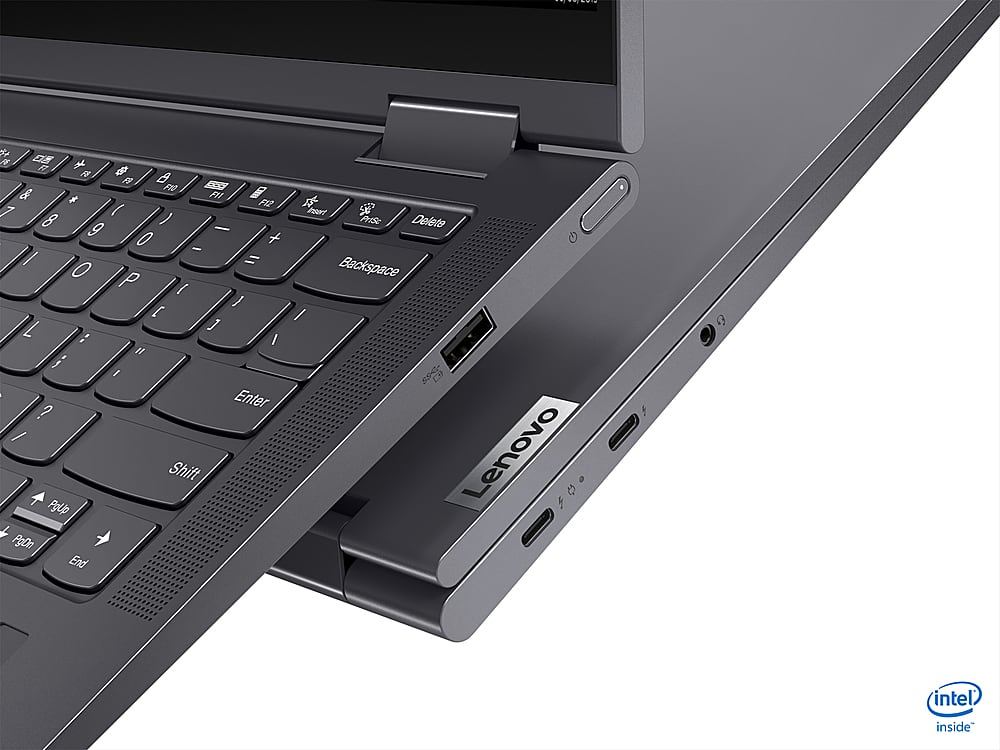
Posted .We are sorry to hear that you are having issues with your legacy files transferring to your new Intel Evo-Certified, Lenovo Yoga 7i 14 model number 82BH000XUS. Be sure any legacy files you have transferred are compatible with Windows 10 and the Yoga 7i 14 configuration. Resetting your computer back to original factory settings may correct the problem you are having. This system is equipped with OneKey Recovery System. There is a very small pin hole on the bottom right side of the device, right near the top right corner of the cooling vent on the bottom of the device. You will need a pin to push this reset button. Plug the device in. Let the battery charge for about 15 minutes. Push the reset button. The system should boot to a choice screen where you can choose "Restore To Factory Default". Select this. It will delete everything from the hard drive except the original factory install of the operating system. You will need to reinstall all programs and files after the reset. If you don't have copies of the files, try to make one before you restore by selecting "Boot to desktop" and trying to back up your files. Once you have the computer reset, be sure any software you installed is compatible with Windows 10 and the Yoga 7i 14 configuration. There is no need to install Microsoft Office software. The software is already part of the operating system, you just need to activate the software with a purchased product key. If you have installed a copy of Microsoft Office, this is conflicting with the existing copy on the system and this will slow your system down. If you have installed a 3rd party anti-virus program, be sure that Windows Defender is turned off and that the trial version of McAfee Anti-Virus software is uninstalled. There can only be one anti-virus program on the system. You may need to restore your system to original factory default settings if any of the programming errors have occurred. You can do that by typing "restore" in the Cortana search window. Just click on the magnifying glass icon at the bottom left of your Windows 10 Desktop. Click on "Reset This PC" Then click on "Get Started" and follow the on screen directions to restore to factory defaults. If the problem persists, we recommend you contact Lenovo Tech Support at: 877-453-6686.