Customer Ratings & Reviews
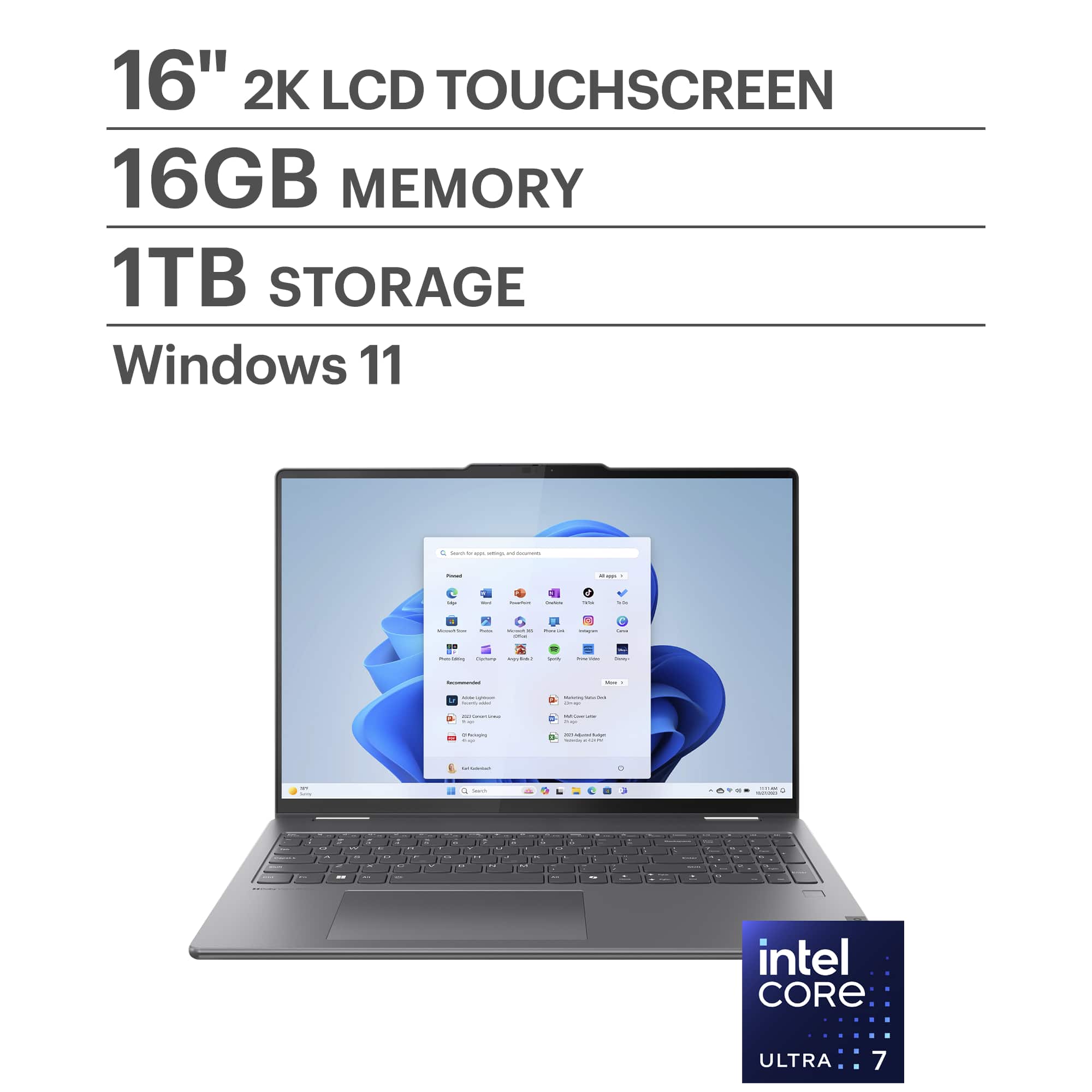
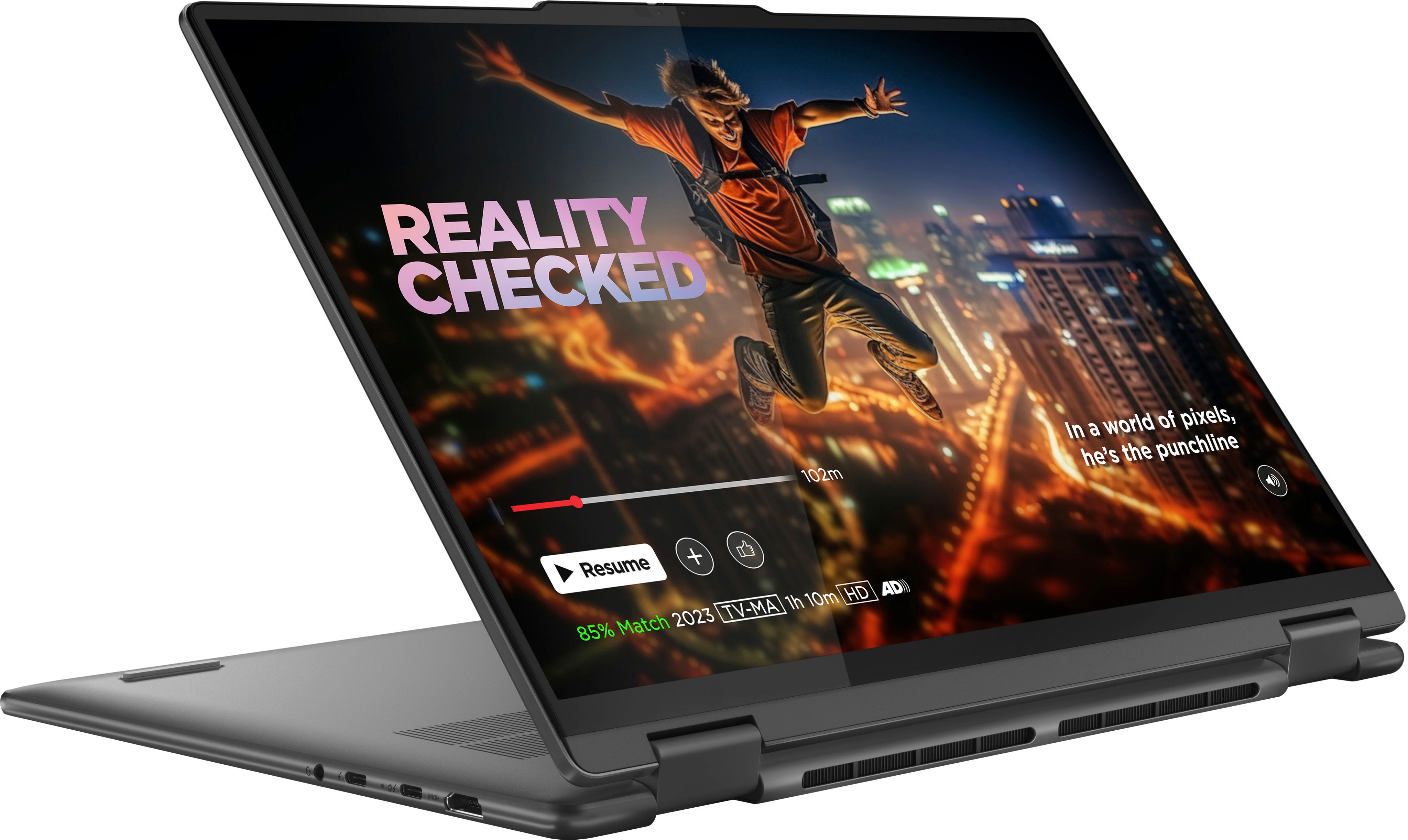
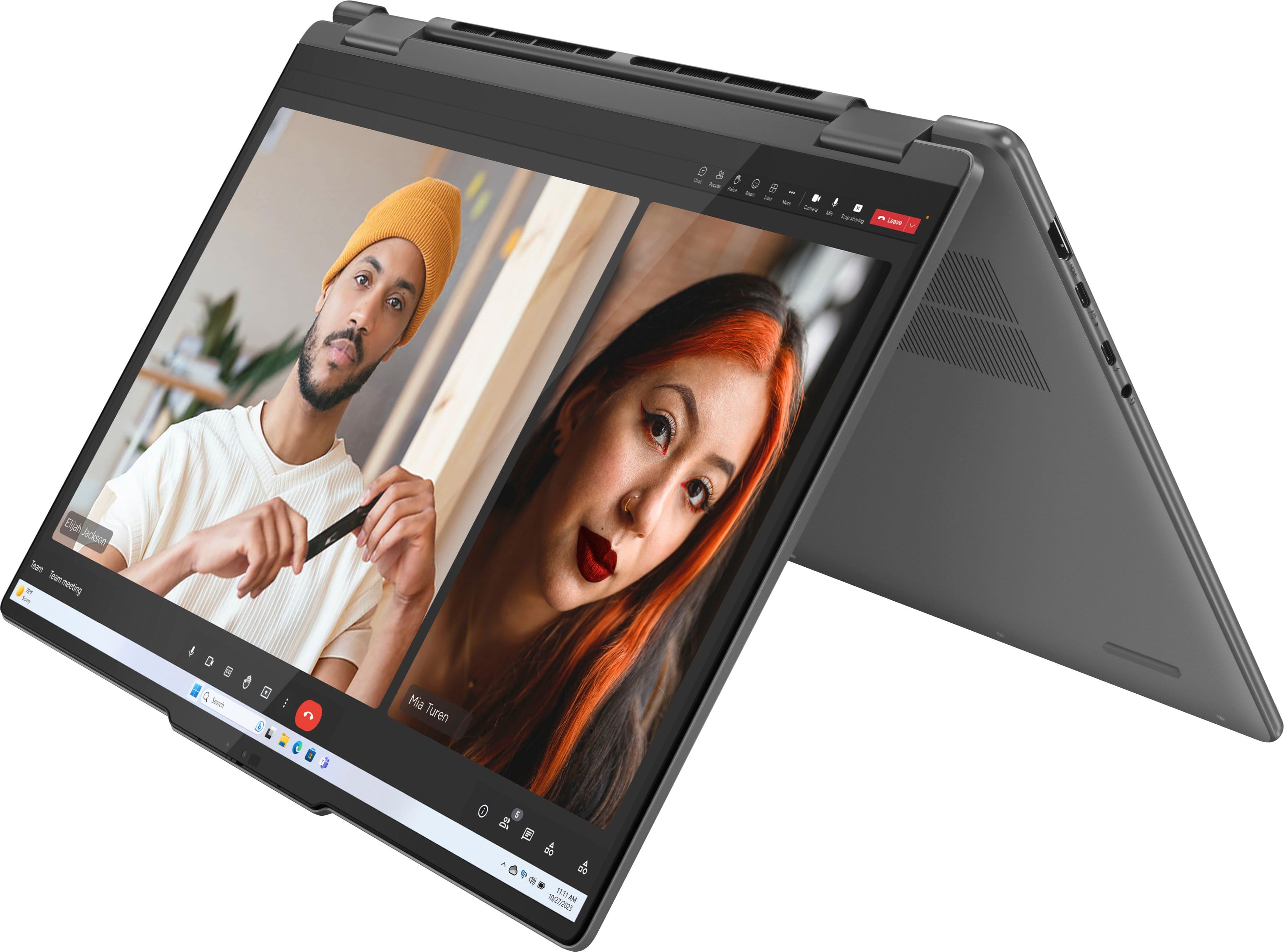
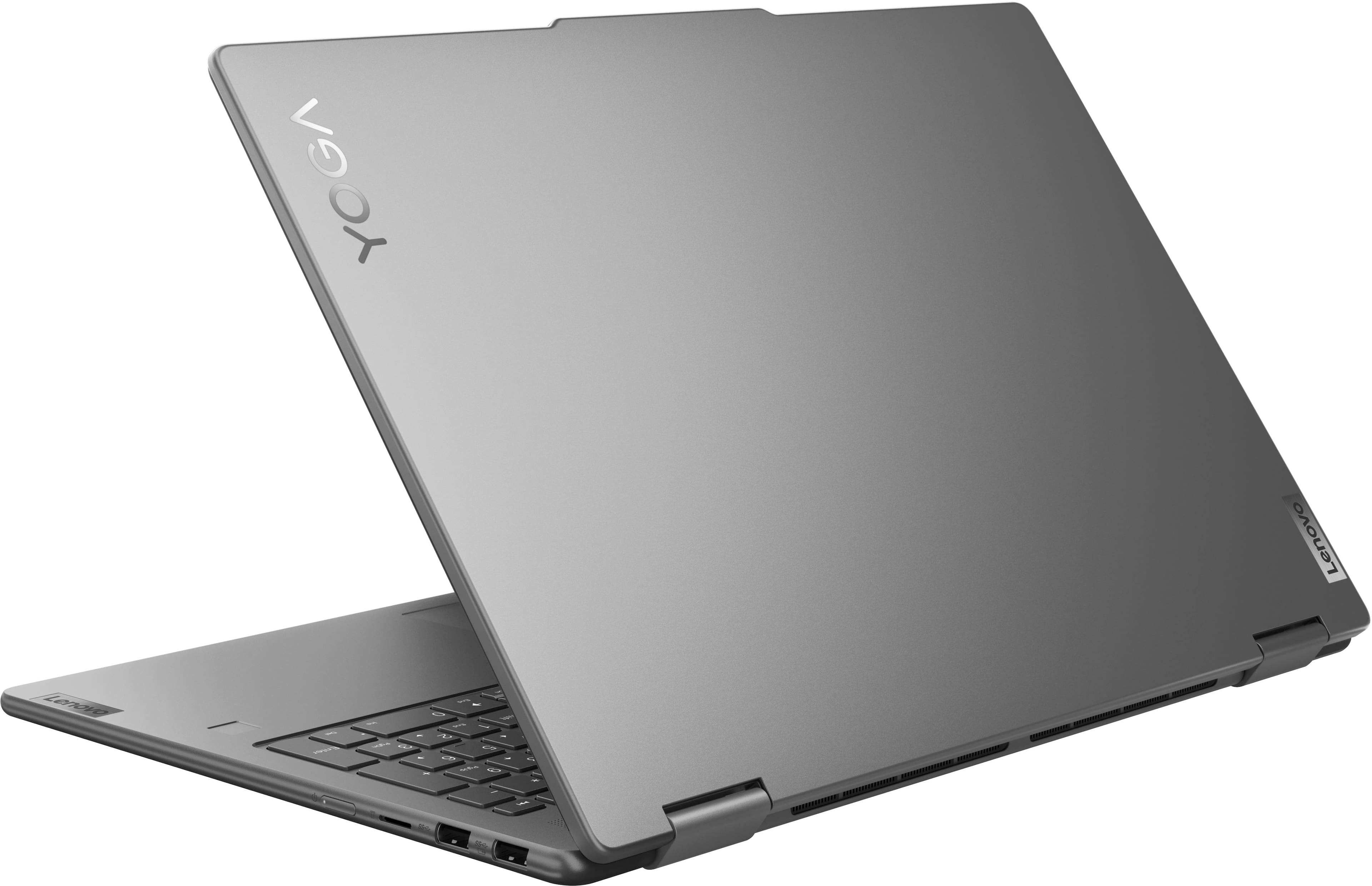





- Model:
- 83DL0002US
- SKU:
- 10558584
Rating by feature
- Battery Life
Rating 4.7 out of 5 stars
- Speed
Rating 4.8 out of 5 stars
- Display
Rating 4.8 out of 5 stars
Customers are saying
Customers express satisfaction with the Yoga 7i 2-in-1 laptop's overall performance, speed, portability, battery life, touchscreen, screen size, design, and storage capacity. Many appreciate its responsiveness and suitability for daily travel. However, some find the weight to be a bit awkward and have noted concerns regarding port selection, heat dissipation, and fan noise. Overall, the positive aspects of the laptop appear to outweigh the drawbacks for most users.
This summary was generated by AI based on customer reviews.
Controller
||Posted . Owned for 3 weeks when reviewed.This reviewer received promo considerations or sweepstakes entry for writing a review.Very pleased with the facial login feature option.
I would recommend this to a friendGreat purchase and buying experience!
||Posted . Owned for 2 weeks when reviewed.This reviewer received promo considerations or sweepstakes entry for writing a review.Love my Lenoveno 7i 16". It's a little heavy but does the job!
I would recommend this to a friendBrand response from Lenovo Product Expert
Posted .Hi AnnetteS, thanks for choosing Lenovo! We're glad to hear that your Yoga meets your needs and that you love it. We appreciate you taking the time to share your feedback with us.

Lenovo yoga
||Posted . Owned for 2 weeks when reviewed.This reviewer received promo considerations or sweepstakes entry for writing a review.The face recognition is not the best and battery life is not the greatest, other wise I love the computer so far
I would recommend this to a friendBrand response from Lenovo Product Expert
Posted .Hi, Josefinae, thank you for choosing Lenovo! We recommend applying any updates available for your device through the Lenovo Vantage app preinstalled on your Yoga. Updating the camera software and more should resolve these issues, along with making several applications of face scans in various lighting and accessories worn for accuracy. We are glad to hear that you are otherwise loving your Yoga, and we appreciate you taking the time to share your experience with us.
lenovo
||Posted .This reviewer received promo considerations or sweepstakes entry for writing a review.The laptop can be slow sometime and after a window update it kept being slow
I would recommend this to a friendBrand response from Lenovo Product Expert
Posted .Hey OumarT,
Thank you for sharing your feedback with us. We are sorry to hear that you ran into an issue with your Yoga. We wish to provide the best experience possible, so if you'd like to work with us, we’d like to work with you to address these points and improve your experience with your Yoga 7i.
First, regarding system performance, since you said this occurred after a Windows update, we recommend applying the latest update available, as Microsoft has made several changes to Windows recently. To do so, first, open the Settings app > Select the Windows update tab > Select the Check for updates button, apply all available updates. Next, we recommend updating system drivers and other important software as well via the Lenovo Vantage app. To do this, please open the Lenovo Vantage app > on the homepage, select the Check for updates button, following on-screen prompts to apply all available updates here as well.
We hope that the information shared helps provide some insight and understanding that may improve your sentiments on the system.
We look forward to hearing more from you, so please don’t hesitate to leave us a note in the Q&A section of this product page to continue this discussion and share details on the points we’ve inquired about, along with any further comments you may have regarding your experience. Also, should you desire to contact Lenovo Support directly for swift assistance, you can contact customer care at this number: 877-453-6686, and upon sharing details, we can help provide a resolution tailored to you.
Best regards,
Lenovo
Wonderful Laptop
||Posted . Owned for 1 month when reviewed.This reviewer received promo considerations or sweepstakes entry for writing a review.My daughter loves it. Great laptop for the price.
I would recommend this to a friend- Pros mentioned:Overall performance
Poor Battery Performance
||Posted . Owned for 2 months when reviewed.This reviewer received promo considerations or sweepstakes entry for writing a review.Great Picture and performance, but the battery only lasts two hours with all the extra features turned off. It makes it impossible to use if you need to move around.
No, I would not recommend this to a friendBrand response from Lenovo Product Expert
Posted .Hi, BarbaraL. Regarding your issue with battery life – there are many variables that contribute to shorter battery life. Thankfully, many of those variables can be adjusted. By default, the system will tend to give more speed when needed, which can sacrifice battery life. If you want to squeeze out more battery life, we recommend users utilize the Lenovo Vantage application that is preinstalled to adjust settings related to power and battery performance (to access relevant settings, open Vantage > Device Settings > Power). Users can also take advantage of the keyboard shortcut, Fn + Q to toggle thermal modes and easily switch between prioritizing battery life or power, or even the best of both worlds. We appreciate you taking the time to share your feedback with us, and let us know of your results!
Lenovo Yoga
||Posted . Owned for 1 month when reviewed.This reviewer received promo considerations or sweepstakes entry for writing a review.It only charges to 80%. Now it says it's time for a new battery. I've had it about a month.
I would recommend this to a friendBrand response from Lenovo Product Expert
Posted .Hi, Barmat, thank you for choosing Lenovo! To try to resolve this issue, we recommend a few options. First, check to see if battery charge threshold is turned on in Lenovo Vantage. This feature stops the device from charging past a certain point to help preserve battery health and longevity if consistently plugged in. To check, open the Vantage app > Device Settings > Power > Battery > Battery Charge Threshold. If this doesn't resolve your issue, we recommend reaching out to Lenovo Support here: 877-453-6686, as your device should have battery coverage if its health is below our standards. We appreciate you taking the time to share your experience with us.
Levelo tv
||Posted . Owned for 1 month when reviewed.This reviewer received promo considerations or sweepstakes entry for writing a review.I’m just not comfortable with the options to list the guide for live tv shows. Keeps leading me to Levelo tv channels when I prefer my Direct tv channels. But the tv was a very good price.
No, I would not recommend this to a friendWow, thought I was the only one...
||Posted . Owned for less than 1 week when reviewed.This reviewer received promo considerations or sweepstakes entry for writing a review.This laptop had hardware issues starting on day 2. First sign was shutting down randomly and displaying Windows not shut down properly - which makes sense given the abrupt shutdowns.. Then day 4, multiple hardware issues including videocard failure, audio, harddrive unable to boot and network adapter failure. Rebooted in safemode several times and did scanning/repairs through command prompt. Each scan, there was another unrepairable error. Literally hadnt installed anything on this laptop. Reformatting now and returning as soon as I can. I'm going to avoid Lenovo... never had a good experience EVER. I gave them this final chance and my mistake.
No, I would not recommend this to a friendBrand response from Lenovo Product Expert
Posted .Hey, mdral. We're sorry to hear that you had such trouble with your Yoga, leading to you deciding to return it. If you're willing to work with us to resolve your issues, please contact Lenovo Support directly here: 877-453-6686. If not, we understand your decision and hope that you find the right computing solution for you, along with giving us another chance in the future. Thank you for taking the time to share your experience with us.
Better options avaliable
||Posted . Owned for 1 year when reviewed.This reviewer received promo considerations or sweepstakes entry for writing a review.Screen was dull and not sharp. Speakers were also mediocre.
No, I would not recommend this to a friendPiece of Garbage
||Posted . Owned for 1 month when reviewed.This reviewer received promo considerations or sweepstakes entry for writing a review.Laptop appears to be a lemon but it's outside the return window...I bought it on 12/22/24 and had to wait for it to be delivered. I'm just about 6 weeks in and a few hundred dollars in tech support. Computer has multiple issues. Freezing/lagging when I'm not even trying to work online, and it won't allow me to use extra screens without uninstalling and reinstalling drivers multiple times a day. Will not be returning to Best Buy now that I know the return window is so short. Oh, and I'm an enrolled agent in the midst of tax season dealing with a lousy laptop that is "unreturnable".
No, I would not recommend this to a friendPretty good for the price
||Posted . Owned for 1 month when reviewed.This reviewer received promo considerations or sweepstakes entry for writing a review.Very nice for the price. Seems sturdy but too heavy.
I would recommend this to a friendBrand response from Lenovo Product Expert
Posted .Hey MosheL, thanks for choosing Lenovo! We're thrilled to hear that your Yoga works quite nicely for you. We really appreciate you sharing your experience and feedback with us.
Touchpad goes out
||Posted . Owned for 1 year when reviewed.This reviewer received promo considerations or sweepstakes entry for writing a review.Touchpad goes out where you have to use a mouse. I bought this laptop 13 months ago and the touchpad just went out today. My team bought three of these and they all did the same thing. Product works ok for about a year, then touchpad goes out. Not happy.
No, I would not recommend this to a friendBrand response from Lenovo Product Expert
Posted .Hi MichelleG,
Thank you for sharing your feedback with us. We are sorry to hear that you are having trouble with your Yoga 7i laptops regarding the touchpad. We apologize for the frustration and inconvenience and upset that this has caused you, and we'd like to work with you to resolve this issue.
To start, try installing any available updates through the Lenovo Vantage app by selecting the "Check for updates" button on the homepage of the app, as recent driver releases have addressed reported touchpad issues. Then, check for updates in the Settings app by selecting the Windows Updates tab and selecting "Check for updates" button. Also, you can contact Lenovo Support at this number: 877-453-6686, should you need assistance with this process.
Please update us when you can regarding this and reach out to us again should you have any questions or need further assistance, as your satisfaction is important to us.
Best regards,
Lenovo
SETUP
||Posted . Owned for 1 month when reviewed.This reviewer received promo considerations or sweepstakes entry for writing a review.THE SETUP WAS NOT VERY EASY. INSTRUCTIONS WERE NOT VERY CLEAR.
I would recommend this to a friendBrand response from Lenovo Product Expert
Posted .Hey, TONID, thank you for choosing Lenovo! We are sorry to hear that setup was as issue for you, and we appreciate your feedback. Thank you for taking the time to share your perspective with us.
James
||Posted . Owned for 2 weeks when reviewed.This reviewer received promo considerations or sweepstakes entry for writing a review.Not able to install Microsoft 365. Text support worked on line a total of 7 hours in two days . Then not able to install new printer. At the end of tech support helping , unit shut down and when restarted had no internet ability. Took back to store and they had it for 3 days said it was fixed got home had additional issues. After having for 1 week returned to store. Thought I purchased a 2025 model when returned to Best Buy was told they sold me a 2024 model. Bad week.
No, I would not recommend this to a friendBrand response from Lenovo Product Expert
Posted .Hi James-
Thank you for sharing your experience with us. We are very sorry to hear that you encountered so many issues with the Yoga 7i leading to your return. Our goal is to ensure great use experience for all our devices and are disappointed to hear that we didn’t meet our target.
Please know if you have any issues with our products that we have Lenovo Support team members on standby here: 877-453-6686 who can assist with issues. We hope that you choose our products again in the future.
Best wishes,
Lenovo
Buy
||Posted . Owned for 1 week when reviewed.This reviewer received promo considerations or sweepstakes entry for writing a review.I heard best buy doesn't work on commission but the salesman was pushy out the gate. Was supposed to have touchscreen but I think I got won't computer sent to me
I would recommend this to a friendCheap quality
||Posted .This reviewer received promo considerations or sweepstakes entry for writing a review.This laptop is slow, mousepad keeps going off, twice fixed for drivers?
No, I would not recommend this to a friendBrand response from Lenovo Product Expert
Posted .Hi Zizu,
Thank you for sharing your feedback with us. We are sorry to hear that you are having trouble with your Yoga 7i 2-in-1's touchpad. We apologize for any inconvenience that this may be causing you, and we'd like to work with you to resolve this issue.
To start with the touchpad, we recommend checking touchpad settings first by opening the Settings app > Bluetooth & Devices > Touchpad. There should be an option to toggle touchpad options there, and please ensure it is on. Also, under the "Taps" option in this part of the menu, you can adjust touchpad sensitivity.
If this doesn't resolve the issue, along with helping your performance troubles, updates can help with this as well. We recommend ensuring you have the latest software by checking for updates, as this could correct the issue. To do so, first, open the Settings app > Select the Windows update tab > Select the Check for updates button, apply all available updates. Next, open the Lenovo Vantage app > on the homepage, select the Check for updates button, following on-screen prompts to apply all available updates here as well.
Please feel free to reach out to us via the Q&A section of the product page should you have any questions, need further assistance, or what else we may do to help improve your experience, as your satisfaction is important to us.
Best regards,
Lenovo
Disappointed
||Posted . Owned for 2 weeks when reviewed.This reviewer received promo considerations or sweepstakes entry for writing a review.I'm very unfamiliar with this brand of computer snd I just don't know how to use it. I wish I had been shown some features at the time of setup. I'm really disappointed.
No, I would not recommend this to a friendBrand response from Lenovo Product Expert
Posted .Hello,
Thank you for sharing your feedback with us. We're sorry to hear that you ran into an issue. We strive to provide the best experience possible. We're disappointed and apologize that this wasn't the case for you, and we'd like to work with you to try to improve your experience.
We recommend contacting Lenovo Support at this number: 877-453-6686, to work with the Customer Care team for swift action as we look to resolve this matter for you and make things right.
Please don't hesitate to let us know what else we can do to improve your experience, as your satisfaction is important to us.
Best regards,
Lenovo
- Pros mentioned:Overall performance, Touchscreen
Good purchase
Posted .This reviewer received promo considerations or sweepstakes entry for writing a review.I love my Lenovo Yoga 7i. The 2-in-1 design and touchscreen make it very versatile for both work and entertainment. Performance is smooth, and the 16GB memory with 1TB SSD gives me plenty of speed and storage. A great laptop for everyday use and creative tasks.I’m
I would recommend this to a friend I do not recommend buying this laptop
||Posted . Owned for 8 months when reviewed.This reviewer received promo considerations or sweepstakes entry for writing a review.I bought this laptop for $1150. After 3 days it was completely stuck and couldn't work.A few days later I returned it and they replaced it with a new one.After 2 months of working with this laptop, my right speaker stopped working,constant program freezing,I'm tired of working on a laptop that constantly causes problems.It's not worth the money and I wouldn't recommend anyone to buy it.
No, I would not recommend this to a friendBrand response from Lenovo Product Expert
Posted .Hey SerhiiM, we're sorry to hear that you're having trouble with your Yoga. To try to resolve this, first, we recommend ensuring you have the latest software by checking for updates, as this could correct the issue. To do so, first, open the Settings app > Select the Windows update tab > Select the Check for updates button. Next, open the Lenovo Vantage app > on the homepage, select the Check for updates button. If after the available updates are applied and the system restarts, yet the issue persists, in-depth troubleshooting will be required, in which we then recommend working with Lenovo Support for assistance.
















