Customer Ratings & Reviews
- Model:
- 80ML000PUS
- SKU:
- 4945000
to a friend
Customers are saying
Customers have good things to say about the Yoga 900S-12ISK 2-in-1 12.5" Touch-Screen Laptop. They rave about the terrific battery life.
This summary was generated by AI based on customer reviews.
- Pros mentioned:Active digitizer, Battery lifeCons mentioned:Small right-shift key
The 900S is a gem
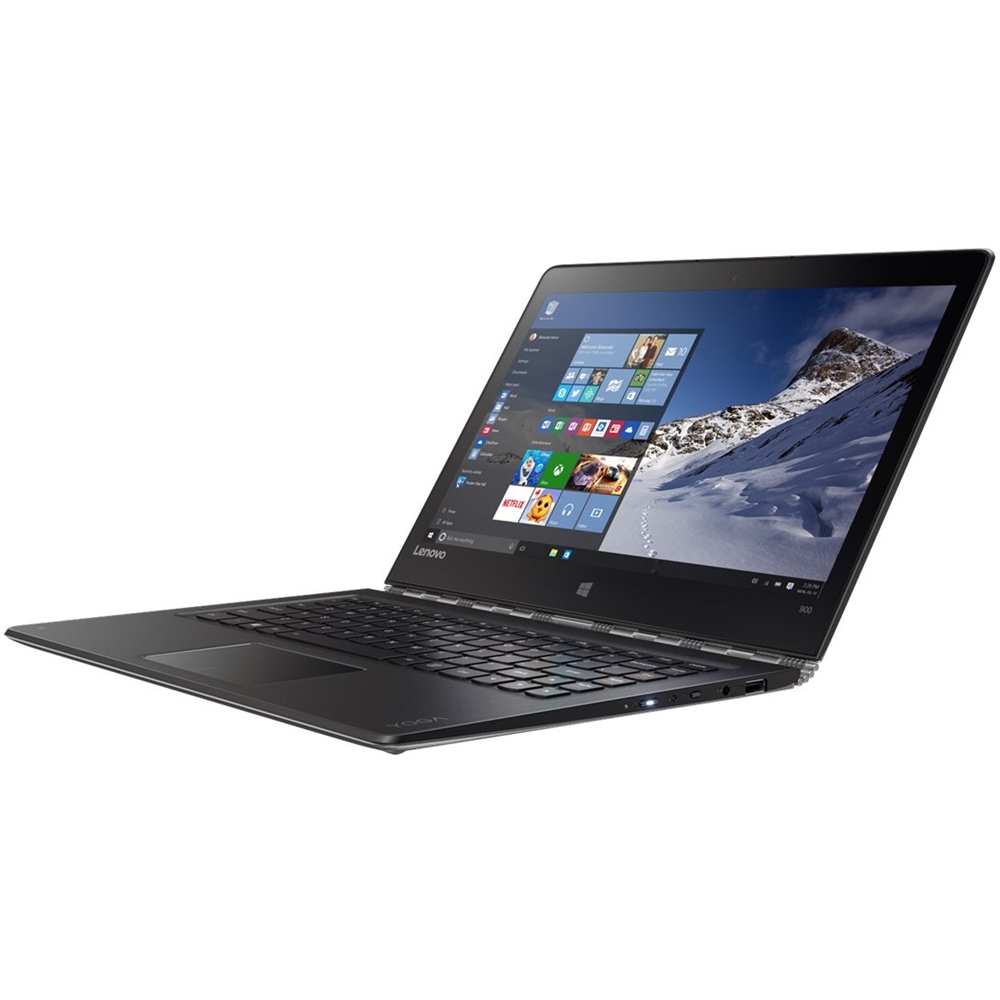
||Posted .This reviewer received promo considerations or sweepstakes entry for writing a review.Absolutely love this notebook. It's fast, completely quiet, compact, has very long battery life, and most importantly for me - has a touch screen with active digitizer (that is, it provides palm rejection while using the stylus). If one sets the expectations right - that it's Core M and not meant for professional graphic/video - then it really is a "gets almost everything right" rather than "tries to be everything but is none" notebook. The only complain I have is with the small right-Shift key - one gets used to it after a while but it still makes little sense to me to reserve space for full size arrows rather than properly sized Shift key.
I would recommend this to a friend - Pros mentioned:Color
Just a couple design issues
||Posted .This reviewer received promo considerations or sweepstakes entry for writing a review.I liked the 900s - a lot - so much that I still think about it and sometimes regret having returned it. But now I've spoiled the review. There is again so much I liked, namely, the fact that 12 inches is the perfect size for an ultra portable laptop, especially the ultra-slim, featherweight chassis of the 900s. I had an 11-incher for a while that I loved - but as a tablet, not a laptop (even though it actually was a laptop). And the 13-inch laptop I did end up with (Samsung Notebook 9 spin) is not much bigger, but does not satisfy my need for total sleekness like the Lenovo. The Yoga 900s is just so thin, so lightweight, and just large enough to be a) considered a real laptop and b) house a screen large enough to be completely productive or fully entertaining as needed. The screen has not only good viewing area, but a realistic and natural color gamut (the Samsung's is a little too vivid, though maybe a little more exciting and pleasing). And the battery was incredible - so good I realized other machines have given me a dead battery anxiety I would now have to cure (and which the Samsung has now rebirthed because of its terrible life). I had the champagne variant, which I was worried about since I ordered online without actually seeing the exact color or texture. However, it was muted and classy enough to be enjoyed and displayed to the world, while having just enough panache and intrigue to be a little more interesting for those who want to show some personality. (I speak as a hetero male who would have ordered the vivid orange from the full-size 900 if they had offered it on the S.) I really can't emphasize enough how successfully Lenovo nailed the champagne color - just perfect. Finally, again related to the color, the champagne keys matched the outer shell perfectly, and did not show grease or dirt at all (grease transfers from my fingers to the Samsung keyboard and touchpad in the worst, shiniest way). I had just a few reservations which, given the high price of the 900s, I decided not to accept. Peripheral connectivity - I really wanted to get into the USB-C generation (if not Thunderbolt II), but I needed at least one more USB port that was not already being used for power and either a full or micro-SD slot. They keyboard was comfortable to use - it's soft resistance making up for the shallow key travel - but the Ctrl button for the right pinky was excruciating to reach - I felt my pinky cramp up every time I typed so much as a brief email. Finally, and this is a Lenovo thing, not being able to give the mouse touchpad a two-finger touch to perform a right-click. Actually having to click the pad as a mechanical button (with two fingers) was fine for most uses, but many times I need to maintain absolute mouse silence or plain just WANT to do the silent/quick two-finger touch WITHOUT pushing the entire pad. By now I have revealed that I am OCD, I fully admit it. But pretty much every laptop from every other major manufacturer will let you execute a right-click either way; I'm not sure why Lenovo doesn't follow suit. I would also complain, if I hadn't ended up in the exact same situation (actually, the way Samsung does shortcut keys, especially the Fn functions, is even worse than Lenovo!), about the lack of media keys. Play/pause is a critical key for any consumer device, and even enterprise machines have them, if not also the track forward and track backward. Why not Lenovo (or Samsung)? Finally, I found the m7 chip to lag a little and stutter on simple things like scrolling webpages - however, I never had that problem on my 11-incher with m5 chip, so in fact I don't think it was the hardware and believe that some firmware or driver updates would have resolved that soon enough, so I am going to keep this particular complaint in my back pocket. If any single one of these reservations had not been, I would absolutely have kept the 900s, especially in champagne, and been happier with that machine than the one I did keep. But it's expensive, and I needed it to have just one fewer flaw for my hard-earned money. If you or your friend decides my above reservations are livable (or your pinky does not cramp trying to hit the right-hand Ctrl), and you think you want to spend so much on such an incredibly attractive and sophisticated little machine, then do it - I will not only be happy for you, I will actually be envious of your gorgeous, modern device.
I would recommend this to a friend - Pros mentioned:Battery life
Thin, light, robust & great battery life!
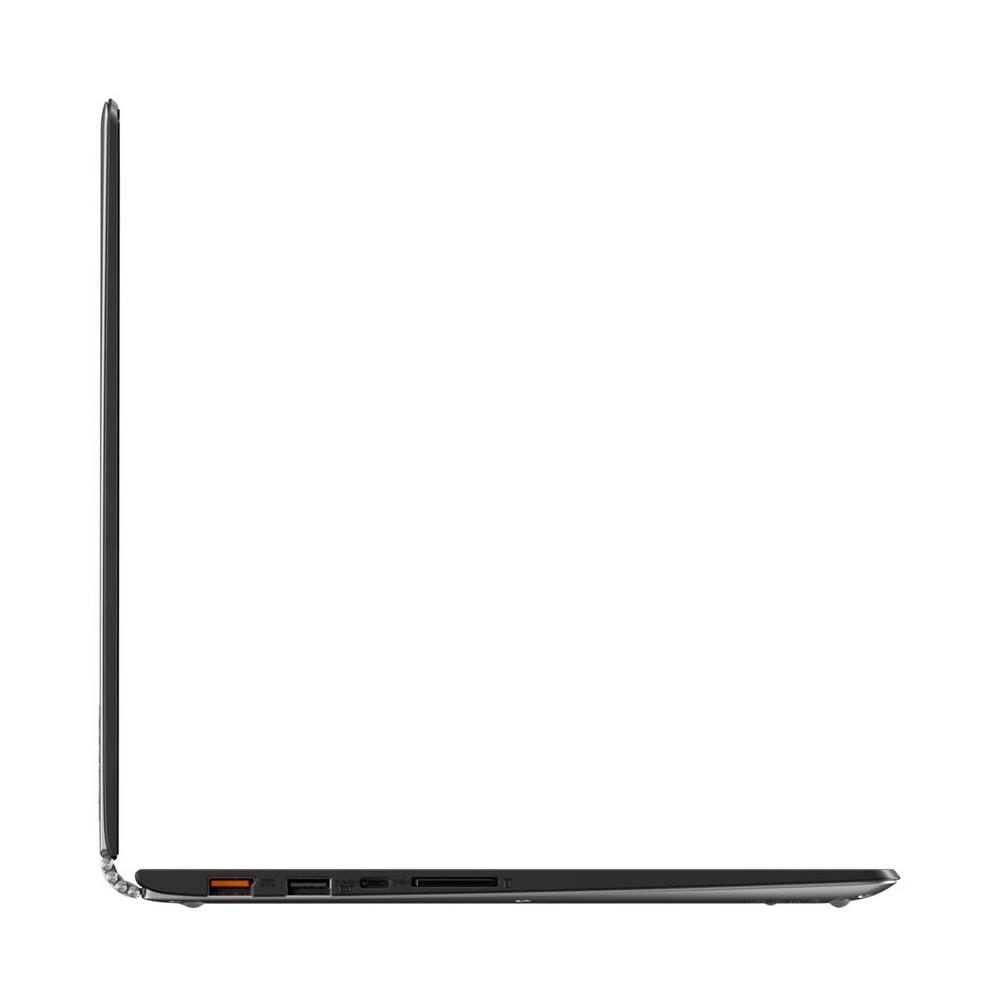
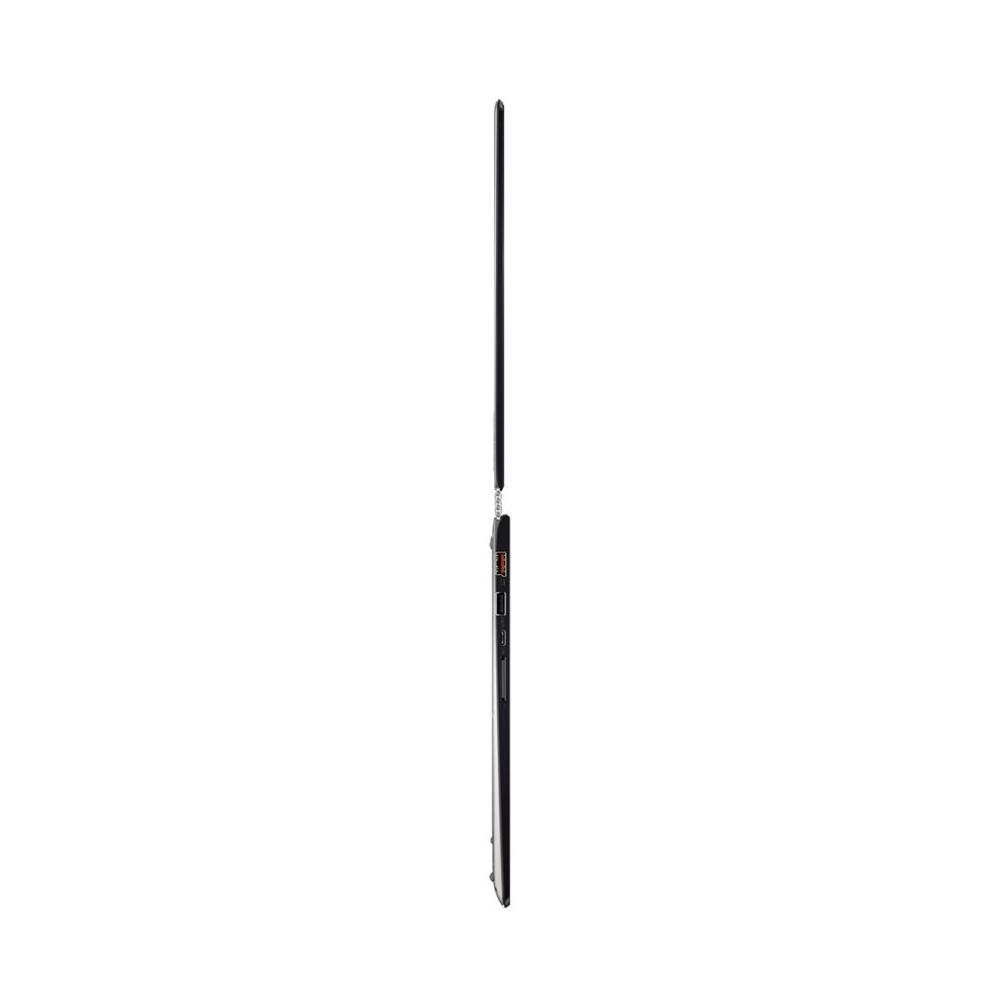
||Posted .This reviewer received promo considerations or sweepstakes entry for writing a review.Preface:I already own a rather expensive quad core laptop with with all the bells and whistles which only achieve 5-6 hours of battery, but its mainly for home use anyway. I needed something thin & light that could be used in tablet mode (most of the time) almost anywhere for what on certain days could be extended periods of time. Thus stellar battery life was one of my requirements. The 900S nailed it for me. I don't photoshop or play games on this machine for that is not my intended use. But for all my needs (internet surfing, emails, movies, reading- I can hold it like a book, and other light to medium activities) this fills the bill. Wifi, HDMI out, bluetooth work well and although there can definitely be a lot of glare (one of it's few weaknesses) present depending on the lighting and the viewing angle this QHD screen is absolutely gorgeous! I routinely achieve 3 to 5 hours of battery life at 60 to 70 percent brightness with 50 to 60 percent battery left at the end of the day. I sometimes won't charge it for days. The core m7 (= appr. I5 range), 256GB of space and 8 gigs of ram are the prefect combination for me. I purchased mine (open box) for appr. 200.00 less so keep an eye out for those open boxes as this definitely sweetened the deal for me. I've owned it for 30 days so I'm still within my return date, but I'm keeping it! Also around early November Lenovo added support for Linux through a bios update so you can load Linux instead of windows if you're into that. Disadvantages: Other than the occasional screen glare other issues (non of which are deal breakers for me) include the small size right shiftkey, no sd card support, key travel's a little shallow, no lock support and can be a struggle to open without using your nails. Advantages: (other than what's already mentioned), You can use the charging port as a regular USB 2.0 (plus you have the USB C on that same side while a USB 3.0 resides on the other side), touch screen is accurate & responsive while the palmrest feels soft and & comfortable (almost like leather), the Lenovo Active Capacitive Pen GX80K32882 (2,048 levels of pressure sensitivity) works great (purchased for 33 bucks on Amazon), the 360 degree hinge is nice and sturdy, incorporates a fanless design so no noise (albeit it doe get a little warm at times), it has a 2 level backlit key board, it's a 1/2 inch thin and only weighs 2 pounds! Side Note: My son and I both received Surface pros 4s last Christmas and while he loves his Surface Pro for school it was definitely overkill for my needs. My daughter now owns what was once mine and I have this sweet piece of tech. I couldn't be happier.
I would recommend this to a friend Awesome laptop
||Posted .This reviewer received promo considerations or sweepstakes entry for writing a review.I'd been waiting for this laptop since 2016 CES. It's been delayed and finally got it when it was available at Best Buy. For me, this laptop is almost perfect. Prior to this I had been mainly using a Surface Pro 2. I was considering a Surface Pro 4 or the 900s. I returned a Surface Book because it was too heavy. The 900s is extremely portable, so it works great as a laptop. It is light enough so that it is usable as a tablet. You wouldn’t hold it in one hand, but as a stand up device (i.e. like a Surface with a kickstand) it works great. I also ordered the pen. The pen is good but not great compared to what you can get with the Surface. Screen is also good but not great. However, it is extremely lapable unlike a Surface. Highly recommended! I’m shocked the 900s isn’t a hotter machine. Pros - Extremely portable and lapable - Good speed (not great, but I ran Firewatch) - Good ports - Great keyboard Cons - Surface screen is better - Surface pen is better - m7 is fast but not as fast as an i series
I would recommend this to a friendBrand response from Lenovo Product Expert
Posted .Thank you for choosing the Lenovo Yoga 900s. We are pleased that the Yoga 900s meets your computing needs so well.

- Pros mentioned:2 in 1
Great
||Posted .This reviewer received promo considerations or sweepstakes entry for writing a review.Great 2 in 1. Kind of annoying when switching from tablet to desktop mode or vice versa.
I would recommend this to a friendBrand response from Lenovo Product Expert
Posted .Thank you for choosing the Lenovo Yoga 900s-12. We are pleased to hear that the Yoga 900s-12 is working out for you.
- Pros mentioned:Battery life, Portability
nice for bringing the lap top with you
||Posted .This reviewer received promo considerations or sweepstakes entry for writing a review.I like the weight and size. It is easy to carry around with out too much weight and bulk. Battery life it great so I can use it for the day with out needing to find a plug
I would recommend this to a friend good computer for college
||Posted .This reviewer received promo considerations or sweepstakes entry for writing a review.my daughter is enjoying her new lenovo computer for her freshmen year at college
I would recommend this to a friendBrand response from Lenovo Product Expert
Posted .Thank you for choosing the Lenovo Yoga 900s-12 for your daughter. We are pleased to hear that the Yoga 900s-12 is meeting your daughter's computing needs so well.
- Pros mentioned:Color
great in every respect.
||Posted .This reviewer received promo considerations or sweepstakes entry for writing a review.eat small size and weight, great performance. Solidly built. Gold color is fun
I would recommend this to a friendBrand response from Lenovo Product Expert
Posted .Thank you for choosing the Lenovo Yoga 900s. We are pleased that the Yoga 900s is meeting your computing needs so well.
Good Laptop
||Posted .This reviewer received promo considerations or sweepstakes entry for writing a review.I saw this laptop and I read up on it and got it. I've been happy with what I got.
I would recommend this to a friendBrand response from Lenovo Product Expert
Posted .Thank you for choosing the Lenovo Yoga 900s-12. We are pleased to hear that the features of the Yoga 900s-12 fits with your expectations for a computer so well.
- Pros mentioned:Battery life, Portability
Excellent 2 in 1 laptop/tablet
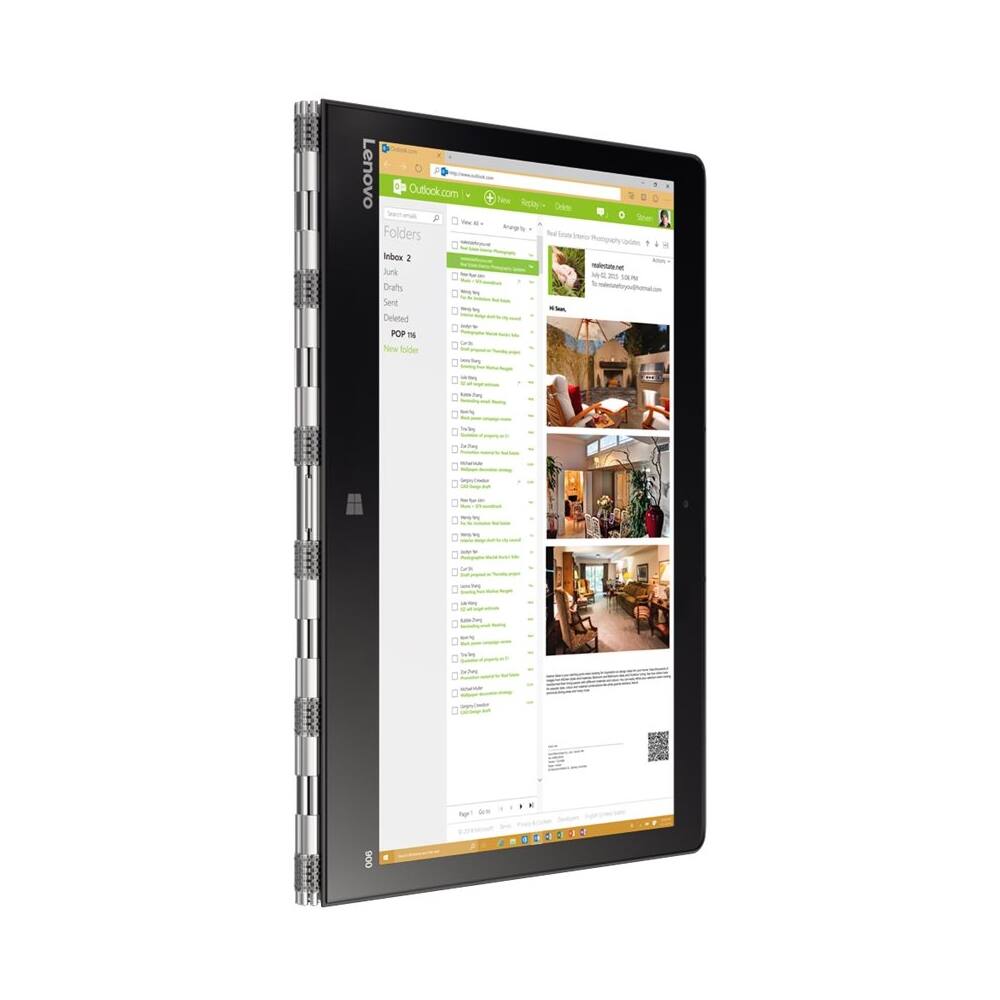
Posted .This reviewer received promo considerations or sweepstakes entry for writing a review.I purchased this after purchasing the Surface Pro 2 almost 3 years ago from BestBuy. That was a workhorse, but I wanted to get something lighter and with a longer battery life, while not sacrificing portability and function. I believe I have found it with the Lenovo 900S. I initially got the 128 gb model, but then realized I needed more space on the hard drive since, unlike the Surface Pro 2, there is no expansion slot for an SD card. (I previously added 64gb to the Surface Pro 2 with a mini SD card.) So far, I am very pleased with this computer. The track pad on the Lenovo is much easier to use than the one on the Surface keyboard, and it has greater response. Also, the watchband hinge turns the laptop into a tablet in seconds, and works well (Try not to spill any sticky syrup in that hinge, because I can't imagine trying to clean that up!) And of course, it is very light and portable. I like the bigger screen from the Surface Pro 2, but it's not too big. I purchased the silver 900S, and if you are working outdoors, you will have a hard time seeing the keys from an angle, because unfortunately there is not much contrast between the key labels and the silver keys. At night or indoors, there is no issue. The battery life is terrific, as advertised, and I am overall very pleased with the speed of this unit. I will have to purchase adaptors for the USB C, but that's not a big deal, as there is also a standard USB port on the side. The other "issue", if you can call it that, is the placement of the power button. You have to be careful that when you pick up the unit, you don't accidentally turn it off. Also, it is not that responsive, so you have to play with it to turn it on. Not a big deal, but just something to get used to. The keys have a good feel and response, not as good as the Surface keyboard, but not as bad either. Other reviewers found it difficult to type, but I am doing just fine so far. It just takes some getting used to. I gave it 4 stars, but it's really 4.5 stars, but that was not an option. You will not be disappointed, in my opinion.
I would recommend this to a friendBrand response from Lenovo Product Expert
Posted .Thank you for choosing the Lenovo Yoga 900s-12. We are pleased to hear that the Yoga 900s is meeting your computing needs so well.
Good enough to make me break up with my old laptop
Posted .This reviewer received promo considerations or sweepstakes entry for writing a review.I want to love this computer so bad, but it's hard to break up with your old machine. Finally, it's the weight and size I was looking for to make me give up on my Toshiba Portege from 2010. The Yoga 900s is great in almost every way – the keyboard is perfect for my little hands. The weight shaves about .7 lbs from the Portege. It's not too bad for word processing and super-portable. But my Toshiba Portege, which I was loathe to give up, was almost a perfect machine with its multiple USB, SD card, and video ports, ethernet port, and CD drive – all of which got good use from me. And the ethernet port got recent use when the cable guy showed up to make some repairs. The Portege was starting to show its age in terms of dings and pieces falling off - but I wasn't going to give it up until it was beat on weight/portability which, at 3.1 lbs was extremely difficult – and many machines are still heavier, or didn't cut enough weight for me to want to give up having all that functionality. The Yoga 900S finally beats it, and is quieter without the Portege's constantly whirring fan. And though it's small, it could be smaller. I can't quite figure out why Lenovo kept an extra half inch of wasted space on the screen and extra inch on each side of the keyboard – USB ports? The Portege skated really close to the edges for both. It's why I found the larger 13.3” screen Yoga to be too big and actually returned it. But that being said, the screen resolution is crystal clear, a big improvement over my last machine. The keyboard lights up at your command, and the keys are all laid out for easy use - unlike earlier and returned versions of the Yoga. They also finally gave the smaller computer the much-lauded watchband hinge. ooh! I can use the tent mode for recipies while in the kitchen! Nifty! The fact of the matter is, I'm still going to hang on to the Portege for awhile. While traveling, we ended up watching movies on it when we didn't have any other options to connect, and other times we cabled it to the TV directly because the hotel didn't have a DVR and Netflix didn't have what we wanted. And the lack of SD port is actually a solved problem in terms of using an a USB adapter, so I can't be too upset. Phone have moved to cloud technology over SD and mini SD. But it's still going to be a chore to get photos off my phone someday. I worry still about the programs which no longer function in the WX environment. They've ingrained MS Edge in ways that regular MS Internet Explorer wasn't all that important. Some downloads I've depended on through the years only work when downloaded through Edge and not Firefox. I say boo! What kills the love affair is that internet connectivity was actually better on the Portege. So there are places in my house where I can't sit and use the computer. I say, boo to that. So, we're dating. Just holding hands. It's going to be awhile before I let it past first base. Windows X and McAfee are the unwanted tag-along kid brother and sister.
I would recommend this to a friendBrand response from Lenovo Product Expert
Posted .Thank you for choosing the Lenovo Yoga 900s-12. We are pleased to hear that the features and performance of the Yoga 900s meet your needs so well.
- Cons mentioned:Customer service, Hinge caps, Motherboard
Buyer Beware!
Posted .This reviewer received promo considerations or sweepstakes entry for writing a review.I bought this computer less than a year ago for school, and purchased the $300+ 3 year Geek Squad protection plan because I really needed it last. While the laptop itself was fine, I found out the hard way that the charger is gosh-awful and many of the chargers break within a year. Unfortunately, the Geek Squad protection plan only covers one replacement charger. In my case, I didn't even get that. They sent me the charger brick, but not the cord, and the replacement brick didn't even work (so either they sent me another defective brick, or the problem was my cord all along, yet they refused to replace the cord). Best Buy turned my ticket over to some third party parts company, who told me to contact Lenovo directly to get a new charging cable (even though my protection plan through Best Buy should have covered this). Working with Lenovo was an even worse disaster. They kept me waiting for over a month just to tell me today that their chargers are out of stock and they won't honor their warranty because they don't have any replacement parts (despite the fact that they're still selling them for $50 a pop on their website). Also, FYI, Lenovo has terrible customer service. Each time I called I was on hold for at least 20 minutes, and they never had a record of my previous tickets so I had to start from the beginning and give them all of my info with each call. In short, I haven't been able to use my laptop for the last 3 months because I can't charge it. The best laptop in the world is utterly useless if you can't charge it. Not that this was the best laptop in the world sans charging problems. Even before my charger died, I had to have the screen and the motherboard replaced (I will say that Best Buy took care of these issues within 2-3 weeks, which is decent, I guess. Apparently the motherboard thing is another common issue with this laptop - so I was told by the Geed Squad guy). And a relatively minor complaint - the endcaps on the hinges fell off immediately, but apparently Geek Squad protection doesn't cover this either. Missing hinge caps and the relative ease with which the plastic scratches make what initially looks like an awesome, stylish laptop turn into a cosmetic pumpkin pretty quickly. I've always had positive experiences with Best Buy before, but this has been a disaster.
No, I would not recommend this to a friend - Cons mentioned:Laggy touchscreen, Small right-shift key
Returned It
Posted .This reviewer received promo considerations or sweepstakes entry for writing a review.There was a lot I liked about this laptop. The combination of size, weight, and available ports was great. The QHD screen is beautiful. The m7 chip was also good. However, the laptop has a cheap feel to it, and the touch screen and trackpad can get very laggy. Also no Windows Hello or fingerprint scanner. The DEAL BREAKER is the keyboard. Yes, its the right shift key. I read other reviews about this and thought everyone was exaggerating - but they're not. You'll miss the shift key every time. This is especially annoying because this is the shift key you'll use when typing the "@" sign for every single login/email address you input. If it wasn't for the weird keyboard layout and feel, I probably would've kept it.
No, I would not recommend this to a friendBrand response from Lenovo Product Expert
Posted .With regard to the right shift key issue you mention, there is a free software APP called KeyTweak that may help you. You can switch the key functions of specific keys on your keyboard with this software, so you could change the right shift key with the key you hit in its place. Just Google search "KeyTweak" and you will find articles about what the software does and you will find the download location for this free APP.