Customer Ratings & Reviews



- Model:
- 80VF00AYUS
- SKU:
- 5642111
to a friend
Customers are saying
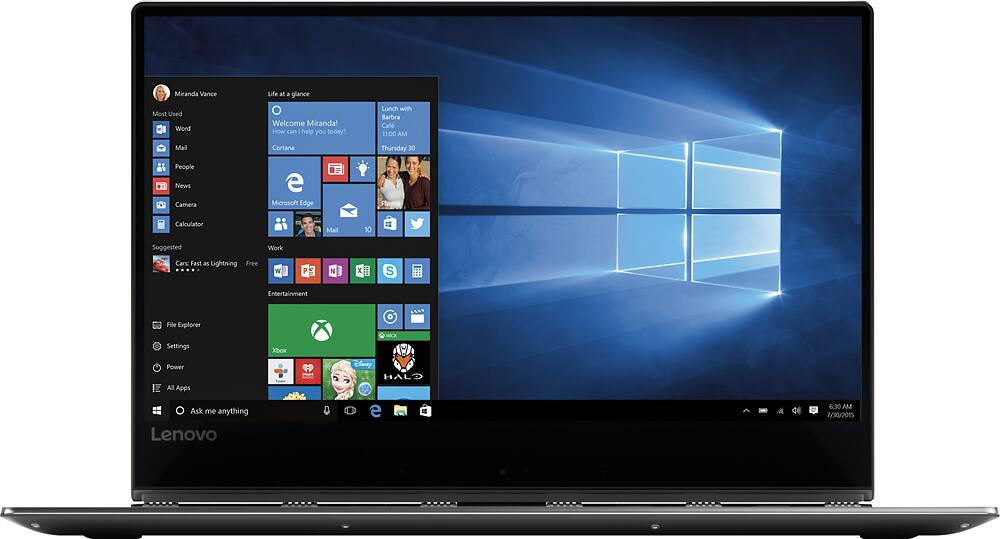
Customers are pleased with the Yoga 910's lightweight design and fast SSD. The bright, sharp 4K touchscreen display also receives positive feedback. However, some customers note that the fan can be loud at times. Overall, the positive feedback on performance and display outweighs the concerns about fan noise.
This summary was generated by AI based on customer reviews.
- Pros mentioned:Processor speed, Ssd, Touch screen
Great laptop so far
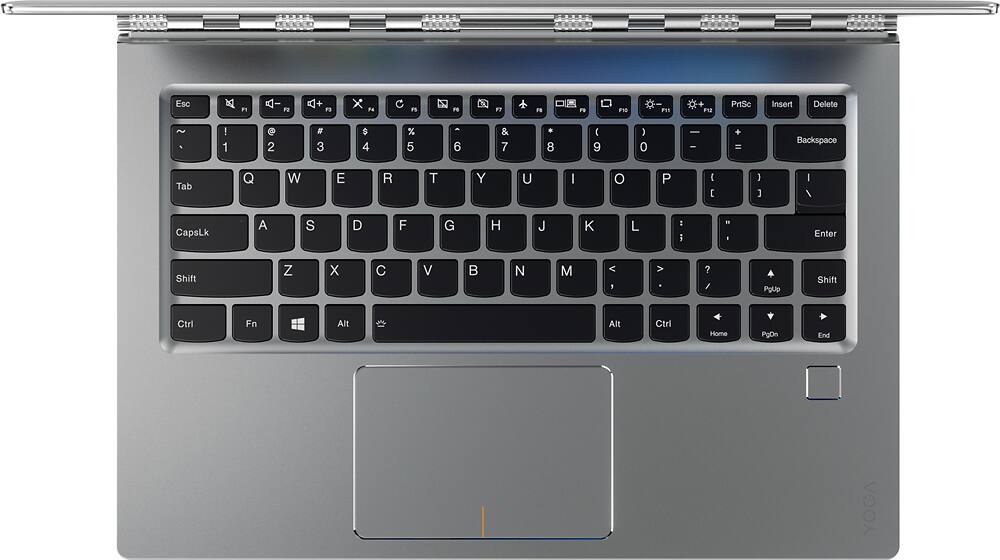
||Posted .This reviewer received promo considerations or sweepstakes entry for writing a review.I got the model with 16GB ram and 1TB NVME disk. Except for the odd shift key that *all* Lenovos have, this laptop is one of the best convertibles. The screen is very sharp and does not create shadows. Compared to a macbook, several small nits: Cons vs. Macbook: - Power connector not good for pets that run near your computer or for generally tripping. - Screen does not seem as good quality as MacBook. - Sound is below par -- HD card can only do 48khz, so forget about MQA on this one, plus it has no optical out like the Macbook. - No SDcard or USB normal slot. - Shift key!! -- The designer should be fired. Pros vs. Macbook: - Faster hardware for much lower price point - NVME disk. - 7th generation i7 cpu. - Touch screen. - Lower weight.
I would recommend this to a friend - Pros mentioned:Touch screen
Best 2-in-1 ultrabook out there!
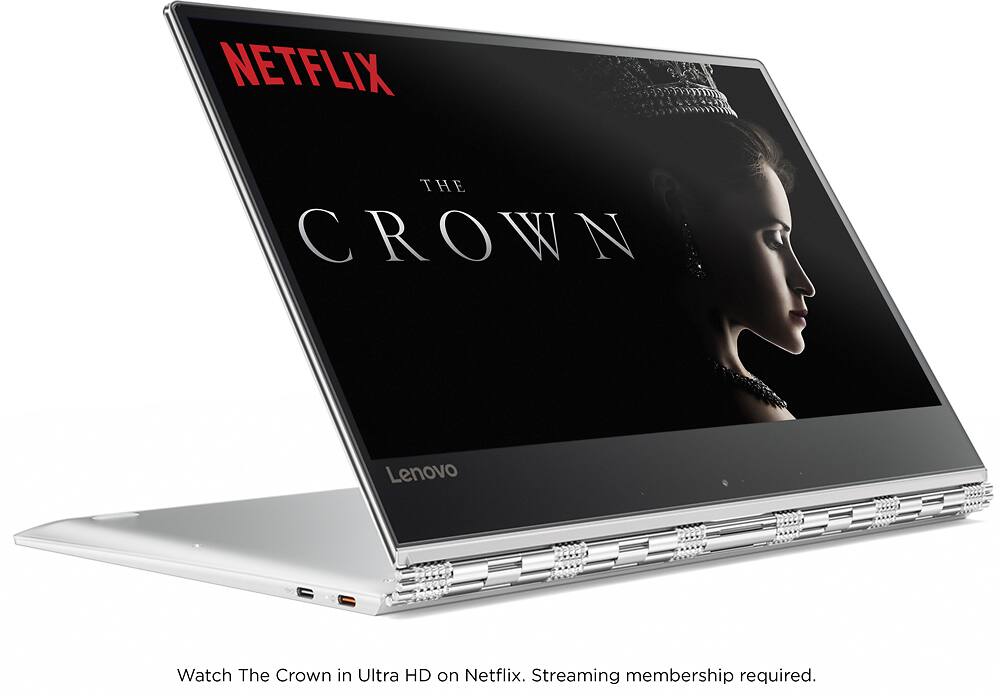
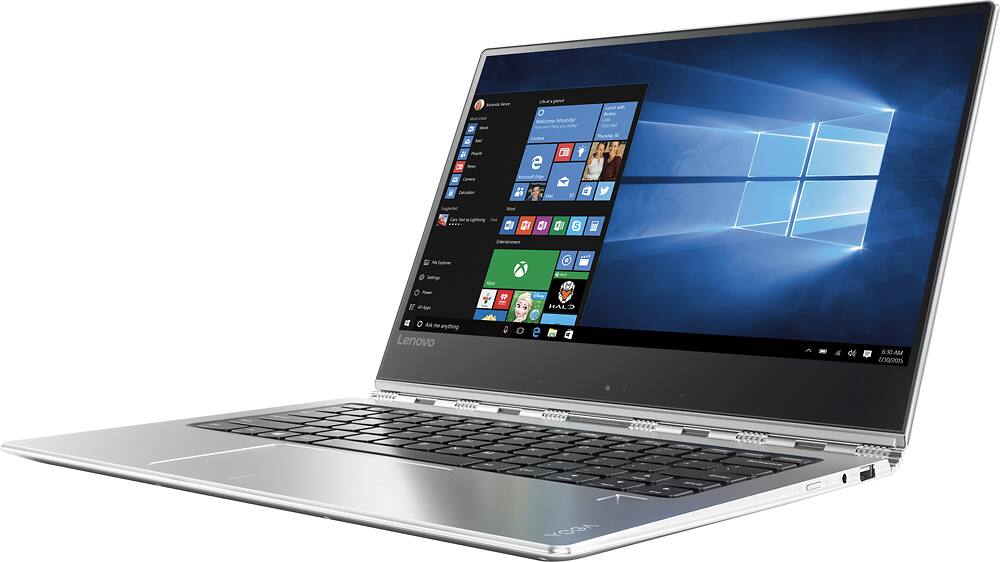
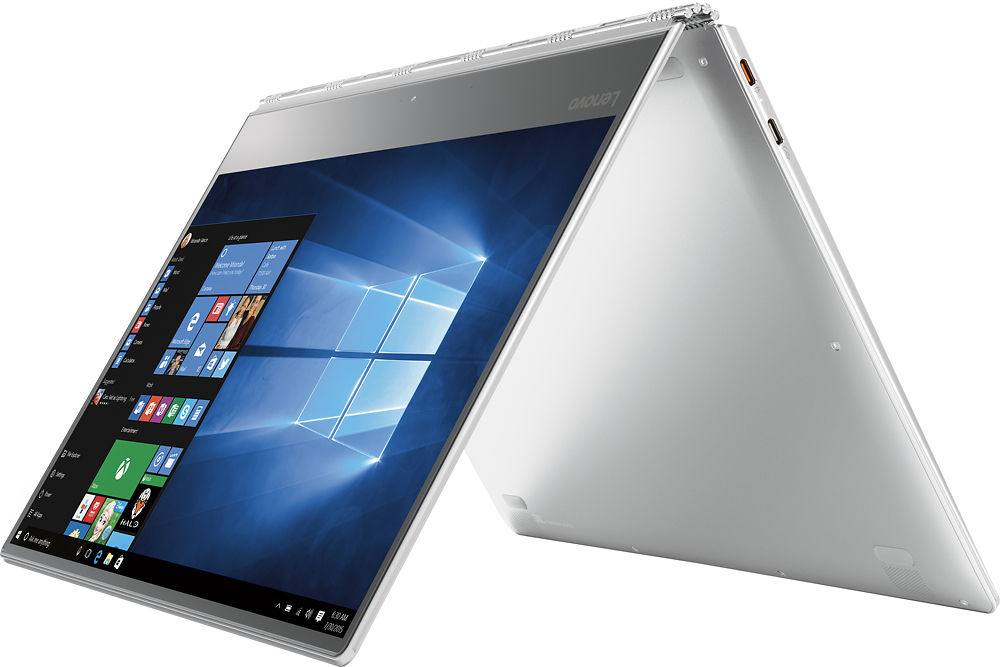
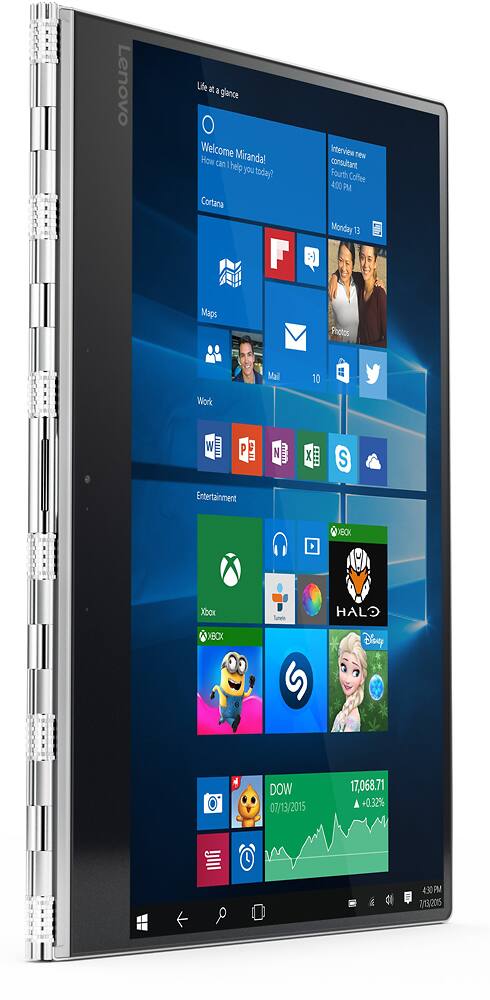
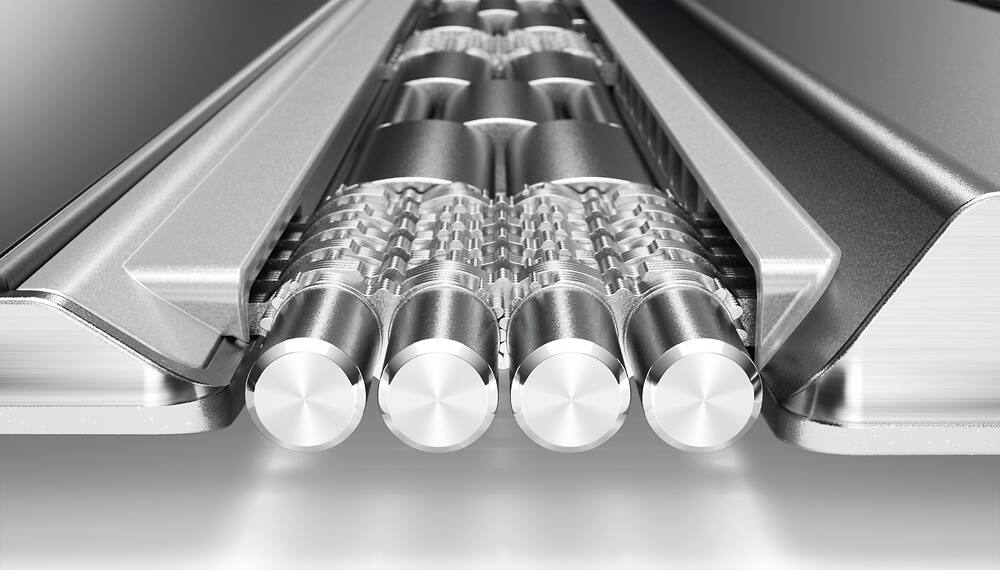
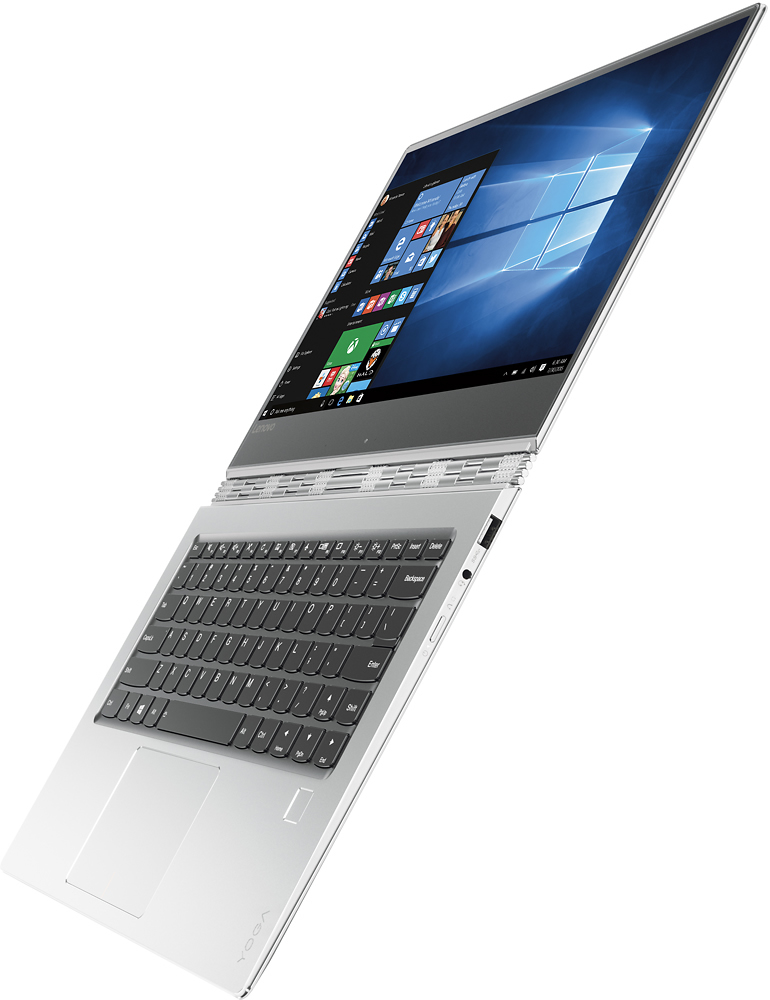
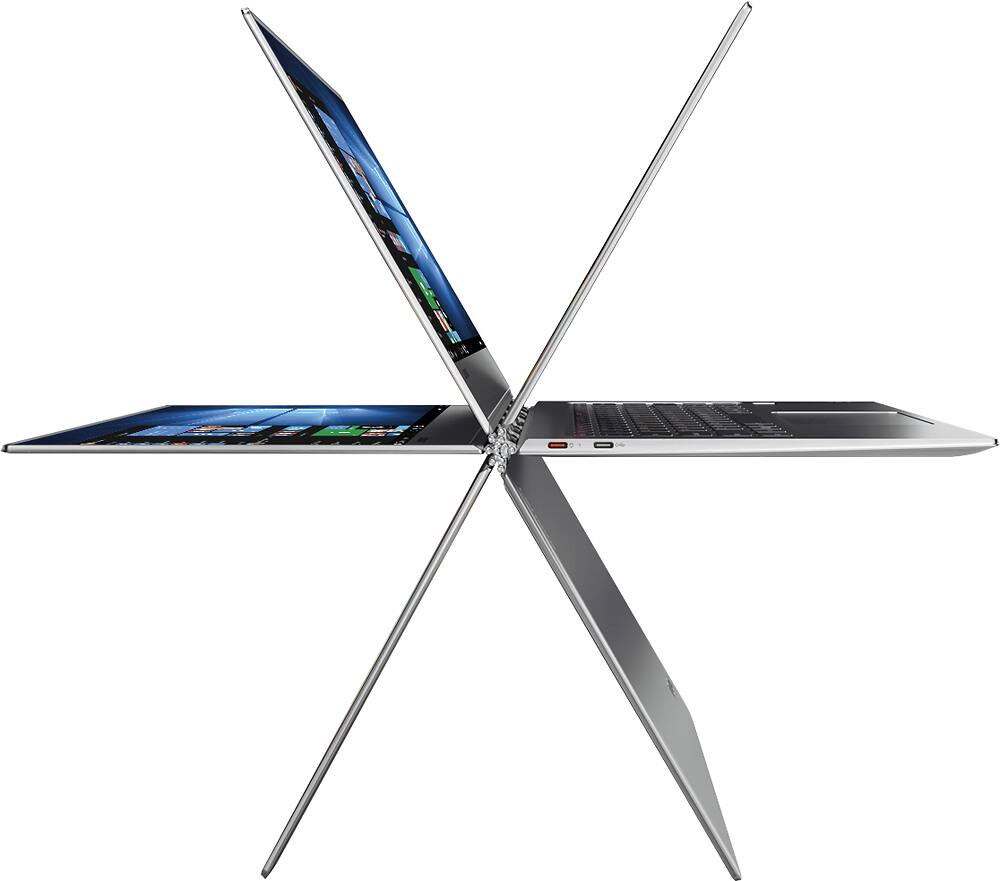
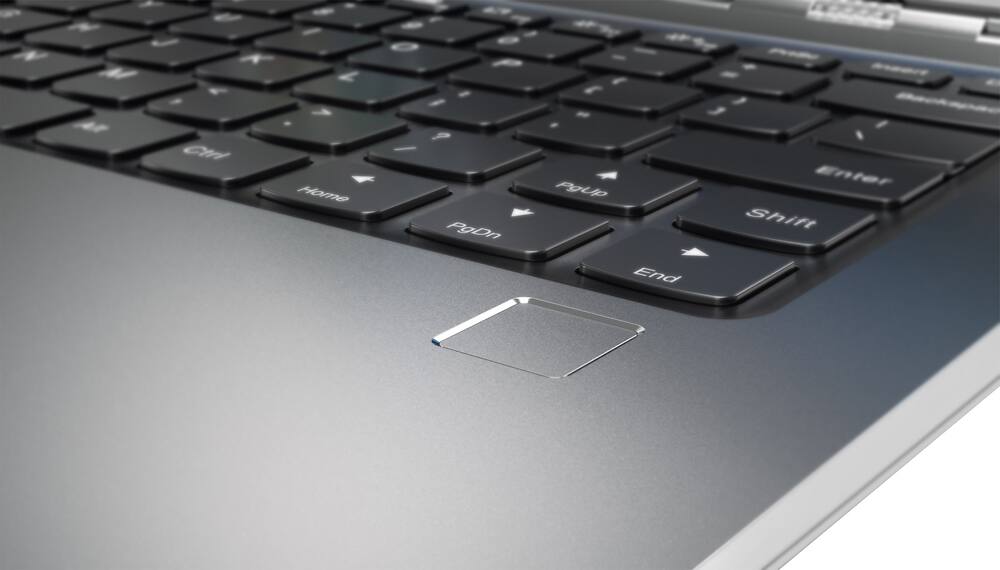
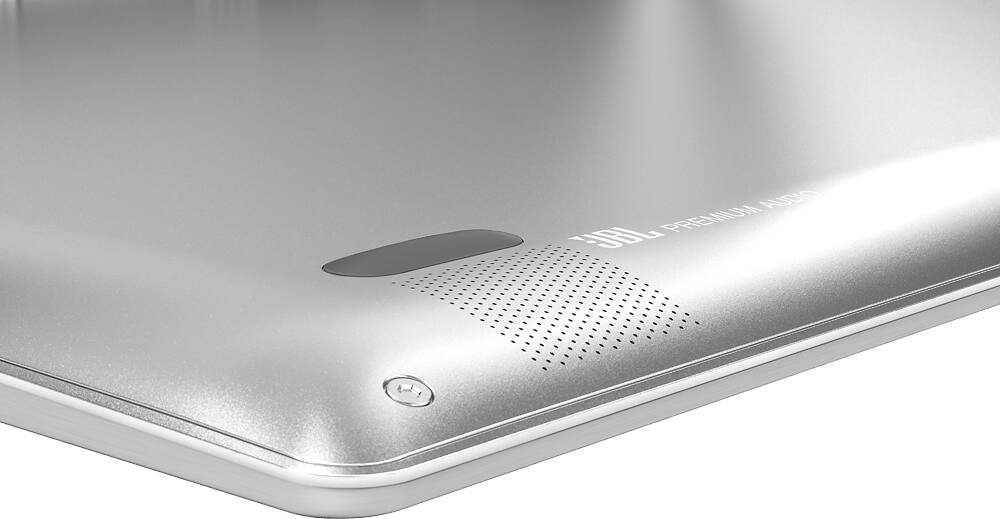
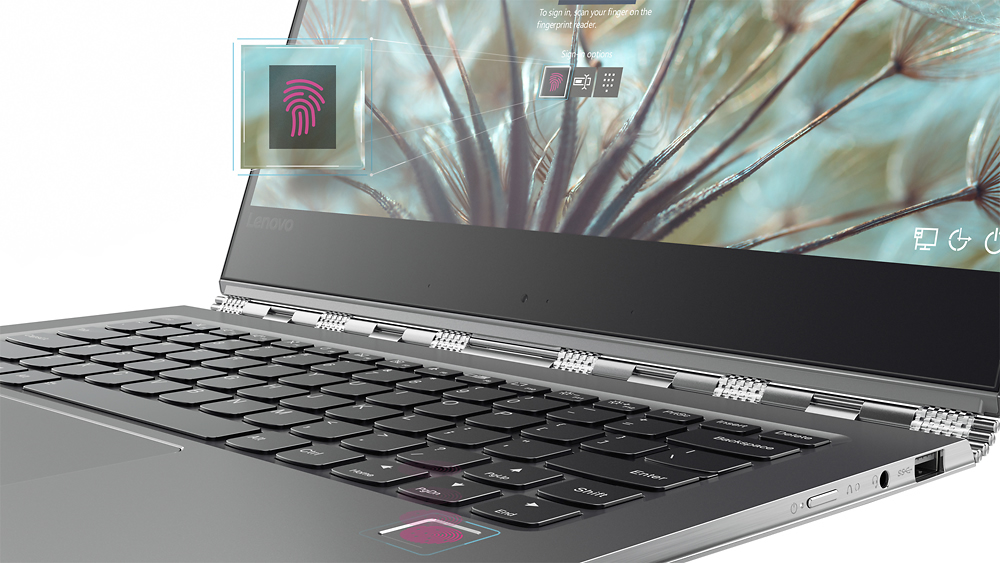
Posted .This reviewer received promo considerations or sweepstakes entry for writing a review.Disclosure: Lenovo Yoga 910 as part of the Lenovo INsiders program. All opinions are my own. The Yoga 910 refines essentially every flaw on last year's Yoga 900; with a drastically better keyboard and trackpad, larger display, smaller bezels, and much better battery life. Even though the Yoga 910 is 13.9" (almost an inch larger), it is the same exact size as the Yoga 900, meaning the sleeve for my Yoga 900 fits the Yoga 910 perfectly. Design- Just like last year's Yoga 900; the Yoga 910 has the same beautiful watchband hinge. The Yoga 910's hinge is actually much sturdier than the Yoga 900's hinge; which means that moving the display has much less wobble. This year though, the entire machine is made of metal. The sides are made of shiny, chrome metal, and the inside is covered with the all-metal unibody design. Resting my arms on the metal chassis feels great, since it's cool to the touch. Don't worry about the metal scratching; there's no scratches during the time I used it, and it's been carried in a backpack with a laptop slot. Also, the fingerprint sensor is super fast and responsive, awesome add-on. Performance- It's got the Intel Core i7-7500U processor, up to 16GB RAM and up to 1TB PCIe storage. It's as top of the line as any ultrabook this range gets. It zips through whatever I throw at it. I edited multiple videos on it, and noticed no glitching or stuttering. I was able to stream YouTube while rendering a video, and even though the fans kicked in a full throttle, the system still didn't stutter. Speaking of the fans, I noticed in the beginning that the fan was always on, even though I wasn't doing much. There's a BIOS update on Lenovo Support that drastically improves this: I barely hear the fan when I'm just web browsing or editing documents. The only time I hear it is when I stream videos or edit/render video. Keyboard & Trackpad- The keyboard is much more clicky and gives you more tactile feedback than the Yoga 900. The left shift key is also larger, but the right shift key is a bit on the short side. I got used to it in a few days, and I'm able to type my typical 80wpm on this keyboard. I could see writing a paper or essay very enjoyable on this keyboard. There's a huge improvement on the trackpad. This time, it's a Microsoft Precision Trackpad, which means you get a lot of gestures that you didn't get before. More importantly, scrolling, regular trackpad usage, and zooming is miles better than the Yoga 900. Everything is smooth, just like using the touchscreen. It's pretty amazing the drastic difference the Precision Trackpad has over the non-precision trackpad. Display- It's about an inch larger than last year's display, even though it has the same dimensions, because Lenovo cut down the bezels. Texts and photos are extremely sharp on the UHD display, and the display get very bright. I had no issues using it near direct sunlight. The colors are vivid, and it has a high contrast ratio that leads to crisp details. Battery- It has a 78Wh battery, which is 30Wh larger than the Yoga 900, and is considerably larger than the competitors out there. If you're really power hungry and need a lot of battery life, you should go with the FHD model. Lenovo says up to 15.5 hours with that display. I have the UHD model, in which I get 8-9 hours of mixed usage. Of course, the UHD display takes up more battery because of all the pixels it has to push out; but it's entirely up to your needs. Audio- The two JBL speaker with Dolby Audio sound pretty good. There's a Dolby app preinstalled that allows you to change what mode you want to be in. There's movie mode, music mode, game mode, and voice mode. You can also personalize it to your liking. Dolby also adjusts the audio output when you which modes, and by that I mean laptop mode, tent mode, tablet mode, etc. Tons of modes! Webcam & Microphone- It has a 720p HD camera with dual-array microphones. The camera looks good; but since it's located on the bottom, typing during a video call would block about one-fourth of the camera viewing angle. Since it's a Yoga, I suggest propping it up into either tent or stand mode, and use it that way. Conclusion- It's the best 2-in-1 ultrabook out there. It's by far the best looking out there, but also has top of the line performance, a wonderful display, amazing battery life, and an amazing unibody metal design. I'd say the only thing to really consider is FHD vs UHD. If you need the laptop to last a really long time on a charge, the FHD is the best option because you get 15.5 hours of juice. Otherwise, the UHD is the way to go.
I would recommend this to a friendBrand response from Lenovo Product Expert
Posted .Thank you for choosing the Lenovo Yoga 910-14. We are pleased to hear that the features and performance of the Yoga 910-14 meets your computing needs so well.

- Cons mentioned:Fan noise
Beautiful & Light
||Posted .This reviewer received promo considerations or sweepstakes entry for writing a review.I bought the i7-16GB-1TB SSD which was a bit pricey but overall, I am very happy with it especially since it LOOKS SLEEK. I wish it came in more color options besides silver and there were (more) cases/accessories available for it. Pros: lightweight, fingerprint reader is awesome, always charging USB is great, 2 backlit keyboard brightness options, LONG BATTERY LIFE, speakers for music & video graphics are awesome! Cons: camera placement is awful; screen glare is a bit much, keyboard feels cheap, miss the numbers pad, limited ports, fan can be noisy.
I would recommend this to a friendBrand response from Lenovo Product Expert
Posted .Thank you for choosing the Lenovo Yoga 910-14. With regard to the placement of the camera, we placed it at the bottom of the screen to create a virtually borderless screen. To add more USB ports, you can use a USB hub. We are looking in to the fan noise issue, but keep in mind, this is a high performance configuration; Core I-7 processor/4K resolution screen/16GB of RAM. All this will generate heat and the fan needs to run to keep the system at an optimum temperature.
- Pros mentioned:Processor speed, Ssd
Keyboard is a deal breaker
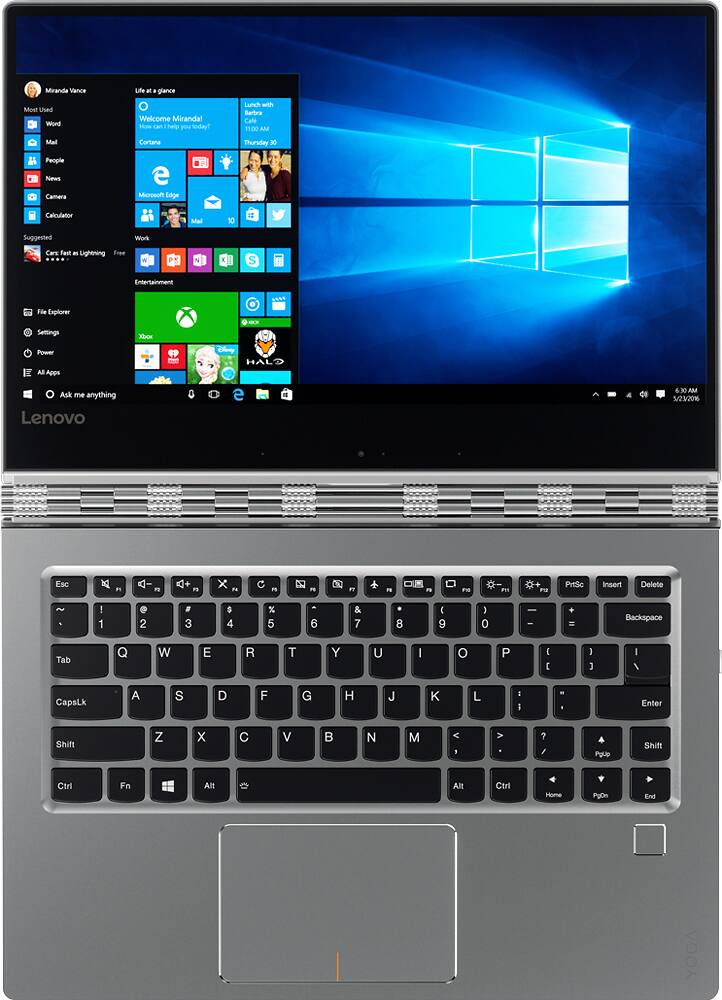
||Posted .This reviewer received promo considerations or sweepstakes entry for writing a review.I researched for two solid months before selecting the yoga 910. It is tricked out with top performance i7, 1tb SSD, 16gb ram, awesome display. However I cannot use it the keyboard layout is so bad. The up arrow key is where right shift needs to be and its impossible to type normally. I could live with its dismal lack of auxiliary ports but this keypad issue is a deal breaker for me. Sorry to report it is headed back to the store. **sigh**
No, I would not recommend this to a friend - Pros mentioned:Processor speed, Ssd, Touch screenCons mentioned:Fan noise
Great hardware, so, so, software compatibility
||Posted .This reviewer received promo considerations or sweepstakes entry for writing a review.On paper this PC is the best. Core i7, 1T SSD and a 4K touch screen. However, office 365 is quirky to run, especially in an extended desktop mode. Pop-up boxes have squished entry areas, and odd font sizes. Adobe acrobat fonts on menu bar are also unusually large. When PC runs over 30% CPU, fan kicks in and is loud with a high pitched whine.
No, I would not recommend this to a friend - Pros mentioned:Ssd, Touch screen
Great notebook
||Posted .This reviewer received promo considerations or sweepstakes entry for writing a review.Had an ASUS Zen Book for years and needed to replace it, was going to purchase another but salesperson show me the Lenovo YOGA 910. It's a bit pricey with 1TB SSD, but a great machine. Screen is clear, pictures bright and sharp. Draw back, it's difficult to open, needs a little tab to grab.
I would recommend this to a friend - Pros mentioned:Weight
Um, no.
||Posted .This reviewer received promo considerations or sweepstakes entry for writing a review.The 4k screen is nice. The weight is nice. It looks nice. Now I had issues installing software. I crashed and got the message "inaccessible boot device." I ended up returning it. There are 2 ports on the left side that are USB-C. But they are not USB3.1, they are only 3.0. And one of them only charges. WHAT IS THE POINT? The reviews talk about the watchband hinge and how cool you will look using it. Um, no. I do not buy a computer to look cool using it. I buy it to do work and enjoy the Internet. If you want to look cool using a computer I suppose you can get this. or buy a computer that has more ports that do more things ad take the extra money and buy a puppy. Then you will still look cool.
No, I would not recommend this to a friendBrand response from Lenovo Product Expert
Posted .It sounds as though the issue is with the software you tried to install. Be sure the software is compatible with Windows 10 Home 64-bit version. This system is equipped with OneKey Recovery System. There is a very button on the right side of the device, near the power plug port and the headphone jack on the device. You will need a pin to push this reset button. Plug the device in. Push the reset button. The system should boot to a choice screen where you can choose "Restore To Factory Default". Select this. It will delete everything from the hard drive except the original factory install of the operating system. You can start over from the beginning. Be sure you only install software that is Windows 10 Home 64-bit compatible.
- Pros mentioned:Ssd
Great lightweight laptop/tablet
||Posted .This reviewer received promo considerations or sweepstakes entry for writing a review.I bought this for my home based business and also to use for processing photos. I purchased the 1 TB ssd so that I had plenty of storage for photographs. I have had a few problems with the high resolution not working with some of my programs, but that is the fault of the software not the laptop. It is very portable and will definitely take it with me while traveling. I am very happy with the 4K resolution.
I would recommend this to a friendBrand response from Lenovo Product Expert
Posted .Thank you for choosing the Lenovo Yoga 910-14. We are pleased to hear that the Yoga 910-14 is working out so well for you.
- Cons mentioned:Fan noise
All Around Laptop!
||Posted .This reviewer received promo considerations or sweepstakes entry for writing a review.I purchased this laptop the day it was released and have been using it ever since for work, school, gaming and video streaming. One of my favorite features is the fingerprint password. However, the touch screen capability of the laptop stopped working about a year after purchase and the laptop gets hot often...so the fan starts to get noisy (even if I only have one program open).
I would recommend this to a friend - Pros mentioned:Processor speed, Weight
complete my need with the 1T SSD terrific choice
||Posted .This reviewer received promo considerations or sweepstakes entry for writing a review.the laptop is very thin, light and powerful, he has the 7th generation I7. I'm very satisfied from my choice.
I would recommend this to a friendBrand response from Lenovo Product Expert
Posted .Thank you for choosing the Lenovo Yoga 910-14. We are pleased to hear that the features and performance of the Yoga 910-14 meets your computing needs so well.
Overall, awesome laptop with brilliant 4k diplay
||Posted .This reviewer received promo considerations or sweepstakes entry for writing a review.I did a lot of research on this model before making the decision to purchase. As this is one of the few 4k I7 laptops out there that come with a 1TB hard drive, this model was hard to pass up. Here are the pros and cons. PROS: - Brilliant Display, and the largest screen area compared to HP Spectre x360 - blazing fast i7 CPU -great battery life..not the 10 hours they advertise with the way I use it, but still impressive at 7 hours with screen at max brightness. CONS -noisy CPU fan - lack of USB-c charge and data port, you have to use a dedicated usb-c port for charging only, which means you cant buy a docking station with powered USB-C uplink to charge and transfer data, you still need a separate power cable and the second usb-c port for dock uplink. This is where the HP spectre shines. Overall, a great laptop, very solid and sleek. If the 4k display is more important to you than have using a single charge/uplink cable to use with a dock, then this laptop is worth the purchase!
I would recommend this to a friend- Pros mentioned:Processor speed, Weight
Excellent!
||Posted .This reviewer received promo considerations or sweepstakes entry for writing a review.Very fast and light for a laptop. Sleek design. I have already told another friend about it and he purchased it as well!
I would recommend this to a friendBrand response from Lenovo Product Expert
Posted .Thank you for choosing the Lenovo Yoga 910-14. We are pleased to hear that the Yoga 910-14 is working out so well for you.
Sleek, beautiful, but too much glare
||Posted .This reviewer received promo considerations or sweepstakes entry for writing a review.I like the laptop and its quickness. The look and feel is beautiful as well. However I do not like the distance of the control key on the right hand side and nor do I like the display as there is too much glare. The fan seems to run a lot as well, but is quieter than the HP spectre.
I would recommend this to a friendBrand response from Lenovo Product Expert
Posted .Thank you for choosing the Lenovo Yoga 910-14. With regard to the issues with the keyboard and the display, we will look in to these for future improvements.
- Pros mentioned:Processor speed
Great product
||Posted .This reviewer received promo considerations or sweepstakes entry for writing a review.This is the perfect computer, Fast and reliable and the computer to tablet is awesome
I would recommend this to a friendBrand response from Lenovo Product Expert
Posted .Thank you for choosing the Lenovo Yoga 910-14. We are pleased to hear that the features and performance of the Yoga 910-14 meets your computing needs so well.
Terrible wifi adapter ruins this laptop
||Posted .This reviewer received promo considerations or sweepstakes entry for writing a review.I absolutely loved this laptop but the adapter refused to stay connected to the network so back it went. Best Buy salesperson said they no longer had any of these available so maybe the problem is more widespread. Went with ASUS 534qx instead. Aside from jittery trackpad that model seems to work well.
No, I would not recommend this to a friendBest Purchase Ever
||Posted .This reviewer received promo considerations or sweepstakes entry for writing a review.Awesome 2 in 1. Best purchase I have ever made. Very user friendly with so many options.
I would recommend this to a friendBrand response from Lenovo Product Expert
Posted .Thank you for choosing the Lenovo Yoga 910-14. We are pleased to hear that the Yoga 910-14 is working out so well for you.
Lenovo
||Posted .This reviewer received promo considerations or sweepstakes entry for writing a review.Great laptop and tablet I have always had great experiences with Lenovo and would definitely purchase another, in the future
I would recommend this to a friend- Pros mentioned:Processor speed, Weight
Great performance
Posted .This reviewer received promo considerations or sweepstakes entry for writing a review.I needed a large amount of space for video storage. Editing works smoothly with the i7 processor. Photo editing is more accurate with the 4k resolution. It's lightweight and can accomplish my daily tasks.
I would recommend this to a friend Description inaccurate, so read this.
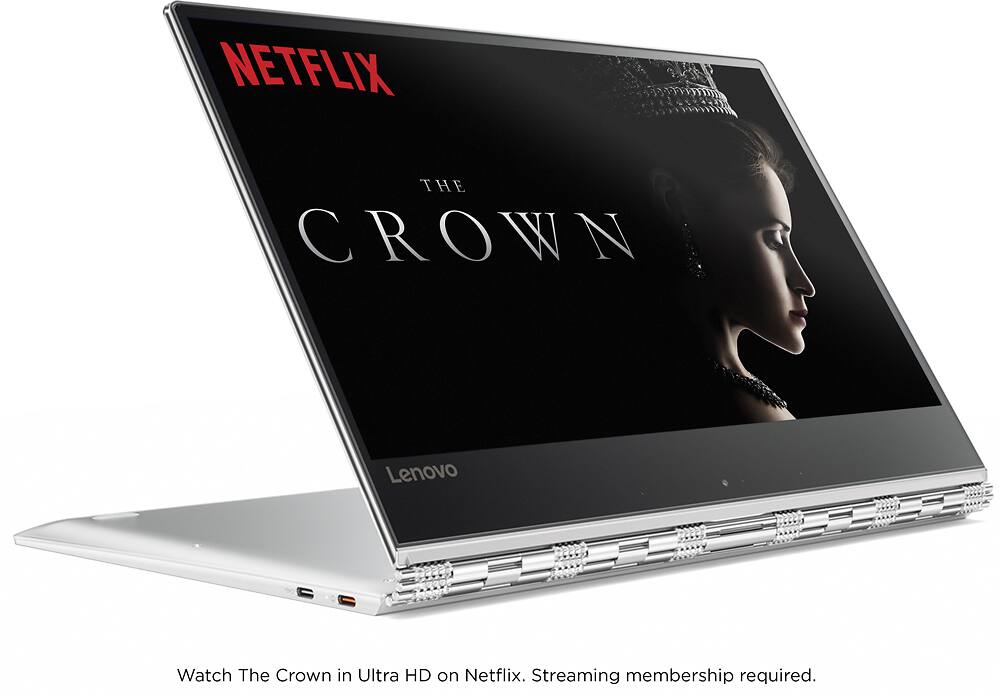
Posted .This reviewer received promo considerations or sweepstakes entry for writing a review.First off, you have two USB-C ports and one USB3.0 port. One of the C ports is a power port. There is no HDMI port, there are no backlit keys. Best Buy got the description wrong. Okay here we go with the good and the bad: GOOD: - 4K screen. Even the 1080 screen looks great so don't fret if you wondered if you got the right one. They are oh so close. - PCIe 1TB SSD. This is faster than the M.2. Lots of space. -Sound. OMG THE SOUND! I installed Pandora and this is so nice! I have had dozens of laptops with a speaker not worth spit. This one sounds wonderful and I will seriously enjoy Netflix on this unit. Great sound, I would say tops, and very close to an older 17" dell that had the real estate for bigger speakers. - Battery life. They are not kidding, it has a lot of life. So nice. -Low key. This laptop does not scream STEAL ME. The watchband hinge is nice but I don't care how people perceive me when they see my PC. So shallow. They should be looking at my coffee cup! - Decent size keys. I am tired of tiny buttons. These are a good size. I have been typing about 7 hours straight now on it. I like the feel. - Tiny bezel keeps this unit small. Extra bezel space at the bottom is not that noticeable. Okay the BAD: - No backlit keyboard. I really wanted that. - The shift key on the right is split from the rest of the keys by the arrow up key and as a result is a smaller size shift key, unlike the shift key on the left. So much for easy question marks. Wish the arrow keys had a different texture. - No number pad keys. - Camera is in a horrid place. Viewers will look up your nose. Be sure to flip the screen into A frame and use it that way for Skype. I wanted a replacement for my 2nd gen i5 with a slow HDD. This will definitely do it. True there is no DVD drive, nor is there an SD card slot, but since we all have external hard drives now this is not a deal breaker. When I am in work mode I do not mind the wires, and the low weight is a fresh change. I was looking at some "gamer" units that weighed 3x as much but opted for the lighter side of things.
I would recommend this to a friendBrand response from Lenovo Product Expert
Posted .This system does have a backlit keyboard. Hold down the "Fn" key and hit the spacebar to turn on the backlight. You can connect this device to an HDMI port through the USB-C non power port by using a USB-C to HDMI adapter. Here is a link to an example:
http://www.bestbuy.com/site/insignia-usb-type-c-to-hdmi-adapter-white/4480802.p?skuId=4480802
With regard to the right shift key issue you mention, there is a free software APP called KeyTweak that may help you. You can switch the key functions of specific keys on your keyboard with this software, so you could change the right shift key with the key you hit in its place. Just Google search "KeyTweak" and you will find articles about what the software does and you will find the download location for this free APP.
With regard to the location of the camera at the bottom of the screen, this is to maximize viewable screen size and minimize the overall size of the system box. Therefore, the Yoga 910 has a 14" viewable screen but is essentially the same box size as the Yoga 900 which had a 13" viewable screen. You can also put the Yoga 910 in tent mode when using the web camera to raise the web cam to traditional location.
- Pros mentioned:Processor speed
Great product - WHY the shift key location change?
Posted .This reviewer received promo considerations or sweepstakes entry for writing a review.I have had a Lenovo Yoga 3 Pro for a couple years and was looking to upgrade to an Intel i7 this year. The 910 looks fantastic and I went to go buy one and soon realized that Lenovo move the right shift key on, apparently, all of their latest laptops. The up arrow key is where the shift key should be. Lenovo want's us to fiddle with key remapping software?? Nope! THAT was a deal killer and I purchased a Lenovo Yoga 900 instead with more ports, cheaper, and has last years processor.
No, I would not recommend this to a friend