Customer Ratings & Reviews





- Model:
- 82BG0013US
- SKU:
- 6434675
to a friend
- Cons mentioned:Pen, Performance
Not as I expected
||Posted . Owned for 1 month when reviewed.This reviewer received promo considerations or sweepstakes entry for writing a review.Pen was not working, so I called the customer support and they sent me a new one. I haven’t received the new one yet though. So far, I am not also impressed, not even satisfied, with the performance. It Freezes a lot, and I think it shouldn’t be the case considering the hardware!
No, I would not recommend this to a friendBrand response from Lenovo Product Expert
Posted .We are sorry to hear that you are having issues with your Yoga 9i-14, model number 82BG0013US. This model ships with Windows 10 Home 64-bit Operating System and should not freeze. Be sure any software you installed is compatible with Windows 10. There is no need to install Microsoft Office software. The software is already part of the operating system, you just need to activate the software with a purchased product key. If you have installed a copy of Microsoft Office, this is conflicting with the existing copy on the system and this will slow your system down. If you have installed a 3rd party anti-virus program, be sure that Windows Defender is turned off and that the trial version of McAfee Anti-Virus software is uninstalled. There can only be one anti-virus program on the system. You may need to restore your system to original factory default settings if any of the programming errors have occurred. You can do that by typing "restore" in the Cortana search window. Just click on the magnifying glass icon at the bottom left of your Windows 10 Desktop. Click on "Reset This PC" Then click on "Get Started" and follow the on screen directions to restore to factory defaults. If the problem persists, we recommend you contact Lenovo Tech Support at: 877-453-6686.

- Cons mentioned:Internet connection
Drops Internet
||Posted . Owned for 1 month when reviewed.This reviewer received promo considerations or sweepstakes entry for writing a review.I am having several problems with it dropping my internet service. None of my other devices do this.
No, I would not recommend this to a friend - Cons mentioned:Screen size
Fast and solid laptop
||Posted . Owned for 1 month when reviewed.This reviewer received promo considerations or sweepstakes entry for writing a review.Fast and solid performance but the screen was ultimately too small for my personal needs.
I would recommend this to a friend - Pros mentioned:Lid
Almost Perfect...
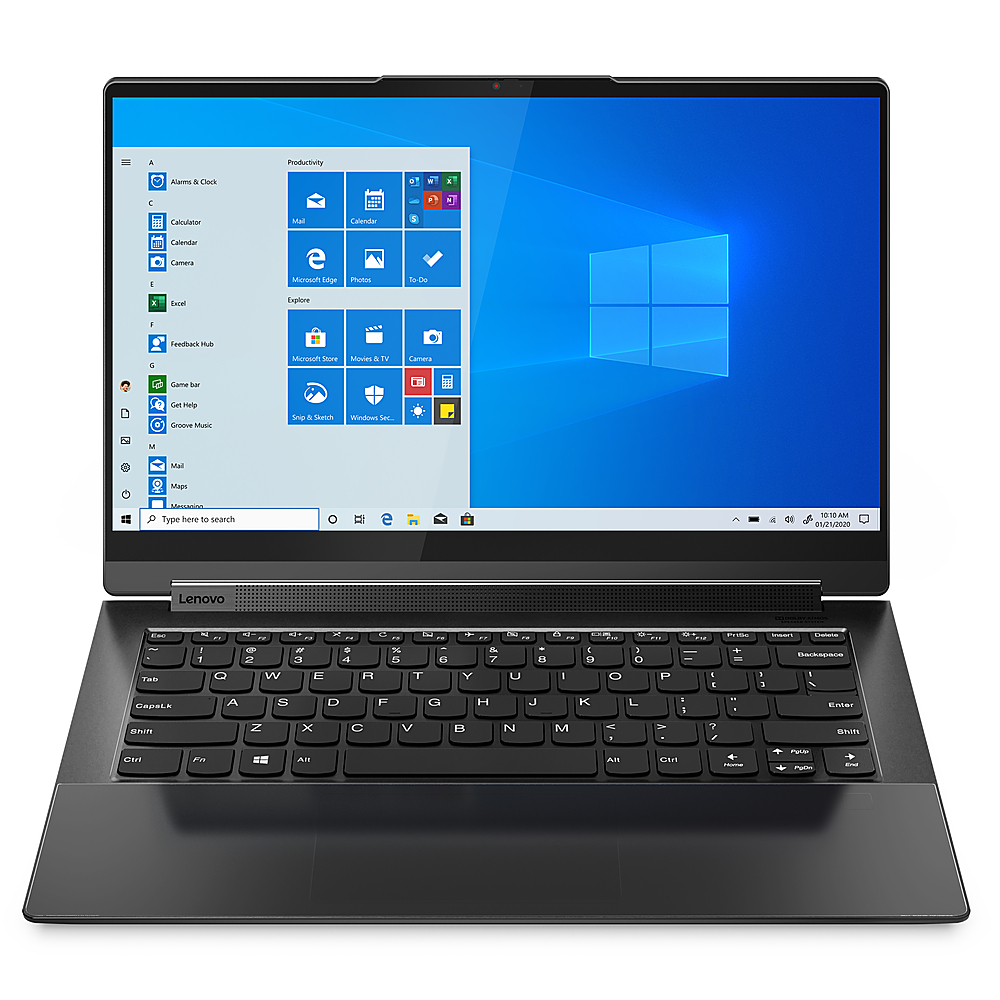
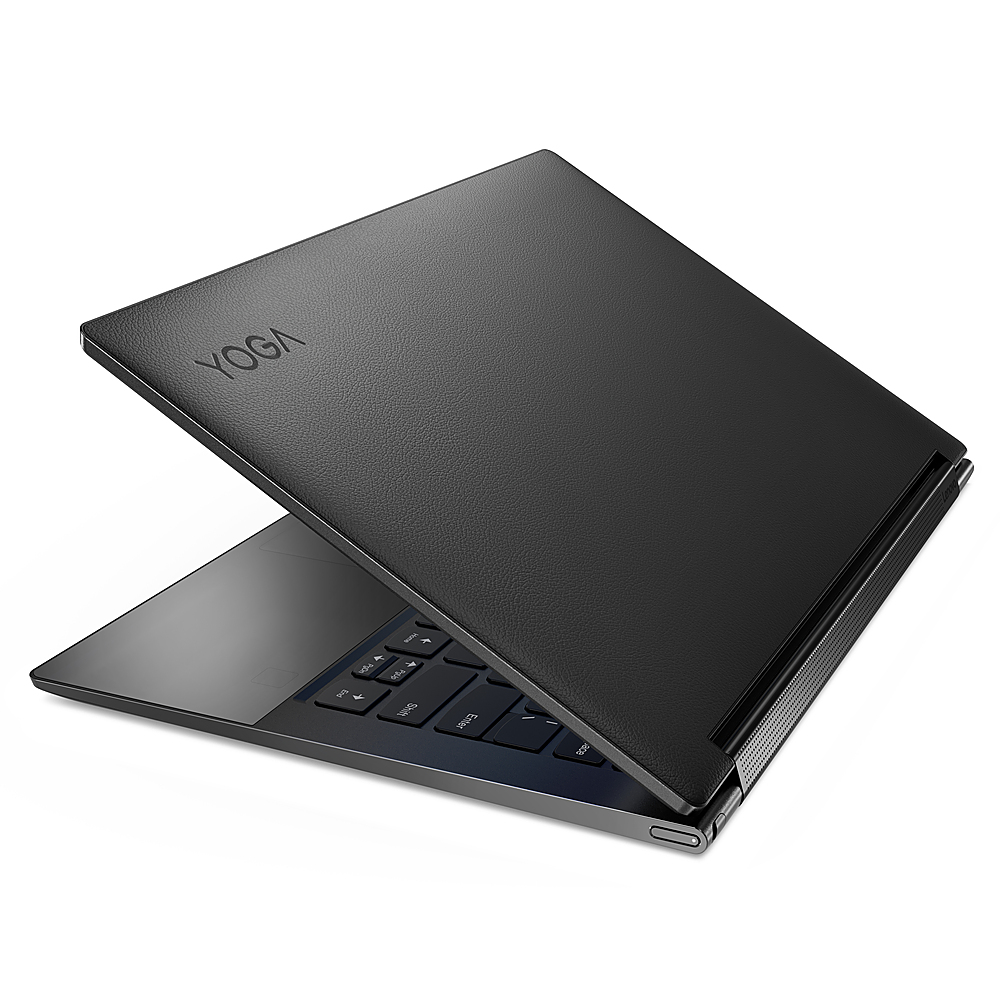
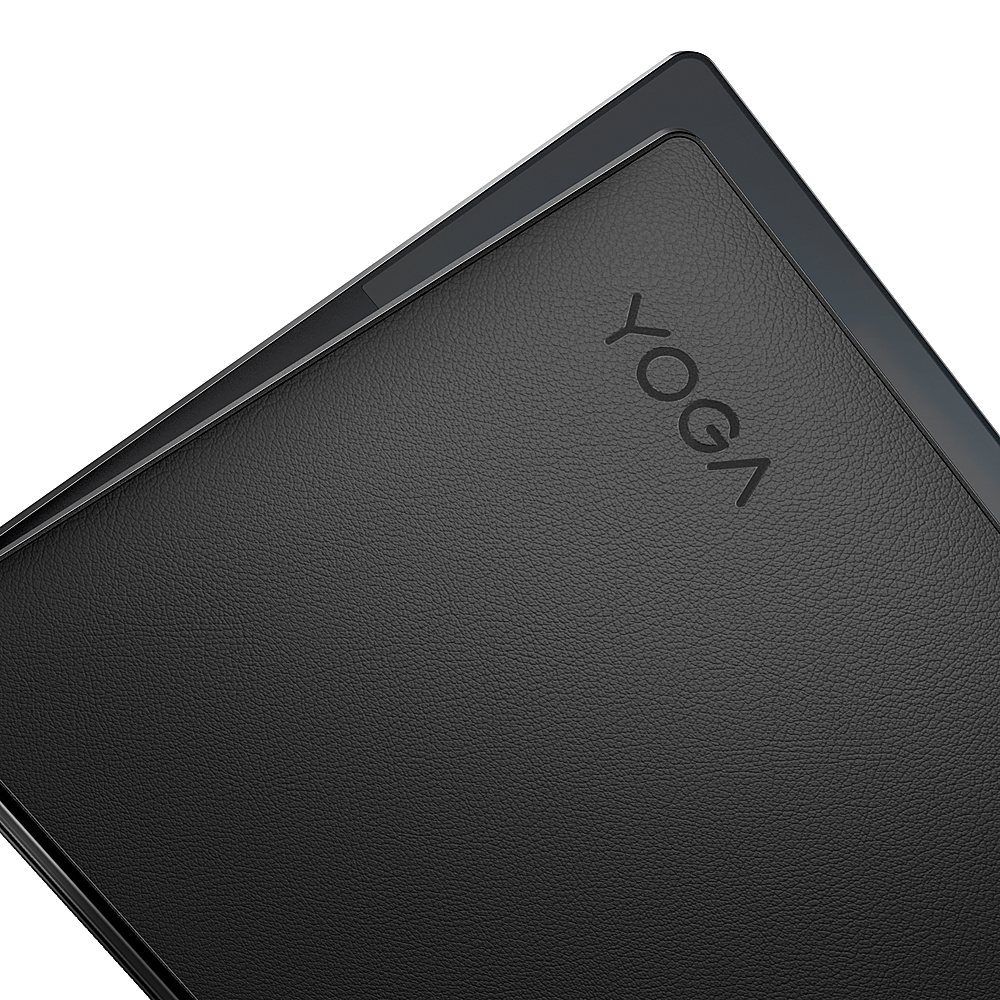
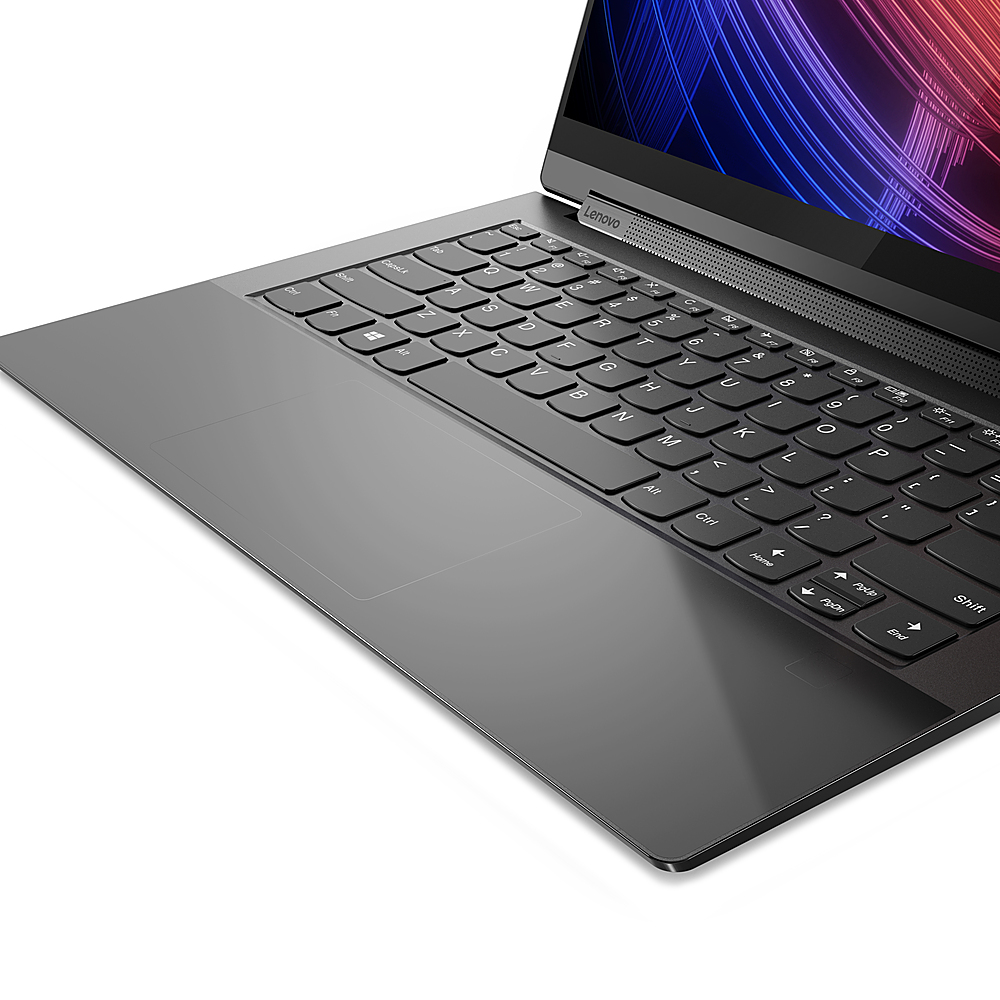
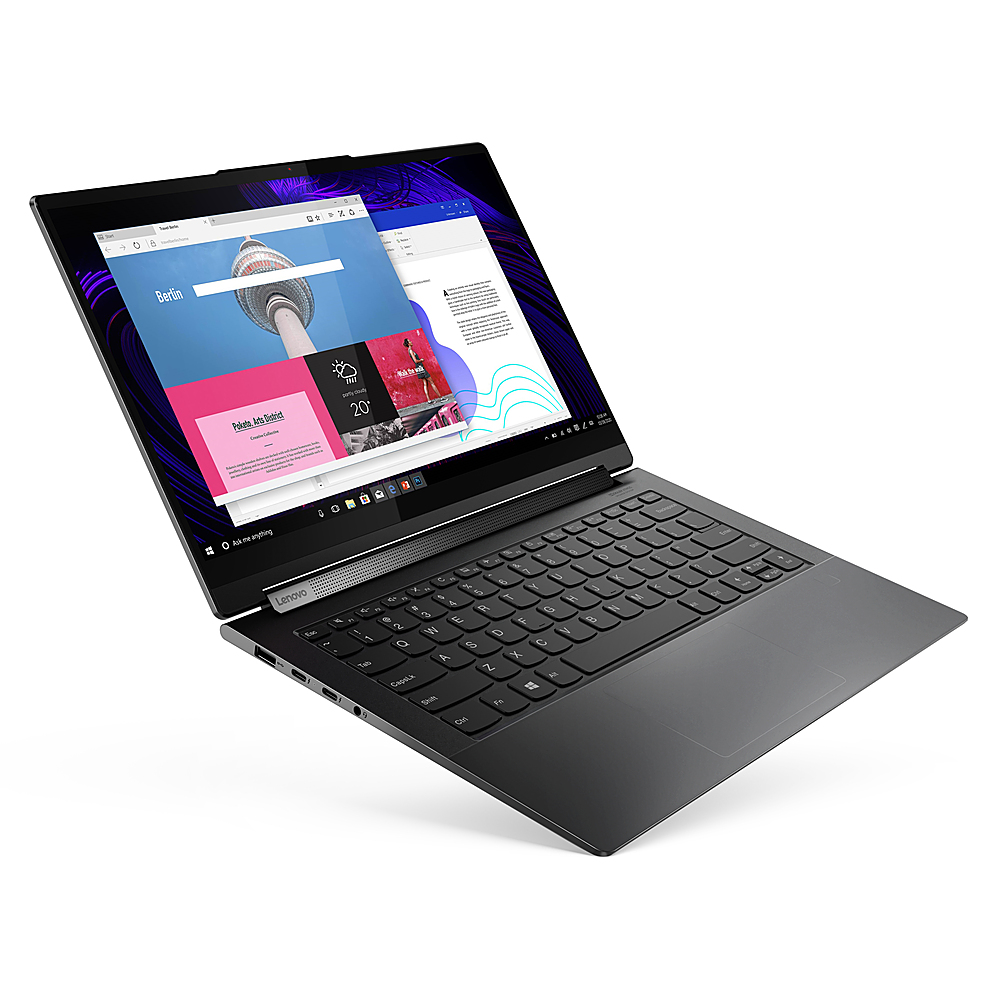
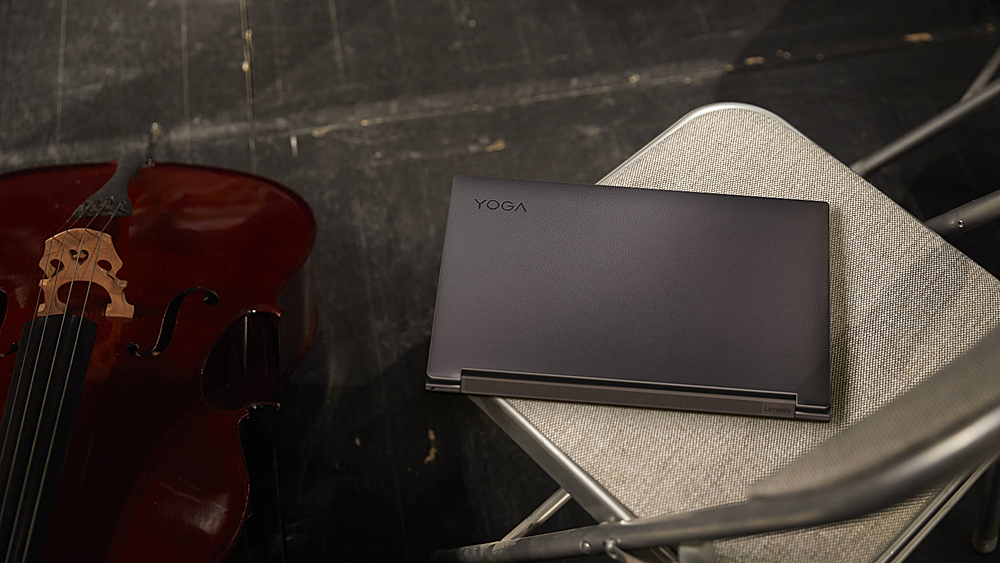
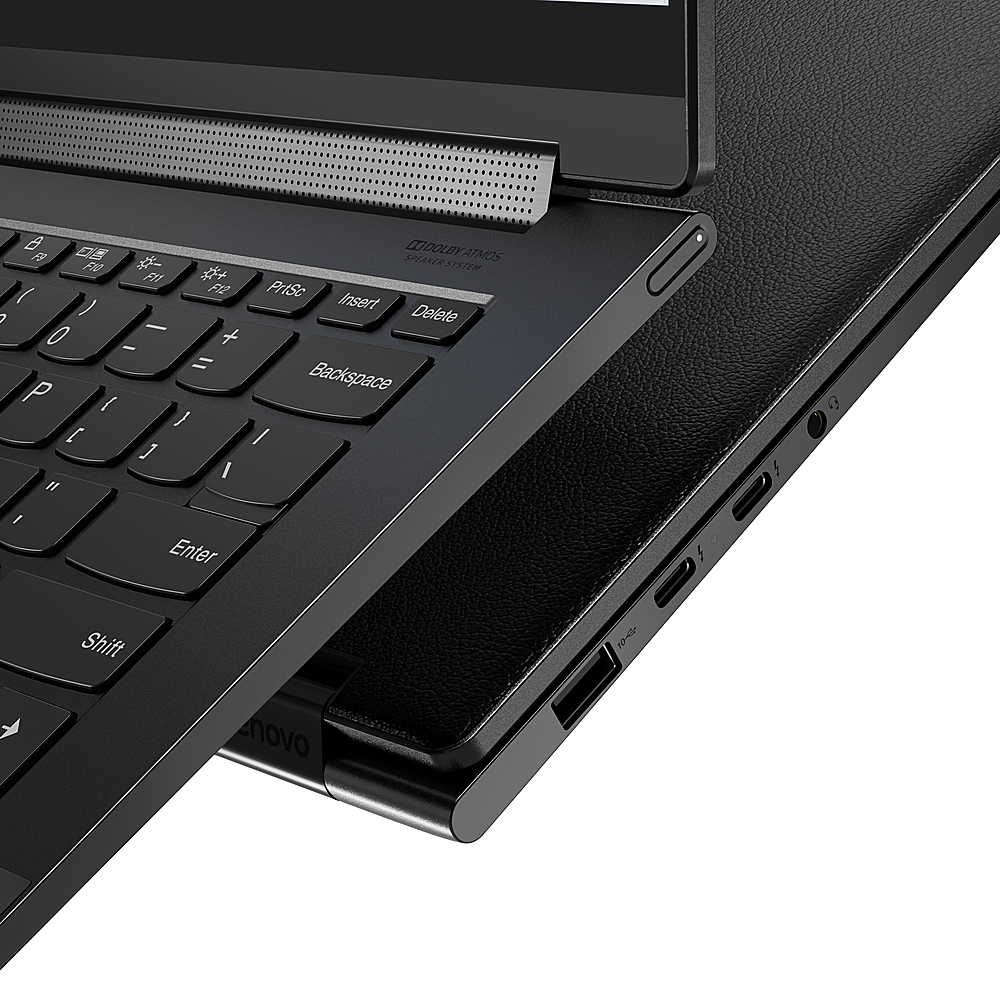
Posted .This reviewer received promo considerations or sweepstakes entry for writing a review.So, I saw this one today.. and I have to say, the Lid is a knock out with that black leather. I love the high contrast of black and white for the keyboard. Only drawbacks I found was the area you rest yours hands to type is a bit on the glossy side.... so it's finger printed up pretty badly,, also the track pad being a semi gloss again, causes the mouse to kinda Drag.. and have a slow response. I have the 940C and they sit side by side on the display in the store. The salesman and I both agreed..it was a pretty machine with a few design flaws.. All they had to do was make it a matte black surface on both the body and trak pad and it would be the hottest computer out there!
I would recommend this to a friend - Cons mentioned:Internet connection
Issues with Zoom and WiFi
Posted .This reviewer received promo considerations or sweepstakes entry for writing a review.This is a really disappointing purchase. The internet connection keeps dropping which is not a problem with my other devices and, more importantly, I'm having lots of issues making Zoom and Teams calls. I'm sorry to say that I have gone back to using my old laptop (not Lenovo) because its reliable and works with video calls
No, I would not recommend this to a friend - Pros mentioned:FastCons mentioned:Expensive
A Disappointing Expensive Laptop
Posted .This reviewer received promo considerations or sweepstakes entry for writing a review.After reading about many advanced laptops, I decided to purchase the Lenovo Yoga 9i. I wish I had not made this purchase. I have owned the laptop since mid-April 2021 and am very disappointed. Periodically the computer's keyboard freezes including the number pad preventing the entry of a password. For a laptop that costs over $1,800.00 this is unacceptable. I have two Asus and have never has a problem. Foolishly , I decided to try Lenovo after reading many reviews. This laptop is fast, the screen image is terrific and keyboard very responsive once I get it starts up but if it won't open all of that is worthless.
No, I would not recommend this to a friendBrand response from Lenovo Product Expert
Posted .We are sorry to hear that you are having issues with your Intel Evo-Certified, Lenovo Yoga 9i-14 model number 82BG0013US. First, be sure any software you installed is compatible with Windows 10. There is no need to install Microsoft Office software. The software is already part of the operating system, you just need to activate the software with a purchased product key. If you have installed a copy of Microsoft Office, this is conflicting with the existing copy on the system and this will slow your system down. If you have installed a 3rd party anti-virus program, be sure that Windows Defender is turned off and that the trial version of McAfee Anti-Virus software is uninstalled. There can only be one anti-virus program on the system. You may need to restore your system to original factory default settings if any of the programming errors have occurred. You can do that by typing "restore" in the Cortana search window. Just click on the magnifying glass icon at the bottom left of your Windows 10 Desktop. Click on "Reset This PC" Then click on "Get Started" and follow the on screen directions to restore to factory defaults. If there is no incompatible software installed but the issues persist, check to be sure you have the latest version of Windows 10 on the computer. Then update all BIOS files and drivers up to that latest version of Windows 10. You can easily accomplish this by scanning the computer with the Lenovo Utility software available on this computer. This system has Lenovo utilities installed to help maintain the health of the device and keep the operating system software up to date. Type "Lenovo Vantage" in the Cortana Search window (if Lenovo Vantage is not installed on your device, you can download the APP and install it now). Select Lenovo Vantage from the list. In the window that opens, click on "Health and Support". In the expanded menu, select "Hardware Scan" In the window that opens, select "Run Quick Tests". This will scan your entire system for errors. Follow any directions that may pop up. If the problem continues after this scan, now click on "System Update". First select Windows update from the menu. Scan your system to be sure you have the latest version of Windows 10. Once that scan is complete, select "Additional Updates". This will scan your device to be sure there are no new BIOS/Driver updates needed. Follow any instructions that may pop up. If the issue still continues after these updates, we recommend you call Lenovo Tech Support at: 877-453-6686 for additional help.