Customer Ratings & Reviews



- Model:
- 82DE000KUS
- SKU:
- 6434686
Rating by feature
- Value
Rating 3.5 out of 5 stars
- Quality
Rating 3.9 out of 5 stars
- Ease of Use
Rating 4.0 out of 5 stars
- Cons mentioned:Touchpad noise
Excitement to Disappointment
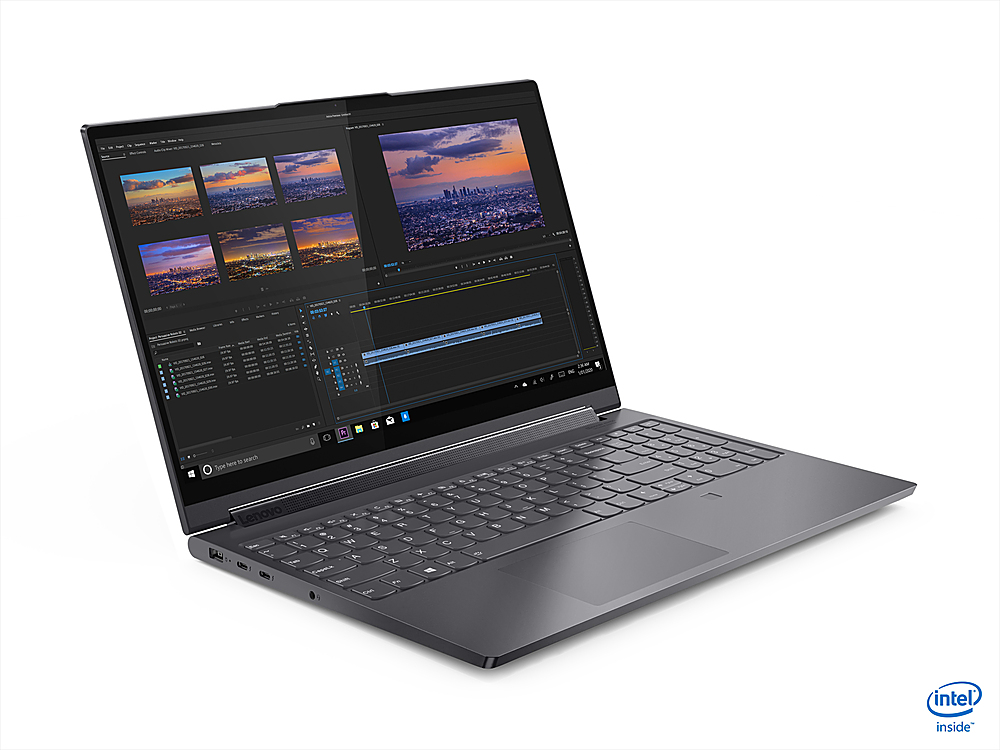
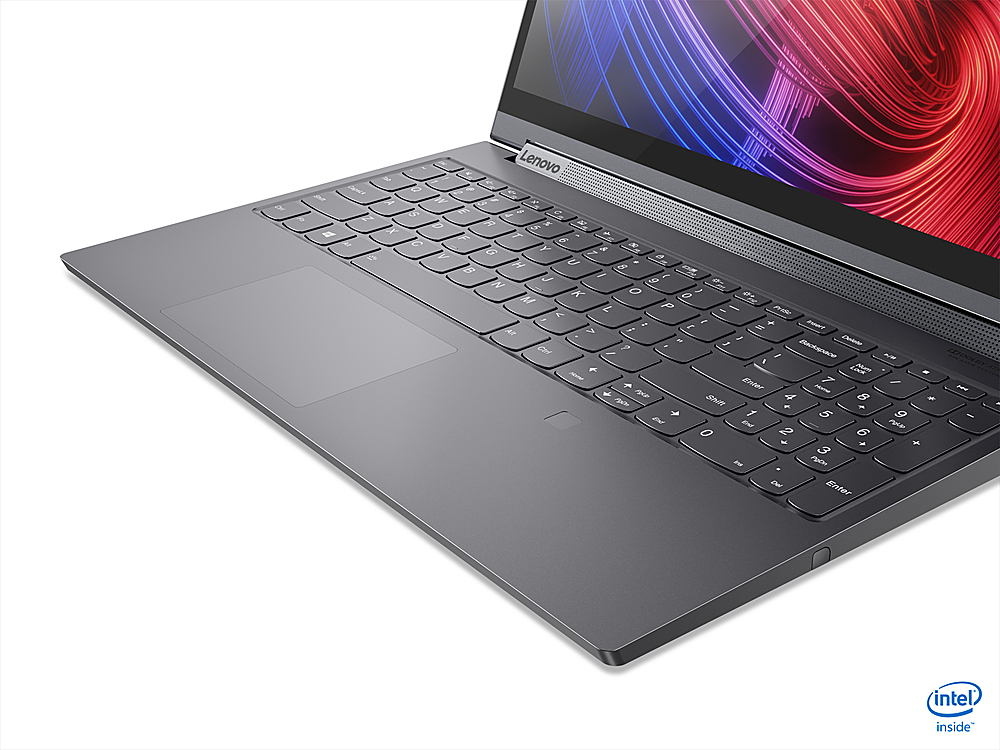
||Posted .This reviewer received promo considerations or sweepstakes entry for writing a review.Laptop specs are great with the flagship Intel i9-10980HK. Overall sturdiness of the unit is very solid, with satisfying hinges and keyboard presses. First impressions directly out of the box were great...excitement building... then...all the joyous emotions came crashing down, kind of like when someone tells you they just like you "as a friend". The touchpad was smooth and felt nice, however, when tapping (not pressing for a click), it felt slightly loose and made some small clicking sounds, which were not actual the full click press. Actual press-down clicks were fine, but it was the tapping that elicited unwanted noises. OK, OK, OK (my best Joe Pesci impression here), I don't really use the touch pad much anyway, so it wasn't a deal breaker for me. BUT THEN...I noticed some fairly bad backlight bleeding on the lower left corner. While this is expected for cheaper laptops for students, kids, etc., a professional grade laptop should not have this issue. If it does, it should be caught at QC, fixed, and then shipped to a retailer. If you're doing any kind of legit photo/video editing, Photoshop, gaming with dark scenes, etc., this is an absolute deal breaker.
No, I would not recommend this to a friend - Pros mentioned:Processor
Yoga with Core i9
||Posted . Owned for 1 month when reviewed.This reviewer received promo considerations or sweepstakes entry for writing a review.It is an amazing laptop. I wanted a Core i9 with a 4K screen and this fit my needs perfectly. It has great performance and is light weight. It came Open-Box from Best Buy and looks/works like it was never touched. Good job Lenovo and Best Buy!
I would recommend this to a friend - Cons mentioned:Battery life, Price
Great if you don't mind fan running a lot
||Posted . Owned for 1 month when reviewed.This reviewer received promo considerations or sweepstakes entry for writing a review.Everything is great about this laptop except the whirring fan and short battery life. Expected more from a laptop with such a hefty price tag.
No, I would not recommend this to a friendBrand response from Lenovo Product Expert
Posted .First, Be sure any software you installed is compatible with Windows 10. Incompatible software will increase the system workload, causing the fan to run at higher RPM and more often. There is no need to install Microsoft Office software. The software is already part of the operating system, you just need to activate the software with a purchased product key. If you have installed a copy of Microsoft Office, this is conflicting with the existing copy on the system and this will slow your system down. If you have installed a 3rd party anti-virus program, be sure that Windows Defender is turned off and that the trial version of McAfee Anti-Virus software is uninstalled. There can only be one anti-virus program on the system. You may need to restore your system to original factory default settings if any of the programming errors have occurred. You can do that by typing "restore" in the Cortana search window. Just click on the magnifying glass icon at the bottom left of your Windows 10 Desktop. Click on "Reset This PC" Then click on "Get Started" and follow the on screen directions to restore to factory defaults. If there is no incompatible software installed, You can use Lenovo Q-Control to manually control fan and system performance: ( Fn + Q ) option to change the fan by undervolting the processor. The Yoga 9i-15, model number 82DE000KUS, ships with a 4CELL_69WH_INTERNAL, Lithium Polymer Battery, which within this configuration, has a battery life of up to 9 hours, depending on the work the device is performing. If you are getting substantially less battery life, first, set your screen brightness at less than 100-percent - try 80-percent to start with. Then, be sure Battery conservation Mode is turned off. This power management setting should only be used when the laptop is plugged in all the time. It will prolong overall battery life by only charging the battery to 60-percent of capacity. Here is a link to instructions for turning off Battery Conservation Mode: https://support.lenovo.com/us/en/solutions/ht103159. Also check what programs are running in the background on the computer. Be sure only the programs you want running in the background are. These programs will drain the battery. Here is a link to information about how to find out what programs are running in the background on your Windows 10 computer and how to manage them for better system performance: https://www.windowscentral.com/how-prevent-apps-running-background-windows-10. Then, finally, be sure any software you installed is compatible with Windows 10. Incompatible software will drain the battery at a faster rate. There is no need to install Microsoft Office software. The software is already part of the operating system, you just need to activate the software with a purchased product key. If you have installed a copy of Microsoft Office, this is conflicting with the existing copy on the system and this will slow your system down. If you have installed a 3rd party anti-virus program, be sure that Windows Defender is turned off and that the trial version of McAfee Anti-Virus software is uninstalled. There can only be one anti-virus program on the system. You may need to restore your system to original factory default settings if any of the programming errors have occurred. You can do that by typing "restore" in the Cortana search window. Just click on the magnifying glass icon at the bottom left of your Windows 10 Desktop. Click on "Reset This PC" Then click on "Get Started" and follow the on screen directions to restore to factory defaults. If the problem persists, we recommend you contact Lenovo Tech Support at: 877-453-6686.

- Pros mentioned:Good laptop, New programs
Good buy from Best Buy
||Posted . Owned for 1 month when reviewed.This reviewer received promo considerations or sweepstakes entry for writing a review.Am still "getting to know" this new computer, with updated programs, new options etc. But, am taking the advice of the Geek Squad rep who set this one up - to spend time on it each day learning what I can do and how to navigate around on it. It has great potential and will serve my needs well.
I would recommend this to a friendBrand response from Lenovo Product Expert
Posted .Thank you for choosing the Lenovo Yoga 9i-15, model number 82DE000KUS. We are pleased to hear that the Yoga 9i-15 meets your computing needs so well.
Excellent Service
||Posted . Owned for 1 month when reviewed.This reviewer received promo considerations or sweepstakes entry for writing a review.Courteous and knowledgeable sales associates helped my son find and order the computer he needed for college. Service plans were explained in detail and all questions were answered.
I would recommend this to a friendBrand response from Lenovo Product Expert
Posted .We are pleased to hear that the Yoga 9i-15 meets your son's computing needs so well. We appreciate your son's choice of the Lenovo Yoga 9i-15 as his new laptop computer.
- Pros mentioned:Fingerprint scanner, Lightweight
Absolutely Stunning and Exceeds Expecations
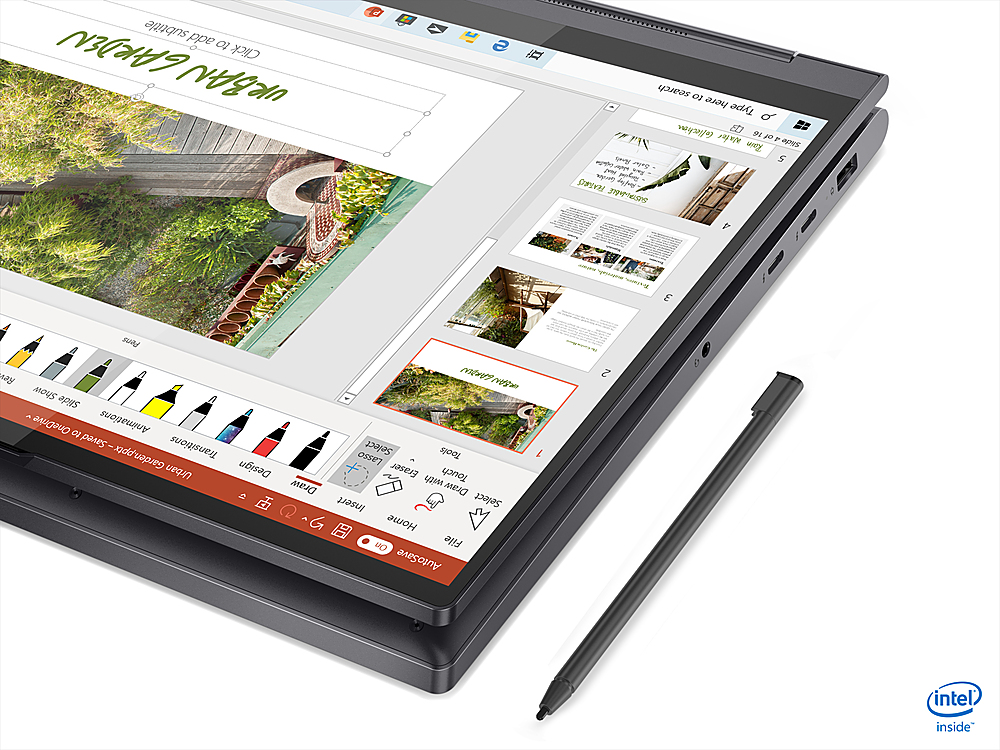
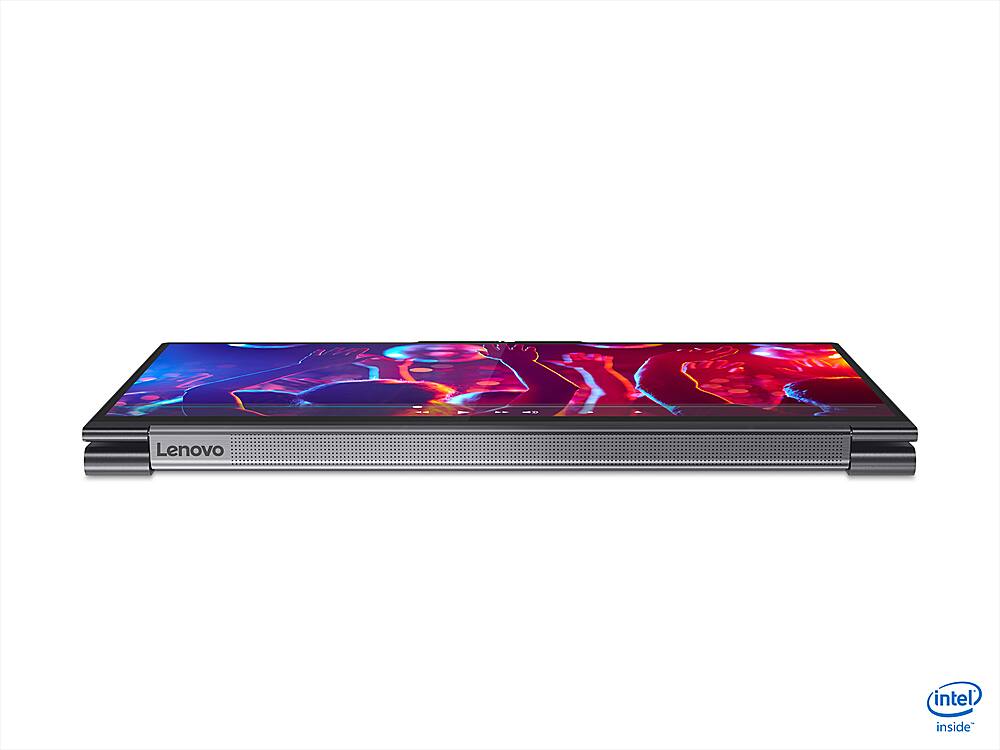
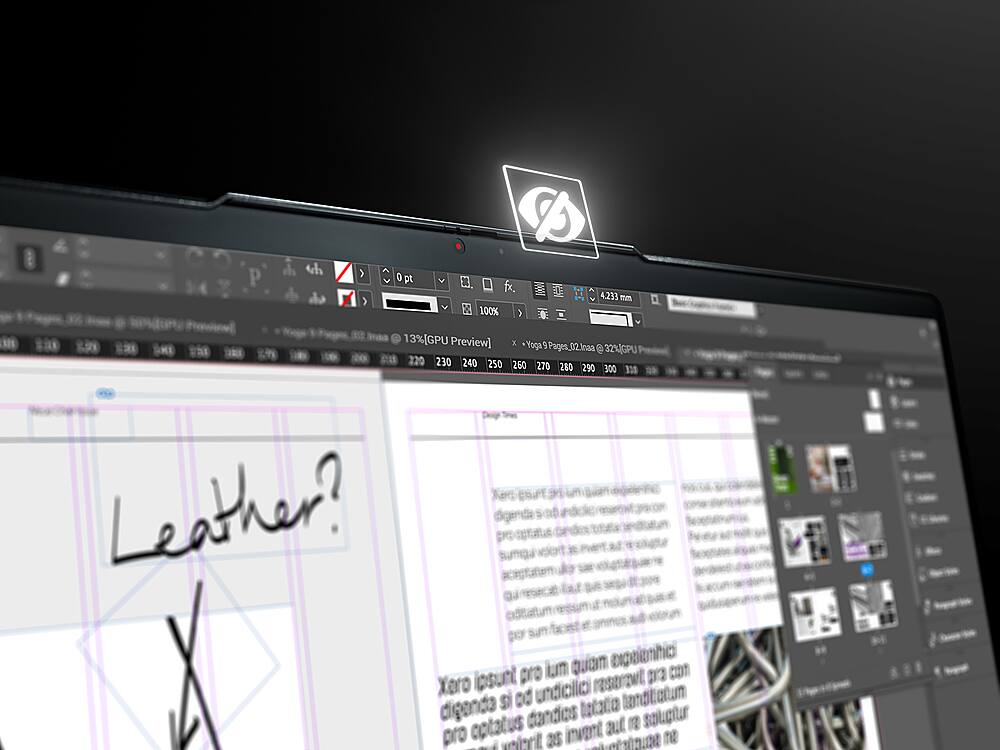
Posted .This reviewer received promo considerations or sweepstakes entry for writing a review.This laptop is my FOURTH within a year, and I am never going back to another brand! Everything about this laptop has been an absolute joy; Lenovo really thought of everything with this one! I started graduate school a year and a half ago. I needed something that could keep up, with tons of memory to have several tabs open while doing research, lightweight with long battery life, a gorgeous screen, and a dedicated graphics card to do some light gaming. This laptop does it all and more! I love the built-in camera cover, so I do not have to walk around with a tacky band-aid or another cover on my screen. It was between this laptop and a comparable laptop, and in "Zoom" times, I loved the idea of having a physical kill switch on my camera, so I went with the Lenovo, and I am so glad I did. Here are some things I love about it: Light as a feather and a battery life that cannot be beat! I can go all day without charging, and this laptop has a "fast charge" option, which is really convenient when you are on the go between classes. A beautiful keyboard with nice feedback, beautiful backlight, and good spacing (I hate when keyboard keys are squished too closely or spread out really far apart, this one is just right). The touchpad is also a nice size and very responsive. THE SPEAKERS! For reasons I cannot comprehend, other manufacturers have started putting speakers on the bottom or THE BACK (?!) of their machines. These are where they should be - on top with a rotating soundbar that gives great sound. The fingerprint scanner (which seemed gimmicky at first) works lightning-fast and is actually pretty convenient. The Lenovo pen (which I also thought was gimmicky at first) works great and has come in super handy. I love that it has its own port that it slides into (unlike a certain competitor who lets their pen hang off the side with only a magnet to support it). I was dubious about the pen, but now I am thrilled to have it and use it to mark up PDFs. Overall UI: This is the best experience I have had out of a Microsoft Surface, HP Omen, and a Dell (all of which either crapped out a few months in or came out of the box malfunctioning). VERY fast, gorgeous screen...I just love using this laptop! I am also so impressed by how they managed to make this laptop feel so sturdy while also being so lightweight. The price tag does hurt, but this will hopefully stand the test of time and be my work laptop for several years to come because it is an absolute joy to do work on!
I would recommend this to a friendBrand response from Lenovo Product Expert
Posted .Thank you for choosing the Lenovo Yoga 9i-15 4K model number 82DE000KUS. We are pleased to hear that the features and performance of the Yoga 9i-15 4K model meets your computing needs so well.
- Cons mentioned:Speed
Very Slow
||Posted . Owned for 3 weeks when reviewed.This reviewer received promo considerations or sweepstakes entry for writing a review.The computer is slow, have not been able to use it . Taking it back!
No, I would not recommend this to a friendBrand response from Lenovo Product Expert
Posted .Hello, we are sorry to hear you are having this experience. The Lenovo Yoga 9i 15" 4k laptop model number 82DE000KUS ships with a Intel Core i9-10980HK processor that features 8 cores, a base speed of 2.4 GHZ and boost speeds of 5.3 Ghz. It has 16GB of onboard 2933MHz DDR memory, a 1tb NVMe TLC SSD, and the latest iteration of WiFi 6. This laptop is for the most demanding user/multi tasker. It can handle todays most current games and design/ Cad software with its Nvidia GTX 1650 ti dedicated graphics card. If you are experiencing performance less than this we recommend to ensure you have installed in the latest version of windows 10, System device drivers, and BIOS. You can easily accomplish this by scanning the computer with the Lenovo Utility software available on this computer. This system has Lenovo utilities installed to help maintain the health of the device and keep the operating system software up to date. Type "Lenovo Vantage" in the Cortana Search window (if Lenovo Vantage is not installed on your device, you can download the APP and install it now). Select Lenovo Vantage from the list. In the window that opens, click on "Health and Support". In the expanded menu, select "Hardware Scan” In the window that opens, select "Run Quick Tests". This will scan your entire system for errors. Follow any directions that may pop up. If the problem continues after this scan, now click on "System Update". First select Windows update from the menu. Scan your system to be sure you have the latest version of Windows 10. Once that scan is complete, select "Additional Updates". This will scan your device to be sure there are no new BIOS/Driver updates needed. Follow any instructions that may pop up. If the issue continues after these updates, we recommend you call Lenovo Tech Support at: 877-453-6686 for additional help.
- Cons mentioned:Battery life, Graphics card, Speed
Underwhelming for the price
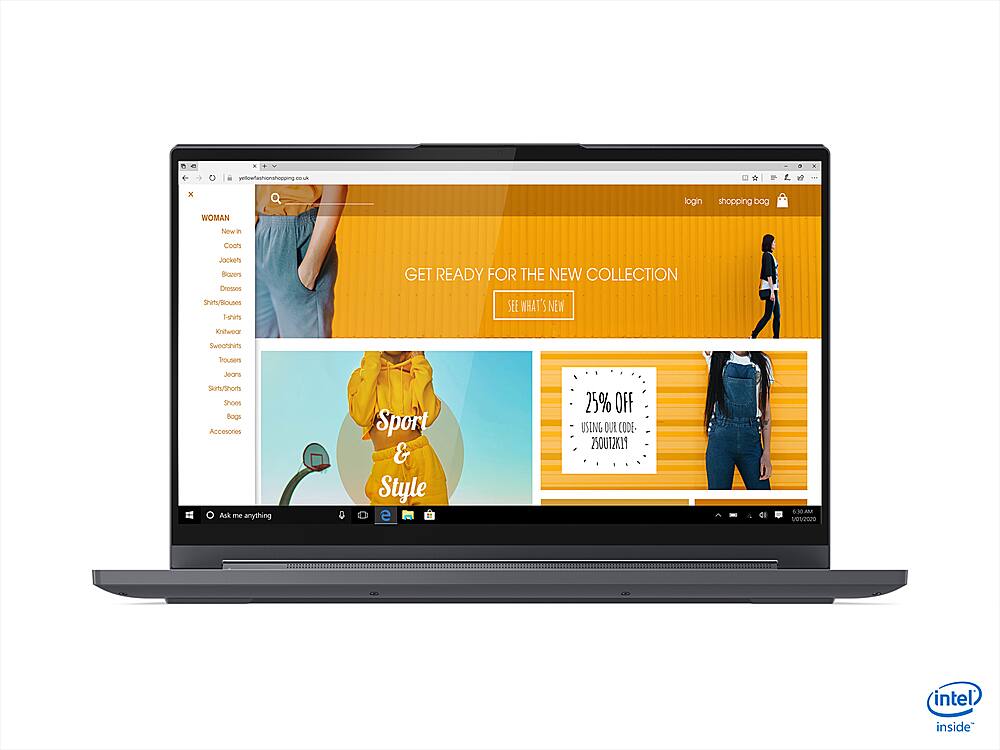
Posted .This reviewer received promo considerations or sweepstakes entry for writing a review.I have the same issue another reviewer had...The white showing through in the bottom left corner when the screen is black. The screen looks great otherwise, but for the money, that issue is really annoying. Speed is good but I was expecting more from the I9 processor. I don't think this is necessarily against the laptop but more intel. I have an HP computer with an I7 processor from about 5 years ago and I think the speeds are comparable. I do video editing and was hoping this would speed up my rendering times considerably but they are about the same. Others complained about the fan noise. It is loud, but this computer is also a workhorse and I appreciate the fact that it has a strong fan. The downside to my old HP was the cooling. While the I7 processor in the HP was fast, after awhile of video editing, the computer would bog down as the processor heated up. There just wasn't enough air flow. This computer doesn't have this issue. Lastly, it's great that it has the NVIDIA video card, but you have to spend some time in settings to take advantage of it. Even programs that are pretty graphics heavy and video editing, it will try to use the integrated graphics. You have to go in to the settings and configure it to use the card. Oh and one last thing, the processor is a power hog, so you have to have it plugged in to truly take advantage of the speeds. Overall, for the price tag, it's underwhelming. The price seems right for the specs, but if I could do it again, I would probably find an I7 with more RAM.
No, I would not recommend this to a friend - Pros mentioned:Good laptop
Great laptop
Posted .This reviewer received promo considerations or sweepstakes entry for writing a review.Great laptop. I would buy this again. Love Best Buy!!!!
I would recommend this to a friend