Customer Ratings & Reviews



- Model:
- F0E50000US
- SKU:
- 6325579
Rating by feature
- Value
Rating 4.1 out of 5 stars
- Quality
Rating 4.3 out of 5 stars
- Ease of Use
Rating 4.4 out of 5 stars
Customers are saying
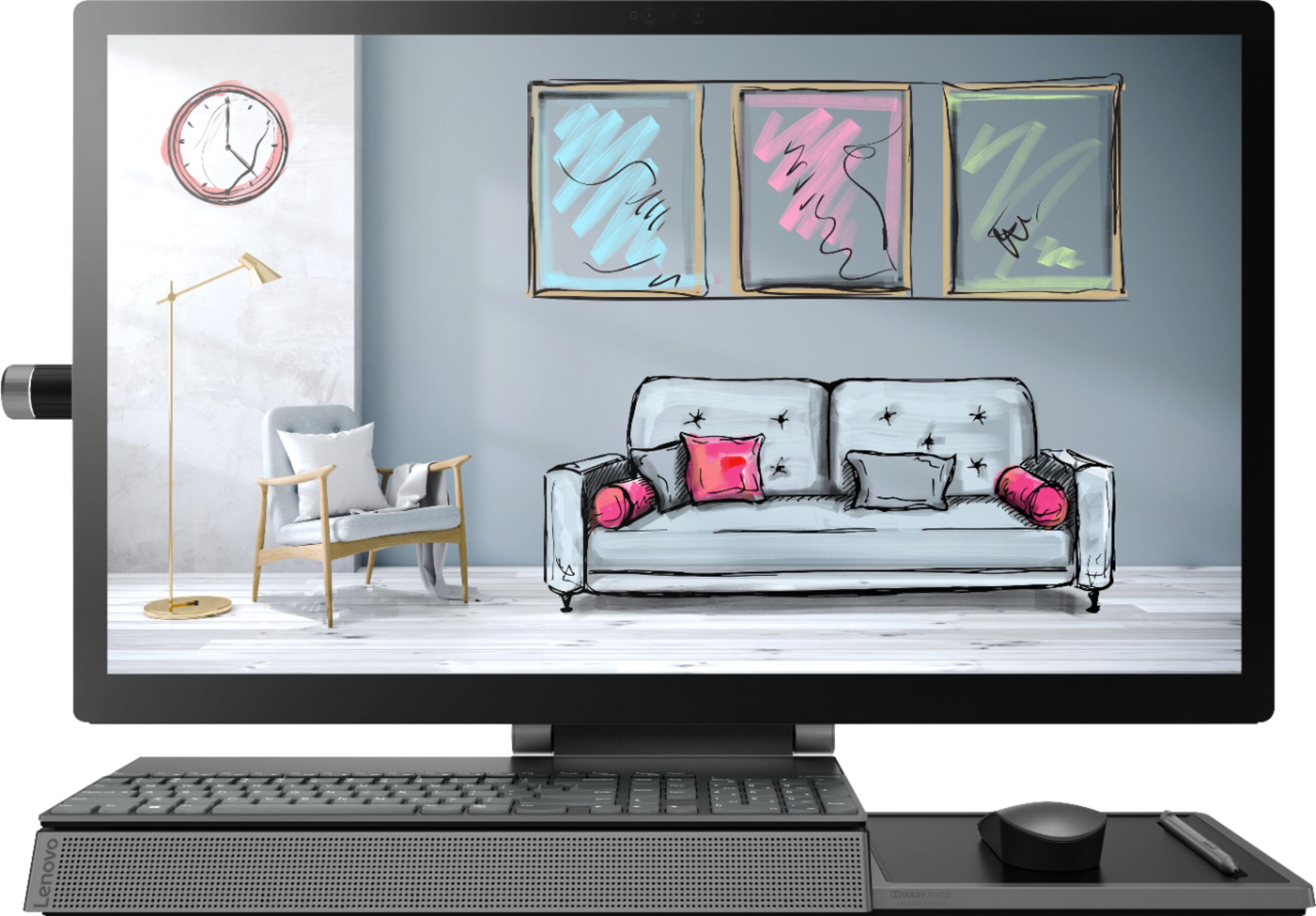
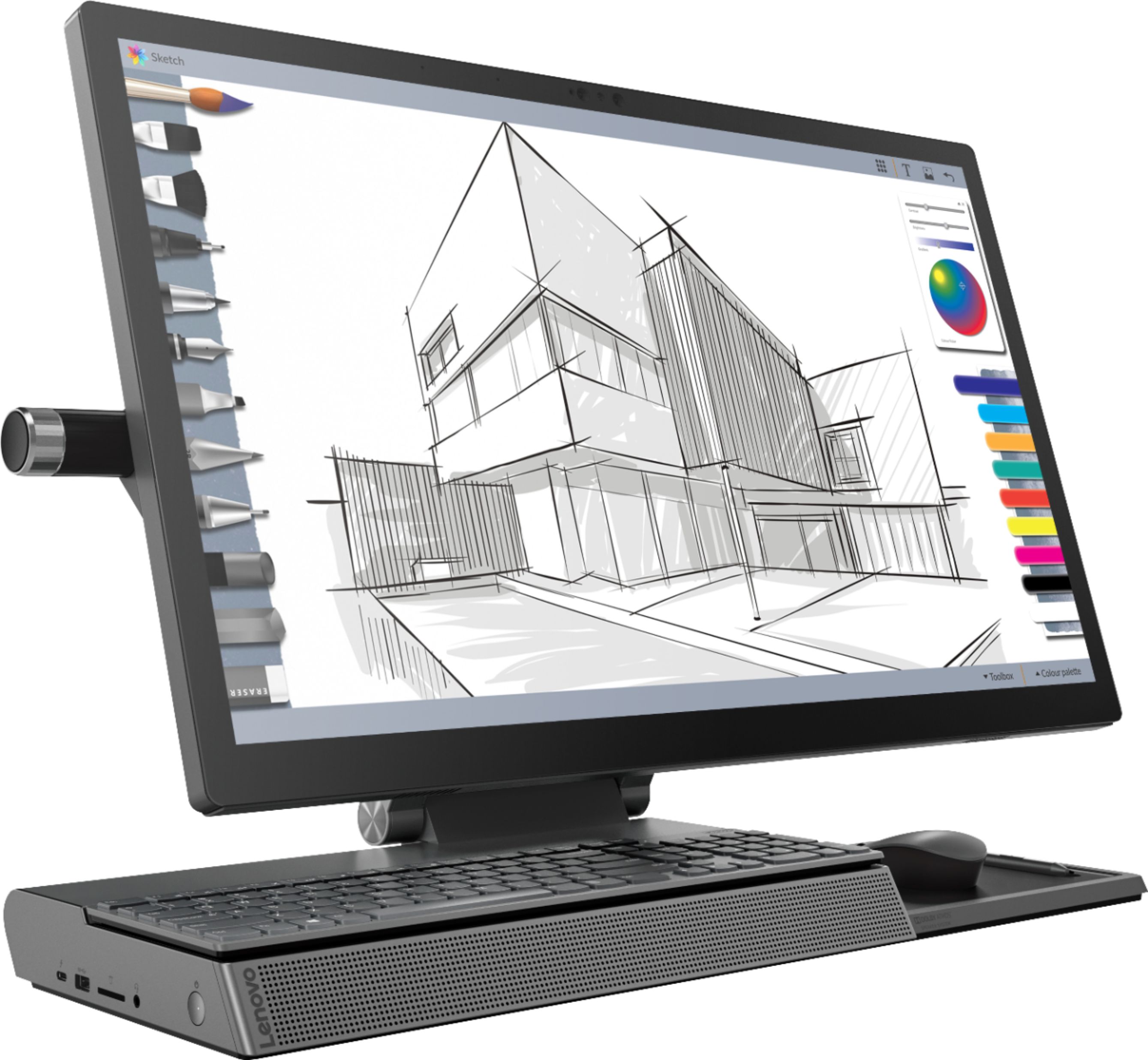
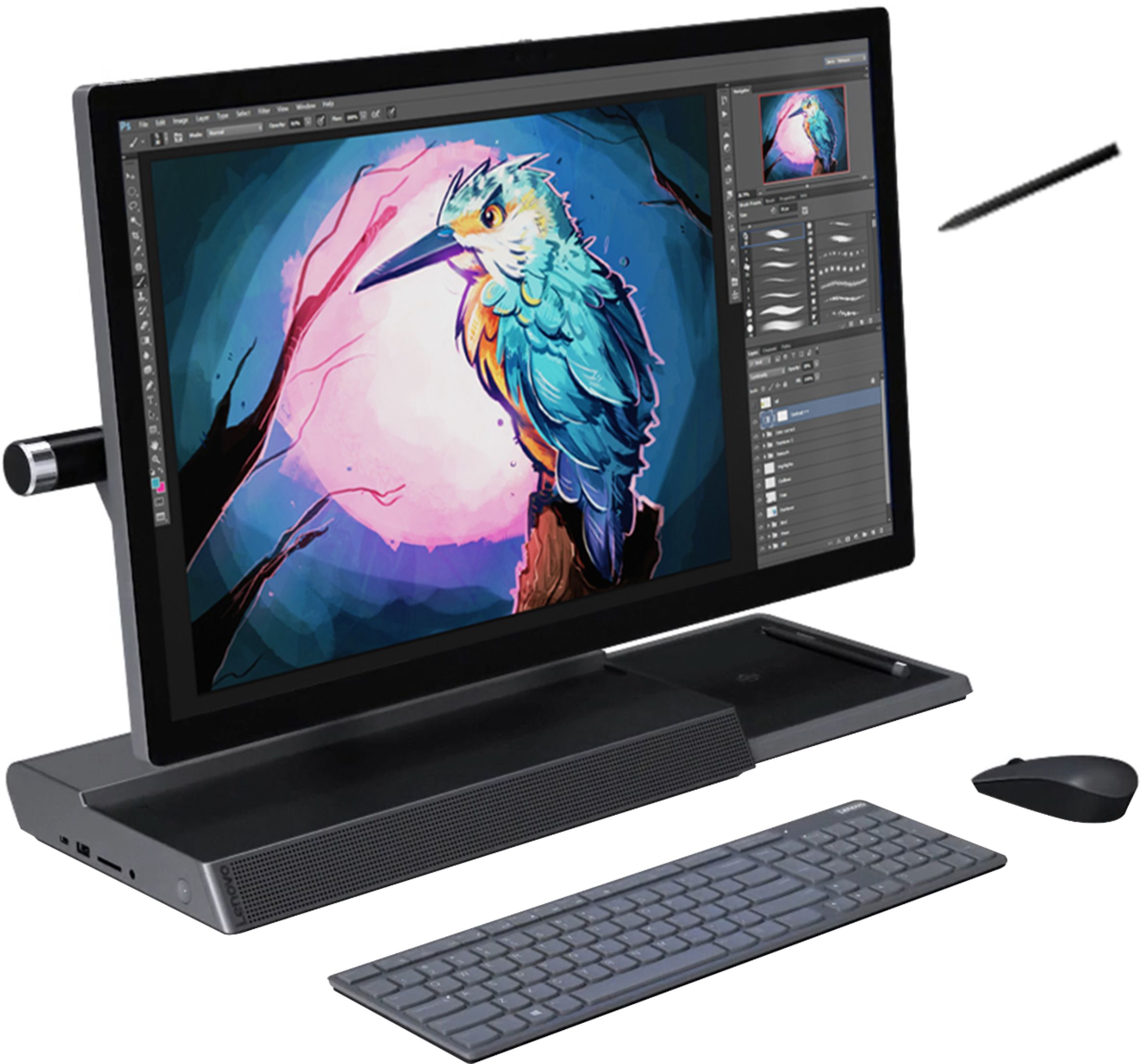
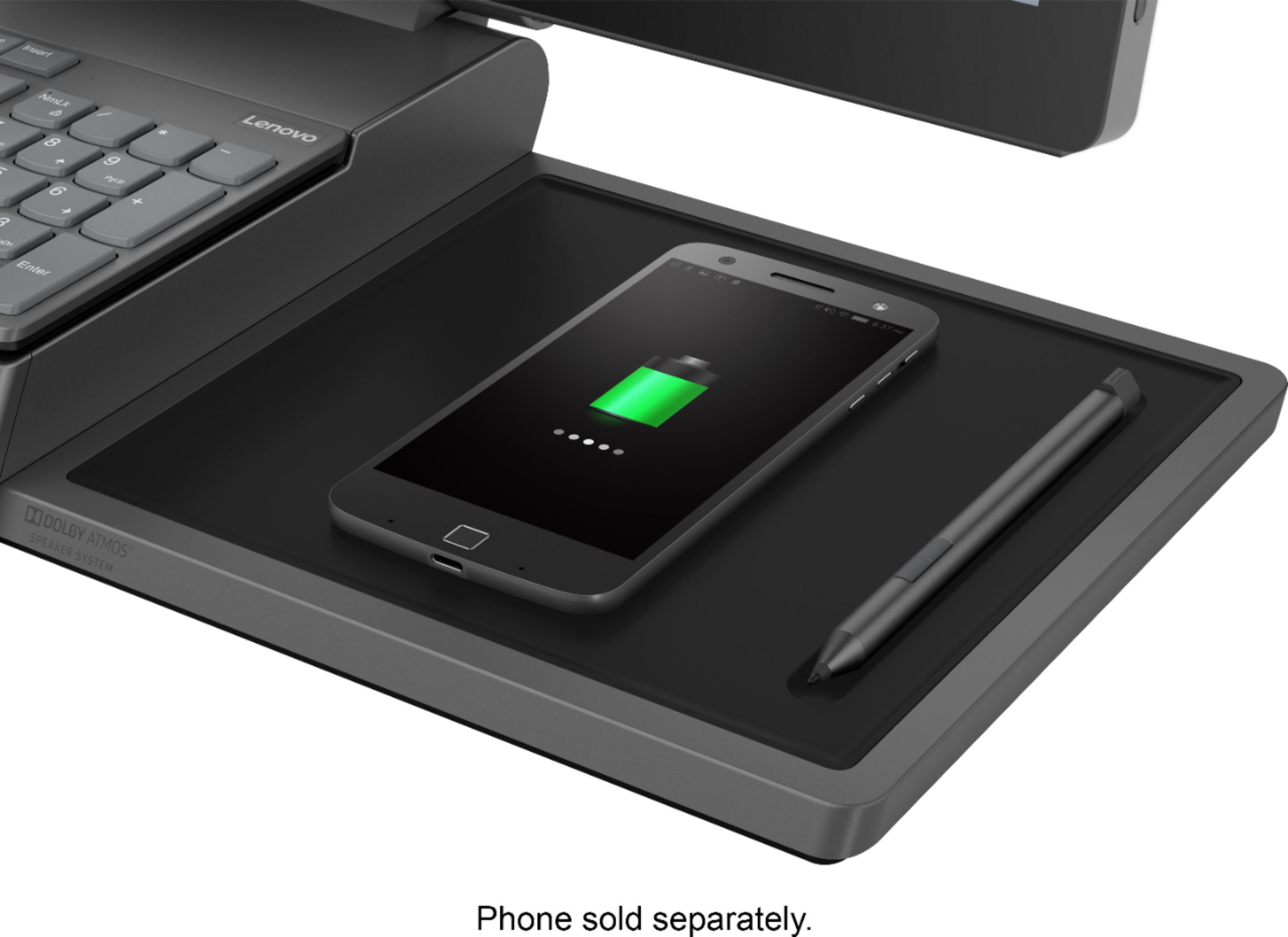
Customers recognize the Yoga A940's large screen size and strong performance as significant advantages, frequently praising its ease of use and the convenient wireless charging feature. However, some users have noted that the fan can be noisy at times and that the included pen could be improved. Concerns were also raised regarding the device's tendency to overheat.
This summary was generated by AI based on customer reviews.
Replacement for Microsoft Surface
||Posted . Owned for 3 weeks when reviewed.This reviewer received promo considerations or sweepstakes entry for writing a review.Generally good replacement for equivalent Microsoft Surface Pro which died during a software upgrade.
I would recommend this to a friendBrand response from Lenovo Product Expert
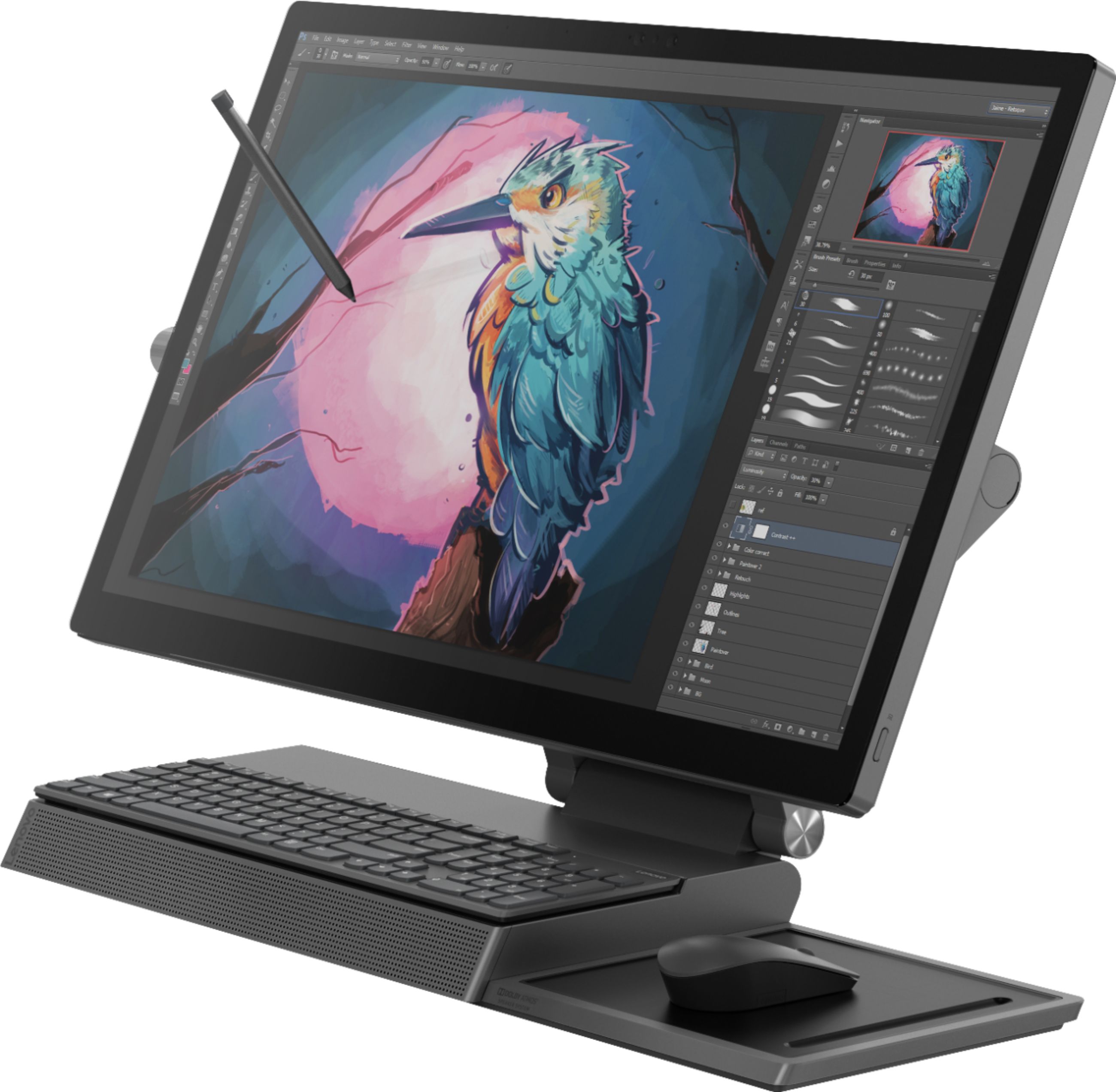
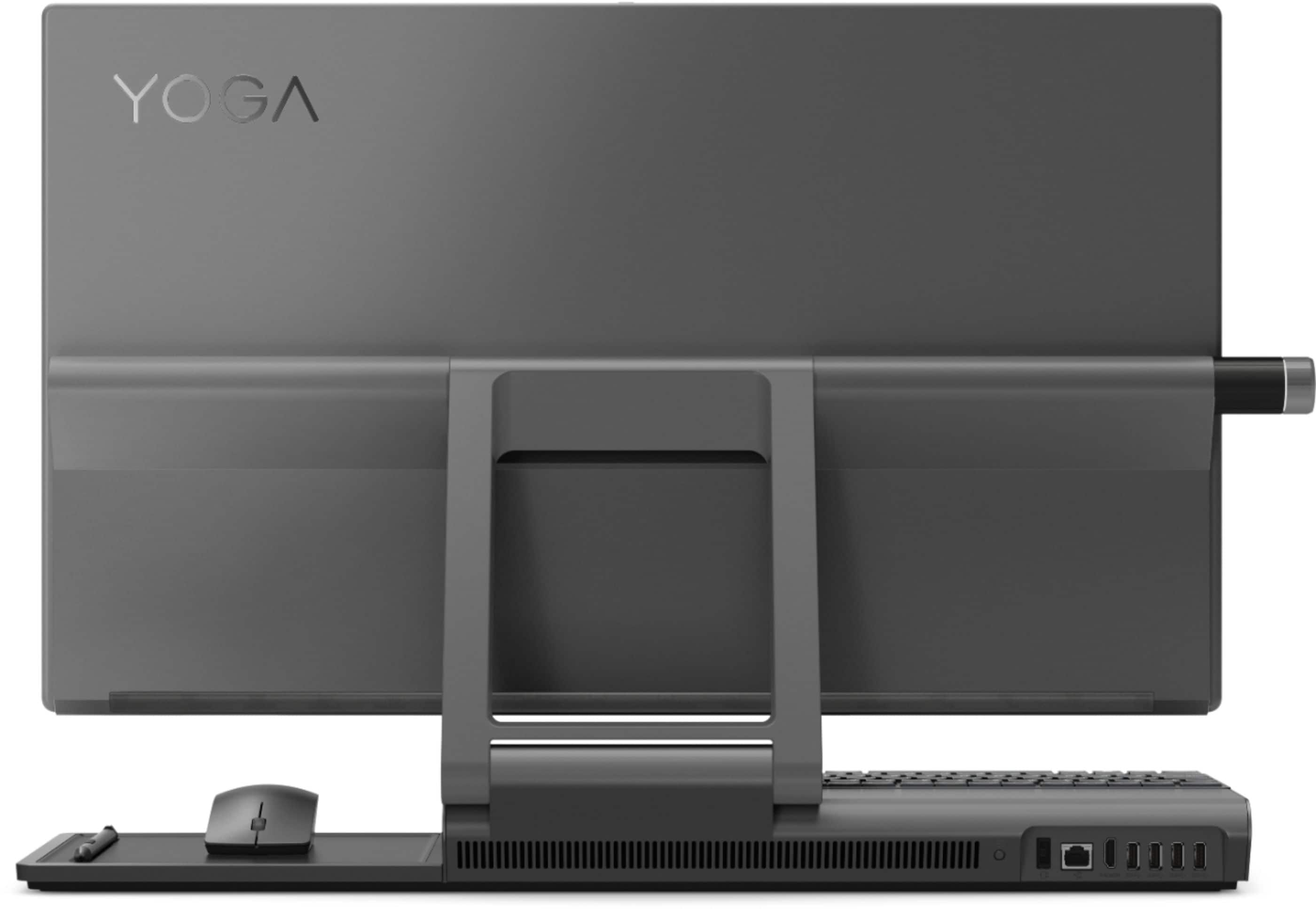
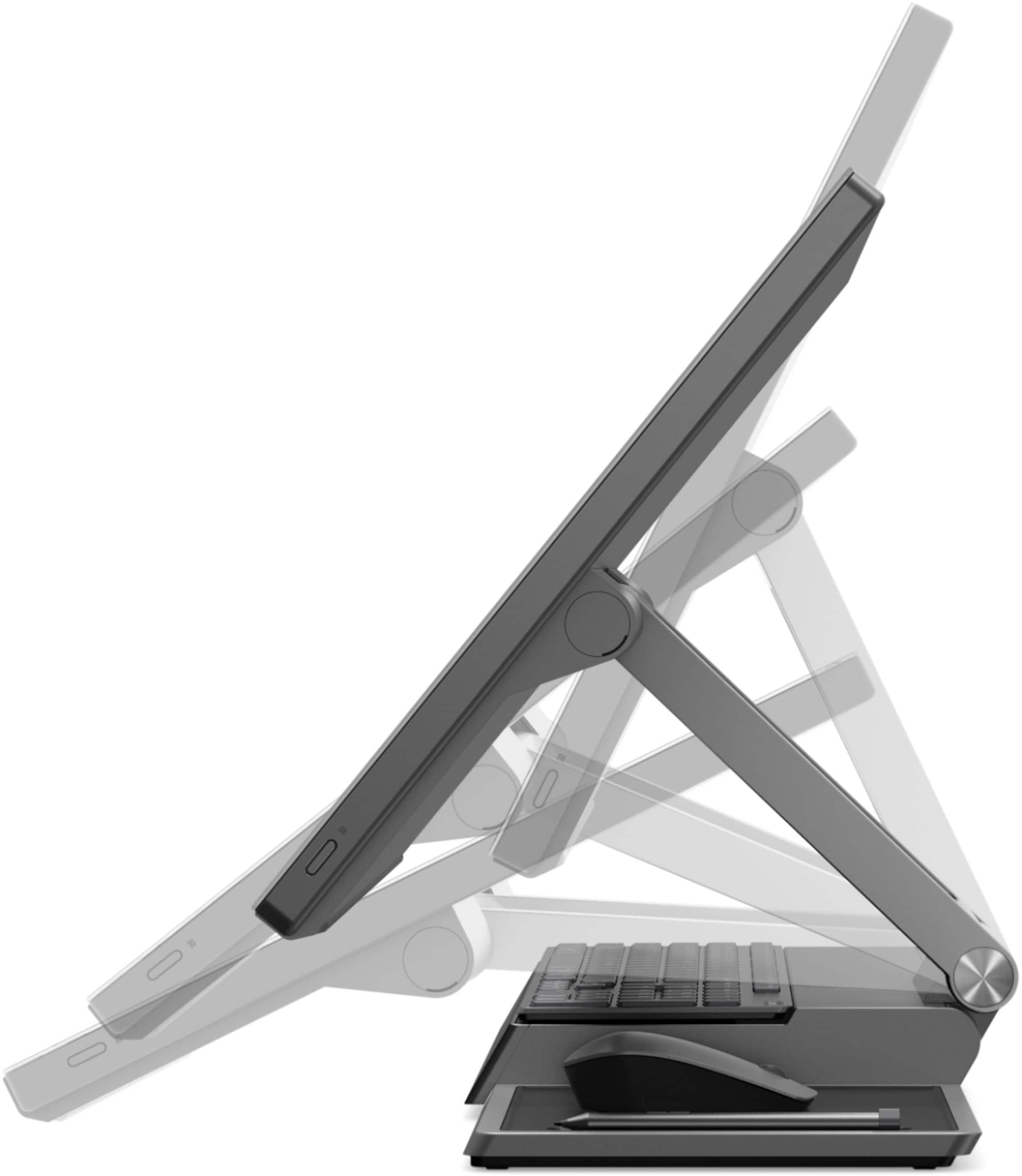
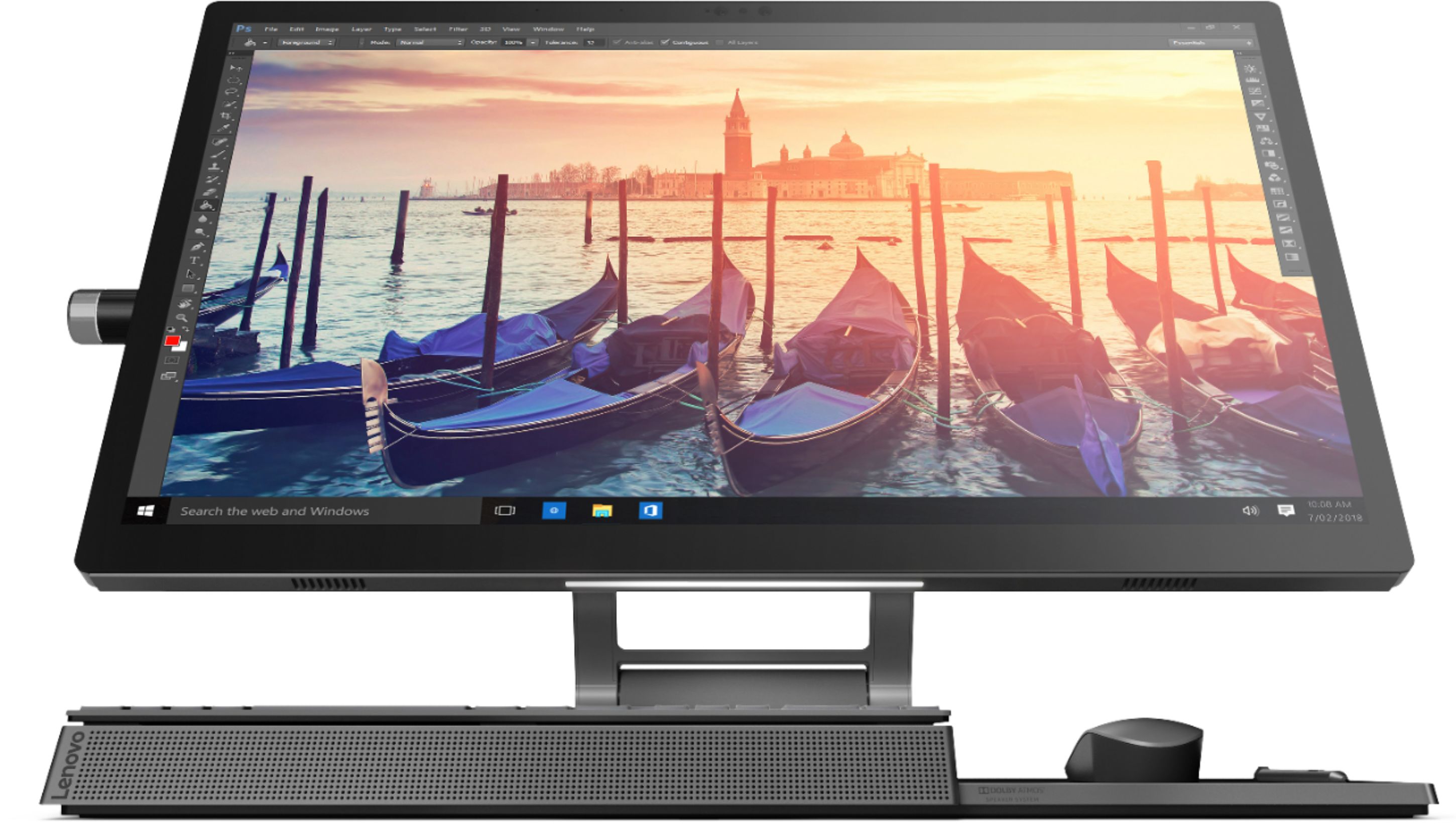
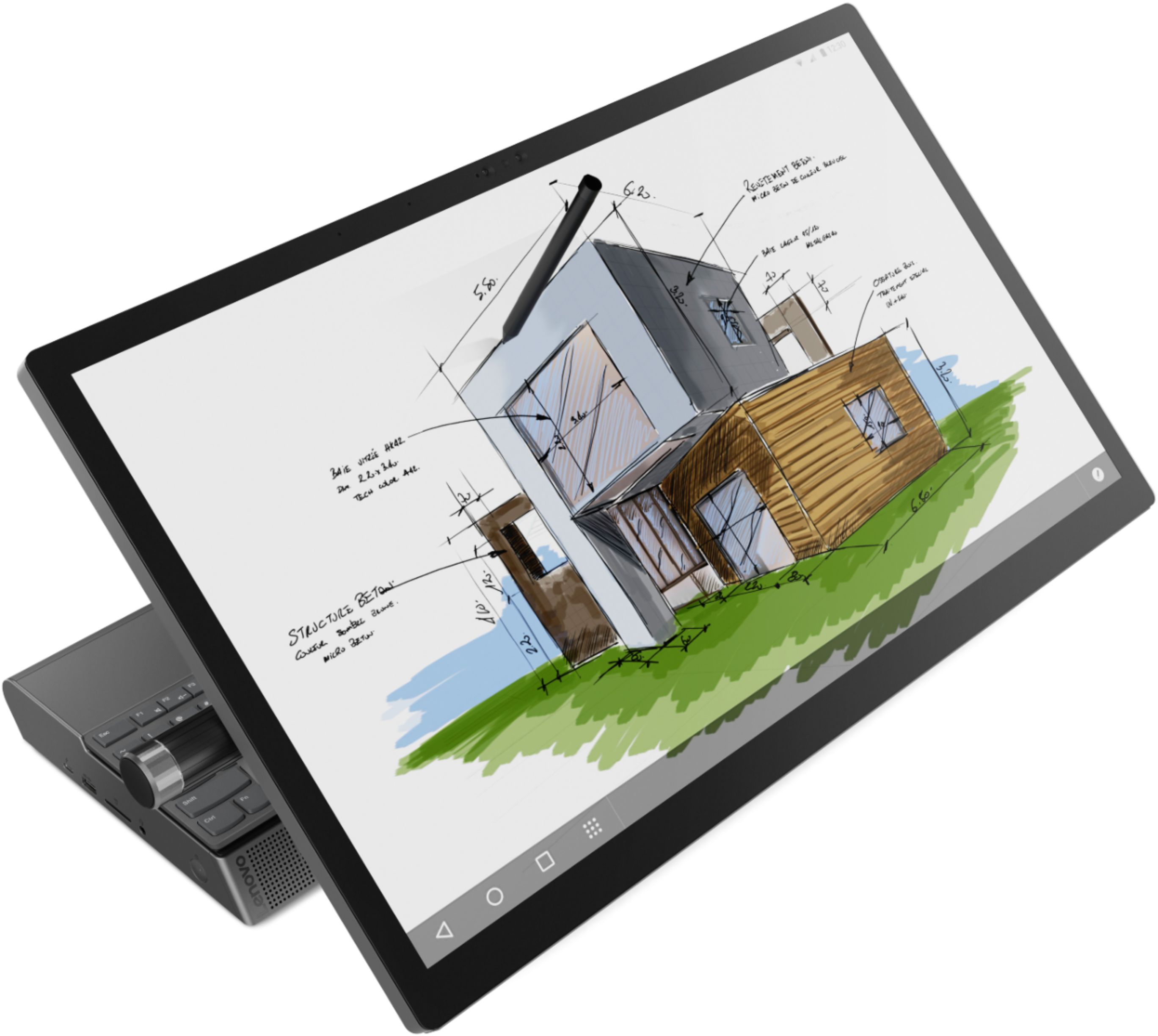
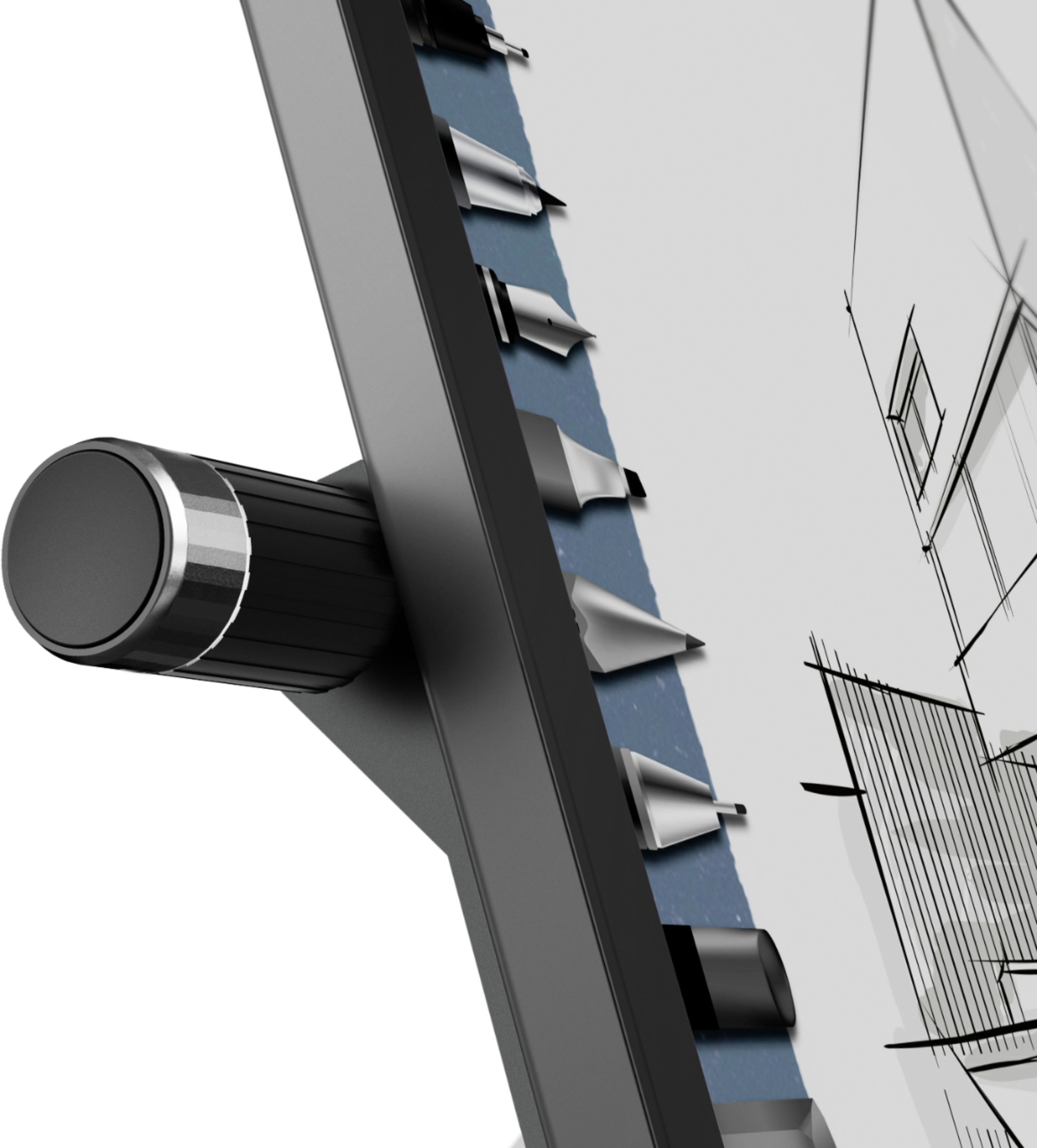
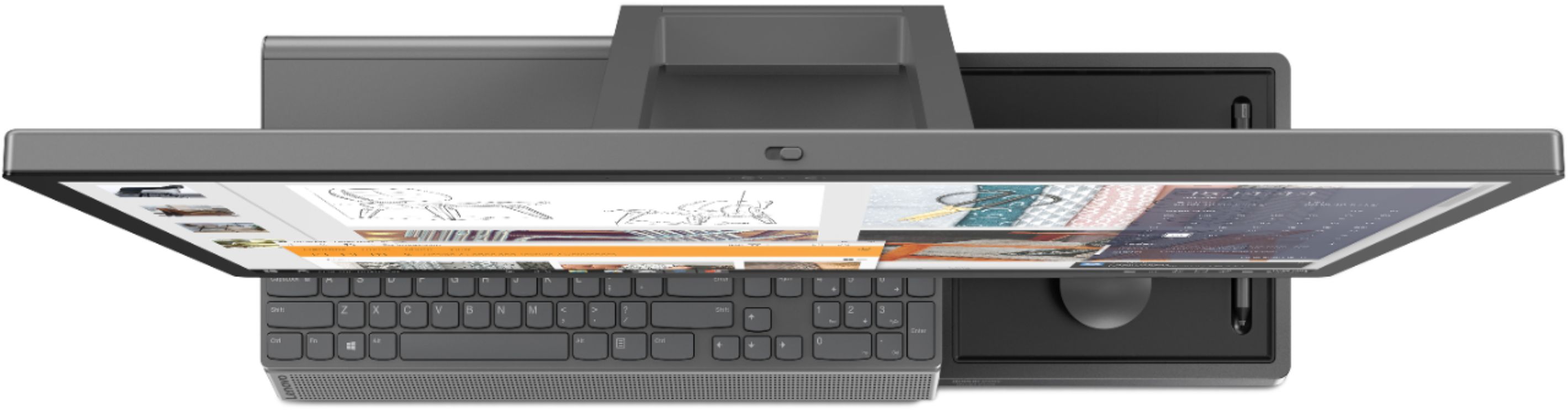
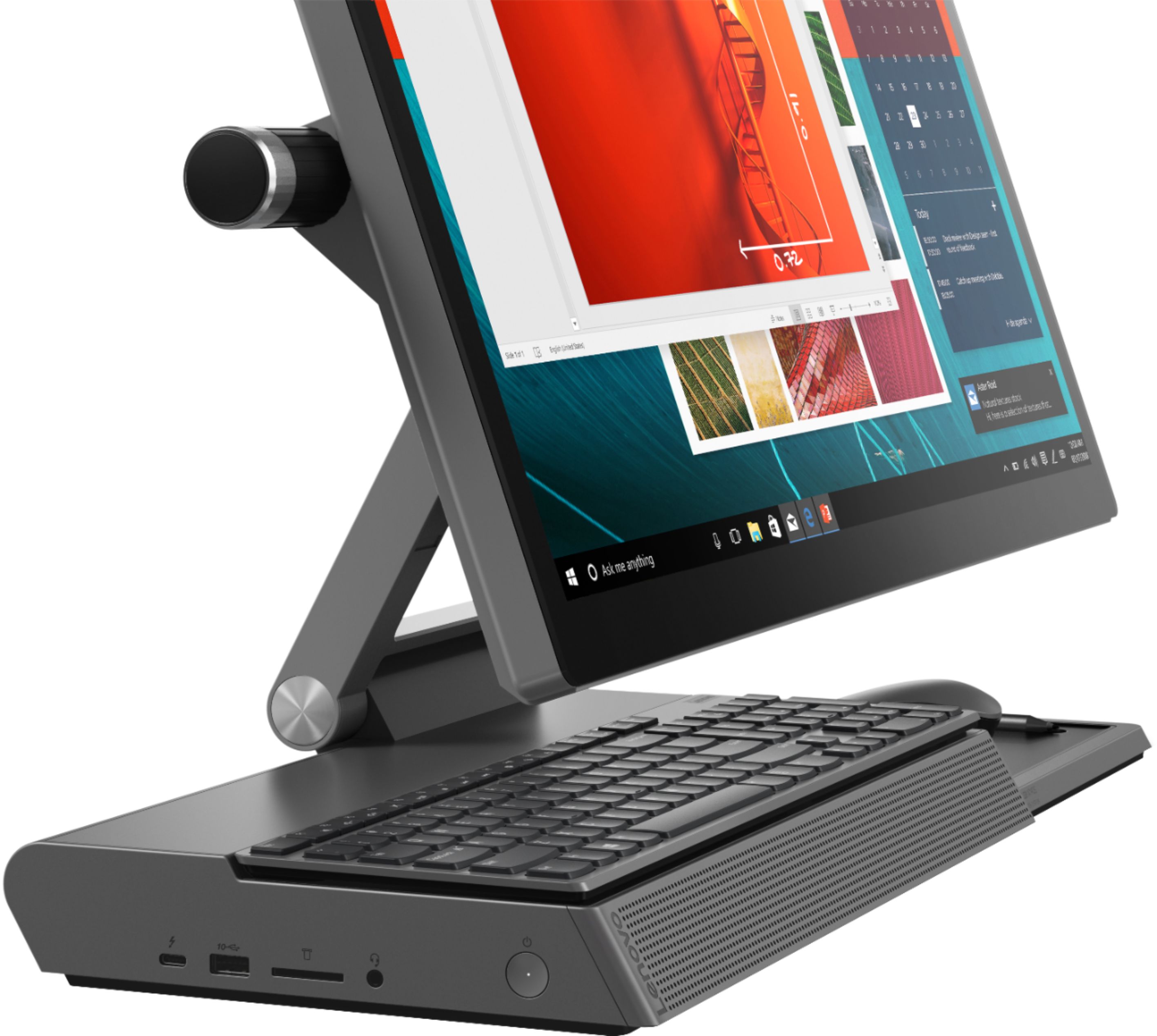
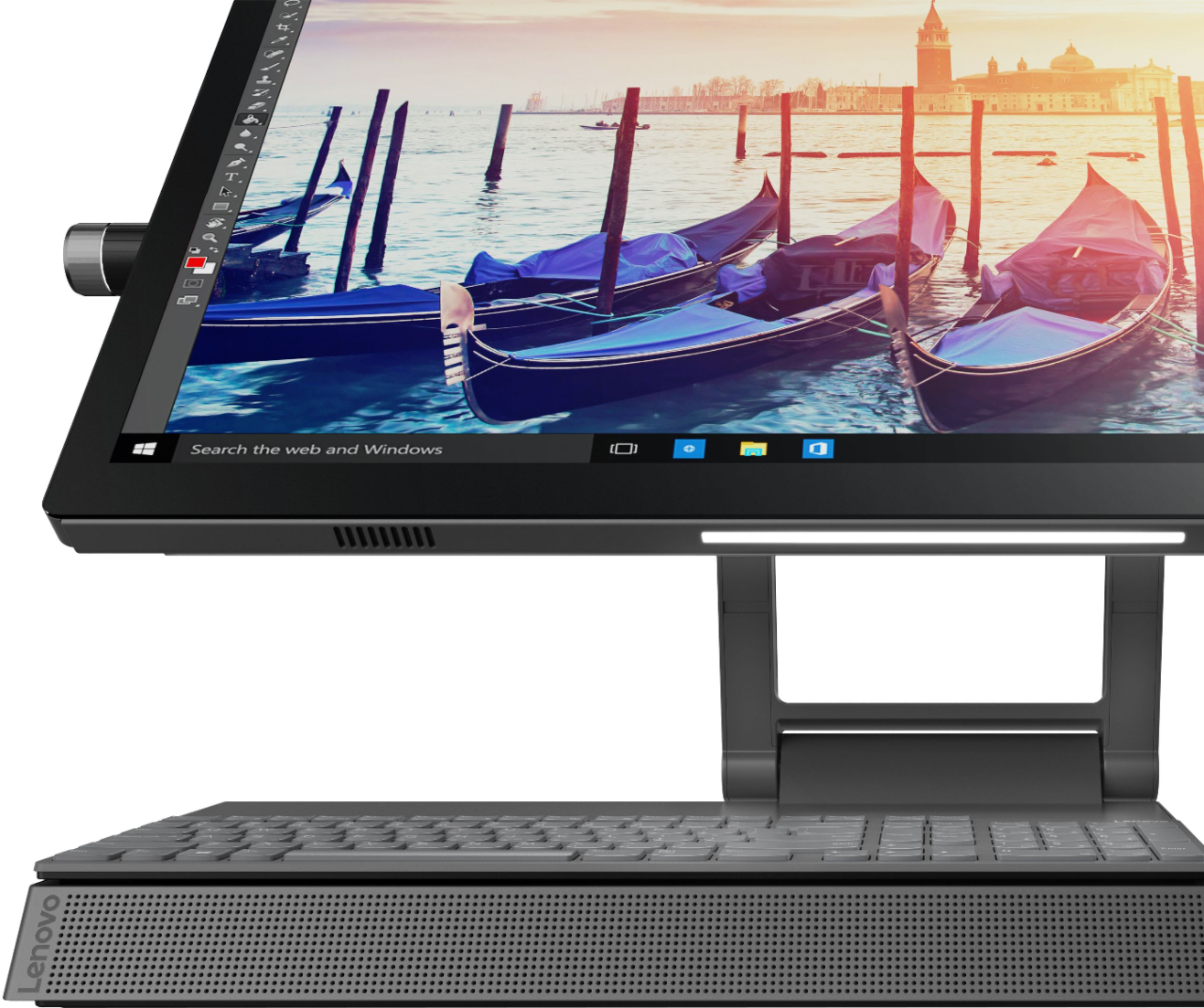
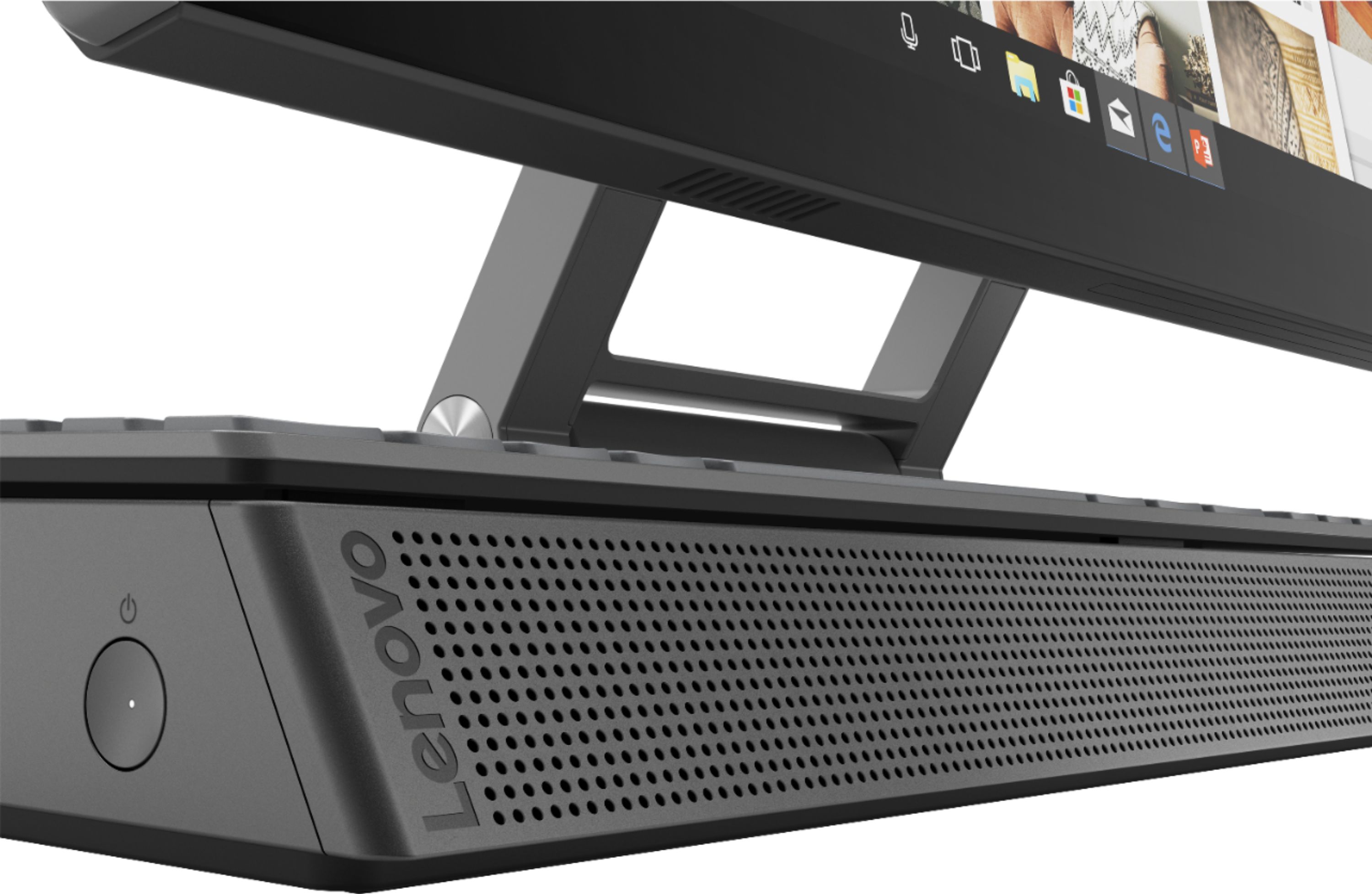
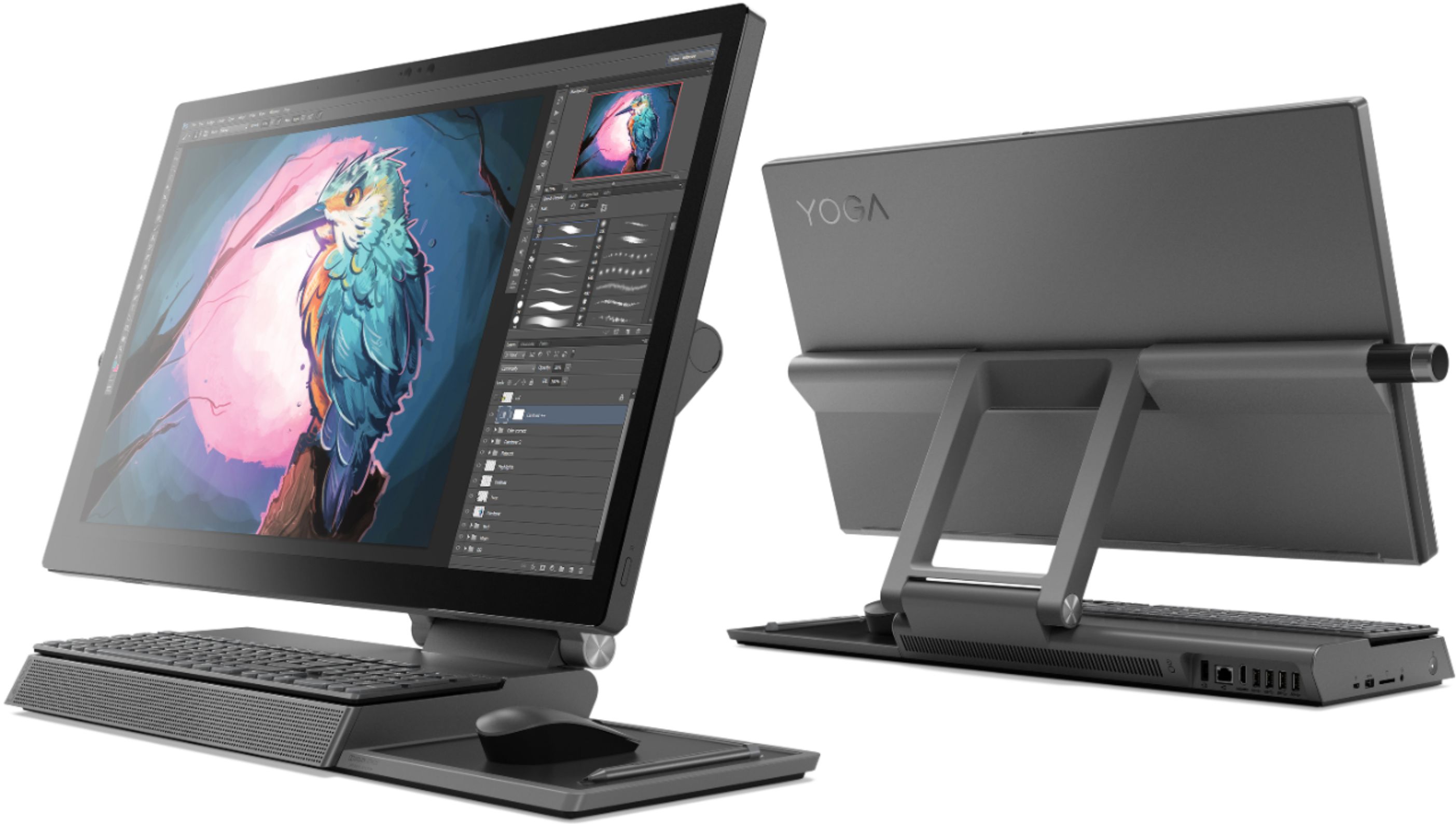
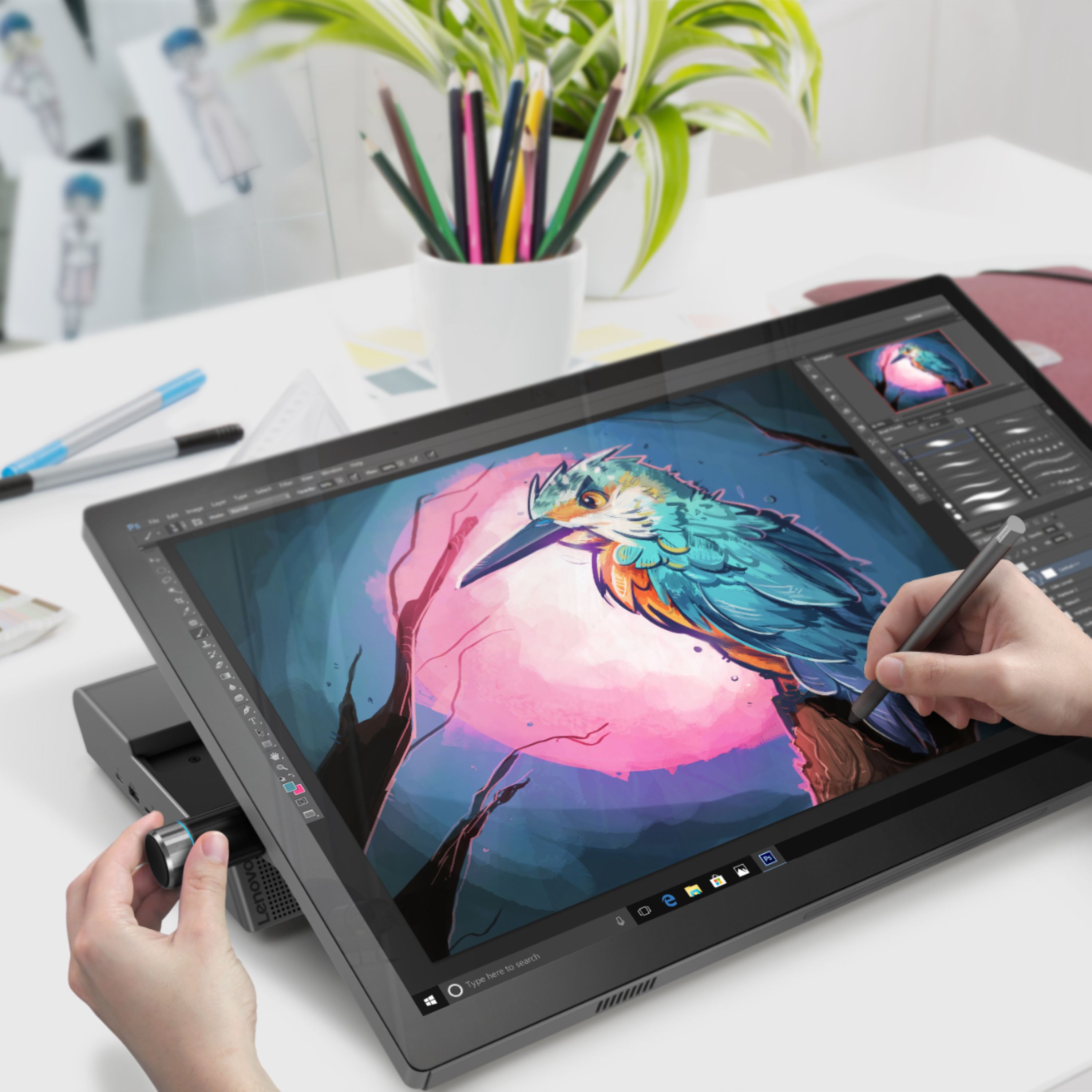
Posted .Thank you for choosing the Lenovo Yoga A940-27 All-In-One system. Tilt the Yoga A940's 27-inch display to 25-degrees with a rotating hinge that provides stability for drawing and writing with a digital pen. The innovative dual hinge design makes it easier to slide into drafting mode with one hand- and palm-rejection technology provides a pen-to-paper experience whether you’re sketching out your next project or tweaking details in Lightroom. Scroll, calibrate, and make precise adjustments to your work with a twist of the Yoga A940's content creation dial. Use it to assign settings and features in Adobe Illustrator, Photoshop, Lightroom and more. Better yet, the dial can be placed on either the left or right side of the display to ensure maximum comfort for left-handed, right-brained creators. Experience stunning color, contrast, and detail in 4K resolution on a 27-inch wide-angle display optimized with Dolby Vision HDR. The Yoga A940 also offers powerful sound in every mode, with the user-facing Dolby Atmos Speaker System. Encased underneath the display is a second set of speakers, designed to maximize sound even when the display is tilted into drafting mode. The Yoga A940 offers Intel Core i7-8700 processing with 6-Cores/12-Threads for intelligent, ultrafast performance. Combined with powerful AMD Radeon RX560 discrete graphics, this all in one PC delivers lightning-fast responsiveness whether you’re editing or creating content.

Camera faulty
||Posted .This reviewer received promo considerations or sweepstakes entry for writing a review.Great machine! However I had to exchange it because the camera was flickering. Its a very, very heav PC and was difficult to bring back to the store for analysis.
I would recommend this to a friendBrand response from Lenovo Product Expert
Posted .We are sorry to hear that you had an issue with your IR web camera within the Lenovo Yoga A940-27 All-In-One system. It is possible that the issue with the web cam was software based. You can easily check for software issues and fix them by using the Lenovo Utility software installed on the computer. This system has Lenovo utilities installed to help maintain the health of the device and keep the operating system software up to date. Type "Lenovo Vantage" in the Cortana Search window (if Lenovo Vantage is not installed on your device, you can download the APP and install it now). Select Lenovo Vantage from the list. In the window that opens, click on "Health and Support". In the expanded menu, select "Hardware Scan" In the window that opens, select "Run Quick Tests". This will scan your entire system for errors. Follow any directions that may pop up. If the problem continues after this scan, now click on "System Update". First select Windows update from the menu. Scan your system to be sure you have the latest version of Windows 10. Once that scan is complete, select "Additional Updates". This will scan your device to be sure there are no new BIOS/Driver updates needed. Follow any instructions that may pop up. If the issue still continues after these updates, we recommend you call Lenovo Tech Support at: 877-453-6686 for additional help. For 2018, Lenovo retained its place for a second year as the best laptop vendor:
https://www.laptopmag.com/articles/laptop-brand-ratings
Nice Desktop
||Posted . Owned for more than 2 years when reviewed.This reviewer received promo considerations or sweepstakes entry for writing a review.Very nice alternative to a Apple product, For my business it exceeded all expectations!!
I would recommend this to a friendPresident and Chief Actuary
||Posted . Owned for 1 month when reviewed.This reviewer received promo considerations or sweepstakes entry for writing a review.The technician showed up on time. He was very professional. The installation and migration of my data went smoothly and without a hitch. I am very satisfied with the entire process.
I would recommend this to a friendVery Simple to set up !
||Posted . Owned for 3 weeks when reviewed.This reviewer received promo considerations or sweepstakes entry for writing a review.This is actually the first computer that I purchased that truly transferred all my data quickly . Also recognized my wireless printer right away as well as my phone . Very little effort on my part .
I would recommend this to a friendBrand response from Lenovo Product Expert
Posted .Once again, thank you for choosing the Lenovo Yoga A940-27 All-In-One system. You can keep your computer running at its best by keeping the Windows 10 Operating System and all supporting BIOS files and drivers up to date. You can easily accomplish this by scanning the computer with the Lenovo Utility software available on this computer. Just type "Lenovo Vantage" in the Cortana Search window (if Lenovo Vantage is not installed on your device, you can download the APP and install it now). Select Lenovo Vantage from the list. In the window that opens, click on "Health and Support". In the expanded menu, select "Hardware Scan" In the window that opens, select "Run Quick Tests". This will scan your entire system for errors. Follow any directions that may pop up. If the problem continues after this scan, now click on "System Update". First select Windows update from the menu. Scan your system to be sure you have the latest version of Windows 10. Once that scan is complete, select "Additional Updates". This will scan your device to be sure there are no new BIOS/Driver updates needed. Follow any instructions that may pop up. If you ever need additional help with your Lenovo computer, we recommend you call Lenovo Tech Support at: 877-453-6686 for additional help.
Fast
||Posted .This reviewer received promo considerations or sweepstakes entry for writing a review.First one I bought had problems with the Network adapter and it would freeze. Had to take it back and there were none in the store to trade it with so I had to order it and wait. New one was better. Had no issues.
I would recommend this to a friendBrand response from Lenovo Product Expert
Posted .Tilt the Yoga A940's 27" display to 28° with a rotating hinge that provides stability for drawing and writing with a digital pen. The innovative dual hinge design makes it easier to slide into drafting mode with one hand- and palm-rejection technology provides a pen-to-paper experience whether you’re sketching out your next project or tweaking details in Lightroom. Experience stunning color, contrast, and detail in 4K resolution on a 27” wide-angle display optimized with Dolby Vision HDR. The Yoga A940 also offers powerful sound in every mode, with the user-facing Dolby Atmos Speaker System. Encased underneath the display is a second set of speakers, designed to maximize sound even when the display is tilted into drafting mode. The Lenovo Yoga A940-27 AIO uses the latest 5G 802.11AC (2x2) frequency for the best WiFi connectivity. Lenovo is the number #1 manufacturer of computers in the World:
https://venturebeat.com/2019/01/10/gartner-and-idc-hp-and-lenovo-shipped-the-most-pcs-in-2018-but-total-numbers-fell/
Love
||Posted . Owned for 2 months when reviewed.This reviewer received promo considerations or sweepstakes entry for writing a review.Was not able to use 100 based on the purchase time.love over all works well.....
I would recommend this to a friendGood computer
||Posted . Owned for 1.5 years when reviewed.This reviewer received promo considerations or sweepstakes entry for writing a review.This is a great computer. I’ve used it for almost everything from simple log sheets to processing audio and videos. Handles all jobs with no problems.
I would recommend this to a friendExcellent Choice
||Posted . Owned for 1 year when reviewed.This reviewer received promo considerations or sweepstakes entry for writing a review.Excellent Choice. Having it for about six months without any issue. The only improvement that I am expecting is about mouse. A better quality mouse will be very helpful.
I would recommend this to a friendBrand response from Lenovo Product Expert
Posted .Thank you for choosing the Lenovo Yoga A940-27 All-In-One system. We are pleased to hear that the Yoga A940-27 AIO meets your computing needs so well.
Large foot print
||Posted . Owned for 1 week when reviewed.This reviewer received promo considerations or sweepstakes entry for writing a review.Great computer with plenty of features, just takes a lot of desktop real estate.
I would recommend this to a friendThumbs down!
||Posted . Owned for less than 1 week when reviewed.This reviewer received promo considerations or sweepstakes entry for writing a review.I fell in love with this the moment i saw it so without second thought i immediately bought it not minding the price. This is the highest i ever paid for a computer but looking at what it can do and the aesthetic it will be worth it. NOT. I immediately opened it when it got delievered. I set it up without any hassle. It went smoothly or so i thought... after an hour playing with it, the screen turn black. Thinking it went to sleep, i tried to move the mouse, ctrl alt delete, I did everything that i could well the basics even the unplug-plug-unplug and when i plug again... it start making tbose beeping singing noise. Called bestbuy and we did what i just did, finally telling me they are replacing the item and all she need to do is transfer me to the "right department". After several hours of transferring i finally found the right department. Sigh. And when we are down to actually making the pickup appointment the associate hangup in the middle of the call. Waited 5 mins just in cases i get a call back. None. So i called back AND GUESS WHAT?! THE STORE IS EFFFIN CLOSE! (Will try call again tom and hoping i get a better service than today)
No, I would not recommend this to a friendmade in USA
||Posted . Owned for less than 1 week when reviewed.This reviewer received promo considerations or sweepstakes entry for writing a review.I would rather buy products made in America, I was told this computer was made in Morrisville, NC, if not true I will not buy another lenovo
I would recommend this to a friendBrand response from Lenovo Product Expert
Posted .The location of manufacture of your specific Lenovo Computer will be printed on the outside of the box your Lenovo Yoga A940-27 shipped in. Lenovo has North American Headquarters in Morrisville, NC and manufacturing and assembly facilities all over the World.
Great for at home work
||Posted . Owned for 3 months when reviewed.This reviewer received promo considerations or sweepstakes entry for writing a review.Bought for my wife since she is able= to work from home and have not had any problems. The computer is all together and has some weight to it.
I would recommend this to a friendBrand response from Lenovo Product Expert
Posted .Thank you for choosing the Lenovo Yoga A940-27 All-In-One system for your wife. Tilt the Yoga A940's 27-inch display to 25-degree with a rotating hinge that provides stability for drawing and writing with a digital pen. The innovative dual hinge design makes it easier to slide into drafting mode with one hand- and palm-rejection technology provides a pen-to-paper experience whether you’re sketching out your next project or tweaking details in Lightroom. Scroll, calibrate, and make precise adjustments to your work with a twist of the Yoga A940's content creation dial. Use it to assign settings and features in Adobe Illustrator, Photoshop, Lightroom and more. Better yet, the dial can be placed on either the left or right side of the display to ensure maximum comfort for left-handed, right-brained creators. Experience stunning color, contrast, and detail in 4K resolution on a 27-inch wide-angle display optimized with Dolby Vision HDR. The Yoga A940 also offers powerful sound in every mode, with the user-facing Dolby Atmos Speaker System. Encased underneath the display is a second set of speakers, designed to maximize sound even when the display is tilted into drafting mode. The Yoga A940 offers the Intel Core i7-8700 processing with 6-Core/12-Threads. Combined with powerful AMD Radeon RX560 discrete graphics, this all in one PC delivers lightning-fast responsiveness whether you’re editing or creating content.
lenovo 940 desktop
||Posted . Owned for 1 month when reviewed.This reviewer received promo considerations or sweepstakes entry for writing a review.This has to be the best compute desktop that I have ever own. I've had others and I have also had Lenovo too. This is great.
I would recommend this to a friendBrand response from Lenovo Product Expert
Posted .Thank you for choosing the Lenovo Yoga A940-27 All-In-One System. We appreciate your loyalty to the Lenovo Brand and we are pleased to hear that his Yoga A940-27 AIO is working out so well for you.
Great All-In_One PC!
||Posted . Owned for 11 months when reviewed.This reviewer received promo considerations or sweepstakes entry for writing a review.I love everything about this All-In-One PC. Great price for all of the features that you get.
I would recommend this to a friendBrand response from Lenovo Product Expert
Posted .Thank you for choosing the Lenovo Yoga A940-27ICB All-In-One system. We are pleased to hear that the features and performance of the Yoga A940-27ICB AIO meets your computing needs so well. Tilt the Yoga A940's 27-inch display to 25-degrees with a rotating hinge that provides stability for drawing and writing with a digital pen. The innovative dual hinge design makes it easier to slide into drafting mode with one hand- and palm-rejection technology provides a pen-to-paper experience whether you’re sketching out your next project or tweaking details in Lightroom.
Upgrade now
||Posted . Owned for less than 1 week when reviewed.This reviewer received promo considerations or sweepstakes entry for writing a review.So excited to find the latest and greatest every time! The help was awesome, very knowledgeable and friendly.
I would recommend this to a friendBrand response from Lenovo Product Expert
Posted .Thank you for choosing the Lenovo Yoga A940-27 All-In-One system. We are pleased to hear that the Yoga A940-27 AIO meets your computing needs so well.
All in one computer
||Posted . Owned for 3 weeks when reviewed.This reviewer received promo considerations or sweepstakes entry for writing a review.Works well bought the discounted open box Was nervous but it worked out well
I would recommend this to a friendBrand response from Lenovo Product Expert
Posted .Thank you for choosing the Lenovo Yoga A940 27 All-In-One System. We are pleased to hear that the Yoga A940 27 AIO is working out so well for you.
Love my Lenovo Yoga A940
||Posted . Owned for 1 month when reviewed.This reviewer received promo considerations or sweepstakes entry for writing a review.Love my Lenovo Yoga A940, the price was affordable and the quality is worth it.
I would recommend this to a friendBrand response from Lenovo Product Expert
Posted .Once again, thank you for choosing the Lenovo Yoga A940-27 All-In-One system. You can keep your computer running at its best by keeping the Windows 10 Operating System and all supporting BIOS files and drivers up to date. You can easily accomplish this by scanning the computer with the Lenovo Utility software available on this computer. This system has Lenovo utilities installed to help maintain the health of the device and keep the operating system software up to date. Type "Lenovo Vantage" in the Cortana Search window (if Lenovo Vantage is not installed on your device, you can download the APP and install it now). Select Lenovo Vantage from the list. In the window that opens, click on "Health and Support". In the expanded menu, select "Hardware Scan" In the window that opens, select "Run Quick Tests". This will scan your entire system for errors. Follow any directions that may pop up. If the problem continues after this scan, now click on "System Update". First select Windows update from the menu. Scan your system to be sure you have the latest version of Windows 10. Once that scan is complete, select "Additional Updates". This will scan your device to be sure there are no new BIOS/Driver updates needed. Follow any instructions that may pop up. If you ever need additional help with your Lenovo computer, we recommend you call Lenovo Tech Support at: 877-453-6686 for additional help.
Great
||Posted . Owned for 6 months when reviewed.This reviewer received promo considerations or sweepstakes entry for writing a review.Great family computer. Our kids love drawing in it and its a great multimedia computer as well. Love it!!
I would recommend this to a friendBrand response from Lenovo Product Expert
Posted .Thank you for choosing the Lenovo Yoga A940-17 All-In-One system for your family. We are pleased to hear that the features and performance of the Yoga A940-27 AIO meets the computing needs of your family so well.
Bad Choice
||Posted . Owned for 7 months when reviewed.This reviewer received promo considerations or sweepstakes entry for writing a review.The blows loudly often. When I reset it, it takes a very long time to come back on. I am not pleased and should have returned the computer within the window of exchange. Bad purchase choice on my part.
No, I would not recommend this to a friendBrand response from Lenovo Product Expert
Posted .We are sorry to hear that you are having issues with your Lenovo Yoga A940-27 All-In-One system. First, be sure any software you installed is compatible with Windows 10. There is no need to install Microsoft Office software. The software is already part of the operating system, you just need to activate the software with a purchased product key. If you have installed a copy of Microsoft Office, this is conflicting with the existing copy on the system and this will slow your system down. If you have installed a 3rd party anti-virus program, be sure that Windows Defender is turned off and that the trial version of McAfee Anti-Virus software is uninstalled. There can only be one anti-virus program on the system. You may need to restore your system to original factory default settings if any of the programming errors have occurred. You can do that by typing "restore" in the Cortana search window. Just click on the magnifying glass icon at the bottom left of your Windows 10 Desktop. Click on "Reset This PC" Then click on "Get Started" and follow the on screen directions to restore to factory defaults. If there is no incompatible software installed, now check to be sure you have the latest version of Windows 10 on the computer. Then update all BIOS files and drivers up to that latest version of Windows 10. You can easily accomplish this by scanning the computer with the Lenovo Utility software available on this computer. This system has Lenovo utilities installed to help maintain the health of the device and keep the operating system software up to date. Type "Lenovo Vantage" in the Cortana Search window (if Lenovo Vantage is not installed on your device, you can download the APP and install it now). Select Lenovo Vantage from the list. In the window that opens, click on "Health and Support". In the expanded menu, select "Hardware Scan" In the window that opens, select "Run Quick Tests". This will scan your entire system for errors. Follow any directions that may pop up. If the problem continues after this scan, now click on "System Update". First select Windows update from the menu. Scan your system to be sure you have the latest version of Windows 10. Once that scan is complete, select "Additional Updates". This will scan your device to be sure there are no new BIOS/Driver updates needed. Follow any instructions that may pop up. You can use Lenovo Q-Control to manually control fan and system performance: ( Fn + Q ) option to change the fan by undervolting the processor. If the issue continues, we recommend you call Lenovo Tech Support at: 877-453-6686.