Customer Ratings & Reviews
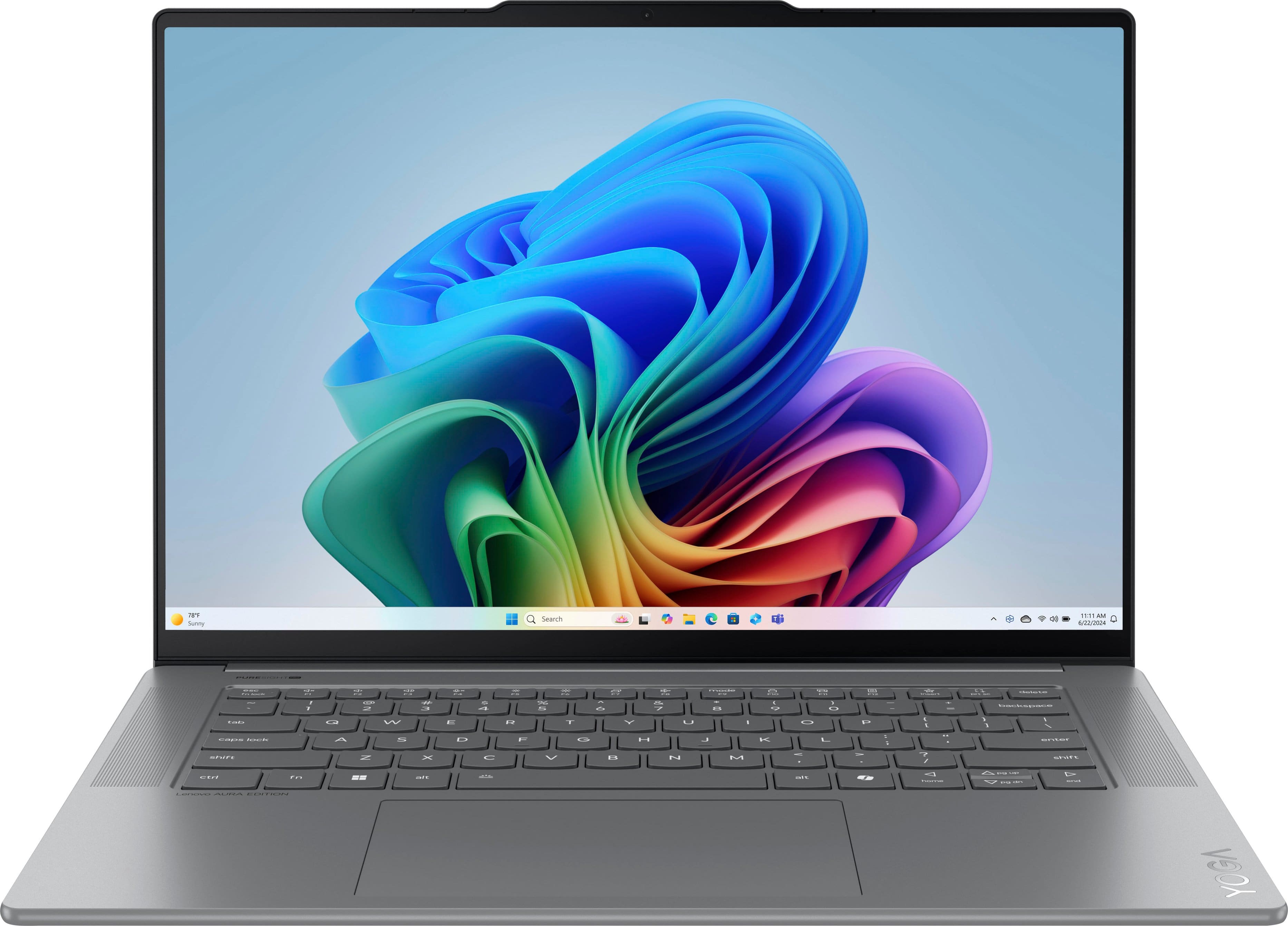
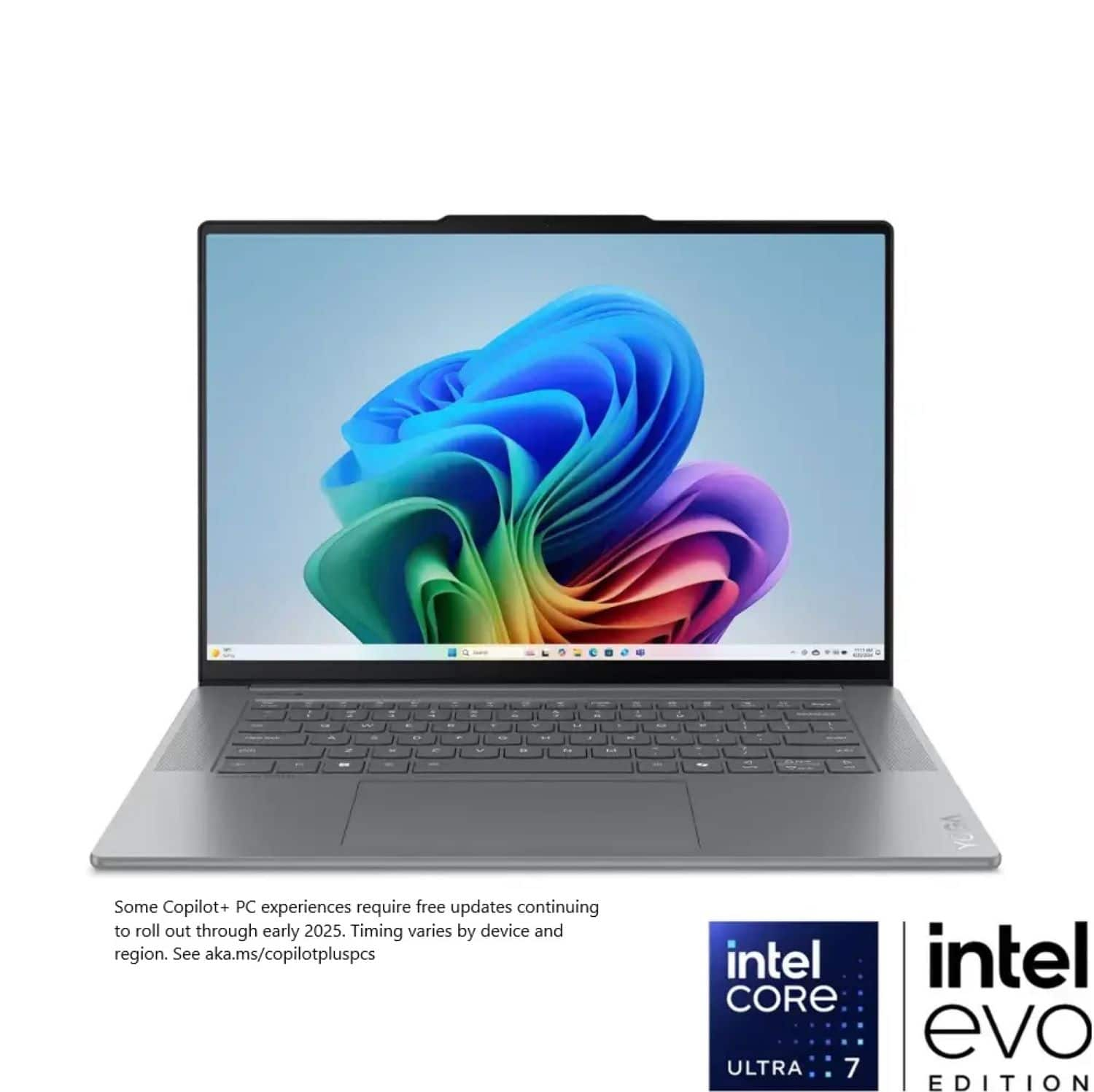




















- Model:
- 83HM002WUS
- SKU:
- 11982391
Rating by feature
- Battery Life
Rating 4.8 out of 5 stars
- Speed
Rating 4.8 out of 5 stars
- Display
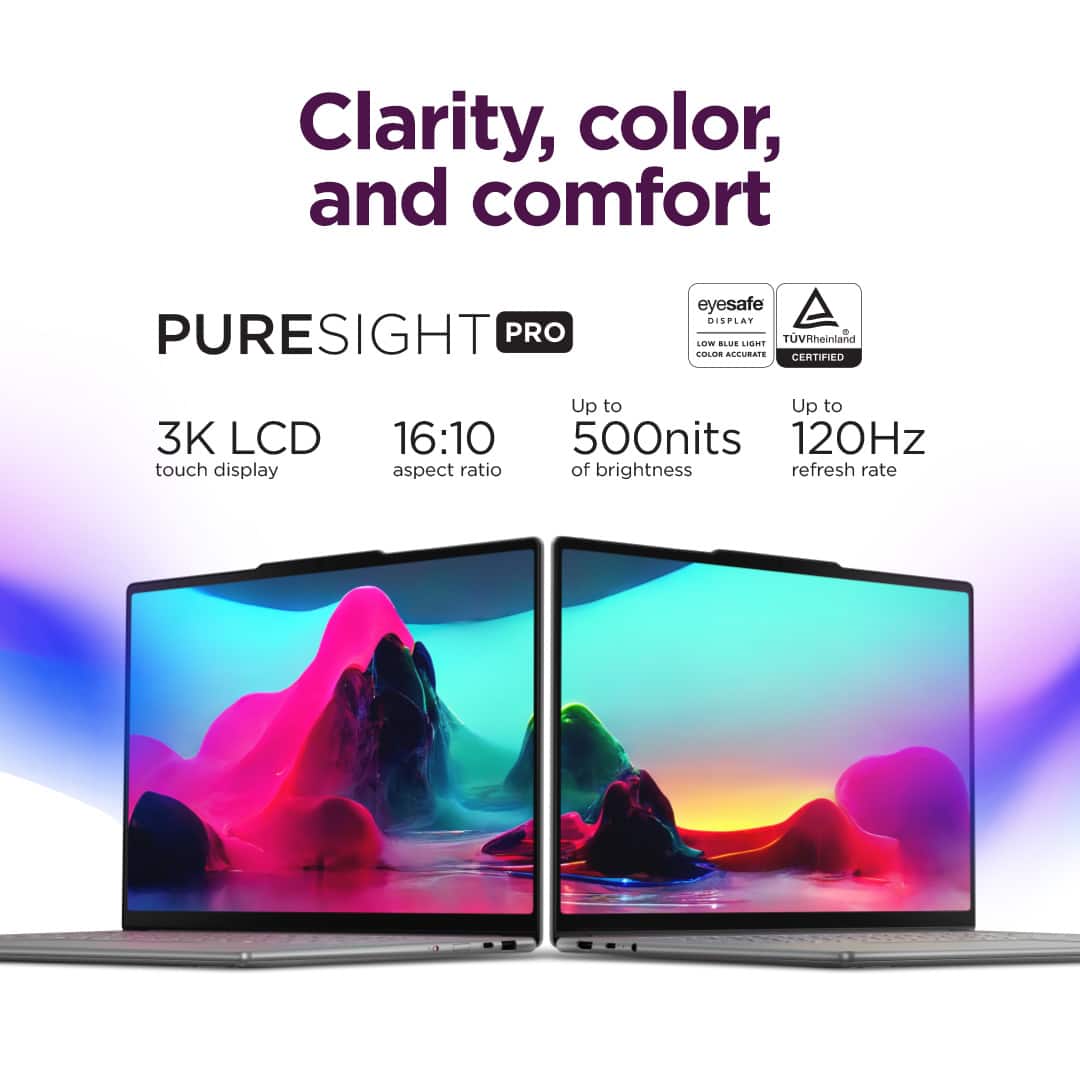
Rating 4.8 out of 5 stars
Decent
||Posted .This reviewer received promo considerations or sweepstakes entry for writing a review.Decent, but it gets a little hot. Build quality is decent.
I would recommend this to a friendBrand response from Lenovo Product Expert
Posted .Hey Phalfon,
Thanks for choosing Lenovo and for sharing your feedback with us.
Should your system's air intake and exhaust grills not be obstructed but excess heat is being produced, we recommend ensuring you have the latest software by checking for updates, as this could correct the issue. To do so, first, open the Settings app > Select the Windows update tab > Select the Check for updates button, apply all available updates. Next, open the Lenovo Vantage app > on the homepage, select the Check for updates button, following on-screen prompts to apply all available updates here as well.
If after the available updates are applied and the system restarts, yet the issue persists, in-depth troubleshooting will be necessary to fix the problem. We recommend contacting Lenovo Support here: 877-453-6686, for further assistance.
Please feel free to reach out to us via the Q& A section of this product page should you have any questions or further comments.
Best,
Lenovo
Dreaded keyboard software issue
||Posted . Owned for 1 month when reviewed.This reviewer received promo considerations or sweepstakes entry for writing a review.Beware - odd keyboard software issue affecting some of these laptops. Unfortunately mine is one of them. This Reddit thread covers it in detail. Very frustrating and apparently even after uninstalling and reinstalling software or resetting windows altogether, the issue tends to return. Not sure what I’ll do. Definitely feels like I bought a lemon. https://www.reddit.com/r/Lenovo/comments/1l2uvhg/anyone_else_having_issues_with_their_shift_keys/
No, I would not recommend this to a friendBrand response from Lenovo Product Expert
Posted .Hello,
Thank you for sharing your feedback with us. We're sorry to hear that you ran into an issue. We strive to provide the best experience possible. We're disappointed and apologize that this wasn't the case for you, and we'd like to work with you to try to improve your experience.
With the release of Windows 11 version 25H2, after updating the system, then installing the updated drivers, this should resolve the issue. If this isn't the case, please let us know in the Q&A section here, as well as contacting Lenovo Support at this number: 877-453-6686, to work with the Customer Care team for swift action as we look to resolve this matter for you and make things right.
Please don't hesitate to let us know what else we can do to improve your experience, as your satisfaction is important to us.
Best regards,
Lenovo
Maybe not the computer for me
||Posted . Owned for 1 month when reviewed.This reviewer received promo considerations or sweepstakes entry for writing a review.Really great , beautiful computer but kept freezing up so I returned it. Part of me thinks it was because I mainly used it for lightroom
I would recommend this to a friendBrand response from Lenovo Product Expert
Posted .Hey JaylynnN,
We are sorry to hear that you had trouble with your Yoga Slim 7i Aura Edition, leading to you returning it. We apologize for the inconvenience that this may have caused you.
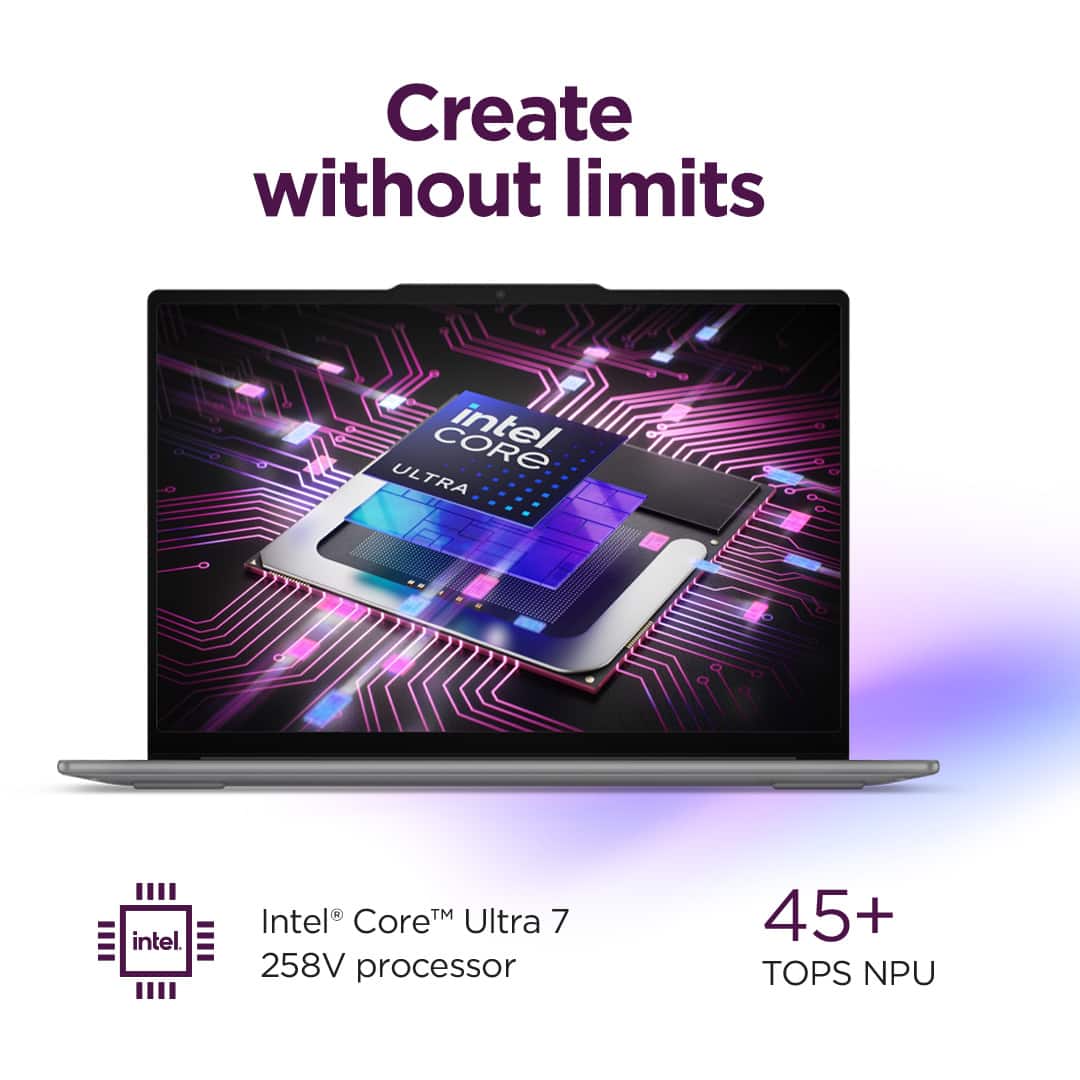
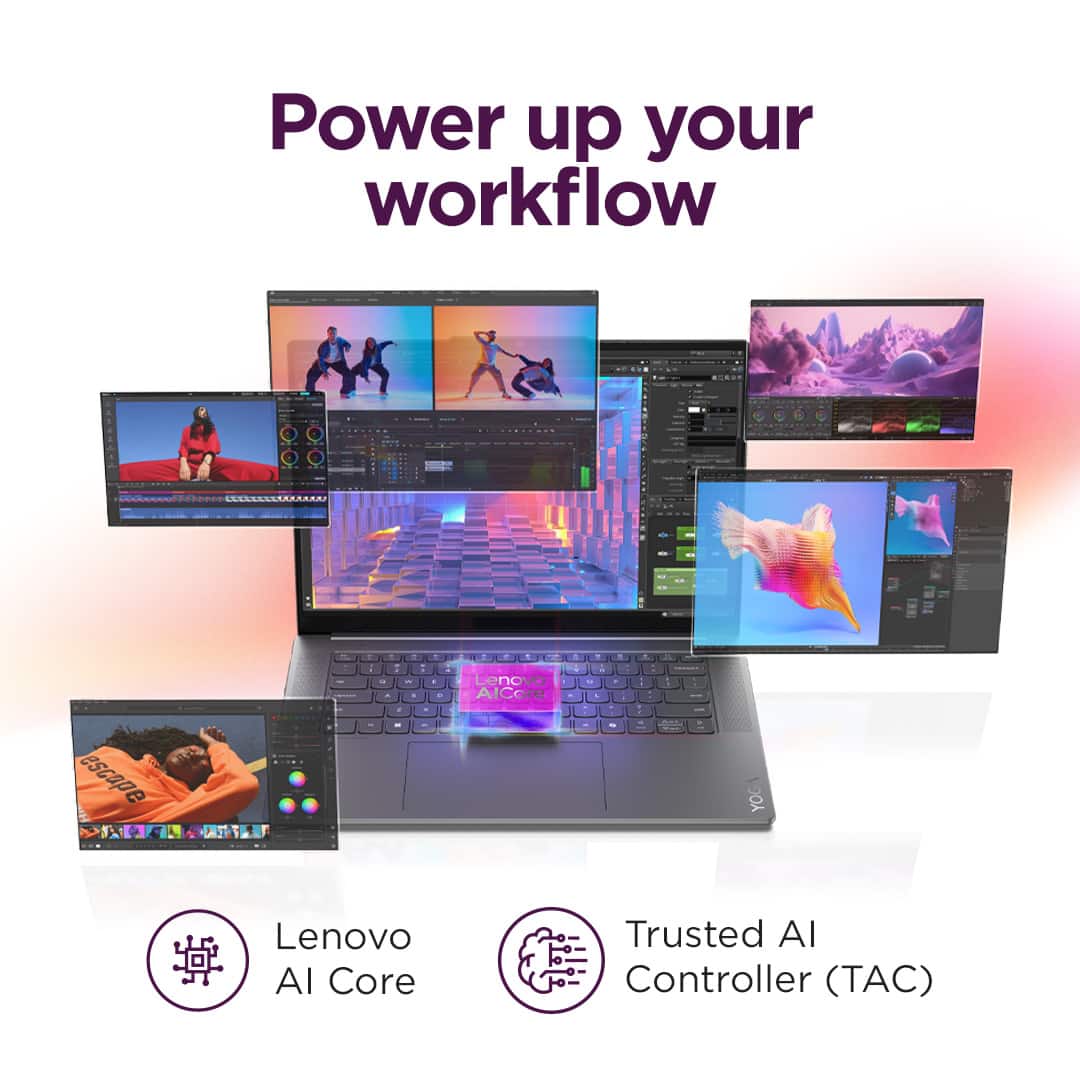
We wish to note that this system features an Intel Series 2 Core Ultra 7 processor that is designed to offer a seamless experience with Adobe software with Adobe being an Intel software partner. We hope that you choose our products again in the future, and that you feel free to reach out us regarding any issues so that we may resolve them for you.
Best regards,
Lenovo
The battery does not last 9hrs even
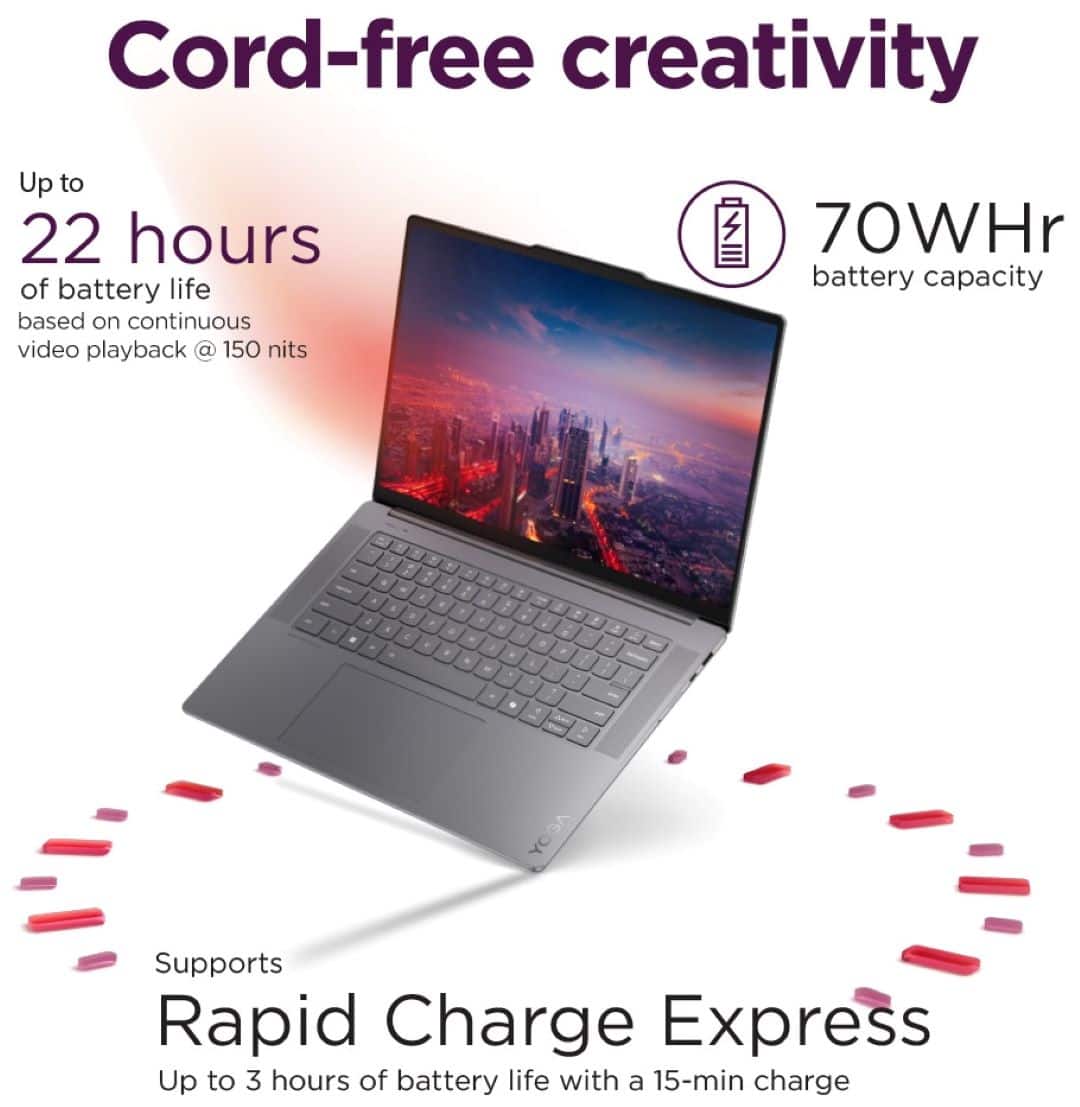
||Posted . Owned for 1 month when reviewed.This reviewer received promo considerations or sweepstakes entry for writing a review.False advertisement, everything else seems fine, but the battery lasts only maybe 4 hours or so, not nine.
No, I would not recommend this to a friendBrand response from Lenovo Product Expert
Posted .Hi there,
Thank you for sharing your feedback with us. We are sorry to hear that you are having trouble with your Yoga Slim 7i Aura Edition falling short of your expectations in regard to battery life. If you'd like, we wish to provide some context and tips to help try to improve your experience.
To start, we recommend ensuring you have the latest software by checking for updates, as this could correct the issue. To do so, first, open the Settings app > Select the Windows update tab > Select the Check for updates button, apply all available updates. Next, open the Lenovo Vantage app > on the homepage, select the Check for updates button, following on-screen prompts to apply all available updates here as well.
Also, while the Yoga Slim 7i Aura Edition is advertised with a high battery life; however, during test like these that are based on low resolution and screen brightness settings with local video playback, the conditions you may be using your Yoga can vary greatly depending on device settings, workload its under, and more. If you need to prioritize battery life, we recommend utilizing Smart Power by pressing the Fn + Q key shortcut to toggle to a power efficiency profile.
We hope that this helps, and please update us when you can.
Best regards,
Lenovo
Over priced
||Posted . Owned for 3 months when reviewed.This reviewer received promo considerations or sweepstakes entry for writing a review.For what you get and not have download it overprice
No, I would not recommend this to a friendBrand response from Lenovo Product Expert
Posted .Hi Bobb,
Thank you for sharing your feedback with us. We are sorry to hear that you are dissatisfied with the Yoga Slim 7i Aura Edition, and we'd like to work with you to try to improve your experience.
If you could, please share more details on what you meant by "...not have download" so that we can address your comment completely.
You can share your feedback further in the Q&A section of the product page and we will work with you to try to resolve this.
We look forward to hearing from you.
Best regards,
Lenovo
Lenovo yoga 7i laptop
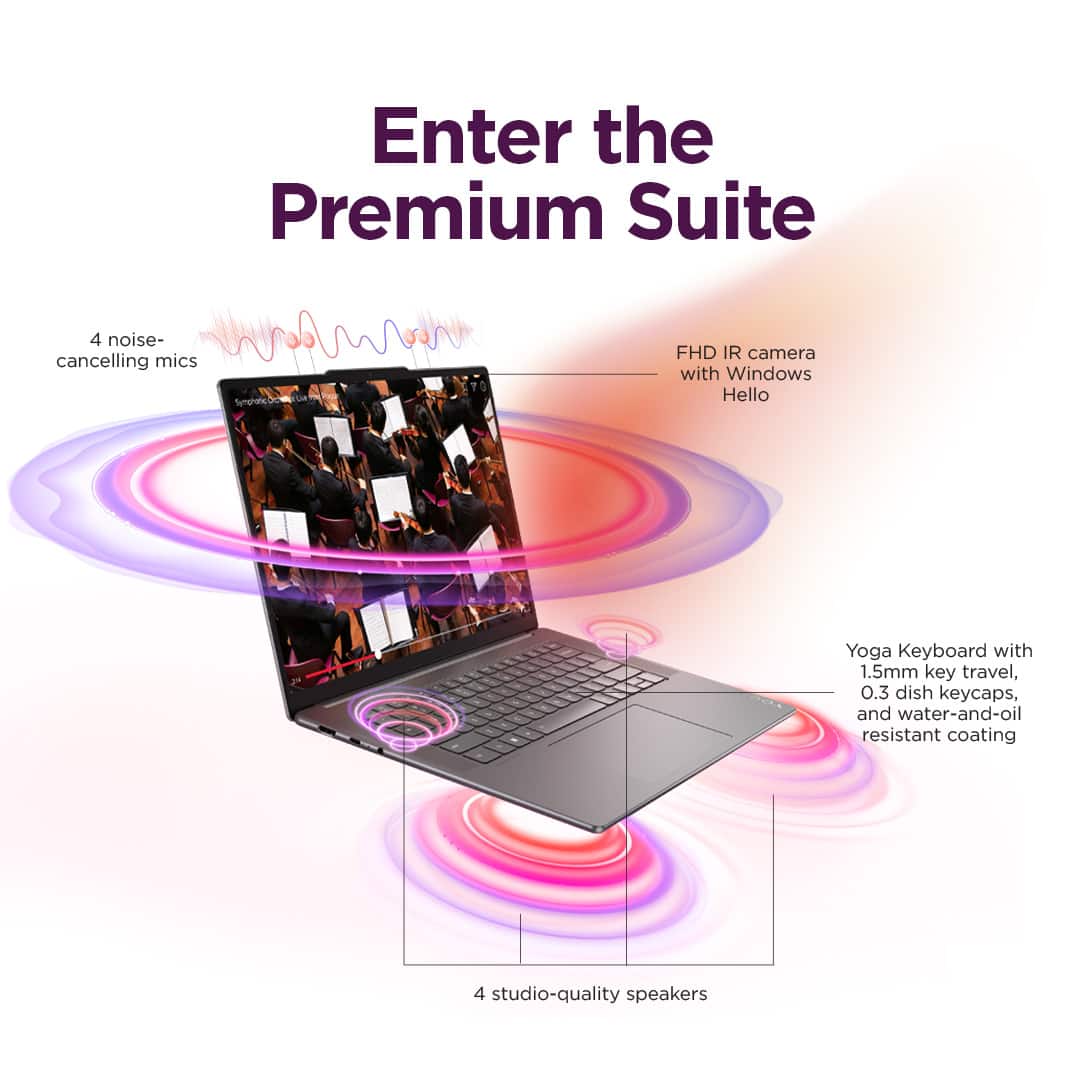
||Posted . Owned for 5 months when reviewed.This reviewer received promo considerations or sweepstakes entry for writing a review.3 months after I bought it, the speakers stopped working. Didn't buy warranty so I end up with a laptop with not working speakers.
No, I would not recommend this to a friendBrand response from Lenovo Product Expert
Posted .Hello,
Thank you for sharing your feedback with us. We're sorry to hear that you ran into an issue. We strive to provide the best experience possible, so if you'd like to, we want to work with you to try to resolve this.
To start, we recommend ensuring you have the latest software by checking for updates, as this could correct the issue. To do so, first, open the Settings app > Select the Windows update tab > Select the Check for updates button, apply all available updates. Next, open the Lenovo Vantage app > on the homepage, select the Check for updates button, following on-screen prompts to apply all available updates here as well.
If after the available updates are applied and the system restarts, yet the issue persists, in-depth troubleshooting will be necessary to fix the problem. We recommend contacting Lenovo Support here: 877-453-6686, for further assistance.
Please don't hesitate to let us know what else we can do to improve your experience, as your satisfaction is important to us.
Best regards,
Lenovo
Faulty fan
||Posted . Owned for less than 1 week when reviewed.This reviewer received promo considerations or sweepstakes entry for writing a review.Laptop was defective. Fan would rattle with or without any load. Tilting the laptop 90 degrees makes the noise go away which means it is a build quality issue. Very disappointed.
No, I would not recommend this to a friendBrand response from Lenovo Product Expert
Posted .Hey AverageGamer, we're sorry to hear that you ran into an issue with your Yoga Slim 7i. If you still have your laptop, please reach out to us by contacting Lenovo Support directly so we may help provide a solution. We appreciate you taking the time to share your feedback with us, as it is crucial for us to continue to provide better products for you.
Great laptop
Posted .This reviewer received promo considerations or sweepstakes entry for writing a review.Lightweight. Fast Hello window High specs. Incredible battery life Beautiful screen. Great sounds.
I would recommend this to a friendBrand response from Lenovo Product Expert
Posted .Hey Amer, thanks for choosing Lenovo! We are pleased to hear that your Yoga Slim 7i has been all-around great, and we appreciate you taking the time to share this feedback with us.
Great bang for the price
Posted .This reviewer received promo considerations or sweepstakes entry for writing a review.Had a Yoga model with less memory less HD space and a bit older processor. Performance wise this is much faster. Screen is also much sharper. Great bang for the price.
I would recommend this to a friendNot the same Yoga
Posted .This reviewer received promo considerations or sweepstakes entry for writing a review.I was initially drawn to the Yoga Slim Aura due to price and that it was light weight. Unfortunately, I returned 2 machines as they did not perform anywhere close to my older Yoga 2-in-1 14". I was very disappointed. I'm wondering if the majority of the issues are the "Aura upgrades" or the AI/Copilot mess that's on there.
No, I would not recommend this to a friendBrand response from Lenovo Product Expert
Posted .Hey TechMgr,
Thank you for sharing your feedback with us. We are sorry to hear that your experience with the Yoga Slim 7i Aura Edition was poor due to your systems performing below your expectations, and we apologize for this disappointment.
We understand your decision and we hope that you consider reaching out to us with any issues you encounter with our products in the future so that we can assist you before dealing with the process of returning your device.
Best regards,
Lenovo
Be aware of potential manufacturing defects
Posted .This reviewer received promo considerations or sweepstakes entry for writing a review.Got this laptop and a couple of days in, the screen flickers and go blank occasionally. Affected by physical movement too, suggesting internal hardware issues. Looked it up on Reddit and some people had similar issues. Otherwise a descent laptop if you can find a deal. But very disappointing with the quality.
No, I would not recommend this to a friendBrand response from Lenovo Product Expert
Posted .Hi JeremyY,
Thank you for sharing your feedback with us. We understand your concern and apologize that you are experiencing this issue.
Regarding the screen issues, if physical movement can cause the issue to appear and not software based errors, we recommend contacting Lenovo Support to work with someone to discuss a solution for you.
Please update us when possible regarding this.
Best,
Lenovo