Customer Ratings & Reviews

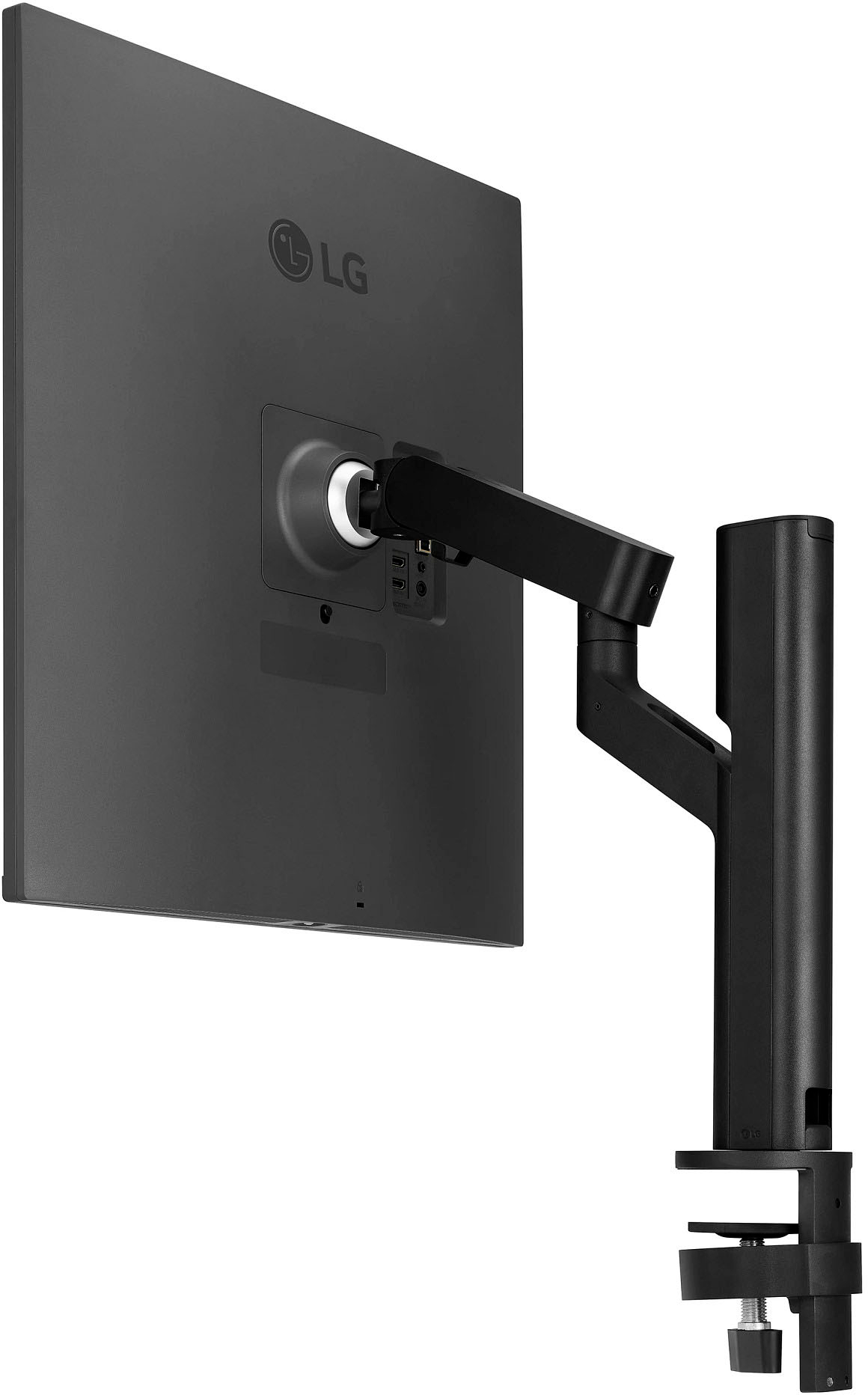
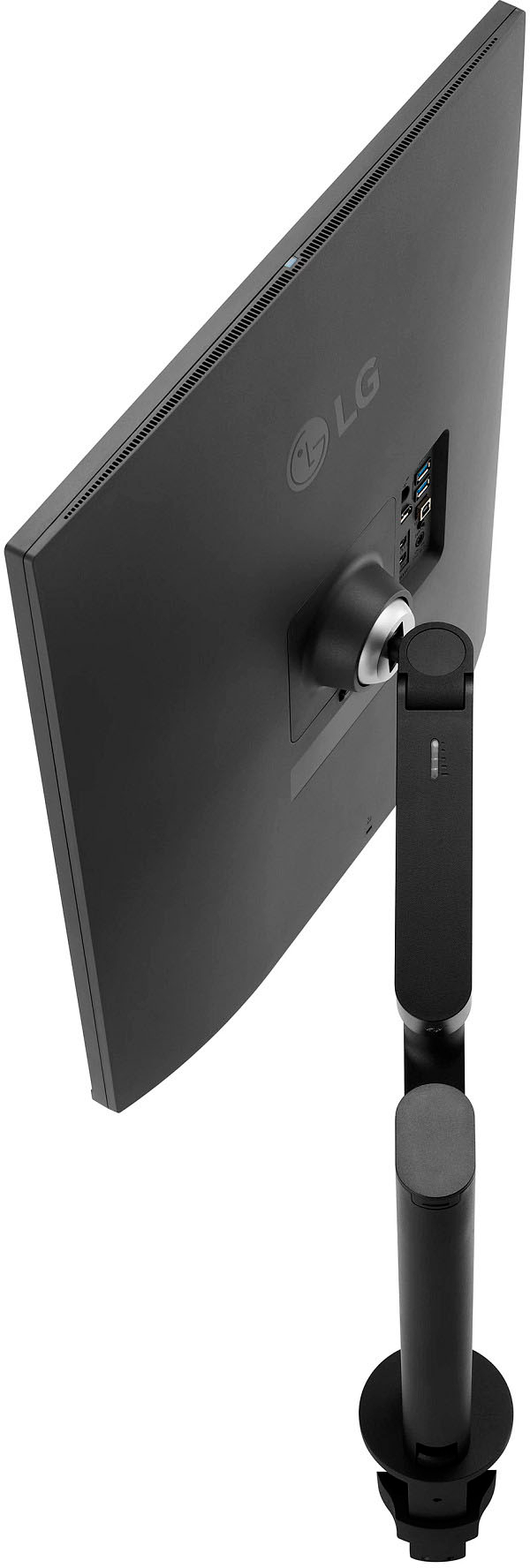
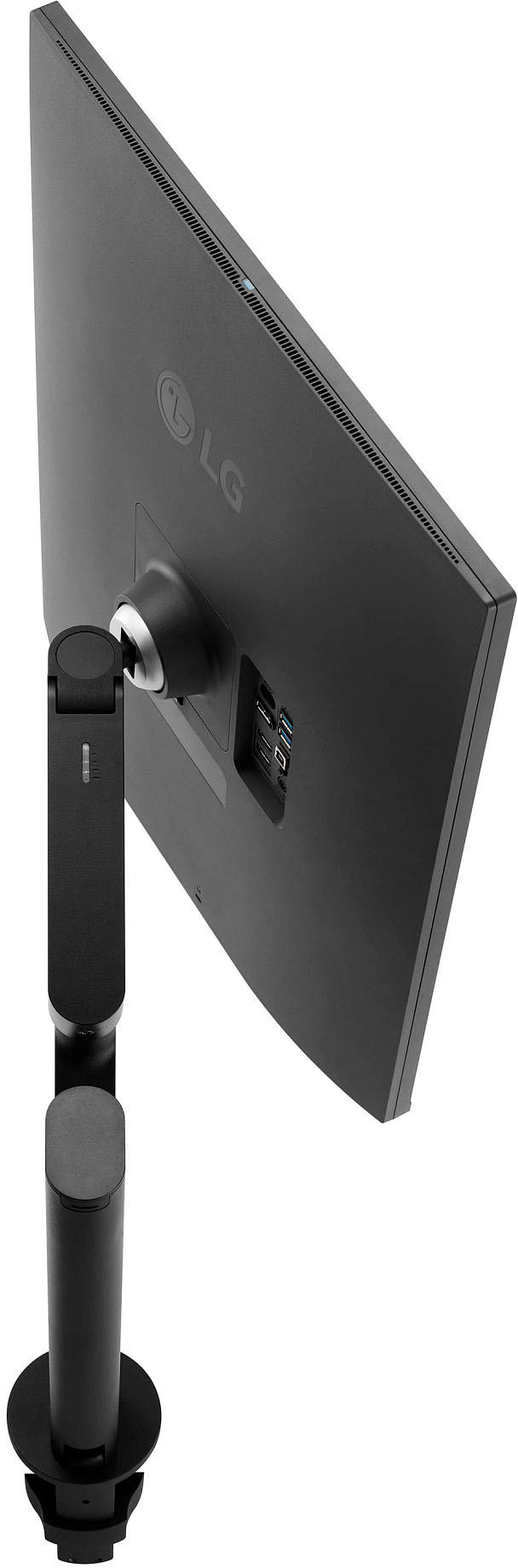
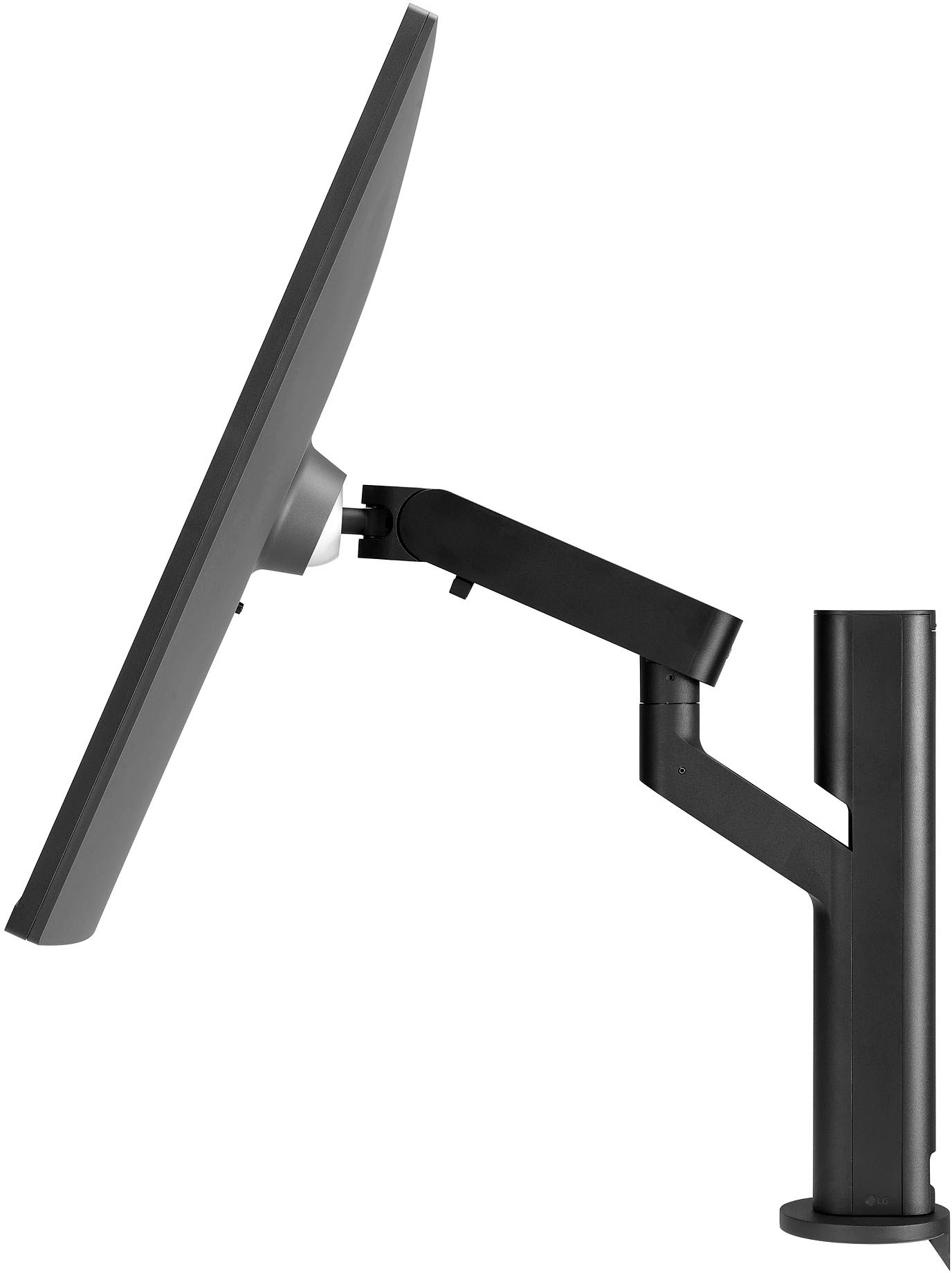
- Model:
- 28MQ780-B
- SKU:
- 6506322
Rating by feature
- Ease of Use
Rating 4.7 out of 5 stars
- Value
Rating 4.4 out of 5 stars
- Quality
Rating 4.9 out of 5 stars
Customers are saying
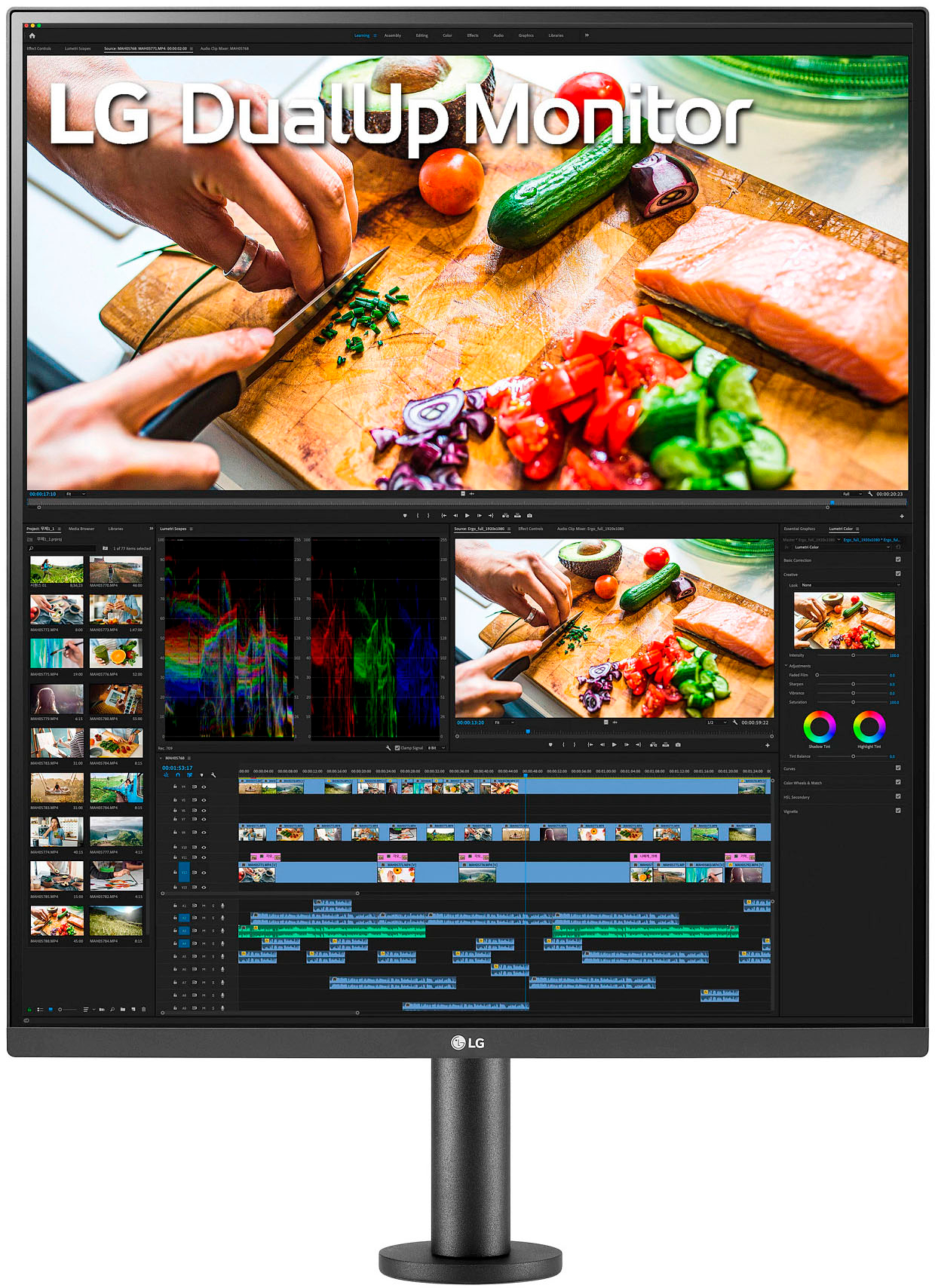
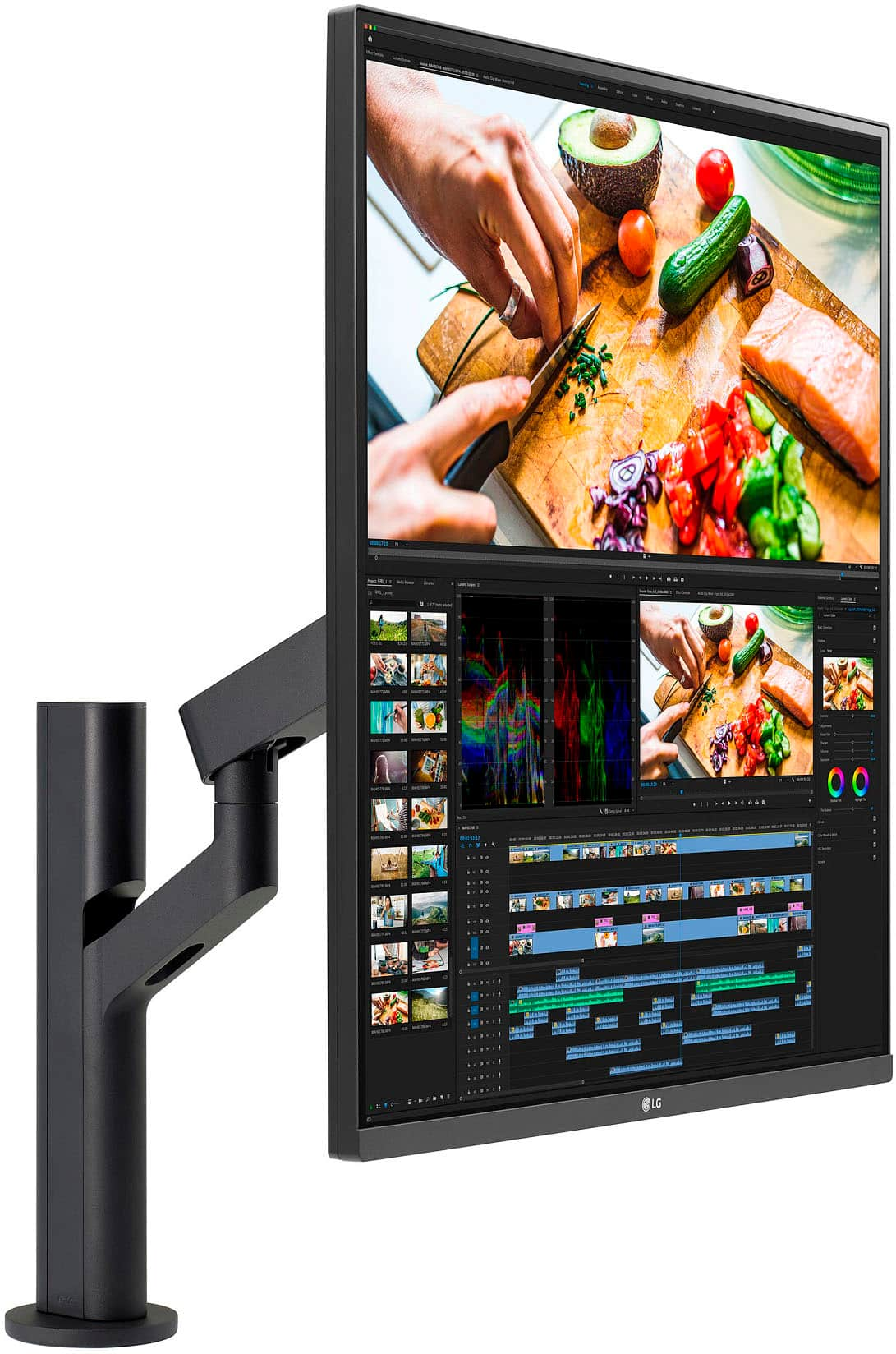
Customers appreciate the 28" IPS DualUp monitor's large screen size, finding it beneficial for productivity and multitasking, especially for coding. However, some customers express concerns regarding the monitor's price and scaling issues, particularly with macOS compatibility and balancing resolution across multiple displays. While the resolution is generally praised, some users note challenges with certain games.
This summary was generated by AI based on customer reviews.
- Pros mentioned:Screen size
A fantastic second monitor
||Posted . Owned for 1 month when reviewed.This reviewer received promo considerations or sweepstakes entry for writing a review.A fantastic second monitor that allows me to run all of my collaboration applications on one screen with media. The screen resolution is crystal clear with great black saturation. The monitor mount is sturdy and allows for positioning anywhere on my desk.
I would recommend this to a friend - Pros mentioned:Screen sizeCons mentioned:Price
Love it
||Posted . Owned for 7 months when reviewed.This reviewer received promo considerations or sweepstakes entry for writing a review.Love it. Pros: 1. Lovely panel 2. 2 2k screens in one display 3. Great for reading documents Cons: Price
I would recommend this to a friend LG live great
||Posted . Owned for 5 months when reviewed.This reviewer received promo considerations or sweepstakes entry for writing a review.One of the best multi tasking display. I absolutely love it. I will buy another one.
I would recommend this to a friend- Pros mentioned:Productivity
Best solution for day trader’s setup.
||Posted . Owned for 3 weeks when reviewed.This reviewer received promo considerations or sweepstakes entry for writing a review.Best solution for day trader’s setup. I use like side monitor with spy and spx charts on top part of display and bookmap on the bottom.That monitor Increased my productivity by 146%
I would recommend this to a friend The Ultimate Sidepiece (TM)
||Posted . Owned for 1 month when reviewed.This reviewer received promo considerations or sweepstakes entry for writing a review.This monitor pairs perfectly with a 43" LG 4k monitor. I set it to 125% magnification which seems to scale out right with the 43" 4k at 100%. If it wasn't for the gray bezel, you would've thought they were sold as a pair. I use this strictly for office productivity. I'd say the only downside to this setup is you can tell that the resolution on the DualUp is crisper than the 43" LG 4k. It's not terrible, but it is noticeable. I would still say the setup is amazing though. The price seems outrageously high and I hope it comes down in the future as I'd like to buy one for my home setup as well.
I would recommend this to a friendGreat Monitor
||Posted . Owned for 2 weeks when reviewed.This reviewer received promo considerations or sweepstakes entry for writing a review.Great Monitor very happy with this monitor. Good color balance and works well with my system.
I would recommend this to a friendMost efficient monitor I’ve owned
||Posted . Owned for 3 months when reviewed.This reviewer received promo considerations or sweepstakes entry for writing a review.I love this monitor. Since the resolution is not standard to other monitors you have to play with it occasionally for it to look good. It is my favorite monitor for prioritizing work and organizing things efficiently on screen. It’s just wide enough to fit what you need and segment things accordingly. I typically have 2-4 apps running on this screen to the left of my main screen.
I would recommend this to a friendDual-up review
||Posted . Owned for 3 weeks when reviewed.This reviewer received promo considerations or sweepstakes entry for writing a review.Great monitor with cool features like pbp. The square monitor has an interesting fit into work space.
I would recommend this to a friend- Pros mentioned:Screen sizeCons mentioned:Scaling
Be aware of scaling
||Posted . Owned for less than 1 week when reviewed.This reviewer received promo considerations or sweepstakes entry for writing a review.Great monitor. I own a 24 inch asus proart 16:10 but needed another 3 inches verical. This added about 6 inches vertical if turned to portrait. Slightly more than i needed, a little bit more stress on eyes and a bit more mouse movement but it works very well for my type of work. What might be a bigger problem for some of us is scaling. Citrix users beware. You'll have to do things in an a relatively complicated roundabout way. Multiple monitor users expecting to be able to use LG's split screen software also be wary. The software works great on a single monitor. I use two monitors and the software seems a bit jumpy. I decided to turn it off. NOTE: my secondary lg monitor is not offically supported by the app. The arm is high quality. The picture sharpness is very good for text. I have no clue about color accuracy as it is not my area of expertise. Recommend for specific use cases. If you're seriously considering paying over 700 after tax for this then you probaby fall into the category of person who should buy this. If you break down the price it's probably 200 for the arm (The Dell arm is probably the equivalent) and 500 for the monitor itself. Again, be aware of potential scaling issues.
I would recommend this to a friend - Cons mentioned:Resolution
good monitor but there's a catch
||Posted . Owned for 3 weeks when reviewed.This reviewer received promo considerations or sweepstakes entry for writing a review.Not a gaming monitor, but great anyway for productivity or watching 2 widescreen videos from 1 monitor. I'm using this monitor as a 2nd monitor to watch 2 things..Top for Twitch stream and bottom for anything like Youtube or live news. so here's the thing..You can watch two 16:9 videos from this monitor on top and bottom of screen and still look big (equivalent to 2x 21.5-inch stacked up). You can either have 1 input at 16:18 ratio or 2 inputs and display both on top and bottom of screen. But there's a down side...You can't have 60 hz refresh rate if you have 2 different inputs in 1 screen. They will be 30 hz each. Unless u lower the resolution below 1920x1080 for each input. Minus 1 star for this.
I would recommend this to a friend So close to being a perfect productivity monitor!
||Posted . Owned for less than 1 week when reviewed.This reviewer received promo considerations or sweepstakes entry for writing a review.I really wanted to try this since LG showed it off at CES. I found an open box model and picked it up in my search for a work monitor. Honestly, it is a very cool display albeit a little tall for my liking (I find dimensions closer to that of a 32” to be better on the vertical end). Image quality is fantastic as there’s no aliasing, contrast is good, and black levels are deep. Scrolling top to bottom has a little bit of drag and there’s no over drive option that I can find for the panel. PBP with a Mac is a horrible experience, but that’s partly due to the way the Mac handles window transitions from display to display. The other problem with this is that 21.5” screens are way too small for QHD resolution and that’s a shame. This would be better if the height were 32” Diagonal and 23.5” per split. Honestly, I find that rotating the display 90 degrees is a much better viewing experience when using the full screen as it gives you about an inch less height and things aren’t as tight horizontally. Unfortunately LG didn’t think about this use case as their OSD and tools are pinned in a single spot and do not rotate with the display. As for the ergo stand, I wish it were blue to collapse a little more, because it would be nice to have space back when doing other things. Oh and the final piece, the speakers are awesome on this thing! Much better than any Samsung I’ve tried that’s for sure. Overall, it’s a nice little display and the ergo stand really makes it more flexible. I’m not so sure about keeping it, but it would be a no brainer if it were stretched to 32” diagonally (using the horizontal dimensions), had a slightly more flexible stand, and bumped the refresh rate to 75 Hz. One more note, I can definitely see how this monitor can make you more productive as it puts so much right in your center of view and your eyes aren’t wandering around an excessively wide screen looking for windows you positioned on the edge.
I would recommend this to a friend- Cons mentioned:Resolution
Great open views with little neck bending.
||Posted . Owned for 7 months when reviewed.This reviewer received promo considerations or sweepstakes entry for writing a review.Have had LG Dual up monitor for about 9 months and enjoy the additional viewing space. There is a bit of give and take to balance resolution between this and another monitor. I use other monitor for Zoom and the LG for multiple open documents. Nice to not have to scroll to see the open documents. One downside is having to bend neck upwards to see top documents.
I would recommend this to a friend Excellent monitor if you can position it right
||Posted . Owned for 1 week when reviewed.This reviewer received promo considerations or sweepstakes entry for writing a review.I use this for work where i often need to look at source large files. My previous monitor was a 5120x1440 gaming monitor which was great for looking at results with a large number of columns but the clarity of text left much to be desired. This monitor has no such problems and frees up a ton of desk space. You do have to have a deep enough desk to position it correctly.
I would recommend this to a friend- Pros mentioned:Productivity, Screen size
productivity monster
||Posted . Owned for 3 months when reviewed.This reviewer received promo considerations or sweepstakes entry for writing a review.this monitor has been life changing for work; I used to own a 49 inch wide screen monitor and this has been even better for productivity than ever that monitor. the feeling of moving windows upward and downward feels very natural on both Mac and Windows devices
I would recommend this to a friend - Pros mentioned:Screen size
Great for long format browsing!
||Posted . Owned for 2 months when reviewed.This reviewer received promo considerations or sweepstakes entry for writing a review.This monitor is an odd one. I bought it to fill my vrowing need while also staying relatively compact on my desk area (I dont have a lot of horizontal space on my desk) and to alleviate my LG 27" oled monitor so I dont burn it out doing non-gaming task. It does a good job for this, but i will say i wish LG would have included a firmware updat that would allow you to hardware rotate the image as i prefer it flipped 90 devrees on its side than the standard ultra tall orientation. Unfortunately this means windows, linux and the bios on my pc end up on their side by default and the monitors OSD is also flipped the wrong way. It honestly is only about 2-3" difference flipping it makes, but that is also the difference between being able to see the very top of windows (search bars, tabs and minimize, close and etc.) And having to crane my head a little to see them clearer. Also gives this monitor an odd 4:3 classic appearance, but with a massive pixel density! All in all, sites like forums, social media and guides really benefit drom the extra height this monitor afforda. Only downside I've encountered is when accidentally launching a game and it defaults to this monitor. Super weird trying to play on this one :)
I would recommend this to a friend Productivity galore
||Posted . Owned for less than 1 week when reviewed.This reviewer received promo considerations or sweepstakes entry for writing a review.This monitor has enabled me to be even more productive while being more space conscious than having multiple monitors everywhere. Now granted I do have this as a secondary to my main LG monitor but this Dualup makes for a great “research” board if you will while my main project is on my main display. I highly recommend this monitor. The included ergo stand by the way is top notch and makes me wish my other LG monitor came with the same stand! My only gripe is that the chin bar is grey where my LG monitor that is the same thin border style has a black chin so they don’t match. But I’ll get over it.
I would recommend this to a friend- Pros mentioned:Productivity
Awesome monitor
||Posted . Owned for 9 months when reviewed.This reviewer received promo considerations or sweepstakes entry for writing a review.Awesome monitor for work. Wonderful for coding and productivity. The included mount is a huge plus as gasket arms can be up to 100$
I would recommend this to a friend - Cons mentioned:Scaling
Only con w/ some windows/macOS resolution scaling
||Posted . Owned for 1 month when reviewed.This reviewer received promo considerations or sweepstakes entry for writing a review.Monitor is great in nearly every category and worth it. You should be aware there can be minor issues with resolution scaling, macOS is worse at this currently, but windows has its issues too. its not the monitors fault but it can keep it from being a strong recommendation unless youre a tech enthusiast or have a niche need for vertical space. Im hoping the aspect ratio becomes more available (and OS updates/support for it, a lot of the UI on apps/web feels like it’s ready to outgrow 16:9. Much more room for reading, coding and multitasking. The dual input mode is very useful when you want to work off 2 machines at once.
I would recommend this to a friendBrand response from LGAnswers
Posted .Hello there. Thanks for reaching out. We most definitely value your feedback and always looking to improve our products. Based on your recent message we are excited to hear how you feel about LG monitors. We do all we can to provide our customers with the best service. If you have any questions or concerns please don't hesitate to send a us private message via Facebook or Twitter. A agent will be more than happy to help. If you do not have either platform you can always call at (800)243-0000. Thank you. `Jai.

Great complement to a standard widescreen monitor.
||Posted . Owned for 1 week when reviewed.This reviewer received promo considerations or sweepstakes entry for writing a review.Excellent features, connectivity, and picture quality. Perfect complement to an ultra-wide screen - very unique form factor. It’s much different than just turning a widescreen monitor to a portrait format - as it’s just a bit wider. Highly recommended for productivity and uniqueness.
I would recommend this to a friend- Pros mentioned:Screen sizeCons mentioned:Price, Scaling
Cool concept but not worth the cost
||Posted . Owned for less than 1 week when reviewed.This reviewer received promo considerations or sweepstakes entry for writing a review.The monitor shape and allowing to connect 2 screens is pretty cool. However the lack of scaling on MacOS for this monitor due to monitor not being 4k pretty much kills the functionality as a second monitor, and the price makes it not worth it.
No, I would not recommend this to a friendBrand response from LGAnswers
Posted .Thank you for your feedback. We will surely pass on your feedback to the rest of our team, which will be considered for future product improvements. If you have an inquiry or are in need of assistance, please don't hesitate to send us a private message. We'll be there for you. ~Tanisha