Customer Ratings & Reviews
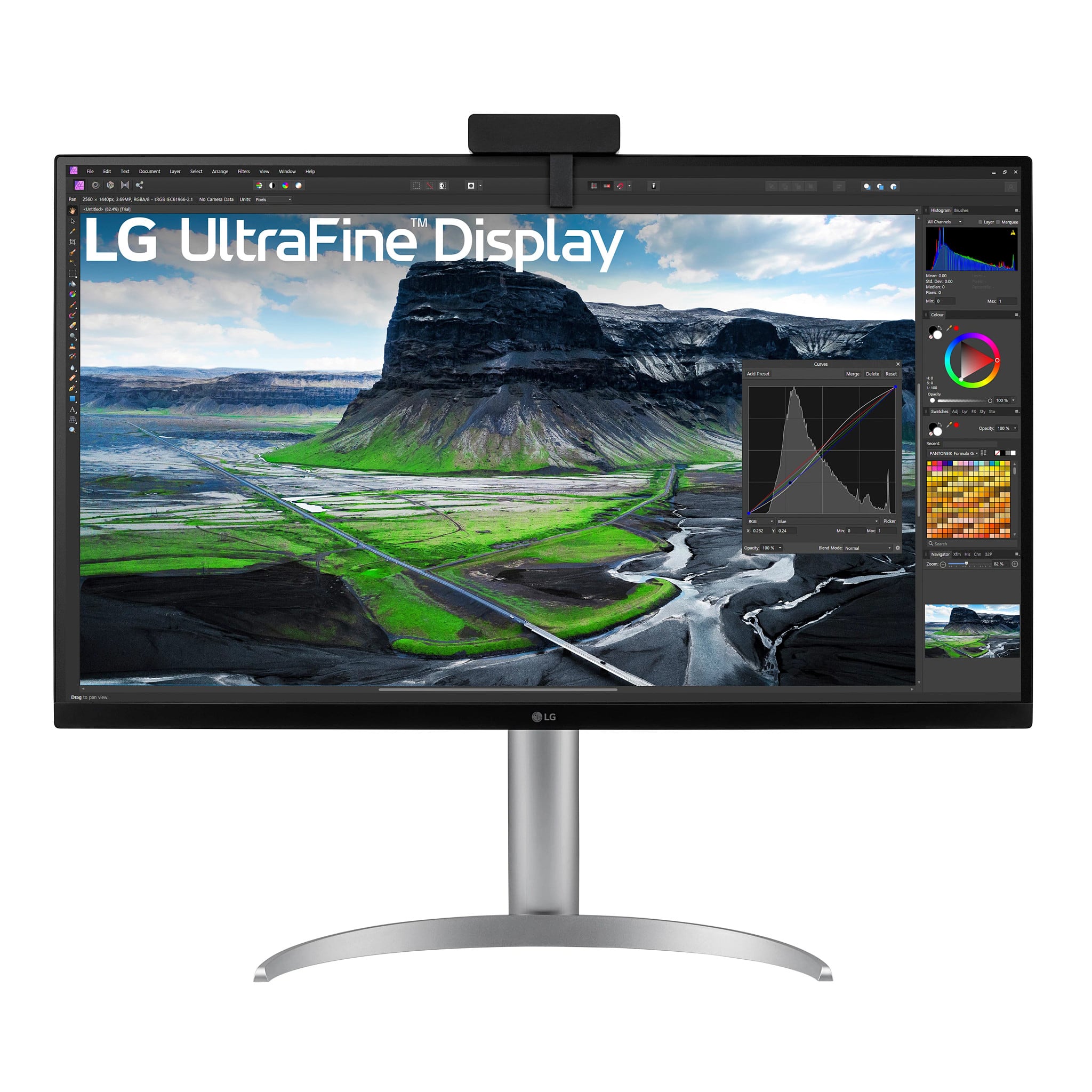
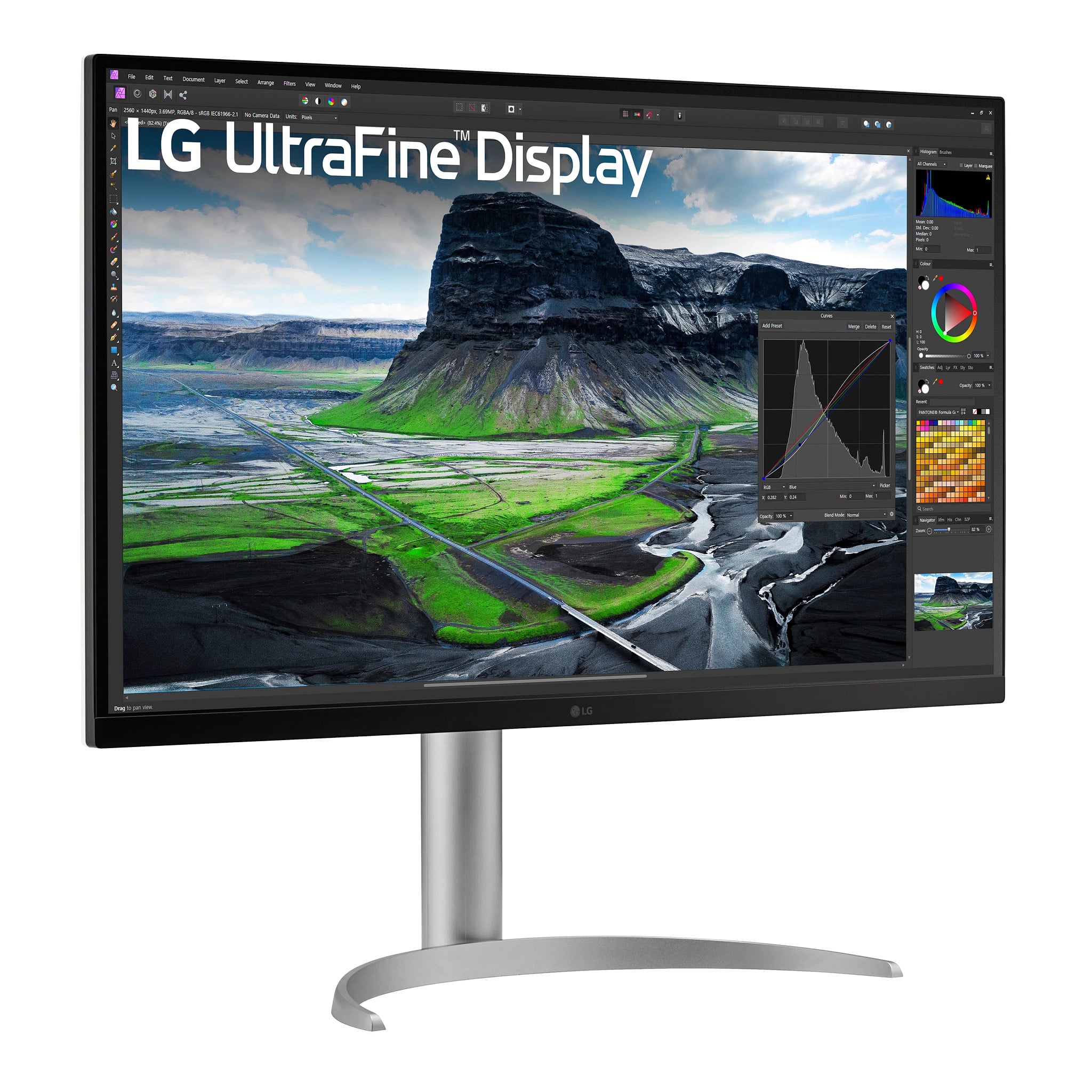
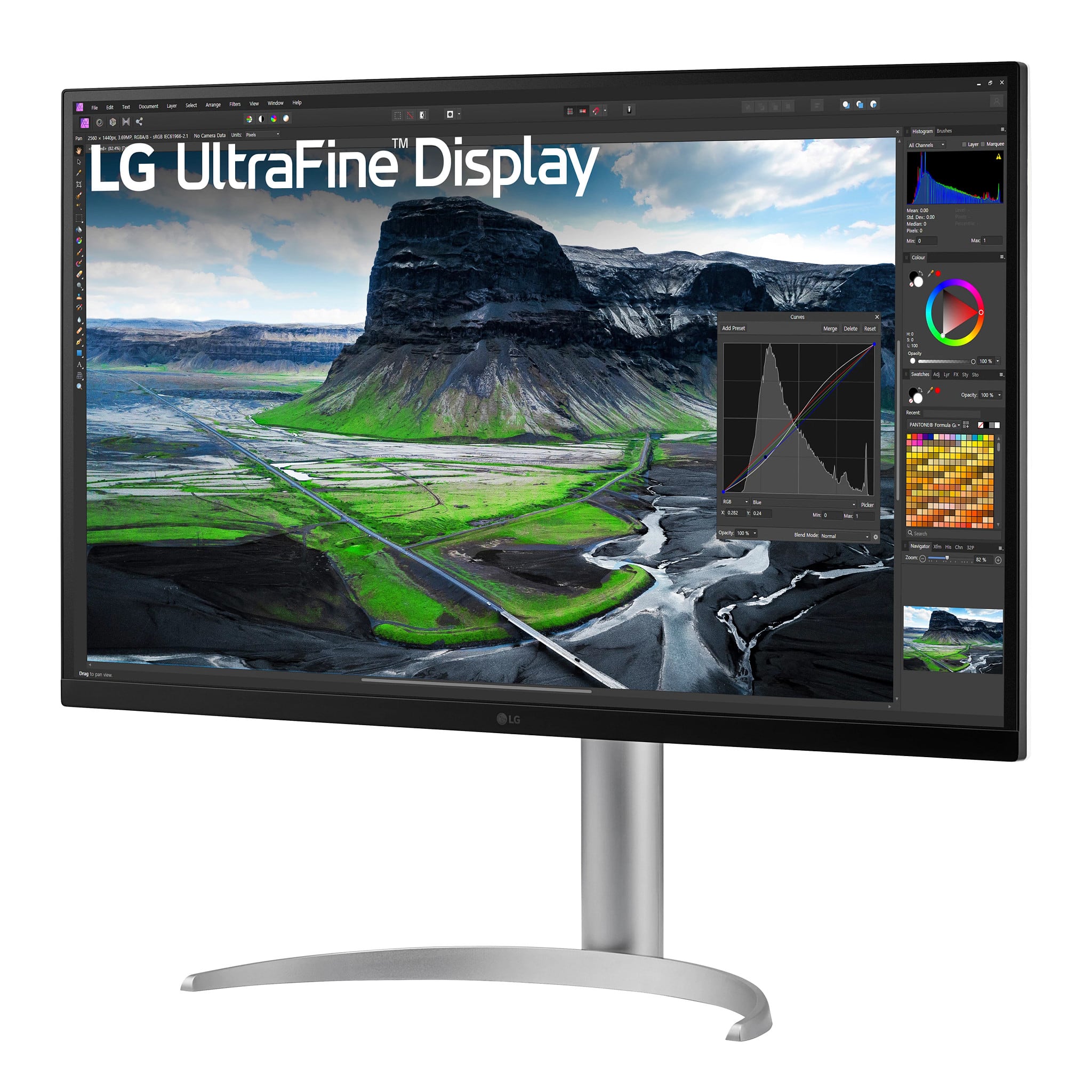
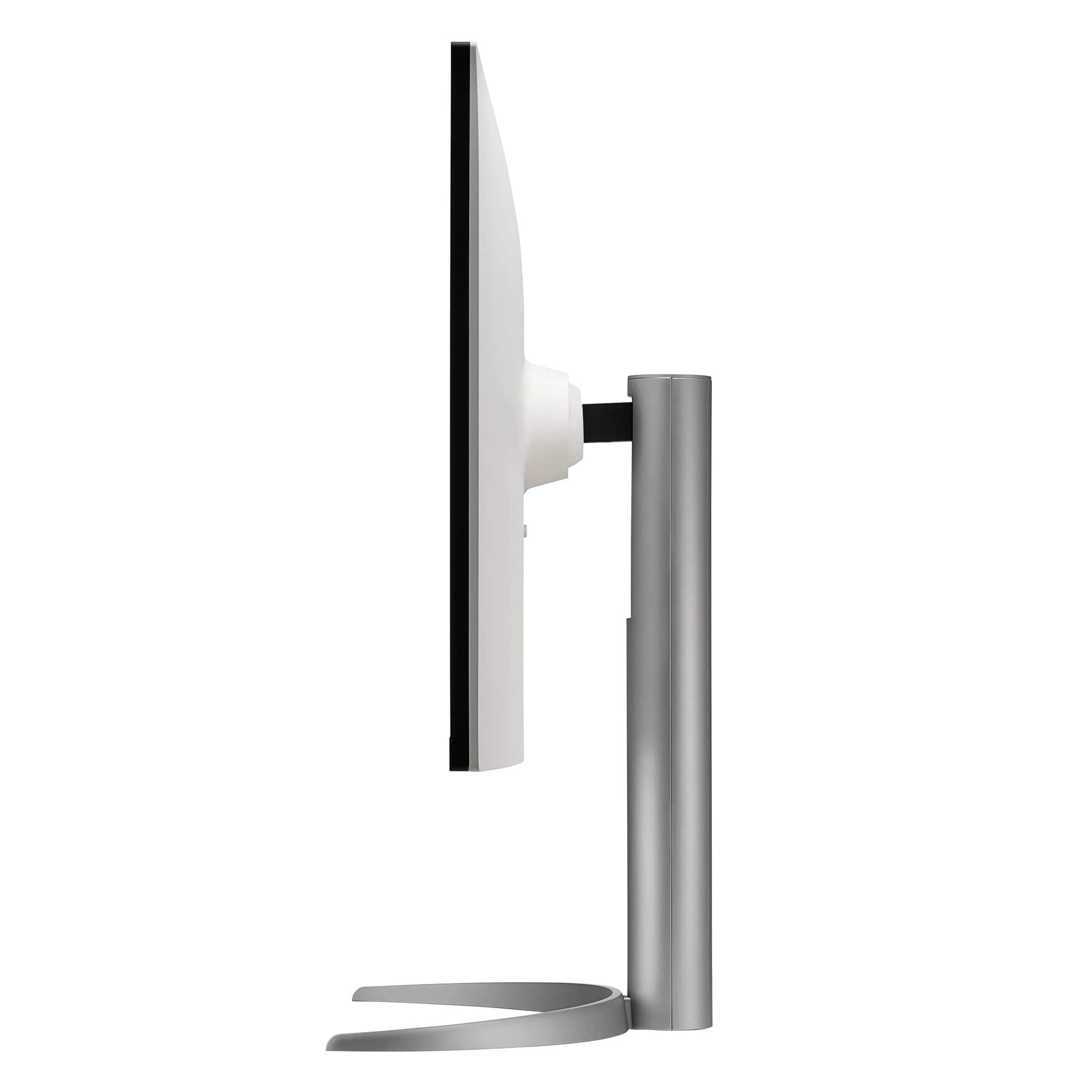
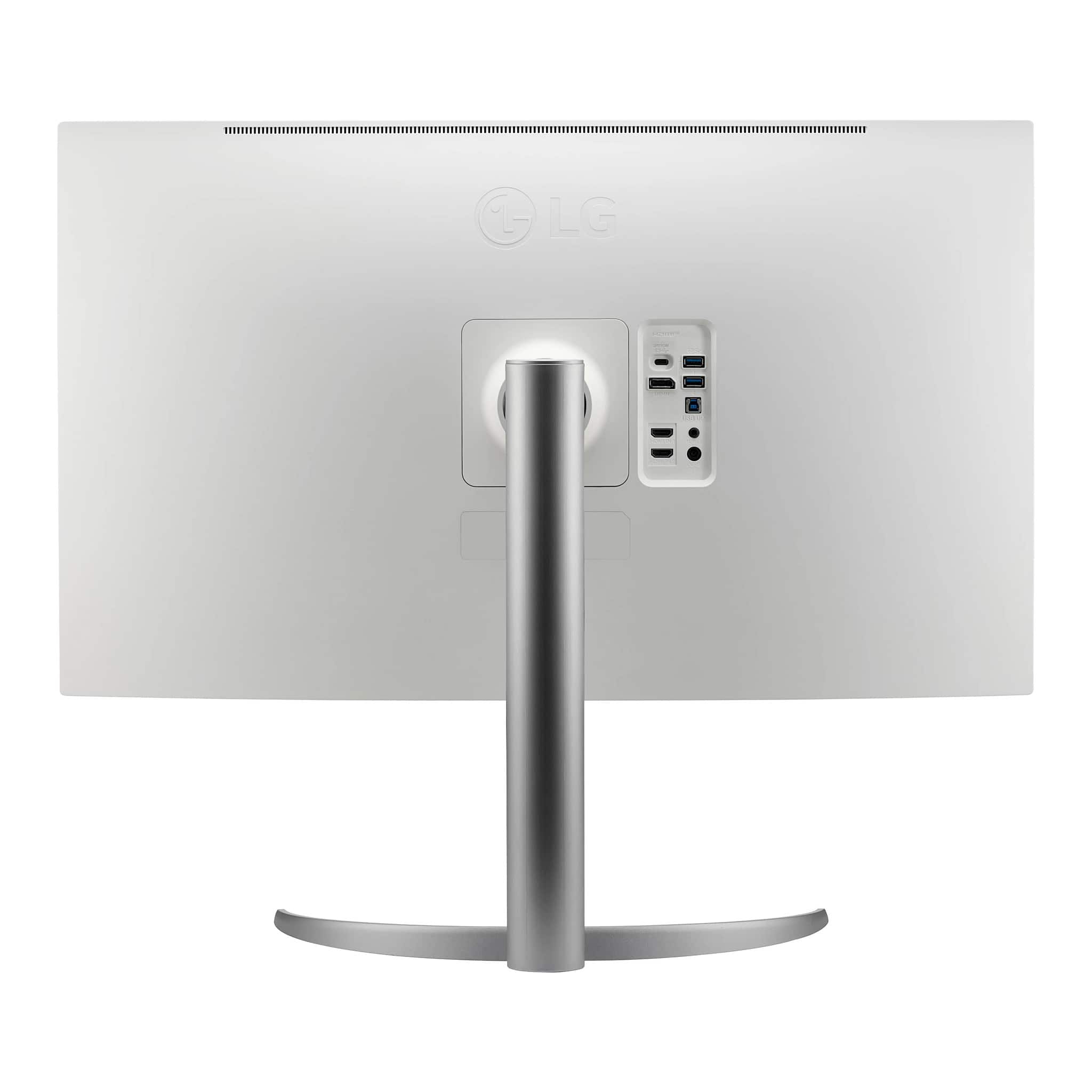
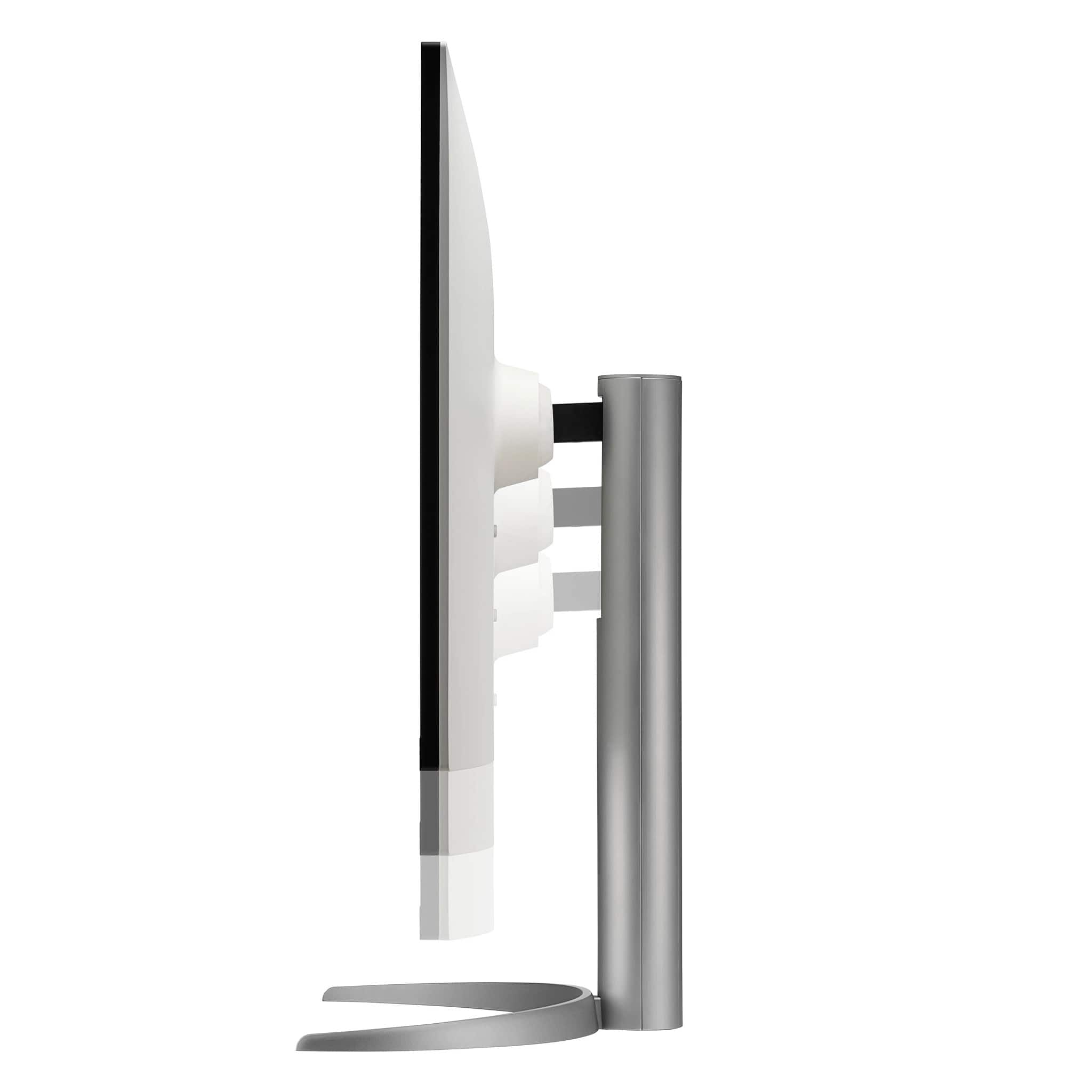
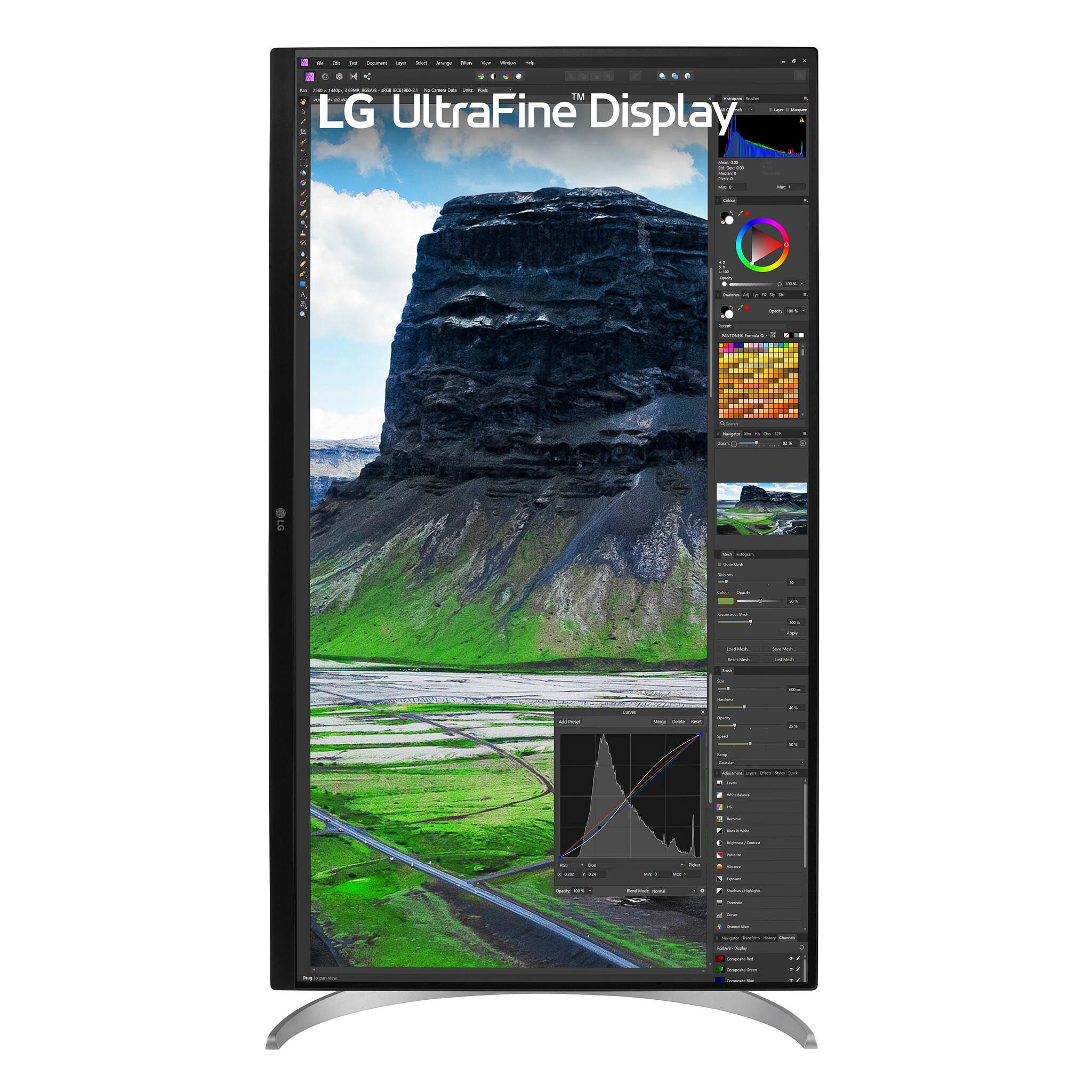
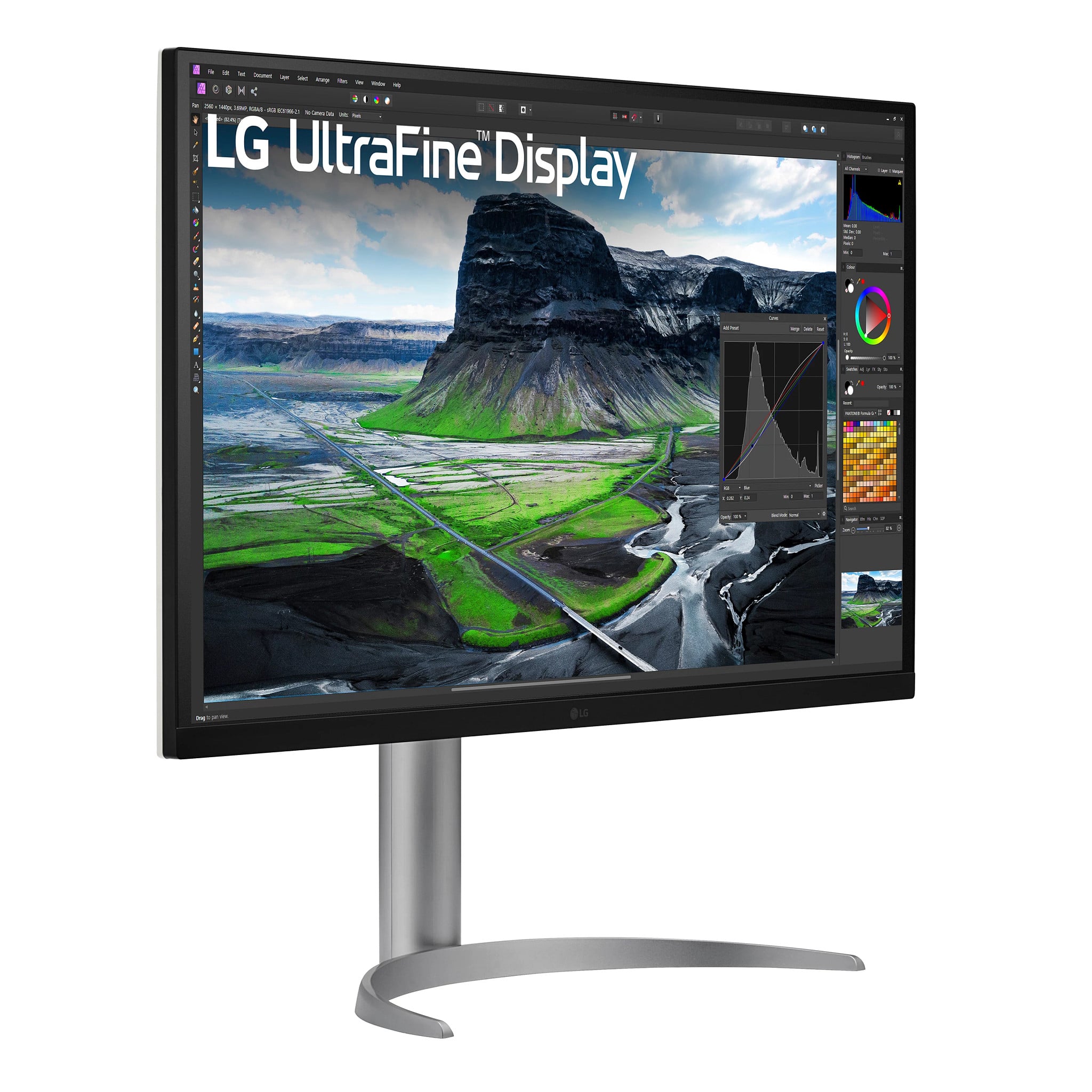
- Model:
- 32UQ85R-W
- SKU:
- 6515761
to a friend
Customers are saying
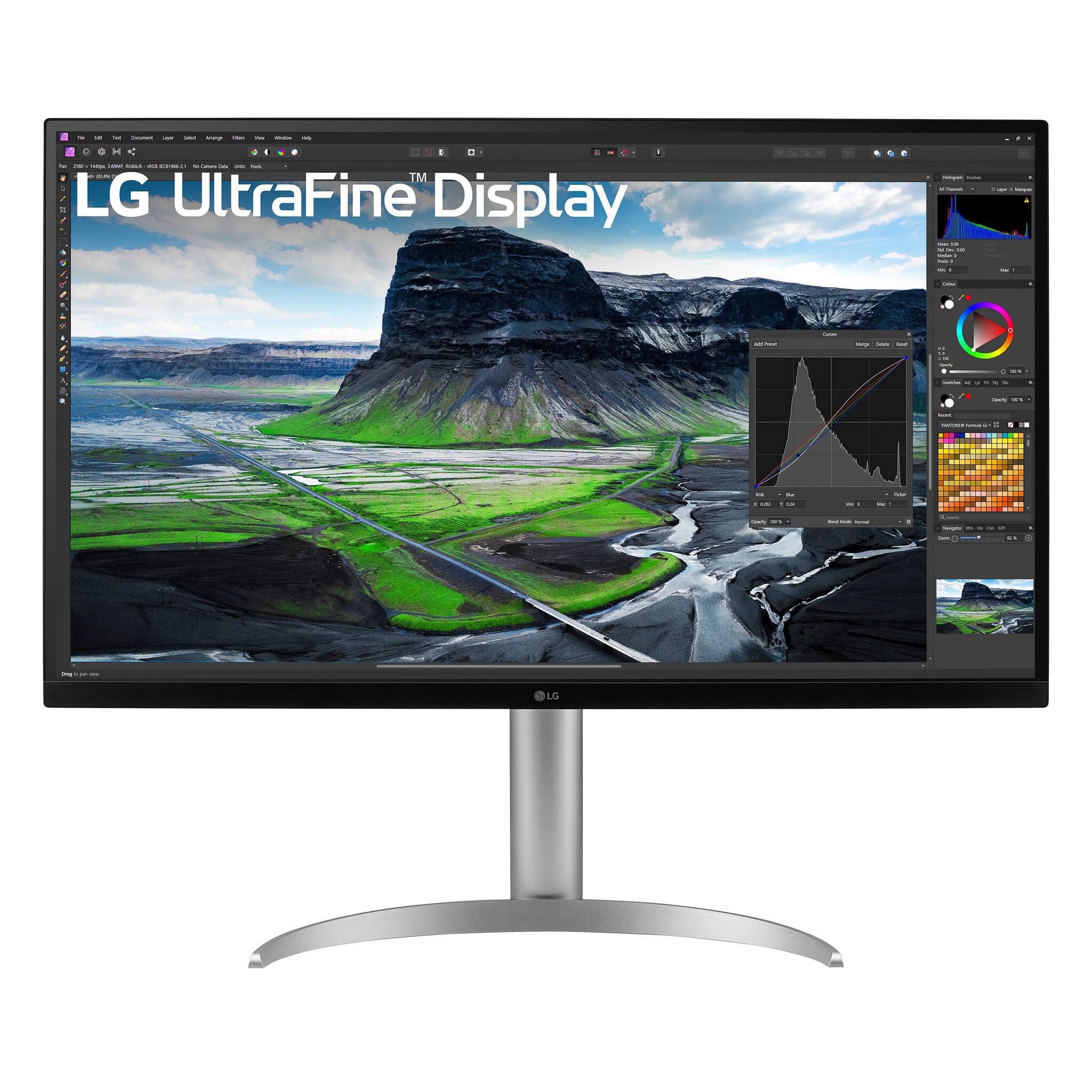
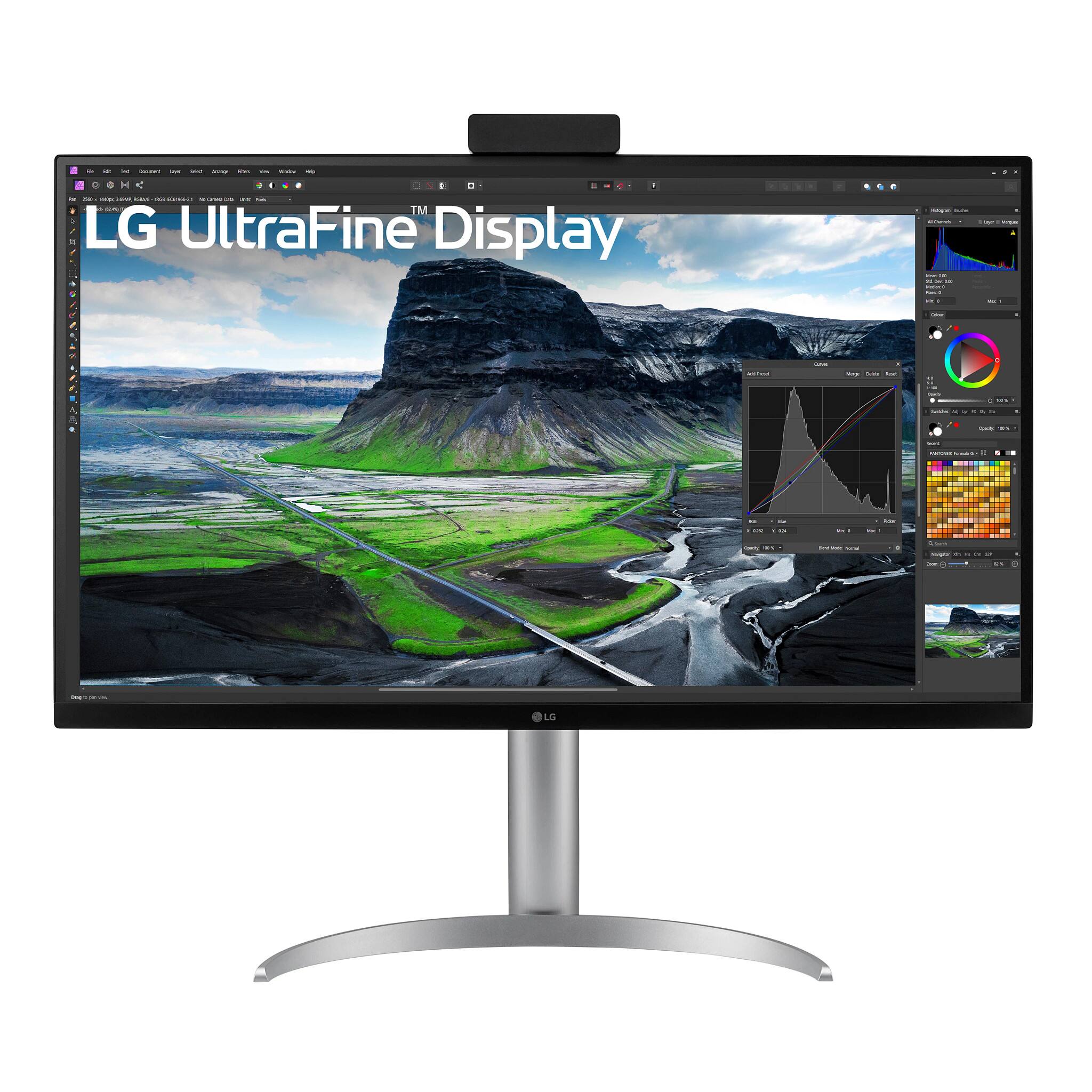
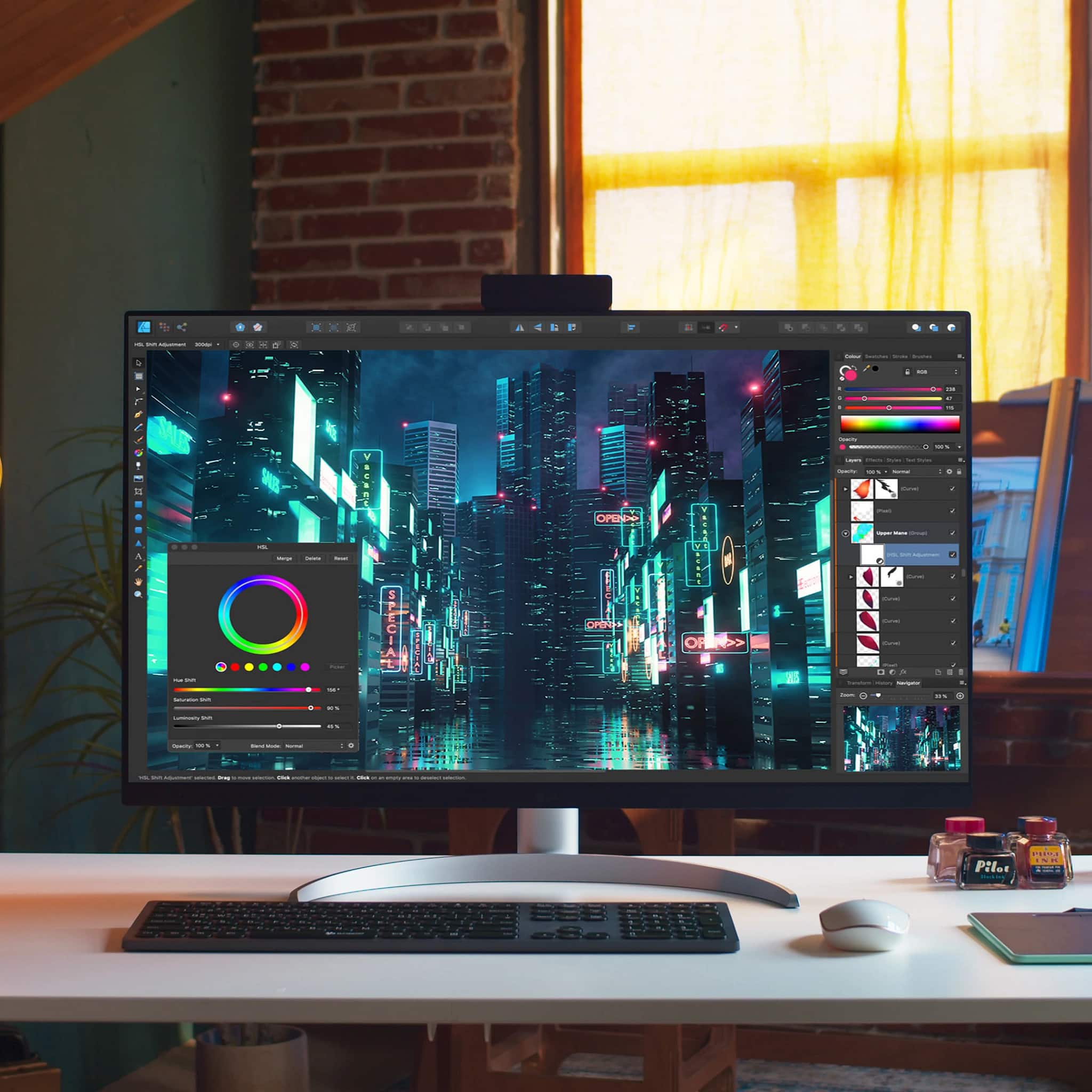
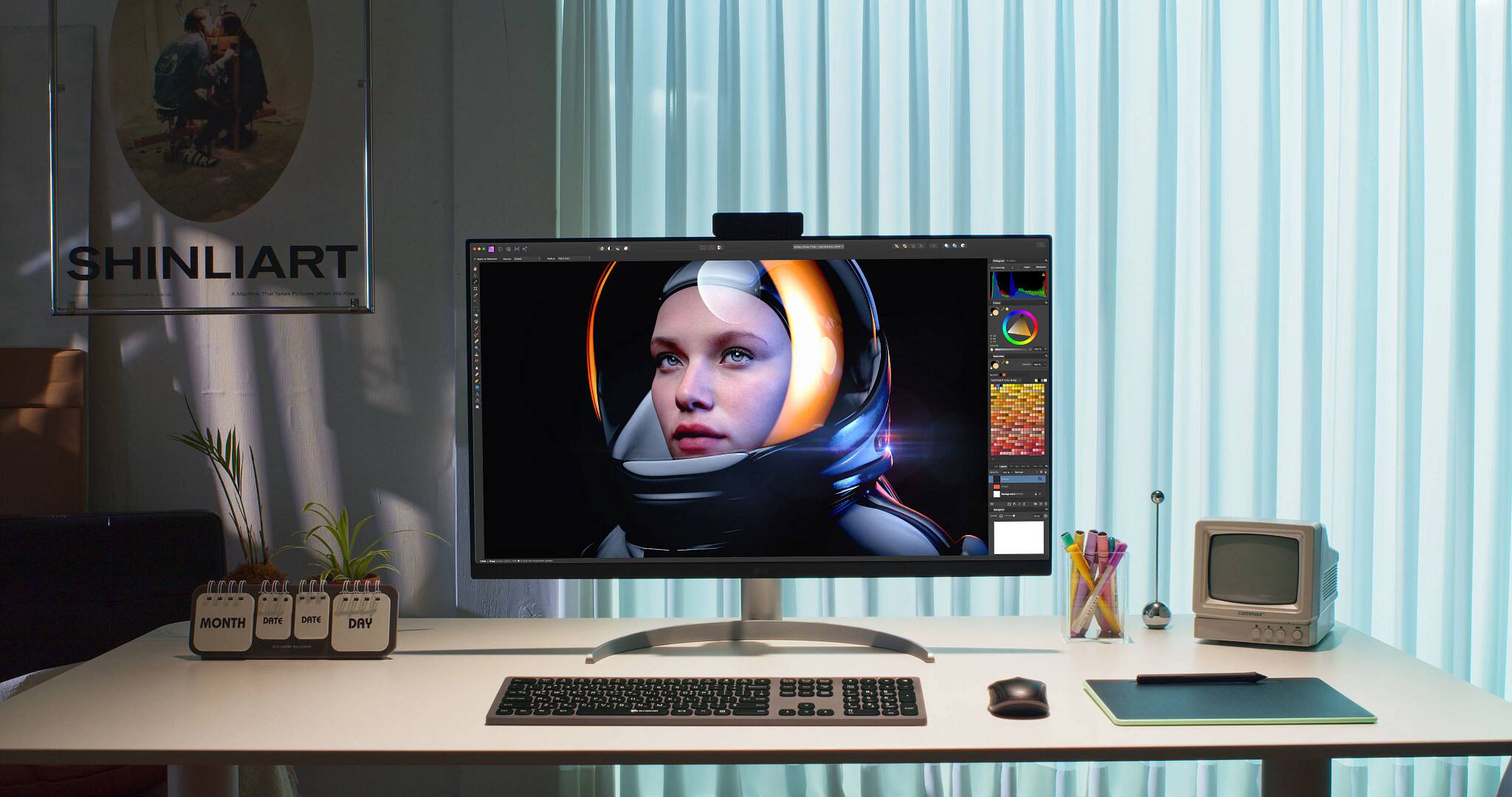
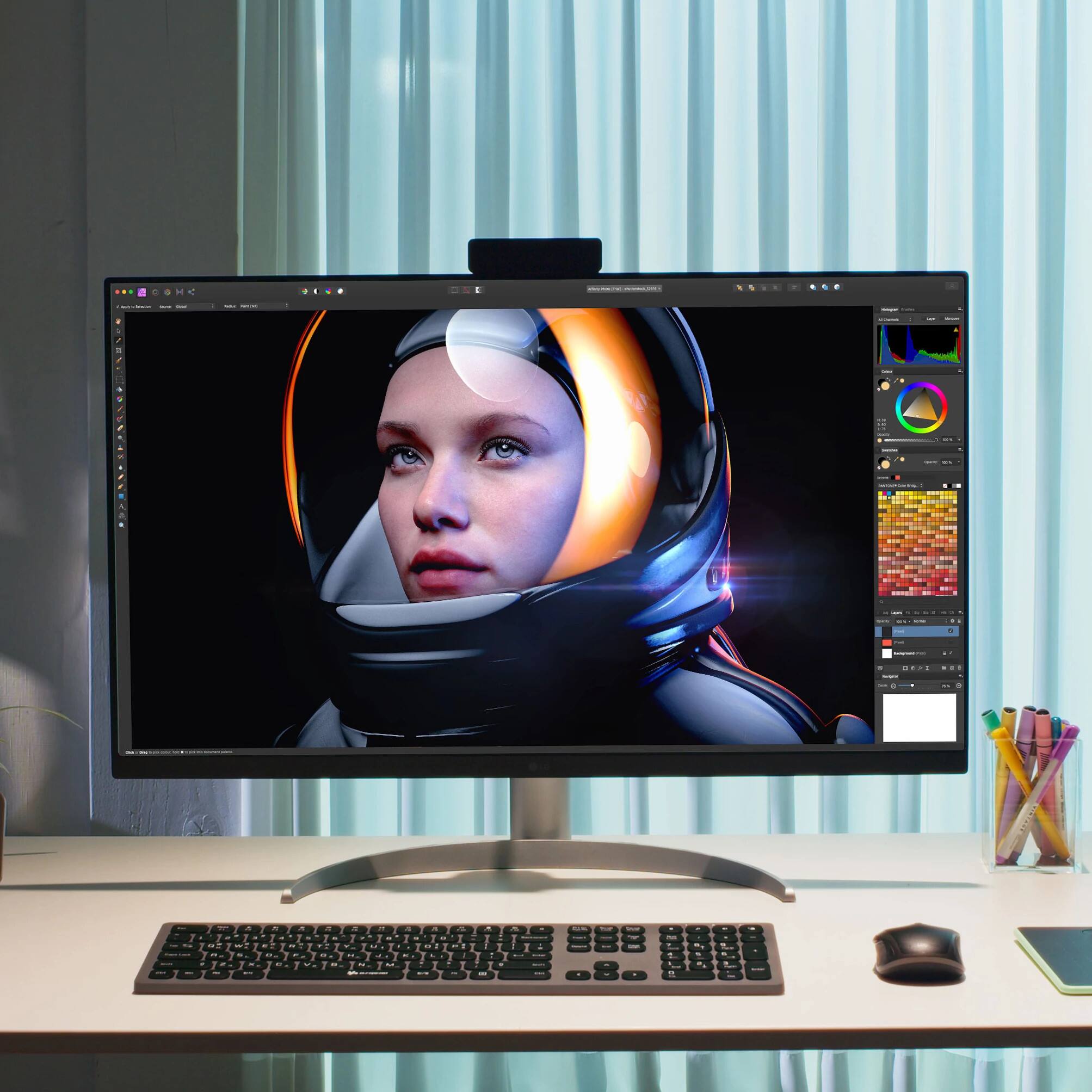
Customers often highlight the exceptional color accuracy of the 32" IPS LED 4K UHD FreeSync Monitor with HDR. Many appreciate the vibrant and impressive colors, finding them particularly beneficial for photography and other visually demanding tasks. The screen's quality and ample real estate are also frequently praised. There were no negative customer comments reported.
This summary was generated by AI based on customer reviews.
- Pros mentioned:Color accuracy
Big, bright and beautiful
||Posted . Owned for 1 week when reviewed.This reviewer received promo considerations or sweepstakes entry for writing a review.Big, bright and beautiful. This was my first purchase of a monitor for my M1 MacBook Pro and it is a huge upgrade! The screen real estate is amazing and the color depth and quality is impressive. The stand it comes with works, though I might upgrade to a stand that takes up less space. Cable management is OK and the sound is acceptable (though you’re not buying this for the sound). I use it primarily for photography and video editing and it has upped my game.
I would recommend this to a friend No where close to 2000:1 Contrast.
||Posted . Owned for 1 week when reviewed.This reviewer received promo considerations or sweepstakes entry for writing a review.I was excited to finally get my hands on this LG IPS Black display after waiting months. I was hoping it would be close in matching my XPS 17 4k as they advertise similar specs. (4k 2000:1 contrast). My XPS is able to get 1900:1 contrast using the Spyder5 Pro). This LG display was only able to achieve a 1350:1 contrast. There is also noticeable backlight bleed compared to my XPS. I would say this display is alright but I ended up returning it.
No, I would not recommend this to a friend- Pros mentioned:Color accuracy
Good color at this price point.
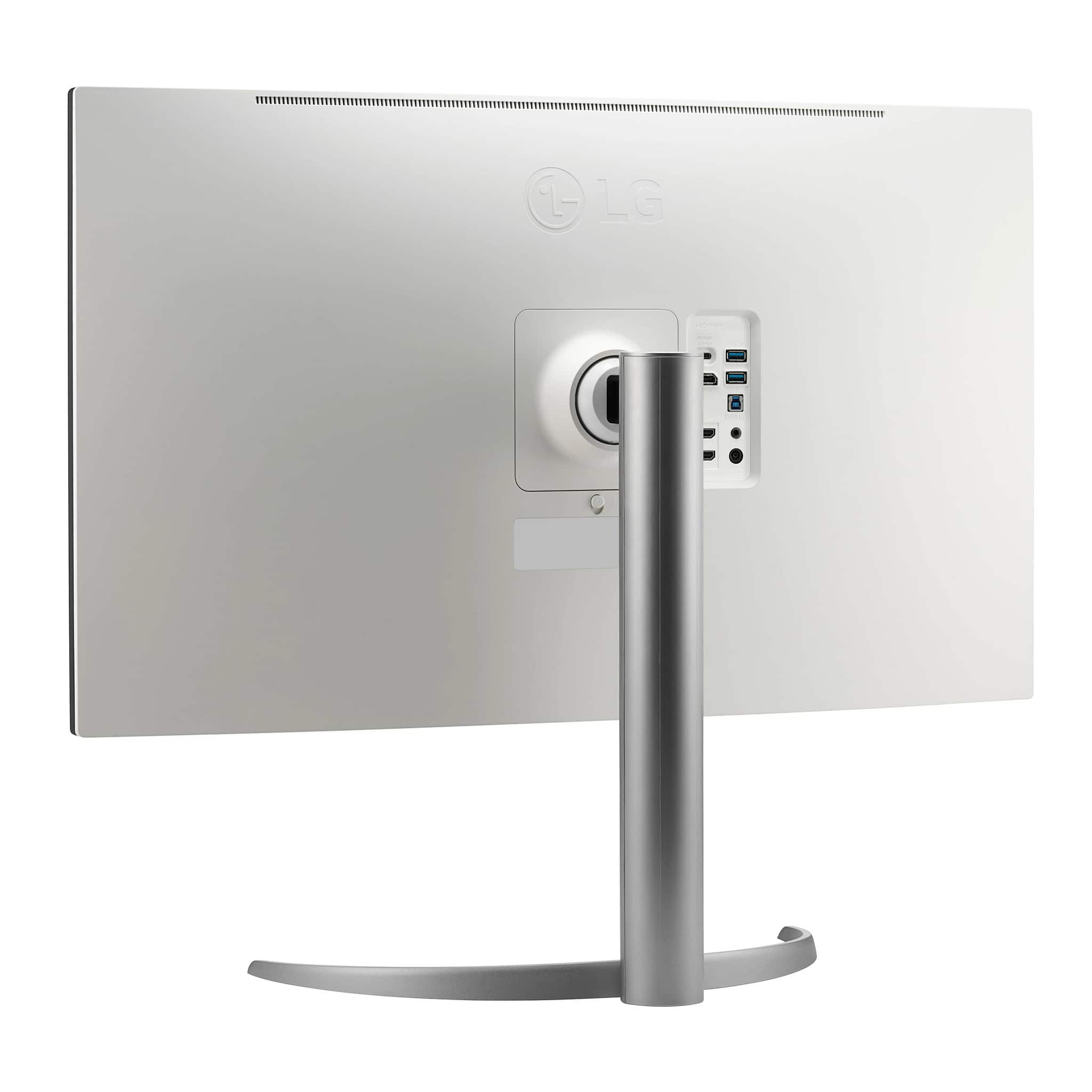
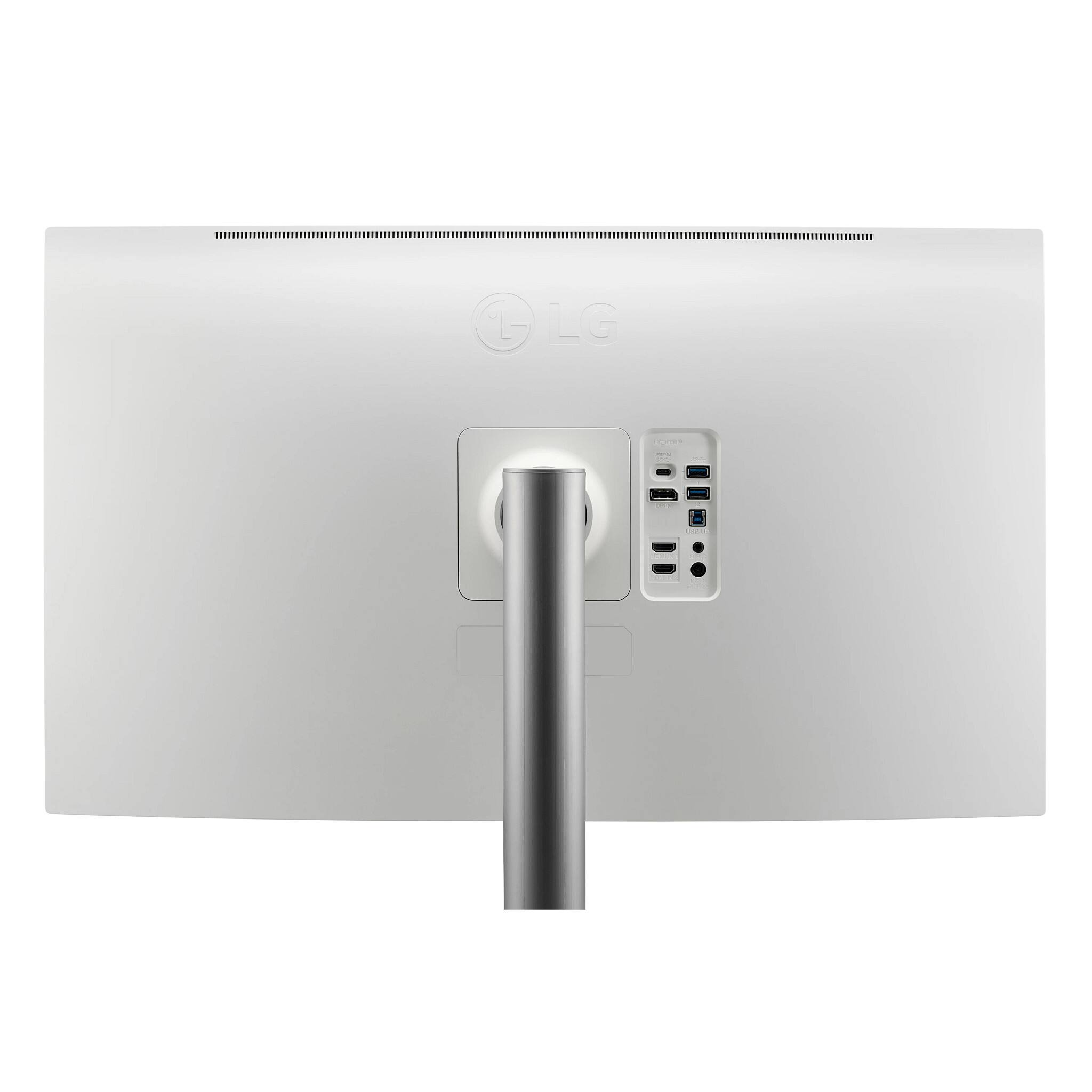
||Posted . Owned for 1 week when reviewed.This reviewer received promo considerations or sweepstakes entry for writing a review.I had been researching a whole range of 32” mid-tier displays (between $800-1200) for my new Mac Studio. I would have preferred Thunderbolt, but the two main Thunderbolt options in this price range from BenQ (PD3220U) and the LG (23UL950) both seem a little long in the tooth with older panel tech and the UL950 had underwhelming power delivery over Thunderbolt to drive my work laptop. I also considered that Asus P329C, but there just seemed to be a bit too much panel lottery for my comfort from that brand. I also considered the new Dell U3223QE because it had the latest LG LED black panel with decent power delivery and design. Then I saw this new one from LG, which also features their new LED Black panel tech. Unlike the Dell, I noticed that it apparently had hardware calibration, including a very basic color calibration device included in the box. I was skeptical that it truly was hardware calibration at this price point, but using the downloadable LG Color Calibration Studio, I can confirm that there is indeed hardware calibration in this monitor, with adjustment to the monitor’s internal LUT. Although you can use the very basic included colorimeter, I used my data color Spyder X through the LG Color Calibration Studio to perform a hardware calibration using the monitor's single Calibration picture mode. Afterwards, I ran a quality check with the Spyder Elite Monitor Quality Analyzer, and here are the pertinent results for those interested (target luminance of 120, 2.2 gamma, using the native gamut of the display): Gamma of 2.3, average delta E of 1.17, 100% sRGB, 98% P3, and 92% Adobe RGB (pretty good considering that this not advertised/promoted in aRGB color gamut). At the calibrated brightness of 24%, the contrast ratio is 1340:1, and at full brightness it nearly reaches the promised 2000:1 contrast ratio. The blacks, including gradations, are indeed noticeably better compared to traditional IPS displays, like my iMac's previous display. Some of the chronic challenges of IPS, from light bleed, hot spots, DSE are very minimal and well controlled, with a pretty nice, uniform panel and no dead pixels. For the price, this monitor provided pretty nice results for a prosumer photographer, especially considering that it can be hardware calibrated at this price point. Although it is not Thunderbolt, its USB-C delivers sufficient power for my work laptop. I have the Mac Studio plugged in using a high quality USB-C to Display Port (as well as a data USB-A cable to access the monitor's hub feature) and I use the USB-C cable with my work laptop. The hub features seem fine. I put it on a vesa mount, so I have no feedback about the stand. Nor have I used the speakers at all, so no feedback there. Are there better 32 monitors? Of course, but this new release from LG has a nice price-quality ratio with the latest LED Black panel included, hardware calibration, and pretty good color accuracy and uniformity.
I would recommend this to a friend - Pros mentioned:Color accuracy
So far I am loving this monitor!
||Posted . Owned for 3 weeks when reviewed.This reviewer received promo considerations or sweepstakes entry for writing a review.Gorgeous monitor. Colors are fantastic. Connected to my Mac effortlessly. Love the extra usb connectors on monitor and usb-c powered connection to my Mac. Moved up from a 27 inch to a 32 inch with no regrets. Would not have paid list price for it but a $300 off sale got my attention and I am very satisfied. My only complaint is the joystick menu system. It is awkward and frustrating to use.
I would recommend this to a friend - Pros mentioned:Color accuracy
Amazing
||Posted . Owned for 6 months when reviewed.This reviewer received promo considerations or sweepstakes entry for writing a review.My favorite purchase. The screen and ease of use is incredible. As a photographer the colors are amazing.
I would recommend this to a friend Great monitor for my mac ultra
||Posted . Owned for 7 months when reviewed.This reviewer received promo considerations or sweepstakes entry for writing a review.Love this monitor.. i wish the volume button was seperate though!
I would recommend this to a friend
