Customer Ratings & Reviews
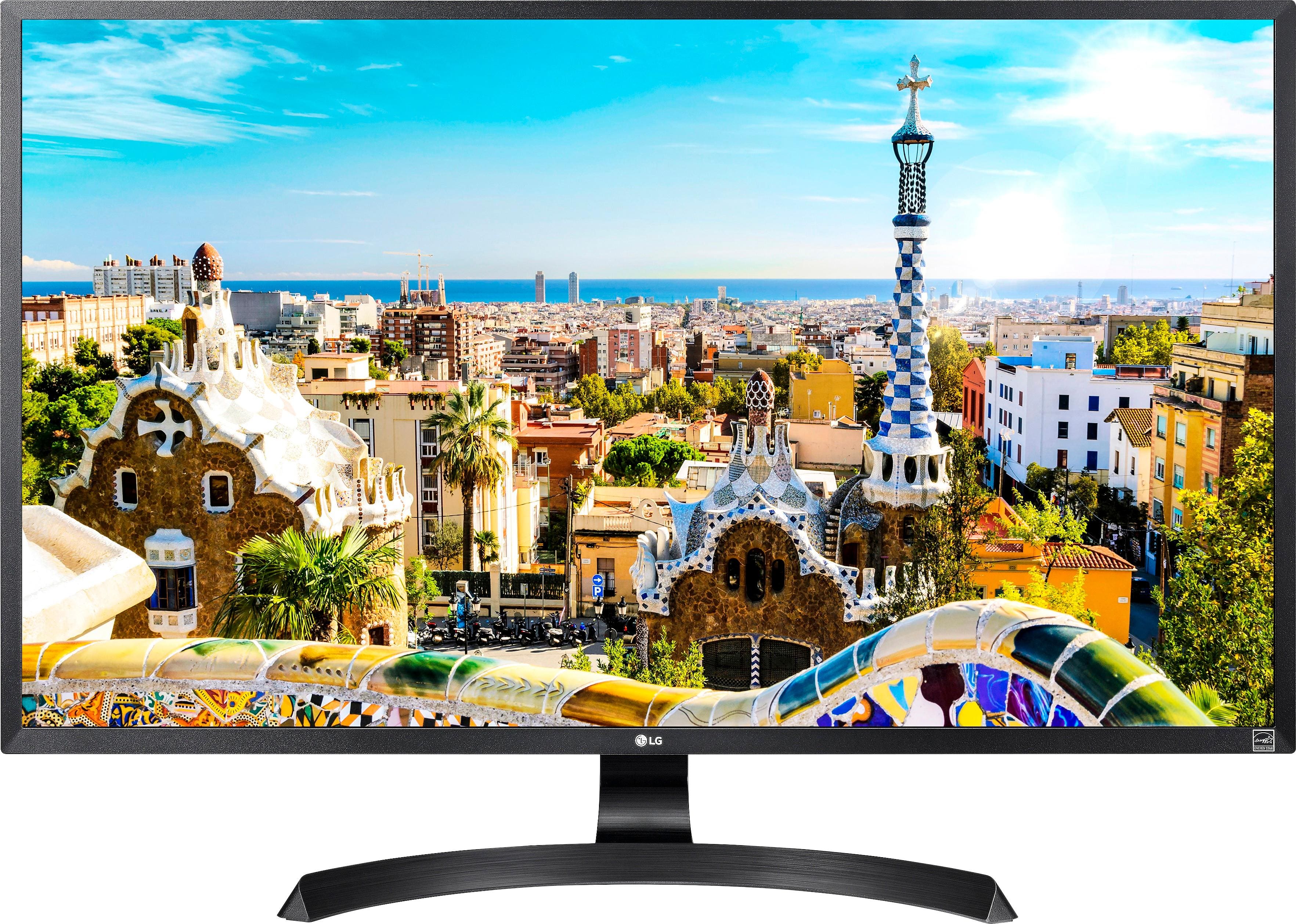
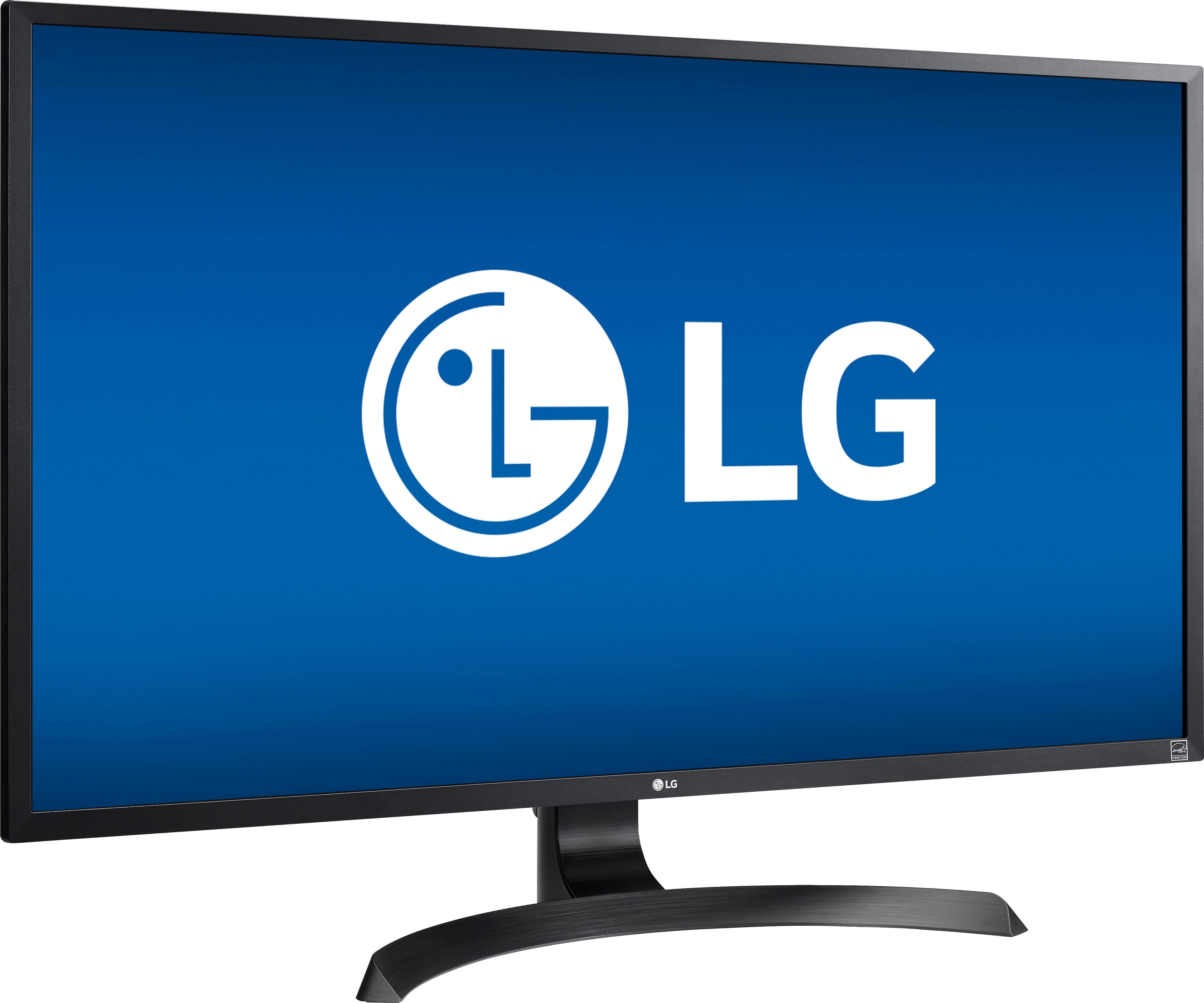
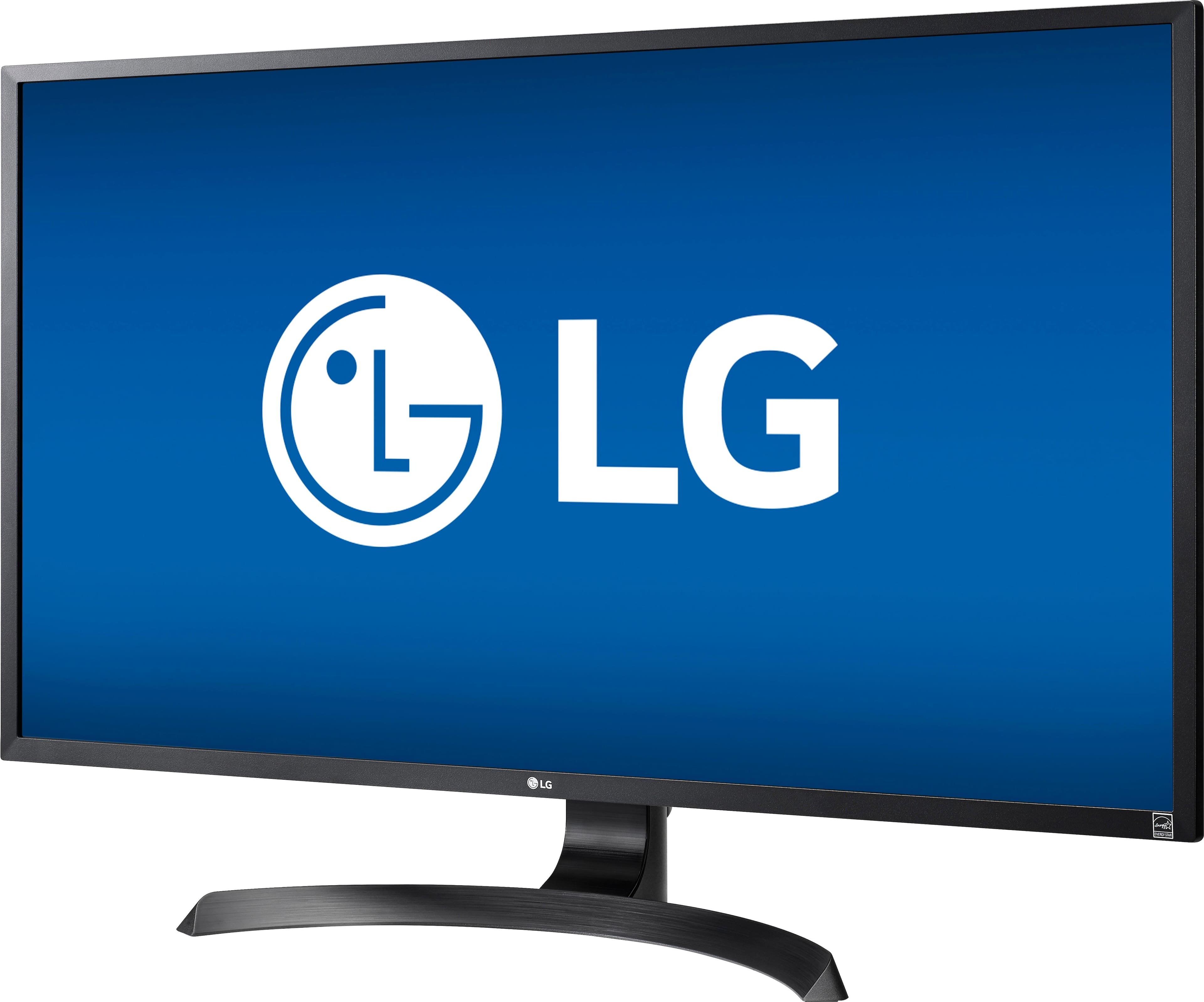
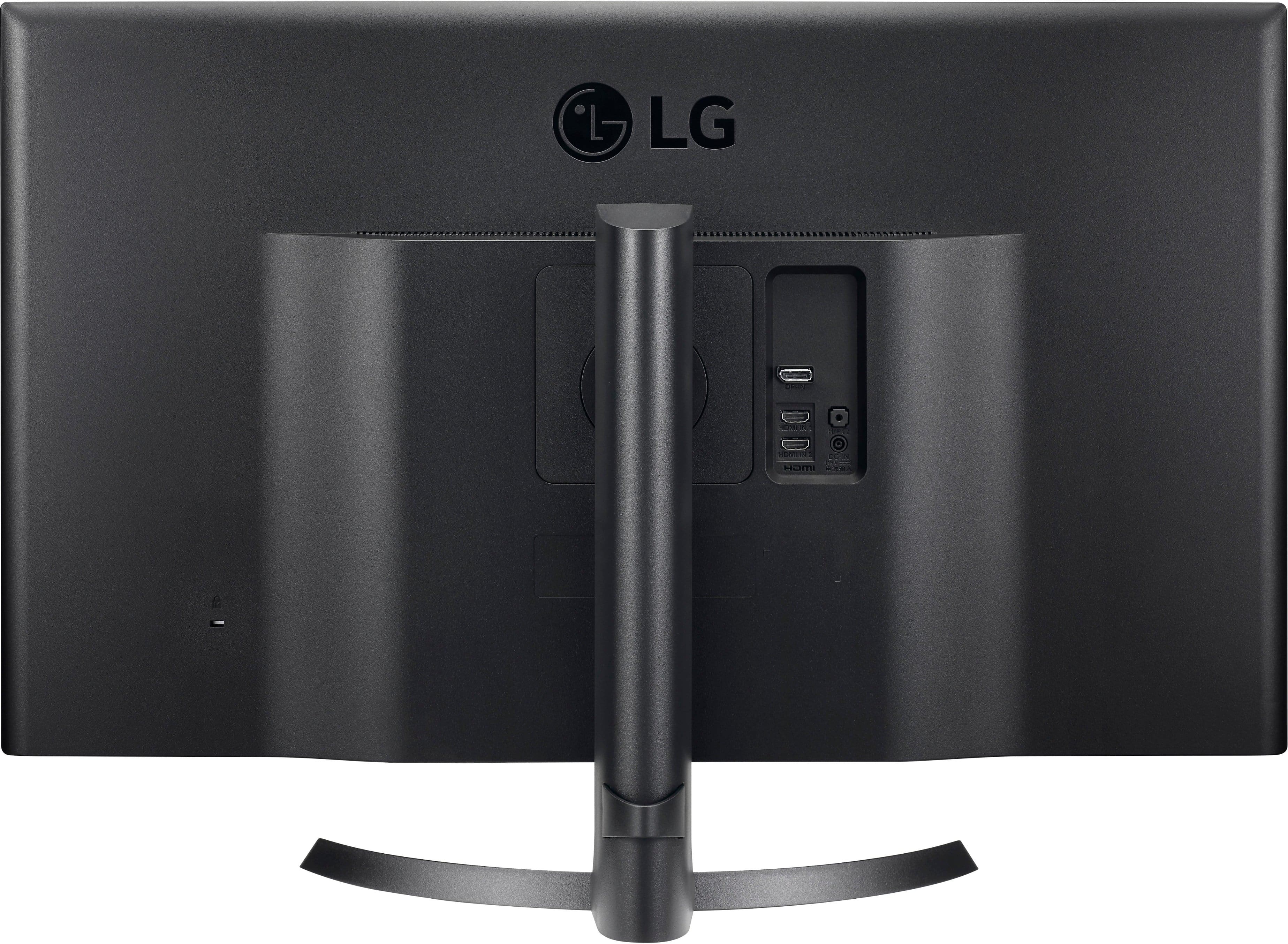
- Model:
- 32UD59-B
- |
- SKU:
- 6051028
Customer reviews
Rating 4.6 out of 5 stars with 142 reviews
(142 customer reviews)Rating by feature
- Ease of Use4.8
Rating 4.8 out of 5 stars
- Value4.5
Rating 4.5 out of 5 stars
- Quality4.8
Rating 4.8 out of 5 stars
Customers are saying
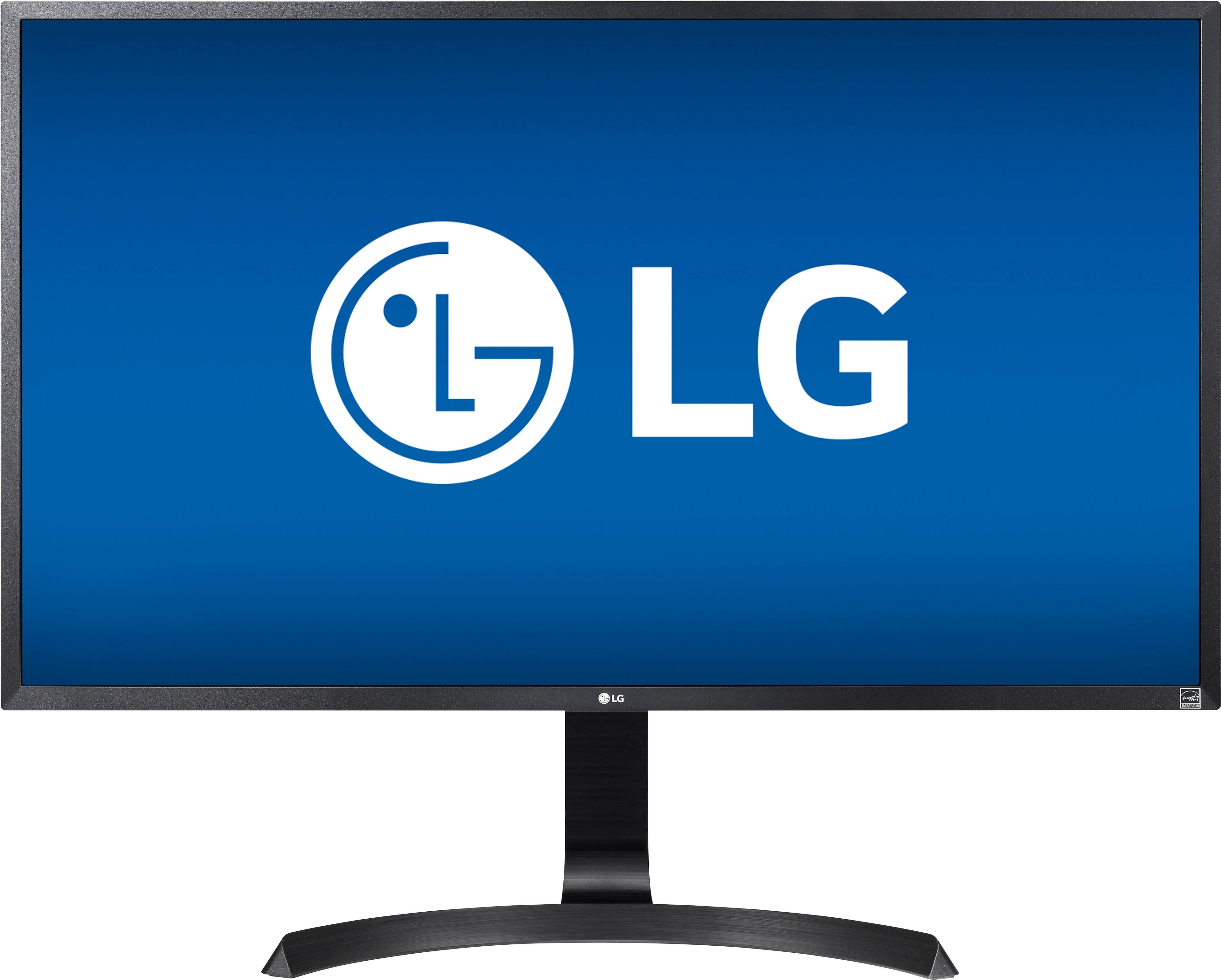
Customers commend the 32" LED 4K UHD FreeSync Monitor for its crisp screen and excellent resolution, resulting in vibrant colors and amazing picture quality. The ease of use and adjustable stand are also frequently praised, along with the monitor's fast response time. Many appreciate the high quality of the monitor at a fair price. The 4K resolution and FreeSync compatibility are additional features that receive positive feedback.
This summary was generated by AI based on customer reviews.
Rated 5 out of 5 stars
awesome monitor
||Posted .This reviewer received promo considerations or sweepstakes entry for writing a review.The only and great one i could find..just need to upgrade my pc for the fullness out of it.
I would recommend this to a friend- Pros mentioned:Quality, Screen size
Rated 5 out of 5 stars
Great monitor for split screen viewing!
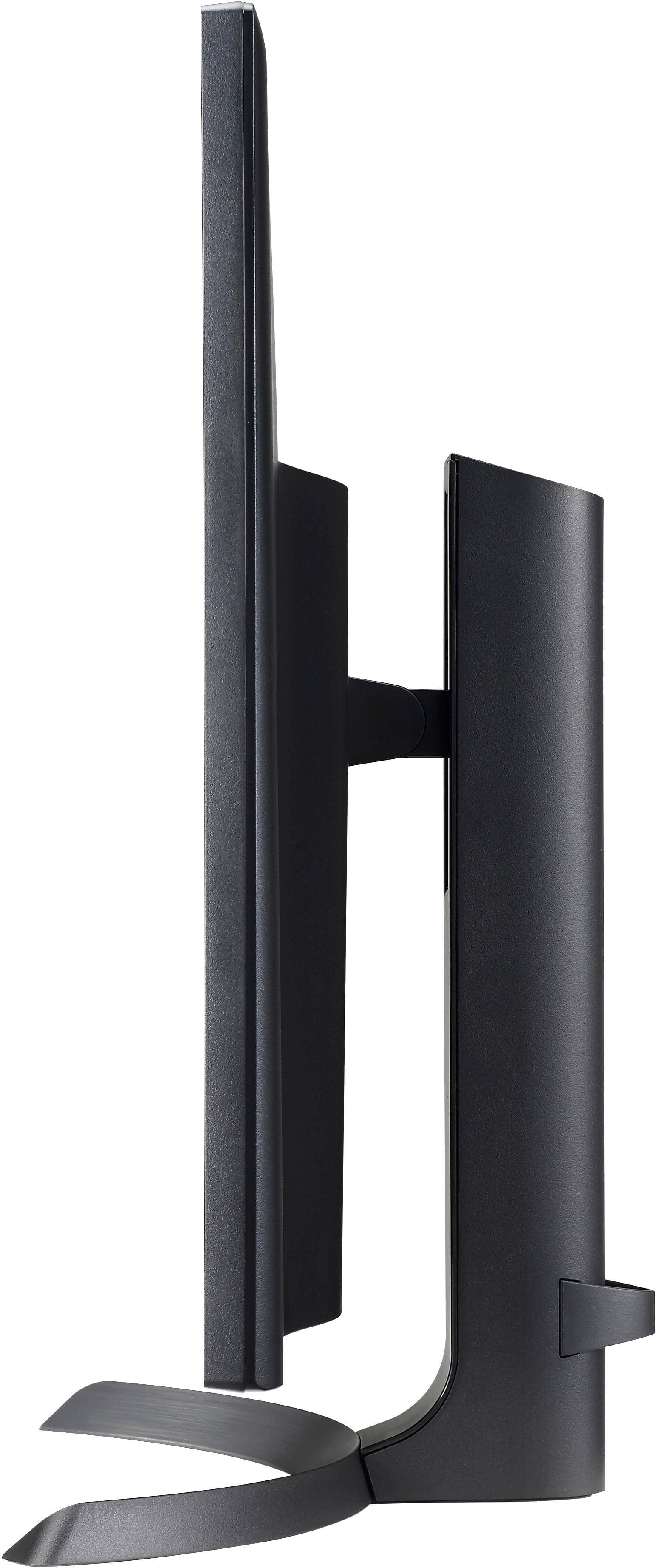
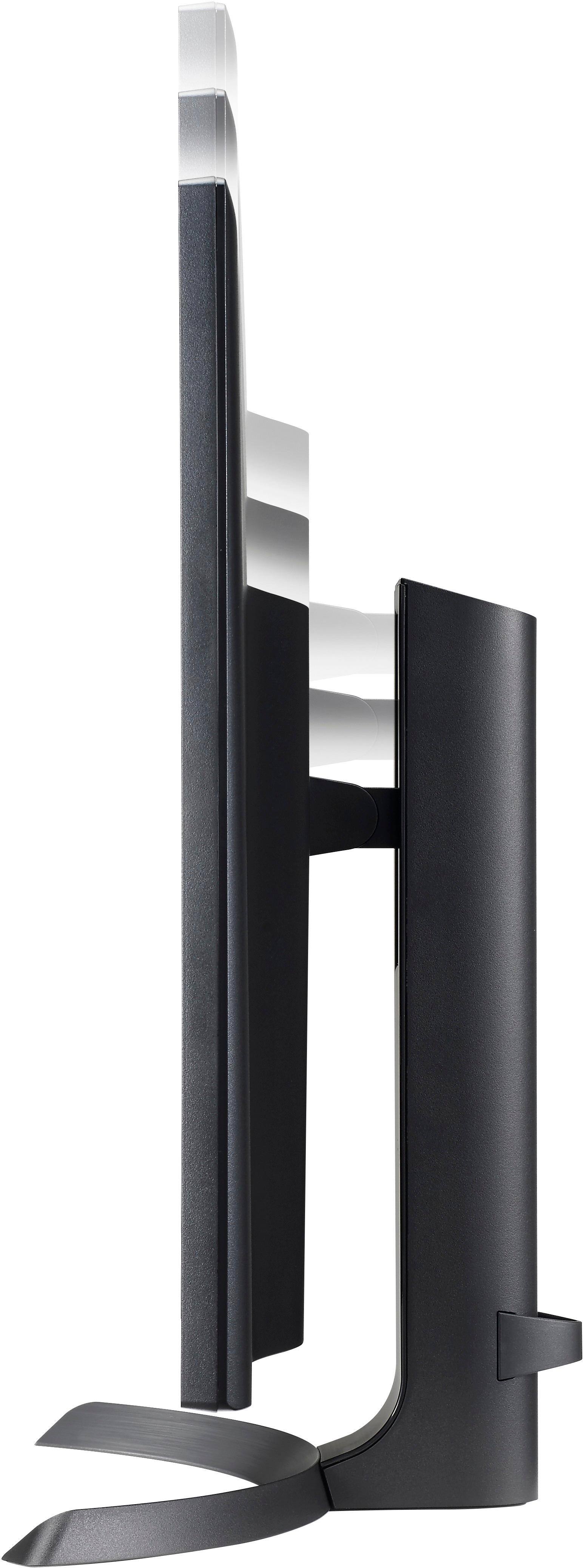
||Posted . Owned for 1 month when reviewed.This reviewer received promo considerations or sweepstakes entry for writing a review.I am working from home as a technical editor after retiring. I had two monitors at my previous job and found my one 24-inch monitor not wide enough to split the screen to view two documents or web pages at the same time, especially while editing. I replaced my all-in-one with a laptop and bought this monitor. At 32 inches wide, I have two decent-sized split screens for editing. The colors are beautiful! The monitor adjusts vertically and also tilts.
I would recommend this to a friend - Pros mentioned:Quality, Resolution, Screen size
Rated 4 out of 5 stars
Good monitor for desktop/laptop at fair price
||Posted .This reviewer received promo considerations or sweepstakes entry for writing a review.I'm using it on a laptop as second monitor with higher resolution (1920 x 1080) then the laptop itself (1600 x 900). Since my graphics card does not support higher resolutions, I cannot judge on UHD resolution. The picture is great, light distribution is perfect and bright. Colors are matching between both main monitors. Cable set is helping to get it connected right from beginning. Settings are easy and logically arranged. Manual for the monitor comes on a CD (?), just an installation instruction is added in printed format. Good quality at fair price.
I would recommend this to a friend - Pros mentioned:Resolution, Screen size
Rated 4 out of 5 stars
Overall good monitor
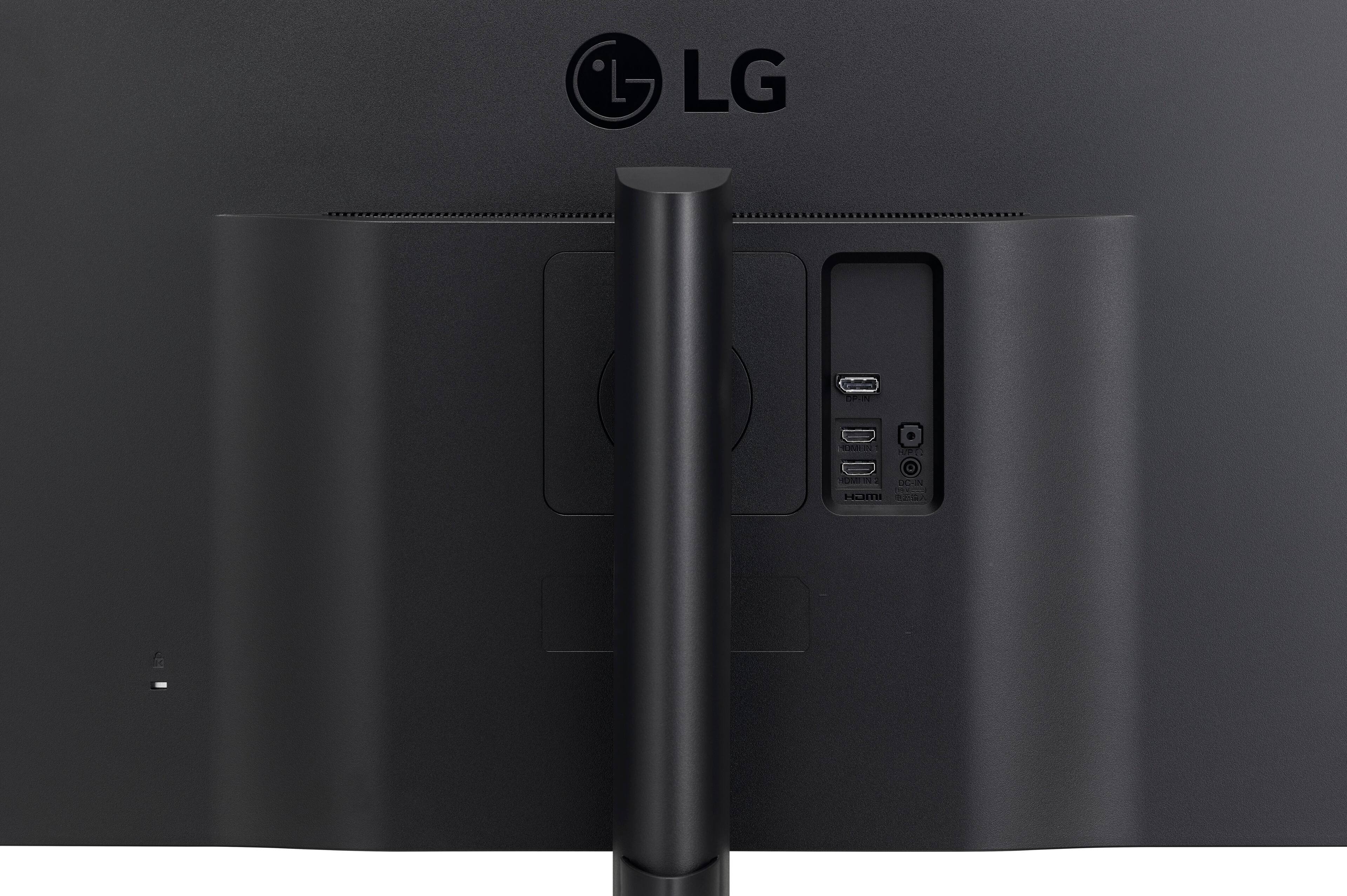
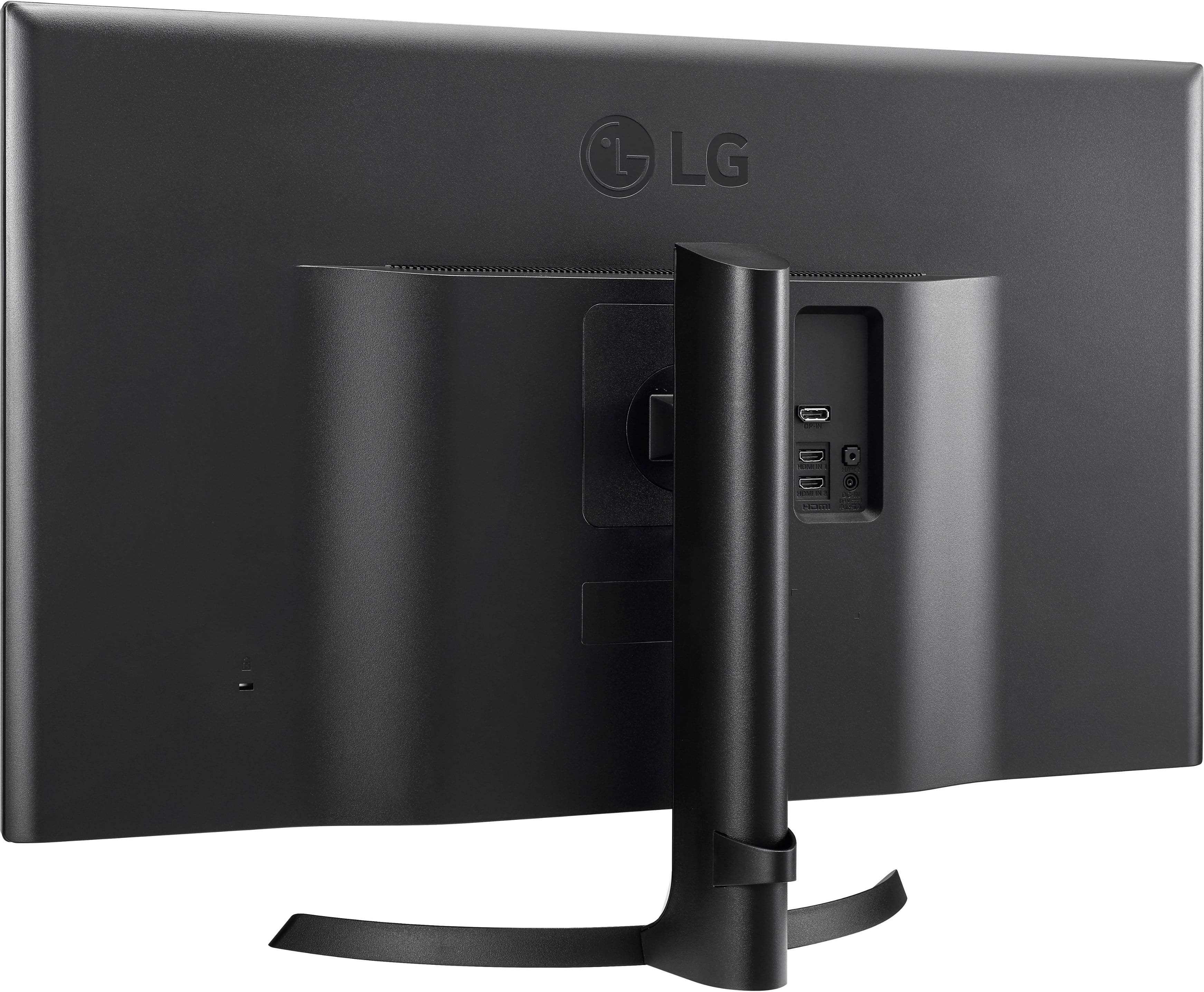
||Posted .This reviewer received promo considerations or sweepstakes entry for writing a review.Pros: Large screen space to position multiple applications side by side; Large resolution Cons: Lack of USB ports makes attaching other peripherals harder for me since my tower is far away (my previous Dell monitor had USB ports on the side); Inability to swivel left and right (my previous Dell was able to swivel left and right; Inability to rotate into portrait mode I would recommend this monitor even though it lacks the features above because it appears almost all monitors in the market these days lack these features, so I cannot blame this manufacturer only. If you can live without these features, then the monitor is good overall.
I would recommend this to a friend - Pros mentioned:Resolution, Screen size
Rated 5 out of 5 stars
Amazing
||Posted .This reviewer received promo considerations or sweepstakes entry for writing a review.This monitor is pretty great for Xbox One X gaming. Massive screen, great resolution, FreeSync. What more could you ask for? The only thing missing is definite HDR but that's not too much of a need when it's already this great.
I would recommend this to a friend - Pros mentioned:Resolution
Rated 4 out of 5 stars
32" is too small for a 4K monitor
||Posted . Owned for 3 weeks when reviewed.This reviewer received promo considerations or sweepstakes entry for writing a review.The monitor works just fine. Angled viewing isn't great, but I think it is fine when sitting in front of it. My biggest issue with it is that the 4K resolution makes standard text entirely too small to be comfortably read. It is essentially like having four 16" full HD monitors stuck together. Sure you could adjust the zoom and font size of things, but that tends to screw with GUI windows layouts. I was limited on desk space so I think it is a decent compromise versus a multi monitor setup if you don't have the space for it. I haven't done any coding using it yet, but I'm thinking that the extra vertical resolution will be very nice even if I have to adjust the font size a bit to make it more readable. Setup was pretty easy. It will accept a VESA mount. The stock stand is reasonably stable, but I do find that the monitor moves quite a bit even if you just bump the desk. There is a lot of glass there though and it is only being supported from the middle. It is a lot lighter than I expected a monitor of this size to weigh. It comes with a DP cable, but it isn't very long. The power supply is a brick and not integrated into the monitor which is a pain. Who needs another brick under (or on) their desk.
I would recommend this to a friend - Pros mentioned:Ease of use, Screen size
Rated 5 out of 5 stars
Surprised
||Posted . Owned for 1 week when reviewed.This reviewer received promo considerations or sweepstakes entry for writing a review.I have always purchased Samsung products. I returned a Samsung 4k monitor and purchased this LG 4k monitor even though my friends told me not to buy an LG product. So far this monitor has surprised me with the ease of use and picture quality. The only negative is the stand doesn't seem as sturdy as other monitors. I have only had for a week so hopefully no problems will arise. I didn't use the HDMI cable as the Best Buy associate told me the picture quality will be better if I use the computers color and picture quality so I used the other cable that came with the monitor. I did try the HDMI cable but I didn't really see a difference in picture quality. I'm not sure if it matters which cable you choose. For the price it's a great monitor for someone on a budget.
I would recommend this to a friend - Pros mentioned:Quality, Screen size
Rated 4 out of 5 stars
Great PC monitor, Good TV monitor
||Posted .This reviewer received promo considerations or sweepstakes entry for writing a review.Quality is very good. Setup was easy. Menus easy to navigate. As a monitor, text is clear, also Big. Better to have a deeper desk for this. TV picture is great, but viewing angle begins to show sooner than I would like.
I would recommend this to a friend - Pros mentioned:Resolution, Screen size
Rated 5 out of 5 stars
Excellent!!!
||Posted . Owned for 1 month when reviewed.This reviewer received promo considerations or sweepstakes entry for writing a review.Massive screen. Big difference from my previous 27-inch monitor. Look for 4K UHD sample videos and be amazed!! I'm not a gamer, so no comment for gaming. Easy set-up: Attaching the stand could not be easier. Plug in the ac adapter, connect to the computer (LG says to use one of the two cables they provide ). Done. Adjust resolution, if needed. Great monitor.
I would recommend this to a friend - Pros mentioned:Screen size
Rated 5 out of 5 stars
Very Vivid
||Posted .This reviewer received promo considerations or sweepstakes entry for writing a review.Makes my old Saumsung HD monitor look washed out and dark. That said, the default settings are too bright (factory set at 90) for use as a computer monitor, and I had adjustments to make. Gamma adjustment was much too low also, based on calibration web pages, but perhaps those pages dont work well with this kind of monitor? Not curved, but I really dont notice the slight darkening at the sides, Very good image still looking at from a steep sideways angle.
I would recommend this to a friend Rated 5 out of 5 stars
Great Addition to Surface Dock!
||Posted .This reviewer received promo considerations or sweepstakes entry for writing a review.I had been using the 27" version of the LG FreeSync monitor for several months. I felt a little guilty replacing the 27" monitor since its already pretty large, but after setting up the 32" unit, all the guilt melted away. For work, I'm always reviewing pdf home plans, reviewing spreadsheets, etc, and I have no complaints regarding the color rendering, clarity, or brightness. The monitor includes some software that is very useful, as well. The monitor can be set up in a variety of split screen layouts. For me, this is great, as I can set up 2/3 of the screen for viewing my pdf house plan and have Evernote open in 1/3 so I can quickly take notes while I work. I use this monitor with a Surface Pro 3 and the old-style accordion dock. Initially, this gave me trouble and left me thinking that I had a defective monitor. When connected with HDMI, the monitor flickered badly in 4k. I bought an adapter for minidisplayport to HDMI and still had flickering at 4k. The problem was solved by using a new cable - minidisplayport to displayport. There are a couple of other features that vary from the 27" FreeSync. First, this monitor has speakers, which is a nice addition. The stand is a little different from the 27". The monitor can be raised or lowered several inches. Due to the size of the monitor, this is surprisingly important if you want to extend the desktop of a Surface Pro that is flush to the desktop.
I would recommend this to a friend- Pros mentioned:Ease of use, Screen size
Rated 5 out of 5 stars
Awesome 4K Monitor
||Posted . Owned for less than 1 week when reviewed.This reviewer received promo considerations or sweepstakes entry for writing a review.Purchased during cyber Monday at a price I couldn’t pass up. Amazing 4K monitor for Apple TV 4K and ps4! Very easy assembly and it’s, just, gorgeous. My first personal 4K screen and I’m very pleased with this. I put on a cinematic video and I couldn’t stop watching. If you’re looking look no further!!
I would recommend this to a friend - Pros mentioned:Resolution, Screen size
Rated 5 out of 5 stars
LG 32' 4k monitor
||Posted . Owned for 8 months when reviewed.This reviewer received promo considerations or sweepstakes entry for writing a review.This is an awesome 4K monitor, great clarity and response time is great!
I would recommend this to a friend - Pros mentioned:Resolution
Rated 5 out of 5 stars
Love this monitor
||Posted . Owned for 1.5 years when reviewed.This reviewer received promo considerations or sweepstakes entry for writing a review.I keep expecting something to go wrong with it, but I've had it over a year and it's bright and reliable as ever. The stand is sturdy, build quality good. Fair price. Excellent resolution. Videos and pictures look amazing. A good budget minded monitor if you're looking to upgrade to 4K, but don't want to spend a ton.
I would recommend this to a friend - Pros mentioned:Screen size
Rated 4 out of 5 stars
Big, Beautiful Screen
||Posted .This reviewer received promo considerations or sweepstakes entry for writing a review.Unfortunately my first monitor came with a dead pixel, but was able to exchange it in-store. Other than that, it's a really good monitor. First off it's huge. There's more surface area than a 21:9 35-inch ultrawide monitor (it's narrower, but taller). It's really sharp (not quite a retina display, but really good) and text, photos look great on it. It works great on my MacBook Pro with a USB-C to DisplayPort cable (that I had to purchase separately).
I would recommend this to a friend - Pros mentioned:Resolution, Screen size
Rated 5 out of 5 stars
Excellent size and value
||Posted . Owned for 9 months when reviewed.This reviewer received promo considerations or sweepstakes entry for writing a review.The screen is fantastic, 4k although I use it mainly at 2k. Videos look great games run well (helps if you have the graphics card do the heavy lifting) I mainly work on it and its so large I can split the screen with exactly the amount of room each of my programs requires to be efficient. No backlight bleed or dead pixels with daily use.
I would recommend this to a friend - Pros mentioned:Screen size
Rated 5 out of 5 stars
Great Monitors
||Posted .This reviewer received promo considerations or sweepstakes entry for writing a review.I bought two of these to replace my Samsung 32" Curved Monitors that we only HD. The response time is excellent, from sleeping to being awake and able to be used is less than a second. The 4K picture in games is astonishing.
I would recommend this to a friend - Pros mentioned:Resolution, Screen size
Rated 5 out of 5 stars
Great BIG Monitor
||Posted .This reviewer received promo considerations or sweepstakes entry for writing a review.We do a lot of photo editing and this very large screen with its incredible resolution works great for it!
I would recommend this to a friend - Pros mentioned:Screen size
Rated 5 out of 5 stars
Surprisingly great purchase
||Posted .This reviewer received promo considerations or sweepstakes entry for writing a review.I have a 1440p that is perfect for PC gaming but I really wanted a large 4K monitor as a spare for my PC as well as a main for my X1X and PS4. I took the plunge on this monitor and it has been perfect for me. It is a TN model so be aware that the colors and view angles won't be as amazing as an IPS model. With that said, the image is still extremely nice. I would recommend it for those desktop console gamers like me who aren't fans of using a large laggy TV. Note that "HDMI ULTRA HD Deep Color" must be turned on in order for the PS4 MUST be turned on for the PS4 to output 4K. Otherwise you will be limited to 1080p. Also note that the calibration our of the box is MEH for gamers. Spend some time tweaking until it looks great.
I would recommend this to a friend - Pros mentioned:Screen size
Rated 4 out of 5 stars
Great monitor for the price
||Posted . Owned for 5 months when reviewed.This reviewer received promo considerations or sweepstakes entry for writing a review.I have used this monitor for about 6 months now and it's been satisfactory for me. A few things that stood out of the monitor (good and bad). - Picture quality: I use this monitor mostly for work. I find tha the size has been really good in enabling my productivity. - User Interface: The user interface is straight forward. There is an analog button that allow you to navigate the menu. The areas of improvement includes single click input cycling instead using menu navigation, - Other: The only other feature that I would include is probably a single USB output to enable peripheral charging via USB. But this is just my personal preference. All in all, this is an excellent daily use monitor for productivity.
I would recommend this to a friend