Customer Ratings & Reviews
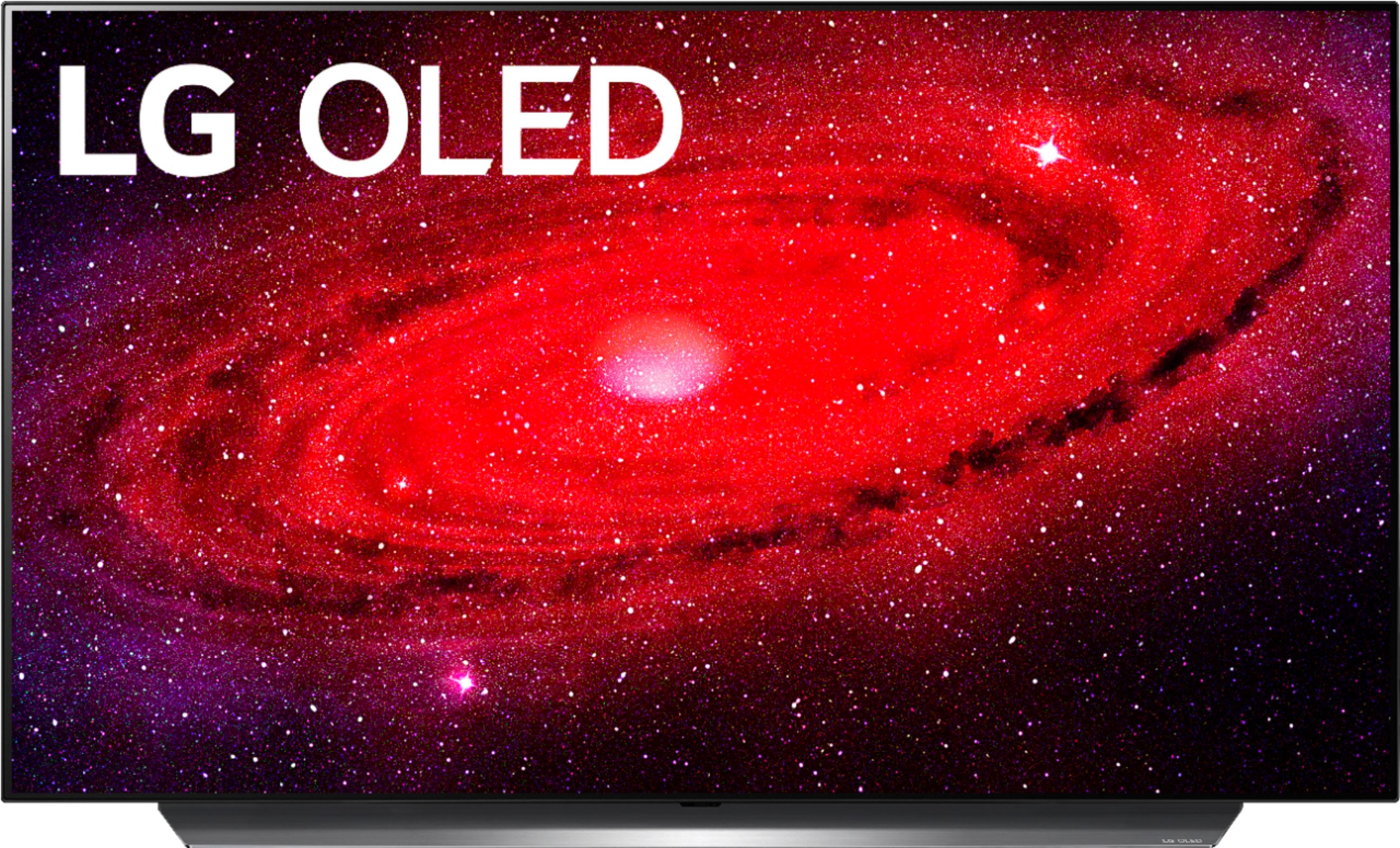
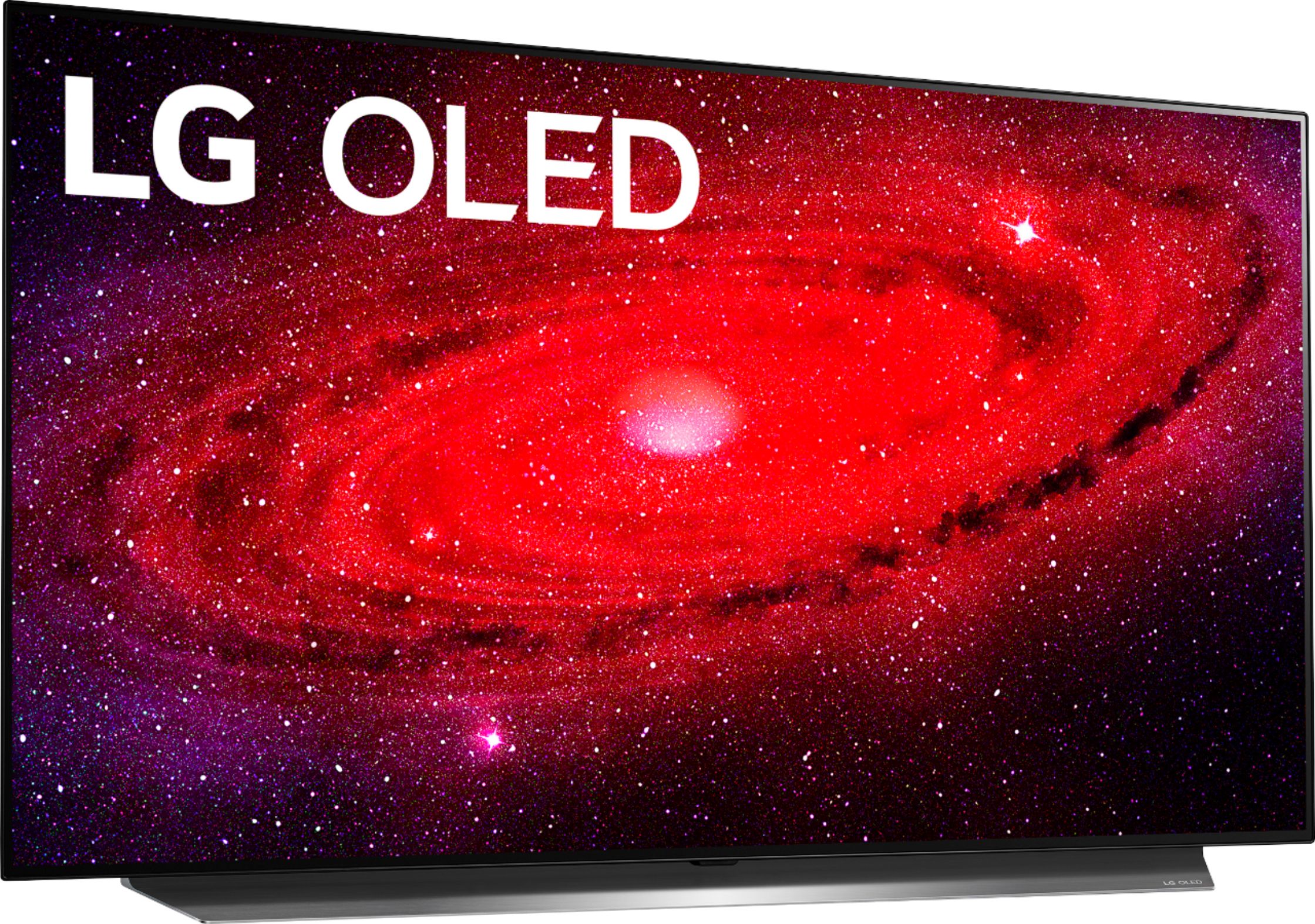










- Model:
- OLED48CXPUB
- SKU:
- 6416732
Rating by feature
- Picture Quality
Rating 4.9 out of 5 stars
- Sound Quality
Rating 4.4 out of 5 stars
- Brightness
Rating 4.7 out of 5 stars
Customers are saying
Customers consistently note the exceptional picture quality, ideal for gaming and movies, with crystal clear visuals and excellent color reproduction. The OLED display technology is highly praised for its superior performance, while the TV's size is considered perfect for various spaces. Although some find the price to be expensive, many believe it is worth the investment.
This summary was generated by AI based on customer reviews.
- Pros mentioned:Hdmi, Picture quality, Refresh rate
The smaller LG OLED TV I've been waiting for!
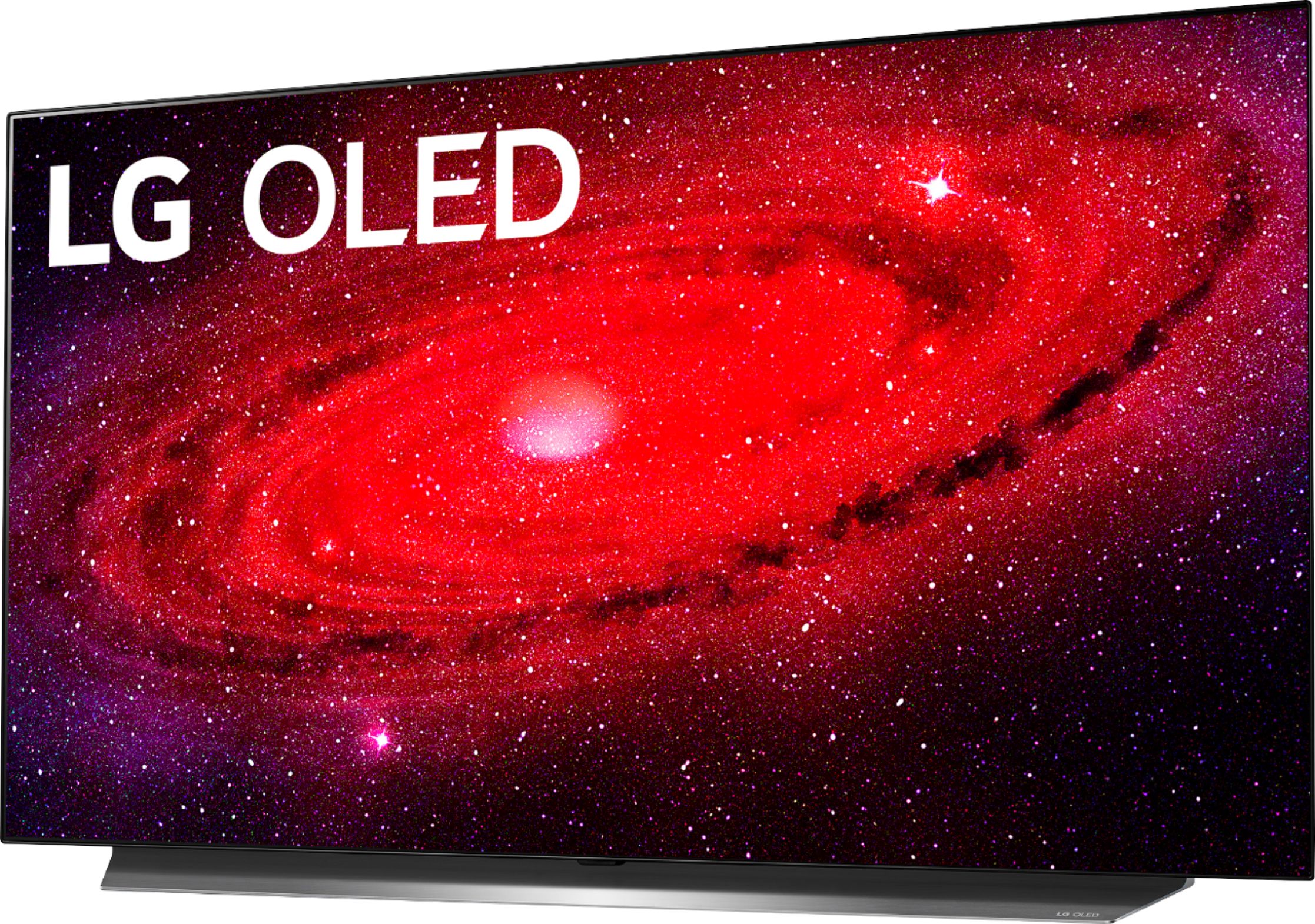
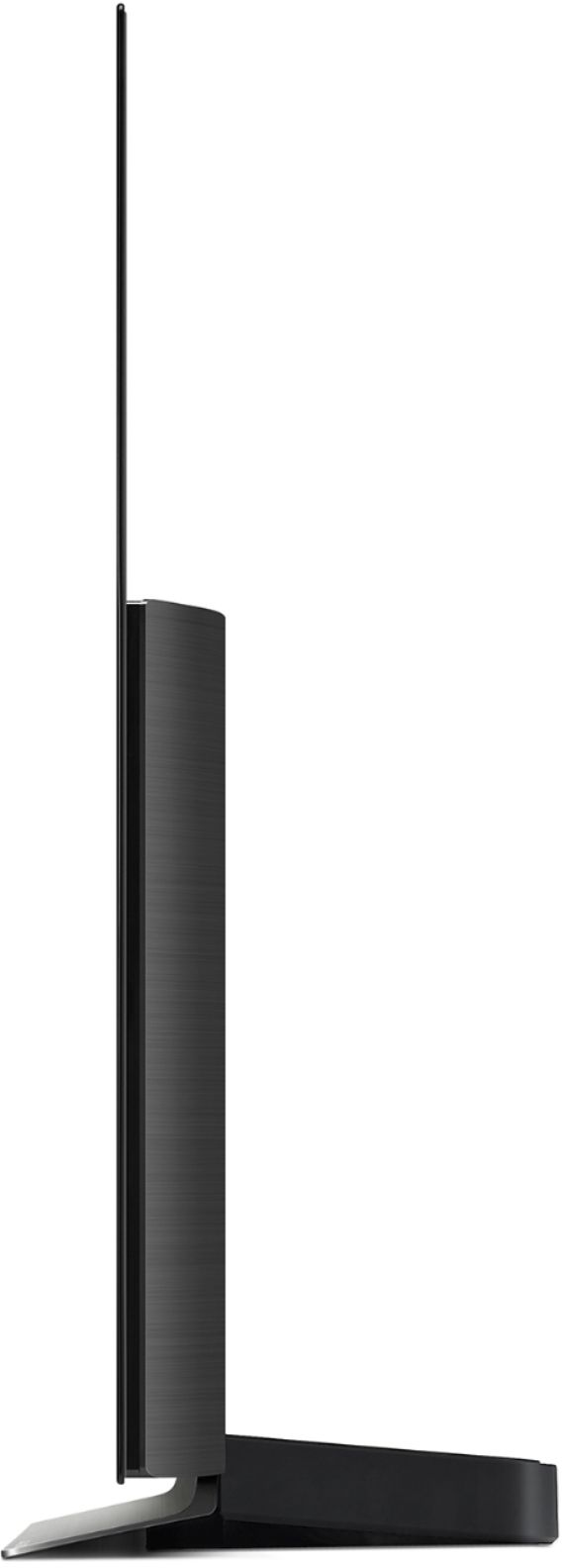
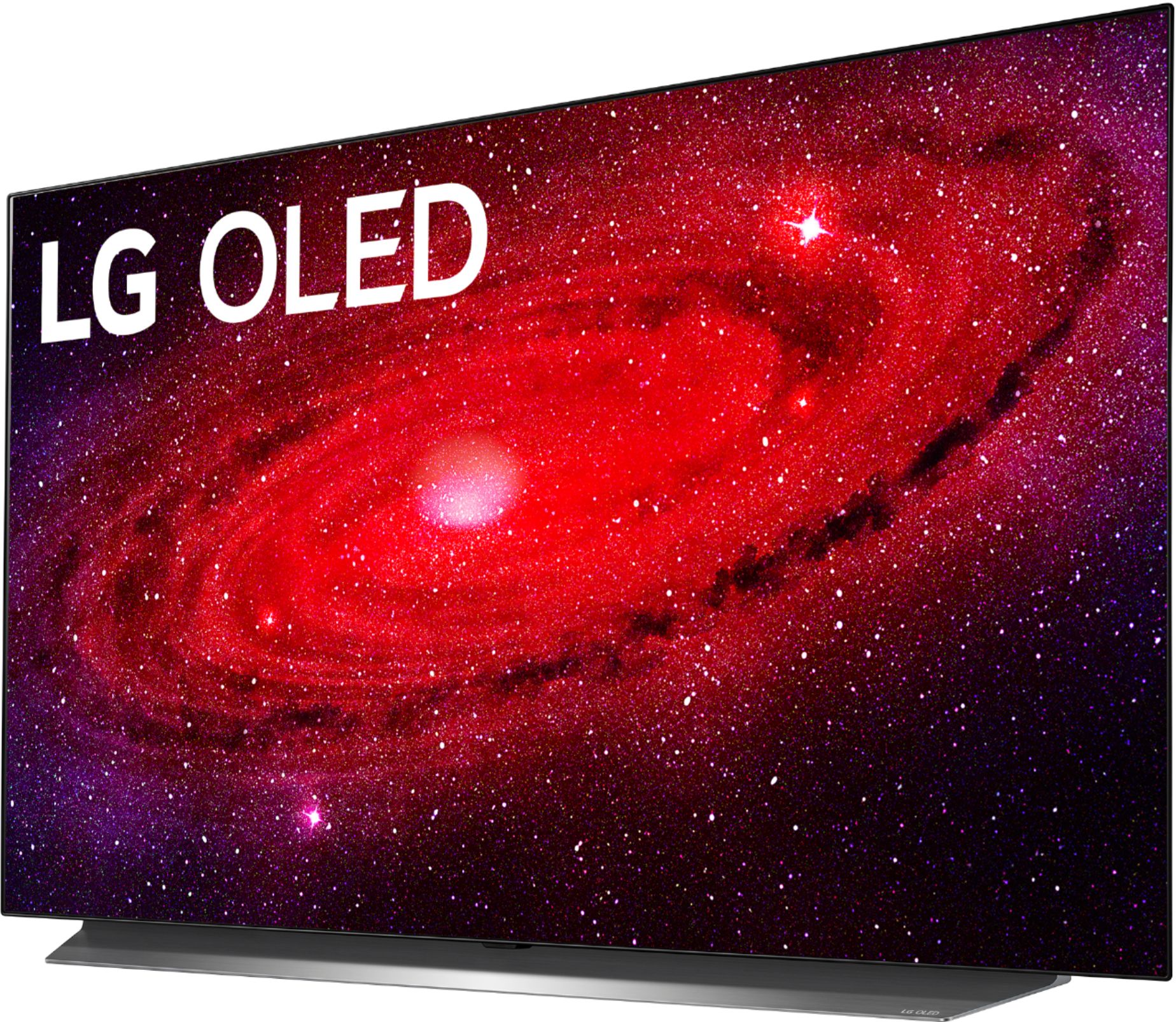
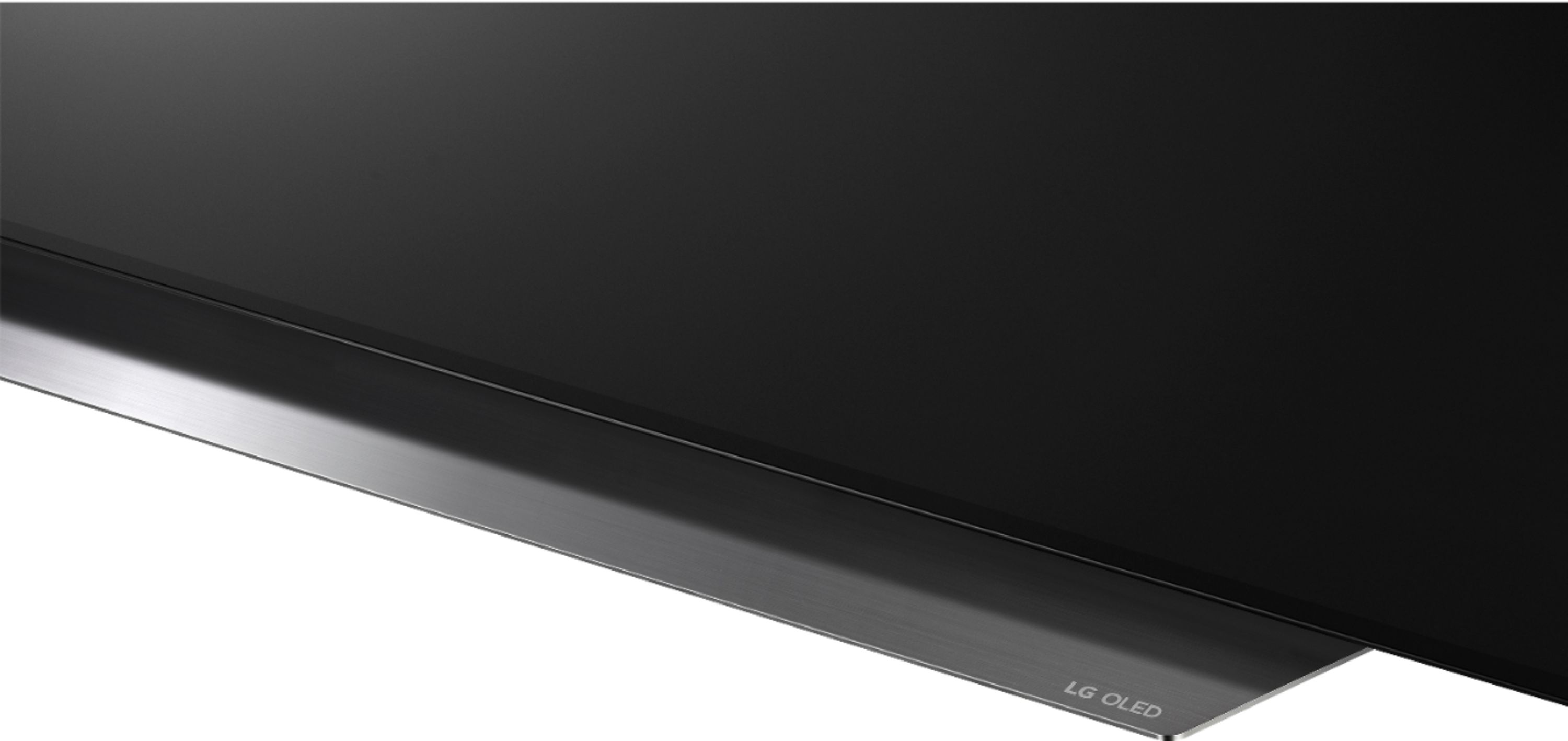
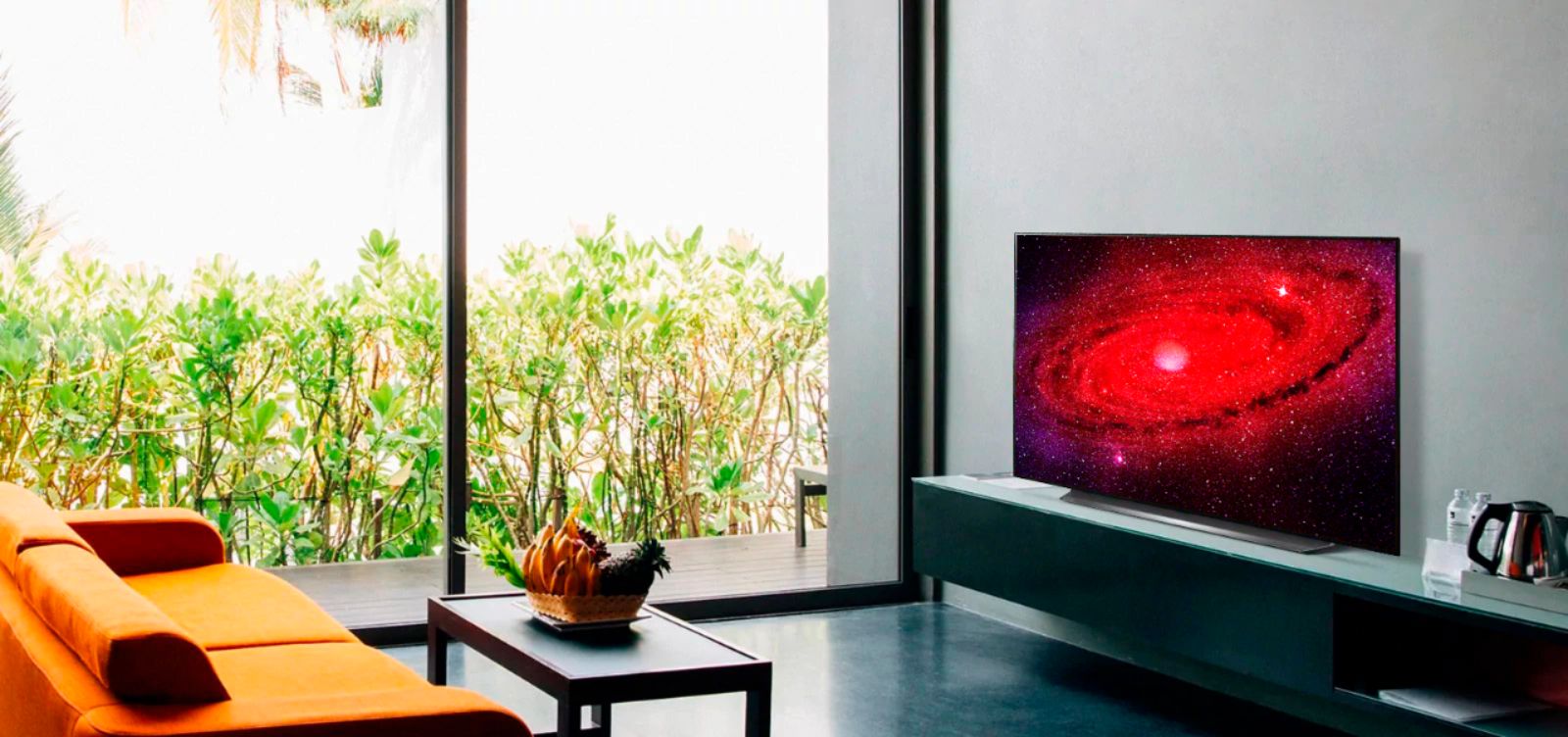
Posted .This reviewer received promo considerations or sweepstakes entry for writing a review.As a current owner of the C9 55”, I was very excited to finally get this year's new CX 48” OLED 4K TV, which is now the smallest OLED TV that LG offers. It has become our new master bedroom TV and takes everything I loved about the C9 and shrinks it down to a more compact package that is better sized for the room. It's also small enough to fit on desks and should be popular among PC gamers too. The CX adopts the same identical form factor and stand as the C9, with a razor thin display at the top half of the set and a stand that comes in a beautiful dark gray, brushed metal finish that matches LG’s Atmos sound bars. And WebOS has gotten better too. I found it easier to navigate as it's both sleeker looking, and simpler to use. But I can’t say enough how impressed I am with the OLED display and picture quality. The smaller 48" size has increased pixel density, which makes for a tad more crisp and finer picture than on the 55”. Of course there is Dolby Vision (as well as HDR10 and HLG) support. Dolby Vision IQ automatically adjusts picture brightness based on ambient lighting conditions of the room and the third generation Alpha 9 processor promises to improve upscaling. A much welcomed feature is the new 'Filmmaker' mode. Turning this on should automatically turn off certain features such as TruMotion and other picture settings when detecting film content so to display the picture as the filmmaker originally intended. This automation may however require the studio to tag the content accordingly though. For sound, the CX expectedly supports Dolby Atmos, so if you have an e-ARC enabled Sound Bar or AV receiver, you’ll expand your sound stage with up-firing audio content (assuming you have speakers for that). AirPlay 2 and HomeKit are supported which is awesome for Apple users. I've added both my C9 and CX to the Home App, and saying "Hey Siri, turn on master bedroom TV" will turn on my entire setup. As a gaming display, I was very impressed with the C9 's game mode that delivers low input lag and <1 ms response time when playing with Nintendo Switch. The CX delivers the same performance but for more hardcore gamers, LG adds AMD FreeSync alongside Nvidia G-Sync and Variable Refresh Rate (VRR) that can output 120FPS at 4K over HDMI 2.1, as well as HGiG for improved HDR support. The CX improves on the C9 and expands OLED to a wider audience than ever before. And I am very happy to say that the CX 48" is the best TV I've ever owned.
I would recommend this to a friend Like a blur.
||Posted . Owned for 1 year when reviewed.This reviewer received promo considerations or sweepstakes entry for writing a review.It was a little damage. I know it's been a while but the screen has a like a. I don't know how to subscribe it but it's like a clear in the middle of down the screen.. didn't have time to return it so I just forgot about it
I would recommend this to a friendDead pixel
||Posted . Owned for less than 1 week when reviewed.This reviewer received promo considerations or sweepstakes entry for writing a review.On my second day of using it and already notice about a dead pixel disappoint.Now its another hassle.
No, I would not recommend this to a friend- Pros mentioned:Color, Picture quality
Absolutely stunning
Posted .This reviewer received promo considerations or sweepstakes entry for writing a review.My first impression of this TV is that it is absolutely stunning. I am able to see colors and depth within those colors that I have never seen before. The pitch perfect blacks are amazing and really add to the contrast of anything that I watch. Video games look amazing as well, with no lag at all. When first taking this out of the box, I was afraid at how thin the screen was and there not being any real bezels to it. I was afraid to grab it incorrectly and damage it in any way. With help from my wife, we were able to attach this to the included stand and place in the spot of our old TV. The stand does add 10 lbs to this TV which is a bit of a surprise that they would make it so heavy, but at least we know it is sturdy. A big caveat is anyone that has a soundbar sitting in front of the TV will need to either move the soundbar or raise the TV as the stand does not lift the TV at all. The sound built in is decent and better than most TVs, but I still prefer my soundbar and surround sound when using this TV. I really like how easy it was to setup when you first turn it on. I highly recommend plugging all devices in before you turn on the TV, as during setup it will determine what is plugged in and tune itself for best picture and sound as well integrate everything better. After it recognized my cable box, it allowed me to pull up the guide with the magic remote and do everything with the one remote. I still need to figure out how to get the DVR functions to work, but everything else is seamless. I normally spend hours tweaking the picture settings, but with this TV I did not have to. I only changed the energy saver settings to minimum and the picture looks great. When turning on streaming providers or my PS4 I did need to adjust the Dolby Vision setting to Standard instead of Cinema, but it was quick and easy to do. I like that it has Google Assistant built-in so I can speak to the TV instead of always using the remote. I am still learning the full features of this, but it is a nice addition. The AI features are great, especially the recommendations and the being able to click right into a show I was previously watching. It is great how it adjusts all shows to be as close to 4K as possible. I really have no gripes about this TV and would highly recommend this to everyone. I am not sure I can go back from OLED ever again
I would recommend this to a friend - Pros mentioned:Hdmi, Picture quality, Refresh rateCons mentioned:Burn-in
4K 120Hz PC Gaming Bliss
||Posted . Owned for 1 month when reviewed.This reviewer received promo considerations or sweepstakes entry for writing a review.I'm very happy with this amazing TV. Currently using as a PC monitor paired with a 3090 RTX. No issues whatsoever. Able to do 4K at 120Hz without a problem. HDR in looks great too. Valheim in 4K at 120FPS is glorious. Just make sure you get a good HDMI cable that can handle it. I am using an Audio Quest Ocean 4K-8K-10K 48Gbps cable, also purchased from BB. Works great! If you're concerned about burn-in, get the BB warranty for peace of mind. I did that along with what others recommend - live or dark wallpaper (I use Wallpaper Engine), no icons, auto-hide the task bar. Use the LG screen shift and pixel refresh every once in a while too. I will never go back to regular PC monitors again.
I would recommend this to a friend - Pros mentioned:Gaming, Picture quality
Gaming to Binge Watching
Posted .This reviewer received promo considerations or sweepstakes entry for writing a review.LG has done really well with the OLED AI ThinQ! The details are exceptional and the picture is crystal clear. I am so excited to see all of the options and channels. It took two of us to carefully unbox this masterpiece of a TV. Then, we used a 75 pound rated mount to mount it to the wall, hang it and tighten the screws. The LG OLED48CXPUB is an excellent TV/Gaming Display. The picture is sharp; the detail is amazing. In a low light room, the picture quality is great with its ability to produce true blacks. Although the volume will not rock the walls, it is quite adequate for my Rock 'n Roll abused ears and the sound quality is truly amazing. After installation, I could not tear myself away and proceeded to have a weekend of binge watching. LG Channels offers additional streaming selections, a nice bonus. They even have cartoons for kiddos. Whether this LG is hooked up to my PS4 or my Asus ROG, the VRR and HDR contribute to an excellent gaming experience. I found the response time to be excellent. It is definitely faster than my pc and without lag. I am beyond pleased with this product!
I would recommend this to a friend - Pros mentioned:Picture quality
The King is Back, but Even Better
Posted .This reviewer received promo considerations or sweepstakes entry for writing a review.I have had the CX48 for over a week now, and here are my general impressions. The last OLED I extensively used was the LG C6, and this TV is a step up in every way aside from the loss of 3D. As always, you get the perfect contrast of OLEDs with inky blacks, without any blooming or greys normally encountered on a standard LCD. This TV shines compared to past OLEDs however, due to the little details. The input lag for games is lower than ever, and GSYNC is the cherry on top for PC players with an NVidia card. The new size of 48 is great for smaller spaces and even as a gaming monitor, surpassing the visual performance of practically any standard monitor on the market. For the non-gamer, everything you could want is here. Brightness is greatly improved from the C6, and has a bigger impact than LCD even if a bit dimmer, due to the blacks not having to compensate. Color volume and saturation is fantastic, and pops on the glass display combined with the contrast. Any 4K HDR video looks incredibly good on this TV, with no dirty screen effect of LCDs and minimal banding on dark grey screens. The processing is also leaps above OLEDs of a few years ago, with 720 and 1080 content, especially cable, looking much cleaner and refined compared to older sets. Lastly, the OS is very quick and has plenty of apps such as YouTube, Netflix, Prime video, and much more. The magic remote is very easy to use and enjoyable with the motion pointer. LGs OLEDs are one of the best TVs you can buy at the moment, and the new 48 inch size just made it a choice for an even larger audience. Its simple to speak volumes on this TV, but trial one in a store or bring one home and see for yourself. Once you go OLED, you will not want to go back to anything else.
I would recommend this to a friend - Pros mentioned:Color, Picture quality, Refresh rate
Perfect size for bedroom; minor OLED caveats fine.
||Posted . Owned for 3 weeks when reviewed.This reviewer received promo considerations or sweepstakes entry for writing a review.Great TV thus far. I've played the Last of Us, and watched some moves including Spaceballs (normal blu ray), Independence Day, & John Wick (both the 4k releases). TV performs great, blacks are great (thanks OLED!). It gets plenty bright; I've read a lot about how OLED can't get as bright as the regular LED TVs, but for my current room, even when blinds are closed, the TV gets plenty bright for me. I'm scared to imagine the retina-searing levels the competing LED TVs reach. Nighttime viewing is plenty bright (OLED shines in a light controlled / dark room). For better or worse, I personally currently have the "OLED light" setting at 80 for movies, and 60 for games. HDR presentation seems fine for me, personally. Maybe I'll try various settings / other games and see how it holds. I have the motion settings off right now (new Filmmaker mode for this CX model makes that easy - it turns off all the motion interpolation settings, and is supposed to be show the most accurate colors without manually calibrating). I will say that that caveat I read with certain panning shots looking stuttery/ like a slide show is real. One of the downsides of OLED, but the shots are over quickly so I think I can deal with it (I don't want to induce the soap opera effect with motion interpolation). I noticed it once in ID4, and I think once in John Wick. I find the superior picture outweighs this occasional stutter effect. I cannot comment yet on how animation looks on this TV. I pulled the trigger on this model because I have been looking into a 4k TV for a while, and LG was the only one at the moment with a 48" model, which fits my current needs. A 55" model would have been too large for the current room. 120FPS support is just icing on the cake. Remember to not put OLED TVs on a switched outlet - when they are off they run compensation measures to manage / prevent burn in (so they go into a standby mode).
I would recommend this to a friend - Pros mentioned:ColorCons mentioned:Burn-in
Best bigger purchase ever
Posted .This reviewer received promo considerations or sweepstakes entry for writing a review.Bought this TV in 2020, hands down one of the best bigger purchases I've ever made. The color is excellent, hasn't had the dreaded Burn In, and I play lots of video games, so if that's a worry, it shouldn't be. If you enjoy watching movies/shows, and a great 120fps gaming experience, this TV will NOT let you down. Sincerely, a person who enjoys these things. :)
I would recommend this to a friend - Pros mentioned:Color, Picture qualityCons mentioned:Burn-in
Excellent TV to use as a PC monitor!
||Posted . Owned for 3 weeks when reviewed.This reviewer received promo considerations or sweepstakes entry for writing a review.TLDR: Fantastic TV that I am using as a PC monitor (gaming and productivity). So, I was debating whether to replace my dying 144hz 2560x1440 Acer XB270HU monitor with a new 3440x1440 ultrawide or make the jump to 4k sinc eI've been at 1440p for a long time. An OLED TV wasn't an option I was considering at first because of how big TVs are and some of the downsides they potentially have as a computer monitor, like how you need to baby them a bit to avoid things like burn-in. I spent a lot of time reading user reviews of ultrawides and the 48in LG CX, and ultimately I ended up trying both. I got the LG 34GN850 first, and while that was a fantastic monitor it had multiple dead/bright pixels so I had to return it. Then I went for the LG CX 48. It's big, and I need to sit around 40 inches away from it to to be usable in gaming/productivity (text is still really small at default 100% Windows scaling on the 48 CX, but it's readable and sharp enough and higher scaling sometimes causes problems so I only use it if I have to). We won't have an HDMI 2.1 GPU out til next week to take full advantage of the 4k 120hz with VRR, but even gaming at 4k 60hz on this is a blast. The colors look great, there's also more customization options to dial in the picture to your preferences than typical PC monitors as well. I typically play single player RPG and FPS games, as well as MMOs and I have had no problems aside from poor in game scaling due to 4k, which is a developer issue most of the time (small text, UI elements don't scale well to 4k, and so on. All in all, I'm happy with it so far and as long as 4k 120hz Gsync works properly with the new RTX 3080/3090 I'll have no complaints. If you are considering using this strictly as a PC monitor I would consider the 5 year geek squad protection plan though, since it covers burn-in and you might eventually run into that problem.
I would recommend this to a friend - Pros mentioned:Color
Just wow!!
Posted .This reviewer received promo considerations or sweepstakes entry for writing a review.Toggle navigation United States (ES) InfoBlogOnline reviewsMy Review Testimonials Below you can read the testimonials of those Insiders who are currently testing. You can easily read though all the testimonials by clicking on ‘Filter’. Are you taking part in this campaign and want to share your experiences? It couldn’t be easier - click on ‘Write your testimonial’ and away you go! You can update your testimonial throughout the campaign as your product experience grows. Filter Products Select 55UN6950ZUA 65UN6950ZUA 49NANO85UNA 55NANO85UNA 65NANO85UNA 75NANO85UNA 55NANO90UNA 65NANO90UNA 75NANO90UNA 86NANO90UNA 65NANO99UNA 75NANO99UNA OLED55BXPUA OLED65BXPUA OLED77CXPUA OLED48CXPUA OLED65CXPUA OLED55GXPUA OLED65GXPUA Sort by Select Date Most useful Testimonials Top rated Lower rating Rating My Testimonials OLED48CXPUB Just wow!! 2020-07-29 18:31:57 I replaced my almost 10 years old tv for this sweet LG tv and all i can say is wow, how come i waited this long for an upgrade! The tv arrived safely without any issues and it was very easy to install and was ready in no time. First the colors- mind blowing, i could not believe my eyes because everything appeared crisp and beautiful. Functionality- with the high technology associated with this TV, i love how user friendly it is, was impressed that my boy was able to navigate through the system unit, webOS is awesome. Remember for the updates, go ahead and turn that on so that it happens automatically for you. Love the LG channels, the apps like netflix, hulu, disney, etc already installed which allows me to discard my other device i was using with my old tv. The magic remote is awesome, it allows direct access to netflix and prime video which is a plus. My favorite feature is the LG thinQ which allows one navigate the the home dashboard in a stylish manner and you can control and view other smart equipment right on your TV!!! I know right?! I am still learning a lot daily about what i can do with my new baby. I love the art galleries that come up when the tv is idle, very colorful and pretty and the fact that i can surf the web on my TV is amazing.Next up for exploration is gaming. So far i am impressed with all i have discovered and i hope this TV will last without issues. By the way, this is my first LG tv, but i have used their phone and i loved it.
I would recommend this to a friend - Pros mentioned:Color, Hdmi, Picture quality
Picture: GREAT! Audio connections: Meh.
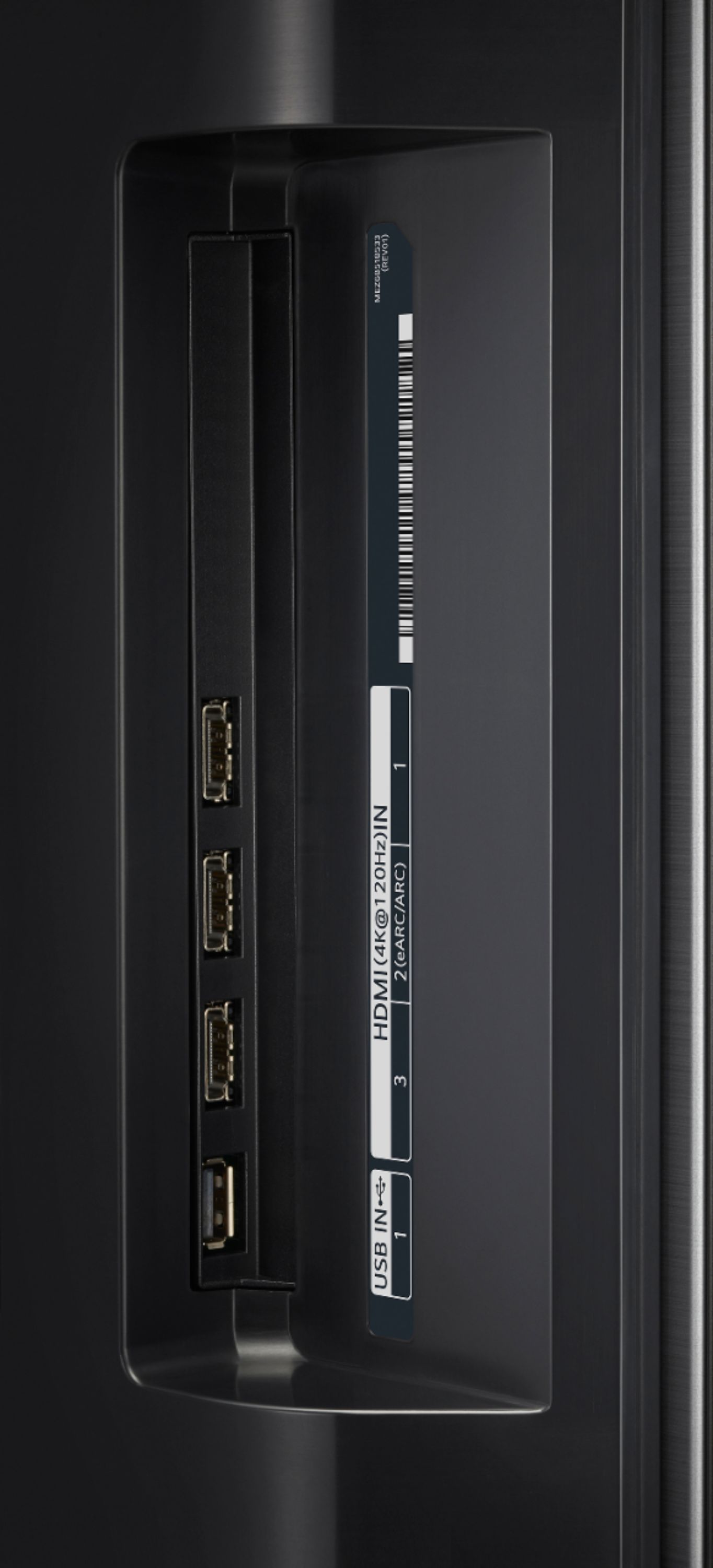
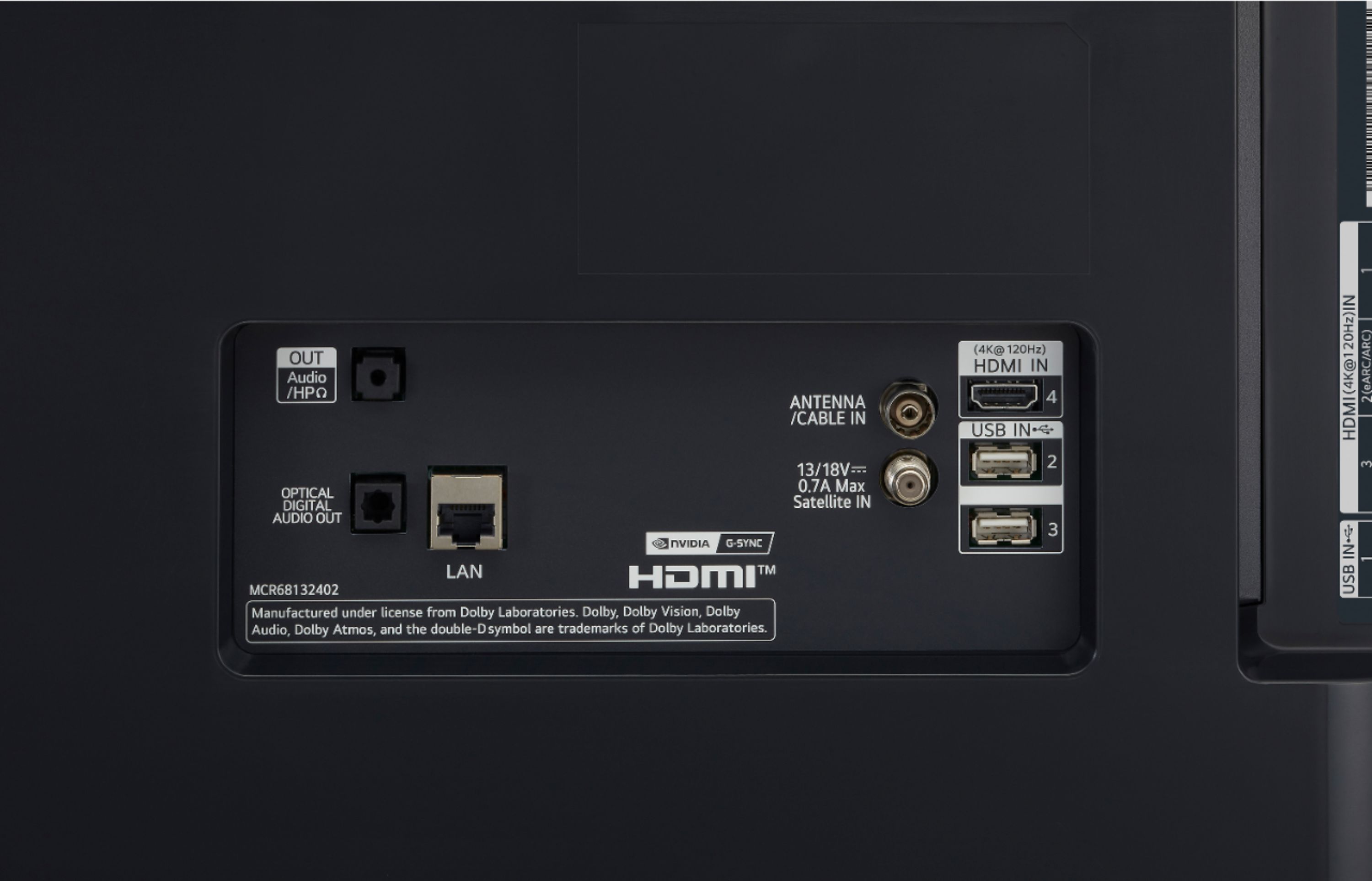
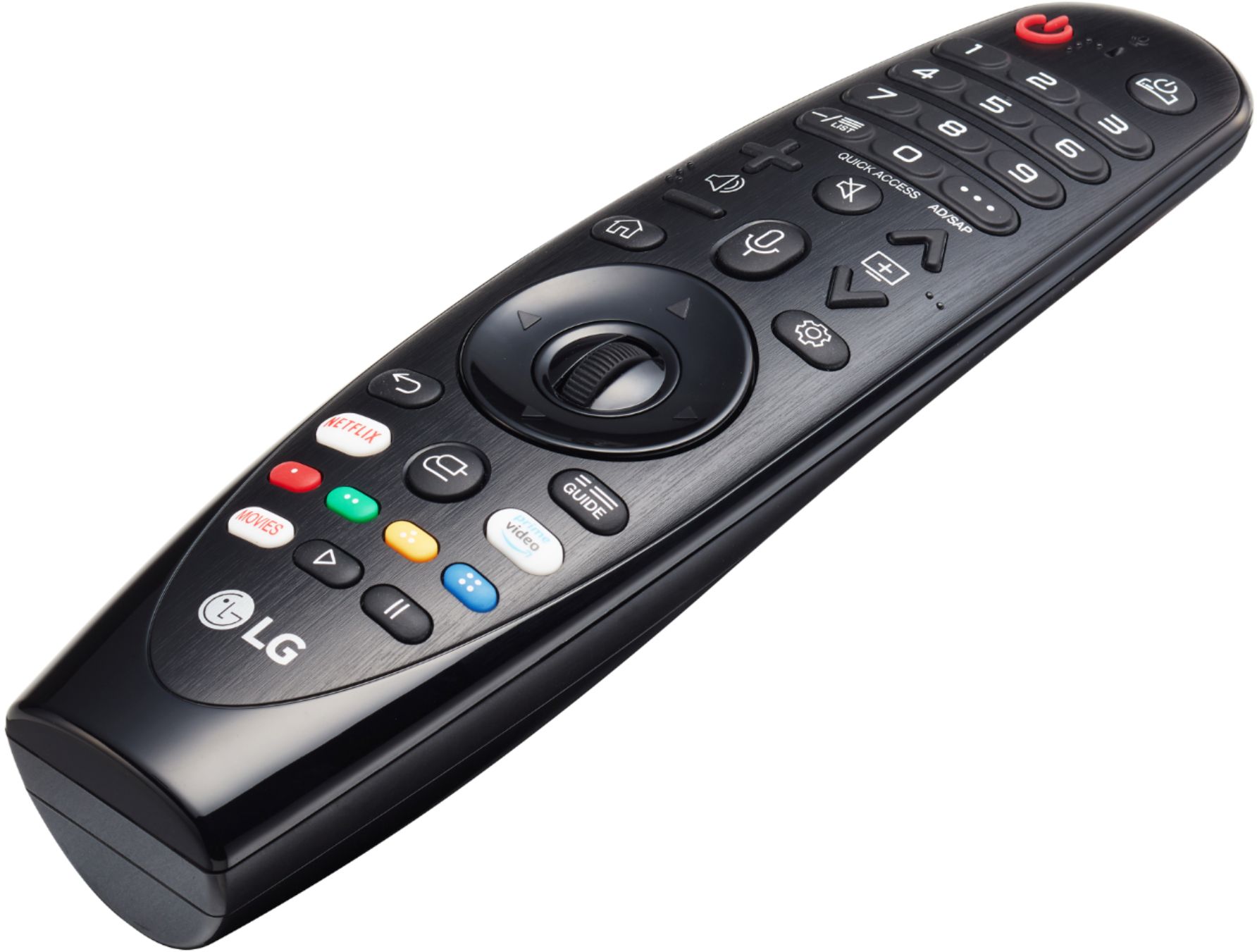
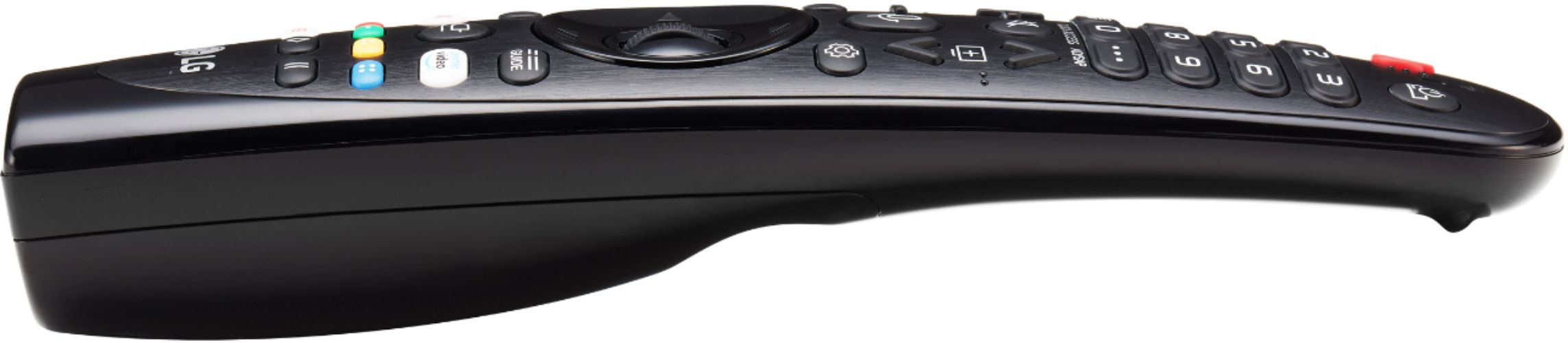
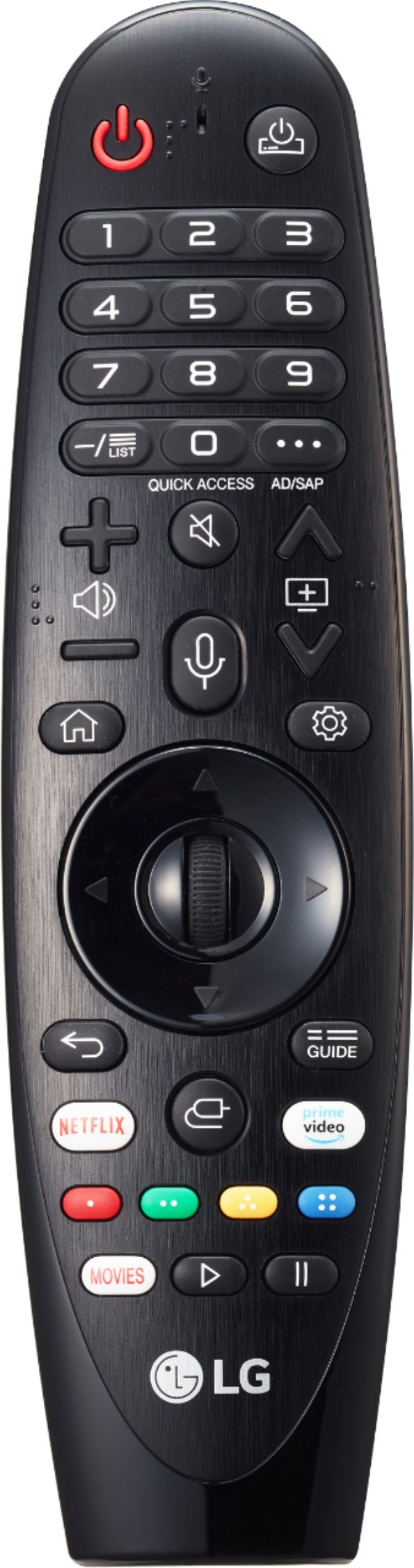
||Posted .This reviewer received promo considerations or sweepstakes entry for writing a review.Outstanding, stunning picture. Deep blacks, almost to the point where the black SHINES. There's no picture in the detailed user manual that describes the actual available hardwire connections. There are more pictures on the Best Buy website than LG's showing what you can actually connect to. These are: Four 4k HDMI @ 120 Hz connectors, 3 facing to the left of the unit, one facing rearward Two USB IN connectors, One USB connector (I used it to power a Roku box) One each satellite and TV cable RF input connectors One 1/8" headphone jack for analog audio One optical digital output connector One Hardwired internet (LAN) CAT5 connector My 48 inch set did NOT provide the dongle for composite video, so if you need "composite video in" plan on buying it separately for this set I was able to use the optical digital output jack for my audio system, however, it would not work when the audio was set to 'optical out' and had to be set to 'optical out + internal speaker.' But I just set the internal speaker volume at zero and the external system works fine. (No, in my case I didn't have an HDMI or bluetooth to the audio equipment, but the optical system works for me) The OLED TV did recognize the Blue Ray player through the HDMI connection and I'm able to use the OLED's remote control to run the Blue-Ray player, even to power it on and off, so that means there's one less remote control on the couch. Trouble is, they forgot to add the 'eject' button functionality to the OLED's app for the Blue ray player. Oh well, almost perfect. Our streaming is primarily Netflix and Amazon, and there are two dedicated buttons on the smart remote that get into those apps immediately on the TV's internal app so i don't have to use the Roku. Switching between inputs is easy, as the 'smart remote' has a pseudo- 'laser pointer' that allows you to 'point' to the desired selection and then push the button to activate. Very easy to use once set up. Spousal-unit likes it because the number of remote controls on the couch for our primary viewing dropped from 4 to two.
I would recommend this to a friend - Pros mentioned:Color, Picture quality, Refresh rate
Beautiful Screen, Amazing Entertainment Experience
||Posted . Owned for 3 weeks when reviewed.This reviewer received promo considerations or sweepstakes entry for writing a review.Initially when I bought this screen, I was looking for a screen that would take advantage of the features of my Xbox Series X. And it does so very well. The image quality is simply stunning. It's a massive jump from my old 1080p screen. The colors are very vibrant, the blacks are much darker, the whites are much brighter, and it's way sharper. The screen even blows my 1440p PC monitor out the water in image quality. On top of that, 120hz is finally console and the games that take advantage of this look and run so smooth on this screen. With that said, what I wasn't expecting was all the stuff packed into this TV. The speakers in it are quite possibly the best speakers I've ever heard in a TV. It takes away the need for lower end and even middle tier speaker systems. If all you use is a sound bar or 2 speakers and a woofer like the sound bar and woofer for the screen my family room or the 2 speakers and woofer for my computer setup, well, you won't need them for this TV. On top of this though, it has bluetooth built right in, so I can connect my Xbox headset to the TV and hear the audio from every device that's connected to it. On top of this though, I wasn't expecting so many built in streaming channels. Like I knew there would be a few streaming services like Youtube, Netflix, Hulu, etc. but there's like 200 LG channels that cover all sorts of stuff. Cartoons, news, sports, music, sitcoms, game shows, movies, etc. there's an LG Channel for it. I'm sure this was something that was advertised but I wasn't looking for this, I wasn't paying attentions to this, and once I realized I had this, I was blown away. Buying this screen alone takes away the need for most other streaming boxes or devices. This screen really is an all encompassing TV experience. Yes, you can absolutely get more stuff to hook up to it, but you really don't need to. What this screen offers right out of the box is of extremely high quality across the board.
I would recommend this to a friend - Pros mentioned:Color, Picture quality
Daily driver for PC work and gaming
||Posted . Owned for 4 months when reviewed.This reviewer received promo considerations or sweepstakes entry for writing a review.TLDR: If you are on the fence - go ahead and pull the trigger. I've been using this 48" display every day for six months for work and gaming. I'm still in love. I had it delivered without issues. It's well packed. The remote is like a wii pointer which I love. I don't use any of the smart features because it's hooked up to 2x PCs. It is connected to mesh wifi for updates. No issues there. I have it wall mounted and sit about 3.5' from the display. After six months of 12+ hour work days - I haven't had any eye strain, headaches, or other issues that I was warned about. I just had an eye exam and no changes there. I feel like it is easier on the eyes because I can blow up text to "grandpa" size. My work ranges from word/excel doc review, to CAD/blueprint review, web meetings, to photo/4k movie editing. It works great! One downside is my webcam is on top of the TV. On web meetings I appear far away by default, but you can remedy this with zoom options. It is difficult to remember to make eye contact with the camera because it is so far from the center of the screen. I would opt for a small secondary screen for presentations if I had a lot of camera time. When work is done, this display is absolutely stunning for gaming and movie watching. Trying for 4K 120fps will easily max a 3090FE/3950X/64gb/m.2 setup. Thank goodness for DLSS. Movies are beautiful. Especially night scenes that take advantage of OLED blacks. Having multiple HDMI inputs eliminates the need for an HDMI switch when switching between my work PC and my fun PC. I've enjoyed it so much I will probably get a larger one for the living room once my 10+ year old Vizio LED dies. Side note. I never buy protection plans. Ever. Except even ex BB employees recommended the BB plan for TVs. Just in case. It's probably the best in the industry (covers burn in).
I would recommend this to a friend - Pros mentioned:Color, Gaming, Picture quality
Best purchase of 2020
||Posted . Owned for 3 months when reviewed.This reviewer received promo considerations or sweepstakes entry for writing a review.This is the best TV I have ever used, period. The blacks are black and the fact each pixel is individually lit makes movies and gaming absolutely perfect. I would recommend the LG CX-series to anyone who is serious about movies and gaming. I have this paired with an XBOX Series X, RTX 3090 Kingpin Hybrid, and a PS5. The variable refresh rate on the XSX and the 3090 make gameplay absolutely AMAZING. Nothing else comes remotely close to this.
I would recommend this to a friend - Pros mentioned:Picture quality
Phenomenal Picture - Perspective as a PC Monitor
||Posted . Owned for less than 1 week when reviewed.This reviewer received promo considerations or sweepstakes entry for writing a review.I've been wanting a large monitor for years and absolutely no one sells one that meets my needs which were 40"-48", 4K, HDR, 120hz+, G-Sync. I have a studio for music production, general computing, and gaming. My studio is configured so I sit just over 3' away and I'm getting older so eye's aren't as crisp! The 48" LG CX ticks all the boxes. I've had it a few days now and can say the picture is phenomenal as a PC monitor and for gaming & switching between 4K and 1440P for games. I have KingPin 2080Ti so it runs it fairly well. I'm getting use to the size, it's huge, but just as crisp as my outgoing 27" Asus ROG. I thought I would share some insight for those looking to use this as a monitor. bottom-line, it works great, however there are four smaller issues with using this as a PC monitor, that would be nice if LG could fix. I won't ding them on the review because it really is a TV, but maybe this may give others in my position a better understanding of what you get with this when used as a monitor. Issue 1: The right refresh rates don't show up on Windows, including in Nvidia control panel. I can't do 1440P at anything below 120hz. There are no LG drivers for this as a monitor, it's only generic PnP monitor so the right modes are not available even though the TV fully supports this combination. There's also issues with defaulting to RGB limited range color @ 8-bit instead of what it's capable of. so in order to get the full use - you have to manually override and make custom screen resolutions and color settings. When it goes into reduced power mode, the mouse cursor movement and typing text is not sufficient to put the brightness back to normal.. I have to drag a screen around to get it to trigger a restore to full brightness. monitors are way more sensitive to this When the PC goes to sleep, the monitor stays on a long time, 30min I think. during this it's showing full screen pictures. so you have to go in and disable that, but even then, it still has this message moving around of no signal detected the whole time. then after that runs a while, it's a FULL power down. this doesn't appear to have any standby options. So the problem here, is you always need to remote handy to power it back up every time you want to wake the PC up. Overscanning happens sometimes, I haven't nailed down why yet - but sometimes the picture is stretched beyond the pixel boundaries so 1/2 the taskbar is cut off. Changing models seems to fix it. I've now forced in Nvidia Control Panel to do no scaling, let the display do scaling, and for the video card to report "Underscan" on desktop resize mode. so far OK. TIP: Do not increase "Sharpness" of the picture beyond 10 (0-50) in the picture menu.. it destroys game visuals.. really bizarre effect. game are extreme grainy, and the desktop literally vibrates as the pixels dance to inconsistent colors. This isn't like old LCD sharpening adjustment that had negligible effect. When you set to 0, the whole picture is blurry, especially for games. 10 is the default. Other Thoughts - The remote is cool, menus are fast, settings are fairly limited and not that intuitive, for example, under "Picture Settings", there's all these different sub-sections, such as picture mode, picture settings, picture options, additional settings, advanced settings, and in between all of that are the traditional picture settings of brightness, contrast, tint... This is not organized very well and while there is limited tooltip help, you'll still end up in the wrong place more than you are in the right place and your not sure what's what as they use their own terminology so be ready for a lengthy period of trial and research to get things dialed in just right. There is no handle on this TV or place to put your hands, the top is very thin, so it's very awkward to remove from the box, place face-down on a table in order to install the stand, then difficult to stand up and carry to the desk. one side has a cut-out, but smooth on the other. So get someone to help you! Overall It's a keeper, I can live with these minor issues - and hopefully LG can fix some of these issues if they are really trying to market to the gamers and PC segment on this one. Or maybe others can figure out how to work around them.
I would recommend this to a friend - Pros mentioned:Hdmi, Picture quality, Refresh rate
Amazing Monitor
||Posted . Owned for 1 month when reviewed.This reviewer received promo considerations or sweepstakes entry for writing a review.I was unsure about getting this monitor since it is so big. Reviews on YouTube and elsewhere were split, but I can only say that I am in love with it. 48 inches is a good size if you sit three inches away from it. I have to be less than two inches away from it before I can see individual pixels. You have room for so many things at the same time, so it works great for work. It is OLED / 120 hz so an amazing experience if paired w good PC. Red Dead Redemption 2 is fabulous in 4K/HDR on this monitor. If you are playing a faster shooter game, like Rainbow6 then I play it in a window to make sure I don't have to turn my head. It is best to pair it with another LCD monitor so you can park your icons there if you are concerned about burn-in. I don't think you need to be since it is pretty bright and I run it at 30% of full strength as I sit right in front of it. I had a little trouble getting it to play at 120Hz, but there is a youtube video for that. I just didn't click the right box.
I would recommend this to a friend - Pros mentioned:Gaming, Hdmi, Picture quality
Best Oled of 2020
||Posted . Owned for 3 weeks when reviewed.This reviewer received promo considerations or sweepstakes entry for writing a review.This is an absolutely fantastic tv coming from a samsung 7 series smart tv this tv obviously blows it out of the water. This tv has 4 hdmi 2.1 ports which is good for people who like to game and fantastic picture quality out of the box for those who dont want to shell out the money to calibrate this tv. Basically this tv is recommended to people that game, watch movies, watch tv shows through netflix or a similiar service and people that watch anime. If you watch news all day steer clear due to burn in risk. Getting the 5 year warranty is a must since it covers burn in. If you dont then dont buy this tv you might regret it if you get burn in down the line.
I would recommend this to a friend - Pros mentioned:Picture qualityCons mentioned:Burn-in
Great for gaming
||Posted . Owned for 1 week when reviewed.This reviewer received promo considerations or sweepstakes entry for writing a review.I bought this primarily as a gaming TV/monitor. I previously had a Samsung UN49KS8500. This is definitely a step up in color accuracy and overall picture quality. The only downside is that it's not as bright. In fact, it's not even as bright as last year's LG C9, but it's close. That's one of the drawbacks to OLED though so not much we can do. If you're worried about burn-in, don't be. So long as you have some decently varied content and/or aren't playing sixteen plus hours a day every single day, you'll probably be fine. I haven't even seen any image retention and I've been playing a game with a lot of UI elements eight to twelve hours a day since I got the TV.
I would recommend this to a friend - Pros mentioned:Color, Picture quality
Great TV
||Posted . Owned for 2 weeks when reviewed.This reviewer received promo considerations or sweepstakes entry for writing a review.I bought this Tv for the new consoles coming out soon. So far this tv looks pretty awesome. Color is great, works very well with gaming and overall picture quality is great. The 48 inch size works perfectly in a smaller room but probably you would want a larger size for a living room or theater room. The tv settings are also simple to change and to understand and are laid out in a simple way. It also has all the basic video apps you need including Apple TV which is really cool to have on a tv if you use it. The only thing they don’t have is HBO Max which is a little disappointing but hopefully they’ll add it soon. Anyway the tv was definitely a good purchase and I would recommend it to anyone looking for a new OLed Tv.
I would recommend this to a friendBrand response from LGAnswers
Posted .UPDATE: HBO Max is now available in the LG Content Store and is accessible to TVs with a webOS4.0/4.5/5.0/6.0. ^Daphane