Customer Ratings & Reviews
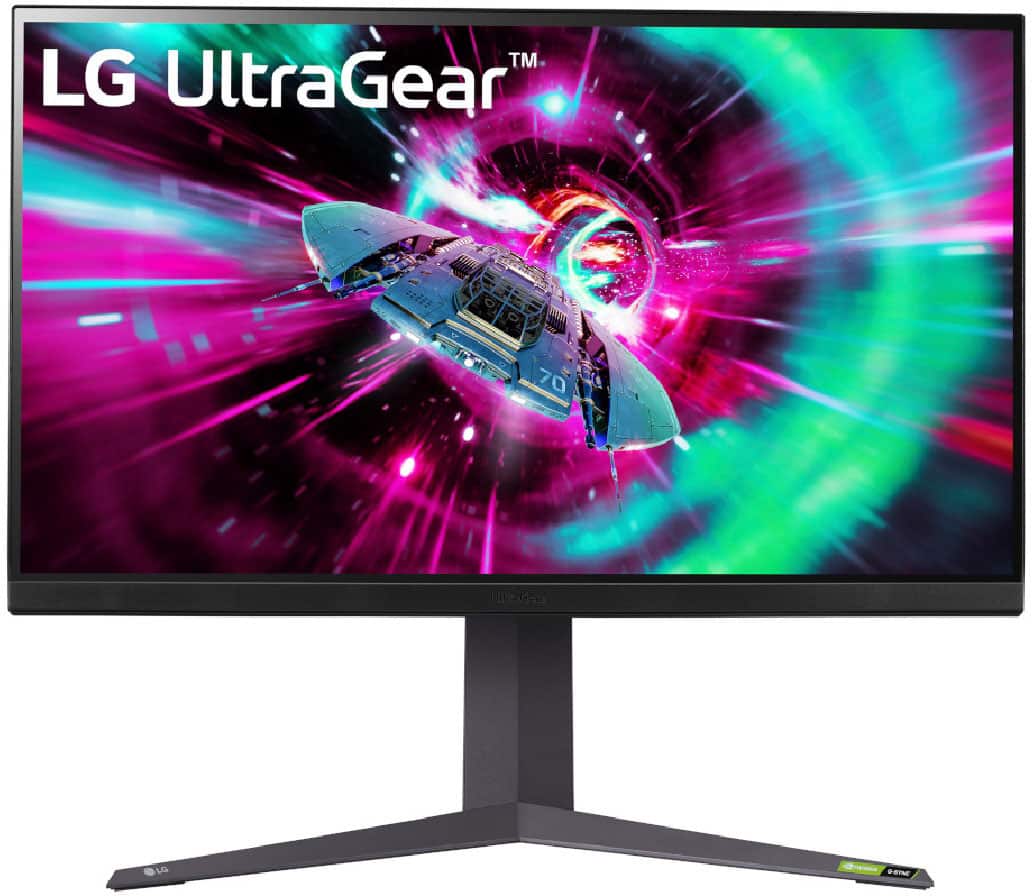
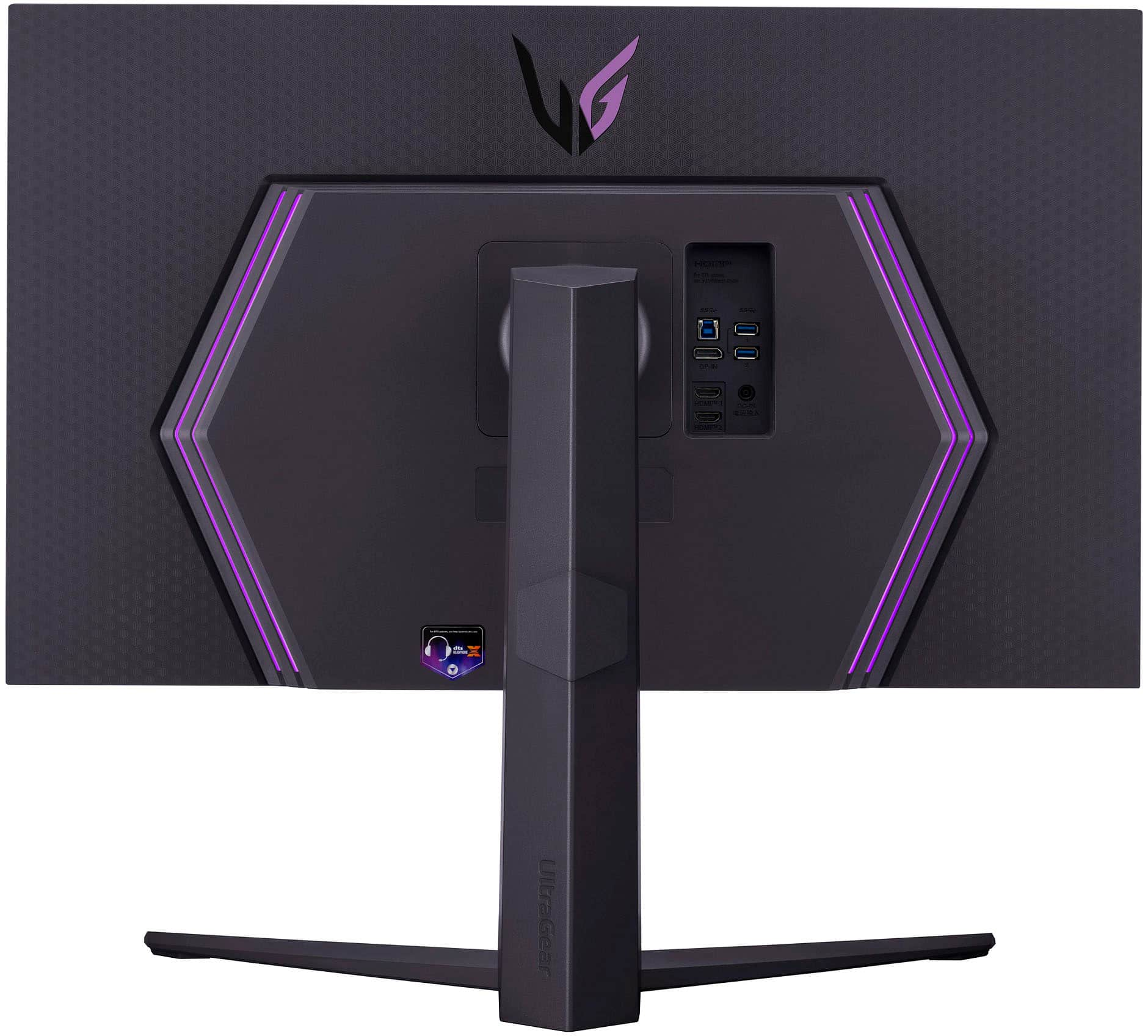
- Model:
- 32GR93U-B
- SKU:
- 6555702
Rating by feature
- Display Quality
Rating 4.5 out of 5 stars
- Ease of Use
Rating 4.6 out of 5 stars
- Features
Rating 4.4 out of 5 stars
Customers are saying
Customers find value in the UltraGear monitor's excellent picture quality and smooth refresh rate, frequently praising vibrant colors and crystal-clear images ideal for gaming. The monitor's performance is also lauded, with many describing it as a great purchase for gaming. However, some users reported issues with the screen, including display defects.
This summary was generated by AI based on customer reviews.
Best gaming monitor!
||Posted . Owned for 1 month when reviewed.This reviewer received promo considerations or sweepstakes entry for writing a review.Honestly really good performance and overall best monitor I’ve have purchased
I would recommend this to a friendSamsung g7
||Posted . Owned for 1 month when reviewed.This reviewer received promo considerations or sweepstakes entry for writing a review.Perfect monitor for 4K. Just wish it was a little less in price
I would recommend this to a friendPerfect monitor for the price
||Posted . Owned for less than 1 week when reviewed.This reviewer received promo considerations or sweepstakes entry for writing a review.Ive bought this twice, just can't bring myself to purchasing the next version for 1500. This is the next best thing
I would recommend this to a friendLG 4k
||Posted . Owned for 1 week when reviewed.This reviewer received promo considerations or sweepstakes entry for writing a review.This monitor has been great fingers crossed no panel issues
I would recommend this to a friendvery good with Nvidia 4080
||Posted . Owned for 1 week when reviewed.This reviewer received promo considerations or sweepstakes entry for writing a review.Really suprised on the quality of image and speed with it hooked to a 4080 Nvidia
I would recommend this to a friendGood monitor at a cheap price
||Posted . Owned for 6 months when reviewed.This reviewer received promo considerations or sweepstakes entry for writing a review.works good. would buy again. price is even cheaper now from when i bought it.
I would recommend this to a friendAwesome monitor
||Posted . Owned for 1 month when reviewed.This reviewer received promo considerations or sweepstakes entry for writing a review.Very nice monitor! The image is very clear and i love how responsive it is
I would recommend this to a friendMeh, it’s okay
||Posted . Owned for 2 weeks when reviewed.This reviewer received promo considerations or sweepstakes entry for writing a review.It’s okay. That is the definition of this display. It would always be a secondary display but never the main. With LGs great product lineup I’d find a different model over this one
No, I would not recommend this to a friendAwesome and affordable monitor
||Posted . Owned for 2 weeks when reviewed.This reviewer received promo considerations or sweepstakes entry for writing a review.The product was in great condition as stated and delivery was fast and on time!
I would recommend this to a friendReview LG GR93U
||Posted . Owned for 1 month when reviewed.This reviewer received promo considerations or sweepstakes entry for writing a review.Great color accuracy, looks beautiful, very happy would recommend
I would recommend this to a friendGreat monitor at a decent price
||Posted . Owned for 3 weeks when reviewed.This reviewer received promo considerations or sweepstakes entry for writing a review.The picture is crystal clear and easily switches between multiple sources
I would recommend this to a friendVery much satisfied
||Posted . Owned for 3 weeks when reviewed.This reviewer received promo considerations or sweepstakes entry for writing a review.Great quality and outstanding resolution. Would definitely recommend
I would recommend this to a friendgreat device
||Posted . Owned for 3 weeks when reviewed.This reviewer received promo considerations or sweepstakes entry for writing a review.this is one of the best monitors I have got very good
I would recommend this to a friendDying after 10-11 months
||Posted . Owned for 10 months when reviewed.This reviewer received promo considerations or sweepstakes entry for writing a review.This monitor has a huge flaw regarding it's display. After 10-11 months of usage, there has been black lines and flickers at the bottom of the screen. Before that, the screen would randomly screen tear while moving tabs. At first, I thought that was the issue of my GPU (4070ti), but considering that it is dying and a lot of people reported failures on Amazon; I came to the conclusion that my monitor is giving out. Before this issue, I would have recommended this monitor to everyone.
No, I would not recommend this to a friendBrand response from LG Digital Customer Care
Posted .Hi, there. Thank you for sharing your experience with the LG Monitor (32GR93U-B) model. We understand your concern about encountering display issues like black lines and flickering, especially after several months of use. We aim to provide reliable, high-quality products exceeding our customer's needs and expectations. To help troubleshoot, we recommend checking the monitor's connection to ensure the cable is secure and undamaged. Additionally, you might want to test the monitor with a different device to rule out any issues with the GPU. For more help, visit https://www.lg.com/us/support/help-library/lg-monitor-troubleshooting-lines-on-the-screen--20153186572241. If the problem persists, please send us a private message on social media @LGUSSupport. We're here to assist you further and explore options for resolving the issue.
We appreciate your feedback and hope to help you get back to enjoying your monitor soon. ^Juvy
Dead pixels on arrival
||Posted . Owned for 1 week when reviewed.This reviewer received promo considerations or sweepstakes entry for writing a review.Just picked it up from Best buy today after waiting 2 weeks for it to arrive . Took it home unboxed it, set it up, plugged it in, turned it on and immediately right out of the box. Dead pixels already. Glad I listened to my instincts and got the 4-year warranty on it. Going to make Best buy deal with LG's horrible customer service.
No, I would not recommend this to a friendBrand response from LG Digital Customer Care
Posted .Hi, there. Thank you for sharing your experience with the LG Monitor (32GR93U-B) model. We understand your concern about receiving a new unit with dead pixels right out of the box, especially after waiting for delivery. We strive to provide top-notch products that exceed our customer's needs and expectations.
Since you’ve mentioned having a warranty, we recommend reaching out to Best Buy customer service at 888-237-8289 for assistance with initiating a replacement or repair process under the terms of your warranty. In the meantime, please feel free to send us a private message on social media @LGUSSupport, and we can help guide you through additional steps or escalate the issue for a faster resolution.
We’re here to support you and ensure you’re fully satisfied with your LG experience. ^Juvy
Smoked
||Posted . Owned for 2 weeks when reviewed.This reviewer received promo considerations or sweepstakes entry for writing a review.Had for less than two weeks and screen went black then smoke coming out of the back, very disappointing on the price I’ve paid for it
No, I would not recommend this to a friendBrand response from LG Digital Customer Care
Posted .Hi, Chris. Thank you for bringing this to our attention. We understand your concern about experiencing this with your LG Moniror (32GR93U-B monitor) model, especially after such a short time. Your safety and satisfaction are our top priorities as we strive to provide high-quality products that exceed our customer's needs and expectations. To ensure your safety, please unplug the unit and discontinue use immediately. We’d like to look into this further and explore possible solutions for you. Please send us a private message on social media @LGUSSupport, and our team will be happy to assist. We appreciate your patience and look forward to resolving this with you. Juvy
Avoid
||Posted .This reviewer received promo considerations or sweepstakes entry for writing a review.Screen failed right after the warranty expired. Really sucked
No, I would not recommend this to a friendDid not last
||Posted . Owned for 1 year when reviewed.This reviewer received promo considerations or sweepstakes entry for writing a review.My screen Lasted one year and a half, then... a black line covered half of my screen as if it were not connected properly.
No, I would not recommend this to a friendBrand response from LG Digital Customer Care
Posted .Hi, Aryana Angelica. Thank for sharing your feedback with us. We understand your concern about the display on your LG Monitor (32GR93U-B) model that has a black line. This could be related to a connection issue or possibly a defective panel. We strive to provide reliable, high-quality products that exceed our customer's needs and expectations. To troubleshoot: Check the cable connections (HDMI/DisplayPort) to ensure they are securely connected to both the monitor and your device.
Test with a different cable or port to rule out a faulty connection.
If possible, try connecting the monitor to a different device to see if the issue persists. For more help, you may visit https://www.lg.com/us/support/help-library/lg-monitor-troubleshooting-lines-on-the-screen--20153186572241.
If the black line remains, please send us a private message on social media @LGUSSupport, and we’ll be happy to assist you with warranty options or further troubleshooting. ^Juvy
Broken in less than a year
||Posted . Owned for 8 months when reviewed.This reviewer received promo considerations or sweepstakes entry for writing a review.Within a year of use, the monitor gave up and was freaking out with flickering and colors melting upwards.
No, I would not recommend this to a friendBrand response from LG Digital Customer Care
Posted .Hi there. Thank you for sharing your experience with us. We understand your situation with the LG 32GR93U-B monitor, and we understand about the flickering and color issues you’ve encountered.
To assist you further, we recommend checking the monitor's connection cables and ensuring they are securely plugged in. Additionally, updating the monitor’s firmware and graphics drivers on your computer can help address display issues. If the problem persists, we’d be happy to explore other troubleshooting steps with you.
https://www.bestbuy.com/site/lg-ultragear-32-ips-uhd-1-ms-freesync-and-g-sync-compatible-monitor-with-hdr-display-port-hdmi-black/6555702.p?skuId=6555702
Please send us a private message on Social Media @LGUSSupport, and our team will be more than happy to help resolve this issue.
We appreciate your patience and look forward to assisting you!
—Renzo