Customer Ratings & Reviews
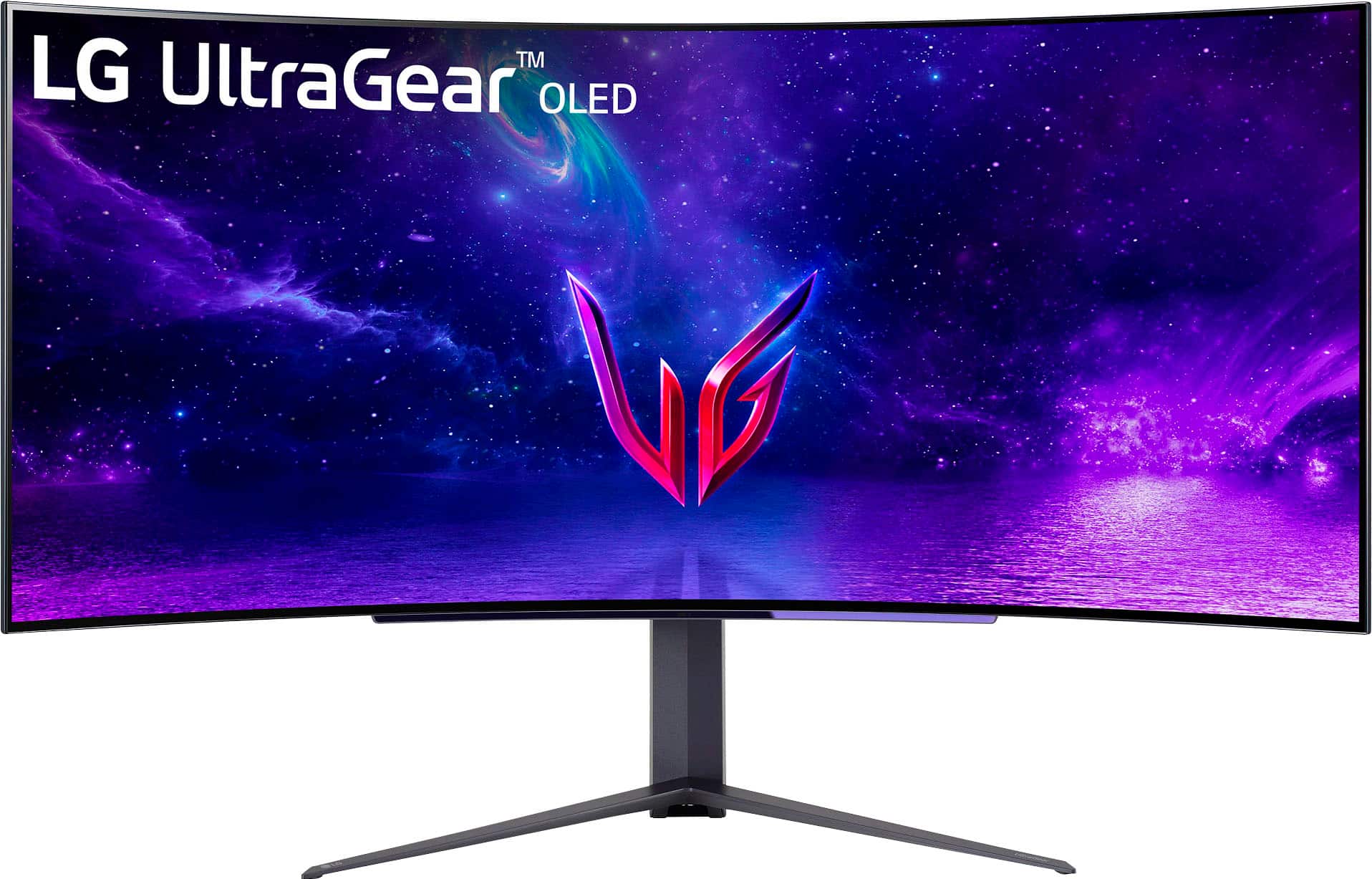
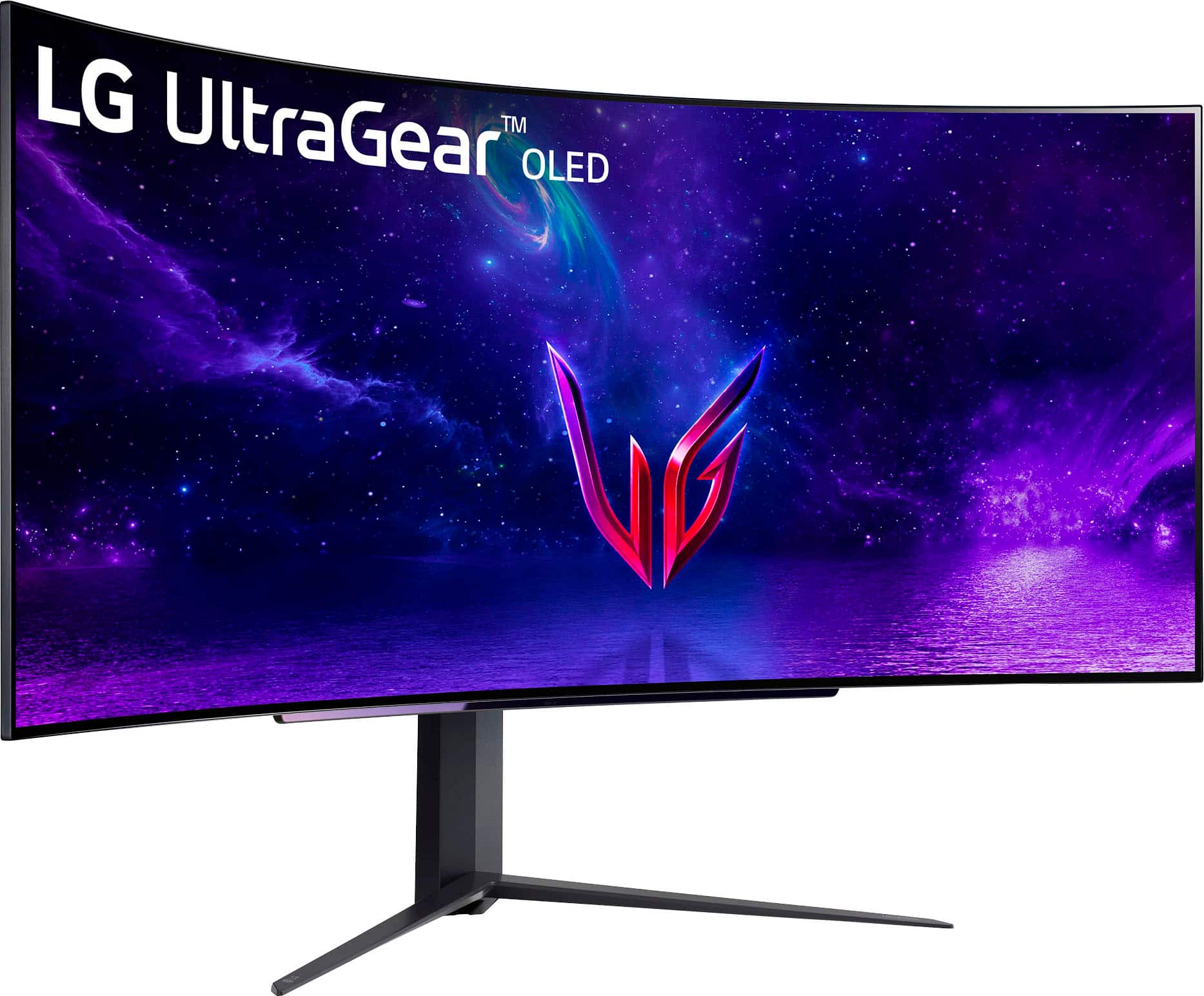
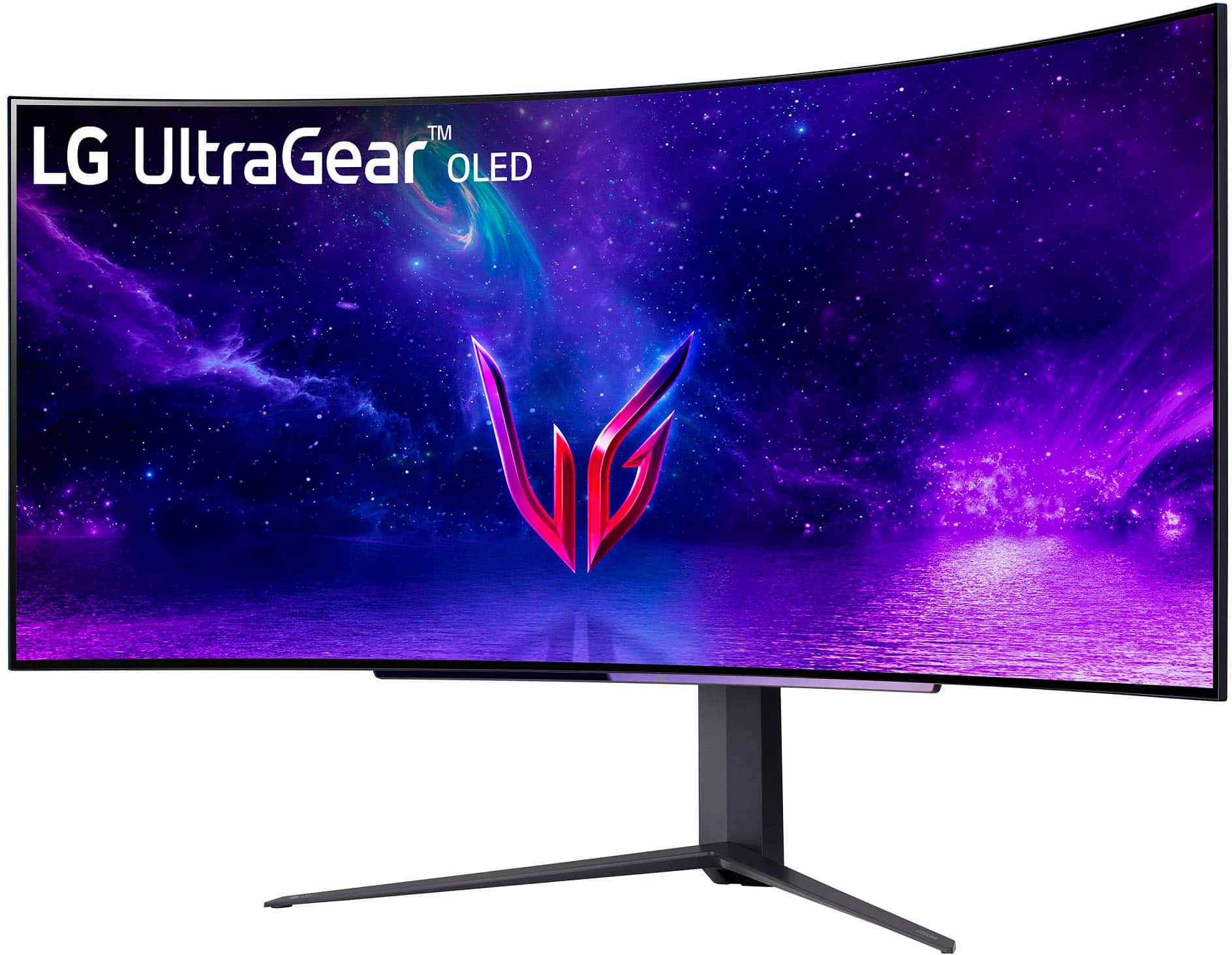
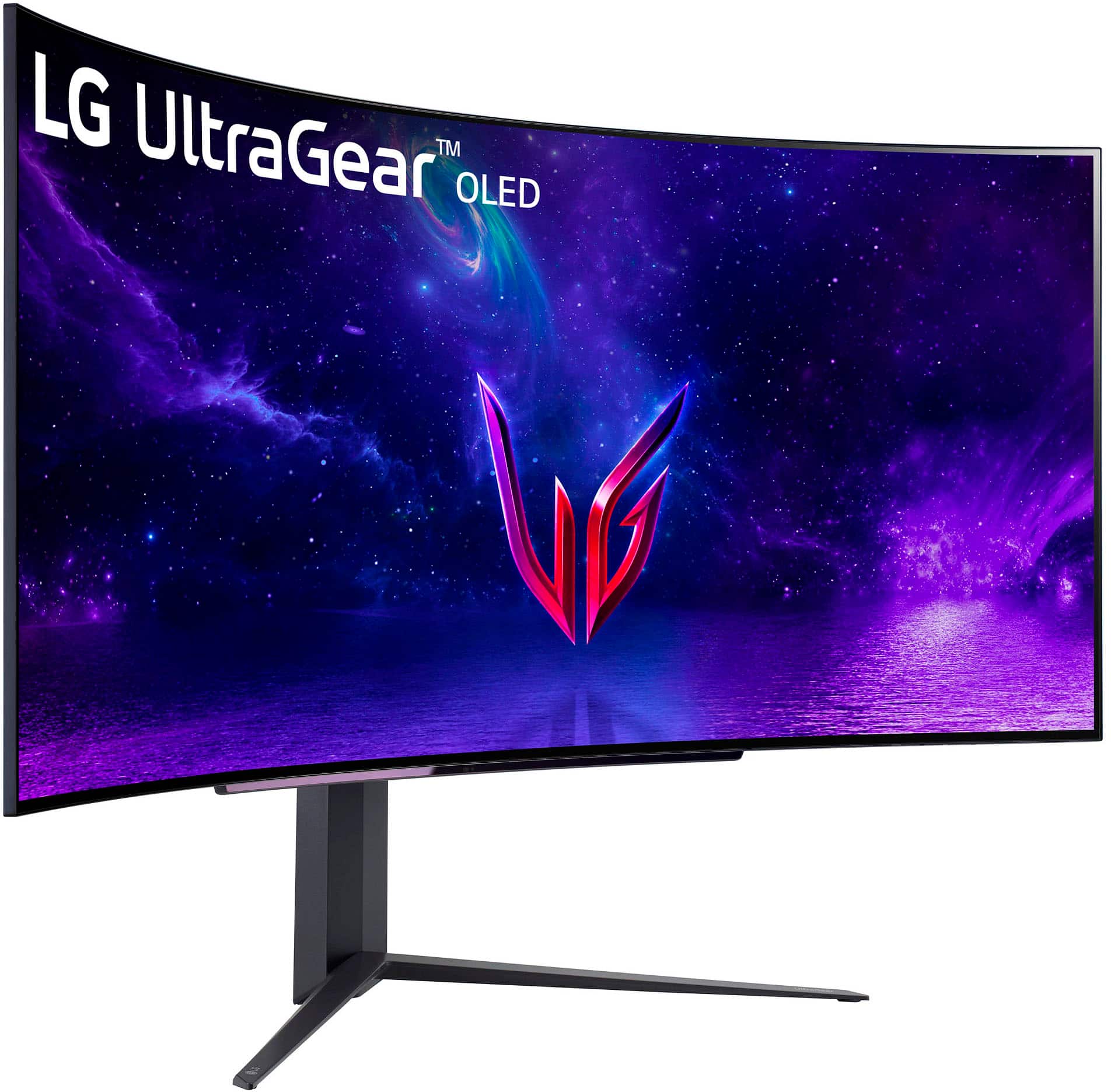
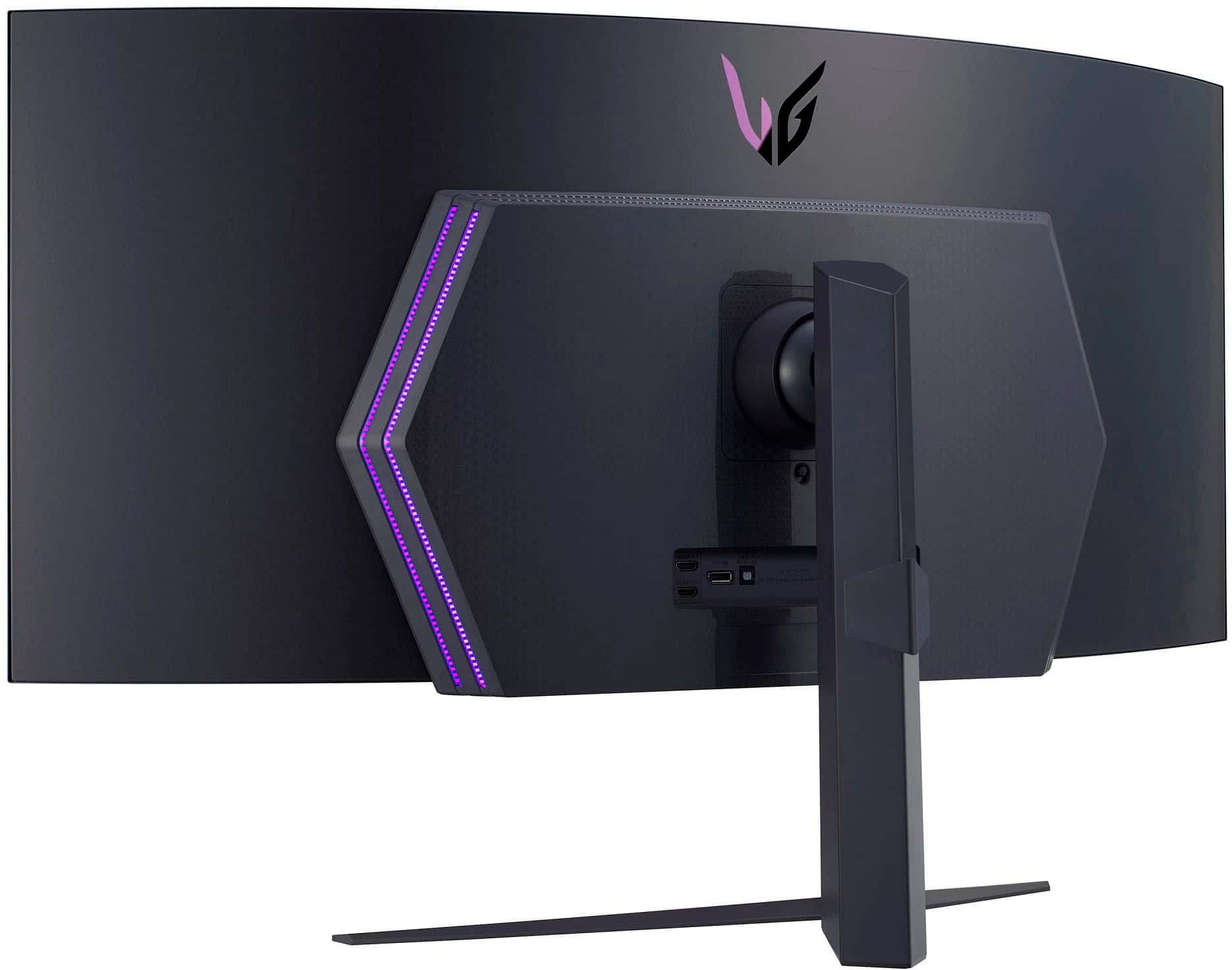
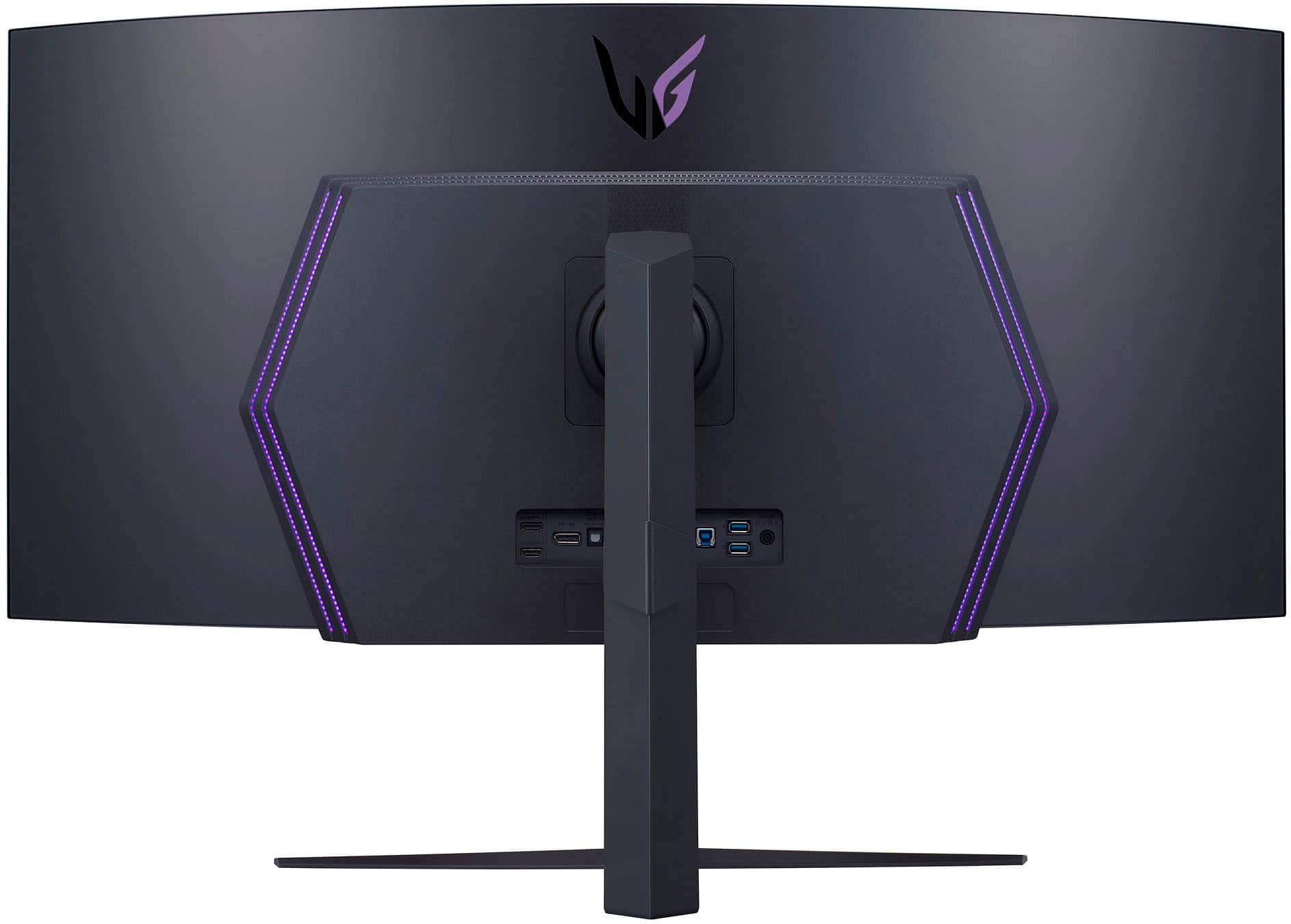
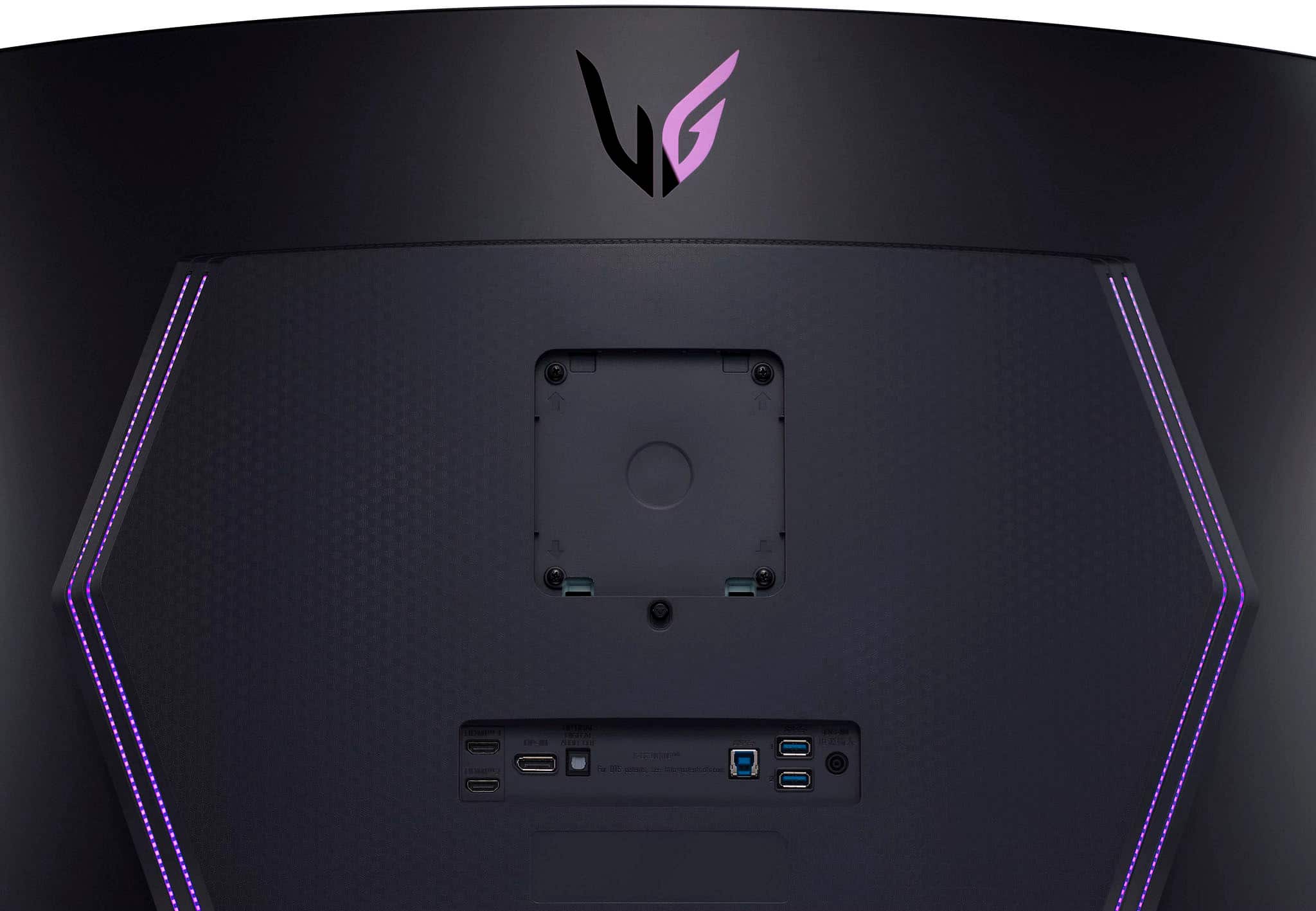
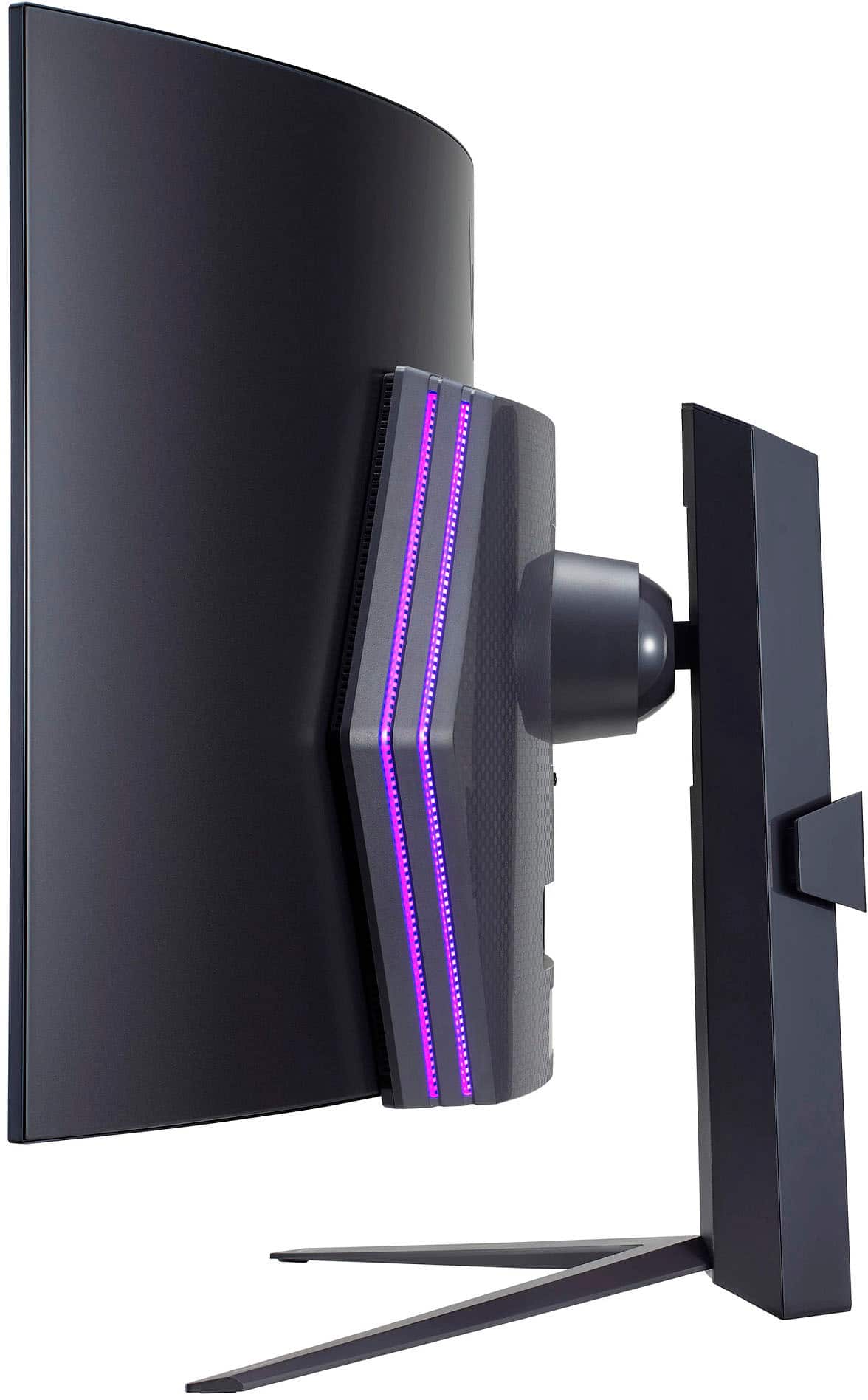







- Model:
- 45GR95QE
- SKU:
- 6530356
Rating by feature
- Display Quality
Rating 4.8 out of 5 stars
- Ease of Use
Rating 4.8 out of 5 stars
- Features
Rating 4.8 out of 5 stars
Customers are saying
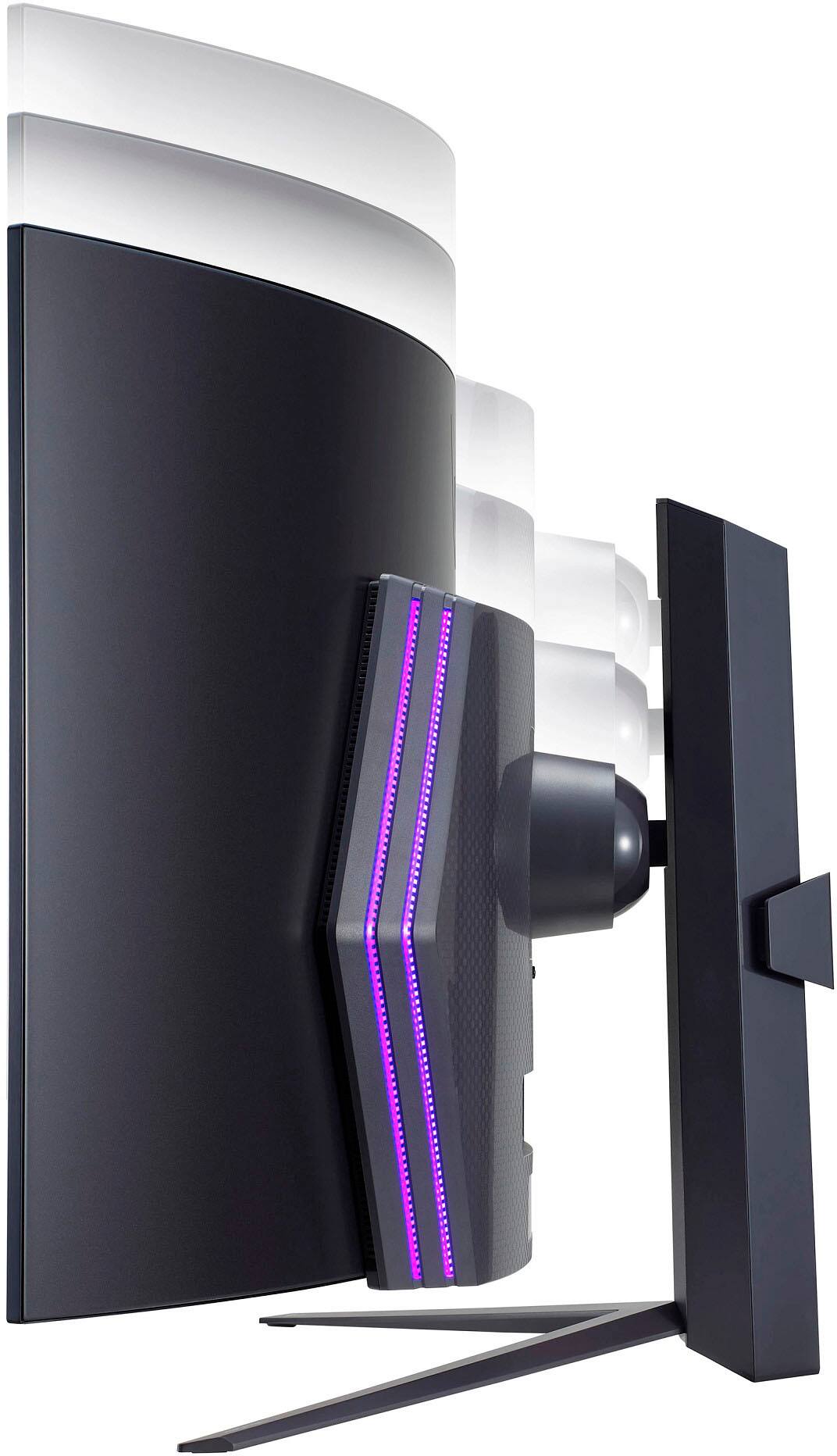
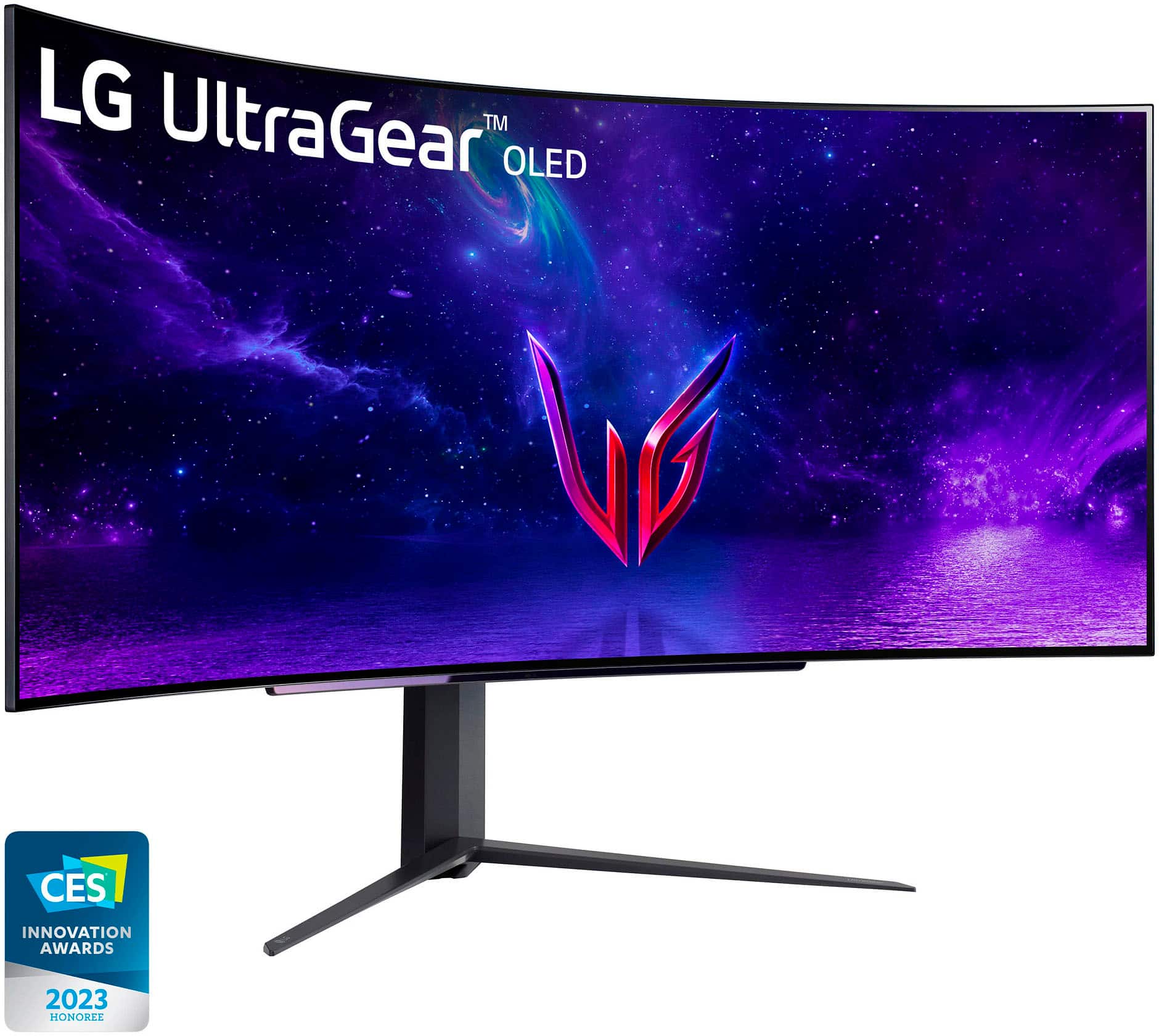
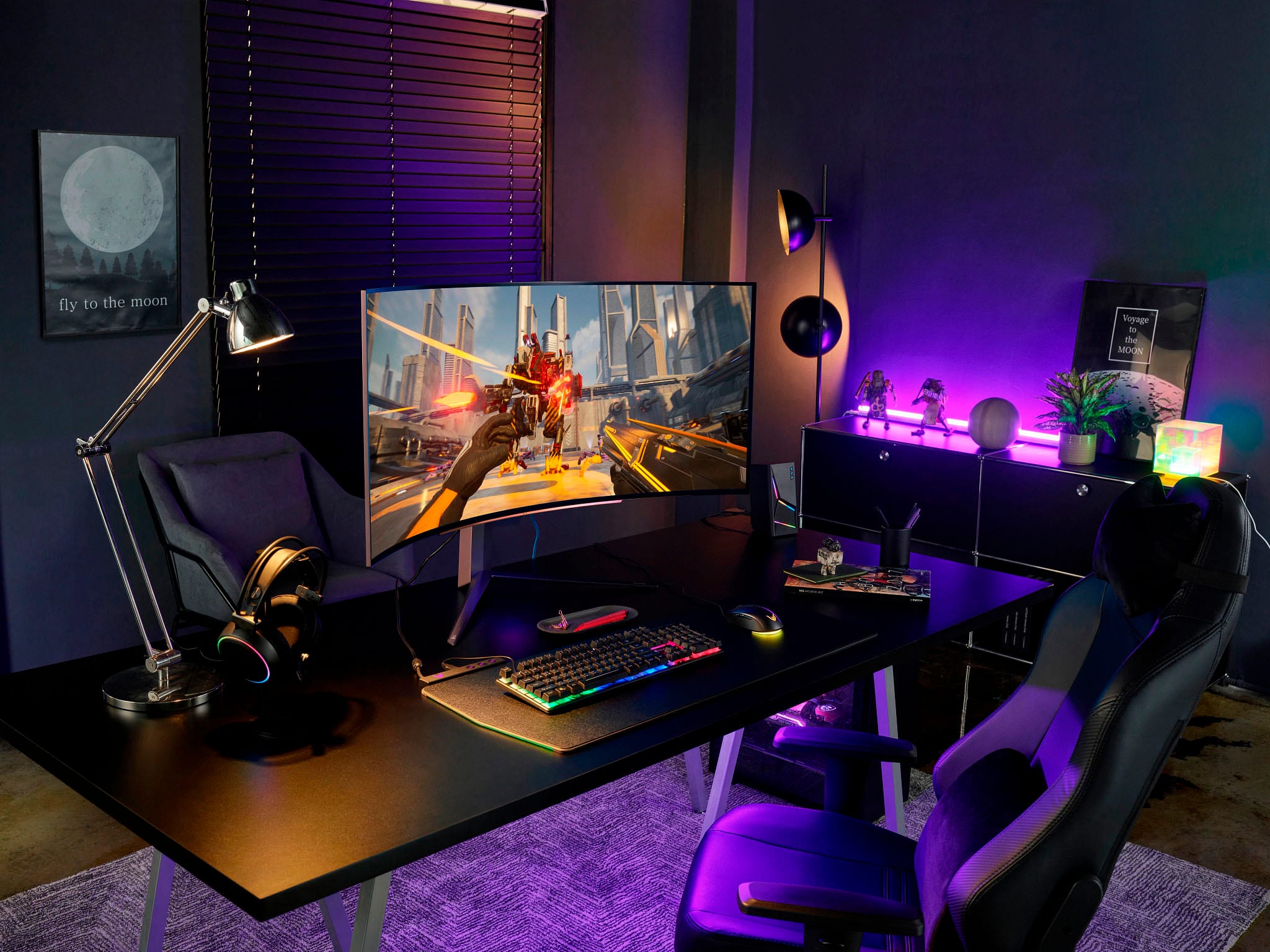
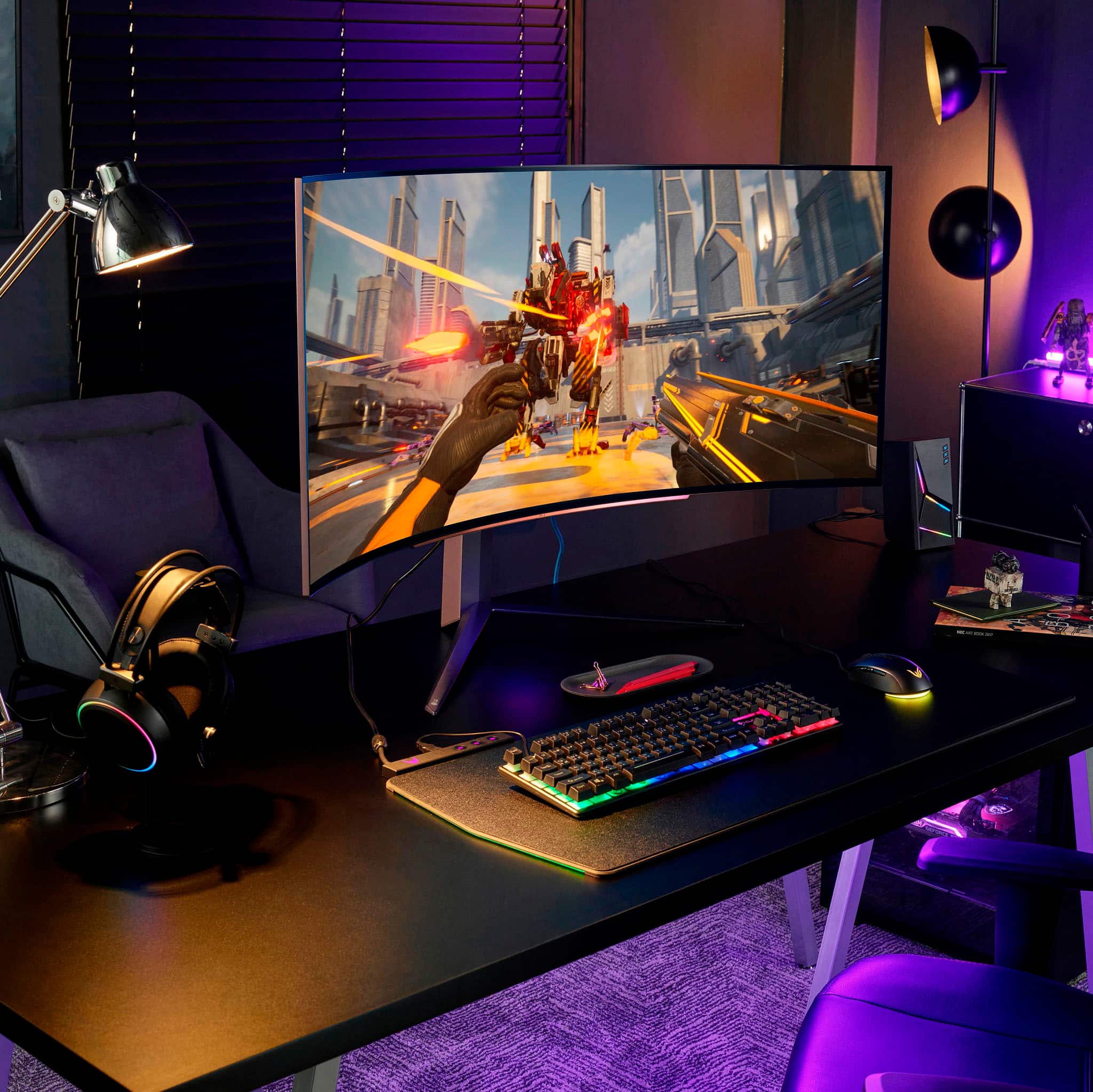
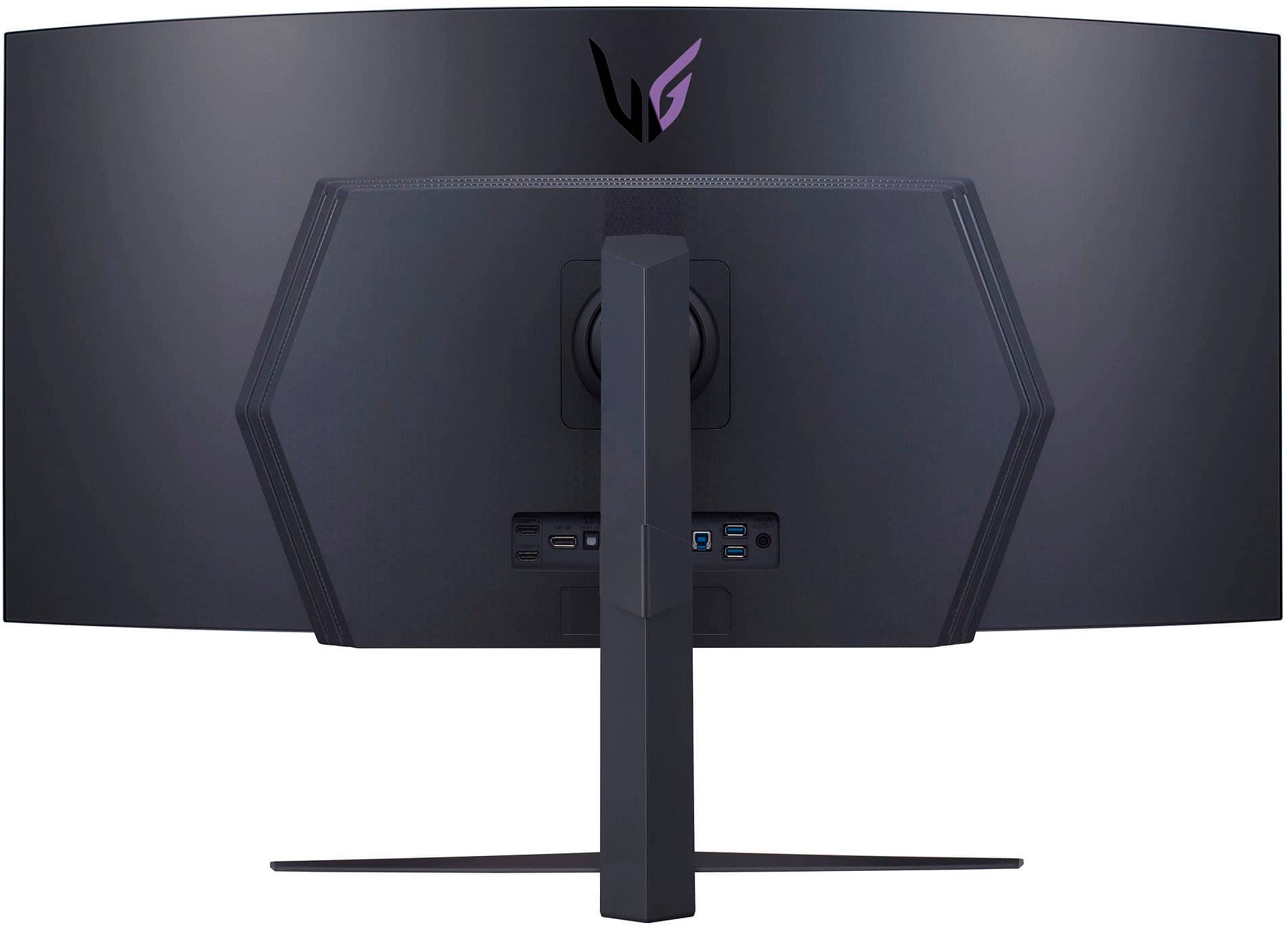
Customers admire the UltraGear 45” OLED monitor's expansive screen size, incredibly smooth refresh rate, and immersive curved design, praising the OLED technology for its vibrant colors and deep blacks. However, some users note concerns regarding text clarity and the relatively high price point. A few also mention the monitor stand's size and the lack of built-in speakers.
This summary was generated by AI based on customer reviews.
Insane Monitor
||Posted .This reviewer received promo considerations or sweepstakes entry for writing a review.I've purchased a few of the LG UltraGear monitors and this one is, by far, my favorite. I purchased an open box display unit but the screen was in flawless condition. They took another $150 off the already heavily discounted open box price. I asked the associates at Best Buy if I could clean the screen and inspect it, they brought out a monitor cleaning kit and were very patient while I gave it a good look over. My previous monitor was an LG UltraGear 32' 1440p IPS G-sync panel and I thought it would be my last monitor for a while because it was absolutely fantastic, that was until I saw the 27" OLED on sale. I purchased that one online originally and decided to look around the store while they got it ready for pickup. I came across this one on display and with the open box price and with the extra discount it came out to only be $150 more than the 27" panel. I couldn't turn that deal down! They got me! But I don't regret it at all. The picture on this thing is absolutely insane. Currently running it with an RTX 4070 and it does a fantastic job, especially on Doom Eternal and Diablo IV. Doom Eternal on Ultra with Ray tracing on I was getting 130-170 fps, with Ray tracing off I was able to run it at 220-240 fps and it was jaw dropping! The movement is so fast and fluid, the game looks gorgeous, OLED coupled with HDR is just nuts. I didn't really believe the hype until I saw it for myself. The only downside was my unit didn't come with a remote so I can't currently access all the settings on the monitor, waiting to hear back from LG about buying one for it. I would still buy it again without the remote.
I would recommend this to a friendExcellent gaming monitor; great OLED display
||Posted . Owned for 1 week when reviewed.This reviewer received promo considerations or sweepstakes entry for writing a review.I would honestly rate this a 4.8/5 stars. This is a great monitor, probably one of the best gaming monitors out there! I really believe this will be a flagship monitor from LG for years to come. The display is incredible! Games look amazing on this! The deep blacks OLED's are known for are on full display here. The UW 45" is just right, I really do feel immersed in the games and content I use. It definitely takes getting used to but it is well worth the blood, sweat and tears you'll pour into the games like CoD:WZ. The panel looks amazing! I love the thin bezel (although, I feel for an OLED, they can be thinner than what you get; my S95B OLED TV has thinner bezels) The RGB lighting on the bottom and the rear of the monitor are a nice touch, not too bright and not too annoying. The remote is a nice touch, it makes it easier to navigate instead of the cumbersome controls on other monitors. The 240Hz and .03Ms response time are definitely something to boast about. I upgraded from a 165Hz LCD, and have noticed the speed to be noticeable. The one con I really can say about this monitor is the low PPI. Most of the complaints from other reviewers say the same thing - the text doesn't look as sharp and seems to strain my eyes for longer periods of time; but for gaming, I don't have this issue. Overall, I absolutely love this monitor. I believe this will be a staple on my desk for years to come. It's beautiful, the LG quality is present, and so far, I haven't noticed any burn-in. the monitor has features that HELP prevent screen-burn-in. LG are the pioneers when it comes to OLED technology and their years of expertise is recognized here; I haven't had any burn-in in the weeks of using it. I've left it on a game screen for minutes with no worry. The pixel cleaning and screen shift preventative screen burn-in precautions are also noticed on this. again, this helps with it but does not guarantee it. but again, so far it's been good, no complaints from me TLDR: Excellent display for gaming, low PPI is it's only weak point; Great build quality; awesome OLED display; 240Hz, .03MS response time; UW; near perfect gaming monitor
I would recommend this to a friendProbably the best Large High Hz Monitor Period!
||Posted . Owned for 2 weeks when reviewed.This reviewer received promo considerations or sweepstakes entry for writing a review.This monitor is nothing short of AMAZING. Returned the Alienware in exchange for this. The text fringing on QD was unbearable. This LG adds a white sub-pixel which greatly improves this. It's not perfect but WAY better. If your not a PPI snob this is the perfect balance of OLED, Readable Text, Size and refresh rate. I'm blown away.
I would recommend this to a friendPretty good 240Hz OLED for Superusers
||Posted . Owned for 9 months when reviewed.This reviewer received promo considerations or sweepstakes entry for writing a review.This is one of the best 240hz OLED monitors for 2023, IF you care more about the refresh rate, and play games that can actually reach 200hz+, AND IF, you are techy enough to setup the right viewing distance, configure the Windows OS, your desktop, productivity apps, and games, to run seamlessly on it. Keep in mind this isn't just as simple as turning on HDR in both Windows settings and game settings. You need detailed technical knowledge and understanding to resolve a few issues before you can enjoy this monitor. But, if you are able to, then this monitor is the best one around in my opinion. The biggest issues with this monitor are Brightness and DPI (how small and detailed are the pixels). (1) The brightness issue The brightness issue only matters if you are showing literally very bright colors on more than 10% of the screen. For most games, this means a few cutscenes that are supposed to look bright everywhere, would just look dim. There is no good workaround for brightness. But one technical detail matters. In game, I'd keep settings at 1000 nits. For most games, if you tell them the real nits configuration of OLED monitors, then they simply mess up the colors and it looks awful. And in reality, most of the scenes never reach 1000 nits on enough area to cause dimming anyways. This might sound like a deal breaker but the monitor can get very bright, in small patches. This means if there is a fire in a medium or dark scene, or if there are magic particles in a scene, they really pop. And if you know how to use custom shaders, then you might have some fun time trying to make the game pop on OLED. (2) DPI issues Don't sit too close! I sit about 2 full arms away. Sitting too close makes the screen look pixelated. It can also cause or worsen motion sickness. (3) Issues with Productivity Apps Windows ClearType will NOT apply the right fonts by default. You need to reconfigure this. Otherwise all the fonts look really awful on this monitor. If you care about burn ins, there are ways to configure windows desktop background and taskbar to just show complete darkness. Then you can either script the browsers and office apps to move by themselves and avoid burn in, or just manually move them. (4) Compatibility issues, random software crashes Once in a while, you'll notice your screen showing a buggy image. This can look scary like your screen broke. But it's easy to resolve. Just switch the monitor's input signal to another / blank slot, and then switch back. Workaround might be to avoid turning off the screen and then immediately turning it back on. I've noticed that this makes the bug show up more often. Also, there are lots of compatibility issues with fullscreen games, and with Nvidia GSYNC. For the most part, this means your screen might go blank for 2 seconds if you ALT-TAB, or just randomly at any time if you enabled GSYNC. Workaround is to disable GSYNC, configure games to run in borderless fullscreen mode (instead of just fullscreen mode). (5) This is just a small ask for more features It would be really helpful if the hardware split-screen feature can be configured to any ratio. Right now it's hardcoded to just split the screen in half by width. I'd rather get a 16:9 on the left / right, and then use whatever number of pixels left for other stuff. Another great option would be to have a 16:9 split in the center, and then have two smaller vertical splits on both sides (Using 3 cables) This would really help with productivity. (I tried the software that comes with the monitor but it's not the same as a real hardware split monitor mode)
No, I would not recommend this to a friendLG UltraGear gaming monitor
||Posted . Owned for 2 months when reviewed.This reviewer received promo considerations or sweepstakes entry for writing a review.This things a beast! I struggled with purchasing this because its a huge financial decision, but let me tell you, from the moment I plugged this thing in and started gaming it made the games so much more immersive. The curved screen paired with the 2k resolution with the low latency still amazes me every time I turn this thing on. Definitely recommend for serious gamers.
I would recommend this to a friend- Cons mentioned:Price
Up and downs
||Posted . Owned for 1 week when reviewed.This reviewer received promo considerations or sweepstakes entry for writing a review.As far as gaming in HDR I give it a 10/10 the 3440x1440 gives the current gpus the capabilities of pushing the 240hz refresh rate but that also comes with a major downside. Being 3440×1440 at 45 inches makes the PPI 82, which is horrible for reading text. Even sitting far away I would still get headaches and my eyes straining to try and read. I can only recommend this if you are soley gaming or watching HDR shows but nothing more. I think at this price point though we shouldn't be having to make compromises.
No, I would not recommend this to a friendBrand response from LGAnswers
Posted .Thanks for your feedback regarding how we can improve our product. Your review is valuable information for our whole team. We always try our best to give our clients the best service we can, so it's distressing for us to hear that you had a bad experience. We'll make sure that your comments do not go unnoticed and will be considered for our future product developments. -Cazz

- Pros mentioned:Curvature, Screen size
45in curved monitor
||Posted . Owned for 1 year when reviewed.This reviewer received promo considerations or sweepstakes entry for writing a review.Amazing color the curve is perfect for anyone wqnting the true imeserive experience and high end refresh rate for a reasonable price
I would recommend this to a friend Great immersive monitor
||Posted . Owned for 1 week when reviewed.This reviewer received promo considerations or sweepstakes entry for writing a review.Amazing color, screen and refresh rate! The curved screen makes you feel part of the game.
I would recommend this to a friendVery immersive!
||Posted . Owned for 2 weeks when reviewed.This reviewer received promo considerations or sweepstakes entry for writing a review.I bought this monitor after returning my Samsung G9 49" OLED. The Samsung, while I think the picture was better just felt too small vertically. I saw this one at Best Buy and found myself thinking about it and really craving the vertical space. I had to go get it. For immersion, this monitor can't be beat. Everything looks amazing on it! I though the low PPI would be a problem, but I barely notice it. Every game I play on it feels like a brand new experience. I find myself loading new games on my PC just see what they look like on this. The only point where I will "ding" it, is the matte finish. LG was SO close to perfection with this monitor I can't believe they decided to go with a matte finish. Why LG, why? I know for some people that may actually be a plus, but I greatly prefer glossy paired with OLED screens and feel this is actually a HUGE drawback for me. Not enough to make me return the monitor, but enough that as I'm playing I'm constantly wishing it was glossy and cognizant of the fact that it is not. Again, may not be a big deal for most people, but for me it is very nearly close to being deal breaking. Where it shines is it's size. I don't think I've ever seen a monitor with this 45" size, and it is glorious in that respect. I believe this size is the absolute perfect sweet spot for a monitor size. The immersion factor when playing games is second to none. Don't get me wrong, I love this monitor but feel that ultimately it will just be a placeholder for me until more glossy OLED monitor alternatives in this size ranged are released.
I would recommend this to a friendLast display you’ll ever need.
||Posted . Owned for 3 weeks when reviewed.This reviewer received promo considerations or sweepstakes entry for writing a review.The last monitor you’ll ever need. It’s better than trying to fit dual displays on your desk. 240 hz refresh will require a fairly newer computer. I used a thunderbolt to display port with my laptop. Otherwise I was stuck at 85hz. I use it for software development. Gaming looks fantastic. I plugged in my XBOX Series X and got 120hz which is the limit of the HDMI 2.1 on the XBox. I tried Doom and Sea of Thieves. Just fantastic.
I would recommend this to a friendBest gaming monitor
||Posted . Owned for 1 month when reviewed.This reviewer received promo considerations or sweepstakes entry for writing a review.This monitor exceeded even my high expectations. It's bright, it's big, it's beautiful. But there are some things to know. 1. Driving 3440x1440 at 240hz can be a bit of a nightmare if you use USB c or thunderbolt docks. There is the usual caveat to make sure you're using a nice displayport 1.4 or HDMI 2.1 (both included in the box btw). But almost no docks out there declare their compatibility with this res and refresh, so you're going to be rolling the dice. As an example of the nightmare that I don't blame on the monitor, I have a Dell USB dock for my work laptop, a workstation variant with 2x USB ports connecting the dock. It would sometimes work at 120hz...but other times not. In the end I couldn't even get it to reliably work at 60hz with HDMI...so I connect directly to the laptop. DP may have worked...but that was reserved for my gaming computer. 2. Windows HDR is still a cluster. I don't understand why they don't just work to solve this already. 3. Motion clarity at 240hz is basically perfect. UFO test is mind blowing smooth. I didn't think my eyes could see moving objects that clearly. 4. Cleartext hurts this monitor. What worked best for me was going through the prompts, turning it off, then restarting the computer a couple times. Then most apps seemed to have sharp text. Again...can't believe Microsoft hasn't done something about this, but it's really not bad when you manage to turn it off ..which was a finicky exercise.
I would recommend this to a friendBest Purchase Ever!
||Posted . Owned for 8 months when reviewed.This reviewer received promo considerations or sweepstakes entry for writing a review.This is an excellent oled monitor. I have been using this for work and gaming for about 5 months now and I have 0 complaints. Just know that it needs a decently powerful desktop to run any games and truely take advantage of its 240HZ panel
I would recommend this to a friendFantastic Gaming Monitor – Super Smooth & Crystal
||Posted .This reviewer received promo considerations or sweepstakes entry for writing a review.This monitor has been a game-changer for my setup. The picture quality is sharp, vibrant, and delivers the kind of clarity that makes both gaming and everyday use feel premium. The high refresh rate is the real star here — gameplay feels incredibly smooth, and the difference is immediately noticeable in fast-paced shooters and racing games. Colors are bright and accurate right out of the box, and the viewing angles are great whether I’m gaming, watching movies, or editing. Motion blur is practically non-existent, and the response time makes everything feel snappy and responsive. Build quality is solid, the stand feels sturdy (not wobbly like some monitors), and the slim bezels make it perfect for multi-monitor setups. Setting it up was simple, and the on-screen settings menu is user-friendly, so dialing in personal preferences was easy. For gaming, it performs like a champ, but it’s also awesome for productivity. I’ve been able to use it for long sessions without eye strain thanks to the eye-care settings and smooth display. Overall, this is a fantastic monitor for the price. Whether you're a competitive gamer, casual player, or someone who wants a clean, high-quality display for work and entertainment, this monitor delivers on all fronts. Absolutely recommend it.
I would recommend this to a friendNot Only Gaming
||Posted . Owned for 1 month when reviewed.This reviewer received promo considerations or sweepstakes entry for writing a review.Although this is the ultimate gaming monitor, don't pass on the opportunity to experience it's office use. This 45 inch OLED screen eliminates the need for the old two 27 inch monitor setup. No more line deviding my view of content. This is truly the best monitor for gaming and office work. I couldn't have asked for more.
I would recommend this to a friendAmazing!
||Posted . Owned for 2 weeks when reviewed.This reviewer received promo considerations or sweepstakes entry for writing a review.Ok lemme just say this thing is AMAZING! I've had great monitors before but this hands down makes gaming immersion fantastic! I feel more in it so to speak. The 240hz is really nice and the OLED picture is so crisp. The price i got it for was awesome as well. Large investment but well worth it.Dont Ever go beyond ur means to far but if u can wiggle it in youll never regret it!
I would recommend this to a friendExcellent monitor for gaming
||Posted . Owned for 4 months when reviewed.This reviewer received promo considerations or sweepstakes entry for writing a review.I waited five 5 months to put out an honest review. I wanted to make sure this monitor didn’t take a dump on me or gave me any issues in the long run. But five months so far and I have been loving this monitor. The quality has been nothing but sheer beauty. From getting it set up and ready to play was a smooth transition. I got this monitor for $1399 on sale, believe the regular price was $1699 so I am very happy for what I paid for. The game look amazing and it been an OLED just makes the colors, so vibrant and so easy on the eyes. At first I was afraid of buying an OLED monitor because of all the mixed reviews on burnt screen, etc. but I realized when I bought them monitor that LG included this feature where it cleans pixels and does like a screen image clean and that is supposed to help with preventing screen burnt when playing for long hours. Also, if you leave the screen on for too long, the monster has a feature where it will switch the screen off all those little features do help. Only negative thing I gotta say about the monitor is the texture is not as clear as I would like it to be when I’m reading but other than that compared to the whole monitor and what it delivers that’s a small pick of mines. Overall, I’m enjoying the monitor and would definitely buy it again.
I would recommend this to a friend"Absolutely Stunning!
||Posted . Owned for 1 month when reviewed.This reviewer received promo considerations or sweepstakes entry for writing a review.The LG UltraGear 45'' monitor is a game-changer in every sense. From the moment I powered it on, I was immersed in a world of vibrant colors and crystal-clear details. The resolution delivers an unparalleled viewing experience, whether I'm gaming, working, or streaming my favorite shows. The ultra-wide screen provides an expansive canvas for productivity tasks and gaming alike, allowing me to multitask with ease or fully immerse myself in the latest titles. The high refresh rate ensures buttery-smooth gameplay with no motion blur or tearing, giving me a competitive edge in fast-paced games. The build quality is exceptional, with a sleek design that adds a touch of elegance to my setup. The adjustable stand allows for perfect positioning, whether I'm sitting or standing, and the slim bezels create a seamless viewing experience. Overall, the LG UltraGear 45'' monitor has exceeded all my expectations and has become the centerpiece of my setup. If you're looking for uncompromising performance and breathtaking visuals, then look no further.
I would recommend this to a friend- Cons mentioned:Stand
Amazing display, still returned it
||Posted . Owned for less than 1 week when reviewed.This reviewer received promo considerations or sweepstakes entry for writing a review.First off, let me share that this display is amazing. I got it for $700 off so i couldnt pass up that deal. With that said, the clarity, brightness, response time are all very high end. A lot of people complained about the stand taking up too much space but honestly this was not an issue for mer personally as i have a very deep desk. As long as you have a deep desk you should be fine. Adjustability of the stand is nice as well, plenty of range of motion. I did end up returning it though, for two main reasons. One, while it is amazing for gaming in fullscreen, i found content such as you tube, netflix, and prime video to be a painful experience. I could not get any of them to play in full screen, all three of them cropped with large black bars on all four sides, totally defeating the purpose of a display like this for that purpose. I did see alot of people overcome this with software installed from third party vendors on their pc, but frankly, that is absurd. There are displays 1/3 this price that play content full screen with no issues right out of the box. I refuse to install software from a third party just to get it to work as intended. LG really should not have shipped this product with such a flaw. The second reason i returned is its size and curvature, while great for gaming immersion, but made multitasking painful for me. The screen is large enough to fit a ton of content and windows on, so multitasking is totally doable with it, but the part that made me change my mind was after using it for a while for such purposes, the extreme curvature makes each window look skewed very differently. If you turn your head to face the content head on, this is resolved, but it was excessive head movement for me. I am coming from a triple flat panel setup and i dont have to move my head at all if i dont want yo and text/images all remain clear and not skewed. I would not recommend this for productivity at all, gaming exclusively. Overall I do think this is a really great display, and if you get it at a massive discount like I did, go for it, but keep in mind it has a specific use case where it shines like a diamond at the cost of making other use cases less than ideal
I would recommend this to a friend Absolutely Stunning
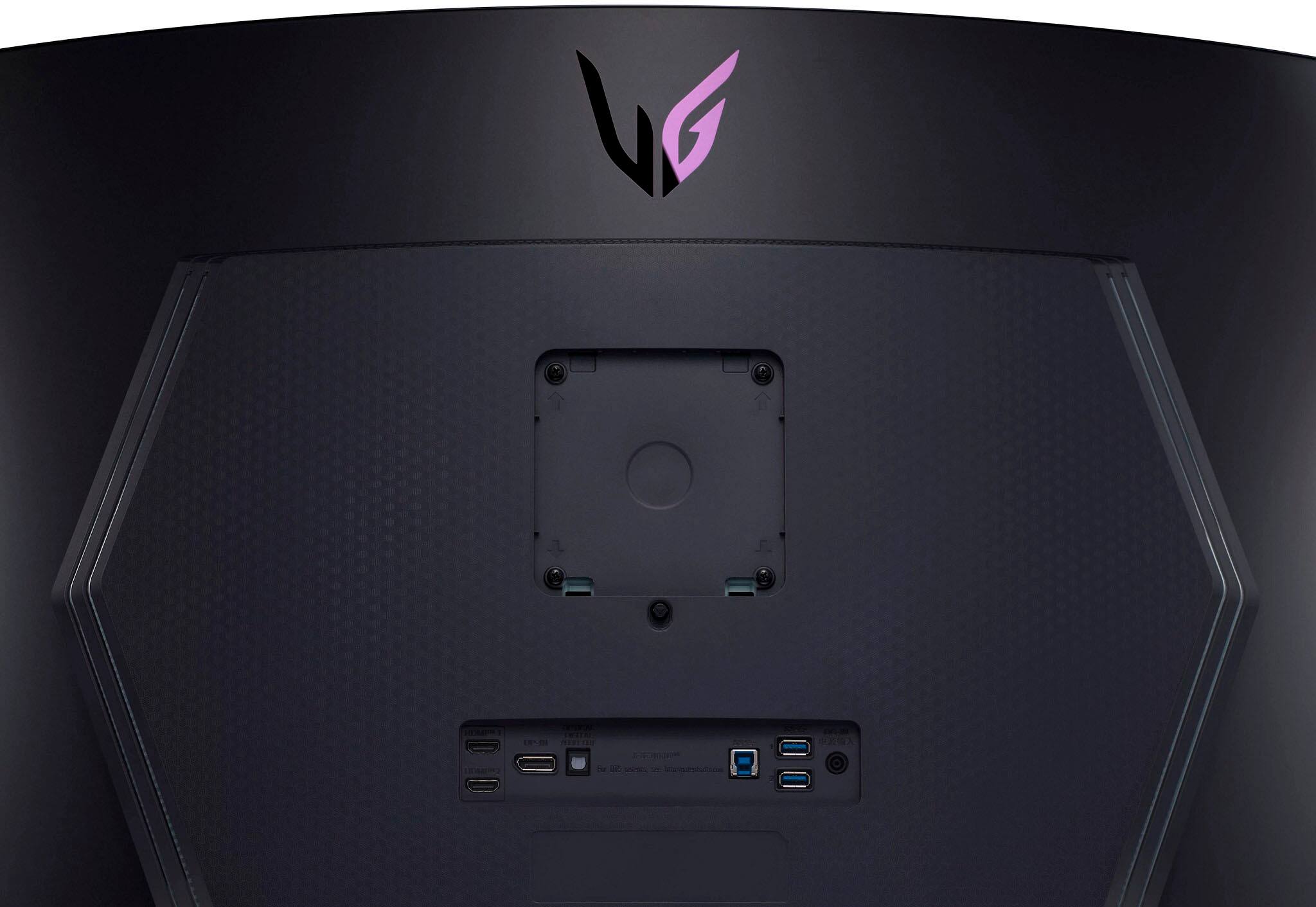
||Posted . Owned for 2 months when reviewed.This reviewer received promo considerations or sweepstakes entry for writing a review.The LG LED Monitor surpassed all my expectations, transforming my viewing experience. Its stunning visuals, functionality, and design left a lasting impression. The picture quality is exceptional, thanks to vibrant LED backlighting. Colors are vivid and lifelike, bringing images and videos to life. The display is crystal clear, with sharp details and excellent contrast. Deep black levels create an immersive experience. The high-resolution display ensures crisp and sharp content without pixelation. Wide viewing angles prevent color distortion. The slim bezels and sleek design add a modern touch to any setup. The adjustable stand allows for comfortable viewing. The monitor offers ample connectivity options, including HDMI and DisplayPort. The on-screen control and intuitive menu system make adjusting settings a breeze. It's easy to customize to suit individual preferences. With impressive response time and a quick refresh rate, motion blur and ghosting are non-existent. It excels in fast-paced gaming. In conclusion, the LG LED Monitor is a display game-changer. Its exceptional visuals, high-resolution display, and versatile design make it perfect for professionals, gamers, and multimedia enthusiasts. For an enhanced visual experience that exceeds expectations, consider the LG LED Monitor. It's a worthwhile investment.
I would recommend this to a friendLight up your room with this!
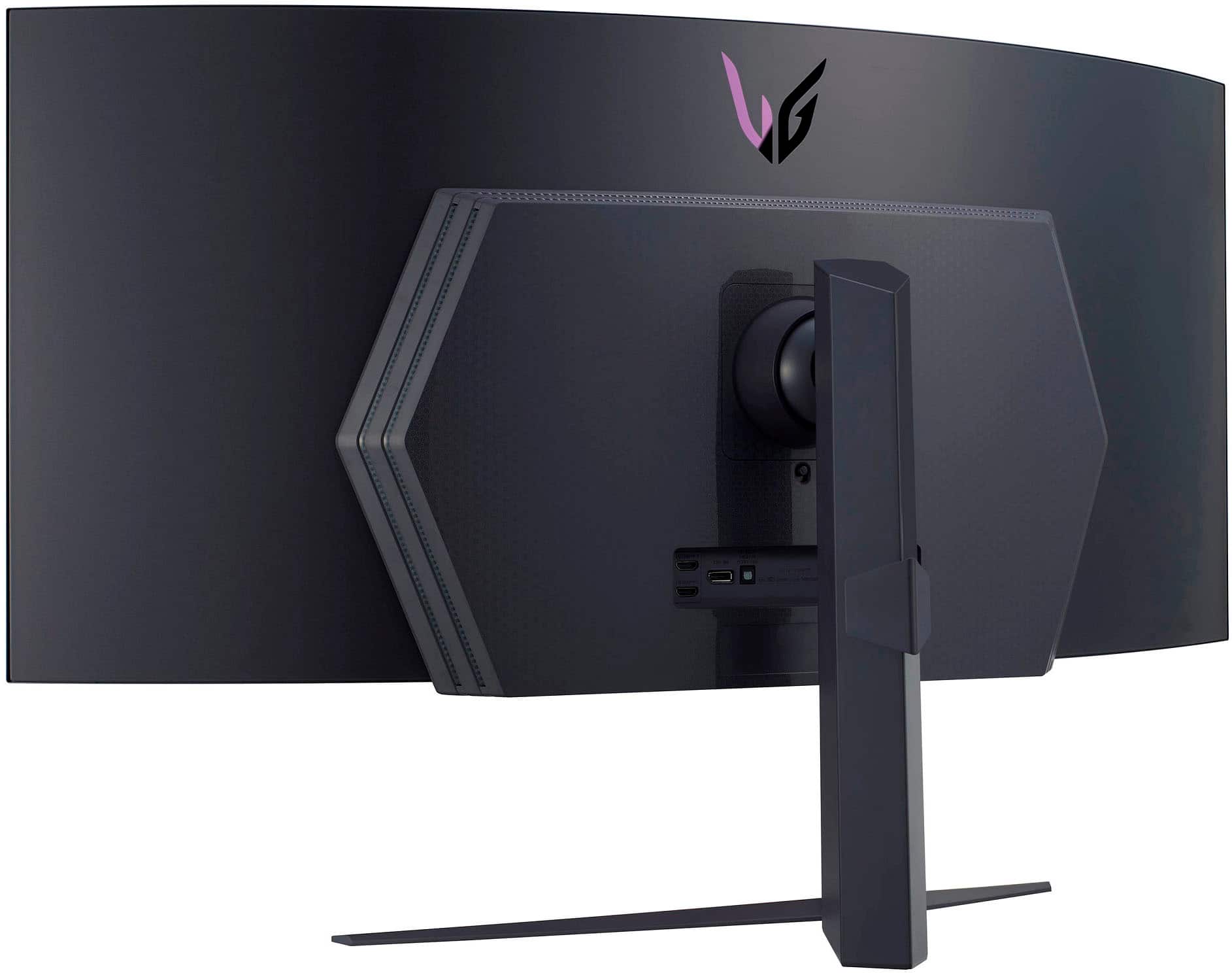
||Posted . Owned for 3 weeks when reviewed.This reviewer received promo considerations or sweepstakes entry for writing a review.Amazing color reproduction. HDR games like Sea of Theives really shin(MY EYES!!!) bright with those NITs. Easy to set up and I'm gonna get a wall mounted arm as the base is very big due to the center of gravity and weight curving in on you. Love it!!
I would recommend this to a friend