Customer Ratings & Reviews
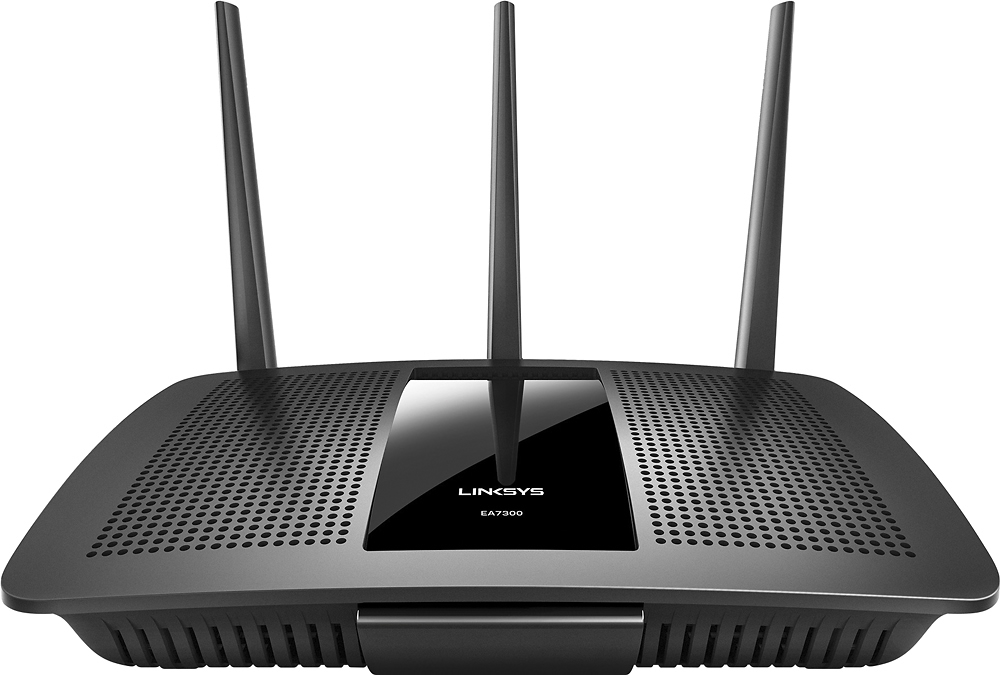
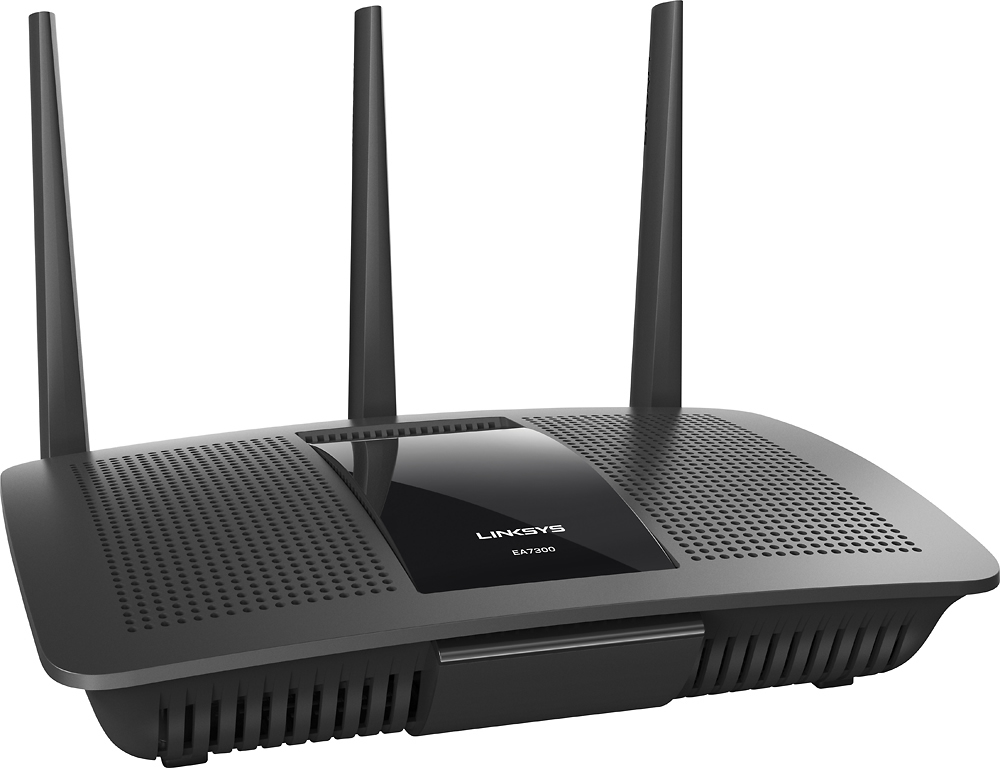

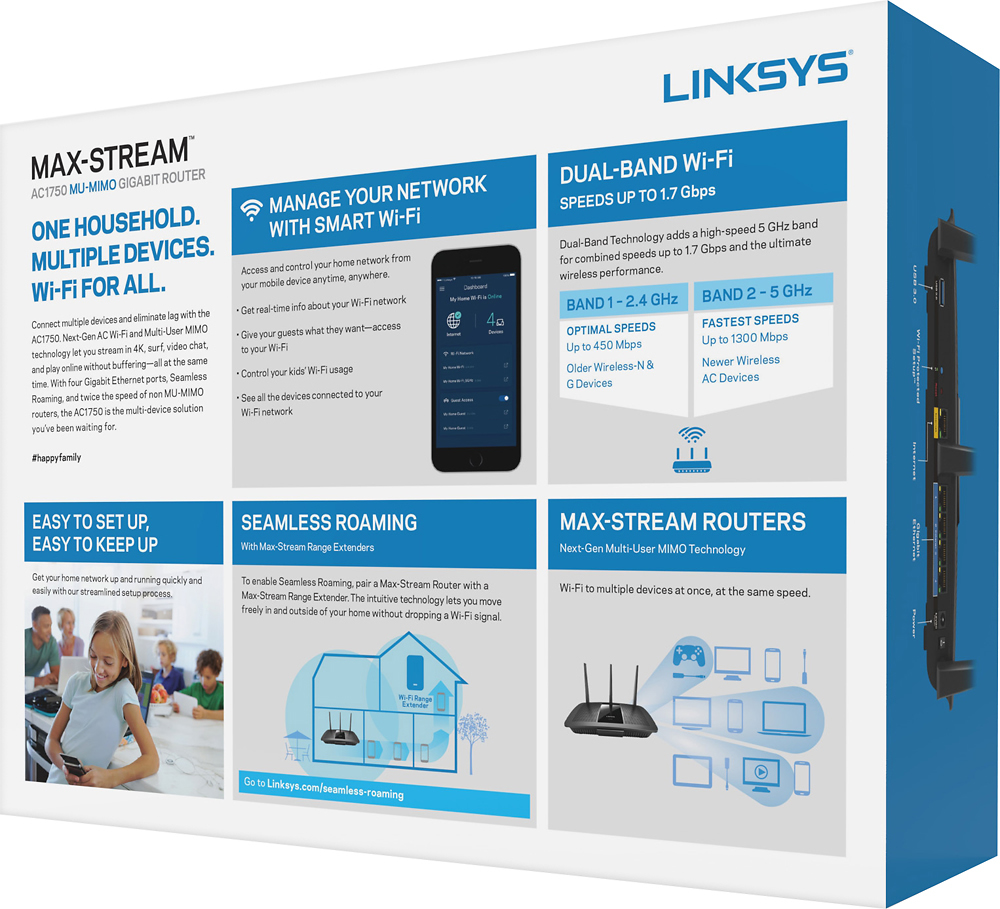




- Model:
- EA7300
- SKU:
- 5604102
Rating by feature
- Value
Rating 4.4 out of 5 stars
- Quality
Rating 4.6 out of 5 stars
- Ease of Use
Rating 4.6 out of 5 stars
Customers are saying
Customers are impressed with the AC1750 Dual-Band WiFi 5 Router's ease of use, range, and performance. Many appreciate the strong signal and reliable streaming capabilities, along with the generally positive setup experience and good coverage. While some experienced connection issues or found the router larger than expected, the majority of feedback was favorable. The price point also received positive comments.
This summary was generated by AI based on customer reviews.
Pretty good item!
||Posted .This reviewer received promo considerations or sweepstakes entry for writing a review.I replaced my old Wi-Fi Router with this new one and I have a better connection now.
I would recommend this to a friendOk Router
||Posted .This reviewer received promo considerations or sweepstakes entry for writing a review.Hi. Was harder to set up than a popular competitor, but works great after set up.
No, I would not recommend this to a friendBrand response from Linksys Staff
Posted .Hi, Cris,
It's good to know that you were able to set up the router despite some challenges along the process. Should you need any assistance with the product, please reach out to us at LinksysCares@linksys.com anytime. Our Escalation Engineers are always ready to help. Just indicate your contact information and the link to this review for our reference.
Regards,
Kristine
Linksys Support
- Cons mentioned:Connection
Loses connection
||Posted . Owned for 1 month when reviewed.This reviewer received promo considerations or sweepstakes entry for writing a review.Router loses connection frequently and has to be reset. In an hour episode it happens 3-5 times. I definitely do NOT recommend this router. It has been nothing but a hassle since we purchased, which was less than 2 months ago.
No, I would not recommend this to a friendBrand response from Linksys Staff
Posted .Hi Heather,
It is possible that an outdated firmware is the main cause of this behavior. We suggest that you manually update the firmware, then reset and configure the router again.
Should you continue to experience this behavior, we can have our Second Level Technicians contact you for further assistance.
Just send us your contact details at LinksysCares@linksys.com so that we can escalate your case. Don't forget to include the link to this post as a reference.
We hope to hear from you soon.
Regards,
Thaddeus
Linksys Support
Not that great
||Posted .This reviewer received promo considerations or sweepstakes entry for writing a review.Does not go as far as they say and limited on quantity of devises.
No, I would not recommend this to a friendThis product is fine
||Posted .This reviewer received promo considerations or sweepstakes entry for writing a review.There were a few hiccups with set-up, but other than that, it seems to work fine.
I would recommend this to a friendBrand response from Linksys Staff
Posted .Hi, prairierose,
It's great to hear that you were able to successfully set up your EA7300 router despite few hiccups along the way. We took note of your experience and we'll share it with our Support Team. Should you encounter any challenges in the future, don't hesitate to contact us directly at LinksysCares@linksys.com.
Regards,
Jay
Linksys Support
Overrated.
||Posted .This reviewer received promo considerations or sweepstakes entry for writing a review.Didn't extend my wireless signal any further than the old one I replaced
No, I would not recommend this to a friendBrand response from Linksys Staff
Posted .Hi Spazaro,
The router’s performance largely depends on its location in your home and configuration settings. We can have one of our Escalation Engineers help you optimize the router settings to improve your wireless connectivity. Send us an email at LinksysCares@linksys.com with your contact details and the link to this review.
Regards,
Rechel
Linksys Support
Basic Router
||Posted .This reviewer received promo considerations or sweepstakes entry for writing a review.Its working pretty good after running 3 times the setup
No, I would not recommend this to a friendBrand response from Linksys Staff
Posted .Hi, Eddie,
Several factors may have caused the challenge as the setup process is normally fast and easy. Don't hesitate to tap us anytime at LinksysCares@linksys should you need assistance with the router. We'd be more than glad to lend you a hand.
Regards,
Rosalyn
Linksys Support
Keeps dropping signal
||Posted .This reviewer received promo considerations or sweepstakes entry for writing a review.Keeps dropping wifi signal even when I'm in the same room as the router.
No, I would not recommend this to a friendBrand response from Linksys Staff
Posted .Hi Nedster,
Your router could be operating on the same frequency as your other wireless devices. Tweaking the wireless channel is a good move to increase the stability of your Wi-Fi. Our Escalation Engineers are more than willing to take a closer look at your networking environment to ensure that the router is running at its best. Please reach out to us at LinksysCares@linksys.com with your contact details and the link to this review.
Regards,
Rechel
Linksys Support
Requires restart every few days
||Posted .This reviewer received promo considerations or sweepstakes entry for writing a review.I was using this for sometime. It was fine. After few days of use, wifi speeds get reduced and you need to restart. I tried doing factory reset and firmware update, now only ethernet works and wifi suddenly stops working. Again, things work after restart. Better avoid this router.
No, I would not recommend this to a friendBrand response from Linksys Staff
Posted .Hello, arun,
Your router should provide reliable connections once properly installed. Please have our Escalation Engineers contact you so they can make sure you've done the necessary workarounds. Email the link to this post and your contact details at LinksysCares@linksys.com, and we'll take it from there.
Regards,
Klaudette
Linksys Support
Good price
||Posted .This reviewer received promo considerations or sweepstakes entry for writing a review.Sometimes it just fails and loses connections and I am not sure why
No, I would not recommend this to a friendBrand response from Linksys Staff
Posted .Hi, Jwallscott,
For a stable connection, it is recommended to keep your router's firmware up-to-date. We'd be glad to have one of our Escalation Engineers look closely into your network setup to ensure that your EA7300 router is working to its full potential. Please email us your contact information and the link to this review at LinksysCares@linksys.com.
Best regards,
Jay
Linksys Support
Does it’s job
||Posted .This reviewer received promo considerations or sweepstakes entry for writing a review.No complaints here. It does it’s job. Cranking out the WiFi waves
I would recommend this to a friendStandard Servicable Router - Fine for Price Point.
||Posted . Owned for 2 weeks when reviewed.This reviewer received promo considerations or sweepstakes entry for writing a review.Standard Servicable Router - Fine for Price Point.
I would recommend this to a friendWorks great.
||Posted .This reviewer received promo considerations or sweepstakes entry for writing a review.It is a great router for a any household and has a great range on it.
I would recommend this to a friendBrand response from Linksys Staff
Posted .Hi, Bull,
Thank you for sharing your product review. If you have any issues or glitches with your EA7300 router, don't hesitate to contact us directly at LinksysCares@linksys.com. Our Escalation Engineers are always ready to assist you anytime.
Best regards,
Jay
Linksys Support
Okay
||Posted .This reviewer received promo considerations or sweepstakes entry for writing a review.Decent router but not ideal for larger homes but it still works
I would recommend this to a friendBrand response from Linksys Staff
Posted .Hi,
We're thankful for your feedback. This router's Wi-Fi range best suits a small to medium household. For clarifications or assistance, please don't hesitate to reach out to us anytime at LinksysCares@linksys.com.
Regards,
Klaudette
Linksys Support
Old CRAPPY crap
||Posted . Owned for 1 year when reviewed.This reviewer received promo considerations or sweepstakes entry for writing a review.I got ver 1 of this model. I think this is 2nd time I bought a router from bestbuy and not realizing I was buying obsolete hardware. The LAN ports on this thing has never worked at least not at Gig speeds.
No, I would not recommend this to a friendFor a beginner not easy to use
||Posted .This reviewer received promo considerations or sweepstakes entry for writing a review.Had trouble setting up. Ended up buying the nighthawk.
No, I would not recommend this to a friendBrand response from Linksys Staff
Posted .Hi, Krazymexicoon,
The configuration of the router should have been fairly easy. There may have been a configuration in your network that needed advance troubleshooting. We respect your decision in returning the device. If you need assistance with other Linksys devices, feel free to email us at LinksysCares@linksys.com.
Regards,
Thaddeus
Linksys Support
Not much help with Wi-Fi
||Posted .This reviewer received promo considerations or sweepstakes entry for writing a review.I'm not getting any more speed I'm still getting the pause the buffering has not speeded up the internet still having trouble with 2 out of my 3 Television I don't know if it's this router, but it was a waste of money for me. Doesn't work for me. Too late to return
No, I would not recommend this to a friendBrand response from Linksys Staff
Posted .Hi, Jaxx,
If your ISP's modem is working fine and your EA7300 Router is properly configured, you should not experience any speed or buffering issue. We'll take this chance to have one of our Escalation Engineers look closely into this odd behavior to improve your overall Wi-Fi experience. Please drop us an email at LinksysCares@linksys.com with your contact information and the link to this review.
Regards,
Jay
Linksys Support
Direct connect doesn't work, but wifi is fine
||Posted .This reviewer received promo considerations or sweepstakes entry for writing a review.Direct connect doesn't work, but wifi is fine. App sucks
No, I would not recommend this to a friendOk router
||Posted .This reviewer received promo considerations or sweepstakes entry for writing a review.It ok speed difference is not much from my old router
No, I would not recommend this to a friendBrand response from Linksys Staff
Posted .Hi Bobby,
For best results, place the wireless router either in the central part of your house or in a location free from any obstructions that could block its signal. You can also adjust the wireless channel to avoid possible interference in your network. Please reach out to us at LinksysCares@linksys.com so we can have one of our Escalation Engineers walk you through the necessary steps. Include your contact details and the link to this review.
Regards,
Rechel
Linksys Support
Not as good as I expected.
||Posted .This reviewer received promo considerations or sweepstakes entry for writing a review.Ok router. I wanted to upgrade from netgear.Is not
I would recommend this to a friendBrand response from Linksys Staff
Posted .Hi, Fizzo,
Your EA7300 router should be a good upgrade for your Home Wi-Fi network. Please provide us further details about your current network setup so we can help you explore your router's potential. Please send us your contact details and the link to this post at LinksysCares@linksys.com. Our Escalation Engineers will help you improve your overall Wi-Fi experience.
Regards,
Jay
Linksys Support