Customer Ratings & Reviews
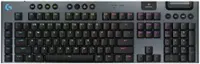
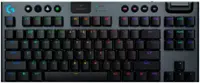
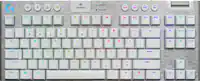
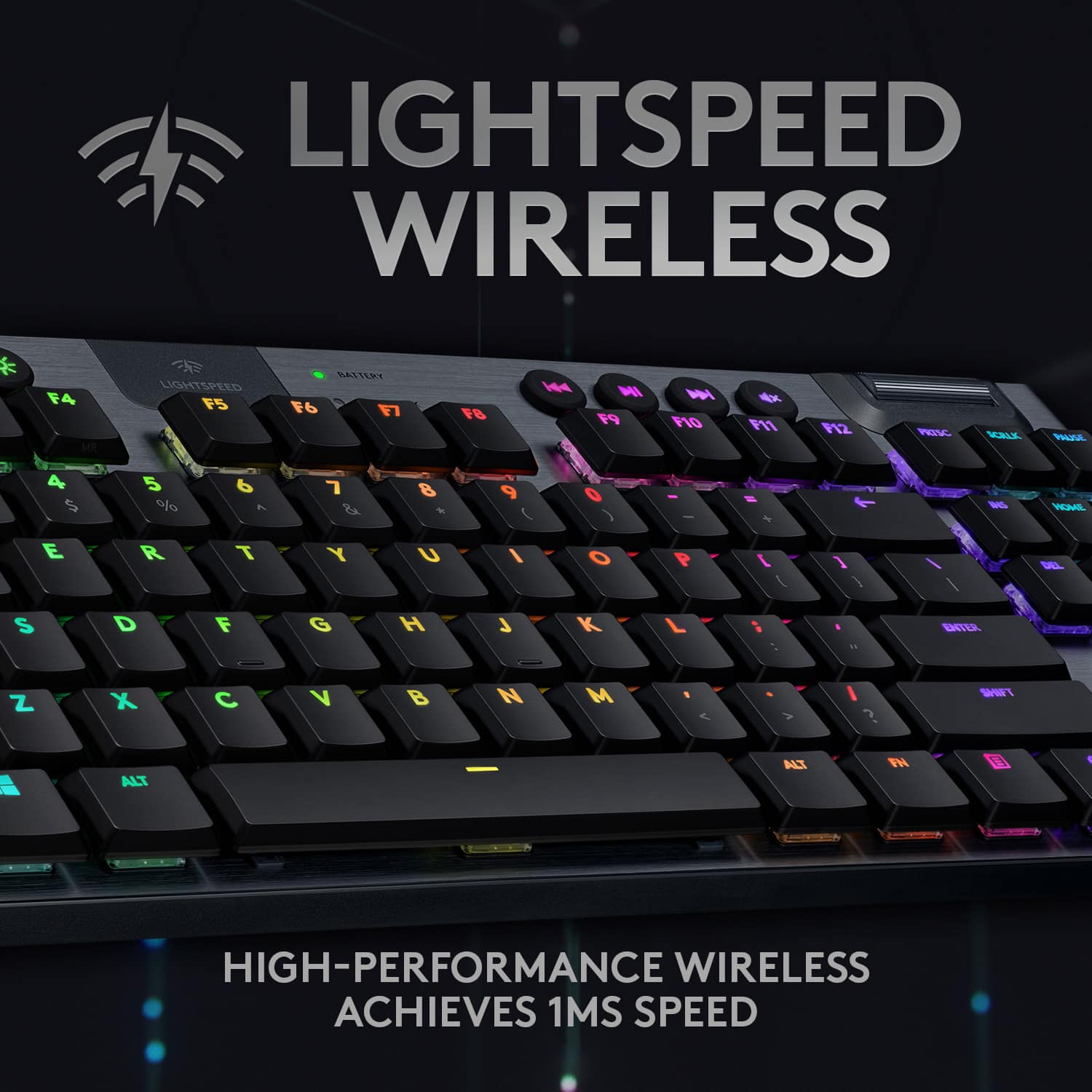
![The text on the image is already grouped and correctly spelled. It reads:
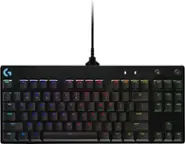
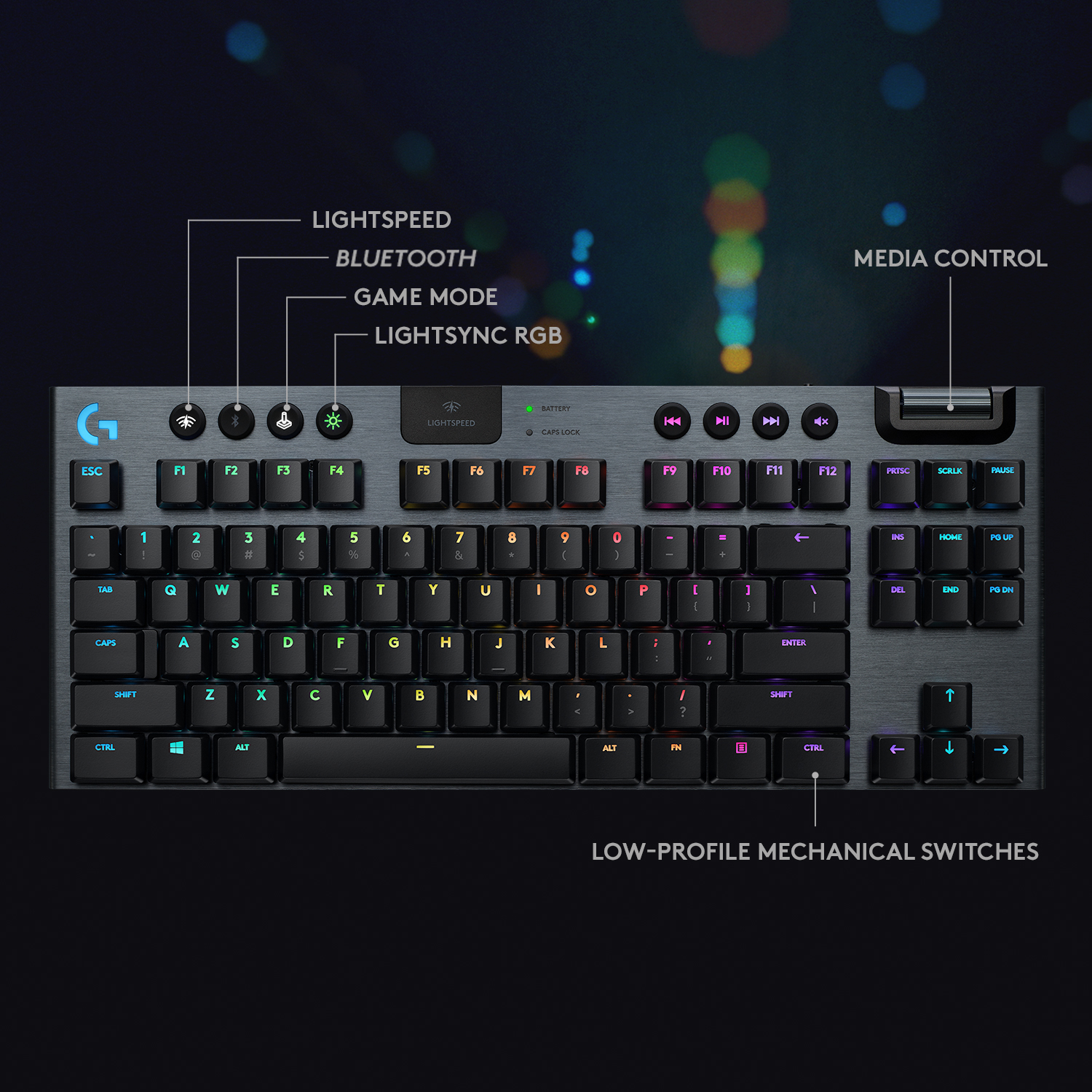
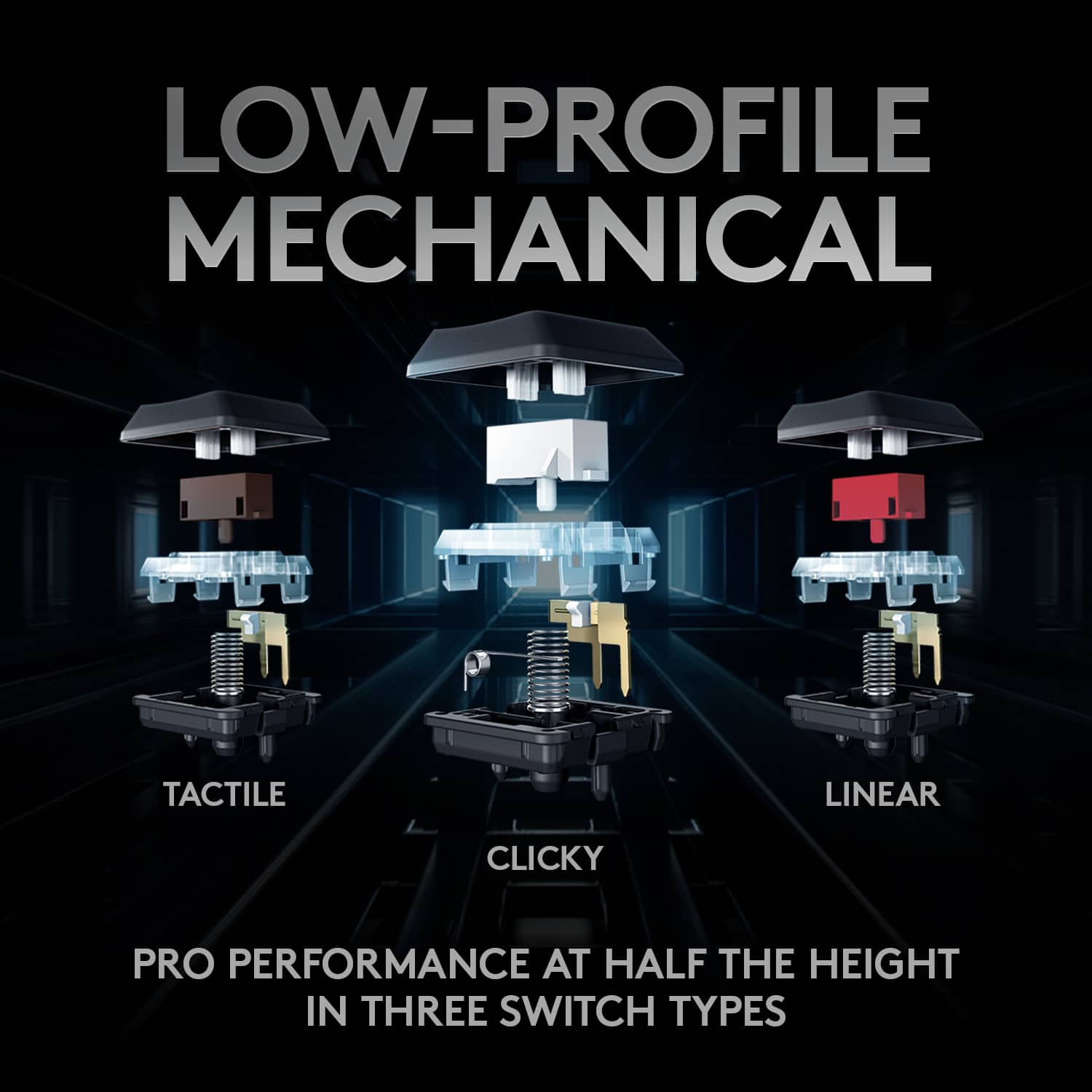
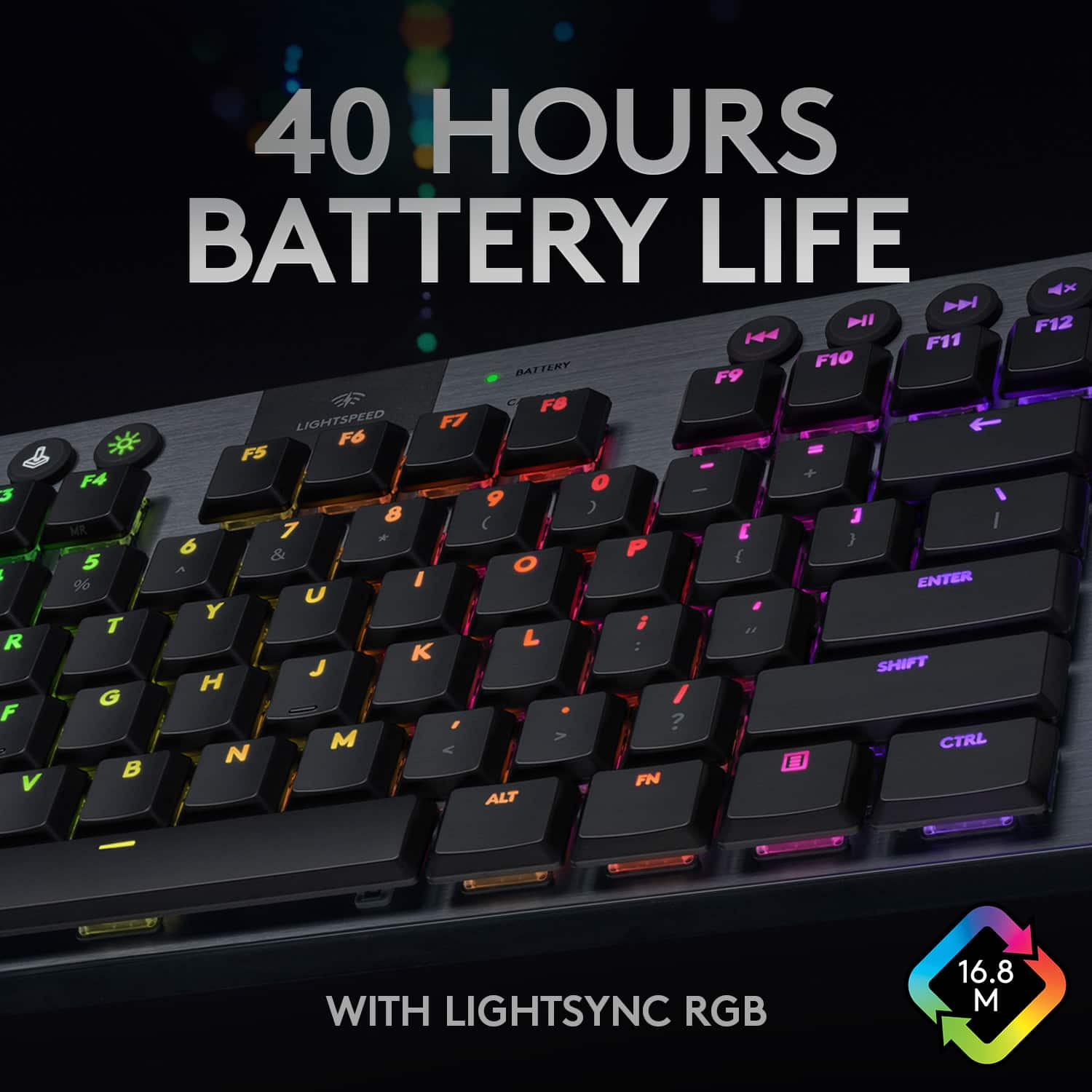
"LIGHTSPEED BATTERY CAPS LOCK K NI x ESC F1 F2 F3 F4 F5 F6 F7 F8 F9 F10 F11 F12 PRTSC SCRLK PAUSE - 1 2 3 # 4 $ 5 % 6 A 7 8 9 ( 0 ) - + INS HOME PG UP TAB Q W E R T Y U I O P [ { ] DEL END PG DN CAPS A S D F G H J K L ; ENTER SHIFT Z X C V B N M A > I ? SHIFT CTRL ALT ALT FN CTRL TKL G/915 TKL"](https://pisces.bbystatic.com/image2/BestBuy_US/images/products/b5efd26c-f360-4501-9ddd-133cf753b425.jpg)


- Model:
- 920-009495
- SKU:
- 11296165
Rating by feature
- Value
Rating 4.2 out of 5 stars
- Quality
Rating 4.8 out of 5 stars
- Ease of Use
Rating 4.8 out of 5 stars
- Pros mentioned:Key feel
Astounding Keyboard
Posted .This reviewer received promo considerations or sweepstakes entry for writing a review.Goated keyboard had it for almost 3 years ALMOST but i get a little angry its really great and nice customability all around keys feel soft and fast
I would recommend this to a friendBrand response from Logitech
Posted .Thank you for your amazing review of the Logitech G915 LIGHTSPEED TKL keyboard! We're thrilled to hear that you've been enjoying it for almost three years and that it's been a great fit for your needs. We appreciate you taking the time to share your enthusiasm.
- Pros mentioned:Keyboard quality
G915 TKL Review
Posted .This reviewer received promo considerations or sweepstakes entry for writing a review.great keyboard, got it on a slight discount so I had to. I got the tactile, which has very quiet typing, but feels sort of like a macbook keyboard. It is awesome.
I would recommend this to a friend 
Feels great, plays well
|Posted .This reviewer received promo considerations or sweepstakes entry for writing a review.At first I didn't think I would like this keyboard. The keys felt a little closer together than usual and the overall size seemed too small to be comfortable. Then I played my normal gang of games, FPS, driving...it was great. I compared the keys to another Logitech keyboard I've used and the spacing was actually the same (the shape of the keys was misleading!) This keyboard has really good tactile feel, as its name suggests. It's not too clickety-clackity, is responsive and the keyboard has some noticeable weight to it despite its size. It's also thin. The volume roller will still take some getting used to, but I ended up liking the lighting control - which I thought was gimmicky at first. OK...it's still gimmicky, but it's cool and the control software provides some good customization options. There's also a Unifying Receiver that stows away in the keyboard so you won't lose it. The only real criticism I have is that it would have been great to have a wristpad attachment included.
I would recommend this to a friend- Pros mentioned:Rgb backlighting
Best keyboard I've owned!
Posted .This reviewer received promo considerations or sweepstakes entry for writing a review.Keys are very responsive and the colored keys have several light brightness settings to chose from. This keyboard has some weight to it which I do not mind.
I would recommend this to a friend Beautiful tkl
Posted .This reviewer received promo considerations or sweepstakes entry for writing a review.I havent tried the bluetooth feature yet but when it is plugged in there is no noticeable lattency. It looks sleek and feels comfortable. The size is just what I needed for my smaller desk.
I would recommend this to a friend- Pros mentioned:Keyboard quality
Great TKL keyboard
Posted .This reviewer received promo considerations or sweepstakes entry for writing a review.Great and sturdy! Absolutely love the room I got from not needing the 10 key on the right!
I would recommend this to a friend - Pros mentioned:Keyboard quality
The sound!!!!!
Posted .This reviewer received promo considerations or sweepstakes entry for writing a review.Love this keyboard!! Feels extremely comfortable to use and the sound ughhhhhh it's so good! Love how low it is and the wireless is totally a bonus! I would definitely recommend it if you love mechanical keyboards!
I would recommend this to a friend - Pros mentioned:Keyboard quality
From the perspective of a "Clicky" user
|Posted .This reviewer received promo considerations or sweepstakes entry for writing a review.I'm currently using a G513 with GX Blue switches. I've gotten used to the click on the full-size keyboard, but was looking for something that would be better suited for FPS. With this G915, I went with the Tactile version as it was recommended for the types of games I wanted to play. Unfortunately, to me the press on these keys are very "spongy". Almost like I'm clicking a pillow. I have been testing it for a while, but can't get past the feel. I will say that the build quality is amazing. Very solid. I did run into some issues with the keyboard not lighting up for certain games. This is probably more of an issue with G Hub than the keyboard itself. So in the end, if you're coming from a Clicky keyboard, then I don't think this keyboard will be the right fit. I suggest testing out the keyboard in-store and trying before buying.
No, I would not recommend this to a friendBrand response from Logitech
Posted .Hi KMont1234 Thank you for this awesome review! I appreciate the reference of the switch to a pillow! It is quite the different from going from a "clicky" to a "tactile". The G915 TKL does come in a "clicky" mechanical switch when you're ready to buy another Logitech G keyboard! I'm sorry you experienced some difficulty with the lighting, like you said that could be because of G Hub more than the keyboard. Thank you for being a loyal Logitech customer and continue to enjoy the products!
Kristi from Logitech
- Pros mentioned:Keyboard quality
Great keyboard
Posted .This reviewer received promo considerations or sweepstakes entry for writing a review.Great keyboard no complaints. Fits great on a small setup.
I would recommend this to a friendBrand response from Logitech
Posted .Thank you for your insightful review of the Logitech G915 TKL. We're thrilled to hear it seamlessly integrates into compact environments. Your feedback is valuable to us.
- Pros mentioned:Key feel
Great Keyboard, Great Price
Posted .This reviewer received promo considerations or sweepstakes entry for writing a review.I love the key switches, and the silver white color is great.
I would recommend this to a friend decent keyboard, no custom keycaps available
Posted .This reviewer received promo considerations or sweepstakes entry for writing a review.pretty decent Keyboard not a huge fan of the fact that it uses Kailh Choc key switches which make it incredibly hard to find custom key caps, other then that they are pretty decent
I would recommend this to a friendBrand response from Logitech
Posted .We appreciate your feedback on the G915 LIGHTSPEED TKL. It's understandable that finding custom keycaps for Kailh Choc switches can be a challenge, and this input helps us understand user preferences for future designs.

Slightly disappointed.
Posted .This reviewer received promo considerations or sweepstakes entry for writing a review.I was looking for a low-profile, mechanical, ten key less, wireless keyboard so the Logitech G915 TKL seemed to fit the bill perfectly. For the most part, it is a good keyboard. But there is at least 1 real deal breaker for me. First thing I did when getting it was to head over to Logitech's web site to download whatever user guides and software go with it. I was surprised that, when I got to the page for it, the only download they offered for it was the quick start guide PDF file. No other downloads shown. I knew there was a configuration utility because I had watched some YouTube reviews for this keyboard, but couldn't find a link to the utility anywhere. Upon reading the quick start guide, I saw that there were various keyboard shortcuts that would do most of what I wanted to do (i.e. change the RGB colors) anyway so maybe I didn't need the utility. I'm personally not a big fan of the colors keep changing and animations and stuff like that as I find it distracting. Luckily, the user guide said that if I pressed Brightness+0, I would get a fixed color of cyan. Perfect. Only problem was that it only stuck for a few minutes, then the keyboard went back to doing whatever it wanted to do (i.e. cycled all different RGB colors, which I did not want). I would have been perfectly happy NOT installing the configuration utility and just having solid cyan color, but it just did not seem to stick no matter how many times I tried. But where is the configuration utility? No link on Logitech's site from the support page for this product. I then found in the quick start guide PDF that I downloaded, that they give you a URL for downloads for it. Great. Only problem was that the URL in the guide brought me to a 404 page. Eventually, from Googling, I found that the configuration utility is called "G HUB" and was eventually able to download it. But, very unprofessional on Logitech's part not to have a link to it directly from the product support page and to have a bad URL right in their documentation. My other biggest complaint about this keyboard is the way they have their key caps printed. For example, the key that has the brackets [ and } has the [ on top and the { on the bottom. This is wrong. Every other keyboard has { on top and [ on the bottom because normally you press the Shift key to get the character printed on the top or press the key by itself (without Shifting) to get the character on the bottom. Logitech has it all reversed. Likewise with /? :; etc. So I keep getting confused and getting the { when I really want the [, etc. I do like everything else about the keyboard. Has a nice weight and feel, comfortable to use (other than getting the wrong character all the time), and looks good. But the reversed top/bottom symbols on the keys is really a deal breaker for me. It might not be for you. I just purchased it today, but I most like will be returning it. I'll give it another day or 2. For the expensive price of over $200, I really want it to be perfect and the reversed symbols on the keys is just too confusing and causing me to constantly get the wrong character.
No, I would not recommend this to a friend- Pros mentioned:Keyboard quality
Super key
Posted .This reviewer received promo considerations or sweepstakes entry for writing a review.Works and lights up great! Easy to use and makes gaming better.
I would recommend this to a friend - Pros mentioned:Wireless
Mediocre design, NOT worth $200+
Posted .This reviewer received promo considerations or sweepstakes entry for writing a review.Too many features are missing, redundant, or misconceived to be worth the price: 1. Keycaps don't consistently have all symbols/functions translucent, nor are labels printed in a shade that fully contrasts with black 2. With all the bells and whistles, they did not bother to include any persistent memory; RGB has to be reprogrammed at every boot. You can save a config in the Windows driver but this doesn't make for a seamless experience. 3. LEDs go dark after a while, which almost certainly doesn't save a noticeable amount of power, but does make intermittent usage under low light significantly more difficult. Tons of extra redundant features -- USB and two wireless modes, for example, to avoid having to create more variants and not because most people will use all three modes -- but core QOL features are neglected. The only thing I like about this keyboard is that the low profile blue switches really do make for a very nice quiet tactile typing experience, but unfortunately these incredible keycaps are located on a subpar overpriced keyboard underneath.
No, I would not recommend this to a friendBrand response from Logitech
Posted .Hello Phil, we are sorry to hear that the G915TKL keyboard did not meet your expectations. At Logitech, it is our goal to ensure you are completely satisfied with your Logitech purchase. We take pride in the products and services we offer, and want our customers to enjoy them just as much as we do. We truly appreciate the honest feedback. We know that the G915TKL is not for everyone. With on board memory, you don't have to reboot our G-hub software to get all your RGB and macro settings to work properly. We recommend uninstalling and reinstalling g-hub to fix that issue. Also, you can change the inactivity lighting settings on the G-hub software. You can set it to "never" turning off or change it to a longer waiting time. That way you don't have to deal with the keyboard switching off. One of the many features that the G915 TKL has to offer, multi device connectivity. Meaning you can connect a second device to your keyboard and switch back and forth between the two with a simple tap of a button. Texting your friends back via bluetooth on your phone and switching back to your gaming has never been easier. We agree with you, once you go low profile, there is no going back. We are so grateful for your comments and to have you be part of the Logitech family. Have a great day. -Ricky | Logitech
Great keyboard but parts haven’t lasted
Posted .This reviewer received promo considerations or sweepstakes entry for writing a review.Great keyboard but the dongle just died 3 years later and I’m not sure how I’ll be able to use it again
I would recommend this to a friendBrand response from Logitech
Posted .We appreciate your feedback on the G915 LIGHTSPEED TKL. We're sorry to hear about the dongle issue after three years of use. Product longevity is important to us, and we'll use this information to improve future products.
Good update to a great keyboard
Posted .This reviewer received promo considerations or sweepstakes entry for writing a review.Highly recommended. I enjoy the functionality and the new button feel.
I would recommend this to a friendBrand response from Logitech
Posted .Thank you for your insightful review of the Logitech - G915 TKL. We're thrilled you're enjoying its functionality and the improved button feel!
GREAT KEYBOARD
Posted .This reviewer received promo considerations or sweepstakes entry for writing a review.Would buy again. Great switches. Great Price. Bought my wide one too
I would recommend this to a friendWorth it
Posted .This reviewer received promo considerations or sweepstakes entry for writing a review.Second Logic Keyboard for streaming and this one is worth it
I would recommend this to a friendI hate tactile switches
Posted .This reviewer received promo considerations or sweepstakes entry for writing a review.It's really nice, the form factor is really nice, but oh my god I hate these switches. Although these were my first experience with tactile switches but after playing Zeratul in the SC2 co op campaigns, you basically have to just keep pressing the "e" key. The button felt like it had a lot of resistance and it hurt my arm lol. I ended up switching it out for a full g915 in clicky's and it is a lot better. Really did love the form factor though.
I would recommend this to a friendAn impressive display of nothing... with a premium
Posted .This reviewer received promo considerations or sweepstakes entry for writing a review.Nice keyboard with shtty quality keycaps and the unbelievable ability to store 3-separate profiles to its internal memory THAT ONLY ALLOW YOU TO PROGRAM THE F-KEYS. What a useless and worthless feature. An impressive display of nothing. I have an off-brand mechanical low-profile keyboard that cost 4.5x less than this thing and at least lets me program an additional layer to the internal memory and edit almost any key. I don't know who this keyboard is for. I used to be a Logitech fan, but that fandom has subsided in the last several years as their hardware and software has taken a serious dive. I have two of these things sitting in my closet currently.
No, I would not recommend this to a friend