Customer Ratings & Reviews
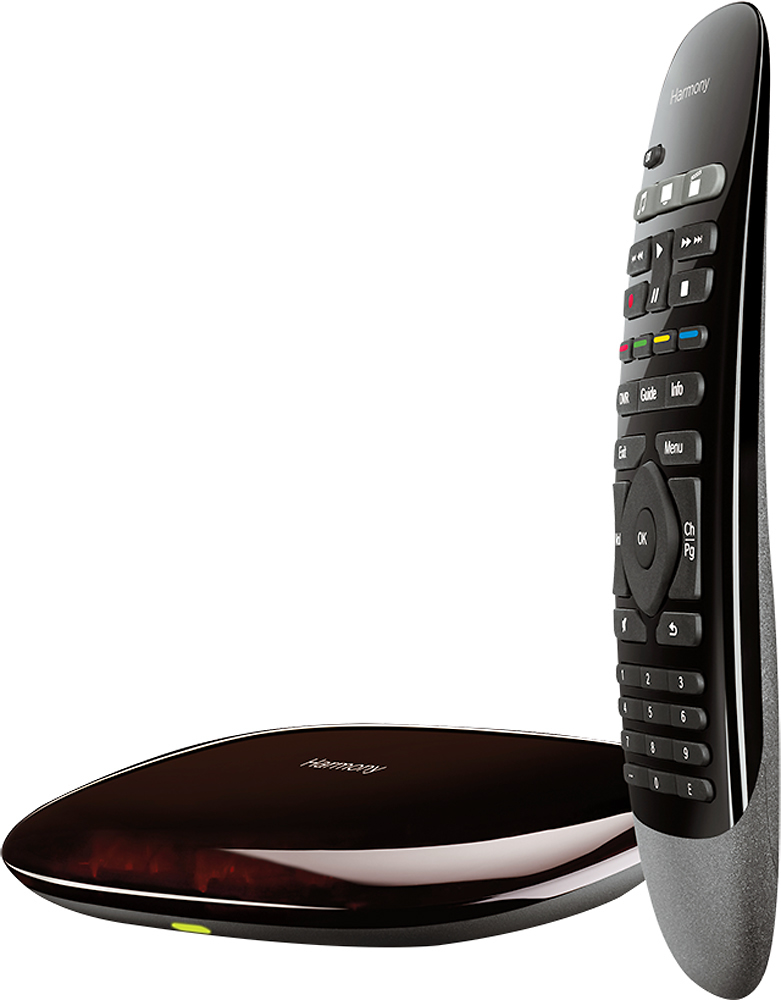
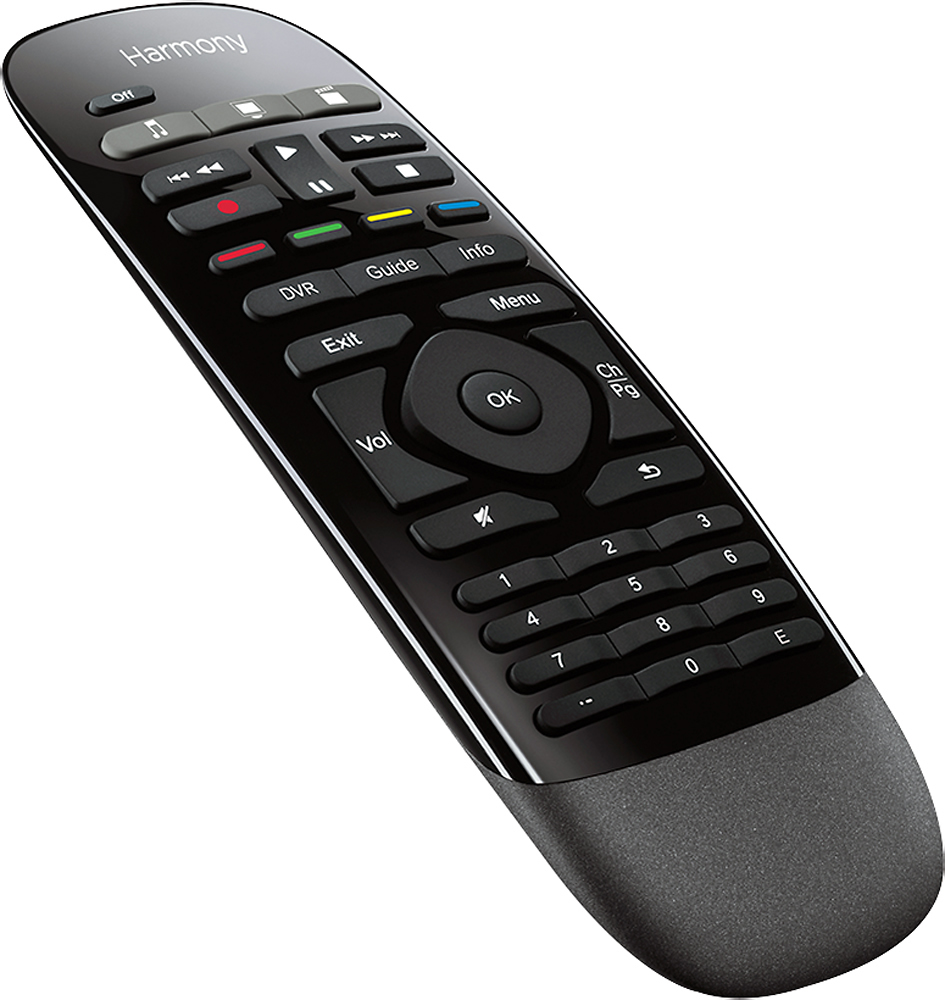
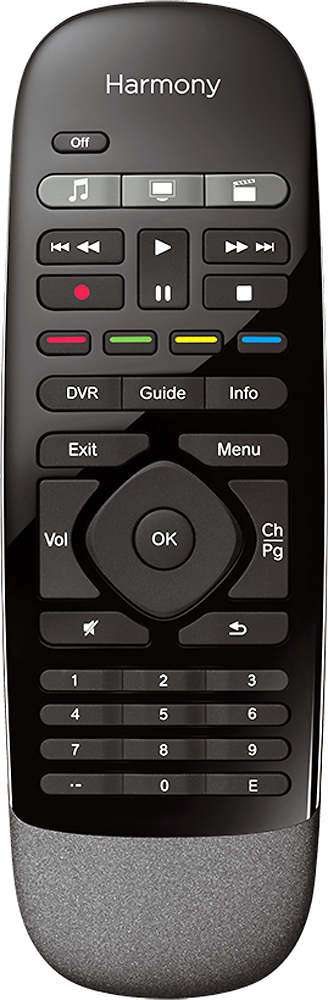
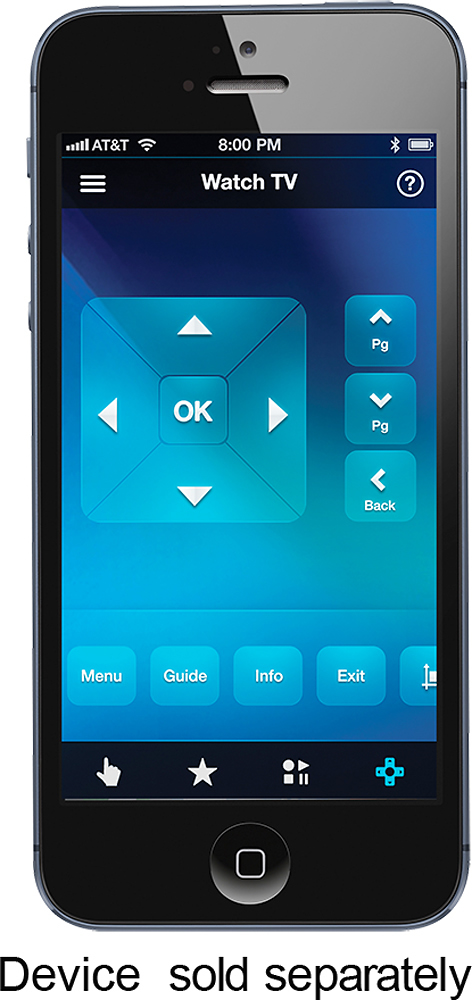
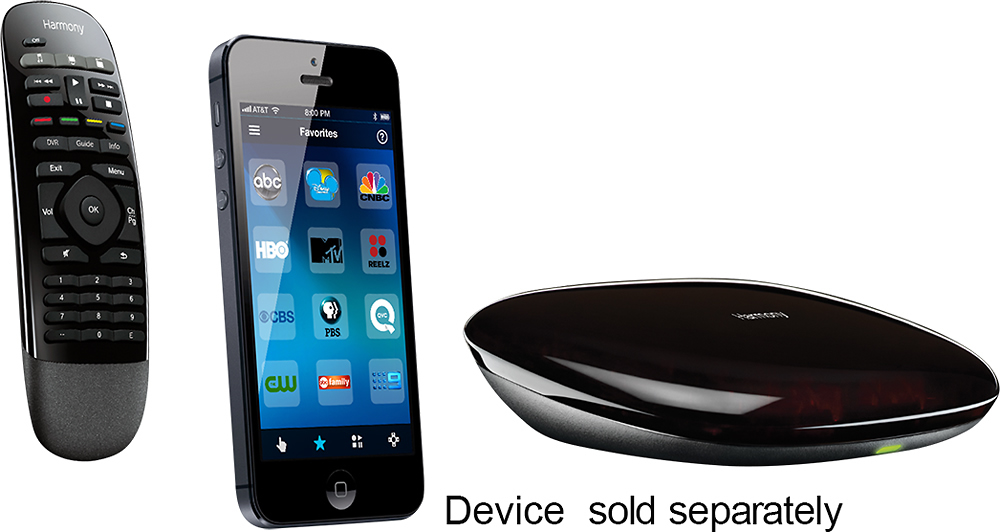
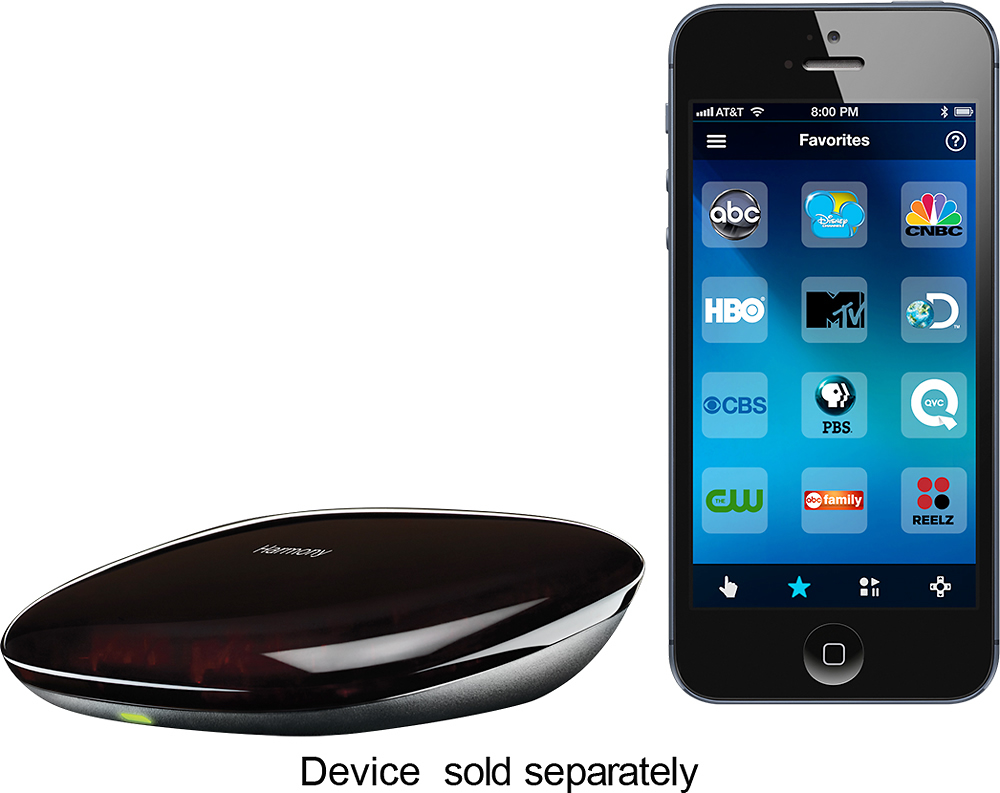
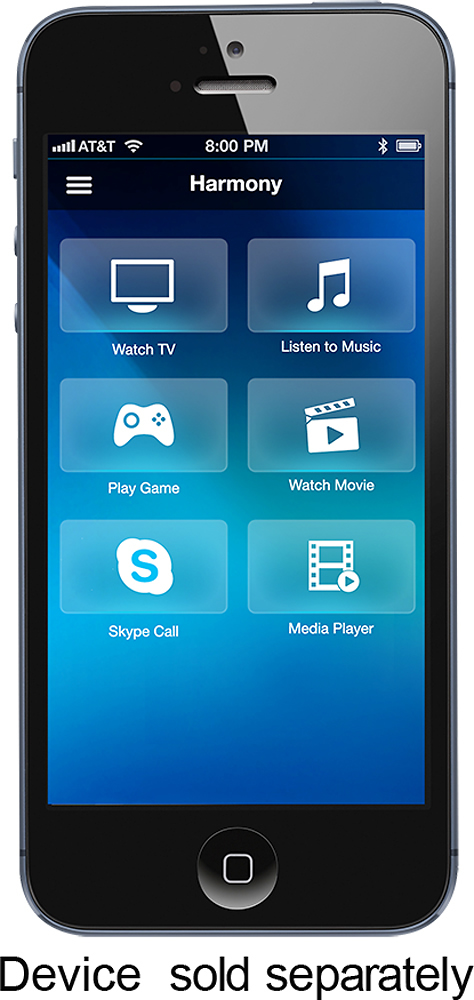


- Model:
- 915-000194
- |
- SKU:
- 8574049
Customer reviews
Rating 4.3 out of 5 stars with 3437 reviews
(3,437 customer reviews)Rating by feature
- Value4.3
Rating 4.3 out of 5 stars
- Quality4.4
Rating 4.4 out of 5 stars
- Ease of Use3.9
Rating 3.9 out of 5 stars
Customers are saying
Customers love the Harmony Smart Control's ease of use, intuitive remote, and extensive compatibility with various devices. Many appreciate its straightforward setup and seamless Alexa integration, while some users mention challenges with battery life and occasional connectivity issues. The app's functionality is a point of contention for some customers.
This summary was generated by AI based on customer reviews.
- Pros mentioned:Remote control
Rated 4 out of 5 stars
A very good, though technical solution
||Posted .This reviewer received promo considerations or sweepstakes entry for writing a review.I bought this to control my TV and entertainment center with Alexa/Google Assistant. The product advertising would have you believe you can control apps on your device using Harmony. That 'may' be true somehow but for the life of me I have never been able to get it to work correctly and consistently with my Shield. I think it was designed to work more with Roku devices and maybe smart TVs? I took the star off because if I were to gift this to my non-technical friends and family there is not a chance they would be able to figure out how to set it up. I still find myself tinkering with it once a month to try to get it to work. I know that they are close to simple operation but I really wish Logitech would have made the process much more simple with Alexa/GA. Those gripes aside, the device does what it otherwise said it would do and I can turn off and on my devices and change the volume/channel using my voice. It's great to be able to do so when I cannot find the remote and want to stop playback. For example, when I am in the kitchen and want to to turn off playback without cleaning up and finding the remote. Just like other home automation, its a feature you wouldn't think you wanted until you have it, then you can't go back.
I would recommend this to a friend - Pros mentioned:Ease of use
Rated 4 out of 5 stars
READ IF YOU HAVE A SAMSUNG TV
||Posted .This reviewer received promo considerations or sweepstakes entry for writing a review.Bought this so i can get rid of the jungle of remotes on my coffee table (TV, Cable box, soundbar). When i initially set this up i had some issues because when switching activities one device or sometimes two would switch inputs...i called customer service - IMPORTANT. IF YOU HAVE A SAMSUNG TV YOU MUST SET THE HARMONY APP or DESKTOP SOFTWARE TO USE DISCRETE SOURCE INPUT SWITCHING. The way the language in the Logitech app and desktop software describe how you change inputs on a remote is confusing and i had it set on the wrong one. Discrete input switching means your remote has a dedicated button for like HDMI1, HDMI2, etc. Even though new samsung tv's do not have individual buttons, Logitech customer service told me Samsung TVs should be set in the harmony app to "discrete.' After customer service adjusted that i had no more issues with devices going to wrong inputs upon powering on/off or switching activities. Also logitech recommends to turn off the anynet hdmi option, as this might screw with the remote...i.e. if you turn on your ps4 and have anynet on, it wil turn your tv on as well but your remote did not send those signals so when you switch inputs it will power your tv off rather than switching to another activity. Overall after my setup with logitech customer service i have no issues except for sometims one device not getting a signal once in a while but that has more to do with the placement of the harmony hub, which i keep forgetting to move sometimes. OVerall i am very happy and i like the remote...since this has physical buttons i am familiar with it enough to not need backlit keys but they would be nice. BUY this to get rid of a bunch of remotes.
I would recommend this to a friend - Pros mentioned:Alexa integration, Compatibility, Ease of use
Rated 5 out of 5 stars
Best remote to date
||Posted .This reviewer received promo considerations or sweepstakes entry for writing a review.The hub approach works so much better than the old designs - the smarts are there and not in the remote. This enables control via home automation, xbox, playstation, etc that took expensive remotes before. The ability to use your phone to control things when you can't find the remote is excellent. Also has alexa integration, and though it's still a bit buggy if you have more than one hub in your home. Overall for the money I've retired all of my old logitech remotes with this one.
I would recommend this to a friend - Pros mentioned:Ease of useCons mentioned:Battery life
Rated 5 out of 5 stars
You'll never need another remote!
||Posted .This reviewer received promo considerations or sweepstakes entry for writing a review.I bought this remote to replace 5 remotes. I have a wow! Cable box, Samsung TV, Apple tv, PS3, and a Samsung surround. Once I put all the model numbers into the app, I was amazed when I hit the power button and they all turned on the first try! You can program this thing to control whatever you want! I even was able to program it to work with a fake candle I have! Another nice feature is that you can program each separate button on the remote to do what ever you want! Watch the app tho, it will drain your battery!
I would recommend this to a friend - Pros mentioned:Ease of use
Rated 5 out of 5 stars
Ditch the Remotes
||Posted .This reviewer received promo considerations or sweepstakes entry for writing a review.Using this with a newly installed home theater system. Setup with the app was as easy as it gets. You'll need a list of all the components to search the database of supported devices. Mine included a Yamaha receiver and Samsung Blu-ray player, Xbox, Uverse cable box, Epson projector, Amazon Fire Stick and most notably a motorized projection screen. The app found each one in it's database and linked to each component. The Harmony app uses "Activities" to turn each device on/off and change the source input on the receiver. Activities are extremely intuitive and easy to setup. One push of the "Watch TV" activity and the screen lowers, the cable box, project and receiver all turn on and the input on the receiver sets itself correctly. Another push and all turn off. The included remote is even configured by the app providing nearly full functionality of the Uverse box and other components including the Fire Stick remote. This little gem replaced six different remotes. The app setup the following activities effortlessly based on the components. Watch TV Watch a Movie Listen to Music Watch Fire TV Play Xbox 360 The only thing I was disappointed in was I manually setup activities to turn on any device that may not have received a signal. ie: Turn On Projector. Unfortunately it knew the "Watch TV" activity was active and turned everything off before turning the projector back on. This is a minor annoyance as there is a control for each device separate from the activities that allow you to control each device as if it was that devices remote. Logitech's website even has functionality so that you can search to see if your devices are supported before buying. https://support.myharmony.com/en-us/compatibility Highly recommend this Hub/Remote combination.
I would recommend this to a friend - Pros mentioned:Ease of use
Rated 4 out of 5 stars
Good Techie Remote Control
||Posted .This reviewer received promo considerations or sweepstakes entry for writing a review.Logitech does a good job of designing remotes based on desired activity instead of based on controlling individual components. Programming was a little harder than anticipated but functionality has been solid. The kids and babysitter can now quickly turn the TV on, Watch a movie or turn Apple TV on with the push of one button. Now we can control our entertainment components from our iPhones or IPad too. The basic remote control that comes with the unit works well too. Easy to use. I recommend it for the price.
I would recommend this to a friend - Pros mentioned:Ease of useCons mentioned:Connectivity
Rated 4 out of 5 stars
Great implementation of a universal remote
||Posted .This reviewer received promo considerations or sweepstakes entry for writing a review.Harmony took a wonderfully simplistic approach to the setup of a universal remote. The remote that comes with DirecTV would not control my old soundbar and TV to which it is connected. This Harmony remote connected to them in seconds and the entire setup process only took about 5 minutes. The only downside I have experienced is that once every couple weeks I have to login to the smartphone app to reconnect the remote. Its not a big hindrance but it is the difference between 4 and 5 stars.
I would recommend this to a friend - Pros mentioned:Compatibility, Ease of useCons mentioned:Backlight
Rated 4 out of 5 stars
A good solution - nearly perfect
||Posted .This reviewer received promo considerations or sweepstakes entry for writing a review.I needed a universal remote that powered my TV, receiver, xbox 360, xbox one, apple tv, and amazon fire stick. This device does that easily and allows you to create activities that will set the inputs to the right settings on the receiver and tv and powers on and off the right devices. So far so good. Furthermore, the remote is sleek, feels good in the hand and does not have any kind of LCD screen. Lack of LCD screen means that the (coin) battery will last for quite a while and does not need to be separately charged. Another fun plus is that the phone app that you use to program the remote can also be used as a remote. On the bad side, the remote is not backlit. Also a phone app (i used iphone) must be used to program the remote base. Also the base station which sends the actual commands to the devices uses IR so you must have a line of sight either from the blaster or with the supplied IR blaster. Overall this is a great product that really does provide a simple and truly universal remote solution
I would recommend this to a friend - Pros mentioned:Ease of use
Rated 4 out of 5 stars
Great remote solution hidden components
||Posted .This reviewer received promo considerations or sweepstakes entry for writing a review.I bought two of these units as the components in my living room and media room are hidden behind cabinets. Set up is pretty simple, and the remotes reliably turn all the components on when I want to watch TV, and off when I want to turn it off. The remotes also very reliably control my receivers and the AT&T Uverse set top boxes. Two points stop this unit from getting a five: 1. The remote does operate the Xbox One. It will turn it off and on, but that's it. During set up, Logitech mentioned that my Xbox needs an update for the remote to work - my Xbox is completely up-to-date and the Logitech remote doesn't control the device. 2. The smartphone app is unreliable. I had to restart setup a couple of times. Now all of the smartphone apps are set up, but can never find the hub on the network to control it. I have an over-engineered mesh Wi-Fi network that is super reliable, so I'm pretty sure that my network is not the problem. Primarily we use the remote, which works wonderfully. Other than those 2 small things, this is a fantastic system. Pretty easy to set up, and really easy to use - my wife loves it.
I would recommend this to a friend - Pros mentioned:Compatibility, Ease of use
Rated 5 out of 5 stars
Best remote ever!
||Posted .This reviewer received promo considerations or sweepstakes entry for writing a review.I was extremely surprised how well this remote works! I used a less expensive Logitech remote before and it worked most of the time. Sometimes something would turn on and I’d have to use the remote to manually turn on my sound bar or something else. I originally purchased the Harmony remote without the Smart Hub on a Black Friday sale. It was an awesome remote! But I decided to switch it out for this Smart Hub. The remote isn’t as fancy without the touch screen but I like it because it’s a simple easy to hold remote! Plus if you want the touch screen, you can just use your phone! The biggest reason why I bought this?! It works with my new Amazon Echo! Oh how this works so well and makes all our guests want to get one too! What I truly love about this, is that it’s very inexpensive compared to the $200+ remotes! I got this one on sale for under $100! If you have Amazon Echo or Google Home...you have to have this remote!
I would recommend this to a friend - Pros mentioned:Compatibility
Rated 4 out of 5 stars
Solves Controller Problem, with extensive set up
||Posted .This reviewer received promo considerations or sweepstakes entry for writing a review.This controller solved the multiple controller problem at home. I have it set up with My TV, Cable Box, DVD Player, PS4, Sound Bar, FireTV Stick, and Phillips Hue System. It works great. I especially I love not having to look around for the tiny FireTV Remote. Here are the problems I encountered while setting up the system. First of all, the set up can be a bit confusing for someone not as tech savvy as I am. You can set it up the system using the Harmony app from your App Store, and you can also use a desktop application available through download. I found the Desktop application a little more straight forward. However, it requires you to connect the device to your computer via usb to sync the changes you have made. Finding all the features on the phone application was slightly difficult, I would say that some layout changes would make it more user friendly, but it works. Another issue I had was that the TV would occasionally not detect Input changes. When this happens you have to open up the application and fix the Input set up. Which can be very annoying. I was able to solve this problem by adjusting the lag between signal sends. It is a little annoying when its sending multiple signals because of the slight lag. However, I did set it up to lag...in order to have my devices accurately detect the signal. Overal, I enjoy using the product and would recommend it.
I would recommend this to a friend - Pros mentioned:Compatibility, Ease of use
Rated 4 out of 5 stars
One remote to rule them all.
||Posted .This reviewer received promo considerations or sweepstakes entry for writing a review.The only issue I have with the hub is set up. For whatever reason, connecting to wifi, or connecting the hub in general seems to be a pain. However, setting it up on the computer worked like a breeze. After the long-ish set up process, this thing rocks. It literally controls every component of my home entertainment system. I'll hit one button and my TV, Xbox, and soundbar all turn on (using a sonos). I'll hit another start command button and my Xbox will turn off, and my cable will come on. This thing rocks. The best part is that you can customize the buttons (button mapping). So you can control the volume with only the soundbar and have the other controls work on the TV or Xbox or whatever else you have for that start command. Best remote I've ever owned. I swear by them.
I would recommend this to a friend - Pros mentioned:Compatibility, Ease of use, Remote control
Rated 5 out of 5 stars
No more remotes
||Posted .This reviewer received promo considerations or sweepstakes entry for writing a review.The ability to control home entertainment with iPhone, great. Not having 5+ remotes even better. Works with all my devices. Easy to update.
I would recommend this to a friend - Pros mentioned:Ease of use
Rated 4 out of 5 stars
Great product
||Posted .This reviewer received promo considerations or sweepstakes entry for writing a review.I really like this. Love the convenience of using my phone or ipad, although it takes longer than I would like to connect to the app. Had some issues with getting it to launch the right actions, but all seems fine now. I like being able to customize the remote buttons. Really happy we purchases.
I would recommend this to a friend - Pros mentioned:Compatibility, Ease of use
Rated 4 out of 5 stars
Simple Set Up & Easy to Use
||Posted .This reviewer received promo considerations or sweepstakes entry for writing a review.The set up was easy. Remote is compatible with all my devices, including a Roku, an Amazon FireStick, and an old Wii. Easy to use hands free when paired with Google Assistant and Amazon Echo using IFTTT app on my phone. Ability to use Harmony App to customize buttons for different devices is very handy. Also, the hub makes it unnecessary to point the remote at the device while operating. One enhancement I would suggest is larger buttons. But this wouldn't have prevented me from buying it.
I would recommend this to a friend - Pros mentioned:Compatibility, Ease of use, Setup
Rated 4 out of 5 stars
Very good all in one remote
||Posted .This reviewer received promo considerations or sweepstakes entry for writing a review.The remote is simple to use, and will Control all most WiFi devices as well as RF equipment. Setup requires a little time and knowledge of equipment brands, but easy enough using the software. The Harmony hub continues to get upgrades which allow users to control more brands of WiFi equipment and home automation gear without the need for other hub controllers. I know this works well with Amazon Alexa, WEMO, Lutron, and Philips Hue. Additional hubs might be required for larger homes using IR equipment for the blaster technology which sends the IR signal. On occasion the system will get out of sync with audio video equipment, but syncing is easy enough with the phone app, and that normally solves any issues.
I would recommend this to a friend - Pros mentioned:Ease of use
Rated 4 out of 5 stars
life is much easier with one remote
||Posted .This reviewer received promo considerations or sweepstakes entry for writing a review.Took a little while to set up. But once done it makes life so much simpler. One remote turns everything on and off. Able to put 4 remotes in the drawer. Also tv is on one side of room and rest of home theater equipment is in cabinet behind viewing area and remote works fine.
I would recommend this to a friend - Pros mentioned:Ease of use, Setup
Rated 5 out of 5 stars
Harmony Smart Control Works Great
||Posted .This reviewer received promo considerations or sweepstakes entry for writing a review.I have used this remote with ease for almost 6 months now and it works great! It was easy to set up via the app on the phone and then easy to use. I had no trouble connecting it to my TV, AV Receiver, Blu-Ray, Fire Stick, Apple TV, Wii, Hue Lights, or Veralite (home automation). The only downside is that it does have an 8 device limit but I knew that upon purchasing. The wife likes how easy it is to use and that she has a remote to use or we can use the app via tablet or phone.
I would recommend this to a friend - Pros mentioned:Compatibility, Ease of use
Rated 4 out of 5 stars
Awesome!
||Posted .This reviewer received promo considerations or sweepstakes entry for writing a review.I got tired of having so many remotes all over the place and decided to purchase this amazing remote system. Works with HomeKit, Alexa, Google home as well. You have to try it to believe how much you have been missing out. Highly recommend this to anyone who are constantly misplacing their many remotes.
I would recommend this to a friend - Pros mentioned:CompatibilityCons mentioned:App
Rated 4 out of 5 stars
Good Remote
||Posted .This reviewer received promo considerations or sweepstakes entry for writing a review.The remote is definitely feature filled. It allows for connecting tv, receivers, satellite boxes, appleTV, and even Hue lighting. There is an app that allows control from smartphones or tablets. This is a great feature, my only complaint is that that app does not allow the buttons to be customized.
I would recommend this to a friend