Customer Ratings & Reviews

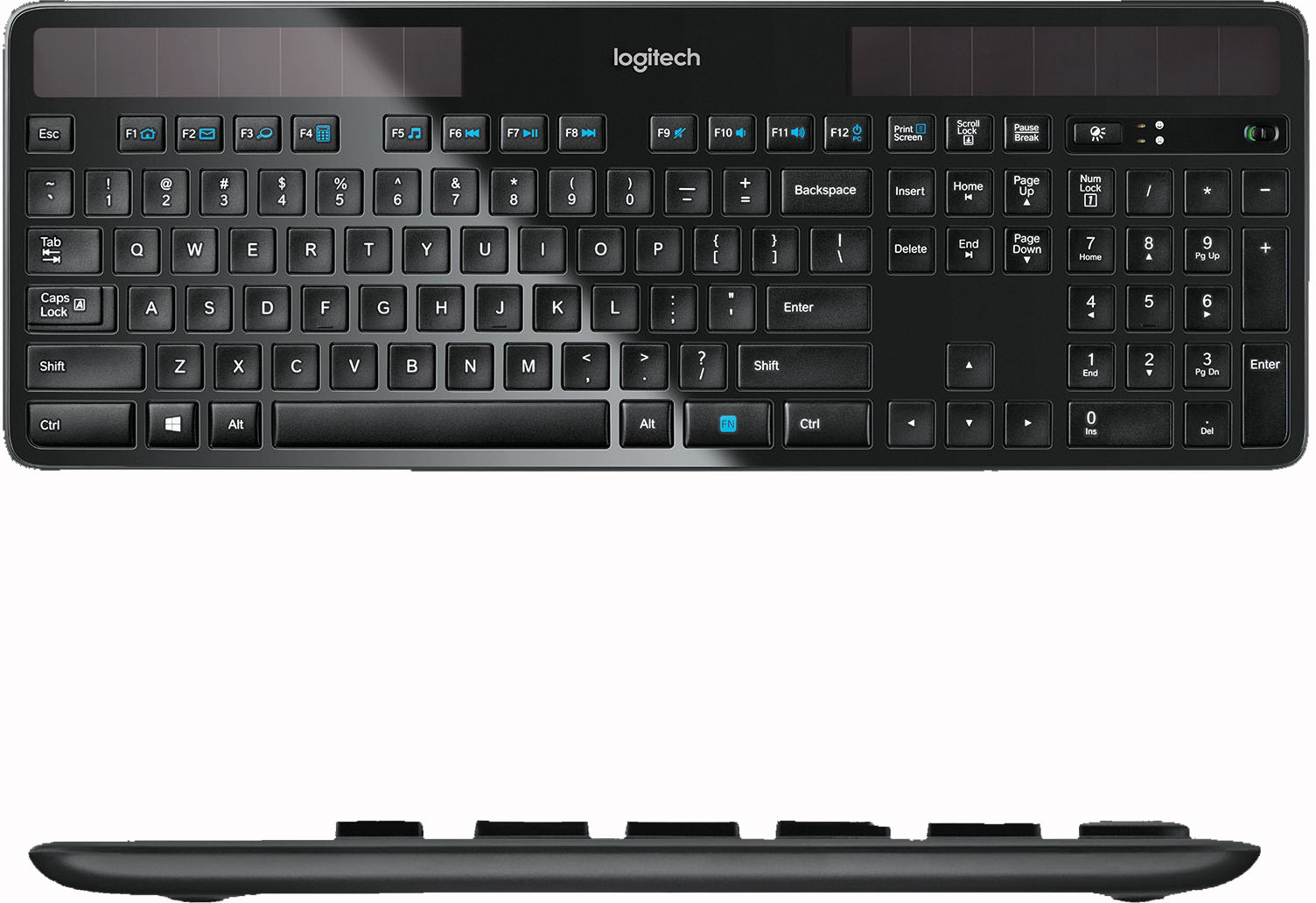
![logitech Esc F1 F2 F3 F4 F5 F6 F7 F8 F9 F10 F11 F12 Print Screen ScrL Lock n Pause Break O: 201 mm - Tab ! I Q @ 2 W # 3 E $ 4 R % 5 T A 6 Y & 7 U * 8 I ( 9 o ) 0 P - I { [ + - Backspace } I ] I Insert Delete Home H End N Page Up a Page Down Num Lock 7 Home / 8 A 9 Pg Up I + Caps A Lock A S D F G H J K L : Enter 4 5 6 - Shift Z x C V N M < ? Shift 1 Frut 2 3 PO Dn Enter Ctrl Alt Alt N Ctrl 0 Ins Del 485 mm 36 mm](https://pisces.bbystatic.com/image2/BestBuy_US/images/products/1722/1722039cv16d.jpg)
- Model:
- 920-002912
- |
- SKU:
- 1722039
Customer reviews
Rating 4.6 out of 5 stars with 3969 reviews
(3,969 customer reviews)Rating by feature
- Value4.4
Rating 4.4 out of 5 stars
- Quality4.5
Rating 4.5 out of 5 stars
- Ease of Use4.6
Rating 4.6 out of 5 stars
Customers are saying
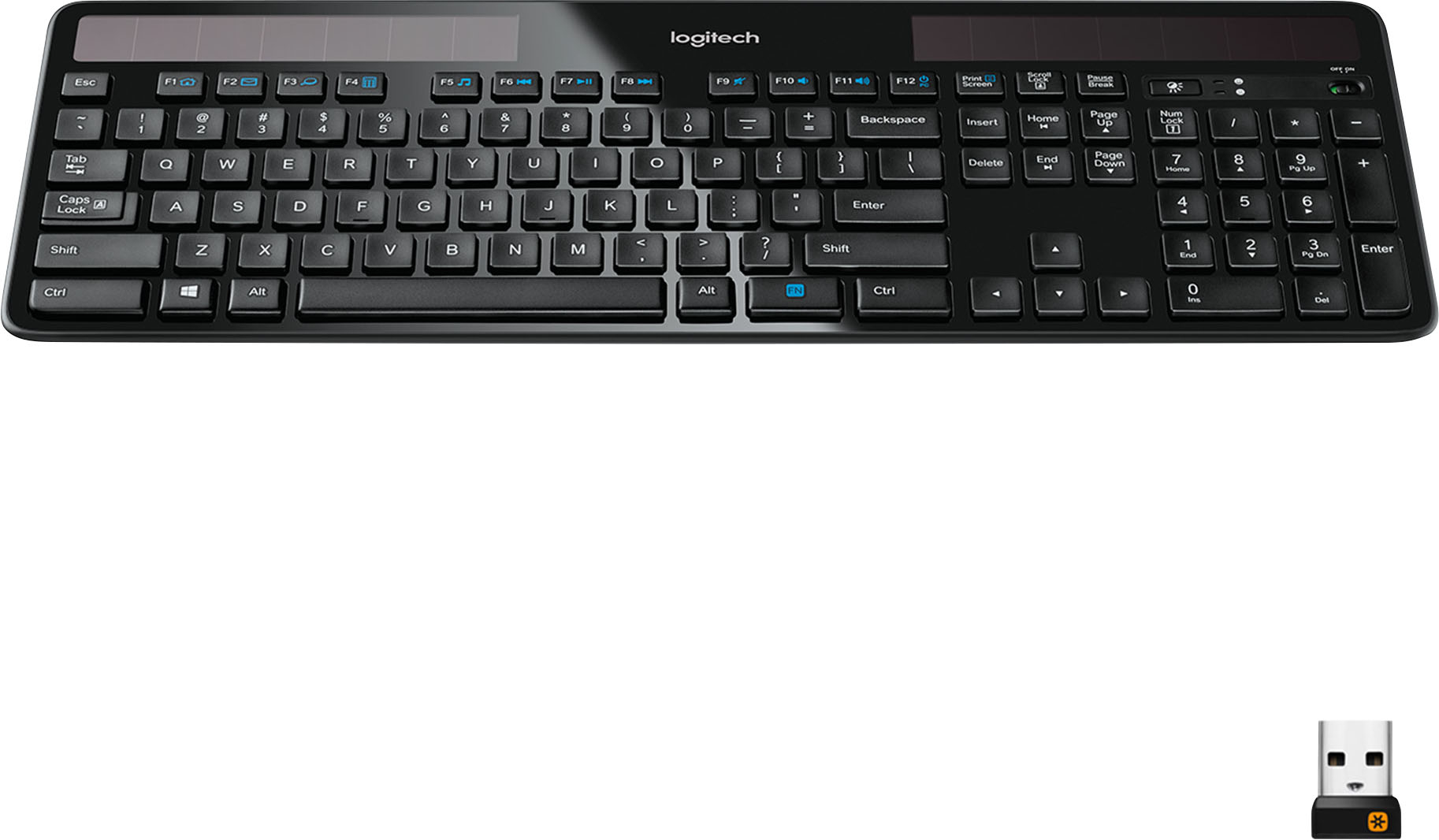
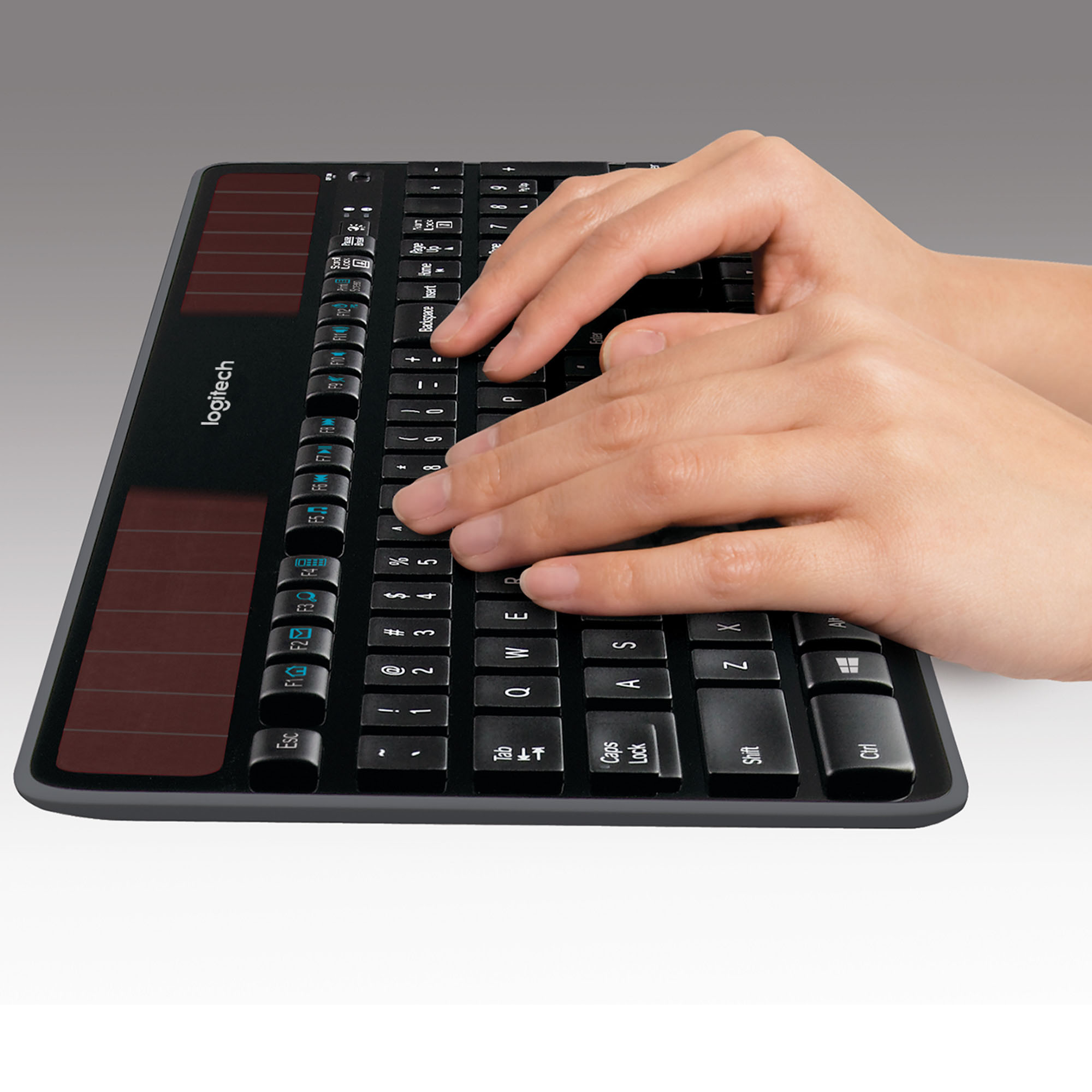
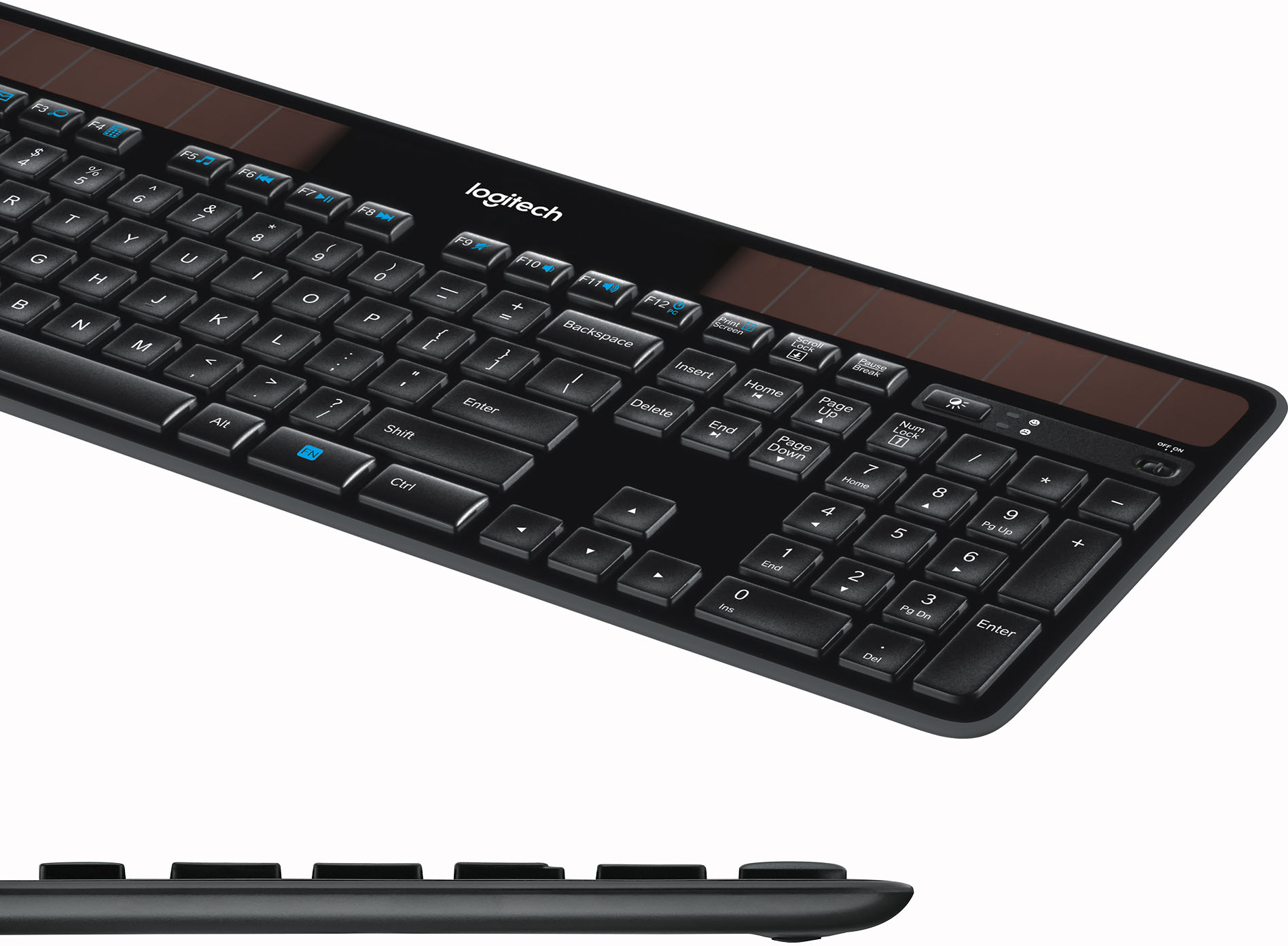
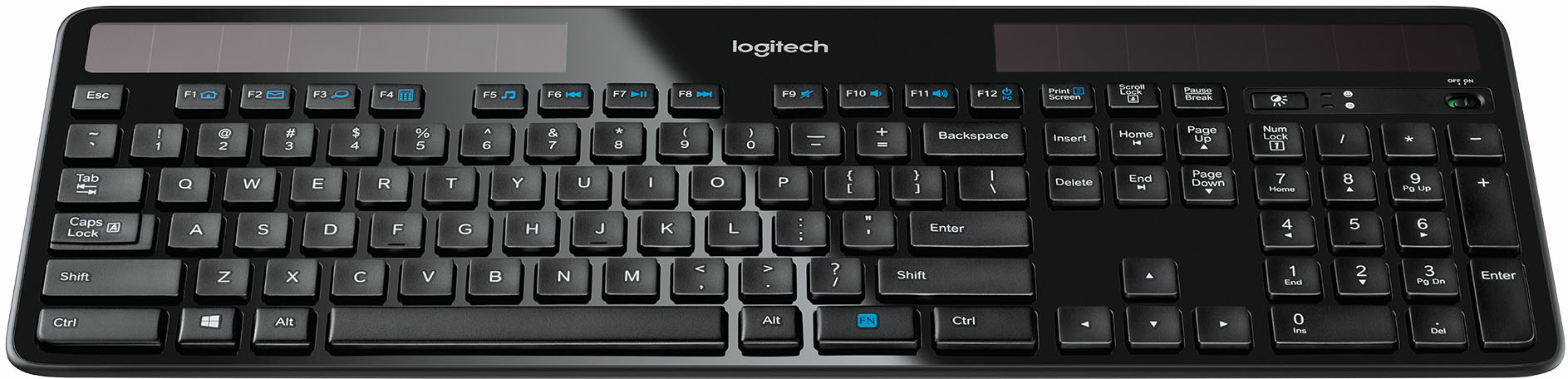
Customers love the K750 Full-size Wireless Scissor Solar Keyboard for Mac, frequently praising its excellent quality, long battery life, and convenient solar power feature. Many appreciate the wireless functionality and ease of use, along with the comfortable key feel and full layout including a number pad. The keyboard's compatibility with various operating systems is also highlighted. A minor drawback mentioned by some users is the lack of a caps lock indicator.
This summary was generated by AI based on customer reviews.
- Pros mentioned:Keyboard quality, Wireless
Rated 5 out of 5 stars
good keyboard for macintosh
||Posted .This reviewer received promo considerations or sweepstakes entry for writing a review.I just purchased this keyboard after my old logitech (just like it) died. I had the old keyboard for about 8 years - That's an amazing life span for a key board. Since this is exactly like my old one, I am expecting as good a service from this one one. I don't need bells and whistles so the basic extended keyboard is great. I hate the feel of the silver metal keyboards put out by Apple. This one is great in that you have comfortable plastic keys and a look that matches Apple. It functions with never having to worry about cords or batteries (it is solar charged). I plugged the new one into my iMac and didn't miss a minute as it paired immediately. Hoping Logitech never does away with this model as I love my keyboard!
This review is from Logitech - K750 Full-size Wireless Scissor Solar Keyboard for Mac - White/Silver
I would recommend this to a friend - Pros mentioned:Keyboard quality
Rated 5 out of 5 stars
Charges with unnatural light!
||Posted . Owned for more than 2 years when reviewed.This reviewer received promo considerations or sweepstakes entry for writing a review.These keyboards are just perfect (for me) and this is my 2nd one and I just bought a third for backup. Keys started malfunctioning on the first one, which is a common issue on these after years of use and something to do with the keyboard repeatedly flexing). I don’t like mechanical keyboards or ones with large keys so this fits the bill perfectly with its laptop style keys. I type a lot (tens of thousands of words a day) and i don’t get tired using this keyboard. I have no natural light in my office and the fluorescent light keep it charged. My only complaint is the little flimsy legs at the back that raise the angle - they break easily.
I would recommend this to a friend - Pros mentioned:Keyboard quality, Solar power
Rated 5 out of 5 stars
Great all around keyboard
||Posted .This reviewer received promo considerations or sweepstakes entry for writing a review.I have tried more than a few keyboards. Doing web development the feel of a keyboard and the overall layout make a huge difference. I enjoyed this so one so much I bought the mac version as well. Also you do not need to worry about batteries and a normal desk lamp will keep it charged. It also has a nice click to it similar to a mechanical keyboard though its not too loud as to anger co-workers.
I would recommend this to a friend - Pros mentioned:Battery life, Wireless
Rated 4 out of 5 stars
Good Enough
||Posted .This reviewer received promo considerations or sweepstakes entry for writing a review.This keyboard is almost everything I was looking for: wireless, solar powered, and chiclet-style. The only thing that would make this better is if the chiclet-style keys were flatter and lower to the keyboard, as I don't like anything that makes too much noise while in use. This definitely is quiet compared to the standard keyboards available in my office. The keyboard also does not have an indicator light for any of the lock buttons. The keyboard does have a nice weight to it; it doesn't slide around on my desk. The little feet give it enough height to be comfortable to type on. The little bit of natural sunlight and the fluorescent lights provide enough energy to keep the board at full battery capacity the month I have been using it. Pairing the keyboard with my computer was easy, as was using the Logitech unifying tech to ensure I only need one receiver for both my keyboard and mouse. I purchased this keyboard while on sale, so overall, a good buy.
I would recommend this to a friend - Pros mentioned:Ease of use
Rated 5 out of 5 stars
Excellent keyboard
||Posted .This reviewer received promo considerations or sweepstakes entry for writing a review.Excellent keyboard and easy to set up. Just open box and plug in wireless chip. Kept going back to this one and wanting it but thought it was sort of expensive. After finally buying it, glad I paid few extra bucks.
This review is from Logitech - K750 Full-size Wireless Scissor Solar Keyboard for Mac - White/Silver
I would recommend this to a friend Rated 4 out of 5 stars
Great product, nice alternative to mac keyboard
||Posted .This reviewer received promo considerations or sweepstakes entry for writing a review.PROS: I really like this keyboard, I no longer have to mess with wires or batteries. It looks great with my mac too. Looks and feels very similar to the standard mac keyboard. Now I just need a solar chargeable magic mouse. CONS: The only 2 things that I wish were different are that the "CAPS LOCKS" had a light indicator and that the keyboard props were a little beefier, they seem like they could break easily if enough pressure was applied.
This review is from Logitech - K750 Full-size Wireless Scissor Solar Keyboard for Mac - White/Silver
I would recommend this to a friend- Pros mentioned:Solar power
Rated 5 out of 5 stars
Excellent keyboard for the money!
||Posted .This reviewer received promo considerations or sweepstakes entry for writing a review.This is an excellent solar powered keyboard. It comes with a USB 3.0 wireless connector, which connects seamlessly to your Mac product, and is unobtrusive.
This review is from Logitech - K750 Full-size Wireless Scissor Solar Keyboard for Mac - White/Silver
I would recommend this to a friend - Pros mentioned:Battery life, Keyboard quality
Rated 5 out of 5 stars
Excellent Wireless Keyboard!
||Posted .This reviewer received promo considerations or sweepstakes entry for writing a review.The best keyboard I've owned so far. Full sized! Great tactile feel! Precise stroke and it doesn't continually require batteries be replaced. Only issue: I can't tell when CAPS LOCK is on, but that just might be me.
This review is from Logitech - K750 Full-size Wireless Scissor Solar Keyboard for Mac - White/Silver
I would recommend this to a friend - Pros mentioned:Battery life, Wireless
Rated 3 out of 5 stars
Pretty Good Wireless Keyboard
||Posted .This reviewer received promo considerations or sweepstakes entry for writing a review.Pros: - Wireless - Works beautifully with Mac - Has proper Mac keys - Full numerical pad - Solar Charge lasts 1 week (or more) with 8h daily use and no direct sunlight. - Will charge from a Daylight Lamp. Cons: - Occasionally has issues sensing/connecting to dongle - Does not have an illuminated Cap Lock Key - Ergonomic/Stabilization feet open to the <-left and right-> as opposed to from the bottom to the top. When keyboard is adjusted on desk in a left-right motion, feet close requiring adjustment. You wouldn't think this happens terribly often, but it does.
This review is from Logitech - K750 Full-size Wireless Scissor Solar Keyboard for Mac - White/Silver
I would recommend this to a friend - Pros mentioned:Solar power
Rated 5 out of 5 stars
Solar Power
||Posted .This reviewer received promo considerations or sweepstakes entry for writing a review.What more do I need to say but solar power. The keys feel perfect when typing, great responsiveness and matches with my MacBook Pro 2011 set up.
This review is from Logitech - K750 Full-size Wireless Scissor Solar Keyboard for Mac - White/Silver
I would recommend this to a friend Rated 5 out of 5 stars
Great Replacement for Apple Magic Keyboard
||Posted . Owned for 3 weeks when reviewed.This reviewer received promo considerations or sweepstakes entry for writing a review.I love this keyboard because I can't stand having to replace the batteries in my Apple keyboard as often as it seems to need it. The keys feel great for type, I actually prefer them over the Apple keyboard as well. It's slim/low profile and works great. I have one at the office and now one at home. I highly recommend it.
This review is from Logitech - K750 Full-size Wireless Scissor Solar Keyboard for Mac - White/Silver
I would recommend this to a friend- Pros mentioned:Battery life
Rated 5 out of 5 stars
Great Wireless Keyboard!
||Posted .This reviewer received promo considerations or sweepstakes entry for writing a review.Very responsive key input, always at 100% on energy reserves, and the best part .. you never have to change out any batteries. My only caveat is that the keys could be a little quieter. Other than that, I have no 'negatives' to say about this great little wireless & solar-powered full keyboard. Your fluorescent lights will be enough to keep it running at a full charge and at all times.
I would recommend this to a friend - Pros mentioned:Battery life, Wireless
Rated 5 out of 5 stars
Great Keyboard
||Posted .This reviewer received promo considerations or sweepstakes entry for writing a review.This Wireless Keyboard is great. No Batteries needed and the price is good.
I would recommend this to a friend Rated 5 out of 5 stars
Wonderful full keyboard that just keeps working.
||Posted . Owned for 1 month when reviewed.This reviewer received promo considerations or sweepstakes entry for writing a review.Love this keyboard. So much, I have two, mostly because one of the keys is broken on the first one and I can't get a replacement, but that's beside the point! It's thin, good tactile feel and nice curved key caps keep my horrible typing style in check.
I would recommend this to a friend- Pros mentioned:Keyboard quality
Rated 2 out of 5 stars
cheap feeling, lots of lag
||Posted . Owned for 1 month when reviewed.This reviewer received promo considerations or sweepstakes entry for writing a review.I'm normally happy with most Logitech items. I've been loyal to their M series mice and Harmony Remote system for a long time. However, this slab of plastic has almost no redeeming quality. I was suspicious right out of the box and should have returned it. Two months later, It's too late to return and regret the purchase. The flimsy flip-out feet on the bottom should be the tip-off this was not Logitech's best effort (they flip back flat at the slightest nudge and pop-off easy). The online images make it look a lot sleeker than it actually is. The plastic keys feel cheap and the letters are stickers, not print, so certain light conditions you see more shiny sticker than lettering. The really thin clear plastic over the solar cells is wavy and puffy in spots just adding even more cheapness to the whole feel. But this is all mostly aesthetics criticism from an overly critical a-hole. But no that is only the beginning. The function is questionable. If this thing functioned like they said it would, 3 or 4 stars. It does sync with unifying USB/Software so that one star. Letters appear on the screen when typed, you get another star plastic keyboard. And that's where it stops. Want to type in the dark, nope sad red face light. Want to type really fast? Whoa there Stephen King, you got to let the keyboard catch-up. Random buggy hang-ups, that issue is certainly not helping me type this review. The lag is so bad at times, I don't feel like it would be ethical to sell this thing on CL to some college kid for $10.
This review is from Logitech - K750 Full-size Wireless Scissor Solar Keyboard for Mac - White/Silver
No, I would not recommend this to a friendBrand response from Logitech
Posted .Hi flip, Thank you for this very insightful and comprehensive review of the K750 Wireless Solar Keyboard---your feedback and loyalty is greatly appreciated. You covered a lot of issues, but I'll just address the functionality ones you brought up. You mentioned that you couldn't type in the dark and that should be expected with a "solar" keyboard. When your K750 is turned on, simply press the Light-Check button (found above the numpad). In a well-lit room, the green LED on the keyboard should light up. Conversely, if you press the Light-Check button and the red LED lights up instead, this could mean that the solar cell has a problem.
In regards to the lag issue you're experiencing when you type, there could be a connection issue which could be caused by where the USB receiver is plugged in. Use the USB extender stick to change the position which will improve reception by reducing possible radio-frequency interference.
For more troubleshooting tips, here's a link to the product support page for the K750 https://support.logi.com/hc/en-us/articles/360025178734--FAQ-Wireless-Solar-Keyboard-K750-for-Mac. This includes FAQs, links to downloads for support software, and warranty information.
Hope that you found this helpful and that all is going well. Thank you for choosing Logitech. - Richard from Logitech
- Pros mentioned:Battery life
Rated 5 out of 5 stars
Good free standing keyboard
||Posted .This reviewer received promo considerations or sweepstakes entry for writing a review.This is my second one of these keyboards and I love it because as long as it has some light it always keeps its charge. I have never known it to run out of power yet.
I would recommend this to a friend Rated 5 out of 5 stars
This Thing is a Lifesaver
||Posted . Owned for 3 weeks when reviewed.This reviewer received promo considerations or sweepstakes entry for writing a review.I run a three-workstation command center out of my office. Basically, there are wall to wall computers throughout the office and five different CPUs... two Macs, an HP laptop and two HP desktop towers. Everything is controlled with one switch (to which this keyboard is connected) and one tap of a button. The integration between Mac and PC is what makes this the best option for the price.
This review is from Logitech - K750 Full-size Wireless Scissor Solar Keyboard for Mac - White/Silver
I would recommend this to a friendRated 5 out of 5 stars
Love it
||Posted .This reviewer received promo considerations or sweepstakes entry for writing a review.These a black version of this as well but honestly there white one is way much better. It looks sleek in design as if Apple made it. I would buy again if I needed another one.
This review is from Logitech - K750 Full-size Wireless Scissor Solar Keyboard for Mac - White/Silver
I would recommend this to a friendRated 4 out of 5 stars
Great and works with other Logitech wireless stuff
||Posted . Owned for less than 1 week when reviewed.This reviewer received promo considerations or sweepstakes entry for writing a review.I’ve had one of these for my Mac for over 5 years and it’s never given me an issue. I didn’t know these were offered for PC, and as soon as I saw this, I immediately purchased one. It works great with other Logitech accessories and needs only one wireless “unified” dongle. I did have a bit of lag with my Logitech wireless stuff, which I believe is caused my a wireless controller and wireless headset that I also use which are not Logitech. I was able to overcome this by spreading the dongles out a bit on my USB ports.
I would recommend this to a friend- Pros mentioned:Battery life
Rated 5 out of 5 stars
Nice keyboard!
||Posted .This reviewer received promo considerations or sweepstakes entry for writing a review.Another great product from Logitech which performs as advertised. It's a nice full keyboard, both wireless and never needs batteries!
I would recommend this to a friend