Customer Ratings & Reviews
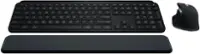
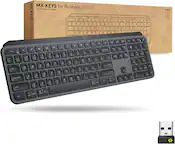
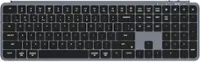
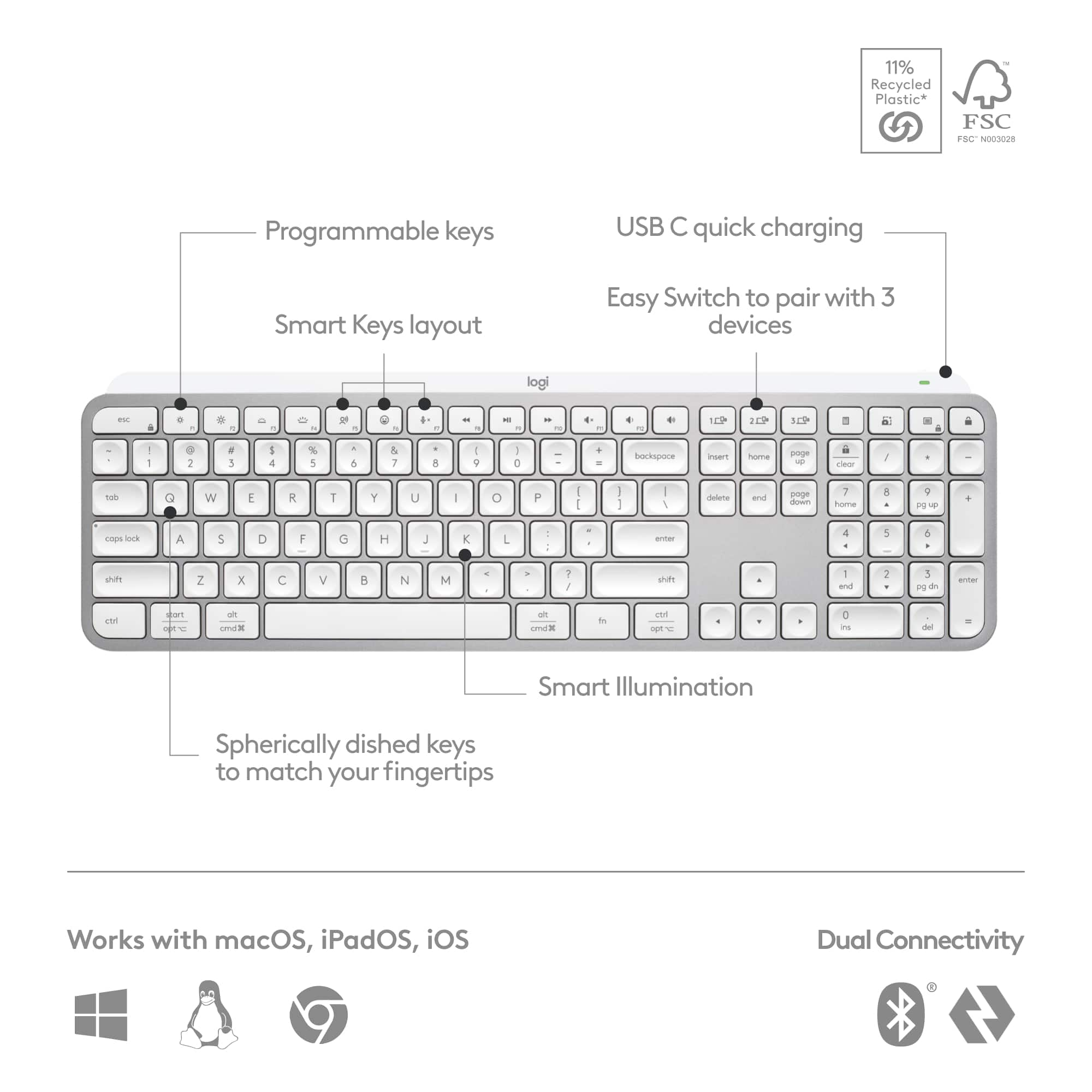
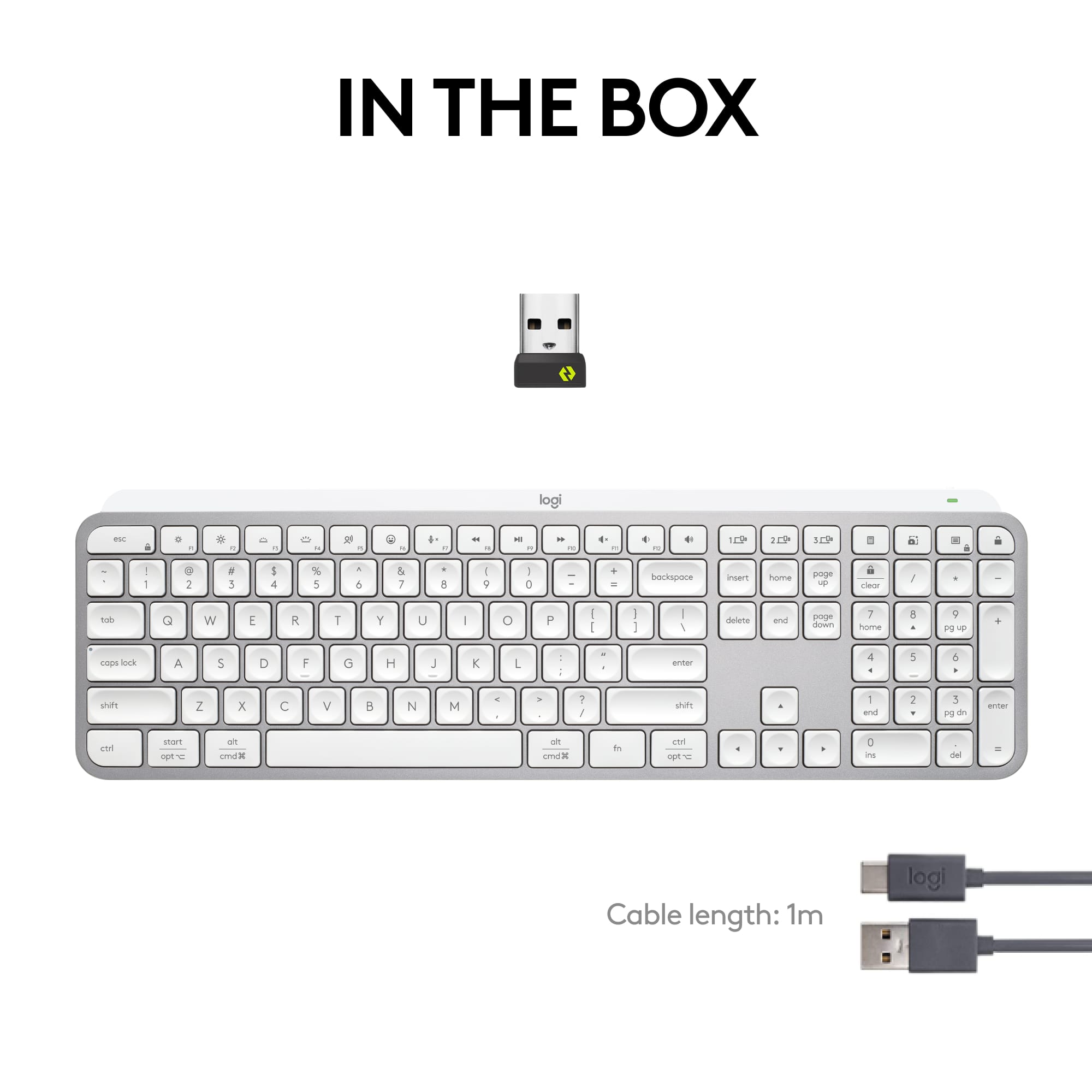
![esc ! - 1 tab caps lock shift ctrl F2 F3 # 2 3 Q W E R T Y U I O P A S D F G H J K L Z X C V B N M start opt alt cmd logi 44 HI . F10 F8 F7 F6 * ( ) - - & 0 8 9 7 O P U I Y K L H J > < N M B F + = { [ : I : ? I alt cmd 2 30 3 1 FQ page insert home up backspace page 1 delete end down ) ] / I I & shift ctrl fn opt 6 / + / clear 8 9 + 7 & P9 up home 5 6 4 a 4 2 3 enter 1 dn pg end = 0 del ins](https://pisces.bbystatic.com/image2/BestBuy_US/images/products/6539/6539508_sd.jpg)







- Model:
- 920-011559
- SKU:
- 6539508
Rating by feature
- Value
Rating 4.5 out of 5 stars
- Quality
Rating 4.8 out of 5 stars
- Ease of Use
Rating 4.7 out of 5 stars
Customers are saying
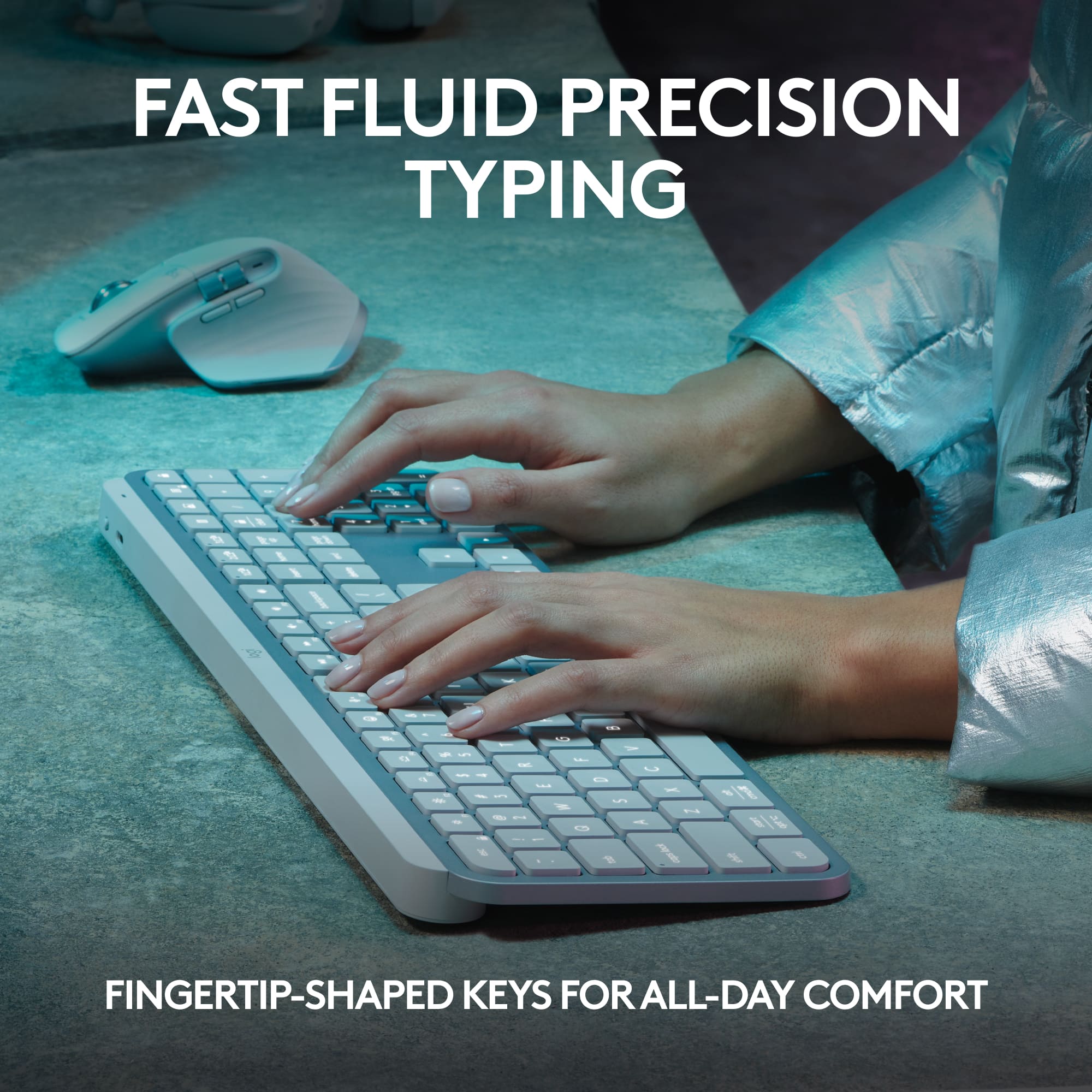
Customers often highlight the exceptional keyboard quality, particularly praising the convenient backlight feature and the satisfying feel of the keys. Users also frequently commend the device for its impressive battery life, quiet operation, and seamless connectivity across multiple devices. While the low-profile design and intuitive layout are well-regarded, some users noted that the product is relatively expensive and occasionally find the size to be less than ideal.
This summary was generated by AI based on customer reviews.
- Pros mentioned:Battery life, Connectivity, Keyboard quality
Top-tier wireless keyboard
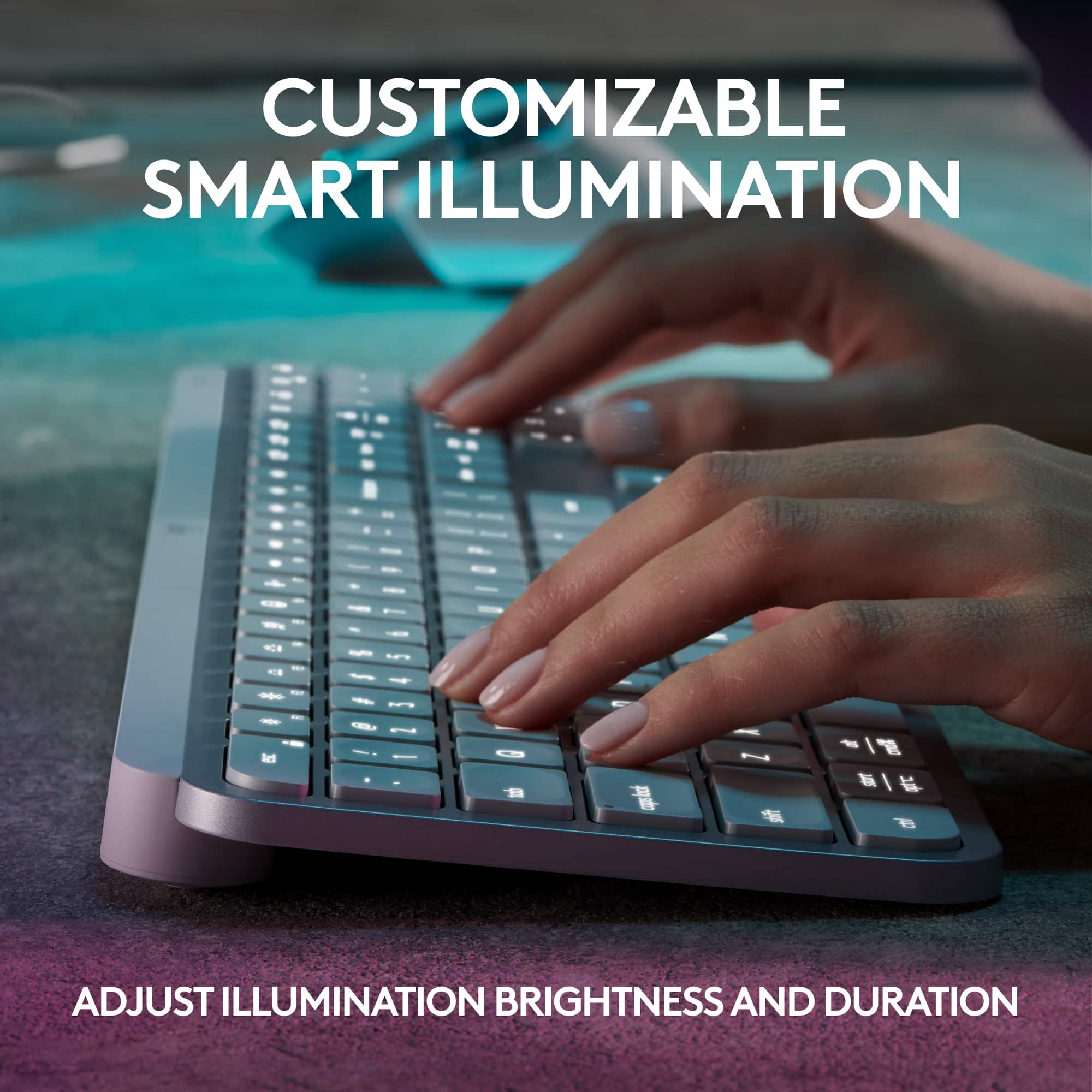
||Posted . Owned for 1 month when reviewed.This reviewer received promo considerations or sweepstakes entry for writing a review.I bought the Logitech MX Keys S to replace an older keyboard I was constantly fighting with during long workdays. The difference was immediate. The keys are quiet, stable, and well-spaced, which noticeably reduced typing fatigue. I type a lot, and accuracy feels better without having to press hard. One feature I didn’t expect to appreciate so much is the smart backlighting. It turns on only when needed and adjusts to the room lighting, which is surprisingly practical. Switching between devices is smooth and reliable, and it connects instantly every time. The keyboard feels solid and premium, not flimsy like many wireless options. Battery life has been excellent, and setup took only a few minutes. Overall, this is a thoughtfully designed product that genuinely improves everyday productivity.
I would recommend this to a friendBrand response from Logitech
Posted .Your kind words mean the world to us. We’re happy you’re satisfied and grateful for your support of Logitech.

- Pros mentioned:Keyboard quality
Logitech wins again
||Posted . Owned for 2 weeks when reviewed.This reviewer received promo considerations or sweepstakes entry for writing a review.The Logitech MX Keys S is an absolute joy to use, offering a typing experience that is both remarkably quiet and incredibly tactile. The smart backlighting is a standout feature, seamlessly adjusting to the room's lighting to ensure the keys are always perfectly visible. I also appreciate the multi-device switching capability, which makes transitioning between my laptop and tablet effortless throughout the day. It is a premium, well-built keyboard that has significantly improved my overall desk setup and productivity.
I would recommend this to a friendBrand response from Logitech
Posted .Thank you for sharing your experience with the Logitech MX Keys S. We're delighted to hear that you enjoy its quiet and tactile typing experience, as well as the smart backlighting and multi-device switching features. It's great to know that the keyboard has enhanced your desk setup and productivity. If you have any questions or need further assistance, feel free to reach out.
- Pros mentioned:Key feel, Keyboard quality
If you like the laptop keyboard feel, Get this now
||Posted . Owned for 5 months when reviewed.This reviewer received promo considerations or sweepstakes entry for writing a review.I tried using mechanical keyboard but after years of daily using a macbook, I needed a low profile key keyboard. This is close enough to the laptop feel. It is my daily for my desktop (mac mini and gaming windows pc). I like the backlight and switching from pc to mac instantly. Highly recommend
I would recommend this to a friendBrand response from Logitech
Posted .Thank you for sharing your experience with the Logitech MX Keys S Universal Wireless Keyboard! We appreciate your thoughtful feedback and are glad it delivers the laptop‑like typing feel, smooth backlighting, and seamless PC/Mac switching you enjoy daily.
- Pros mentioned:Battery life, Keyboard quality
Great All-Around Keyboard for Multi-Device Setups
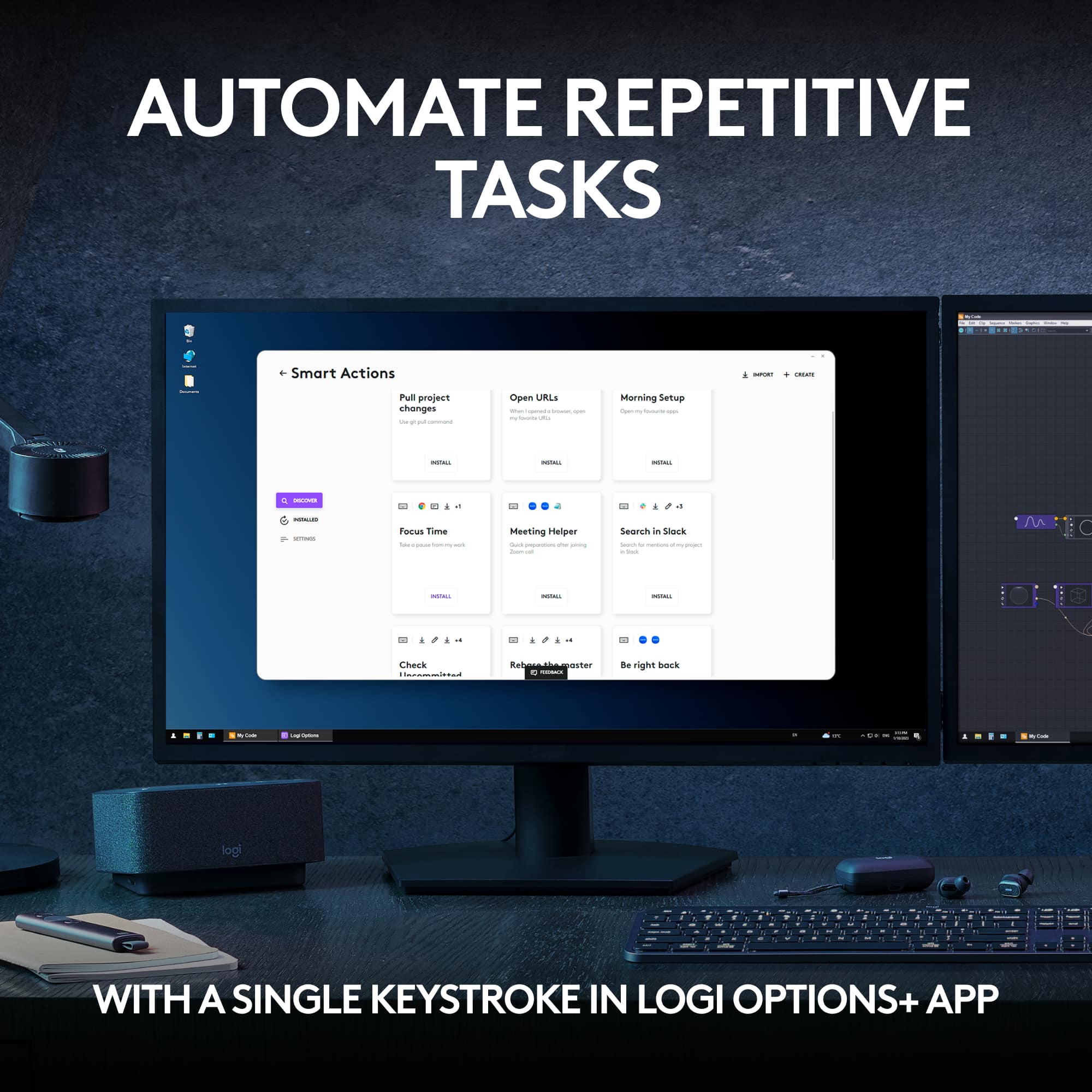
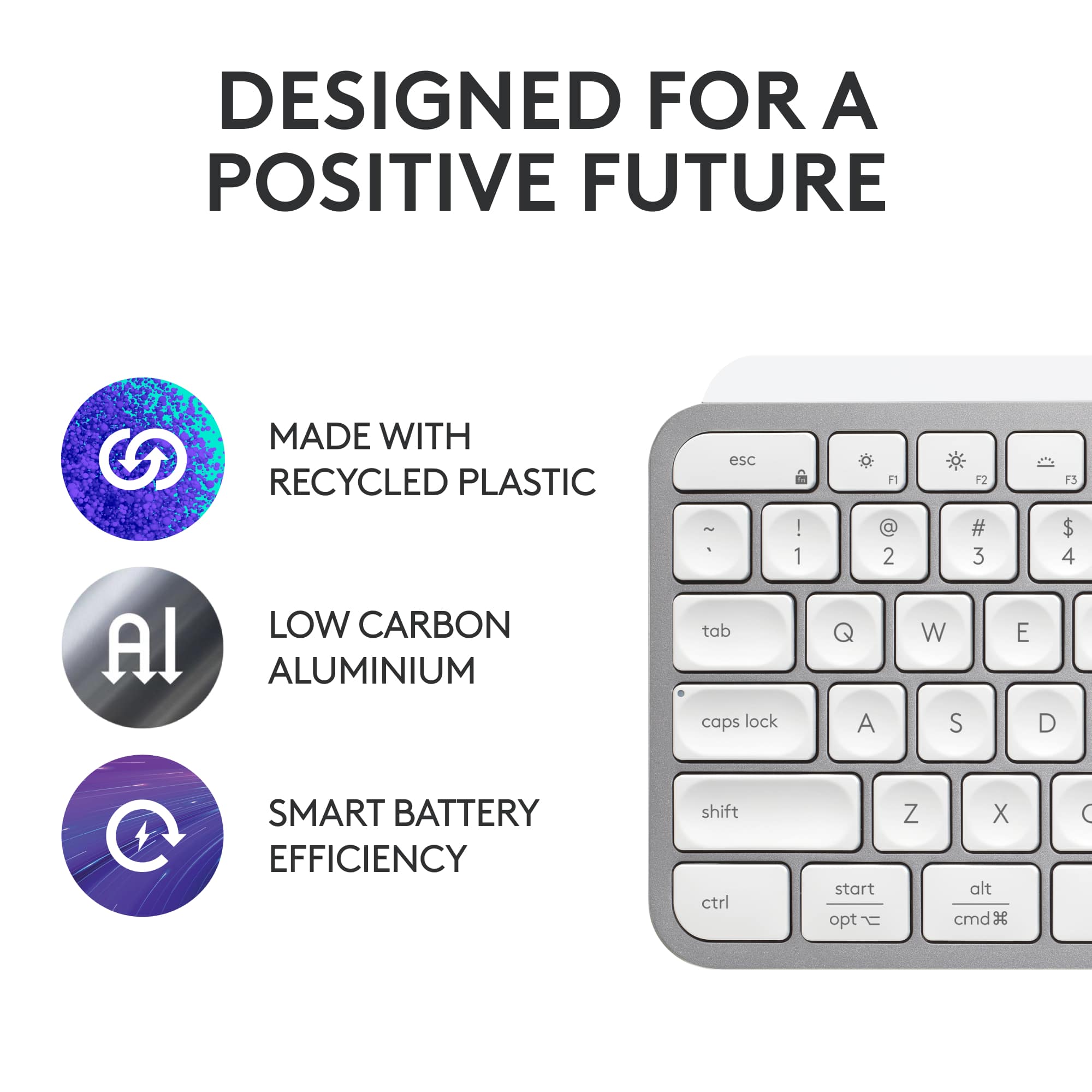
||Posted . Owned for 2 weeks when reviewed.This reviewer received promo considerations or sweepstakes entry for writing a review.I purchased this keyboard with the intention of using it between multiple devices, e.g. my desktop computer and laptop, and complementing my peripheral setup with various Logitech MX accessories as well. Before this keyboard, I had used a Logitech G610 keyboard and a ROCCAT Vulcan 122 as my main keyboards. For the most part, I am quite pleased with this keyboard. Despite using mechanical keyboards for years, I am still used to typing on low-profile keyboards, whether it be HP or Dell business keyboards or laptop keyboards. Even on my first few days of ownership, I was able to type at 80% of my accustomed speed, and it would only improve as time goes on. Pairing the keyboard to my computers, with either the Logitech Bolt receiver or Bluetooth, was very straightforward with Logitech's Options+ software. The keyboard, as it sits, is perhaps an inch thick, with a slight angle that naturally matches where your fingers will be. Since the keyboard is low profile, I didn't find a need to have a wrist rest. Additionally, each keycap is noticeably concave and helps with locating keys significantly. Although the keyboard is made of plastic, it is surprisingly heavy and won't get pushed around. If you have other Logitech MX peripherals in your setup, this keyboard will blend in perfectly. The biggest downsides of this keyboard is that compared to wireless mice, which seem to last forever on a single charge, the keyboard will not last as long. Between 10 days of on/off use with auto-backlight since I had fully charged my keyboard, it is at 30% charge. Turning off the backlight will dramatically improve battery life though. For gaming, I would not recommend this keyboard because of possible wireless latency issues and the keys don't feel as satisfying to keep pressed down for extended periods compared to a linear or tactile mechanical keyboard. Overall, I would recommend this keyboard to anyone looking to improve their work/productivity computer setup, has existing Logitech MX peripherals or have to use a keyboard with multiple devices, as this keyboard can pair with 3 devices with the push of a button.
I would recommend this to a friendBrand response from Logitech
Posted .Thank you for choosing us and for the incredible 5-star rating. Your feedback motivates us to keep raising the bar and sets the standard for excellence in everything we do.
- Pros mentioned:Battery life, Keyboard quality
This is the one!
||Posted .This reviewer received promo considerations or sweepstakes entry for writing a review.I am very particular on the keyboard I use and I have often been disappointed. This checked all my boxes and has worked great over the six months I have used it. Wireless, rechargable battery, long lasting battery power, backlit keys, full size with number keypad, easy to use keys, and no glitches.
I would recommend this to a friendBrand response from Logitech
Posted .We’re really grateful for your thoughtful review. It’s wonderful to know that our product is delivering the performance and ease of use you were hoping for. Hearing from satisfied users like you keeps us motivated. Thanks for choosing Logitech!
- Pros mentioned:Battery life, Connectivity
One of the best wireless keyboards...
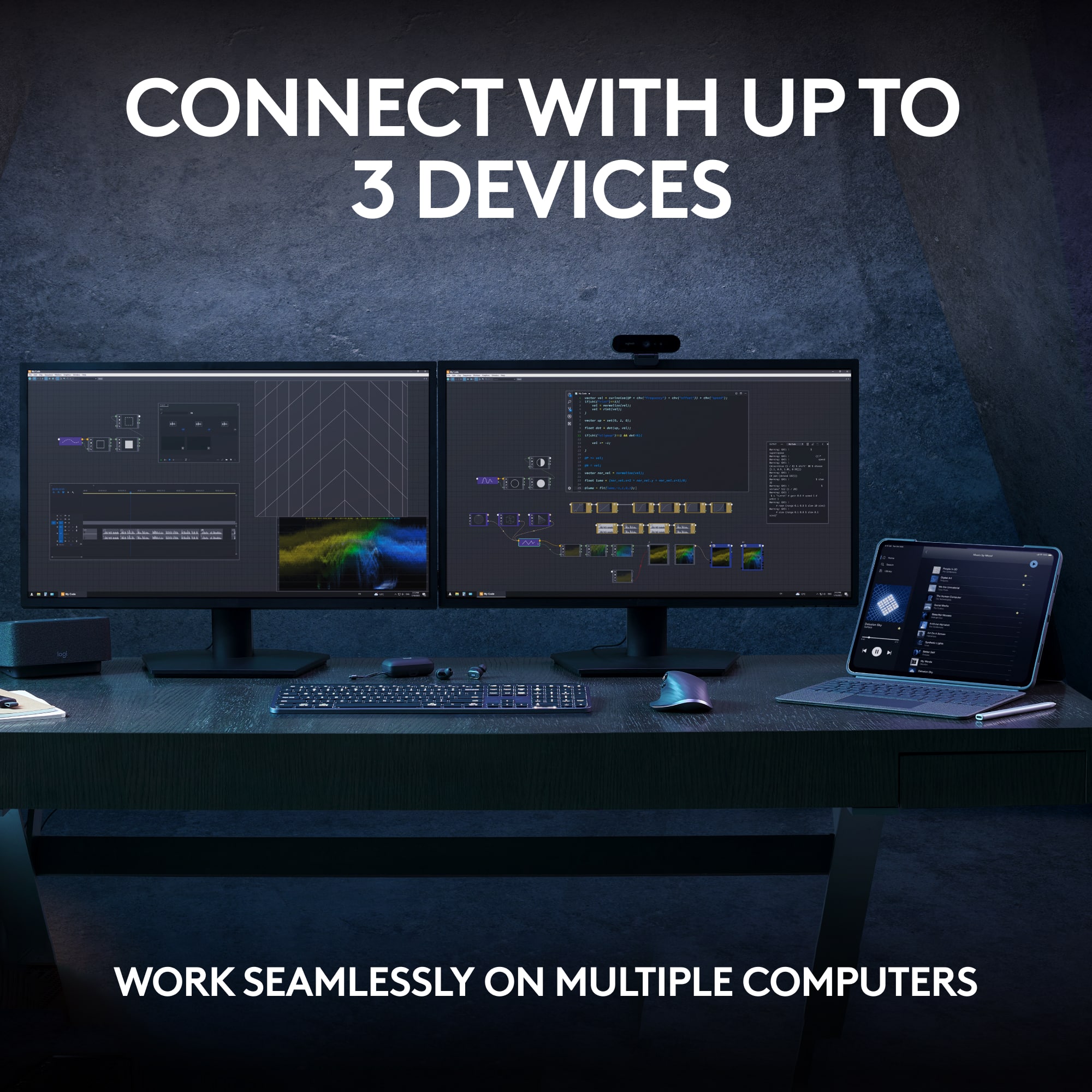
||Posted . Owned for 2 weeks when reviewed.This reviewer received promo considerations or sweepstakes entry for writing a review.Love the backlight, love the feel, and love that it has USB-C to recharge. Hardly ever have to plug it in, and I use it daily. I have both colors; the Pale Grey travels with me, while the other stays at home. It comes with a dongle but works just fine without - three pairing options to connect with Bluetooth. I use it with my MacBook, iPad, and HP-Windows (1,2,3) - simple to switch and only takes a second or so to connect.
I would recommend this to a friendBrand response from Logitech
Posted .We appreciate you taking a moment to share your experience. It’s great to know that our product is living up to your expectations and making your tasks easier. Your support means the world to us—thanks for being a Logitech customer.
- Pros mentioned:Connectivity, Keyboard quality
Awful typing experience
||Posted . Owned for 1.5 years when reviewed.This reviewer received promo considerations or sweepstakes entry for writing a review.The build quality of the device is great, and being able to connect up to 3 devices simultaneously is a plus. Those are the only reasons I got this keyboard. The MX Keys' biggest competitor has better build quality and a much better typing experience - the Apple Magic Keyboard - which I would absolutely recommend over the MX Keys unless you need the multiple connections thing. (The Magic Keyboard works with all OS's). My biggest problem with this keyboard - and basically all Logitech's I've tried - is the terrible typing experience. The keys are mushy. Each key on the MX has a circular divot which serves zero purpose other than decreasing key travel (not good). Key layout isn't my favorite. I'm lucky to get 80 wpm on this keyboard or any Logitech keyboard with tons of added mistakes. I can comfortably hit 100+ wpm on most HP keyboards (including the really cheap ones) and I don't make nearly as many mistakes. There's just something about Logitech keyboards which make me type slower and less accurately. Your mileage may vary.
No, I would not recommend this to a friendBrand response from Logitech
Posted .We appreciate your honest feedback. It helps us identify where we can improve and provide a better experience with the Logitech - MX Keys S Universal Full-size Wireless Scissor Keyboard
- Pros mentioned:Battery life, Keyboard quality
High quality, well-made product from Logitech
||Posted .This reviewer received promo considerations or sweepstakes entry for writing a review.Weighty keyboard with good battery life and responsive keys with dimples for your fingers. Has rubber pads on the bottom that keep it from slipping. Backlighting is a plus, but light leaks under the keys.
I would recommend this to a friendBrand response from Logitech
Posted .Your feedback means a lot to us, and we’re so glad to hear you’re enjoying your Logitech device. We work hard to create products that make life easier and more enjoyable, and it’s great to know we hit the mark. Thanks again for your support!
Dang-diddely-tastic!
||Posted . Owned for less than 1 week when reviewed.This reviewer received promo considerations or sweepstakes entry for writing a review.I honestly expected to return this when I ordered it, as I assumed a lot of functions would not work without the software, and I do not install any software that runs in the background that isn't required. I was shocked to find everything I want works without installing software. I mean, I'm not sure there are any functions that don't work. I think the one may be adjusting the backlighting timeout. But there's more... I love the feel of it. The weight was surprising but it makes sense as there is less surface area for desktop friction, and it works great. I find it a fantastic 'hand anchor' for typing or gaming. This and a Logitech M650L mouse are both connected via bluetooth and I have had zero dropped keys or a single event of any noticeable latency. Not a 'pro' but I would dump it for usb or wired in a second if I caused me a single issue. I don't like dying. I tested it while connected to a laptop, an iPad Pro, and an iPhone, all via bluetooth. I flipped between them with a simple single-click of the 1-3 buttons. Connecting them was as intuitive as most bluetooth. All special keys worked on the top row, except I could not get the 'Brightness' keys (F1-F2) to change anything on my monitor, but I was on a 2nd display connected to my laptop. I 'think' it will change screen brightness when a compatible device is used, as I read online. YEP! Just tested on my laptop alone and it took the screen brightness up and down. This keyboard is one of those rare wins, where you hope to like it and end up surprised how much you love it. Flaws? I might have noted the battery indicator not showing but it seems the light on the keyboard lights up when you; turn it on with the switch; plug it in; first start the device it is connected to. Then it goes off. That works for me. Green until 11%, then red. I could do without the 'emoji' special key but I really like the "snipping Tool' one, and calculator. Enjoy. Great find for me. I pretty much used Razer wired for gaming and Logitech MK545 combos for everything else prior.
I would recommend this to a friendBrand response from Logitech
Posted .Thank you for choosing us and for the incredible 5-star rating. Your feedback motivates us to keep raising the bar and sets the standard for excellence in everything we do.
- Pros mentioned:Connectivity
The Perfect Multi-Device Keyboard
||Posted . Owned for less than 1 week when reviewed.This reviewer received promo considerations or sweepstakes entry for writing a review.I recently switched from my Keychron keyboard to the Logitech MX Keys, and it has been a fantastic upgrade for my multi-PC setup. With the Bolt adapter, switching between devices is seamless and effortless. The typing experience is smooth and comfortable, making long hours of coding and work much more enjoyable. What really stands out is how well it performs across both Windows and macOS — the layout and functionality feel natural on each platform. Honestly, I can’t fault it. It is a little on the expensive side, but when you spend long hours working or coding, investing in good equipment is absolutely worth it. For anyone looking for a reliable, versatile, and professional keyboard, the MX Keys is the best option I’ve used.
I would recommend this to a friendBrand response from Logitech
Posted .Thanks for the detailed and thoughtful review! It’s great to hear that the MX Keys S has elevated your multi-PC workflow and delivered such a smooth, cross-platform experience. The seamless switching with the Bolt adapter and the comfortable typing feel really make it a standout choice for serious work and coding. Your insight into the value of investing in quality gear is spot-on—especially when it enhances productivity and comfort over long hours. Appreciate you sharing your
- Pros mentioned:Battery life, Ease of use
Definitely a buy for professional keyboard use!
||Posted . Owned for 3 weeks when reviewed.This reviewer received promo considerations or sweepstakes entry for writing a review.Great keyboard for productivity! Battery life is also amazing. I found the keyboard to be very intuitive and easy for use. I was able to set up the keyboard within a min and that is definitely a plus. Also the action keys on this keyboard are definitely a great addition for fast action including muting the mic or switching to a different device. Anyways I can go on but I definitely recommend the keyboard!
I would recommend this to a friendBrand response from Logitech
Posted .We're thrilled to hear such an enthusiastic review of the Logitech MX Keys S! Your praise for its productivity-boosting features, comfortable typing experience, and easy setup is fantastic. It's clear that the MX Keys S has become an essential tool for your workflow. Thank you for sharing your positive experience!
- Pros mentioned:Ease of use, Keyboard quality
Nice keyboard
||Posted . Owned for 1 month when reviewed.This reviewer received promo considerations or sweepstakes entry for writing a review.Finally, I can type confidently, comfy, and without mistakes. I wouldn't say I liked 2 mechanical keyboards that I used for typing and even for gaming. So yeah, for me low-profile keycaps are the best overall. The quality of the materials is high. I like this feature to plug in the keyboard to the only source, and it works with 3!!! different computers by just pushing the button without being unplugged.
I would recommend this to a friendBrand response from Logitech
Posted .Hey! It sounds like you're really enjoying the Logitech MX Keys S! At Logitech, our goal is to ensure that our customer enjoy our products as much as we do. Thank you so much for the review.
- Pros mentioned:Connectivity, Key feel
Slick grip!
||Posted . Owned for 3 weeks when reviewed.This reviewer received promo considerations or sweepstakes entry for writing a review.AMAZING!! Super smooth, the buttons are not too flat and not too high, comfortable grip! It was super easy to connect to my computer via wifi, as I’m not the best person at it, I had NO issues whatsoever! Also! It has a perfect lift on the very top, to give you support while typing. I honestly can’t get enough and thinking of ways to ask my Directors to purchase it for work place!
I would recommend this to a friendBrand response from Logitech
Posted .That's fantastic to hear! The MX Keys S is definitely a standout keyboard. Its ergonomic design, comfortable typing experience, and easy setup make it a popular choice.
- Pros mentioned:Battery life, Keyboard quality
Logi MX series Keyboard, the "logical" tech to buy
||Posted . Owned for 1 month when reviewed.This reviewer received promo considerations or sweepstakes entry for writing a review.Logitech has done it again with a well designed innovative sleek Logi enabled super quiet wireless keyboard. The touch responsive backlite keyboards make it easy for me to see the keys as I approach the keyboard to use. The smooth material of the keyboard is feels great. No delays and batterlife is absolutely insane. Must have.
I would recommend this to a friendBrand response from Logitech
Posted .Thanks a lot for the awesome feedback. At Logitech, our goal is to make sure that our customers enjoy the products as much as we do. Thanks so much!
- Pros mentioned:Battery life, Keyboard quality
Super quite
||Posted . Owned for 1 month when reviewed.This reviewer received promo considerations or sweepstakes entry for writing a review.The keboard is super quiet and the battery lasts a long time. The keyboard back lighting auto shuts off after a couple of minites which is nice. I also like having the ability to change devices with the push of a button allows me to quickly swith between my surface pro and my tablet there is no delay in switching either. Well worth the money there are other functions that i dont use as well.
I would recommend this to a friend - Pros mentioned:Battery life
Nice!
||Posted . Owned for 3 weeks when reviewed.This reviewer received promo considerations or sweepstakes entry for writing a review.So far it’s good! Silent and minimalistic. The battery charge lasts a long time too.
I would recommend this to a friend Great keyboard
||Posted . Owned for 2 weeks when reviewed.This reviewer received promo considerations or sweepstakes entry for writing a review.This sucker is awesome! I love the size, look and the typing is easy smooth
I would recommend this to a friendBrand response from Logitech
Posted .We appreciate your support and are happy to hear the product is serving you well. Your feedback helps us improve every step of the way.
Ultra-Quiet & Looks So Aesthetic on My Desk
||Posted . Owned for 1 month when reviewed.This reviewer received promo considerations or sweepstakes entry for writing a review.The Dream Study Setup, I am currently studying for the Bar Exam, and this keyboard honestly makes me love my study space so much more! The typing experience is incredibly smooth, fast, and looks so aesthetic on my desk. The keys feel lightweight and quiet, which is perfect for my late-night study sessions. Plus, the smart backlighting is such a brilliant touch. I also love how effortlessly it connects via Bluetooth—the setup was incredibly quick and easy, with zero hassle. It's sturdy but still feels modern and effortless to use.
I would recommend this to a friendBrand response from Logitech
Posted .We appreciate you taking a moment to share your experience. It’s great to know that our product is living up to your expectations and making your tasks easier. Your support means the world to us—thanks for being a Logitech customer.
- Pros mentioned:Keyboard quality
My Favorite Keyboard
||Posted . Owned for 1 month when reviewed.This reviewer received promo considerations or sweepstakes entry for writing a review.Love how the keys are are not too clacky, but just right. Very responsive. Also love the back light. My favorite keyboard so far.
I would recommend this to a friendBrand response from Logitech
Posted .Hey! Your review helps us understand what’s working. We’re pleased our product is delivering value. Thank you for being part of our journey.
- Pros mentioned:Battery life, Keyboard quality
Upgrade your keyboard
||Posted . Owned for 1 month when reviewed.This reviewer received promo considerations or sweepstakes entry for writing a review.Love the touch of the keys and the relative silence. Works well and I would recommend it. Lot better than the crappy keyboard that came with my computer. The power lasts about a week and it recharges quickly. Easy to check power level with the logi app. Only drawback is a second delay when starting after it has been idle for a while.
I would recommend this to a friend