Customer Ratings & Reviews


- Model:
- 910-005647
- |
- SKU:
- 6366554
Customer reviews
Rating 4.8 out of 5 stars with 3344 reviews
(3,344 customer reviews)Rating by feature
- Value4.5
Rating 4.5 out of 5 stars
- Quality4.9
Rating 4.9 out of 5 stars
- Ease of Use4.8
Rating 4.8 out of 5 stars
Customers are saying
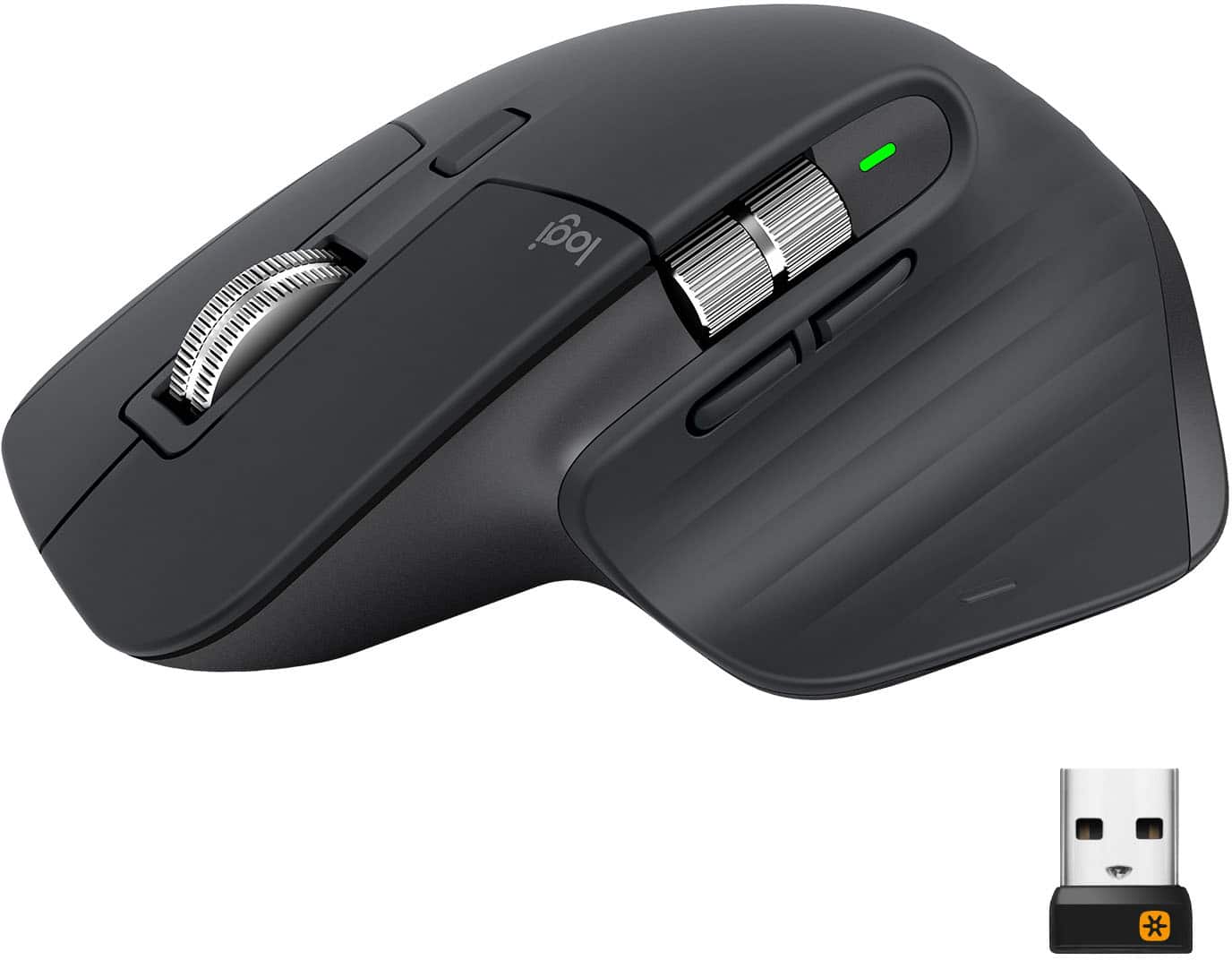
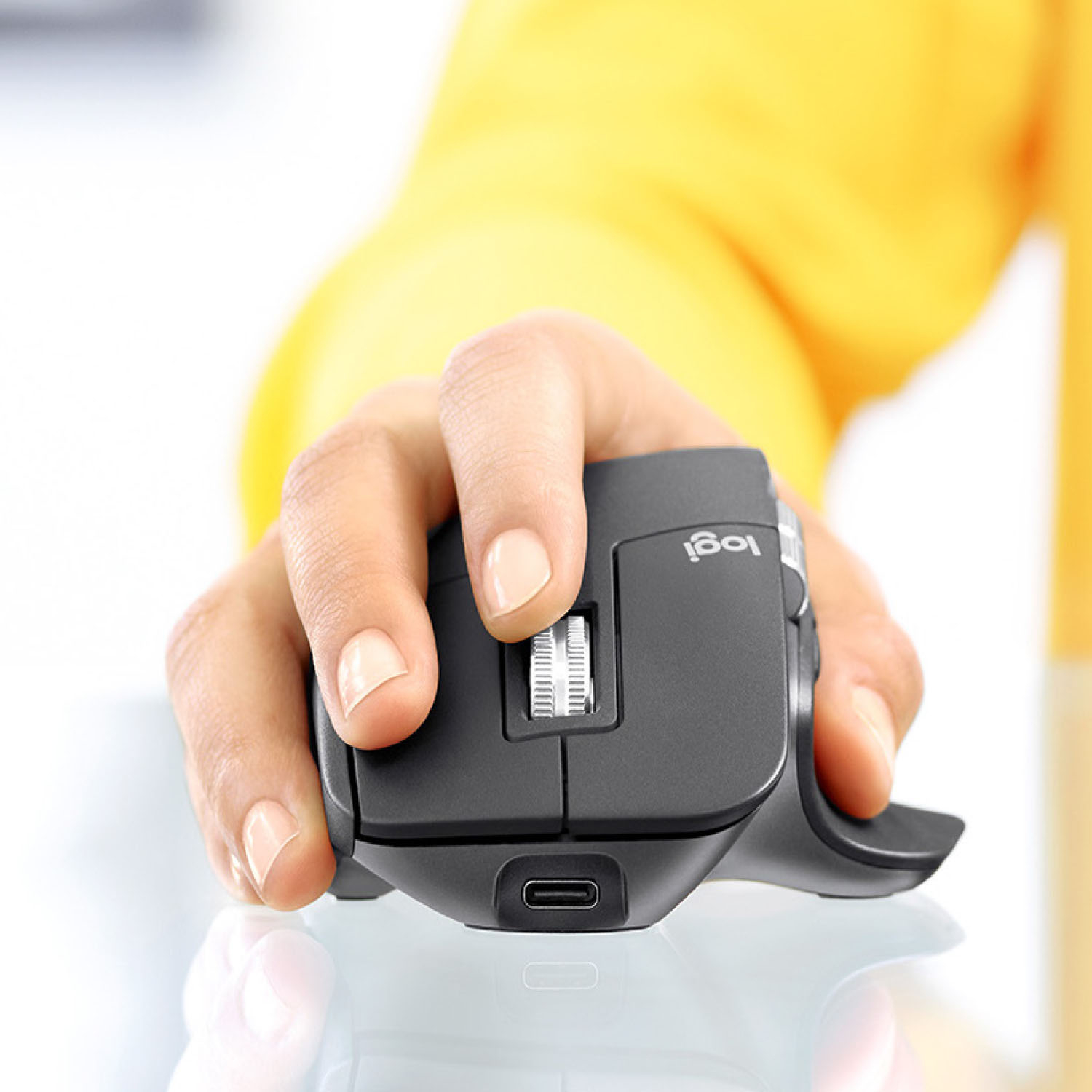
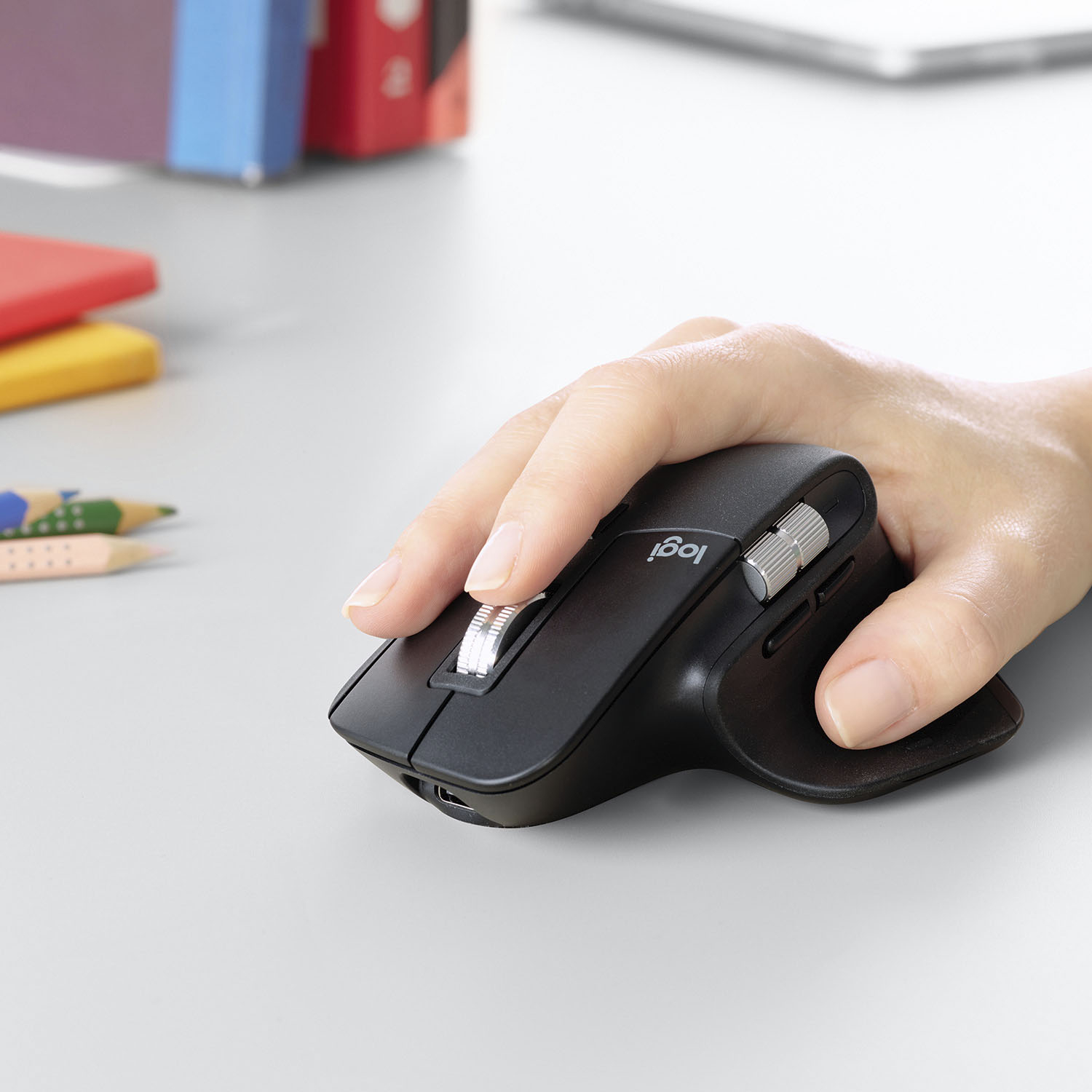
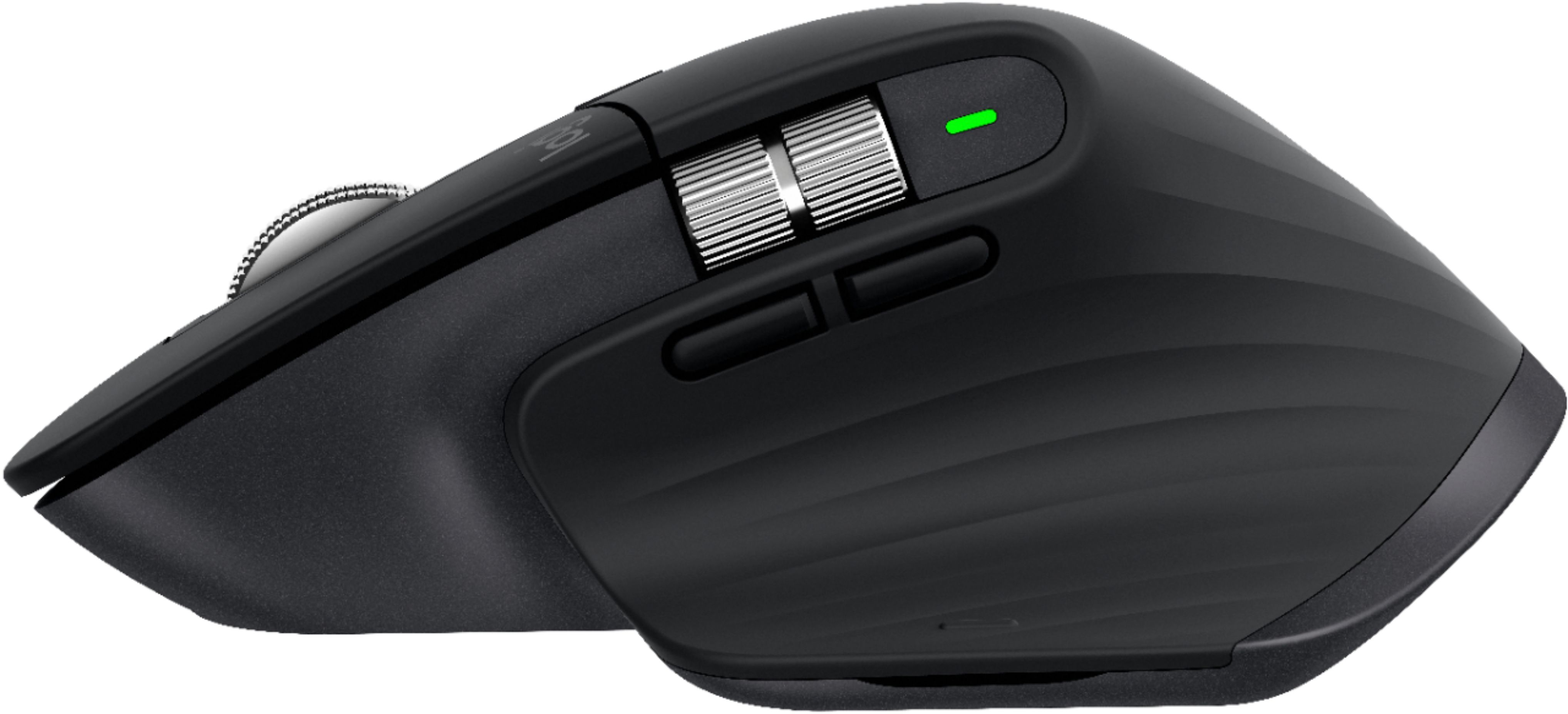
Customers enjoy the ergonomic design, smooth scroll wheel, and excellent battery life of the MX Master 3 mouse. Many appreciate the high-quality build and the extensive customization options, along with its Bluetooth connectivity and multi-device capabilities. However, some find the mouse to be large and heavy. A few users have also reported issues with software consistency and occasional lag.
This summary was generated by AI based on customer reviews.
- Pros mentioned:Comfortable
Rated 5 out of 5 stars
Logitech Does It Again! (Upgraded from MX2)
||Posted . Owned for 7 months when reviewed.This reviewer received promo considerations or sweepstakes entry for writing a review.I used the MX2 so much I actually wore it out. The MX3 is all the MX2 was and more: (1) BT+3 Connection Memory You can use any combination of BT and Unifying connections for a total of 3 devices. The feature is AMAZING and requires no software to function. (2) Do yourself a favor: Set the silver right-left scroll wheel to "None" in the software. I've bumped it more times than I can count while in OneNote, and I end of way to the right of the page on a blank section...It's Sooo Sensitive. (3) Suggestion: Disable the thumb button, I can' t think of a time where I was using a mouse and said, "Hey, I should left-thumb click" for any reason. It's a neat and subtle button with no purpose. (4) The scroll wheel auto-switches from bumps to smooth scrolls, so just change that top button (behind the scroll wheel) to something like toggle mouse pointer speed (from very slow to very fast and back) (5) The laser tracking is top notch. I've never found a better mouse... and I've tried a lot... even gaming mice. The tracking and response is so good that I use this _wireless_ mouse with the unifying receiver for FPS gaming. I'm no Pro, but I can't tell the difference between this mouse and a wired gaming mouse. (6) It just feels good in my hand. The materials feel soft and sturdy at the same time. I don't know how they did it, but keep up the good work!
I would recommend this to a friend - Cons mentioned:Expensive
Rated 5 out of 5 stars
Best Mouse out There
||Posted . Owned for more than 2 years when reviewed.This reviewer received promo considerations or sweepstakes entry for writing a review.Best mouse I have EVER owned. Slightly expensive, but worth every penny.
I would recommend this to a friend - Pros mentioned:Long battery life, Multi-device
Rated 5 out of 5 stars
A Serious Mouse
||Posted . Owned for 3 weeks when reviewed.This reviewer received promo considerations or sweepstakes entry for writing a review.This is a great mouse. It has controlled lines per scroll or free scrolling hundreds of lines at a time. Scrolls left and right. Pressing down with thumb shows all programs running. Fits the hand nicely. A charge lasts weeks. It can be program to three different computers. This one was for grandson and is the second one that I have purchased. No comparison to a regular mouse.
I would recommend this to a friend - Pros mentioned:Long battery lifeCons mentioned:Price
Rated 5 out of 5 stars
Best Mouse
||Posted . Owned for 8 months when reviewed.This reviewer received promo considerations or sweepstakes entry for writing a review.This mouse took a week or two to get used to the ergonomics over a regular mouse shape. Since then there’s no looking back. It’s a bit pricey but if you have a mouse in your hand all day it’s worth it. Extra buttons might be nice but I’m not too much into those. Battery holds charge for about a month of daily use. USB C charging is nice.
I would recommend this to a friend - Pros mentioned:Comfortable, Customizable
Rated 5 out of 5 stars
Excellent All Around Mouse
||Posted . Owned for 1 year when reviewed.This reviewer received promo considerations or sweepstakes entry for writing a review.This is a great mouse for office use, comfortable and reliable. A little too bulky to carry around from place to place. The logitech software is a great addition that will let you customize the many buttons it comes with. The only con I see is the non replaceable battery eventually becoming an issue years down the line.
I would recommend this to a friend Rated 5 out of 5 stars
Great mouse for productivity
||Posted . Owned for 1 week when reviewed.This reviewer received promo considerations or sweepstakes entry for writing a review.This mouse is so great! The software gets the job done (although it's not quite as good as some of their gaming peripheral software). The ergonomics of the mouse really fit my hand nicely. Compared to the MX Master 2S this mouse feels better to hold and has nicer button placement (such as the back and forward buttons on the side). The scroll wheel is improved over previous generation models but still feels very smooth and refined. I primarily use mine with Mac computers and it's capable of all the tricks you can do with a Magic Mouse thanks to the gesture button. The Magic Mouse is slightly better with the gestures but at the cost of being annoying to charge, far less ergonomic (not really ergonomic at all), missing a middle mouse button (useful for a lot of software... can be added with third party apps but difficult to find since you just have to guess where the spot is on the flat top of the mouse), and no dedicated buttons for right click/forward/back. Thanks to a second scroll wheel you can still manipulate scrolling in any direction with this mouse. When it comes to productivity the MX Master is the best you can get in my experience.
I would recommend this to a friend- Pros mentioned:Scroll wheel
Rated 5 out of 5 stars
Works on glass. Amazing design.
||Posted . Owned for 1 week when reviewed.This reviewer received promo considerations or sweepstakes entry for writing a review.This mouse works perfectly on my glass desk, even without a mouse pad. The scroll wheel ingeniously uses an electromagnet that lets you precisely scroll just a few lines, or effortlessly breeze to the top or bottom of content. Nice design, high precision, lots of buttons that can be easily mapped to various functions in Logitech’s easy-to-use software. The ultimate mouse for productivity.
I would recommend this to a friend - Pros mentioned:CustomizableCons mentioned:Price
Rated 5 out of 5 stars
This is the best mouse I have ever had.
||Posted . Owned for 2 months when reviewed.This reviewer received promo considerations or sweepstakes entry for writing a review.$100 for a mouse is a hard pill to swallow. But I had rather pay $100 for this mouse than $100 for an apple mouse any day of the week. These are far more ergonomic, responsive, customizable and versatile. I control three devices just by switching them on the mouse itself. There are more features but I haven't even wanted to mess with them because of how amazing this mouse is, honestly.
No, I would not recommend this to a friend - Pros mentioned:CustomizableCons mentioned:Expensive
Rated 5 out of 5 stars
Perfect MX combo when you add the MX Keyboard.
||Posted . Owned for 1 month when reviewed.This reviewer received promo considerations or sweepstakes entry for writing a review.Its been a month now, definitely an awesome product. Highly impressed with the premium feel. This one is definitely different from the other mouses out there. Talking about configuration, there are a lot. We need to configure and remember and use it, thats when the value of this product can be leveraged. Only thing, its pricey, could have been a bit cheaper.
I would recommend this to a friend - Pros mentioned:Comfortable, Long battery life
Rated 5 out of 5 stars
The best productivity mouse I've ever had.
||Posted . Owned for 3 months when reviewed.This reviewer received promo considerations or sweepstakes entry for writing a review.Great mouse. The main scroll wheel is amazing. Crazy long battery life and multiple profiles. The best part though, is how comfortable it is. Another great feature is the bottom thumb button that I use to switch back and forth between Windows desktops. The only minor complaint I can come up with is that I wish it had a spot to store the USB receiver when traveling.
This review is from Logitech - MX Master 3 Advanced Wireless USB/Bluetooth Laser Mouse with Ultrafast Scrolling - Wireless - Mid Gray
I would recommend this to a friend - Pros mentioned:Comfortable, Customizable
Rated 5 out of 5 stars
Fantastic
||Posted . Owned for less than 1 week when reviewed.This reviewer received promo considerations or sweepstakes entry for writing a review.Very pleased with this mouse. Love the quality feel and how the hand rests on it. The scroll wheels have a surprising quality to feel to them, makes scrolling very pleasant. I should have got this mouse a long time ago. The ability to customize buttons for individual apps is also a treat. I use some of the abilities in photoshop and it has worked great.
I would recommend this to a friend - Pros mentioned:Comfortable, Customizable
Rated 5 out of 5 stars
Excellent mouse
||Posted . Owned for 1 week when reviewed.This reviewer received promo considerations or sweepstakes entry for writing a review.The mouse is pretty comfortable in the hand. It has a nice weight to it. It has total customization in the Logitech software and an extra button under the thumb for quick shortcut actions which you can define. The special scroll wheel which engages and disengages the ratchet mechanism automatically works well and feels good. Thumb scroll wheel to scroll horizontally is nice as well.
I would recommend this to a friend - Pros mentioned:Comfortable, Long battery life
Rated 5 out of 5 stars
Great reliable mouse
||Posted .This reviewer received promo considerations or sweepstakes entry for writing a review.Good mouse. Comfortable. Does what it says it does. Battery life is great as well. Three minor things that would make this even better: 1) have the devices selector accessible without flipping over device 2) a place to store the dongle within the mouse itself 3) quieter switches. The clicks can be a little loud
I would recommend this to a friend - Pros mentioned:ComfortableCons mentioned:Price
Rated 5 out of 5 stars
Love at first touch
||Posted . Owned for less than 1 week when reviewed.This reviewer received promo considerations or sweepstakes entry for writing a review.I wanted a mouse for my new home office, I walked around Best Buy's computer department looking at the different mouses they had to offer. When I placed my hand on this mouse I knew it was the one for me! The setup process was very very easy, it is a little pricy but for anyone who is constantly multitasking or working long hours at home I would recommend it.
I would recommend this to a friend - Pros mentioned:Long battery life, Scroll wheel
Rated 5 out of 5 stars
Love the scroll wheel!
||Posted . Owned for 3 months when reviewed.This reviewer received promo considerations or sweepstakes entry for writing a review.All around excellent mouse. Great battery life, comfortable feel, nice click without being so loud you will drive your co-workers crazy. And the scroll wheel by far is the best new feature. No more locking and unlocking the wheel super smooth and buttery feel. I have a $150 logitech G900 mouse at home and will be replacing that with the MX3 primary for the wheel.
I would recommend this to a friend - Pros mentioned:Multi-deviceCons mentioned:Price
Rated 5 out of 5 stars
The best mouse. Period.
||Posted . Owned for 1 month when reviewed.This reviewer received promo considerations or sweepstakes entry for writing a review.This is hands down the best mouse I've owned. Yes, it's expensive, but it boosts your productivity so much that it's worth it. I have it paired with my personal computer (MacOS), my work computer (Windows 10) and my cellphone (Android) and it works perfectly on every one. Ergonomics are very good, very comfortable to use, even for long perdiods of time.
I would recommend this to a friend - Pros mentioned:Customizable, Multi-device
Rated 5 out of 5 stars
Best Mouse I've ever owned.
||Posted . Owned for 3 weeks when reviewed.This reviewer received promo considerations or sweepstakes entry for writing a review.Coming for using a trackpad on all my Macs, I decided to go back to using a mouse. It's actually pretty nice. all the buttons are pretty customizable and only take like a couple of days to get used to. I like that I can switch from using with my MacBook Pro to my iPad fast is a bonus. Logitech makes some good products. I would definitely by from them again.
I would recommend this to a friend - Pros mentioned:Comfortable, Scroll wheel
Rated 5 out of 5 stars
Best
||Posted . Owned for 3 weeks when reviewed.This reviewer received promo considerations or sweepstakes entry for writing a review.I was using a mouse that came with my Microsoft Sculpt keyboard for the past 5 years years and this mouse is far superior. The scroll wheel is super smooth and the quick access buttons are intuitively placed making use a breeze. Very comfortable to use too. I haven't used the multi device copying feature yet, so I can't comment how well that works.
I would recommend this to a friend - Pros mentioned:Comfortable, Multi-device
Rated 5 out of 5 stars
WIN WIN!!
||Posted . Owned for 1 month when reviewed.This reviewer received promo considerations or sweepstakes entry for writing a review.Such a perfect mouse. I'm a designer and one of my pet peaves is the weight of a mouse. This one is perfect! Precision in small movements is dead on. Clicks are quiet and feels high end. Fits perfectly in my hand and is just an absolute pleasure to work with. Plus I can pair it with my ipad and Macbook also... win win!
I would recommend this to a friend - Pros mentioned:Comfortable, Scroll wheel
Rated 5 out of 5 stars
Great mouse
||Posted . Owned for less than 1 week when reviewed.This reviewer received promo considerations or sweepstakes entry for writing a review.This is a great mouse. I toggle between a Mac and a PC and this mouse makes it simple to switch between the two. Just press the switch and done. I love the mag scroll wheel, you can step through one line at a time or give it a whirl and it will quickly move through a page. A real time saver. Very comfortable in my hand as well.
I would recommend this to a friend