Customer Ratings & Reviews



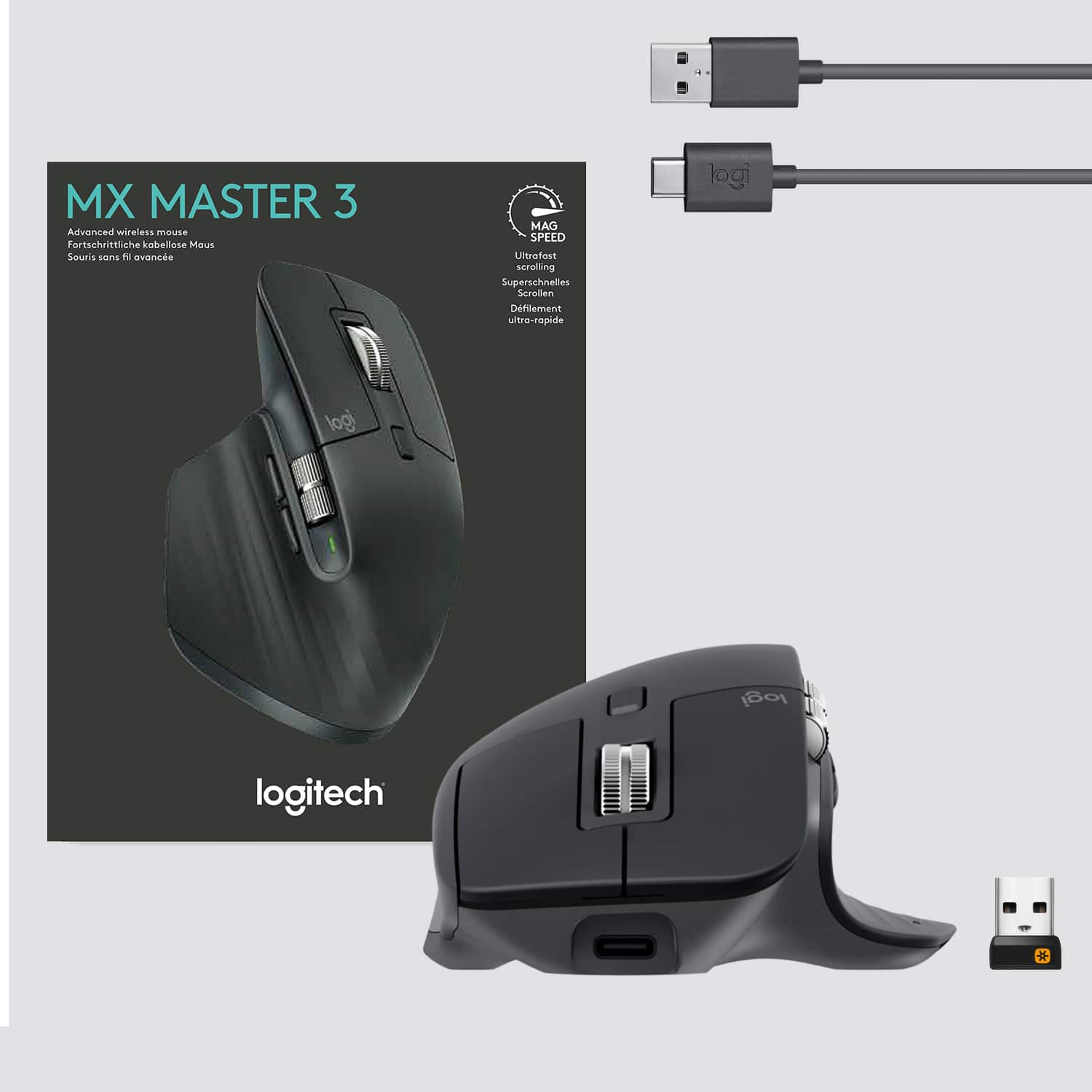

- Model:
- 910-005647
- |
- SKU:
- 6366554
Customer reviews
Rating 4.8 out of 5 stars with 3344 reviews
(3,344 customer reviews)Rating by feature
- Value4.5
Rating 4.5 out of 5 stars
- Quality4.9
Rating 4.9 out of 5 stars
- Ease of Use4.8
Rating 4.8 out of 5 stars
Customers are saying
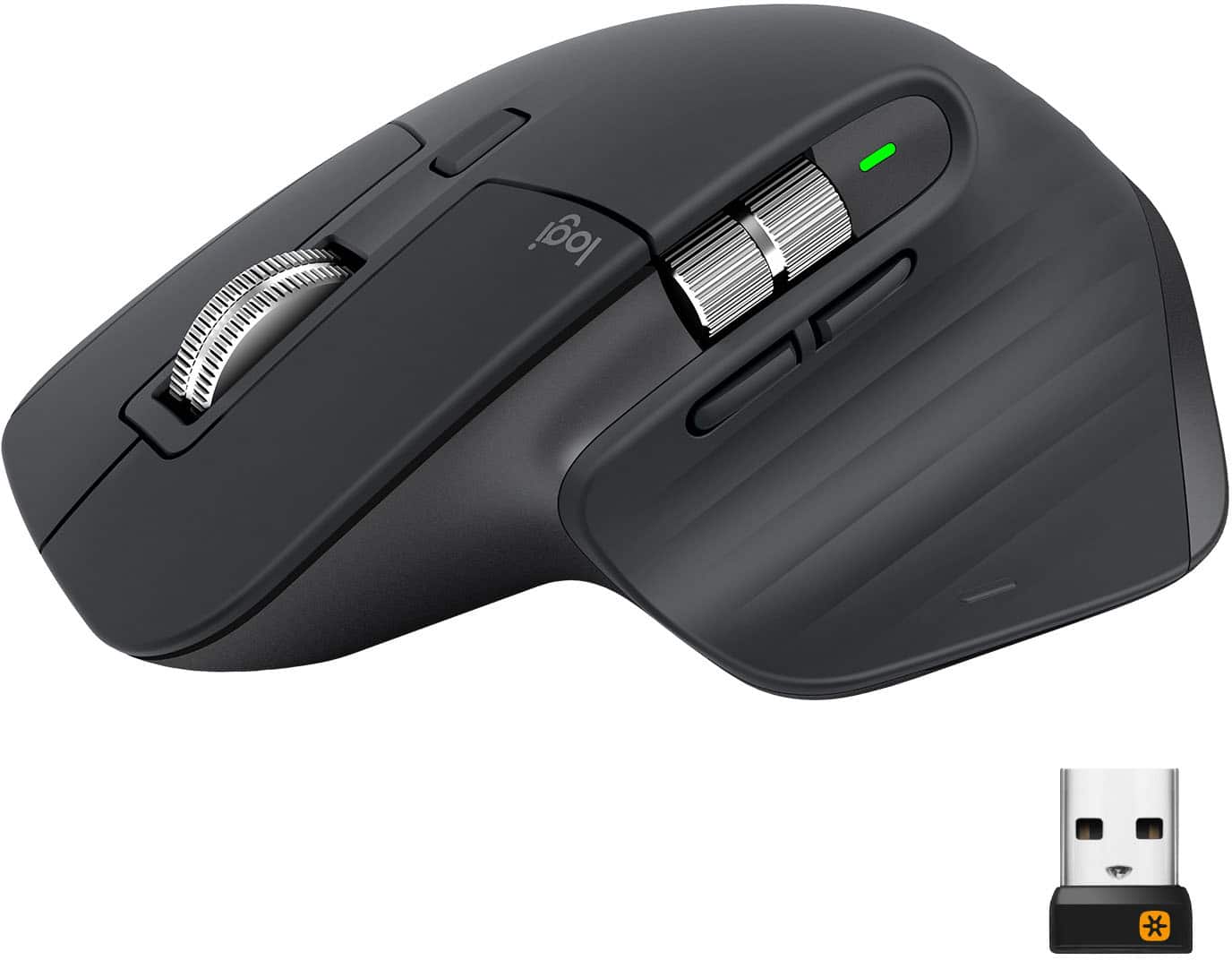
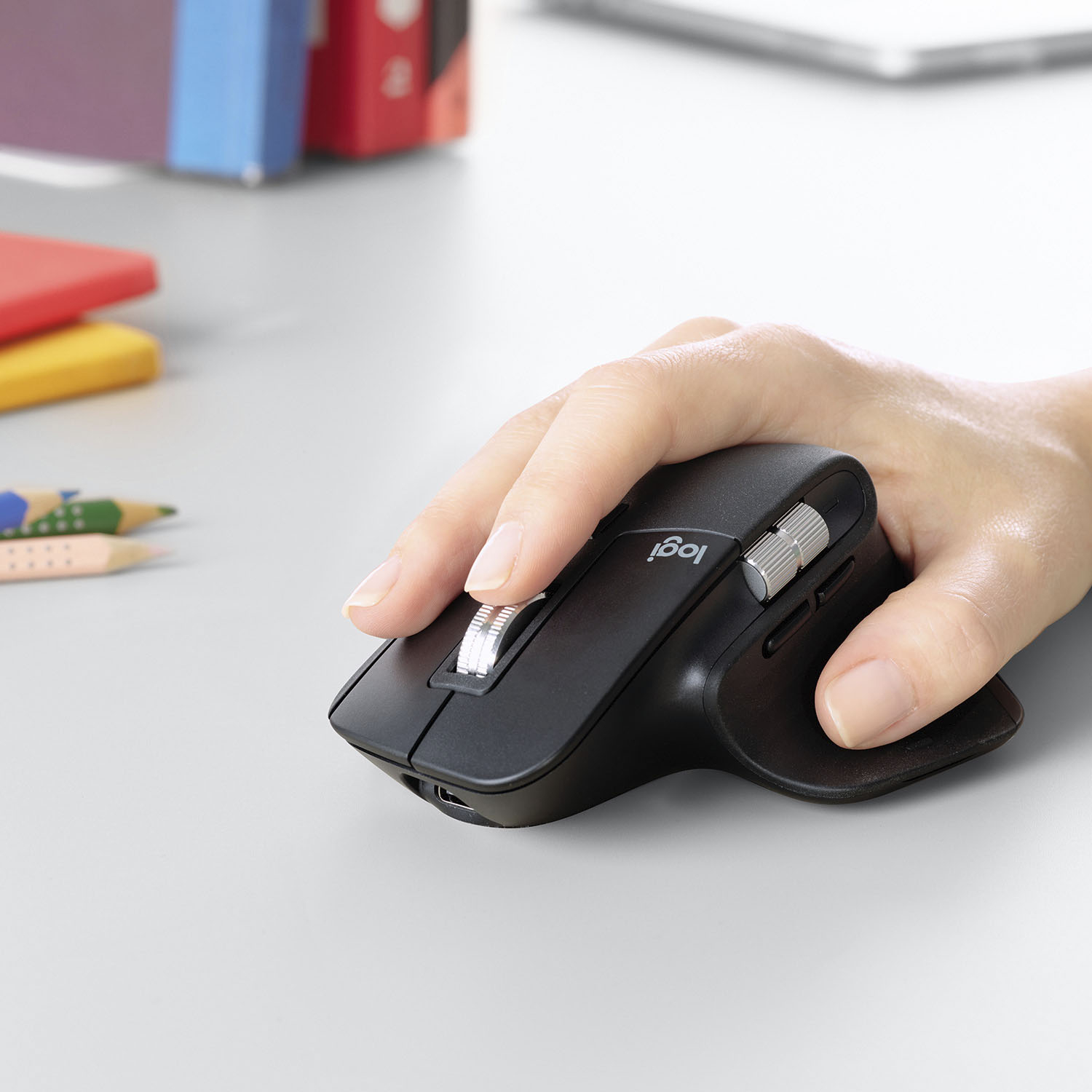
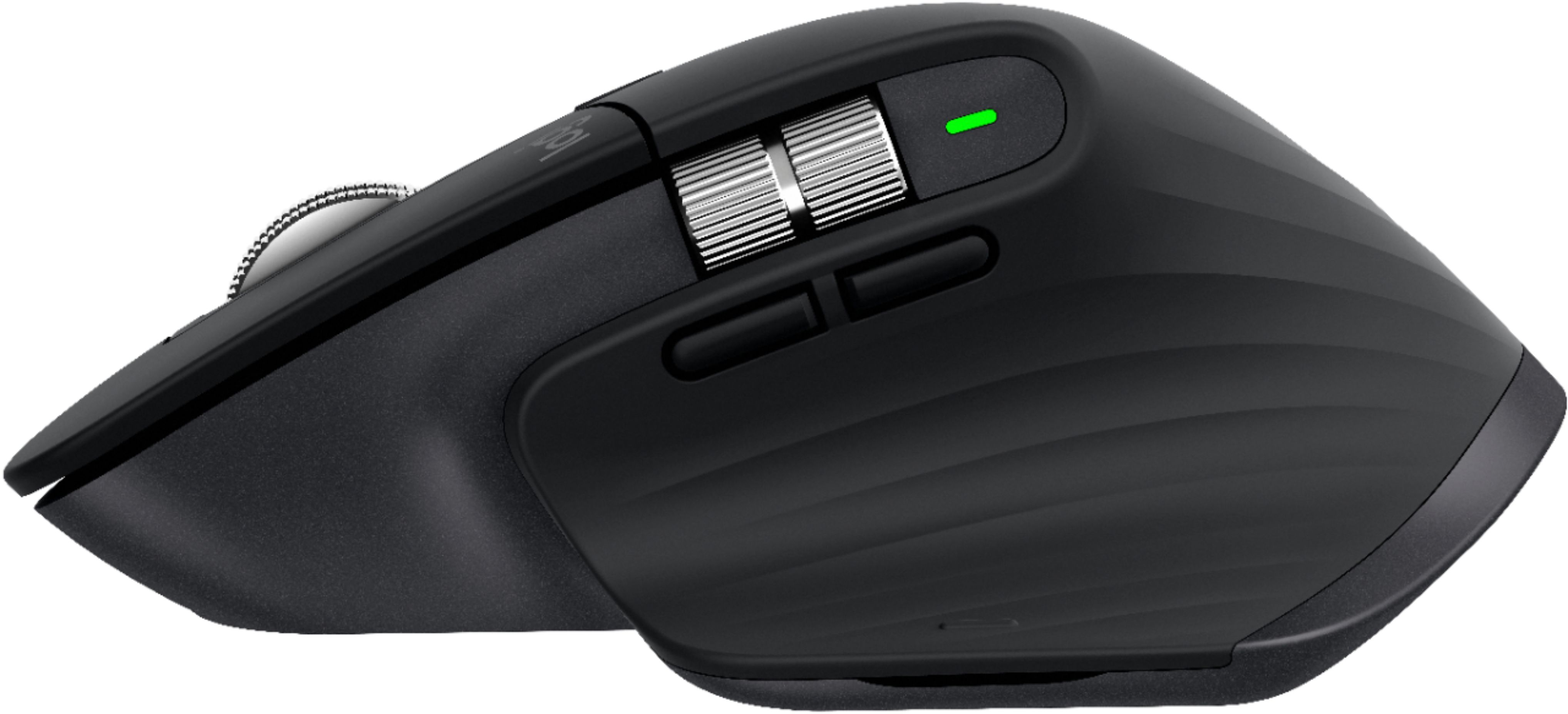
Customers enjoy the ergonomic design, smooth scroll wheel, and excellent battery life of the MX Master 3 mouse. Many appreciate the high-quality build and the extensive customization options, along with its Bluetooth connectivity and multi-device capabilities. However, some find the mouse to be large and heavy. A few users have also reported issues with software consistency and occasional lag.
This summary was generated by AI based on customer reviews.
- Pros mentioned:Multi-deviceCons mentioned:Expensive
Rated 5 out of 5 stars
One of the Best
||Posted . Owned for 1 week when reviewed.This reviewer received promo considerations or sweepstakes entry for writing a review.I’ve used Logitech products for many years and this is the best yet. It’s extremely smooth traction on any surface, and requires very little wrist movement. I like the fact that it can be used on 3 different Mac or Windows devices. I use it on two separate Windows device and one Mac device. Though it’s a little pricy, it’s worth it.
I would recommend this to a friend - Pros mentioned:Multi-device
Rated 5 out of 5 stars
Outstanding Multi-System Bluetooth Mouse
||Posted . Owned for 3 months when reviewed.This reviewer received promo considerations or sweepstakes entry for writing a review.I constantly switch between working on a mid-2012 MacBook Pro 16", a 2020 MacBook Pro 13", and a 2019 HP Spectre x360 15. Using a regular Bluetooth mouse got to be a major annoyance when having to re-sync the mouse every time I switched between systems. I began looking for a Bluetooth mouse which could connect to three different systems. The Logitech MX Master 3 Wireless Laser mouse fit the bill perfectly. It is solidly constructed and supports up to three systems with the touch of a button. The ergonomic contoured shape of the mouse took a bit of getting used to - especially when compared to the shape of a regular mouse - but it relieves the strain on your hand when using the mouse for long period of time. Unlike other mice, this mouse works well on a dark glass desktop and the scroll wheel action is smooth and fast. Given all my other Bluetooth mice were under $30 I had to think long and hard about purchasing this mouse given the $100 cost; but, you get what you pay for and in the end I found the Logitech MX Master 3 Wireless Laser mouse to be well worth the price.
I would recommend this to a friend - Pros mentioned:Customizable, Multi-deviceCons mentioned:Expensive
Rated 4 out of 5 stars
Expensive mouse with multi device control
||Posted . Owned for 2 months when reviewed.This reviewer received promo considerations or sweepstakes entry for writing a review.Like the feature to work seamlessly between iPad and windows. Scroll and many buttons are configurable and work well. A bit pricy but worth it.
I would recommend this to a friend - Pros mentioned:Long battery life
Rated 5 out of 5 stars
Functional mouse
||Posted . Owned for 8 months when reviewed.This reviewer received promo considerations or sweepstakes entry for writing a review.This mouse has great battery life and plenty of functionality.
I would recommend this to a friend - Pros mentioned:Long battery lifeCons mentioned:Size
Rated 4 out of 5 stars
I wish my hand was smaller.....
||Posted . Owned for 3 months when reviewed.This reviewer received promo considerations or sweepstakes entry for writing a review.This mouse has huuuuuuuge battery life. Like I have used this mouse since April and have not charged this mouse since I got it. Mouse is alot bigger than my Logitech G502 but i guess my hand is a little bigger than this mouse, i kind of wished it was a little more bigger overall and the little bump on the palm was little more taller. But overall, this mouse is worth it. I love the customization of the buttons and it works for gaming too.
I would recommend this to a friend - Pros mentioned:Long battery life
Rated 5 out of 5 stars
Just buy it already
||Posted . Owned for 1 month when reviewed.This reviewer received promo considerations or sweepstakes entry for writing a review.Highly recommend. I purchased on 7/12/21 and charged it to 100%. It is 8/10/21 and I have not had to charge it once. I use it every day (I have setting 1 programmed to connect to my work computer, setting 2 to connect to my home computer, and setting 3 to connect to my iPad Pro). A typical day for me would be about 8-6p using it at work, and then maybe a few hours in the evening at home. I’m just impressed by how long the battery lasts. My last mouse was a Corsair gaming mouse, and with the LEDs off, I had to charge it every day. This Logitech mouse is a total 180° - in fact, I’m somewhat afraid I’m going to lose the charging cable if I only need it every 1.5 - 2 months! The thumb buttons are super handy, and I love that they can be reprogrammed in the Logitech Options software (which you don’t really need, but unlocks a lot of cool functionality if you do install it). Overall, I’d highly recommend this mouse. Yes it’s pricey, but you get what you pay for, and this is a quality mouse.
I would recommend this to a friend Rated 5 out of 5 stars
The joy of mousing...
||Posted . Owned for 1 year when reviewed.This reviewer received promo considerations or sweepstakes entry for writing a review.Live this mouse and can't speak highly enough about it. I wish I knew of a good case to buy so that it was more protected when I travel with it. They don't seem to have it for the left hand, though. If they did I would buy another so that I can relieve my right hand once in a while. Come on, Logitech, build me a left handed version of this!
This review is from Logitech - MX Master 3 Advanced Wireless USB/Bluetooth Laser Mouse with Ultrafast Scrolling - Wireless - Mid Gray
I would recommend this to a friend- Pros mentioned:Scroll wheel
Rated 5 out of 5 stars
Awesome Mouse, Only One Issue
||Posted . Owned for 2 weeks when reviewed.This reviewer received promo considerations or sweepstakes entry for writing a review.I love this mouse. I’ve only sparingly been using a Microsoft Arc mouse for several years. Recently I’ve been needing to use my personal mouse everyday for work and the Arc mouse wasn’t fitting the role. I’ve been watching the MX Master 3 sell out at $99 for 7 months without any sales and I decided to pick one up when I found one at a local Best Buy. I love the scroll wheel how it’s quiet when in ratchet mode but can so freely spin when quickly rotated. The wheel has an awesome steel feel to the ridges and the right amount of resistance. Clicks are accurate and the layout of the side buttons is awesome as they’re out of the way enough you don’t accidentally click them, but close enough you don’t have to readjust your hand to activate them. Great overall weight to the mouse and the ergonomics is spot on. The downside: I bought this for a CAD work station and I intended to program the two side buttons for CTRL and SHIFT. The Logitech software does not allow this. You can do control or shift WITH another key, but not alone. This bugs me, but the rest of the mouse is so good, I’ll continue to use the keyboard for those two functions.
I would recommend this to a friend Rated 5 out of 5 stars
Ideal for work
||Posted . Owned for 3 weeks when reviewed.This reviewer received promo considerations or sweepstakes entry for writing a review.I've had the previous iteration of this mouse and have specifically bought it for work. I would never go back to a "regular" non-ergonomic mouse usually given at offices if I'll be working in front of the computer for 8 hours or more. My work entails working with CAD in the AEC industry. The added buttons adds to the productivity and makes your workflow more seamless once you have it set up to your liking. I've had no problems on it dropping its connection from its Bluetooth with my laptop or the USB dongle receiver with my work computer. Yes it is pricey but I think it's a fair, or even go as far as calling it cheap, if I were to compare it to the possible medical cost from such prolonged use. I've paired this with the MX keys and workflow is great. I bought this new iteration for my own personal use since I also use Adobe PS Lightroom in my personal laptop and the other buttons are usable and makes your workflow more seamless. It's vertical scroll is much quieter than the previous iteration. Comparing this new iteration to the previous one, feel is the same, quality is the same, weight is lighter.
I would recommend this to a friend- Cons mentioned:Bluetooth connectivity
Rated 4 out of 5 stars
Good mouse, but not free of problems
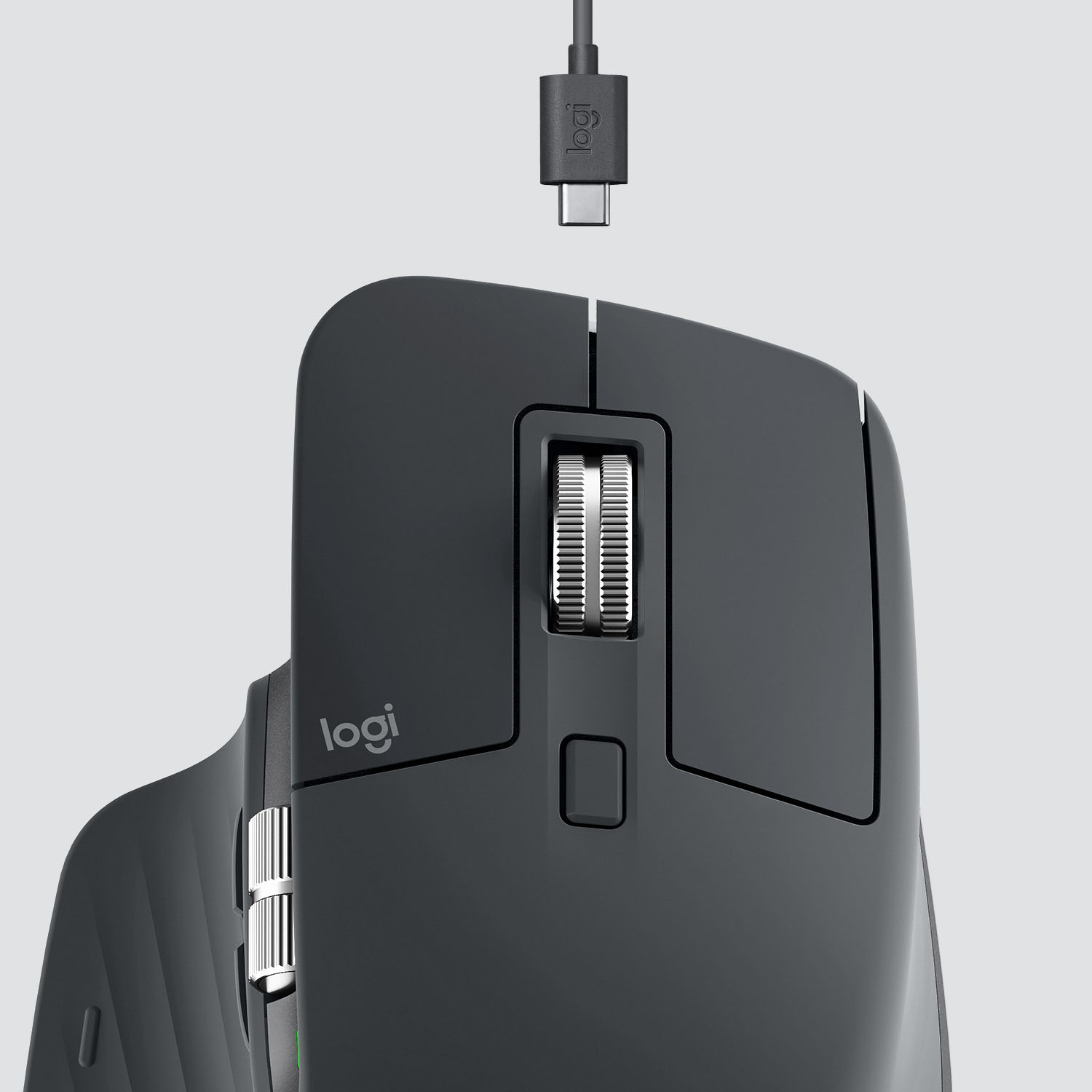
||Posted . Owned for 3 months when reviewed.This reviewer received promo considerations or sweepstakes entry for writing a review.Comfortable ergonomic mouse. Has a good assortment of buttons and is definitely an improvement in quality/placement over the previous MX Master I owned. Scrolling works very well and is satisfying to use, big improvement over older MX Master mouses and is much quieter too. The mouse includes an upgraded version of the Logitech Unifying receiver CU-0008 with lower latency than the lower end CU-0007 receivers (see Wikipedia article on Logitech Unifying Receiver). Very smooth responsive input when using the dongle, good enough for non-competitive gaming and graphic arts Complaints: 1. Unifying receiver dongle is USB-A, so if you want to connect it to a recent computer without USB-A on it, you're stuck using double dongles if you want smooth low latency input (see #2) 2. Bluetooth is still not smooth when 2019 MacBook Pro 16"- it's about the same performance as my old MX Master. A clean smooth movement of the mouse results in the mouse juddering across the screen with random unpredictable skips, even when the computer is right next to the mouse. If you're picky about mouse movement like me, it's unacceptable for anything but web browsing. It's even annoying when editing code as the judder and skips often make it hard to select text predictably. Doing graphics arts or gaming is a hard no over bluetooth. 3. It has a USB-C connection for charging, but does not connect to the computer in wired mode, it's only a charge port. You MUST connect the mouse by bluetooth or the dongle for input. Seems real cheap on Logitech's part, especially if you forgot your dongle one day since the bluetooth performance is subpar 4. Sometimes the Logi software on macOS scrolls the wrong direction, haven't figured out how to correct the issue other than rebooting I still like the mouse and use it every day, but these issues are pretty inexcusable for the price. I'll still recommend the mouse if you want a comfortable high quality do-everything mouse, but consider the limitations and see if they fit into your workflow.
I would recommend this to a friend - Pros mentioned:Long battery lifeCons mentioned:Durability
Rated 4 out of 5 stars
Good So Far, but Jury is Still Deliberating
||Posted . Owned for 1 month when reviewed.This reviewer received promo considerations or sweepstakes entry for writing a review.Only 4 stars because I fully expect this thing to barely last a year. I'll come back next year and update. If I don't experience the dreaded double click issue, I will give five stars. If I do, I'm going down to 1 STAR! Overall, it has good function and feel. I charged the battery once, and it's a month later and still going! I use this mouse all day, so very good battery life. Would I recommend to a friend? Maybe. It has to last more than a year. Best Buy made me choose, so I had to say no, because there is no "Not Yet" option.
No, I would not recommend this to a friend Rated 5 out of 5 stars
Wonderful Mouse for work and play
||Posted . Owned for 1.5 years when reviewed.This reviewer received promo considerations or sweepstakes entry for writing a review.Love this mouse! Only recently started having Bluetooth connectivity issues at almost 2 years old but I literally use this mouse nearly 12-16 house most days (I use it for work AND play/gaming) decided to just buy the new model since I liked it so much.
I would recommend this to a friend- Pros mentioned:Comfortable, Multi-device
Rated 5 out of 5 stars
Awesome!
||Posted . Owned for 2 months when reviewed.This reviewer received promo considerations or sweepstakes entry for writing a review.This thing is awesome. It comfortable and pairs with up to three computers. It feels natural in my hand. The button placement is perfect! I bought this mainly because it can pair with via BT with up to three computers. All you have to do is press the button on the bottom to switch the active computer.
I would recommend this to a friend Rated 4 out of 5 stars
Good if you dont mind the size
||Posted . Owned for more than 2 years when reviewed.This reviewer received promo considerations or sweepstakes entry for writing a review.I felt the overall size was too big, and i felt pain in my hand after using for an hour. The features are very nice. The fast vertical and horizontal scrolling are nice as well as the quietness of the buttons and scrolling. Just wish it was scaled down. Id recommend if the size doesn’t bother you.
This review is from Logitech - MX Master 3 Advanced Wireless USB/Bluetooth Laser Mouse with Ultrafast Scrolling - Wireless - Mid Gray
I would recommend this to a friend- Pros mentioned:Long battery life, Multi-device
Rated 5 out of 5 stars
GOAT mouse
||Posted . Owned for 1 month when reviewed.This reviewer received promo considerations or sweepstakes entry for writing a review.SOLID wireless mouse. AMAZING battery life. This the NUMBER ONE pick for those using multiple devices at the same time. Logitech Flow allows me to copy images/text from one computer and move it SEAMLESSLY to a second computer with NO LAG, NO "TRANSFER" or physical cable connections.
I would recommend this to a friend - Pros mentioned:Comfortable, Multi-device
Rated 5 out of 5 stars
A great upgrade
||Posted . Owned for 3 weeks when reviewed.This reviewer received promo considerations or sweepstakes entry for writing a review.A fantastic upgrade over my previous cheap mouse. Fits in the hand very nicely and gloves over my mousepad quite smoothly. The ability to switch between 3 computers comes in handy when I’m doing telework. The extra side scroll wheel makes browsing the web and editing videos so much easier.
I would recommend this to a friend - Pros mentioned:Customizable, Long battery life
Rated 5 out of 5 stars
Can't get better
||Posted . Owned for 1 month when reviewed.This reviewer received promo considerations or sweepstakes entry for writing a review.Works perfectly for what I need it to do because it's highly customizable and ergonomic. I can set different functions for all the buttons & they're well placed. I know it's a bit expensive for a mouse, but well worth it for working all day. Battery lasts me about a month in between charges.
This review is from Logitech - MX Master 3 Advanced Wireless USB/Bluetooth Laser Mouse with Ultrafast Scrolling - Wireless - Mid Gray
I would recommend this to a friend - Pros mentioned:Long battery lifeCons mentioned:Expensive
Rated 5 out of 5 stars
Best wireless mouse on the market.
||Posted . Owned for 1 year when reviewed.This reviewer received promo considerations or sweepstakes entry for writing a review.Best mouse I’ve ever had. This thing is smooth and the battery is great, I’ve used it for hundreds of hours and it feels like I’ve charged it maybe once or twice. Great purchase. It is expensive but I buy nice so I don’t buy twice. This thing was sold out for weeks when it came out for a reason.
I would recommend this to a friend - Pros mentioned:ComfortableCons mentioned:Price
Rated 5 out of 5 stars
High Quality
||Posted . Owned for 2 months when reviewed.This reviewer received promo considerations or sweepstakes entry for writing a review.This mouse has helped me significantly with wrist pain from using a computer for work. This mouse is very comfortable and has a high quality feel. I thought the price was a bit high for just a mouse but it is well worth it. If you use a computer for more than 4 hrs per day I would highly recommend the upgrade.
I would recommend this to a friend - Pros mentioned:Long battery life, Multi-device
Rated 5 out of 5 stars
Must buy!
||Posted . Owned for 1 year when reviewed.This reviewer received promo considerations or sweepstakes entry for writing a review.I purchased this product along with the keyboard. The mouse feels great in my hands and it easily connects to both my windows and apple products. Battery life is amazing. I personally charge it once every two weeks as a caution but it has not died on me yet.
I would recommend this to a friend