Customer Ratings & Reviews



- Model:
- 910-005647
- |
- SKU:
- 6366554
Customer reviews
Rating 4.8 out of 5 stars with 3344 reviews
(3,344 customer reviews)Rating by feature
- Value4.5
Rating 4.5 out of 5 stars
- Quality4.9
Rating 4.9 out of 5 stars
- Ease of Use4.8
Rating 4.8 out of 5 stars
Customers are saying
Customers enjoy the ergonomic design, smooth scroll wheel, and excellent battery life of the MX Master 3 mouse. Many appreciate the high-quality build and the extensive customization options, along with its Bluetooth connectivity and multi-device capabilities. However, some find the mouse to be large and heavy. A few users have also reported issues with software consistency and occasional lag.
This summary was generated by AI based on customer reviews.
- Pros mentioned:Customizable, Long battery life
Rated 5 out of 5 stars
Apple iMac User - Best mouse I’ve ever used.
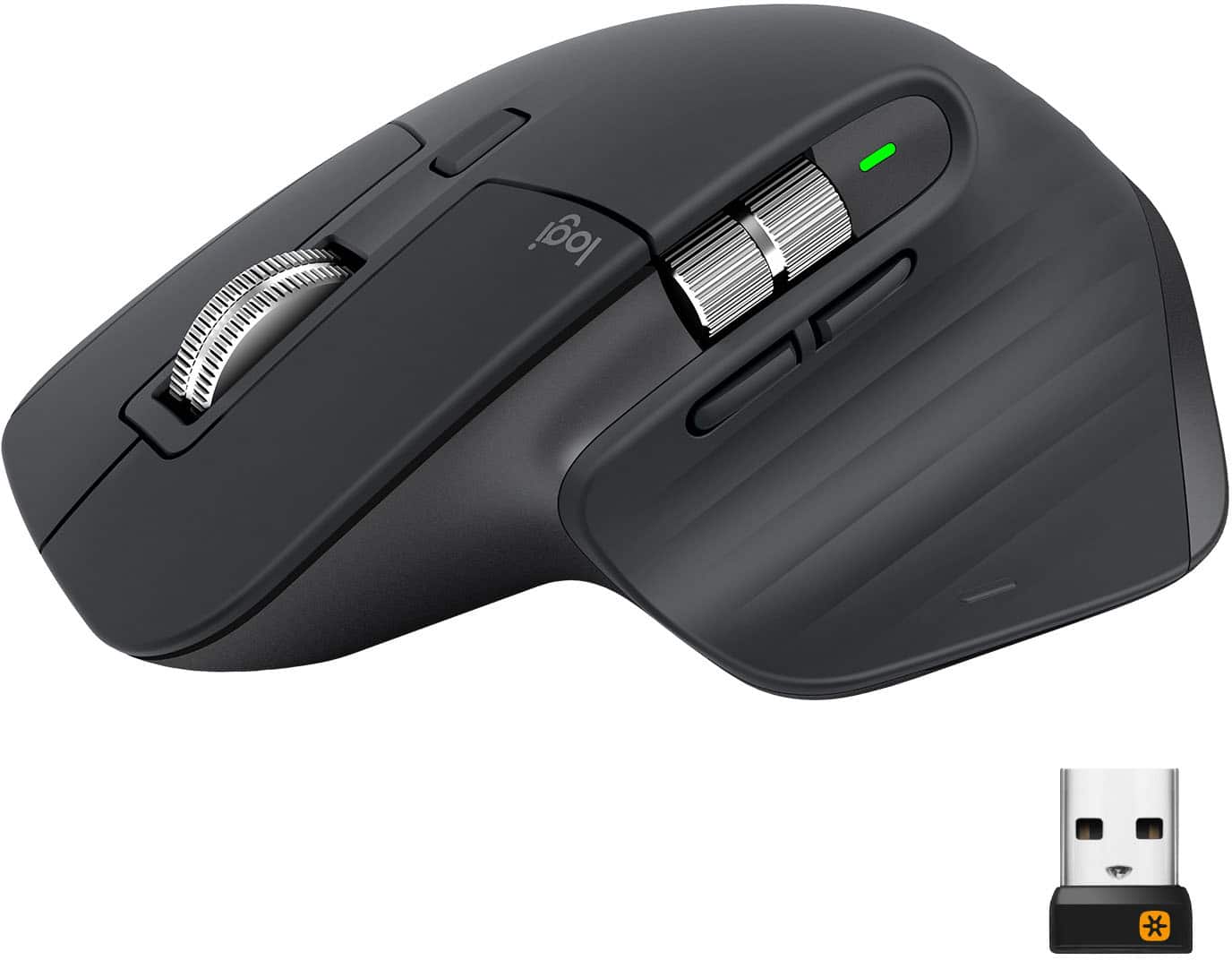
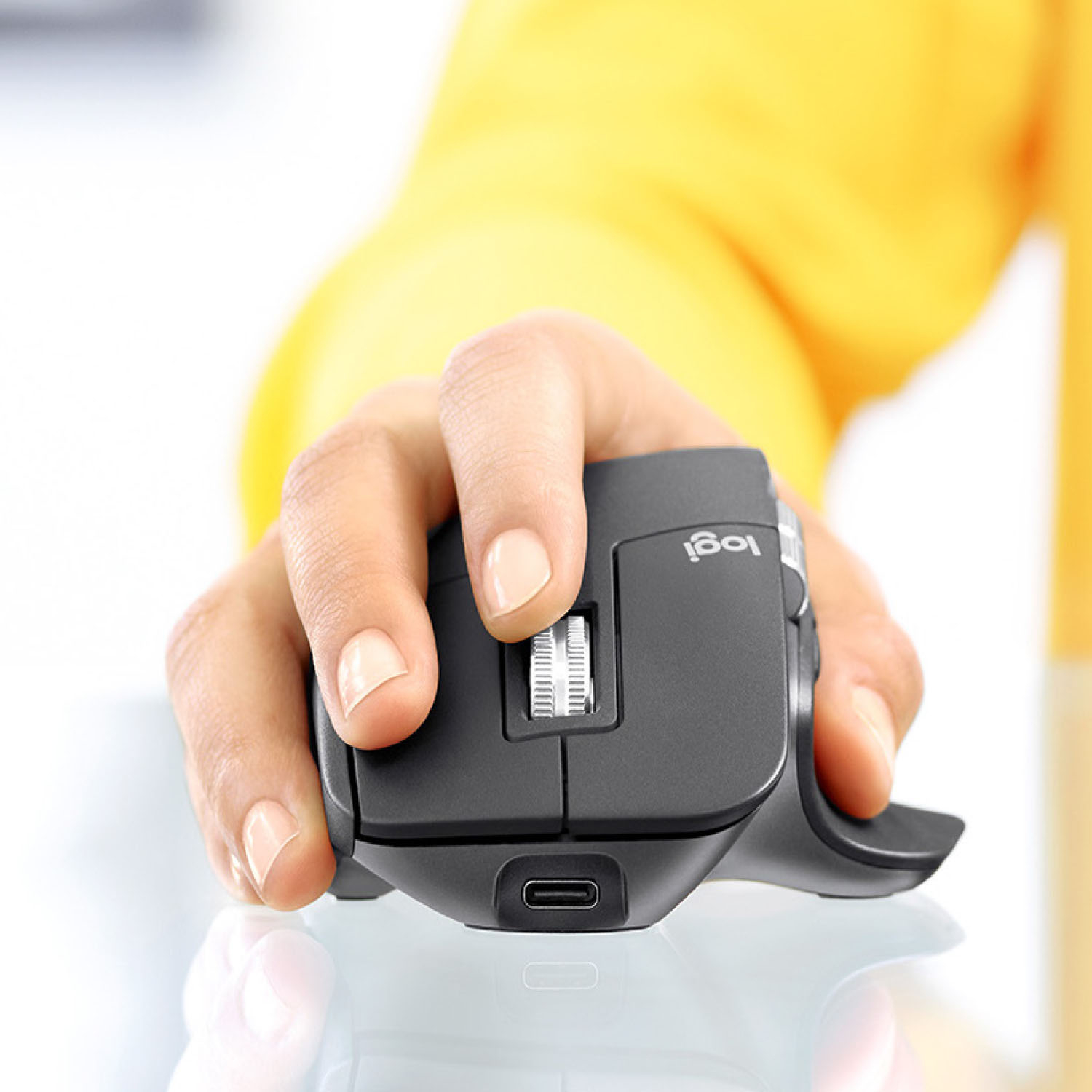
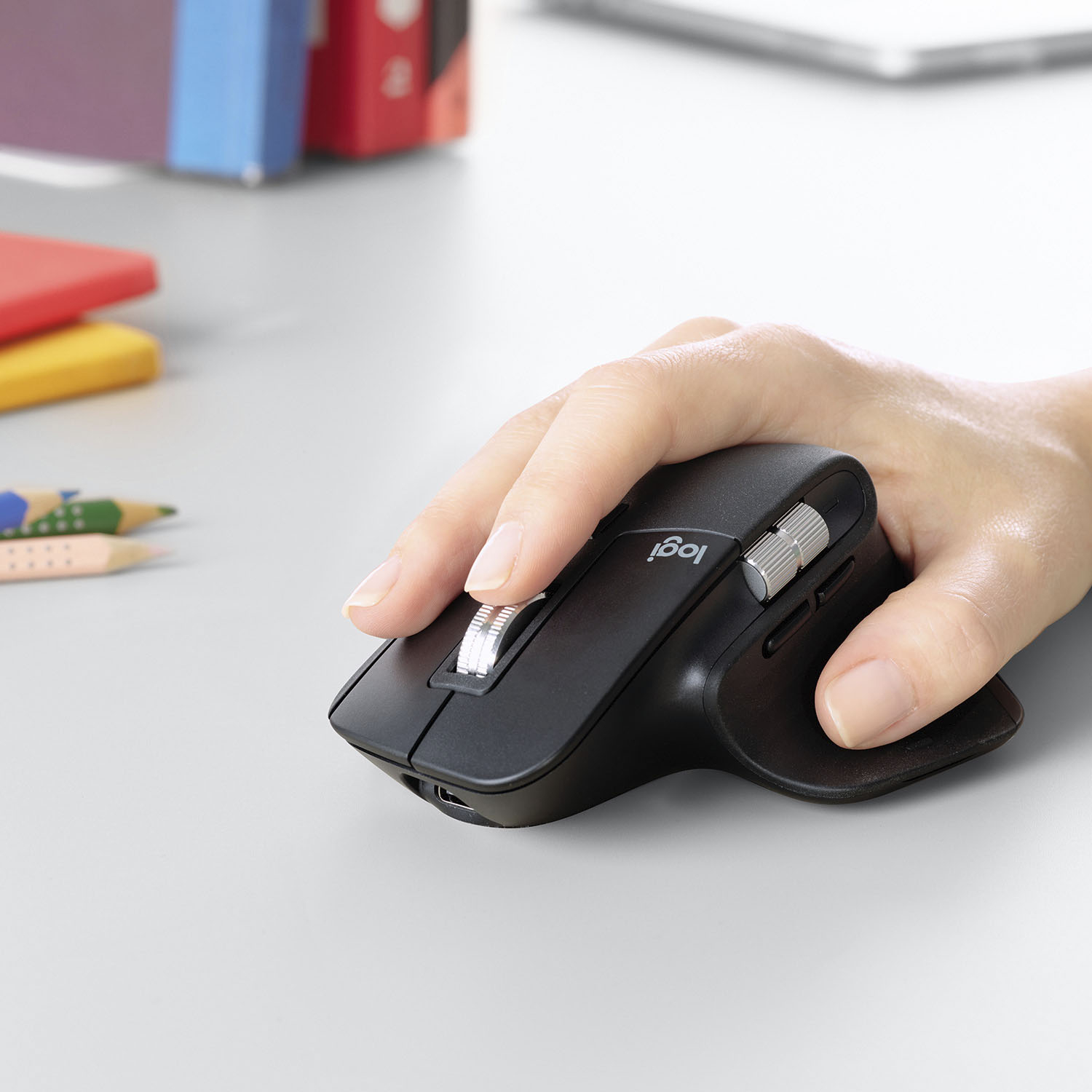
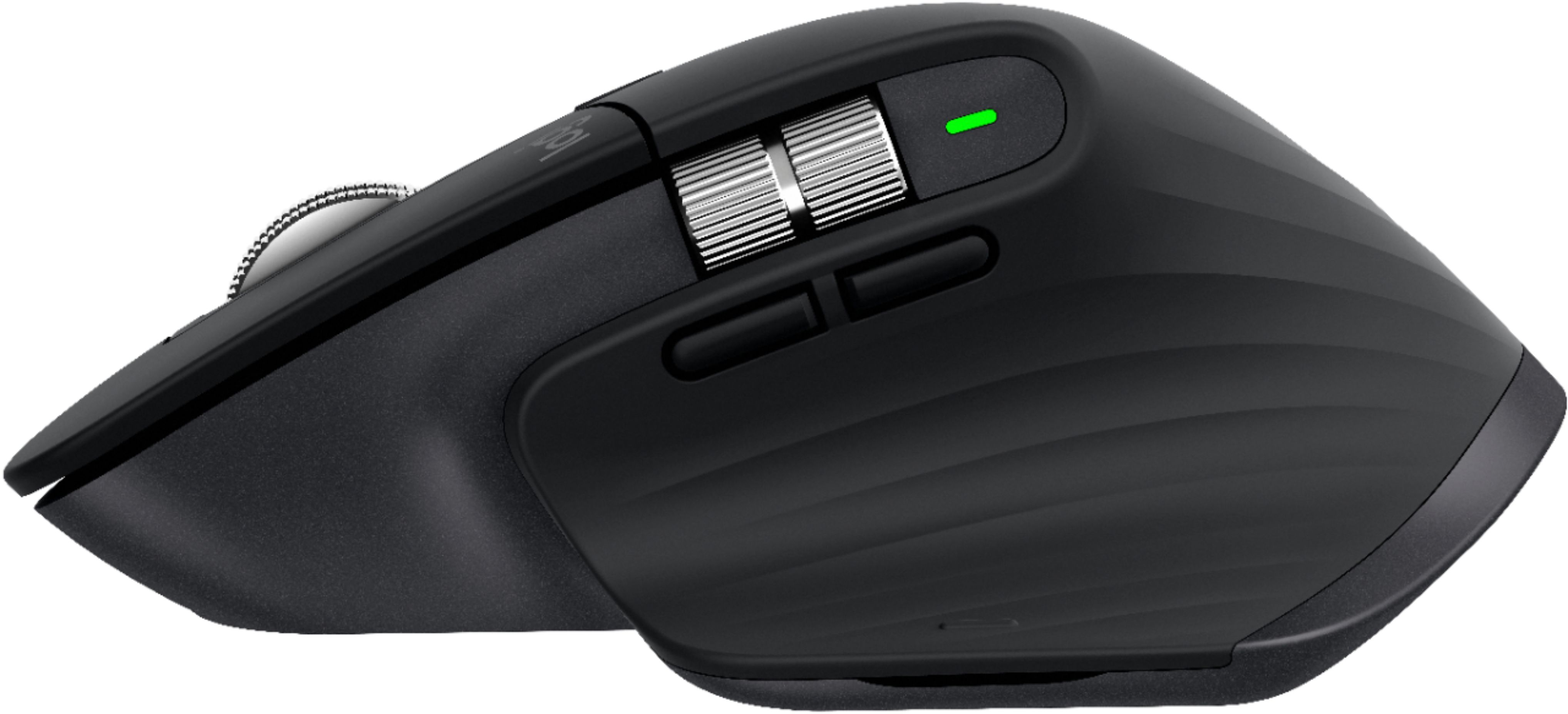
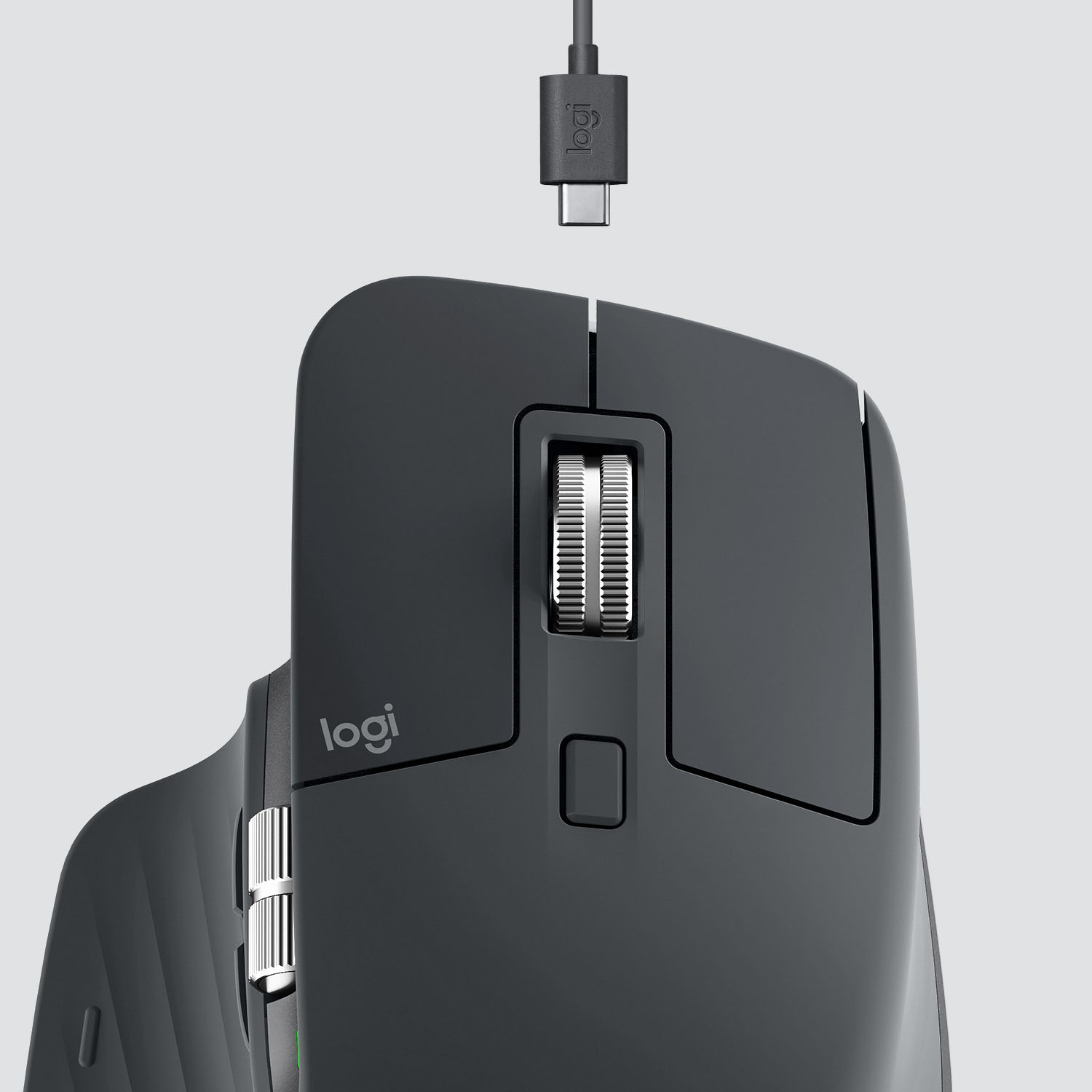
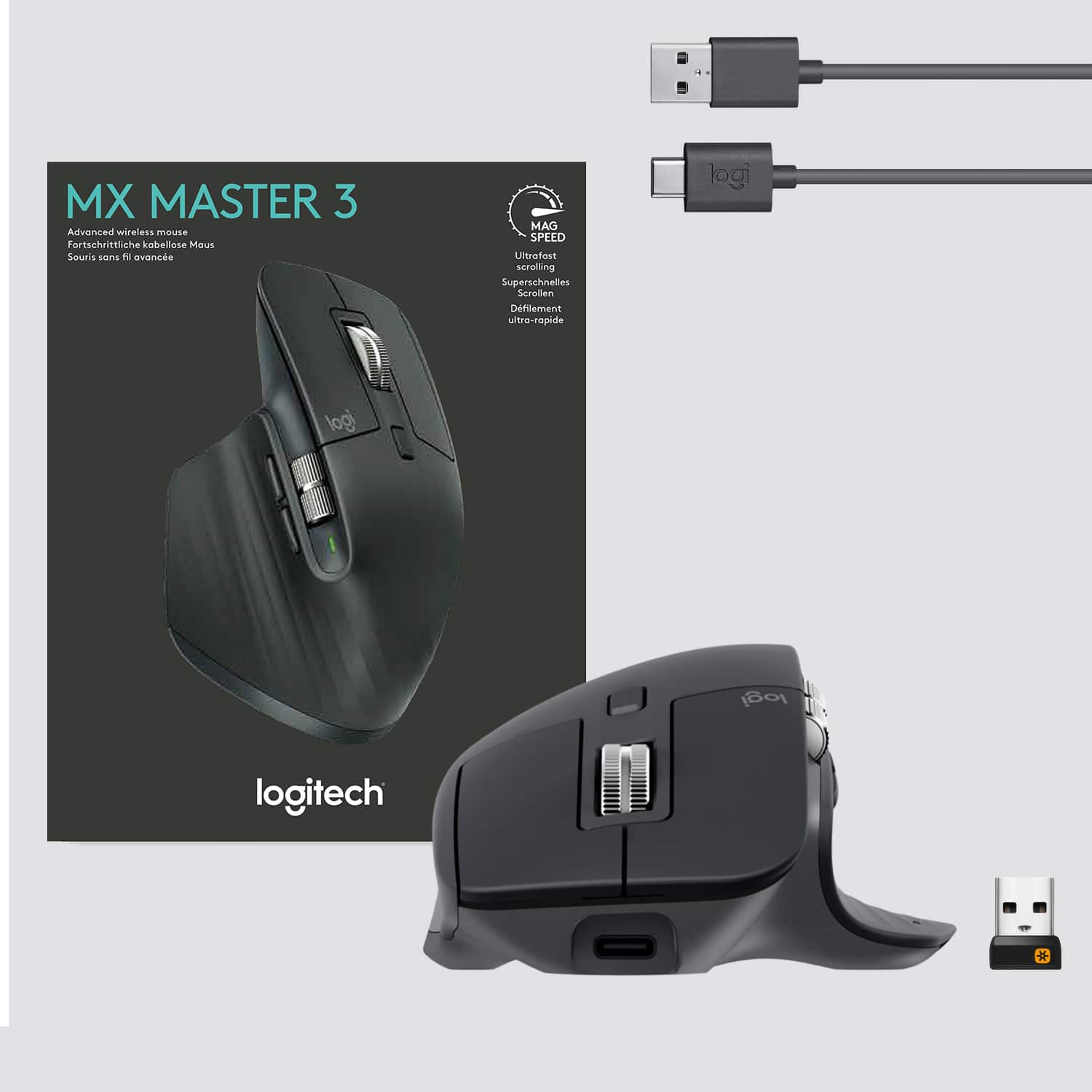
||Posted .This reviewer received promo considerations or sweepstakes entry for writing a review.This mouse fits the contour of my hand far better than the Apple mouse which is way too flat. It includes USB-C charging on the FRONT of the mouse the way a rechargeable mouse should (I’m thinking about you Apple) and allows pass through charging, so you can use it (like a wired mouse) while it’s charging. I’ve had this mouse for 3 weeks and have yet to charge it, so I have no idea how long it will go on a charge. The customization options are many and allow me to tailor the buttons to mimic nearly every function of the Apple mouse. The horizontal thumb scroll wheel is a well thought out function that never occurred to me but now it has become an indispensable feature of this mouse. The ability to map the buttons on this mouse to your desired function makes it easily the most flexible mouse I’ve ever used. You can even make the button functions application-specific. I don’t think this mouse would be for gamers, as it’s feels a bit on the weighty side for a mouse, but it’s very well made and feels and works like a premium mouse. I strongly recommend this mouse. Logitech has a winner here.
I would recommend this to a friend - Pros mentioned:Customizable, Multi-deviceCons mentioned:Price
Rated 5 out of 5 stars
Wish I had bought it sooner!
||Posted . Owned for 1 month when reviewed.This reviewer received promo considerations or sweepstakes entry for writing a review.I was unsure about spending $100 on a mouse, but I’ve heard nothing but great things about this mouse. Went for it and my only regret is that I didn’t buy it sooner! Every button on this mouse can be customized, switches between my PC and MAC seamlessly. The side to side scroll makes working in Excel a breeze.
I would recommend this to a friend - Pros mentioned:Comfortable, Multi-device
Rated 5 out of 5 stars
Excellent
||Posted .This reviewer received promo considerations or sweepstakes entry for writing a review.The MX Master 3 mouse is a marvel. The look and feel of the mouse is high quality, it has an extremely comfortable feel to it. I use this mouse for everything, of course, but I especially like it when I am working in my AutoCad program. The mouse always moves smoothly across multiple programs as well as multiple screens. The mouse can be used with up to three systems by turning a selector on the bottom of the mouse, I've never used the feature but I can see where it would be handy. Generally, I have a separate mouse and keyboard for my desktop, and another for my laptop. That's actually how I came to purchase this mouse. I have the black version of this mouse along with the MX Keys keyboard on my desktop system. They both work so well that I went and purchased another of each for my laptop and trashed the old keyboard and mose. One additional feature that I love is the USB-C rechargeable mouse. I don't have to mess with swapping out batteries anymore.
This review is from Logitech - MX Master 3 Advanced Wireless USB/Bluetooth Laser Mouse with Ultrafast Scrolling - Wireless - Mid Gray
I would recommend this to a friend - Pros mentioned:Comfortable, Long battery life, Multi-device
Rated 5 out of 5 stars
Best productivity mouse ever
||Posted . Owned for 1 year when reviewed.This reviewer received promo considerations or sweepstakes entry for writing a review.The Logitech MX Master 3 mouse is the best mouse I had used for productivity allowing me to switch between multiples computers (work and personal) without effort. Very comfortable and precise. Long battery time, working for multiple days without having to charge it.
I would recommend this to a friend - Pros mentioned:Customizable, Multi-device
Rated 5 out of 5 stars
Best all around mouse ..
||Posted . Owned for 3 weeks when reviewed.This reviewer received promo considerations or sweepstakes entry for writing a review.An excellent all around mouse , i can see where's this mouse can be a valuable tool in different applications , a person who works with video editing , Audio editor or just an everyday user can find it's use fulfilling... also a great mouse for people with large hands extremely comfortable to use & also to rest your hand on while using it , it feels very natural to your hand . And works flawlessly with my laptop , tablet & cell , can jump from one to the next within a second , can't beat that. Very easy to learn it's features , you can set it up to your liking.. Best bang for the buck really, you would think something like this would cost more & you can feel the quality in it , doesn't have that cheap flimsy feeling to the touch & also feels cool in the hand , even through long session's of use , without removing your hand ..
I would recommend this to a friend - Pros mentioned:Comfortable, Long battery life, Multi-device
Rated 5 out of 5 stars
Love this mouse
||Posted . Owned for 3 weeks when reviewed.This reviewer received promo considerations or sweepstakes entry for writing a review.I am very glad I got this mouse. It is sleek and very comfortable. It is perfect for my where I'm constantly switching between screens and scrolling through documents etc. The battery life is amazing and charging is very quick. The sensor is accurate and works well on every surface I have used it on.
I would recommend this to a friend - Pros mentioned:Long battery life
Rated 5 out of 5 stars
Great mouse
||Posted . Owned for 1.5 years when reviewed.This reviewer received promo considerations or sweepstakes entry for writing a review.Very happy with this mouse and the features it has. The battery last ages and can be recharged easily. I haven't been able to get the side scroll to work however this is likely due to the restrictions my IT company has on my computer.
This review is from Logitech - MX Master 3 Advanced Wireless USB/Bluetooth Laser Mouse with Ultrafast Scrolling - Wireless - Mid Gray
I would recommend this to a friend - Pros mentioned:ComfortableCons mentioned:Bluetooth connectivity, Expensive
Rated 5 out of 5 stars
Great Mouse!!
||Posted . Owned for 3 weeks when reviewed.This reviewer received promo considerations or sweepstakes entry for writing a review.This is a great mouse, very comfortable and accurate. I had a couple of issues with connectivity with Blue Tooth but was able to work though it. Other than that I love this mouse. Have been using it for a month now and only had to do the original charge so far. It is a bit pricey but is
This review is from Logitech - MX Master 3 Advanced Wireless USB/Bluetooth Laser Mouse with Ultrafast Scrolling - Wireless - Mid Gray
I would recommend this to a friend - Pros mentioned:Comfortable, Customizable
Rated 5 out of 5 stars
3D Designer - Love this mouse
||Posted . Owned for 1 year when reviewed.This reviewer received promo considerations or sweepstakes entry for writing a review.Have had this mouse for just over a year now (purchased 11/2019, now 01/2021) and I love it. I am a 3D Designer so I am on the computer constantly at work clicking, scrolling, zooming, panning, so I really needed a mouse that was not only comfortable, but remained comfortable all day. Absolutely worth the investment. Customization of all the buttons using Logitech Options is also very easy to use and beneficial. The scroll wheel is AMAZING, I am always having to zoom in a lot or scroll through pdfs with many pages and the "Infinity Scroll" feature is one that is such a big quality of life improvement. Scroll wheel is also very nice quality and satisfying to use. Underrated feature in my opinion. I have never used the "Logitech Flow" feature, so can't comment on it. TLDR; Great, comfortable mouse that is worth the higher price and would highly recommend. Shout out to the scroll wheel.
I would recommend this to a friend - Pros mentioned:Customizable, Scroll wheel
Rated 5 out of 5 stars
Best mouse I’ve ever used
||Posted . Owned for less than 1 week when reviewed.This reviewer received promo considerations or sweepstakes entry for writing a review.Never thought something a simple as a mouse was important, but after awhile you start to develop pains around the wrist, forearm, and hand with no ergonomics to support the shape of your hand using one for hours. This mouse is top of the line. It has a grippy/rubbery type of texture for your palm. Has a little thumb rest. The clicks are tactile. The scroll wheel is something I’ve never felt before and you can choose to have a standard click scroll or a buttery smooth scrolling experience with their built in magnetic scrolling mechanics. It’s weighted as well so you could view long paged documents or sites with ease. Even with the Logi Options App you could customize your mouse to function however you want, it’s crazy.
I would recommend this to a friend - Pros mentioned:Comfortable, Scroll wheel
Rated 5 out of 5 stars
Almost Perfect
||Posted . Owned for 1 month when reviewed.This reviewer received promo considerations or sweepstakes entry for writing a review.Probably the best and certainly most expensive mouse I've ever owned. Purchased with the Logitech MX Keys keyboard for the switching ability. Zero issues with the mouse, easy to setup, and very comfortable. The scroll wheel is fantastic. Pairs perfectly with the Logitech MX Keys or the Logitech Craft keyboards. The only thing I have not found a solution to is automating switching of the mouse itself. I have no use for Logitech flow software, but I am still looking for a way for the mouse to follow the keyboard when it switches. I can easier switch between my desktop, homelab server and my work laptop with the keyboard, but I have to lift the mouse to switch it. I believe with Logitech flow, the keyboard can follow the mouse, but when you have a restricted work laptop you can't exactly install whatever you want. Otherwise solid build and still worth the price.
I would recommend this to a friend - Pros mentioned:Customizable, Multi-device
Rated 5 out of 5 stars
Probably the best productivity upgrade ever made
||Posted .This reviewer received promo considerations or sweepstakes entry for writing a review.If you are like me and use multiple different machines through out that day for multiple different tasks and are tired of having multiple different peripherals to just get simple tasks done, buy this mouse. It is a bit pricey but the features that you get and the extra little bit of productivity you get out of this mouse is so worth it. I sat on the fence with this thing for about a year and I am glad I ended up just going for it in the end. It has helped me to become far more productive than I was before. The build quality is excellent, it feels good in the hand, switching between systems is super easy, and the software is also very easy to use and understand as well. 11/10. would recommend,
I would recommend this to a friend - Pros mentioned:Comfortable, Long battery life
Rated 4 out of 5 stars
Great Mouse…software only downside
||Posted . Owned for 6 months when reviewed.This reviewer received promo considerations or sweepstakes entry for writing a review.Great mouse, perfect for setups with both Mac and windows. Comfortable, customizable buttons, makes excel work and video editing much easier. Great battery life, I charge maybe once a month. Only downside is the software, it has lost connections a few times and the feature to move from one computer to another is hit or miss.
This review is from Logitech - MX Master 3 Advanced Wireless USB/Bluetooth Laser Mouse with Ultrafast Scrolling - Wireless - Mid Gray
I would recommend this to a friend - Pros mentioned:Multi-device
Rated 5 out of 5 stars
Best Mouse for Productivity
||Posted . Owned for 3 weeks when reviewed.This reviewer received promo considerations or sweepstakes entry for writing a review.This is truly a great mouse. I spent some time researching higher end wireless tracking mice and narrowed it down to the Razor Pro Click and the Logitech MX Master 3. I wanted a productivity designed mouse, and went with the Logi after seeing reviews of the ultrafast scrolling wheel. If you read through long documents or webpages, the scrolling wheel is awesome. The various wheels and buttons can be custom set to maximize productivity in Excel and other applications. I love how it can be used across two monitors running from a desktop computer, and then to my laptop screen. So I need only one mouse for two computers and three screens running simultaneously! Highly recommend.
This review is from Logitech - MX Master 3 Advanced Wireless USB/Bluetooth Laser Mouse with Ultrafast Scrolling - Wireless - Mid Gray
I would recommend this to a friend Rated 5 out of 5 stars
Best mouse for productivity
||Posted . Owned for 1 month when reviewed.This reviewer received promo considerations or sweepstakes entry for writing a review.This is my first expensive mouse purchase and certainly not disappointed. It is a great for productivity, nice agronomics. I even play occasional video games with it, tho would recommend a dedicated gamer mouse for a someone who's really into gaming.
I would recommend this to a friend- Pros mentioned:Comfortable, Multi-device
Rated 5 out of 5 stars
Great mouse.
||Posted . Owned for 1 week when reviewed.This reviewer received promo considerations or sweepstakes entry for writing a review.After a little over a week of using this mouse I have almost no complaints about it. Its comfortable to use all day, it feels really well built. The scroll wheels are both really solid, and useful for anyone who works all day on the computer. Fast scrolling works great too. The mouse tracks fine, I have never had an issue with it not responding to movement or responding weird like some other mice I have used. Highly recommend this mouse to anyone looking to get something nicer than any mouse you get with a computer, even without using the Logitech Options software it works great. You can swap between computers with a push of a button even with out the software which is exactly what I needed.
I would recommend this to a friend - Pros mentioned:Comfortable, Long battery life
Rated 5 out of 5 stars
Grading on a curve.
||Posted . Owned for 3 weeks when reviewed.This reviewer received promo considerations or sweepstakes entry for writing a review.I have never used a better mouse. Precise, comfortable, and that battery life. I have several precision mice, including the MX Master 2. And this one tops them all. If need a mouse for productivity, this rodent is worth the price tag.
I would recommend this to a friend - Pros mentioned:Comfortable, Long battery life
Rated 5 out of 5 stars
This is a Mouse
||Posted . Owned for 1 month when reviewed.This reviewer received promo considerations or sweepstakes entry for writing a review.Replaced an old mouse and decided to actually research a mouse that is comfortable to the hand. This is probably best mouse i have had, ever. Your hand sits comfortably the thumb rest is simply divine and has buttons while i rarely use it does come in hand when setting keys for graphic design. I have 3 4k monitors and didn't have to setup anything when i plugged the mouse up, default settings allow me to travel across three screens quickly. The scroll wheel allows a precision that is amazing. The battery life is amazing from hours of 3d modeling, gaming and other graphical rendering. I charge it when i think it should be low on energy but surprisingly only had one case where it told me after i plug it up that it was low. I would highly recommend this mouse it is simply an amazing.
I would recommend this to a friend - Pros mentioned:Comfortable, Customizable, Multi-device
Rated 5 out of 5 stars
Best mouse on the market right now
||Posted . Owned for 1 month when reviewed.This reviewer received promo considerations or sweepstakes entry for writing a review.The MX Master3 is awesome working from home using my company computer plus my personal computer at the same time by a simple switch . Feels fantastic on the hand and customize the buttons the way you like . Great flexibility.
I would recommend this to a friend - Pros mentioned:Scroll wheel
Rated 5 out of 5 stars
Excellent in Just About Every Way
||Posted . Owned for 3 weeks when reviewed.This reviewer received promo considerations or sweepstakes entry for writing a review.Highly, highly recommend this mouse. I've used each MX Master Mouse from Logitech since the original #1 and they truly have improved with each iteration. The feel of this MX 3 is that much better. The scroll wheel is a definite improvement IMO over the 2s. The only sort of improvement I'd like to see (and this could be a Mac OS issue not a Logitech issue) is on Windows 10 I have the same mouse for my Gaming/Productivity PC and in the Logitech software it has an option for "Switching Applications" that you can map to a button on the mouse but that's missing on the Mac version. I'd like to see that option come to this mouse on Mac OS. All in all though, I give it a 5/5. It's the best mouse on our planet right now IMO on either Windows 10 or Mac OS.
This review is from Logitech - MX Master 3 Advanced Wireless USB/Bluetooth Laser Mouse with Ultrafast Scrolling - Wireless - Mid Gray
I would recommend this to a friend