Customer Ratings & Reviews
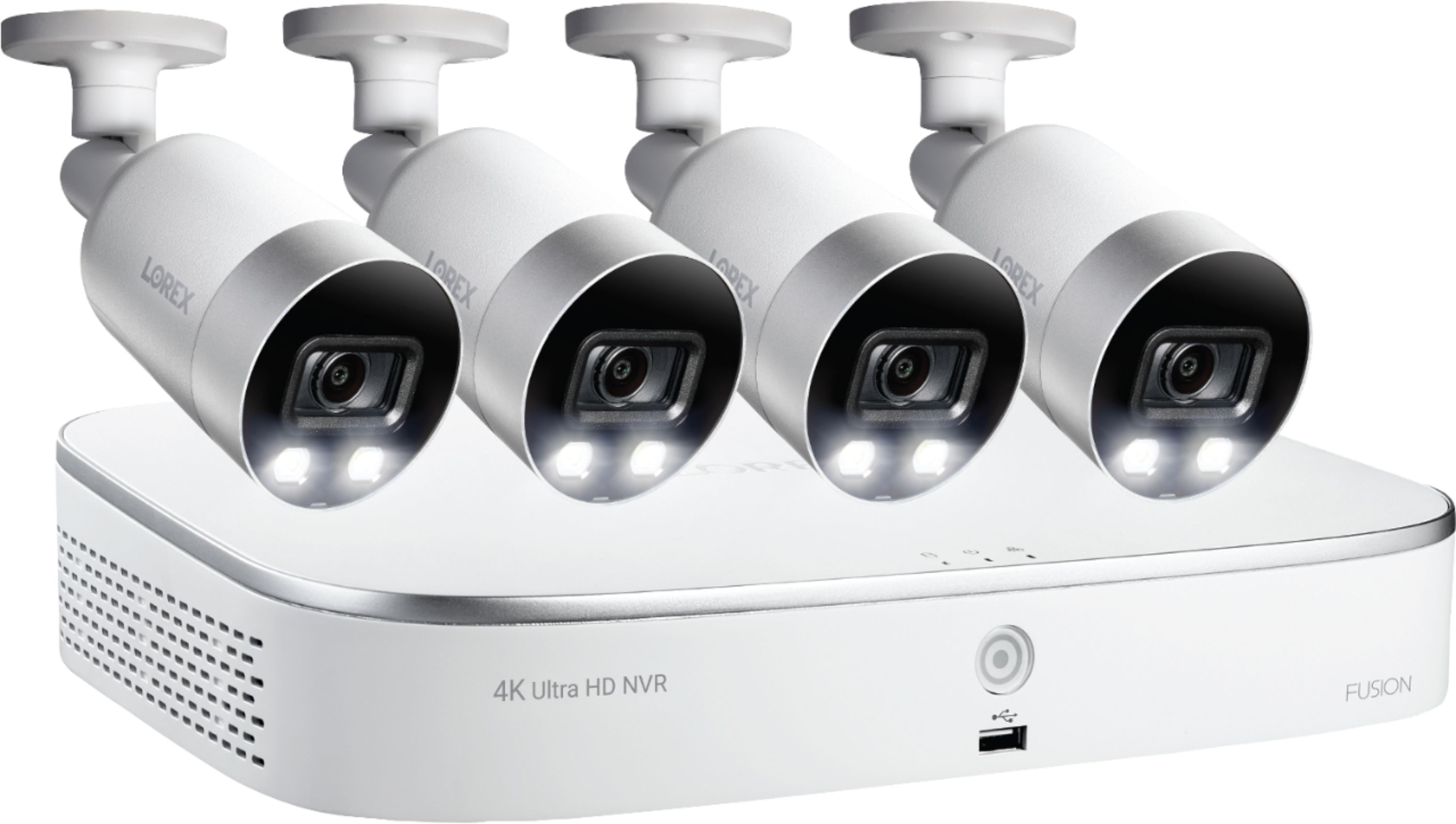
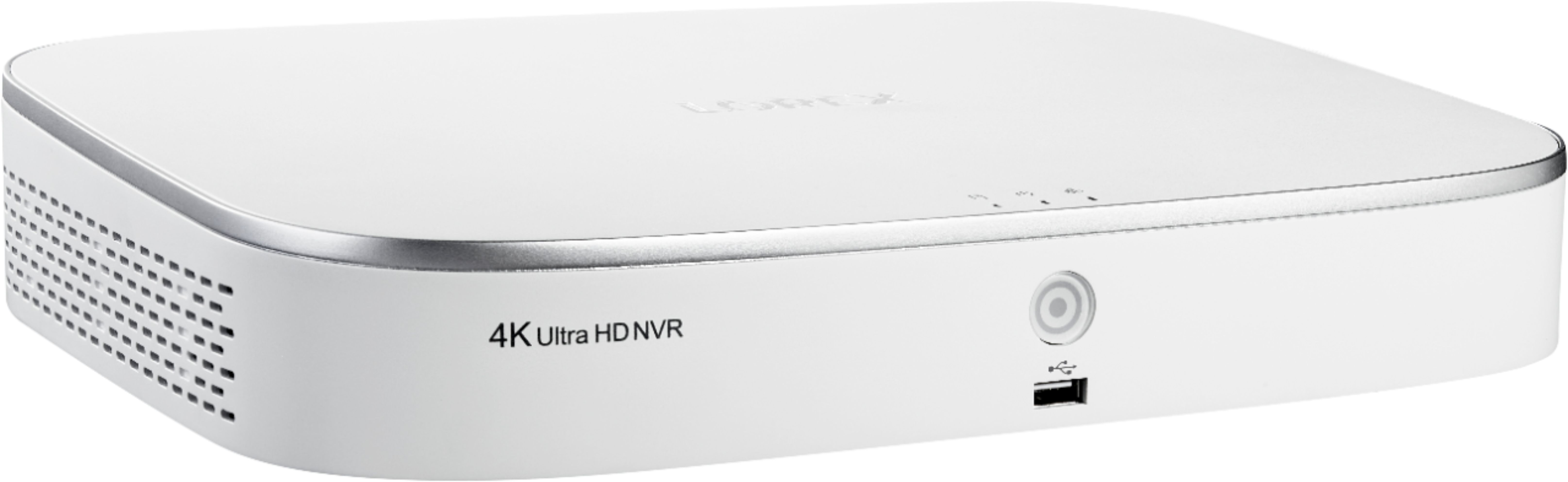
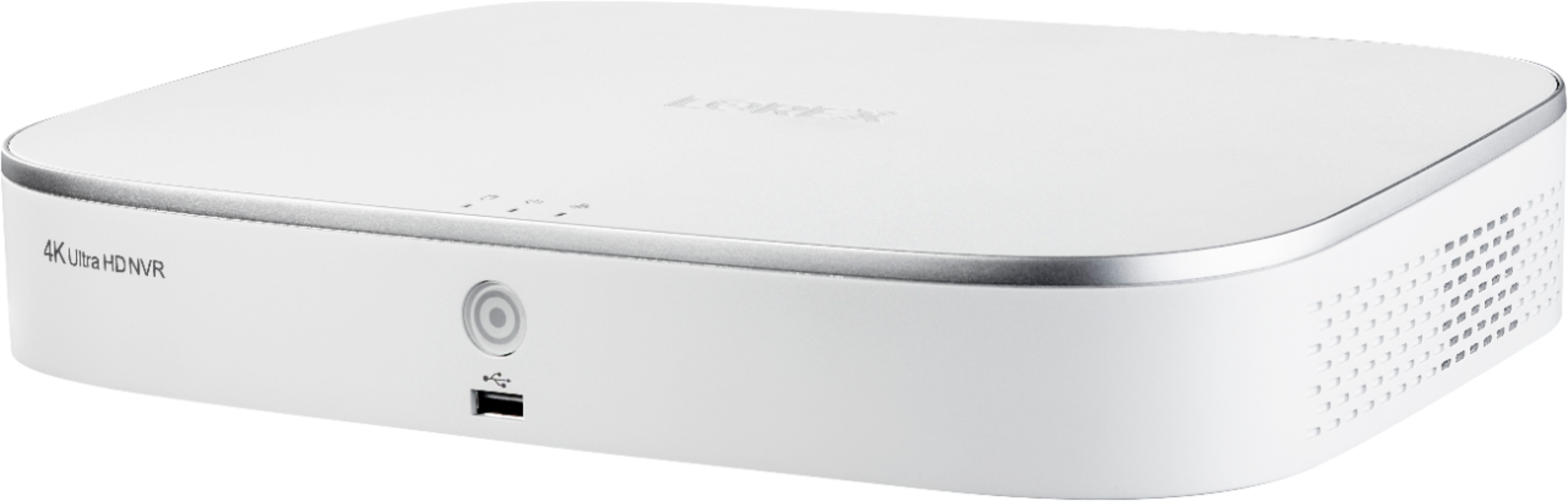

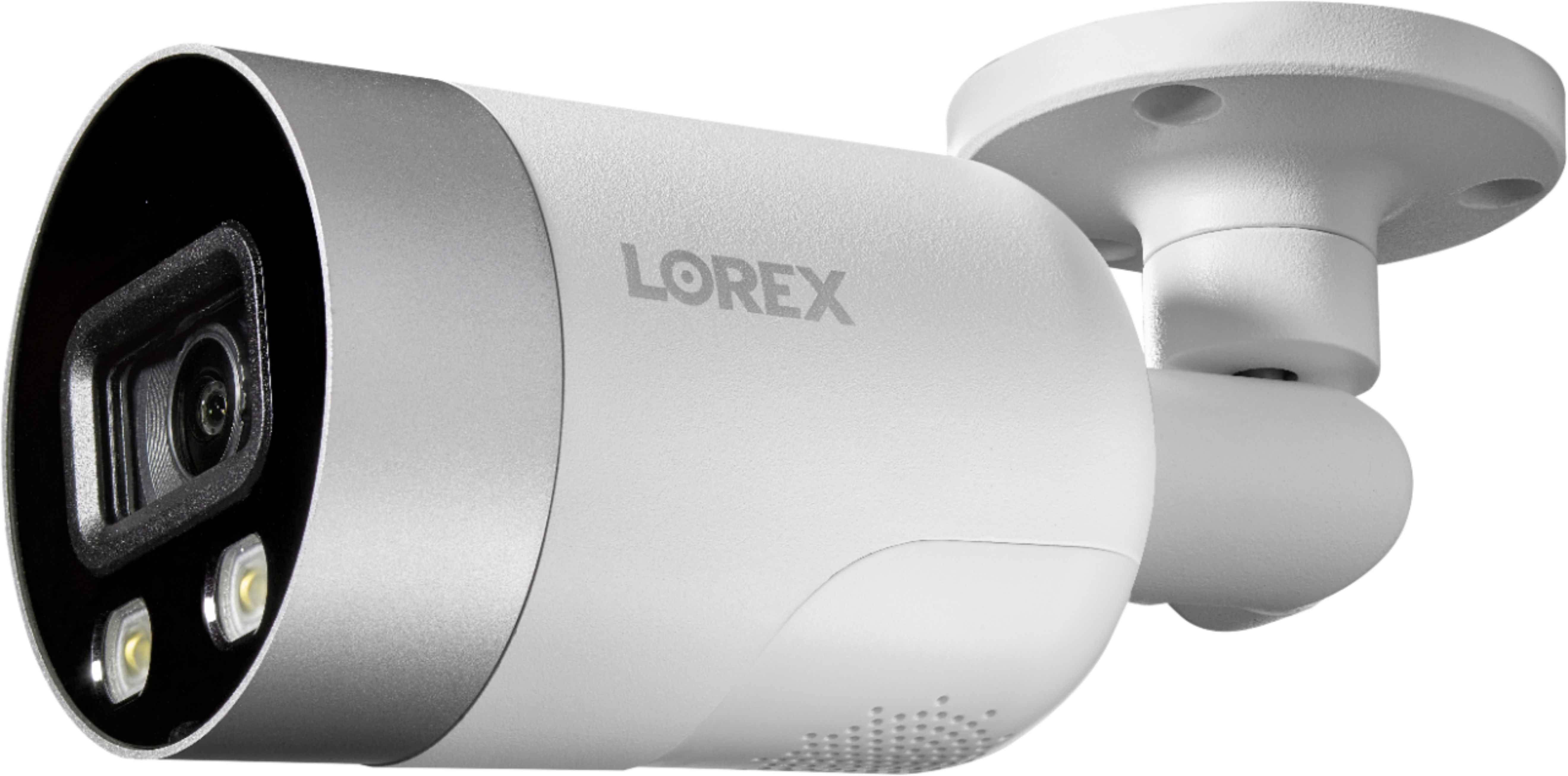
- Model:
- N841A82-8AB4E
- SKU:
- 6403926
Rating by feature
- Value
Rating 4.1 out of 5 stars
- Quality
Rating 4.5 out of 5 stars
- Ease of Use
Rating 4.2 out of 5 stars
Customers are saying
Customers love the 8-Channel, 4-Camera Indoor/Outdoor Wired 4K UHD 2TB NVR Surveillance System's superb picture quality and ease of use. Many appreciate the system's reliable motion detection features, receiving helpful notifications. The included 2TB hard drive offers ample storage for recorded video. Overall, the system is praised for its user-friendly setup and clear, high-resolution images.
This summary was generated by AI based on customer reviews.
Must have
||Posted . Owned for 1 year when reviewed.This reviewer received promo considerations or sweepstakes entry for writing a review.Wired camera has a quicker response time than wireless. Great video/image resolution.
I would recommend this to a friendSecurity Camera
||Posted . Owned for 1 month when reviewed.This reviewer received promo considerations or sweepstakes entry for writing a review.Easy install and works great. I hired an expert to do the install and he had recommended this product.
I would recommend this to a friendLorex 8 channel 4 camera indoor outdoor wired
||Posted . Owned for less than 1 week when reviewed.This reviewer received promo considerations or sweepstakes entry for writing a review.Well I will be giving these a review when I open box at New Home in March, so hopefully I will be satisfied.
I would recommend this to a friendGood Quality Picture
||Posted . Owned for 1 month when reviewed.This reviewer received promo considerations or sweepstakes entry for writing a review.The quality of the picture from the camera was as expected and advertised.
I would recommend this to a friend- Cons mentioned:App usability, Connectivity, Noise level

Decent Cameras - Poor Hardware / Software
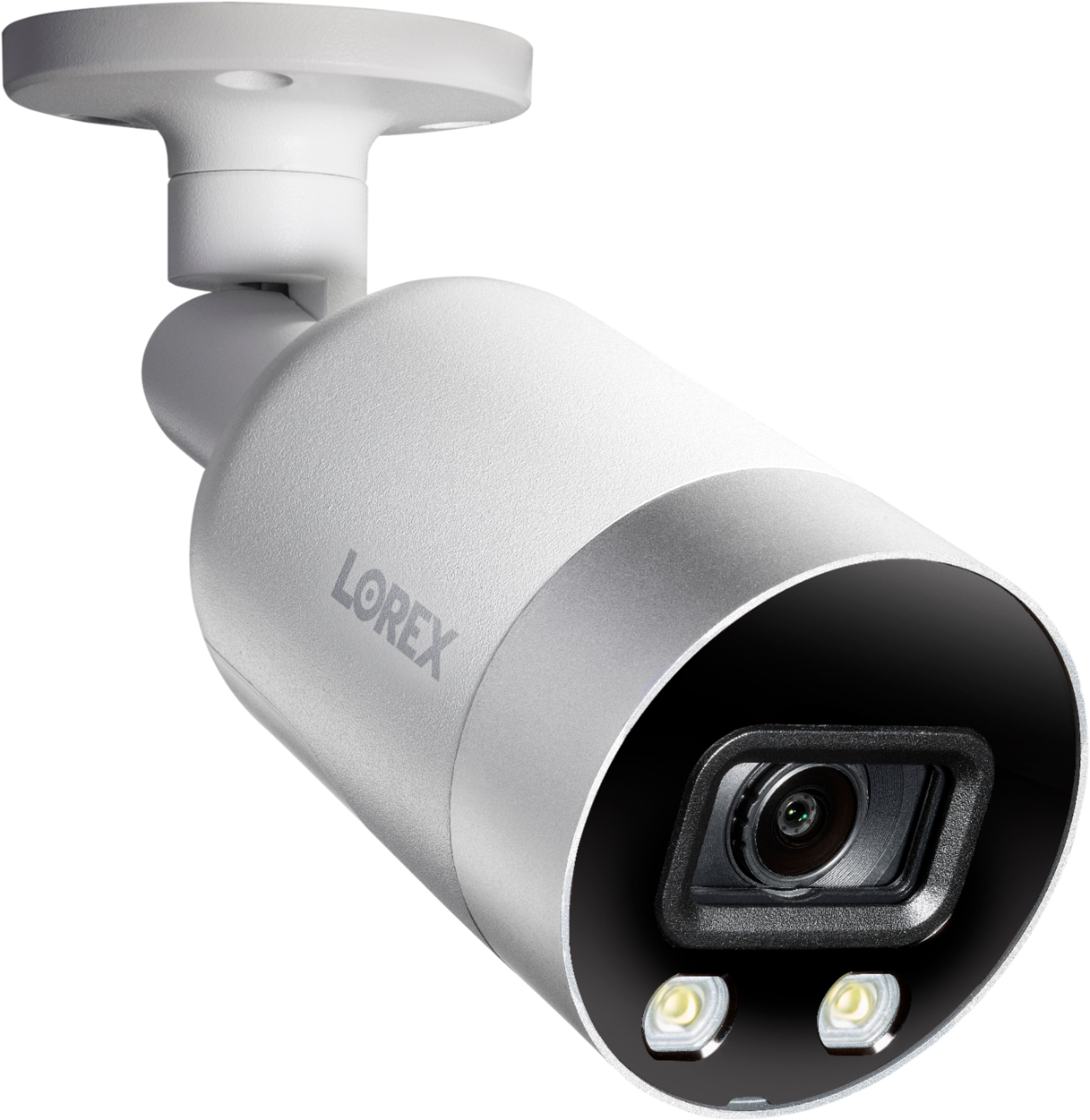
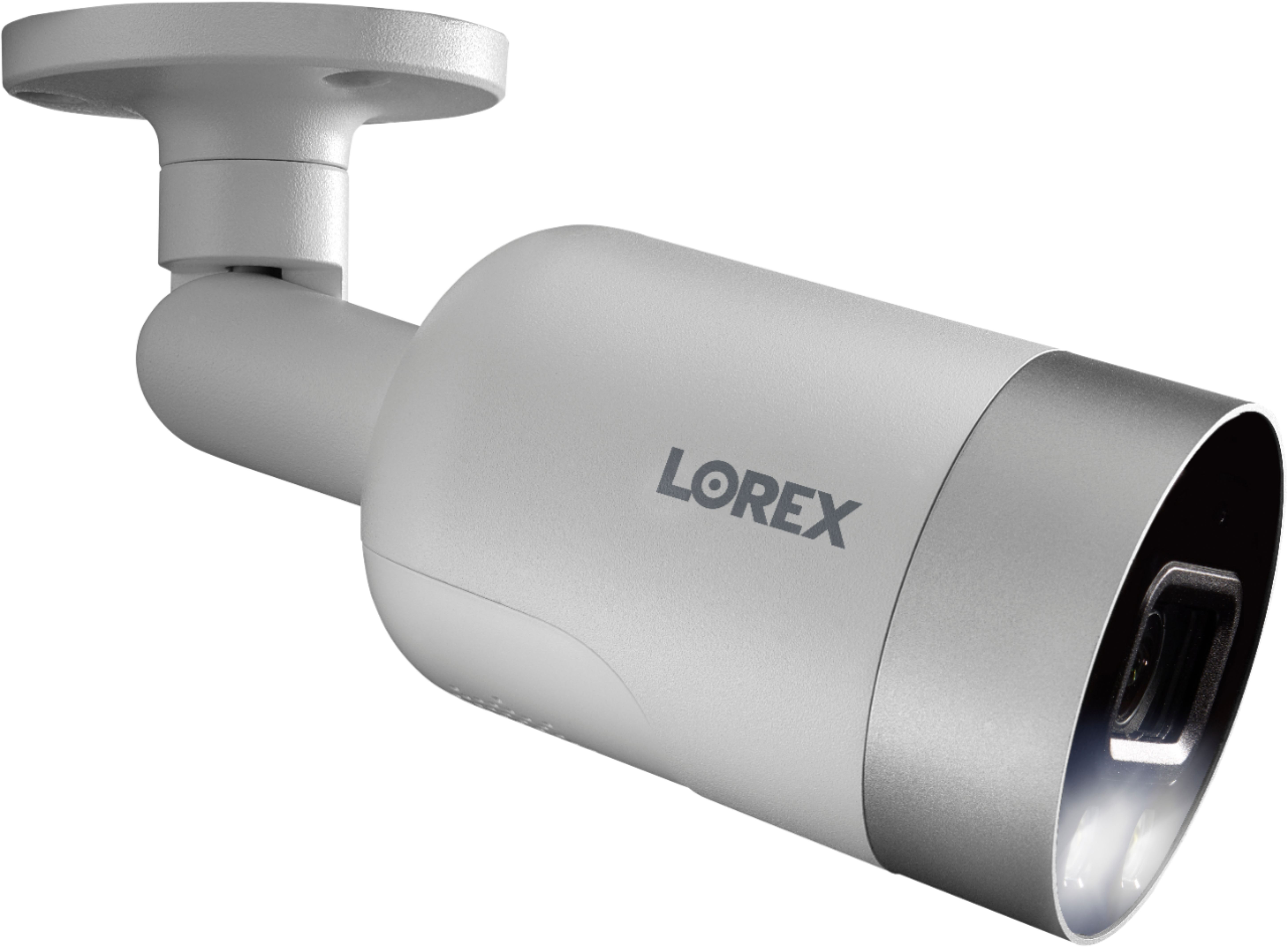
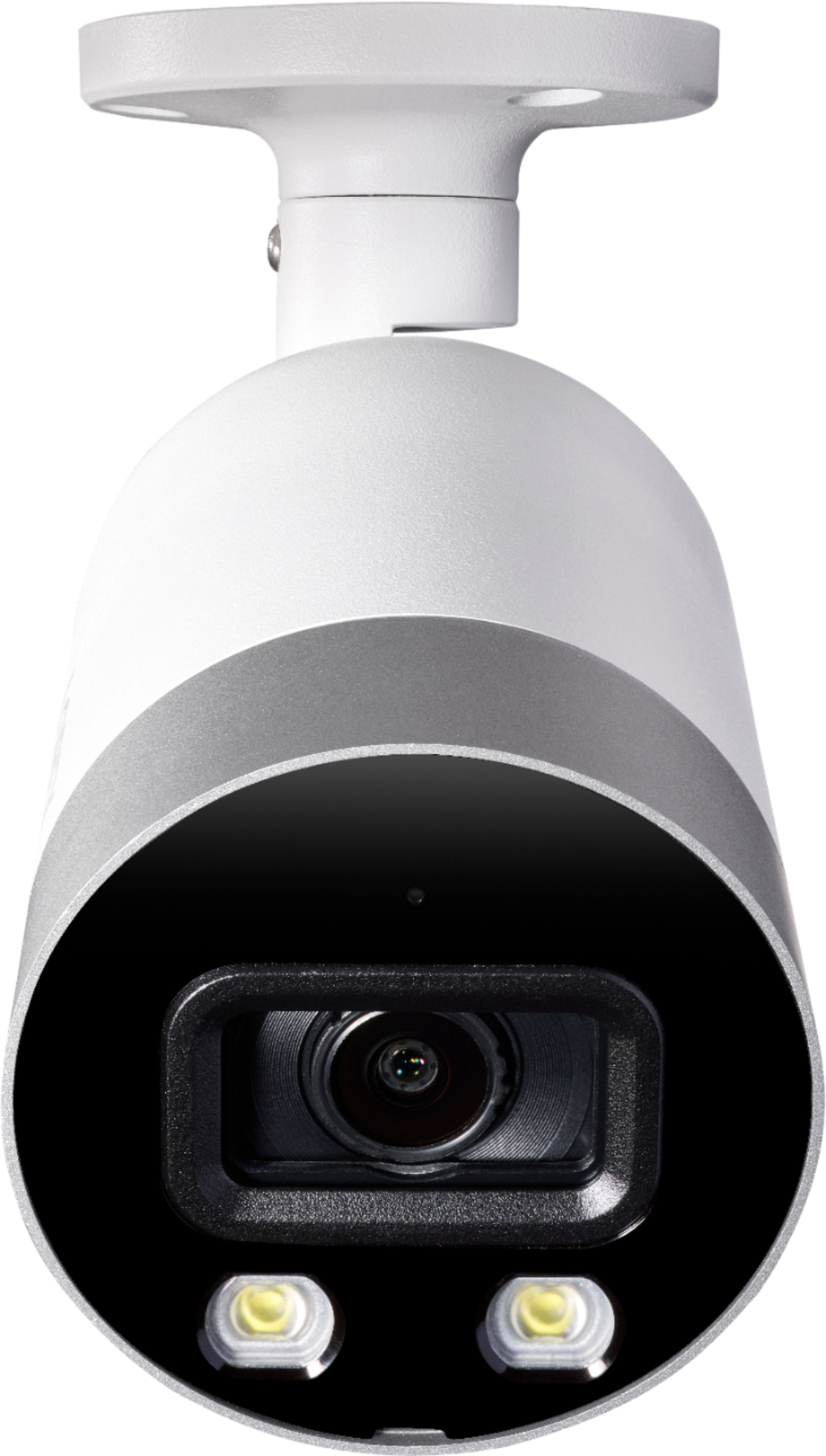
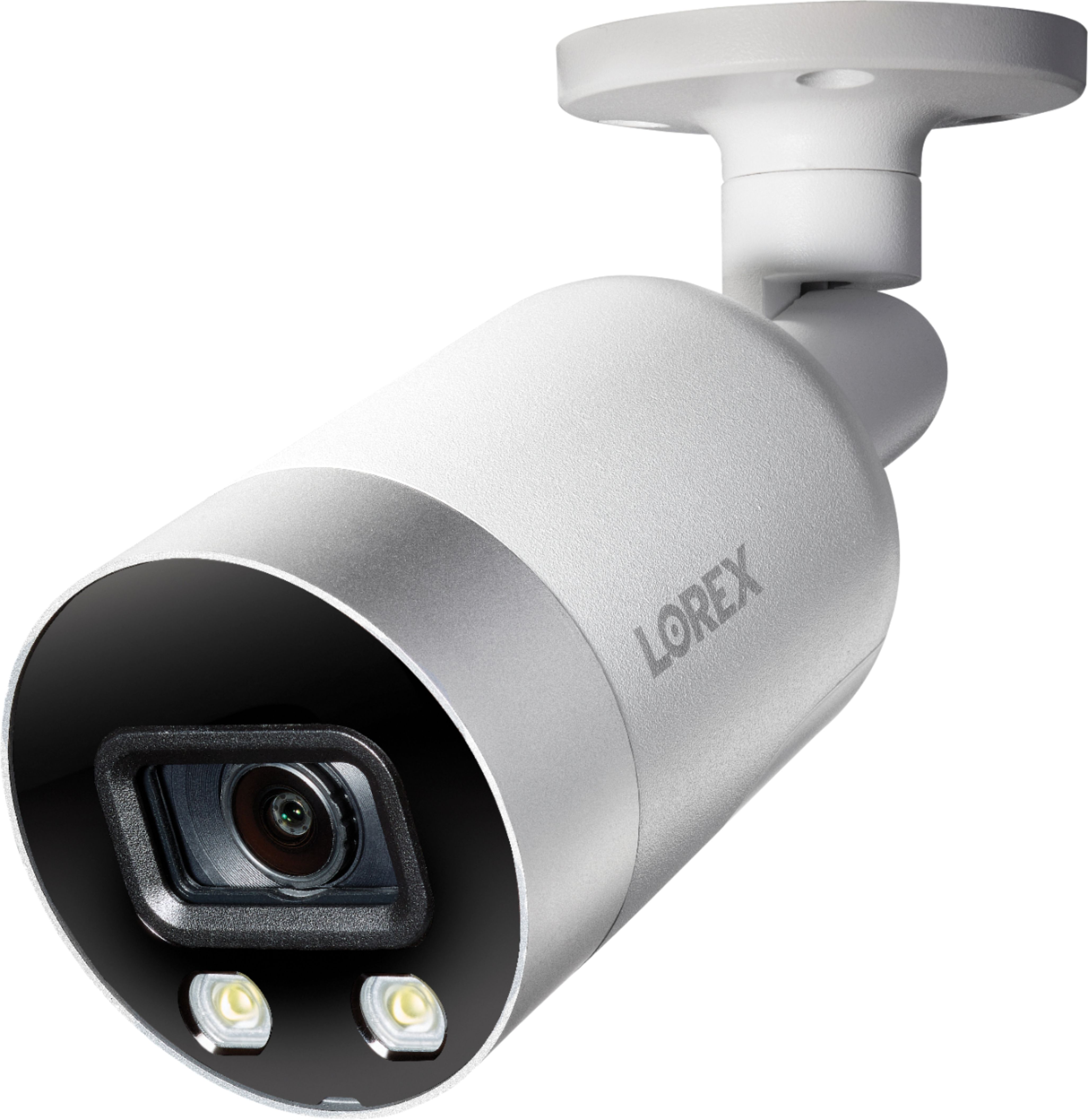
|Posted .This reviewer received promo considerations or sweepstakes entry for writing a review.UNBOXING The Lorex NVR system arrived shipped inside another non-descript brown cardboard box. After initially opening the outer box, I noticed the “Sealed for My Security” sticker was misaligned, and the original Lorex box had been taped up. It did not appear to have been as a result of the shipper taping it up, it appears it left Lorex in this condition. After opening the box, part of the contents also had the “Sealed for My Security” stickers missing. 2 of the 4 cameras were unsealed, as were the cat-5 cables (Lorex supplies 4, 100ft rolls of Cat-5 cable for installation). INITIAL SET-UP It was very nice to see the Lorex cameras now supporting a POE (Power-Over-Ethernet) option instead of using old school coax cable for video. The POE option is a great one-stop alternative for video and power and greatly simplifies the installation process. The Lorex NVR can provide the necessary power to the cameras, thus eliminating the need for a separate POE switch or POE injector. In order to access the system remotely and receive Event Notifications, you must connect the NVR to your home network via ethernet. Using the supplied HDMI cable and power brick, the NVR was up and running in a matter of minutes. It took longer to get my ladder out and remove my old cameras, than it did to install the new ones and hook up the NVR. Very nice. Initial configuration was accomplished at the NVR, using the supplied HDMI cable and a compatible 4k TV. A 4k TV is required during initial set-up (and for the ability to view the cameras at full resolution) as the Lorex GUI uses the extra pixels to display all the on-screen options and buttons. As a long shot, I tried repeating the set-up with a standard HDTV (1080p) TV and it is something you can accomplish, as there are just a little of the edges cut off during the initial configuration, but you can easily figure out what do. Surprisingly, after initial installation was completed, the Lorex asks you what the resolution of your current display is. I selected 1920 x 1080 and it scaled the image appropriately to match my TV’s resolution. To me, this seems somewhat illogical, as I feel that should be the first option during set-up. USE Each camera can be configured with 4 different, customizable motion detection zones. Each zone can be individually configured with their own unique sensitivity and motion thresholds. That is an extremely slick feature! Furthermore, each camera can be individually configured for what I call the “Theft Deterrent” features. One of the absolute best features of this system is that the cameras can configured to illuminate or strobe 2 individual LED lights with detection of motion. Additionally, you can have the cameras also emit a siren further enhancing their deterrent feature. AWESOME! The cameras feature motion, person, and vehicle detection built in. Based on the installation location of the camera, you can turn these features on and off as necessary. For example, I have cameras at my front and back doors, so I disabled the vehicle detection algorithms for those cameras, but left motion, person, and vehicle detection enabled for the cameras that watch my driveway and garage. The logic works quite well. Golf carts are popular in my neighborhood. Instead of alerting me to a vehicle, I receive a Person Alert with a snapshot of the golf cart. Slick!!! Like, I said the logic works very well and the included snapshot of the person, motion, or vehicle is cool!! As an added benefit, from what I can discern, the theft deterrent features appear to be built into the logic of the cameras and operate independently of the NVR. I could absolutely be wrong, but based on my issues with the NVR, that I will discuss below, the lights have never failed to illuminate upon motion detection. As expected with a camera system, all the motion detection zones, warning responses, recording parameters, etc. are all customizable to suit the users’ needs. Recording can be motion activated, continuous, etc. APP The Lorex Home app links your NVR to your smartphone or tablet. I will give Lorex major kudos for a job well done with their initial set-up and configuration. I set-up the NVR using my Android smartphone. Having never had a Lorex product in the past, it prompted me to create an account. Within a minute, I had the account created and was ready to add my NVR. There was zero hassle linking my gear to my new account. You no longer must be a network engineer to configure your NVR, network, account, etc. Not in the least. A simple scan of a QR code on the side of the NVR and the app instantly linked my account to my NVR. Super easy. Super simple. A very well configured and designed app (at least for initial configuration). Great Job Lorex! The Lorex Home app must be installed on your mobile device to receive alerts and images of the events. Not uncommon and the app works consistently. However, I have received a few alerts from my Android phone about excessively high battery use from the Lorex app. I will keep an eye on the battery drain and see just how much it is negatively affecting performance. NEGATIVES First. The Lorex software and app are not fully baked and need more refinement. After being thoroughly impressed by the initial setup experience, I’ve had the DVR installed for a while now and have already had to reboot the system because the Event Notifications have stopped. After rebooting, the notifications resumed, but have since stopped and I think another reboot is in order. Speaking of notifications, the app only allows 1 person to log in at a time. So, I cannot use the app on my phone and my wife’s phone at the same time. If she logged into the system to check a camera or notification, I am logged off and my notifications stop, while hers continue and vice versa. Second. I have the NVR placed directly under my 5 bay NAS. Until I received the Lorex, it served as my primary home security and surveillance platform. In my subjective opinion, the Lorex NVR is twice as noisy as the NAS, even with the NAS having 5 spinning hard drives in it. The Lorex’s cooling fan is obnoxiously loud and you can hear almost every single move the platter and read/write heads make in its hard drive. My guess is there is no isolation of the hard drive from the metal chassis and to keep costs down, they traded fan noise for price. This may not be an issue to most, especially if you place your NVR in a spot that sees little or no people, but it would be noticeable if it is in a small office. Third. Remote access. I’m pretty sure Lorex intends this product to be hooked to a monitor all the times for surveillance and monitoring. If you need to make any adjustments, configuration changes, review video, etc. they assume you will just use the supplied mouse and a monitor. However, I don’t use my NVR in that manner and surely, I’m not the only one. I would rather my NVR sit on the server rack and any changes I need to make or video I want to review; I want to do it from my PC. Therein lies the problem. While you can access the NVR via its IP address, it is far more difficult to make adjustments via a web browser. The Lorex NVR will prompt you to install a web viewer with browsers like Chrome and Firefox. They even provide you with a link to install the recommended Lorex software. But, that is where it stops. I have been unable to view any camera feeds using the Lorex supplied software with Firefox, Chrome, and Edge. None of the browsers will retrieve the feeds. The only browser that can access the cameras correctly is: Internet Explorer. Fourth. Cameras. I will fully admit that I am huge fan of the built-in LED deterrent lights and siren. That little bit of extra is extremely valuable to me. But to be quite honest, after that, the cameras really aren’t anything that special over cameras from other vendors. The Lorex cameras support a max resolution of 4k @15 fps @ 4096bps. Furthermore, the Lorex implementation of WDR (Wide Dynamic Range) isn’t well implemented. While the processing does help brighten darker images, it also washes out the brighter images, something that my previous cameras did much, much better. Lorex also claims that these cameras support color night vision. I haven’t had any luck getting that work. No matter what I have tried, the cameras still resort to black and white at night. I think all these issues could be easily fixed via a firmware update, as my NVR software shows all 4 of the cameras’ status as: “To Be Updated”. But there is no way to update the cameras. When I go to perform the update, it asks me for a file on a USB drive. That is OK, but I can’t find any updates on the web. I searched numerous forums and others appear to be experiencing the same update issues. Fifth. Redundancy. There is ZERO redundancy in this system. Granted Lorex does offer the option to back up the system to an external hard drive or thumb drive, but ultimately, there is still only 1 hard drive installed. If that hard drive fails prior to your next scheduled backup, you have lost all video. There is no option to mirror the drive in the event of failure. There is also no way to expand the storage of the system without a full hard drive replacement. Continuously recording 4k cameras 24 x 7 doesn’t take but a few days to fill up that 2TB hard drive. CONCLUSIONS While there are some definite bright spots in this system, there are also a lot of negatives. Unfortunately for this Lorex system, the negatives are outweighing the positives at this point in time. There are just too many shortcomings and bugs to make it a best option solution. Granted, some of these shortcomings could be addressed via software and firmware updates, some issues cannot be addressed so easily. Until Lorex can get the kinks worked out, I would look elsewhere.
No, I would not recommend this to a friend - Pros mentioned:Image quality
Horrible customer service with Lorex
||Posted . Owned for 9 months when reviewed.This reviewer received promo considerations or sweepstakes entry for writing a review.The quality of the video is excellent. The NVR stopped working. The customer service was so outrageously unresponsive. I will NEVER buy again and would not recommend this product to anyone. Its a shame.
No, I would not recommend this to a friendBrand response from Lorex Technology Team
Posted .Hello Steve,
Thank you for sharing your concern and we apologize for your recent experience. Your feedback matters to us as we strive to deliver the best possible customer experience. We would like to better understand the situation and help to resolve the issue, so please contact us at feedback@lorex.com. One of our customer experience team members will be happy to assist you in this matter directly.
Thank you,
Lorex Customer Experience Team
Easy to install
||Posted .This reviewer received promo considerations or sweepstakes entry for writing a review.Easy to install and works great still trying to figure out the settings
I would recommend this to a friend- Pros mentioned:Image qualityCons mentioned:Noise level
Good security camera
|Posted .This reviewer received promo considerations or sweepstakes entry for writing a review.Review The Lorex security camera system is a solid system, but it does have room for improvement. First off, the setup is not like the other systems like Ring & Arlo where you can setup the cameras and system just using your smartphone or tablet. It requires you to connect a computer monitor to the base station (not included), and a computer mouse (included). They included a VGA cable to use with your monitor, and they also included an HDMI cable which you can connect to your TV for setup. The base unit has a built in fan that runs 24/7 and is quite loud compared to other camera security base stations. I have mine setup in a utility room. If you were to place it in a bedroom or family room area, it could be quite annoying. Most people have their home router in either a bedroom or family room area. Since the base unit requires you to plug into your Internet modem via Ethernet, you could place it in another part of the house by using a WiFi mesh system with Ethernet ports on the mesh units or use a WiFi extender with an Ethernet port on it. When installing the cameras I had plenty of Ethernet cable. They include about 98 ft of wire per camera. While installing the cameras I noticed they get extremely warm while connected to the base via Ethernet. I hope the heat the cameras generate does not cause them to wear out over time. Once you create your account and have the cameras installed you can download the mobile app. You’re able to receive notifications, view your cameras, and adjust most settings from the app. Each camera has a built in LED floodlight to deter criminals when it detects motion. You can also have it to sound an alarm for each camera. I couldn’t find a way to adjust those settings form the app. I had to do it from the base unit. The video quality of the cameras are very clear and the speaker for 2 way audio is loud and clear. The area of work is with the mobile app. The reviews for the app aren’t that great. The mobile app is not intuitive and takes too long to alert you when motion is detected. On average it takes about 30 seconds to be notified when motion is detected. That’s way too long compared to other security cameras from other manufacturers can deliver notifications almost instantly. If you wish to go back and watch a video clip, it takes about 3-4 seconds for the clip to load. The system also allows you to record 24/7. If you wish to go back and watch recorded footage you are unable to scrub through the footage. The video takes several to reload each time you move the cursor. Being able to scrub through the video is much needed. The system allows you to view your cameras on some platforms, but not all. I was unable to view them on my Mac. They have software on their website, but the software is out of date and odes not support the most recent version of Mac OS. I also was unable to view them on my PC. I was able to view them on my iPhone, but they need to develop an app for the iPad. The iPad app is just a phone app, which you have to enlarge and it only shows in portrait mode. It supports smart home devices such as Alexa and Google Home. Setup for Alexa was fairly easy and it works with not issues. Only the setup of the skills app had slight issues. I had to tap the approve button several times in order to finalize the skills app. I had no luck with getting it to work with Google Home. I was able to download the app to my Google Home and the cameras appear when I click on cameras, but when I try to add them to a room they do not appear. If I try to initiate a command to my Google device, it does not understand the command. Not sure if the problem is the Lorex Google Home app or the Google Home itself. A big plus was that they have an app for the Apple TV that you can download and install. When you open the Lorex app on your Apple TV, it only loads 1 camera. If you move the cursor around, then the other cameras will appear. The hardware for the Lorex system is solid, but their apps and software development could use some improvement. Overall it’s a fairly solid system with a lot of upside.
I would recommend this to a friend cameras
||Posted .This reviewer received promo considerations or sweepstakes entry for writing a review.Nice, but I brought it back because ADT will monitor and installed their cameras.
I would recommend this to a friendIt had all the bells and whistle’s I was looking f
||Posted . Owned for 2 weeks when reviewed.This reviewer received promo considerations or sweepstakes entry for writing a review.Nice little system I just wish it came with bigger hard drives
I would recommend this to a friendWonderful security camera
||Posted . Owned for 2 weeks when reviewed.This reviewer received promo considerations or sweepstakes entry for writing a review.Excellent product recommend to others to purchase excellent Night vision
I would recommend this to a friendhome surveillance
||Posted . Owned for 3 weeks when reviewed.This reviewer received promo considerations or sweepstakes entry for writing a review.great value for the money, great camera clarity, love this product
I would recommend this to a friendNice quality
||Posted . Owned for 3 weeks when reviewed.This reviewer received promo considerations or sweepstakes entry for writing a review.The video quality is very good, but installation needs more time.
I would recommend this to a friendBigmike
||Posted . Owned for 2 months when reviewed.This reviewer received promo considerations or sweepstakes entry for writing a review.Camera's crystal clear and almost no lag time. A great buy.
I would recommend this to a friendGear cameras
||Posted .This reviewer received promo considerations or sweepstakes entry for writing a review.Good cameras. Easy to install. Fast shipping. Very satisfied
I would recommend this to a friendGreat
||Posted . Owned for 3 months when reviewed.This reviewer received promo considerations or sweepstakes entry for writing a review.Great product would recommend night mode is great
I would recommend this to a friendGreat Item! 100% Recommended.
||Posted . Owned for 2 months when reviewed.This reviewer received promo considerations or sweepstakes entry for writing a review.Great Item! 100% Recommended. Great Item! 100% Recommended.
I would recommend this to a friendCamera
||Posted .This reviewer received promo considerations or sweepstakes entry for writing a review.Best camera system ever purchased and I would recommend
I would recommend this to a friendAmazing Lorex
||Posted .This reviewer received promo considerations or sweepstakes entry for writing a review.It’s really amazing products HD quality is too good love it.
I would recommend this to a friendWorth the money!
||Posted . Owned for 2 months when reviewed.This reviewer received promo considerations or sweepstakes entry for writing a review.The quality is awesome, definitely glad I made this purchase!!
I would recommend this to a friend