Customer Ratings & Reviews
- Model:
- T5D-03190
- SKU:
- 6402559
to a friend
Customers are saying
Customers highly value the ease of use, especially praising the user-friendly installation and navigation. The inclusion of Outlook, Excel, Word, and PowerPoint are frequently cited as key reasons for purchase, along with the overall value for the price. While some users experienced minor challenges with the installation process, many appreciate the one-time purchase option and the software's compatibility.
This summary was generated by AI based on customer reviews.
- Pros mentioned:Ease of use, Excel, Outlook

Very Useful Document Creation & Editing Tools
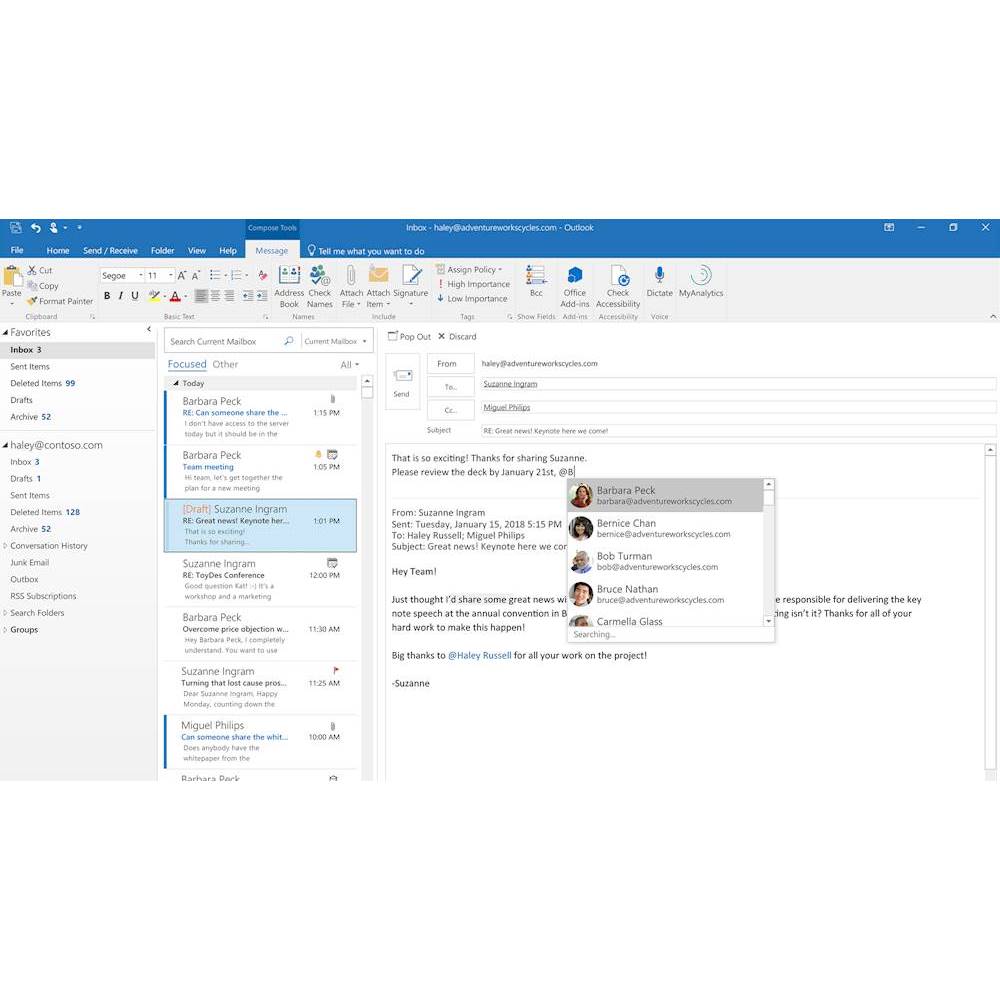
|Posted .This reviewer received promo considerations or sweepstakes entry for writing a review.Before I received this newest version of Microsoft Office, I had been previously using a much older version of Microsoft Word, of which I mainly used Microsoft Word for typing and editing basically anything. I would regularly prepare e-mails in Word and then copy and paste the edited e-mails into the online Outlook e-mail service before sending the e-mail. Now that I have the Outlook desktop program, when creating a new e-mail in Outlook, it has all of the basics that Word has, and so it is now possible to do the typing and editing of e-mails all in the Outlook program. I was mostly anticipating being able to use Outlook for desktop so that I could test out how well incoming e-mails would sound an audible notification on my desktop, that way when I received an e-mail, I would know as soon as possible. I had previously been relying upon the Android Outlook app for e-mail notifications, but Outlook for Android does not have push notifications, it only has the option of transferring e-mail notifications to my smartphone every 15 minutes. Now with Outlook for desktop, push notifications are now possible, and now when I receive an e-mail, I receive a notification on my Windows desktop very quickly after an e-mail arrives. At the top of the Outlook app, there is a button that says get add-ins. This allows you to choose from a whole lot of add-ins that can be added to the Microsoft Outlook program. My favorite add-in is for some reason not included in the list of add-ins showing in the Outlook program, it is necessary to do a Google search for the words: Dictate for Microsoft Office, then look for the option that says Microsoft Garage, and this will take you to the Microsoft website where you can download the Dictate add-in. The Dictate add-in adds the speech to text functionality to the Microsoft Office programs. https://www.microsoft.com/en-us/garage/profiles/dictate/ The Outlook app is for some reason not optimized very well when it is first installed and opened, it by default displays the texts of the e-mails kinda small, and it is sort of a process to increase the size of the text so that the e-mails appear big enough to be seen easily. But at least it is possible to increase the text size so that e-mails are easier to view. It is even possible to set it up so that e-mails from certain senders will appear in a chosen color of text. If I had not found the option of increasing the size of the text, it would have been a real hassle trying to read e-mails with small text. If Microsoft could make the text size a bit bigger by default in the Outlook program, then this would be better. The Outlook e-mail app by default only synchronizes 3 months of e-mail history, and when I realized that I was not seeing some of my older e-mails that were showing in my Outlook.com account, I did a Google search and found a Microsoft customer service webpage, which allows putting in a request to be called back by the Microsoft tech support department. Here is the website address of which to request a call back from the Microsoft tech support: https://support.microsoft.com/en-us/contactus/office/ This website also allows the option to chat with a Microsoft tech support representative and ask questions about the functioning of any of the Microsoft Office programs. When Microsoft called me back, the tech support personnel quickly was able to help me with changing the setting of how many months of e-mails to synchronize, and so it is possible to switch to the option of synchronizing all e-mails from the past. This is another default which could be optimized, why not set the default so that all e-mails from the past are synchronized automatically, it seems like this might be a more commonly desired setting. The Microsoft website of: https://support.office.com/en-us/office-training-center has online training articles and videos which show the basic functioning of the office programs that are included with Microsoft Office Home and Business 2019. At first I had no luck playing the online training videos because of an incompatible browser, and I found out that the training videos cannot be viewed unless using the Microsoft Edge browser, or the Internet Explorer browser. At least the training videos are online for customers to access, as this allows some level of training for the included office programs. The Microsoft training website does say Office 365 Training Center, but I contacted Microsoft tech support and was told that the online training materials are valid for the desktop versions of the Microsoft Office programs. The online selection of Microsoft Office training material is pretty decent. I am not able to include many details of all of the programs that are included in Microsoft Office Home & Business 2019. There is so much that can be done with these Office programs, and I am not trained in Excel, Power Point, or One Note. I mainly have been testing the Microsoft Office programs that I already had a bit of practice using, which is Outlook and Word. One day I had downloaded a copy of my Google contacts, so that I could import my Google contacts list to my Outlook account, and I did notice that the contacts.csv file did have a Microsoft Excel icon on it, so I knew it could be edited in the Microsoft Excel program. Upon opening the contacts.csv document in Excel, it did allow me to easily add in any incomplete details of my contacts list. I think that any customer who has Microsoft Office Home and Business installed on their computer, would be benefitted if Microsoft would expand their online assortment of Office training videos and articles, so that customers could maximize their usage of the Microsoft Office programs. I feel as if this suite of Office programs has a varying value to customers, based upon how much a customer is able to accomplish with the Office programs. If a customer is lacking in knowing how to use the Office programs to the fullest, then the Office programs will naturally seem less valuable. To a customer who has a greater level of training using the Microsoft Office suite of programs, this person is naturally going value the Office programs more. Learning how to use the Office programs by watching training videos, is indeed a bit easier than pressing all the many available options for hours, trying to learn the hard way all of the various functionalities of the Office programs. It is easy to see why Microsoft Office is one of the most popular document creation and editing tools, as there is so much that can be accomplished having the Microsoft Office suite of programs, which could not be accomplished otherwise. I am rating Microsoft Office Home and Business at 4 out of 5 stars, and I would rate it better, if Microsoft were to add a more extensive collection of online training videos and articles, so that the lesser trained customers, could make better use of the Microsoft Office programs.
I would recommend this to a friendBrand response from MicrosoftOutreachTeam
Posted .Hello there,
Thank you for taking the time to write out such a thorough review. We value customer feedback and love hearing about our customers' Office experiences.
With what you've written, we think it'd be valuable feedback in our User Voice site. There, you can give feedback for our developers to see and engage with about Office and other Microsoft products. When you have the time, we'd love to have your review there. Here's the link: https://office365.uservoice.com/
Thanks for being a part of the Microsoft family!
Sincerely,
Jo
Office Customer Care
- Pros mentioned:Ease of use
Excellent program
||Posted . Owned for 2 months when reviewed.This reviewer received promo considerations or sweepstakes entry for writing a review.Excellent product to have, it works seamlessly and flawlessly!
I would recommend this to a friendBrand response from MicrosoftOutreachTeam
Posted .Thanks for the feedback, John! We're really happy to hear that you think Office Home & Business 2019 is working flawlessly.
Tom
Microsoft Office Team
- Pros mentioned:OutlookCons mentioned:Installation
Best Way to Go Without a Subscription.
||Posted . Owned for 1 week when reviewed.This reviewer received promo considerations or sweepstakes entry for writing a review.I had Office Home & Business (2007) for years, which I really liked, due to Outlook for emails & Word for writing essays/novels/shorts. This is newer (not necessarily better), but you know what you're getting for the most part. The benefit with this version of Office is this isn’t a subscription, like 365. You get Office (2019) on one PC while it lasts. This is mostly a good thing, with some newer features over 2007 (& some missing), but I don’t like that in order to redeem this one is required to register the key through a Microsoft account. That makes what could’ve been a simple installation not so simple at all, especially if you want to start on a new PC with a local account through Spectrum or suchlike (not through Microsoft). Truly, it added a good hour and a half to a simple 20 minute job of starting on a new PC, which is why I didn't give this 5 Stars. However, other than that, this is the way to go if you don’t want to go through an always ongoing subscription service.
I would recommend this to a friend - Pros mentioned:Excel, Outlook
Microsoft Office; Monthly vs one Payment Options
||Posted . Owned for 1 week when reviewed.This reviewer received promo considerations or sweepstakes entry for writing a review.So, I know there is Office 360, but I always go for this paid version. I just don't need to pay monthly fees just to enjoy some minor changes to the software. For what I have seen, most common users of this software version like me, can do perfectly fine with the 2019 version instead of the 360 alternative. By the way, I use a lot Outlook, Word, Excel, Power Point, and they all have what the basic and common user will ever need.
I would recommend this to a friend - Pros mentioned:Excel, Outlook
Great software
||Posted .This reviewer received promo considerations or sweepstakes entry for writing a review.Microsoft Office provides me with the support I need to meet all of my computer needs. Word, Outlook, Excel and PowerPoint cover all of my projects — business and personal.
I would recommend this to a friend - Pros mentioned:Excel, Outlook
Quality product
||Posted . Owned for 1 month when reviewed.This reviewer received promo considerations or sweepstakes entry for writing a review.Great product with consist of word, power point, excel and outlook. There is no limit on the time of usage.
I would recommend this to a friend - Pros mentioned:Excel, Outlook
Everything you need
||Posted .This reviewer received promo considerations or sweepstakes entry for writing a review.Good price for the software needed; word, excel, power point and outlook.
I would recommend this to a friend - Pros mentioned:Excel, Outlook
Hooked on Office
||Posted .This reviewer received promo considerations or sweepstakes entry for writing a review.Can’t be without Word, Excel, Outlook and PowerPoint.
I would recommend this to a friend - Pros mentioned:Excel, Outlook
Meets our personal needs and our work-@-home needs
||Posted . Owned for 2 weeks when reviewed.This reviewer received promo considerations or sweepstakes entry for writing a review.Meets our expectations of Outlook, Word & Excel (the applications we need). We are happy we went with Home and Business 2019, as opposed to the subscription model. This current version seems that it will serve us well thru the breakeven point with the subscription model.
I would recommend this to a friend - Pros mentioned:Excel, Outlook
Outlook is the best email client.
||Posted . Owned for 1 month when reviewed.This reviewer received promo considerations or sweepstakes entry for writing a review.This version of Office has what I want. Only Home & Business has the type of Outlook that I can use off-line and can handle multiple POP email addresses. I use Outlook and Excel almost every day. And Word is easy and full of features.
I would recommend this to a friendBrand response from MicrosoftOutreachTeam
Posted .Hi there,
We appreciate your review. We're glad to hear that Office Home and Business 2019 is the right fit for your needs.
Have a great one,
Nelson
Microsoft Customer Care
- Pros mentioned:Excel, Outlook
Good pkg
||Posted .This reviewer received promo considerations or sweepstakes entry for writing a review.I have been using Microsoft Office packages many times in the past and with my current business, I use Word and Excel many times each day. The pkg also included Outlook which seems to work well.
I would recommend this to a friend - Pros mentioned:Compatibility, Excel, Outlook
You Actually OWN this Software
|Posted .This reviewer received promo considerations or sweepstakes entry for writing a review.Most people are familiar enough with MS Office through years of use, to know that it’s the premiere Software Suite for any size business. The long successful run of MS Office gives you reliable and feature compatible access to old archived documents that may have been written or created decades ago by people long retired. It’s also powerful and up to date with the latest features and codecs that allow creation of documents that interface with the most complex cloud based multinational intranet and internet systems around today. However, it’s both blessed and cursed by this history of spanning decades. It’s has become somewhat bloated with the code necessary to handle so many legacy file types and documents and it is so feature laden that the dashboard looks like the panel on a fighter jet and every switch is many layers deep. Personally, I find it does everything I am capable of remembering or doing with word, finance, communication, presentation or data processing, but I suspect that my co-workers and I are taping into less than 20% of what it’s capable of doing. For this reason, the biggest downside is not that there is anything that MS Office can’t do, it’s that in the quest to make it desirable enough to cause users to ditch an older version and switch to a new one, Microsoft has a tendency to fiddle with the functionality and methods of getting the job at hand done, just for the sake of answering the question “What’s NEW?”. Microsoft has millions of customers who are perfectly happy with the version of MS Office that they own, know and love and it’s become harder and harder to generate MS Office sales. Thus Microsoft and many other software companies have pushed, prodded and shoved their loyal but unprofitable customers into the “Subscription Based” model. All companies would rather have a steady (even if slightly smaller) steam of revenue each year than a gigantic glut of business every 5 years or so with almost no money coming in in the years between that don’t have a major version upgrade. Thus, Office 365 was born. If you read the fine print of the Office 365 ULA when you clicked “I Agree”, you’ll notice that you don’t own the software you just paid money for, you’re just renting it. If you ever stop paying the rental fee and retire the computer registered to that software and then activate the computer years later to use it again, the software won’t work. Most people won’t care about that and they probably lease their cars, furniture and apartments with no worry, but for a cranky few like myself, it just doesn’t seem acceptable. For we paranoid few, MS Office Home and Business 2019 is worth the cost. It doesn’t do anything better or faster than MS Office 365, but it will continue working in its current form for many years without the operator interface changing radically. (Some of the) New Features: Outlook – View up to 3 times zones simultaneously to schedule meetings and events. - Easily play received email text-to-voice audio, to listen to emails while you multitask. - Many new ways to sort In-Box emails to organize priority. Word - Book-like Page Navigation - Improved Digital Pen Integration - Easily insert a 3D model into a Word document, and then rotate it a complete 360 degrees. Readers with Office 2019 will be able to rotate it too. PowerPoint - Use 3D models to increase visual and creative impact in presentations. Easily insert a . 3D model, and then rotate it through 360 degrees. - When you export a presentation to video, 4K resolution is now an option. - Use a Surface pen, or any other digital pen with a Bluetooth button, to advance the slides. Excel - Many new advanced math functions available - New world and individual country maps available to automatically chart onto. - New tools for selecting, deselecting and removing extraneous cells. Office 2019 PROS: - Features and tool locations never change unexpectedly due to mandatory updates. - High functional power and compatibility - Can fully utilize the power of the newest computers. - Communicates and works with users of Office 365 when necessary - Does not need internet connection for most functions and files if desired Office 2019 CONS: - More expensive in the short and midterm compared to Office 365 - Needs more hard drive space than Office 365 since almost nothing resides in the cloud. CONCLUSION: - MS Office 2019 is not for everyone, but those who prefer the function stability of pre-365 MS Office will appreciate it. Microsoft promotes and sees financial advantages in subscription services, so don’t be surprised if buy-to-own Office versions like Office 2019 become unavailable in the future.
I would recommend this to a friendBrand response from MicrosoftOutreachTeam
Posted .Hello there,
Thank you for your detailed review of your Office 2019 experience. We value customer feedback and appreciate the time you took to write this. To address your concern of accessing only a portion of what Office can do, we suggest taking a look around our Support Center. It's filled with articles addressing broad overviews and detailed close-ups of all the Office apps and what's available to you. Take a look at it all here: https://support.office.com/
We're happy you're a part of the Microsoft family and we hope you continue to enjoy your experience with Office.
Take care,
Jo
Office Customer Care
- Pros mentioned:OutlookCons mentioned:Subscription
No subscription to deal with
||Posted . Owned for less than 1 week when reviewed.This reviewer received promo considerations or sweepstakes entry for writing a review.Not dissatisfied.. not sure why it says that. As for the product, I prefer to buy the product outright so I don't have to worry about subscriptions. This one time download lets me do just that. It's fairly expensive at 250.00, but that's 3 years of subscription anyway. I feel I'm sure to have the computer at least 3 years. Wish the access to publisher wasn't so much more, but I got this over the home version so I can access Outlook now that we are working from home so much more.
I would recommend this to a friendBrand response from MicrosoftOutreachTeam
Posted .Hi there,
Thanks for sharing your review. We're glad to hear that Office Home and Business 2019 is the right fit for you.
Have a great one,
Nelson
Microsoft Customer Care
- Pros mentioned:Excel, Outlook
Excellent program for a home offce
||Posted . Owned for 3 weeks when reviewed.This reviewer received promo considerations or sweepstakes entry for writing a review.I have used Office suite since 2000. I just recently upgraded to Office 2019. Some of the upgrades I don't care for and don't use. I love Outlook, word and excel.
I would recommend this to a friend - Pros mentioned:Excel
Office Home & Business 2019
||Posted .This reviewer received promo considerations or sweepstakes entry for writing a review.This edition is flawless. It has Powerpoint, Excel, Word & One Note. It is a smooth and effortless program. The price was excellent and I highly reccommended.
I would recommend this to a friend - Pros mentioned:Excel, Outlook
A decent alternative to Office 365, but...
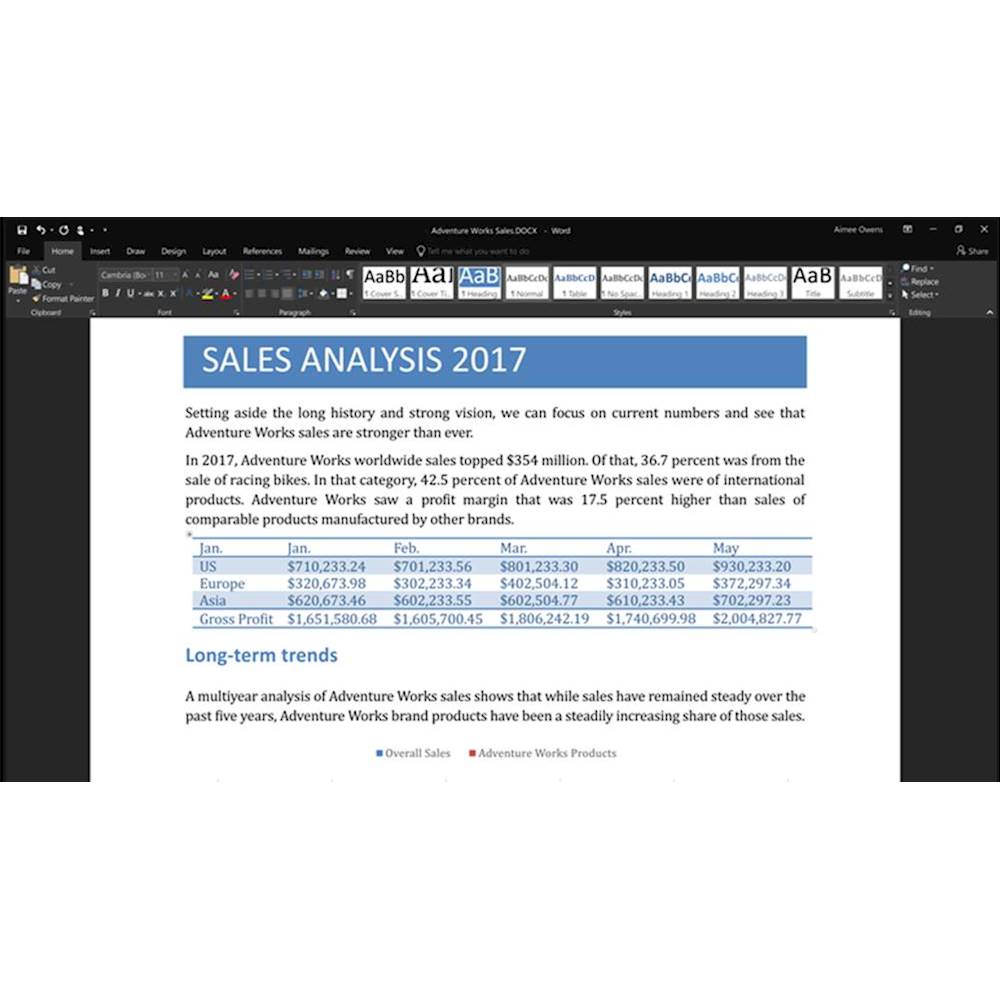
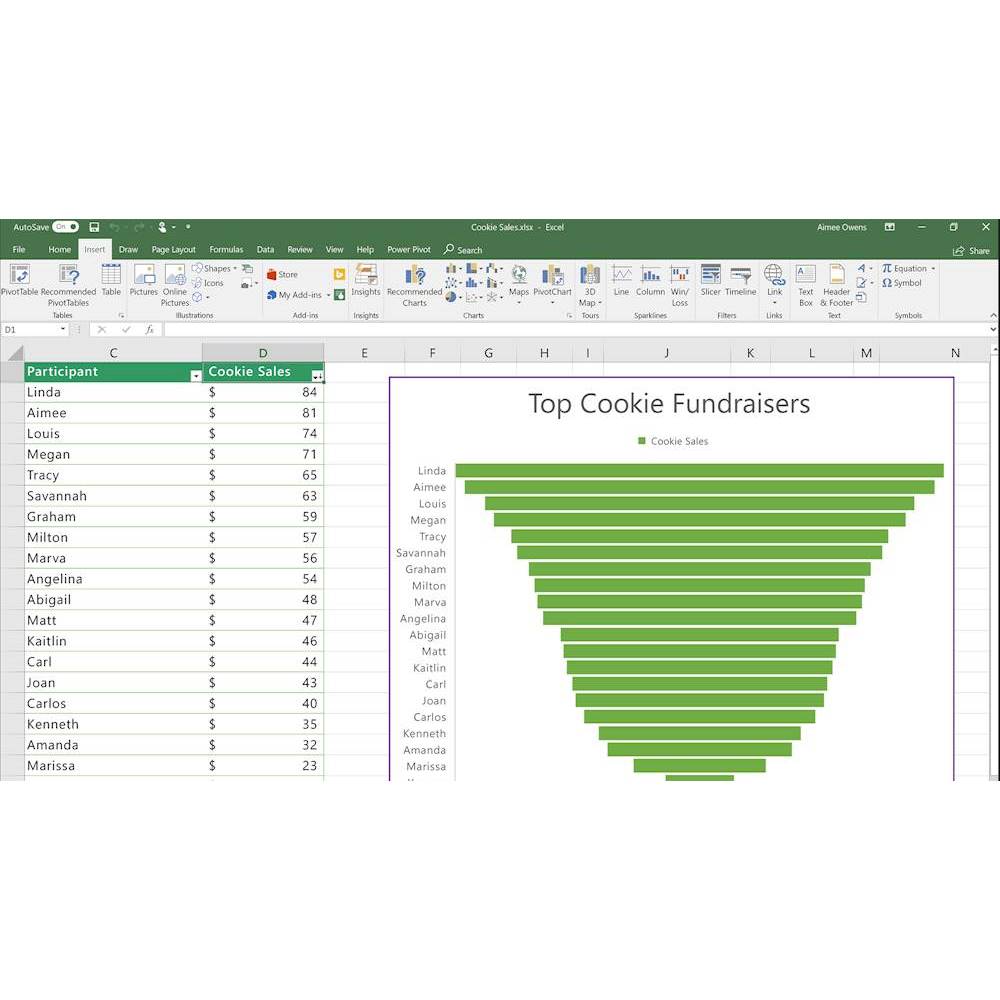
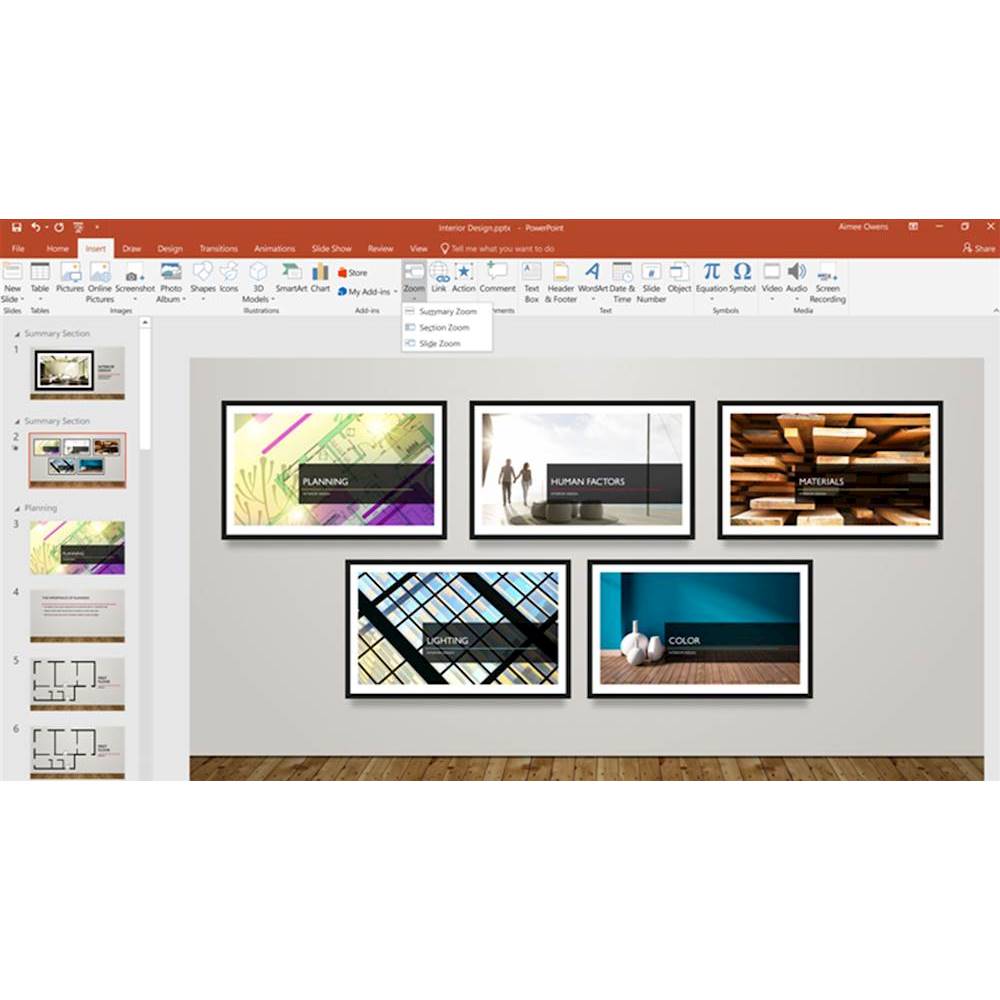
|Posted .This reviewer received promo considerations or sweepstakes entry for writing a review.I’m glad to see that Microsoft is still providing a standalone copy of Microsoft Office that does not require to be connected to the internet all the time. Unlike Microsoft Office 365, buying a copy of Office Home & Business 2019 means that you only have to pay the licensing fee once and that is it. Microsoft Office Home & Business 2019 is also a nice alternative for people that do not want to pay a monthly fee, for those that cannot be cloud-connected all the time or receive regular updates. With Microsoft Office Home & Business 2019, you gain access to the latest version of the following applications: Microsoft Word, Microsoft Excel, Microsoft PowerPoint, Microsoft Outlook, and Microsoft OneNote (OneNote is absent from the suite as the UWP version of OneNote bundled with Windows 10 replaces it. However, OneNote 2019 can be installed as an optional feature on the Office Installer). Purchasing a copy of Office Home & Business 2019 allows you the ability to use this product for both home and commercial use. Now for the not so fun part and this is where I had to drop a star for this product. Prior to upgrading to Microsoft Office Home & Business 2019, I had Microsoft Office 2013 Pro Plus that I obtained through a previous employer. I honestly did not need the majority of the applications that were included with the Pro Plus version (honestly the applications that are available in Office Home & Business 2019 are all that I need). The problem that I have with Office Home & Business 2019 is that not a whole lot has been changed. A lot of the visual aspects of Microsoft Office 2013 Pro Plus are still VERY similar to Office Home & Business 2019. Additionally, the feature list provided by Microsoft does not indicate that a whole lot has been changed even between Microsoft Office 2016 to Office Home & Business 2019. Here’s the feature list for their applications available in the Office Home & Business 2019. Microsoft Word New Black theme, learning tools such as captions and audio descriptions, speech feature or also known as text-to-speech, and improved inking functionality, which is mostly used on devices with a touch-enabled display and pen. Microsoft Excel Funnel charts, 2D maps, and timelines, new Excel functions and connectors, ability to publish Excel to PowerBI, PowerPivot enhancements, and PowerQuery enhancements. Microsoft PowerPoint Zoom capabilities for ordering of slides within presentations, morph transition feature, ability to insert and manage icons, SVG, and 3D models, and improved roaming pencil case. Microsoft Office Updated contact cards, Office 365 Groups (this will require an Exchange online account), the ability to @mentions people, focused inbox, and travel and delivery summary cards. Beyond this somewhat small issue for myself and for people that already have a relatively recent version of Microsoft Office, there is some benefit to upgrading to Office Home & Business 2019. Especially if you are using an older version of office such as Microsoft Office 2007 or Office 2010. Upgrading to Office Home & Business 2019 is an ideal choice to take advantage of all the latest features available for Microsoft Office.
I would recommend this to a friend - Pros mentioned:Excel, Outlook
As expected
||Posted .This reviewer received promo considerations or sweepstakes entry for writing a review.Purchased to get OUTLOOK for my e-mails, EXCEL for my spreadsheets, and WORD for my documents. I think it is terrible what reward points expire!
I would recommend this to a friend - Pros mentioned:Ease of use
2019 Microsoft Office
||Posted . Owned for more than 2 years when reviewed.This reviewer received promo considerations or sweepstakes entry for writing a review.I never have a problem with Microsoft Office. It has yet to fail on me.
I would recommend this to a friend - Pros mentioned:Outlook, Price
All-in-one good idea.
||Posted . Owned for 1.5 years when reviewed.This reviewer received promo considerations or sweepstakes entry for writing a review.Good value for the money considering that we have no choice but to get it these days. Just spend the extra money to get ALL the programs you can in this area to save yourself the headache if you do later on. You may never know. The most useful and helpful program on this is the Outlook email system. Use it for work and why not bring it to personal use?
I would recommend this to a friend - Pros mentioned:Excel
Great Update
||Posted .This reviewer received promo considerations or sweepstakes entry for writing a review.This is my first update of Office since 2002. The product has evolved greatly providing a more usable product with many, many additions. We use Word and Excel the most and both products are much more eloquent in the use of providing elements for menus and graphics. If you are using older versions of Office, now may be the time to upgrade! Delivery of the product has changed (no more CDs), but it is easy to load and use.
I would recommend this to a friend