Customer Ratings & Reviews




- Model:
- 9BY-00007
- SKU:
- 6478246
Rating by feature
- Display Quality
Rating 4.7 out of 5 stars
- Camera
Rating 4.1 out of 5 stars
- Battery Life
Rating 4.2 out of 5 stars
Customers are saying
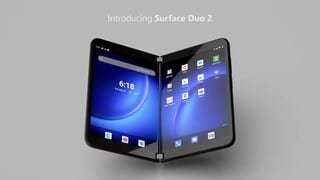
Customers love the Surface Duo 2 5G 256GB (Unlocked) for its dual screens and multitasking capabilities. They appreciate the long battery life and elegant design. However, some customers have concerns about the camera quality and software issues.
This summary was generated by AI based on customer reviews.
- Pros mentioned:Battery life, Multitasking

Great for Multitasking but Large and Heavy
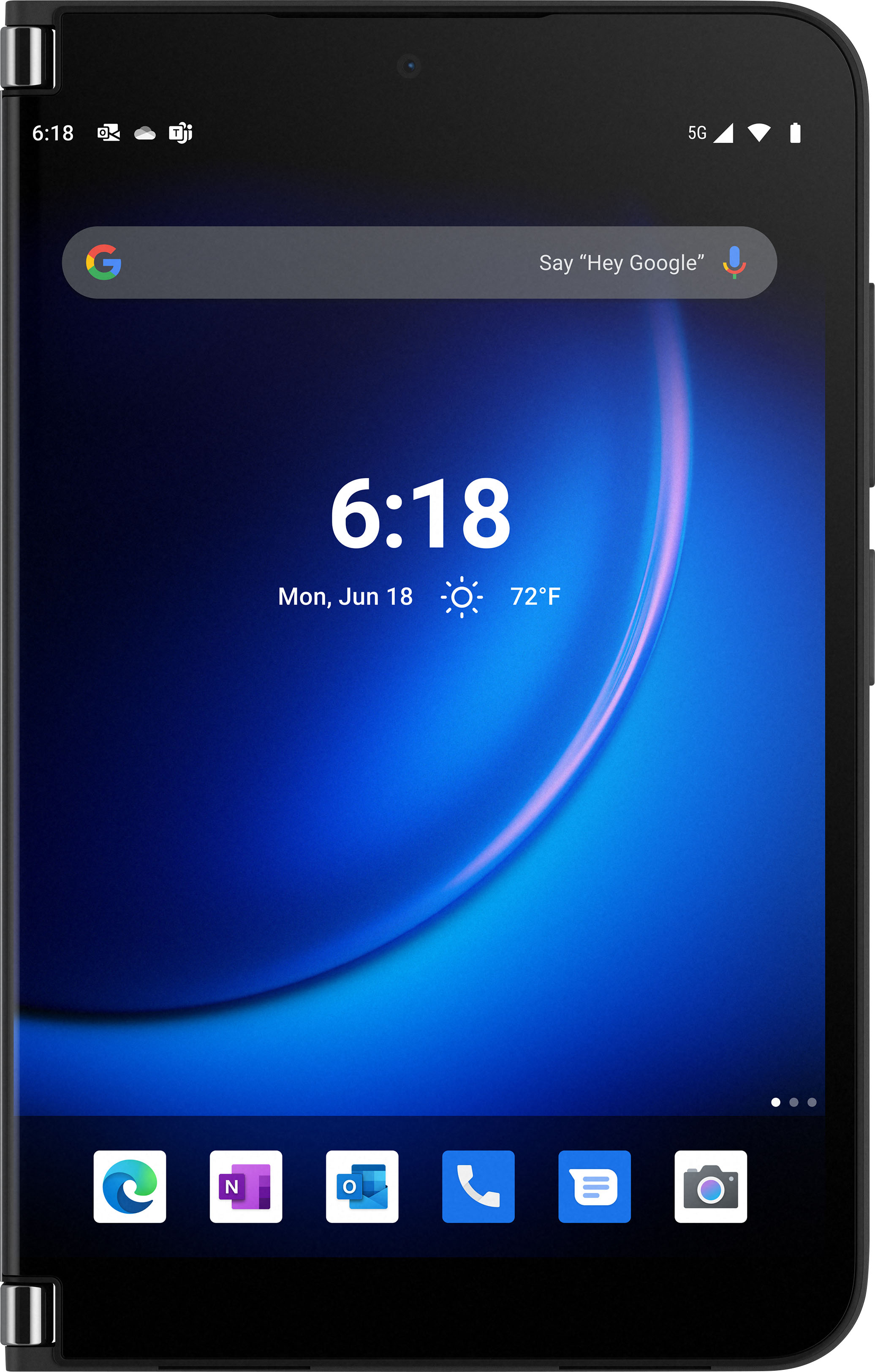
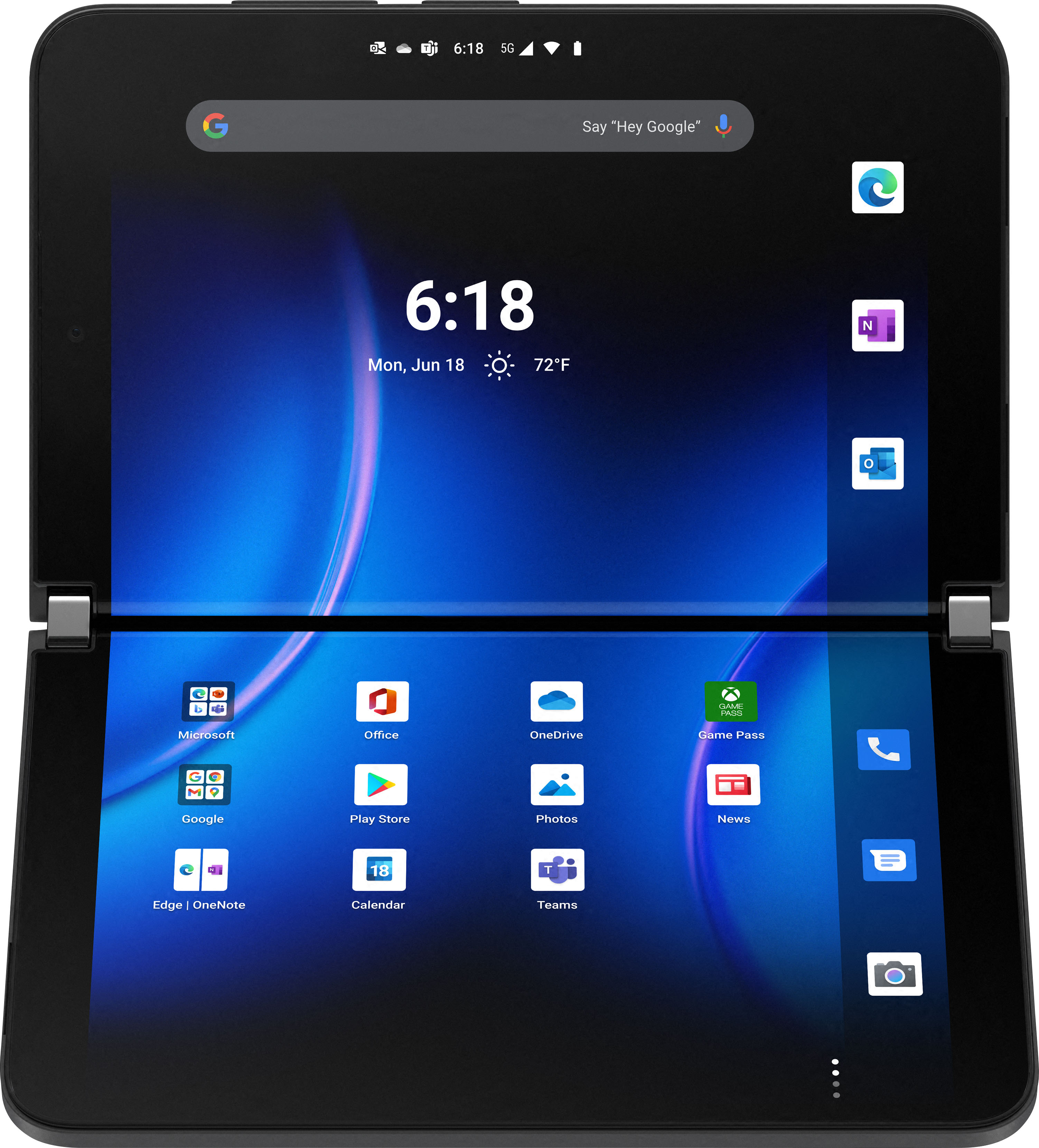
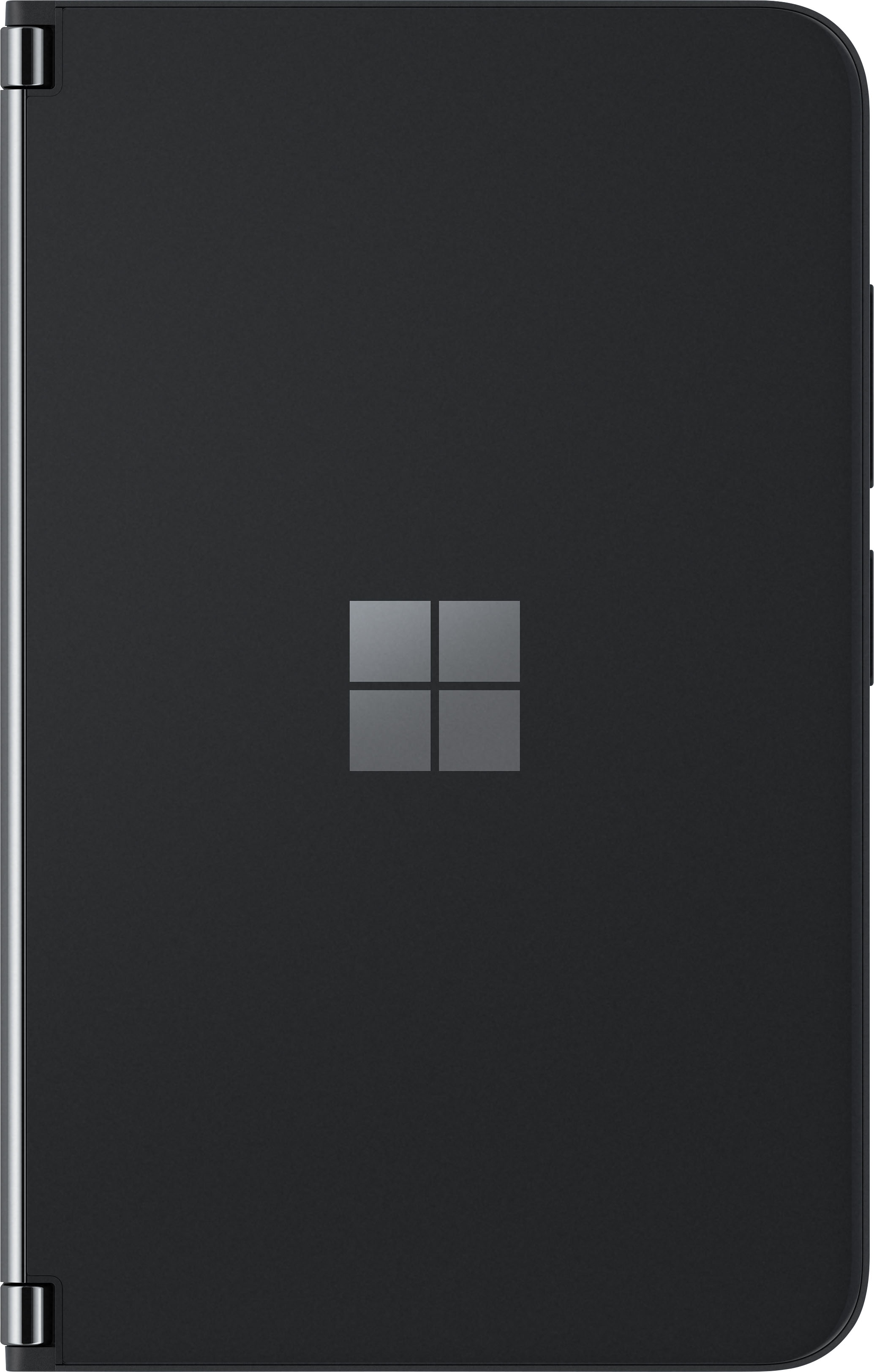
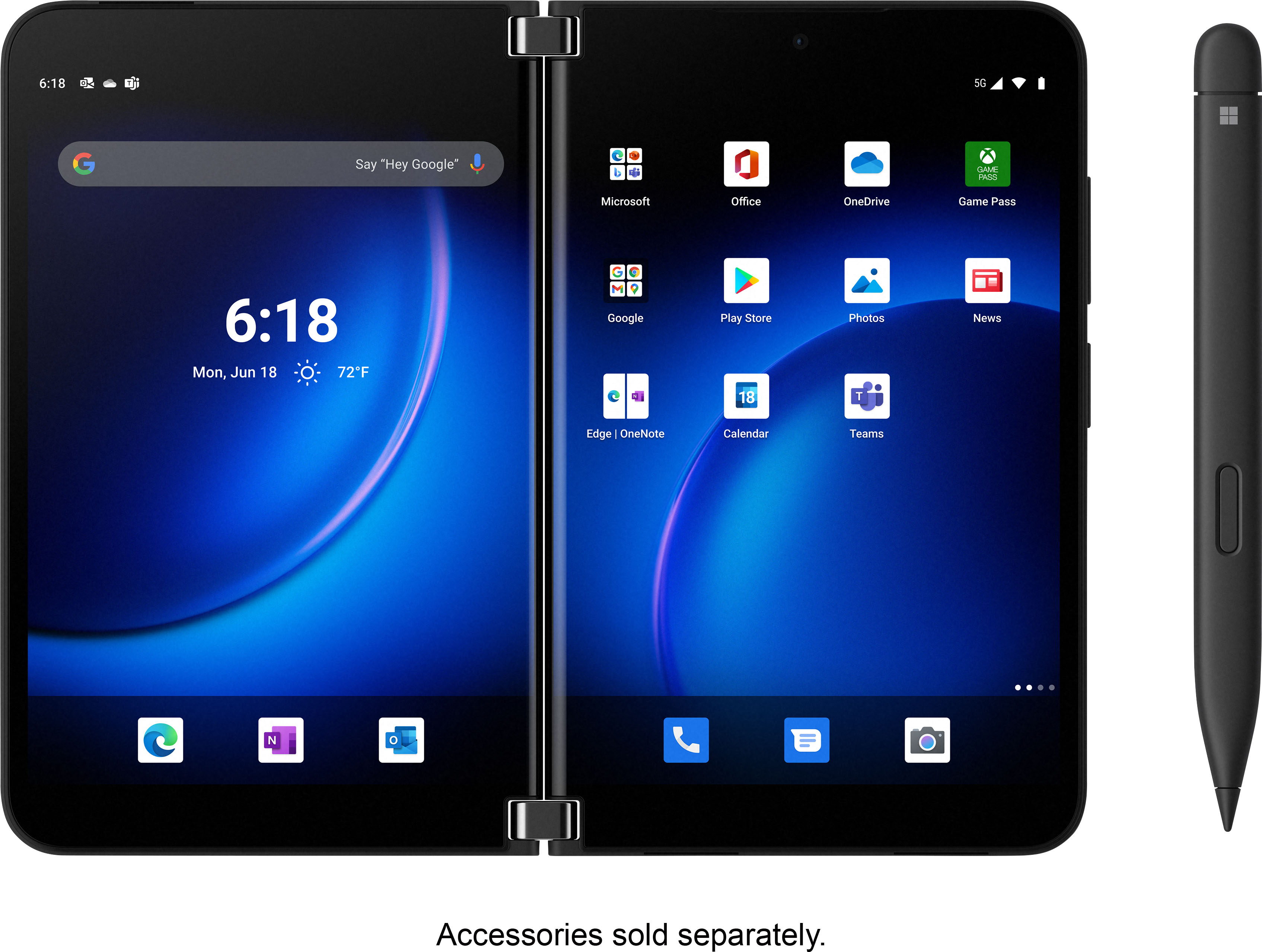
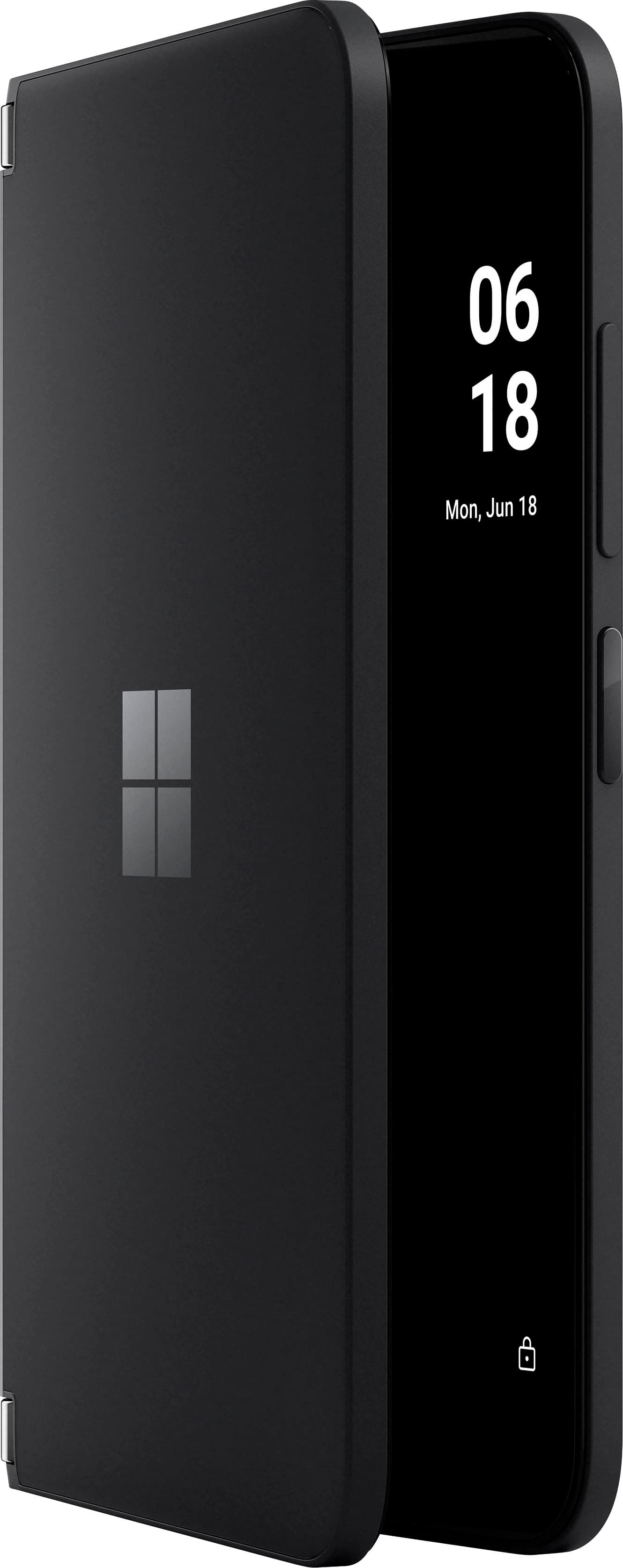
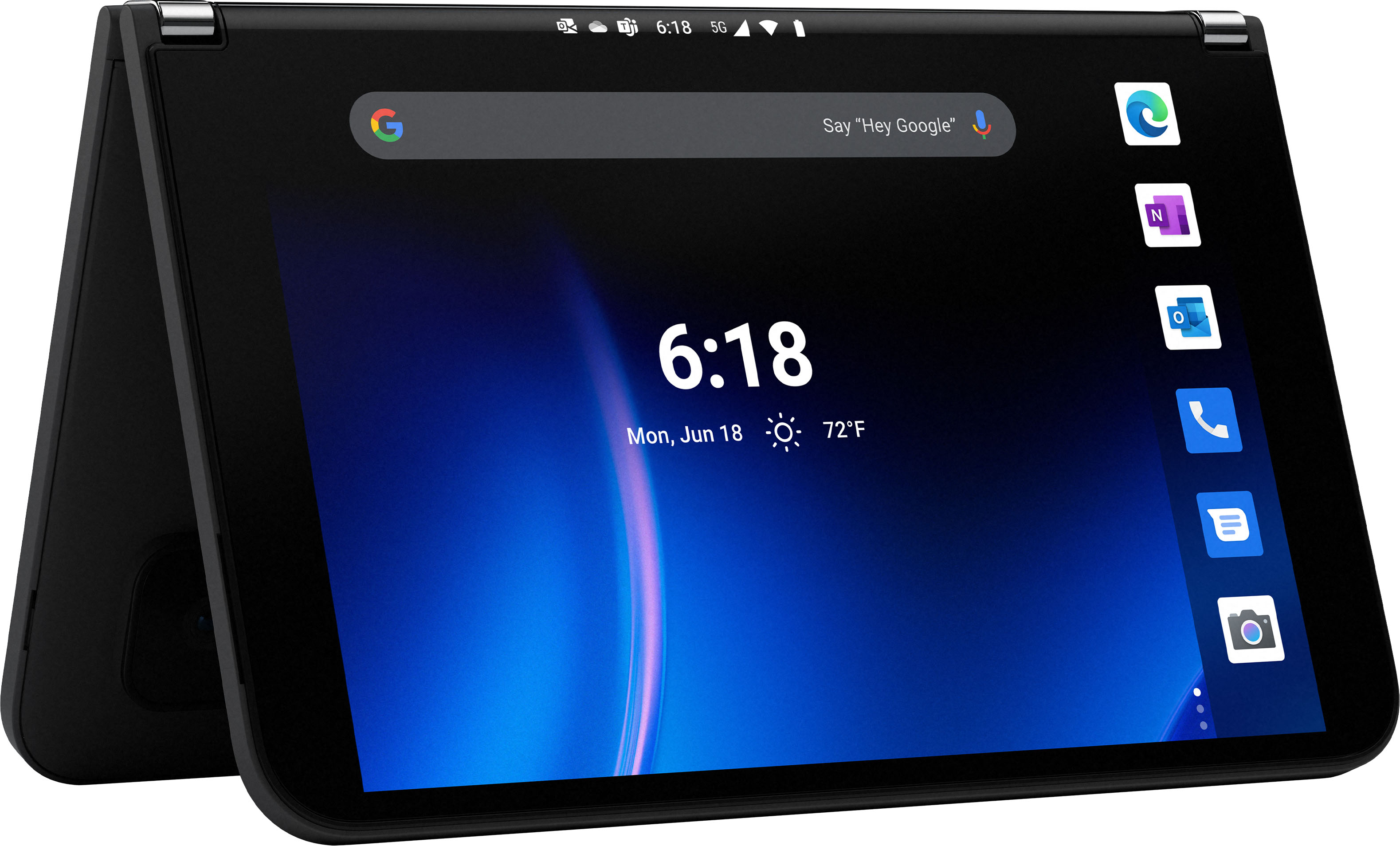
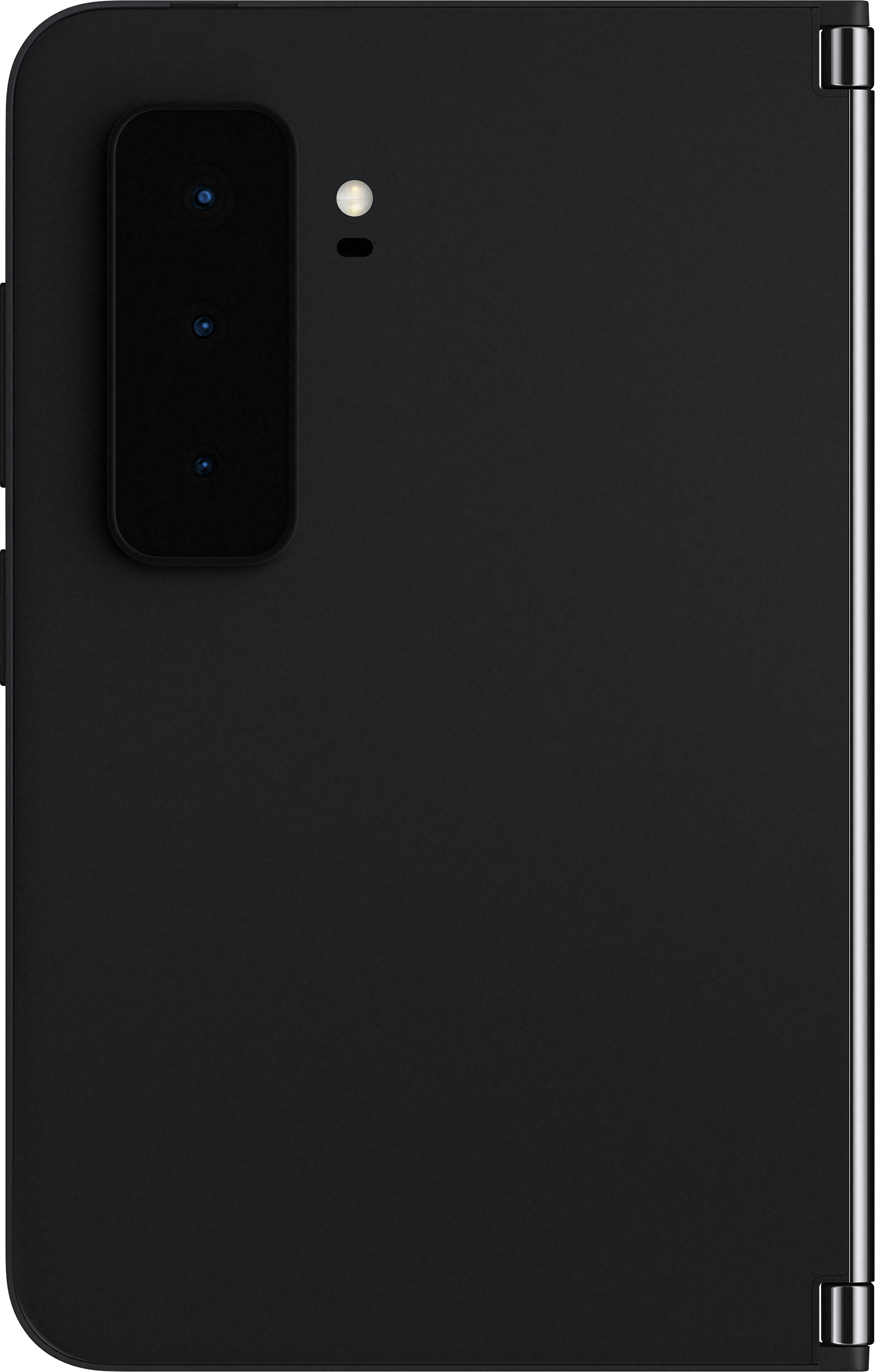
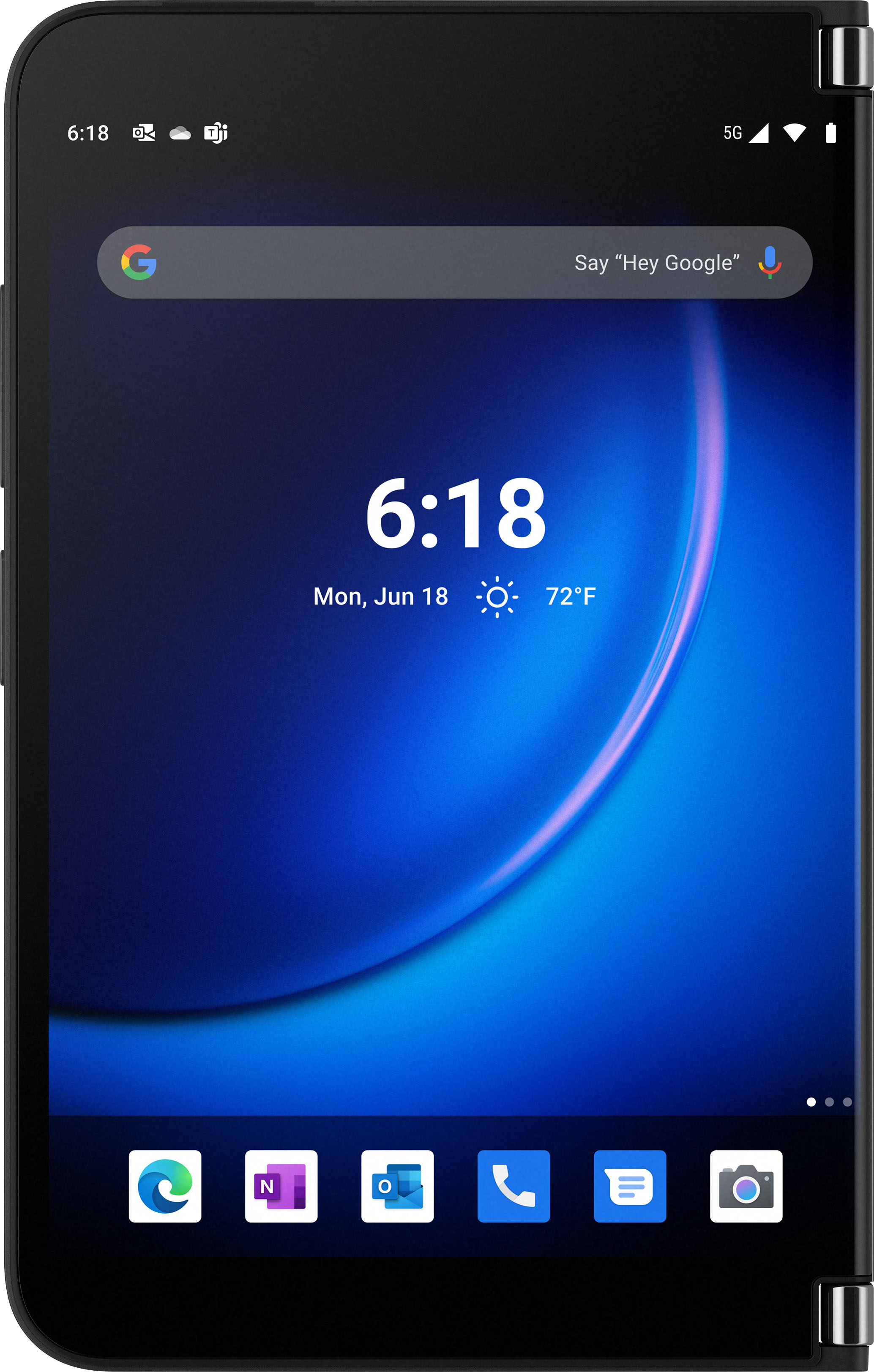
|Posted .This reviewer received promo considerations or sweepstakes entry for writing a review.I’ve been an iPhone user for at least 7 years, so the android Microsoft Surface Duo 2 phone was a challenge for me at the beginning. It took me a couple of days to understand how it “thinks”. I still don’t have it totally figured out, even after watching YouTube videos and reading the information on the Microsoft website. But I will say that there is a lot of information about the phone out there and it’s easy to find tips and specifications. The phone is sold unlocked and comes nicely packaged in a sturdy box. It does not include bumpers or a USB C power supply for charging. My iPhone charger would not work so I am temporarily using my PC to charge it. I expected it to take most of the day to charge, but it was actually charged in about an hour. It told me it was “charging rapidly”. There are several ways to see battery status - on the main screen, in Settings and with the Glance Bar. I can see not only battery level, but also an estimated time when the battery will go dead based on usage. Battery life is somewhat better than with my iPhone. With moderate use, I can go 2 - 3 days before recharging. The phone opens like a book, and in portrait orientation has two separate 3.75 x 5.75 inch glass displays connected with 2 hinges. The hinges fold 360 degrees and allow one side to fold back under the other, resulting in a standard configuration phone. In that configuration, only one screen is active. A double tap switches the active side from one half to the other. There is a camera bump on the back of the right side so the two halves don’t fit flush when in single screen configuration, but the gap doesn’t bother me. It gives me something to grasp when opening the phone to full size. The sides can be tented to make a stand for video viewing, video conferencing, etc. Even though the hinge is smooth, it is firm enough to hold the 2 halves in any position. The inside and outside of the phone are made of Corning Gorilla glass, said to be the toughest glass available. The glass is silky smooth and slippery. It slides off of any slanted surface. To keep it from breaking if dropped and to keep it from sliding, I plan to invest in the bumpers soon. I expected them to be included in the box and I was disappointed when they weren’t. The camera is not waterproof. It weighs 10 ounces compared to 4.5 ounces for my little iPhone 6 and is heavy to hold for a long period of time. It’s wider than I would like, especially when typing, but will fit in my back pocket. It is uncomfortably heavy when used as a phone and is better suited for communicating via other methods. That’s OK with me because 95% of my phone calls these days are spam calls. It is very easy to report spam and block senders with the Duo 2. Some of the print was very small initially but I found where I could change font and display size in Settings. Choices are small, default, large and largest. My biggest frustration is with the swiping (gesturing) and not being able to close an app or go back. A firm, deliberate motion is needed with the gestures. Some gestures need to start half way up the screen while others start at the top or bottom. Sometimes I swipe and swipe and swipe and nothing happens. I switched to 3 button navigation which gives me back and forward arrows and I haven’t had any problem navigating since then. That 3 button navigation mode did increase the black space at the bottom of the screen and hid some of the apps. This was partially due to the display size being set on large. But even on the “small” setting, the app description was hidden by the black bar. I solved that problem by moving the bottom row of apps to the next page. There are 4 separate screens for apps so more than I will ever need. Since I’m not a gamer I didn’t evaluate the gaming capabilities and will leave that review to someone with more expertise in that area. It has 2 speakers and the sound quality was good for a phone. The glass adjacent to the hinge is curved and used to create a “Glance Bar” along the “spine” when the phone is closed. The Glance Bar shows the time and lights up to show battery level, missed calls, voice mail, texts, etc. I wasn’t very impressed. The power button has to be pushed to show the time. The displayed time is curved and it is difficult to distinguish a 0 from a 6. It’s just as easy for me to open the phone and glance inside. The Glance Bar battery level light only shows when plugging and unplugging. The text notification light stays on for an instant and unless I have the phone positioned where I’m always looking at the spine, the light isn’t of much value. The text notification light does re-light when the power button is pushed. The lights are cool, but the traditional vibrate/sound cues are more practical. Typing can be a challenge, although it’s not as bad with the phone in portrait mode with one side folded back. In that configuration it is similar to most other cell phones, only wider. Typing in landscape orientation is almost impossible two-handed because of the 8 inch span. I either have to hold the phone with one hand and type with the other or put it on a flat surface. The camera bump makes the phone slant a bit when sitting on a surface, but that didn’t bother me. The Surface Duo 2 has a front camera and 3 back cameras - ultrawide, wide and telephoto. The back camera housing sticks out, creating the “camera bump” but the housing is angled which makes it less of a nuisance. The front selfie camera can be used with one side folded back in standard orientation, but when using the back cameras the phone has to be open in book orientation. The picture is taken with the right screen and a thumbnail preview displays on the left screen. The pictures are brighter and sharper and more true to color than those taken with my old iPhone. Maybe a little too bright and sharp. I take up to 100 pictures per day and it’s cumbersome to take pictures with the Surface Duo 2 because of the size and weight. If the button to take the picture were closer to the edge, it would help. I found that iPhone photos that I opened in Gmail download in seconds whereas the same photos taken with the Surface Duo 2 took 3 minutes to download. As a workaround I synced all my devices and now even without a sim card, while on Wi-Fi I can still use my iPhone for everything except phone calls and texts. I find that the iPhone/PC combination works best for taking and sending pictures for my purposes. The selling point of this phone is the ability to multitask. I sell merchandise on several platforms and my day consists of taking pictures of items for sale, researching prices, and then adding the pictures and price to the written posting. I often correspond with potential buyers and give shipping quotes. All that requires some multitasking and I usually have 6 - 8 tabs open on my PC. Doing it on the iPhone was impractical but I’ll be able to do more functions simultaneously with the Surface Duo 2 since two apps can be run simultaneously - one on each side. A simple example of how the Surface Duo 2 makes things easier is when an account requires identity verification and sends a code to text or email. With the website on one screen, I can see the code on the other screen. No more going in and out of email or messages and writing down/remembering codes. On the “needs improvement side” are the weight and size. Both limit the use of the phone for typing, taking pictures and making phone calls. The ability to multitask offsets the negatives to some extent. I see it as a device to primarily use away from home when I don't have access to a laptop or PC. The black shows fingerprints. The white color might be a better choice in that respect. This phone won’t check all the boxes and those with higher expectations will probably find more to criticize. But for my purposes I expect it to work quite well.
I would recommend this to a friend - Cons mentioned:No wireless charging
NEW & IMPROVED!!!
|Posted .This reviewer received promo considerations or sweepstakes entry for writing a review.When Microsoft released the Surface Duo last year it turned a lot of heads, but it was plagued with issues. Even though hardware wise it looked pretty good, the software end was not that great. Even my personal experience with the Duo was lackluster. I had issues with applications crashing, it was slow, sluggish, applications would not respond correctly or would not work at all. Even though I loved the design and how slim it was compared to other foldable devices, I was disappointed. But, Microsoft have redeemed themselves in mu books with the new and much improved Surface Duo 2. This is a productivity phone and now it is living up to its purpose. So, lets go over the setup process, features, and PROS and CONS of the new Microsoft Surface Duo 2. SETUP: So, the setup process for the Surface Duo 2 was relatively simple going from an android device. You just have to open up your google app and say “Hey Google setup my new device” and from there google takes over and starts searching for a new device, adds the device and then transfers everything over to your new phone and you are pretty much done. I was able to pretty much transfer over 95% of the stuff on my phone, there were a few applications that did not transfer over but I was just able to install them. All of my contacts, my pictures and the files that I had on my phone all transferred over with ease. Just a note, being a Microsoft phone, there are some apps that are built in such as word, outlook and Microsoft edge that you may or may not use. SPECS: The Surface Duo 2 has a Snapdragon 888 processor and comes with two different storage sizes, 128 and 256 GB with 8 GB of Ram. The Surface Duo 2 is 5G capable and currently runs on android 11. The phone boasts a whopping 8.3-inch AMOLED, touchscreen display. The phone also has a new 12mp triple lens camera, that takes amazing pictures by the way. The phone also has an ambient light sensor, proximity sensor, Hall effect sensor, and a finger print sensor. Unfortunately, this phone does not have wireless charging. USAGE: So, I have had this phone for a few days not and I must say I do like it better than the first Microsoft Surface Duo. It seems that Microsoft did fix the buggy software issues. The phone is more responsive, the display is just beautiful, the 5G connectivity is great and the camera on the phone works great for recording 4K videos. I love the fact that I can just pretty much fold in half or all the way around if I need to, and transfer content over from screen to the other by just swiping it over. You are able to multi-task with multiple app open at one time on both screens which makes life a whole lot easier so you are not switching back and forth between applications. There were a few things that did put me off a bit. I did not like the fact that this phone did not have wireless charging for one and two, Microsoft should have added a smaller screen on the front cover of the phone for you to be able to see who is calling you. Since there is no screen on the front cover, you need to fold open the phone to see who is calling you. A smaller screen on the front of the phone can help provide some pertinent information, such as your email, text messages and just to see who is calling. PROS: Beautiful Dual Display Screens Camera Good Sound Quality Very Responsive CONS: Wireless Charging Smaller frontal display needs to be added Overall, Microsoft have made significant improvements to this phone software and hardware wise but this phone could be so much better if certain features are added to this phone. This phone is a great multitasking device and if you look at it from that perspective, it is an awesome phone.
I would recommend this to a friend - Pros mentioned:MultitaskingCons mentioned:Bugs
Great productivity device, but needs updates
|Posted .This reviewer received promo considerations or sweepstakes entry for writing a review.TL;DR: Good for business multitasking, but there are still significant bugs and issues that need to be fixed via update. I have been using the Surface Duo 2 as my 2nd device for about a week for a combination of personal and work uses. For background, I’ve been a long-time Samsung ecosystem user and have been in the Android/Google ecosystem since 2010. However, this is my first Microsoft smartphone and did not own the original Surface Duo. My primary device is a Samsung Note 20 Ultra 5G and both the Samsung and Duo 2 (Hereafter referred to as “Duo”) are on my TMobile unlimited data plan. The Duo was clearly designed for the multi-tasking business user. The split, dual screens are purpose designed to have two apps side-by-side, and the device itself supports “app pairs” in the launcher, which will automatically open two apps of your choosing side-by-side. Turning the device to the landscape orientation (“posture,” as Microsoft refers to it), also provides a way to have a “mini laptop” setup. I also used the Duo with the Surface Slim Pen 2, which will probably work great for inking/handwritten note purposes, once that feature becomes fully supported via future update. The fingerprint reader is integrated into the power button on the right side of the device. In this position, it makes for an easy way to unlock the device upon opening, although there is no other biometric/face unlock support. After a week of intermittent, daily use, I still have not developed the muscle memory to hit the power button instead of accidentally pressing the volume keys, which are directly above the power button. The Duo can fold back completely upon itself to use it in single-screen mode, but unless you have freakishly large hands, this is still a two-handed device. The fit and finish and hardware quality of the hardware is amazing. There’s a very perceptible high quality of materials and workmanship present in the build of the device. I also purchased and installed a skin for the exterior front and back, as the glass surface is a fingerprint/smudge galore in the black color due to the glossy, glass surface. The exterior camera setup and quality is just ok. It’s not on par with other flagship devices from Samsung and Apple, but it does take good pictures and did a great job with optical zoom and color depth. Video quality is ok; again, not great compared to flagships, but on-par with mid-tier phones, and I’m guessing that Microsoft can do a lot of improvements via future updates. The interior selfie cam was ok, but the orientation still gives you a weird, “up the nose” view on Zoom/Teams calls, unless you’re willing to hold the device up or otherwise plan ahead to setup properly. The dual screen setup does provide a built-in stand for both exterior and interior cameras, however. I do not have any experience with previous Microsoft smart phones or devices, but as a 2nd generation product, I’m surprised by the overall amount and nature of the bugs and basic functionality issues that still exist in the Duo 2. The touchscreen frequently doesn’t register my swipes or gestures from the top to open the shortcut screen, or from the bottom to open the launcher or get back to the home screen. The default swiftkey keyboard has a lot of useful features to take advantage of the dual screen setup, but I also have significant problems with missing touch targets and the keyboard touch/swipe targets are quite small, compared to what I’m used to with my Samsung Note 20. My typing accuracy has suffered tremendously as a result, thereby slowing my efficiency when typing on screen. I tried also installing Gboard (which is my usual), but it lacks the customization options (as of this review date) to take advance of the dual screen setup. I also had a couple of freezes and stuttering when it was downloading or uploading a lot of data (such as when my photos were being backed up to the cloud). Overall, there’s still a lot of work that needs to be done in future updates. Out of the box, there was a 500MB update, and it’s currently running Android 11 and it’s on the latest November Android security update. Battery life was sufficient to get me through one day, but it needs to be daily charged, and unfortunately there’s no wireless charging support, likely to maintain the thin dimensions. The dual screen support works great for the handful of Microsoft-branded apps that were updated and designed to take advantage of “spanning” both screens. Otherwise, there’s a missing “gap” in the space between the screens if you force an app to span. Perhaps Android 12 will bring better built-in support for dual screen spanning of applications. I really liked the ability to see my inbox on one screen while reading the emails on the other, or viewing my OneNote index on one screen, with the note on the other. Overall, this is a great device that is clearly designed and functions as a portable productivity device. It’s probably not the greatest as a daily driver, personal smartphone. Hopefully Microsoft can continue development activity to polish out the remaining software bugs and issues, and combined with future Android 12 updates, will make this a great, all-around device.
I would recommend this to a friend - Pros mentioned:Battery life, Multitasking
Excellent new type of phone
|Posted .This reviewer received promo considerations or sweepstakes entry for writing a review.MODES: (1) Peak mode is slightly cracking open the Duo for quick viewing notification and check date and time. (2) Single screen mode, is just folding the device all the way and using it like a regular smartphone to make calls or single-hand usage (3) Compose/laptop mode is ideal for longer writing such as email, documents, and regular typing; and also for viewing a video on top of the screen and deleting/reading emails on the bottom screen. (4)Tablet/Book mode is ideal for reading content (books, articles, sites) and strolling on both displays. (5) Tent mode, fold like an upside-down V, is excellent for watching videos, small group presentations, and doing video conferences. The MS Duo enhances the experience of dual-screen on a smartphone. PERFORMANCE: Using two apps simultaneously, I did not notice any lagging, and the Duo functioned as expected. For example, using the device in compose mode (like a laptop) on one screen, I have opened an email app, and on the top screen, I either have a video or a search engine. The dual-screen feature is fantastic for multitasking, streaming a video while reading a recipe to cook dinner. The Due is effective with both screens using different apps, and it adds value to anyone’s productivity. Overall, the functionality of all the apps integrates well with the dual-screen. Using all the features and functions takes some time to learn. Microsoft includes a Tips app, which I find extremely useful, where you can learn more functions of the Duo and where you can answer questions on how to do things. BATTERY: The battery life is good. Fully charged, it lasts a typical day for me. I use it for about two hours in the morning for music/mediation, at work frequently to do various tasks, one hour commute with music, and 1.5 hours gym for music/videos. The device is good with battery life, but it does depend on each user. RECOMMENDATIONS: To enhance the experience of the Duo, I recommend using it with Bluetooth earbuds/speaker and a smartwatch with phone/messages capabilities. This combination of devices will allow you to review messages and answer calls without opening the Duo. In my car, the Duo connects automatically to my car’s Bluetooth. It will enable me to control the music, answer calls and even listen to my messages without opening the device. Anyway, it is safer to drive a vehicle without holding a phone in your hand; hands-free phone usage. On the go, I always carry my set of wireless earbuds to listen to music or answer calls. Using a smartwatch with a Duo simplifies viewing messages/notifications, answering/making calls, and other stuff. I find it amazing using my Duo with a smartwatch and wireless buds with microphones. CAMERA: The Duo takes excellent daytime shots, and it is good for nighttime. I attached a few images with this review of pictures I took on a very cloudy and windy day. The camera captures great details, the depth of feel is good, and the colors are vibrant. Of course, it is not compared to a dedicated camera, SLR, but it is excellent for the type of device. SETUP: The setup of the MS Duo was fast and easy. Using the active sim card from my previous T-Mobile phone, I used my new Duo within minutes. The steps are simple, open the device’s sim card tray using the removal tool/pin, insert the activated sim card, and slide the card tray back inside the device. Power on the device, select preferred language, follow guided steps to connect to a mobile network, Wi-Fi (optional), and allow necessary updates. After that is complete, you can start using fresh from the start or translate the data from the previous phone. Once fully loaded, the device is ready for usage and enjoyment. It works well with T-Mobile.
I would recommend this to a friend - Pros mentioned:Dual screenCons mentioned:Camera quality
Some good, some not so good
|Posted .This reviewer received promo considerations or sweepstakes entry for writing a review.The first thing you notice about this phone is the size. It’s not the typical aspect ratio of a smart phone; it’s shorter and wider (at least when it’s closed or folded completely around). It’s not as awkward to use as a phone as I had feared. It looks clumsy, but it’s not that weird to hold up to your ear. Where the shape really becomes a negative is with apps that aren’t designed for that aspect ratio. Instagram, in particular, is problematic. It probably wouldn’t have been so bad if Instagram was still sticking with the square pictures and only the square pictures. But it’s trying to open up to more phone-sized content, like videos cross-posted from TikTok. All of those taller photos and videos get cut off. And even worse, some of the editing tools are not accessible because they’re cut off, and you can’t scroll down to them. And trying to reorient the layout to use both screens in portrait mode doesn’t help either. The aspect ratio is still off, and now you have a gap in the middle of the picture. It’s a little better for scrolling, but that gap is problematic. If you’re a heavy Instagram user, pick a different phone. Ironically, TikTok seems to have been optimized for this phone because you get a letterbox effect and can see the whole video. Some apps are optimized to use both screens, and those tend to work pretty well. The photos app is quite nice to use two screens with because you have the photo on one side and all the editing tools on the other. The photos app also integrates quite well with OneDrive, so you can store all of your photos in the cloud, and it’s easy to switch between cloud storage and local storage. The camera is pretty decent, but all of my photos seem to look darker when I take them on the Duo2. It’s very award to use one-handed, but again, it works well with the second screen, where the photo library appears on one side, and the live camera on the other. It takes fairly good photos in the dark, but you want to have a stable subject because the whole process takes about five seconds to complete. Video apps work well enough on one screen when you turn it to landscape orientation. However, due to the unusual aspect ratio of the screen, you get large letterbox bands at the top and bottom of the screen. You can prop up one screen for viewing, while still being able to see/use the lower screen, or you can prop up the phone in tent mode and watch without distractions. Don’t bother trying to watch it spread across both screens because that gap in the middle will ruin the experience. Yes, it’s bigger, but practically unwatchable. Microsoft has tried to optimize some apps to work together on two screens, but I haven’t had any really good use-case scenarios crop up yet. The best I’ve come up with is to have OneDrive on the left screen, then whatever Office app I need to open on the right. It’s a *little* better using the Office apps on a slightly wider screen than the typical smartphone, but it’s not *that* much better. The biggest problem I’ve run into when trying to use multiple apps on two screens, is accidentally touching the right-hand screen and selecting something or pushing a button I didn’t intend to. It’s a lot more comfortable to hold the phone with an angle between the two screens rather than completely flat, which puts that right-hand screen in danger of being touched, particularly when I’m trying to enter text on the left-hand screen. Gaming is kind of hit-or-miss. If it’s optimized for two screens, great, but most are not. The Xbox Game Pass app has potential. There are games that are optimized for mobile, some that are optimized for touch screens, some that allow you to use an on-screen touch controller on the second screen, and some that require you to pair with a Bluetooth controller to play. The on-screen controller works, but I wouldn’t want to play anything that required quick reactions or dexterity. It’s probably best to stick with either games that are optimized for touchscreens, or ones that use a paired controller. However, if you’re going to pair a controller, you’re probably in a place where you could just play on a console or at least a laptop. Finally, the elephant in the room: that bulky camera array that sticks out of the back of the case. It’s constantly getting caught on the edge of my pocket when trying put my phone away, and when your phone barely fits in your pocket to begin with, it’s a problem. Most other phones handle this by having cases that make the camera array surface flush with the outside of the case. However, if the Duo2 did that, you wouldn’t be able to fold the phone around (mostly) flat when you use it as an actual phone that you would hold to your ear. The fingerprint sensor in the power button works surprisingly well, much better than in any other phone or PC I’ve used with a sensor that small. The inclination is to register your thumbprint, but I end up opening it with my index finger most of the time. You can obviously register more than one print, but something to keep in mind during setup. It’s not good that there’s no external always-on display to see notifications some in on, but the setup where you can see them on the edge of the screen at the hinge works well enough for messages and voicemails, which are the ones you really want to see. At least you can see if the notification coming in is a message, voicemail, or missed call. All-in-all, I think this is a good phone for certain users. As I said earlier, it’s definitely not for heavy Instagram users. If you’re really into mobile Xbox Game Pass usage, and you are willing to pair a controller for on-the-go gaming, then it’s probably a good phone for you. Heavy mobile Office users would probably also like this one. Other than that, I’m not really sure who this was designed for.
I would recommend this to a friend - Pros mentioned:Battery life, Dual screen
Best phone-like device to date
|Posted .This reviewer received promo considerations or sweepstakes entry for writing a review.>> Overview This is undoubtedly the first device in years that I have been really impressed with. It is more than a phone. If I had a tablet device, I could ditch it in favor of the Surface Duo 2. In fact, instead of owning a Tablet and a phone, just have a Surface Duo 2 (I still plan on keeping my laptop and desktop though). For an everyday powerful phone-tablet device, this is the perfect companion, it is a little bulky but can still fit nicely in your pocket. I like its feeling, it is like a little notebook/agenda, I can hold it with one hand or with two hands. I just got used to holding it with both hands, though, it feels like its natural “mode”. I have no issues with that, I am very glad I’ve chosen this device. The device is slippery, so it is important to add some protection. I am getting the edge bumpers (a little costly) and I plan on getting some cases or covers to protect my Surface Duo 2, I am expecting cases and such to be available in the next coming weeks. Some grip is missing on the phone, it slides very easily, one day I was changing clothes and it easily fell from my pocket on the bed (luckily). - Pros: versatile, a tablet, a phone, two screens, two apps at the same time, one app using the two screens, power button finger unlock, powerful, rear cameras, and much more. - Cons: a little bulky, rear camera too prominent, little awkward to take pictures, slides easily on flat surfaces. >> Setup Nothing really to say about setup, just follow the onscreen setup instructions. Only a few interesting notes: - during initial setup, soon after connecting to Wi-Fi, update and restart was required. I would have expected for the setup to finish first then an update to come. After the update I was able to continue setting up the device. Well, I am glad the phone’s priority is to keep it updated. - opted to add a PIN plus the fingerprint unlock feature. The fingerprint unlock feature uses the power button on the side of the phone. I was gladly surprised about how that worked. I ended up using almost exclusively the fingerprint unlock feature. - Moving data from my older Android device was painless, it even loaded the older device specific apps. - I have owned the phone for a few days, and it has already updated once more. The restart needed my PIN explicitly, so it is a good idea to set up a PIN you’ll remember. >> Dual Screen Having two screens opens the possibility of using different applications in multiple and better ways. There are several apps that make use of the dual screen mode, I assume apps need to be specifically developed or adjusted to take advantage of the dual screens. I can also use two different apps at the same time. And one notable and very useful feature is being able to have the keyboard on one screen and the app you are typing into on the other one, just amazing. Here are some specific apps and scenarios: - Email – List and Preview: let me introduce the first thing I used the two screens with, I am a heavy email user, I usually go over my emails on my laptop/computer, with the message list on one side and the preview of the message on the other side. Phones aren’t really meant to present that kind of information. With this device, I can do that! And it feels so refreshing to know which email I am looking at and which others I could choose from the list. Very useful. - Email – Compose: You can have a keyboard on one screen and the actual message being composed on the other, it feels like typing in a mini-laptop, awesome! - Text Message: You can also text messages using the keyboard on one screen, I actually like typing whole words, so this is perfect for me. - Photo App: Although taking photos looks a little awkward, well not as bad as taking photos with a tablet, the photo app is just great on the device. You can make use of the two screens, one for showing the list of pictures or the last picture taken while the other screen is showing the actual camera view. Wonderful! - Two Apps: I do two of my favorites past times “at the same time”, listening/watching music videos and playing something. >> Battery So far, to fully charge it, it’s taken me a couple of hours. I wish Microsoft provided a charger meant to charge the device faster. It looks like the full battery lasts a day or so with some heavy use. So, I am glad about that, I know doing multiple things drains your battery. >> Look and Feel I initially thought the silver hinges were an eyesore, who decided to place the silver hinges on a black background? It was very distracting at first. Now, I don’t even notice the hinges anymore, so designers may have been right (again, just use black hinges that fade in the black background). The other thing I still dislike a little is the gap between the screens, it is a little annoying to be reviewing something and suddenly get some light through it from the TV or a lightbulb. They could have made the gap a little narrower. Well, besides the above, the device is very cool and very nice looking. My friends who use other expensive phones were in awe (my intention was not to brag at all, but hey that came for free).
I would recommend this to a friend - Pros mentioned:Dual screenCons mentioned:No wireless charging
5 stars for work, 4 stars for everything else
|Posted .This reviewer received promo considerations or sweepstakes entry for writing a review.Microsoft - Surface Duo 2 5G 256GB (Unlocked) - Obsidian Summary: This is THE PHONE if you use your phone for work, or if you spend hours a day streaming videos or reading on your device. the phone is Superb and gets 5 STARS all the way. If the above isn't what you are, then look elsewhere. Things to keep in mind: this phone runs Android 11, and there is no confirmed date for when it will get Android 12. the Gen 1 Surface Duo still runs Android 10 to date. Microsoft has promised 3 years of security patches and updates for this phone, which is normal for this segment of mobile phones. SETUP Setup is very easy and like any other phone, you add your accounts Google, Microsoft and update the phone to be able to customize your experience. this should take about 30 minutes. copying data from other phones is no hassle as well. USER EXPERIENCE: Microsoft launcher is similar to most launchers out there, but i found it less buggy than Samsung's, and slower than the Google pixel family of phones. my daily driver is a Google pixel 4 XL with 6.3 inches (pictures attached for size comparison). I found the Duo 2 to be a great match generally, and superior when it comes to tasks including Email, sheets, or any other productivity app. being able to use 2 screens and split apps between them made my life so much easier specifically for work, wheather its copy and paste from one location to the other, or trying to read something while you have a meeting or a presentation on the fly. I like the wide screen so much. reading is more appreciated, and even though the phone is heavier. holding it in your hands while reading if you are laying down or just holding it normally doesn't cause fatigue. Specifications: this is a hardware beast, but! there is no wireless charging, and it is not water proof. again. if those 2 are important for you, look elsewhere. the 256 GB of storage is more than enough since i use Google one and Microsoft one Drive for work along with Dropbox. Camera and picture quality: nothing impressive here. Build quality: this phone is very well built and looks very sturdy. the hinges will last for years and the screens are bright and beautiful I did not notice what others said about different color warmth between the 2 screens at all. I have purchased a case or Bumpers and a screen protector for the Duo 2 and I plan on using them all the time as the phone is covered in glass on all 4 surfaces and it does collect fingerprints like a piano black dashboard on a car. Final thoughts: The Microsoft Surface DUO 2 is made for people who bring their own devices to work and this is a pretty big segments from sales reps to anyone who ever linked his work email to their phones. yes, it is expensive, but it also saves you time and frustration. I found that being able to have the full suites of Microsoft and Google apps together in a phone that is able to make them work seamlessly is a huge plus. DId I tell you that with the DUO 2 you can start your work on your phone, and continue on your windows device and pick up where you left? this is also a HUGE PLUS. I love this phone and I can live with its flaws for what it provides.
I would recommend this to a friend - Pros mentioned:MultitaskingCons mentioned:Camera quality
Third time will be a charm
|Posted .This reviewer received promo considerations or sweepstakes entry for writing a review.We consumers are tough to please. Microsoft made several of the improvements we asked for, yet we still have complaints. Pros: * The UI overall feels much snappier thanks to the upgraded processor * The screens are slightly larger than the original Duo (the colors pop more too) * We now have a decent rear-facing camera so we don't have to fold the phone backwards to take a picture * Day to day usage feels less glitchy than it did with the original Duo * The hinge feels more premium even though it's similar to last year's build * the new battery case is matte and hides unwanted fingerprints * Microsoft slimmed the bumper down so that it blends in better with the frame Cons: * The Duo 2 is heavier than the original Duo * The Duo 2 no longer sits flat on a desk because of the camera bump * I'm certain that the rear camera will get scratched up over time even though there's a slight lip around the lens that prevents it from directly touching the surface when the phone is set down * no matte option The phone isn't very pocketable - but none of the last 3 iPhone versions I had were that pocketable either. I love tent mode when streaming YouTube videos, and I love reading books on the Duo 2. Having my sticky notes from Windows automatically synced is a helpful feature. Even though the pen clings pretty well to the new magnetic charging case, the pen still looks unnatural and is prone to falling off in your purse/backpack. I'm not sure how Microsoft can overcome this design challenge without creating a toothpick-sized pen that stores internally like the S-pen did on my Note phones. Multitasking with a 2-screen phone is amazing and feels like the future of our smartphones -- the design just needs a little tweaking. An outer screen for quick-texting/notification checks would make this perfect. I was a loyal Windows Phone user until the end, I love my Surface products and will continue rooting for Microsoft to get the Duo perfected by next year.
I would recommend this to a friend - Pros mentioned:Dual screen
Productive Multitasking
|Posted .This reviewer received promo considerations or sweepstakes entry for writing a review.I have had some interest in folding devices, but never quite got around to getting one. The Surface Duo 2 looked to improve on some of the complaints I've seen from the first device. Another thing that peaked my interest of the Surface Duo was the fact that it had two separate screens that work like a dual screen computer setup. Setup is fairly straight forward, being an Android device it was a familiar process. The integration of the fingerprint reader on the power button is a plus over the previous design, I can easily unlock the device while unfolding it since my thumb easily rests on the button with it located under the volume rocker. The Surface Duo 2 has a very solid build, all of the internals fit into a frame thinner than most phones out there, when folded the Surface Duo 2 is about as thick as most flagships, with the camera bump adding a little extra onto that. The hinge feels solid on the Duo 2, regardless of how far or little I open the device, I don't feel the device wanting to open or close more, it pretty much locks where I left it. The slight angle on the build of the camera is a nice touch, it allows the face of the device to lay flush against the camera bump when folded completely back. The one weird design is that the speakers are on opposite corners, top left and bottom right screen for each speaker. I like the Duo 2 launcher, it's designed really well for the device. I like how the notification bar and your app pined to the bottom of your device will shift over to your unused screen when launching an app. Similar to a dual screen computer setup, each screen can be interacted with individually, launching an app on each, dragging an app between screen or drag it to the center to open it on both. The screens are really close, especially with the curved display in the center, however there is a little space that isn't accounted for in the middle of the display, you really only notice that when spanning an app across both, however the apps designed to work with this setup function great. The Xbox Game Pass and Kindle app are two great examples of this, the Xbox game pass app will put the touch controls on the screen you're holding. While the Kindle app can treat it like reading a book while full screen, some aren't designed to, but a comic spread across two screens would be quite small. I really enjoy using the device as two screens though, its awesome keeping a mobile game up while browsing or even comparing a couple of documents. I toyed around and tested out the nova launcher, however it treats them like one screen and isn't really designed for this, I didn't really play with it long. I think the launcher is designed great, I like that you can change the home screen to easily accessible by swiping left or right, or taking advantage of having a large widget such as your calendar. It would be nice to change your grid size, or swipe down from anywhere to open your notifications instead of a search window. I couldn't find the setting even when searching, however it is possible I may have missed it. I took a few photos, but usually don't take too many. Microsoft definitely put a robust camera system in the phone, it is a little awkward to hold initially, however once you get used to it works well. Having the captured photo showing on the second screen quickly shows you the quality of the shot and if you need to take another. I like the addition of NFC for mobile payments, I questioned if the phone had that feature however the tip app walked me through the process. It would be nice to see wireless charging in a future device. The main thing I found interesting was the keyboard, it is designed to work well with the unique build of the Surface Duo 2. When folded completely over, working on a single screen you get a traditional keyboard setup, however when you have an app on the left or right screen it will push the keyboard over closer to your thumbs to make it easier to type, swipe is really useful when typing this way. When an app is spanned across both devices you get half the characters on the left and the other half on the right. Overall this device feels like a PDA, it reminds me of the older smart phones before the modern day smart phones. I really like this android device, it would be awesome to see some more integration to windows over time. Hopefully Microsoft builds on this concept more, I would be really curious to check out future devices. I would definitely recommend this to anyone that's looking to up their productivity game. Hopefully Microsoft adds more options in the software and adjust things with customer feedback. I am planning to pick up the Stylus, I think it would be a great addition to this device!
I would recommend this to a friend - Pros mentioned:Design, Dual screen, Multitasking
Cool phone with amazing multi-tasking performance
||Posted . Owned for less than 1 week when reviewed.This reviewer received promo considerations or sweepstakes entry for writing a review.I picked this phone up in hopes of it being one that could potentially replace my iPad mini and my Samsung Note 20 and I am very impressed so far. I was really on the fence because of it's high price having almost $1500 invested in a Note 20 Ultra 5g. It's only been a day but I have ZERO regrets with it and absolutely thing this thing is amazing so far! I wanted to share my review to hopefully help others who might be on the fence like I was. Granted, it just came out today and I've only had it for a day but I can say that if you're wondering if Microsoft did good, I'd honestly have to say they delivered in this version of this phone. It truly has the nice feel of a Surface laptop where it finally has solid hardware to go with the software. It runs Android 11, and thus runs all of the same apps I had on my Samsung Note 20 and paired with my Samsung Watch3 easily with no problems. In addition, it doesn't have all of the preinstalled Samsung bloatware and the confusion that comes with having a Samsung phone where you are literally forced to chose between Bixby and all the Samsung stuff or Google and Google assistant or do as most people do and have the nightmare of both. There is a disclaimer here, Microsoft does preinstall some of the Microsoft apps like Outlook, Word, OneDrive, Excel, and Edge and some of the core Google apps including the Play Store and Gmail but doesn't necessarily force you to go with one over the other which is very welcomed. I can say that when you actually use Microsoft's services I can say the entire experience is truly MUCH more connected and seamless. For example, I start browsing in Edge on my PC, and then can pull up the same tabs on this phone in Edge. I can even do remote desktop to my PC and use a mouse on this phone or hook a USB-C display up to this phone and nearly use it as a PC. It's simply amazing. In addition, with Microsoft Phone Companion app can make and receive calls/texts and more from my PC when I'm at it or transfer files and photos effortlessly from the phone. Apple sort of does this with the Mac and iPhone but how Microsoft does this is FAR easier to setup than it was on iOS and the Mac when I had them. For multi-tasking, this phone is TRULY AMAZING. Doing email is a breeze, Outlook splits across both screens so no more flipping back and forth or worse, trying to pull numbers out of a PDF or spreadsheet and reference them in an email you're writing. Or a very common scenario was calling or texting a phone number or code to key in on the phone key pad from a web browser or text message. The days of that pain are gone with this phone. I have never tried a hand held device outside of a tablet (which is too big to carry and use as a phone) that successfully pulls this off with ease until now. Something important to note is that when you do the initial setup, Microsoft actually provides a tutorial on how to use the multi-tasking features in this phone. I would recommend that you DON'T SKIP PAST THESE SCREENS as I nearly did, learning the correct gestures goes a long way toward making the whole experience of using it or learning to use it better or at least for me it did as I was so used to gestures from my last phone. I can see why some reviewers think there are bugs in the software when I think it's that they simply skipped past those screens and have fumbled through some of the gestures thinking they are bugs/glitches when they just are doing it the way they are used to on their Samsung or Apple phones. I read one Cnet review that I think honestly didn't even touch the same phone as I have not experienced any of the issues he pointed out. In terms of sound, WOW, it is significantly louder than my Note Ultra and again, I didn't expect that coming from such a thin device but it is much louder and sounds pretty good. Screen quality is every bit as good as the Samsung because like it, it has an OLED display so both are well matched. Watching movies on flight or in a lobby will be a sweet deal! And, if you want a larger screen for movies/videos, remember because it has USB-C and supports video out that you can hook it up with a SINGLE cable to a USB-C display that has speakers and it will mirror to that display and if the display support USB-C power delivery you could charge through the same cable. The camera.. I was super skeptical of it and I'd say while not exactly as good as the Note Ultra it is a close second and in my eyes would work fine for most of the photos I take on my phone just fine. Performance wise this phone is fast and so far has been buttery smooth to navigate with. Installing and updating apps so far seems to be faster and 5G speeds a excellent. Call quality and the speakerphone/microphone are great and work as you would expect from a high end phone. v The ONLY negative thing I have so far is not having the ability to add a MicroSD card but 256 GB is plenty for a good selection of apps/games and a few downloaded videos. In some ways it's a good thing because i have had SD Cards fail and when you have photos/videos on them that were not backed up to the cloud that hassle makes paying for some cloud storage on OneDrive seem like a bargain. Handwriting is a blast and compared my Samsung, I can write much better because the pen is larger. My biggest complaint with the Notes was the pens are too freakin small and are uncomfortable to hold for any period of time. This phone enjoys that of a normal pen and may hopefully support haptics down the road. Even without the experience is still much better and I like using OneNote a LOT better than the default notes app on the Note phones. While the physical size of this phone may put some people off, it's actually super thin and when paired with the bumpers is not bad to hold. Microsoft setup the keyboard so it's easy to use in both orientations and even one handed. The glossy finish does attract some fingerprints but not nearly as bad as I thought it would. I'll be getting a tempered glass wrap for it to protect against scratches but it feels solid and well built. In all, for me, this phone has lived up to all what I hoped it'd be as I said in the first paragraph. If you're looking for a phone that could replace a tablet and phone or just a phone that can make multi-tasking on the go a bit easier, look no further.
I would recommend this to a friendBrand response from MicrosoftOutreachTeam
Posted .Hi – Thanks for sharing your experience! We appreciate your feedback. It's great to hear that Surface Duo 2 is a good fit for your needs. We hope it continues to serve you well. Erica, Microsoft Outreach Team

Multitasking Powerhouse
|Posted .This reviewer received promo considerations or sweepstakes entry for writing a review.Multitasking on the go without carrying around multiple devices has long been a goal for many power users. When Microsoft announced the original Surface Duo it looked like an intriguing attempt to deliver that experience. Unfortunately the internal specs were not very impressive at the time and the lack of an acceptable camera was a deal breaker for many. These issues were all thankfully addressed with the Surface Duo 2. The addition of three main cameras and the upgrade to a Snapdragon 888 really bring the specs up to flagship levels. This device is a multitasking champ with that makes few concessions. The first thing you notice when initially handling the Duo 2 is the premium feel of the device. All of the surfaces are tactilely pleasing, albeit a little slippery. Installing a dbrand skin aided with grip significantly but it did lower the quality of the overall feel. The hinge has just the right amount of tension to it and feels like it’s built to last. All the edges and seems meet together perfectly and are nicely beveled. The second, and likely most obvious, thing that hits you when handling the Duo 2 is the amount of screen real-estate available. Even having experience with other dual screen and folding phones it feels more substantial on the Duo 2. This likely has a lot to do with the aspect ratio of the screens. As phone screens have been getting taller and narrower its refreshing to use a mobile device with a more desktop like and productive aspect ratio. The wider screens seem a little awkward at first do to the default display settings simply scaling apps to fit horizontally. Changing the display size setting to ‘small’ will really open things up and apps will be displayed more like they would be on a tablet. The quality of the screens is excellent as well. They get plenty bright, colors are pleasantly rendered and the 90hz refresh rate feels nice and smooth. Media consumption is great and tent mode comes in very handy when you have access to a flat surface. Not needing a case with a kickstand really allows for more appreciation of the build quality. It’s also worth noting that not having an outward facing display was easier to get used to than expected and after a few days the glance notifications visible on the curved edges of the screens while closed proved sufficient. On top of the dual screens the Surface Duo 2 also offers pen support for increased productivity. The new Surface Pen Slim 2, while small, is actually one of the more comfortable mobile writing devices thanks to its unique shape. The pen is a great accessory for taking down quick notes and marking up documents or screenshots. Unfortunately there isn’t many other features tied to the pen at this time. Hopefully things like a floating pen menu button shortcuts can be added to make accessing pen supported apps a bit quicker and easier. Another mark against the pen is that it cannot natively charge on the Duo 2. In order to charge you will need to purchase either the charging dock or the Surface Duo 2 Pen Cover. The latter option includes some adhesive bumpers for the perimeter of the phone and is also one of the only case options available close to launch. The cover adds very little bulk to the Duo 2 and holds the pen very securely but it prevents the phone from folding back on itself as fully as it does without the cover. The pen can be loosely attached to the front of the Duo 2 without the cover but it will not charge and is not secure enough to stay in place inside a bag or pocket. Having the pen always available can be very convenient if you often take notes or enjoy drawing but the slimmer profile while folded makes for much easier one handed operation without the Pen Cover installed. Aside from the hardware specs another step in the right direction by Microsoft was the refinement of the UI changes needed for a dual screen device. While some bugs or quirks are still present the base launcher is very usable as a daily driver. Opening two apps at once is very easy as each screen is basically treated as a separate device. This behavior is changed slightly when rotating the phone to the portrait orientation with the screens stacked on top of one another. In this orientation the keyboard will take over the lower screen even if an app is currently using that screen. This can lead to videos being paused or apps closing if a text field is selected on the upper screen. The default SwiftKey keyboard does pull the nifty trick of shifting to either the left or right to make one handed typing on either screen easier while in landscape or side by side mode. It will also make one large split keyboard if you have an app spanned across both screens. The biggest annoyances related to software quirks seem to center around which screen is considered the default display. This seems to be the left screen in almost all circumstances and has caused a few instances of apps opening on the left screen despite being selected via the notifications area or through a link in an app on the right screen. Being able to choose the default screen or at least having more control over which screen a given app will launch on would be a great quality of life improvement. Another consideration for software improvement would be to enable switching between the two screens while the device is folded back on itself or in tent mode. This can currently be done once to switch to the back screen when initially folding the Duo 2 to single screen mode but you cannot tap to switch back to the front screen. The omission of double tap to wake is also noticeable but can be somewhat countered by changing time out settings. Despite these idiosyncrasies the Duo 2 is a very useful device with a generally pleasurable user experience. Hopefully Microsoft will continue with their optimizations with updates and make it a truly stellar experience. There is also the chance that the new Android 12L release will be useful given its native considerations for folding devices. While there may be other foldable devices slightly more suitable for media consumption they do not have the sheer multitasking power of the Surface Duo 2. The 4:3 aspect ratio really allows for a lot of information to be displayed and the separate screens allow for quicker and easier multi app launching. That paired with its exceptional build quality makes the Duo 2 an attractive option for those who need the added productivity options a folding device can offer.
I would recommend this to a friend- Pros mentioned:Battery life, Dual screenCons mentioned:Camera quality, Software
Improvements over MS Surface Duo; still needs more
||Posted .This reviewer received promo considerations or sweepstakes entry for writing a review.The Surface Duo 2 is much improved than the original Surface Duo. The camera, the battery, the software, update speeds, NFC support are great improvements. However the missing wireless charging and the camera bump is still on the negatives. The camera bump makes the back glass fracture prone. Also many apps are not optimized for dual screen. However those apps which are optimized for dual screen takes the user experience to the next level. The magnetic cover is great to use as it acts as slim pen charger and holder which keeps the pen ready to use, but only side bump and glass back makes it difficult to put on desk as it keeps sliding. Some skins are available in market that may come to rescue. I was the affected because of the fracture zone around the camera bump but thanks to BB Totaltech plans, I was able to get a replacement without much hassle. 5/5 to Best Buy for their support. Overall - 2 screens with solid hinge design makes the dual screen useful. Better camera, Power button with fingerprint, Pen charger cover, side notifications are big pros vs. minor cons with no wireless charging and less apps in market which are designed for dual screen usage. This is a powerful, portable phablet.
I would recommend this to a friend The Future in Your Hands
|Posted .This reviewer received promo considerations or sweepstakes entry for writing a review.The Surface Duo 2 is a premium device and it feels and looks the part. Two folded glass slabs that are thin, yet solid, are a striking look. Opening the device, it is obvious that the hinge is well engineered. At any angle, the screens will stay open. Folding them back, there is a nice click when the back glass touches the camera bump. The camera bump is angled so that the back sits flush on it. This leaves a gap around the rest of the device, of course, which makes a nice place to rest your thumb or fingers to get a good grip. Folding the device back to closed, there is almost a soft close feel to it. I was initially worried about an all glass device of this form factor - other glass phones have always felt way too slippery to me and immediately end up in a case. I don’t feel that need with the Surface Duo 2, it doesn’t have the same sense of fragility to me. The screens are bright, and full of contrast as you expect from OLED. The bezels at the top and bottom are larger than the sides, to accommodate the hinge, and are not noticeable in every day use. This is a fingerprint magnet. For this reason alone I would not get the darker color, unless you intend to use it in a case. The fingerprint reader is small but very fast and accurate. The camera is suitable, it works well enough in most situations and the dual screen camera layout is nice (with the view finder on one screen and immediately being able to see and/or edit the photo on the other). However, it would be difficult to take out of your pocket and snap a quick picture. The edge display is interesting. The screens roll off the side toward the middle, providing a quick glance of the time and some other notifications. I guess you could use it on a nightstand, but you have to press the power button for the time to show up and it shows up in the direction that you’d have it laying on the camera bump. Maybe the best case for it would be if you don’t have a watch and quickly want to see the time or notifications without opening the device. Phone calls were clear, but are obviously less awkward when using ear buds. Speakers are adequate, especially for such a thin device. The software works surprisingly well. On initial boot, there was a large update and I haven’t had any problems with the software. It does take some practice to become familiar with the gestures. For example, to go back when using the right screen, you swipe in from the right side. To go back when using the left screen you swipe in from the left. Going home, opening the app drawer, opening recent app view all become easy over time. Spanning an app across both screens is possible, and you can set an app to alway open spanned, but few non-Microsoft apps seem to support the layout. Some apps just span to use all of the space, and others seem to go into a tablet view - but not respecting the gap. The kindle app has been updated for the dual screens and it works perfectly. I hope that with time more apps will be updated. There are three things that I don’t like - double tap to wake the screen doesn’t work, there is no wireless charging, there aren’t many case options available yet. I really enjoying using the device with a Bluetooth keyboard while at my desk. Messages one on screen, typing notes on the other, tapping to go back and forth while listening to music. Spanning the Outlook app across both screens is great and makes the best use of the real estate. It also fits perfectly in the slot on my keyboard, allowing me to have it in either orientation depending on what I’m doing. The Teams app is also very optimized for the Duo 2. You can pin the presenter to one screen, or span the app across both screens to see a gallery of participants. Lastly, I don’t think it is fair to compare this to a mobile phone. For my use, this is more of a productivity device that happens to make phone calls. A better comparison would be a tablet. The smaller footprint of this makes it easy to grad and go, not something I would do with a tablet. It feels like holding a bit of the future in your hands, a very impressive piece of engineering.
I would recommend this to a friend- Pros mentioned:Multitasking
Very Satisfied With the Surface Duo 2
Posted .This reviewer received promo considerations or sweepstakes entry for writing a review.After watching many positive videos on the Surface Duo 2, I decided to go all in. Have to say, I’m very satisfied with the Duo 2 and the experience with it has been great so far. Surface Duo 2 is perfect for productivity geeks who need both a computer and a phone in one device. The best feature of the Duo is it gives you a true, multi-function platform with the ability to use two or more apps at the same time, to drag and drop and cut and paste easily between each screen. Lets face it, trying to multi task on a narrow, single screen phone is nearly impossible. Having multiple apps on two screens is so much easier than switching back and forth between applications. The Duo 2 is extremely responsive, with fantastic looking displays. The setup process was fast and simple. The screens are very smooth and responsive. For me the biggest issue is how to protect the phone from damage and scratches. I bought the Microsoft slim pen case for that. (Obviously you don't have to buy the slim pen.) The pen case covers one outside screen of the Duo 2 completely and comes with 2 bumpers for the edges of the second screen. For the other screen I used a dbrand skin to protect the glass from scratches and fingerprints. (Otterbox has a case on their website but hasn't released it for sale just yet) I've never used, or needed wireless charging. Apparently, it is a must have necessity for some. Perhaps MS can make a separate adapter for those who need that functionality. Otherwise, fast charging works perfectly for my use. (Charger not included, c'mon Microsoft, don't be like Apple and Samsung) The build quality is excellent with great fit and finish and recent updates have made the Duo 2 a pleasure to use. (Cameras are very good btw) With the ability to multi-task with ease, this is an amazing device. I’ll never go back to a single screen candy bar phone. Highly recommended.
I would recommend this to a friend - Pros mentioned:Dual screen, Gaming, Multitasking
Great Phone!!!
||Posted . Owned for less than 1 week when reviewed.This reviewer received promo considerations or sweepstakes entry for writing a review.Pretty good device. Definitely not perfect. Software glitches and weird bugs. When on full screen mode, it cuts off pixels that are in the middle. This is due to the limits with android currently. Android 12L should resolve this and allow you to customize app windows more. Expected release of Android 12L is first quarter 2022. I think Android 12L is critical to the survival of the Duo series. One of the biggest issues with owning this device is, there are NO CASES FOR IT.... You can buy basically a fanny pack, or bumpers or some vinyl sticker. That's it. Microsoft should have made a clam shell protective cover.... Now I have an almost $2000 device without any real protection. Another thing I have noticed is that the touch is not sensitive enough. Hoping android 12L resolves this. Often, it will not register a touch when using it in a laptop like mode. And no, I am not touching both screens at once. You have to push harder than the usual touch screens. Sorta strange. The sim tray is plastic and very thin. Be careful with it. That is the bad. The good is a lot. Both screens work very well. These are the brightest screens I think I have ever seen on a mobile device. A+. Colors are great. Seems to give samsung a run for their money. The hinge design is awesome. Very stiff like you'd hope. No slack or looseness. Very fast OS. No issues with speed. GPU is good too. Plays PS5/Xbox One X games no problem at all. It is pretty amazing where technology is these days. The speakers are pretty good too. They are stereo and positioned in a unique way. No complaints. Do I recommend this phone? Yes. For any professional who needs to multi task and see PDF's along with an excel document, or an email side by side etc. Very good on that. Battery is good too. Leave power save mode on. This phone is also great for any gamer. Probably the best phone on the market for gaming right now. The aspect ratio is perfect. The screen isn't like the traditional wide screen phones you see these days that are all width and no height. The width and height of this phone is GREAT. This phone is PERFECT for gaming. New to smart phones or the casual basic smart phone user? Nope, don't bother. This phone is for the advanced user. Can the basic user learn? Yes. But the phone is complicated, since you essentially have 2 different phones connected on a hinge. Navigating will confuse non tech savvy people. Overall, worth the money.
I would recommend this to a friend - Pros mentioned:Battery life, Gaming, MultitaskingCons mentioned:Camera quality
My every day device.
||Posted . Owned for 1 month when reviewed.This reviewer received promo considerations or sweepstakes entry for writing a review.I been using the Surface Duo 2 as my primary device since I purchased late April 2022. My only gripe is the quality of the photos; however, the pictures are not so bad as to be a deal-breaker. Battery life is better than I expected as it usually last me the while work day (8 hours). I enjoy being able to use one screen for one thing while using the other screen for another app. This device would find a home in the hands of a professional, student or gamer. Speaking of games the chip set is good enough to push out emulator games or a game on Xbox game pass. Overall this phone has become my go to everyday device.
I would recommend this to a friend - Pros mentioned:Dual screenCons mentioned:Camera quality
But it
||Posted . Owned for 1.5 years when reviewed.This reviewer received promo considerations or sweepstakes entry for writing a review.This phone is fantastic! I've had some issues with the camera quality and battery life is not airways the best, but I can't imagine going back to a single screen phone. I really hope they make a 3rd Gen or that another company picks up the torch because this form factor is perfect.
I would recommend this to a friend - Cons mentioned:Software
Unsure at First, convert after a few days
||Posted . Owned for 2 weeks when reviewed.This reviewer received promo considerations or sweepstakes entry for writing a review.I'll admit, this device took a little getting used to at first, and I'm pretty tech savvy. After the first 2 days of use, I was torn between keeping the device or returning it. I was comparing it to my Note 20 and trying to use it like I did my Note, but these are two very different devices with very different uses. After about 1 week of use, I've finally gotten used to the device and am now very happy with it. I'm definitely keeping this as my daily phone for the foreseeable future. I would recommend that you disable the "OK Google" voice activation, as it seemed to drain my battery like mad. Yes, there are a few hiccups with the launcher every now and then, and yes, some apps aren't optimized to take advantage of the phone properly, but the small inconveniences can easily be overlooked. Android 12L, launching in the near future, is supposed to be designed to better take advantage of devices with two screens and I anticipate this device will absolutely kill when that upgrade finally arrives.
I would recommend this to a friend - Pros mentioned:Dual screen, Multitasking
Professional, Clean, powerful.
||Posted . Owned for less than 1 week when reviewed.This reviewer received promo considerations or sweepstakes entry for writing a review.There are a lot of people who review this device negatively, angry that it's not a Samsung. I think whether you appreciate the Surface Duo 2 has more to do with what kind of experience you want out of it. Not everyone needs a minivan, no one is going to use a ferrari to shuttle groceries every day. The surface duo is not meant to be a single fold out tablet the way that consumer focused devices are. The hardware is quite frankly, incredible. The phone feels solid and sturdy. Dense rather than heavy. Folded up, it's slightly thicker than my old Pixel 4XL and unfolded it's incredibly, unbelievably thin. Absolutely no part of this phone feels flimsy or weak. The hinges have a comfortable flex, and the screens snap together in their configurations with an extremely satisfying click. The screens are gorgeous with crisp blacks and a smooth refresh rate. I especially like the wider form factor as the trend of longer skinny phones has led them to slip from my pockets fairly easily. Also the larger landscape lends itself well to consumption and creation. I've played with a lot of phones and nothing feels as premium as this hardware and it definitely gets noticed. My iphone addicted kid actually lost their mind at how gorgeous it was. "This is an android phone I would LOVE." It comes with a relatively stock version of Android with a few extra Microsoft bells and whistles preloaded (office). Startup was fast, simple, and it easily connected to my previous device to update. Microsoft has often been accused of pushing their branding, services, and vision down consumer's throats, so I think there was a conscious effort to use as close to a stock version of android as possible. It's not fancy, it's not as jaw dropping as it could be with the hardware. It's understated and functional, giving the user room to customize the experience better to their needs. Microsoft has room for improvement in the launcher and applications. Spanning both screens is intuitive and not as distracting as I'd originally feared (watching a movie with a line down the middle isn't terrible, but the screen ratio seems better for streaming than thinner phones). There are obvious improvements that could be made to the spine bar (hitting the power bar brings up all notifications and charge level instead of just the clock) but those feel like easy fixes. Multitasking is where this beast shines brightest, and it's something I find myself using more and more every day. Talking to a friend about a book i'm reading? Open chat on one window kindle on the other and copy paste a particularly interesting paragraph. Take a screenshot of one screen during a teams call and paste it into my notes app for future references. Flip the phone into a pyramid and leave my calendar and to-do list as a reminder. The strength of the device is how adaptable it is to what I'm trying to do. Unlike most consumer devices focused on consumption, this is a device made for productivity and driving change. Microsoft does have some work to do with optimization and streamlining, but I strongly hope more manufactures see what's being done here and embrace a multimonitor future. For professionals and content creators, it's an absolute dream and it's made my professional life easier in an incredibly short time.
I would recommend this to a friend - Pros mentioned:DesignCons mentioned:Camera quality
I support Microsoft bc they are try to innovative
||Posted . Owned for less than 1 week when reviewed.This reviewer received promo considerations or sweepstakes entry for writing a review.So far the experience on the 2nd generation has been pretty good. Only a few minor hiccups in the duo 2 such as AT&T 5g isnt really working on it but its still pretty fast on the upload and download. Maybe another carrier would have the proper settings in the device im not sure what the reason for it is. I have noticed a few bugs on the software time to time but overall still my favorite device. I have had the duo and the fold 1,2,3 and the iphones up to 12 pro max and I enjoy the Duo 2 best. Im glad it has the new enhancements. I do wish i knew why the 5g works on my fold 3 and not the Duo 2 on AT&T though. Its the same speed but isnt showing 5g. The cameras are ok but not as good as iPhone of course. On a personal note I like the glass inner displays and the design I hope that Samsung will adopt the similar design and sizes as well as Apple. My favorite thing about the Duo 2 is using each display independently and the glass and size
I would recommend this to a friend