Customer Ratings & Reviews
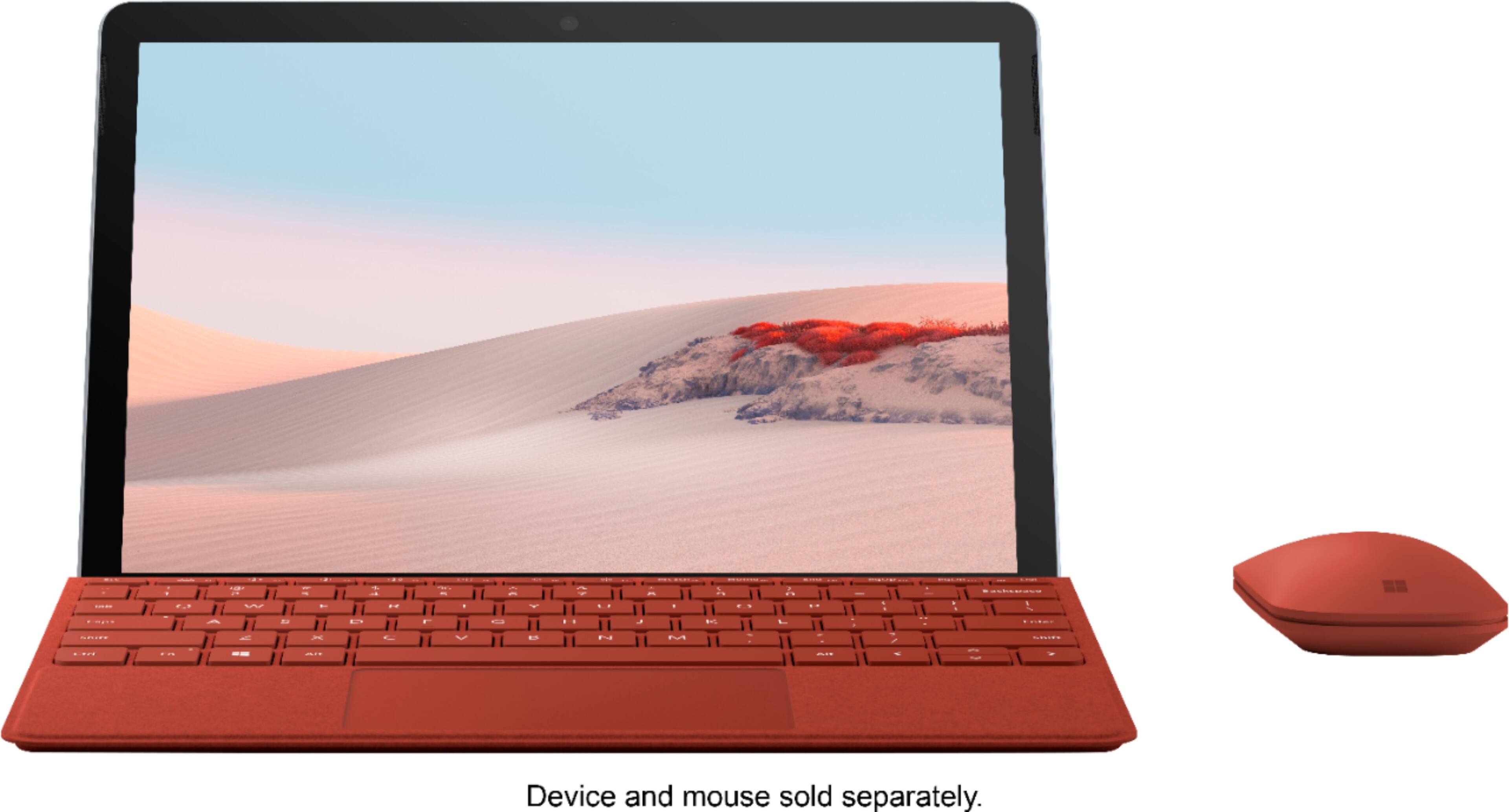


- Model:
- KCS-00084
- SKU:
- 6408852
Rating by feature
- Value
Rating 4.4 out of 5 stars
- Quality
Rating 4.7 out of 5 stars
- Ease of Use
Rating 4.7 out of 5 stars
Customers are saying
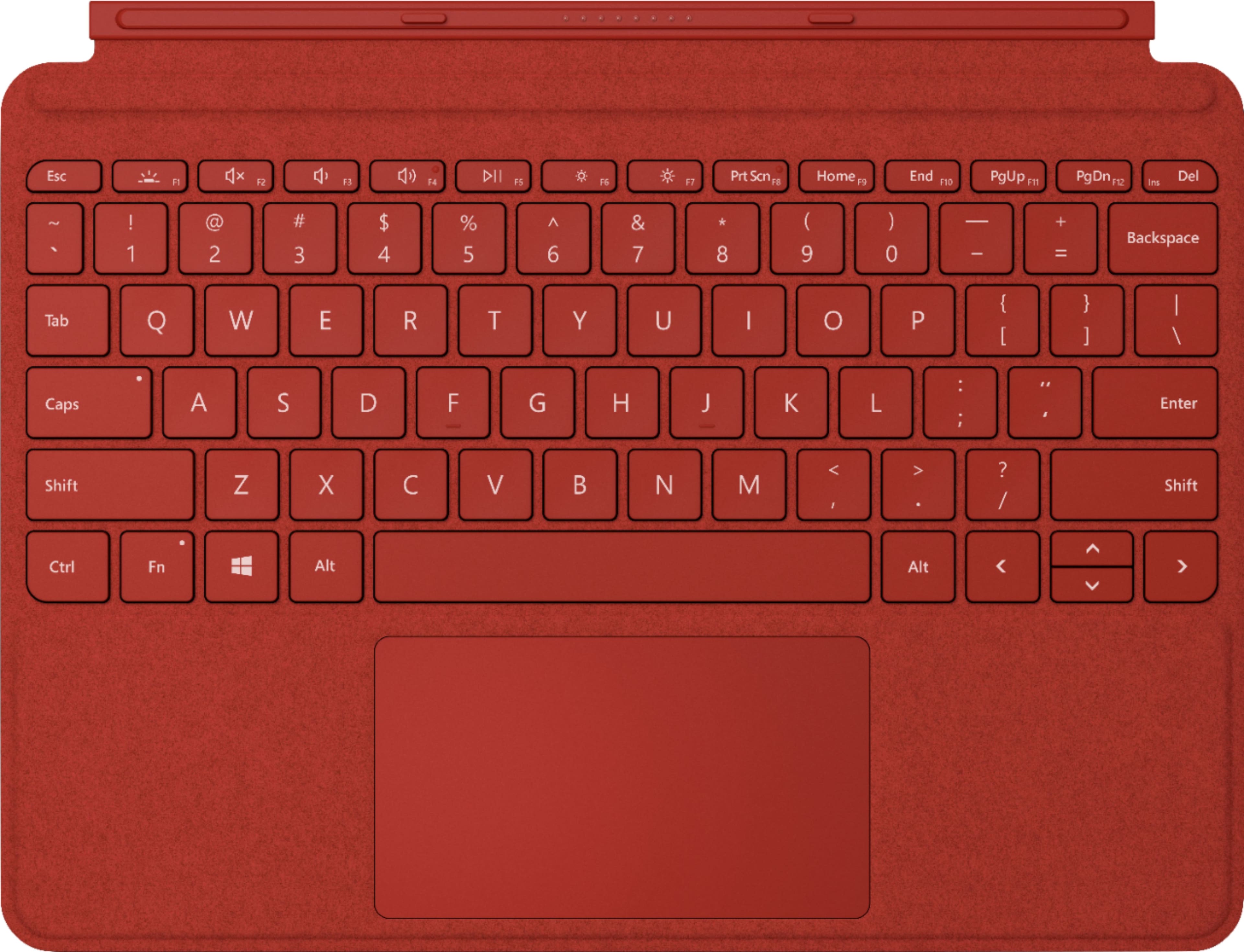
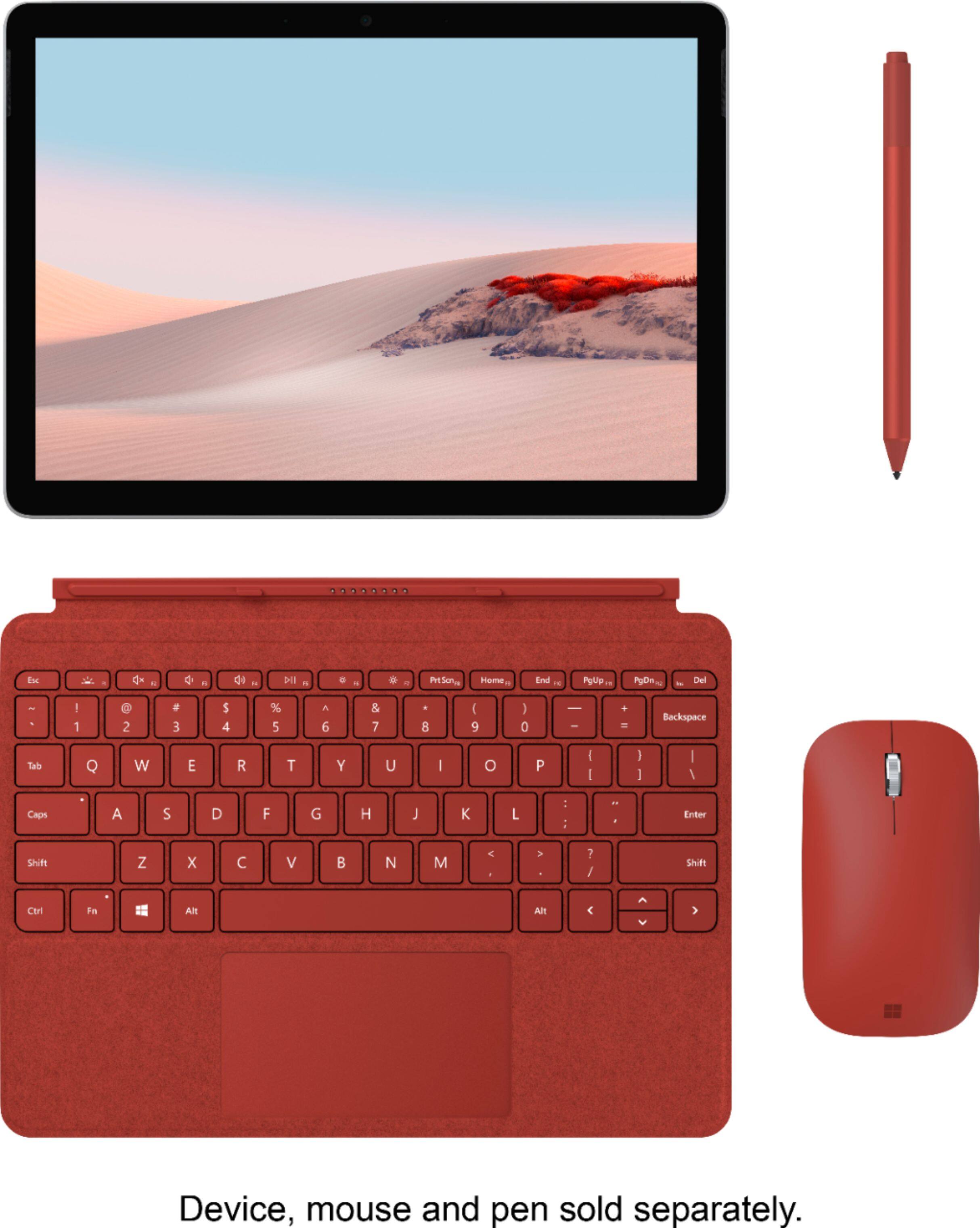
Customers are satisfied with the Surface Go Signature Type Cover's keyboard quality, ease of use, and its attractive color options. Many appreciate its compact size and lightweight design, making it a convenient accessory. However, some customers find the price to be relatively high. A few users also noted concerns about the impact on battery life.
This summary was generated by AI based on customer reviews.
- Pros mentioned:Ease of use
Love This Accessory
||Posted . Owned for 3 weeks when reviewed.This reviewer received promo considerations or sweepstakes entry for writing a review.Must have accessory for your Microsoft Surface Go 3. It is effortless in connecting. Absolutely worth every dollar.
I would recommend this to a friend - Pros mentioned:Color
Keyboard for the tablet
||Posted . Owned for 2 weeks when reviewed.This reviewer received promo considerations or sweepstakes entry for writing a review.Bought it for my tablet love the color and it works great
I would recommend this to a friend - Pros mentioned:Keyboard quality, Size
Surface Pro 7 Keyboard
||Posted . Owned for 4 months when reviewed.This reviewer received promo considerations or sweepstakes entry for writing a review.Wish there was more color to choose, but overall great product easy to install, key board is soft, Very slim and compact
I would recommend this to a friend - Pros mentioned:Keyboard quality
excellent keyboard!
||Posted . Owned for 3 weeks when reviewed.This reviewer received promo considerations or sweepstakes entry for writing a review.this is a great typing keyboard and cover for the surface go. The typing experience is surprisingly well for a very flat keyboard. It's not clicky but not too squishy, and has a fair amount of travel for such a flat device. It doesnt have a magnet to keep it closed against the tablet, but does have a magnet to hold it to the base of the tablet. The track pad is a little small yet still functional. This is an essential device for the surface go, certainly turns the tablet into a functional laptop experience.
I would recommend this to a friend - Pros mentioned:Color, Keyboard quality
Love the keyboard
||Posted . Owned for 1 month when reviewed.This reviewer received promo considerations or sweepstakes entry for writing a review.Very soft smooth keyboard . The letters press very smoothly . I really like the burgundy color .
I would recommend this to a friend Love it!
||Posted . Owned for less than 1 week when reviewed.This reviewer received promo considerations or sweepstakes entry for writing a review.Easy to connect to bluetooth, easy to use and is beautiful on the eyes!
I would recommend this to a friend- Pros mentioned:Keyboard quality
Great product
||Posted .This reviewer received promo considerations or sweepstakes entry for writing a review.Love this keyboard, works perfectly with my new Microsoft surface pro 2 . The keyboard lights up . The backside of the keyboard is a soft material attaches excellent to the tablet. Makes the surface pro 2 look and feel amazing.
I would recommend this to a friend Microsoft Go signature keyboard and mouse
||Posted . Owned for 3 weeks when reviewed.This reviewer received promo considerations or sweepstakes entry for writing a review.Much needed purchase, the transaction was smooth, picked up My purchase and have been very pleased with selection and choice to purchase from Best Buy.
I would recommend this to a friendNot durable
||Posted . Owned for 1.5 years when reviewed.This reviewer received promo considerations or sweepstakes entry for writing a review.Was nice for about a month then just slowly falling apart. Would defintaly not buy again sad enough
No, I would not recommend this to a friendNot excellent condition
||Posted . Owned for 1 month when reviewed.This reviewer received promo considerations or sweepstakes entry for writing a review.The product was open box and said excellent condition. The 't' and 'f' key are hard to push and the 'f' key fell out after only 1-2 weeks of use over the holiday. I'm going it's not to late to return.
No, I would not recommend this to a friend- Pros mentioned:Keyboard quality

Must Have Surface Go 2 Accessory!
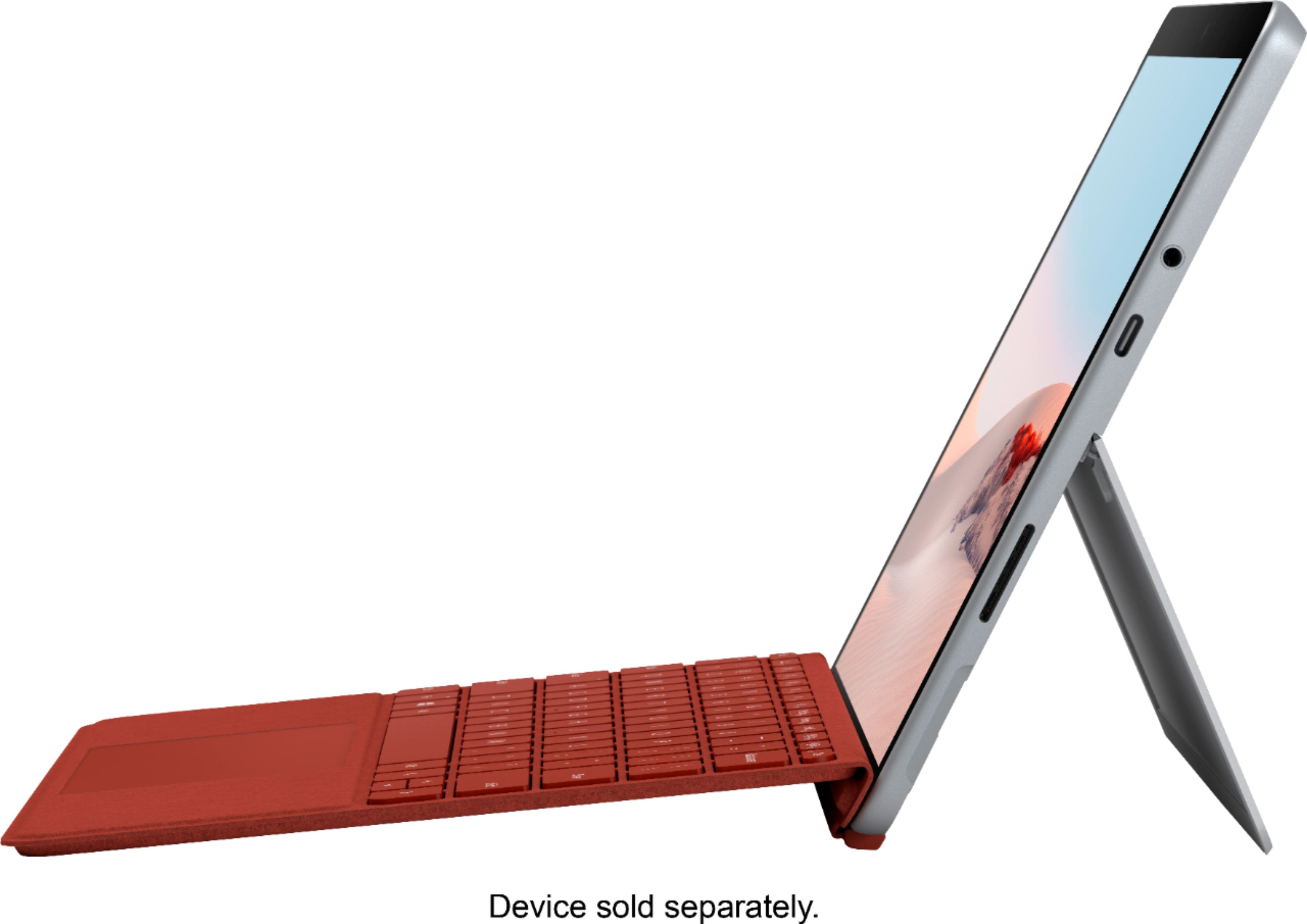
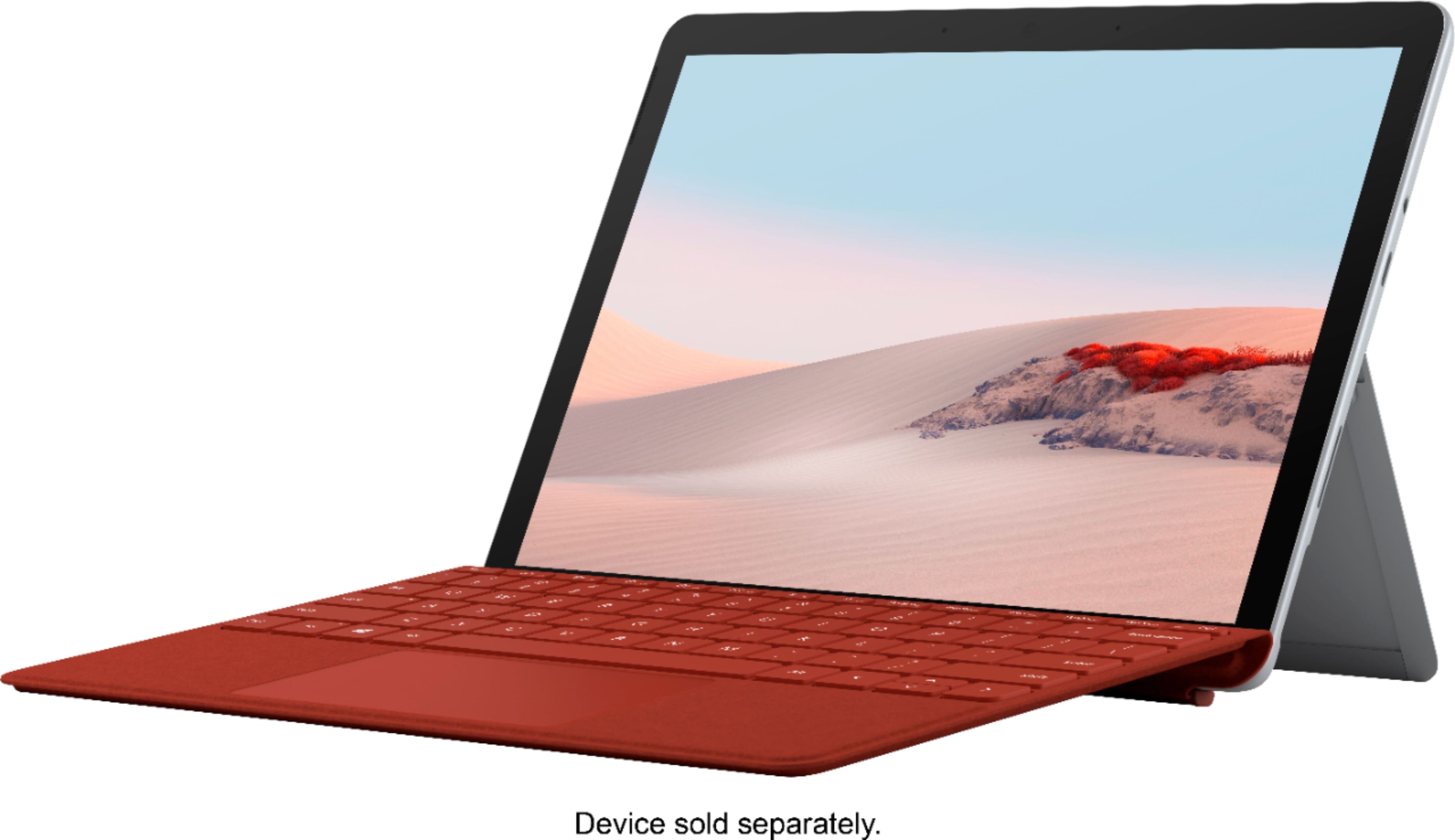
|Posted .This reviewer received promo considerations or sweepstakes entry for writing a review.The Surface Go Signature Type Cover is a combination keyboard and protective case. It securely connects the Surface Go or Surface Go 2, and transforms it into a marvelously compact and portable laptop. It uses powerful magnets to snap securely onto my Surface Go 2. The magnets keep it in place and it doesn’t come apart unless I want it too. When not in use, it folds over and protects the tablet front and back. It is very sturdy when used with the kickstand built into the back of the Surface Go 2. I like this design because it stays upright in laptop mode, on my lap or on a bed, unlike some other floppy hybrid keyboard/case designs that I have used that need a hard surface to stay upright. It is also very adjustable and easily allows for multiple viewing angles. The individual keys are nicely spaced out for a keyboard of this size. They feel nice to the touch, and are very easy to type on. The keys are backlit and a light sensor triggers the backlight based on the ambient light level. The keyboard illumination can be adjusted up or down, or turned completely off to save battery power, using the keyboard function keys. The touch pad is responsive, precise and works well in place of a mouse. The build quality is impressive and it has a luxurious look. It features a material called Alcantara that feels soft and smooth, almost fabric like. ---CONCLUSION--- The Surface Go Signature Type Cover transforms the already capable Surface Go 2 into an even more capable and versatile tablet/notebook hybrid. I consider it a must have accessory, and highly recommend it if you are getting a Surface Go 2. Combined together, they become a powerful laptop that is both compact and portable. ---DISCLOSURE--- I received this product in affiliation with the Tech Insider Network. Reviewers in this invitation-only program are provided products for the purpose of writing honest, unbiased reviews. That I received this product at no cost did not influence my review in any way. My review is based on my opinion and experience using it.
I would recommend this to a friend - Pros mentioned:Keyboard qualityCons mentioned:Battery life
I May Be Old School, But I Prefer A Keyboard
|Posted .This reviewer received promo considerations or sweepstakes entry for writing a review.Touch Screen is very nice for many things but I still want that keyboard. And this Keyboard works perfectly and instantly with the Microsoft Surface. A quick magnetic attachment with zero configuration afterwards and it is up and running and the touch screen is still functional. They keys are as responsive as any I have ever used on laptops and desktops and it has the added feature I really like of being a lighted keyboard. It also has a full function touchpad giving the Surface the look function and feel of a very small laptop. Of course that will consume a bit more battery from the surface but the LED's are not very power hungry and that function can be turned off right on the keyboard when and if desired. And as quickly as it was installed it can be removed if desired when you want to go full touch screen and use your device as a pad. This also serves as a very attractive cover to protect the screen of the surface when not in use, especially during travel. Notice: “Reviewers in this invitation-only program are provided products for the purpose of writing honest, unbiased reviews.”
I would recommend this to a friend - Pros mentioned:Keyboard quality
A perfect addition to my Surface Go 2!
|Posted .This reviewer received promo considerations or sweepstakes entry for writing a review.To start with, I want to make it clear that I am a Tech Insider Network member and I received this type cover free of charge from Best Buy. Reviewers in this invitation-only program are provided products for the purpose of writing honest, unbiased reviews. While this might make one think that my review will be skewed, I actually feel I am in a unique position to review this item since I did not make an emotionally charged purchase. With that information in mind, I just want to convey how impressed I am with this type cover. I have had many tablets, and I have purchased quite a few different Bluetooth keyboards and keyboard cover options in the past in order to try to simulate the experience of operating a laptop as best as possible. This Signature type cover from Microsoft is an excellent example of what happens when I company designs accessories for its own hardware. The fit, finish, interaction, attachment, and features of this cover are EXCELLENT in correlation with the Microsoft Surface Go 2 I also received from Best Buy. Every feature you could want is present in this type cover. The attachment to the magnetic port of the tablet is certain and effortless, adding in seconds a custom fit, thin (but not too thin) large (but not too large) keyboard and touchpad that allows you to take full advantage of the Windows 10 experience at your fingertips. My top favorite features of this keyboard are that is has what appears to be 2 or 3 different levels of backlighting for the keys so you can type in a dark environment with ease or turn it off when the extra lighting and consequent power draw is unnecessary. The touchpad to my knowledge uses Windows Precision drivers and is accurate and easy to use in navigating the Windows 10 environment of this tablet. The touchpad itself is a springboard type tablet with physical spring feedback for the right and left clicks on the bottom of the touch pad. However, it can be used with Windows gestures and multiple finger taps, allowing you to navigate and select without actually having to “click” on the touchpad. The feel and quality of the type cover itself is excellent, using Alcantara—the same material used for console, seat, and arm rest covers in supercars like the Bugatti Veyron. It is soft and feels very comfortable for the typing experience. My only concerns would be how it holds up to grease or oil stains from sweaty wrists and also how it seems to have an affinity for picking up crumbs and pencil shavings. Keep it wiped down and I think these concerns won’t be an issue at all. Altogether, I would dare call this an essential accessory to enhance the experience of the Surface Go 2 and add full utility to its usage. Thanks for reading and good luck with your purchase!
I would recommend this to a friend - Pros mentioned:Ease of use, Keyboard quality
Light and well built
|Posted .This reviewer received promo considerations or sweepstakes entry for writing a review.“Reviewers in this invitation-only program are provided products for the purpose of writing honest, unbiased reviews.” Microsoft was nice enough to send me one to test. Already owning the Suface Go 1 and keyboard the experience is very much the same. Typing is easy and the key travel and feel while typing is nice. There are several backlight settings. All the necessary keys are there to use windows and control the tablet including brightness and such. The premium material is worth the extra cost in my opinion but not necessary. Its attaches easily and is secure when connected to the tablet. In order to get the full use of Windows it’s optional but realistically necessary. You can use other Bluetooth keyboards which I originally tried but the integration and experience using this one isn’t the same and you get the benefit of portability and protection for the tablet screen. I certainly recommend adding it on.
I would recommend this to a friend - Pros mentioned:Keyboard quality
A must have addition for the Surface Go 2
|Posted .This reviewer received promo considerations or sweepstakes entry for writing a review.I received this product from Best Buy through their Tech Insider Network Program. Reviewers in this invitation-only program are provided products for the purpose of writing honest, unbiased reviews. I can’t imagine owning the Surface Go 2 without the Signature Type Cover – it’s unfortunate that it’s not automatically included, but I would highly recommend buying it if you plan on using your Surface Go 2 for any amount of typing use. The magnetic connector of the keyboard allows it to attach smoothly to the Surface Go 2 with very little effort. (Just hold it near the edge and it pulls into place.) One of the main selling features of this accessory is its multifunctional use. While the keyboard is very slim, it is impressively rigid, and I would be willing to believe that it is effective in protecting the screen of the Surface Go 2 when being used as a cover. Upon initial use, I was pleasantly surprised to learn that the keys were backlit – a must-have feature for me when looking at laptops. The keyboard itself is very slim and lightweight and does not create a feeling of bulkiness when attached to the Surface Go 2. While it is slim in design, it is impressively rigid, and I did not experience any flexing while using it. Another surprise feature of this keyboard was the small design addition to make it slightly ergonomic. A second magnet runs along the length of the cover which allows for the keyboard to rest at a slight incline when connected the face of the Surface Go 2 - while it is sitting upright via its kickstand. The keyboard itself does feel a bit crammed, but the only way to improve that – while maintaining a traditional, full-sized keyboard - would be to buy a larger device. While the keyboard had to be condensed to fit, the touchpad was not, and I found it to be very responsive when used. Overall, the Signature Type Cover is a must have addition to the Surface Go 2, and I would highly recommend buying it to go with the Go 2.
I would recommend this to a friend - Pros mentioned:Keyboard quality
A premium looking/feeling keyboard
|Posted .This reviewer received promo considerations or sweepstakes entry for writing a review.Full disclosure— This product was received through the Best Buy Tech Insider program. Reviewers in this invitation-only program are provided products for the purpose of writing honest, unbiased reviews. Overview— This is a beautifully crafted keyboard. The suede-like material feels durable yet soft to the touch (Type cover packaging references it as Alcantara). The keys have just the right balance of resistance and responsiveness in each press giving a gratifying feel. The touchpad has a slightly different feel (harder, less squish) from earlier type covers. To clarify, I’ve owned a Surface 3, Surface Pro 3, Surface Pro 4, and Surface Pro 6 (although never owned a type-cover specifically for this model). Functions register perfectly (vertical/horizontal scroll and pinch to zoom). The overall size, for my tastes, is a bit small. Although, it has started to grow on me. The overall size measures 9 ¾” L x 7 ⅜” W edge-to-edge or 6 7/16” (key surface area excluding fold with magnetic connector). Light-up keys are very bright, such so that it can be used in daylight and you can still see the shimmer around the keys. Cons— There isn’t much I can complain about except for the raised key bumps (F, J, Vol Up, Prt Scn). Compared to other type covers these aren’t very noticeable. Either not long enough, raised, or too low on the key, I can’t quite figure what. The only other issue (some may say it’s a good thing) I have is the keys are extremely smooth. Other type covers have a very light, almost unnoticeable texture over the key. It gives off a higher quality feel to it, although the texture may cause more dirt/grease to stick to the keys. As I mentioned, this second point is more of an opinion and can go either way.
I would recommend this to a friend - Pros mentioned:Ease of use, Keyboard quality, Size
Great Keyboard
||Posted . Owned for 2 weeks when reviewed.This reviewer received promo considerations or sweepstakes entry for writing a review.Great little keyboard that is surprisingly well made. I bought a Logitech with a Surface Go 2 that worked like a dream, but wanted something portable. This was on sale on Black Friday and I bought it. It’s really really nice and a lot smaller. The biggest surprise us that this is a mechanical keyboard. I bought a Logitech M355 mouse and the fast Samsung 512GB U3MicroSD card. I am running full SQL Server on this. Wow.
I would recommend this to a friend - Pros mentioned:Keyboard quality
Good companion for the surface go
|Posted .This reviewer received promo considerations or sweepstakes entry for writing a review.I recieved this in return of my unbiased review frkm the Tech Insider Network. I like that this is a magnetic keyboard/screencover, functions well with my surface go. I really like that the keys are back-lit, makes using the surface go at night so much easier without need for turning on a light. I'm surprised by how stiff this keyboard is for as super thin as it is. For being connected via magnets to the surface it stays connected solidly. All the keys and touch pad have great responsiveness to them as well. This is a must have if you purchase any surface tablet. My only complaint isI don't care for the suede like finish on the outside of the cover, but thats minor.
I would recommend this to a friend Excellent addition for the Surface Go
|Posted .This reviewer received promo considerations or sweepstakes entry for writing a review.I am using the Signature Type Cover with a Surface Go 2 and I have REALLY enjoyed it so far. The fit and finish and features are such a good compliment to an already great tablet. The backlit keys are such a welcome feature since I often work in low light and finding keys can sometimes be difficult. Even better, they're adjustable to three different light levels and can be turned off completely if desired. The material is somehow both soft and sturdy and feels like it will hold up for a long time and makes extended typing sessions much more comfortable and since the Surface Go has an integrated kickstand, the cover is much lighter than solutions for other tablets on the market. The "ice blue" color is more of a gray to me though it definitely has a hint of blue in it. The interface with the Surface Go is great and has a nice strong magnetic interface that makes it nearly impossible to halfway connect the two and there's virtually no lag between the keyboard and the Surface. If you have a Surface Go or are considering buying one and are worried about what keyboard cover choices you'll have, don't be. This thing is amazing! *Product provided for review. Reviewers in this invitation-only program are provided products for the purpose of writing honest, unbiased reviews.
I would recommend this to a friend- Pros mentioned:Ease of use, Keyboard quality, Weight
Great Keyboard and Cover
||Posted . Owned for 1 month when reviewed.This reviewer received promo considerations or sweepstakes entry for writing a review.I love this keyboard. It is very convenient to be able to type on a keyboard instead of using the online screen keyboard. It protects the screen and it very thin and lightweight. I love it.
I would recommend this to a friend