Customer Ratings & Reviews
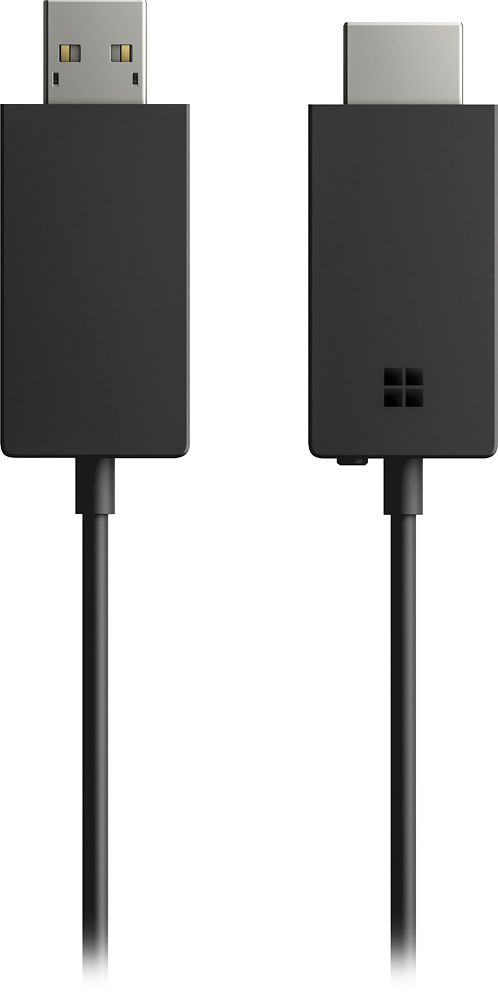
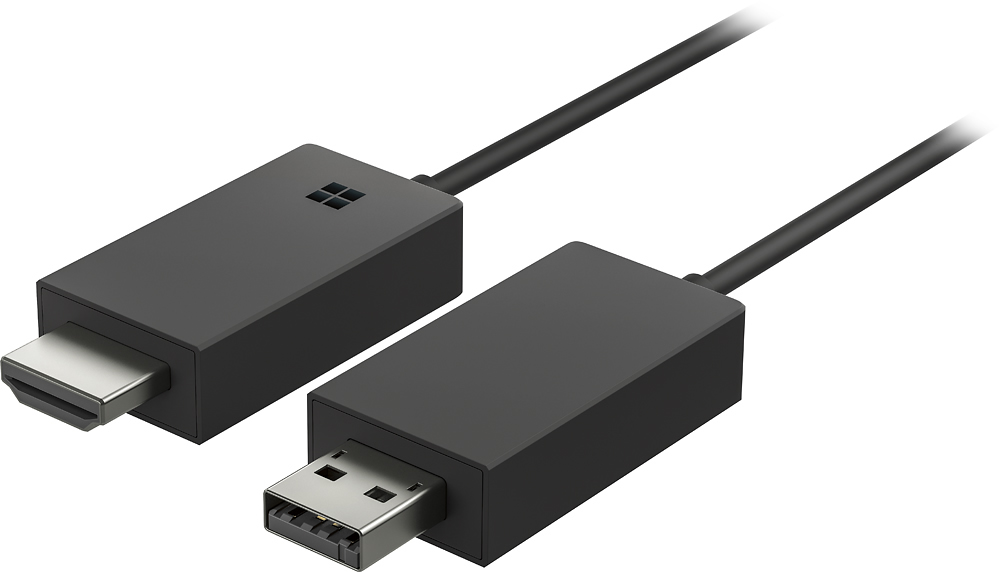
- Model:
- P3Q-00021
- |
- SKU:
- 5578990
Customer reviews
Rating 4.2 out of 5 stars with 160 reviews
(160 customer reviews)Rating by feature
- Value3.8
Rating 3.8 out of 5 stars
- Quality4.1
Rating 4.1 out of 5 stars
- Ease of Use4.1
Rating 4.1 out of 5 stars
Customers are saying
Customers are impressed with the Wireless Video/Audio Extender for its ease of use, as it eliminates the need for cables. They appreciate the wireless capability, which frees them from the hassle of wires. The mirroring feature is also well-received, allowing users to conveniently mirror content from their laptops to desktops. However, some customers have concerns about compatibility issues, video quality, and lag.
This summary was generated by AI based on customer reviews.
- Cons mentioned:Compatibility, Connectivity
Rated 4 out of 5 stars
perfect for forgetting about cables
||Posted . Owned for less than 1 week when reviewed.This reviewer received promo considerations or sweepstakes entry for writing a review.It is not necessary to have to be connected to a WIFI network, perfect for people who do not have a contract with companies that offer internet, you only use the data from your phone and transmit the phone screen to the TV and that's it with this device how bad it is It only works with Android and Windows and the devices must have the wireless transmission of the screen to work
I would recommend this to a friend - Pros mentioned:Screen size
Rated 4 out of 5 stars
Wireless A/V Extender Cords
||Posted .This reviewer received promo considerations or sweepstakes entry for writing a review.The technology to use wireless cords to cast images on to bigger & better screens is amazing!
I would recommend this to a friend Rated 4 out of 5 stars
It does it's Job
||Posted .This reviewer received promo considerations or sweepstakes entry for writing a review.This is my 2nd one..it does it's Job..I haven't had any problems with it ..I just wish It was a little cheaper.
I would recommend this to a friend- Cons mentioned:Compatibility
Rated 5 out of 5 stars
Great Buy!
||Posted .This reviewer received promo considerations or sweepstakes entry for writing a review.Perfect for extending and mirroring display. This only works for windows software not iOS.
I would recommend this to a friend - Pros mentioned:Ease of useCons mentioned:Lag
Rated 3 out of 5 stars
Good, but not good enough
||Posted .This reviewer received promo considerations or sweepstakes entry for writing a review.Easy to set up and connect. The only thing I have a problem with is that it lags every 15-30 seconds or so, therefore, if you're trying to play a video on the screen using the adapter, it's going to be a bit choppy. But if you're giving a presentation with ppt or whatever that something isn't constantly moving on the screen then it'll be good for you.
No, I would not recommend this to a friend - Pros mentioned:Performance
Rated 5 out of 5 stars
Amazing
||Posted .This reviewer received promo considerations or sweepstakes entry for writing a review.Title says it all, works flawlessly. Highly recommended
I would recommend this to a friend - Pros mentioned:Ease of use
Rated 5 out of 5 stars
Amazing bang for the buck
||Posted .This reviewer received promo considerations or sweepstakes entry for writing a review.Super easy to use, works flawless every single time.
I would recommend this to a friend - Pros mentioned:Ease of use, Performance
Rated 4 out of 5 stars
Adapter is perfect!
||Posted .This reviewer received promo considerations or sweepstakes entry for writing a review.I love this adapter. It was simple plug and play, works better than expected.
I would recommend this to a friend - Pros mentioned:Usb
Rated 5 out of 5 stars
Magic can happen
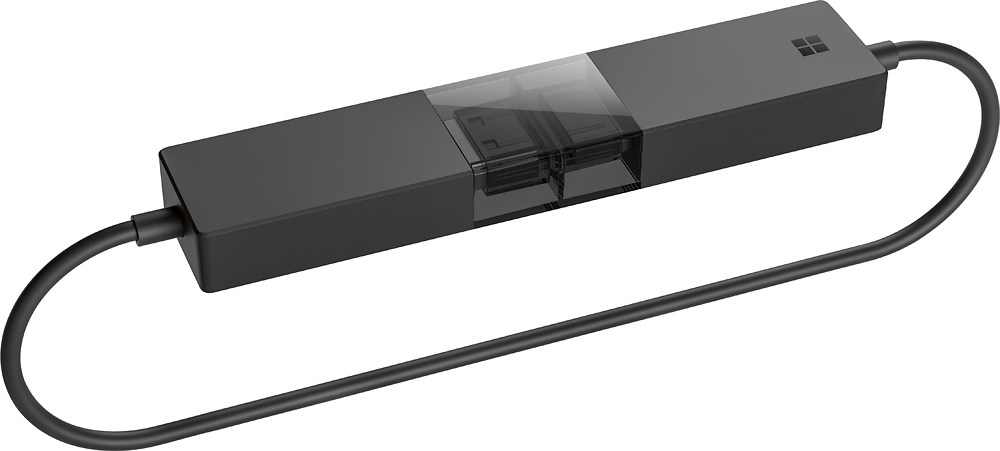
||Posted . Owned for 3 months when reviewed.This reviewer received promo considerations or sweepstakes entry for writing a review.It is small which is good if your hdmi and usb ports are next to each other; on most/many lcd panels that probably is the case. I have not had a need to use it yet, just something for the tech tool kit you know. Like that it loops together when closed. When used you won't have to have a cable running from a tv or monitor back to, for example, your laptop. I cannot speak to how it would perform if you try to play games on your device and cast the display. Though I won't be using it for that purpose anyway.
I would recommend this to a friend - Pros mentioned:Usb
Rated 5 out of 5 stars
Does exactly what it says it will!
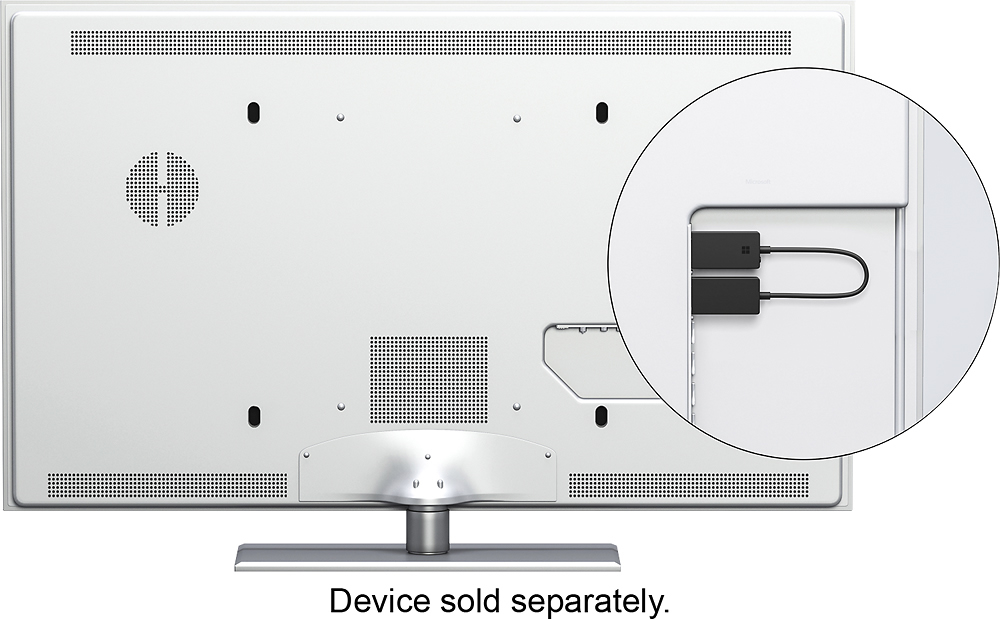
||Posted .This reviewer received promo considerations or sweepstakes entry for writing a review.Simple and elegant. Plug it into an HDMI input on a TV, and into a USB on the same TV (for power) or some other USB power source. Then... connect it via Windows 10. When traveling, this works great -- you can sit on the bed and broadcast a bigger-screen Skype, email, or work you're doing on your laptop to the hotel room's TV screen. Super for having a classroom (or meeting room) full of laptop users sharing one big display. Just don't forget it when you leave the room!
I would recommend this to a friend - Pros mentioned:Ease of use
Rated 5 out of 5 stars
Surprisingly good
||Posted .This reviewer received promo considerations or sweepstakes entry for writing a review.This was kind of an added item with Office 365. Frankly, I didn't expect it to work very well - and I already had a media extender I'd purchased separately. But it works and works very well. I was able to connect both a laptop AND my Galaxy S7 to a TV and a projector. And it was pretty easy to do so. Not bad for a "bonus" add-on with Office. Oh, and it turned out to be V2 of the Microsoft extender, not a V1.
I would recommend this to a friend - Pros mentioned:Usb
Rated 5 out of 5 stars
Worked perfectly right out of the box.
||Posted .This reviewer received promo considerations or sweepstakes entry for writing a review.I wanted an adapter that would let me cast my screen to an external monitor or tv. This one dispensed with a clunky cable between my laptop and monitor, and let me wirelessly display the screen from any device that supports the driver or runs the app (MS Surface, iOS, droid) to any display within range that has this device plugged into it (note: display must have an available HDMI port and the adapter must be powered via USB). Worked perfectly right out of the box.
I would recommend this to a friend - Cons mentioned:Lag
Rated 5 out of 5 stars
Been waiting for this!!!
||Posted . Owned for 1 month when reviewed.This reviewer received promo considerations or sweepstakes entry for writing a review.WOW, this works great! We needed a wireless connection for laptops and I saw this and picked it up. Not expecting it to be worthy but why not, only $50. Plugged it in, updated the firmware and bam, i was up and running. This worked great for what we needed it for. I had no lag at all. This isn't meant for gaming but it's perfect for conference rooms and the like. I'll be getting a few more for clients.
I would recommend this to a friend Rated 4 out of 5 stars
Does the Job
||Posted .This reviewer received promo considerations or sweepstakes entry for writing a review.The MS Display Adapter works well and has very little latency. There are periodic screen freezes and dropouts but not enough to severely impact my viewing. Works best with presentation material such as PowerPoint. I carry one of these in each of my projector bags, laptop bags, and brief case. Great in a pinch, easy to setup but you will need a USB power source for it to run so check to see if your projector and/or TV has a powered USB port near the HDMI IN or you'll need to run a separate USB cable from the adapter to a power source. Gave it only four stars due to the dropout and picture freezing but keep in mind that I'm streaming HDMI 1080 video to it so all though it doesn't do a perfect job with video, it does just as good as Apple TV 4K which I also use.
I would recommend this to a friend- Pros mentioned:Performance
Rated 4 out of 5 stars
Great Product
||Posted .This reviewer received promo considerations or sweepstakes entry for writing a review.This one is pretty dang good. IT could have the app store pop up with the app you need to download finding it isnt as easy as it should be other then that no complaints as long as you turn off sleep mode on your PC!
I would recommend this to a friend - Pros mentioned:Screen size
Rated 4 out of 5 stars
Works great
||Posted .This reviewer received promo considerations or sweepstakes entry for writing a review.This enables me to share my computer with my husband to review travel decisions and more. Nothing like having a 52 inch tv for a computer screen. Also looking at photos is awesome and can now share with friends
I would recommend this to a friend - Pros mentioned:Ease of use
Rated 4 out of 5 stars
Works great
||Posted .This reviewer received promo considerations or sweepstakes entry for writing a review.Connected it to my tv and was wondering how hard it was going to configure and did not take much to have it work with my Surface Pro and Android phone. A nice feature to have to just broadcast right to the screen.
I would recommend this to a friend Rated 4 out of 5 stars
Works
||Posted .This reviewer received promo considerations or sweepstakes entry for writing a review.Most new T.V.s have this feature built in but this was a life saver for my older model. If you have a lot of wireless devices running in the same room you might have trouble with signal interference.
I would recommend this to a friendRated 3 out of 5 stars
Requires a powered USB to be close
||Posted .This reviewer received promo considerations or sweepstakes entry for writing a review.To get the wireless to work you need a powered ISB to be within a foot of the HDMI connection. You must have a newer projector as my MIMIO’s USB does not work making this device useless. I love what it’s supposed to do it just does not work for me.
I would recommend this to a friend- Cons mentioned:Connectivity
Rated 4 out of 5 stars
Have to Update
||Posted .This reviewer received promo considerations or sweepstakes entry for writing a review.This device works out of the box but you will most likely have to download microsoft's app and update the devices firmware! After that so far it's only disconnected a few times.
I would recommend this to a friend