Customer Ratings & Reviews

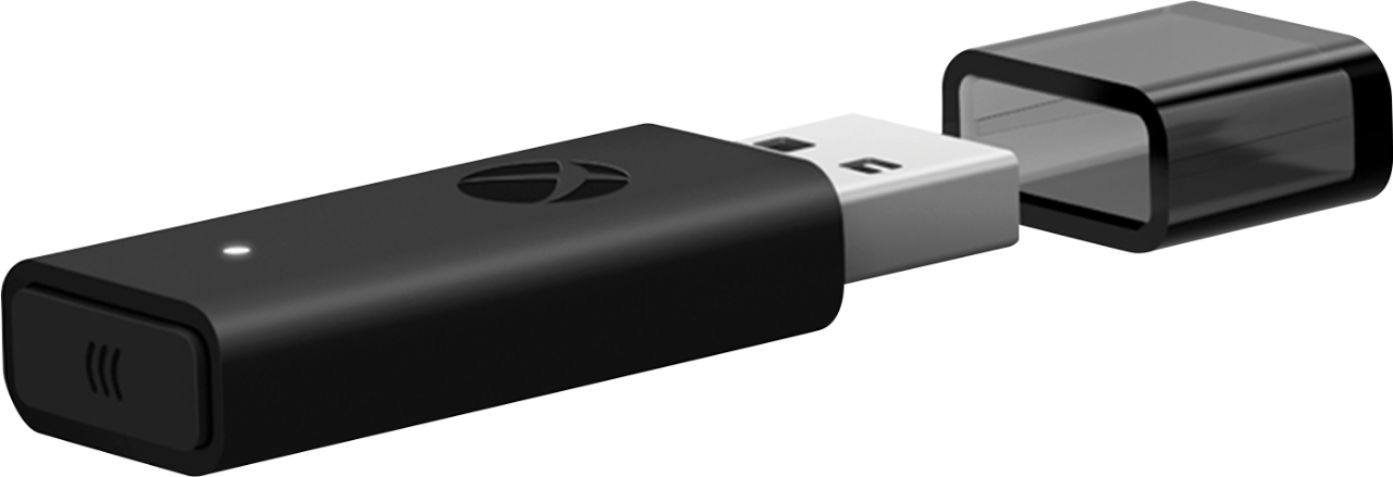
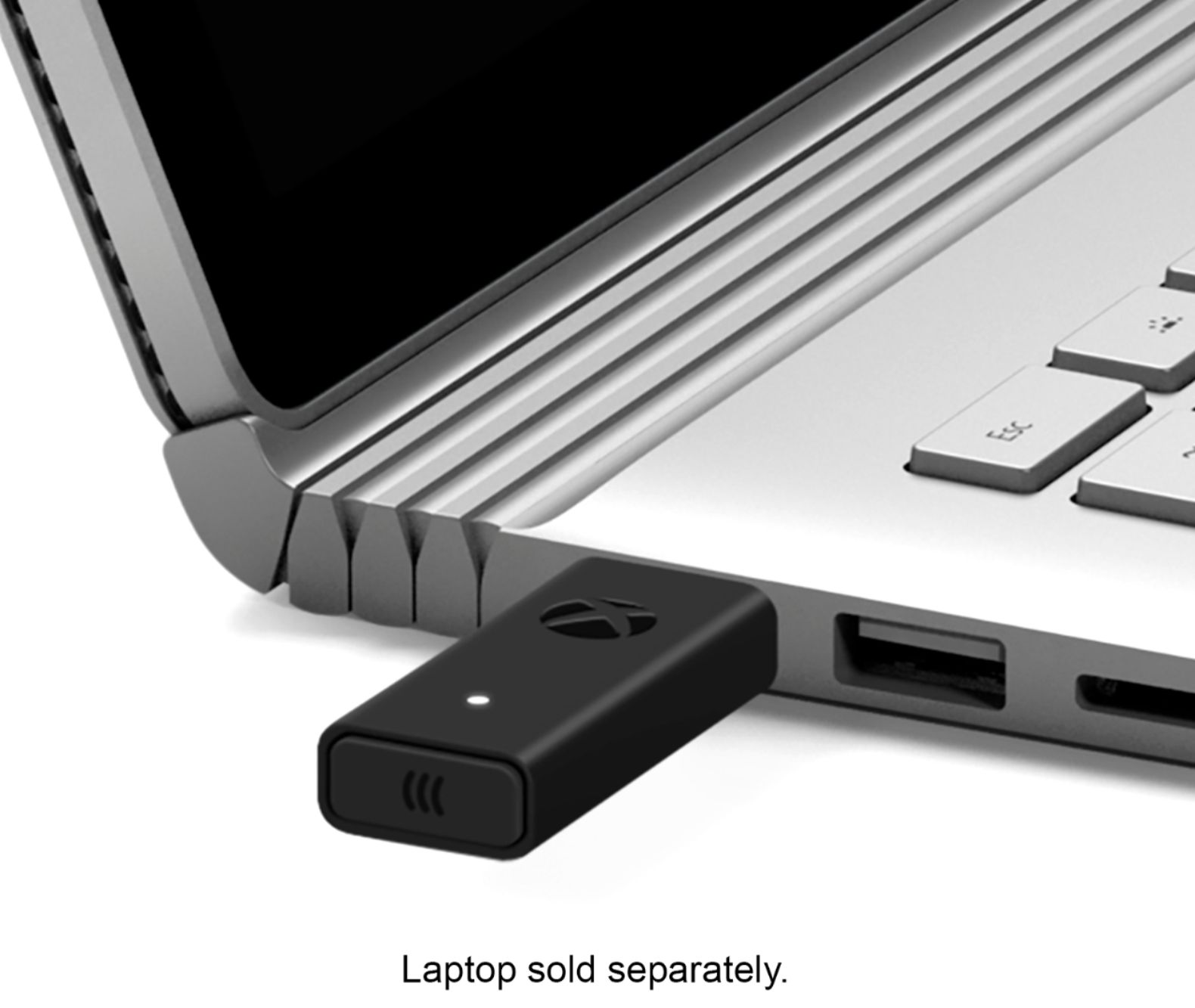
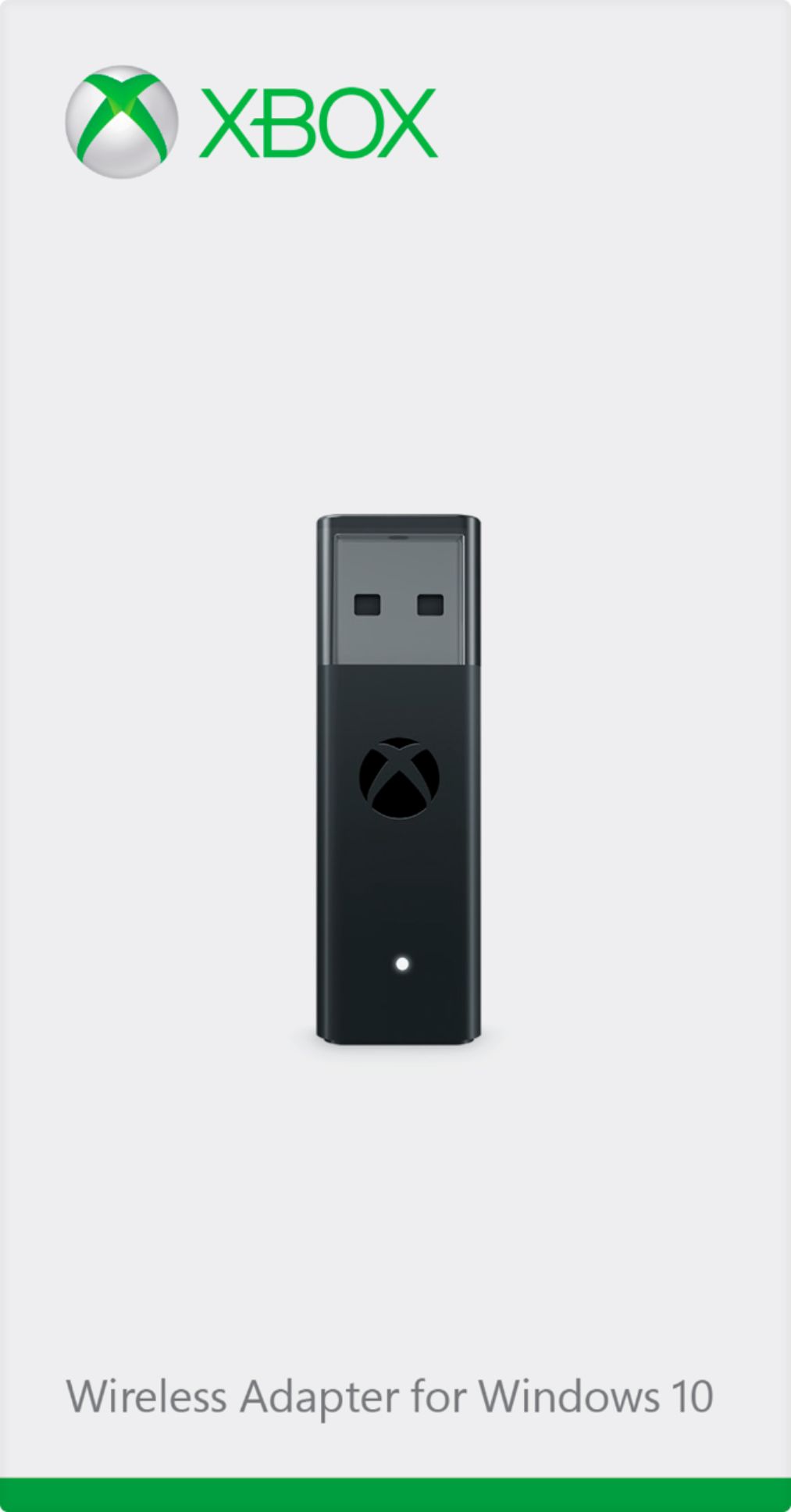
- Model:
- 6HN-00002
- |
- SKU:
- 6253924
Customer reviews
Rating 4.7 out of 5 stars with 2140 reviews
(2,140 customer reviews)Rating by feature
- Value4.5
Rating 4.5 out of 5 stars
- Quality4.7
Rating 4.7 out of 5 stars
- Ease of Use4.7
Rating 4.7 out of 5 stars
Customers are saying
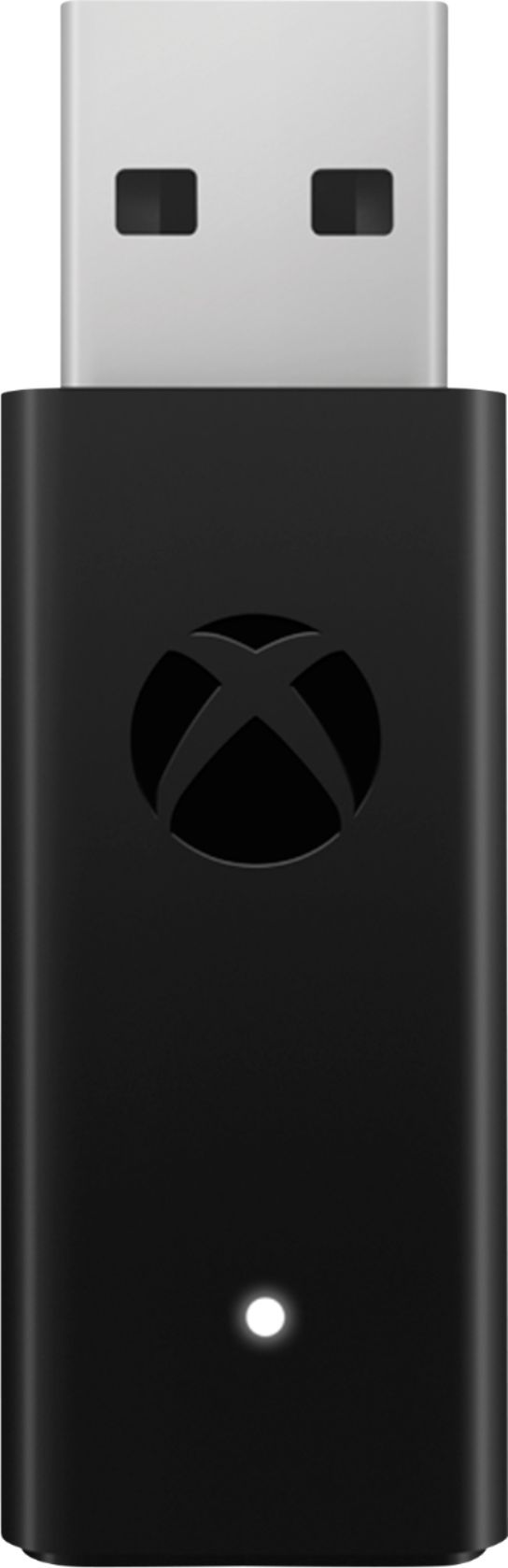
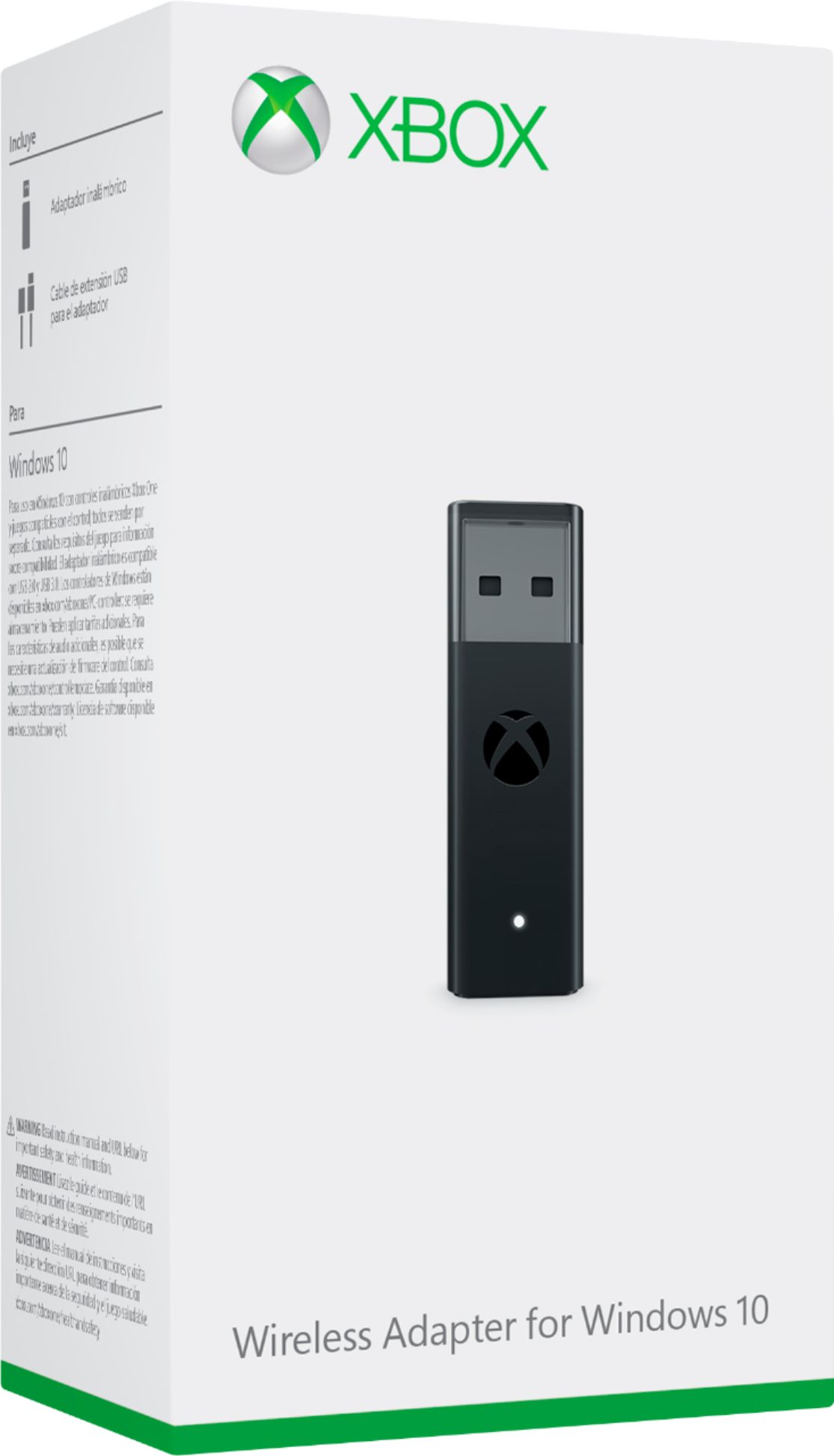
Customers are pleased with the ease of use, reliable connection, and broad compatibility of the Xbox Wireless Adapter for Windows 10. Many appreciate its compact size, enhanced performance, and impressive range. Some customers have concerns about Bluetooth connectivity, potential lag, and the product's price, while others find the pairing process occasionally problematic.
This summary was generated by AI based on customer reviews.
- Cons mentioned:Bluetooth
Rated 4 out of 5 stars
Great but
||Posted . Owned for less than 1 week when reviewed.This reviewer received promo considerations or sweepstakes entry for writing a review.There seems to be a lot of confusion in the reviews about whether people should be buying the official Xbox Wireless Adapter for their controller. Part of the confusion is Microsoft's fault. They include bluetooth in almost all of their modern controllers. So why sell a "special" adapter that is 2-3x as expensive as a bluetooth dongle? The quick answer is that this adapter definitely can be worth it. And no, it's not the same as a bluetooth dongle. I'll explain what I mean. Whether or not you should buy the official Xbox Wireless Adapter comes down to your environment. Wireless technology uses radio waves for communication. Radio waves are carried on different frequencies. Right now in your home you likely have two frequencies: 2.4 Ghz and 5 Ghz. 5 Ghz is used by modern Wifi Routers and some wireless home phones. 2.4 Ghz is extremely common and can be used by Wifi Routers, printers, displays, home appliances, home phones, AND bluetooth. And that last part is the key to what you should be buying. Because bluetooth uses the extremely common 2.4 Ghz frequency, it's very prone to suffering from wireless interference. Interference is when a signal in your zone conflicts with another signal in your zone and makes them both less stable. Because our modern homes tend to have so much 2.4 Ghz activity in them, bluetooth doesn't always work very well. So if you've tried to use a normal bluetooth adapter with your Xbox Controller and noticed that it either struggles to connect or ends up disconnecting all of the time, you likely are dealing with 2.4 Ghz wireless interference. This is where the official Xbox Wireless Adapter comes in. It's not using 2.4 Ghz. Microsoft has created something that they're calling "Xbox Wireless". They haven't shared exactly what frequency it operates on, but it's not 2.4 Ghz or 5 Ghz. Meaning that it shouldn't conflict with the stuff that you already have in your home. So if you've been dealing with those frustrating disconnections over bluetooth, then this adapter is definitely worth a try. If you don't have bluetooth and are considering this adapter, it'll probably work just fine. However you might have been able to get away with a cheaper bluetooth adapter. It all comes down to what's going on in your environment. Reviews of products like this are often ultimately unhelpful because everyone's environment is different. Someone saying "it works" doesn't provide any clues about whether it will work in your situation. So you'll see all kinds of back and forth reviews that reflect what is going on in each situation. The bottom line is that this is a good product and can be a great alternative for those that have been struggling with bluetooth issues.
I would recommend this to a friend - Pros mentioned:Ease of use
Rated 5 out of 5 stars
Reliable with no interruptions
||Posted . Owned for more than 2 years when reviewed.This reviewer received promo considerations or sweepstakes entry for writing a review.Originally l bought for my controller for desktop gaming before I added a bluetooth adapter. Now I use it for my Xbox headset. Purchased a few years ago and it still works like a dream.
I would recommend this to a friend - Pros mentioned:CompatibilityCons mentioned:Bluetooth, Lag
Rated 5 out of 5 stars
Simple, Easy, Elegant.
||Posted . Owned for 8 months when reviewed.This reviewer received promo considerations or sweepstakes entry for writing a review.Not much to say, its a wireless adapter. Here's one big thing though, if you have an Xbox One Elite Series 2 controller, you will have a Bluetooth issue on PC where you disconnect randomly and it will cause a headache for you. This fixes it and removes any latency. Wonderful adapter for the PC.
I would recommend this to a friend - Pros mentioned:Connection
Rated 5 out of 5 stars
Worked Great until the very end!
||Posted . Owned for 1 year when reviewed.This reviewer received promo considerations or sweepstakes entry for writing a review.Lasted a little over 2 years from purchase I purchase on Dec 2022 and I am making this review on Feb 2024 it lasted til now. I used it on a Gaming PC to play with Xbox Elite Wireless Series 2 Core Never gave me issues always worked great until the very end. o7
I would recommend this to a friend - Pros mentioned:Connection, Ease of useCons mentioned:Price
Rated 4 out of 5 stars
Works flawlessly
||Posted . Owned for 1 month when reviewed.This reviewer received promo considerations or sweepstakes entry for writing a review.Pros: - Pairs with any existing Xbox One controller. - Runs with multiple adapters in the same room with no connection issues. - Easy to set up - plug & play. Cons: - A bit pricey since it's only replacing the use of a micro USB cable. Overall: You're basically paying for the ability to use your wireless controller as it was intended to be used. If you can't stand being tethered to your machine, then this addition is a nice way to get around that.
I would recommend this to a friend - Pros mentioned:CompatibilityCons mentioned:Price
Rated 4 out of 5 stars
Simple & Easy Setup
||Posted . Owned for 10 months when reviewed.This reviewer received promo considerations or sweepstakes entry for writing a review.Great Adapter for Windows 10 if you want to fully use the capability of Xbox controller. Wish it was cheaper
I would recommend this to a friend - Pros mentioned:SizeCons mentioned:Price
Rated 4 out of 5 stars
It Works
||Posted . Owned for 1 week when reviewed.This reviewer received promo considerations or sweepstakes entry for writing a review.Bought this to pair an xbox headset to PC. Its hard to justify the price for a small piece of plastic; but it works as advertised. Connection is easy and the range is pretty fair (personal experience of about 10 feet). Connection button feels cheap floppy but haven't had issues yet. Very small device and blends into the computer. Would recommend for anyone that can afford it.
I would recommend this to a friend - Pros mentioned:Compatibility, ConnectionCons mentioned:Bluetooth
Rated 5 out of 5 stars
Better than Bluetooth!
||Posted . Owned for 9 months when reviewed.This reviewer received promo considerations or sweepstakes entry for writing a review.Love these adapters, have one for each of my gaming PCs. The connection and latency are way better than bluetooth, easier to pair and connect, supports multiple controllers without issue, and supports all features of the XBox one controllers. Don’t bother with bluetooth, these are worth it!
I would recommend this to a friend - Pros mentioned:Ease of use, Size
Rated 5 out of 5 stars
A smaller version of the previous wireless adapter
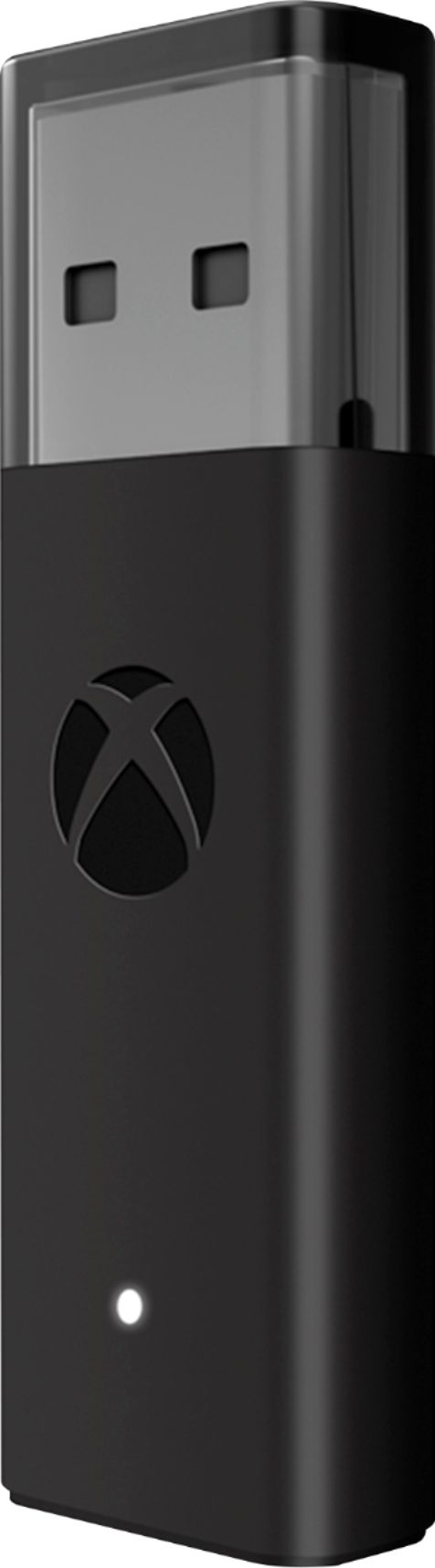
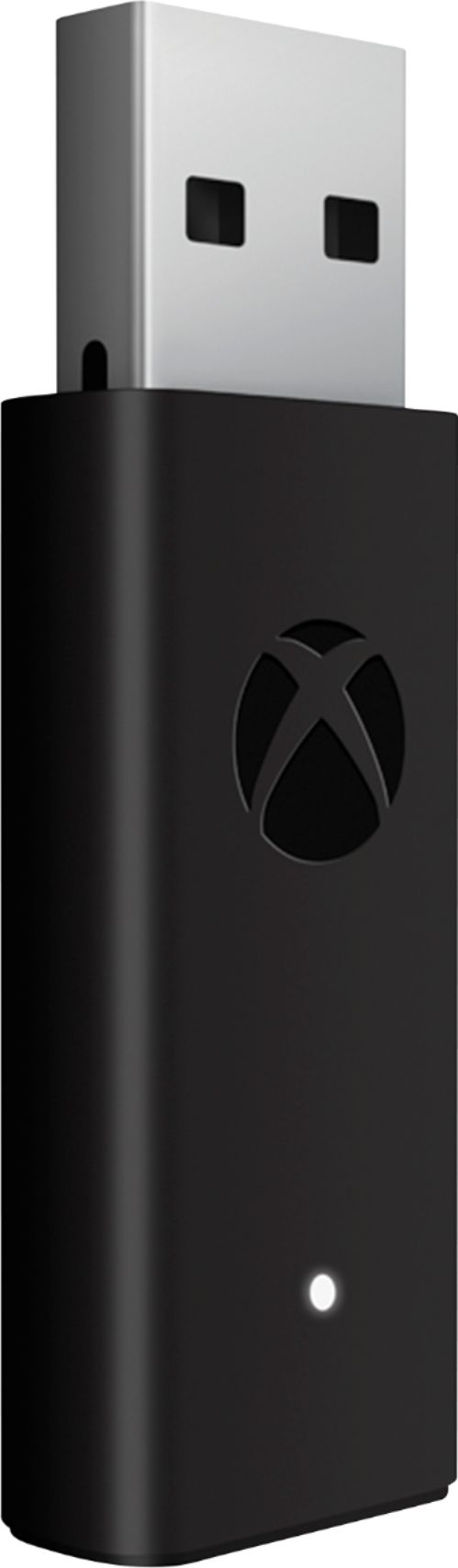
||Posted .This reviewer received promo considerations or sweepstakes entry for writing a review.It has the same functionality as the previous wireless adapter to connect a Xbox controller. The size of the adapter is smaller than the previous version, which makes it easier to connect directly without the issue of it blocking other usb ports. It also include a usb cable to adjust the location of the adapter from the computer. It works right out of the box with Windows installing the drivers automatically. It includes instructions to connect the Xbox controller. It works great with games such as open world games like Assassin's Creed Origins.
I would recommend this to a friend - Cons mentioned:Lag
Rated 5 out of 5 stars
Perfect for PC Gaming!!
||Posted . Owned for 4 months when reviewed.This reviewer received promo considerations or sweepstakes entry for writing a review.I bought an Xbox One Wireless controller on sale and didn't realize that I also needed this adapter to get it working with my gaming PC. I do think I found it when it was $2 or $3 off the original price and since I also purchased the controller on sale, it wasn't too bad purchasing this as well. This was as simple to setup as you could imagine. I plugged this into the PC, turned on my Xbox controller, and boom, already hooked up. Note that if you ever move this from the system it's paired to, you might have to re-pair it by holding down the button on the adapter and maybe the controller as well. This was exactly what I needed and I love how easy it is to select a game with my mouse & keyboard, then as the game is loading turn on the controller and the game can accept inputs from either device!!
I would recommend this to a friend - Pros mentioned:Connection, Ease of use
Rated 4 out of 5 stars
Great Product, Short Lifespan
||Posted . Owned for 7 months when reviewed.This reviewer received promo considerations or sweepstakes entry for writing a review.I originally got this product in March 2022 as a connector for my new headset. It worked great, was easy to set up, and was hassle-free! The simple and minimalist design allowed for simple storage and transportation. It served its purpose as it was designed to do and did so effortlessly. However, after eight months of off-and-on use and switching from devices, it suddenly stopped working; no warning, notification, or anything. I am upset about it dying on me and how long its service lasted. Its factory warranty is only for 90 days past retail sale. That being said, the device performed wonderfully, and there were reportedly no issues from friends upon using the new headset on the pc. While I am not a fan of the lack of headset connectivity, this is not the review for that. The Xbox Wireless Adapter for Windows 10 is excellent at what it's supposed to do. However, my product broke after only eight months of use. While the price isn't too bad, it is still a hassle to sort through.
I would recommend this to a friend - Pros mentioned:Ease of use, Size
Rated 5 out of 5 stars
Seamless Integration
||Posted . Owned for 1 month when reviewed.This reviewer received promo considerations or sweepstakes entry for writing a review.I got the this wireless adapter because not only was I getting dropouts from my Bluetooth connection from my wireless controller to my PC, but I also wanted to get audio through the controller to my wired headphones. I can't plug my headphones in to my PC directly due to the fact that it is in a separate room from the TV I have my PC wired to, so I needed a new solution to use my wired headphones at night when I don't want to disturb anyone in the house. This was the perfect solution. I have yet to experience any controller dropouts, audio comes through perfectly, and the set-up for the device was literally plug-and-play. It is small, barely takes up any space, and has a nice LED indicator to let you know if your connected or not. This is a fantastic product if you are in need of a wireless adapter for your Windows 10 PC, and allows you to connect to your PC as seamlessly as if it was an Xbox. If you are in the market for something like this, I highly recommend it.
I would recommend this to a friend - Pros mentioned:Connection
Rated 5 out of 5 stars
Pc Necessity
||Posted . Owned for more than 2 years when reviewed.This reviewer received promo considerations or sweepstakes entry for writing a review.If you have a pc, and use an xbox controller: YOU NEED ONE OF THESE. Especially if you ever plan to play with two controllers at the same time.
I would recommend this to a friend - Pros mentioned:ConnectionCons mentioned:Bluetooth
Rated 5 out of 5 stars
Must-have to connect Xbox controllers to PCs
||Posted . Owned for 2 months when reviewed.This reviewer received promo considerations or sweepstakes entry for writing a review.I bought a new gaming PC and was annoyed with how unreliable the connections between it and my Xbox controllers were when I connected them using straight Bluetooth. This wireless adapter is super easy to use and super reliable. I simply plugged it into my PC and my Xbox One controllers connected pretty seamlessly from there, and the connection holds strong & steady regardless of how many other devices I have connected to the PC (2x Xbox controllers, earphones, keyboard, and mouse). Without this adapter I might've really regretted moving away from consoles. With it, I'm able to enjoy PC-quality graphics while gaming without using keyboard and mouse for controls.
I would recommend this to a friend - Cons mentioned:Bluetooth
Rated 5 out of 5 stars
Far superior to Bluetooth
||Posted . Owned for less than 1 week when reviewed.This reviewer received promo considerations or sweepstakes entry for writing a review.I had been using an Xbox One controller with my PC through Bluetooth, but had some issues. The biggest issue was that in certain games, the controller would randomly unpair during gameplay, and continue with whatever the last inputs were. I got this is hopes that using the native wireless connection would fix the issues I was having, and it has. No more random unpairing. The only regret is not getting it at the same time as the controller. The added cost of buying it separately kills the value a little. Do yourself a favor and just buy the combo pack when you buy the controller. It's cheaper, and it'll avoid Bluetooth issues.
I would recommend this to a friend - Cons mentioned:Bluetooth
Rated 5 out of 5 stars
Works perfectly on Windows
||Posted . Owned for 11 months when reviewed.This reviewer received promo considerations or sweepstakes entry for writing a review.This usb dongle allows you to connect your Xbox controllers without using Bluetooth which sometimes has issues in itself. I've had no issues having multiple Xbox controllers recognized by this dongle and have even updated the firmware on them using the Xbox accessories app in Windows 10.
I would recommend this to a friend - Pros mentioned:Compatibility, Ease of useCons mentioned:Bluetooth
Rated 5 out of 5 stars
Works as expected
||Posted . Owned for 4 months when reviewed.This reviewer received promo considerations or sweepstakes entry for writing a review.Works as advertised, I was disappointed how my Xbox controller worked with Bluetooth on my PC. It's was pretty bad, but after getting this not one issue. To me it's just as good as if I connected it to my Xbox.
I would recommend this to a friend - Pros mentioned:Compatibility, Connection
Rated 5 out of 5 stars
Just Awesome
||Posted . Owned for 1 week when reviewed.This reviewer received promo considerations or sweepstakes entry for writing a review.Had my controller connected via Bluetooth, but I’d be playing a game and it would randomly start disconnecting making me need to switch quickly to keyboard and mouse. I’d constantly need to unpaid and repair to try and correct until I finally broke down and wired it via USB. But that beats the point of wireless! Took a chance on this, fearful it would suffer the same disconnects. This thing works awesome. Paired it once and never needed to do so again. When I power on the controller it nearly insta-connects, and it’s never once lost connection. Added bonus, using this you can also use your Xbox headset. Tried when connected otherwise and I only got audio and no mic. This works flawlessly. Really could not recommend it more. If you need something like thi, you will not be making a mistake picking this up!
I would recommend this to a friend - Pros mentioned:Compatibility, Ease of useCons mentioned:Lag
Rated 5 out of 5 stars
Great buy
||Posted . Owned for 1 month when reviewed.This reviewer received promo considerations or sweepstakes entry for writing a review.Super easy to install. You can use this for regular Xbox, elite 1, or 2 controller. You can also use for multiple devises at once. I run Elite controller and turtle beach headset flawlessly. No lag or issues so far
I would recommend this to a friend - Pros mentioned:Compatibility, Connection
Rated 5 out of 5 stars
Xbox Wireless Adapter for Windows 10
||Posted . Owned for 1 month when reviewed.This reviewer received promo considerations or sweepstakes entry for writing a review.Bought this in tandem with the Xbox Elite Wireless Controller Series 2 for certain games on my PC, due to the fact I will not enable the Bluetooth (or wireless wi-fi) adapter on my motherboard, and wanted to finally give Wireless PC Gaming a try. Adapter worked great (Win 10) with no issues other than a few (not very many) dropped connections, but press the Xbox logo (to turn the controller back on) and it reconnects flawlessly within a second or two. No idea if it's the adapter, controller or some other freak occurrence, so I can't 100% place blame on the adapter. But it does work very well. So if you're a paranoid gamer like me and refuse to enable your bluetooth adapter on your PC Motherboard, or have a PC with no Bluetooth, then consider picking this lil' guy up and enjoy some wireless gaming bruh!
I would recommend this to a friend