Customer Ratings & Reviews

- Model:
- 6HN-00002
- |
- SKU:
- 6253924
Customer reviews
Rating 4.7 out of 5 stars with 2140 reviews
(2,140 customer reviews)Rating by feature
- Value4.5
Rating 4.5 out of 5 stars
- Quality4.7
Rating 4.7 out of 5 stars
- Ease of Use4.7
Rating 4.7 out of 5 stars
Customers are saying
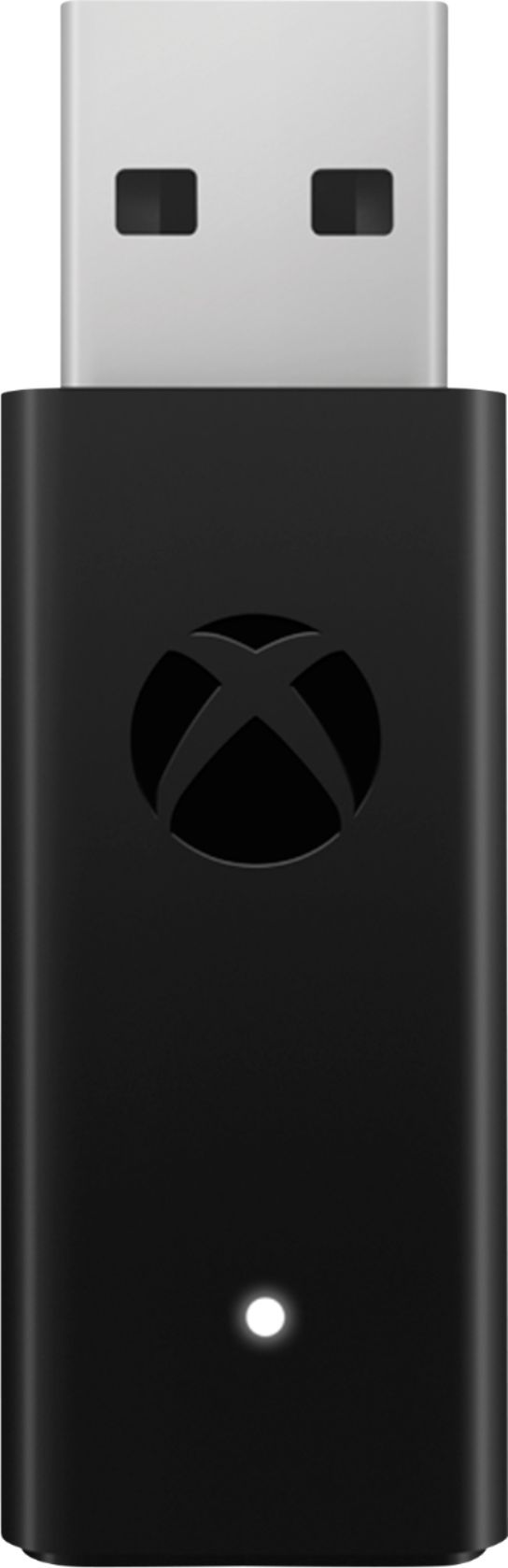
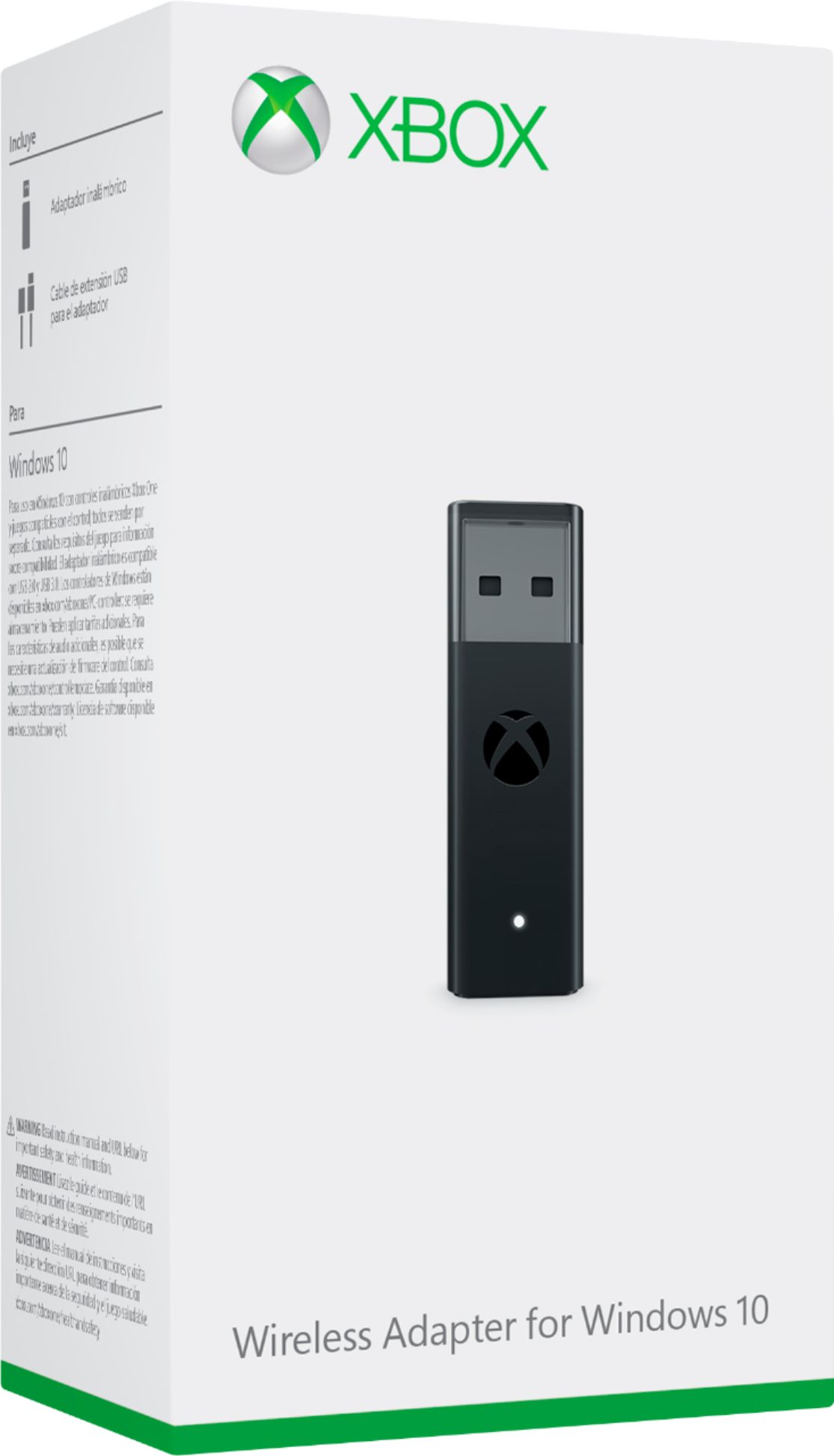
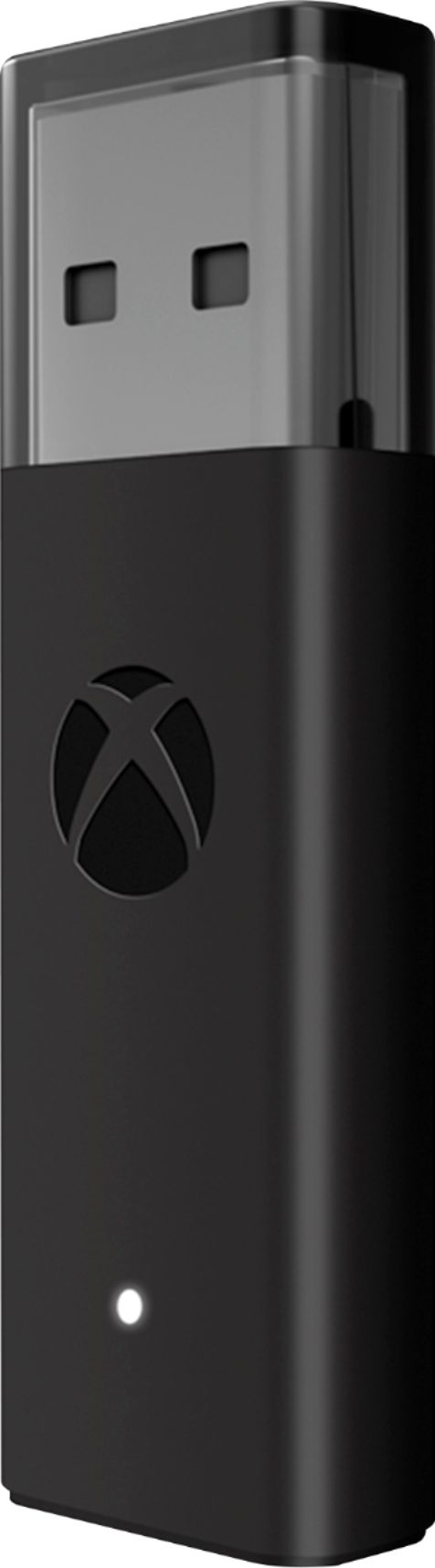
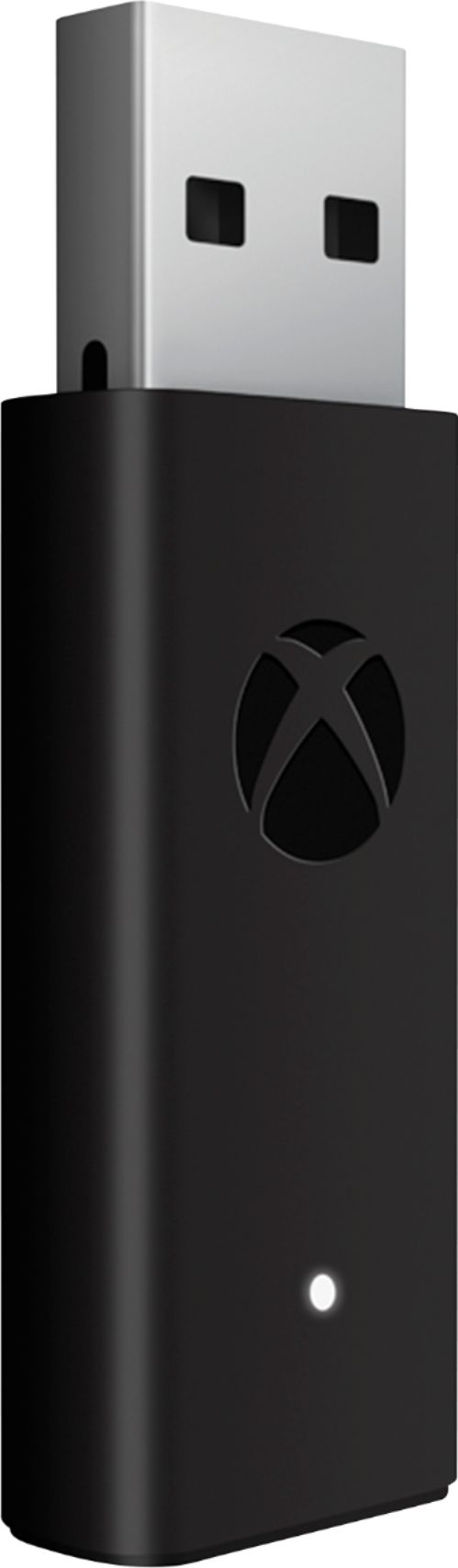
Customers are pleased with the ease of use, reliable connection, and broad compatibility of the Xbox Wireless Adapter for Windows 10. Many appreciate its compact size, enhanced performance, and impressive range. Some customers have concerns about Bluetooth connectivity, potential lag, and the product's price, while others find the pairing process occasionally problematic.
This summary was generated by AI based on customer reviews.
- Pros mentioned:Ease of useCons mentioned:Lag
Rated 5 out of 5 stars
Easy to Use, Works as Intended
||Posted . Owned for 1 month when reviewed.This reviewer received promo considerations or sweepstakes entry for writing a review.This wireless adapter is easy to use and provides a solid connection for using the Xbox Controller on PC. The wireless connection is much more reliable than the built in bluetooth connection on the controller, getting rid of the drops in connection that happened frequently on bluetooth. For those hoping for a faster/lower latency connection for gaming, this adapter does technically provide that, but the difference in latency between bluetooth and the wireless adapter isn't as significant as some would expect. Using this adapter also allows you to customize certain aspects of your controller, such as remapping buttons through the Xbox Accessories app.
I would recommend this to a friend - Pros mentioned:CompatibilityCons mentioned:Lag
Rated 5 out of 5 stars
Perfect to connect Xbox controllers to PC
||Posted . Owned for 4 months when reviewed.This reviewer received promo considerations or sweepstakes entry for writing a review.Bluetooth works if you play very very close to the Bluetooth adapter, but once you go past six foot it starts acting weird. I used to have my controller connected through Bluetooth in my bedroom, but once I decided to move my PC to the living room the controller just randomly disconnects, probably because of the distance between the controller and the Bluetooth adapter. The Xbox adapter worked flawlessly and now I have zero issues with this. My recommendation would be if you are going to be six feet or more apart from the PC this adapter is a must. Plus the input lag is much lower that using a BT adapter.
I would recommend this to a friend - Pros mentioned:Compatibility
Rated 5 out of 5 stars
Most definite need for controller users on PC
||Posted . Owned for 1.5 years when reviewed.This reviewer received promo considerations or sweepstakes entry for writing a review.Works Amazing for my PC games, works well with any Xbox One/Xbox Series controller, never failed me, had it for a long while now. Good for Xbox players converting to PC Gaming or prefer to use a controller
I would recommend this to a friend - Pros mentioned:Connection
Rated 5 out of 5 stars
Essentials for wireless play
||Posted . Owned for 1.5 years when reviewed.This reviewer received promo considerations or sweepstakes entry for writing a review.Looking to use your Xbox controller wirelessly with your PC? Look no further, this is all you’ll need. (And a rechargeable battery pack for your controller)
I would recommend this to a friend - Pros mentioned:ConnectionCons mentioned:Bluetooth, Price
Rated 5 out of 5 stars
Works great
||Posted . Owned for 1 month when reviewed.This reviewer received promo considerations or sweepstakes entry for writing a review.My PC's bluetooth capabilities are not the best. This adapter makes the connection with my controller nice and stable. Price is a little high but it does what it does very well.
I would recommend this to a friend - Pros mentioned:Connection, Ease of use, Size
Rated 5 out of 5 stars
Awesome
||Posted . Owned for 3 weeks when reviewed.This reviewer received promo considerations or sweepstakes entry for writing a review.I needed another adapter for a wireless gamepad for my new pc, and this one has great connectivity, is much smaller than the older model, and was essentially a plug and play - no driver downloads needed!
I would recommend this to a friend - Cons mentioned:Bluetooth, Lag
Rated 5 out of 5 stars
Best XBox Wireless Solution for Every PC
||Posted . Owned for 1 year when reviewed.This reviewer received promo considerations or sweepstakes entry for writing a review.While newer XBox controllers can connect to most anything using Bluetooth, there's usually a little bit of lag involved, and honestly Bluetooth tends to act like garbage on Windows 10 and Windows 11. This device fills the gap much more nicely. Plug in, connect any XBox controller wirelessly without lag (same protocol that the XBox uses), done. It works without need of drivers, and even works on non-Window systems. Must have if you don't wanna have to wire up.
I would recommend this to a friend - Pros mentioned:Ease of useCons mentioned:Bluetooth
Rated 4 out of 5 stars
Plug and Play
||Posted . Owned for 1 week when reviewed.This reviewer received promo considerations or sweepstakes entry for writing a review.Simple setup and works great. I only knock down a star because I shouldn't need to buy a dongle in the first place. I have an Elite 2 controller connected to my desktop through Bluetooth, however, Windows has had an issue with their controllers randomly disconnecting from Bluetooth while playing games. I tried to resolve the issue by updating drivers, the firmware on the controller, changing driver energy settings, and changing the game settings. Unfortunately, the only "fix" I found was to get this wireless adapter or keep the controller plugged in. This problem has been happening to gamers for years now, and unfortunately, I am required to buy this dongle to "remedy" it. For a billion-dollar company, pretty absurd to have the issue going. It's like they say though, sell the disease, not the cure.
I would recommend this to a friend - Pros mentioned:ConnectionCons mentioned:Bluetooth
Rated 5 out of 5 stars
Used for connecting Xbox One controller to comp
||Posted .This reviewer received promo considerations or sweepstakes entry for writing a review.Bought one of the new Xbox One controllers that used bluetooth to connect to my computer. Found out later that my comp's built-in bluetooth didn't work too well with the controller (delayed response, short range, and massive frame drops). Same thing when I bought a bluetooth dongle. Whether it was the computer's fault or Xbox's fault; who knows. This adapter helped me connect to my comp with no issues. Also came with a usb extender cable that brought it close to myself as well. Sucks that I just didnt buy this and the controller as a bundle earlier.
I would recommend this to a friend - Pros mentioned:ConnectionCons mentioned:Bluetooth
Rated 5 out of 5 stars
Works as planned, maybe a couple rounds on set-up.
||Posted . Owned for 3 weeks when reviewed.This reviewer received promo considerations or sweepstakes entry for writing a review.It works fine. Only minor thing having to use the USB extender cable for w my desktop to get the transmitter away from the unit. No really issue, my rig is pretty serious so not a surprise. Just glad it included the cable. Getting it to pair the first time, I had to -- for some reason -- tinker a couple rounds with plugging/unplugging and going direct to the USB port. May have been the type of USB port I was using. In the end, it worked, and has been solid on the PC.
I would recommend this to a friend - Cons mentioned:Bluetooth
Rated 4 out of 5 stars
Great for Steam
||Posted . Owned for 1 year when reviewed.This reviewer received promo considerations or sweepstakes entry for writing a review.I bought this prior to having a PC with Bluetooth capabilities. This was a great purchase to use with Steam and Epic Games launcher. If your PC isn’t capable of Bluetooth connectable, use this to connect your Xbox controller, it works out the box.
I would recommend this to a friend - Pros mentioned:ConnectionCons mentioned:Lag
Rated 5 out of 5 stars
Best Wireless connection to PC for Xbox Controller
||Posted .This reviewer received promo considerations or sweepstakes entry for writing a review.If you are using an Xbox Wireless Controller (Xbox One, Xbox Series S, Xbox Series X) with your PC, this is the best way to establish a connection. Of course, you can use the cord, but then you are corded. Using a connection via Bluetooth tends to show lag from the time you push a button to the time the corresponding action happens on the screen. With the Xbox Wireless Adapter for Windows 10, those problems are eliminated... no cord, no lag. Plus, you can connect up to eight Xbox Wireless Controllers to the same PC.
I would recommend this to a friend - Pros mentioned:Ease of useCons mentioned:Lag
Rated 5 out of 5 stars
Works great - Solved bluetooth lag on windows 10
||Posted .This reviewer received promo considerations or sweepstakes entry for writing a review.For a while I had my Xbox One X controller connected via bluetooth on my Windows 10 PC. It worked great on some games but I've had several disconnects and painful lag on multiple occasions. In doing some research online, I found that using the Xbox Wireless Adapter resolves those issues and it absolutely does. Pairing the adapter was easy and my Xbox One X controller is much more responsive than it ever was. No more disconnects and lag! Totally worth it if you want to use your Xbox Controller on your PC. Don't even bother trying to game on Bluetooth. It's either use this adapter or connect wired through USB!
I would recommend this to a friend - Pros mentioned:Compatibility
Rated 5 out of 5 stars
Would buy again !
||Posted . Owned for 2 weeks when reviewed.This reviewer received promo considerations or sweepstakes entry for writing a review.Some of the negative reviews I seen on this almost made me not buy this, but I had to try it myself. I have absolutely ZERO issues with this product. I been using this for about 3 weeks now and it works as intended. I’m able to connect my Xbox Elite S2 controller and my wireless SteelSeries Xbox Arctis 9x to this single USB adapter to my pc and works like a charm. Easy setup, plug and play. No issues with connecting or disconnecting at all. I would definitely recommend this to anyone who wants to use their wireless Xbox peripherals with their pc using this adapter.
I would recommend this to a friend - Pros mentioned:Ease of use, Size
Rated 5 out of 5 stars
Recommend this for any PC Warzone player
||Posted . Owned for 3 weeks when reviewed.This reviewer received promo considerations or sweepstakes entry for writing a review.The product works great, plug and play. Did I need this, probably not since there are many work arounds with connecting controllers to a PC, Bluetooth, usb, or third part software. I mostly play Steam games with either a Bluetooth connected PS4 or Xbox Series controller. I needed this for one game, Warzone and it works flawlessly and small. I recommend this only if you don’t want to install free software to your computer since this is driver free and just works.
I would recommend this to a friend - Pros mentioned:CompatibilityCons mentioned:Lag
Rated 5 out of 5 stars
Mandatory Purchase!
||Posted . Owned for 1 month when reviewed.This reviewer received promo considerations or sweepstakes entry for writing a review.This is an excellent product for anyone looking to reduce any input lag from their controller on PC. Before buying this product there was noticeable input lag, especially in FPS games when pairing the Xbox Controller through Bluetooth. So overall, this item is almost mandatory for anyone using a controller on PC. It's not too expensive and you can pair up to 8 Xbox controllers to it at once. Plug in and play, and you'll immediately notice the difference. Highly recommended.
I would recommend this to a friend - Pros mentioned:Ease of use
Rated 5 out of 5 stars
highly recommend, great for the value
||Posted . Owned for 1.5 years when reviewed.This reviewer received promo considerations or sweepstakes entry for writing a review.works really great, connects really quick. pretty much plug and play. had it for over a year now, no loss of connection.
I would recommend this to a friend - Cons mentioned:Pairing
Rated 5 out of 5 stars
Works perfectly once paired.
||Posted . Owned for 1 month when reviewed.This reviewer received promo considerations or sweepstakes entry for writing a review.Excellent range. Nearly as fast as a wired connection. I can turn on a controller 30 feet away in another bedroom and it immediately pairs to the xbox adapter. The first controller I tried to pair with it, it refused to work. I changed to a different PC and then it connected. And from then on the controller has been able to connect to the original computer and any other computer without a problem if I move the adapter to different computers.
I would recommend this to a friend - Cons mentioned:Lag
Rated 5 out of 5 stars
Fixed my issue
||Posted . Owned for 1.5 years when reviewed.This reviewer received promo considerations or sweepstakes entry for writing a review.Has worked as it should. Gets ride of the input latency if you try using on board blue tooth for using a controller.
I would recommend this to a friend - Pros mentioned:Ease of use
Rated 5 out of 5 stars
Great Product
||Posted . Owned for more than 2 years when reviewed.This reviewer received promo considerations or sweepstakes entry for writing a review.Works amazing!! <3 would totally recommend this is you are gaming on a PC and is more comfortable on a controller
I would recommend this to a friend