Customer Ratings & Reviews

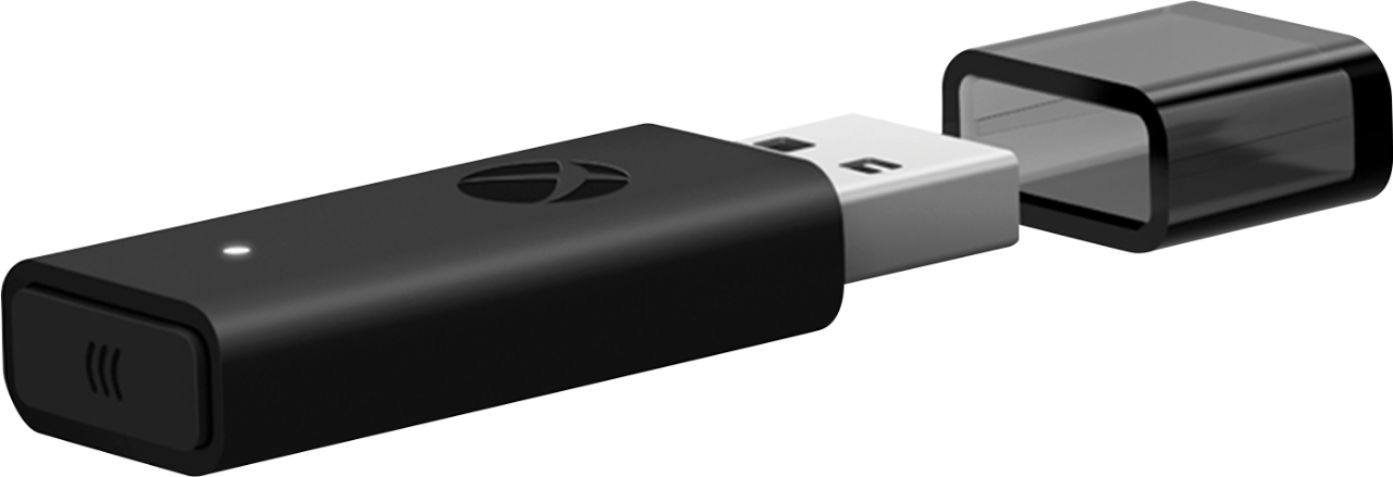
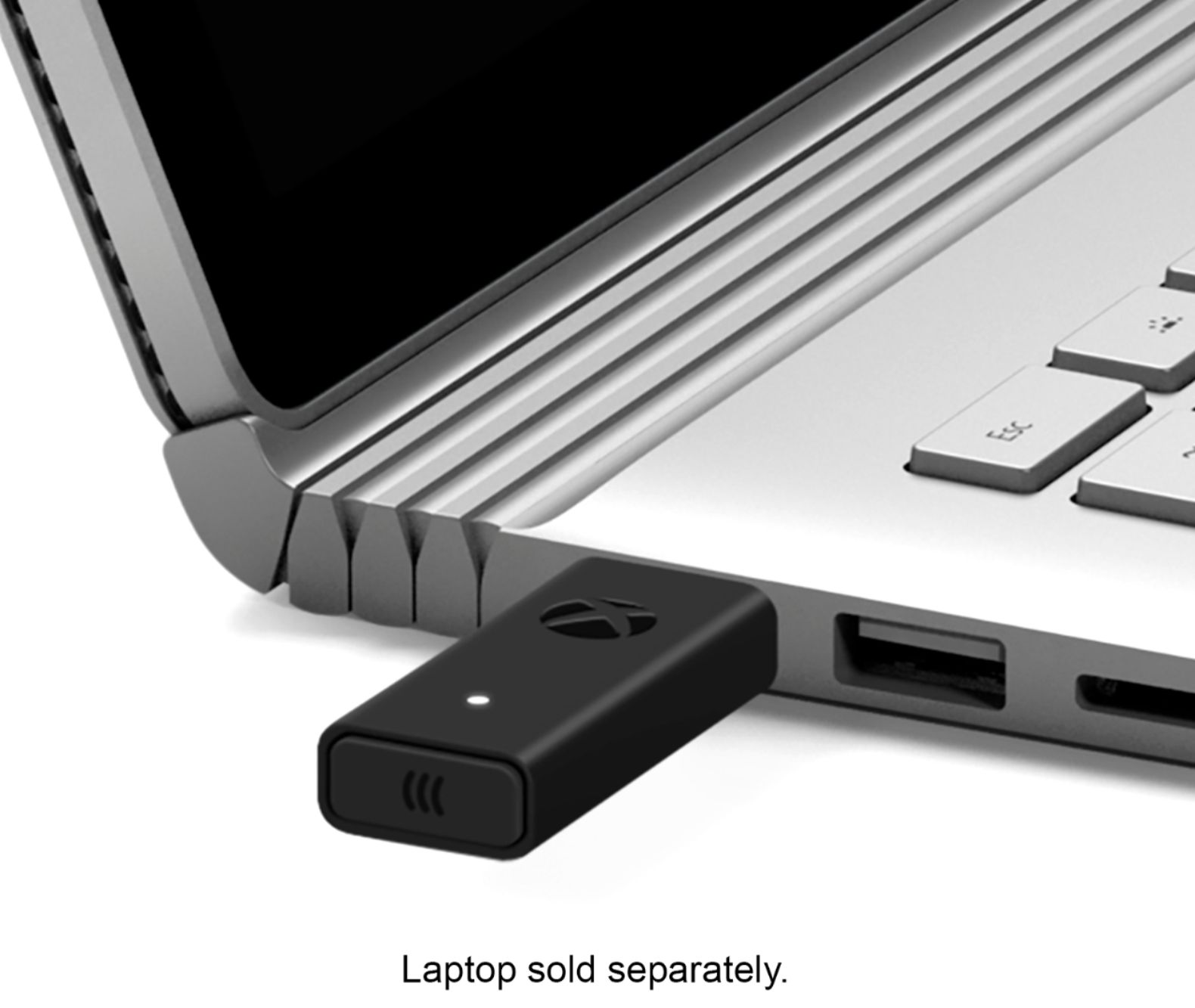
- Model:
- 6HN-00002
- |
- SKU:
- 6253924
Customer reviews
Rating 4.7 out of 5 stars with 2140 reviews
(2,140 customer reviews)Rating by feature
- Value4.5
Rating 4.5 out of 5 stars
- Quality4.7
Rating 4.7 out of 5 stars
- Ease of Use4.7
Rating 4.7 out of 5 stars
Customers are saying
Customers are pleased with the ease of use, reliable connection, and broad compatibility of the Xbox Wireless Adapter for Windows 10. Many appreciate its compact size, enhanced performance, and impressive range. Some customers have concerns about Bluetooth connectivity, potential lag, and the product's price, while others find the pairing process occasionally problematic.
This summary was generated by AI based on customer reviews.
- Pros mentioned:Ease of use, Size
Rated 5 out of 5 stars
Awesome product
||Posted . Owned for 3 weeks when reviewed.This reviewer received promo considerations or sweepstakes entry for writing a review.This is a dream. I've wanted to use my console controllers on my PC since the PS2 era with a simple plug-and-play setup and this works perfectly. Pros: - Small - No noise - Just plug it in, hit the 'sync' button on the controller + adapter, wait about 10 seconds and it works like magic Cons: - On every PC I've had to wait for the drivers to install (usually automatic, finding them once manually was a pain) / Why this isn't included with Windows 10 is a mystery to me.
I would recommend this to a friend - Pros mentioned:Connection
Rated 5 out of 5 stars
great product
||Posted . Owned for 1.5 years when reviewed.This reviewer received promo considerations or sweepstakes entry for writing a review.worked perfectly for what I needed it for, I used it to connect my Xbox controller/mic to my PC.
I would recommend this to a friend - Pros mentioned:Ease of use
Rated 5 out of 5 stars
Great adapter
||Posted . Owned for 1.5 years when reviewed.This reviewer received promo considerations or sweepstakes entry for writing a review.Never had one issues with product. Worked flawlessly and easy to pair with controller
I would recommend this to a friend - Cons mentioned:Lag, Pairing
Rated 5 out of 5 stars
Significantly Better than Bluetooth Connection
||Posted . Owned for 3 months when reviewed.This reviewer received promo considerations or sweepstakes entry for writing a review.I initially figured this may just be a glorified Bluetooth dongle for the newer controllers, but fortunately that's not the case. There's noticably less latency with this dongle and I've had hardly any issues. I just turn on my controller, and I'm connected and using it for what ever. The only issue I've had was the initial pairing. The button on the end to start pairing mode is rather finicky on mine at least.
I would recommend this to a friend - Pros mentioned:ConnectionCons mentioned:Price
Rated 5 out of 5 stars
Very convenient
||Posted . Owned for 1 month when reviewed.This reviewer received promo considerations or sweepstakes entry for writing a review.I bought this to use with an Xbox One controller on my new gaming PC and it works perfectly. Once you connect it, you turn on the controller by pressing the X and to turn it off you hold the same button for about 6 seconds. It is a little expensive, but there's no need to have a wire attached. You will also need to power your controller either by batteries or a charge pack.
I would recommend this to a friend - Cons mentioned:Bluetooth
Rated 5 out of 5 stars
buy this if u can
||Posted . Owned for more than 2 years when reviewed.This reviewer received promo considerations or sweepstakes entry for writing a review.too bad they dont sell this any more. must have for xbox controller, bluetooth just doesnt cut it
I would recommend this to a friend - Pros mentioned:ConnectionCons mentioned:Bluetooth
Rated 5 out of 5 stars
Way better than Bluetooth for elite controller 2
||Posted . Owned for 1 month when reviewed.This reviewer received promo considerations or sweepstakes entry for writing a review.Using the elite controller 2 with Bluetooth is awful, and I do not recommend. Using the controller with this wireless adapter was so much better in every way. With this you can do firmware updates and profile editing wirelessly instead of having to plug in the controller everytime you want to change something. You also don't have to repair the controller everytime you turn it off like you do with Bluetooth. Definitely worth the price.
I would recommend this to a friend - Pros mentioned:Connection
Rated 5 out of 5 stars
Connects!
||Posted . Owned for 1 year when reviewed.This reviewer received promo considerations or sweepstakes entry for writing a review.Works like how it literally describes itself, never a bad connection or experience any kind of issue.
I would recommend this to a friend - Pros mentioned:Compatibility
Rated 5 out of 5 stars
Great
||Posted . Owned for 1 year when reviewed.This reviewer received promo considerations or sweepstakes entry for writing a review.Got this for a friend so he can use his Xbox controller to play games on his PC. It works great.
I would recommend this to a friend - Pros mentioned:Connection
Rated 5 out of 5 stars
Bang for Buck
||Posted . Owned for more than 2 years when reviewed.This reviewer received promo considerations or sweepstakes entry for writing a review.Must need to wireless gaming. Connects quick and work well!
I would recommend this to a friend - Pros mentioned:Connection, Size
Rated 5 out of 5 stars
Great Wireless Adapter for Windows 10!
||Posted .This reviewer received promo considerations or sweepstakes entry for writing a review.I had the old chunky wireless adapter for Windows, which began having connection problems to my elite controller. After looking around, one internet reviewer suggested upgrading to the new, smaller adapter for windows 10. Glad I did, no more connection issues for my controller! Now my controller connects automatically and wirelessly to my computer without requiring me to repair it every time I want to use it. Turn it on and it connects.
I would recommend this to a friend - Pros mentioned:Compatibility, Ease of use
Rated 5 out of 5 stars
Adapter
||Posted . Owned for 3 weeks when reviewed.This reviewer received promo considerations or sweepstakes entry for writing a review.Great adapter. Very helpful to purchase this if you wish to connect an Xbox controller to your pc with the usbc cable. Recently started gaming on the pc and after using a console and controller for years I’ve had a hard time adjusting to kbm so this definitely comes in handy especially when I’d like to casually play for fun and relax. Easy to use highly recommend this product.
I would recommend this to a friend - Pros mentioned:Compatibility, Ease of use
Rated 5 out of 5 stars
Works for up to 8 controllers
||Posted . Owned for less than 1 week when reviewed.This reviewer received promo considerations or sweepstakes entry for writing a review.The advantage of the adapter is you can connect up to 8 controllers and the aux port on the controllers actually works with this. Another plus is the Xbox wireless headset needs this adapter but doesnt come with it so if you’re planning on using that for PC you can kill two birds with one stone (one adapter works for both controllers and the headset).
I would recommend this to a friend - Pros mentioned:PerformanceCons mentioned:Lag
Rated 4 out of 5 stars
Works as advertised
||Posted . Owned for 2 weeks when reviewed.This reviewer received promo considerations or sweepstakes entry for writing a review.Does what it says with the capability you’d expect from the device. Definitely useable alternative to lugging your console around for kids. Not feasible for serious gaming for obvious lag reasons but it’s way better than I expected it to work. Common sense dictates you’ll need to be using a competent PC, capable routers on both ends, and utilize capable internet connections on both ends. Obviously a few hundred Mbps isn’t going to cut it and neither is a $50 or $100 router straight off the shelf. A little personalized network tweaking on one or both ends can make a huge difference in performance.
I would recommend this to a friend - Pros mentioned:Ease of use, Size
Rated 5 out of 5 stars
Very easy to use and works well.
||Posted . Owned for 1 year when reviewed.This reviewer received promo considerations or sweepstakes entry for writing a review.Very easy to use and works well. I like it better than the old model since this one is slimmer. Only drawback is accidentally pressing it in sometimes when I have it plugged into my laptop, which causes it to go into pairing mode after a few seconds. Overall though not an issue and well worth the money vs connecting through normal Bluetooth on the laptop.
I would recommend this to a friend Rated 5 out of 5 stars
A must for PC game controllers
||Posted . Owned for 1 year when reviewed.This reviewer received promo considerations or sweepstakes entry for writing a review.If you're getting tired of Windows Bluetooth dropping your Xbox controller connections this is exactly what you need. As long as your positioning it close enough to your controllers with nothing in between it will almost never lose a connection. I say almost but it's literally never dropped! I would definitely recommend this if you want a better connection from your wireless controllers to your PC.
I would recommend this to a friend- Pros mentioned:CompatibilityCons mentioned:Price
Rated 5 out of 5 stars
Plug and Play, wireless PC Gaming
||Posted . Owned for 9 months when reviewed.This reviewer received promo considerations or sweepstakes entry for writing a review.The Xbox One controller is by far the best controller for PC and this completes it. My entire set up it wireless and I used to use a PS4 controller with the adapter, but that cost me $75 dollars just for the adapter alone and it was hard to find. I'm so glad Microsoft made this so readily available. Beats connecting to the bluetooth on a computer and lets me switch the the Xbox easily if I need to.
I would recommend this to a friend Rated 4 out of 5 stars
Works great most of the time
||Posted . Owned for more than 2 years when reviewed.This reviewer received promo considerations or sweepstakes entry for writing a review.It's not the best but at the time it was one of the few options I had at using a Xbox controller wirelessly on my PC which I don't understand why Microsoft doesn't just come out with a firmware update to have a seamless connection to their Xbox controllers. Would disconnect my controller every now and then for 5 secs and so if you play any competitive games like Fortnite, COD, Apex etc. then you'll definitely have times when it'll disconnected on you at random midfight and you'll rage a bit.
I would recommend this to a friend- Pros mentioned:Connection
Rated 4 out of 5 stars
Meh.
||Posted . Owned for more than 2 years when reviewed.This reviewer received promo considerations or sweepstakes entry for writing a review.Hate that I had to buy this, but it works and connects everything. I wish the Xbox stuff would have auto connected to my laptop.
I would recommend this to a friend - Pros mentioned:Connection
Rated 5 out of 5 stars
Works great
||Posted . Owned for 1.5 years when reviewed.This reviewer received promo considerations or sweepstakes entry for writing a review.Works great. I bought it to use my controller on my pc and it dies what it should.
I would recommend this to a friend