Customer Ratings & Reviews

- Model:
- 6HN-00002
- |
- SKU:
- 6253924
Customer reviews
Rating 4.7 out of 5 stars with 2140 reviews
(2,140 customer reviews)Rating by feature
- Value4.5
Rating 4.5 out of 5 stars
- Quality4.7
Rating 4.7 out of 5 stars
- Ease of Use4.7
Rating 4.7 out of 5 stars
Customers are saying
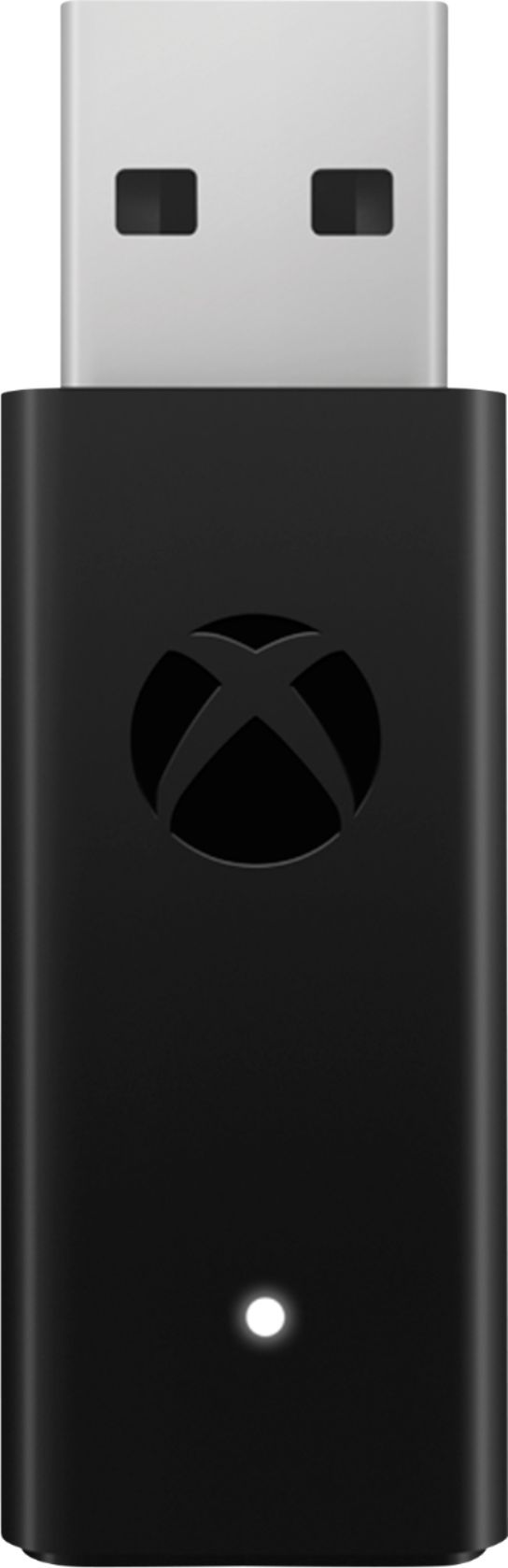
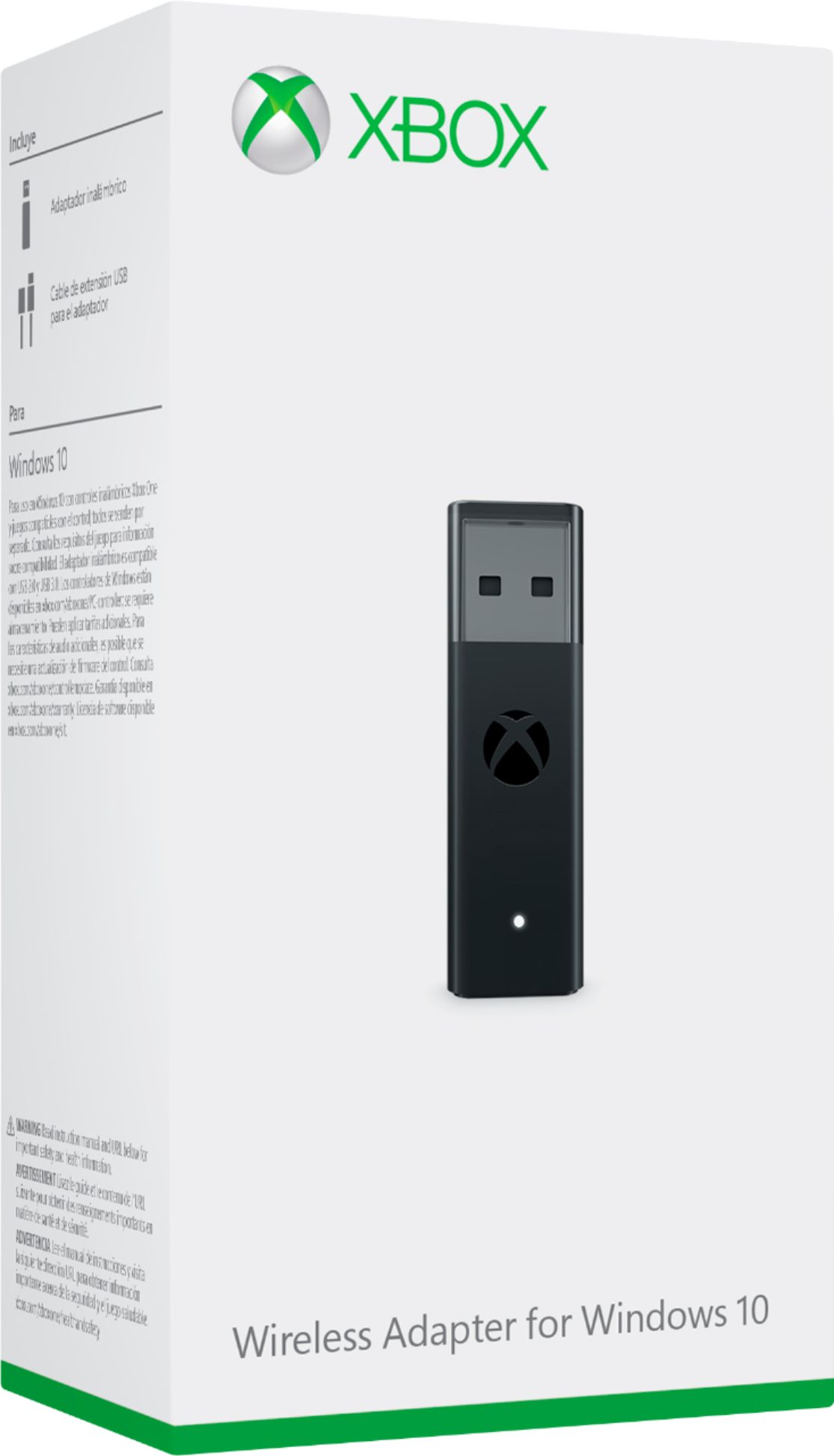
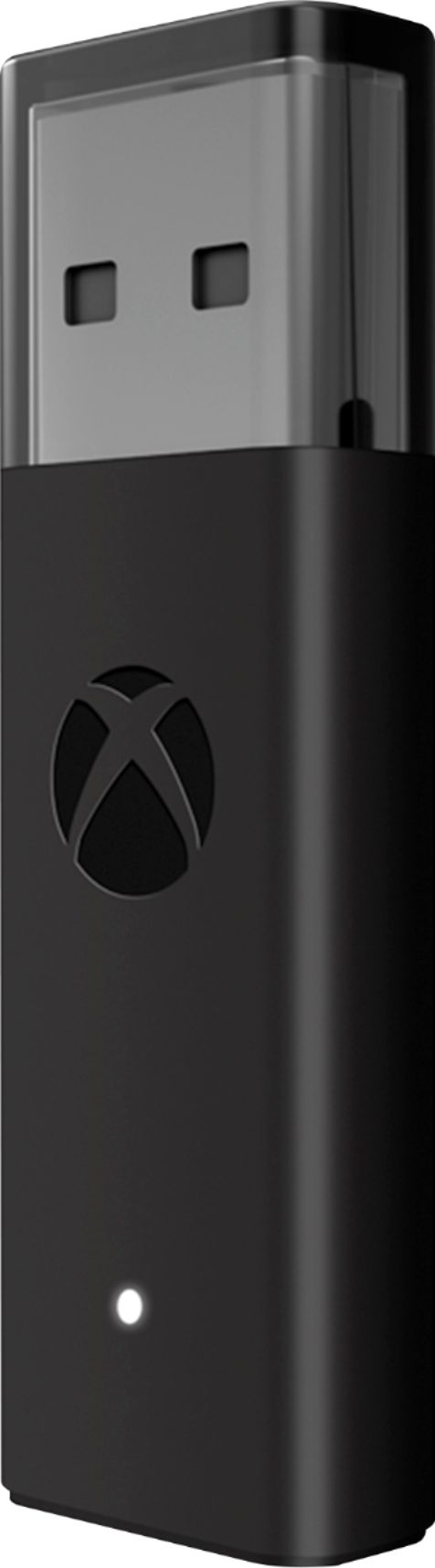
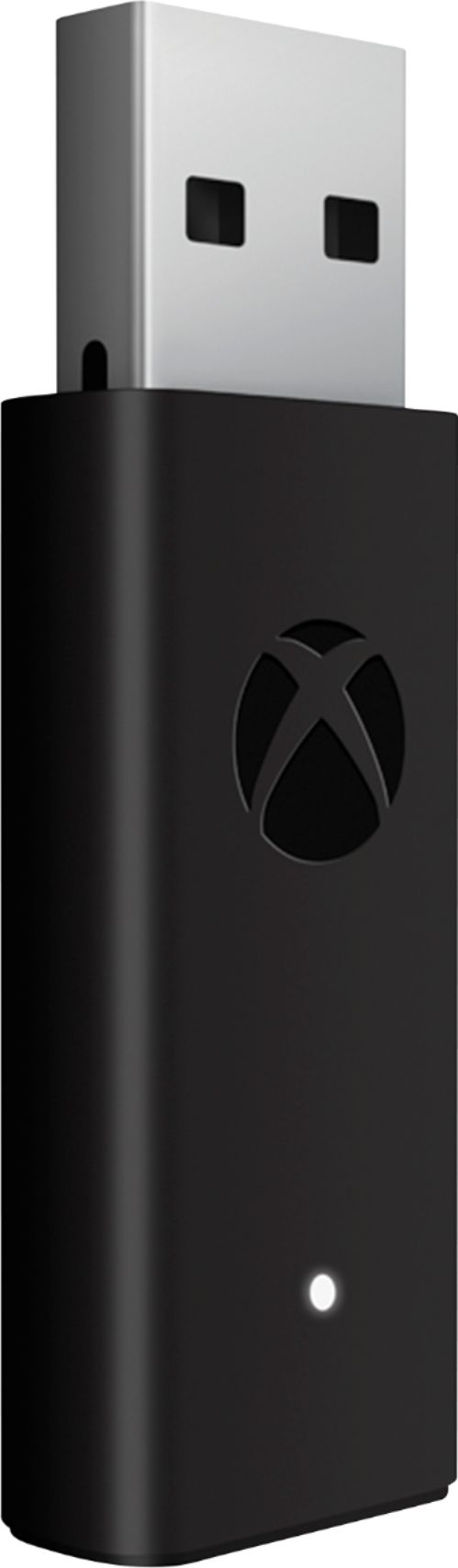
Customers are pleased with the ease of use, reliable connection, and broad compatibility of the Xbox Wireless Adapter for Windows 10. Many appreciate its compact size, enhanced performance, and impressive range. Some customers have concerns about Bluetooth connectivity, potential lag, and the product's price, while others find the pairing process occasionally problematic.
This summary was generated by AI based on customer reviews.
- Pros mentioned:Ease of useCons mentioned:Bluetooth
Rated 5 out of 5 stars
A must have for some games
||Posted . Owned for 5 months when reviewed.This reviewer received promo considerations or sweepstakes entry for writing a review.This thing is much needed if you dont like having to have you control hooked up to your pc via wire. You could also use this on wireless headsets but you might need to tweak around with your audio for it to sound good. Solid build quality, easy to use, and allows you to hook up wireless things to your desktop even if your desktop isn’t Bluetooth
I would recommend this to a friend - Pros mentioned:Ease of use
Rated 5 out of 5 stars
Finally
||Posted . Owned for 1.5 years when reviewed.This reviewer received promo considerations or sweepstakes entry for writing a review.Works just as expected, I can finally use my controller again.
I would recommend this to a friend - Pros mentioned:Connection, Ease of use
Rated 5 out of 5 stars
Awesome little product
||Posted . Owned for 3 weeks when reviewed.This reviewer received promo considerations or sweepstakes entry for writing a review.I bought this on a spur of the moment just to try it, honestly didn't have high hopes, but this surprised me. Probably one of the best purchases I've made. Works just like a wireless connection to Xbox, easy to setup up and get going. Love that I can casually game without a wire on my PC now. Great purchase if you use a controller on PC for games.
I would recommend this to a friend - Pros mentioned:Compatibility
Rated 5 out of 5 stars
Sync
||Posted . Owned for more than 2 years when reviewed.This reviewer received promo considerations or sweepstakes entry for writing a review.This device helps to sync your controller easily no hassle.
I would recommend this to a friend - Pros mentioned:Ease of use
Rated 5 out of 5 stars
Plug and Play
||Posted . Owned for 1 year when reviewed.This reviewer received promo considerations or sweepstakes entry for writing a review.Must have to pair with Xbox controllers. Plug and play, cannot be any easier to use!
I would recommend this to a friend - Pros mentioned:Ease of use, Size
Rated 5 out of 5 stars
Xbox Adapter works great.
||Posted . Owned for 3 weeks when reviewed.This reviewer received promo considerations or sweepstakes entry for writing a review.The adapters is simple to use and set up. Just plug it into your computer and Windows installs the necessary drivers. After that just connect the controller the same way you would to your Xbox by pressing the small connection button on the controller and the adapter. It’s simple to use and not to bulky. I would definitely recommend this to anyone who wants to use their controller for PC games.
I would recommend this to a friend - Pros mentioned:Connection, Ease of use
Rated 5 out of 5 stars
Must have for PC gamer using Xbox controller
||Posted . Owned for 1.5 years when reviewed.This reviewer received promo considerations or sweepstakes entry for writing a review.I used to use playstation controllers on my pc but they were such a pain with all the software required, troubleshooting and driver issues. my advice is get a USB C Xbox one controller and this adapter and it will make your life so much easier with pc controller connectivity!
I would recommend this to a friend - Pros mentioned:Compatibility, Ease of use
Rated 5 out of 5 stars
Great for controllers and xbox headsets
||Posted . Owned for 1 month when reviewed.This reviewer received promo considerations or sweepstakes entry for writing a review.I use this to seamlessly pair my Xbox controller and Turtle Beach Stealth 700 Gen 2 to my PC when I am playing games like the newly released Elden Ring. Just plug the adapter in, hit the sync button on your controller or headset and hold the sync button on the adapter, and it will just connect.
I would recommend this to a friend - Pros mentioned:Compatibility, Ease of use
Rated 4 out of 5 stars
Wish it was included with a controller, but...
||Posted . Owned for less than 1 week when reviewed.This reviewer received promo considerations or sweepstakes entry for writing a review.I wish this thing was a little less than $25, but it's worth it to have if you game on PC. It's easy to add and works flawless with Steam (what I'm using it with), but I'm sure it'll work with all major gaming programs. It works with the elite as well as a normal wireless xbox controller, whether from the Series X or One. I'm used to a wired controller before this, which honestly wasn't too annoying to play with, but there's something so nice about a wireless experience.
I would recommend this to a friend - Pros mentioned:Performance
Rated 5 out of 5 stars
Xbox on PC
||Posted . Owned for more than 2 years when reviewed.This reviewer received promo considerations or sweepstakes entry for writing a review.Great for boosting xbox product performance on PC.
I would recommend this to a friend - Pros mentioned:Connection
Rated 5 out of 5 stars
Good buy for reliable gaming
||Posted . Owned for more than 2 years when reviewed.This reviewer received promo considerations or sweepstakes entry for writing a review.Great connectivity, solid build and it's reliable.
I would recommend this to a friend - Pros mentioned:ConnectionCons mentioned:Lag
Rated 5 out of 5 stars
Great device!
||Posted . Owned for 3 weeks when reviewed.This reviewer received promo considerations or sweepstakes entry for writing a review.I had doubts because of the reviews saying the devices didn’t help with controller lag, I have a elite 2 & let me tell you, the lag was horrible on Bluetooth, unusable, USB connection had constant cut outs, this devices cut lag & disconnect 100%.. work’s flawlessly & very strong connection
I would recommend this to a friend - Pros mentioned:Ease of use
Rated 5 out of 5 stars
Solid device
||Posted . Owned for 1.5 years when reviewed.This reviewer received promo considerations or sweepstakes entry for writing a review.Plug and play works seamlessly with no issues. No more worrs for pc controllers.
I would recommend this to a friend - Pros mentioned:Connection
Rated 5 out of 5 stars
Easy to use.
||Posted . Owned for 1 year when reviewed.This reviewer received promo considerations or sweepstakes entry for writing a review.Connectivity is good. Never had an issue connecting my XBOX controller.
I would recommend this to a friend - Pros mentioned:Ease of use
Rated 5 out of 5 stars
Awesome adapter For Windows 10
||Posted . Owned for 2 months when reviewed.This reviewer received promo considerations or sweepstakes entry for writing a review.Didn’t enjoy being restricted by a cable, so I got this for an Xbox Controller from the S I was using to play certain games on PC. Plug and play mostly, aside from the initial controller pairing. Haven’t had any issues whatsoever. Controller turns off when I shut down the PC, which is a nice touch. Can play from at least 10 feet, haven’t tried further.
I would recommend this to a friend - Cons mentioned:Bluetooth, Lag
Rated 5 out of 5 stars
Exactly what my PC was missing
||Posted .This reviewer received promo considerations or sweepstakes entry for writing a review.Just bought a Microsoft Xbox Elite Series 2. Regular Bluetooth was a pain. Had to re-pair every time I turned it on. Not to mention heavy lag at times. The Xbox controller adapter was exactly what I was looking for. No issues at all.
I would recommend this to a friend - Pros mentioned:Compatibility, Connection
Rated 5 out of 5 stars
Flawless wireless connection
||Posted . Owned for 9 months when reviewed.This reviewer received promo considerations or sweepstakes entry for writing a review.Works perfectly. I do alot of pc gaming with a controller. And bc xbox game pass included pc games. I can play a ton of games. It also works with the xbox interface on pc. I was sick of using junky aftermarket controllers and/ or running a long usb cable across the room lol. Now I just use my xbox controller and it syncs perfectly
I would recommend this to a friend - Pros mentioned:Compatibility, Ease of use
Rated 5 out of 5 stars
Just plug and play
||Posted . Owned for 3 months when reviewed.This reviewer received promo considerations or sweepstakes entry for writing a review.This makes using and Xbox controller wirelessly so easy. It's really just as simple as plug it in. Press the sync button and you're done. Not only can it connect older and new Xbox controllers but it can also pair up to eight controllers at once for some great couch co-op gaming. Definitely recommend this.
I would recommend this to a friend - Pros mentioned:Performance
Rated 5 out of 5 stars
Flash drive for windows
||Posted . Owned for 1 year when reviewed.This reviewer received promo considerations or sweepstakes entry for writing a review.This worked well and accomplished everything I needed it to do. I recommend.
I would recommend this to a friend - Pros mentioned:Compatibility, Connection
Rated 5 out of 5 stars
Game On - Let's Gooooo.
||Posted . Owned for 1 month when reviewed.This reviewer received promo considerations or sweepstakes entry for writing a review.Works like a charm. Running Windows 11 and having no problems. Made sure everything was updated (Windows and drivers). Better connectivity to my XBox controller than Bluetooth through my laptop for gaming. Also allows for my wired headsets to be plugged into my controller versus my laptop.
I would recommend this to a friend