Customer Ratings & Reviews

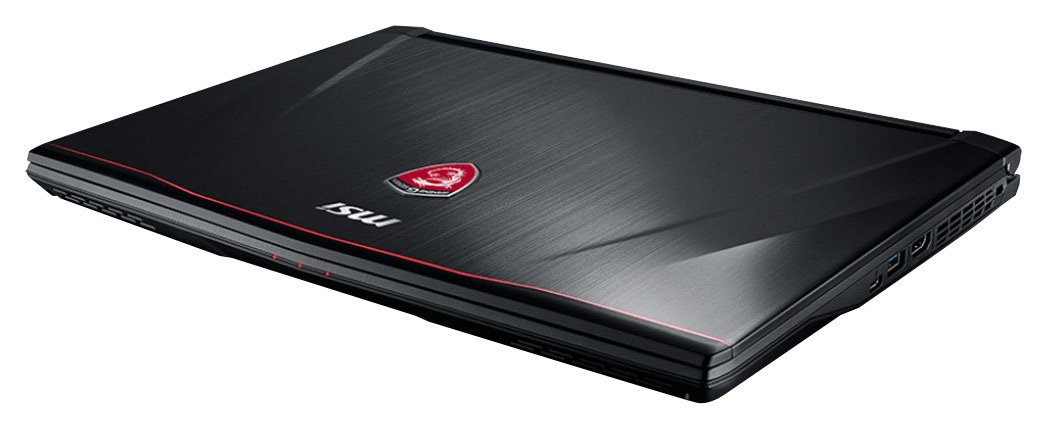
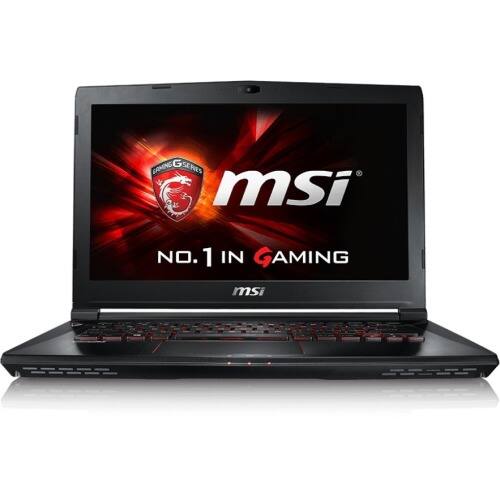
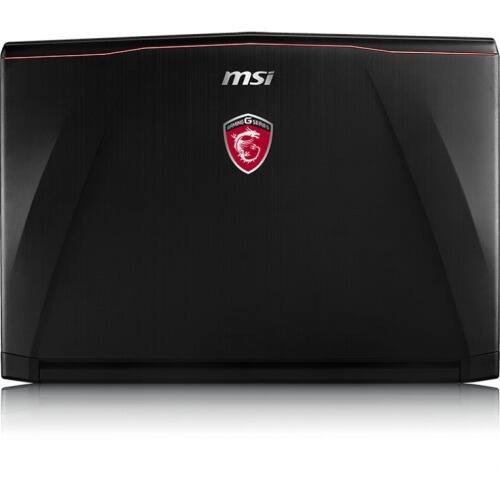
- Model:
- GS40 PHANTOM-001
- |
- SKU:
- 4713907
Customer reviews
Rating 4.3 out of 5 stars with 4 reviews
(4 customer reviews)to a friend
Customers are saying
Customers praise the GS40 Phantom 14" Laptop for its powerful performance and large storage capacity. However, some customers have expressed concerns about the laptop's tendency to overheat, particularly when playing video games.
This summary was generated by AI based on customer reviews.
- Pros mentioned:Boot time, WeightCons mentioned:Fan noise, Heat
Rated 5 out of 5 stars
Great fast machine for the price
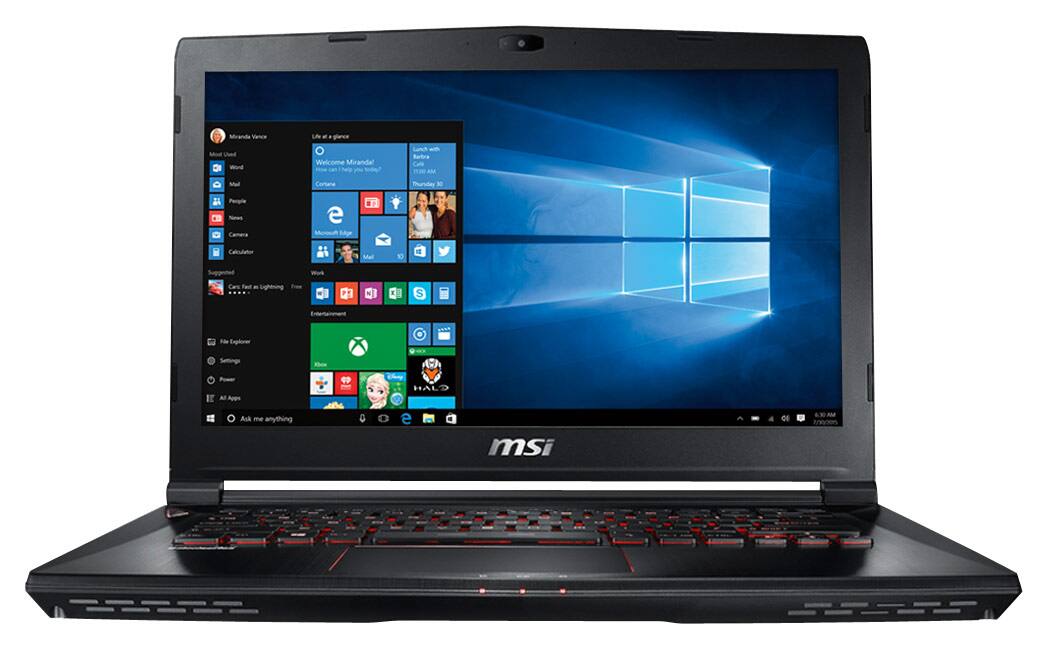
||Posted .This reviewer received promo considerations or sweepstakes entry for writing a review.While I am not an avid PC gamer, this is my first gaming laptop. Out of the box, my first impression was how light it was, now I am coming from an older laptop but the gs40 was shy away from 4lbs. The laptop also has a sort of hollow feel to it in a way, which at first kind of bothered me since I was coming from a laptop that felt more solid and sturdier. Down the road I did not mind at all and actually found the housing to be great against heat and also a reason why the laptop is so light. If the material was a metal as opposed to this type of plastic, it would get insanely hot. Now heat, yes this laptop will get very hot BUT only if you are playing Video Games, only game I tried was The Division which played phenomenal. FYI you need to have the laptop plugged into the power when gaming or else the game will lag. It has Slow frame rates when unplugged, however I did not try lowering setting which most likely would have solved the lag. While using the gs40 under normal conditions, browsing web/internet/email/youtube ect, the laptop does not produce much heat and remains pretty quiet. Its when you start a PC game that the gs40 turns into a beast, cranks up all the fans and begins producing a lot of heat. On the upside, I feel like it does a great job at dissipating heat for such a small frame but you will definitely want to play video games on a flat table top to allow proper air ventilation and also because it will get hot, I wouldnt use it on my lap when gaming. Fan noise, the gs40 isnt very quiet when comparing to other notebooks. If you are used to your machine not making a sound when in operation then the gs40 is not for you as she does produce some sound from the fans and an incredible amount of sound when playing a game. My favorite thing about the gs40 was the bootup time and speed. I have not timed it but boot up time from pressing the power button to getting into windows is probably no more than 30 seconds. This computer is very fast which is the main reason why I purchased it, it is also upgradable to 32gb of ram. Overall I love this laptop but would only recommend it if you work/hobby in a technology field or into PC gaming. This is not a laptop for the average user in my opinion.
I would recommend this to a friend - Pros mentioned:Thin and lightCons mentioned:Heat, Poor speakers, Ssd upgrade issue
Rated 5 out of 5 stars
Solid Performance with great style and mobility!
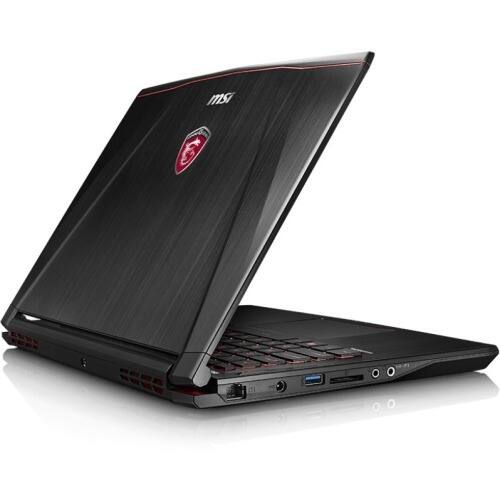
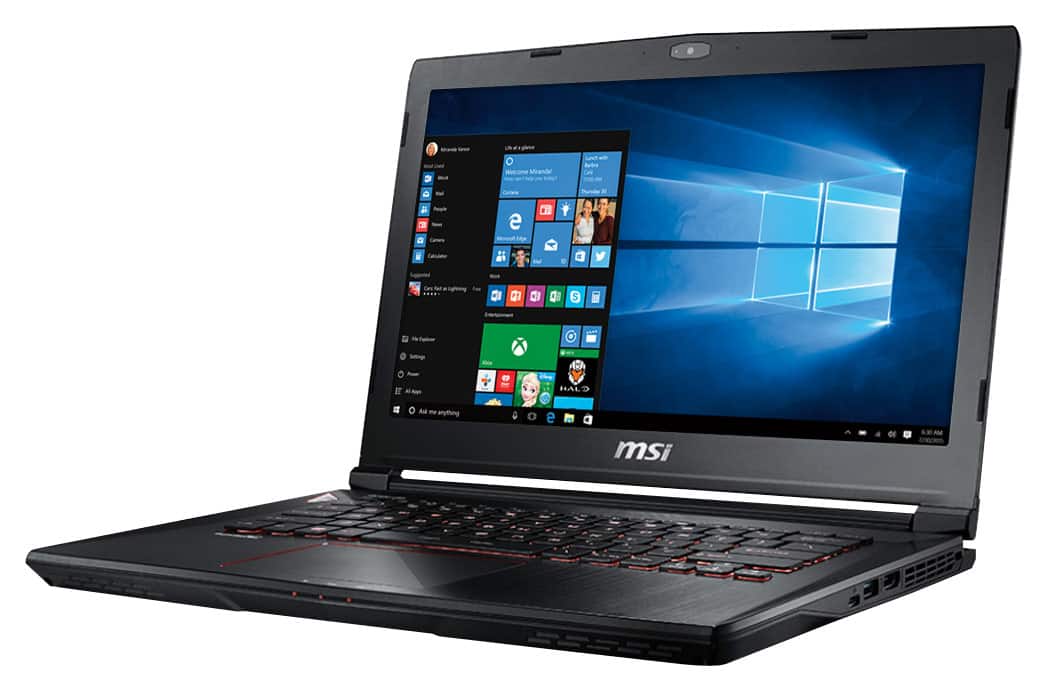
Posted .This reviewer received promo considerations or sweepstakes entry for writing a review.Solid construction. I've had it two weeks so far and absolutely love it. -Very fast. Plays star wars battlefront very well. I didn't know that graphics could look so good on a laptop. -Very light. I didn't realize how light 3.8 (or around there) pounds is until i held it in my hands. wow. -Screen is great. I love the matte. Love the angles -Some reviewers have posted that the fans are loud. I have no idea what they're talking about. But then again, I have mine on a cooling stand with five built in fans so maybe "loud" to them is just normal to me lol. It's a gaming laptop... -Battery can last around 4-5 hours if you are using it for office stuff (3.5-4ish if you're watching a movie or streaming). -Construction is solid. It doesn't look cheaply made. The logo, while a bit flashy for my taste, definitely had some serious design put into it. - The HDMI port is 1.X, not 2.0. If you want to output 4k @ 60hz, you need to use either the miniDP (tv has no miniDP or DP input) or the Thunderbolt 3.0. Speaking of which... - Thunderbolt 3.0...? It apparently has it, although it's hard to very for myself because I have nothing to test it on! 40 gbps is very attractive and would make for a great external docking station w/ a nice graphics card.. But where in the world can I find a TB 3.0 cable? I get the whole "future proofing" thing.. but it's very frustrating that I have a port that I can't use because there aren't any cables for it! Not technically a con... just a tease lol. - It's a new laptop so it's hard to find other people who have it or who can answer questions about it. Also, MSI doesn't have the latest drivers on their site. I downloaded and installed all the "updated" drivers from their website and it ended up rolling back a few things, which then had to be updated again. A few other things: - Some people complain that the laptop speakers are bad. Really? If you're listening to laptop speakers, then you're bad and you should feel bad. It's a 14" 3.something lb GAMING laptop. I wish it didn't have speakers at all. What I CAN say is that the laptop has great bluetooth connectivity and will connect wirelessly to my 7.1 surround sound yamaha receiver. If you can afford a gaming laptop, you can afford a stereo. I also have some nice bluetooth wireless earbuds for when I'm on the road (and also for when I'm at the gym) - You NEED a cooling station if you're gaming or if you're using the laptop for office work in your actual lap. In other words, do NOT cut off the airflow to the bottom of the laptop (intake vents are on the bottom). For plugged in use, there are a million cooling pads out there with all kinds of fancy lighting and fans. For lap use, I strongly recommend the Targus Lap Chill Map (AWE55US). It only has two fans, but it's cushioned on the bottom and much more comfortable for a movie in bed -If you try to upgrade the 128gb SSD in the laptop it'll void the warranty. Instead, I recommend buying a USB 3.0 2.5" SATA III to USB 3.0 docking station and connecting a second SSD to that. Right now I have the OS on my 128GB SSD, movies/DLs/work files on the 1tb HDD, and I have my games on a RAID 0 dual Sandisk 950 pro SSDs going on a Akitio dock through the USB 3.0. You might be thinking to yourself that I'm an idiot for using RAID 0 when I'm getting bottlenecked over the 3.0 USB. And you would be right. I'm still searching in vain for a way cord to connect to that TB3 port. Comment on this review if you can find a way to do this. Overall, this is a solid gaming laptop for the professional on the go. It has a few holes in its functionality, but those holes are there to serve a greater purpose and to free up room for the sake of performance and portability.
I would recommend this to a friend - Pros mentioned:Boot time, Powerful, Thin and lightCons mentioned:Keyboard, Poor speakers
Rated 5 out of 5 stars
Gaming and Work Laptop
Posted .This reviewer received promo considerations or sweepstakes entry for writing a review.I wanted to buy a gaming notebook I could put in my bag and not break my back. Something about a 14 in laptop caught my eye. This laptop as it all. Core i7, GTX970M, 128 SSD and 1TB hard drive. I dont what else you need Pros: - thin and light with alot of power - Solid keyboard - Screen is bright.. I LOVE the matte screen. little to no reflection - boot time about 15 secs Cons; - Speaker are not very good.. considering i am paying over $1500 for a notebook. but most of the time im using headphones when working/gaming - track-pad is sensitive. When typing cursor sometimes jumps around.. takes a little getting use too. sometime i just turn off the track pad
I would recommend this to a friend - Cons mentioned:Heat, Keyboard
Rated 2 out of 5 stars
Not what I expected, by far ... details inside
Posted .This reviewer received promo considerations or sweepstakes entry for writing a review.I had the chance to use for a couple of weeks at a time, each of all the new (skylake) MSI's GS and GE models. These were the GS60 ($1699), GS40 ($1599) and GE62 ($1499). I can say with confidence that the GS40 is not a smaller GS60, but rather, a watered down GE62 with a higher mark up. Moreover, the GS40 compromises in aspects which for me, were a deal breaker. I have 5 reasons why I returned it and changed it for a GE62: 1. The mouse pad felt cheap as well. Ok, the Elantech solution is GREAT, very flexible and configurable, but the track itself did not feel solid. 2. The keyboard is NOT (not even close) at the level of the GE62 or the GS60. I can hardly believe is a Steelseries (which I love) product. Putting aside the single-color red backlit, which I really do not care about, it bounces all over the place when you type on it and keys feel just cheap. I am a programmer, so that was a GREAT deal for me. 3. I was playing The Witcher 3 and I thought the machine would catch on fire. The CPU hit 85 Celsius and sos did the GPU. That is WAY higher of what I am used to with the GE62. Even the GS60, which is really thin, handles temperatures nos as good as the GE62, yet way better. That was really concerning. 4. SCREEN BLEED, a HUGE spot on the bottom right and another one on the top left. Don't get me wrong. MSI screens (LG I believe) are AMAZING, but the frame of the bezel, pushes to hard on it, making it to display this really unacceptable effect on a $1600 laptop. Apparently this a common MSI problem, a hit and miss, some are good, some are not as good... it might be time for MSI to round-table this issue with their engineering team. 5. The speakers; they were less than sub-par (yes, you read well, LESS THAN SUB-PAR) at the very least. STILL, the Nahimic (MSI's sound software) solution made a great (positive) difference when enabled. I ended up returning the GS40 and buying a GE62. Same specs, a 100 dollars cheaper, and a world of difference quality-wise.
No, I would not recommend this to a friend