Customer Ratings & Reviews
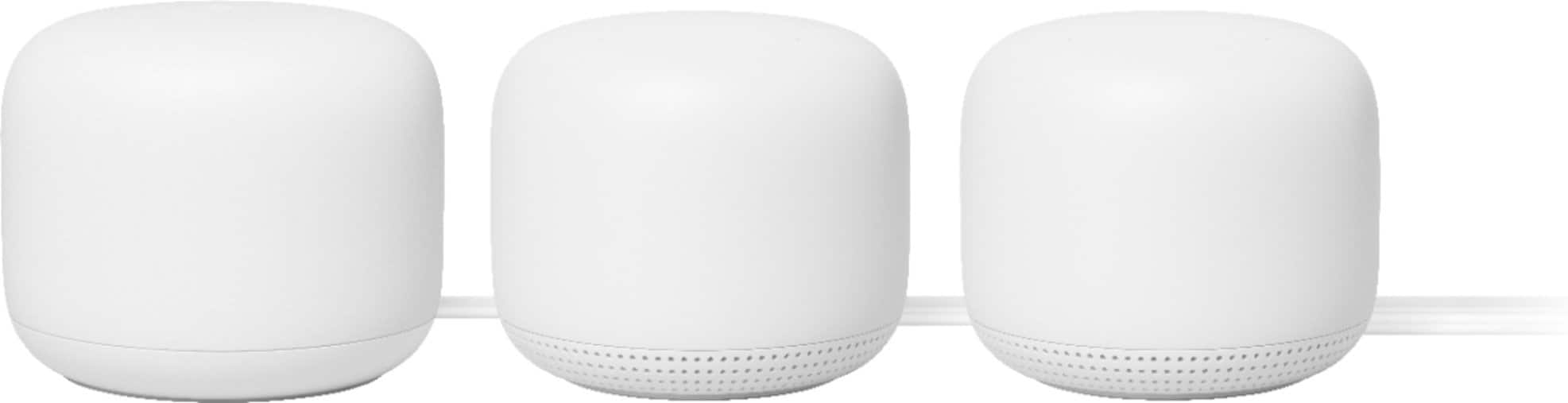







- Model:
- GA00823-US
- SKU:
- 10535382
Rating by feature
- Setup
Rating 4.6 out of 5 stars
- Range
Rating 4.5 out of 5 stars
- Signal Strength
Rating 4.5 out of 5 stars
Best Mesh system!!! And love the assistant
Posted .This reviewer received promo considerations or sweepstakes entry for writing a review.Setup took less than 5-10 mins - super easy!!! Performance is through the roof - double what I had with my Netgear Orbi system. Love the sound quality for playing music on the points. It’s the best whole home system I could possibly imagine.
I would recommend this to a friendNest WiFi Extender
Posted .This reviewer received promo considerations or sweepstakes entry for writing a review.This item does a great job of extending the wifi coverage in my home. I am very pleased. My computer guru son-in-law set it up for me, but, didn't take long and no issues encountered. A great price from Best Buy as well!
I would recommend this to a friendExcellent
Posted .This reviewer received promo considerations or sweepstakes entry for writing a review.After reading reviews on these for a while I decided to buy 6 of these little gems. We have an 11,000SF home and after placing them strategically throughout the house and garages I can say these are the best!
I would recommend this to a friendMesh System works seamlessly
Posted .This reviewer received promo considerations or sweepstakes entry for writing a review.Mesh Router and 2 points were very streamlined and easy to setup. The added bonus of having speakers built in is great.
I would recommend this to a friendThis wifi mesh networks
Posted .This reviewer received promo considerations or sweepstakes entry for writing a review.I love this wifi network. It was effortless to set up, and getting the mesh working was easy. I would get this if I were you.
I would recommend this to a friendSpeed recovery not working
Posted .This reviewer received promo considerations or sweepstakes entry for writing a review.My experience with this mesh system has not been good. After installing the router, my signal and internet speed was excellent. Once I walked to the other end of our house the signal became worse and the speed was dramatically reduced, which is to be expected. However, once I walked back to the router, the signal and speed did not recover fully for quite a long time. The speed improved, but remained much, much slower. After waiting a long time next to the router, I've noticed that the signal and speed suddenly return to normal, but this long time lag should definitely not exist for such an expensive system. I don't have the point installed, so this is not causing any interference. Anyway, I worked with Google's technical support and after running a diagnostic they said that there was a problem with the router and I should exchange it for a new one. I did this, but the problem persists with the new one so I'm unfortunately going to return this system and get a different one. I've seen this issue posted on a bunch of forums now and it remains unresolved, so I don't think there is a short term fix until Google issues some type of update to fix the problem. I just don't really want to deal with the hassle at this point. I have a Google-based smart home and was looking forward to tying everything together with the Nest mesh, but unfortunately, this won't be the case.
No, I would not recommend this to a friendGoogle mesh
Posted .This reviewer received promo considerations or sweepstakes entry for writing a review.works great. Set up was easy and although we just installed no issues so far
I would recommend this to a friendGreat Mesh Router System
Posted .This reviewer received promo considerations or sweepstakes entry for writing a review.The Nest wifi router seems much more stable than my CenturyLink router, and the point extends the network seamlessly unlike a wifi extender. I was able to get the router set up with my CenturyLink C3000A modem by disabling the modem's router and getting a PPPoE password by calling CenturyLink. I did not need to put it in bridge mode as some sites suggested. I tried and the Nest would not work in bridge mode.
I would recommend this to a friendGoogle love
Posted .This reviewer received promo considerations or sweepstakes entry for writing a review.They work very well, and I love them thank you best buy
I would recommend this to a friend3 lighted orbs
Posted .This reviewer received promo considerations or sweepstakes entry for writing a review.They work great. A little $$$ but worth it and easy set up.
I would recommend this to a friendEasy setup
Posted .This reviewer received promo considerations or sweepstakes entry for writing a review.Awesome and fast. Easy setup and management! I use these everyday
I would recommend this to a friendBest thing I ever bought
Posted .This reviewer received promo considerations or sweepstakes entry for writing a review.Single handedly boosted my Wi-Fi to blazing fast in my house
I would recommend this to a friendStop trusting Google
Posted .This reviewer received promo considerations or sweepstakes entry for writing a review.This is a truly awful product. I bought this 4 years ago and it's been issues ever since. Google updates their software, introduces new bugs and they don't get fixed for YEARS! I had a wifi point disconnecting for about 3 years. Now dropping a ton of packets creating crazy latency. Switching to something else and never trusting Google ever again with any hardware/software combo
No, I would not recommend this to a friendGreat mesh WiFi router
Posted .This reviewer received promo considerations or sweepstakes entry for writing a review.I was new to this whole world because I’ve never heard of extending WiFi since I always lived in a small apartment. However just recently moved into a bedroom which is located near the garage and our main router is in the living room and boy it WORKS WONDERS! Not even lying! Best investment yet! Now I have lots of signal in my own room.
I would recommend this to a friendPoint Failure All The Time
Posted .This reviewer received promo considerations or sweepstakes entry for writing a review.Points keep getting disconnected. DO NOT BUY. You need to manually reset it nearly every month.
No, I would not recommend this to a friendGreat System
Posted .This reviewer received promo considerations or sweepstakes entry for writing a review.Really pleased with the coverage, ease of installation, and add-on capability of this new gen Nest/Google mesh system. Our home required 4 units. Buying another separately was a breeze and the app made adding the primary and all 3 additional points quick and easy.
I would recommend this to a friendA seriously mediocre device and concept.
Posted .This reviewer received promo considerations or sweepstakes entry for writing a review.Slightly elaborate setup using Google Home app on phone. Mesh works OK. Unfortunately, the Ethernet LAN connection is not OK. It is OK for download, around 45 to 46 mbps (we have a 50 mbps FIOS) but the upload is a miserable 7 mbps. I've checked it across all devices. A google search reveals others with the same issue, to which Google's 'experts' respond with the advice that they should try using a CAT6 cable. This suggests either wilful ignorance or deliberate dishonesty, because they know the usual customer won't have a clue. This goes back tomorrow. I'm not spending 190 dollars plus tax on a pair of meh hockey pucks.
No, I would not recommend this to a friendGoogle Assumes it knows what's best for wifi.....
Posted .This reviewer received promo considerations or sweepstakes entry for writing a review.Decent simple set up, uses the Google Home App to manage the router and 2 access points. The biggest CON for this product is the fact that this product will assume that anything than needs to connect to 5Ghz will always connect to 5Ghz even if 2.4Ghz is more stable. There is no way to make Google Wifi to have a specific Band show up as a different SSID. If you want simple plug and play and very basic options for port forwarding with no options for ethernet lan hardwire connections this is the "best" value for those who are not technically inclined.
No, I would not recommend this to a friendBrand response from Nest Support
Posted .Hi AllynR, thanks for your feedback on Nest Wifi. We're sorry to hear about the difficult experience in keeping your devices connected to the 2.4 GHz band. Your Nest Wifi devices keep it simple by automatically choosing the band that gives you the best Wi-Fi. It won't show you any separate networks showing the 2.4 and 5GHz bands. Instead, it will show the same name for both the 2.4 and 5 GHz bands. Both radio bands are active simultaneously. Keep in mind that your personal devices (smartphone, tablet, laptop, etc.) will connect to only one radio band at any given time. Based on the device capabilities, Nest Wifi will attempt to select the band that will deliver the best performance for your device. Nest Wifi's Band Steering feature will attempt to guide your connected devices to the band with the best performance for each device. Ultimately, after analyzing wireless connections, your device will decide which band to connect to. If you still have questions you would like us to answer, please do not hesitate to contact us here: https://support.google.com/googlenest/gethelp

Does not support 1GB internet speeds
Posted .This reviewer received promo considerations or sweepstakes entry for writing a review.Will not allow 1GB Speeds. For some reason these throttle your internet back to less than 300 from the router. Check the Google Nest forums on Google. Tons of people complaining and swapping them out.
No, I would not recommend this to a friendCheck other options first
Posted .This reviewer received promo considerations or sweepstakes entry for writing a review.They work well — once you have gone through hours of work to set them up. The serial numbers are a joke. They are too tiny and too well hidden to he of any use when you ask for help
I would recommend this to a friendBrand response from Nest Support
Posted .Hi Timeneeded, thanks for sharing your feedback to let us know that your Nest Wifi works well, and we’re sorry to learn of your disappointment that the serial numbers are hard to obtain when help is needed.
Though the serial number is typically at the bottom of the Nest Wifi, you can also find the serial number printed on the box that came with your Nest Wifi. It would be best to take a photo of the Serial number so you can use it in case you’ll need it again for future troubleshooting.
We’ll pass your feedback to the appropriate team to work on future improvements. For support concerns that you may have, you can reach out to us anytime here: https://support.google.com/googlenest/gethelp