Customer Ratings & Reviews

- Model:
- 56180BBR
- SKU:
- 6442072
Rating by feature
- Value
Rating 3.9 out of 5 stars
- Quality
Rating 4.2 out of 5 stars
- Ease of Use
Rating 3.8 out of 5 stars
Customers are saying
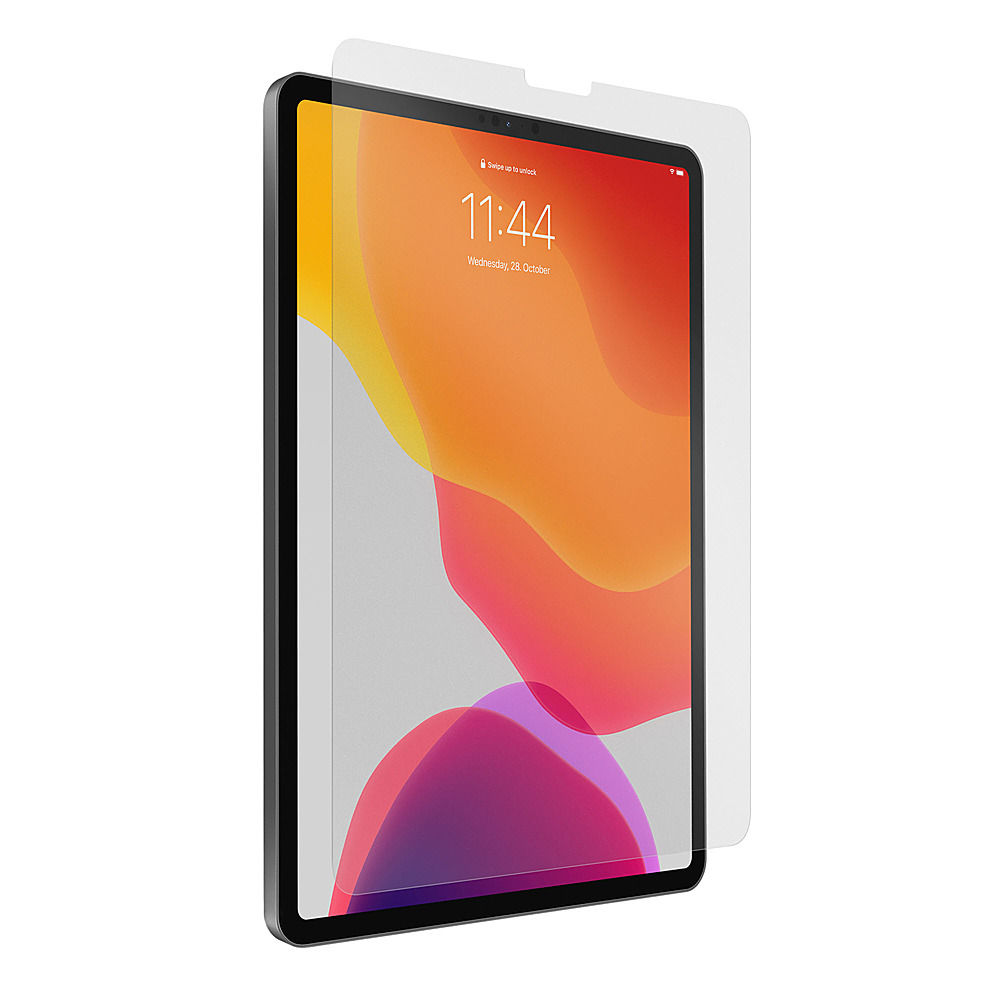
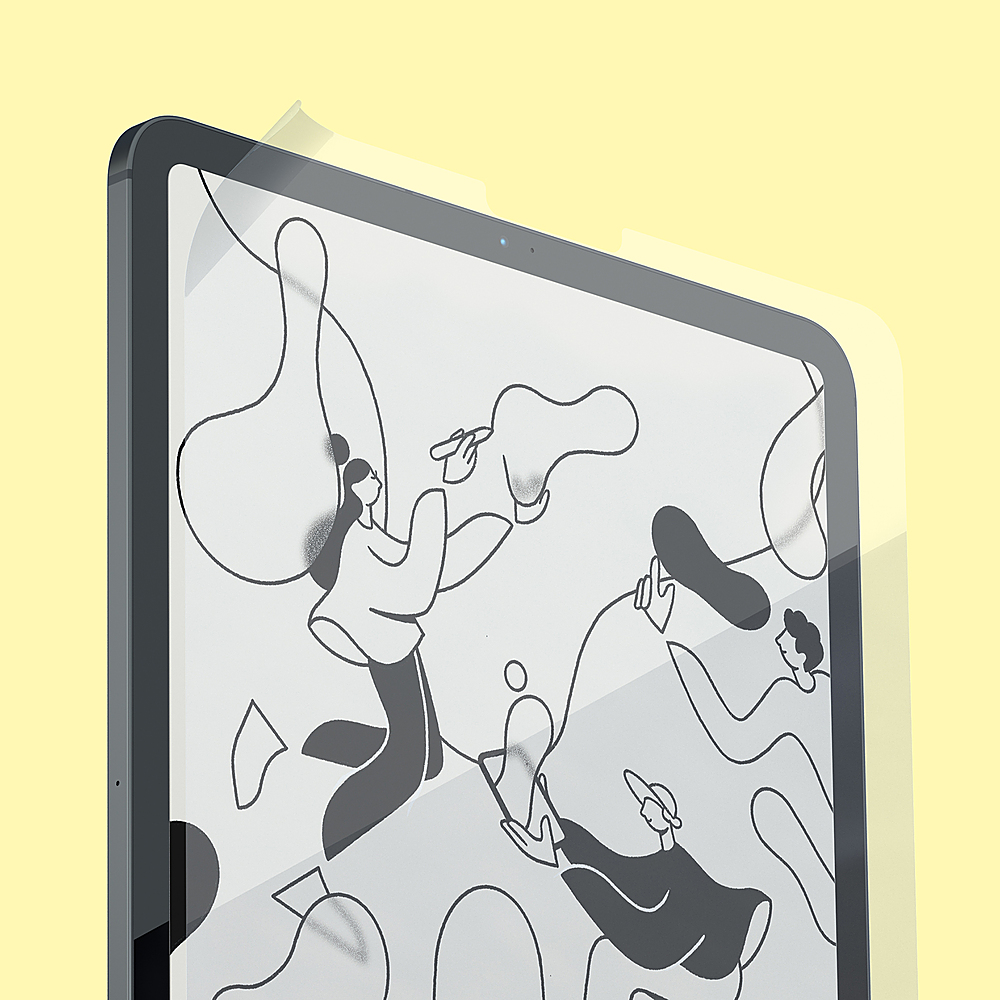
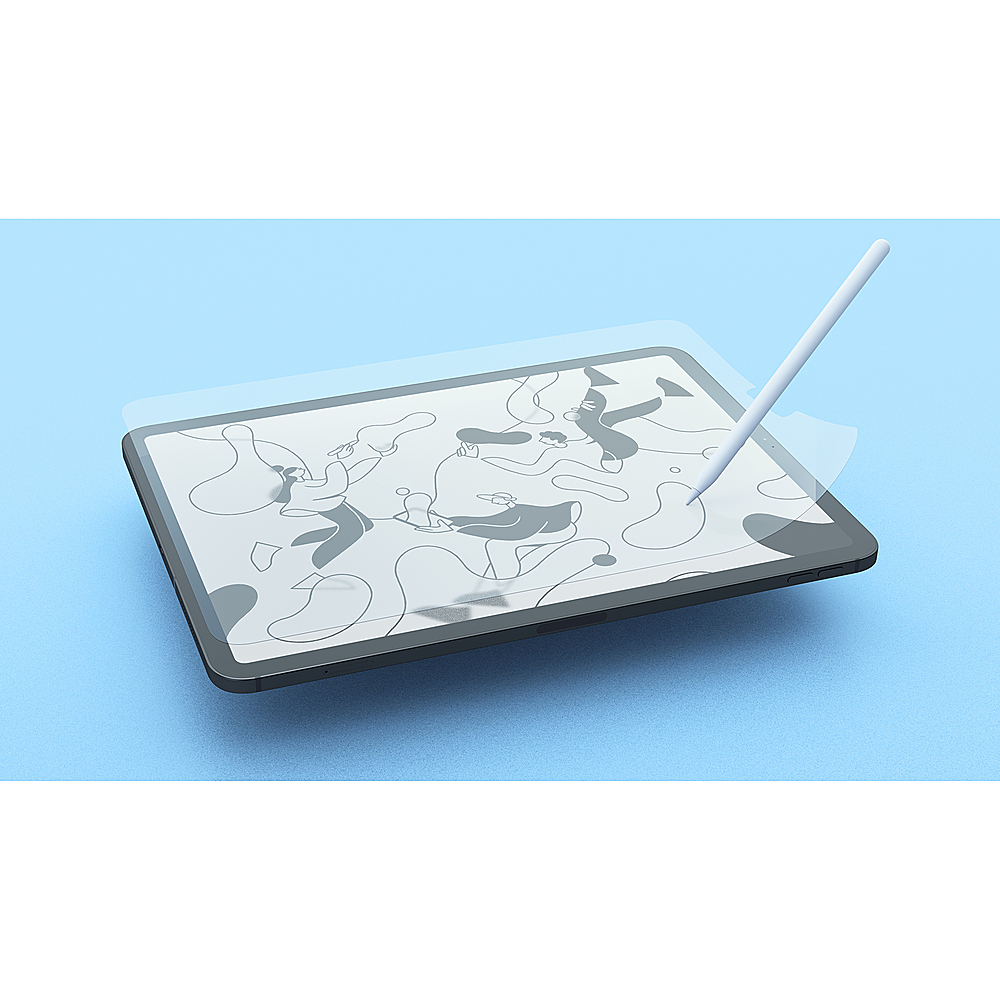
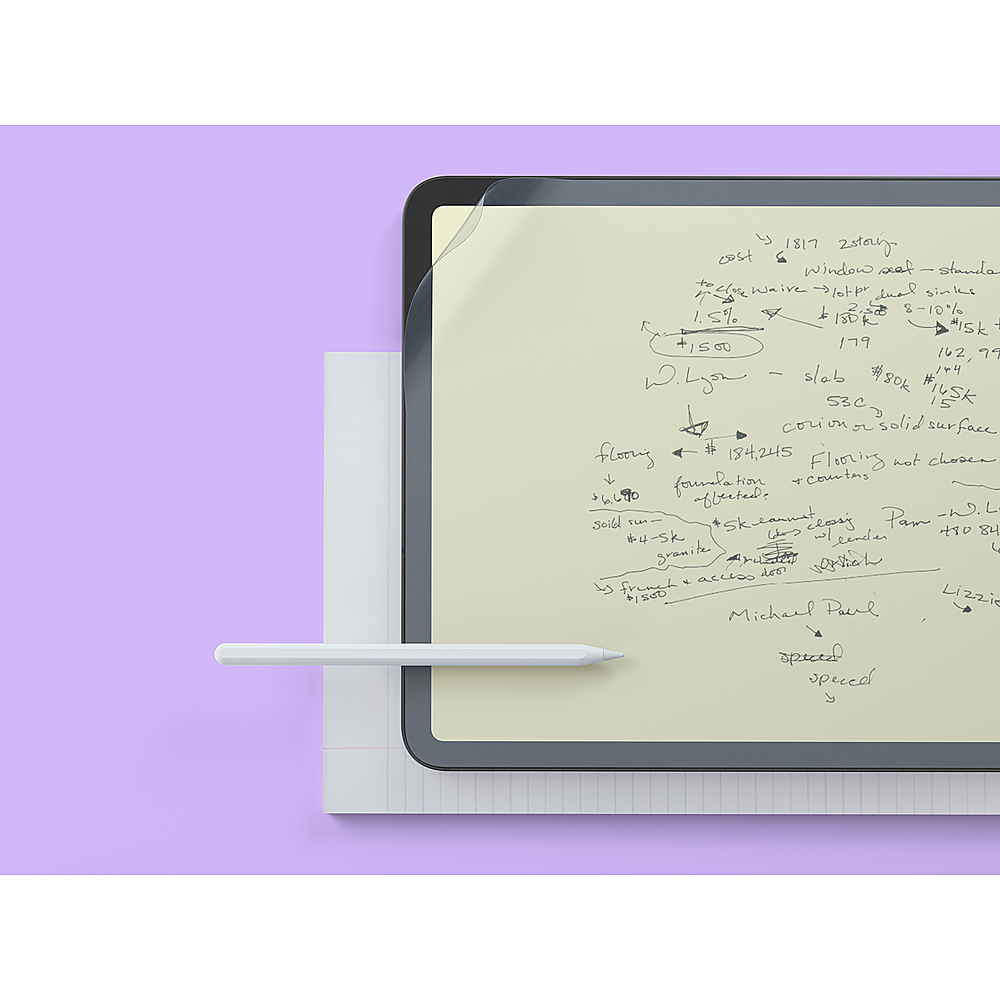
Customers are pleased with the ease of installation and the screen protection offered by the Screen Protector 2-Pack for Apple iPad Pro 12.9". Many appreciate the paper-like feel and how it enhances the writing experience with the Apple Pencil, making note-taking more enjoyable. While some found installation challenging, the positive feedback on the improved feel and writing experience outweighs this concern.
This summary was generated by AI based on customer reviews.
- Pros mentioned:Screen protection

Now I understand why there are 2 in the box
|Posted .This reviewer received promo considerations or sweepstakes entry for writing a review.Despite following the directions- I wound up with a few pesky corner bubbles and a piece of lint. The bubbles don't bother me enough to remove the Paperlike and reattempt application, but now I understand why there are 2 sheets in the box. I love the paper-like feel of writing on this screen protector, it really reminds me of my reMarkable in that regard. The matte effect of the screen protector mutes the color saturation of the iPad screen. However, the muted effect is also easier on the eyes- so it's worth the trade-off for me. If you're an avid notetaker on your iPad, then you'll really enjoy the textured feel that this screen protector offers. If you mostly stream video or play games, you might not enjoy having the Paperlike in the way.
I would recommend this to a friend Paperlike
||Posted .This reviewer received promo considerations or sweepstakes entry for writing a review.Too cumbersome and it does no good! I write just fine on my iPad without it!
No, I would not recommend this to a friendBrand response from Paperlike Team
Posted .Thanks for sharing your feedback! It would be interesting to hear about what you mostly use your iPad for :)

- Pros mentioned:Screen protection, Writing experience
10 stars
|Posted .This reviewer received promo considerations or sweepstakes entry for writing a review.This is a MUST have for the iPad Pro if you use an Apple Pencil. Apple already has the best writing, drawing, and editing experience but the paperlike screen provides a actual paper-like experience and really just creates such a soft natural feel. AND it protects your screen which you should have on your iPad Pro anyway. Absolutely enhances the Apple Pencil experience. Would recommend this 100 times out of 100 to iPad Pro owners.
I would recommend this to a friend Great... depending on your reason for using it
|Posted .This reviewer received promo considerations or sweepstakes entry for writing a review.Right out of the box you're given two screen protectors, a greeting card, and a small installation kit consisting of two wet wipes, a cloth, guide stickers, and dust stickers. What's nice about paperlike is that they do collaborations with different artists who uses their product so I believe that it changes depending on the season. First off, the screen protectors are thin. Like paper-thin. So it may seem very intimidating which is how I felt initially. Try to install it in a dust-free environment, I've heard that the bathroom works best because of the vents. I did it with my air purifier on and an overhead light to see if there's any dust after cleaning. I also recommend watching the tutorial, a few times, pause and do the installation step by step. I've done a few installations in the past but it dust is ALWAYS my number 1 enemy. Then the rest is history. I had high expectations for paperlike - since so many of my friends use it for calligraphy but I was a little disappointed as I was hoping for more "scratchiness" - yes I'm that weird one that really enjoys that sound. There were some areas that I noticed that the friction wasn't there so I replaced the nib of my pencil to see if it would do the trick and it did increase a little but my pencil still glide pretty smoothly. Note: Because it is a matted finish screen protector your iPad's image resolution may look a little lower/fuzzier not horrible but noticeable vs glossy. Which is expected of a matte finish. If you're just looking for a screen protector for your iPad - honestly you probably don't need it as the glass on the iPad is pretty tough. However, if you're going to be writing/drawing/lettering on your iPad and want that "paperlike" feel, I'd highly recommend it.
I would recommend this to a friend- Pros mentioned:Screen protection
Turns your IPad into a paper tablet feel
|Posted .This reviewer received promo considerations or sweepstakes entry for writing a review.Let’s face it, the glass on an iPad screen is very slick and the pen often glides quickly across the surface. This can lead to illegible writing and unwanted markings on the document or artwork that you are attempting to create. This product does exactly what it is advertised to do. It makes your iPad surface feel like you’re writing on a paper table. It transforms the slick surface into a more rough surface, creating a much nicer interface for your Apple Pencil. I have an iPad Pro with a very large screen. The most difficult thing about any screen covering is the installation. The vendor provides a very good instruction video with the product and it’s very important that you follow the instructions. With a surface this large, it is almost impossible to keep dust off of the surface during the install. I managed to only have one speck of dust by following the instructions provided. Even with the change in surface feel, the appearance looks amazing. I can’t even tell that I have on. It also helps to reduce light glare and makes the appearance better than without it. This is a triple benefit. One being the writing surface, the second being the screen protection and the third being the glare reduction, I wish these had been available sooner. They appear to be durable and the package includes two covers, This makes a great device even better,
I would recommend this to a friend - Pros mentioned:Screen protection
Protect Your iPad Screen & Enhance Your Experience
|Posted .This reviewer received promo considerations or sweepstakes entry for writing a review.The Paperlike - Screen Protector for the Apple iPad Pro 12.9in works great! The screen is protected from scratches without sacrificing brightness, clarity, or functionality. The protector installs easily and best of all, the package comes with 2 clear protectors in case you need to replace it or have multiple iPads. The protection shield is sturdy, yet flexible. Making it very easy to apply to the iPad without wrinkles. I use the Apple Pencil regularly with the screen protector and it works perfectly. Every gesture is responsive and precise, and the interaction between the screen protector and the pencil is very smooth. It just feels better to write and draw with the screen protector installed than directly on the iPad screen. I highly recommend Paperlike - Screen Protector for Apple iPad Pro 12.9in.
I would recommend this to a friend - Pros mentioned:Ease of use
Feels Great
|Posted .This reviewer received promo considerations or sweepstakes entry for writing a review.This truly makes the note-taking (or drawing, though I'm not much of an artist) on an iPad feel like real paper. It is a very welcome shift, as someone who grew up with pan and paper, it brings back the natural feeling of note taking. Paperlike is easy to install on your iPad, and if you use your Apple Pencil a lot, is definitely worth a try!
I would recommend this to a friend - Cons mentioned:Installation
Much Better Apple Pencil Writing Experience
|Posted .This reviewer received promo considerations or sweepstakes entry for writing a review.To be honest, I was skeptical that the Paperlike screen protector would actually make writing on my iPad with the Apple Pencil any better. I was mistaken. It definitely has a much more realistic paper writing feel than I expected (just the slightest bit of extra friction). The installation process is simple, but make sure you watch the videos to best understand how to do it properly. It can go wrong very quickly, but with the videos, a very clean environment, and patience, you can apply with minimal bubbles. Count this skeptic sold on Paperlike screen protectors! I'll be installing on all my iPads moving forward.
I would recommend this to a friend - Pros mentioned:Writing experience
Hard to install
|Posted .This reviewer received promo considerations or sweepstakes entry for writing a review.3 stars for the feel of the screen protector and how much easier it is to draw on my iPad with it. Minus two stars for the installation difficulty ( i watched and followed the video guide) But there are just too many bubbles for my liking. Luckily they give you two protectors so I can try again at a later time. For now I just ignore the bubbles. It does feel like paper and has some drag to it which is what you need for accuracy. Previously I was using a tempered glass protector on my iPad and drawing on it was just too slick. Too hard to be accurate and sketch like you do on real paper. Definitely worth the installation troubles to get that paper like feeling. If you can get a good install I say its definitely worth it,
I would recommend this to a friend - Pros mentioned:Ease of use
Pretty good
|Posted .This reviewer received promo considerations or sweepstakes entry for writing a review.Not quite like real pencil and paper but an acceptable alternative. Does make the screen slightly blurry. If you sketch a lot you’ll love it, if you only use a pencil occasionally you might go either way.
I would recommend this to a friend - Pros mentioned:Feel
Like the feel of protection
|Posted .This reviewer received promo considerations or sweepstakes entry for writing a review.Easily installs. Provides good protection for the surface of my iPad. Love the feel it gives the screen on fingers. Works well with Pencil.
I would recommend this to a friend Does what it claims
|Posted .This reviewer received promo considerations or sweepstakes entry for writing a review.I ended up removing this off my iPad as I realized I may not have been the type of person that preferred a paper-like experience. That said, if you are a person that desires to have a paper-like experience when drawing on your iPad, this could be just what you're looking for! Installation is straightforward and super easy and I could see the paper screen protector lasting a very long time. While I was using my apple pencil, I found that there was a lot more noticeable friction when I was drawing VS the hardened tempered glass screen protector I was previously using. Bottom line is if it works for you then it's your solution!
I would recommend this to a friendFantastic accessory for iPad and Apple Pencil user
|Posted .This reviewer received promo considerations or sweepstakes entry for writing a review.If you’re especially someone who has come from drawing on paper and made the switch to digital, this will change your life on how you feel about your new digital world. The Paperlike gives you very similar resistance to paper which is a welcome additional to the normally smooth glass surface of the iPad. While the normal smooth surface of the iPad is very responsive, the added bit of resistance for drawing, shading, and the overall general feel is simply fantastic. While I’ve installed numerous cell phone screen protectors, I was certainly thankful this came in a 2 pack! It’s way more difficult to make sure the screen is clear of dust on a surface quite this large. I’d definitely recommend you overly clean the surface, utilize the dust sticker, discharge static electricity, and make sure all fans and air movement is off near the area you’ll be installing this screen protector. Overall, this is a very pleasing addition to my iPad and makes the move to digital much easier! I’d recommend this to anyone looking for a more “Paperlike” feel on their iPad.
I would recommend this to a friendI really wanted to like this but...
|Posted .This reviewer received promo considerations or sweepstakes entry for writing a review.. I find it difficult to use a plastic tip stylus on the standard smooth crystal iPad surface... the stylus just slides when I want it to draw. And so I was excited to try the Paperlike Screen Protector which promises a textured matte finish. First the good news, it works really well when applied correctly. I even like how it feels on my finger. It is the finish I wish Apple would just provide natively. I much prefer it over the standard surface. If this was all I had to say, it would be a strong 5 star recommendation. Now the bad news. It works where it is actually on the screen, but I found it impossible to apply it without getting some small air pockets here and there between the screen and it. My best attempt has me left with 15 little bubbles. Those air pockets are obvious and look bad with the screen off, but worse, you feel them when you try to use the stylus and it causes the stylus to not work as well over them. When I just use my finger for every day use, no problem. With stylus (which is the point), problem. To the company's credit they supply a video on how to apply it, and a variety of tools to help, but in the end, it's a large sticky film you are trying to lay down on a slick surface. I will say that I have successfully put a dozen screen protectors on phones. Maybe thats just because they are smaller. I do get bubbles with phone screen protectors, but I can work them out. This I couldn't. I couldn't make it work and had to take it off, but I have no doubt some can successfully apply without bubbles. To those people it's a solid win. It is fairly pricey, so it is up to you how much you want to test your application skills. It's all or nothing.
I would recommend this to a friendLove it
|Posted .This reviewer received promo considerations or sweepstakes entry for writing a review.Feels like you are writing on paper. I love the feel of this screen protector when writing. Makes using the pencil so much easier. Only issue is that it did not come with anything to help get the bubbles out when applying. Hopefully they will disappear over time. Does not hamper screen visibility. I am pleased with this product, it is the first time I have ever put a screen protector on my iPadz
I would recommend this to a friend- Cons mentioned:Installation
Not worth it
|Posted .This reviewer received promo considerations or sweepstakes entry for writing a review.This screen protector seemed like a good idea. First off its hard to install got a lot of bubbles. I had to remove it and try the other one. I also didn’t like the look and feel of the protector. I feel like it takes away from the clarity of the iPad screen. Once it was completely installed without any bubbles, I did test out the Apple Pencil. It worked fine, I didn’t notice a difference between using the pencil on this screen protector or using a glass screen protector. I prefer a glass screen protector don’t have to worry about bubbles or clarity issues with the screen.
No, I would not recommend this to a friend - Cons mentioned:Installation
Good concept but pain to install and not needed
|Posted .This reviewer received promo considerations or sweepstakes entry for writing a review.The concept here was somewhat on par, put a screen overlay on your 12 inch iPad to use the Apple Pencil to make you feel like your drawing or writing on paper. Trouble with screen overlays, they are a pain to install and iPads already have a durable gorilla glass on their screens which makes it nice not to have to install a bubbly overlay screen protector. Even with the video to install this, it still was left with bubbles all over the place and the stickers and set up was a pain and difficult and not worth the money. Skip it.
No, I would not recommend this to a friend Scratches very easily
Posted .This reviewer received promo considerations or sweepstakes entry for writing a review.Scratches incredibly easy from very light use. After 7 days of light use with brand new apple pencil, screen protector is covered in huge scratches that do not go away with cleaning.
No, I would not recommend this to a friendBrand response from Paperlike Team
Posted .Thanks for your feedback! That shouldn't be the case, so please contact our support team to find a solution asap.
- Cons mentioned:Installation
Dust Magnet
Posted .This reviewer received promo considerations or sweepstakes entry for writing a review.Couldn't install without dust with 2 tries. I feel like I wasted $40 on this.
No, I would not recommend this to a friendBrand response from Paperlike Team
Posted .Hi Mike, sorry to hear that the application didn't go so well. It would be great if you could contact us, so we can help you get a perfect application :)