Customer Ratings & Reviews

- Model:
- ROC-11-748
- SKU:
- 6424772
Rating by feature
- Value
Rating 4.7 out of 5 stars
- Quality
Rating 4.7 out of 5 stars
- Ease of Use
Rating 4.8 out of 5 stars
Customers are saying
Customers frequently mention the Burst Pro's lightweight design and vibrant RGB lighting as significant advantages. Many appreciate its responsiveness, ease of use, and excellent price-to-performance ratio. However, some users point to software navigation challenges and less-than-ideal side button placement as potential drawbacks. The click sound also received mixed feedback, with some finding it louder than expected.
This summary was generated by AI based on customer reviews.
- Pros mentioned:Weight

Great Adaptable Gaming Mouse
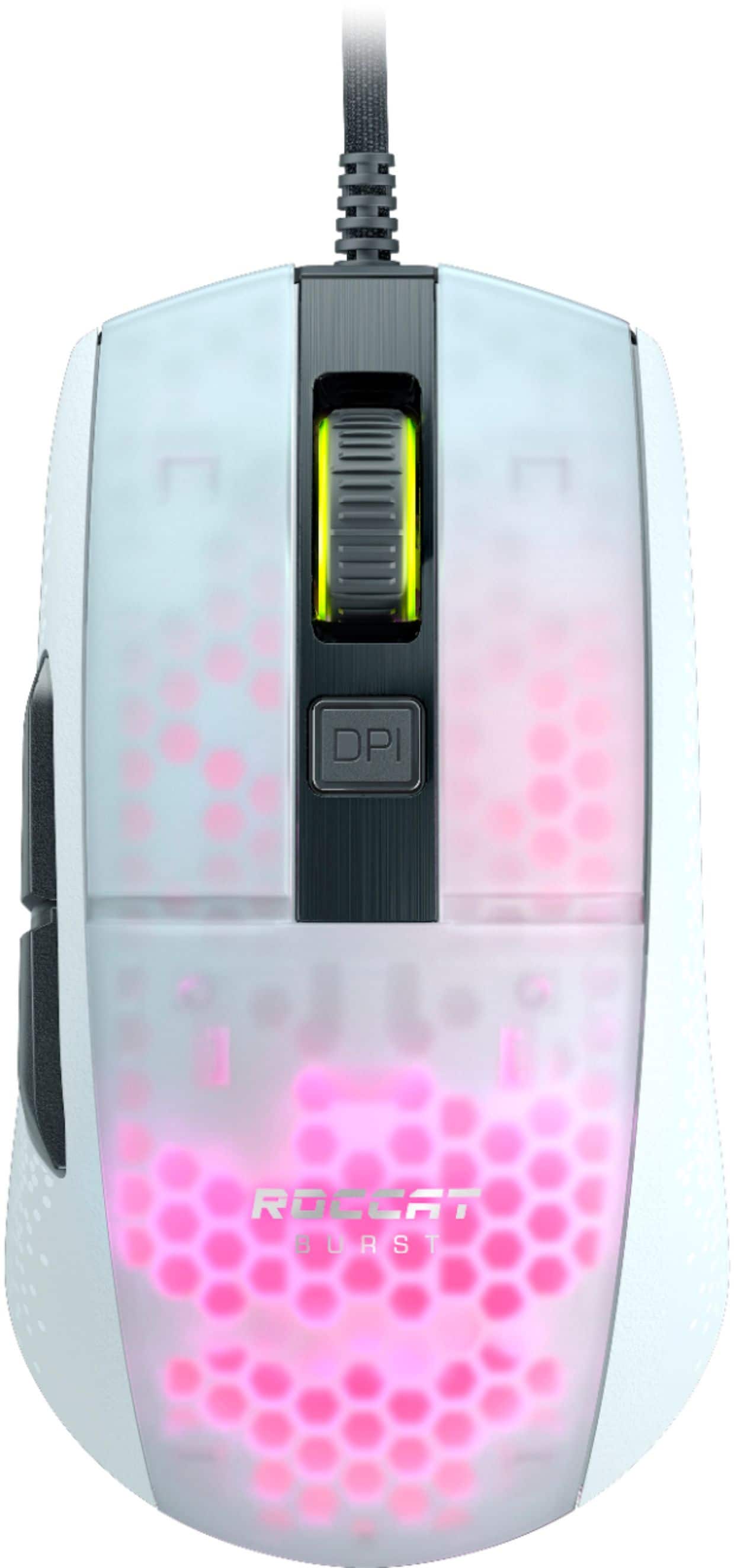
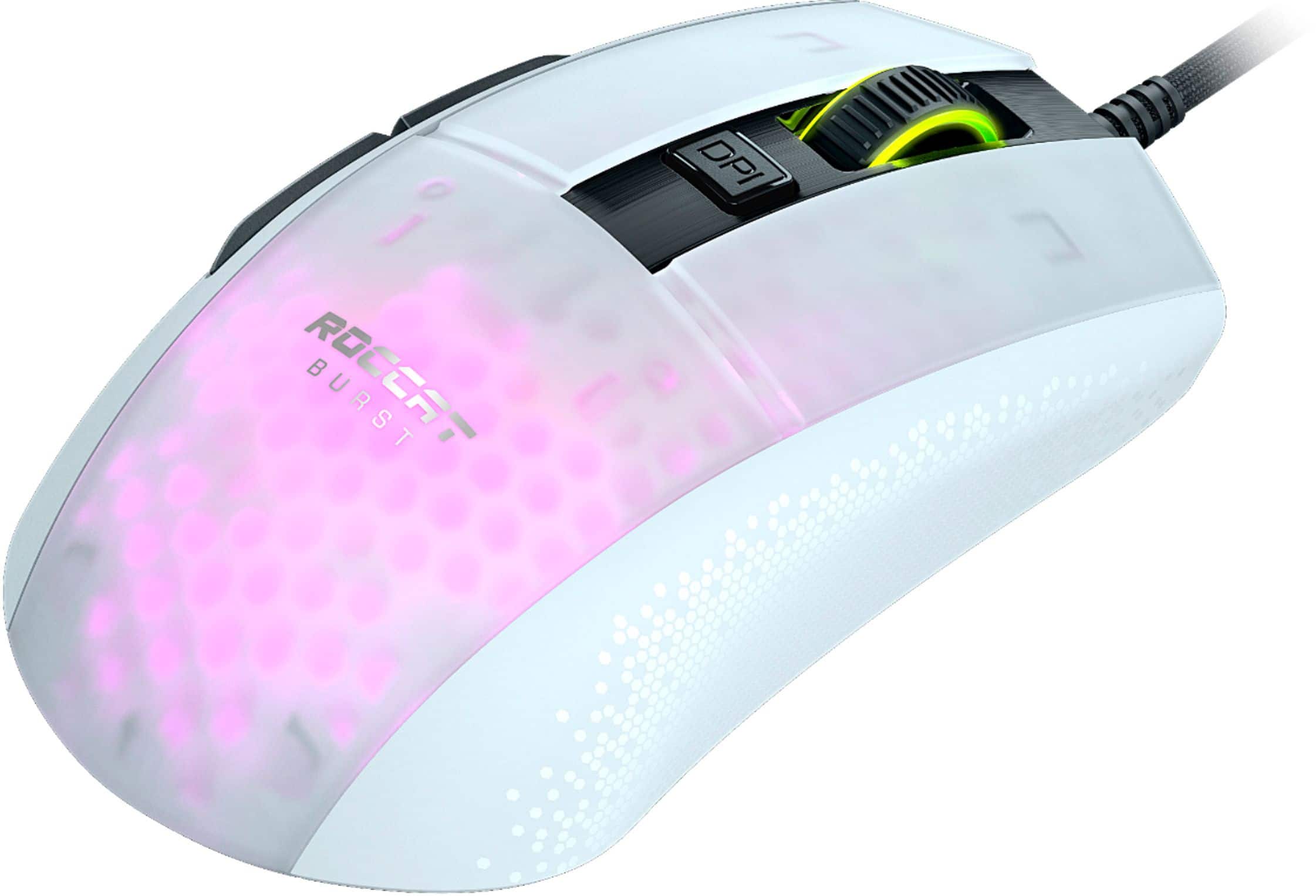
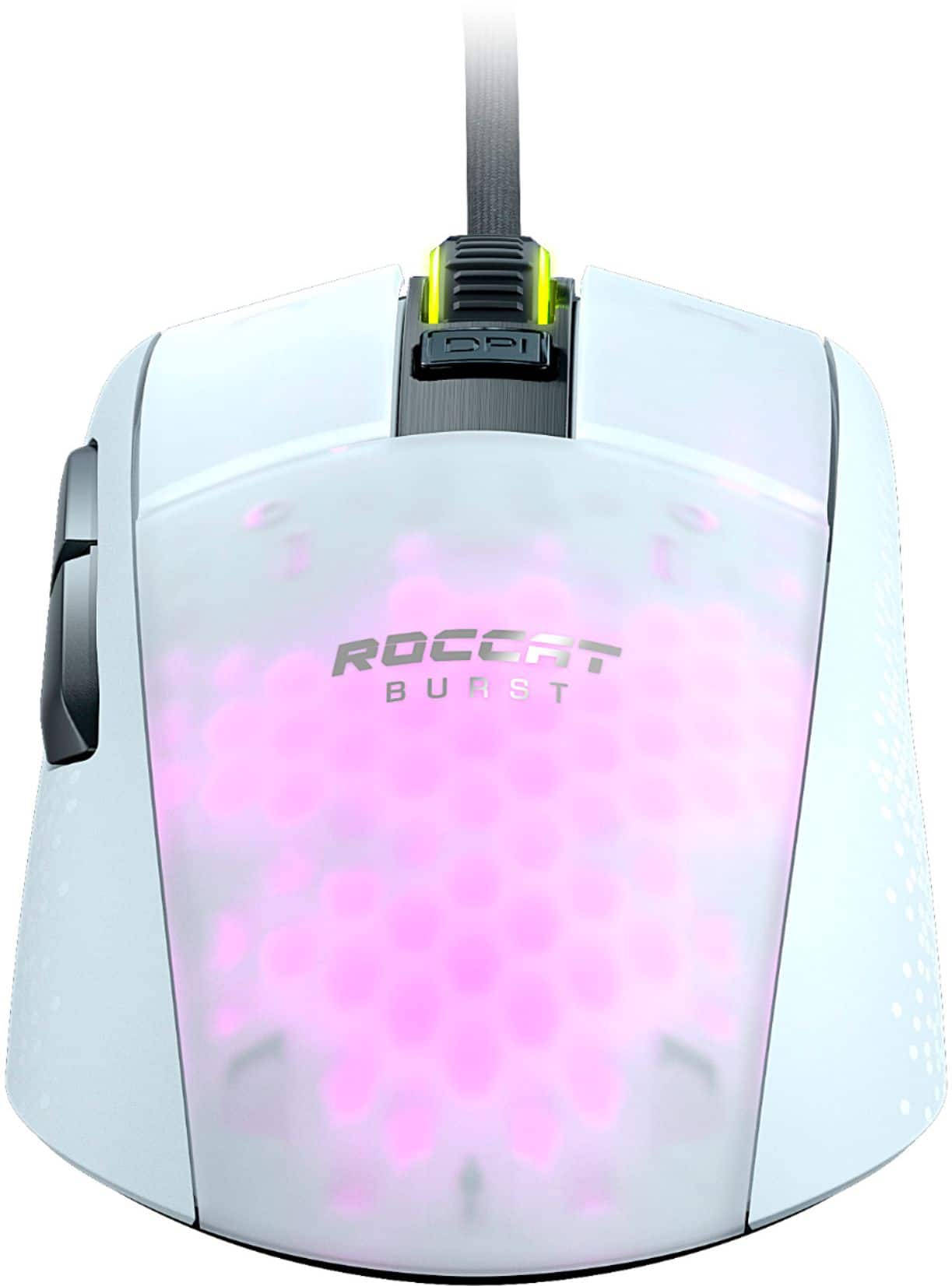
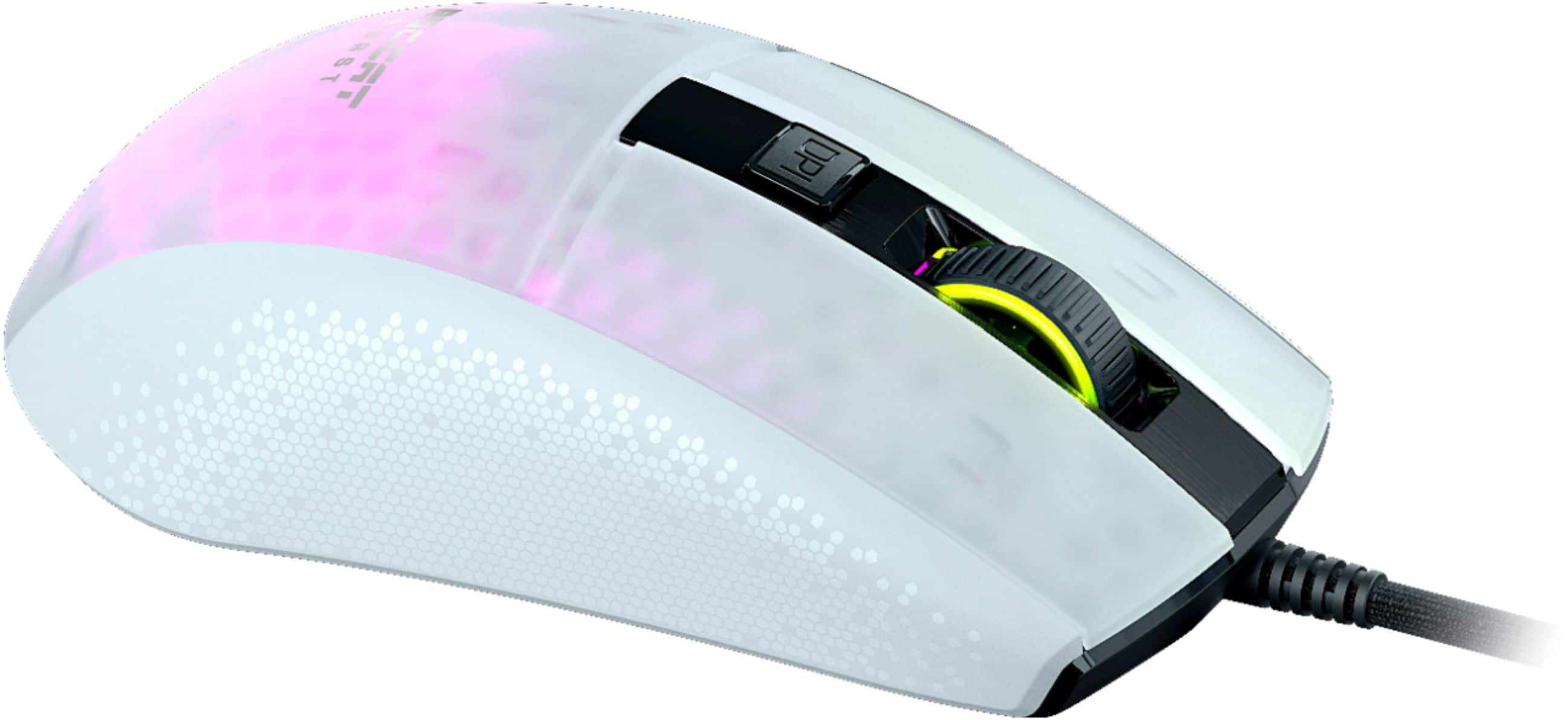
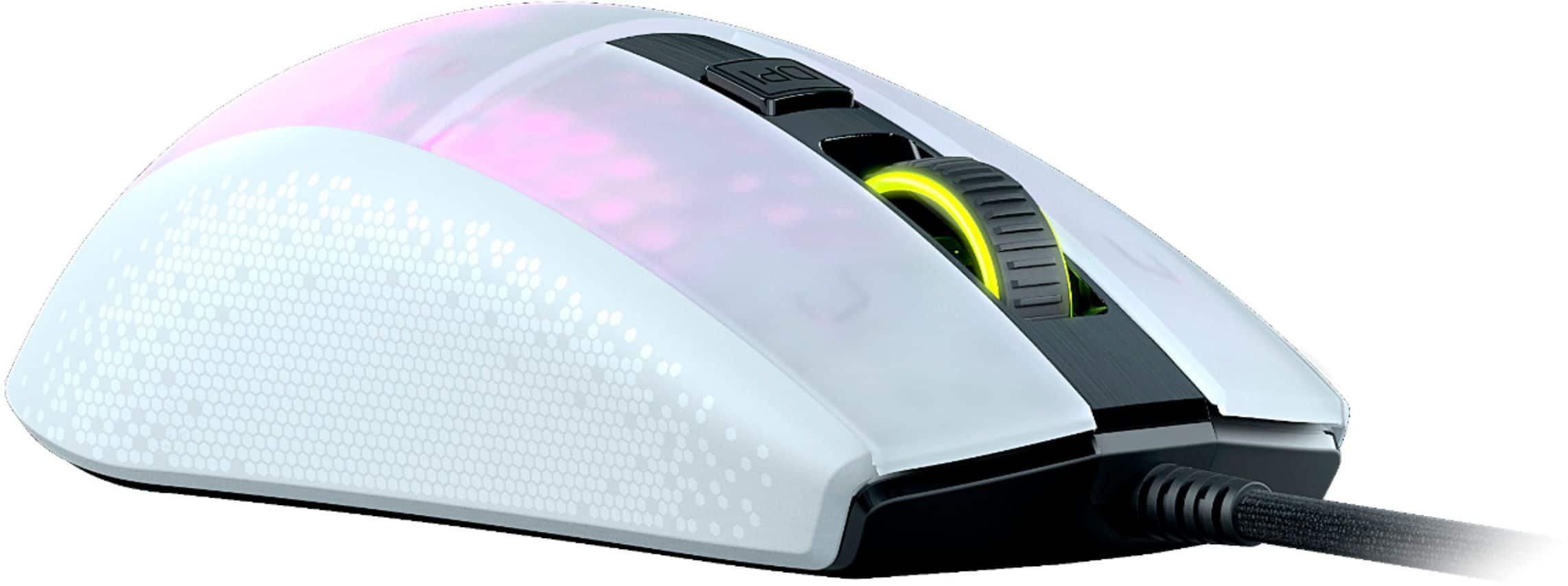
|Posted .This reviewer received promo considerations or sweepstakes entry for writing a review.I am not a huge gamer, but I will play some Team Death Match with my nephews online. Even some Zombies now and again. I purchased the Roccat (which is owned by Turtle Beach) Burst Pro PC Gaming Mouse. I already have the Roccat keyboard, so this seemed like the perfect match. It uses the same Roccat Swarm Software to calibrate the macros and the illumination. I love the fact that you can match what type of illumination that is on the keyboard with what is on the mouse, my favorite is the heartbeat. The mouse has a Honeycomb Shell which makes it very durable, but still keeping the weight at 68 grams. The Honeycomb shell is what the lights shine thru to get all of the different effects. Most people do not think about what type of switch they use in a mouse, but the Roccat Burst Pro has a Titan Optical Switch that gives you speed of light optical movement for blazing fast clicking. The mouse includes the new Owl-Eye optical sensor from PixArt giving you a responsive feel, the sensor rapidly analyses its surroundings giving you the edge you need in high intensity gaming. The sensor gives you 1 to 1 movement on your screen, it can be adjustable form 100 dpi to 12,000dpi. They recommend a range of 400 to 3000 dpi. It also includes heat treated PTFE Glides, PTFE or Teflon has the lowest coefficient of friction of any readily available material. This improves the movement and glide of your mouse. The Roccat are heat-treated which is a step that no other competitor does to insure unmatched control.
I would recommend this to a friend - Pros mentioned:Design, Weight
This is a great choice for competitive gamers
||Posted . Owned for 9 months when reviewed.This reviewer received promo considerations or sweepstakes entry for writing a review.The ROCCAT Burst Pro is a beautifully designed gaming mouse with a sleek ergonomic shape and a durable braided cable. It provides the perfect amount of resistance without being overly taut, making it an ideal choice for those who prefer lightweight mice. Its high-accuracy sensor enables tracking speeds of up to 16,000 DPI that are great for gaming and other fast-paced activities. The Owl-Eye optical sensor features no acceleration, so you can use it without worrying about
I would recommend this to a friend This Guy Is Going To Make Some Waves. Hello Roccat
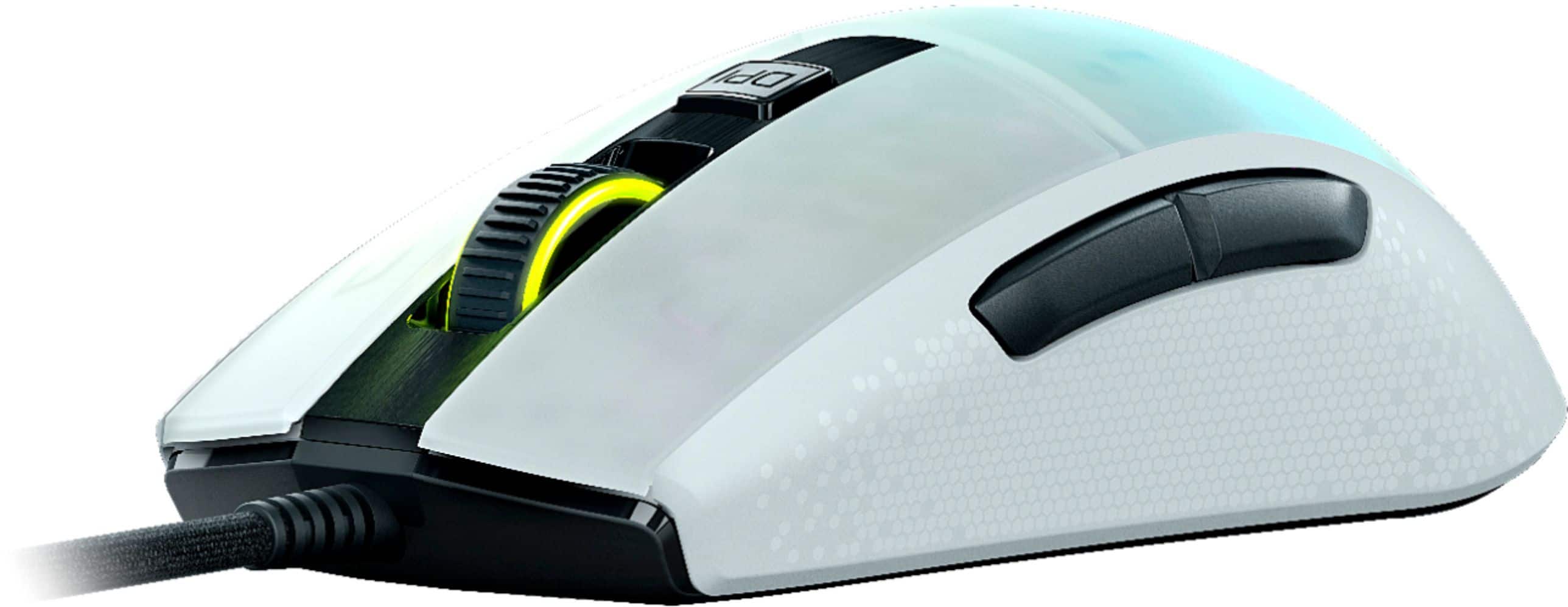
|Posted .This reviewer received promo considerations or sweepstakes entry for writing a review.Let me just start this review off by saying that I went into this review with low expectations. But after testing this guy out I am left blown away and it places in the top 5 mice I have ever tried. Which is a lot and include all the most expensive mice from the top brands such as Razer, Logitech, Glorious, Finalmouse, Corsair, etc. So, I’ve been around the block once or twice and this dude is making some waves. I absolutely love it. Pros: - Excellent “symmetrical ergonomic” shape. That is made for right handers, but left hand will also work you just won’t have any buttons. I found the shape to be extremely comfortable. Like the FK2. Where it is low profile on the front, with a pronounced hump on the back with slight tapering on the side. Fits any grips style (claw, fingertip, and palm) comfortably. One of the most comfortable mice I’ve tried. They also use a hybrid coating here which makes grip a 10/10. I’ve never felt a mouse with more grip in my life. - It comes with large side buttons that are place in a comfortable spot making them easy to reach. Delivers a crisp click after applying a light amount of actuation pressure with medium overall travel. - Comes with their “titan optical switches” which means they are immune to double clicks (Yay). These clicks are also incredibly crisp. The crispest out of any other mouse I own. Overall actuation and reset are low. Springback force is strong which leads to never having a mushy click. Both left and right click feel exactly the same. My only complaint about the switches is that most fps mice have light actuation force, but this guy definitely requires heavy actuation force. Which makes it feel a little less snappy. But with it being optical it also means it is slightly faster than any mechanical switch. - Scroll wheel is light but with defined clicks. It sticks up quite a bit. Middle mouse button requires moderate/heavy actuation and also feels crisp. Overall, it feels incredible and one of the best I’ve tried as well. Which I’m saying a lot but it’s because they actually did that good of a job. - DPI button is large, says DPI, and requires a light amount of actuation force with medium overall travel. It’s fine and dandy as well. No complaints but nothing great here either. - Mice feet are interesting as they are Pre-heated. They are also 100% PTFE with rounded edge. They are two large pads on the top and on the bottom with nothing in the middle. Overall glide is excellent and once again glides better than any of the other mice I have tried. So perhaps they have something with that pre-headedness. - Their version of the phnatomflex cable is excellent. Incredibly malleable. It is quite long. I completely forget that it is wired. Especially when you add that to the 68 grams of overall weight and smooth glides. - Speaking of the 68 grams. This is done by utilizing the ever popular honeycomb shell. However, they have an interesting take on this where it has the honeycomb design but then that honeycomb design is covered with a thin plastic sheet so you can’t feel them. Overall structural integrity of this guy is solid. I noticed no creaks even when squeezing my hardest. Where most other honeycomb designs when you squeeze the side you can activate the side buttons. - It comes with 6 overall buttons (left/right, side1/side2, middle mouse button, dpi button) with nothing on the bottom. You can adjust all of these buttons in their software. - AIMO lighting is alright. You can adjust the scroll wheel and back lighting in the software. I’d say this is average across the board. - Their OWL sensor (based off 3389) is an excellent sensor in the top 3 overall only being beaten by HERO and Focus+. Reports 16K DPI (adjustable in 100 DPI steps), 50 g acceleration, and 400 IPS. I noticed no aberrant behavior. Felt accurate and snappy. You can adjust lift-off distance in their software. - Software was alright. It works well. But it’s extremely busy to the eye. But still intuitive if you want to switch something up. It also allows you to customize nearly everything. - Comes at a competitive price for what you get. CONS: - I really don’t have any. It would have been nice if the actuation force for mouse 1 and 2 were light/medium. As it would have been perfect. But that comes down to personal opinion. - Aesthetics to me are meh. It’s not terrible but other gaming mice are far more attractive to me.
I would recommend this to a friendExcellent near-wireless comfort w/tons of features
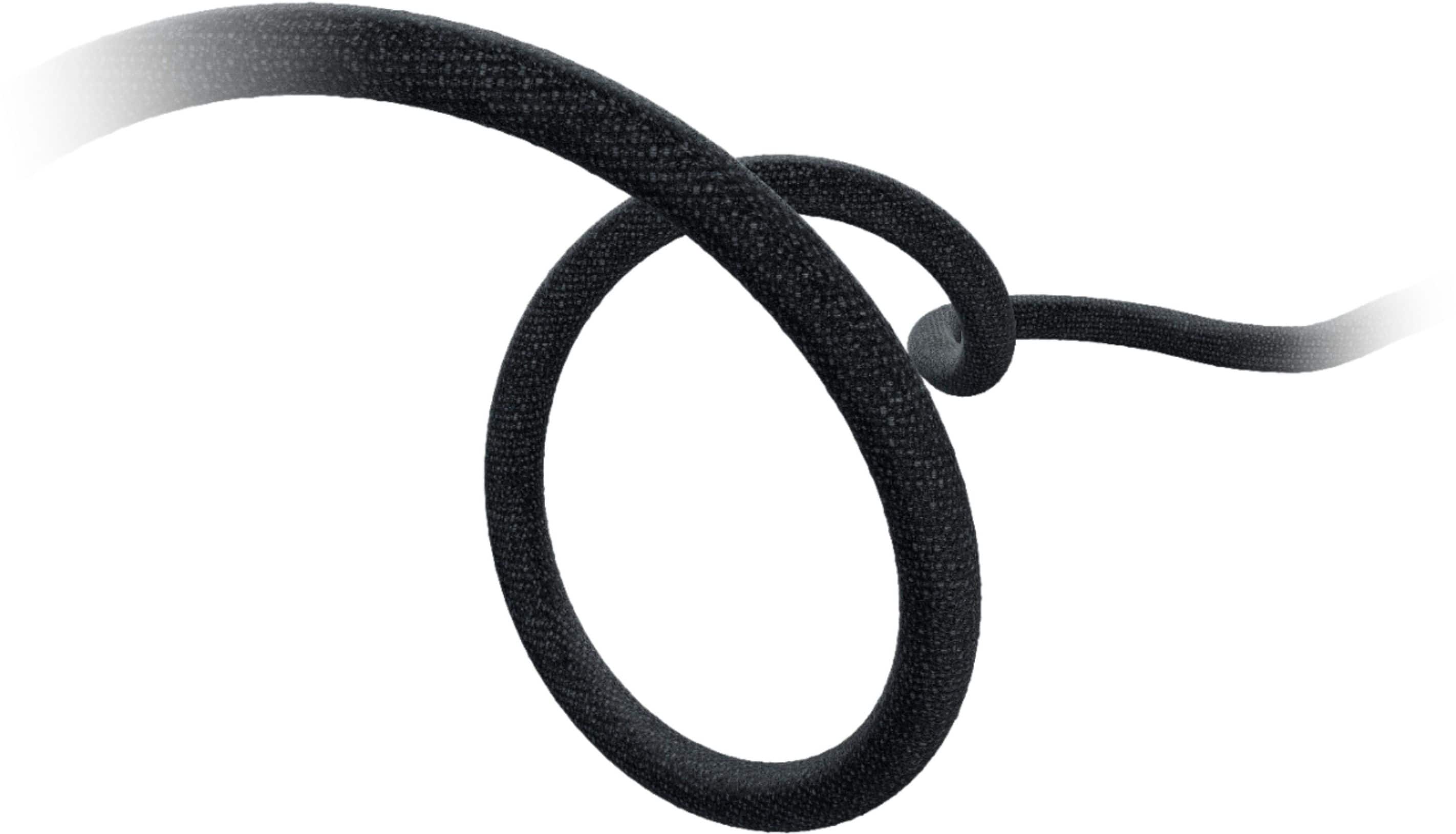
|Posted .This reviewer received promo considerations or sweepstakes entry for writing a review.PROs: - White & black colorway makes for a striking departure from the all-black styling of most competing mice--couple that with the translucent, honey-comb cut shell that allows gobs of RGB to shine through and you've got quite a visual spectacle on your mouse-mat. Although only two LED zones are actually addressable (scroll wheel and main mouse), the honey-comb cutouts provide varying levels of intensity and coverage that should satisfy anyone's need for - 68g light is not a joke--I thought the 80g weight of the Pro G Wireless (pictured next to the Roccat below) was feather-light, but the Roccat one-ups that top-tier competition for even greater comfort - It's hard to describe the cable--it's wrapped in a cloth/nylon material similar to any other braided cable, but it's lighter and flexes moves more effortlessly the braided cables I have on my Logitech and Corsair mice...it bunches up (but doesn't kink) more than a typical braided cable does because it's lighter, but it therefore also offers less resistance during movement. Roccat's "PhantomFlex" marketing material claims you don't even need a cable bungee (unless cable management and tidiness is your concern), but I'll definitely attest to the fact that the cable offers so little resistance that it really DOES start to approach wireless-level comfort - Large and super-smooth PTFE glides (hint, they’re *not* blue—make sure you remove the thin shipping film from the glides!) makes for silky smooth motion on a mouse-mat or tabletop; optical sensor goes from 50 dpi all the way up to 16K (!!!) with five discrete levels programmable at any level in between through the Roccat Swarm client - Comfy ergonomic shape with slightly sculpted sides make for a very comfortable feeling under your palm...you can rest your hand on the mouse rather than cupping your hand above it, and the left-side thumb buttons are large and distinct enough that you shouldn't have any difficulty registering a click on the front button vs the rear or vice-versa - Scroll-wheel movement offers very little resistance while the detents are reassuringly noticeable for pleasant haptic feedback during scrolling action; but the scroll-click button requires virtually no effort to actuate! - Features Roccat's new Titan optical switches--supposedly faster than traditional mechanical switches because they're light-actuated rather than contact-actuated and therefore more durable, too...of course, only time will tell if I'm able to eat through the purported 100 million click rating! - Wonderful little flourishes like a mouse-icon on the USB connector, preinstalled ferrite core noise filter on the cable, and an extra set of pre-tuned PTFE glides included in the box! - Cheers to Roccat for giving us a client app that doesn’t require another login and password to provide full functionality. This was the first time I had ever used the Swarm client, but man this thing goes DEEP! Along with integrating with Alienware’s AlienFX lighting system, Roccat offers its own connected RGB effects/lighting peripheral ecosystem with Roccat Talk FX, as well as the new AIMO "intelligent" lighting system that slowly adjusts RGB lighting patterns/effects based on your movements and actions as you continue to use the mouse. The Swam client seems incredibly robust with a vast array of functions I'm still discovering how to use, especially the macro and per-game/per-program customizations you can manage in the Profile and Macro managers. But right up front, there are menus and options to: 1) adjust vertical and horizontal scroll speed, double-click speed, Windows pointer speed, and DPI stops 2) change illumination behavior between rainbow wave, solid, heartbeat, breathing, blinking, and the AIMO intelligent lighting option 3) adjust polling rate (up to 1000Hz), distance control (how far you can lift the mouse before signal interruption), LED timeout, angle snapping (cursor smoothing), and activate a pretty wacky but kind of cool sound feedback option where a male voice will speak to you announcing changes in DPI levels, volume +/-, and profile switching 4) change button behavior between one of four pre-configured presets for "basic" mousing (click, scroll, browser back/fwd, DPI cycle), working with multimedia (i.e. track controls), precision gaming with a hot-key for low-DPI aiming, and a host of other customizable functions including using one of the side buttons as a "Shift" key (called "Easy-Shift+") to access another full set of functions from the same mouse buttons 5) manage/store up to 5 game profiles for unique button/function customization as well as access stored macros covering dozens of popular games as well as common Office, Skype, Photoshop, and Windows functions--oh, and you can record your own macros and bind them to one of the mouse buttons within one of the four button assignment profiles CONs: - The Swarm client can actually be a bit intimidating, especially if you're just looking for a simple but high-performing gaming mouse without a lot of overhead. But you do *need* the app to get the full benefit of the Burst Pro's features including higher DPI settings and button assignment (which are not natively available in Windows). There are pop-up information tabs for most functions to tell you what they are, but I couldn't find any decent instructions within the app itself (the FAQ section is currently blank) for some of the more complex functions like Macro recording and Profile creation/storage, which are frankly not as self-evident as Roccat's software designers probably think they are - I can't rightly say that I noticed the fraction of a microsecond decrease in click actuation time that the Titan optical switches are supposed to provide (but I'll take their word for it), but I can say that the left and right mouse-click buttons DO require quite a bit more force and travel to actuate than the feather-light touch I'm used to on my G Pro Wireless, even if the actuation itself is quicker once the optical sensor actually registers a break in the light beam. If you have larger fingers or prefer a more solid, reassuring 'click' to your mousing, this is definitely for you--but if your gaming style calls for ultra-small, ultra-quick, ultra-light mouse clicks, be aware that this mouse seems to require a slightly firmer touch - Another minor observation related to the issue above is that because the left and right mouse buttons require some additional force to actuate, they're slightly louder than some of the softer-touch buttons features on the competition's mice--probably not a big deal if you game on your own, but the sound is appreciably loud and deep enough to add to the din of an already noisy office setting or other public place where disturbing your neighbors might be of slight concern - Okay, this one is pretty minor, but I'm not sure how sold I am yet on the AIMO "intelligent lighting" thing. It's supposed to adapt to your mousing activities and offer new effects and lighting patterns over time, or at least, vary the kinds of effects it produces as you're using it. I can speak to the latter--the color changes and variations between the lighting on the main shell and the scroll wheel DO seem to change depending on how much and how fast I'm mousing around and clicking the buttons, but I haven't had the mouse that long so I don't know what things will look like in a few months, or how consistent that behavior will be from game to game once the Swarm client has "learned" my mousing habits (i.e. will the effects on Doom Eternal really look any different from those on Red Dead Redemption 2?). And with only two real lighting "zones" to work with, the effects aren't as striking as they might be with one of Roccat's own alternatives that feature more LED zones and lighting strips - Sadly, the left-side button placement means this mouse is not ambidextrous, nor are additional mouse buttons available on the right side for extra shortcuts...the "Easy-Shift+" feature works well enough and I give Roccat mad props for thinking of/including something so useful, but an extra one or two buttons on the right might be easier to work with and easier to remember in the heat of battle than having to activate a shift button to then click yet another button among those that remain to get the same effect - Maybe in a future release, Roccat can add horizontal scroll tilt to the wheel action, or a release switch to allow free spinning to help navigate those truly monstrous windows, spreadsheets or giant Photoshop images Parting thoughts: I admit I wasn't sure what to expect from the Roccat; they're a recognizable, but still smaller, name in the PC peripherals game next to some heavy hitters like Logitech, Corsair, Razer, etc. and this was my first experience with one of their mice. But their Burst Pro is really something quite exceptional and fully holds its own next to some of the top-tier wired and wireless mice I own from their competitors. Yes, if you've already got a competitor's keyboard or headset that includes function/lighting customization of its own, you'll have to contend with another software client on your PC to manage the myriad of features the Burst Pro offers (obviously not an issue if you're sticking with Roccat's line of keyboards and headsets). But the Swarm client was actually much more full-featured than I expected and offers enough deep customization that I can't imagine anyone not being satisfied with the results unless they simply need a mouse with more physical buttons. And at least during my use, I never found it to be a resource hog (Task Manager showed it clocking in at just over 65MB of RAM usage and 0% CPU drain) or crash unexpectedly. As for the mouse itself, the Burst Pro's comfort, ergonomics, and responsiveness make it a strong contender for any high-performance gaming rig or demanding gamer--so if the style strikes your fancy, the Burst Pro is definitely a winner!
I would recommend this to a friend- Pros mentioned:WeightCons mentioned:Side buttons
Excellent light-weight mouse with minor squabbles
||Posted . Owned for 1 week when reviewed.This reviewer received promo considerations or sweepstakes entry for writing a review.This was one of the most comfortable mice I tried, but that is a matter of preference so you might not find the same result. Things that this mouse have going for it are its light weight the feel of the button, and especially the feel of the wheel. It is precise, and easy to turn. The cord is super light and it is hard to tell it's there. The lighting is great if you have a ROCCAT keyboard, but it looks fine by itself, too. Being able to set additional profiles that you can tell by the color you assign to them is nice. If I could change one thing, it would be having some indication on the mouse that the DPI is changed when you click that button. A small indicator light to show where it is would be great. Overall, this is a fantastic mouse for someone who wants a wired mouse with minimal buttons. I would buy it again.
I would recommend this to a friend Fast DPI, Light Mouse
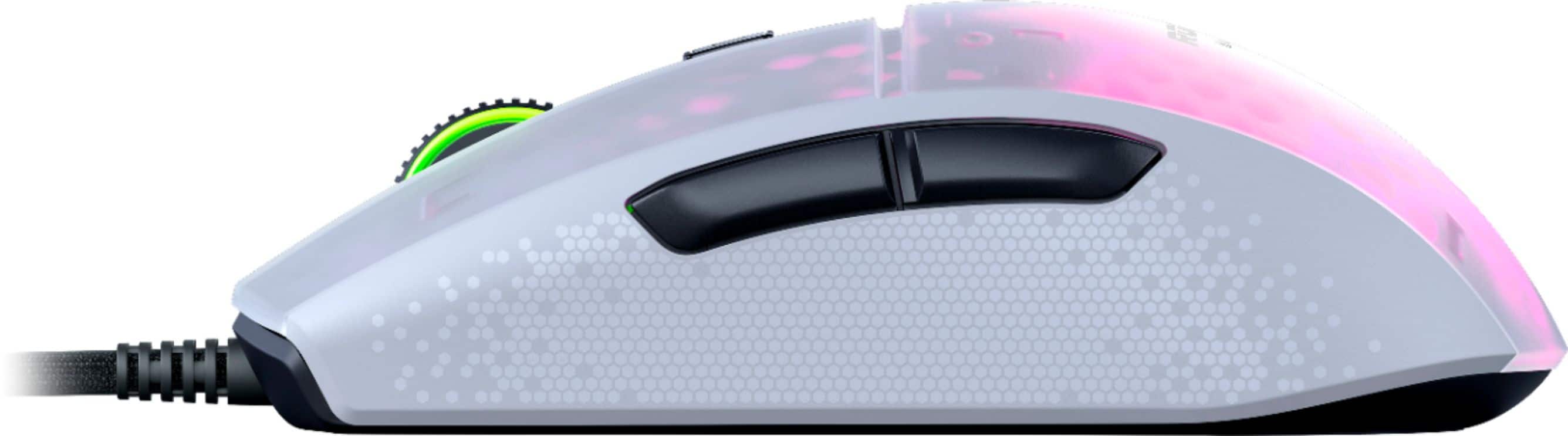
|Posted .This reviewer received promo considerations or sweepstakes entry for writing a review.Pros: -Very light -Feels great; mouse clicks need just the right amount of pressure to click -Max 16000dpi sensor Cons: -Wish there were more customizable buttons -No wireless option For those that don't know (like I didn't), Roccat is a German created, gaming peripheral company with many years of experience under their belt (started in 2007). Being acquired by Turtle Beach and having continued with the same mission to create high quality gaming hardware, they are a reputable company with great craftsmanship. Weighing only at 68g, the Roccat Burst Pro Mouse is very light and creates for a very smooth scrolling experience. The smoothness also comes from the bottom heat treated PTFE "glides." These glides (what is usually the rubbery portion of the bottom of the mouse to help it stick well to a surface) really do make the mouse glide. Over on the top there is a DPI button (switch from 50dpi to 16000dpi) and on its left side two additional buttons you can assign functions to. There are also nice RGB lights on the scroll wheel as well as in the area where you rest your palm. The mouse feels great in my hand; having what I consider medium-sized hands, I am able to rest my palm comfortably on it and game for hours at a time. One of the things I found I liked the most about the Burst Pro was Roccat's Titan Switch Optical mouse click technology. I find myself making accidental clicks with the weight of my hand resting on mice and with this mouse was did not find myself making any unintentional clicks. Just the right amount of pressure needed to make those headshots when playing first person shooters. To really unlock all of the customizable features available for the Burst Pro, you will need to download and install the Roccat Swarm software. From the software, you can change the DPI cycle interval of the DPI button (5 intervals), manage mouse lighting, set gaming profiles, create macros for buttons, and a few other settings. Now for the bad. On the Burst Pro there are only 3 buttons located on the mouse (other than the scroll wheel, and left and right click buttons). One is specifically for changing the dpi and two located on the left of the mouse. Although all buttons can be changed to a specified function, it would've been nicer to have more button options. Also, Roccat offers a wired solution for the Burst Pro mouse but not a wireless option. The cable it comes with does have a nice feel to it though and noticed it does not get in the way during fast movement (nor can you feel it). Overall I love how it feels in my hand and how smooth it "glides." I would recommend it to gamers or those in general who would like a lightweight mouse with RGB lighting. Aside from the lack of physical buttons and no wireless option, it is one fantastic gaming mouse.
I would recommend this to a friend- Cons mentioned:Side buttons
The Perfect Mouse
||Posted . Owned for 5 months when reviewed.This reviewer received promo considerations or sweepstakes entry for writing a review.The best mouse, period. You are going to read all types of opinions from many reviewers. I base my personal opinion on the following: Many mice have too high a hump, this one does not. Too long a device, not this one. side buttons too far away from the thumb, not this one. Grip slippery on so many mice, not this one. Scroll wheel skipping lines on the screen when working on documents and not smooth, and makes a sound each time you move it, not this one. Mouse too heavy, not this one. Cable can be felt because it may be too heavy, not this one. No matter what you do, this mouse just feels ridiculously perfect. I am not a gamer, but I do a lot of typing and searching online, and this mouse does it perfectly. And by the way, many mice seem to drag a bit when going from one screen to another as in the case of when you have multiple monitors. They feel as if you have to move them a bit too much side to side, not this one. Very little activity necessary to move it from screen to screen. Zero cramping in the hand as well. Incredibly comfortable.
I would recommend this to a friend - Pros mentioned:Ease of useCons mentioned:Software
Great mouse, good luck finding the Swarm software
||Posted . Owned for 1 week when reviewed.This reviewer received promo considerations or sweepstakes entry for writing a review.The mouse works great. It's plug & play. However, finding the download for ROCCAT Swarm was a joke. The ROCCAT support home downloads did not load anything. It took over an hour to hunt and peck to find the software to install the driver and customize the mouse. This process was so convoluted that I couldn't possibly retrace the steps. Turtle Beach website was the same as ROCCAT's and had no downloads. However, after finding and installing Swarm, I was able to get the mouse set to my needs and it's fabulous!
I would recommend this to a friend Fantastic mid-range gaming mouse
|Posted .This reviewer received promo considerations or sweepstakes entry for writing a review.The ROCCAT Burst Pro 68g Extreme Lightweight 16K Optical Owl-Eye PC Gaming Mouse is the latest mouse offering from Roccat/Turtle Beach. And I could say that it is a fine mouse to use either for gaming or simply for everyday use. First do note that it is touted as an extreme lightweight mouse. So gamers who would prefer mice with weights may be turned off by this since the heft is gone. Also, Roccat engineered this mouse this mouse with a symmetrical ergonomic shape which may not appeal again for gamers. But then again this would appeal to general users and to a certain degree left-handed gamers. Most gaming mice out there are designed to be for right-handed people. It has a braided cable which Roccat calls Phantomflex. Regardless if that is a marketing ploy or not, I must say that it is much better than the usual rubber based cables in mice. It also boasts of a Titan Switch Optical which Roccat claims to be much better than straightforward mice with a rated capacity of 100 million clicks. But honestly, a few millions clicks in the lifetime of the mouse which is several years is already good for me. Still, it’s nice touch. The mouse has a center button which is used to control cursor speed which is pretty much standard for gaming mice. On the left side it has two programmable buttons. And in order to do customization for the mouse you have to download the Roccat Swarm app. Here you can program mouse buttons, light sequences and even firmware. Overall, the Roccat Burst Pro is a good mid-range mouse that would satisfy most gamers. The lacking features such as minimal button, light weight (but that’s actually by design), and symmetrical design may turn-off serious gamers, it is still one solid gaming mouse.
I would recommend this to a friendA Fast Gaming Mouse
|Posted .This reviewer received promo considerations or sweepstakes entry for writing a review.This gaming mouse is great. I had been using a wireless gaming mouse, but had been wanting to try out a wired version since some of my friends said wired was really the route to go. I can say that I absolutely love this mouse. It feels great, the build quality is very nice, and the wire doesn’t bother me at all. The build quality is impressive. It is insanely light. I feel like this glides across my desk so much quicker than the previous gaming wireless mouse I used. I am assuming it’s engineered to be much lighter than other mice, and not having batteries like in wireless mice I am sure helps lighten the load. The build quality of the cable is also amazing. I have never owned a mouse with such a high quality cable. The cable seems robust, and extremely durable. Another great thing about the cable is that even though it is thicker than other cables, it never gets in the way. Once the mouse is setup, I never really even notice the cable, and that is a good thing. This mouse has RGB capabilities which is great, the casing has some clear, translucent areas that allow the light to shine through. This is a nice touch. I love the DPI switch on the top of the mouse, makes it easy to toggle DPI on the fly. This is my favorite gaming mouse. I love the design, I love how light it feels, and the build quality is fantastic . If you’re looking for a gaming mouse that seems to just disappear in your hand, this is it. It’s been so much fun gaming with this mouse.
I would recommend this to a friend- Pros mentioned:Price, WeightCons mentioned:Click noise
ROCCAT mouse
||Posted . Owned for 2 weeks when reviewed.This reviewer received promo considerations or sweepstakes entry for writing a review.Solid mouse for the price category. Came from a quiet mouse so getting used to hearing mid range clicks again. on the lighter side and more of a DPI range would be nice but it fits what you'd expect at the price point.
I would recommend this to a friend - Pros mentioned:Weight
Should cost more
||Posted . Owned for 1 week when reviewed.This reviewer received promo considerations or sweepstakes entry for writing a review.It's so light weight that it's hard to believe that it works at all. It feels like there's just air in there. However, it feels great in my small hands. The cloth cord moves easily with the mouse and I don't feel it in use. It's very bright and colorful. The skids on the bottom are smooth and come with extras as replacements. The buttons and scroll wheel feel solid.
I would recommend this to a friend I forgot the cord was even there!
|Posted .This reviewer received promo considerations or sweepstakes entry for writing a review.The lightweight cord seemed to disappear. I've gotten use to cordless mice and wasn't sure I'd like the cord again. But the Roccat moves so smoothly I forgot it was there. The glides track well on my mouse pad. The shape is natural and the keys work reliably as well. Buttons are programmable with the downloadable ROCCAT Swarm utility. Slots for 5 user defined setups. Calibration is easy to perform there as id button programming. Presets are built in for popular games and office software. Can be linked with the keyboard and headset for perfect color mapping. the honeycomb design shines through the mouse case for a stunning lighting affect.
I would recommend this to a friendBrand response from Turtle Beach Support
Posted .Thank you for taking the time to review your new Burst Pro mouse. Glad to hear you like it, we do too!

- Pros mentioned:Ease of use, Rgb
Nice mouse
||Posted . Owned for 1 week when reviewed.This reviewer received promo considerations or sweepstakes entry for writing a review.My kids love this mouse because it changes colors. Super easy to set up and install. It also has a nice easy feel to it.
I would recommend this to a friend - Pros mentioned:Rgb
We'll Worth It
||Posted . Owned for 1 week when reviewed.This reviewer received promo considerations or sweepstakes entry for writing a review.Big fan of how reactive this mouse is. Best part is not what comes in the package but downloading Roccom Swarm. You can change the layout as well as the reactive timing for everything on the mouse from the downloaded app. Works awesome lights are bright if you love a light show.
I would recommend this to a friend - Pros mentioned:Ease of use, Weight
Extremly good Mouse
||Posted . Owned for 1 week when reviewed.This reviewer received promo considerations or sweepstakes entry for writing a review.For the price I paid it is an extremly good purchase but even at normal price it would be a good purchase. Light and easy and quick to move around. Led lights change colors and the software u download from there site makes it easy to adjust the features to how you would like it
I would recommend this to a friend Nice Mouse
||Posted .This reviewer received promo considerations or sweepstakes entry for writing a review.I bought this mouse to replace a expensive cordless " double clicking mouse ". So far, no double clicking issues. This mouse is working very well. I can change the dpi on the fly, the scroll wheel works nice, and it has cool lighting. And it has a nice interface to make adjustments. So far, no complaints.
I would recommend this to a friend- Pros mentioned:Weight
Fantastic Mouse!
||Posted . Owned for 1 week when reviewed.This reviewer received promo considerations or sweepstakes entry for writing a review.This is my favorite mouse. The shape, weight, and feel is fantastic. The feet are super slick and the cable is super light and doesn't get caught on anything. The clicks are great and the mouse wheel is satisfying. The price is difficult to beat as well. You can't go wrong with this mouse.
I would recommend this to a friend - Pros mentioned:RgbCons mentioned:Click noise
Good
||Posted . Owned for 3 weeks when reviewed.This reviewer received promo considerations or sweepstakes entry for writing a review.Good mouse with RGB. Good sensitivity options and easy changing. I have big hands and it fits comfortably without being too big and bulk. the click feels satisfying as well without taking too long. I'm not a fan of the sound of the click, but for a good mouse its worth it. Nice mouse.
I would recommend this to a friend Surprisingly well
||Posted . Owned for 1 month when reviewed.This reviewer received promo considerations or sweepstakes entry for writing a review.For a low price, it's very responsive and doesn't feel flimsy. Good feel to the mouse and also looks nice.
I would recommend this to a friend