Customer Ratings & Reviews

- Model:
- ROC-12-441-BN-AM
- SKU:
- 6237355
Rating by feature
- Value
Rating 4.3 out of 5 stars
- Quality
Rating 4.6 out of 5 stars
- Ease of Use
Rating 4.7 out of 5 stars
Customers are saying
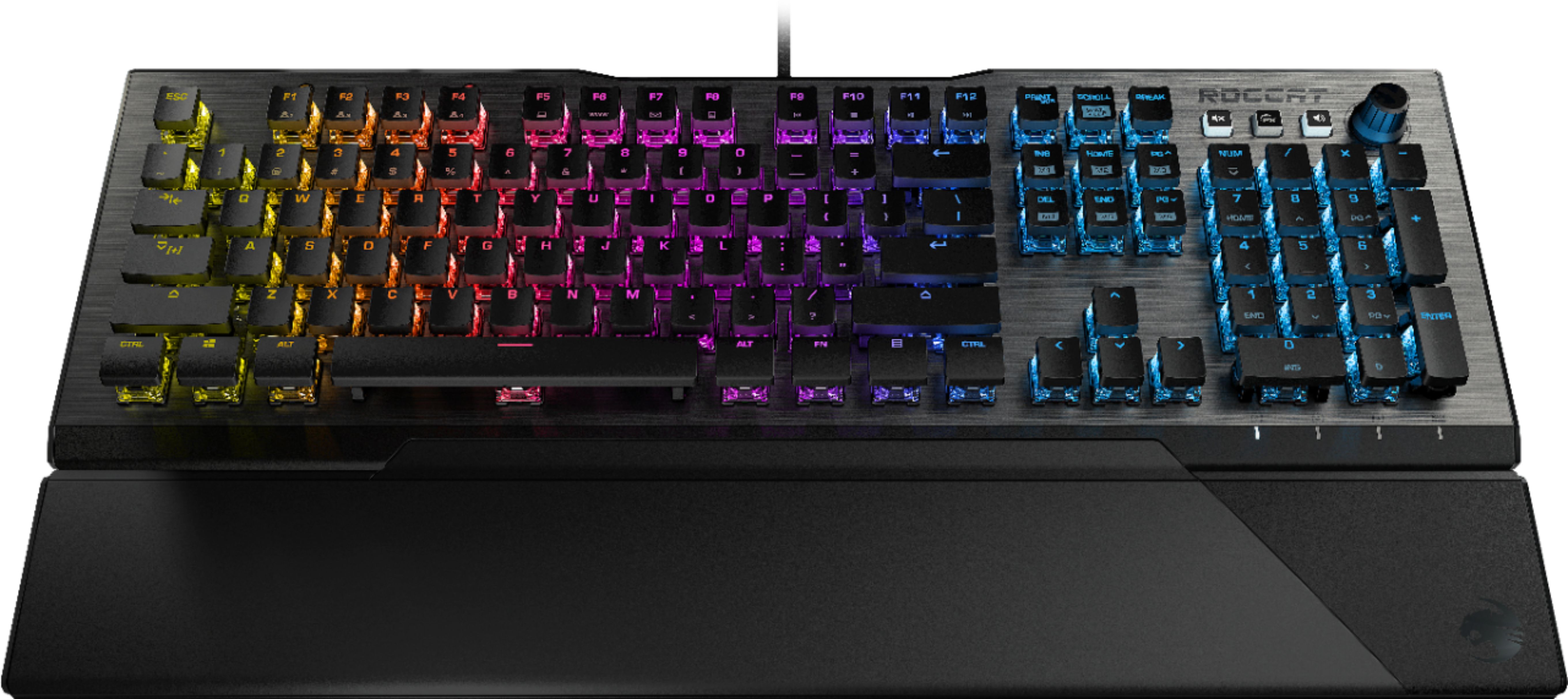
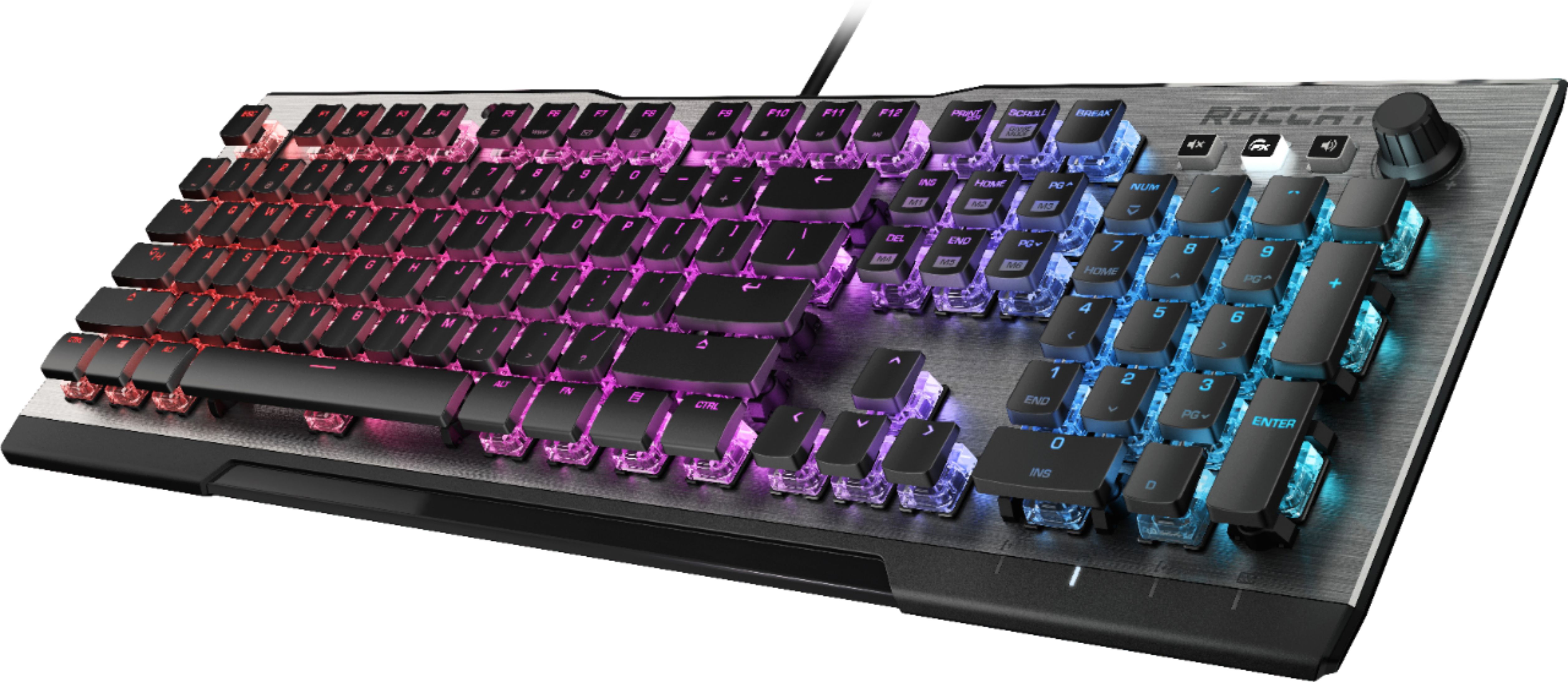
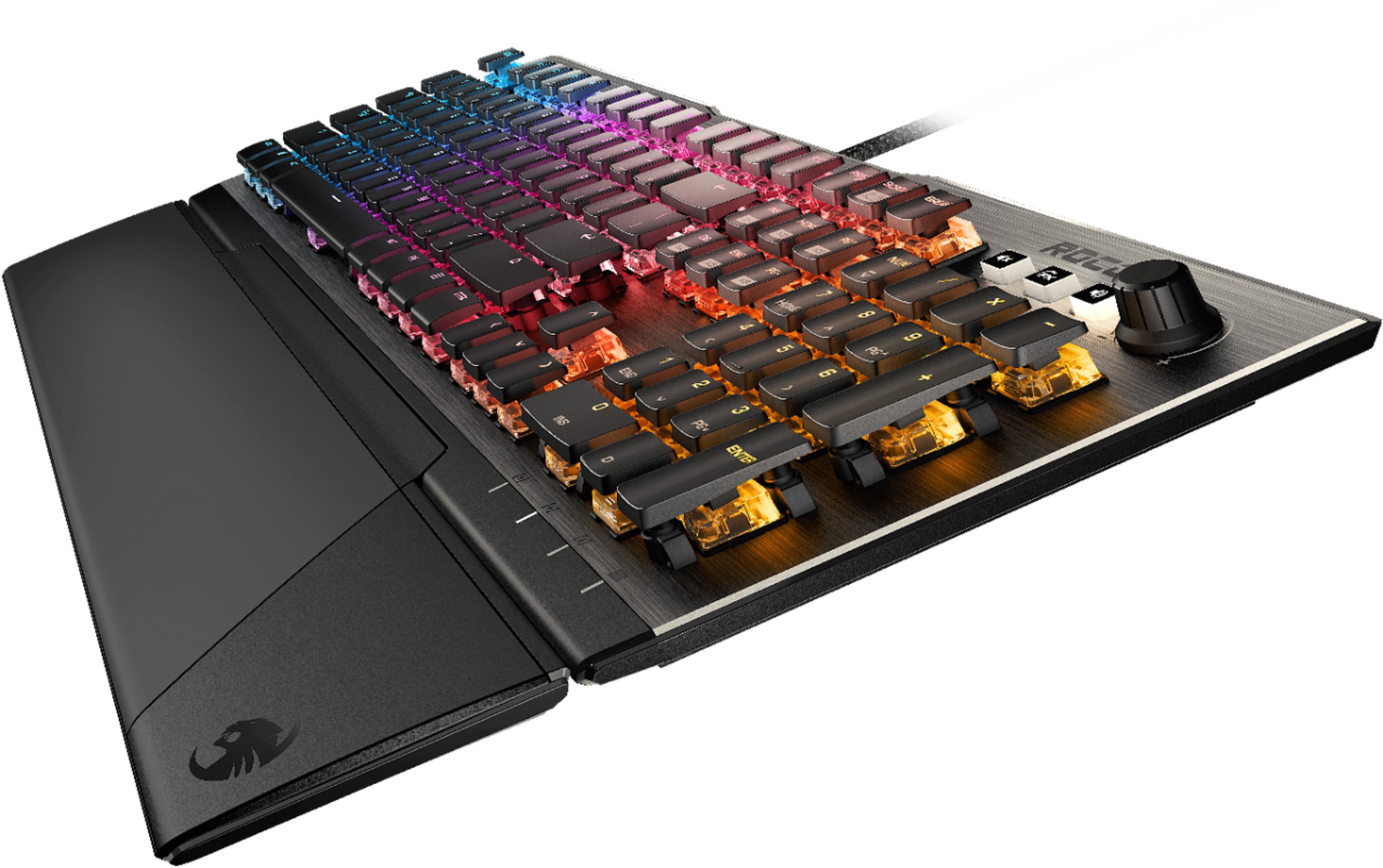
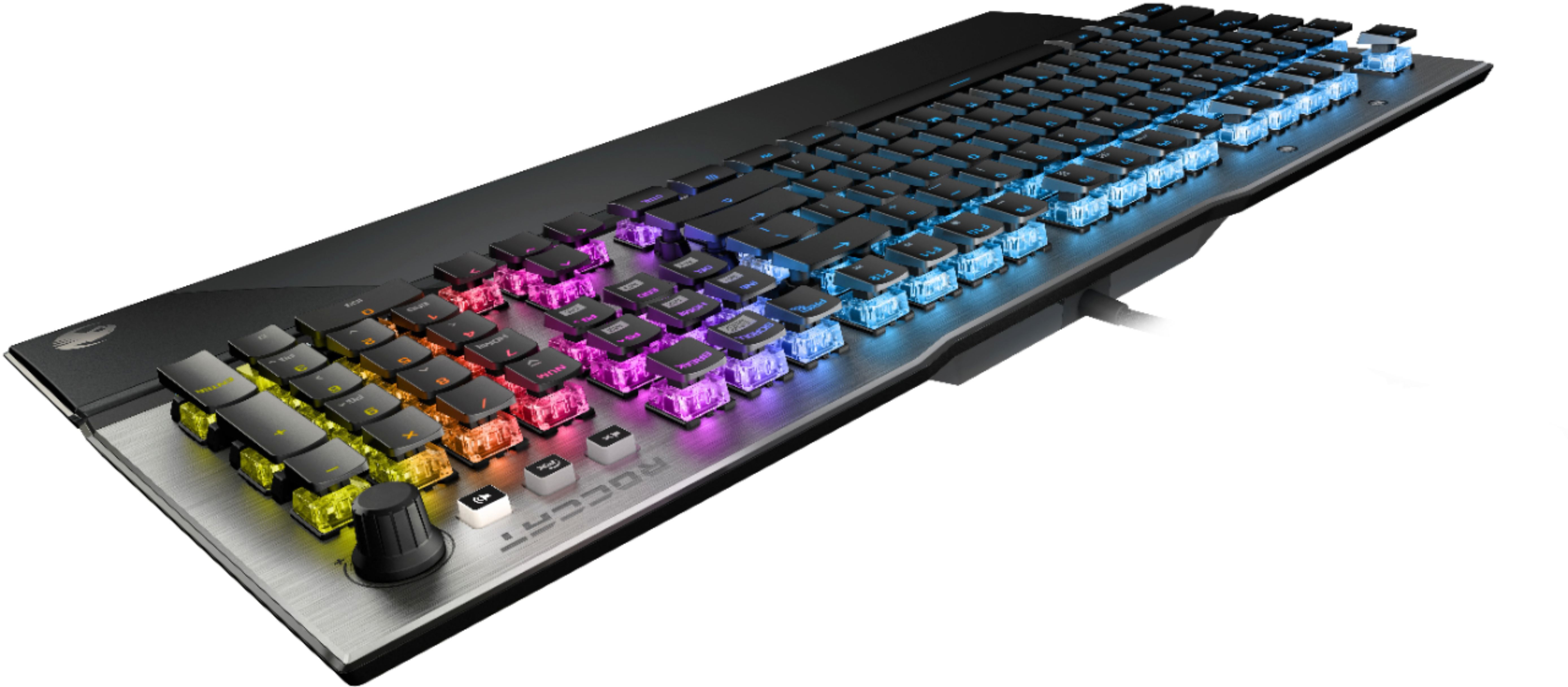
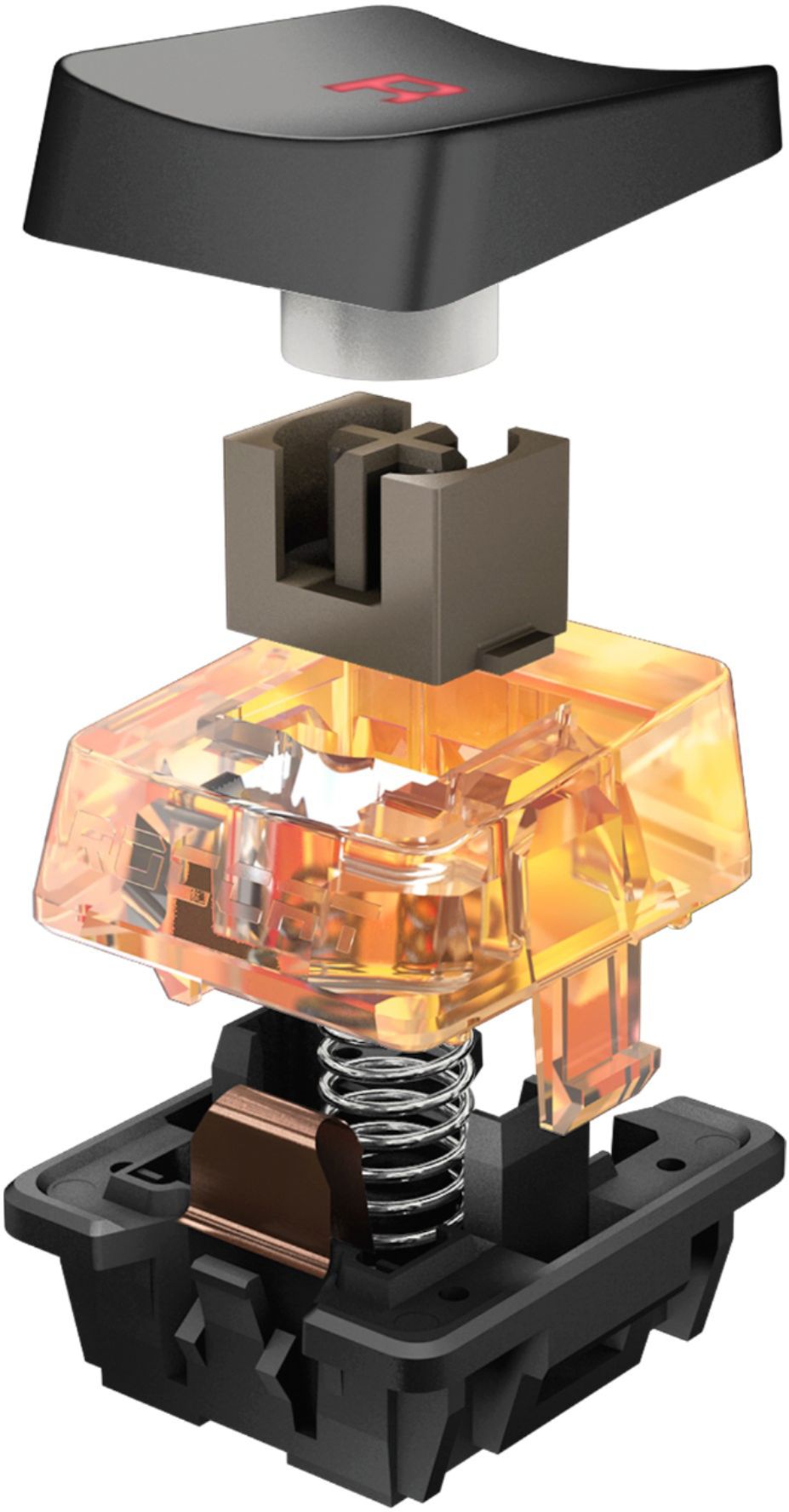
Customers enjoy the high-quality build, amazing key feel, and pleasing RGB lighting of the Vulcan 122 keyboard. Many appreciate the ease of customization and positive switch experience. However, some users experienced issues with the software and found the wrist rest to be less than comfortable. A few also noted the keyboard's higher price point.
This summary was generated by AI based on customer reviews.
- Pros mentioned:Keyboard quality
High end Keyboard with high end Features
Posted .This reviewer received promo considerations or sweepstakes entry for writing a review.This is easily the best mechanical keyboard I have owned. Feels great for typing, feels great for gaming too! They keys feel extremely responsive for any input you make. the 38mm key stroke compared to the standard 40mm doesn't seem like it's much, but you do notice it when you begin to use this keyboard. The switches are pretty amazing as well. Not super clicky like some, but also not 100% silent. They remind me of the Logitech Romer-G switches a lot, but smoother. The software you get that allows you to utilize the AIMO feature is super simple to use, and you can create up to 4 profiles and assign different macros to each key if you'd like. Aesthetically, this keyboard looks gorgeous. Picture DO NOT do it any justice at all. You gotta see it in person and type with it.
I would recommend this to a friend - Pros mentioned:Key feel, Keyboard quality
The best performance
Posted .This reviewer received promo considerations or sweepstakes entry for writing a review.I've tried lots of keyboards lately before coming across this one. This is it! The brown Titan keys are awesome. The low profile palm rest along with the low profile keyboard are perfect. Sent back Cosair, logitech g815, blackwidow, huntsman, etc.. These keys are very nice.
I would recommend this to a friend Spectacular keyboard
Posted .This reviewer received promo considerations or sweepstakes entry for writing a review.I am not going to write a novel here, but at a high level this is what this keyboard offers: - High level of key response. I am not a keyboard nut or whatever they are called, but holy cow I love typing on this keyboard. Crisp, easy to click, solid keys. - Decent spacing between keys (Some keyboards are cramped, others the keys are too far apart. These keys are slightly closer together than some of the keyboards I've used, but after a few minutes there was no issue with touch typing at all.) - Has a very nice "click". Literally the right in the Goldilocks zone of clicks. With my old mech keyboard I'd often get complaints from people on the other end of the conference bridge with my typing. I still get complaints, just not nearly as much :) - RGB - If that is your thing. I use the software to drastically reduce the color (FADE FX). RGB really isn't my thing, but it is cool to watch/see. -Media keys are nice. but... What it doesn't have: - Media keys need a bit more explanation. I have two buttons that look like they do the same thing, but one is a mic mute and the other is sound mute. Dedicated play/pause/stop would be nice too, but not necessary. -USB pass-through. My old keyboard had it, and I would take a half star away if I could. At the end of the day I can easily live without it, but it was a nice creature comfort. - Palm rest is meh for the price point. At the end of the day this keyboard is a 4.5, but the pluses outweigh the minuses, so it'll get a 5 here.
I would recommend this to a friend- Pros mentioned:Keyboard qualityCons mentioned:Software
Great keyboard, terrible software
Posted .This reviewer received promo considerations or sweepstakes entry for writing a review.I love this keyboard but when using it with multiple users profiles in Windows 10 I encountered crippling software bugs. Upon switching users a the keyboard lights would flash sporadically and make random inputs. This only happened if I had Roccat Swarm installed. The keyboard functions normally without their software, although you lose some cosmetic control. Other than this annoying issue the keyboard is beautiful, feels great to type or game on, and isn’t too noisy. I am still satisfied with my purchase.
I would recommend this to a friend Great! But...
Posted .This reviewer received promo considerations or sweepstakes entry for writing a review.This keyboard is excellent. I do not own one, but I have used one on multiple occasions, and it is great. My only concern is for people buying this, as although it is nice, there are more and better options. You can even find stock keyboards from Ducky and Varmillo that are of a higher build quality and are much better overall. Most of these will be around $120, but if you are set on this price tag, I would recommend a WASD keyboard; They are fully customizable, from the color of the base, all the way up to the color and font on the keycaps. Everything on these keyboards are very high quality, and you even get to choose the switches (Cherry MX). If you go for an anodized body, it will increase the price tag by $160, but I find that to be unnecessary. It is a very user friendly process, and takes you through steps to fully customize your keyboard (You can even make your keycaps blank!). Anyways, I hope that this helped someone who is looking for a new keyboard. Just to clarify, I am in no way dissing this keyboard, as it is very nice. If you are truly set on this one and want it, don't let my review change your thoughts. This is mostly for people who want a keyboard within a certain price range and are just looking around.
I would recommend this to a friend- Cons mentioned:Software
Reliable nightlight, unreliable keyboard.
Posted .This reviewer received promo considerations or sweepstakes entry for writing a review.Purchased from Best Buy on 07/27/208, I'm hoping to keep some folks from being suckered like I did. I was in the market for a new mechanical keyboard and took to review sites, all of which touted the Roccat Vulcan 120 AIMO as the hot newcomer (many still do, a quick Google search nets you results from TechRaptor and PCMagazine to name a few). Because of those reviews and the reputation behind the quality of German engineering I decided to pick one up with Best Buy at the time being my best option. The keyboard is stunningly beautiful, no doubt about it. It feels solid, too. Nice and heavy. It's a looker for sure and is usually one of the first things people notice about my setup. That would be fine if I were using my rig for some kind of PC fashion contest; while I concede that looks factors in, performance is a much higher ranked factor in my gear decisions. I was kinda giddy unboxing this keyboard because I'd not had one this expensive before. I got it plugged in, installed Swarm, and I was pretty taken with how it looked and felt. At first using it was a dream. It did take some getting used to because the switches were way different compared to those in the Ducky Shine that I was replacing. After a week or two of use though I began to notice some keys weren't firing off their keystrokes; password I knew that I knew would fail, I would catch more typos in my messages and writing. That's when I began to pay attention and sure enough some keystrokes were failing to go through, would fail to go through even hitting the key five or more times in succession. Beyond that I also began to notice that I would sometimes enter keystrokes twice, it's very fond of doing this with the "L" key. I put up with it for a while because it wasn't affecting my gaming. It seemed to behave fine in games and I'll be honest that there's not much of a difference between it missing a couple of keystrokes in an email or message or me just typing poorly. I changed my tune though, because it did begin to affect my gaming. In the middle of the Alphascape V3.0 raid in Final Fantasy XIV several keys stopped responding. These keys were unfortunately keys that I have key parts of my rotation (no pun intended) bound to. It took me a minute to put two and two together as to why my abilities weren't going off. I ended up having to click several abilities on my hotbar with my mouse. The result was my performance dropping to a point that I wiped my group twice before they vote abandoned. The Swarm software itself is a point of contention as it crashes daily, sometimes twice a day. You can tell when the lighting locks up or the lighting scheme goes to this weird orange/red splattered default. There's a firmware update every time you blink but none of them seem to help any of these problems. When I spend this much on a piece of equipment I expect it to work, especially equipment that makes a big show of talking about how it's "German engineered." Well, the German engineers must have fallen asleep when they were making this one. Between the software crashes the general failure of the keyboard itself to function reliably it doesn't deserve to boast about German engineering... this is an amateur product pretending to be worthy to stand among brands like Daskeyboard, BOSCH, Mercedes-Benz, Wiha and others. I'll give them credit for one thing though. If you were just looking at this keyboard as nightlight it's a pretty good one and maybe from that perspective it's worthy of touting it's German engineering heritage. Unfortunately it's overpriced as a nightlight (and a keyboard).
No, I would not recommend this to a friend Great Switch
Posted .This reviewer received promo considerations or sweepstakes entry for writing a review.Wish they also made TKL version but these custom switches are amazing!!
I would recommend this to a friend- Pros mentioned:Keyboard quality
Cool looking, but not functional for me
Posted .This reviewer received promo considerations or sweepstakes entry for writing a review.Tried 3 boards when I needed a new keyboard. This one was first purchased because it looked so awesome. The half keycaps and look were really different and I loved it. Once installed and setup, found myself making more errors while typing because I'd hit side of keycap. Gave myself about a week to adjust and while errors reduced, still too much. Very well made board, looked sturdy and as though it would last, just wasn't functional enough for me. But if you want something your friends will fawn over, this is it.
No, I would not recommend this to a friend Excellent gaming keyboard with unique switches
Posted . Owned for 7 months when reviewed.This reviewer received promo considerations or sweepstakes entry for writing a review.This is really an excellent keyboard for gaming but was also used for daily professional use. I loved the switches and tactile feel. It was my first roccat product and left a really good impression. I ended up moving to a TKL for ergnomic purposes and I wish their TKL had wrist rests.
I would recommend this to a friendResponse time is noticeably different
Posted .This reviewer received promo considerations or sweepstakes entry for writing a review.Not sure if its because I type on my Das Keyboard at work and got this for gaming at home but in game this thing is amazingly fast. Instantly noticed a difference in my performance. The short travel combined with the clicky keys just feels right. Did I mention its gorgeous.
I would recommend this to a friend- Cons mentioned:Space bar
Great look. Poor performance
Posted .This reviewer received promo considerations or sweepstakes entry for writing a review.It is the best looking keyboard I have ever seen. Unfortunately the performance is underwhelming for the price. This keyboard is definitely NOT for gaming. The response time is poorer than other keyboards. The biggest problem I have is with the space bar. You have to hit it in the middle of the bar for it to register. Now as most gamers know, when you use the WASD keys to move around, you typically hit the space bar with your thumb. On the Aimo, you have to stretch your thumb to an uncomfortable length to get it to work. If you want something for data entry, writing for school or some such, then this might work for you, but it is extremely expensive for such a simple purpose.
No, I would not recommend this to a friend Beautiful keyboard, however
Posted .This reviewer received promo considerations or sweepstakes entry for writing a review.Amazing keyboard, RGB software Is gorgeous for a setup. But it’s really noisy.
I would recommend this to a friendGood for a while, but drops off a cliff after
Posted .This reviewer received promo considerations or sweepstakes entry for writing a review.For the first 3 years it worked well, responded perfectly and clicked perfectly. After that, it is now double clicking constantly, driving me crazy. I bought this when it was around $150 so I feel like that kind of cost should last at least 5 years. I wouldn't buy this company again if I were you, it sucks. And yes, I've tried cleaning it and no hope.
No, I would not recommend this to a friendBrand response from ROCCAT Support
Posted .Hi Carlos, we are sorry you are having an issue with your keyboard. Although there is no warranty applicable after the 2-year mark, there are still ways to approach an issue such as yours. If you have Swarm installed on your PC, please reset the keyboard both through its module within the software as well as by using the ROCCAT_Recover_Tool.exe from C:\Program Files (x86)\ROCCAT\ROCCAT Swarm\. These two steps have a chance of eliminating a double input issue.

Bad customer service
Posted .This reviewer received promo considerations or sweepstakes entry for writing a review.I bought the keyboard and really liked it but I found after a couple weeks one of the pegs on the key board sperated, it caused the space bar to stop working correctly so I contacted customer support on roccats site. They never responded, I waited a month and sent another request and they still never responded, that was 2 months ago now and they probably won't ever respond. Paying this much money for a product that doesn't work correctly and never getting a response is ridiculous. Don't spend the money on this because if it breaks they don't care
No, I would not recommend this to a friend