Customer Ratings & Reviews



Rating by feature
- Value
Rating 4.7 out of 5 stars
- Quality
Rating 4.7 out of 5 stars
- Ease of Use
Rating 4.8 out of 5 stars
Best Streaming Device out there!
||Posted . Owned for 2 weeks when reviewed.This reviewer received promo considerations or sweepstakes entry for writing a review.best streaming box out there. Love the Quality and the speed
I would recommend this to a friendNice updated unit,
||Posted . Owned for 1 week when reviewed.This reviewer received promo considerations or sweepstakes entry for writing a review.Nice updated unit, faster with more video options.
I would recommend this to a friendLove ut!
||Posted . Owned for 1 month when reviewed.This reviewer received promo considerations or sweepstakes entry for writing a review.We love this we have access to a lot of Apps. We dropped cable.
I would recommend this to a friendGreat Sound System Upgrade!
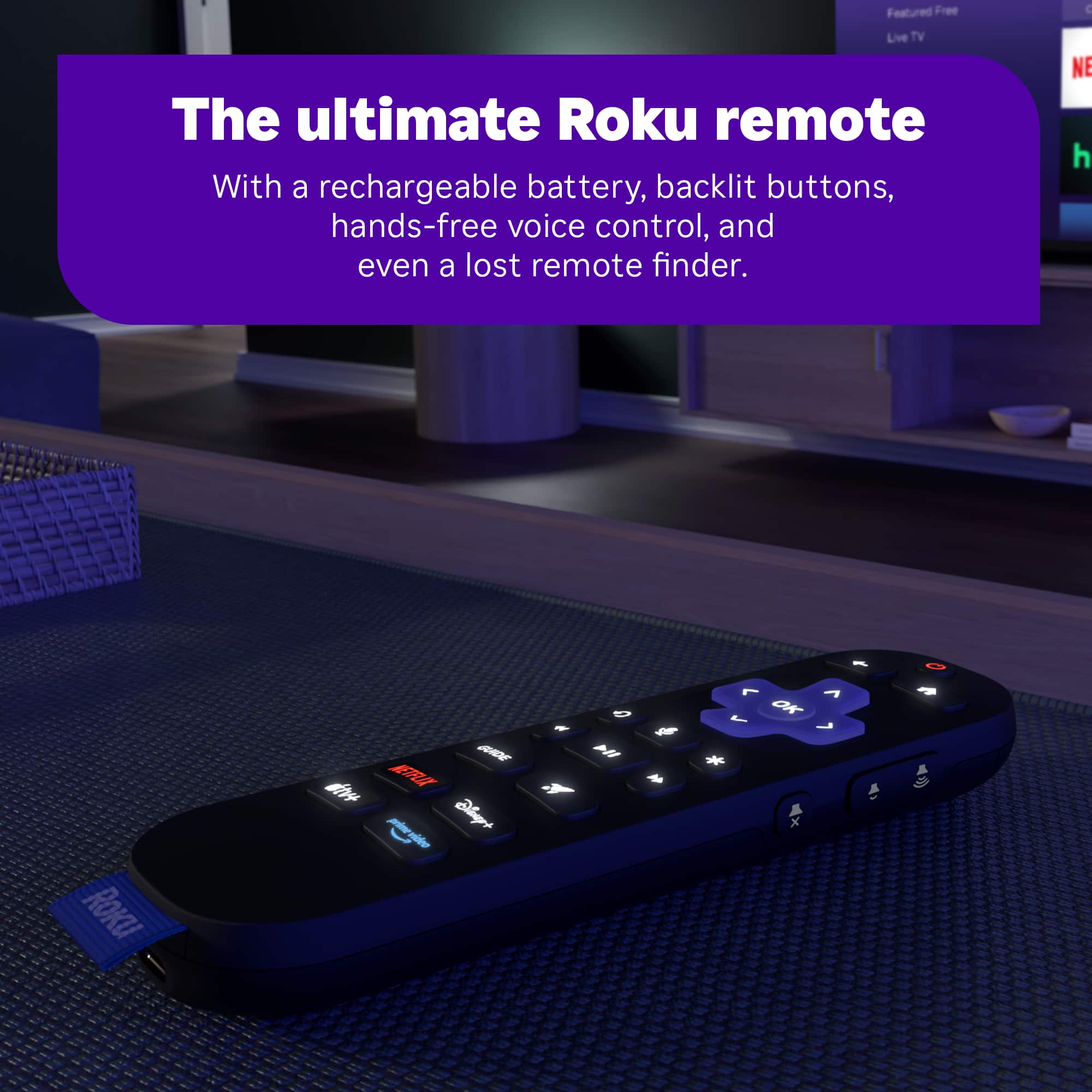
||Posted .This reviewer received promo considerations or sweepstakes entry for writing a review.Upgraded from Express 4K when I upgraded my TV and match my relatively new sound system. Accidently pressed "find remote" when initially setting up and could not get rid of the error message until the remote was fully charged.
I would recommend this to a friendGreat streaming devices
||Posted . Owned for 1 month when reviewed.This reviewer received promo considerations or sweepstakes entry for writing a review.I've now purchased 3 of the Ultra units and a couple of the lower end Roku streaming devices for my TVs in 2 different homes. The features of the Roku are much better than the competitor's products in my opinion.
I would recommend this to a friendLatest Version of Roku Ultra is superior.
||Posted . Owned for 3 months when reviewed.This reviewer received promo considerations or sweepstakes entry for writing a review.Grat streaming device! The new remote is rechargeable! This is my 6th Roku purchase, which range from the portable, stick, and three Ultra units supporting the TV's in our home. The price is comparable to other streaming support devices.
I would recommend this to a friendReview your item
||Posted . Owned for 1 month when reviewed.This reviewer received promo considerations or sweepstakes entry for writing a review.This is my first and I’m happy to have the opportunity to cancel my cable channels. Thanks again.
I would recommend this to a friendRoku streaming Device
||Posted . Owned for 1 month when reviewed.This reviewer received promo considerations or sweepstakes entry for writing a review.The best investment we have made in a long time. Didn't realize streaming could be this easy. Lots of free movies and series to watch whenever we want. So glad we finally made this purchase.
I would recommend this to a friendRoku ultra
||Posted . Owned for 1 month when reviewed.This reviewer received promo considerations or sweepstakes entry for writing a review.I love this box.The picture is very clear. It was un upgrade from a smaller Roku and i am more than pleased with my box.
I would recommend this to a friendMy Roku
||Posted .This reviewer received promo considerations or sweepstakes entry for writing a review.No problems with unit , streaming at 720 pixels, tried 1020 p and had buffering other than that no issues.
I would recommend this to a friendRoku Ultra
||Posted . Owned for 1 month when reviewed.This reviewer received promo considerations or sweepstakes entry for writing a review.It is an excellent buy. The picture clarity is great,
I would recommend this to a friendFixed my issues on Hisense 65U75N.
||Posted . Owned for less than 1 week when reviewed.This reviewer received promo considerations or sweepstakes entry for writing a review.Works great on my Hisense 65U75N. Disney plus kept buffering using my Google TV OS. ROKU fixed that. Hasn't buffered once since I started using my Ultra 2024. Now I get Peacock in Dolby Vision and Atmos that I couldn't get just using my TV.
I would recommend this to a friendClunky
||Posted .This reviewer received promo considerations or sweepstakes entry for writing a review.I've owned just about every model Roku. While I like the battery remote better the unit itself seems a bit slow and clunky at times. Not sure why but I bought 2 of these and their both that way. Still good and works fine.
I would recommend this to a friendIt's ok not great
||Posted . Owned for 1 month when reviewed.This reviewer received promo considerations or sweepstakes entry for writing a review.Nothing special about the unit over the stick , speed isn't that much better and the picture may be a little better but nothing that great
No, I would not recommend this to a friendBrand response from Roku Support
Posted .Hi Stealth, thanks for sharing your experience with us. As a quick tip, please ensure your Roku device runs the latest software version. The newest version will help you achieve optimal performance with the latest features. To check, press Home>Settings>System>Software Update>Check Now to check for updates manually. If there is anything that we can assist you with down the road, please don't hesitate to reach out at http://support.roku.com/contactus. In the meantime, we will be sure to pass this along to the product team. Thanks! Elmer, Roku Customer Advocate

Denice
||Posted . Owned for 3 weeks when reviewed.This reviewer received promo considerations or sweepstakes entry for writing a review.Roku Ultra give so many options on local and national news. TV dramas without the the high ptice of cable.Easy setup.
I would recommend this to a friendGreat product
||Posted . Owned for 1 month when reviewed.This reviewer received promo considerations or sweepstakes entry for writing a review.I upgraded from the Roku stick version, and this is a lot faster and runs smoothly. Because of this I ditched all my Amazon fire sticks in the house to get 2 of these and Roku soundbar. Great investment.
I would recommend this to a friendMr. Ed
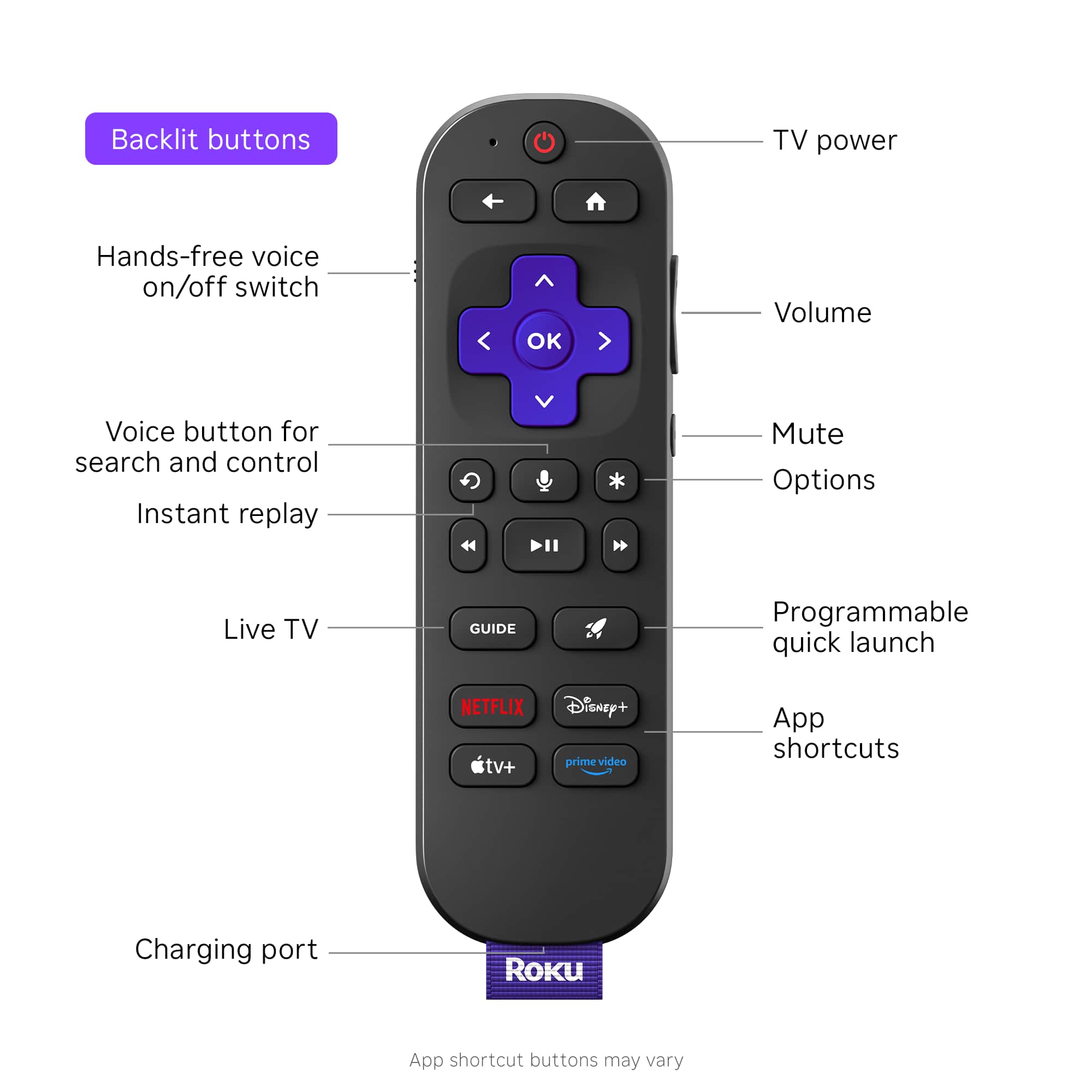
||Posted . Owned for 3 weeks when reviewed.This reviewer received promo considerations or sweepstakes entry for writing a review.Excellent product. I have several roku's used in two homes. This Ultra however, does not have a slott to plug earphones into like my other Ultras.
I would recommend this to a friendVery Dissatisfied!
||Posted .This reviewer received promo considerations or sweepstakes entry for writing a review.I have owned this item for approximately 3 weeks and I am very disappointed. The picture quality is great and the functions are the same as the cheaper versions. However, it constantly blacks the tv screen out while I'm viewing a show or movie, and it doesn't matter what streaming source I use. It also has a reminder pop up of what picture ratio is being currently used, as well as a warning about the HDMI cord being plugged in the proper port. So, I followed the instructions on how to fix the issue with no success. So, I am strongly considering returning this item for a refund.
No, I would not recommend this to a friendBrand response from Roku Team
Posted .Hello! Thank you for sharing your experience with us. As a quick tip to fix this issue, make sure that your device has the latest software version. Having the latest version will help you achieve optimal performance with the latest features. To check, press Home> Settings>System>Software Update>Check Now to manually check for updates. Additionally, considering uninstalling and reinstalling the affected change will fix this issue. For further guidance, you can refer to the following link:https://support.roku.com/article/208755548#section-0. If none of these suggestions work, please contact a member of our team so that we can assist you directly at support.roku.com/contactus.
Thank you!
Elmer, Roku Customer Advocate
Bye bye expensive satellite tv services
||Posted . Owned for 1 month when reviewed.This reviewer received promo considerations or sweepstakes entry for writing a review.Little powerhouse full of potential for hours of free viewing pleasure once you set it up. Made sure to set mine up so that anything that has to be paid for has to have a code entered first. Saving roughly $200 monthly now.
I would recommend this to a friendRoku - Ultra | 4K/HDR10+/Dolby Vision & Atmos
||Posted . Owned for 2 weeks when reviewed.This reviewer received promo considerations or sweepstakes entry for writing a review.Pretty good device and alternate to a streaming device.
I would recommend this to a friend