Customer Ratings & Reviews

- Model:
- LS24D300GANXZA
- SKU:
- 11446540
Rating by feature
- Display Quality
Rating 4.8 out of 5 stars
- Ease of Use
Rating 4.8 out of 5 stars
- Features
Rating 4.6 out of 5 stars
Big Surprise
||Posted . Owned for 3 weeks when reviewed.This reviewer received promo considerations or sweepstakes entry for writing a review.This was the first time purchase of this item and it was perfect. The colors on the srceen are great.Good purchase,I like it.
I would recommend this to a friendbig and bright
||Posted . Owned for 1 month when reviewed.This reviewer received promo considerations or sweepstakes entry for writing a review.The monitor is bright and veryclear. Its wide enough to view everything.
I would recommend this to a friendLove my monitor!!
||Posted . Owned for 3 weeks when reviewed.This reviewer received promo considerations or sweepstakes entry for writing a review.Love it and very clear image! Hands down will purchase another and easy to install
I would recommend this to a friendMr. Al Beltran
||Posted . Owned for 1 week when reviewed.This reviewer received promo considerations or sweepstakes entry for writing a review.Pleased with the service and the attention staff from the Geek Squad provided during my visit to have my computer monitor repaired. Even ended up purchasing a new monitor for myself.
I would recommend this to a friendGood for work
||Posted . Owned for less than 1 week when reviewed.This reviewer received promo considerations or sweepstakes entry for writing a review.These are good work monitors, don't need a super fast refresh rate.
I would recommend this to a friendSony screen
||Posted . Owned for 2 weeks when reviewed.This reviewer received promo considerations or sweepstakes entry for writing a review.Great view on the screen. The size of the screen is perfect for my office.
I would recommend this to a friendGreat monitor
||Posted .This reviewer received promo considerations or sweepstakes entry for writing a review.Excellent monitor for the price. I needed a second monitor. It is clear and colorful.
I would recommend this to a friendGood monitor
||Posted . Owned for 1 week when reviewed.This reviewer received promo considerations or sweepstakes entry for writing a review.Nice size and clear, sharp images. Would recommend.
I would recommend this to a friendNice monitor
||Posted . Owned for less than 1 week when reviewed.This reviewer received promo considerations or sweepstakes entry for writing a review.Very sharp image and very bright, turned it down jus a bit from default setting
I would recommend this to a friendWhy not?
||Posted . Owned for 2 weeks when reviewed.This reviewer received promo considerations or sweepstakes entry for writing a review.cannot control the brightness....click on line...and it says to find the buttons on the screen itself...they do not exist
No, I would not recommend this to a friendBrand response from Samsung
Posted .ChesterN:
We’re sorry to hear that the picture on your Samsung S30GD Monitor appears too bright. If the image feels overly harsh - especially in darker rooms - there are several settings you can adjust to improve your viewing experience.
Start by changing the Picture Mode: Settings > All Settings > Picture > Picture Mode
We recommend trying one of the following:
• Movie – Softer contrast and lower brightness, ideal for dark room viewing
• Standard – Balanced for general everyday use
• Filmmaker Mode – Provides a more natural, accurate picture as intended by content creators
To further fine-tune, go to: Settings > All Settings > Picture > Expert Settings. Here, you can manually adjust Brightness, Contrast, Sharpness, and Contrast Enhancer (consider turning this off for a softer image).
You may also want to review your Monitor’s energy-saving features, which can automatically affect brightness based on your environment: Settings > All Settings > General & Privacy > Power and Energy Saving
Lastly, ensure your Monitor has the latest firmware installed, as updates can improve picture performance: Settings > Support > Software Update > Update Now
We hope these tips help make your viewing experience more comfortable. If you'd like help walking through any of these adjustments, Samsung Customer Support is available at 1-800-SAMSUNG (8AM - 9PM EST Monday - Friday, and 8AM - 6PM Saturday and Sunday). You can also LiveChat with an agent through the ‘Support’ link on our website.
~ Samsung Monitors
- Pros mentioned:Overall performance

Looks great!
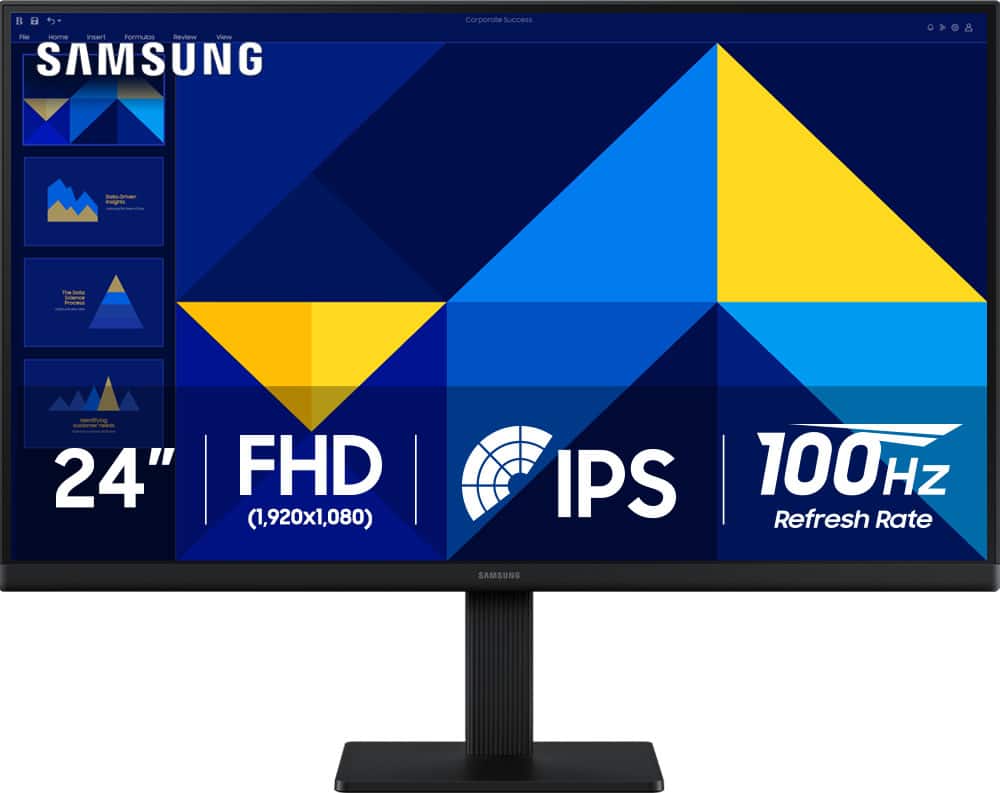
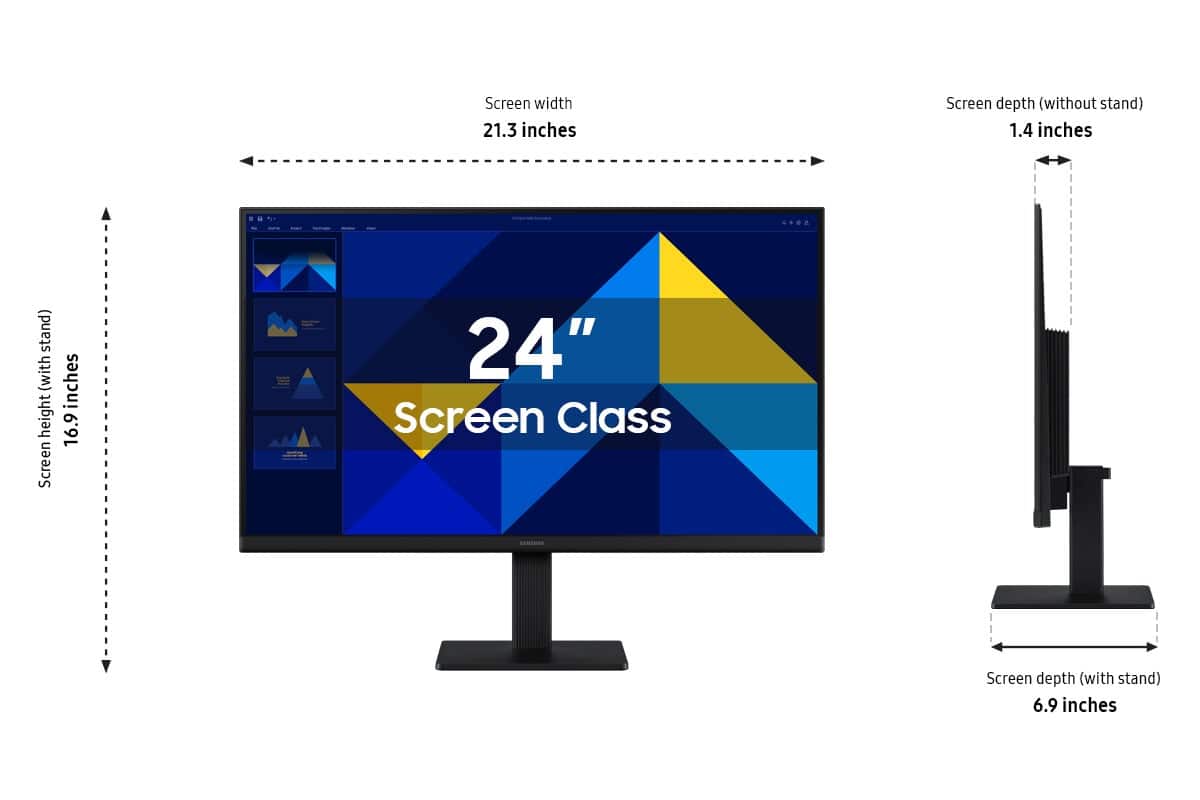
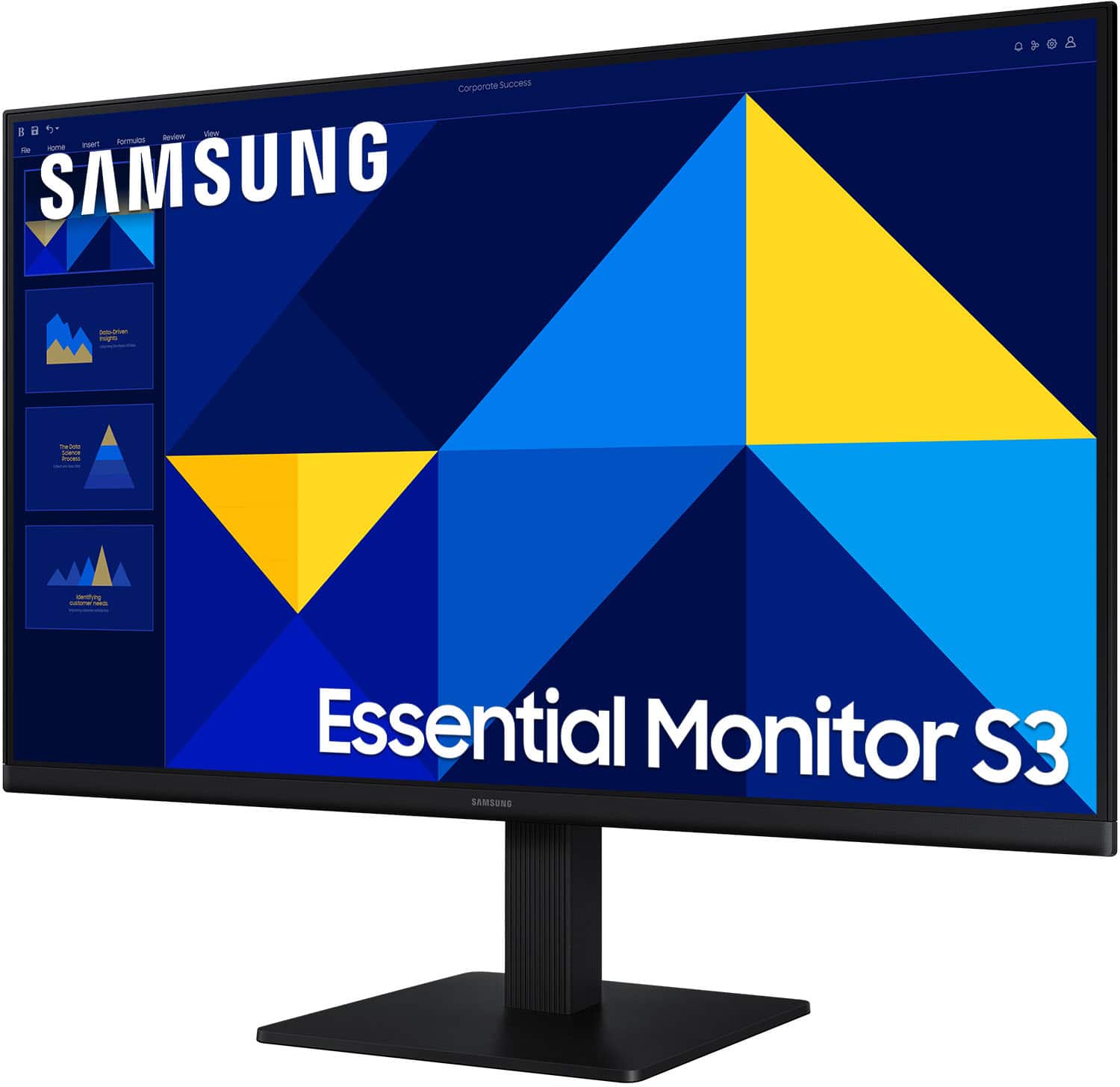
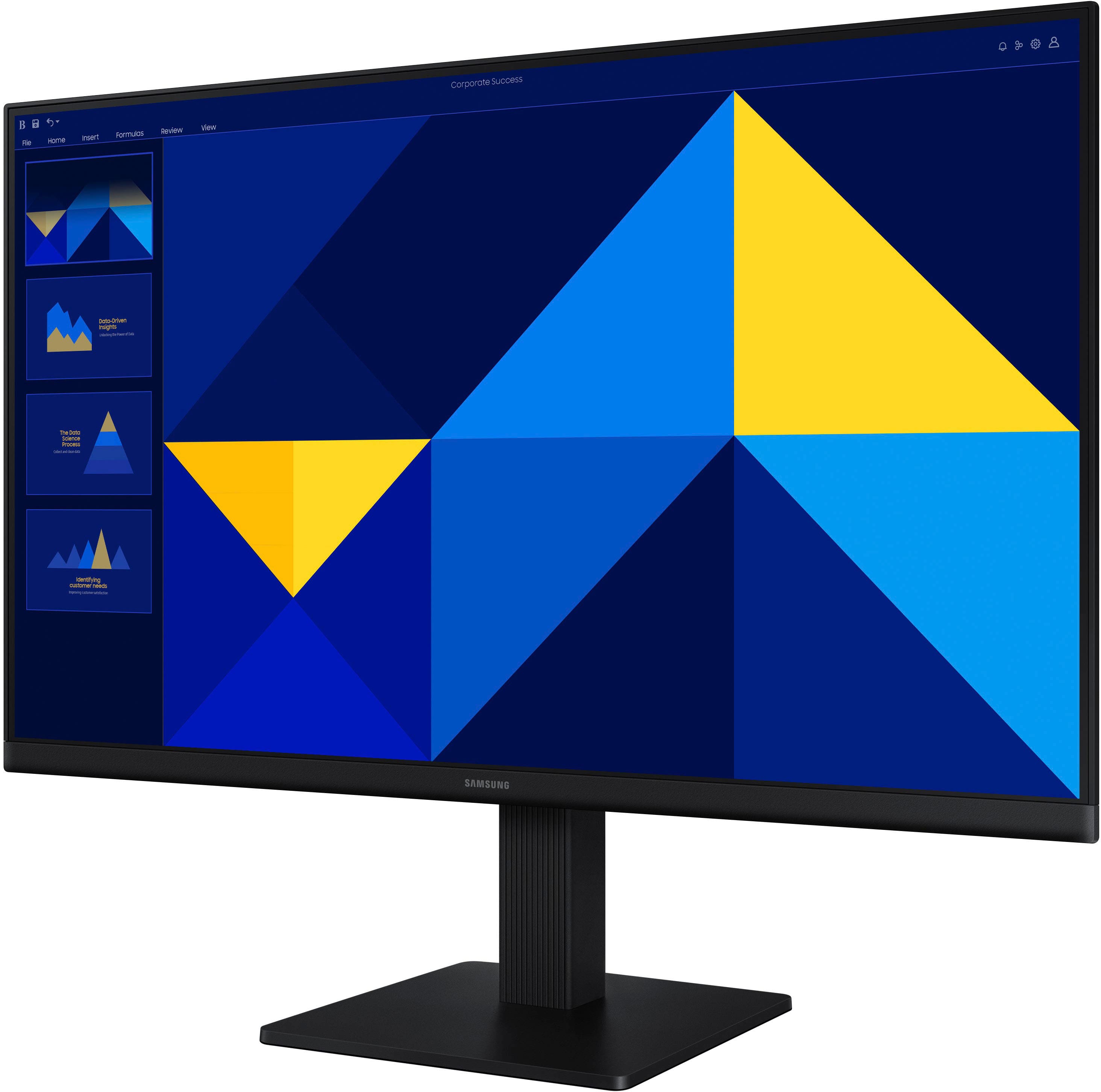
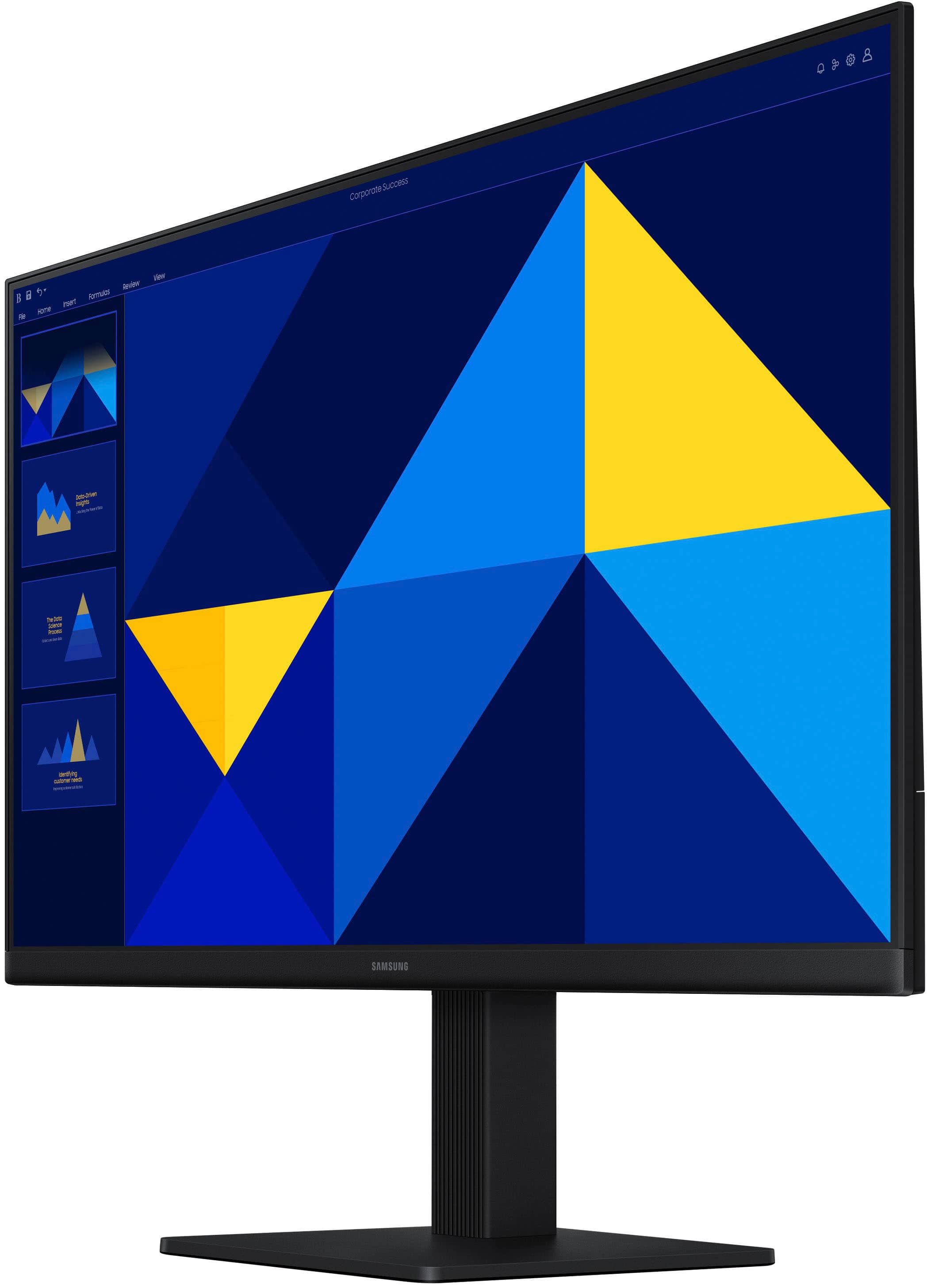
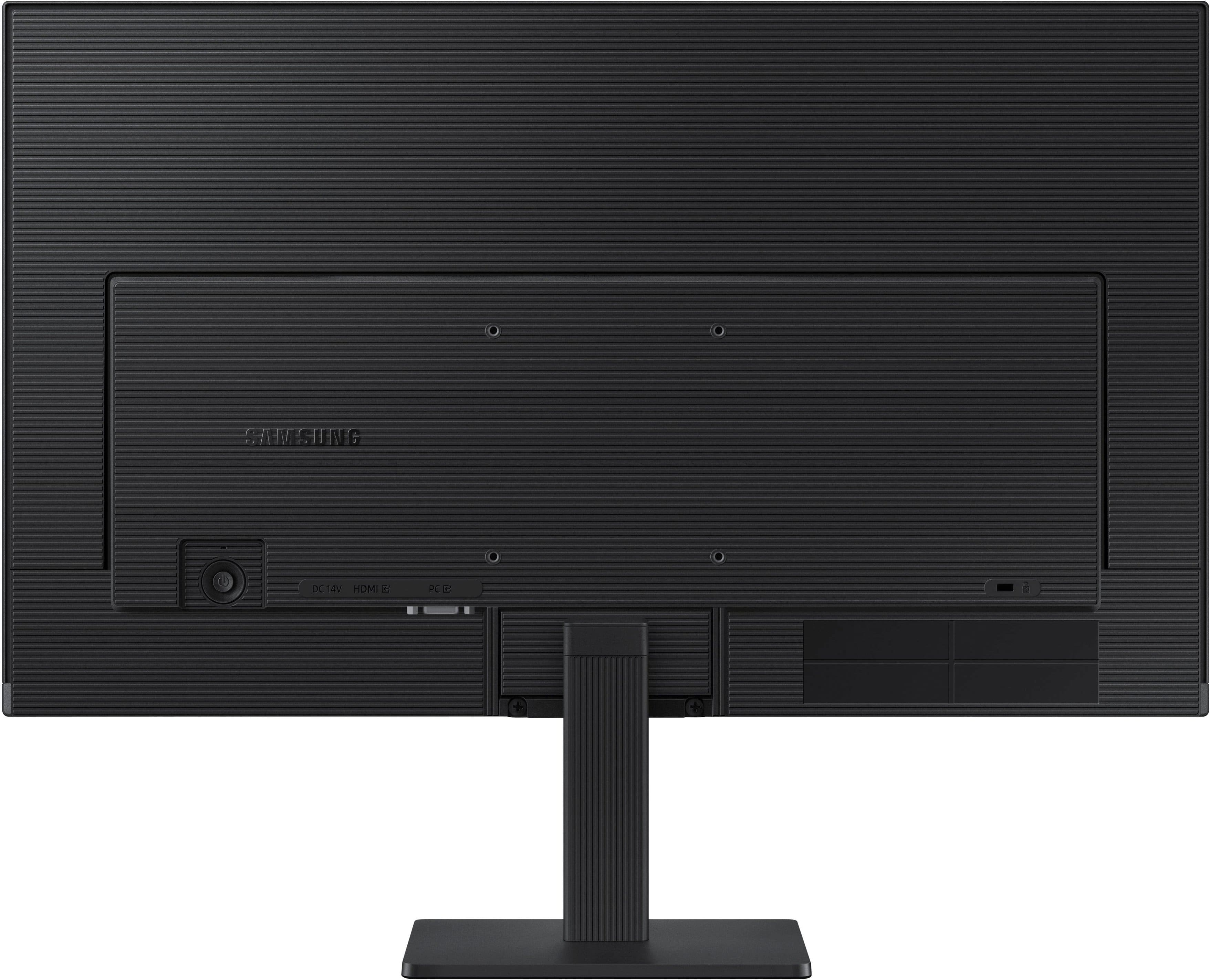
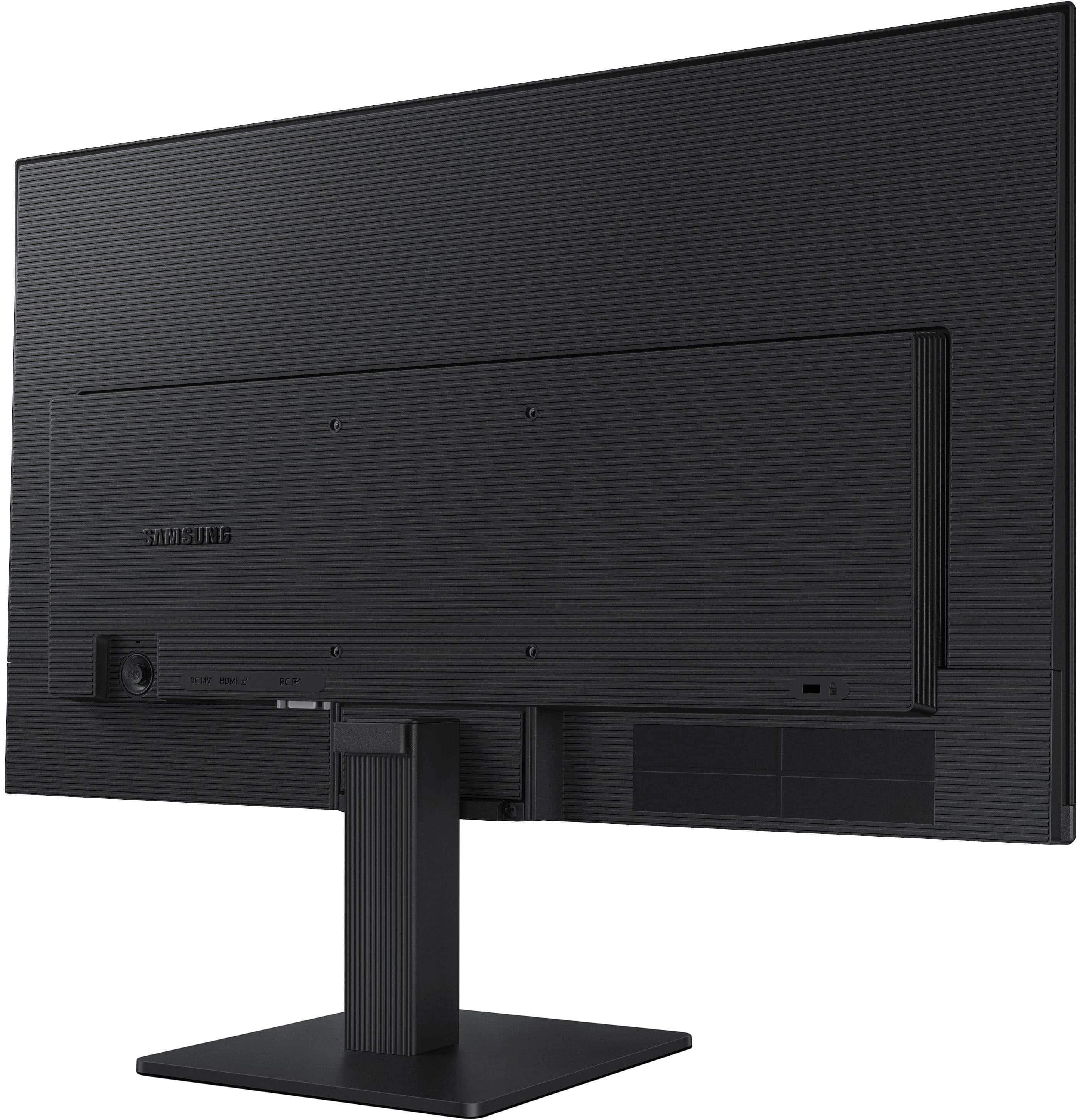
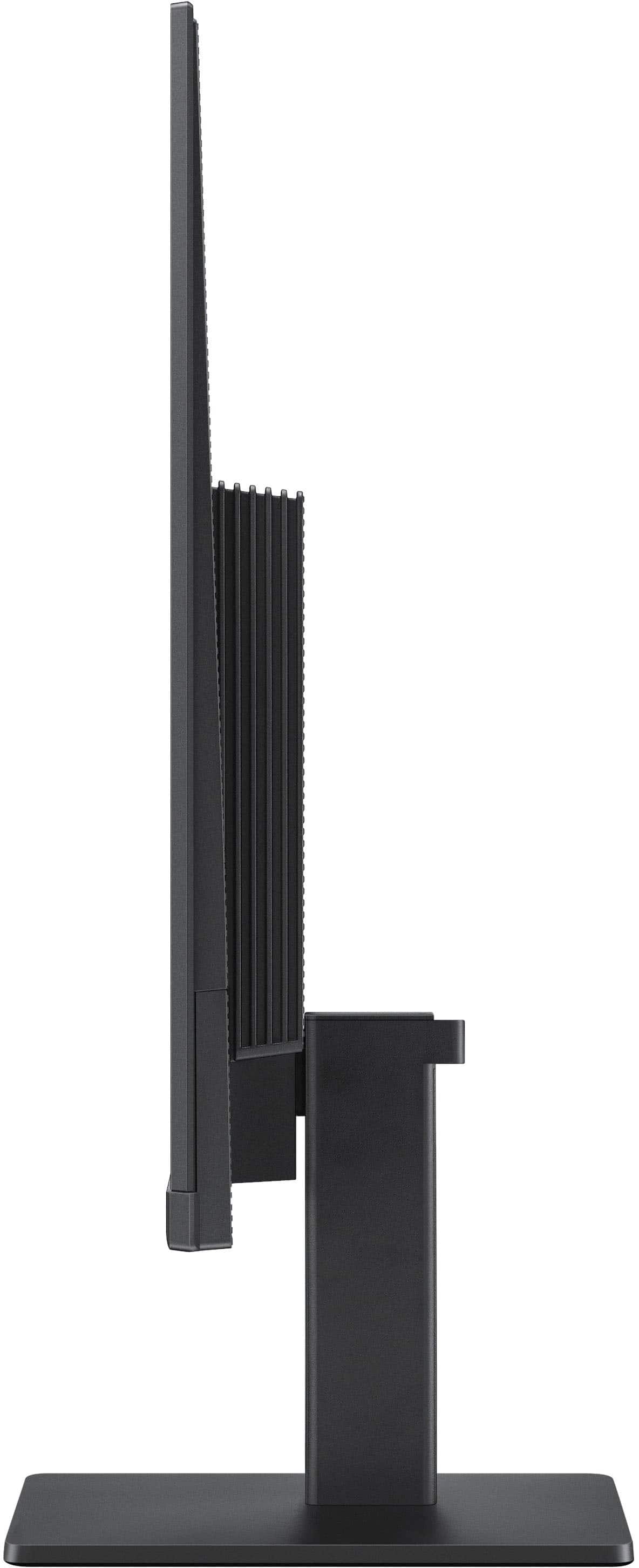
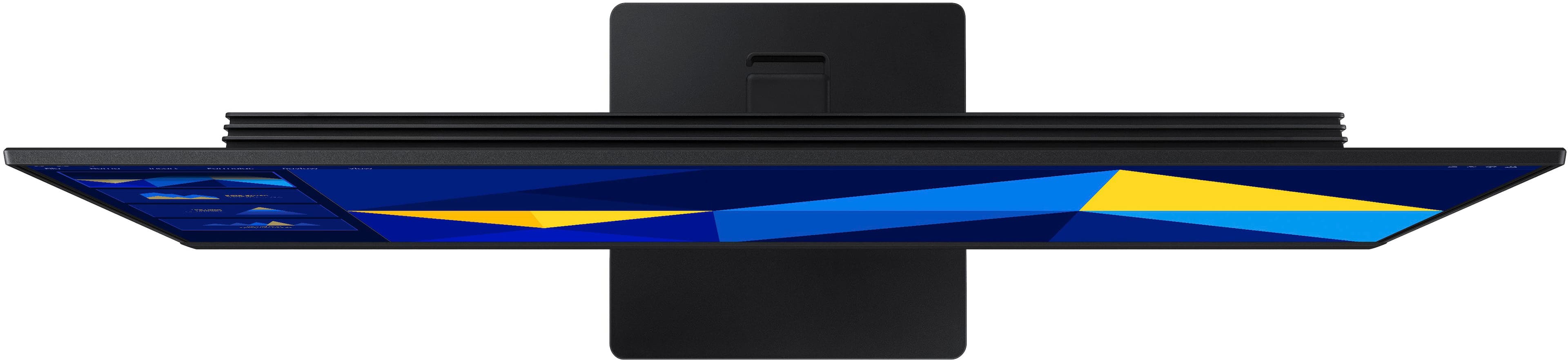
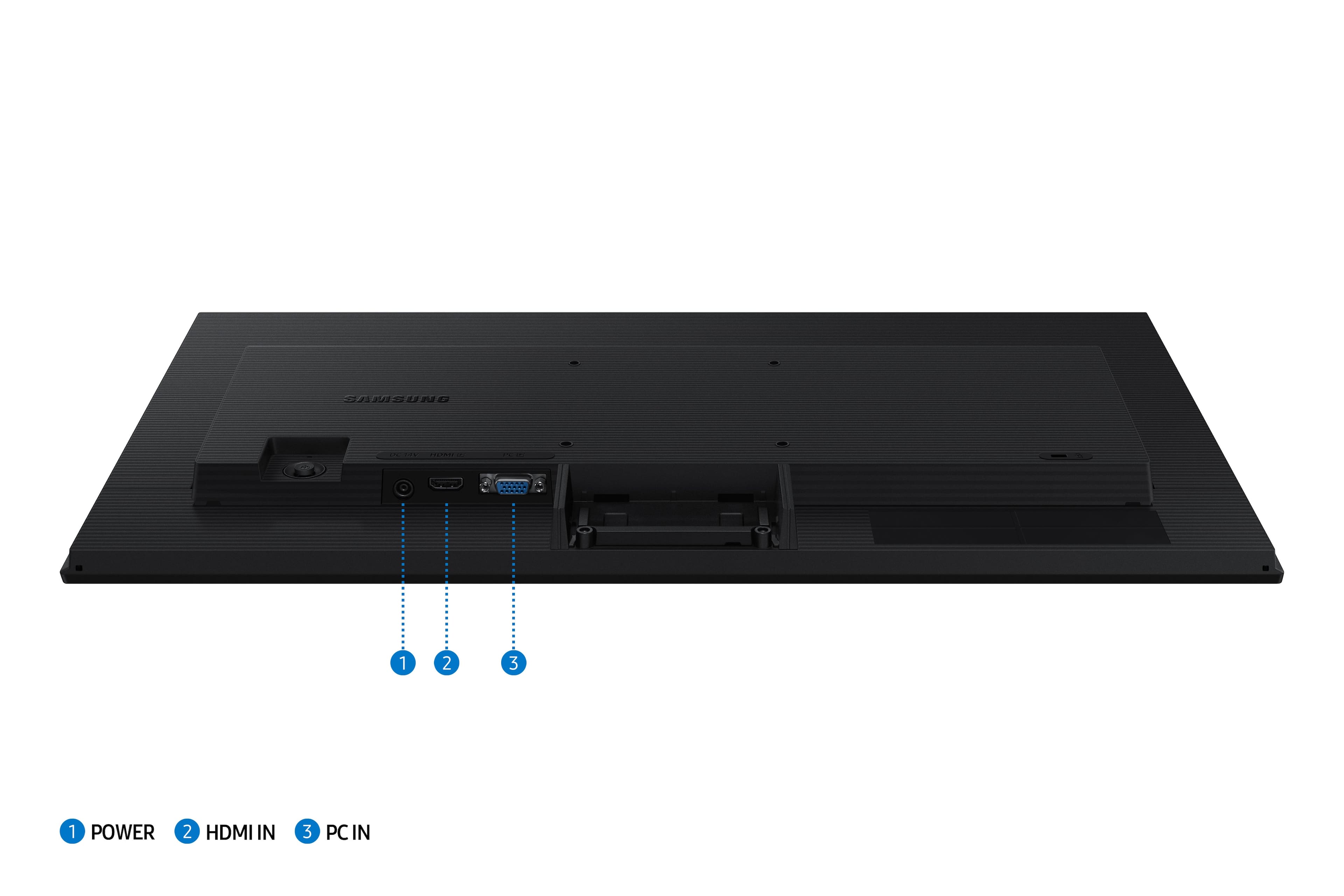
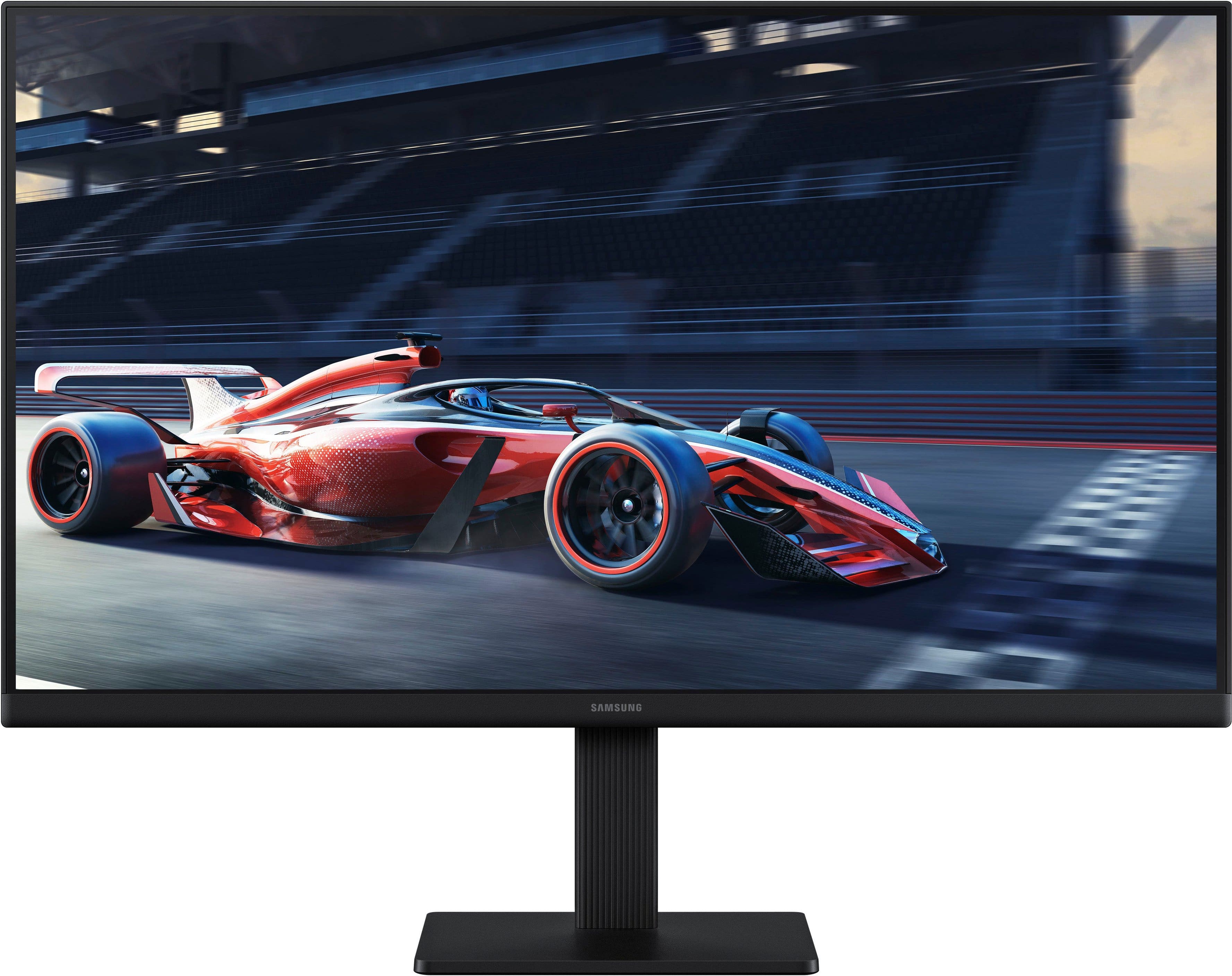
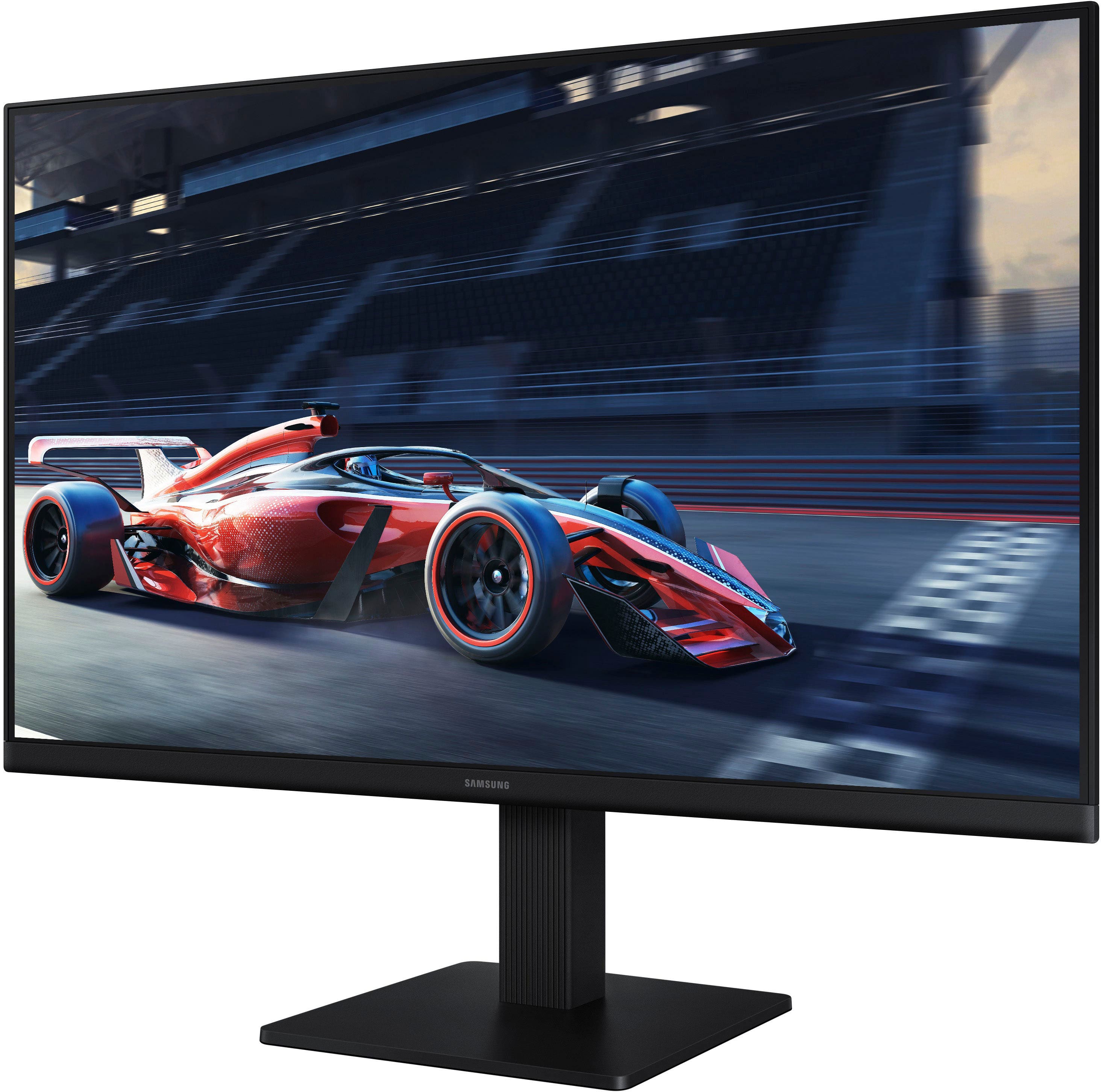
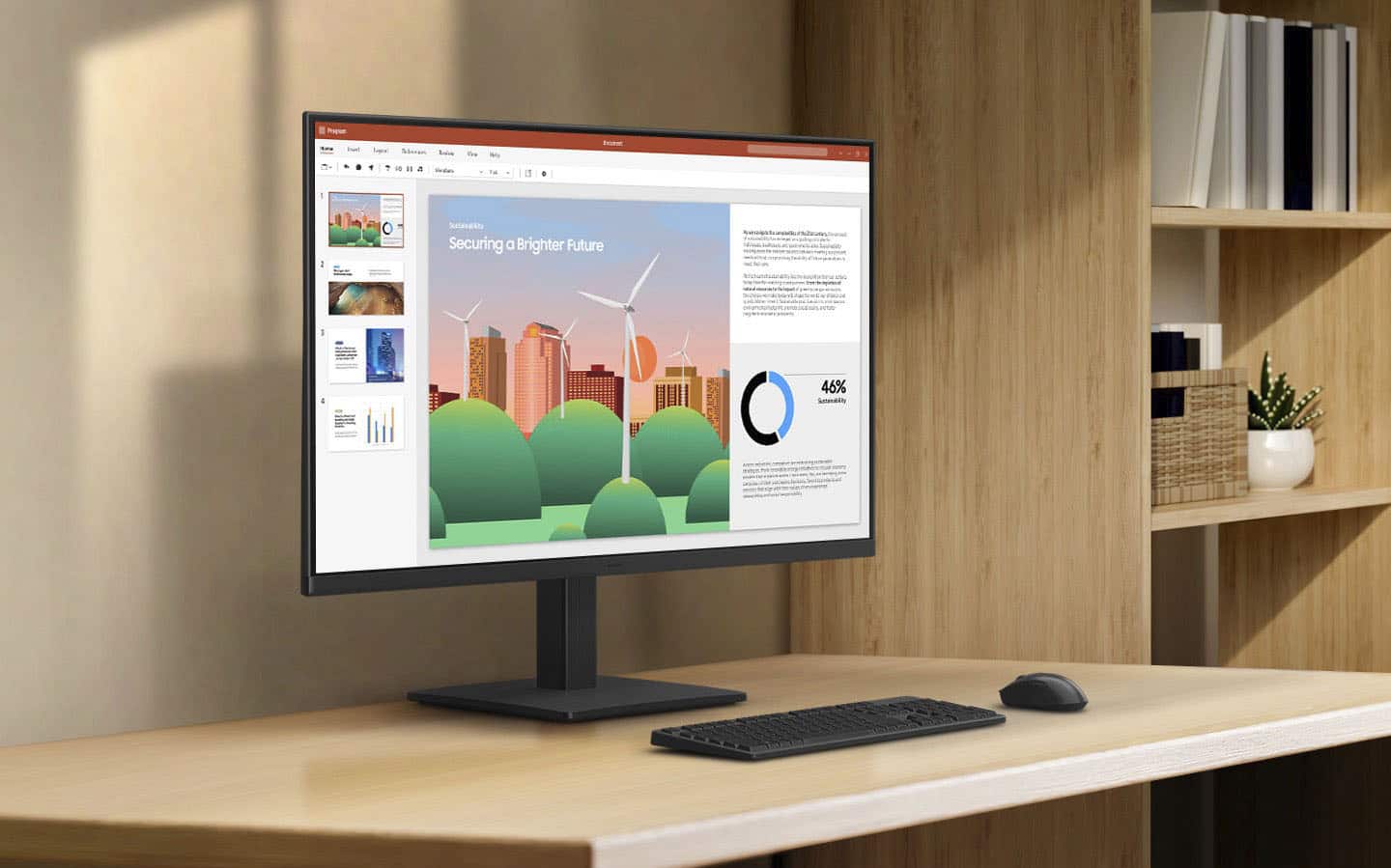
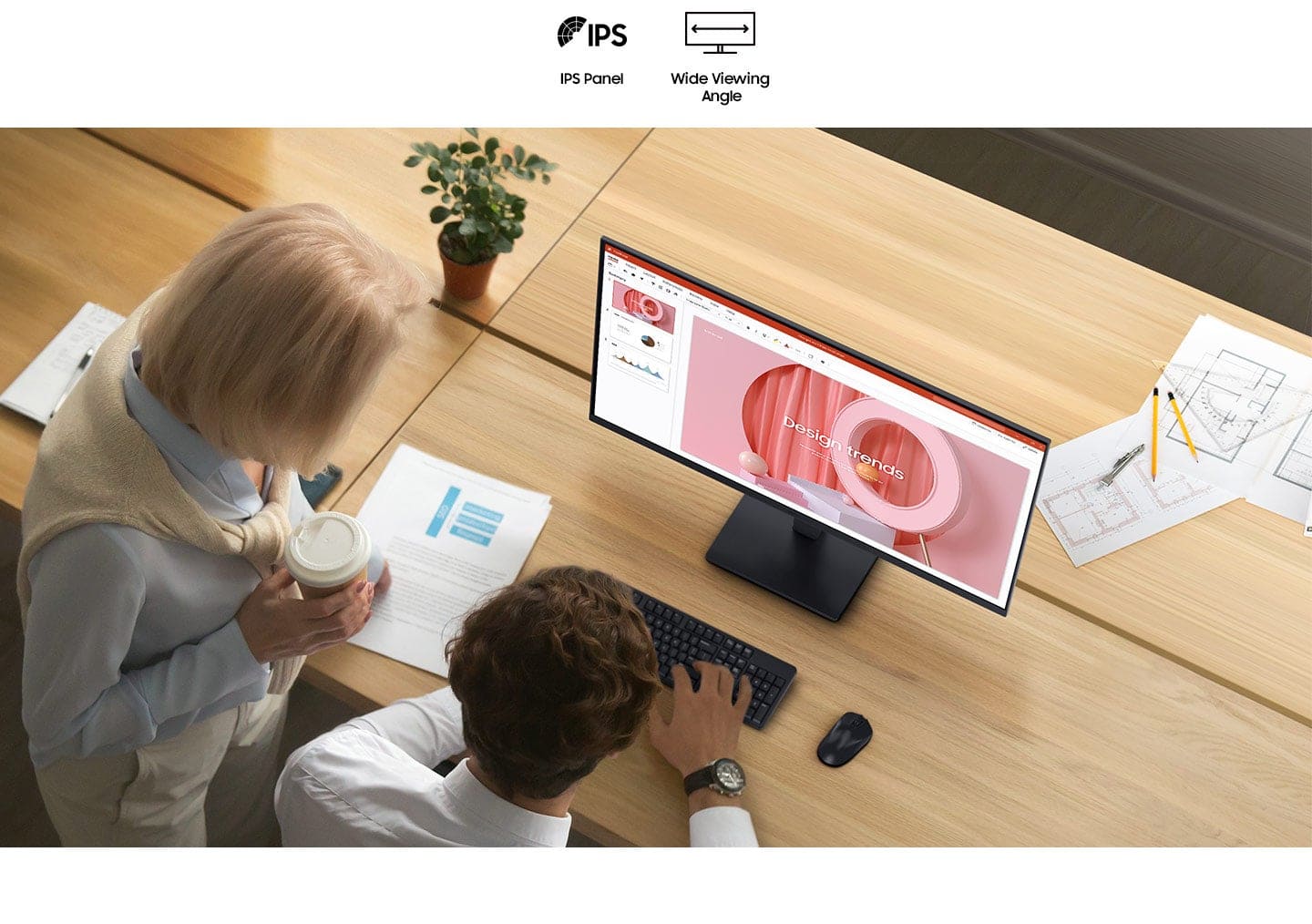
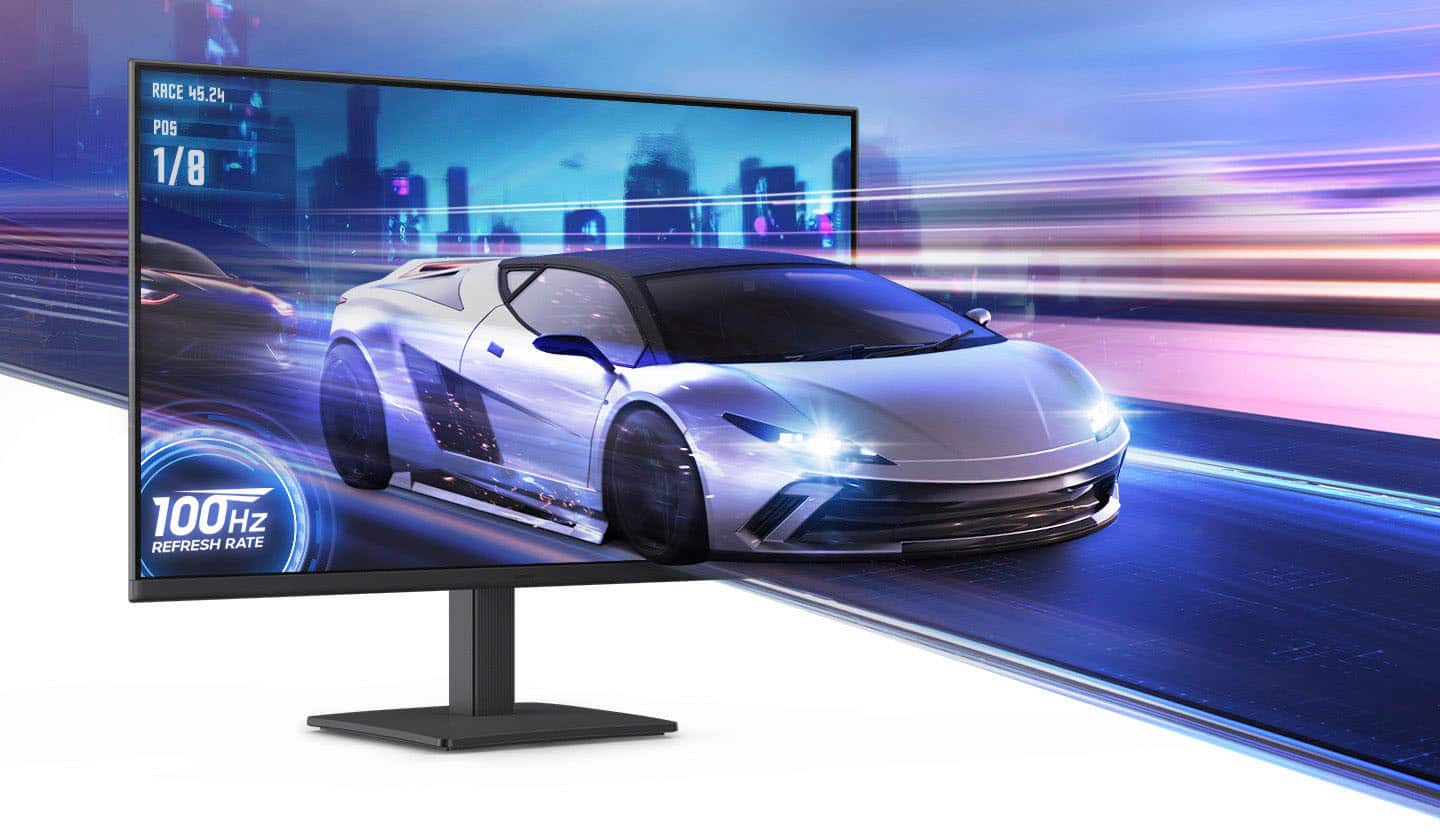
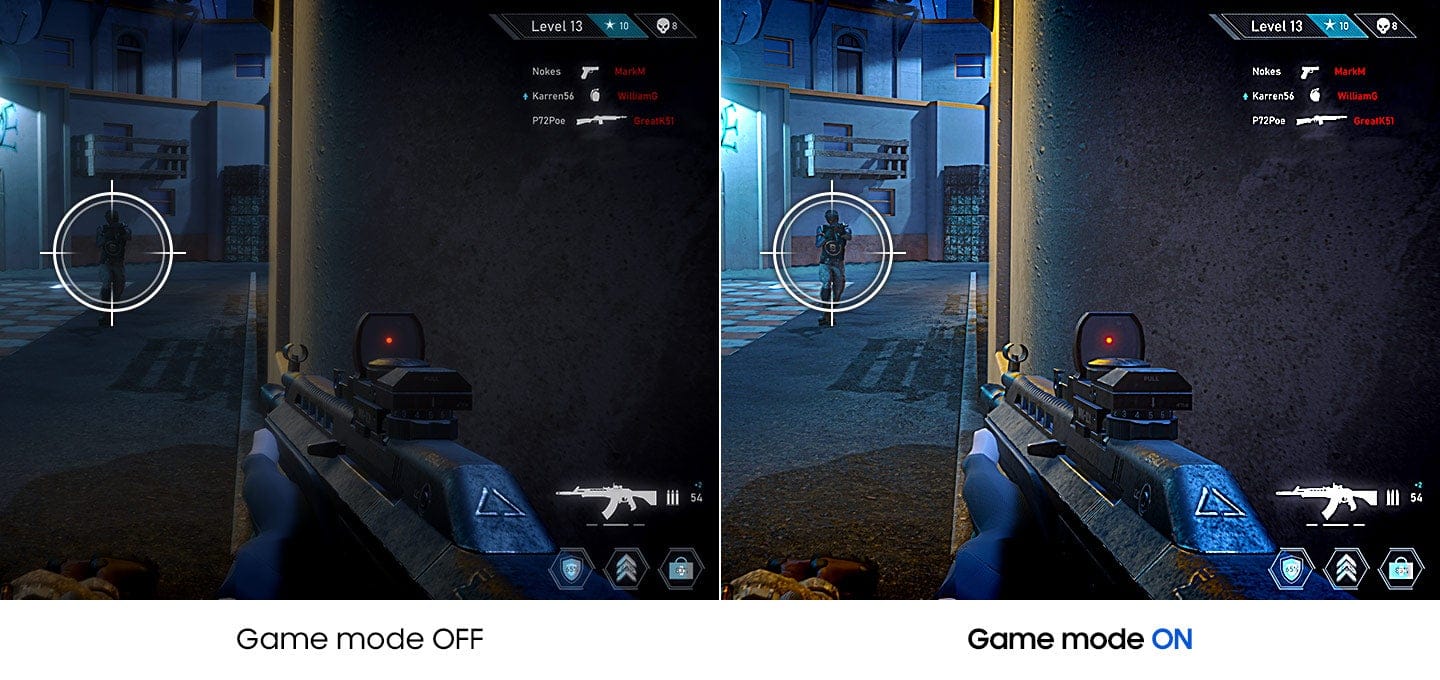
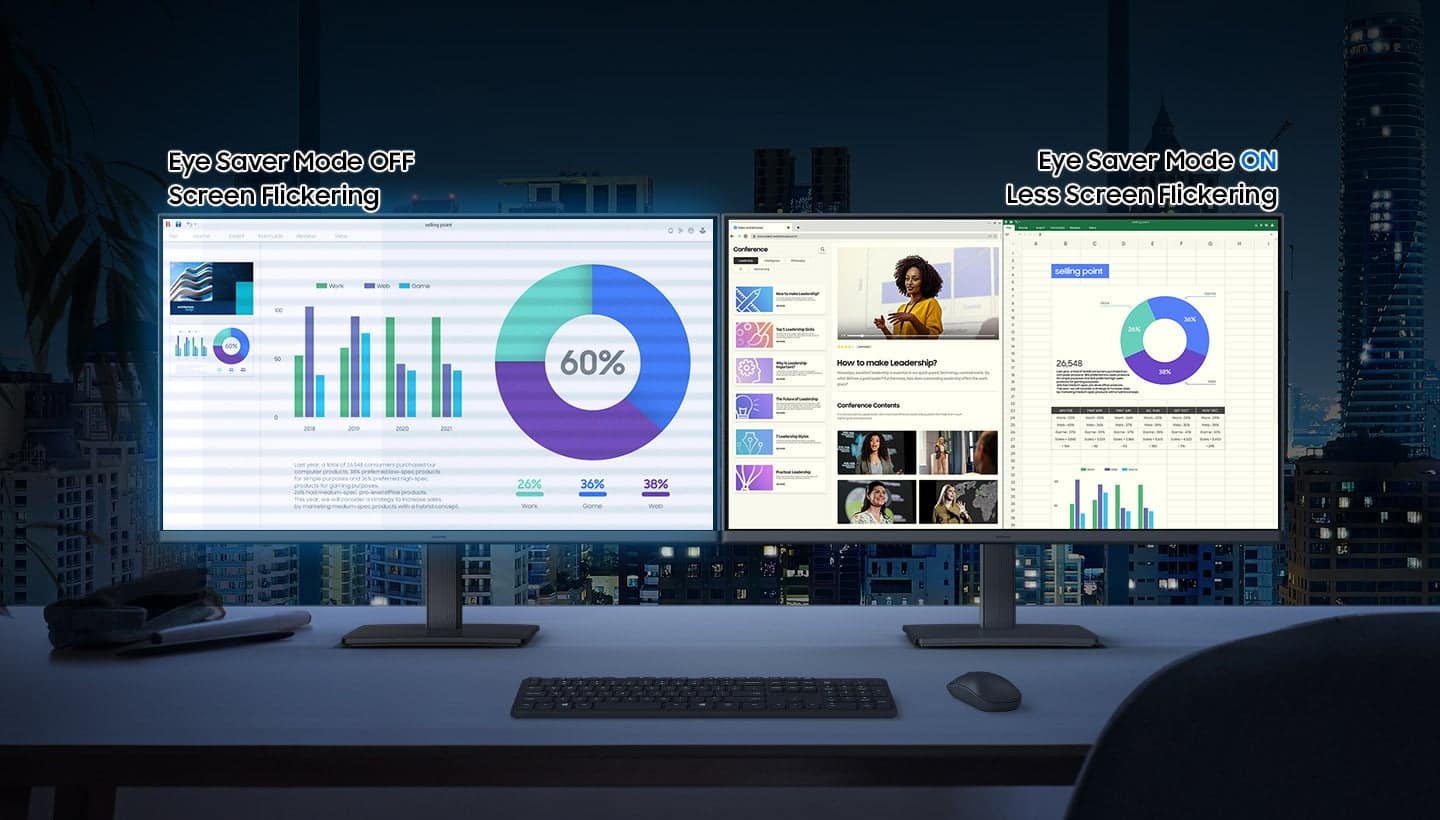
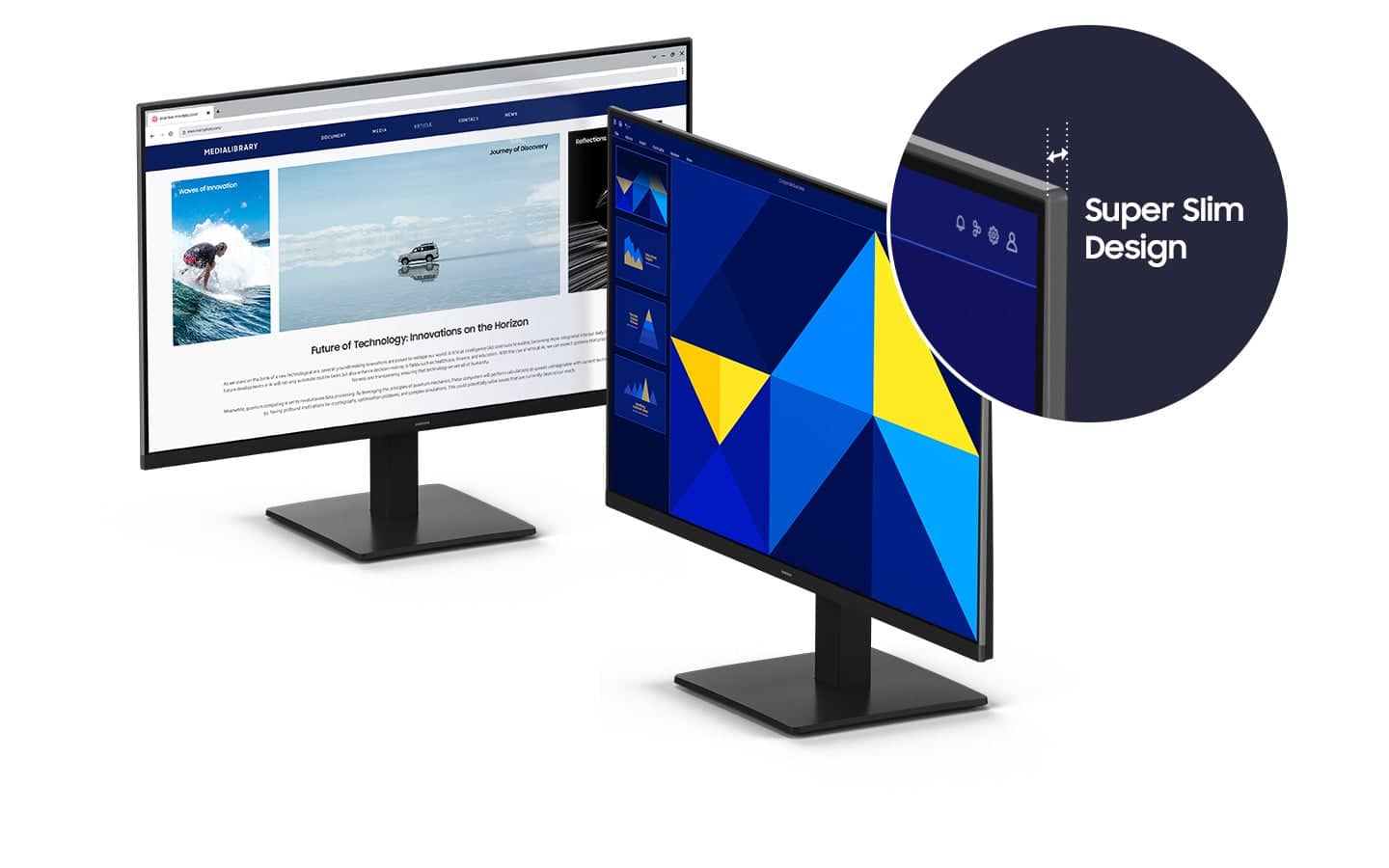
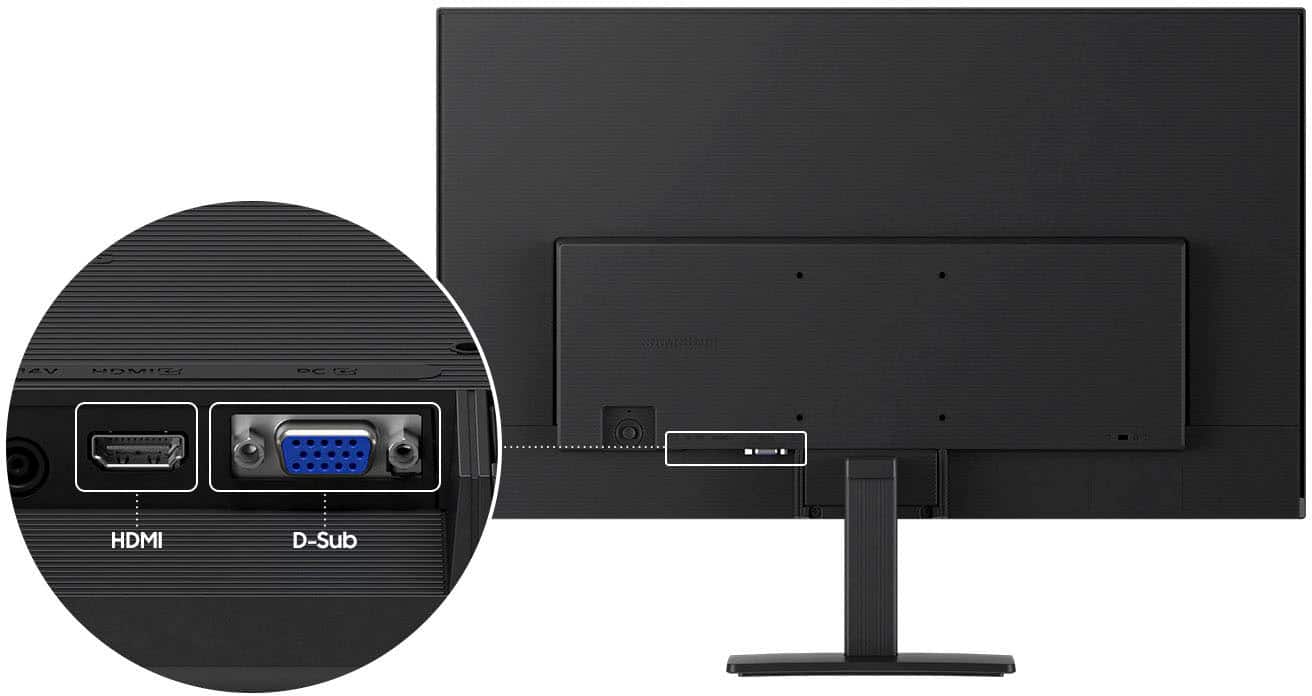
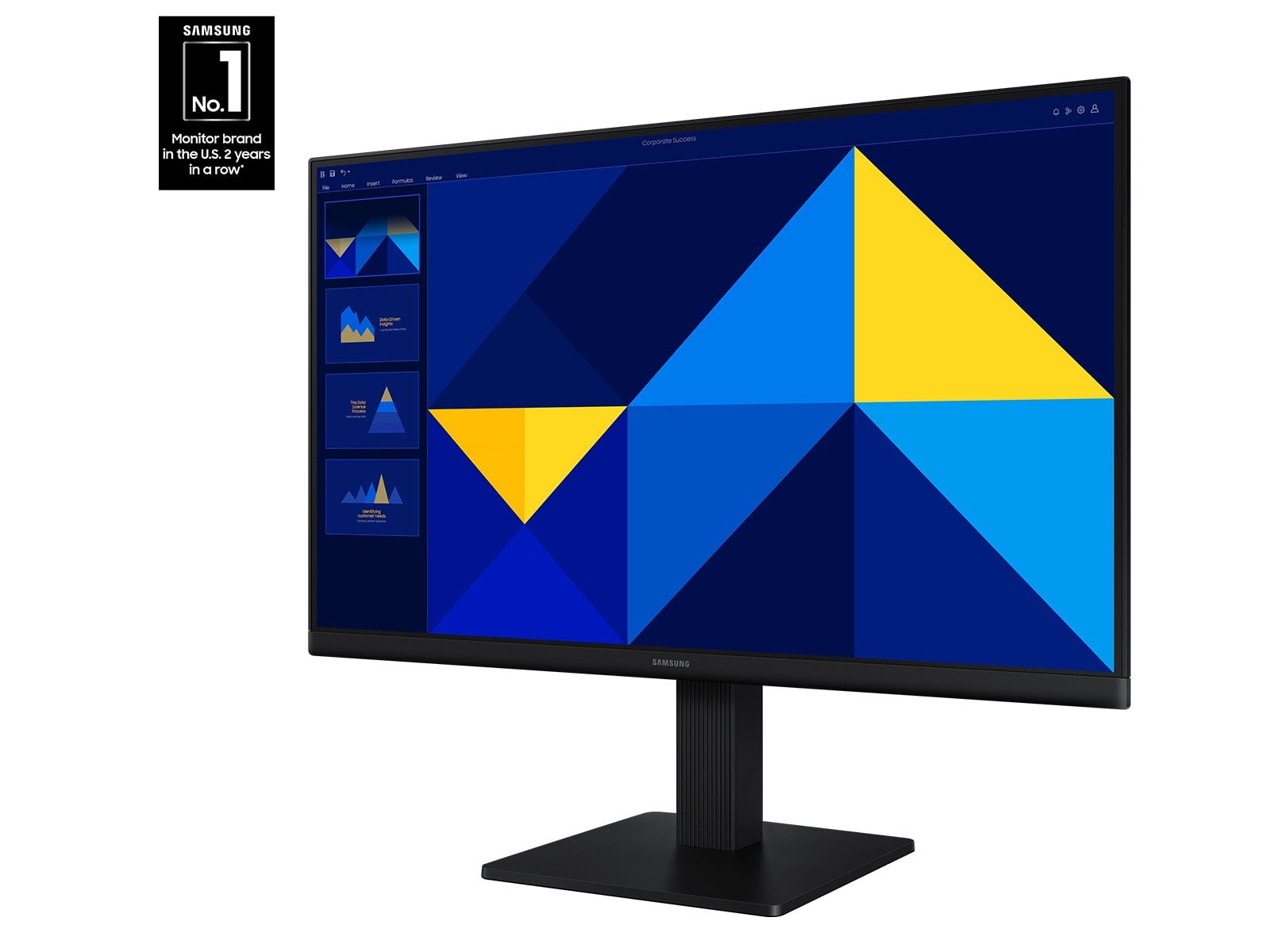
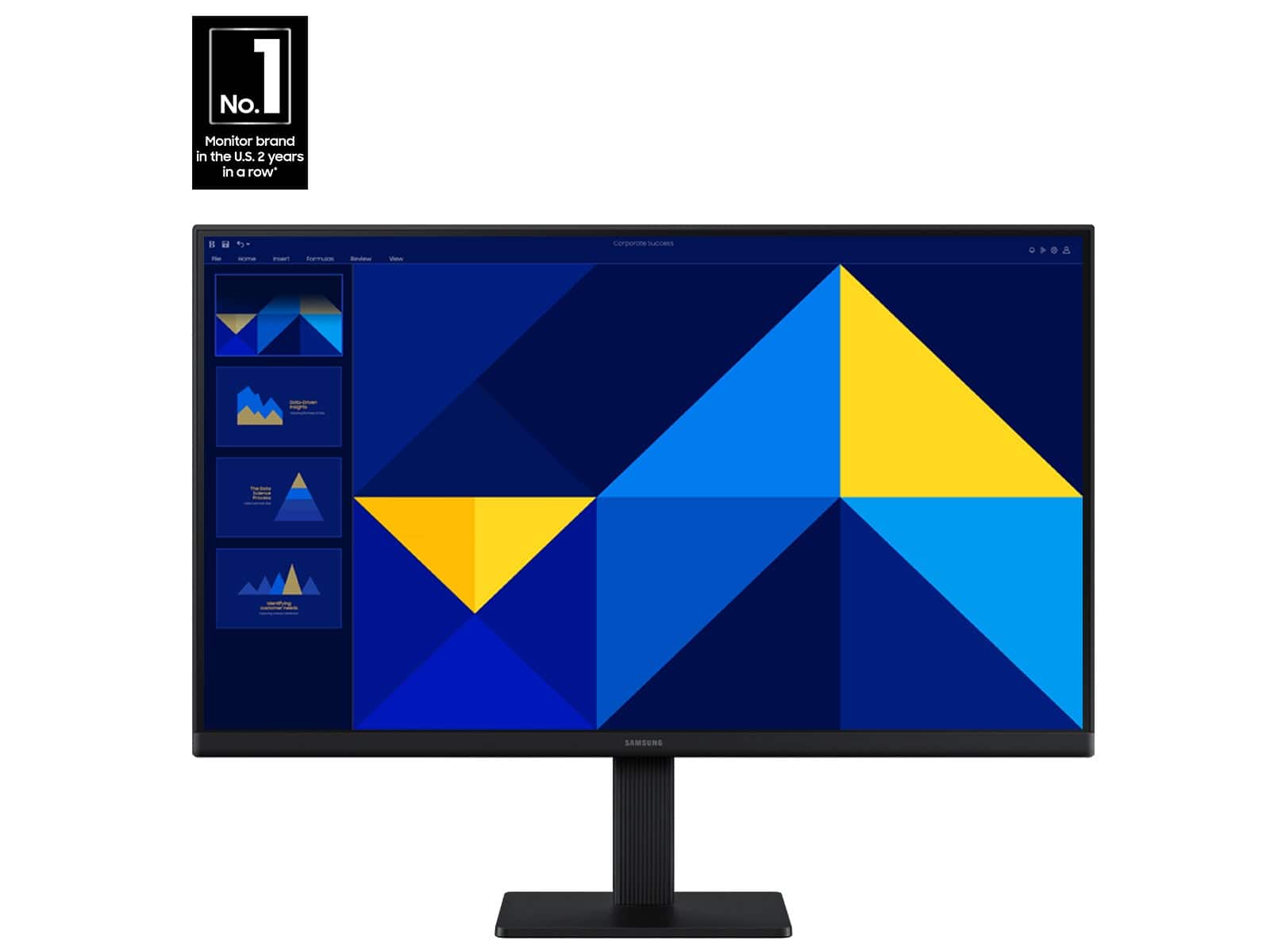
|Posted .This reviewer received promo considerations or sweepstakes entry for writing a review.The Samsung S30GD 24" monitor fits easily on my desk and looks great! The bezel is extremely thin and the entire screen is only 1.4" thick. Even with the base it only takes up about 7" of my desk. It was super-easy to set up, but just in case, instructions are provided. Simply attach the base to the upright and tighten the screw, attach that to the back of the monitor, and tighten two more screws. It offers both HDMI and PC port connections making it adaptable for both desktop PC's and laptops. There is a power/menu button on the back of the screen which was awkward at first but easy enough to use once I located it. The screen settings are customizable and include a gaming mode to really show details . It has a tilt feature for easy viewing and great color reproduction across the entire screen - even at different angles. There is an "eye-saver" mode which reduces blue light and protects your vision even during those long online games. Although it's probably not best for my eyes, the Dynamic setting looks great! It offers up to 100hz refresh rate but the default is 60hz so you need to manually adjust this if necessary. When pared to my Asus Tuf gaming laptop, the recommended resolution was 1920x1200 but I had to adjust it to 1920 x 1080 in order to get a full screen. Not sure if this is a display or laptop issue but it was easily taken care of. My only complaint? Why does the cord from the power block to the wall have an offset/side-mounted plug? It sure made it difficult to plug it into a power strip. Why not just a straight plug? Overall, this is a great monitor and because it's from Samsung, I wouldn't expect any less!
I would recommend this to a friend Perfect size!
||Posted . Owned for 1 month when reviewed.This reviewer received promo considerations or sweepstakes entry for writing a review.Perfect size to have several windows and documents open at the same time for cross reference...just what was needed for my auditing work.
I would recommend this to a friendgood clarity
||Posted .This reviewer received promo considerations or sweepstakes entry for writing a review.Easy to set up and good clarity! Exactly what I needed!
I would recommend this to a friendGreat Monitor!!!
||Posted . Owned for 1 month when reviewed.This reviewer received promo considerations or sweepstakes entry for writing a review.Great monitor, Size fit my application. Display is bright and crisp. Love the power options that are remembered for the application.
I would recommend this to a friendExcellent graphics
||Posted . Owned for 2 weeks when reviewed.This reviewer received promo considerations or sweepstakes entry for writing a review.Great visuals, easy plug and play. Price was excellent.
I would recommend this to a friendAmazing monitor
||Posted . Owned for 3 weeks when reviewed.This reviewer received promo considerations or sweepstakes entry for writing a review.Great image quality, great for my Mac mini, can be used for design.
I would recommend this to a friendI love this monitor
||Posted . Owned for 1 month when reviewed.This reviewer received promo considerations or sweepstakes entry for writing a review.The best monitor I’ve ever purchased thanks Best Buy
I would recommend this to a friendGreat value
||Posted . Owned for 1 month when reviewed.This reviewer received promo considerations or sweepstakes entry for writing a review.This monitor was easy to install and works well with my other screens.
I would recommend this to a friendOkay Monitor
||Posted . Owned for 4 months when reviewed.This reviewer received promo considerations or sweepstakes entry for writing a review.Great monitor. Returned because it had the wrong monitor cord in the box.
I would recommend this to a friendBrand response from Samsung
Posted .BraxtonK:
It’s unfortunate to hear there were issues that led to the return of your Samsung S30GD Monitor. Your experience is important to us, and your feedback will be shared with our product team for review.
We hope you’ll consider Samsung again in the future. If you do, we’re always here to help with setup and support. Reach us at 1-800-SAMSUNG (8AM - 9PM EST Monday - Friday, and 8AM - 6PM Saturday and Sunday), or visit our website to chat live and access manuals or software.
~ Samsung Monitors
great tv
||Posted . Owned for 1 week when reviewed.This reviewer received promo considerations or sweepstakes entry for writing a review.great value and price for a tv. bought for my sons room & he’s happy with it. easy set up as we didn’t wall mount for now.
I would recommend this to a friend