Customer Ratings & Reviews
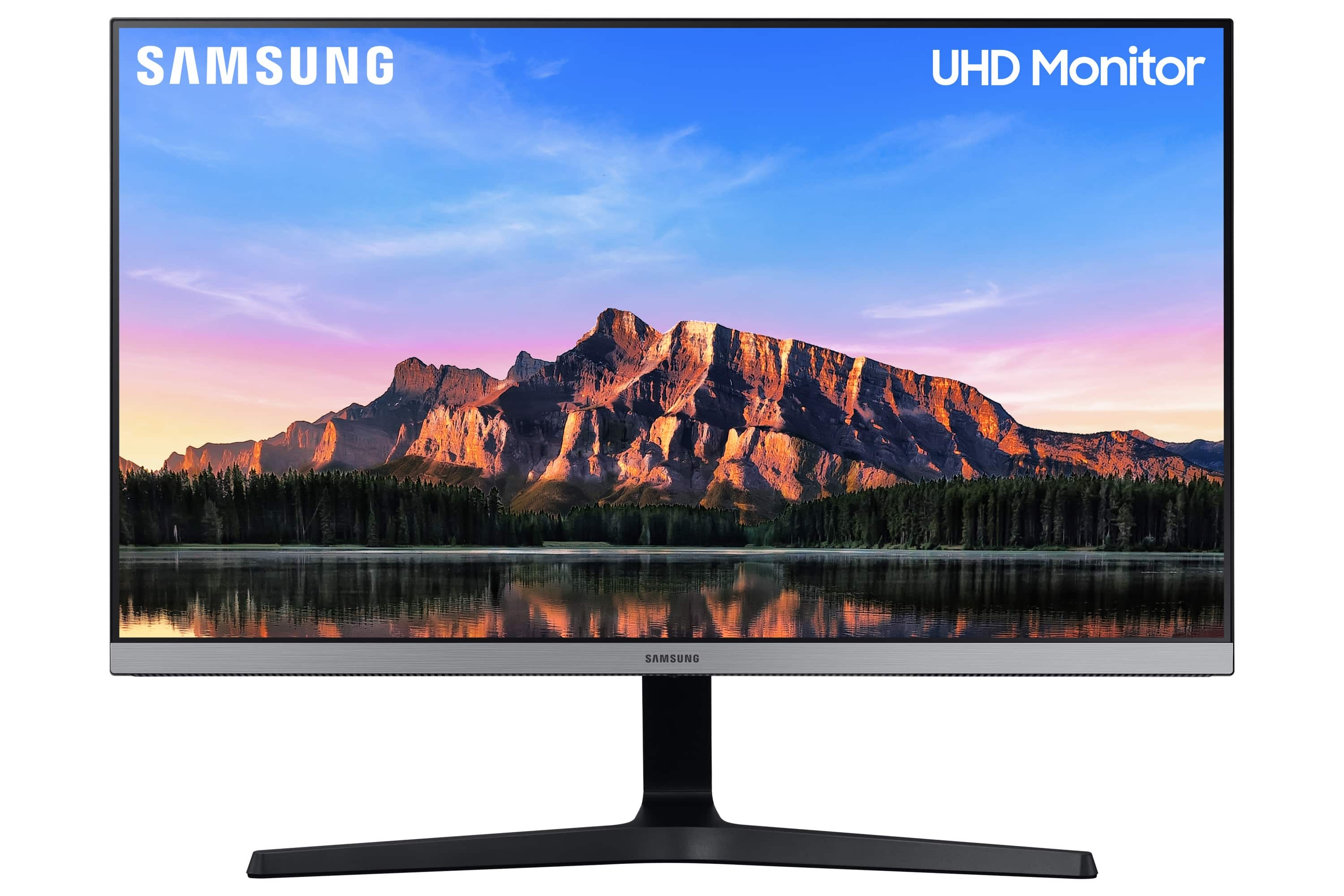
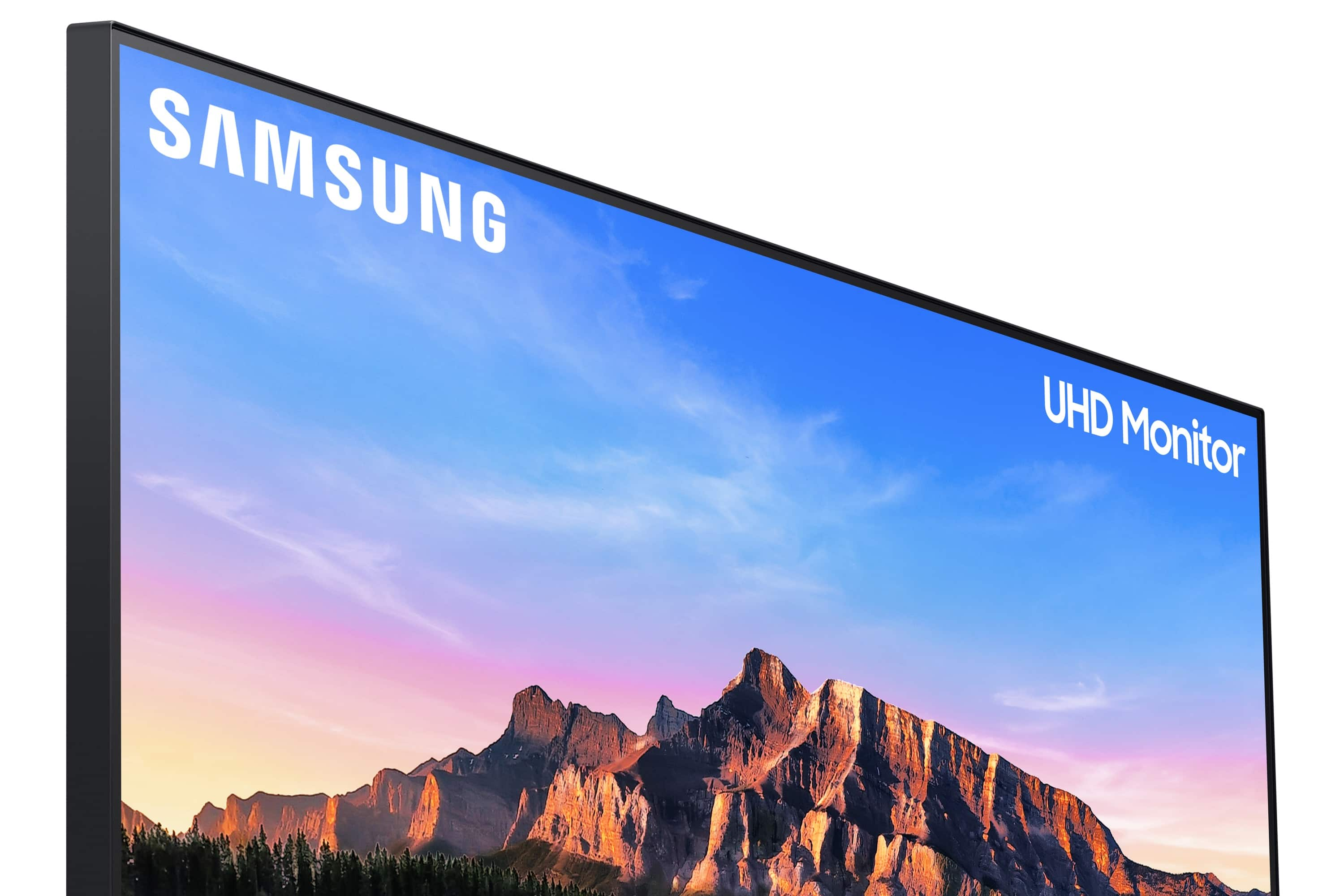
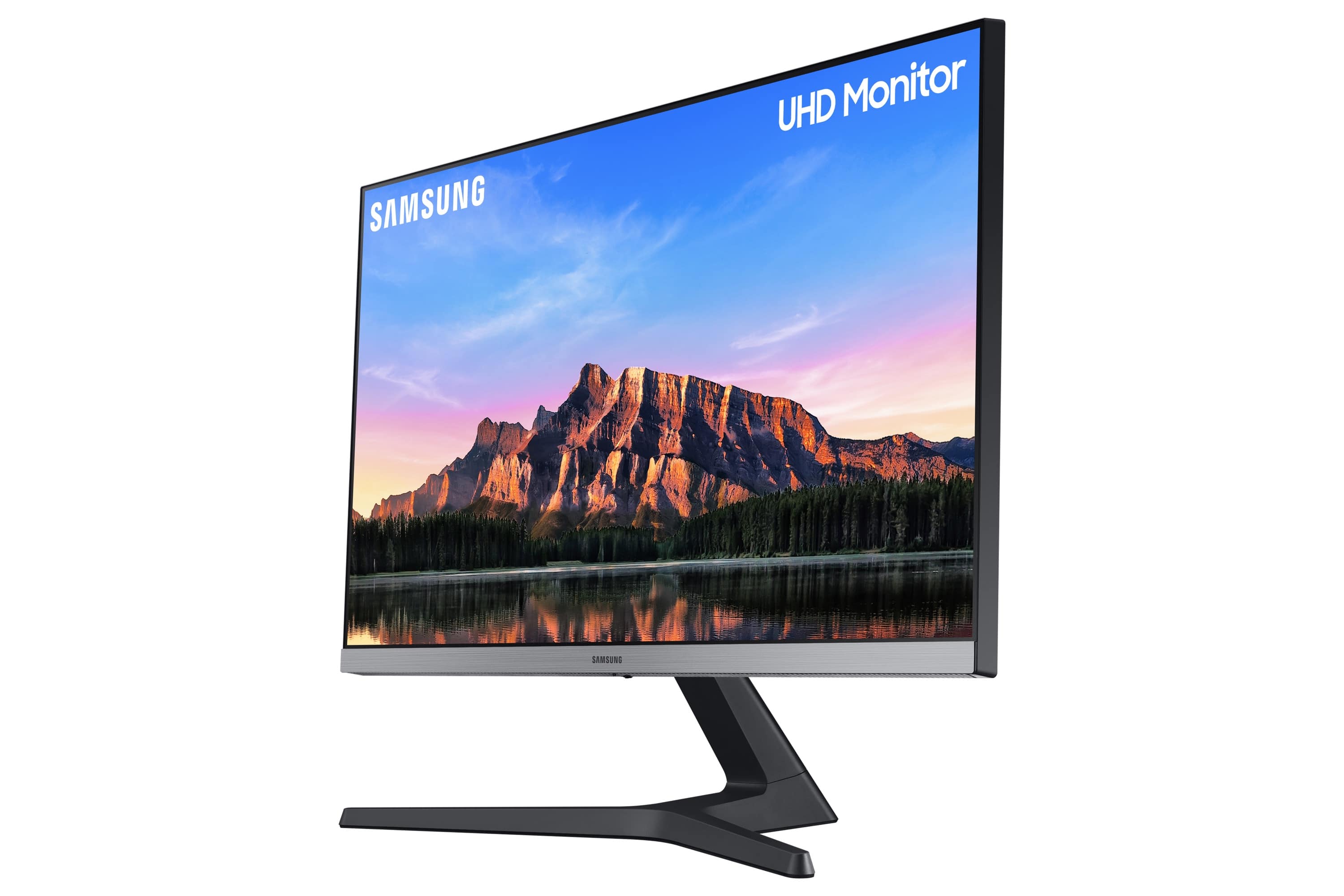
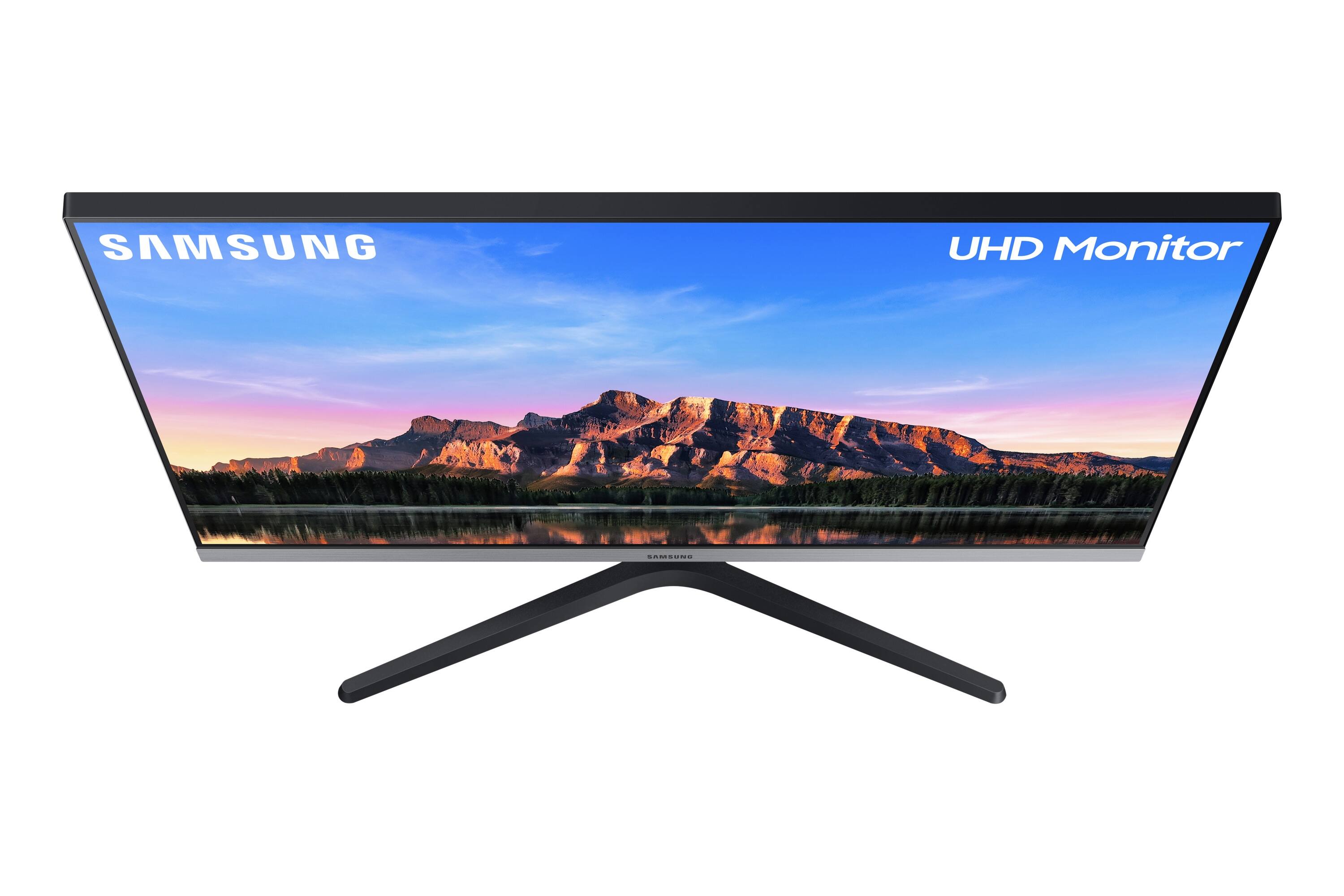
- Model:
- LU28R550UQNXZA
- |
- SKU:
- 6386391
Customer reviews
Rating 4.6 out of 5 stars with 3284 reviews
(3,284 customer reviews)Rating by feature
- Display Quality4.8
Rating 4.8 out of 5 stars
- Ease of Use4.6
Rating 4.6 out of 5 stars
- Features4.5
Rating 4.5 out of 5 stars
Customers are saying
Customers admire the 28” ViewFinity UHD IPS AMD FreeSync with HDR Monitor's picture quality, color vibrancy, and value for its price, frequently praising the HDR capabilities and ease of use. However, some users express concerns regarding the refresh rate and the monitor stand's sturdiness. Additionally, the lack of built-in speakers and the placement of the VESA mount have drawn criticism, as has the input switching mechanism.
This summary was generated by AI based on customer reviews.
- Pros mentioned:Picture qualityCons mentioned:Input switching, Refresh rate
Rated 4 out of 5 stars
Solid 4K panel, above expectations for the price.
||Posted . Owned for 1 month when reviewed.This reviewer received promo considerations or sweepstakes entry for writing a review.Even though it’s IPS, the color quality is honestly fantastic and the black levels are more than serviceable. It’s only 60hz, but it works just fine for non-competitive games or even titles like Street Fighter 6, due to the VRR/FreeSync support (it’s also G-Sync compatible even though it’s not verified by Nvidia). The only quirk I’ve noticed is that switching inputs seems to rely on just auto detection which can be a bit finicky, but that could be just me. Otherwise it’s a solid pick while on sale. Got it while it was $200.
I would recommend this to a friend - Pros mentioned:HdrCons mentioned:Refresh rate, Stand
Rated 5 out of 5 stars
Best monitor for the price
||Posted . Owned for 1 month when reviewed.This reviewer received promo considerations or sweepstakes entry for writing a review.Best 4K IPS hdr10 monitor it's probably the only monitor I'm ever going to own even though it only has 60 hertz, I'm okay with that cause I'm on console and on my pc 60 is fine for me as well. The only complaint that I have is the stand is stationary you cannot solve all around the screen so I just have to like tilted up other than that the picture is crystal clear it even makes my games on my PS4 Pro look a heck of a lot better
I would recommend this to a friend - Pros mentioned:Color, Picture qualityCons mentioned:Refresh rate
Rated 5 out of 5 stars
Great monitors!
||Posted . Owned for 10 months when reviewed.This reviewer received promo considerations or sweepstakes entry for writing a review.I have three of these monitors and they are great! Picture and brightness of what you expect from Samsung. Perfect for my day trading setup and attached to my gaming PC with an RTX 2070 Super (I use to play games and day trade) and it's great. I'm more of a trader not really a gamer. The gaming is an added benefit. From what I see, the screens are great for both. If you are a fast paced gamer that's all about refresh rate, then this probably isn't for you but for me... they keep up and are equivalent to my Samsung 8 series and Q6 65"s
I would recommend this to a friend - Pros mentioned:Color, Picture qualityCons mentioned:Stand
Rated 4 out of 5 stars
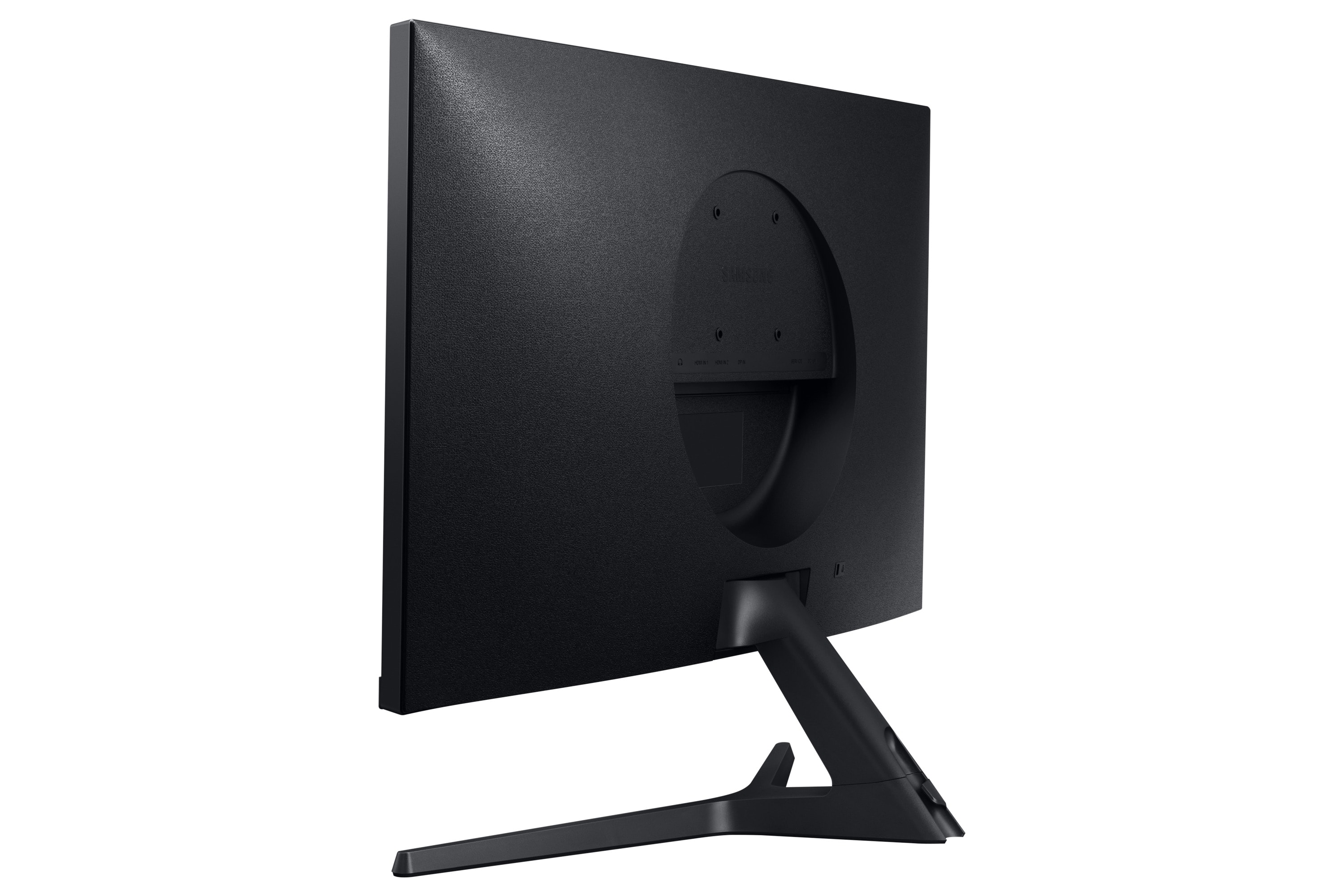
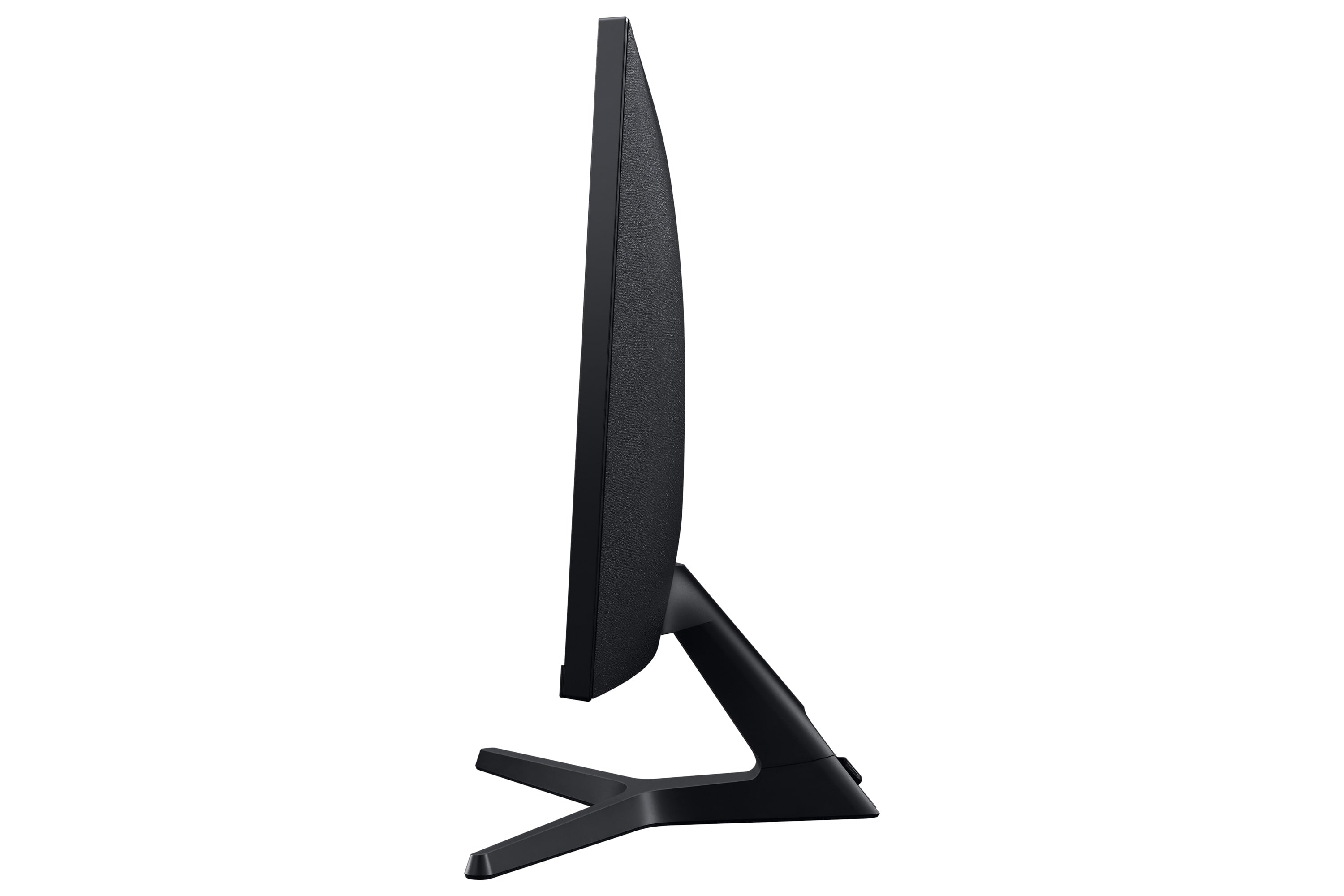
Good panel, stand is terrible
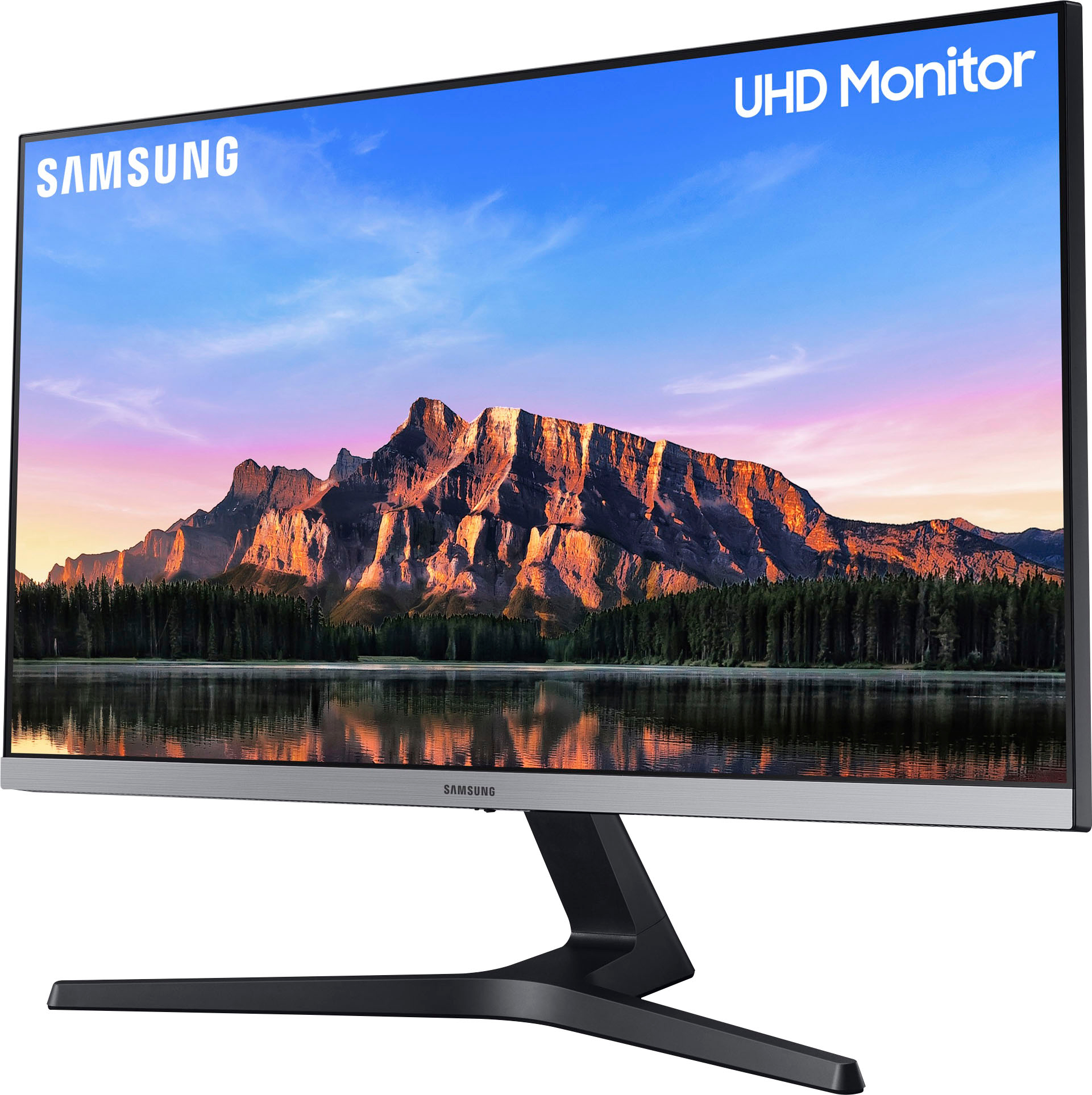
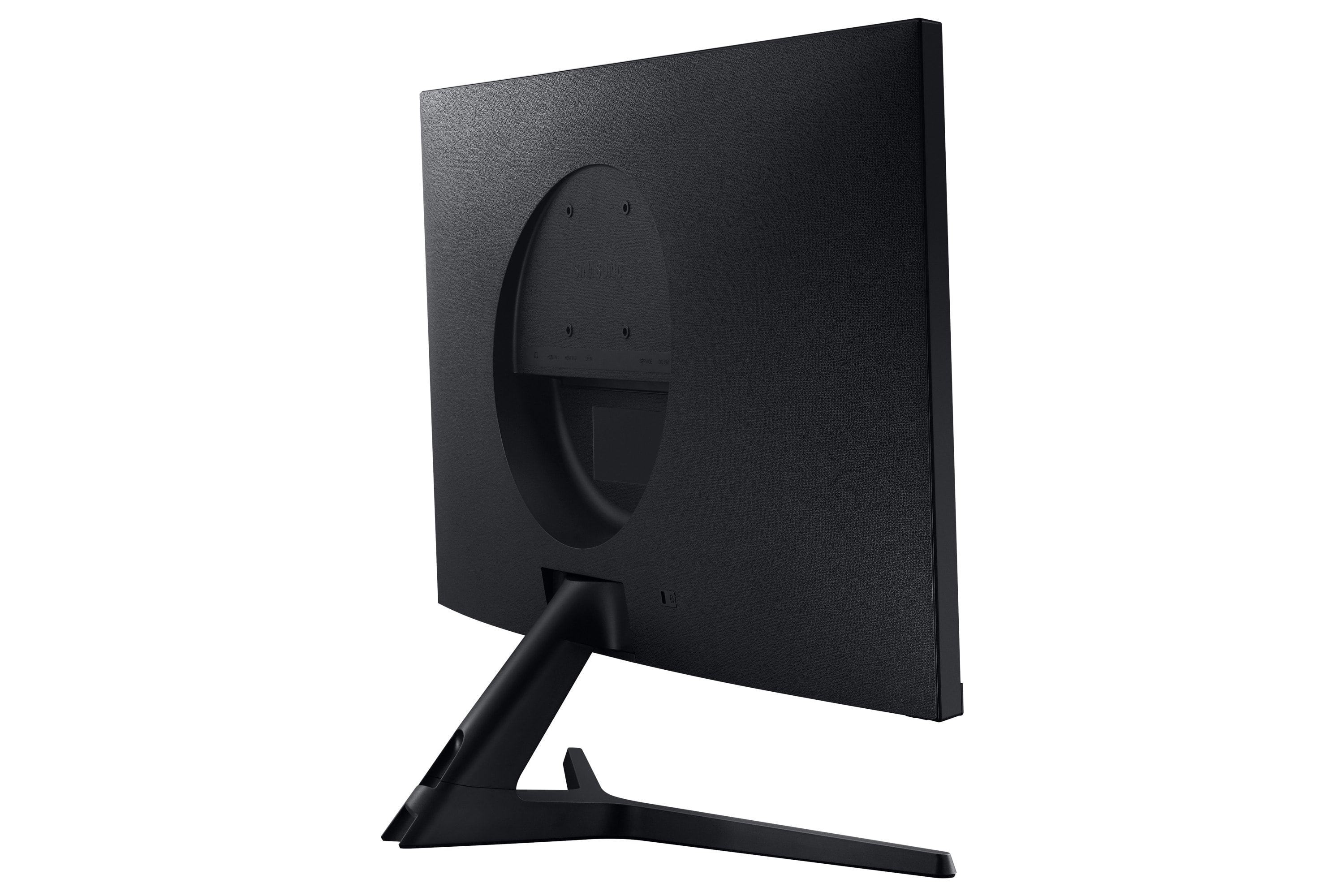
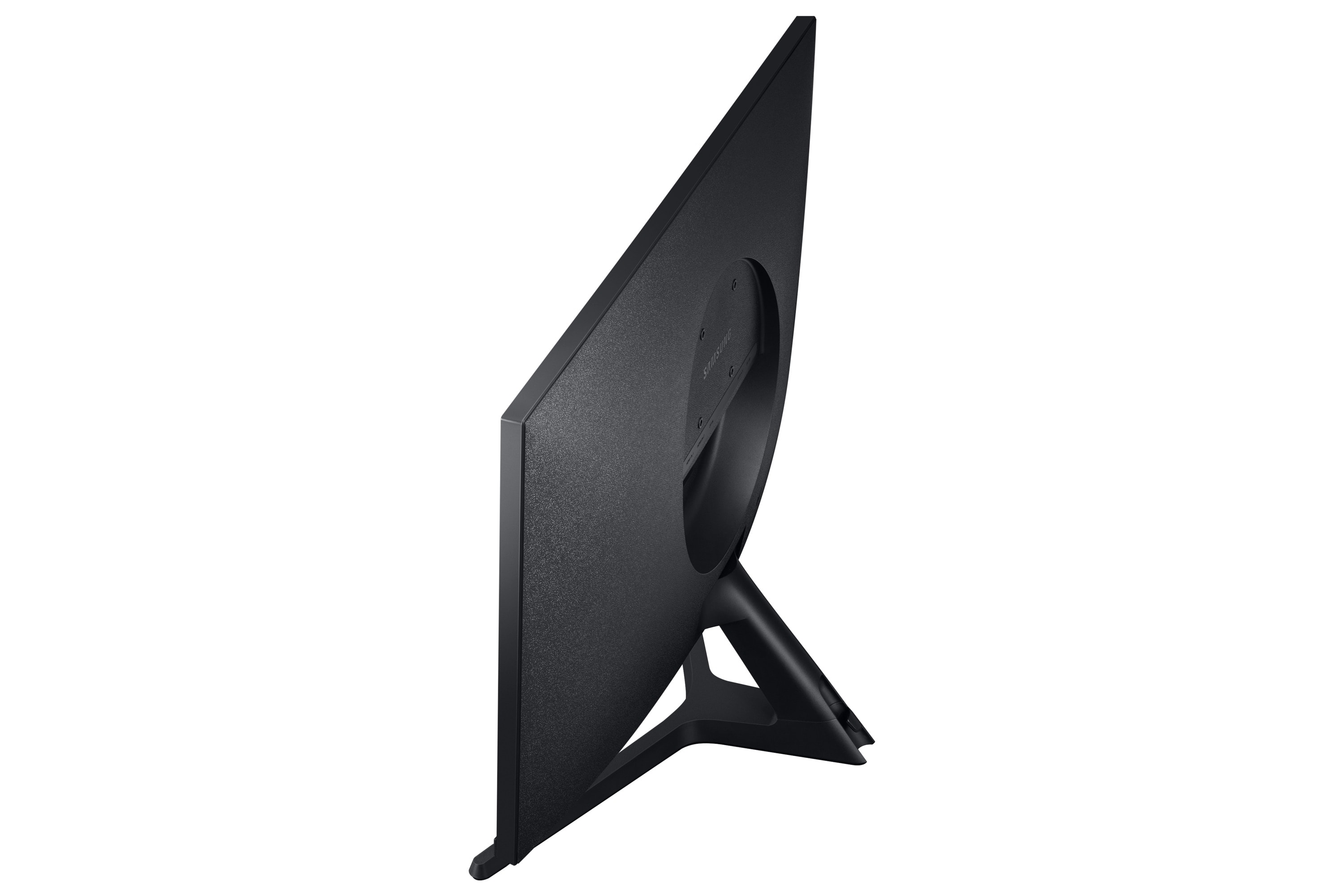
||Posted .This reviewer received promo considerations or sweepstakes entry for writing a review.I didn't know that monitors still came with cheap stands like this anymore. The only adjustment is tilt, and the height is pretty low. The stand itself will only fit on a table, its only an inch or so narrower than the width of the panel itself, so you'll need a wide stand if you want to move it up higher. That being said, the panel is nice for office work, good enough brightness and color accuracy, no dead pixels, lots of resolution. The OSD is easy to use as well.
I would recommend this to a friend - Pros mentioned:Picture quality, Price
Rated 5 out of 5 stars
Great if you change the default settings.
||Posted . Owned for 1 week when reviewed.This reviewer received promo considerations or sweepstakes entry for writing a review.I originally bought this as a 4k computer monitor. Then I bought it for a TV. Some default settings need to be changed for either use or the picture looks odd. (The eye saver settings are great for watching in a dark room, though). I bought one of these to use as a TV. It can connect to a cable box or other HDMI video source and provides an audio out (to connect to amplified speakers or a sound bar). Important things to note: The default settigs when unboxed have the picture set to "eye friendly" mode (dimmer and weird tint) and as a computer monitor. There are several settings you need to change from the default to use as a TV including one that is TV/Monitor. Also, the audio has some sort of pre-amp and the volume is defaulted to 50%. You must raise this level to get full volume out of your sound system. When you get the settings right and a decent sound bar, it is a great 4K TV in a size that is nearly impossible to find in a TV. Most TVs are either 24 or 32 inch. This is the goldy locks size for a small/med room TV. 4K for $200 ain't bad. I bought 3! It is an awesome monitor for video/graphic work.
I would recommend this to a friend - Pros mentioned:HdrCons mentioned:Stand
Rated 5 out of 5 stars
4K HDR IPS!
||Posted . Owned for less than 1 week when reviewed.This reviewer received promo considerations or sweepstakes entry for writing a review.I had purchased a larger 4K 32" Samsung monitor but the viewing angles were atrocious for color consistency. I replaced it with two of these monitors and am very pleased with the results. I find the text easier to read in comparison even though it's a little smaller. I'm not sure why some of the reviews are complaining about picture quality but it does take a little setup to get the picture looking good. I had to: * switch the HDMI black level to Normal as it Low washed out some light gray colors * enable HDR in Windows 10. * set the output color format to YCbCr444 in the nvidia control panel I still have to fine tune calibrate the display but it looks like they did a calibration at the factory. Stands are terrible but I plan to get dual mounting arms.
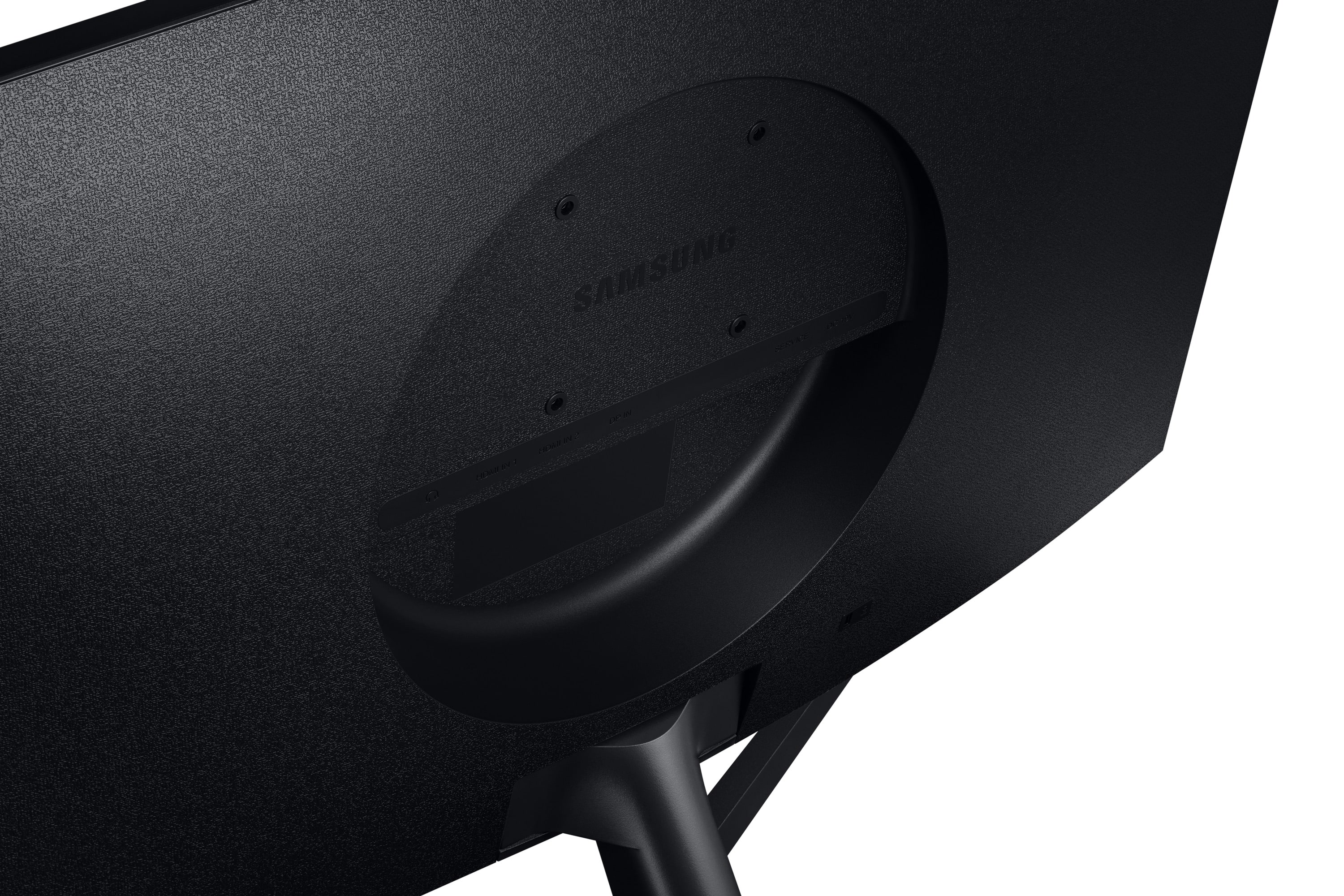
I would recommend this to a friend - Pros mentioned:Hdr, Picture qualityCons mentioned:Vesa mount
Rated 5 out of 5 stars
Great monitor! Shim it if your mount doesnt fit
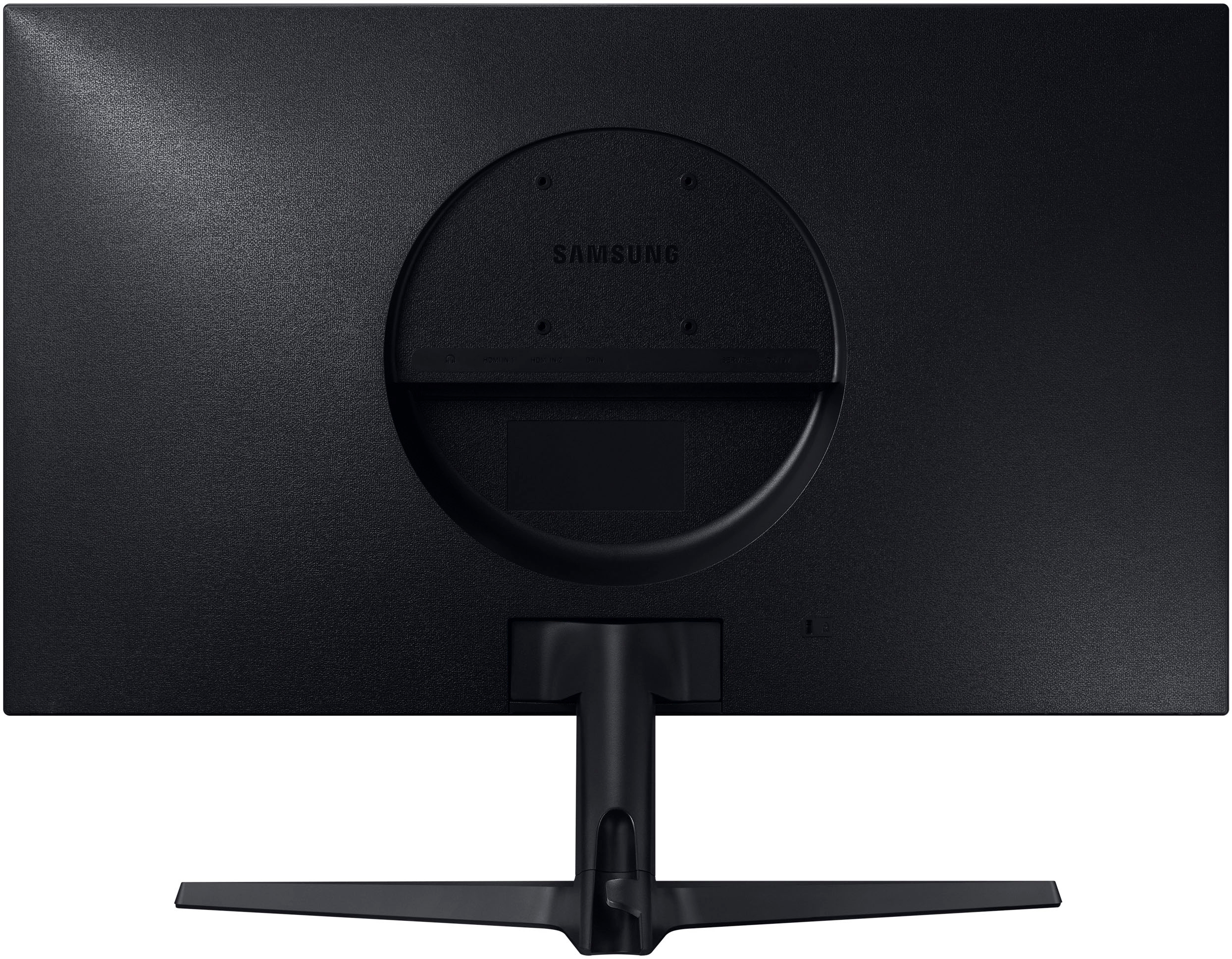
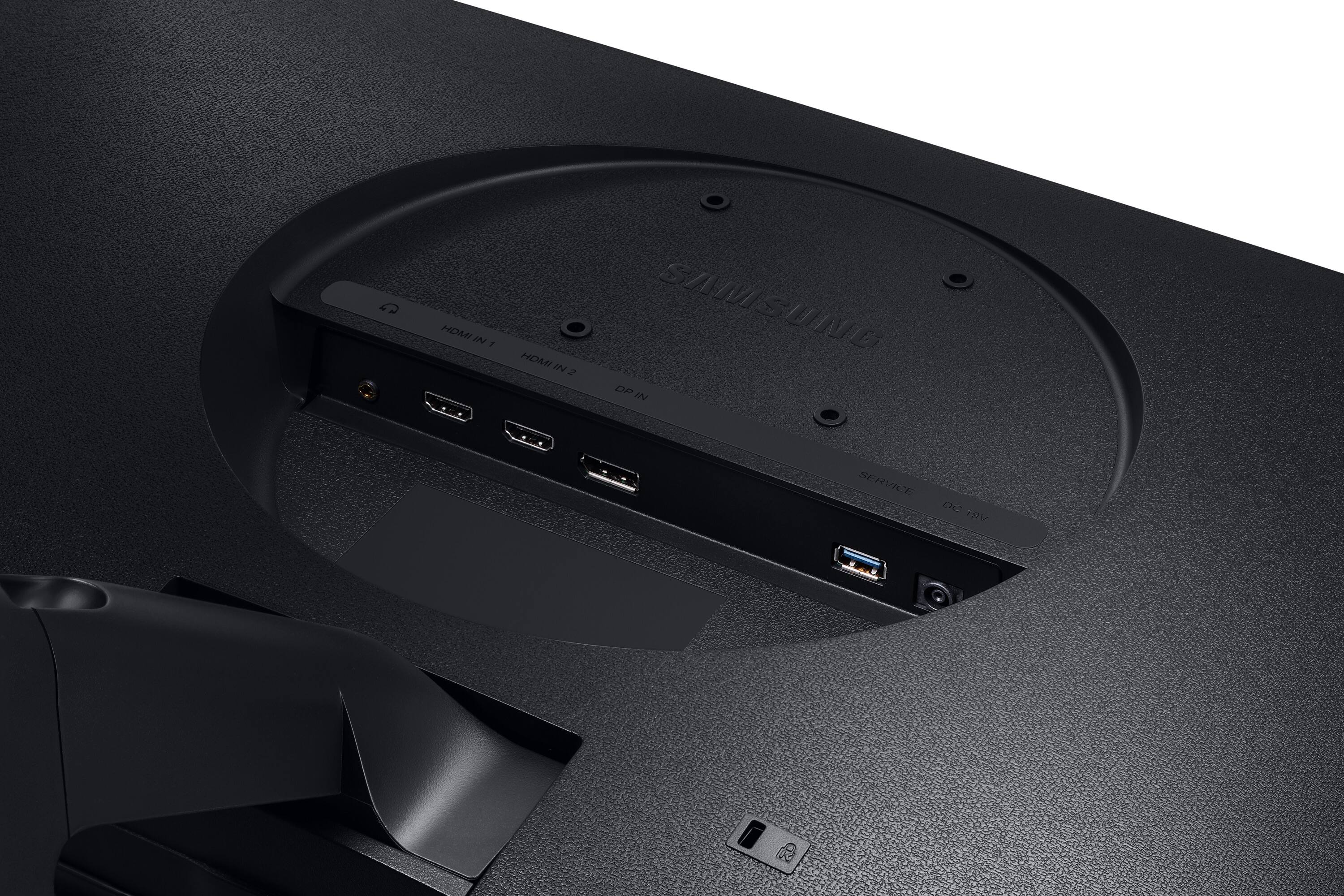
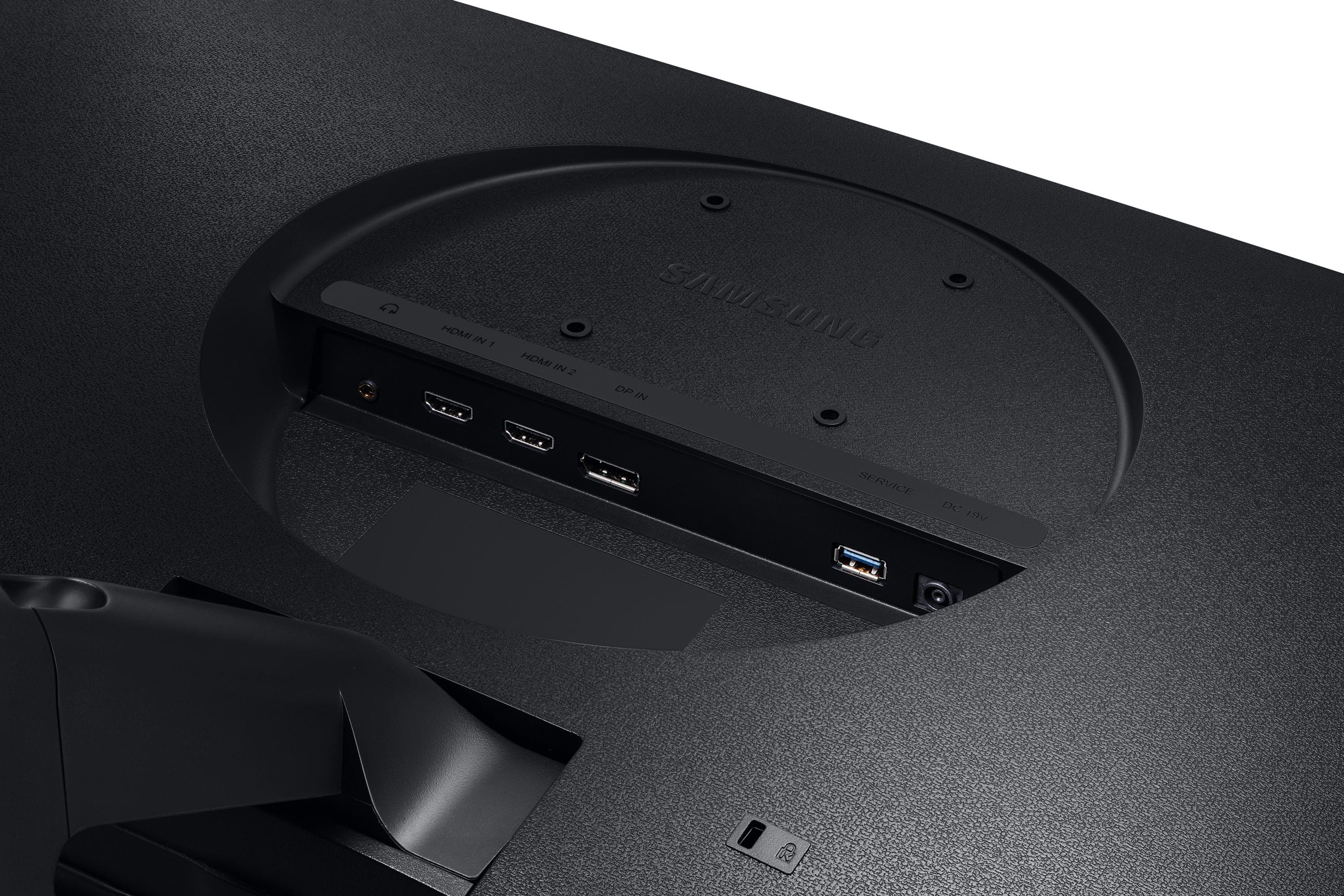
||Posted . Owned for less than 1 week when reviewed.This reviewer received promo considerations or sweepstakes entry for writing a review.I am just absolutely blown away by this monitor! HDR looks amazing. The colors are crisp, this screen blows my tv out of the water. And a nice price. The circle interfered with my vesa mount, the 75/100 mount is slightly too big. But use washers and slightly longer screws and it will clear it and be flat. My multi monitor stand came with some plastic ones and they worked just fine.
I would recommend this to a friend - Pros mentioned:Ease of use, Picture quality
Rated 5 out of 5 stars
Great product!
Posted .This reviewer received promo considerations or sweepstakes entry for writing a review.So far it is an excellent monitor, currently using it mostly for spreadsheets and office work, I’m thinking about purchasing another one. I’d definitely recommend it.
I would recommend this to a friend - Pros mentioned:Hdr, Picture quality
Rated 4 out of 5 stars
Nice 4K UHD monitor
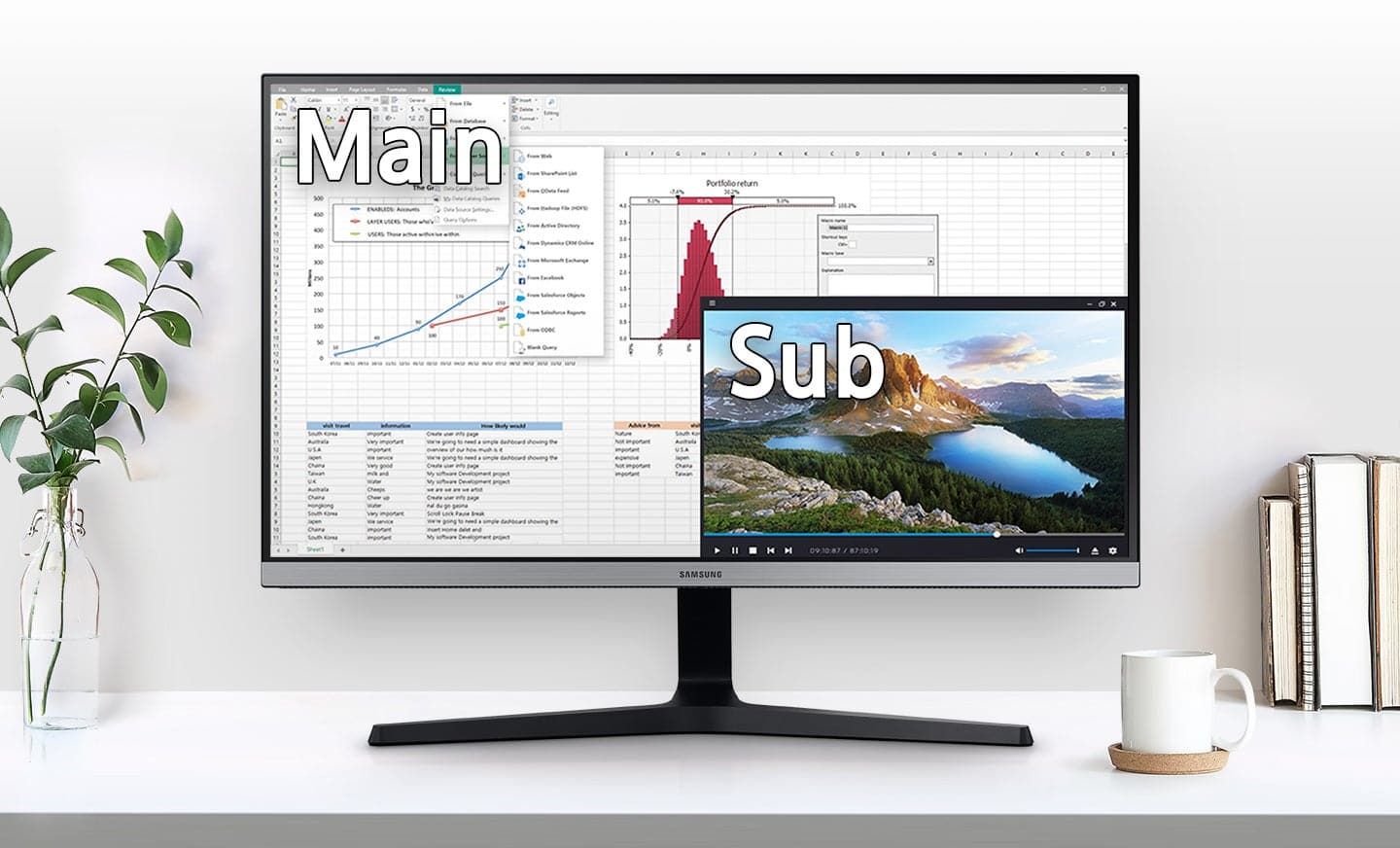
||Posted . Owned for less than 1 week when reviewed.This reviewer received promo considerations or sweepstakes entry for writing a review.I needed to upgrade my monitors to add additional video inputs, so switched from 1920x1080 to this 4K UHD monitor. I wanted something that would let me replace two monitors with one large one, or to be able to use windows 10 snap features to still effectively have two monitors for applications to maximize to. This works very well. I set the scaling to 100% (small fonts!) and now have the equivalent of four desktops 2x2, or one very large one depending on how I tile the apps. Extremely versatile. Picture is clear, no flickering. I use a HDMI v2 cable with a GTX 1060 6GB card with a Core I5 processor. and it works fine. I can now also use with my dell laptop - though I only get 3864x2160@30hz from that hdmi port on the laptop, but that's fine for what I'm doing. Working on photos in 4K mode using lightroom and photoshop is nice. I miss the second monitor for loupe/grid/compare/survey modes, but it's easy enough to use the floating '2nd' window, or to tile to quarters still. Having the extra resolution is amazing. A whole new view of photos and no zooming in/out. The size of the monitor makes for a nice photo display . Watching 4K video on amazon prime is amazing too. I've also rehooked my speakers to the monitor headphone output - so I can now send audio via the hdmi cables to the monitor to speakers - so I don't have to reconnect speakers to switch between my laptop/desk top/firetv etc. Very convenient. Menu is very simple, and easy to use. Mute/volume controls on the monitor are convenient. Cables are a little fiddle to install on the back, but that's a small detail. I did have to do a little tweak with the colors using my idisplay pro just to get a slightly better color matchin, but it wasn't far off, and it has fully automated adc controls, or you can adjust manually. The only thing that hasn't been very stable - using PiP. While it works, I found that more often than not when I switch between the pip modes, my desktop /gtx1060 video would mess up and I'd wind up not being able to see the display of my desktop and I ended up forcing hte pc to reboot blindly to recover it. Seems to be an issue with the pip / Edid management confusing the desktop graphics card/driver. I've seen others report similar issues. Right now I am avoiding using PiP, but switching between sources works reliably , which is what I'm really after.
I would recommend this to a friend - Pros mentioned:Hdr, Picture quality
Rated 5 out of 5 stars
Score! Worth every penny!
||Posted . Owned for 3 months when reviewed.This reviewer received promo considerations or sweepstakes entry for writing a review.The Samsung 28 inch 4K UHD ViewInfinity Monitor is a remarkable display for both work and entertainment. With its 4K resolution and HDR10 support, it delivers breathtakingly clear and vibrant visuals. The AMD FreeSync technology and 4ms response time ensure smooth and tear-free gaming and video playback. The 1,000:1 contrast ratio enhances the depth and detail of images, while the Picture-by-Picture feature allows efficient multitasking. This monitor combines superb picture quality with user-friendly features, making it perfect for gaming, productivity, and media consumption. Highly recommended for its visual performance and versatility
I would recommend this to a friend - Pros mentioned:Color, Hdr, Price
Rated 5 out of 5 stars
Great monitor
||Posted . Owned for 1 month when reviewed.This reviewer received promo considerations or sweepstakes entry for writing a review.Got this monitor because of the price in comparison to its counterparts. PS4 pro runs smooth at max 60hz, hdr is recognized, colors pop out and the menu is easy to use with the joystick located in the bottom center. Only trying is that it’s a bit wobbly at times, then again I’m playing games and can maybe shake the desk a bit.....not a big deal really.
I would recommend this to a friend - Pros mentioned:Color, Ease of useCons mentioned:Stand
Rated 5 out of 5 stars
Samsung 28" Monitor
||Posted . Owned for 3 weeks when reviewed.This reviewer received promo considerations or sweepstakes entry for writing a review.This monitor is easy to setup both on the stand and on the wall. It has excellent color, clarity and sharpness. The stand is sturdy and though a little tight to adjust in the beginning, is a great design. I am very happy with my purchase.
I would recommend this to a friend - Pros mentioned:Picture quality, PriceCons mentioned:Speakers
Rated 5 out of 5 stars
Samsung for the win...again.
||Posted . Owned for 1 month when reviewed.This reviewer received promo considerations or sweepstakes entry for writing a review.This is my first 4k monitor. I picked it up to go with a new hard-wired security system. Set up was easy, and the stand is solid. The picture quality is clear, crisp, and amazing. The price was great. There are no speakers, that is the only downside. As an avid purchaser of Samsung, I was not disappointed. I would recommend this monitor.
I would recommend this to a friend - Pros mentioned:Ease of use, Hdr, Picture quality
Rated 5 out of 5 stars
Amazing 4k HDR Monitor
||Posted . Owned for less than 1 week when reviewed.This reviewer received promo considerations or sweepstakes entry for writing a review.Overall very pleased with this monitor so far! The colors are amazing and the hdr is really good as well. The one button design is simple to use. The cable management options in the back of the stand are very handy! If I had one minor gripe, it would be that I would prefer some height and side adjustment options from the stand.
I would recommend this to a friend - Pros mentioned:ColorCons mentioned:Refresh rate
Rated 4 out of 5 stars
Decent 4k budget monitor
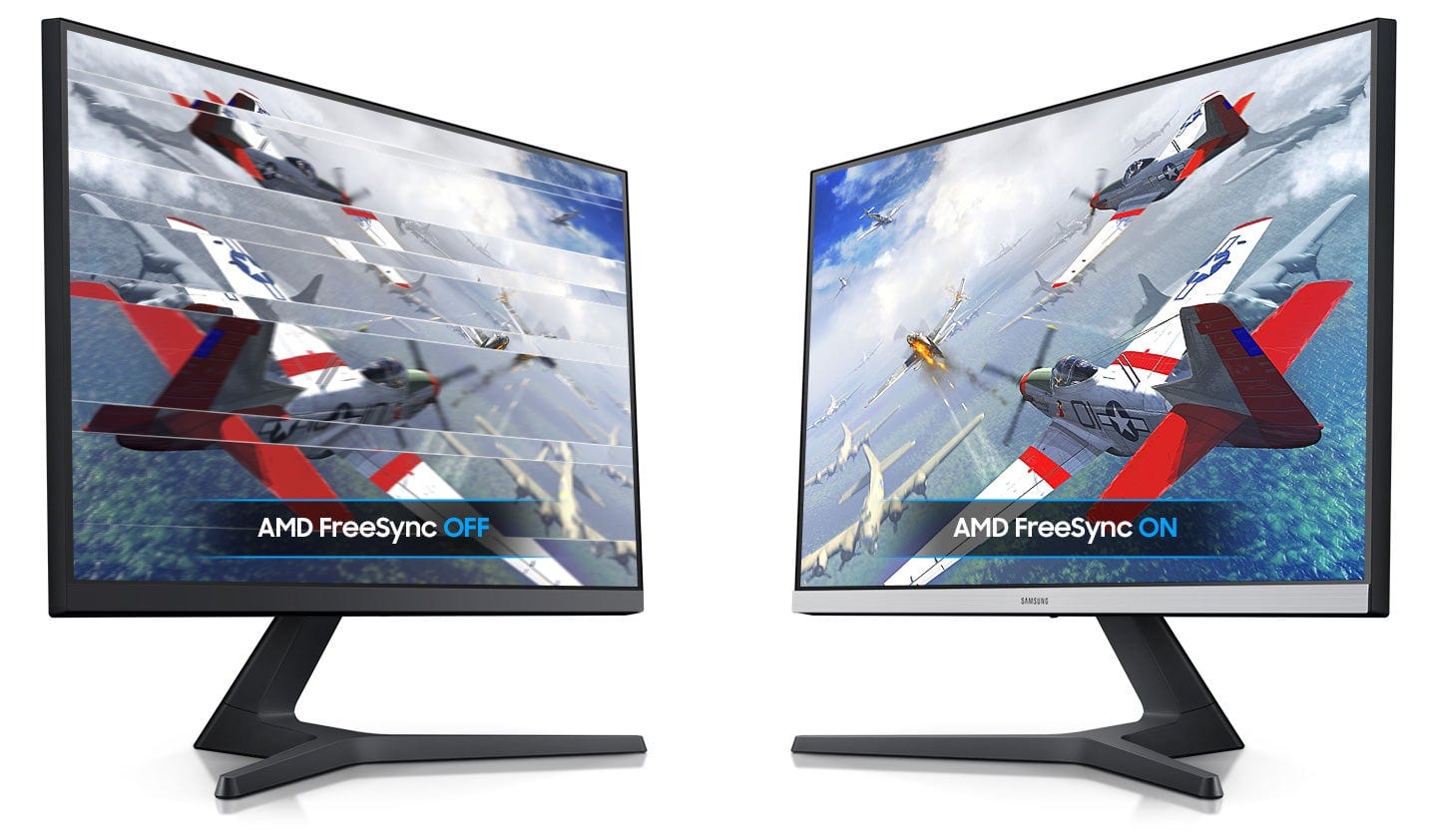
||Posted . Owned for 1.5 years when reviewed.This reviewer received promo considerations or sweepstakes entry for writing a review.Excellent low budget 4k monitor with nice brightness/contrast and vivid colors. I purchased two of these and have used them for the last two years. Only major gripe was some issues with HDMI to Apple's USB-C adaptor and the MacBook I use regularly so I had to switch to DP to USB-C cable. I used these for both gaming and work. I connected this also to a PC with a 16GB Radeon 6800XT... which always showed video tearing when playing games. This product only does 60hz refresh so that was expected. If you're a gamer with a bit more cash go with something that has 144hz, otherwise you'll encounter the same video tearing I did. I give this a 4/5 because of those two issues. Great product.
I would recommend this to a friend - Pros mentioned:Color, PriceCons mentioned:Refresh rate
Rated 5 out of 5 stars
Great 4k monitor
||Posted . Owned for 1 week when reviewed.This reviewer received promo considerations or sweepstakes entry for writing a review.You will really love the color from the screen. It will show each and every detail of the images. 4k videos will run smooth. Over all this is great priced montior in this 4k range. Consider this is obly 30hz refresh rate - if you looking for higher refresh rate then this wont be right choice.
I would recommend this to a friend - Pros mentioned:Hdr, Picture quality, Price
Rated 5 out of 5 stars
4K on a budget
||Posted . Owned for 11 months when reviewed.This reviewer received promo considerations or sweepstakes entry for writing a review.I wanted a 4K monitor without breaking the bank, and this definitely fit the bill. Connecting this to my MacBook Pro over DisplayPort gives me HDR output, and it looks great on this monitor. The single button control on the bottom is a bit finicky, but it gets the job done. I was able to dig into the settings to disable the blue LED when the monitor is off.
I would recommend this to a friend - Pros mentioned:Picture qualityCons mentioned:Vesa mount
Rated 4 out of 5 stars
Good but could be better
||Posted . Owned for 1 month when reviewed.This reviewer received promo considerations or sweepstakes entry for writing a review.I'm happy with the color quality of this monitor, which is the most important thing to me. The button control is also easy to use. However, there are a few things that could be improved. First, there's a slight vignette in the corners so the backlighting could be better. It doesn't bother me that much on a day-to-day basis but it's apparent if you pay attention to it. Second, I sometimes get burn-in on the screen if I've had the same thing up on the display for a while and switch to a more neutral flat image. It was really alarming at first but it goes away after several minutes. I don't know if it can be burned in permanently but I try to be mindful and use a screen saver. Last, the design of the VESA mount in the back is pretty dumb because it only allows 75mm mounts, not 75/100 combo mounts. There seems to be not real design reason for doing this except for looks, which doesn't make sense because it's the back of the monitor, not the front. Overall, the monitor is good for the price. The resolution and sharpness are good but I wish I had gone with a larger monitor for unscaled 4K resolution because text is a bit too small to read comfortably.
No, I would not recommend this to a friend - Pros mentioned:Ease of use, Picture qualityCons mentioned:Vesa mount
Rated 4 out of 5 stars
Great product at a very reasonable price.
||Posted . Owned for 3 weeks when reviewed.This reviewer received promo considerations or sweepstakes entry for writing a review.I'm using this as a third monitor for work/gaming purposes and so far it's great. The picture is excellent, menu is straightforward, and it was easy to set up. My only issue was with the Vesa mount - as other reviewers have noted, you will need spacers for this to work with a 100mm attachment or to bend the attachment for it to fit properly.
I would recommend this to a friend - Pros mentioned:Picture quality
Rated 5 out of 5 stars
My 4k Samsung Upgrade
Posted .This reviewer received promo considerations or sweepstakes entry for writing a review.For the last 7 years I've been playing my ps4 & Xbox one games on my playstation 1080p monitor. So it was time for a upgrade, after buying my PS5. This monitor was a great choice. Beautiful 4k picture running my PS5 games @ 3840x2160 - 60Hz HDCP 2.3
I would recommend this to a friend