Customer Ratings & Reviews
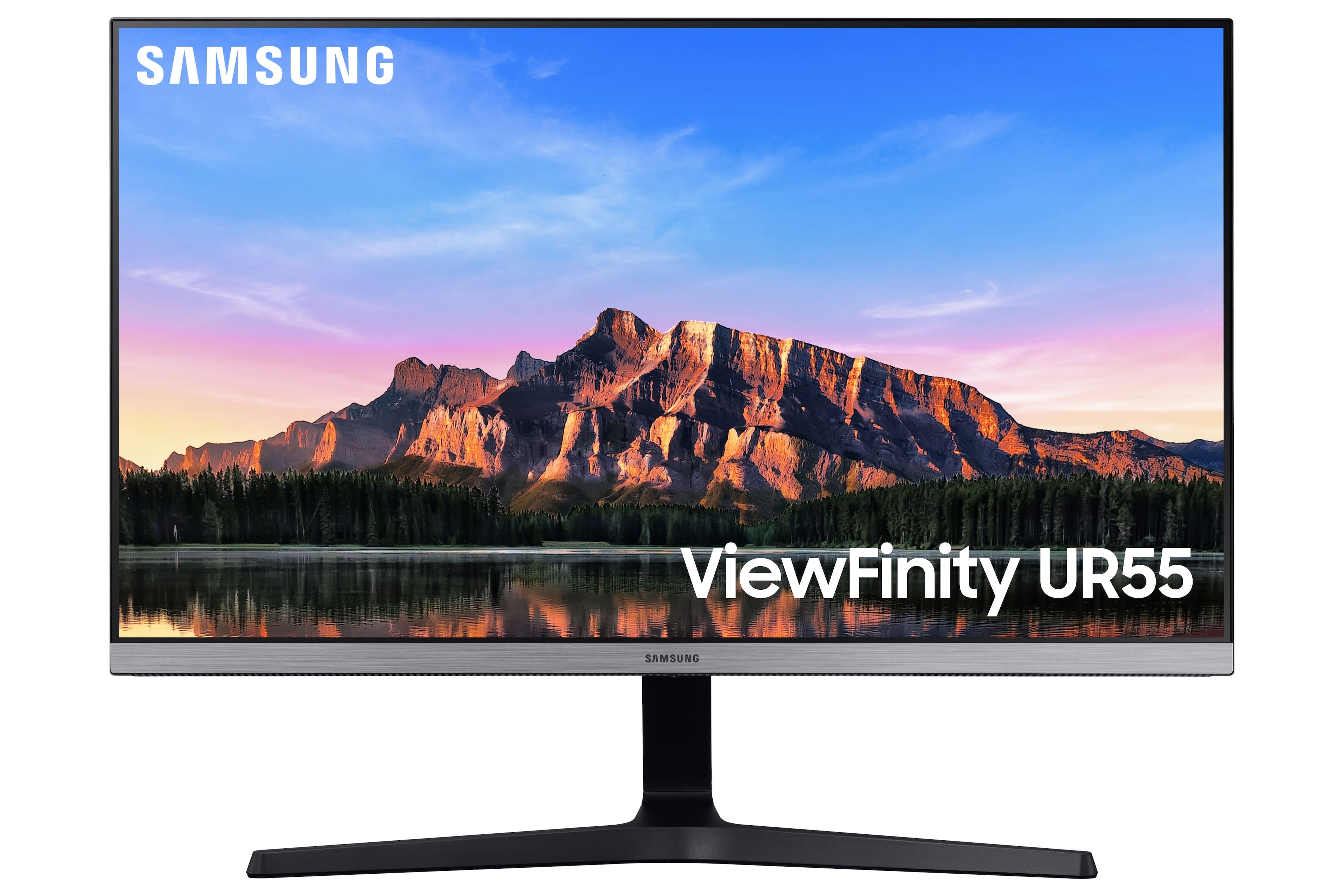
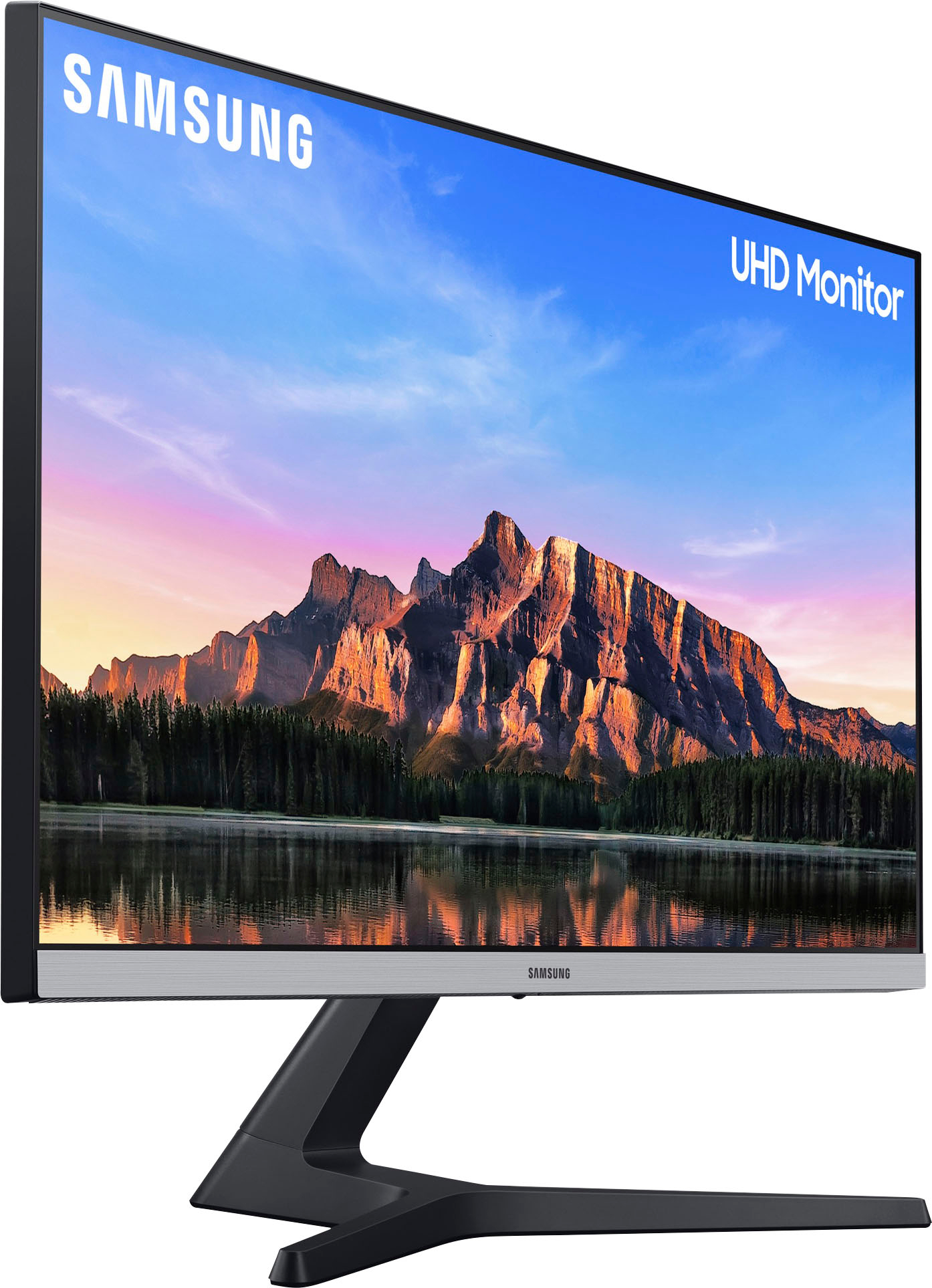
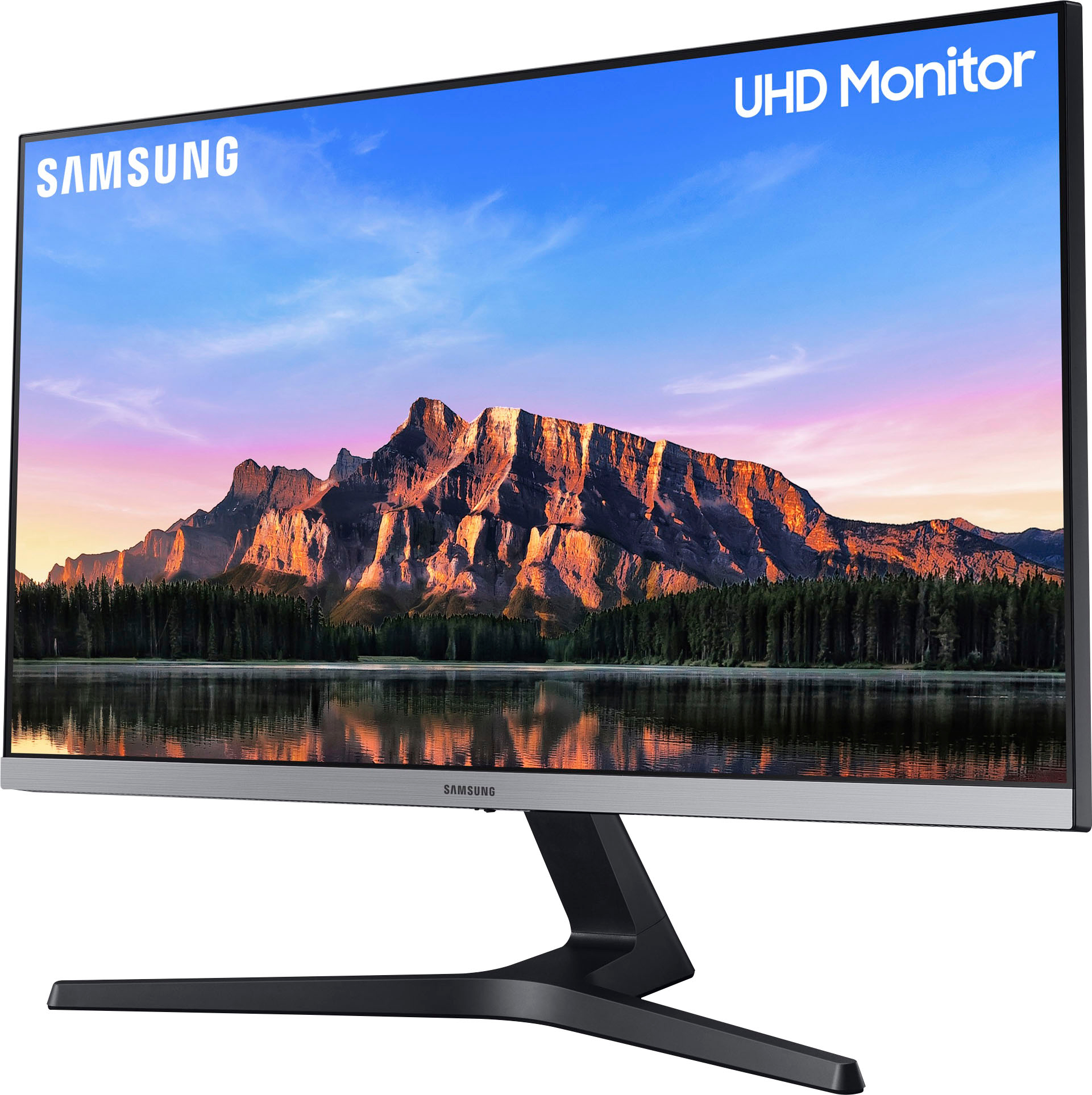
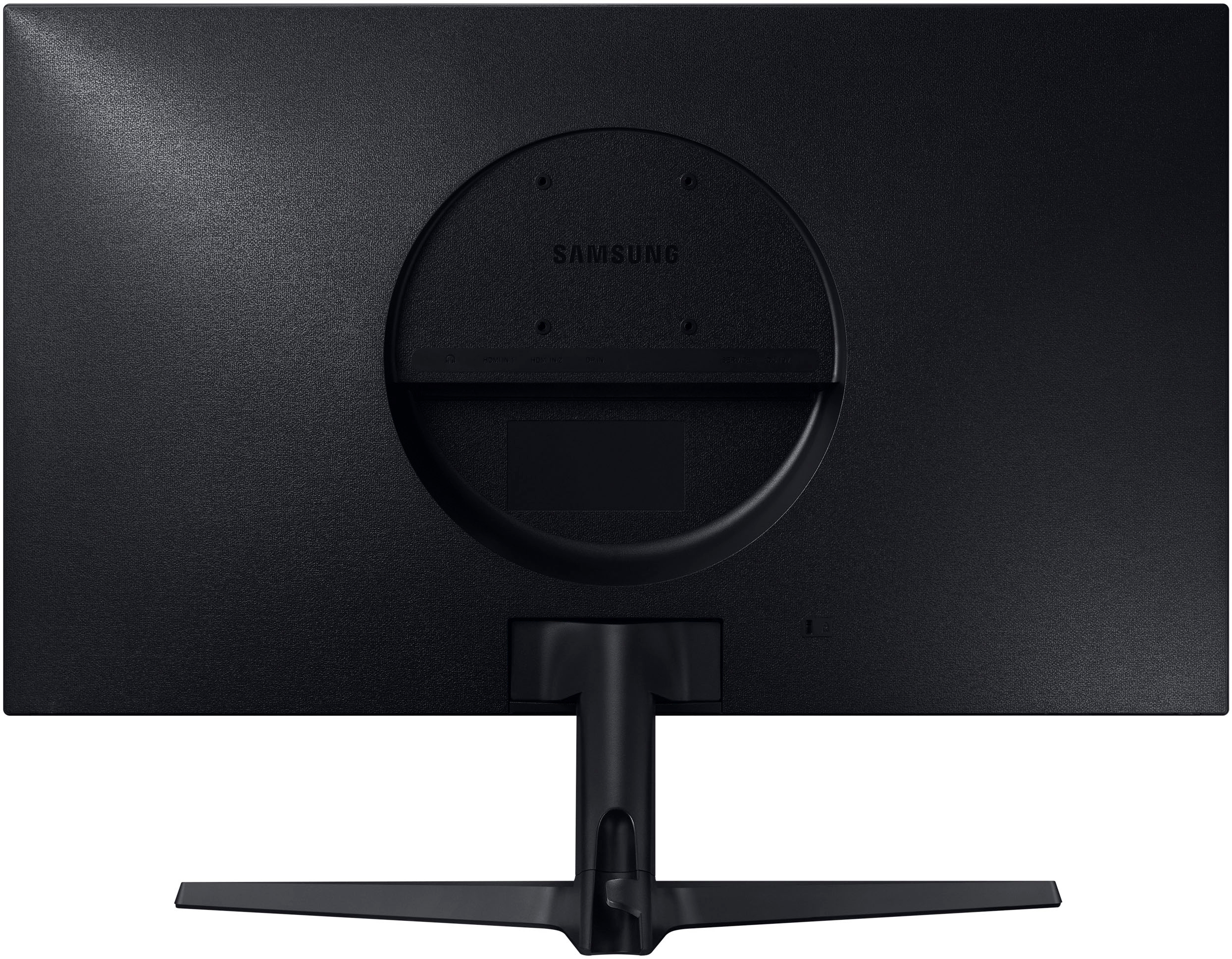
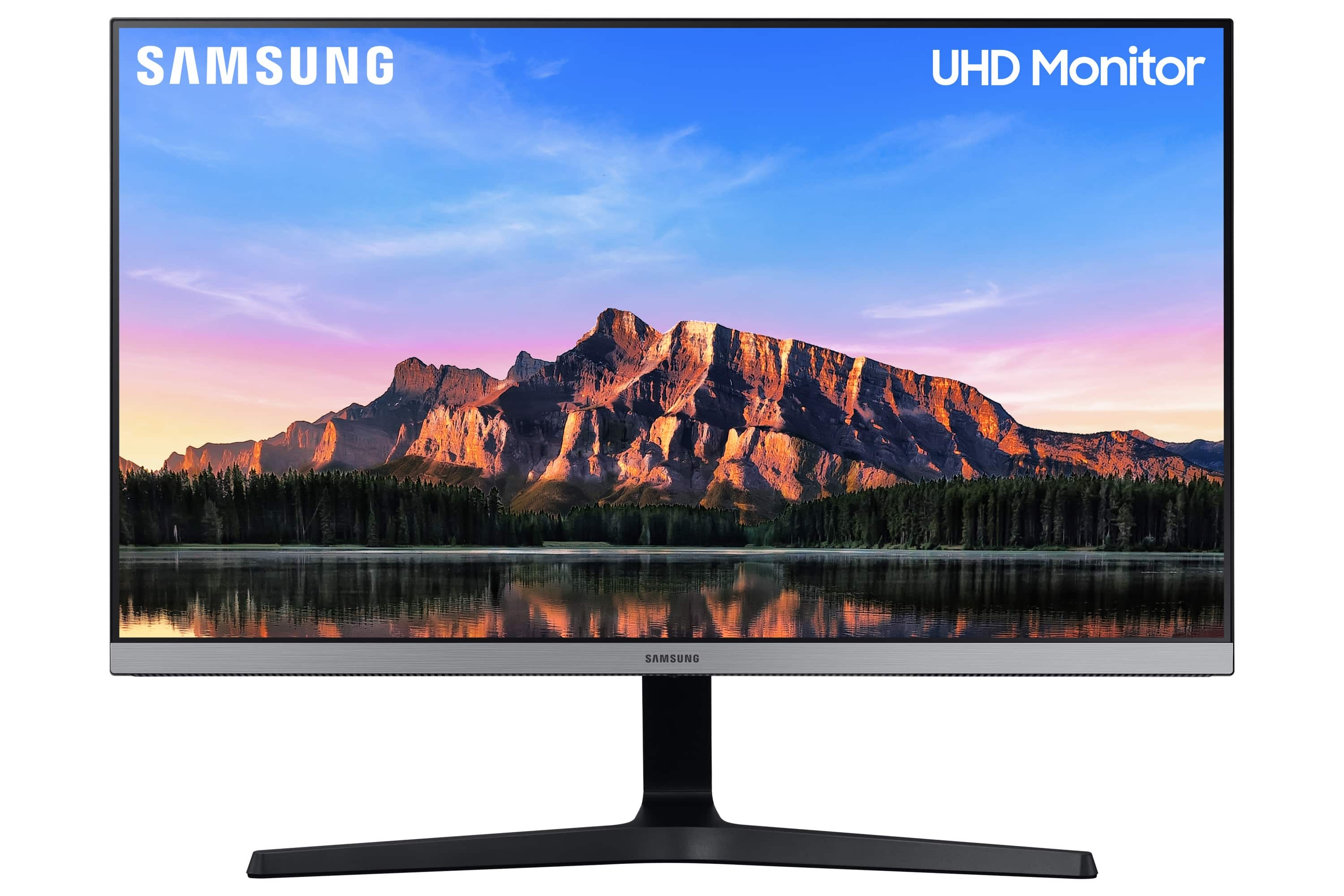
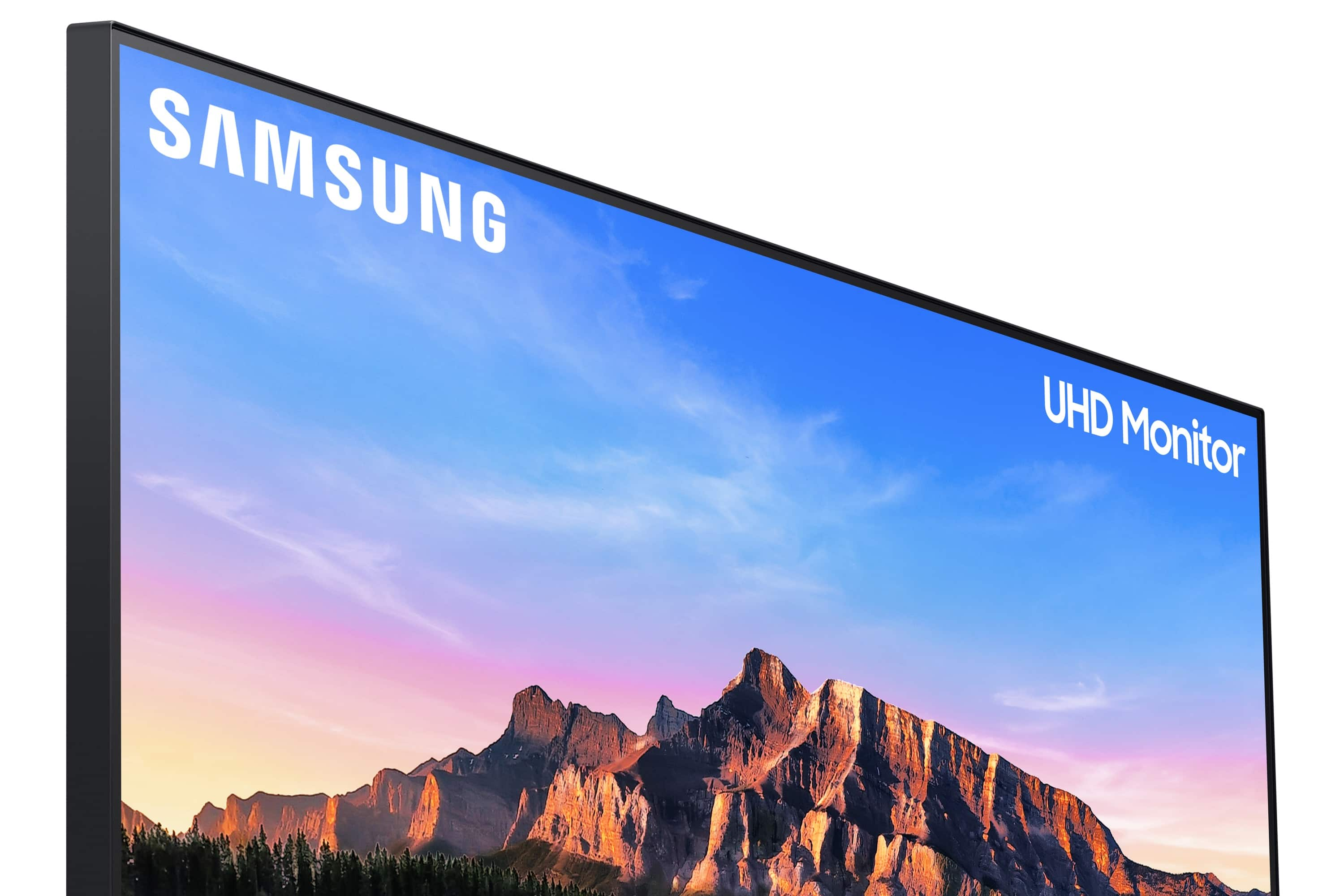
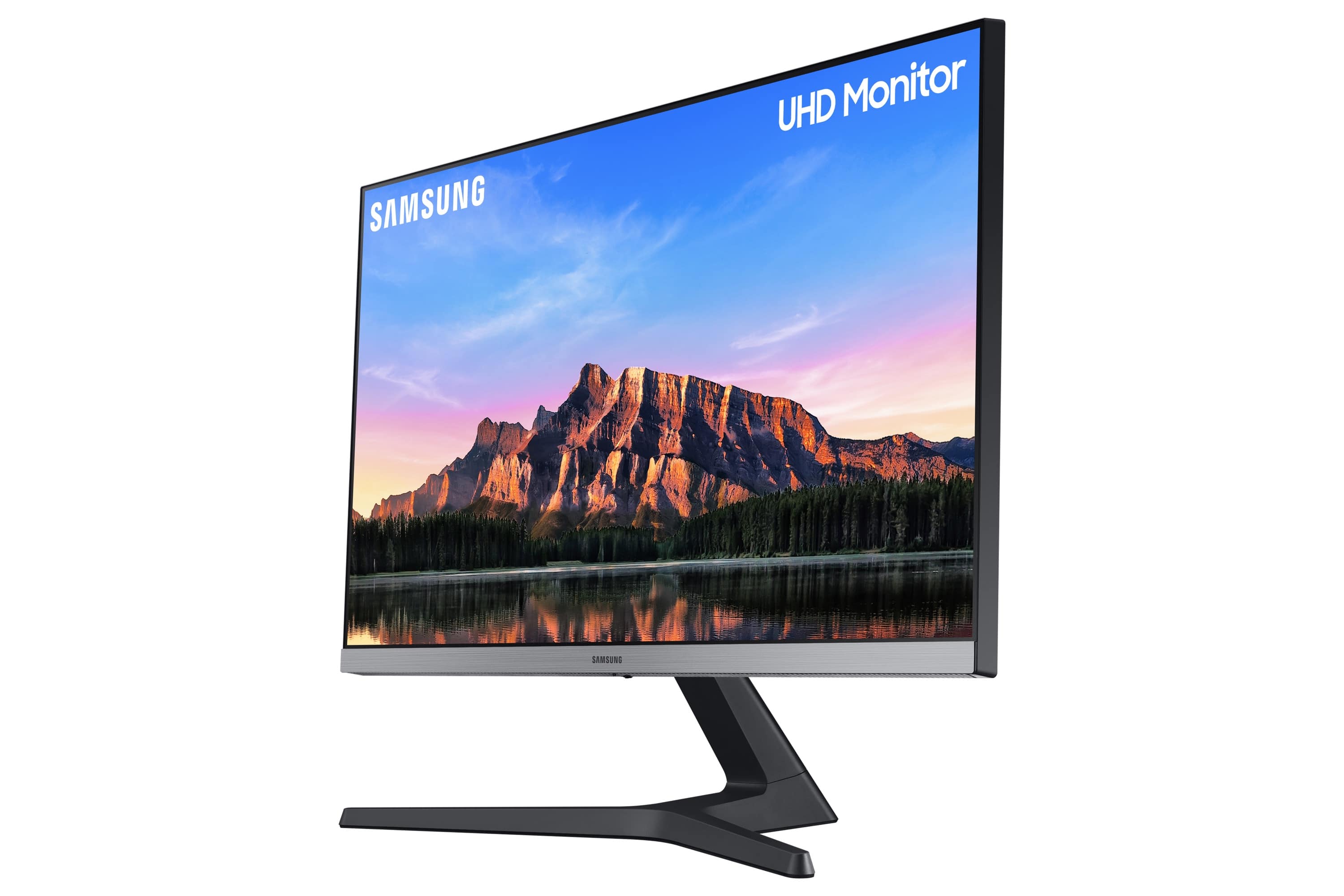
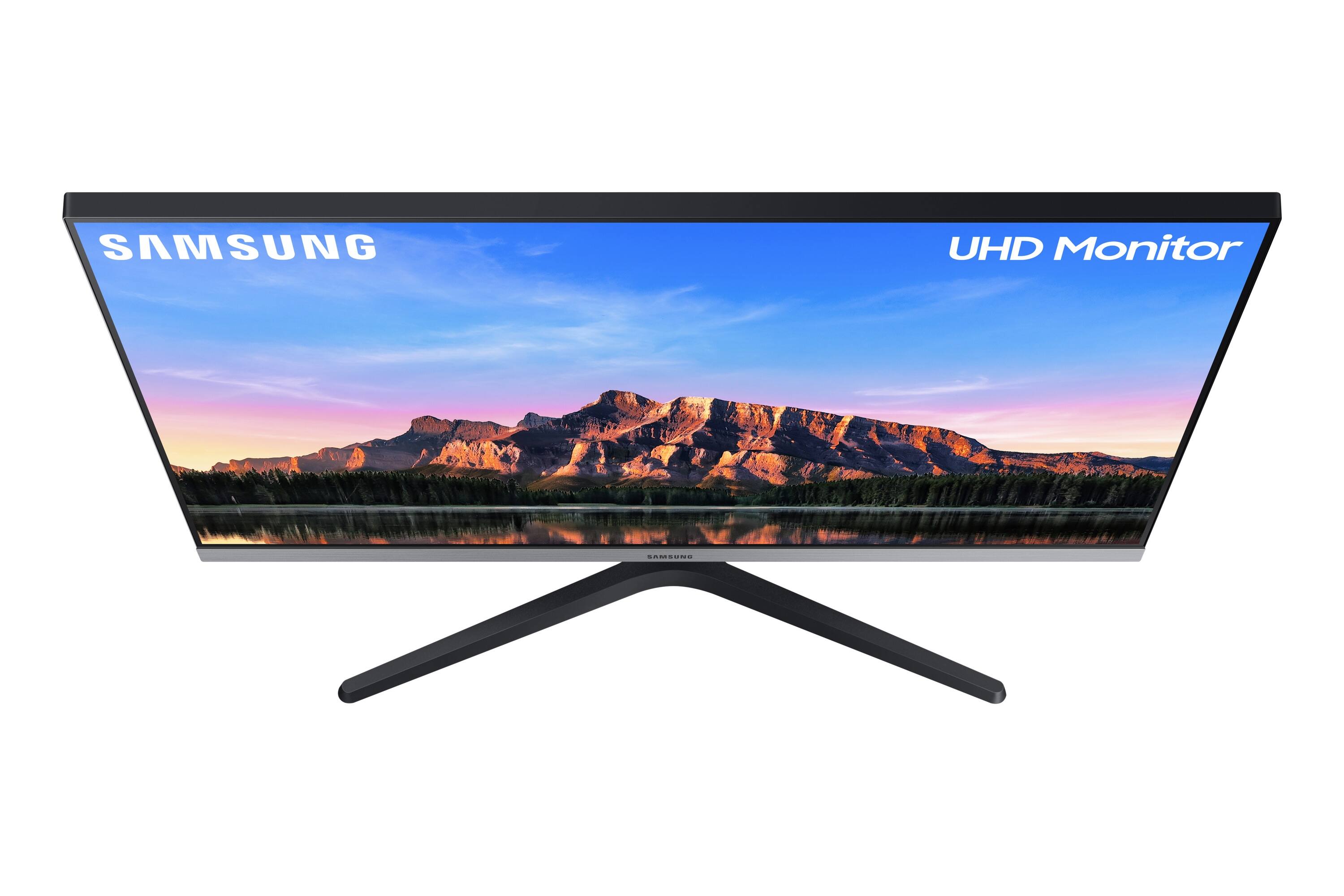
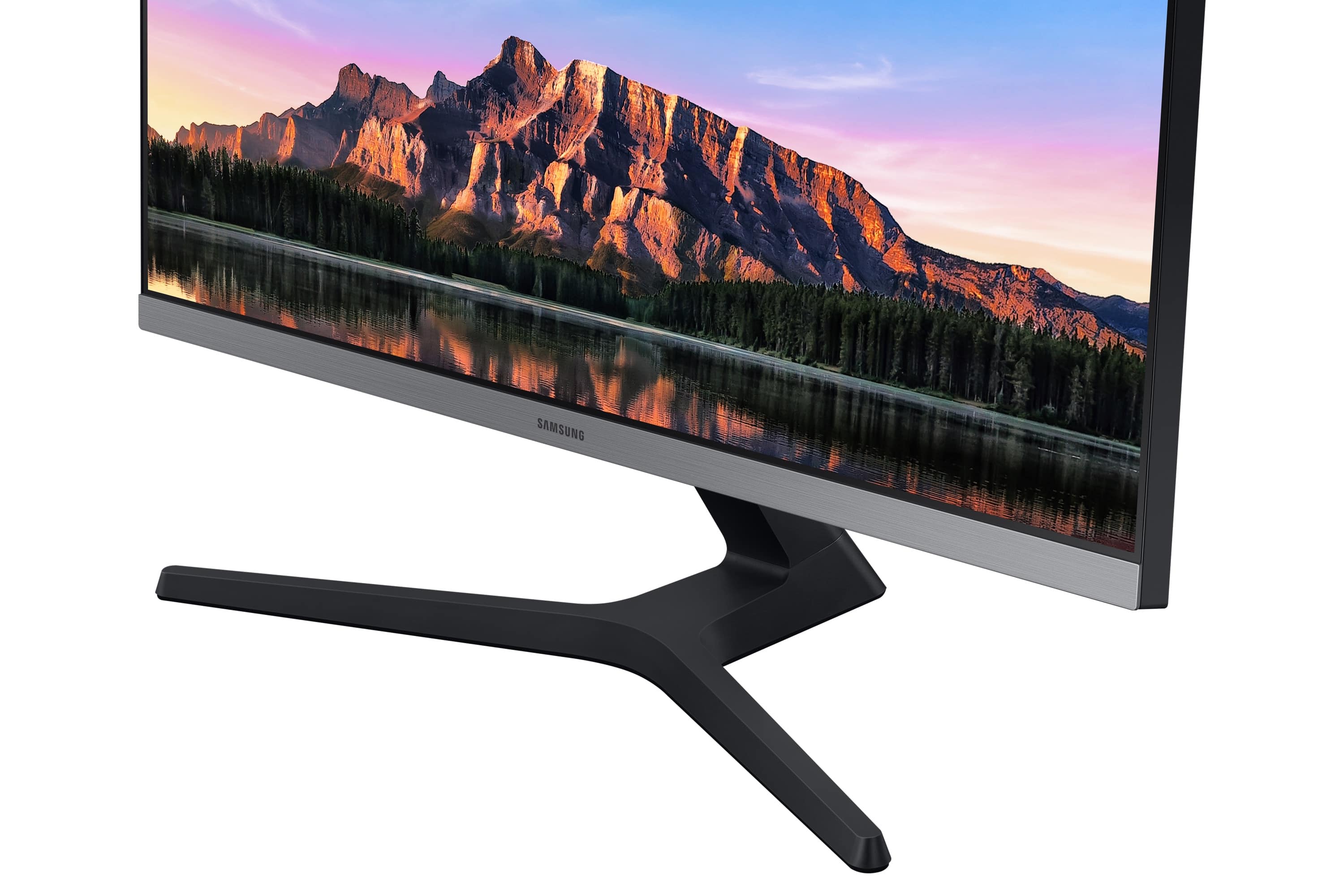
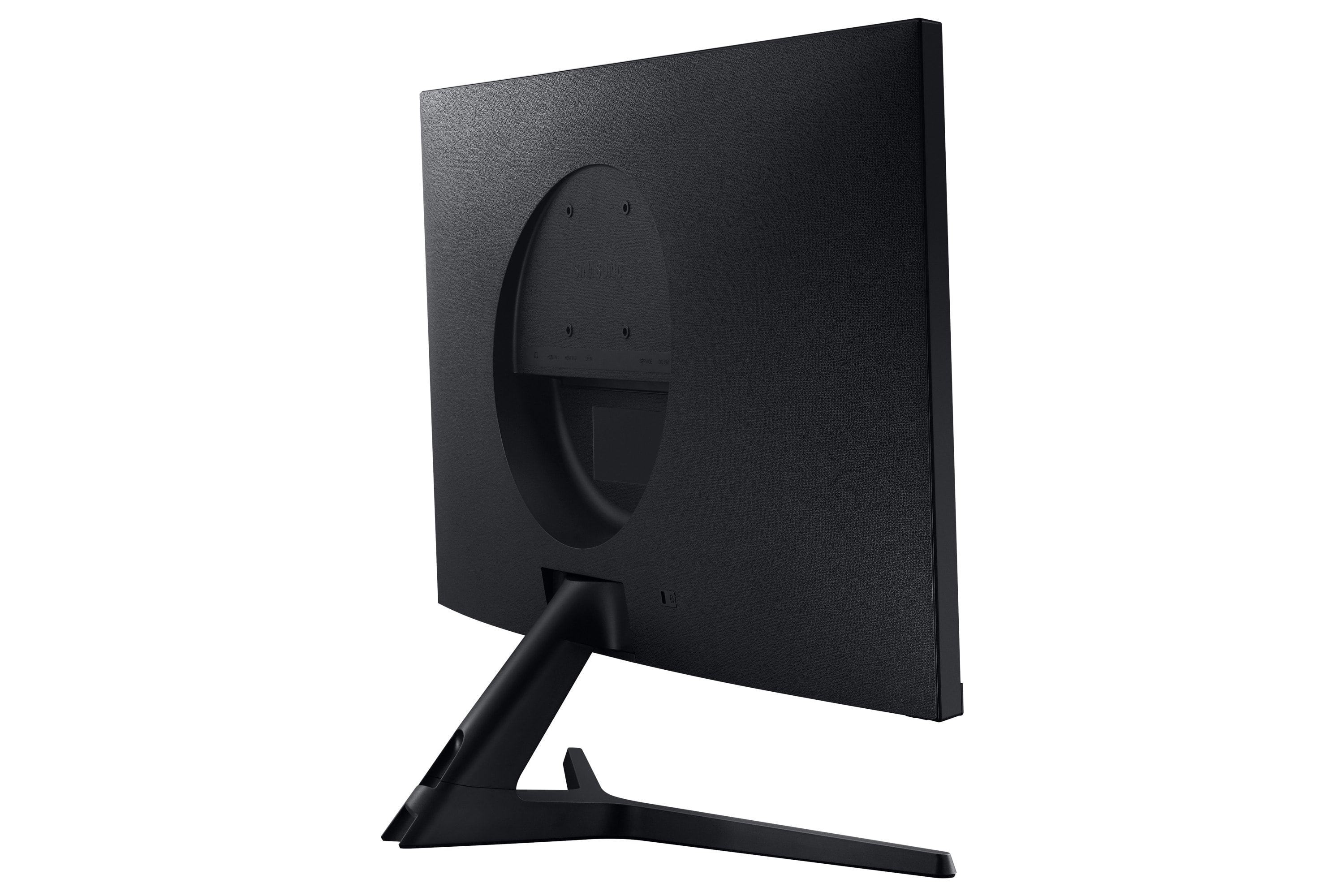
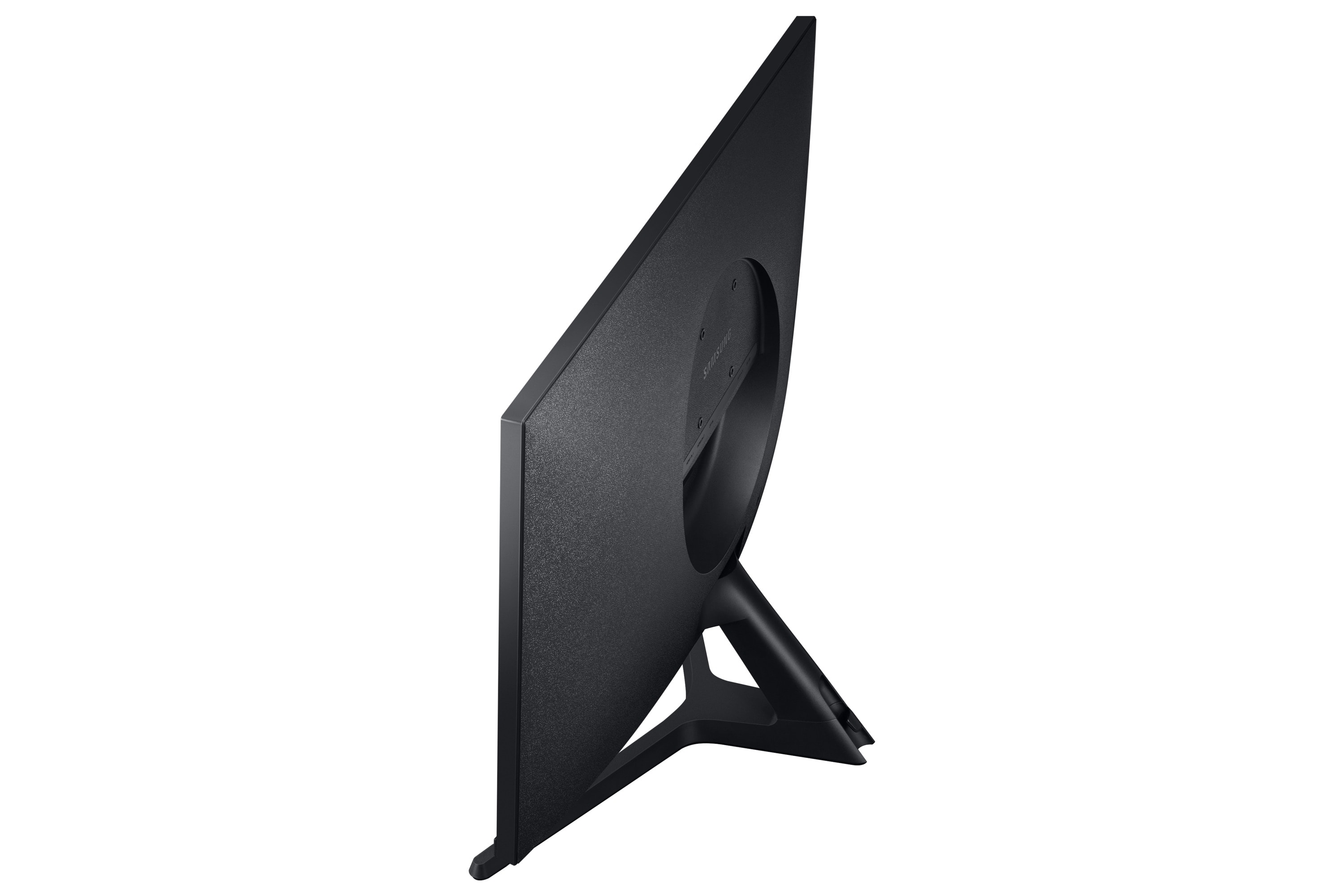
- Model:
- LU28R550UQNXZA
- SKU:
- 6386391
Rating by feature
- Display Quality
Rating 4.8 out of 5 stars
- Ease of Use
Rating 4.6 out of 5 stars
- Features
Rating 4.5 out of 5 stars
Customers are saying
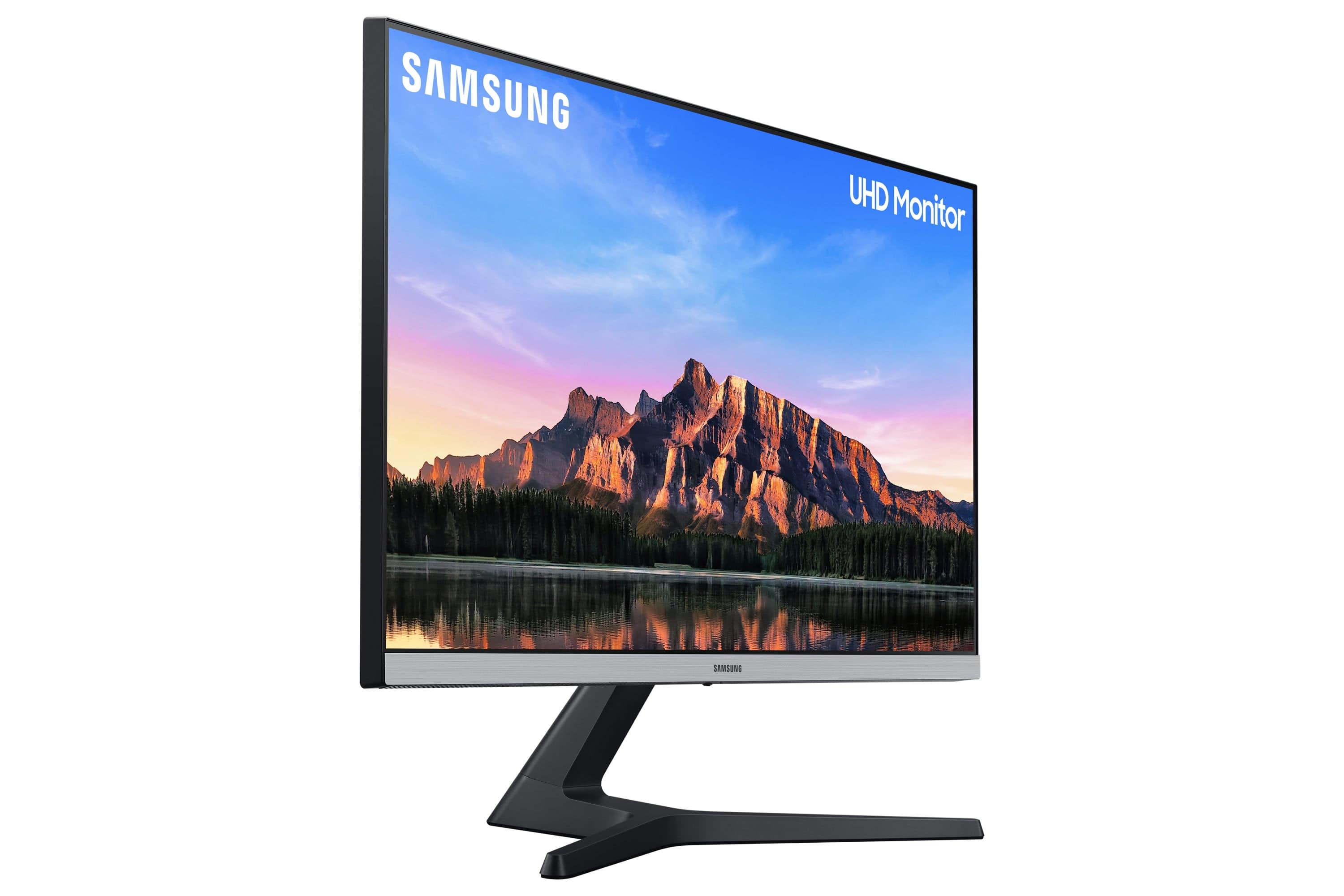
Customers admire the 28” ViewFinity UHD IPS AMD FreeSync with HDR Monitor's picture quality, color vibrancy, and value for its price, frequently praising the HDR capabilities and ease of use. However, some users express concerns regarding the refresh rate and the monitor stand's sturdiness. Additionally, the lack of built-in speakers and the placement of the VESA mount have drawn criticism, as has the input switching mechanism.
This summary was generated by AI based on customer reviews.
- Pros mentioned:Color
Samsung = GOATED
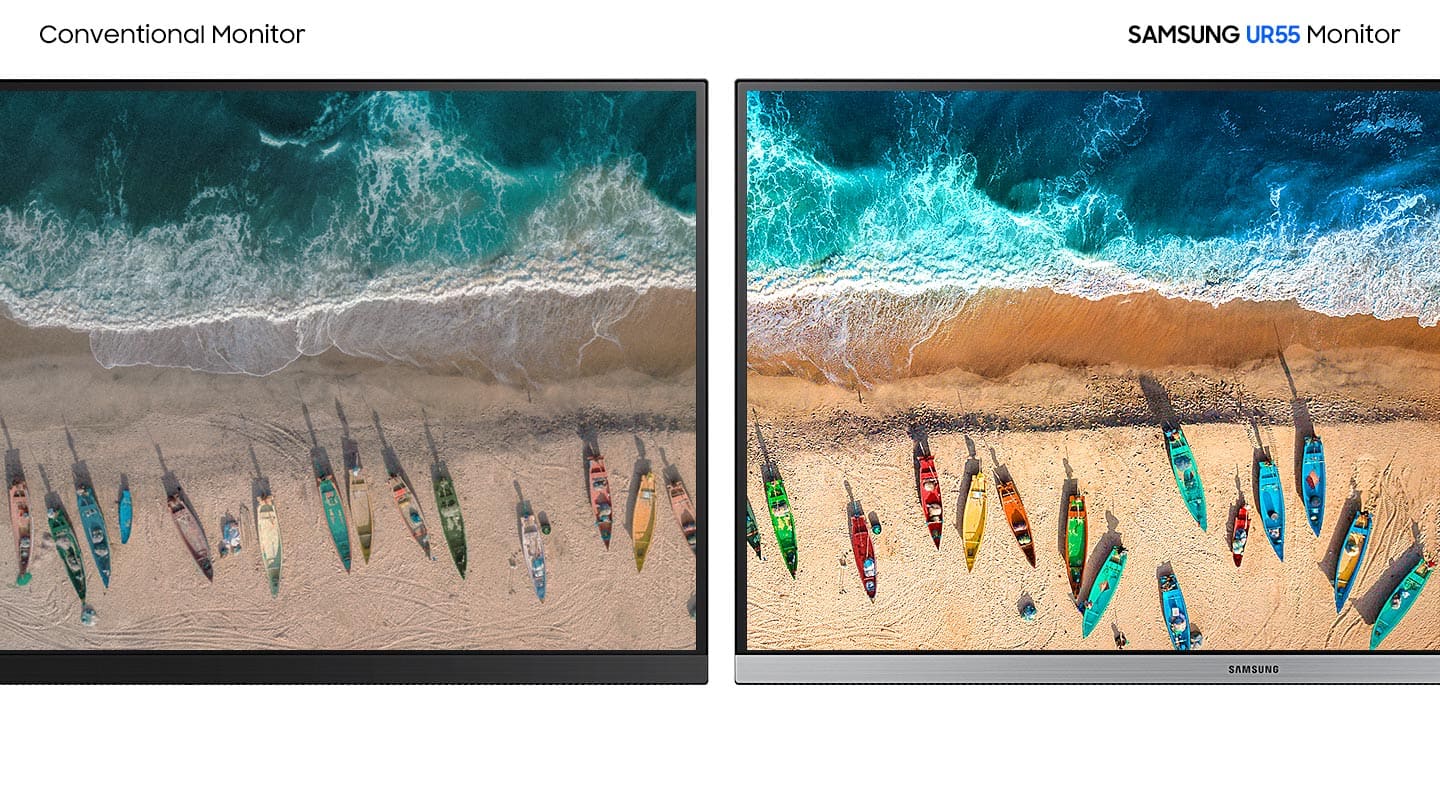
Posted .This reviewer received promo considerations or sweepstakes entry for writing a review.My Samsung monitor is exactly what I need it to be. It’s great color and amazing 4K screen come together to make a wonderful product. Whether it’s gaming or editing- I love this montior.
I would recommend this to a friend - Pros mentioned:Picture qualityCons mentioned:Refresh rate
For movies and content creation you can't beat it!
||Posted . Owned for 1 week when reviewed.This reviewer received promo considerations or sweepstakes entry for writing a review.My new laptop has a 4K display, but I usually have my laptop plugged into a larger monitor on my desk. After looking at that sharp display on the laptop, my old FHD monitor started to look a bit shabby by comparison. 4K monitors can be very expensive (or not very good) but this one hits the sweet spot. It looked very good out of the box, I ran DisplayCAL on it to dial it in, I got 98% Adobe RGB and 88% DCI. Those specs are plenty good for me, watching content, editing photos, video, and doing some color correction. Note this does only have a 60hz refresh, so it will not be good for high end gaming.
I would recommend this to a friend - Pros mentioned:Hdr, Picture quality
Expectations Exceeded!
||Posted . Owned for 1.5 years when reviewed.This reviewer received promo considerations or sweepstakes entry for writing a review.This monitor is exceptional in all the ways that truly matter. Consistently sharp image, bright and vivid colors, fast and responsive, it excels at the minimum a monitor is needed for. No fancy bells and whistles to get in the way, just a good and true 4K HDR monitor at 60 Hz.
I would recommend this to a friend - Pros mentioned:Picture qualityCons mentioned:Speakers
Solid monitor for the price, but not for me
||Posted .This reviewer received promo considerations or sweepstakes entry for writing a review.This monitor has a fantastic picture for the price point if you can get it on sale for $279. At full price, you can do way better. Otherwise, it has a really solid image and I have no big complaints, just two small nits. The monitor has no speakers. And while monitor speakers generally suck anyway, they're really helpful in some office settings. And since this monitor had a volume setting, I just figured it had speakers. No such luck. I returned it because I needed monitors with speakers for my particular application, but otherwise, it was hard to say goodbye! The other nit? The controls for this monitor are kinda hard to use. Granted you probably won't use them much once they're set, but they're not intuitive at all.
I would recommend this to a friend - Pros mentioned:Picture quality
So much detail
||Posted . Owned for less than 1 week when reviewed.This reviewer received promo considerations or sweepstakes entry for writing a review.I've only used this monitor for not even a week yet, but I'm already regretting that I didn't replace my old monitor with something like this a long time ago. If you are into things like photography or CAD, where detail and color are important, this is a great monitor to consider. The size is just right. It doesn't force me to turn my head to see all parts of it. It is easier on my eyes. The detail is insane. To my eyes, everything looks like a printed page with sharp details, clarity, and colors that I was used to seeing more muted. As an amateur photographer it is both a blessing and a curse: the curse is now I'm reviewing my old work and being chagrined to discover I didn't always get the focus tack sharp. I'm using it with a classic 2010 Mac Pro (the cheese grater). I updated the graphics card to an RX 580 so I could take advantage of this monitor. Everything works great. Now I just want to travel back in time a couple of years and slap myself. Then I want to tell myself to buy a 4K monitor. Then thank myself later.
I would recommend this to a friend - Cons mentioned:Refresh rate, Stand
Sam-um..
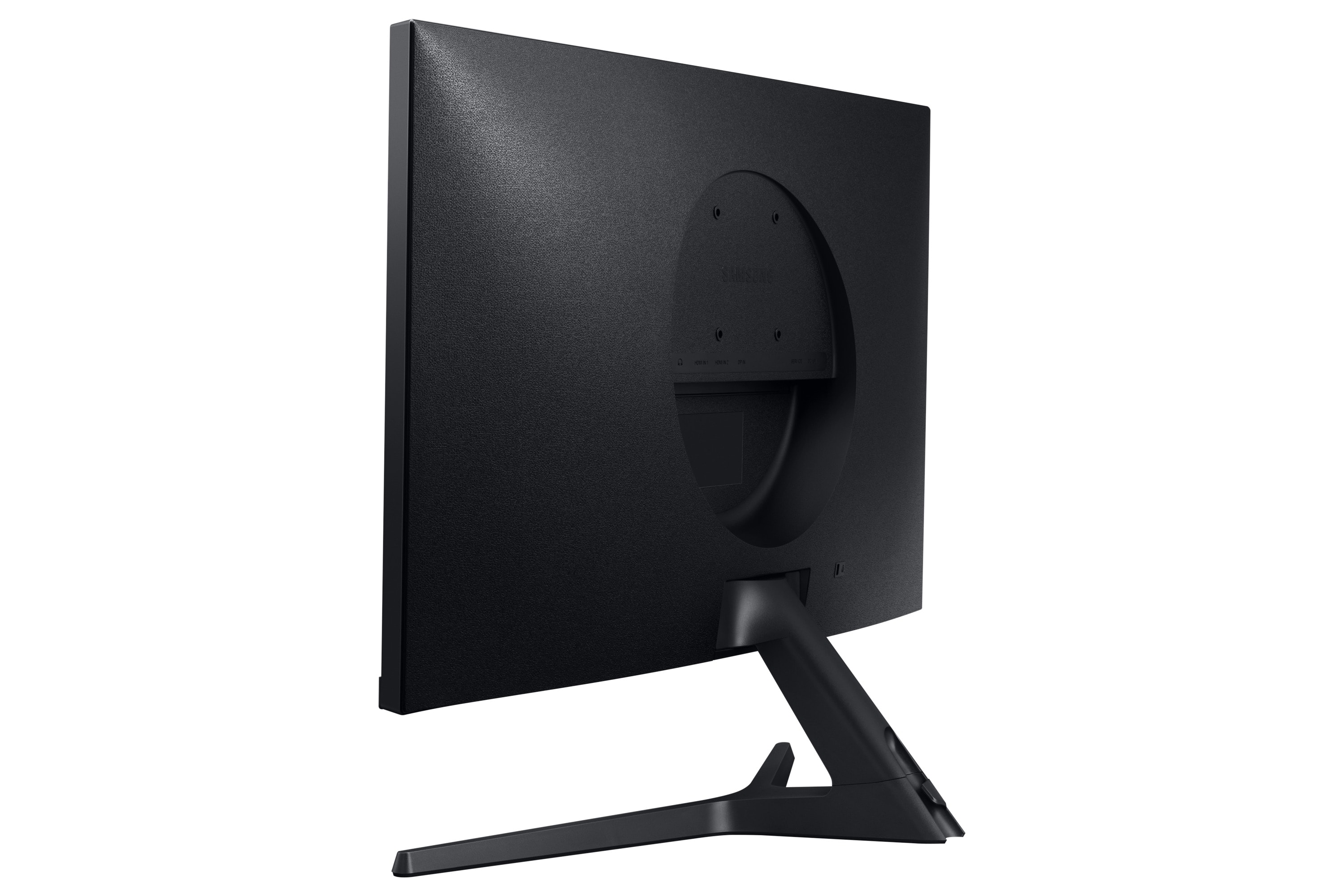
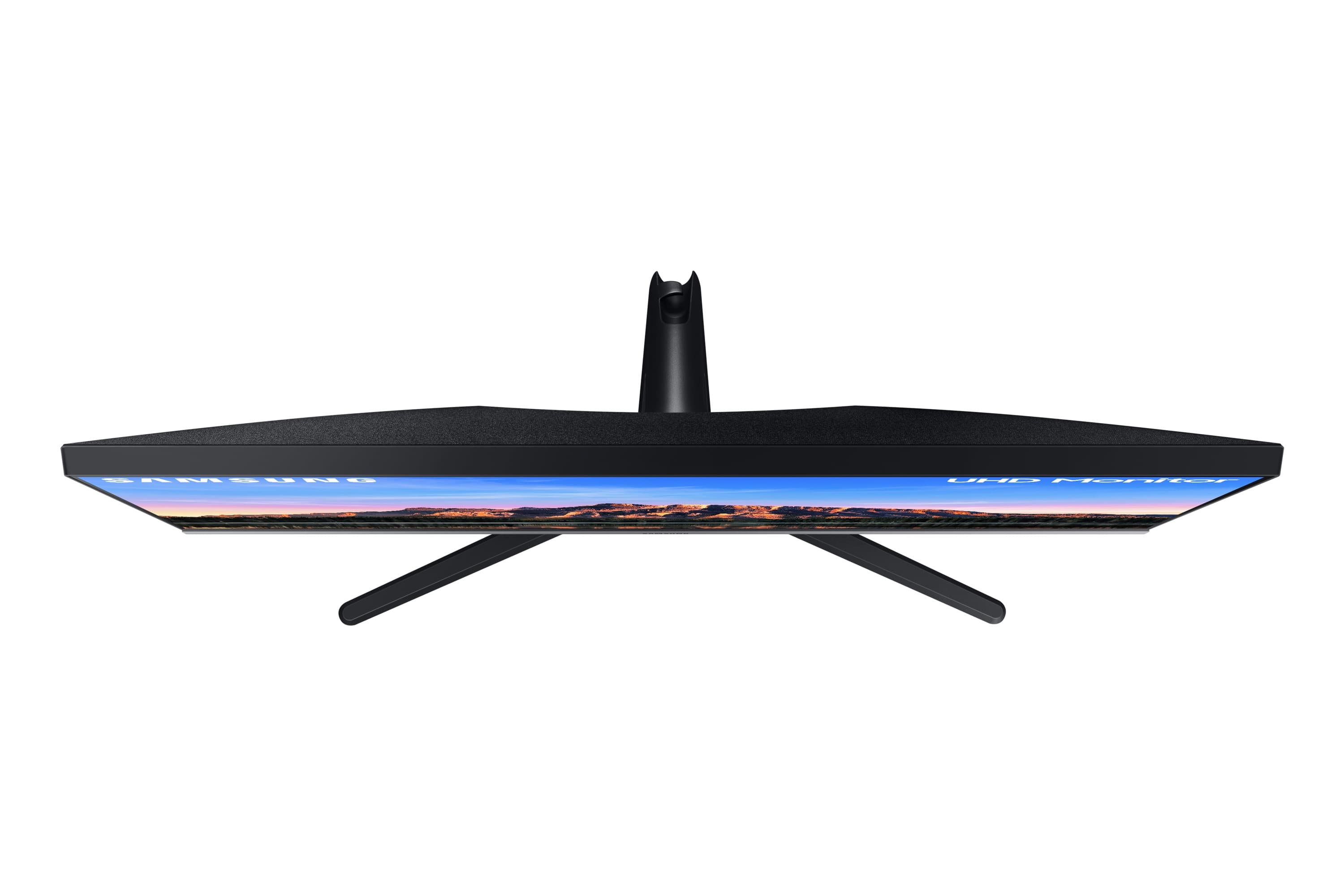
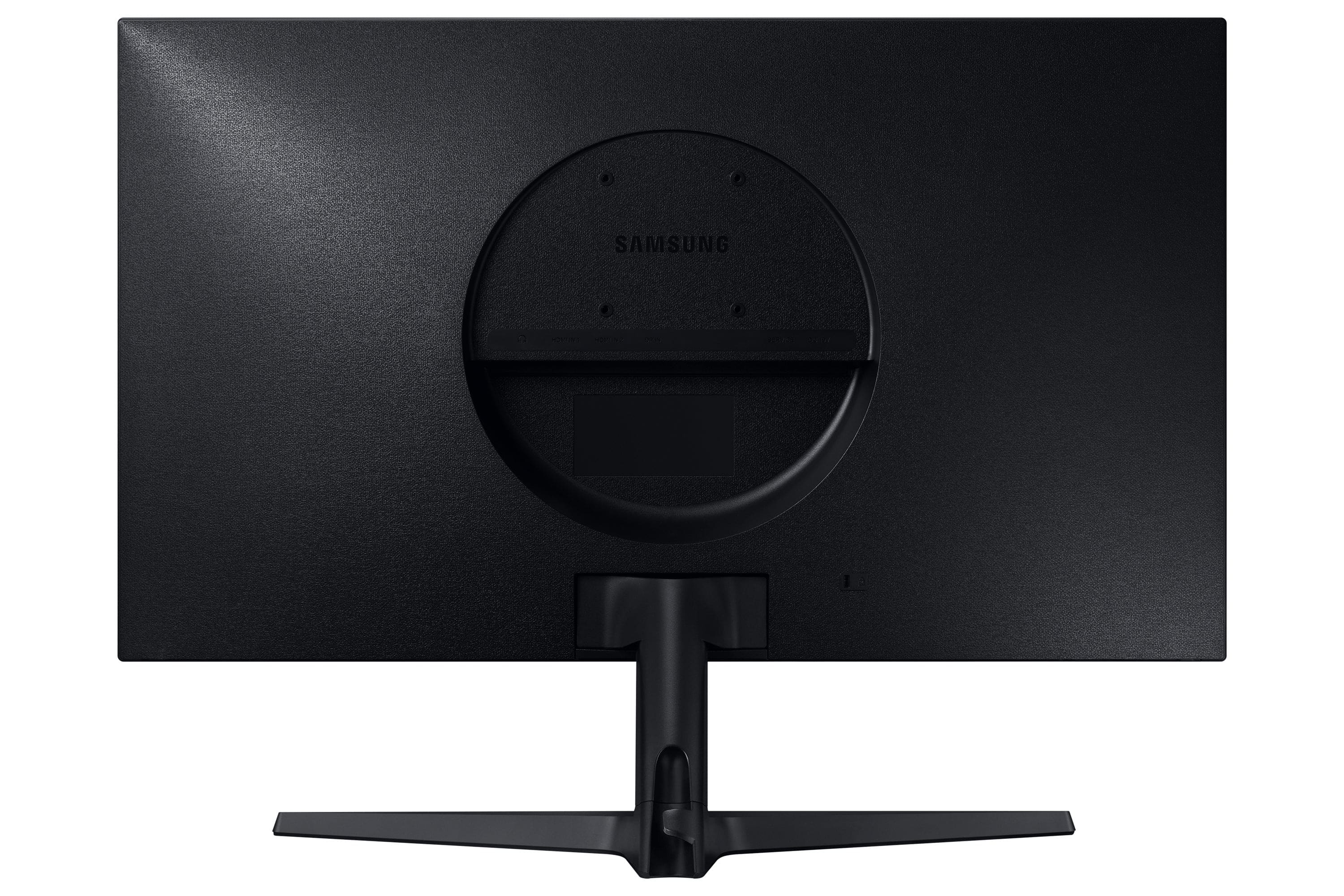
||Posted . Owned for 1 month when reviewed.This reviewer received promo considerations or sweepstakes entry for writing a review.I grabbed this monitor at a discounted price when it was on sale and it's definitely a huge improvement from my previous monitor. However the curved panel on the back is a bit of initial if you are trying to use certain camera mounts on top as well as difficulty plugging in your HDMI cablesin the back of the monitor. The legs are also a bit of a problem but pending on your desk set up but if you have enough space for the legs or if you use a mount it’s a pretty good monitor with 4K quality. I do wish it supported 120 Hz though.
I would recommend this to a friend - Pros mentioned:Hdr, Picture quality
Amazing 4k IPS display
||Posted . Owned for 6 months when reviewed.This reviewer received promo considerations or sweepstakes entry for writing a review.I love this monitor and once you have the colors calibrated, IPS display of colors is amazing. I got this specifically for my PS5 and it looks amazing for games like Ratchet&Clank: Rift Apart running on 4k. Games will look noticeably blurry if running at 1080p so my recommendation for past ps4 titles/games running at 1080p, I highly recommend changing the ps5/device screen setting to 1080p. Looks better than the 4k upscaling the ps5 does for 1080p games. This monitor is a sensitive to impact so make sure nothing hits it. I ended up getting a screen replacement. I'm sure this applies to any monitor/display Pulled this from reddit and personally, I enjoy the color calibration
I would recommend this to a friend - Cons mentioned:Vesa mount
A wonderful 4K monitor at a very nice price!
||Posted . Owned for 1 month when reviewed.This reviewer received promo considerations or sweepstakes entry for writing a review.I'd been putting off getting a monitor to replace a failing 10-year old Dell 24" HD VGA unit, but having recently returned to school and taking multiple online courses was the last straw. I bought this monitor concurrently with a UHD graphics card to install in my "vintage" Dell Inspiron tower unit, but time slipped up on me and I needed to hook up the monitor to an unused HDMI port on my PC to get going with my coursework. WOW! It was literally a sight for sore eyes as soon as I turned it on and downloaded the driver. If I'd known how much sharper it would be I'd have have bought this monitor the first time I started looking at it almost a year earlier. Some reviewers didn't care for the brief on-screen popups that are displayed after the screen times out, but they're very small and only last for ~3 seconds. And some other folks didn't care for the multi-function "mini-joystick" control that you use to power it down and access the settings, but I found it quite intuitive and very easy to operate after just a few uses...and that's from a fellow who's 64 and generally prefers buttons and knobs LOL. Virtually the only gripe I have is the threaded holes for the VESA mount. I'd previously installed a wall-mount assembly to create more desk space, and the old Dell unit had internal threaded steel inserts for mounting. However, this unit has sheet metal that's been "punched and threaded", and even though I was very careful not to over torque the screws when I installed the mounting plate, one of them stripped out. However, I was quickly and easily able to "improvise and overcome" with no adverse impact. The unit is working perfectly, looks great, and is securely positioned on the mount precisely where I need it. I can hardly wait to see how well it's able to perform after I get my UHD graphics card installed in my PC, but that will have to wait until this semester is finished!
I would recommend this to a friend - Pros mentioned:Picture qualityCons mentioned:Stand
Everything excellent except the stand
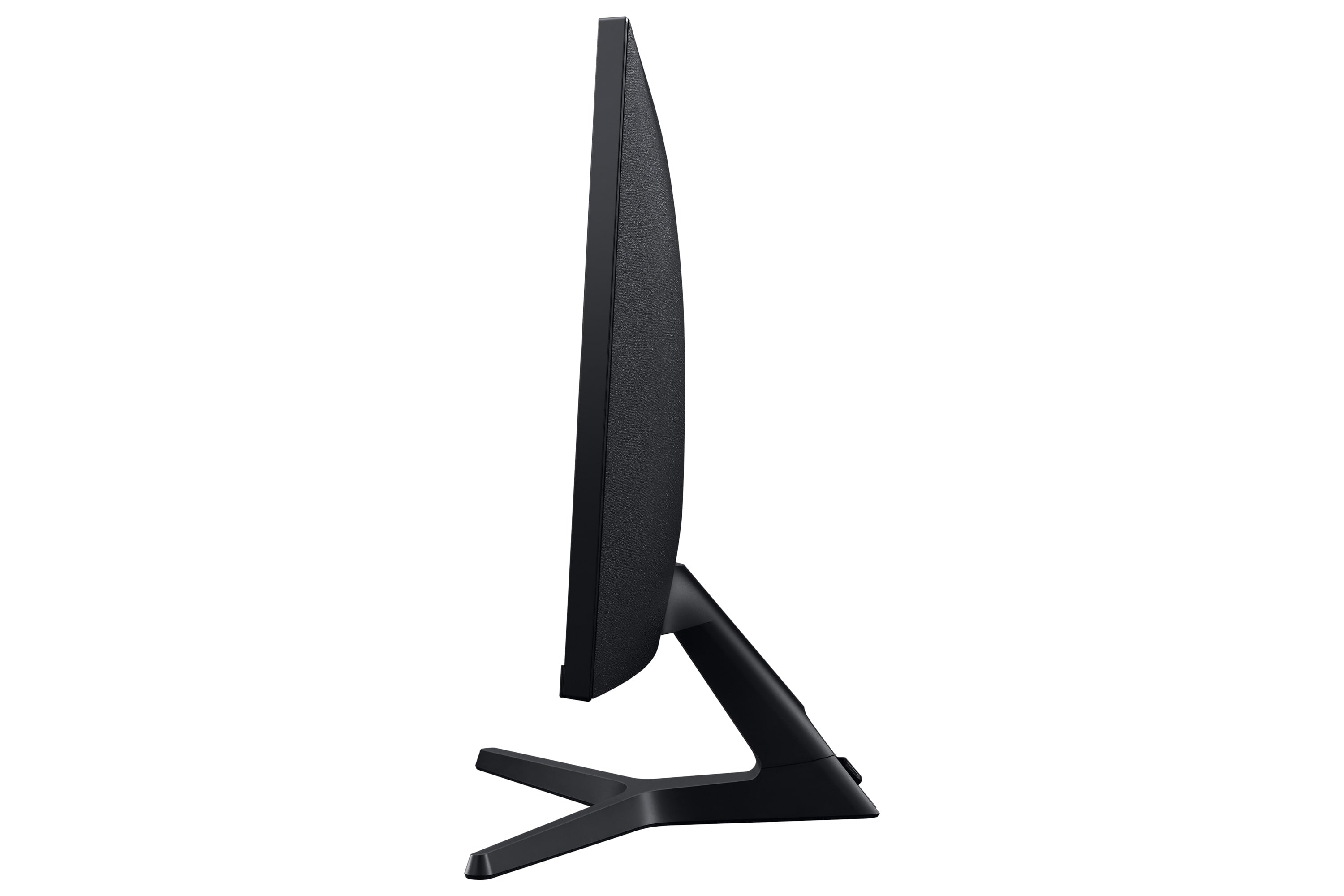
||Posted . Owned for 3 weeks when reviewed.This reviewer received promo considerations or sweepstakes entry for writing a review.Picture is excellent at a good price, have stared into it for 9 hours per day for a couple weeks now while coding and doing database work, and all quite comfortable. The stand is flimsy and creates a bit of wobble now and then. Also the plastic around the screwhole where the stand is attached was sort of melted into the hole, and I pretty much had to vice-grip the screw in. In the end, it was worth it.
I would recommend this to a friendBrand response from Samsung
Posted .We are delighted to hear you've had a positive experience with your ViewFinity HDR Monitor.
If there is anything we can do to assist you and improve your product experience, please don't hesitate to contact Samsung Customer Support via:
1-800-SAMSUNG, available 8AM - 12AM EST (Mon-Fri) / 9AM - 11PM EST (Sat-Sun).
Your thoughts and opinions are very important to Samsung.
- Cons mentioned:Stand
Great Value
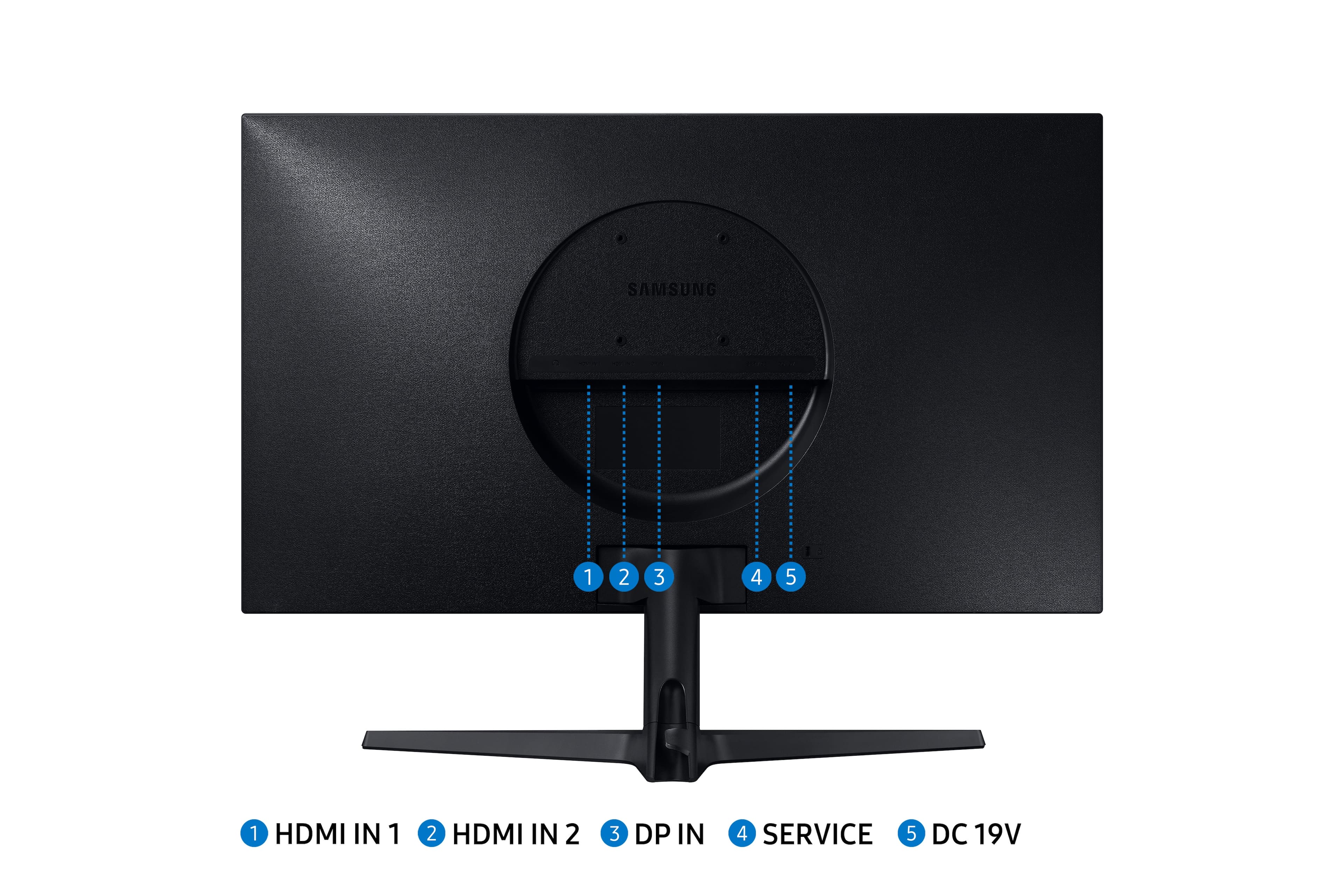
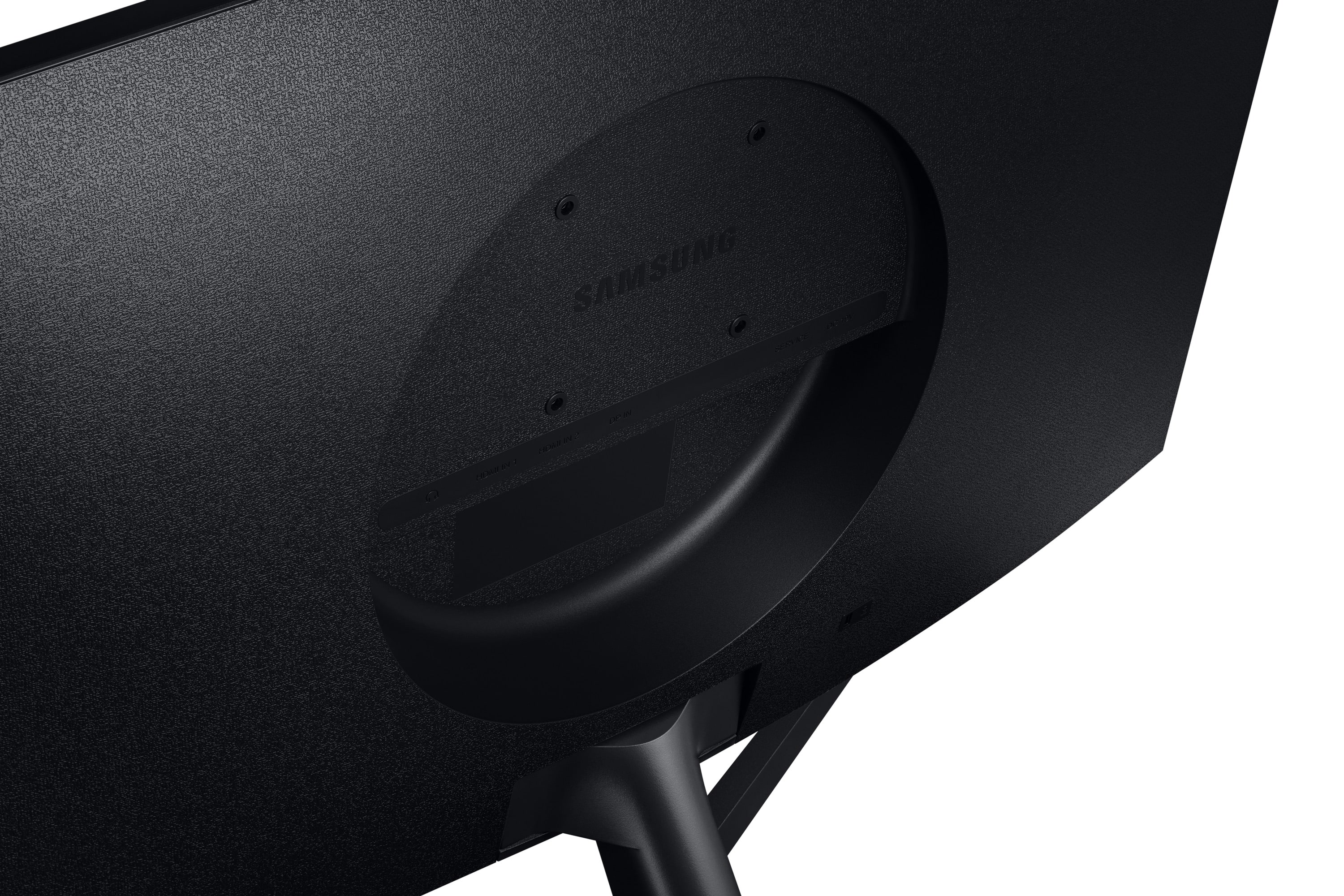
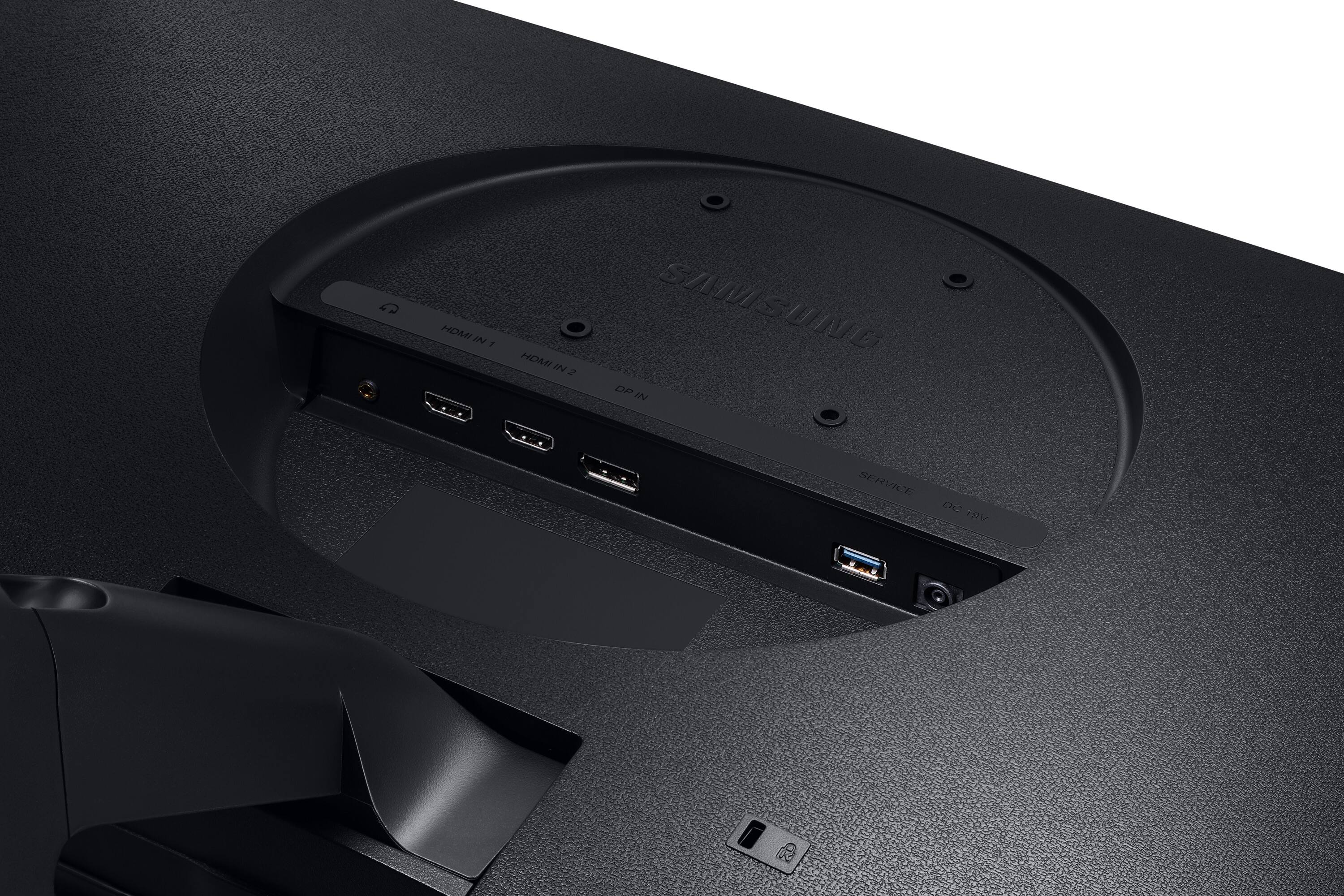
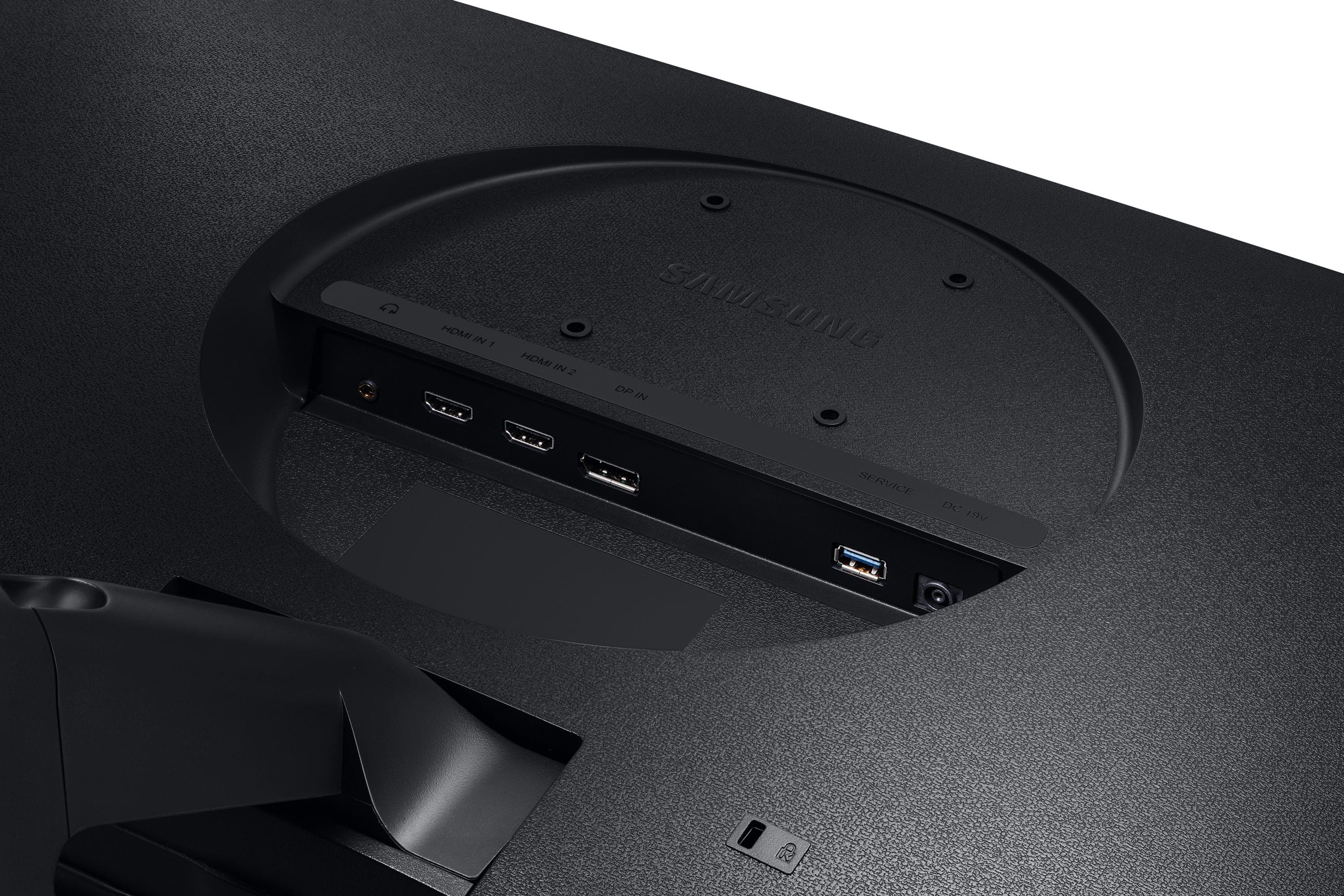
||Posted . Owned for 1 week when reviewed.This reviewer received promo considerations or sweepstakes entry for writing a review.TL;DR - Overall a solid monitor, especially if you can get it on sale (was under $300 at time of review), but might want to go a bit larger unless you either have good eyesight, sit close to the screen (~20 in), or plan to use scaling. Pros: 1) 4k resolution in a fairly compact package 2) IPS panel looks sharp, and did well in a fairly-well lit room 3) Price Cons: 1) Full 4k might be too small for some people without scaling 2) No USB ports 3) Stand is terrible 4) Workaround to utilize VESA mount holes Full Review: I'm not a content creator or anything like that, and don't really game - my use is tons of spreadsheets, email, web browser, etc. and I wanted a cheap 4k monitor that would enable me to have multiple applications open simultaneous without needing to tab between them - this monitor checked all of those boxes. Display (I'll spend the most time here because, let's face it, you're going to be looking at this thing, like, a lot): I bought this alongside a 32" 4k to compare what I'll call "usability" of a 28" vs 32" 4k at 100% scaling. This monitor has roughly 24.5" of horizontal usable screen space, so at 4k resolution, you're looking at 157 PPI (pixels per inch), which is very dense. For comparison, a 14" 1080p laptop is about 153 PPI, so a pretty good benchmark. 32" 4k is generally around 140 PPI. The positive here is that text is very crisp, but the drawback is that it's small... especially if you start getting into smaller fonts in word or excel, then fuhgeddaboudit. I have fairly decent eyesight (I wear contacts) but not perfect, and I can confidently say this is the smallest I would ever consider going for 4k. IMO you lose the advantages of 4k resolution when you start scaling above 100%, but my use-case is probably different than most. All that said, it is doable, and in the 2 weeks I've had this, I haven't noticed any eye strain (10+ hours/day for quite literally the past 14 days). Ports / Connections: Having both HDMI (x2) and DP is nice, but there are no USB ports. I was hoping to power my monitor light bar via the monitor itself, but wasn't able to (I knew that going in though). If you're using this with a desktop, or have a docking station / USB-hub, this likely won't be an issue for you. Ergonomics: If there's any area where this monitor fails, it's here, and it fails miserably. First off, the stand absolutely SUCKS. It felt flimsy, the tilt function was finnicky, and the stand itself is just a "pressure" fit (i.e., no screws to attach the stand to the monitor). On top of that, as many other reviews have noted, the raised lip around the vesa mount holes presents a challenge. But, this is pretty easily circumvented - go to everyone's favorite retail conglomerate (the one named after the the rainforest in South America) and search for tv mount spacers and there you have it. I had tons laying around from wall mounting TVs in the past, so this wasn't an issue for me at all. However, Other thoughts: - Bottom bezel is a bit thick, but if you're not stacking these monitors, it isn't an issue. I actually think it looks pretty sharp. Side bezels are what I would consider to be thin - Monitor supports sound, but doesn't have speakers. There's a headphone jack in the back of the monitor though. Not a big deal either way to me but might be for some people - Menu is accessed via a "joystick"-type button underneath the monitor. This was new to me, but after playing around with it for a few days, wasn't a problem - This might be a Samsung thing, but if my laptop ever went to sleep while the monitor was plugged in, it would cycle through all of the inputs (2 HDMI, 1 DP) when I woke the laptop again. Minor annoyance, but still, something to note
I would recommend this to a friend - Pros mentioned:Picture qualityCons mentioned:Stand
Great display, sloppy stand.
||Posted .This reviewer received promo considerations or sweepstakes entry for writing a review.Great monitor. Faulty stand. The spring tension for adjusting the stand is very weak. So, it will just fall to the lowest position as the monitor is heavy. I just got it yesterday and I am going to return it. Samsung makes one of the best displays of any kind and its a shame that they didn't engineer the stand right! Might go with the DELL as it has a adjustable and a firm stand.
No, I would not recommend this to a friendBrand response from Samsung
Posted .We are delighted to hear you've had an overall, positive experience with your ViewFinity Monitor.
Thank you for your feedback to help us improve our products and services. If there is anything we can do to assist you and improve your product experience, please don't hesitate to contact Samsung Customer Support via:
1-800-SAMSUNG, available 8AM - 12AM EST (Mon-Fri) / 9AM - 11PM EST (Sat-Sun).
Your thoughts and opinions are very important to Samsung.
- Pros mentioned:Picture quality
Great value 4K IPS monitor, with some tradeoffs.
||Posted . Owned for 1 week when reviewed.This reviewer received promo considerations or sweepstakes entry for writing a review.I bought one of these to replace a TN panel 1440p monitor that I've been using for a little over 3 years. This hands down beats that monitor in the picture quality and color accuracy, as you would expect. I ended up buying a second one of these to replace my other IPS 1440p monitor, at the Black Friday 2020 discounted price. Going into this, you should know that given the price tier of this monitor, you trade off in other areas such as build quality, the monitor stand, and controls. The build is definitely a bit plasticky and cheap, but is absolutely far from the worst I've encountered. The stand only tilts up and down, maybe 25-30 degrees at most. If something bumps your table or desk, the monitors will shake quite a bit. (Would recommend a VESA monitor arm if you can help it.) This is as expected for the price. This monitor uses Samsung's "joystick" style of controls -- there is one button on the whole monitor, which also acts as a joystick to navigate the menus. It's not great to begin with, but as someone who regularly switches inputs on their monitors, it is easily the worst part of this whole product. You cannot tell the monitor to go directly to an input, it must cycle through all of them individually. If the monitor is on an input with no signal, you can't bring up the menu -- you must wait for the monitor to enter standby mode, then press the joystick to wake it up and pop up the menu. I cannot imagine what series of decisions led to this design. Finally, the HDR ability of this monitor simply isn't worth enabling. It isn't capable of going bright enough for a true HDR effect, and turning it on prevents you from doing some things like enabling Eye Care Mode. I don't consider this last point a big negative, because in this price bracket, actual good quality HDR is practically non-existent. But to be clear, knowing all of this I bought a second one. I did this because the value proposition, especially at the discounted price, for a 28" 4K IPS monitor, is excellent. You just have to be willing to accept the trade-offs for that value. 4 stars.
I would recommend this to a friend - Cons mentioned:Stand
Fantastic Display - Cheap and Defective Stands
||Posted . Owned for less than 1 week when reviewed.This reviewer received promo considerations or sweepstakes entry for writing a review.I purchased two of these monitors for a dual monitor setup on my desk. The monitors look fantastic and have a great picture. The display quality delivers everything I have come to expect from Samsung! There are three items I wish Samsung would fix on such an expensive monitor. 1) The monitor stands have a manufacturing flaw that cause the monitors to not sit level. This is not an issue if you are only using one monitor. However, for those of us using two monitors side by side you will notice a drastic mismatch in the top and bottom edge of the monitors where the two come together. There was almost 3/8" difference in the height of the edge of two monitors. The only way I could find to resolve this, since there is no horizontal adjustment in the stand, was to add a 3/16" thick rubber foot to the right side of each stand. Doing this made the monitors line up perfectly, but now there is a noticeable uneven gap at the bottom of the stand. 2) The tilt adjustment on one of the two stands is so lose that the monitor will tilt down without even touching it. There is no way to stiffen the adjustment point on the stand. 3) The other issue I ran into was that I needed a DC power extension cord so I could hide the power bricks behind my credenza and not have them sitting on top of my desk. The power bricks only come with a 5 foot DC cord. Samsung uses a VERY hard to find DC bullet connector (6mm x 1 mm), and finding a cord was almost impossible. Even Samsung told me that they did not have one and were not aware of any that worked. I finally found a 6 foot extension cable made by Goal Zero that has the 6mm x 1mm plugs. It is expensive ($20), but it works perfect once you cut the dust boot off the female end of the cable. Cutting the dust boot off is very easy to do since it is made out of soft rubber.
I would recommend this to a friend - Pros mentioned:Picture qualityCons mentioned:Refresh rate
Great purchase!
||Posted . Owned for more than 2 years when reviewed.This reviewer received promo considerations or sweepstakes entry for writing a review.I honestly have not one reasonable complaint about this monitor. I bought it brand new March 2020 (right before lockdowns began) and it has served me well since. It is great for work, watching HBO Max, and evening playing games (though at 60hz max of course). The size makes it great for video editing, especially since it's 4K, though not for color correcting of course. For all purpose use, especially business-related work, this is a perfect pick up. Also the joystick for the menus is useful.
I would recommend this to a friend - Pros mentioned:HdrCons mentioned:Speakers
Love it
||Posted . Owned for 3 weeks when reviewed.This reviewer received promo considerations or sweepstakes entry for writing a review.I purchased this monitor for use with a PS5. To me, It looks fantastic straight out of the box, no adjustments required. I while it was on sale, and feel like it was a very good value. For those who havent caught on yet: **This monitor does not have built in speakers** You'll have to use computer speakers that plug into the headphone jack on the rear of the monitor. I knew this before purchasing, so it wasn't a big deal for me. The monitor controls are a little fiddly, but thats a minor complaint. Id recommend this to a friend.
I would recommend this to a friend - Pros mentioned:Hdr, Picture quality
Very good monitor for the price. Vibrant picture.
||Posted . Owned for 1 month when reviewed.This reviewer received promo considerations or sweepstakes entry for writing a review.Great color. Price was quite decent for a 3840x2160 monitor. Full HDR 10 bit. I don't use the speakers, but the controls are easy to access from the front and almost no adjustment needed from factory settings. I have twin monitors and this replaced one of the older ones that didn't have as good a picture. Now I have to replace the other one to get a matching set.
I would recommend this to a friend - Cons mentioned:Refresh rate, Vesa mount
Great monitor, but a couple gotchas
||Posted . Owned for 3 weeks when reviewed.This reviewer received promo considerations or sweepstakes entry for writing a review.I really enjoy this monitor but I can't give it 5 stars because of 2 reasons. 1) I had to trim (cut metal) my VESA mount in order for it to fit into the circle in the back. 2) It did not auto-detect that it was connected to an HDMI 1.4 device so it would have some flickering pixels. I had to manually set the monitor to 1.4 which limited it down to 30hz. I ended up getting a USB-C to Display Port. So this was half my laptop's problem. Else, it's very nice to use for develop work and gaming. I highly recommend (especially if you are able to use the stand it comes with)
I would recommend this to a friend - Pros mentioned:Hdr, Picture quality
Perfect Monitor
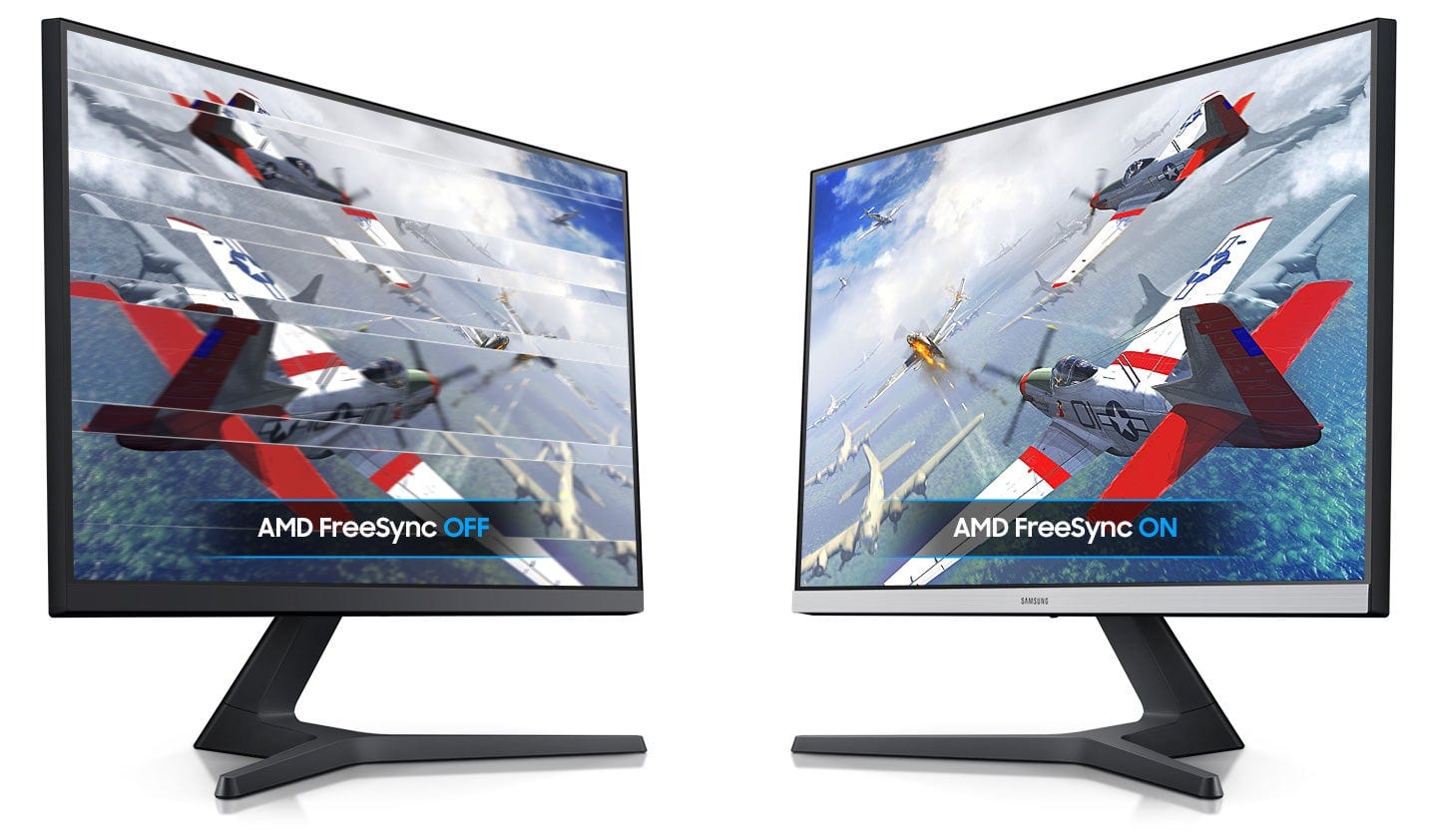
||Posted . Owned for 2 weeks when reviewed.This reviewer received promo considerations or sweepstakes entry for writing a review.I have been looking for a 4k Monitor with HDR and Freesync features for a decent price and I finally found it. Its only been out for a few months so it wasn't quite known yet. I use it with my xbox one x to get the true 4k experience and get myself ready for the xbox series x. The picture quality is definitely amazing and theres no stutter in game play, worth buying.
I would recommend this to a friend - Pros mentioned:Picture qualityCons mentioned:Vesa mount
Nice panel but case and input design lacking
||Posted . Owned for 3 weeks when reviewed.This reviewer received promo considerations or sweepstakes entry for writing a review.Really nice colors and brightness on the underlying UHD IPD panel. Tons of depth and saturation, and the refresh rate is also nice. However the installation and usability are very subpar. -75x75 vesa mount. Also the mounting area is small, so if you have a universal mount with both 75x75 and 100x100 it most likely won’t fit into the slotted area -The cable connections inputs are very tight, and if you use quality braided cables they have to go in with a disconcertingly sharp angle. Also the angle of the cable input might cause damage later down the line if you have to constantly connect and reconnect -Multi toggle system menu is not intuitive, and screen has finicky on off and sleep functionality. Sometimes the panel had to be hard turned off (unplugging/replugging of cables) which is problematic given the above issue -constant loss of signal With the use and functionality issues above maybe I just got a lemon, but the design features are impossible to overlook. That being said bestbuy was fantastic. Order delivered quicker than estimated and hassle free return. So 1.5 stars for the panel, 5 stars for Best Buy averages out to roughly 3 overall
No, I would not recommend this to a friendBrand response from Samsung
Posted .yinzerniner,
I am very sorry to see that you have encountered issues with the Samsung - UR55 Series 28" IPS 4K UHD Monitor and have returned it
Your feedback is very important to us and will be shared with our product team.
Should you ever decide to give Samsung Monitor products another try and have concerns or questions, please know we are always here to help. You can contact Samsung Customer Support via:
1) Phone: 1-800-SAMSUNG
2) LiveChat: https://www.samsung.com/us/support/#contact_us_for_support
3) Facebook Messenger: http://m.me/samsungsupport
4) Twitter: https://twitter.com/messages/compose?recipient_id=18768513
5) The Samsung Members Community is also a great resource for getting help from Samsung moderators and customers: https://us.community.samsung.com
Again, thank you for taking the time to share your experience and provide us with information that helps improve our service. We hope to regain you as a customer in the near future.
Samsung Monitors
- Pros mentioned:ColorCons mentioned:Stand
Amazing monitor for the price
||Posted . Owned for 3 weeks when reviewed.This reviewer received promo considerations or sweepstakes entry for writing a review.Amazing monitor for the price. I bought one earlier in the year and a second one to match. They have great color and brightness. Stand is not adjustable and changing display inputs is clunky; however, image quality for the price will be hard to beat.
I would recommend this to a friend