Customer Ratings & Reviews
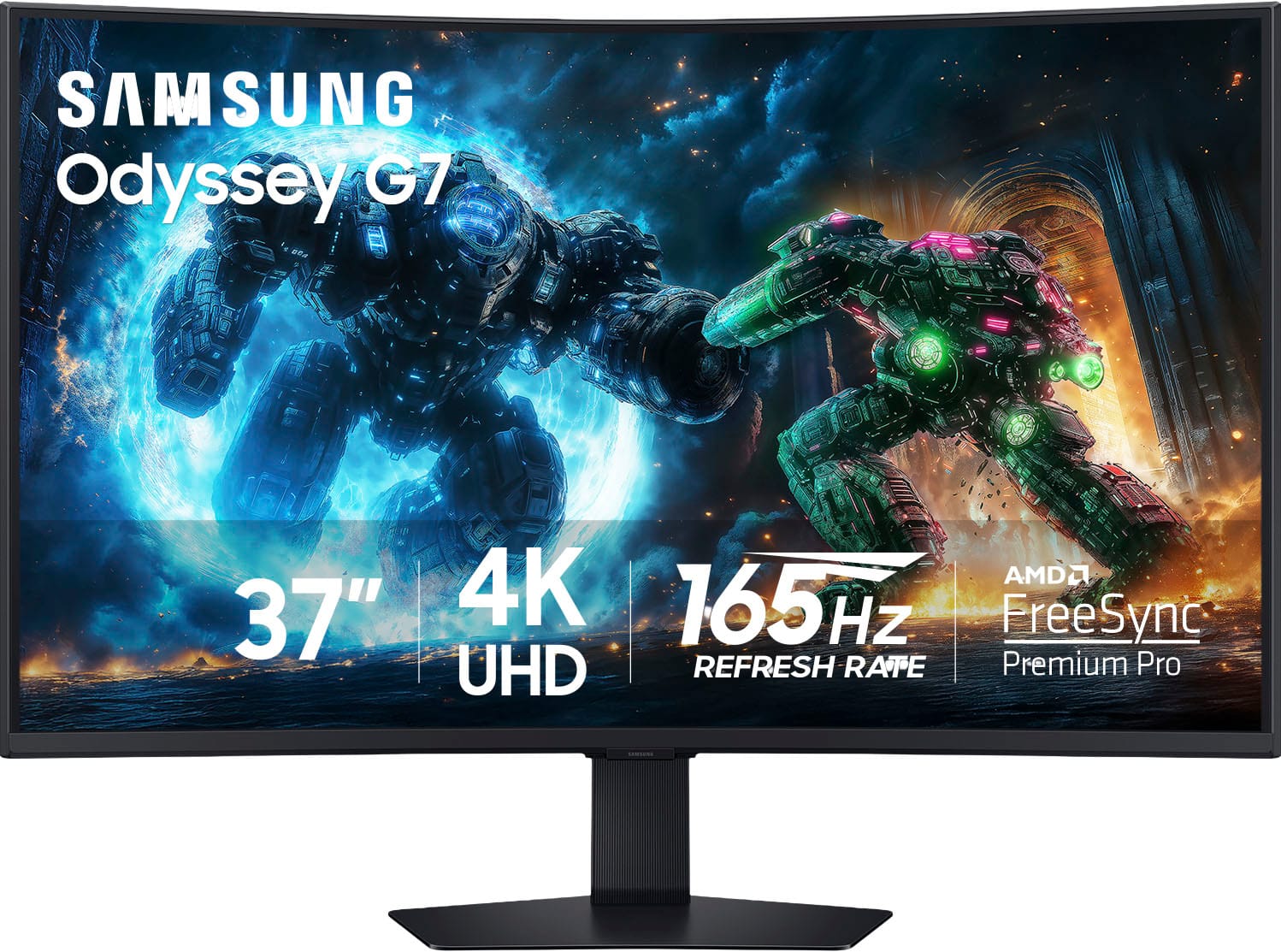
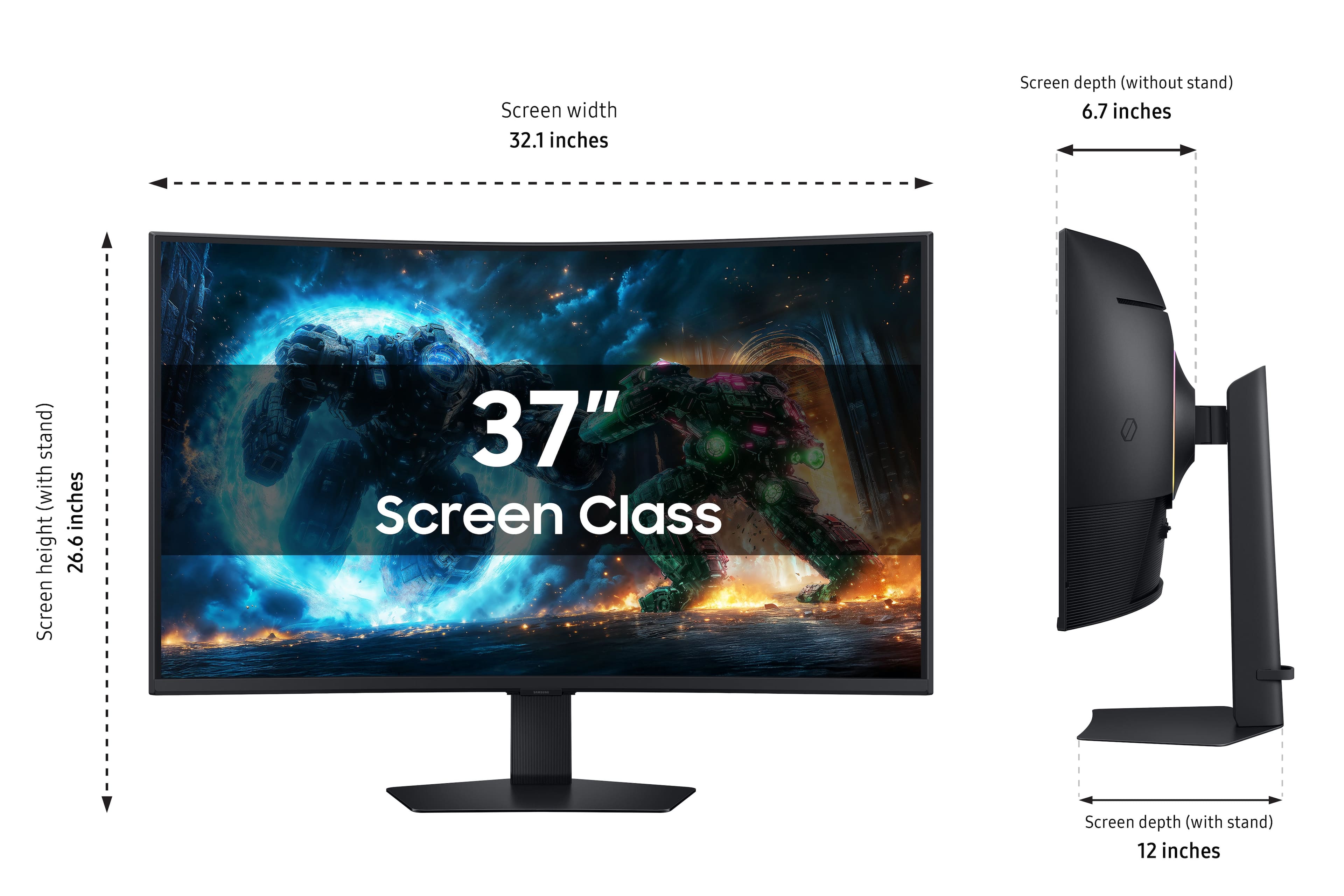
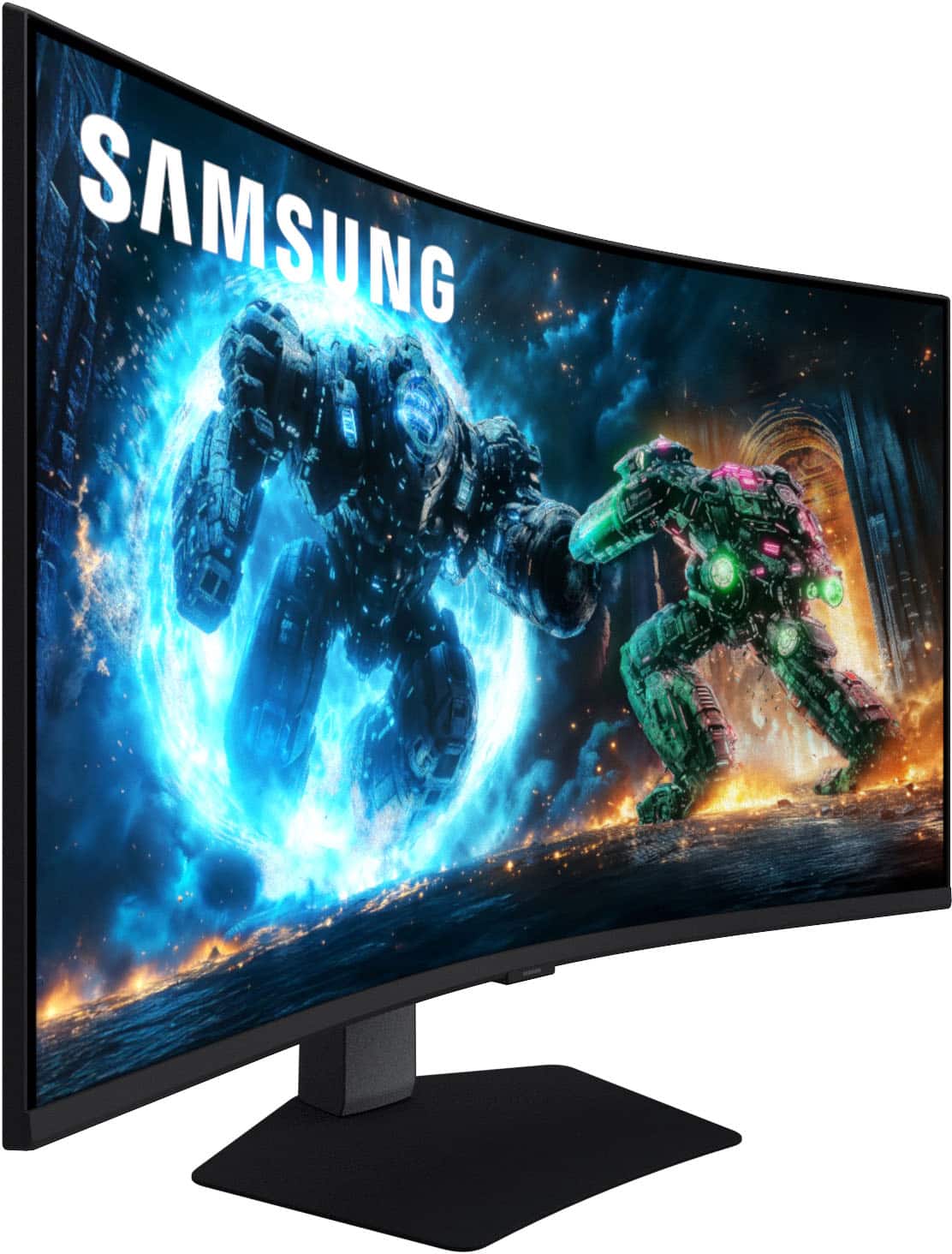
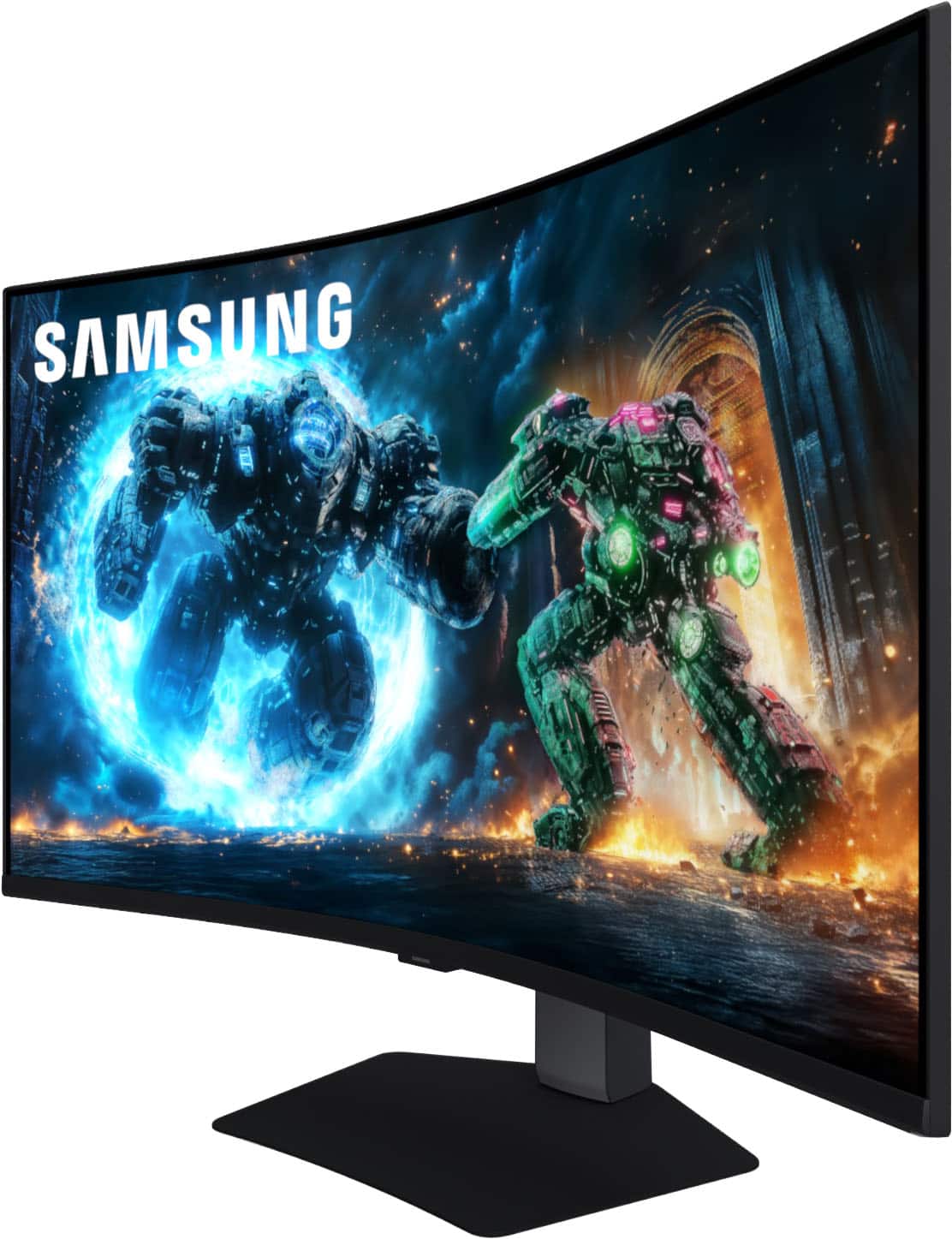
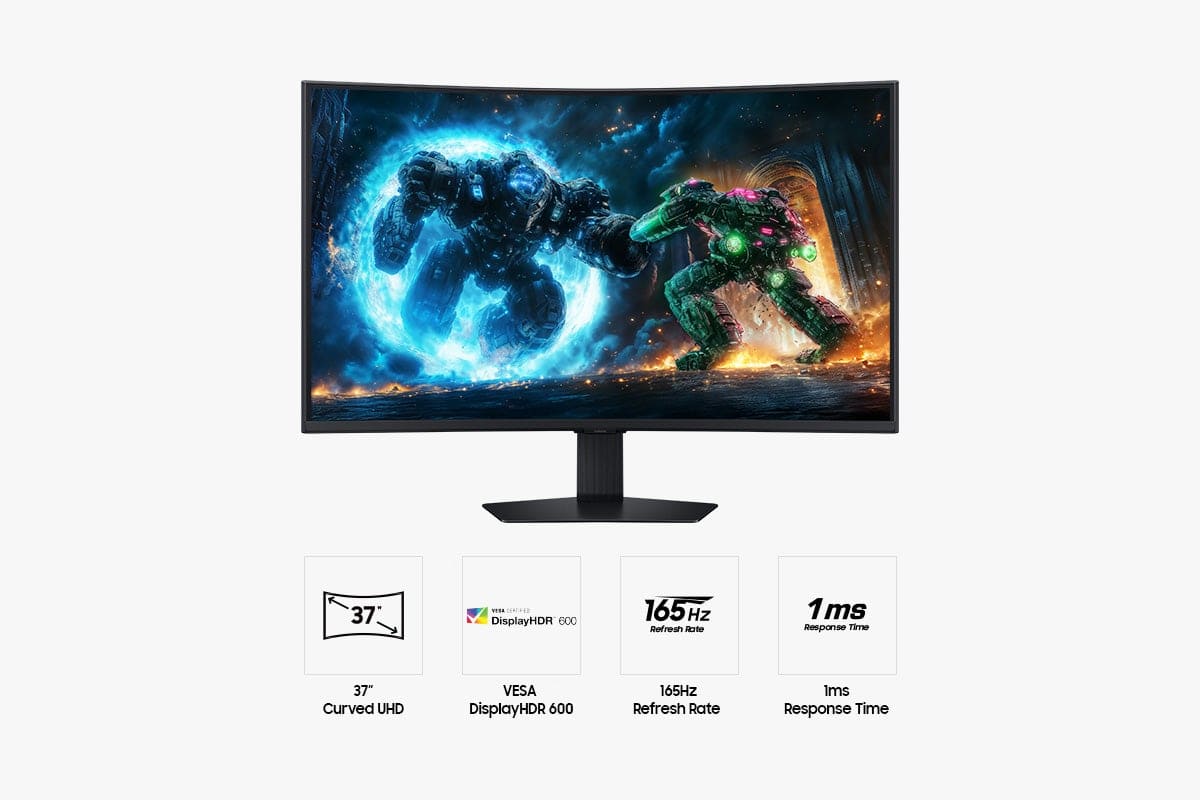
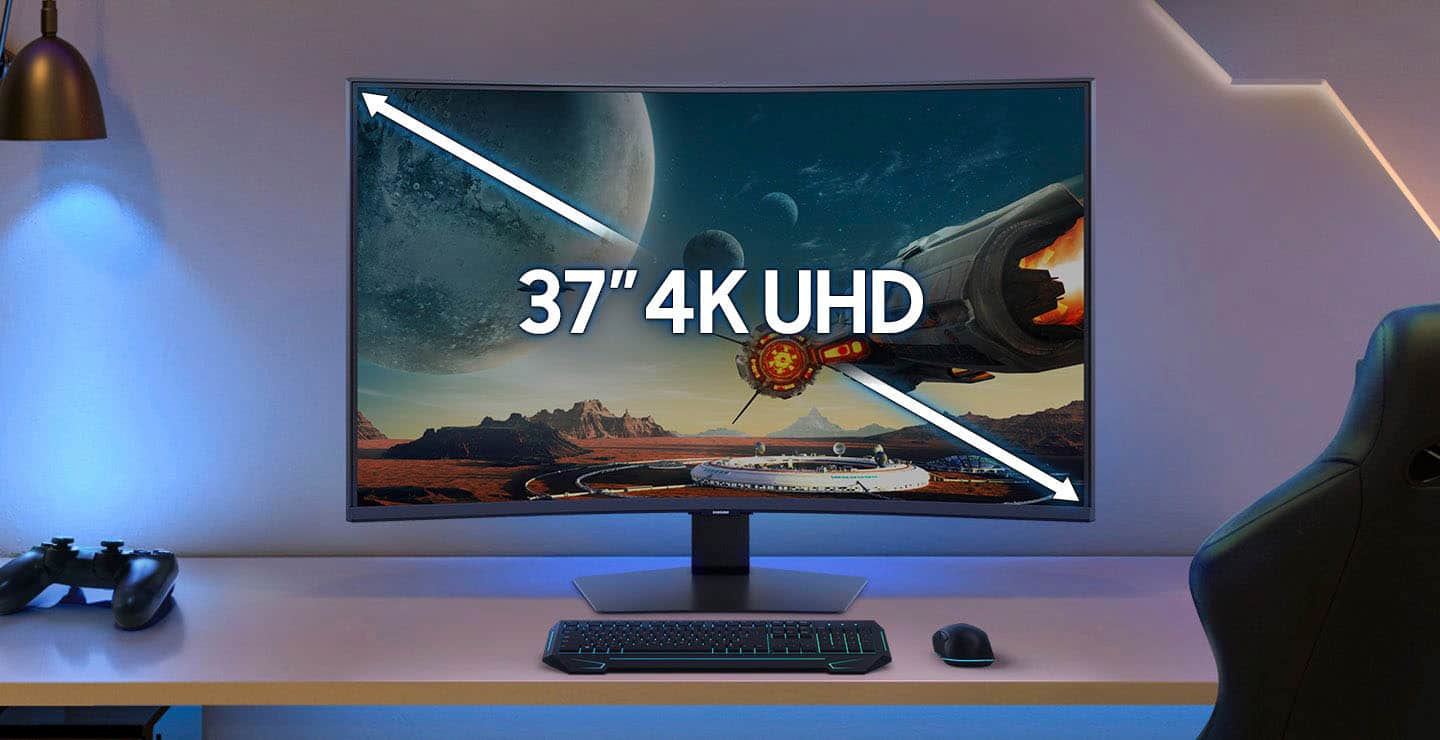
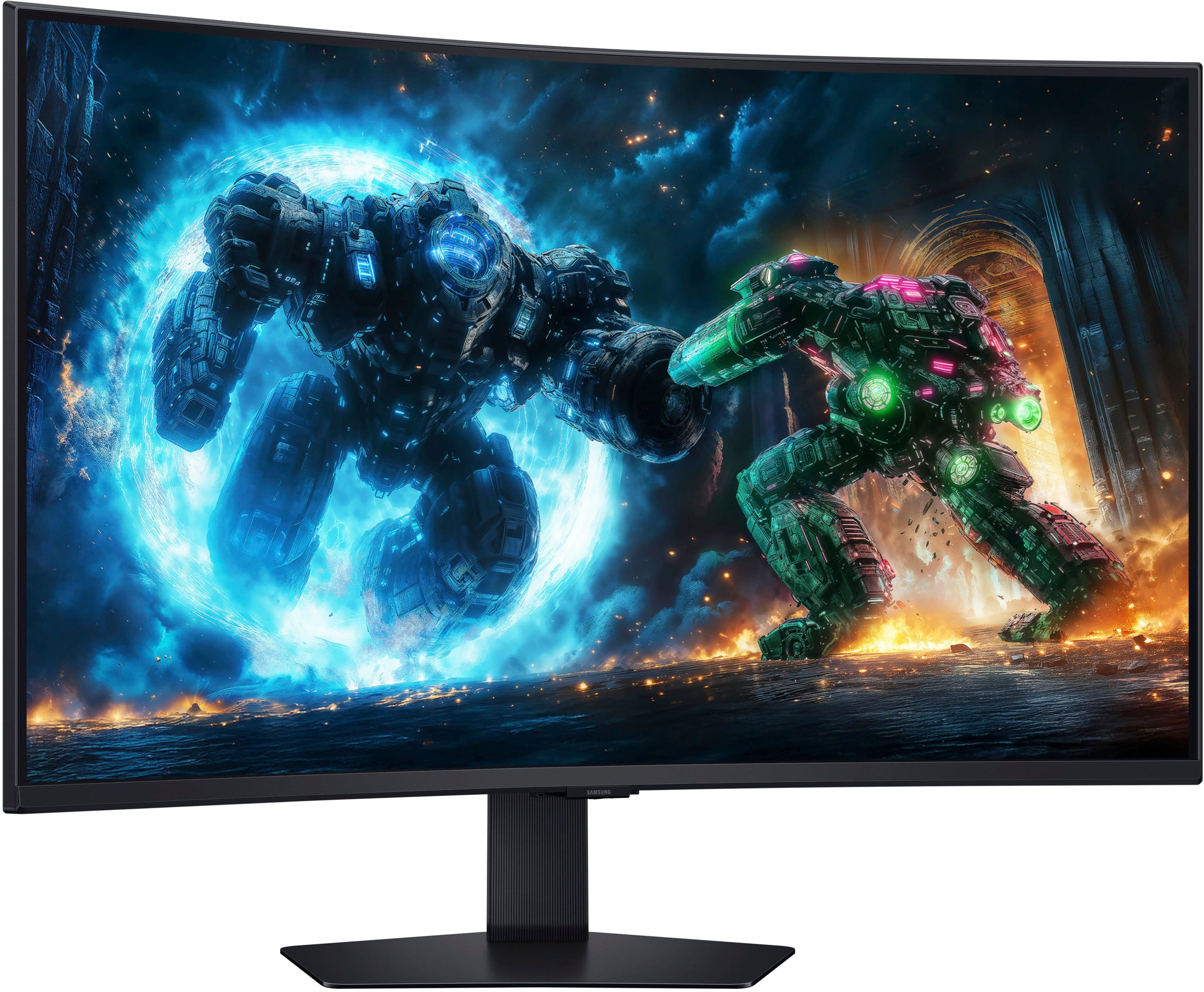
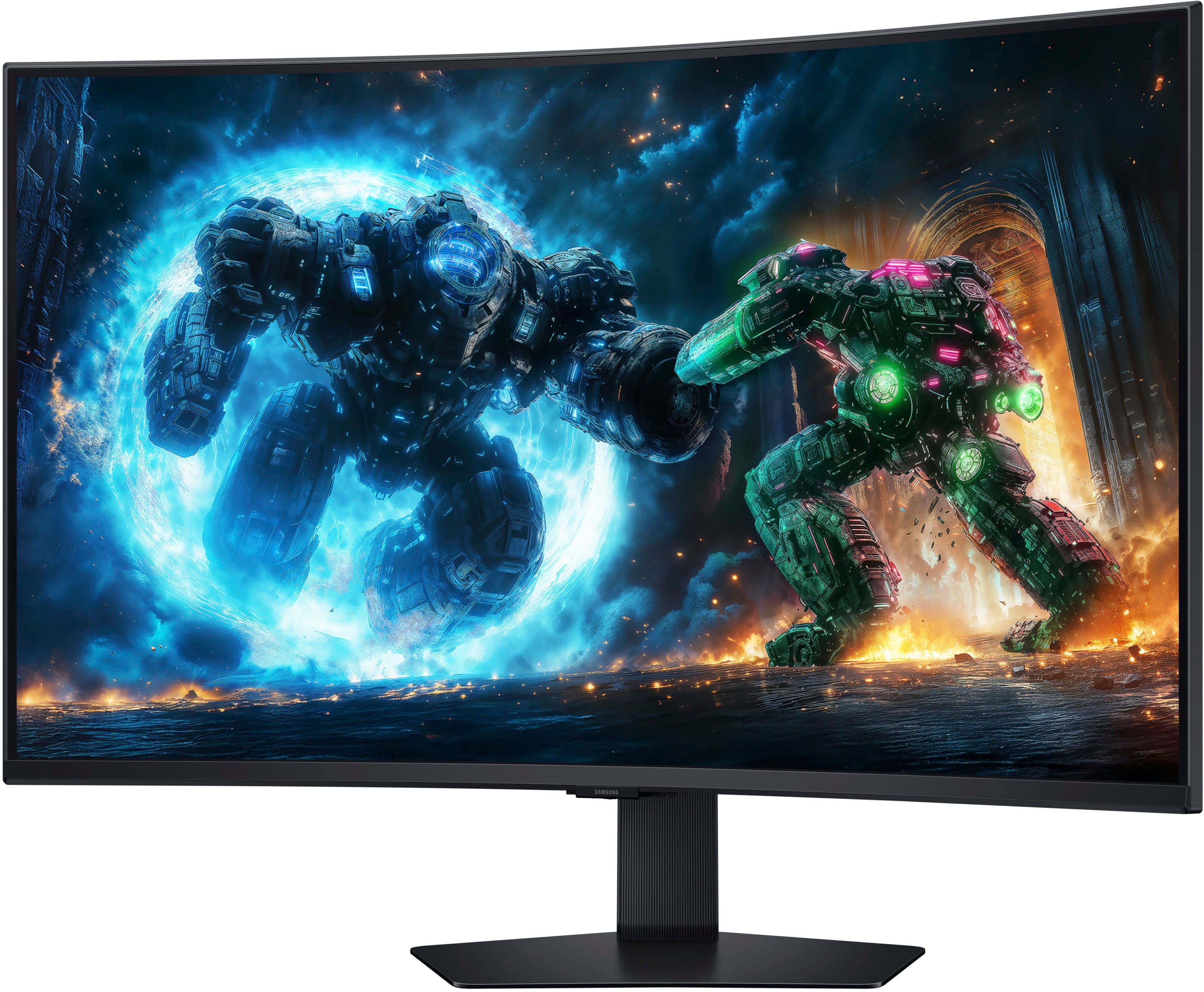
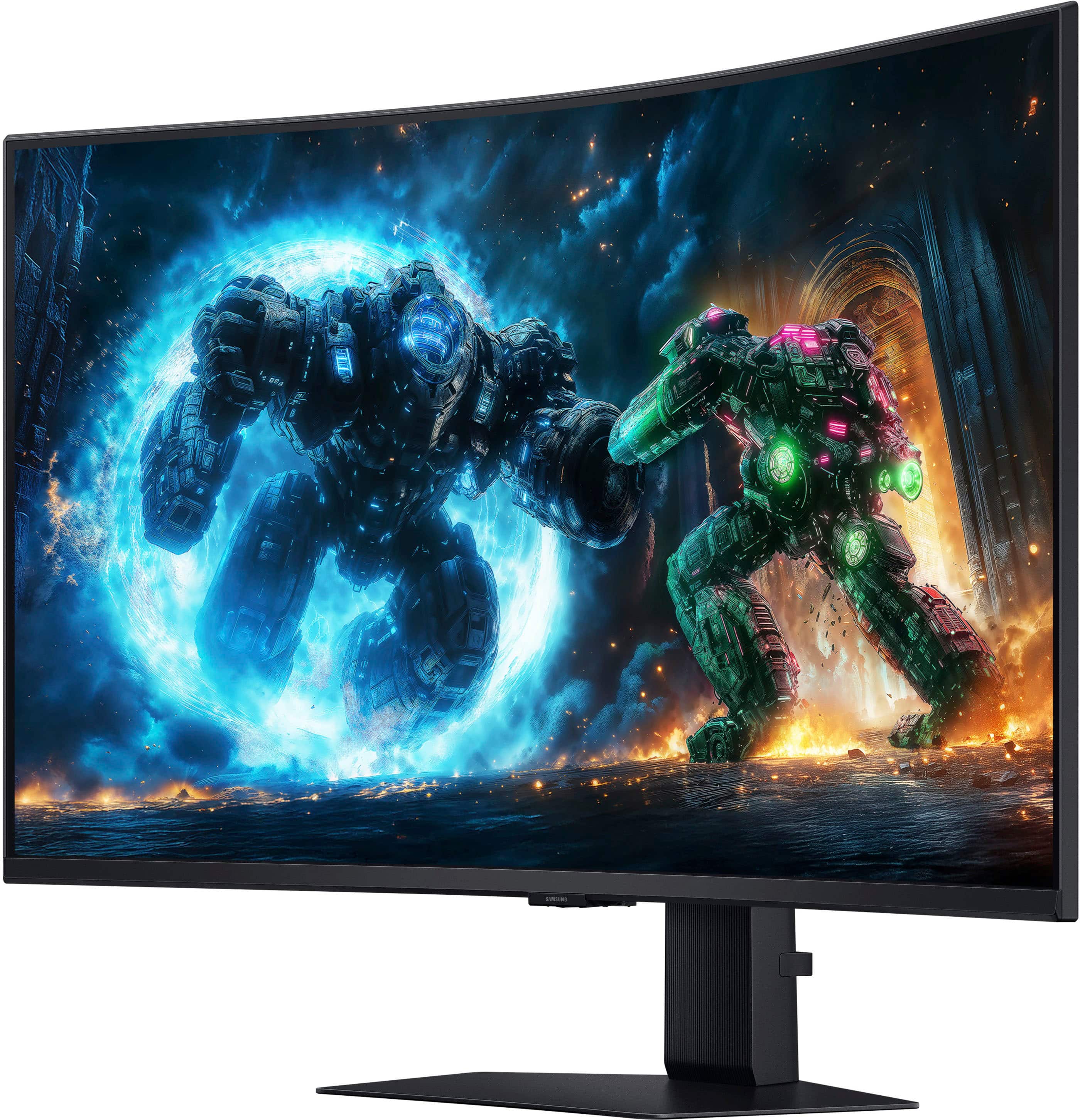
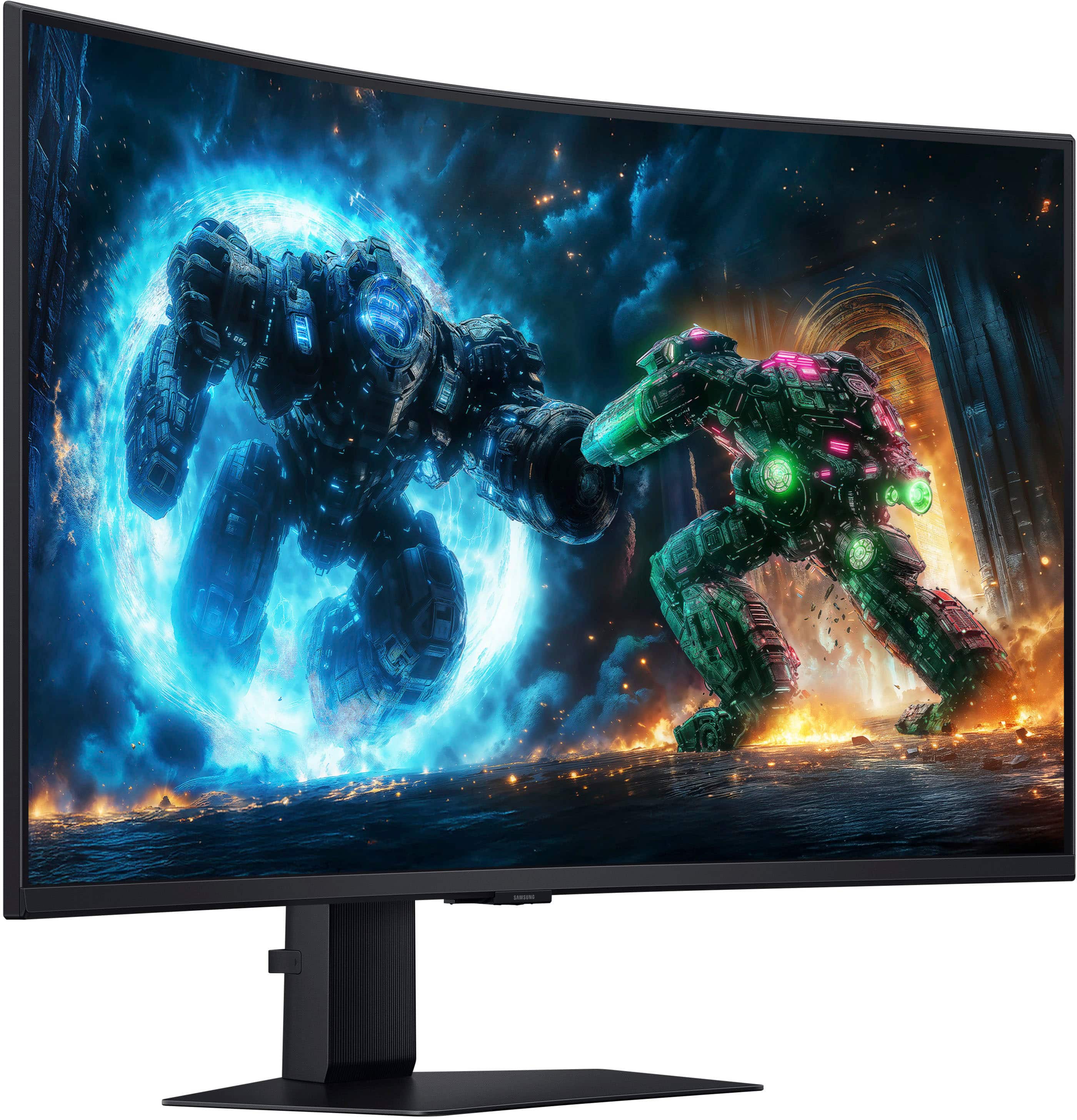
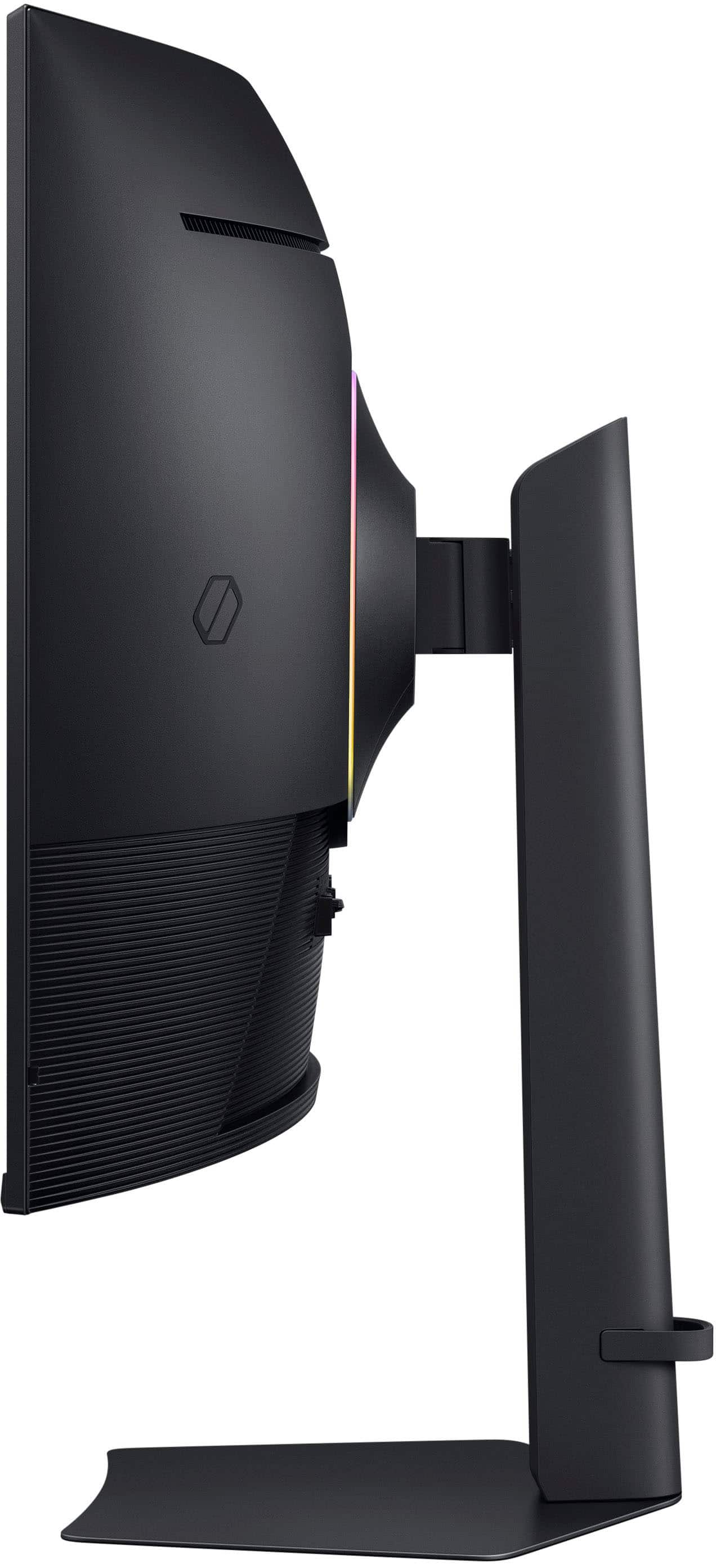
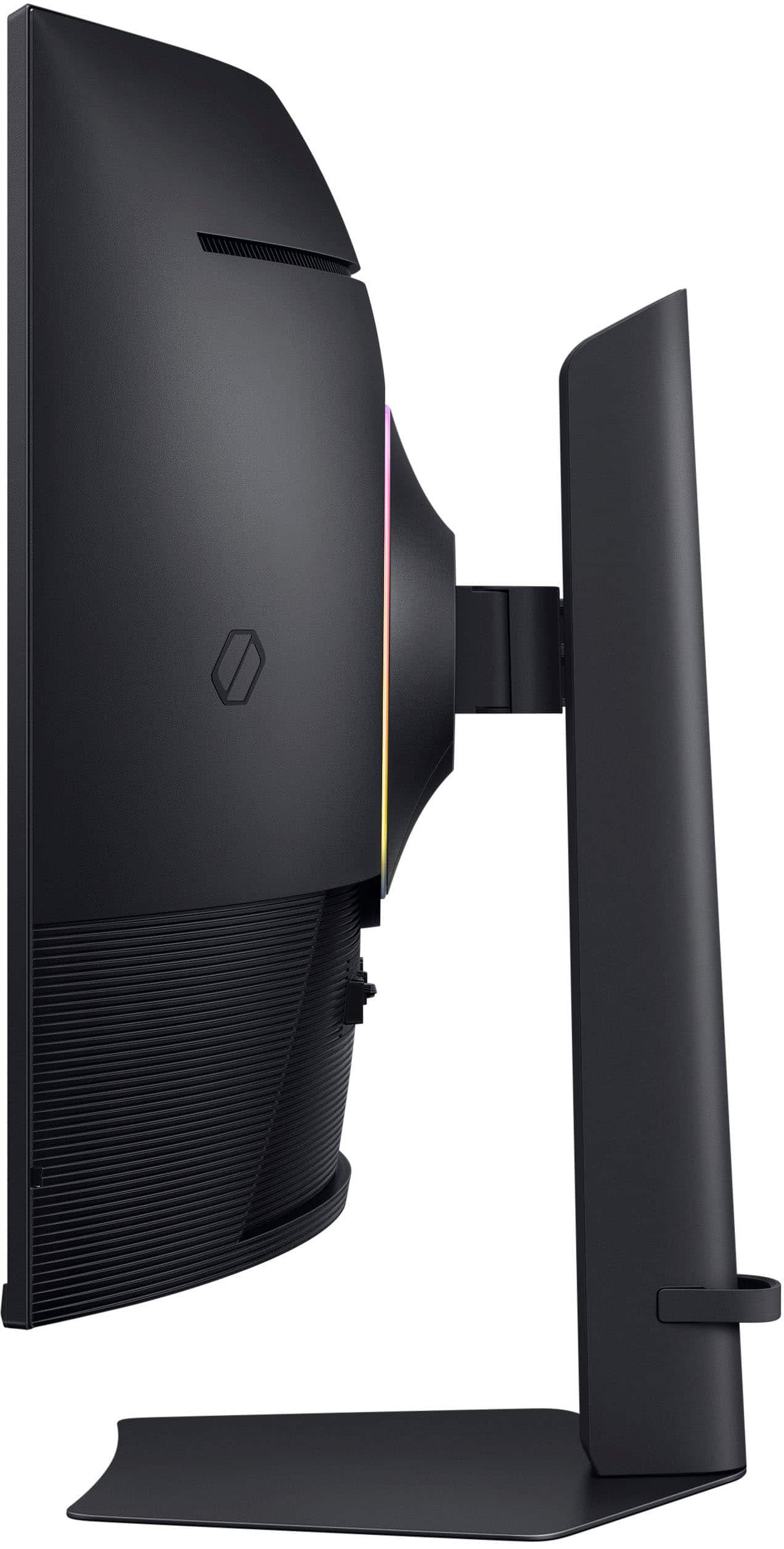
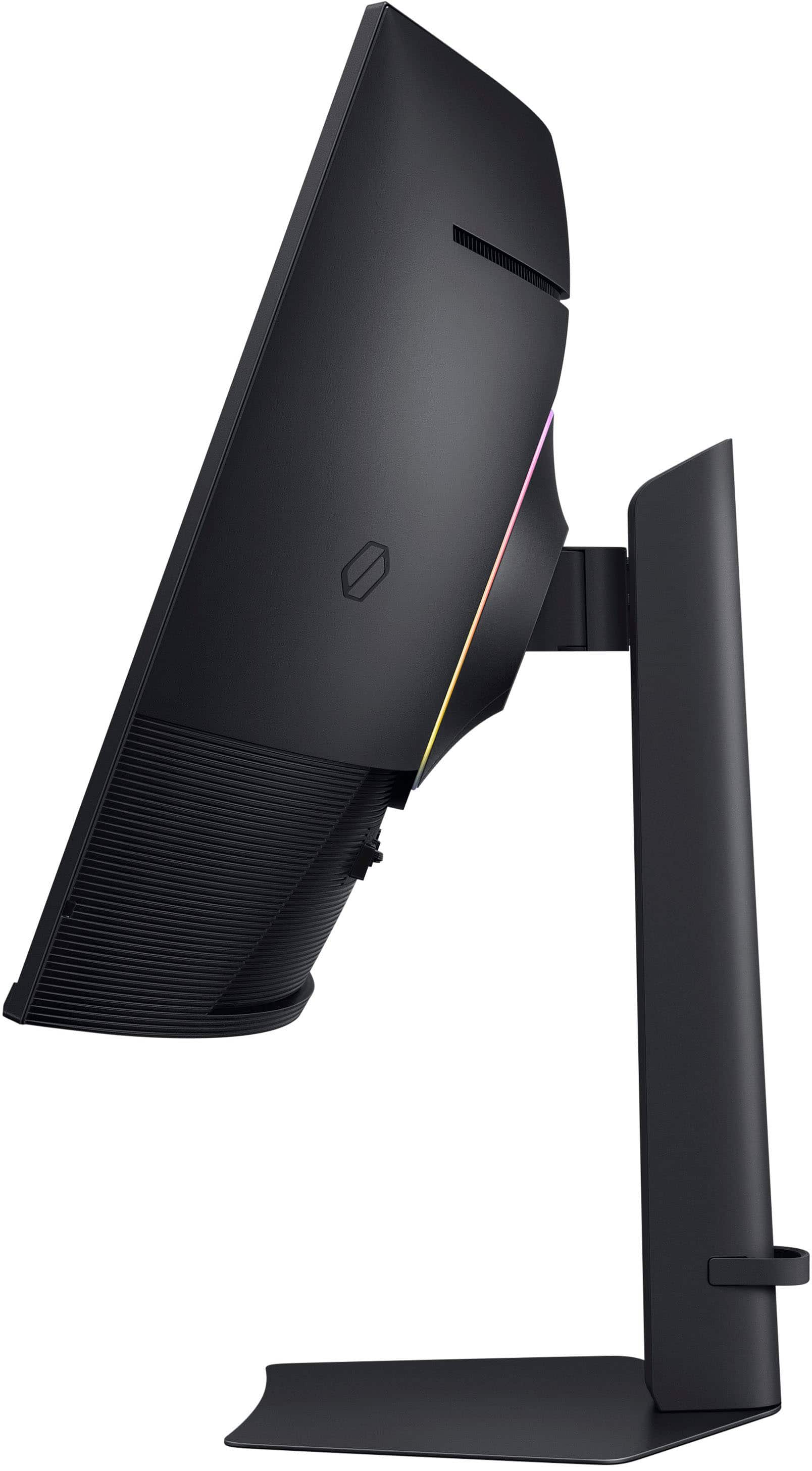
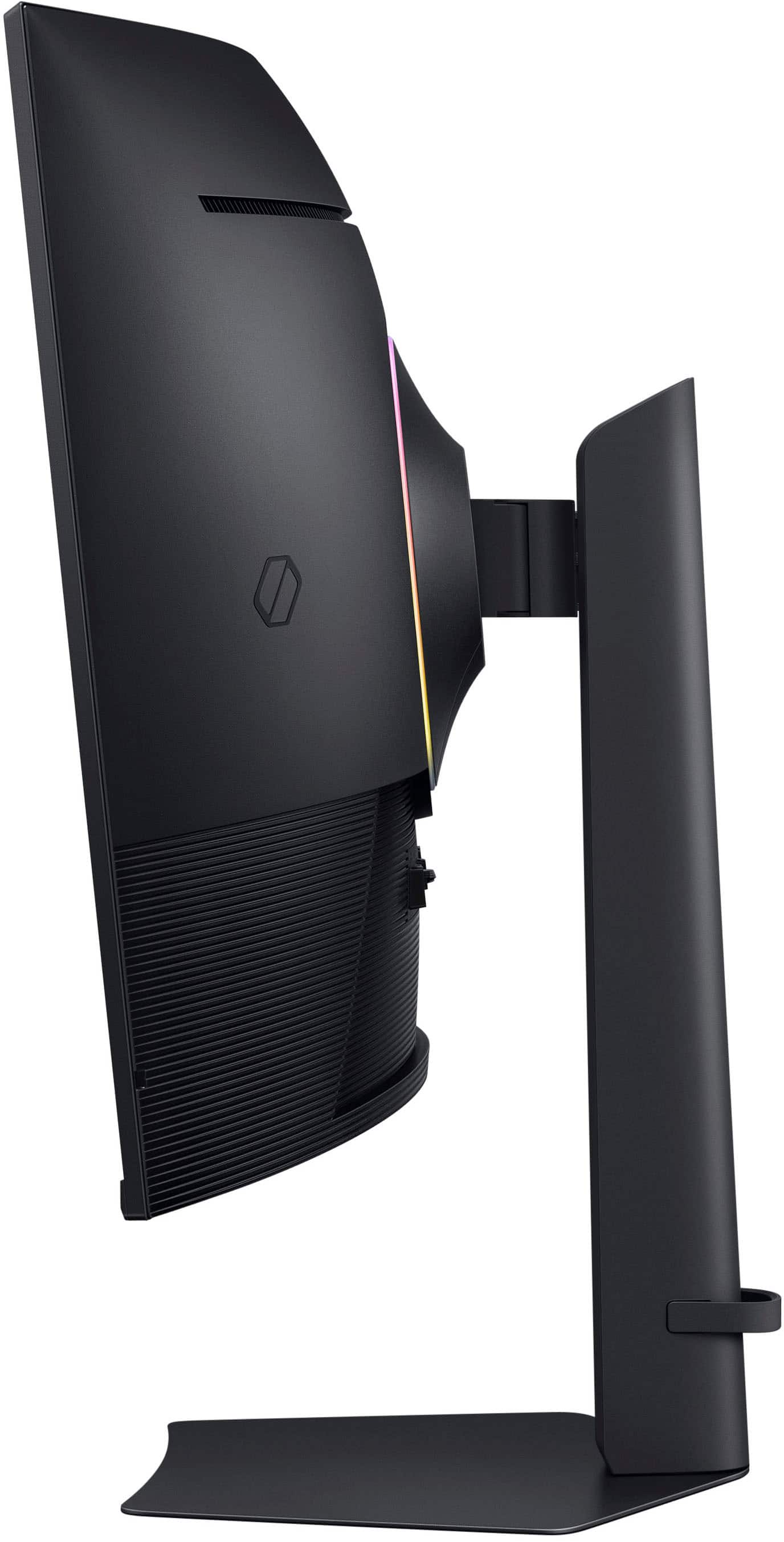
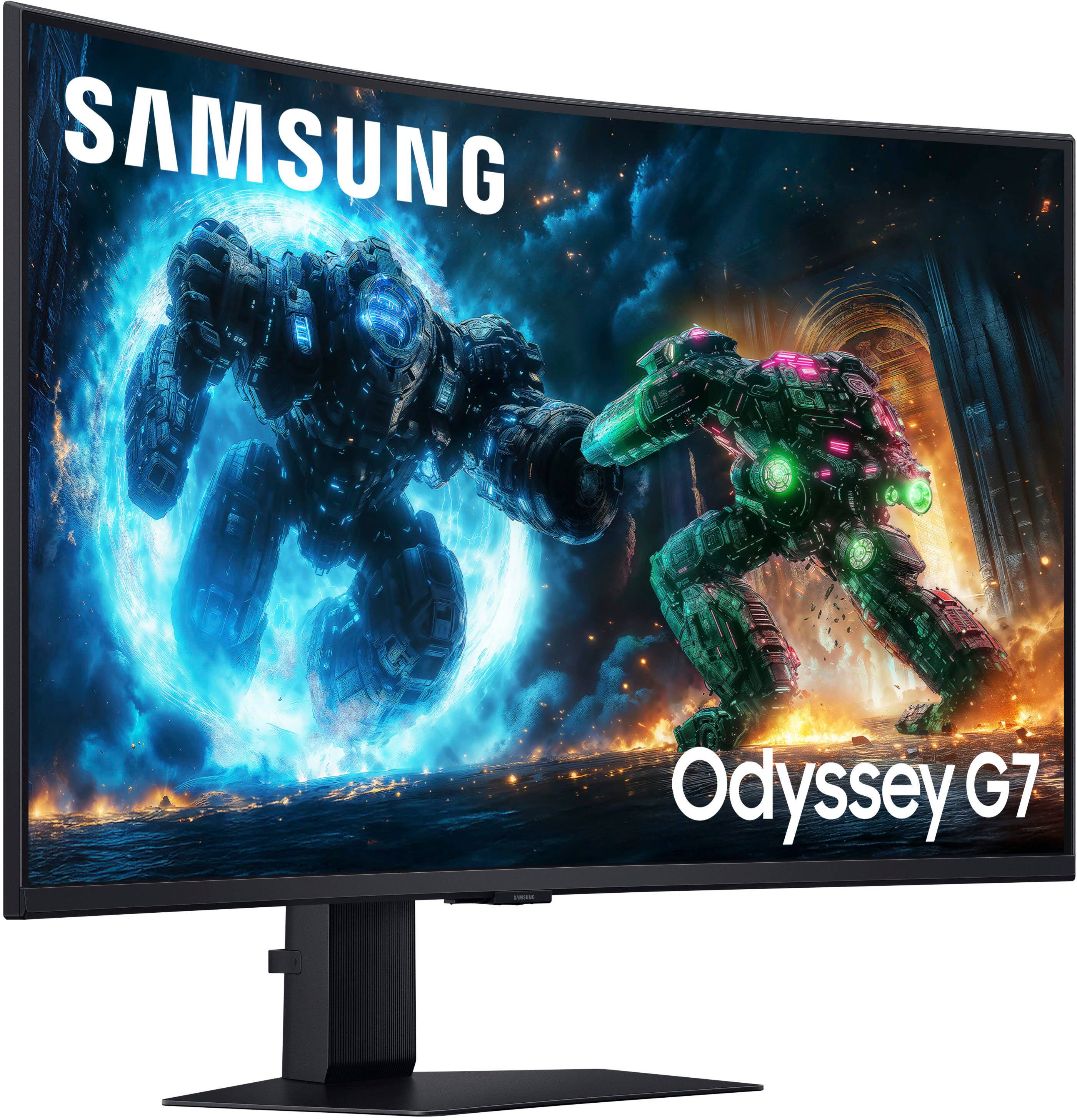
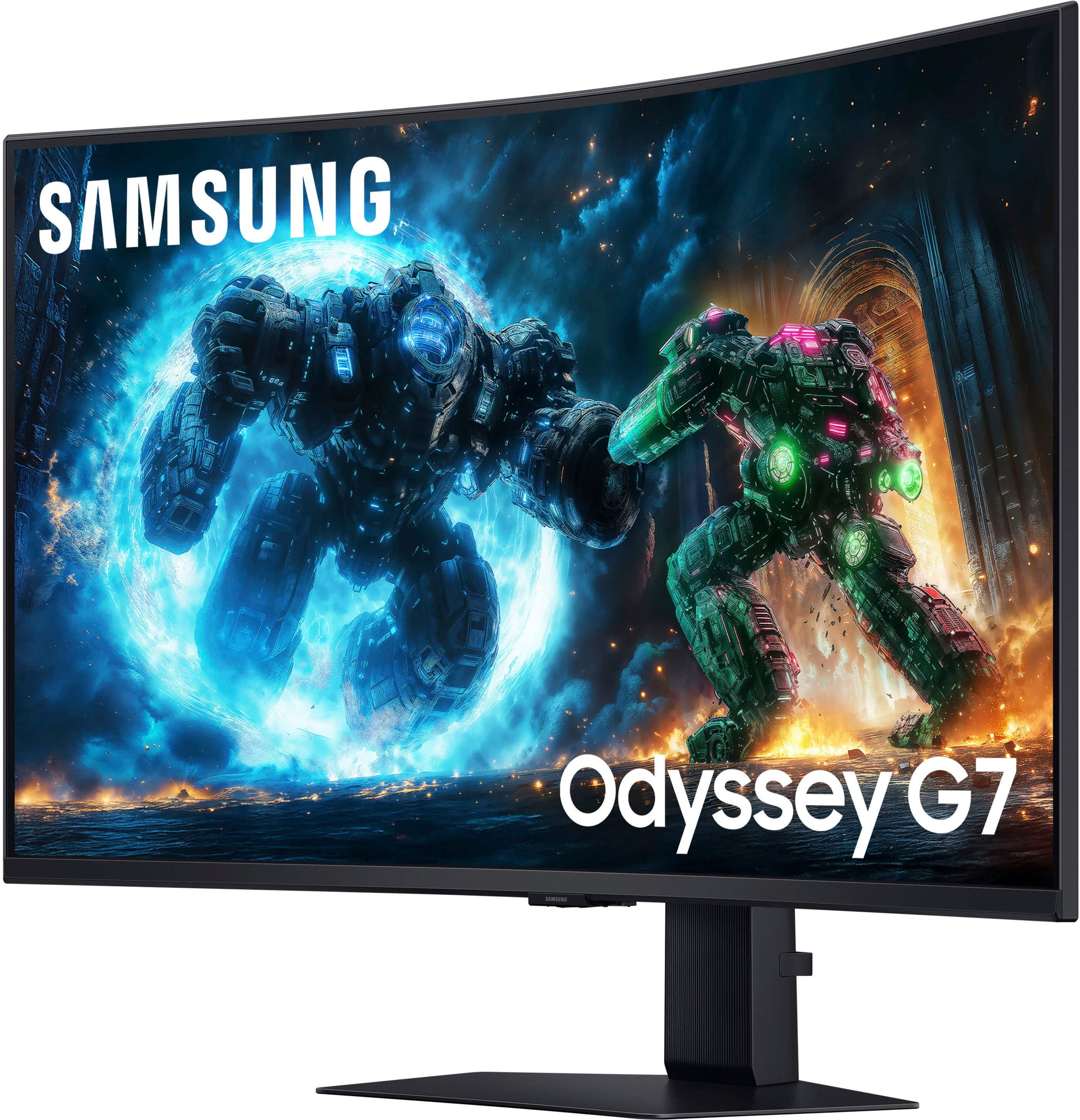
- Model:
- LS37FG75DENXZA
- SKU:
- 6625135
Rating by feature
- Display Quality
Rating 4.7 out of 5 stars
- Ease of Use
Rating 4.7 out of 5 stars
- Features
Rating 4.6 out of 5 stars
Customers are saying
Customers consistently note that the screen size is perfect and highly appreciate the high refresh rate for its strong performance. Users also frequently praise the excellent build quality and the immersive experience provided by the 1000R curve. Furthermore, the 4K resolution and decent HDR capabilities contribute to a highly regarded gaming experience.
This summary was generated by AI based on customer reviews.
- Pros mentioned:Screen size
Excellent Choice for a Quality 4k Monitor
||Posted . Owned for 2 weeks when reviewed.This reviewer received promo considerations or sweepstakes entry for writing a review.This 4k monitor slaps hard! The 37” screen keeps you immersed, the HDR and colors are super vibrant, having DisplayPort and HDMI inputs makes this monitor great for gaming on PC and consoles.
I would recommend this to a friend - Pros mentioned:Immersion, Screen size
Great for Work and Gaming
||Posted . Owned for less than 1 week when reviewed.This reviewer received promo considerations or sweepstakes entry for writing a review.Perfect screen size for work productivity as well as gaming. Makes You feel well immersed. The text is also very clear and easy to read for work. Colors are brightness are great, Would 100% recommend to Others.
I would recommend this to a friend - Pros mentioned:Build quality, Refresh rate
Best monitor you can buy
||Posted .This reviewer received promo considerations or sweepstakes entry for writing a review.This was exactly what I was looking for in an upgrade. I was using an 2017 oled Samsung gaming monitor 144hz. I can see the difference as this is 4k and 165hz. Color is more vibrant as well. I went through all this trouble for a price match just for this to drop to $600 anyway lol
I would recommend this to a friend - Pros mentioned:Screen size
Great monitor for productivity and gaming
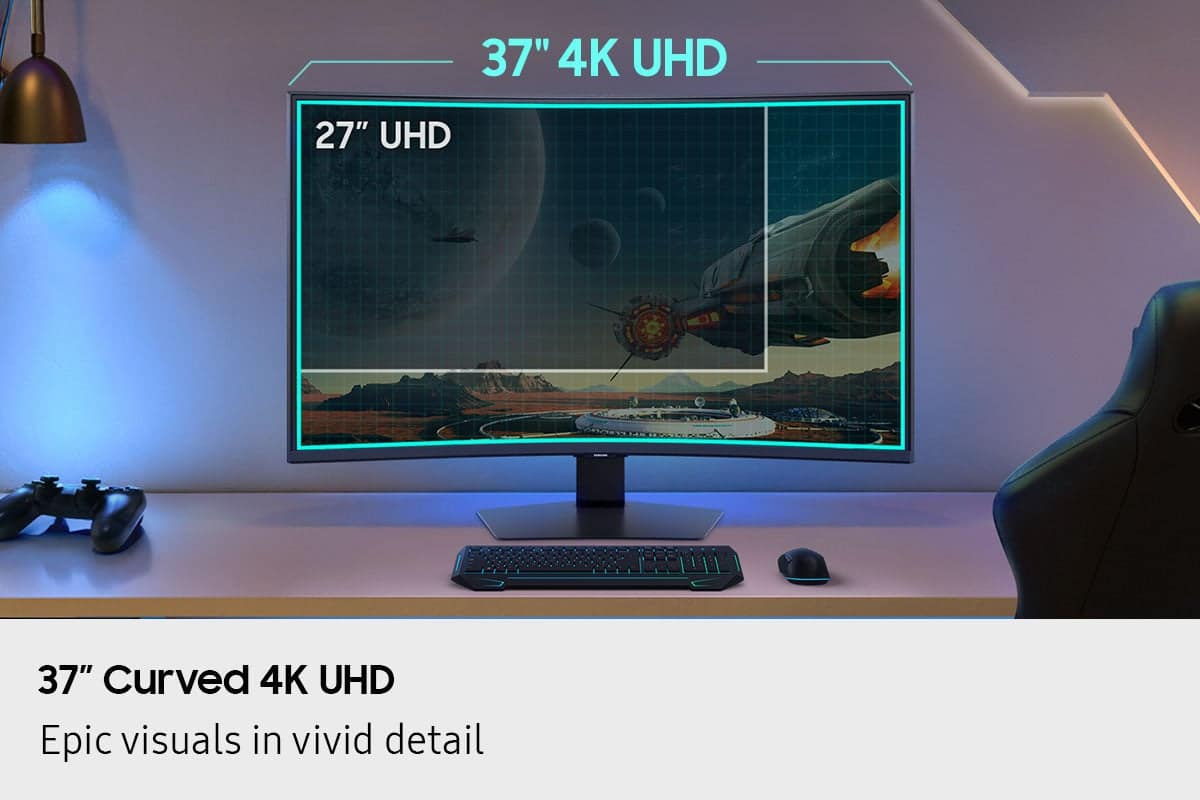
||Posted . Owned for 2 weeks when reviewed.This reviewer received promo considerations or sweepstakes entry for writing a review.With about the same width as a 34 inch ultra wide, this monitor gives you that extra vertical screen real estate+resolution needed for a much more immersive experience overall. 37" 16x9 4k is really ideal for desks deeper than 28 inches
I would recommend this to a friend - Pros mentioned:Refresh rate, Resolution
OUTSTANDING!
||Posted . Owned for 3 weeks when reviewed.This reviewer received promo considerations or sweepstakes entry for writing a review.This monitor compliments my setup perfectly! Great resolution, great refresh rate.
I would recommend this to a friend - Pros mentioned:Screen size
THIS IS THE ONE.
||Posted .This reviewer received promo considerations or sweepstakes entry for writing a review.This is a better monitor than the 34" LG OLED I returned, the screen is huge, very tall and runs games in 4k with maximum immersion. The display is beautiful and easy to set up as opposed to more expensive OLEDs. I found performance in bright rooms to be good. Great Value, immersive monitor for shooters and sims.
I would recommend this to a friend - Pros mentioned:Screen size
love the size and picture
||Posted . Owned for 1 month when reviewed.This reviewer received promo considerations or sweepstakes entry for writing a review.I use this to game and it was incredibly easy to assemble. Got it on sale and couldn't be happier. 37 inch 4k is a game changer and its perfect with my 9070 XT buikd
I would recommend this to a friend - Pros mentioned:Screen size
Love my montor
||Posted . Owned for 1 week when reviewed.This reviewer received promo considerations or sweepstakes entry for writing a review.Clear picture. Speakers needed outside of the monitor, I didnt know this at the time of purchase. Other than that great buy.
I would recommend this to a friend Looks Amazing
||Posted . Owned for 1 month when reviewed.This reviewer received promo considerations or sweepstakes entry for writing a review.I love this monitor. The 4k looks so crisp. Perfect for gaming, I play everything from Red Dead 2 to Battlefield 6 and every gane I ay it looks so amazing. It may not be oled but I dont think its needed for how good the pixles are in this thing!
I would recommend this to a friend- Pros mentioned:Build quality, Immersion, Refresh rate

An Amazing Gaming Monitor
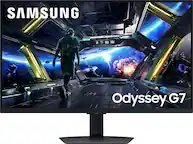
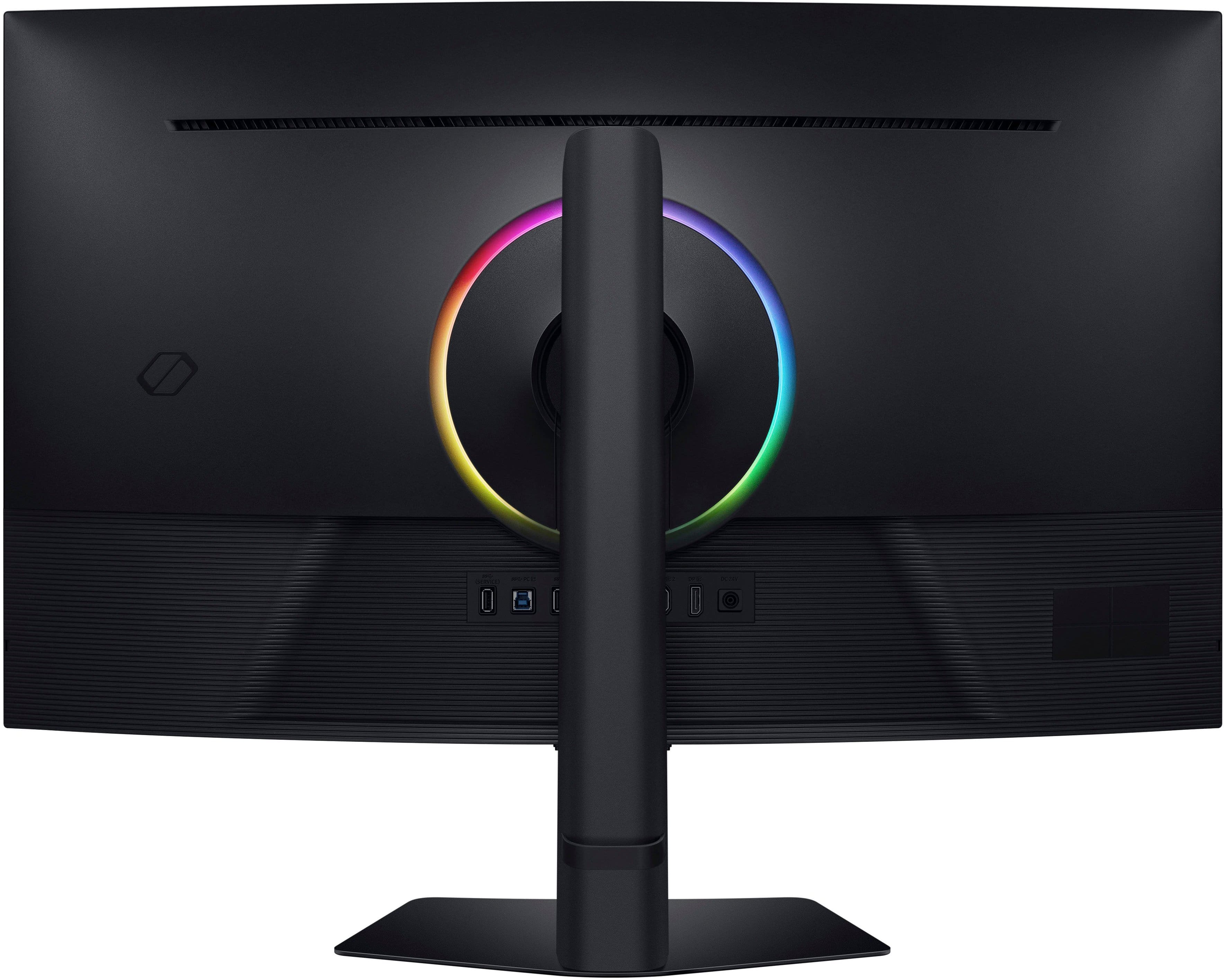
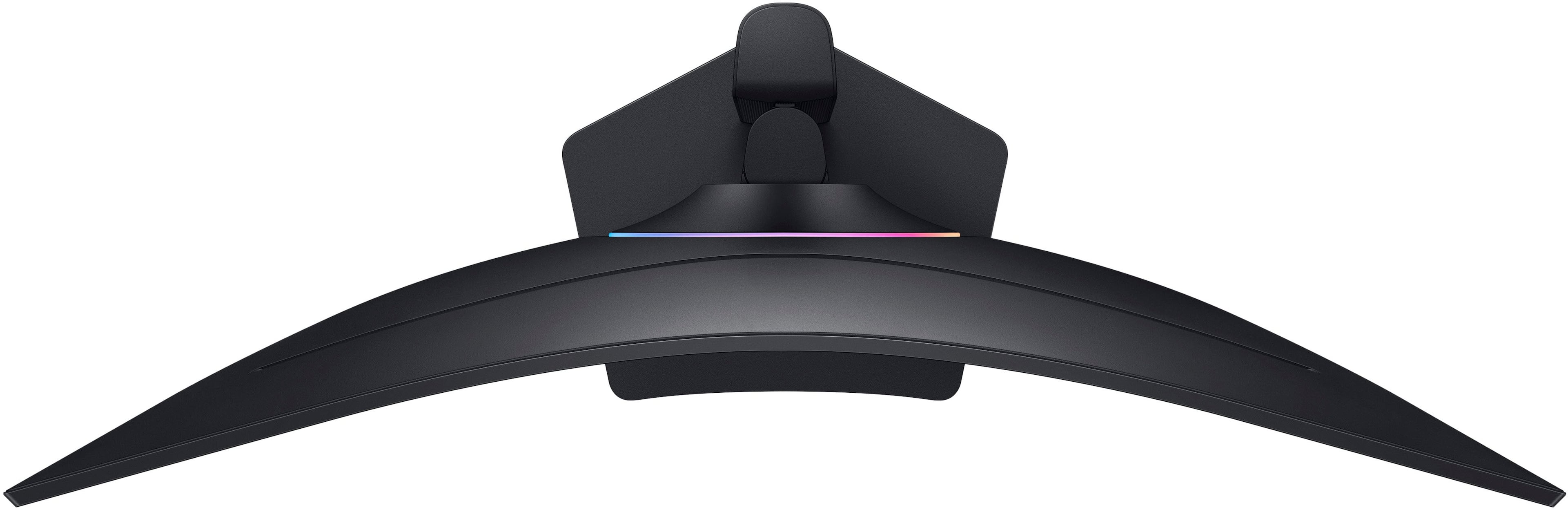
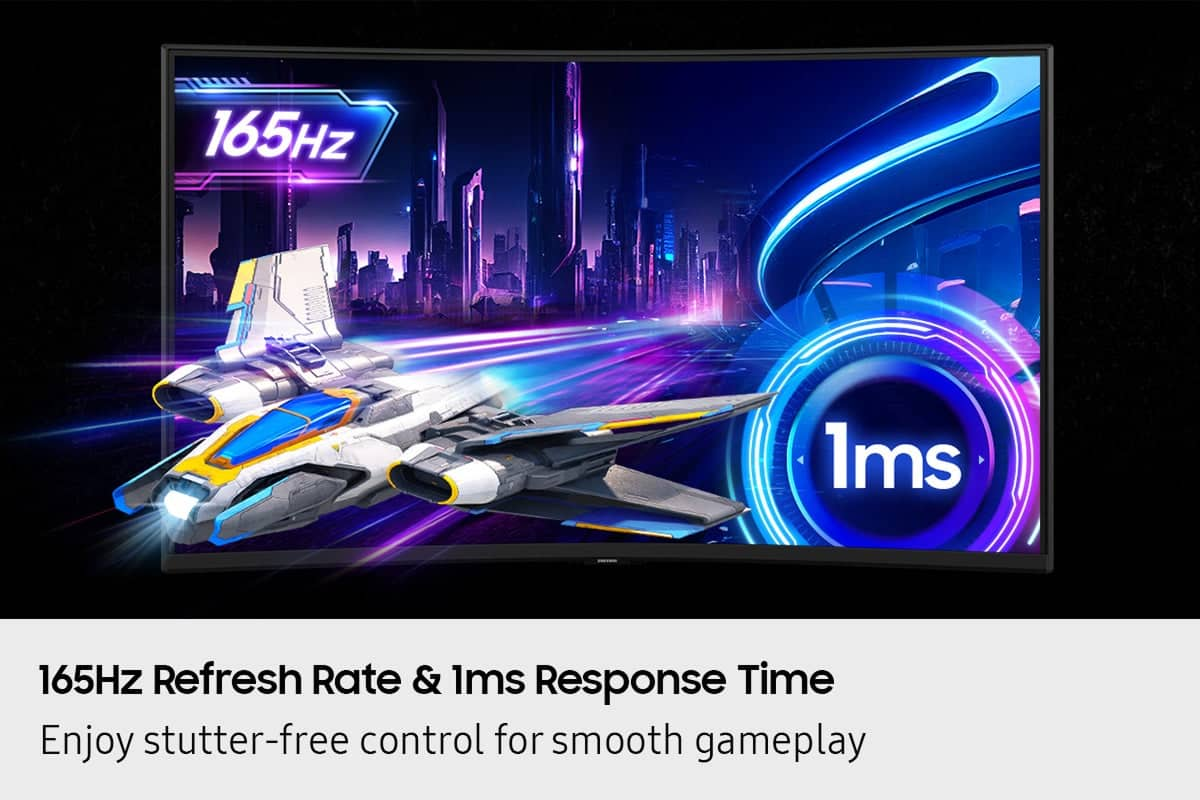
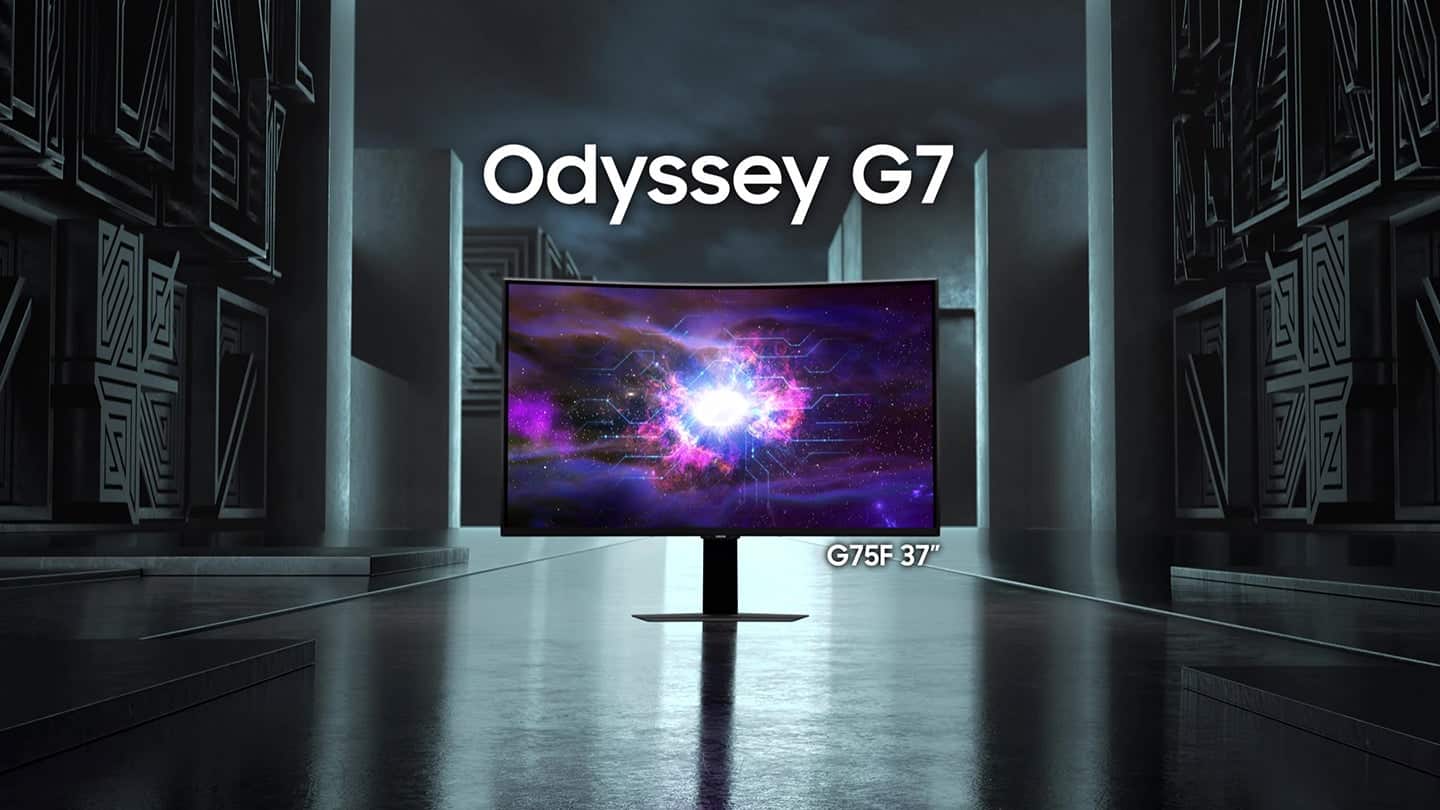
|Posted .This reviewer received promo considerations or sweepstakes entry for writing a review.The Samsung Odyssey G75F 37" monitor is an amazing gaming monitor. The colors are vibrant, but not over the top. I'd say almost perfect. The black has zero visible bleed through when testing solid colors. The 4K resolution and 165Hz refresh rate, along with 1ms response time makes for a very enjoyable gaming experience. The 37" is more of your traditional 16:9 widescreen format. I was shocked how big the screen really is. The curve helps games become more immersive. It has HDR 600 capability, and out of the box it looks amazing, but I would highly recommend using the windows calibration tool to calibrate it exactly to it's capability and your preferences. It takes it to a whole new level. It's very easy to assemble and setup right out of the box. The base is heavy duty and very sturdy. It's doesn't shake at all. The HDMI, display port, and USB adapter cords are included. It also has an RGB circle on the back, which is really cool, but most likely will never be seen. It's possible it may be able to reflect off the wall behind it, but the screen is so tall and wide that it's unlikely to be noticed. The built in menus give you access to all the settings, and it is very easy to navigate and explanations of what the settings do are very good. It also gives you access to a virtual aim point, which is just built in crosshairs and you have a few options to chose from. I've found this monitor very enjoyable, especially when playing racing games, and you have cockpit mode on. It makes you feel like your really in the car. It's also fun with games like Monster Hunter Wilds. It makes fighting monsters more exciting with the HDR depth and the wrap around feel of the screen.
I would recommend this to a friend - Pros mentioned:Immersion, Screen size
No internal speakers but fantastic picture quality
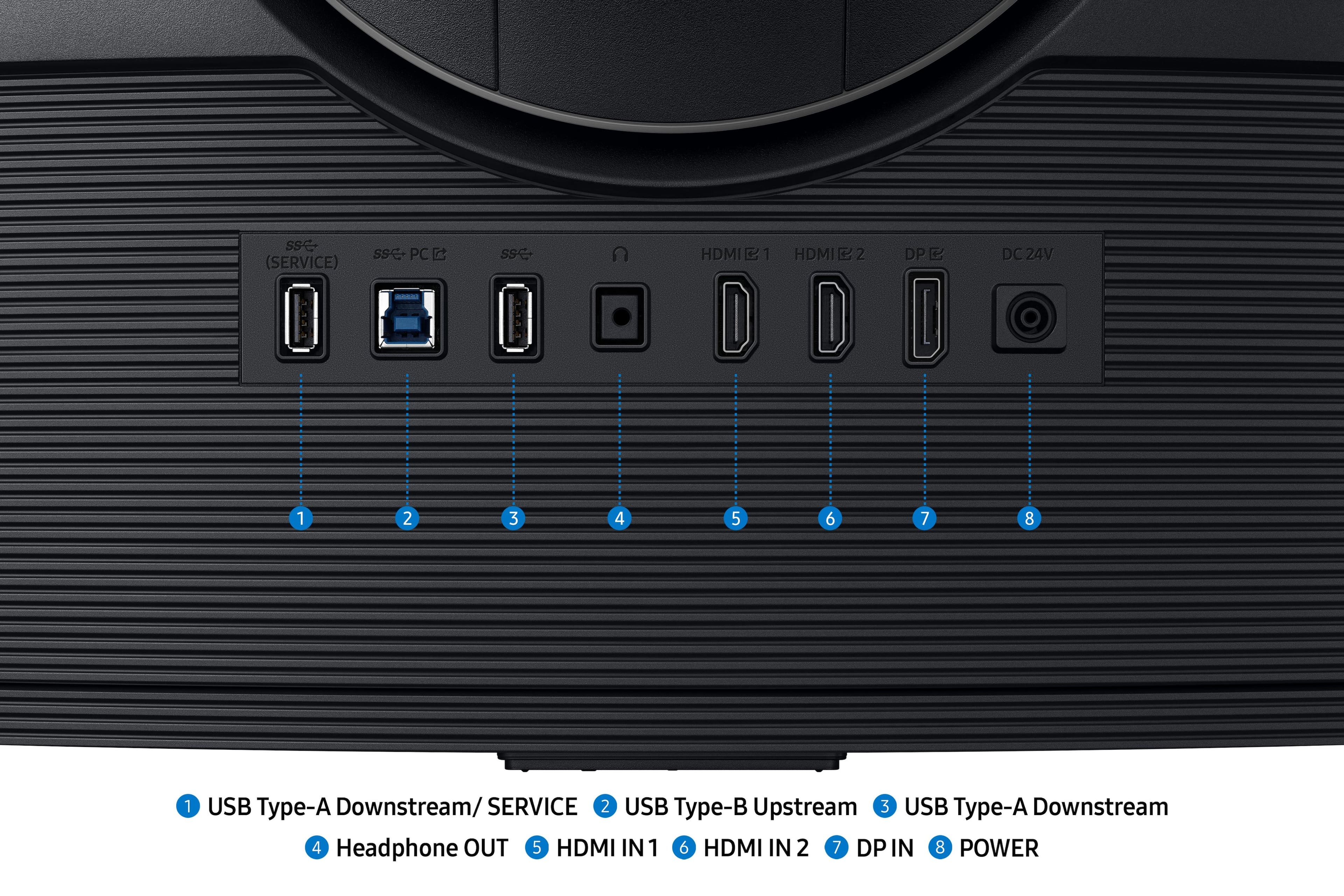
|Posted .This reviewer received promo considerations or sweepstakes entry for writing a review.This monitor was very easy to assemble and set up right out of the box, and you don’t need any tools to do it. It took less than 5 minutes to attach the stand to the very sturdy base, snap it on and set the Samsung 37” Odyssey G75 up on my desk. I do wish the power brick wasn’t so bulky and was at the end of the cord instead of in the middle of it though. The included DP cable and HDMI cable are a plus; and on the back and easily reachable, it has 2 HDMI 2.1 ports, a DP 1.4 port, a USB-B port, a USB-A port, and a headphone jack. A USB-C would have been nice to have. And don’t look for built-in speakers because there are none. The stand is adjustable height, and it swivels and tilts, but the monitor comes ready with bracket on the back so it can be mounted on a 100x100 VESA mount if that’s your preference. Now between the 16.9 aspect ratio, 4K resolution, and 165Hz 1ms refresh rate, the graphics and images look fantastic in gaming! And it doesn’t matter if I’m playing them on the PS5, Xbox or PC, the picture quality is consistently good. The curved screen gives you an enhanced sense of immersion when playing. Movies and videos look great too. A thing to note is that a curved screen this size is probably best viewed a little ways off (at least 3 feet, I’d say) and straight on for the ultimate viewing experience. A couple of cool features are that the monitor has PIP capability and Auto Source Switch so you can display at the same time or automatically switch between two connected devices. Overall, it has a few minor drawbacks like the awkward power brick/cord, no internal speakers, and the lack of a USB-C. But aside from that, I think the 37” Odyssey G75F solidly qualifies as a high quality gaming monitor with excellent picture quality and refresh rate.
I would recommend this to a friend - Pros mentioned:Build quality, Screen size
Ambitious and impressive monitor for gaming & more
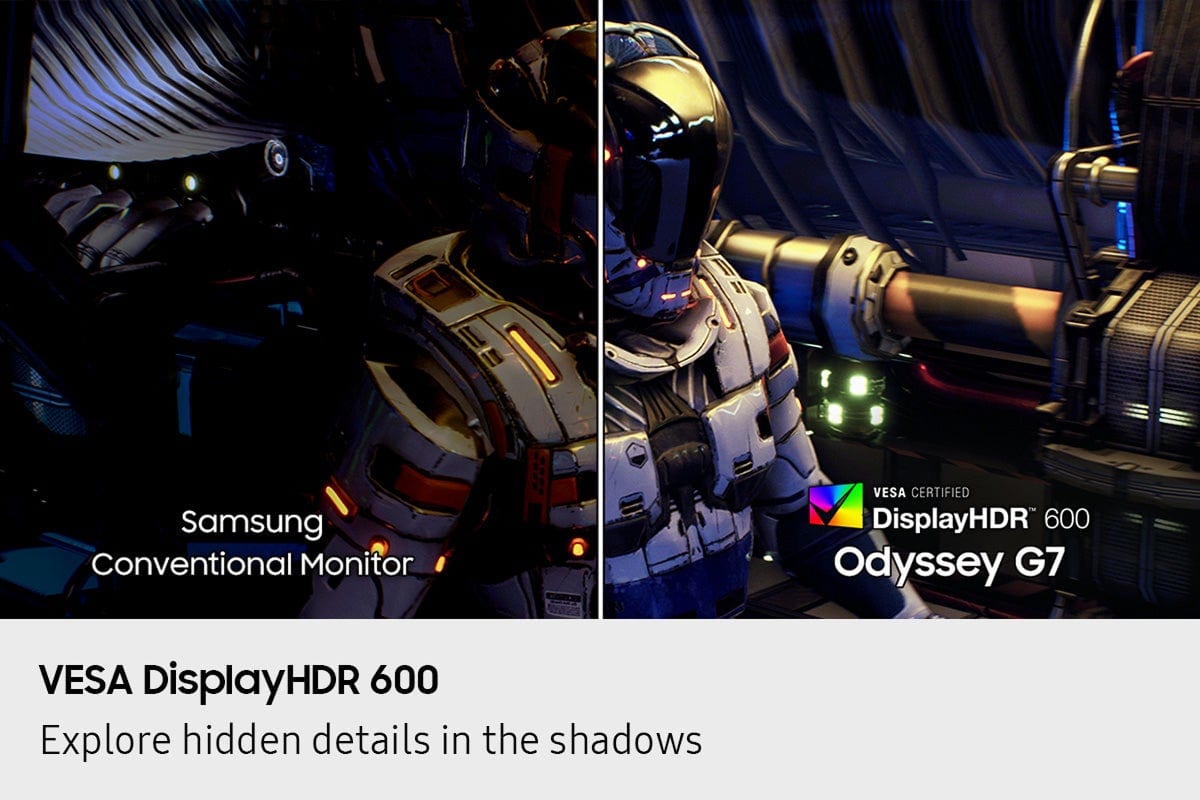
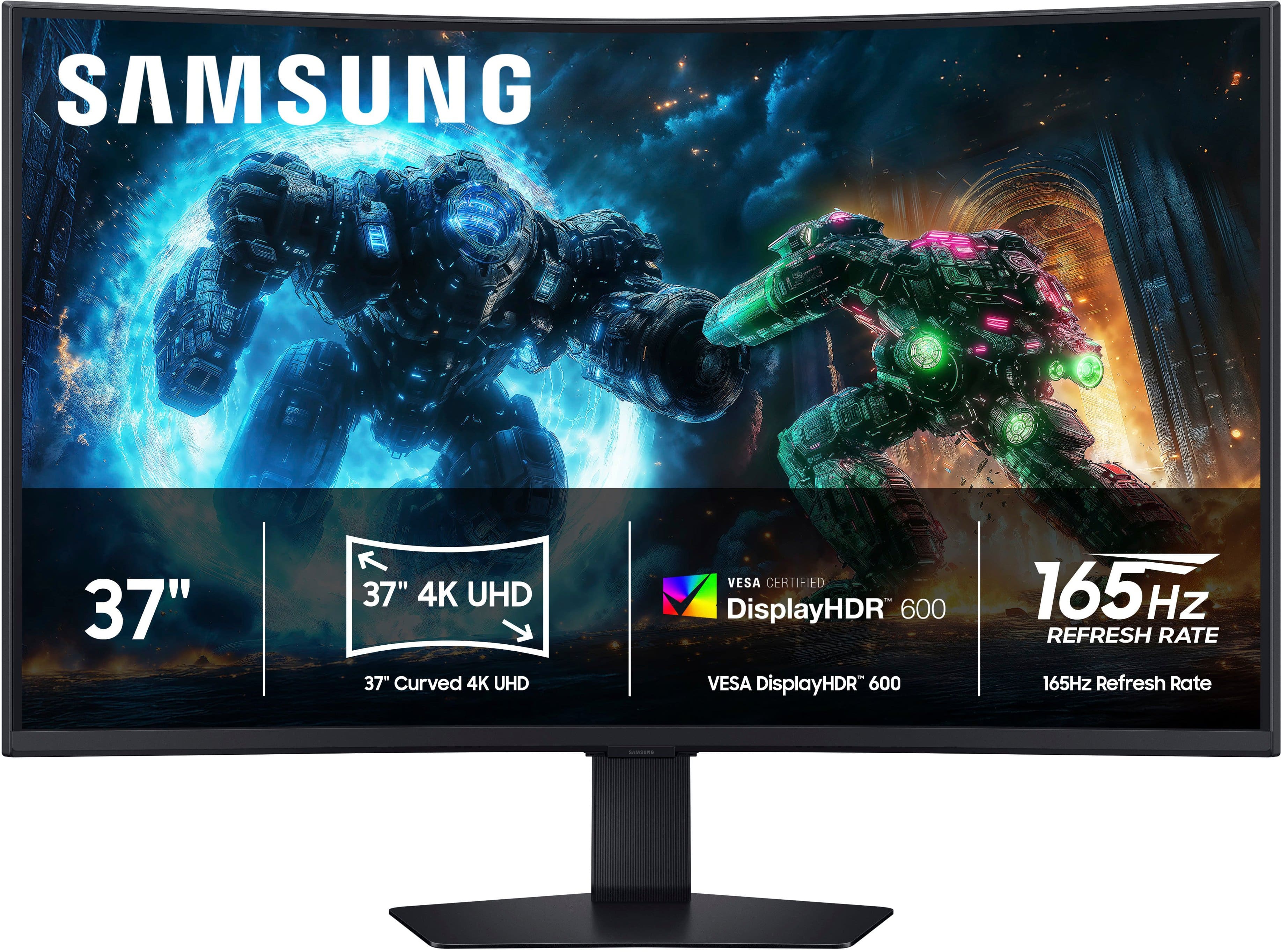
|Posted .This reviewer received promo considerations or sweepstakes entry for writing a review.In the world of PC gaming, having a powerful, modern CPU and GPU, a high amount of RAM, a fast SSD, and a reliable power supply and cooling system are the first steps to enjoy video games to the fullest; and a good gaming monitor will translate all that processing power into stunning visuals for hours of entertainment. Setting up the 37-inch Samsung Odyssey G75F is a two-step simple process that takes barely a minute. The wide, fairly heavy base of the stand gives it great stability. That stand offers swivel, height and tilt adjustments. The overall quality build is great. The plastic feels solid. This monitor offers several connection options, among them two HDMI 2.1 ports and a DisplayPort 1.4 plus headphone jack and a pair of USB ports. I’m a strong believer in DisplayPort connection for best results in gaming, so it is my go-to connection. A compact jog controller at the center base of the screen serves as command and control and is quite intuitive and easy to navigate. At 37 inches, the Samsung Odyssey G75F is quite unique in terms of size. In my opinion, it comes close to the ideal size, not too big and not too small. It has a 1000R curvy screen that looks odd at first but grows on you quickly with how easy it gets on the eyes. For the inquiring minds, 1000R means a curvature radius of 1000 millimeters which comes close to your natural field of vision. As a guideline, placing it at a distance of about 3 feet would be ideal for most people but it’s a matter of personal choice. I enjoy playing my games on this monitor, from racing simulation, to FPS, third person action games and more. The non reflective VA panel has vibrant accurate colors with great contrast. I was surprised by the deep blacks that it reproduced. At 4K resolution and 165Hz refresh rate, it really excelled at reproducing clear and precise graphics. My past experience with VA panels was the lackluster response speed, however the Odyssey G75F with its fast 1ms response time, pretty much eliminated blurring during fast paced games. An interesting feature of this monitor is its ability to project on-screen colors to the wall behind using CoreSync and CoreLighting+ processes. It does create a more immersive gaming environment. Also, for those with compatible AMD graphic cards, AMD FreeSync Premium Pro is supported by this monitor. This feature synchronizes the monitor’s refresh rate to the GPU’s frame rate to generate buttery smooth graphics without stuttering or tearing. I could not test that feature since none of my gaming PCs have an AMD graphics card. After many days, playing games for hours on end, the 37-inch Samsung Odyssey G75F fills my need for a bigger screen than a 32-inch without being cumbersome. It’s a stunning and fast 4K performer with great colors and deeper blacks than expected. I find the 1000R curve makes the games more immersive and more enjoyable, but this is my personal opinion. It’s definitely a keeper that I will enjoy for the foreseeable future.
I would recommend this to a friend - Pros mentioned:Build quality, Refresh rate, Screen size
Clear, Vibrant, High Refresh Rate Gaming Monitor
|Posted .This reviewer received promo considerations or sweepstakes entry for writing a review.Samsung has a new 37” Odyssey monitor out. The 37” 4K 165Hz HDR curved gaming monitor brings a good gaming experience to gamers looking for an HDR curved high refresh rate capable monitor that is not ultra-wide. The Odyssey G75F supports AMD FreeSync. For users of AMD GPU’s, this can be a welcome upgrade for anyone who doesn’t currently have a monitor that supports FreeSync. What Comes In The Box The G75F comes with an HDMI cable, Display Port cable, power block, and USB-C cable, stand, and monitor. Construction The monitor is well made as I would expect from Samsung. The monitor itself is reasonably light for it’s size. The stand base has weight to it as well as the arm. This makes it solid and holds up the large display easily. I found that the articulation was adjusted properly. When I move the monitor left, right, up, down, it is easy to move and it stays where I move. Many monitors/stands require a little extra force to start moving it, then move easily, but that’s not the case with the G75F. Mine moves easily throughout the range that I’m moving it. That’s not that big of a deal often as once I move a monitor to the position I want it I don’t have to move it again, but it is really nice to see a monitor that had tension properly adjusted from the manufacturer. The ports on the back are easy to find by touch. The design is good and the ports face directly out from the back of the monitor. The menu control pad is underneath the bezel. There are a lot of options which I appreciate. The monitor is curved and I found that I really liked the how much it curves. It works well with the dominions of the screen. It’s not an ultra-wide, so the height of the monitor is a refreshing change for me as my other monitors are all ultra-wide. They don’t have much height to the screen and the G75F does. I had forgotten how short the height of my ultra-wide monitors were until I setup the G75F. Features The G75F is an HDR monitor and it supports 165Hz. There is a USB input and two USB-A ports to plug in devices which is convenient. HDMI and Display Port are input options are present so I can plug in my laptop which only has HDMI and connect my desktop through the Display Port. Gaming on the 165Hz display I found to be great. This still a good refresh rate for my first person shooter games. If someone needed more, they could step up to the next model up Samsung has which can run at 180Hz. I’m glad Samsung supports AMD’s FreeSync with this monitor. Final Thoughts I’ve really enjoyed gaming on the Samsung G75F. It was a nice change of pace from gaming on my ultra-wide Samsung monitor. I now can choose which one based on preference now. I think it would be interesting to see Samsung come out with this model in a 45”+ version, but I feel the 37” curved screen on the G75F is really good as it is. I hope Samsung continues to innovate and offer multiple styles of monitors both ultra-wide and non ultra-wide on into the future.
I would recommend this to a friend - Pros mentioned:Build quality, Screen size
Samsung Gaming
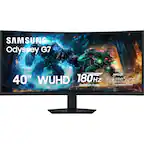
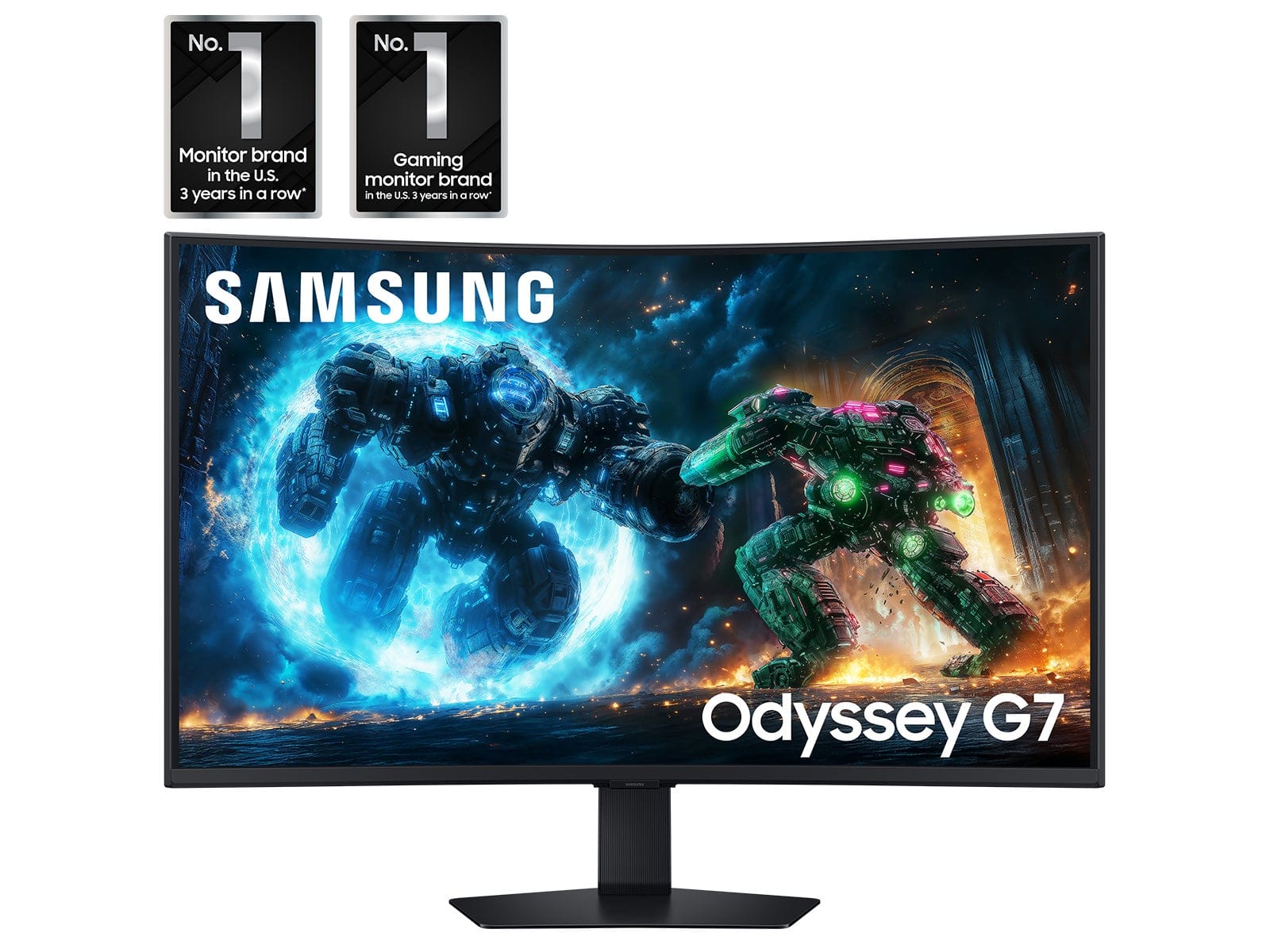
|Posted .This reviewer received promo considerations or sweepstakes entry for writing a review.My initial impression of the G7 was awe, that is what I felt when I opened the box. You will find all that you need. Obviously, the monitor itself, the stand, and all the cables you need. That is a plus in my book. You get an HDMI & DP cable and they are sturdy and not cheap feeling cables. Follow the instructions and this would be setup in five minutes or less. You connect the base to the stand and snap on the arm to the monitor, plug in power and your devices. It was that simple. I am a gamer and a father and as any father knows if you have one TV in the house then the kids & wife will usually end up using it more than you and that is most certainly the case for me. I wanted a small gaming monitor that is simple to setup and use and for me the Samsung G7 37inch 4K monitor checked off all the right boxes. I previously owned a Samsung Curved Television a few years back and I did enjoy it very much, unfortunately I never got around to replacing it, so I was excited to see the G7. Now I have a small space and I did not want a huge television so a multipurpose device was essential for me. I have my PC & PS5 hooked up to my monitor. The curve is Subtle and makes for a more immersive experience when consuming media on the device. I love that the menu and power buttons are in the middle of the bottom of the screen. They are easy to use, navigating the menu is easy and intuitive. I found that the inputs HDMI 1 & 2 and DP are set to ECO mode. While it is nice I chose my desired settings which was “Dynamic Mode”. There is a headphone Jack in the back but I honestly will not use that. I have Bluetooth setup for my audio needs and that is good enough for me. I played Final Fantasy 7 on my PS5 and it looks amazing to me. Of course, this is all subjective as you may disagree but I did not need an OLED monitor like everyone seems to be pushing on you. The colors are great with the right setting and mode, HDR is good as well when setup properly for the device. There is a lot to love about the G7 and it is not the cream of the crop but it is a high-end device in my opinion and it will do as advertised. I forgot to mention this but I would like to point out that the stand is phenomenal it is sturdy and has good heft to it so it will not wobble or fall over the base is heavy and it does support the weight of the monitor. There is a good amount of tilt & swivel so you can find the sweet spot for you. :::Pros & Cons::: Pros: - Curved - 4K - HDR 600 - Excellent weighed stand (tilt & swivel) - Easy to setup & use Cons: - Speakers My only complaint are the speakers, but that is minor because I use Bluetooth headphones & speakers for my devices. So, it really is not a big deal but I am certain it may bother others. I am unsure if audio is meant to play through HDMI but I am not getting any audio. Although I do see there is a headphone jack. My closing thoughts are that this is a solid device and it is nearly perfect. The G7 37 checked off all the boxes for me and I am happy to be able to game again and not have to fight for the television. I do have a PS Portal but that’s a small screen and I prefer being able to see all the details of the games I play. So, to wrap up this review there is a reason Samsung is No. 1. The G7 is proof of that, if you are in need of a gaming monitor then please do check out the G7 37 or the 40 inch Widescreen.
I would recommend this to a friend - Pros mentioned:Refresh rate, Screen size
Must Have for Sim Racing!
|Posted .This reviewer received promo considerations or sweepstakes entry for writing a review.If you are doing any Sim Racing on a flat screen monitor you need to get this monitor instead because it makes it so much more immersive. Plus I was pleasantly surprised that the curved screen does not impact the quality of watching videos or playing non action games. Even though it’s curved the screen provides a uniform image as if it were flat so whether you are doing a spreadsheet or watching a video it all looks good. Bottom line is this Odyssey G75F is great for getting an immersive rush driving a F1 car at top speed but its also great for enjoying a video or even resolving the world’s problems at work. Pros: - Bright and colorful screen with 4k resolution and 165hz refresh rate - The large curved screen makes gaming more immersive - Easy to access control functions with lots of presets and the ability to fine tune the monitor to your liking - Three video ports for easy connectivity - Built in USB hub Cons: - Some vertical banding at high brightness - Shows Glare – reflects light - No G-Sync native support User Experience: I performed all the normal testing after unpacking the monitor and verified that there weren’t any dead pixels and that it had a 165 hz refresh rate. While doing the testing I noticed that there was some slight vertical banding about 6 inches in on both sides of the monitor. This was using the standard gaming presets which to me were very bright. To lessen the banding I lowered the brightness from 50 to 35 without making any changes to the saturation or contrast. At this level I found the image to be plenty bright enough and the banding for the most part was no longer visible. Beyond the banding I did not experience any other issues, all the images were very sharp and crisp. Due to the curvature of the screen it is prone to glare especially when there is bright lights near by. Using the menu control located under the center of the monitor you can access the monitor’s setup, menu and source inputs. Samsung has several gaming presets you can use or you can fine tune the monitor to your individual taste. After completing the setup and testing I played several sim racing games as well as watched some 4k video content. This monitor brought my sim racing games to a whole new level and I even found my non racing games to be enhanced due to the view angles and size of the screen. Features and Specs: This monitor has an aspect ratio of 16:9 and a 3840x2160 4k resolution at a 165 hz refresh rate and a 1 ms response time. The screen curvature is 1000 R = 1000 mm (1 Meter) which means it is designed to match the curvature of the eye thus it is very immersive. It supports HDR 10+ and HDR 600 for the games that support HDR. It has a two USB-A downstream ports, a USB-B Upstream port, two hdmi ports, one Display Port and headphones jack. If you have two devices connected to the monitor you can select Picture in Picture mode to see both screens at once or you can use the Instant auto connect to select the active device. The stand is fully functional in that you can move the monitor in any direction to meet your viewing angle.
I would recommend this to a friend - Pros mentioned:Immersion, Screen size
This is the One!
|Posted .This reviewer received promo considerations or sweepstakes entry for writing a review.The Samsung Odyssey G75F 37” curved gaming monitor is next level. I mounted it with a boom arm and hooked it up to my 7900XT via DisplayPort. Talk about an upgrade! The pleasant curve (1000R) adds immersion and truly makes gaming and content so much better. Gaming is fantastic with a 165Hz refresh rate and 1ms response. Games look incredibly smooth, and FreeSync Premium Pro (my first time experiencing this version of FreeSync with HDR) does a solid job minimizing any sort of screen tearing. With 4k HDR content it really doesn’t get any better. Movies and 4K YouTube content look so good! The HDR 600 on the Odyssey might be the best I’ve seen in a gaming monitor. Games and movies pop with vibrant colors, awesome contrast, and incredible blacks. I loved the extra features like the customizable LED back lighting, but I wish it got a little brighter. The on screen controls make tweaking settings easy. I found the size a little overwhelming at first, but I fell in love after a few hours. The overall motion handling is impressive and the big 4K screen makes every detail stand out. The size and 16:9 aspect ratio make for a beautiful experience. I’ve historically been all about ultrawide monitors, but the 34” Odyssey changed my mind. Definitely worth considering if you want an immersive HDR gaming experience.
I would recommend this to a friend - Pros mentioned:Refresh rate, Screen size
Great Gaming Monitor with Picture-in-Picture!
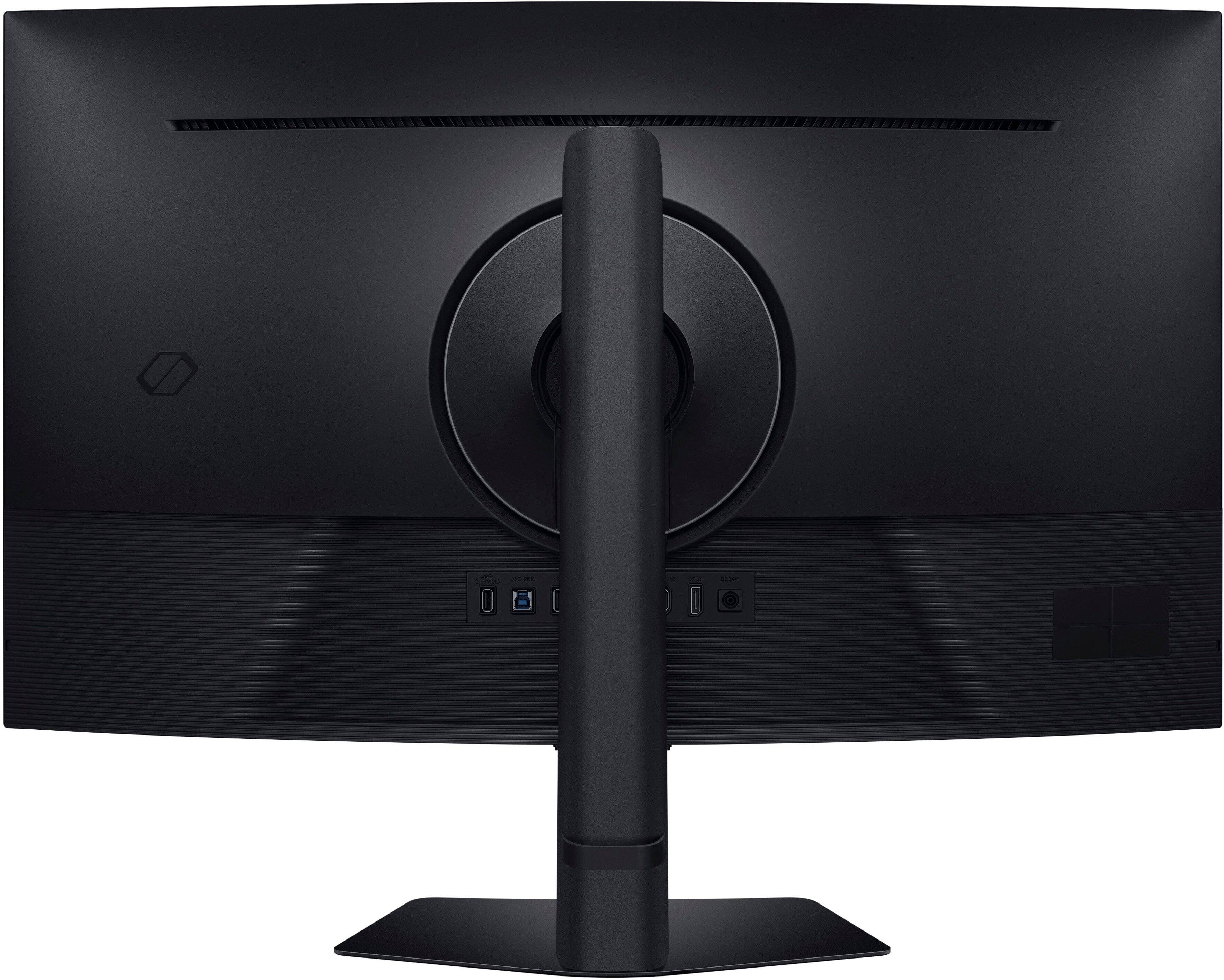
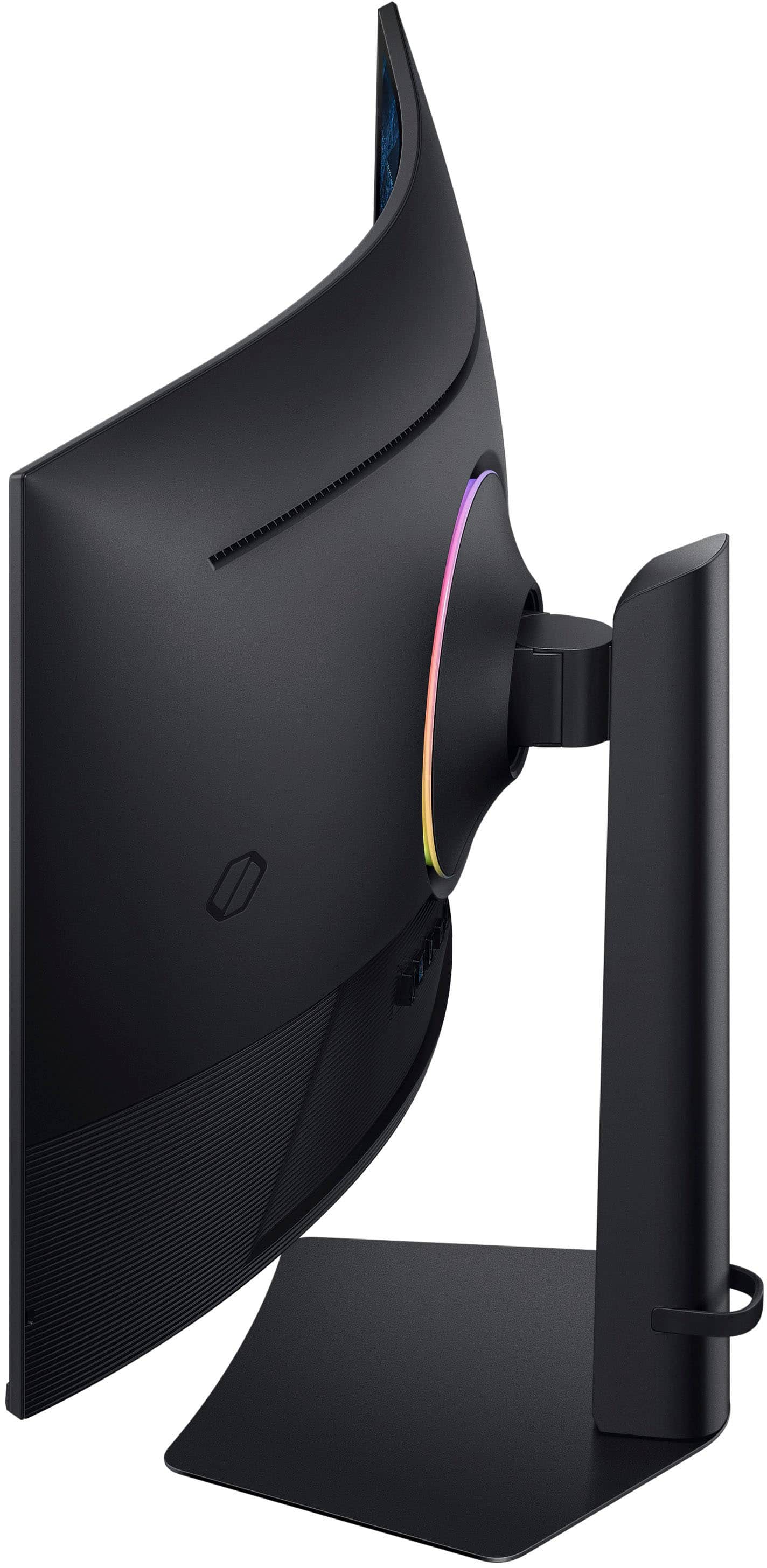
|Posted .This reviewer received promo considerations or sweepstakes entry for writing a review.The Odyssey G75F is a large monitor curved monitor with great image quality, and excellent feature set, and Picture-in-Picture! Design The stand and base are simple and I found them easy to put together. The back of the monitor has a light ring going around where the base attaches. All the inputs and power connections are in a row in the back, all facing straight back. I included a picture showing them. The power cord has a right angle connector. The controls are on the bottom of the display, facing down. There's a four-way directional pad with a button, like <Enter>, in the middle. To me the monitor looks large (I mean that in a good way) and very curved. It moves up and down about four or five inches as well as tilting left and right or up and down. The monitor comes with high speed cables, HDMI, Display Port, and USB 3.1. There is a rubber strap that goes around the back of the neck of the stand. It's pretty easy to work with and hold cables well. Picture Quality The picture quality is excellent! I was able to use it on my PC at the highest quality that it supports, 4K 165Hz. The image is bright, vibrant, and perfectly solid. Whites look very white and flesh tones look natural. You can of course change lots of setting on the monitor related to the color, and there are a number of pre-sets. I actually liked the "Eco" preset, which was the default. To me the colors looked richer than some of the other settings and it didn't look dull at all. There are presets for all sorts of presets like Sports, RPG, RTS, Graphic, and more. Gaming and video look great on it! The FreeSync Premium Pro worked great, as I didn't notice any tearing in video games. Is Curved Good? My opinion is yes, but it may not be for every situation. If there were a bunch of people sitting back at a distance, I don't think I would want a curved monitor. But for me on my desk, I was happy to find it saves desk space, or uses it more efficiently. It seems to fit in about the same space, maybe less, than my 32" monitor did. This is great! I was really afraid it may not fit well but it fits far better than I thought and it's much bigger at 37" (feels a lot bigger to me!). Besides that, the image viewing, still or video, hasn't been a problem. One thing that's interesting that I noticed is I was doing some audio editing on it. For that I need to scroll left and right quite a bit. That sort of creates a neat effect on the curved screen. It wasn't that it was bad or much better and I need to have that, but by adding that physical depth to the scrolling left and right, it was just different. I kind of like it and it doesn't bother me at all. It was just something I didn't think of. Does it work for gaming? Yes! I would actually say it gaming is a great use case because most of the time, at least for me, it's just me in front of the monitor and the curved screen just lets me have a larger display in a bit smaller area. So that's my take! I'm liking the curve more than I thought. I have used a curved monitor before but it wasn't quite as big and it didn't feel quite a curved to me. So, for whatever that's worth - I guess if I'm getting a curved monitor I would want it very curved, like this feels to me. Features Of course it's a 3840 x 2180 display that does up to 165 Hz at 4K resolution. It also supports HDR 600. It supports HDR 10+ and has a contrast ratio of 3000:1. At first, in Windows, it seemed it would only support HDR for Video, not apps or games. But after working with it more and changing some settings it supports HDR in Windows 11 for apps and games as well as video. I'm not sure what makes that difference or what I changed, but I was glad to see that. Speaking of HDR, it also support local dimming! This should improve contrast ratio and give true black on regions on the screen, like an OLED display can. It does that by dimming or turning off back lights (local dimming) in areas of the screen as needed. Local Dimming on the monitor was not on by default, so I turned that on. So I'm using the default setting of "Eco" with "Local Dimming" turned on - all selected in the monitor menus. Earlier I mentioned the light ring in the back. This is off by default. It's called "Infinity Core Lighting" and it's turned off by default. I turned that on too. There are a number of lighting options you can set. It also has a setting called "CoreSync" that uses the "Dynamic Lighting feature in Windows" to sync the rear lighting with content being displayed on the screen, so the lighting on the wall behind goes along with the content being displayed. To turn it on you need to go into the monitor settings, "Game" menu option, choose "Infinity Core Lighting", change the "Light Effect" to "Static", then the "CoreSync" option can be turned on. You will also need to make sure "Use Dynamic Lighting on my devices" is turned on in Windows 11 and "Compatible apps in the foreground always control lighting" should probably be on too (I have mine on). Looking at the light ring I don't notice the color change so much, but if I look at the light it throws on the wall behind I totally see it! Very cool! My favorite feature it has is probably Picture-in-Picture! You can display a second video input in one of the corners of the screen. There are also three size settings. The small setting didn't work with the streaming stick I was using it with but medium and large did. The large is one quarter of the display. I like that because then, while I'm using Windows, I can snap applications to the other three corners or even the top and a bottom corner, to use my Windows PC while having another device, like a streaming stick, connecting to a different video input and display on a corner of the screen. Interestingly, I noticed that while in Picture-in-Picture mode, the max refresh rate for the main/large display goes down from 165 Hz to 120 Hz. While there is a headphone jack I want to make it clear that there are no built-in speakers. I should also mention it supports 99% of the RGB color gamut. Ports The Odyssey G75F includes the following ports: 2 HDMI 2.1 (you can change this to HDMI 1.4 in the settings) 1 Display Port 1.4 1 USB A 3.1 (for USB hub use) 1 USB A 3.1 (for USB hub use and System updates) 1 USB B (device port) - for USB connection to PC for USB Hub 1/8" Stereo port (headphone jack) 1 Round power port As I mentioned earlier, all port go straight on the back, not aiming down or to the side. The included power cord does have a right-angle end. Summary I think the Odyssey G75F 37" Curved Gaming Monitor is an excellent display, especially for individual use. It seems to let me fit more on my desk in the same amount of space as my 32" monitor, but with a much larger physical screen real estate. The colors and features are excellent. I especially love the Picture-in-Picture which allows me to display video from two inputs at one time - nice when I'm connecting a second PC and still want my main PC on the display. It has the technology for syncing the back lighting with displayed content (CoreSync) but that doesn't seem to be functional yet. I'm looking forward to new drivers or a firmware update, maybe Windows needs an update for it. Also, I found it odd that local dimming wasn't on by default and the light ring in the back, "Infinity Core Lighting", is also not on by default. I like having both of those on. But to me those are all very minor things and this is an excellent gaming monitor!
I would recommend this to a friend - Pros mentioned:Resolution
For Both Work and Play
|Posted .This reviewer received promo considerations or sweepstakes entry for writing a review.Samsung has released a new 37-inch Odyssey G7 Curved Gaming monitor for 2025. I really wanted to test this version since the size of the monitor intrigued me. I wanted to see if having this size monitor in the standard 16:9 aspect ratio instead of being an ultra-wide made a difference with work and play. I can say after about a week’s worth of usage, this monitor is more than just a gaming monitor. It’s the perfect monitor for the home office and gamers. I work in Microsoft Excel daily, and I’ve seen a difference in my productivity. Having 4K resolution and the extra screen real estate allowed me to give up my dual monitor setup. This monitor is much larger than I imagined. The website pictures don’t give it justice. I advise viewing this one in person to ensure your desk space is adequate. The Samsung G75F offers picture-in-picture which allows the second input to display in the four corners of the screen of your choice. Picture-by-picture isn't present on the 37-inch variant. This would have allowed the ability to show both sources on the screen at the same time in more of a split format. That feature is available on the 40-inch ultra-wide version. The G75F monitor comes with a 1000R curved 16:9 4K VA panel. The panel is matte, so reflections won't be an issue. The curve of the panel makes up for the narrow viewing angle that is normally associated with VA panels. I work behind a large window, and I haven't had any issues with light reflections. Assembling the monitor out the box took all of 5 minutes as no additional tools are needed. I was up and running almost instantly. Having two HDMI 2.1 ports and a Display-port is just the right mixture of ports. Since there are no smart features baked into the monitor, the firmware updates will need to be manually performed by using the available USB port on the rear. There is a headphone jack located on the rear as well. I really wished Samsung opted for internal speakers, but adding a compact soundbar or a set of CPU speakers will do. In comparison to mini-led and OLED, the G75F colors are not as vibrant. However, not having to be concerned with static images and the taskbar being present is a perfect trade-off for me. The contrast and black levels makes games look really good. The motion handling doesn’t add too much motion blur, but expect some smearing with fast paced FPS games. I'm impressed with the brightness and black levels as well. The text clarity is impressive. The sheer size while gaming on the G75F offers quite the experience. CoreSync is a nice benefit, but I usually turn this feature off as the lighting isn't too bright to notice in the daytime. I'm really happy with the 37-inch version of the G75F. I wish that there were speakers built-in and the option to have picture-by-picture, but I can sacrifice without having those perks for now.
I would recommend this to a friend - Pros mentioned:Refresh rate, Screen size
Excellent Performance, Immersive View
|Posted .This reviewer received promo considerations or sweepstakes entry for writing a review.This monitor was an excellent upgrade to my setup. I am replacing a 30" monitor, and the curved perspective is such a nice addition for immersion. The feeling of the screen, as if it's wrapping around you is more dramatic of an effect than you may consider. The fast refresh rate and extremely fast response time are outstanding as well. Samsung labels this as a gaming monitor, and it is purpose-built. - Setup Assembly wasn't difficult at all. In fact, I was surprised at how easy and quickly everything Went together. It was a toolless assembly, and it goes together in a couple of minutes. From there, it's just plugging in your computer and you're off. - Picture & Technology As you can image from a monitor of this caliber, the picture is excellent. Including HDR and color reproduction. Everything I have tried on it has looked excellent. Including AMD FreeSync and VRR are excellent additions too. Not only does it have the ability to go to extremely high refresh rates, it also prevents screen tearing. The response time deserves mentioning again. As a monitor touted as a gaming monitor, low response times are essential. Especially for competitive shooters or fighting games. Frames matter, and this is a showcase for response time. - Additional Features One interesting feature is the ability to utilize two inputs at once. Enabling you to have two sources displayed on screen. I can imagine this may be very useful for those doing live streams. I also really like the backlight on the monitor and being able to sync it with games is very cool too. I may need to reposition my setup, so that the color will drape the walls as I'm gaming. I do kind of wish the monitor included speakers though. The G7 is a serious upgrade to any setup. Not lacking for any features you would expect from a high-end gaming monitor. Pros: Excellent performance, easy setup, interesting features (like PIP secondary input) Cons: No built-in speakers
I would recommend this to a friend Samsung - 37" Odyssey G75F 4K 165Hz Gaming Monitor
|Posted .This reviewer received promo considerations or sweepstakes entry for writing a review.As a fan of Samsung's Odyssey gaming monitor lineup, I was really excited to try our the new 37" Odyssey G75F! Samsung always provides a really nice unboxing and setup process. All of the items are packaged in a way that forces you to unbox and setup in the correct order. The display itself is always the last piece to assemble and clicking in the stand before pulling it out of the protective foam is the final step resulting in a secure and impossibly to damage way. Once setup I began loading content and fine tuning the settings to my preference. I understood this LCD panel to be VA technology and I tempered my expectations accordingly. To my surprise, this display does have local dimming settings, however, I did find this to be fairly minimal effect on overall image quality. I setup both SDR and HDR. I found the colors to be too saturate out of the box, and black/contract to be too bright. After many adjustments I landed at the following and found these to be pretty accurate all around and provides a nice balance of contrast and visibility: SDR Picture Mode: Custom Brightness: 37 Contract: 40 Sharpness: 10 Color: 20 Tint: 0 Local Dimming: Low Contract Enhancer: off Color Tone: warm 2 Gamma: 0 Color Space: Native HDR: SDR Picture Mode: Custom Brightness: 50 Contract: 50 Sharpness: 10 Color: 20 Tint: 0 Local Dimming: High Contract Enhancer: off Color Tone: warm 2 HDR Tone Mapping: Enabled Gamma: 0 Shadow Detail: 0 Color Space: Native It's worth noting, HDR in Windows looks terrible, but in game, the effect is significantly better. There are also some additional gaming panel adjustment you can make, my settings are as follows: Adaptive Sync: On Black Equalizer: 5 Virtual Aim Point: off (places a permeant cross hair in the middle of the screen) Infinity Core Lighting: on, static, purple to match my speaker LEDs, coresync: off Screen Size: Wide My RTX 5080 was able to recognize the AMD Freesync technology and enabled "G-sync" as a result. I found the 1ms response time and 165Hz panel to perform very well in both Windows and gaming. Images felt smooth and I experiences no screen tearing or other oddities. Everything felt really clean and performed well. I found the 37" screen size to be extremely immersive sitting about a 2 foot distance from the display without being too large. The 1000R curve screen wrapped around my head giving me the illusion of an IMAX like experience. I'm used to a 27" monitor and I found the upgrade to 37" to add a "wow factor" yet was easy to adjust too. I did not have to move me head around to see HUD elements in game but could simply shift my eyes. Since this is a VA panel, it has a considerable amount of clouding and halo effect around images when against a black background. This was really only noticeable when loading games with black backgrounds and white text, or really dark scenes. 95% of the time, when in game, these effects were not noticeable. While this display does have local dimming, I did not find it helped much in maintaining consistent black without the bright spots. The viewing angle is also a bit limited, I found the center of the display to look the best, but edges to be more muted due to it's large footprint. Things like the Windows task bar appeared more washed out until I shifted my angle. Overall, I did not find this to be overly bothersome. This monitor has a single display port (which I used for my PC) and 2 HDMI ports that can be used for additional gaming devices, or used on PC instead of DisplayPort. I found other devices such as a PS5, Nintendo Switch, etc to connect nicely to the display, making this setup quite versatile. The menu and navigation for the display are centered under the display in a square like button where the center powers on/off/selects and the buttons around the edges act like arrows for navigation. It took a little to get used to, but once I got the hang of it it was quite nice. The Infinity Core lighting on the back is a nice atmospheric enhancement but I found it to be rather dim and not overly noticeable in my space. I could tell when it was on or off, but the effect were subtle and I didn't find it really brought much to the table. Overall, this is a really nice immersive gaming monitor and the 37" size is really perfect. It checks most of the major boxed when considering a high end gaming monitor. I did find the VA panel to be lacking in overall image quality, but the immersive nature makes up for it. With OLED displays being more common now, it is hard to compare anything else to them. Temper expectations a bit if you are a videophile or expect "nothing but the best" and simply enjoy this for what else it brings to the table. I think for the price and overall experience, this is a wonderful option to consider for most people.
I would recommend this to a friend