Customer Ratings & Reviews
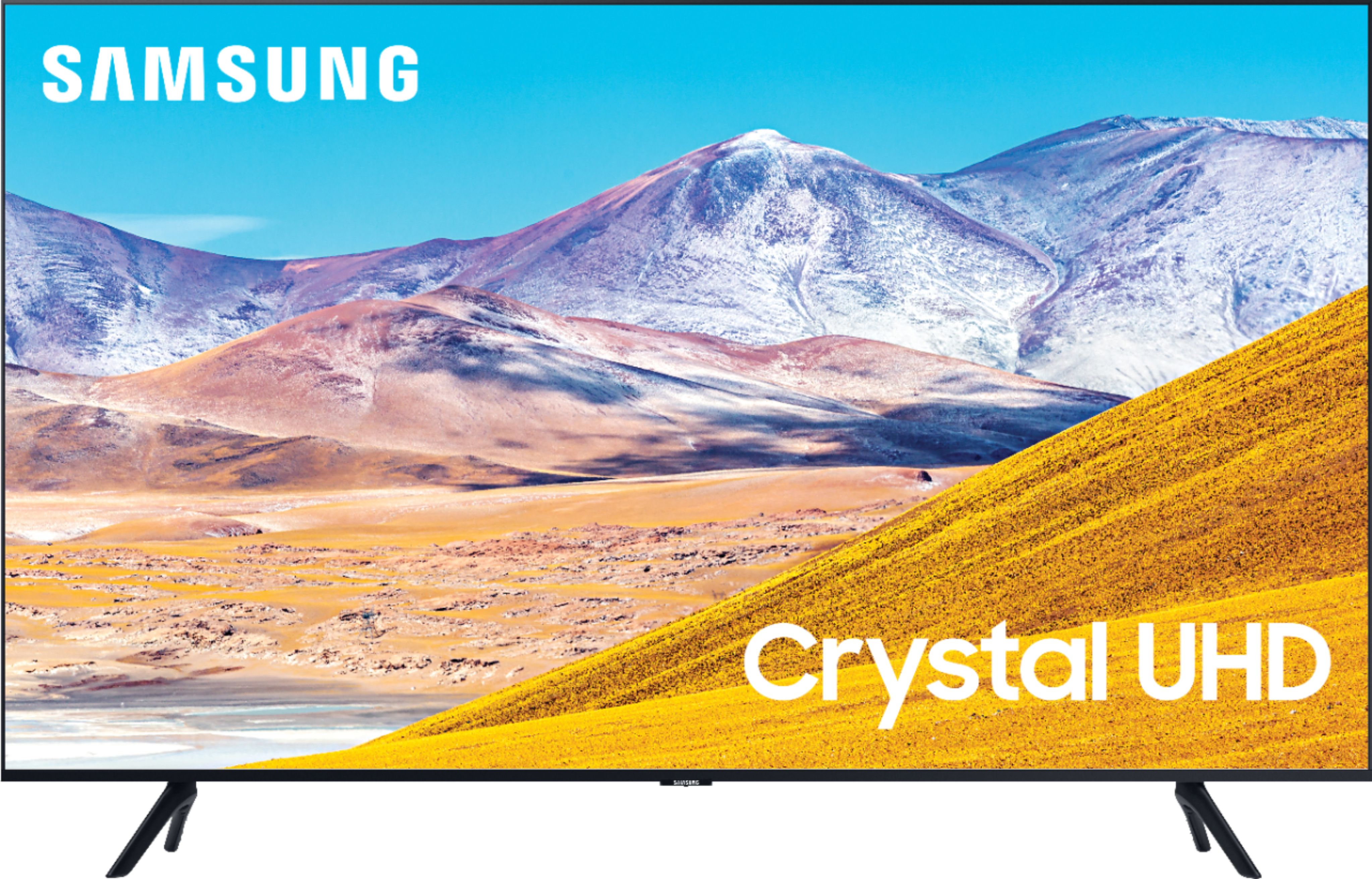
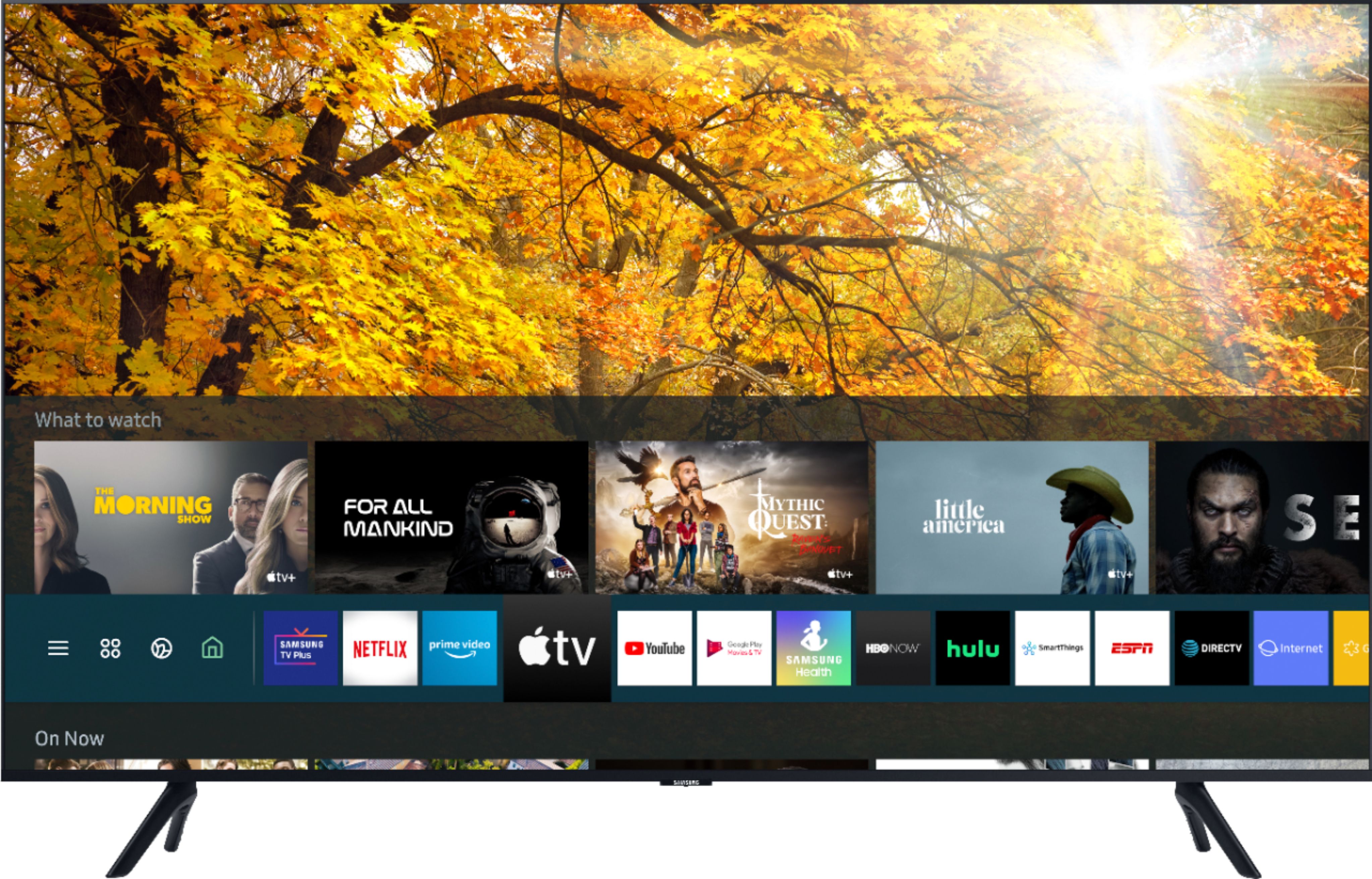
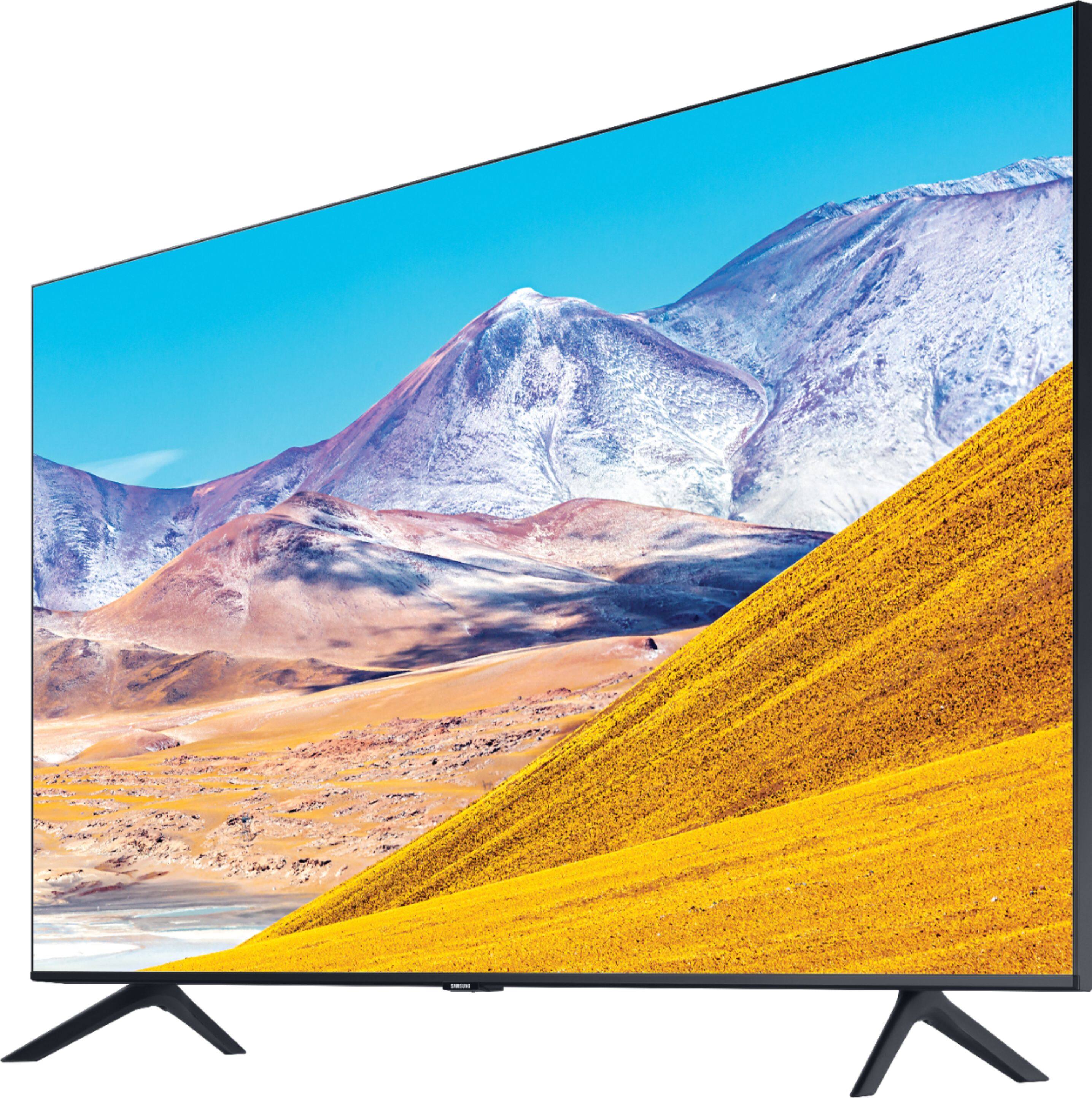
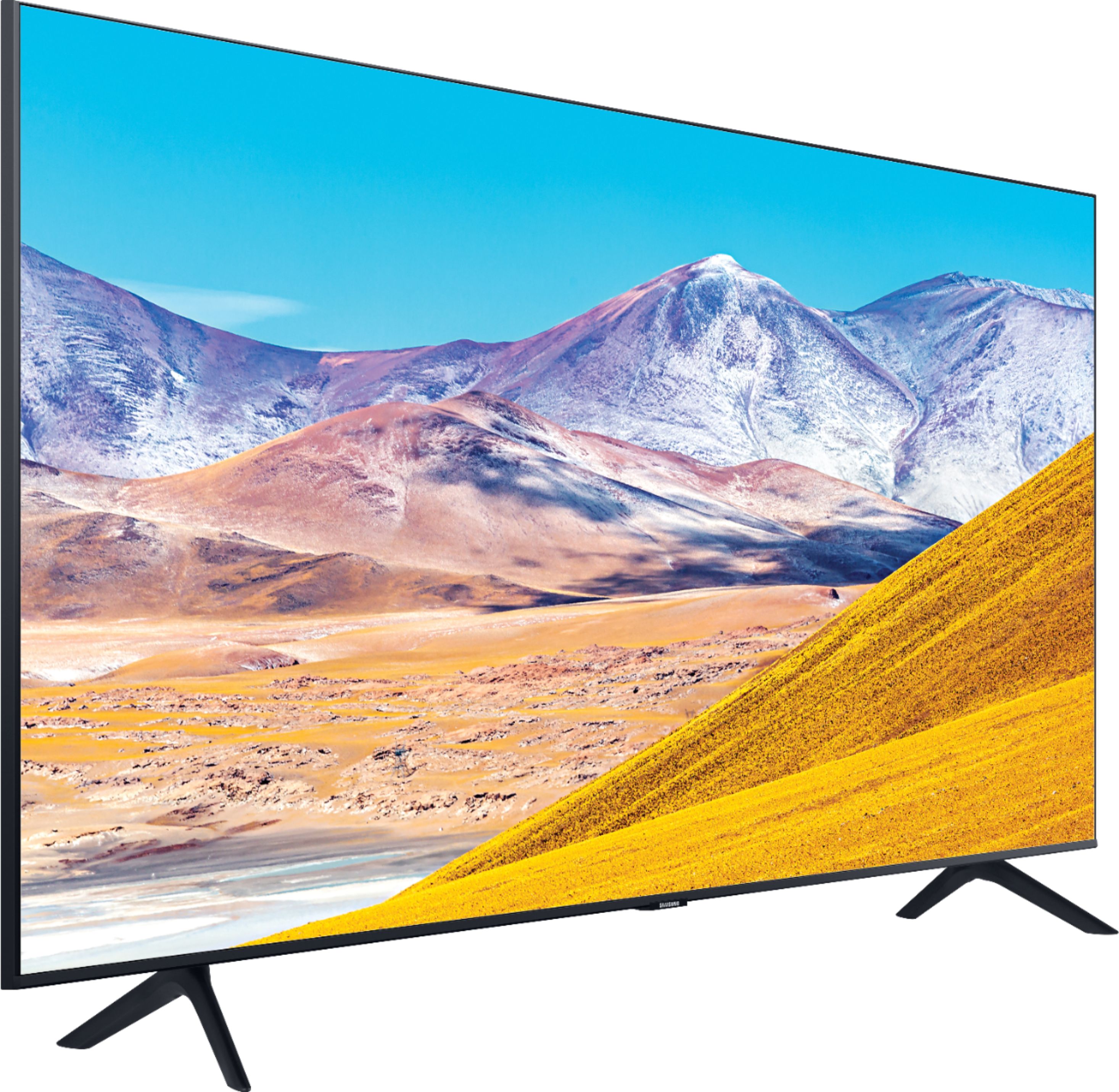









- Model:
- UN43TU8000FXZA
- SKU:
- 6401747
Rating by feature
- Picture Quality
Rating 4.7 out of 5 stars
- Sound Quality
Rating 4.5 out of 5 stars
- Brightness
Rating 4.6 out of 5 stars
Customers are saying
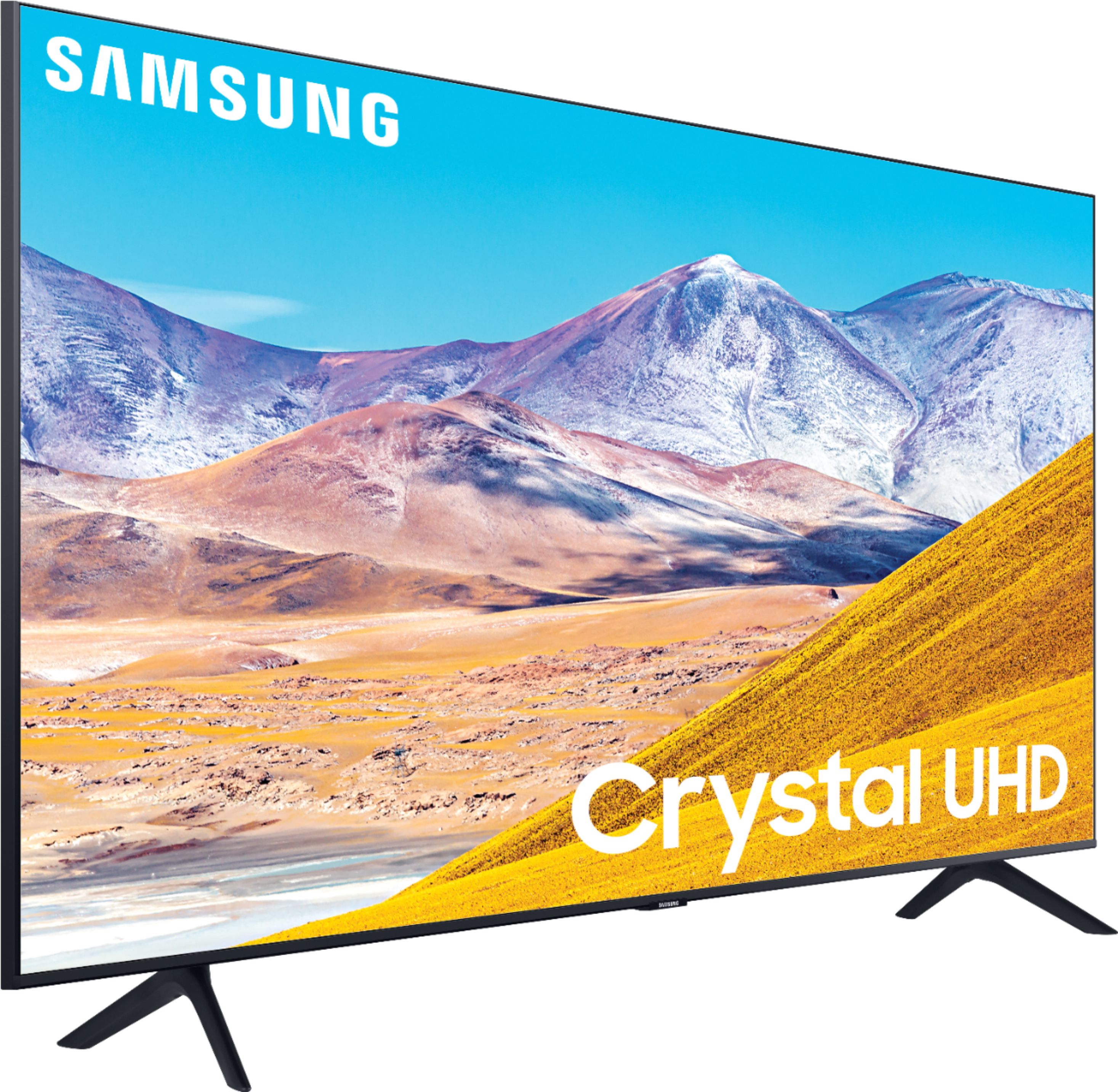
Customers find value in the 43" Class 8 Series LED 4K UHD Smart Tizen TV for its exceptional picture quality, easy setup, and reasonable price. Many customers rave about the vibrant and sharp picture, making it an excellent choice for gaming and movie enthusiasts. The simple setup process is also widely appreciated, making it a hassle-free experience for users.
This summary was generated by AI based on customer reviews.
Too many Samsung brand features and add ons
||Posted . Owned for 11 months when reviewed.This reviewer received promo considerations or sweepstakes entry for writing a review.Too much of Samsung brand features like channels and add ons. I just want a TV. Very difficuly to navigate too. Has Bluetooth capabities but they are difficult to find and manage.
No, I would not recommend this to a friend8 Series
||Posted . Owned for 3 weeks when reviewed.This reviewer received promo considerations or sweepstakes entry for writing a review.I bought this 43” Samsung 8 Series TV on Best Buy online good sale price. I thought it would have a larger screen since it is a 43” Samsung 8 Series. The 43” Samsung 8 Series TV screen to me is not as big as my 32” Samsung TV. So, I say never buy this TV until you see it in the store. I gave this TV a 1 star rating because of the screen size. I want to let you know the next day after receiving the TV, Best Buy made it easy for me to return the 43” Samsung 8 Series TV in person at Best Buy store. I then bought a 55” 7 Series Samsung TV & love it.
No, I would not recommend this to a friendBrand response from Samsung
Posted .Samsung8SeriesTV:
Thank you for sharing your review of the Samsung 43” TU8000. I am very sorry that your experience with this TV was less than perfect, and you have decided to replace it with a different model. Thank you for being a loyal Samsung customer.
Please know that the industry standard when measuring screen size refers to the measurement of the screen when measured diagonally. The measurements of your 43” model are 37.9" x 22" x 2.4" (WxHxD) when measured without the stand.
Measurements can be found on the product page on the Samsung website by clicking on SPECS and then on SEE ALL SPECS.
Should you have questions or need assistance with settings, setup, or features with your new 55” Samsung TV, please know we are always here to help.
1) Phone: 1-800-SAMSUNG (ask for TVs), available 8AM – 12AM EST 7 days a week
2) LiveChat: https://www.samsung.com/us/support/#contact_us_for_support
3) Facebook Messenger: https://www.facebook.com/samsungsupport
4) Twitter: https://twitter.com/SamsungSupport
5) The Samsung Members Community is also a great resource for getting help from Samsung moderators and customers: https://us.community.samsung.com
If you have not already done so, we invite you to register your new Samsung product at: https://www.samsung.com/us/account/signin/?redirect=https%3A%2F%2Fwww.samsung.com%2Fus%2Fsupport%2Fregister%2F
Registering your product gives you access to easy warranty support, convenient opt-in to special promos and offers, faster troubleshooting and service, and quick notification of system updates.
~ Samsung Solutions
Awful sounds!
||Posted . Owned for 1 month when reviewed.This reviewer received promo considerations or sweepstakes entry for writing a review.I am returning the TV tonight ironically! I have tried to love the TV. I have given it it multiple chances, but too many things about it bug me. The most annoying feature is the loud and awful sounding voice that speaks when I turn it off, when I adjust the volume; the tv itself makes an awful noise when it is turned on and off! I hate it! I have watched multiple movies and tv shows that have scenes in the dark inside and outside and the resolution is weird. I know this is a low end TV but these two aspects of it are not worth keeping it.
No, I would not recommend this to a friendBrand response from Samsung
Posted .Mrscooper:
Thank you for your review of this Samsung TU8000 TV. I am sorry to hear that you are not completely happy with your purchase and are considering returning your unit. Your feedback is very important to us and will be shared with our product team.
If your TV is announcing everything you do, then Voice Guide is turned on. Voice Guide is an accessibility function to assist users who are visually impaired. It is possible that you have turned it on by accident when holding down the volume button on your TV remote
To turn off Voice Guide, navigate to Home > Settings > General > Accessibility > Voice Guide Settings > Voice Guide.
Please know that if you are not happy with the brightness levels, there are several image setting adjustments you can make to your liking. Dynamic Picture Mode will make pictures brighter and clearer in bright viewing environments. Go to: Settings > Picture > Picture Mode > Dynamic
Or manually adjust the Brightness and other settings to your liking. Go to: Settings> Picture> Expert Settings
You may also want to disable Power Saving Mode which automatically adjusts the brightness to reduce the TV’s power consumption.
Go to Settings> General> Eco Solution> Power Saving Mode.
Ambient Light Detection will also automatically adjust the brightness level of the TV, according to the ambient light level, to reduce power consumption. If Ambient Light Detection has adjusted the screen brightness to a too bright or dark level, you can select Minimum Brightness to manually adjust the minimum screen brightness.
Go to Settings> General> Eco Solution> Ambient Light Detection
If there is anything we can do to improve your experience such as helping to optimize settings, please let us know. You can reach Samsung Customer Support at:
1) Phone: 1-800-SAMSUNG (ask for TVs), available 8AM – 12AM EST 7 days a week
2) LiveChat: https://www.samsung.com/us/support/#contact_us_for_support
3) Facebook Messenger: https://www.facebook.com/samsungsupport
4) Twitter: https://twitter.com/SamsungSupport
5) The Samsung Members Community is also a great resource for getting help from Samsung moderators and customers: https://us.community.samsung.com
If you have not already done so, we invite you to register your new Samsung product at: https://www.samsung.com/us/account/signin/?redirect=https%3A%2F%2Fwww.samsung.com%2Fus%2Fsupport%2Fregister%2F
Registering your product gives you access to easy warranty support, convenient opt-in to special promos and offers, faster troubleshooting and service, and quick notification of system updates.
~ Samsung Solutions
samsung
||Posted . Owned for 3 weeks when reviewed.This reviewer received promo considerations or sweepstakes entry for writing a review.I wanted a TV to use in my den at night using a Sony headphone [WH-RF400}. I worked at first but no longer. I used the optical audio to get the sound. Don't know why it stopped working. I would not suggest to others to do this. I am very disappointed. This was done at your staff's suggestion. Guess I wasted my money. Next time I will go to ABC warehouse.
No, I would not recommend this to a friendWas dead on arrival.
||Posted . Owned for 1 month when reviewed.This reviewer received promo considerations or sweepstakes entry for writing a review.The Geek Squad agent was extremely good and mounted everything on the wall just fine. When he turned on the TV, however, it remained black. Turns out the backlight was not working. Best Buy promised to get me another, but after a week and a half they were unable to do so and ended up giving me a more expensive Sony of the same size that worked immediately.
No, I would not recommend this to a friendBrand response from Samsung
Posted .RIff,
I am sorry that the TU8000 TV did not work out for you.
Please know that we do back this Samsung TV with a 1-year limited manufacturer's warranty, including authorized repair for manufacturer defect, if purchased brand-new directly from an authorized seller.
Should you ever decide to give Samsung TVs another try and have questions or need assistance with settings, setup, or features, please know we are always here to help.
You can contact our Customer Support toll-free at 1-800-SAMSUNG (ask for TVs) Available 8AM – 12PM EST, 7 days a week
Simply copy-paste this link into your browser to LiveChat with us: https://www.samsung.com/us/support/#contact_us_for_support
We are likewise reachable by Facebook Messenger at: https://www.facebook.com/samsungsupport
Or find us on Twitter at https://twitter.com/SamsungSupport
-Samsung Ambassador
The TV is working fine but unfulfilled promise.
||Posted . Owned for 3 weeks when reviewed.This reviewer received promo considerations or sweepstakes entry for writing a review.I purchased the TV a month and a half ago and thought I filled out a review but evidently it didn't get through. When TV was purchased the order included HBO Max for one month. When set up it wasn't there. Called store and after talking to a few employees was disconnected. Tried several times but just couldn't get through to see geek squad member or other staff member. Waited on phone a minimum of two hours over the calls that I made. he promo should have ben included but wasn't so thus the one star rating. biggerjohn
No, I would not recommend this to a friendBrand response from Samsung
Posted .biggerjohn,
Thank you for your review on this Samsung TU8000 4K Smart TV.
I am sorry you had issues with the promotion fulfillment experience.
We recommend you to share your concerns and feedback directly with Best Buy.
Should you ever need assistance or have questions about using the TV, please know we are here to help. You can reach Samsung Support via:
1) Phone: 1-800-SAMSUNG (ask for TVs), available 8AM – 12AM EST 7 days a week
2) LiveChat: https://www.samsung.com/us/support/#contact_us_for_support
3) Facebook Messenger: https://www.facebook.com/samsungsupport
4) Twitter: https://twitter.com/SamsungSupport
5) The Samsung Members Community is also a great resource for getting help from Samsung moderators and customers: https://us.community.samsung.com
If you have not already done so, we invite you to register your new Samsung product at:
https://www.samsung.com/us/account/signin/?redirect=https%3A%2F%2Fwww.samsung.com%2Fus%2Fsupport%2Fregister%2F&user=dsr-registration
Registering your product gives you access to easy warranty support, convenient opt-in to special promos and offers, faster troubleshooting and service, and quick notification of system updates.
Again, thank you for taking the time to share your thoughts. Your feedback helps us continuously deliver best-in-class products and service.
-Samsung Ambassador
only works for a max of 2 years
||Posted . Owned for 1 year when reviewed.This reviewer received promo considerations or sweepstakes entry for writing a review.Do Samsung Tv's work for more than 2 years? My first one lost the picture after 2 years. There were black bands on each side, the middle was gray and only the sound worked. I bought this one in March, 2021 and it can no longer connect to the internet - error code 107. Tried everything they said to do online but no internet. I did not pay over $400 for a smart TV which is no longer smart. Don't buy Samsung.
No, I would not recommend this to a friendLast years 8 series (ru8000) were MUCH better
||Posted . Owned for 1 week when reviewed.This reviewer received promo considerations or sweepstakes entry for writing a review.Returned it after 3 days for Vizio V series w hdr10. I had a RU8000 last year and LOVED it. Idk what happened it just felt cheap to me it wasnt the same 8 series i remember :/
No, I would not recommend this to a friendBrand response from Samsung
Posted .PhoenixIgnition,
Thank you for sharing your feedback.
Your 2020 TU8000 TV comes with a sleu of new and exciting features, all designed to further enhance your digital entertainment experience.
The new Ambient Mode Plus turns your TV screen into a decorative yet functional display feature. With 102+ Contents, newly added 'Ambient Vibe' and 'Routine', and improved 'My Album', you can use it as an info panel, a display for a personal photo collection, or a decorative wallpaper that blends into the surroundings. Tap View lets you screen mirror on TV by tapping your phone.
Updated Universal Guide provides a list of curated content from broadcast and streaming channels, personalized just for you. Easily find your favorite content, all in one place.
Should you have questions about any of the features or need assistance with usage, simply contact us at:
1) Phone: 1-800-SAMSUNG Available 8AM - 12AM EST (Mon-Fri) / 9AM - 11PM EST (Sat-Sun)
2) LiveChat: https://www.samsung.com/us/support/#contact_us_for_support
3) Facebook Messenger: https://www.facebook.com/samsungsupport
4) Twitter: https://twitter.com/SamsungSupport
If you have not already done so, we invite you to register your new Samsung product at: https://www.samsung.com/us/account/signin/?redirect=https%3A%2F%2Fwww.samsung.com%2Fus%2Fsupport%2Fregister%2F
Registering your product gives you access to easy warranty support, convenient opt-in to special promos and offers, faster troubleshooting and service, and quick notification of system updates.
-Samsung Ambassador
Samsung 43 inch
||Posted .This reviewer received promo considerations or sweepstakes entry for writing a review.I don’t like the input featured display when turning on the TV. Also when I turn off the TV there is an intermittent clicking sound for 15 minutes. Very annoying.
No, I would not recommend this to a friend- Cons mentioned:Remote control
Samsung 8 series led
||Posted .This reviewer received promo considerations or sweepstakes entry for writing a review.Picture is terrible, hard to adjust size and sound. Just terrible for a Samsung. Remote is another another problem.
No, I would not recommend this to a friendBrand response from Samsung
Posted .Swiss:
Thank you for purchasing the Samsung TU7000 TV and for your review. You can adjust the settings for picture and sound according to your preferences.
Choose a Picture Mode by going to Settings > Picture > Picture Mode and choose from Dynamic, Standard, Natural, Movie, or Filmmaker Mode.
You can further adjust your brightness, contrast, color, and more by going to Settings > Picture > Expert Settings
To adjust your sound preferences, go to Settings > Sound > Sound Mode and Settings > Sound > Expert Settings
Should you want assistance with settings adjustments tailored to your preferred viewing and listening experience, or if you are experiencing issues with your remote, please contact Samsung Customer Support. You can reach us via any of the following options:
1) Phone: 1-800-SAMSUNG (ask for TVs), available 8AM – 12AM EST 7 days a week
2) LiveChat: https://www.samsung.com/us/support/#contact_us_for_support
3) Facebook Messenger: https://www.facebook.com/samsungsupport
4) Twitter: https://twitter.com/SamsungSupport
5) The Samsung Members Community is also a great resource for getting help from Samsung moderators and customers: https://us.community.samsung.com
If you have not already done so, we invite you to register your new Samsung product at: https://www.samsung.com/us/account/signin/?redirect=https%3A%2F%2Fwww.samsung.com%2Fus%2Fsupport%2Fregister%2F
Registering your product gives you access to easy warranty support, convenient opt-in to special promos and offers, faster troubleshooting and service, and quick notification of system updates.
~ Samsung Solutions
- Cons mentioned:Remote control
Best Buy sells used broken products
||Posted . Owned for 1 month when reviewed.This reviewer received promo considerations or sweepstakes entry for writing a review.product packaging open upon delivery TV remote does not power up. best Buy sold me a used broken TV remote
No, I would not recommend this to a friend Dead After Less Than 5 Months
||Posted . Owned for 5 months when reviewed.This reviewer received promo considerations or sweepstakes entry for writing a review.Samsung is garbage. We used the tv a total of 10 hours. Yes, 10 hours...and it’s dead! Black screen. Won’t turn on. Nothing. No other issues with any electronics. No storms. Just a bad product. We own 8 Sony TVs and an LG TV with zero issues. We bought a Samsung 10 years ago....same thing happened. It died after about 6 months that time. I’ll never buy anything Samsung again.
No, I would not recommend this to a friend- Pros mentioned:Picture quality
Choosing the right one
||Posted . Owned for 1 month when reviewed.This reviewer received promo considerations or sweepstakes entry for writing a review.Returned it for a larger one 65inch. I liked all the information on the 43 inch but we wanted a larger one
I would recommend this to a friendBrand response from Samsung
Posted .Enjoyment:
Thank you for sharing your review of the Samsung 43” TU8000 TV. Your TU8000 TV is powered by a ultra-fast processor delivering crystal clear colors that are fine-tuned to deliver a naturally crisp and vivid picture. It also transforms everything you watch into stunning 4K HDR.
Should you have questions or need assistance with settings, setup, or features with your new 65” model, please know we are always here to help.
1) Phone: 1-800-SAMSUNG (ask for TVs), available 8AM – 12AM EST 7 days a week
2) LiveChat: https://www.samsung.com/us/support/#contact_us_for_support
3) Facebook Messenger: https://www.facebook.com/samsungsupport
4) Twitter: https://twitter.com/SamsungSupport
5) The Samsung Members Community is also a great resource for getting help from Samsung moderators and customers: https://us.community.samsung.com
If you have not already done so, we invite you to register your new Samsung product at: https://www.samsung.com/us/account/signin/?redirect=https%3A%2F%2Fwww.samsung.com%2Fus%2Fsupport%2Fregister%2F
Registering your product gives you access to easy warranty support, convenient opt-in to special promos and offers, faster troubleshooting and service, and quick notification of system updates.
~ Samsung Solutions
Not worth the money I spent for it.
||Posted . Owned for 1 month when reviewed.This reviewer received promo considerations or sweepstakes entry for writing a review.It's sub-par because when I change the channel, it takes me to QVC, which is a channel I would never watch. Maybe you can tell me how to fix that?
No, I would not recommend this to a friendBrand response from Samsung
Posted .Pissedoff,
I apologize for the inconveniences you have had with the channel change issue.
One possible cause is a software glitch.
Please check that your TV is running the latest firmware.
Using your TV's remote, navigate to Settings, and select Support. Select Software Update, and then select Update Now. New updates will be downloaded and installed on your TV. Updates usually take a few minutes; please do not turn off the TV until the update is complete. When the update is finished, the TV will restart automatically. If there aren't any new updates, select OK to exit.
You may want to enable automatic updates for conveniences.
Select Settings- Support- Software Update, then select Auto Update.
I hope this helps to solve your concerns.
If the issues persist, please reach out to Samsung Customer Support at:
1) Phone: 1-800-SAMSUNG, available 8AM – 12AM EST 7 Days A Week
2) LiveChat: https://www.samsung.com/us/support/#contact_us_for_support
3) Facebook Messenger: https://www.facebook.com/samsungsupport
4) Twitter: https://twitter.com/SamsungSupport
Have you registered your new Samsung TV with us? If not, we invite you to do so at: https://www.samsung.com/us/account/signin/?redirect=https%3A%2F%2Fwww.samsung.com%2Fus%2Fsupport%2Fregister%2F, and gain access to easy warranty support, convenient opt-in to special promos & offers, faster troubleshooting & service, and quick notification of system updates.
-Samsung Ambassador
Poor Quality on Older TV Shows
||Posted .This reviewer received promo considerations or sweepstakes entry for writing a review.Not very happy with this tv. If you like to watch older tv shows, you don't want this Samsung model. When people ride horses or walk, it looks like someone pushed the fast forward button; then the motions returns to normal and a few seconds later, it looks like they pushed fast forward again. Very poor quality. Really disappointed with Samsung on this TV. My previous HD TV from Samsung did not have this problem.
No, I would not recommend this to a friendBrand response from Samsung
Posted .4KTV:
Thank you for choosing the Samsung TU8000 TV and for sharing your feedback with us.
For optimal motion image performance, you may want to adjust the picture clarity setting by going to: Settings > Picture > Expert Settings > Picture Clarity Settings
- Off: Picture Clarity Settings will always be off
- Auto: Picture Clarity Settings will automatically activate and deactivate based on the type of program being watched
- Custom: Allows custom adjustments and settings to be used. By selecting the Custom option, you can access these advanced settings for Judder Reduction, LED Clear Motion, and Noise Reduction.
Should you need further assistance with features or other product usage, please reach out to Samsung Support via any of the below options:
1) Phone: 1-800-SAMSUNG (ask for TVs), available 8AM – 12AM EST 7 days a week
2) LiveChat: https://www.samsung.com/us/support/#contact_us_for_support
3) Facebook Messenger: https://www.facebook.com/samsungsupport
4) Twitter: https://twitter.com/SamsungSupport
5) The Samsung Members Community is also a great resource for getting help from Samsung moderators and customers: https://us.community.samsung.com
If you have not already done so, we invite you to register your new Samsung product at: https://www.samsung.com/us/account/signin/?redirect=https%3A%2F%2Fwww.samsung.com%2Fus%2Fsupport%2Fregister%2F
Registering your product gives you access to easy warranty support, convenient opt-in to special promos and offers, faster troubleshooting and service, and quick notification of system updates.
~ Samsung Solutions
Terrible don’t buy Samsung
||Posted . Owned for more than 2 years when reviewed.This reviewer received promo considerations or sweepstakes entry for writing a review.Never buying a Samsung TV again, bought one, had to return it, didn’t work, then got this one, and used for 1 year and back light went out…put in original packaging and stored in home for 1 year brought it back out and it worked fine for a week.. never again… I have 5 year old Sony’s that still work fine, buy a SONY
No, I would not recommend this to a friendWont stay connected
||Posted . Owned for 11 months when reviewed.This reviewer received promo considerations or sweepstakes entry for writing a review.Won't stay connected to web very disappointed in this tv all of my TV are samsung but this one is garbage
No, I would not recommend this to a friendChanging Inputs
||Posted . Owned for 2 weeks when reviewed.This reviewer received promo considerations or sweepstakes entry for writing a review.Bluetooth Application is horrible. Audio was off set and delayed. After ajusting in settings still it showed. When returning to watch regular tv the delay was noticible and even worse there was no way to fix even in settings. A RESET was necessary to fix this. It happen twice again. NOT GOING TO RESET TV EVERYTIME I CHANGE INPUTS. NOT EVEN THE SAMSUNG AGENT WAS ABLE TO HELP WITH SOUNDBAR COMPABILITY.
No, I would not recommend this to a friendBrand response from Samsung
Posted .Notapplicable:
Thank you for purchasing the Samsung TU8000 TV. I am very sorry you are experiencing sound delay issues. It could possibly a source issue, but if you are hearing an audio delay across all sources/channels and you have a Home Theatre System or other speakers connected to your TV, you can access the Audio Delay settings to increase the audio delay. Go to: Settings > Sound > Expert Settings > Digital Output Audio Delay
Please know that our 2020 TVs do have an audio Pass-Through feature. This feature allows the audio signal to be sent out unprocessed to an external Soundbar or receiver connected to the TV. The external Soundbar or receiver then processes the audio, thereby eliminating the added step of processing by the TV, which adds delay.
On your TV go to: Settings > Audio > Expert Settings > Digital Audio Output Format > Pass-Through
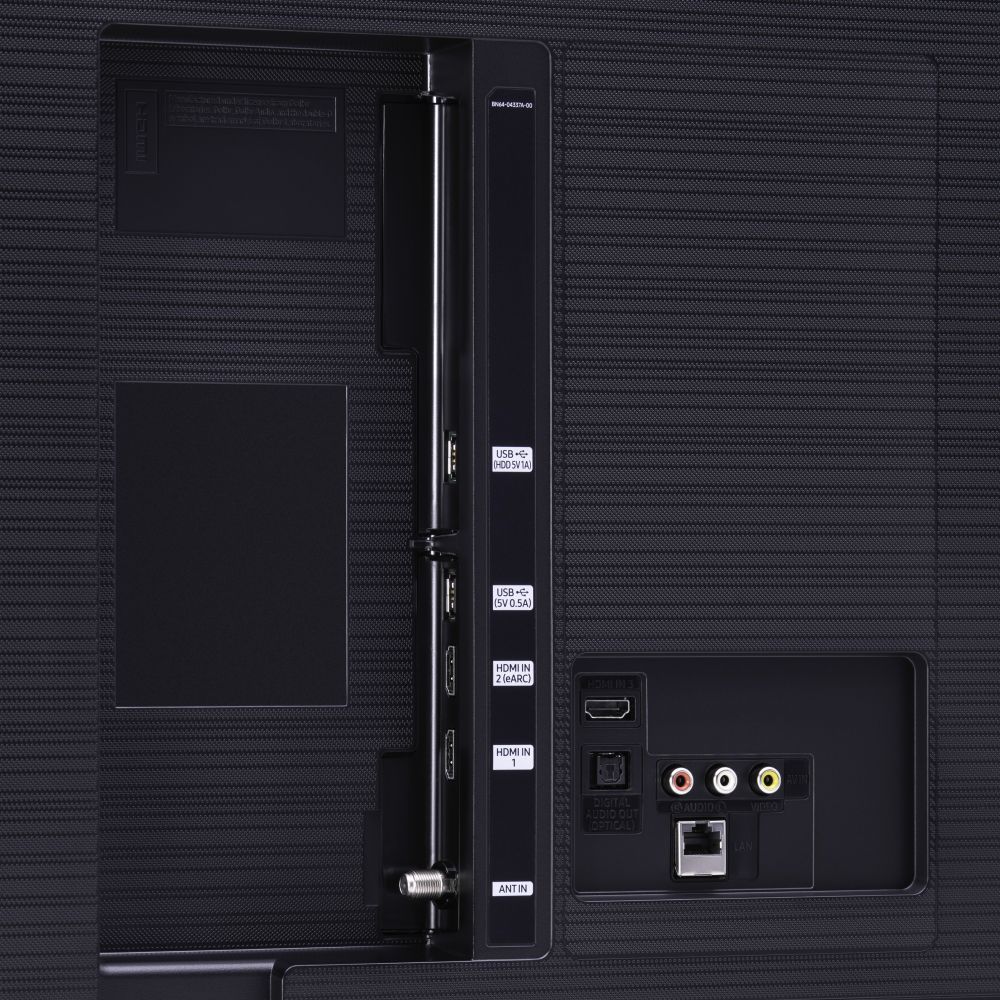
We recommend using a wired connection rather than using Bluetooth. For the best sound quality and performance, connect your soundbar with a Digital Audio Out (Optical) or an HDMI (ARC) cable. HDMI is better if the only external device connected to your TV is your soundbar. Otherwise, Digital Audio Out is usually the better option, depending on your setup.
However, if you prefer to connect using Bluetooth, please keep the following in mind:
- Lip-sync errors may occur.
- You can only pair one Bluetooth TV to a soundbar at a time.
- The TV and Bluetooth device may disconnect, depending on the distance between them.
If you have tried this and your issue persists, please reach out to Samsung Customer Support so that we can provide further troubleshooting.
1) Phone: 1-800-SAMSUNG (ask for TVs), available 8AM – 12AM EST 7 days a week
2) LiveChat: https://www.samsung.com/us/support/#contact_us_for_support
3) Facebook Messenger: https://www.facebook.com/samsungsupport
4) Twitter: https://twitter.com/SamsungSupport
5) The Samsung Members Community is also a great resource for getting help from Samsung moderators and customers: https://us.community.samsung.com
If you have not already done so, we invite you to register your new Samsung product at: https://www.samsung.com/us/account/signin/?redirect=https%3A%2F%2Fwww.samsung.com%2Fus%2Fsupport%2Fregister%2F
Registering your product gives you access to easy warranty support, convenient opt-in to special promos and offers, faster troubleshooting and service, and quick notification of system updates.
~ Samsung Solutions
Poor Quality and Picture
||Posted . Owned for 1 month when reviewed.This reviewer received promo considerations or sweepstakes entry for writing a review.I returned this Samsung 43'" because it was defective. There was a horizontal line in the display..... (Based on what I googled, it could be due to a failed gate driver on the panel).... The picture quality was not the best either, it was not crisp ...it seemed to be more analog than UHD...and from time to time the picture blotched out. Too bad, because I really loved the features of the TV.
No, I would not recommend this to a friendBrand response from Samsung
Posted .GoodCustomer:
Thank you for sharing your review of the Samsung TU8000. I am very sorry that issues with your TV have caused you to return it. I completely understand your disappointment.
Should you ever decide to give Samsung TVs another try and have questions or need assistance with settings, setup, or features, please know we are always here to help.
1) Phone: 1-800-SAMSUNG (available 8AM -12AM EST, 7 days a week)
2) LiveChat: https://www.samsung.com/us/support/#contact_us_for_support
3) Facebook Messenger: https://www.facebook.com/samsungsupport
4) Twitter: https://twitter.com/SamsungSupport
5) The Samsung Members Community is also a great resource for getting help from Samsung moderators and customers: https://us.community.samsung.com
Thank you again for taking the time to share your thoughts. Your feedback helps us continuously deliver best-in-class products and service.
~ Samsung Solutions
Samsung is not what it used to be.
||Posted . Owned for 9 months when reviewed.This reviewer received promo considerations or sweepstakes entry for writing a review.This must be an exception, and this must have been a "lemon." I bought this as an open box item. I could never get a satisfactory picture from it, no matter what I did to adjust it. I returned this set with the comment that it needs to go back to Samsung, IMO it was not saleable.
No, I would not recommend this to a friend