Customer Ratings & Reviews




Rating by feature
- Value
Rating 4.3 out of 5 stars
- Quality
Rating 4.5 out of 5 stars
- Ease of Use
Rating 4.3 out of 5 stars
Customers are saying
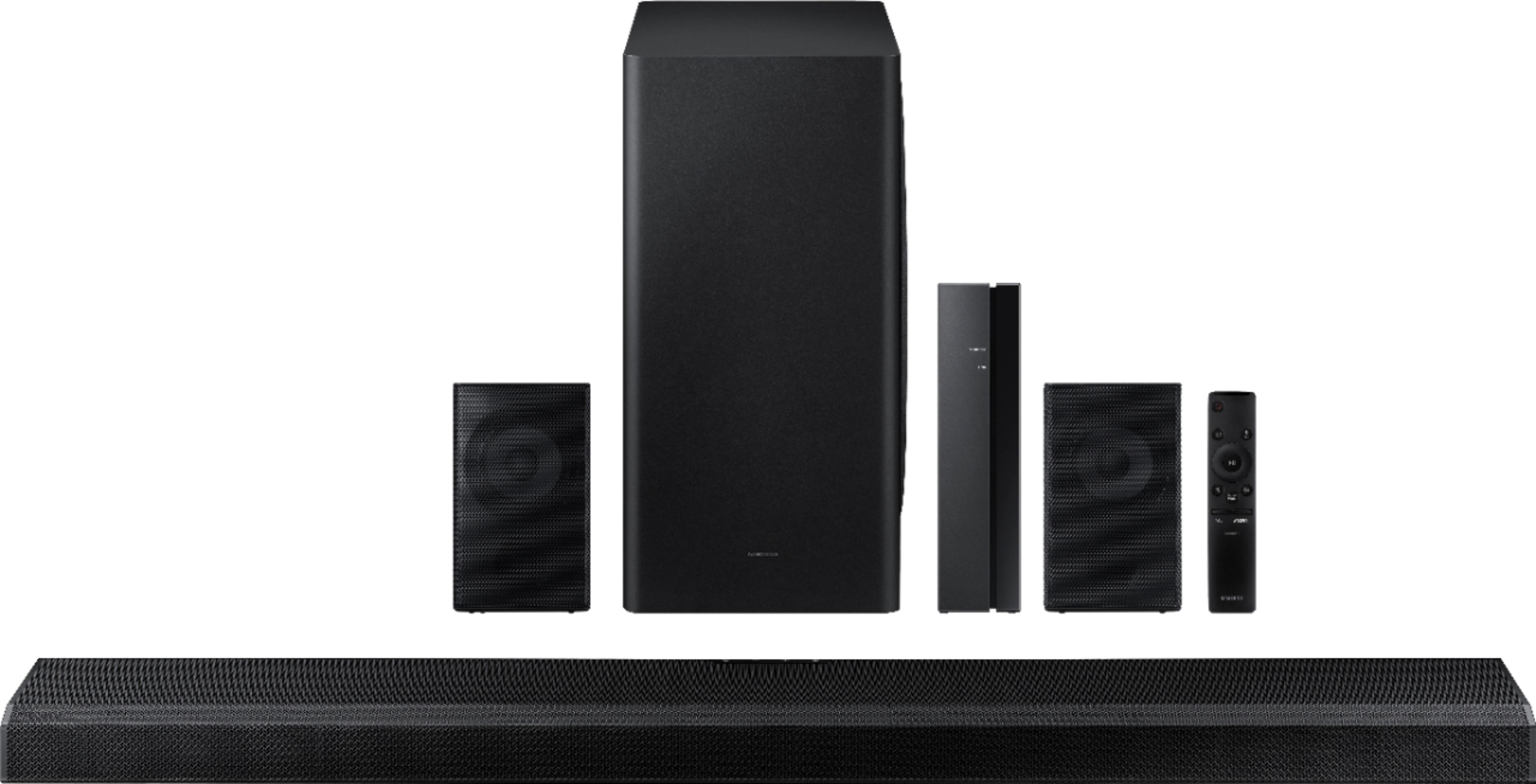
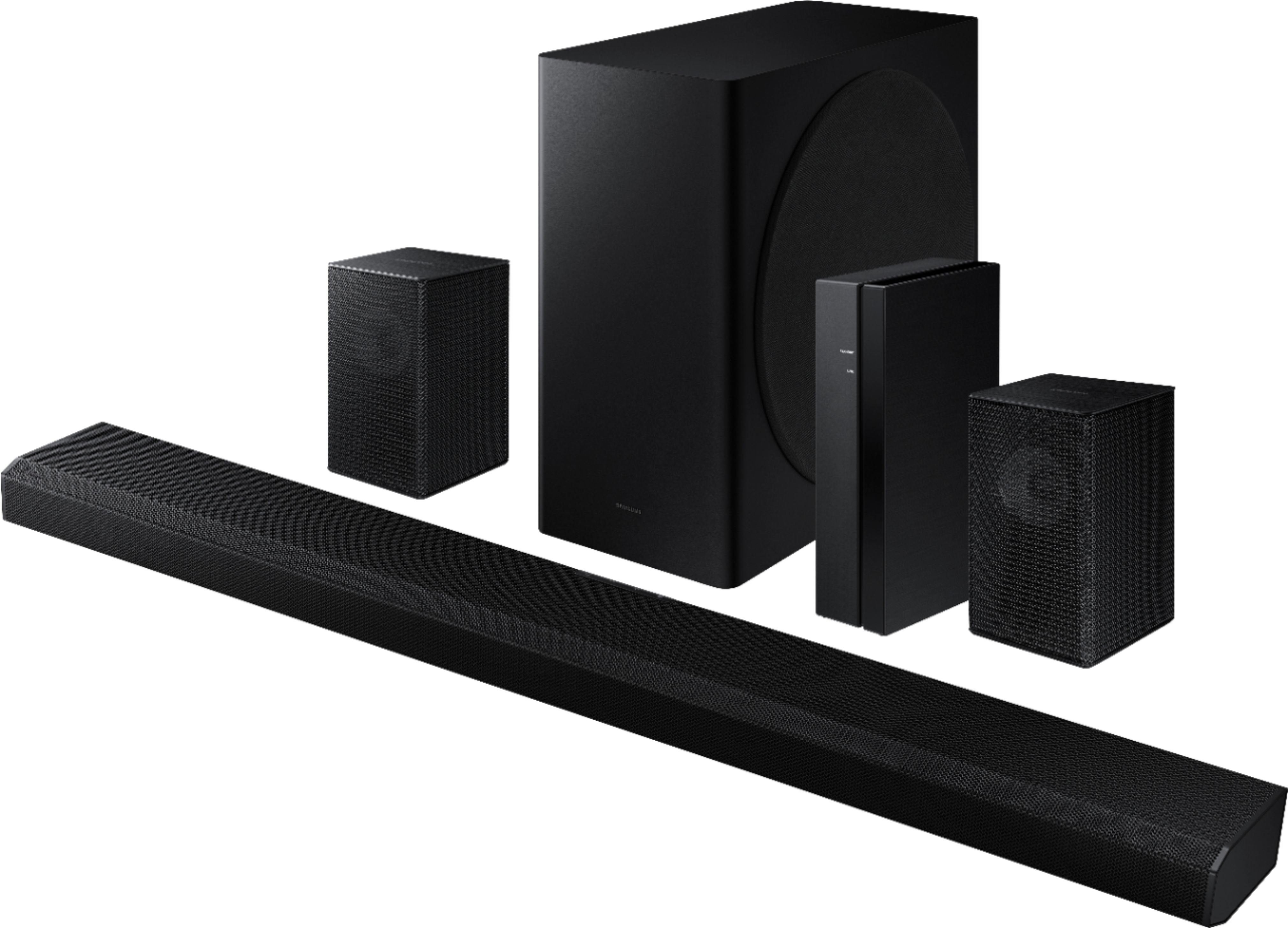
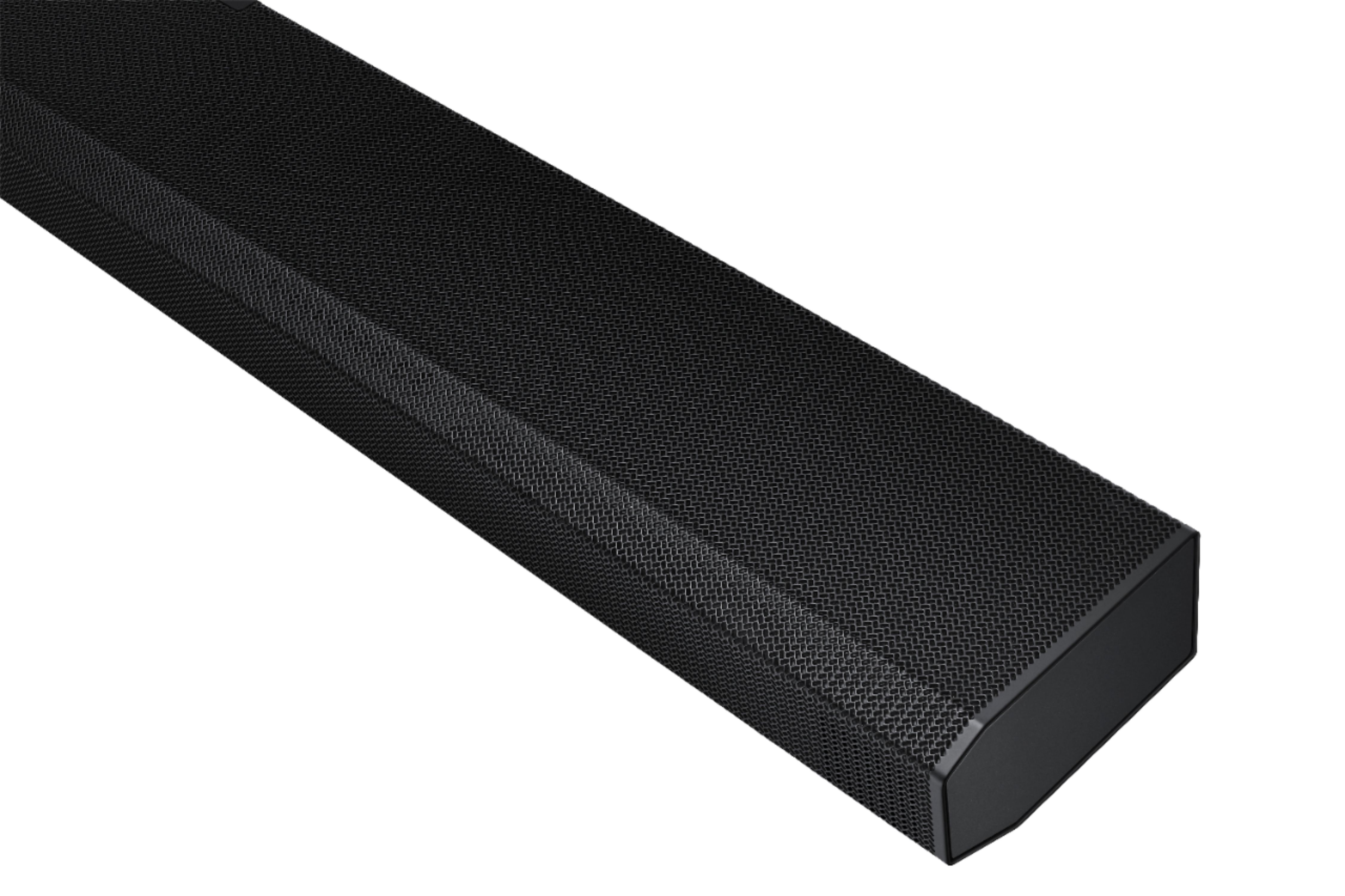
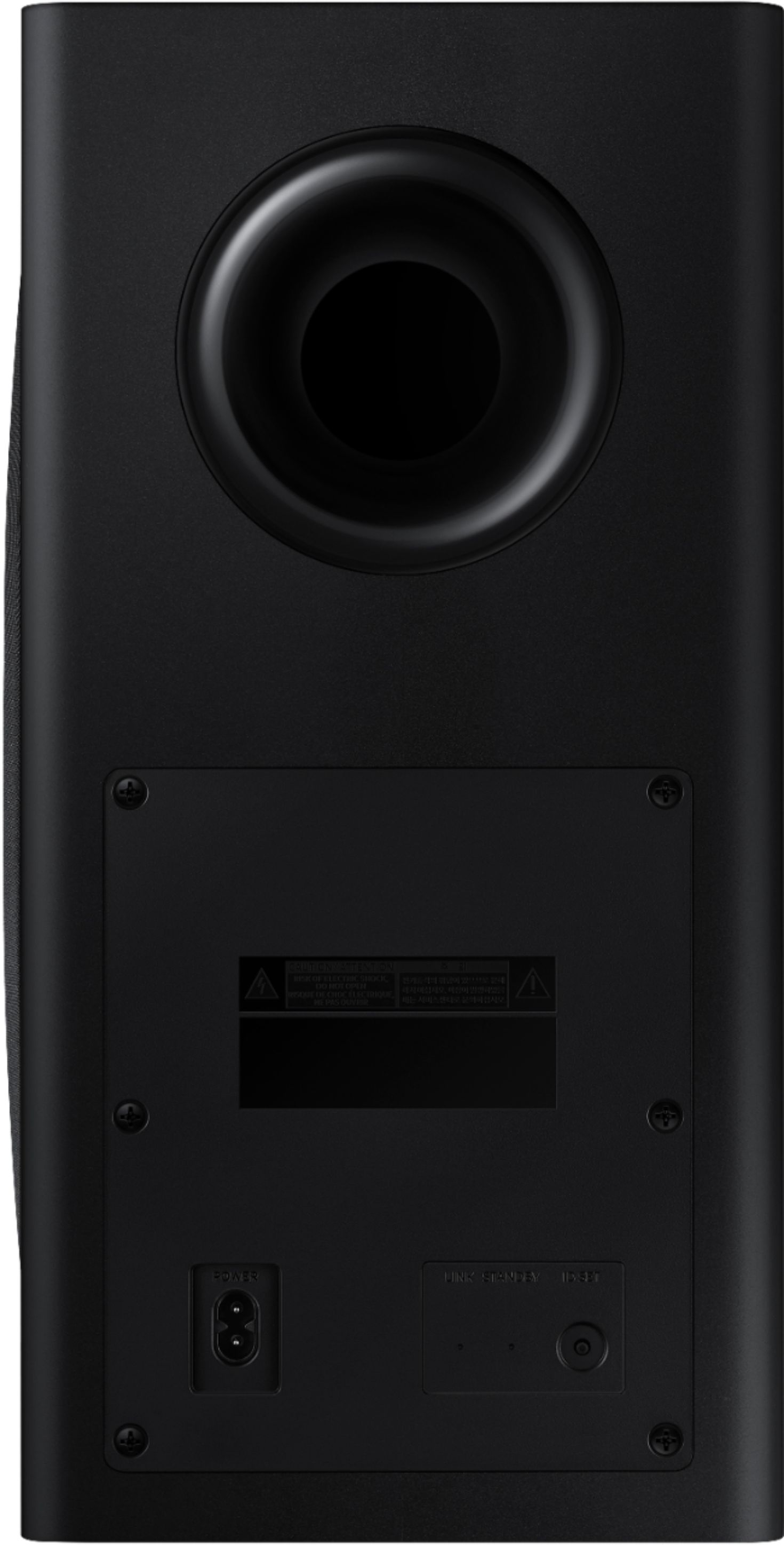
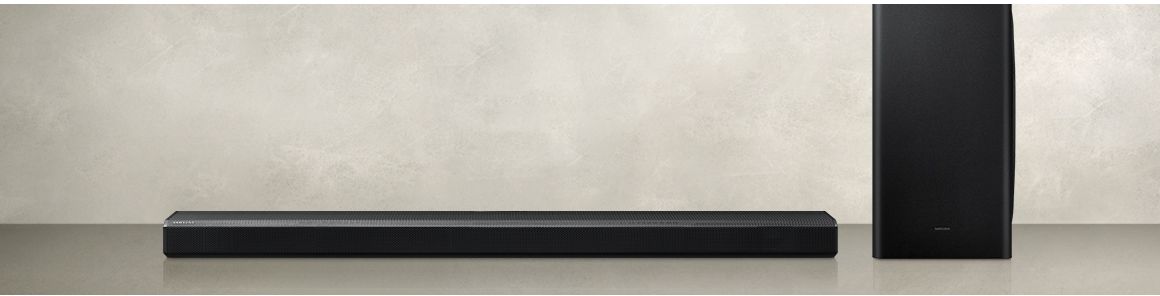
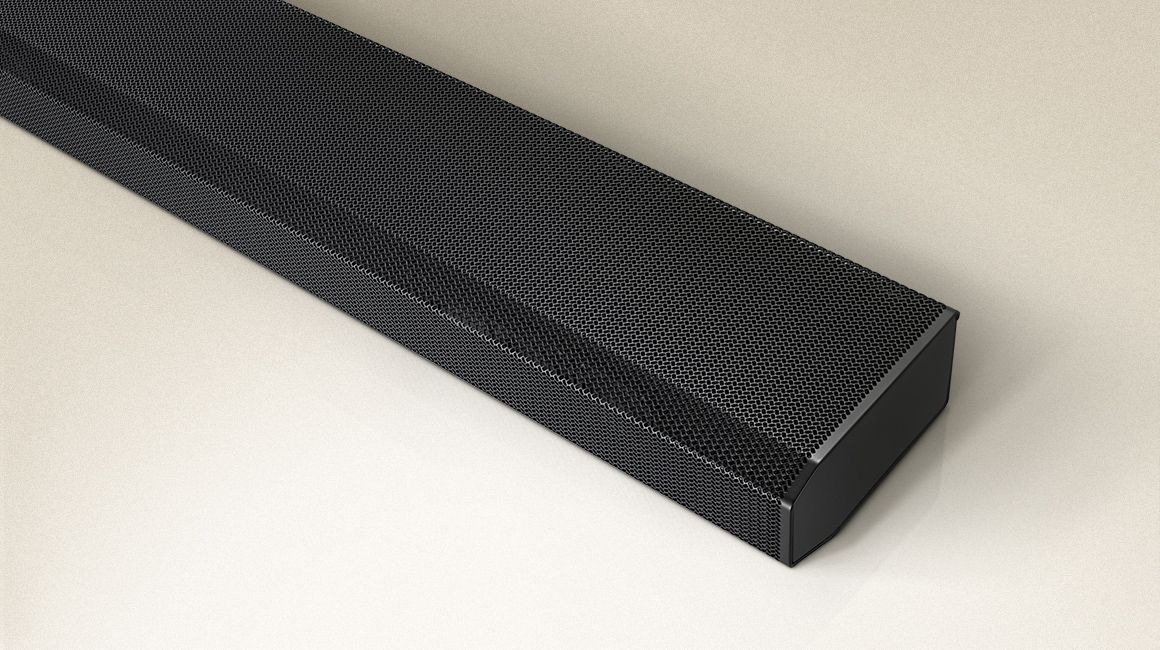
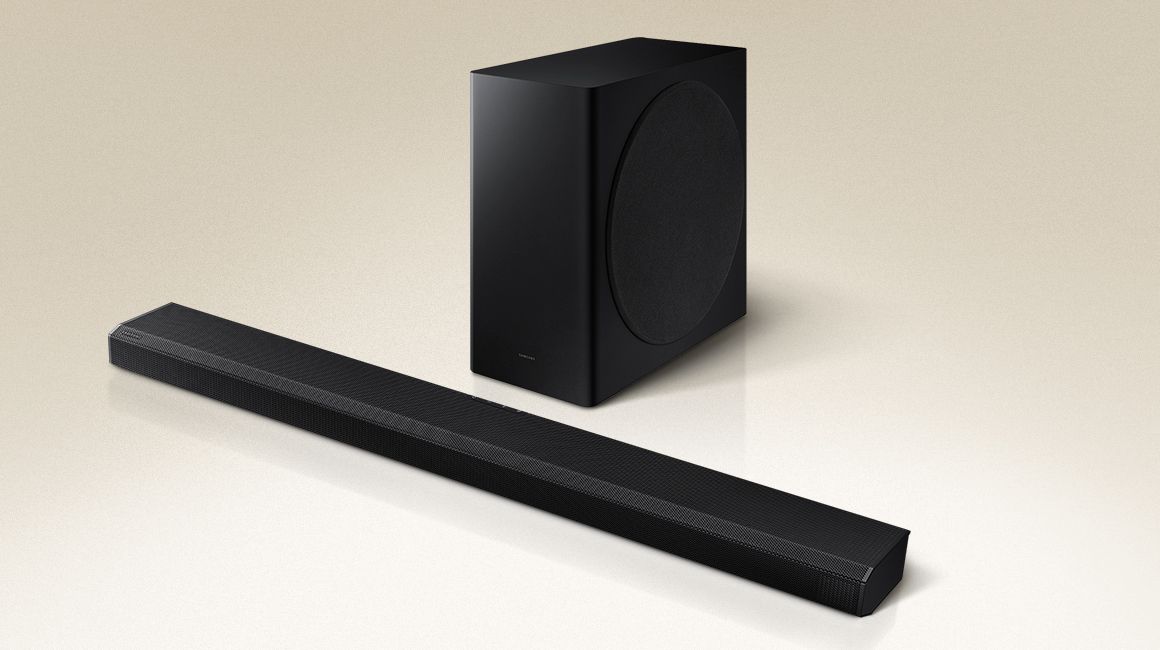
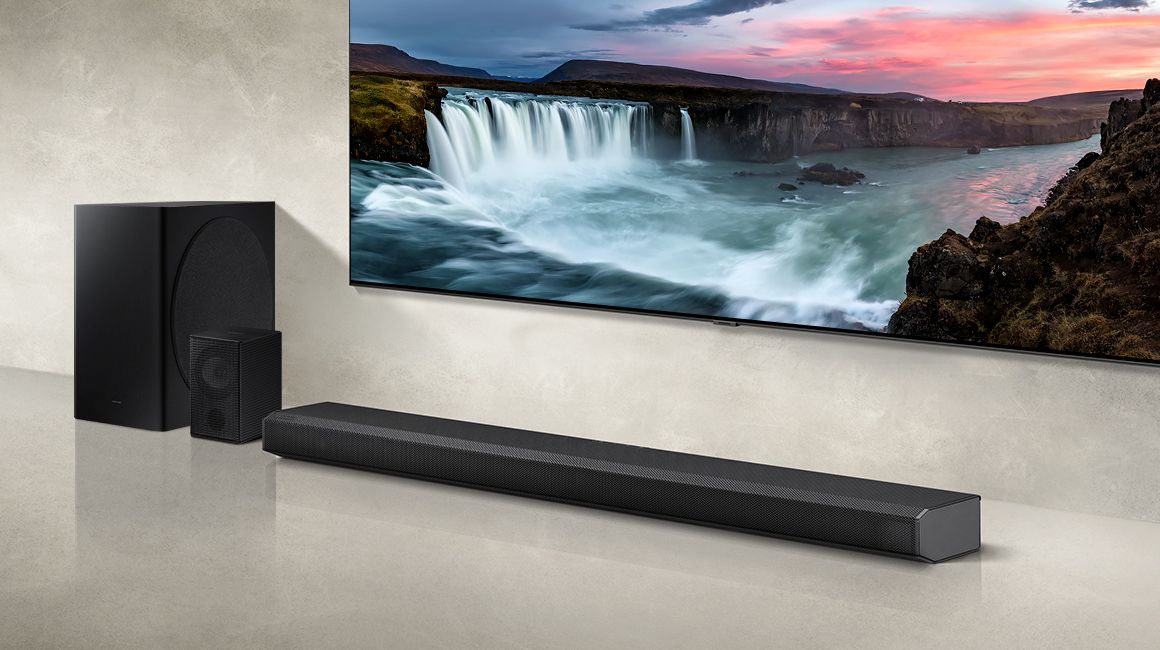
Customers are delighted by the sound quality, describing it as top-notch and amazing. They appreciate the easy setup process and the inclusion of Dolby Atmos, which enhances the overall sound experience. The soundbar's design is also praised for its sleek and stylish appearance. However, some customers have expressed concerns about the bass levels, the lack of wireless connectivity for the rear speakers, and occasional connectivity issues with the smart things app.
This summary was generated by AI based on customer reviews.
- Pros mentioned:Sound quality
Great system for living room or smaller home theat
Posted .This reviewer received promo considerations or sweepstakes entry for writing a review.Great sound quality. Must have. Works great in our home theatre room
I would recommend this to a friend Awesome sound
Posted .This reviewer received promo considerations or sweepstakes entry for writing a review.I bought this item because I have a SamSung tv. It all integrates extremely well. After getting the rear speakers situated my living room sounds like a theater when this system is turned on.
I would recommend this to a friendGreat System highly recommend
Posted .This reviewer received promo considerations or sweepstakes entry for writing a review.We love this set up. We tried the Sony and the 7.1 sound bar and the back speakers just can't be beat. Really puts you in the movie with the Atmos
I would recommend this to a friendGreat powerful sound
Posted .This reviewer received promo considerations or sweepstakes entry for writing a review.Works great amazing sound, a few more nicks on it than expected but it’s refurbished so can’t expect perfect
I would recommend this to a friend- Cons mentioned:Connectivity
Will not maintain connection to Samsung TV
Posted .This reviewer received promo considerations or sweepstakes entry for writing a review.Driving me nuts, this is attached to a brand new Samsung tv of the same model year. It will not under any condition stay connected. I have updated firmware running on both devices. Every time I turn on the tv I have to reestablish the connection in the sound menu. Every, single, time. I am sure Samsung will find some way to condescend me in reply but if someone that deals with software and technology for a living can't get it to work, it isn't working.
No, I would not recommend this to a friendBrand response from Samsung
Posted .Hi corich,
Thank you for purchasing the HW-Q850A soundbar and for your review. Samsung TV's have Anynet+ (also known as HDMI-CEC), a feature that allows connected external HDMI devices to inform your TV when they have turned on. By default, the TV will immediately switch to this source when this happens. To turn off this function of a device connected to the TV, turn off the Anynet+(HDMI-CEC) function of the device.
For further details, please see this article: https://www.samsung.com/us/support/answer/ANS00062384/
Should you need assistance with features, setup, functions, or settings, please contact Samsung Customer Support.
1-800-SAMSUNG (ask for Soundbars), available 8AM -12AM EST, 7 days a week. Or text HELP to 62913.
For additional support resources, visit us on the Samsung website and click on the ‘Support’ link in the upper right corner of the homepage for:
1) More ‘Contact Us’ options – LiveChat, Facebook, Twitter, Samsung Community, Samsung Members app
2) Manuals & Software
3) Warranty Info
4) Product Registration: For access to easy warranty support, convenient opt-in to special promos and offers, faster troubleshooting and service, and quick notification of system updates.
We look forward to hearing from you.
~ Samsung Ambassador
Not Happy
Posted .This reviewer received promo considerations or sweepstakes entry for writing a review.Everytime I talked to anyone Alexa would come on and my tv sound would go off. I hated that!! Or I'd say something else not mentioning Alexa and she would come on. Scary !! Would never get Alexa again. Sorry Samsung!!!
No, I would not recommend this to a friendBrand response from Samsung
Posted .Hi chammie,
Thank you for purchasing the Samsung HW-Q850A soundbar. Your input is invaluable in our continuous pursuit of delivering the best in product and customer experience.
We would love the opportunity to investigate this for you so we can provide additional settings adjustments or troubleshooting assistance. Please contact Samsung Customer Support at:
1-800-SAMSUNG (ask for Soundbars), available 8AM - 12AM EST, 7 days a week.
For additional support resources, visit us on the Samsung website and click on the ‘Support’ link in the upper right corner of the homepage for:
1) Chat with Us/Product Help: To begin a chat or find solutions, choose ‘TVs & Home Theater’ and select your model & topic.
2) Manuals & Software
3) Warranty Info
4) Register a Product: For access to easy warranty support, convenient opt-in to special promos and offers, faster troubleshooting and service, and quick notification of system updates
5) Contact Us
~ Samsung Ambassador
Big difference!
Posted .This reviewer received promo considerations or sweepstakes entry for writing a review.The Bose Sound Bar 900 and 700 subwoofer can’t be beat. When I heard the garbage coming out of the Samsung equipment, I immediately disassembled it and reinstalled the Bose. Very disappointed in Samsung!
No, I would not recommend this to a friendBrand response from Samsung
Posted .Hi Screenname,
We appreciate you sharing your feedback and experience with the Samsung HW-Q850A Soundbar. I am very sorry to hear that your out of box experience did not meet your expectations. Please know there are many settings that could have been adjusted to tune the audio to your liking, improving your audio experience.
Should you ever decide to give Samsung Soundbars another try and have questions or need assistance with settings, setup, or features, please know we are always here to help. Call us at 1-800-SAMSUNG (ask for Soundbars), available 8AM - 12AM EST, 7 days a week.
For additional support resources, visit us on the Samsung website and click on the ‘Support’ link in the upper right corner of the homepage for:
1) Contact Us: For additional Chat & Text options, choose ‘TVs & Home Theater’ and select your model & topic.
2) Manuals, Software, & Warranty Info
We hope to regain you as a customer in the future.
~ Samsung Solutions
Back speakers are useless
Posted .This reviewer received promo considerations or sweepstakes entry for writing a review.Back speakers sound very low. No surround impression.
No, I would not recommend this to a friendBrand response from Samsung
Posted .Hi,
Thank you for purchasing the Samsung HW-Q850A and for sharing your feedback regarding the overall volume and performance of the included rear speakers.
By design, the surround speakers are supposed to simulate sounds happening behind the viewer. Therefore, most of the time the surround channels are only used for ambient sounds, which are naturally lower in volume.
However, there are a few settings you can change to adjust the surround effect to your preference:
1) Make sure that the source (e.g. TV output) is sending surround channels to the Soundbar. If the source is not capable of surround, then set the Surround mode to OFF on the Soundbar by pressing the Surround button on the remote.
2) If the source has surround channels, select the desired Sound Mode from the Soundbar remote.
3) Turn off Dynamic Range Control. This is done by pressing and holding the Sound Mode button while the Soundbar is in standby mode. Depending on your soundbar model, you may or may not have DRC.
4) Increase the volume level of the surround speakers using the Sound Control button on the Soundbar remote control. Press the Sound Control button on the soundbar remote (looks like a gear), then select REAR LEVEL and use the Up/Down buttons to adjust the volume within a -6 to +6 range.
I hope these tips help to enhance your audio enjoyment.
Should you need further assistance with this issue or have any questions, please contact Samsung Customer Support at 1-800-SAMSUNG (ask for Soundbars), available 8AM - 12AM EST, 7 days a week.
For additional support resources, visit us on the Samsung website and click on the ‘Support’ link in the upper right corner of the homepage for:
1) Chat with Us/Product Help: To begin a chat or find solutions, choose ‘TVs & Home Theater’ and select your model & topic.
2) Manuals & Software
3) Warranty Info
4) Register a Product: For access to easy warranty support, convenient opt-in to special promos and offers, faster troubleshooting and service, and quick notification of system updates
5) Contact Us
~ Samsung Solutions