Customer Ratings & Reviews
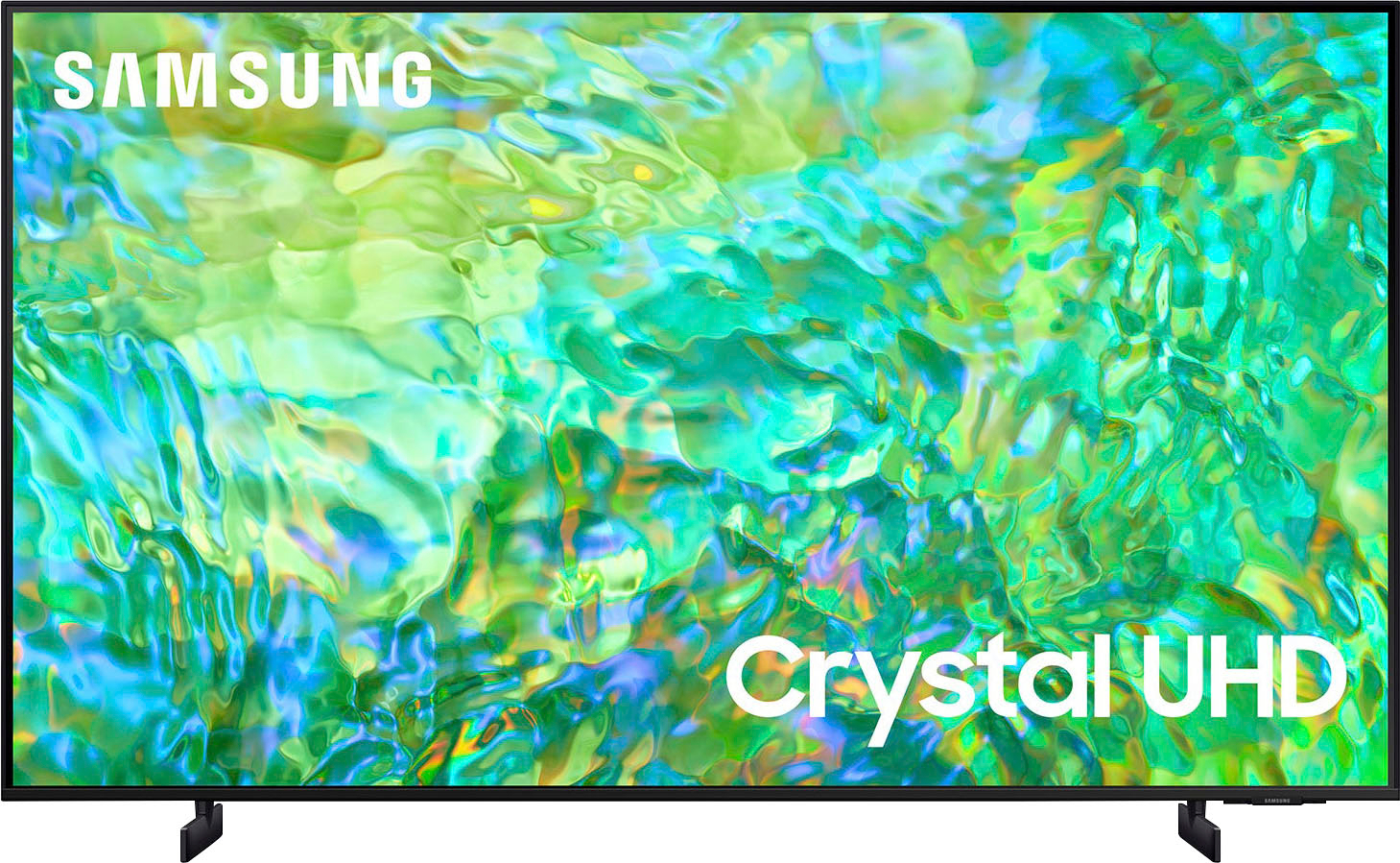
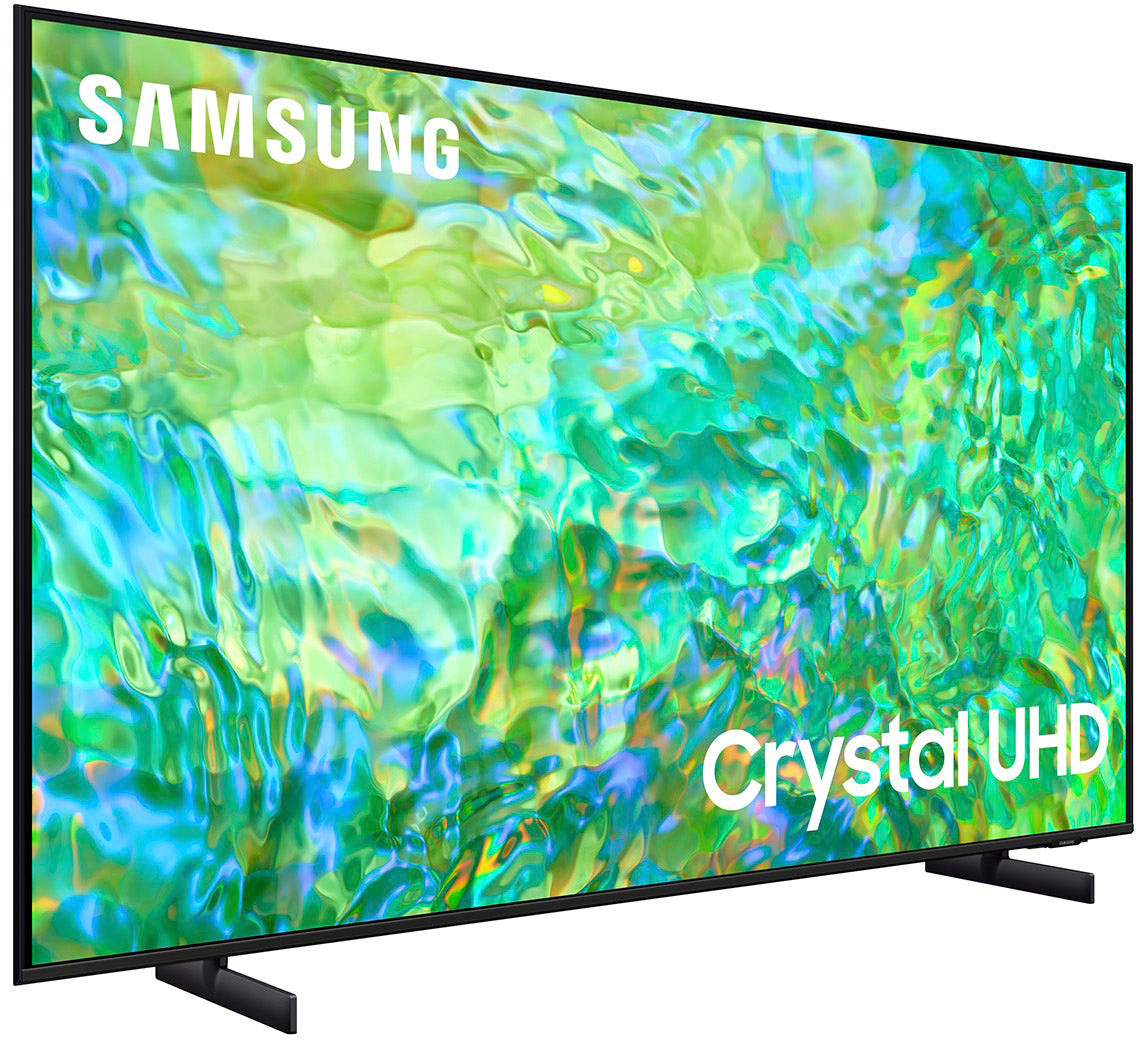
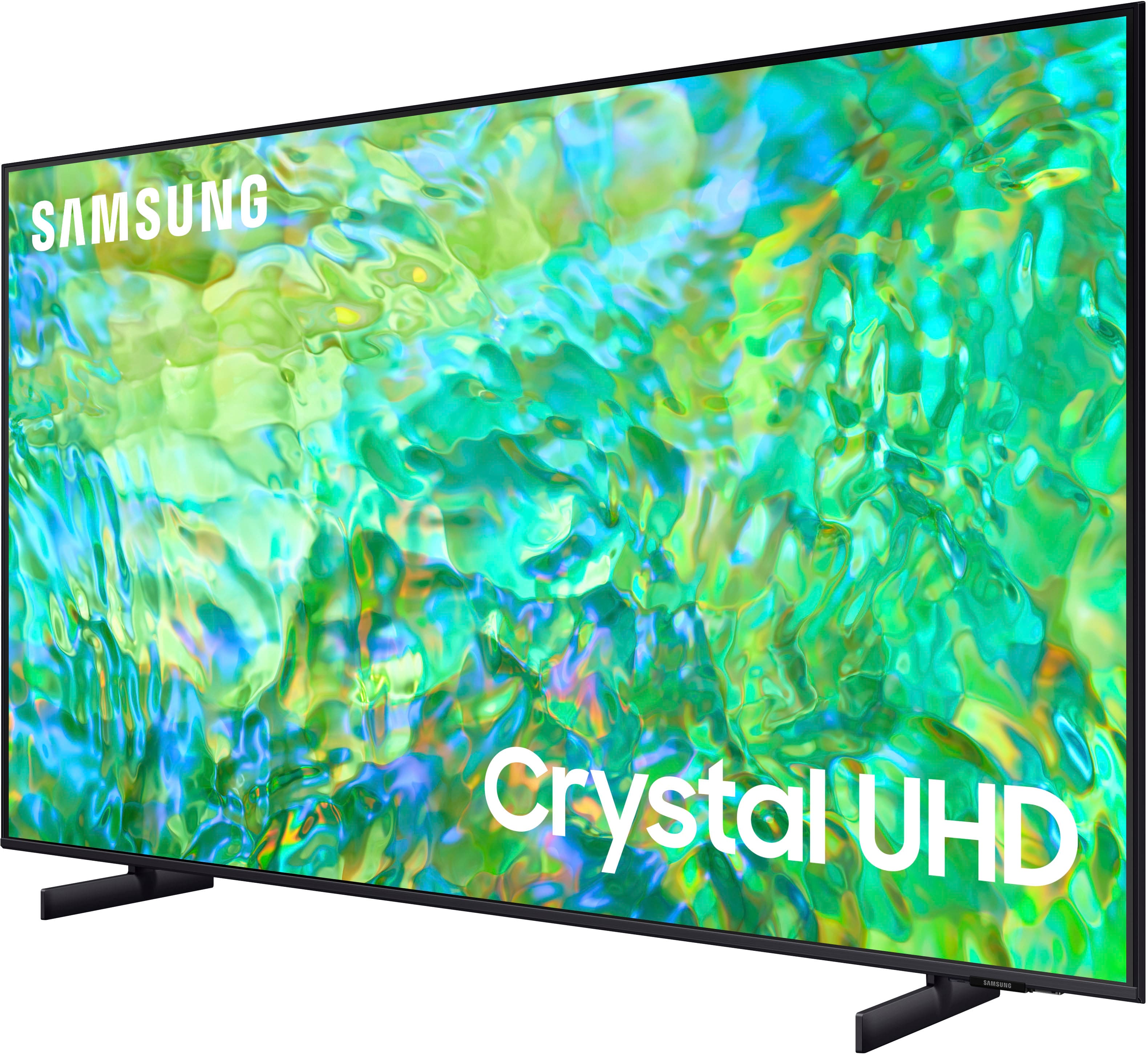
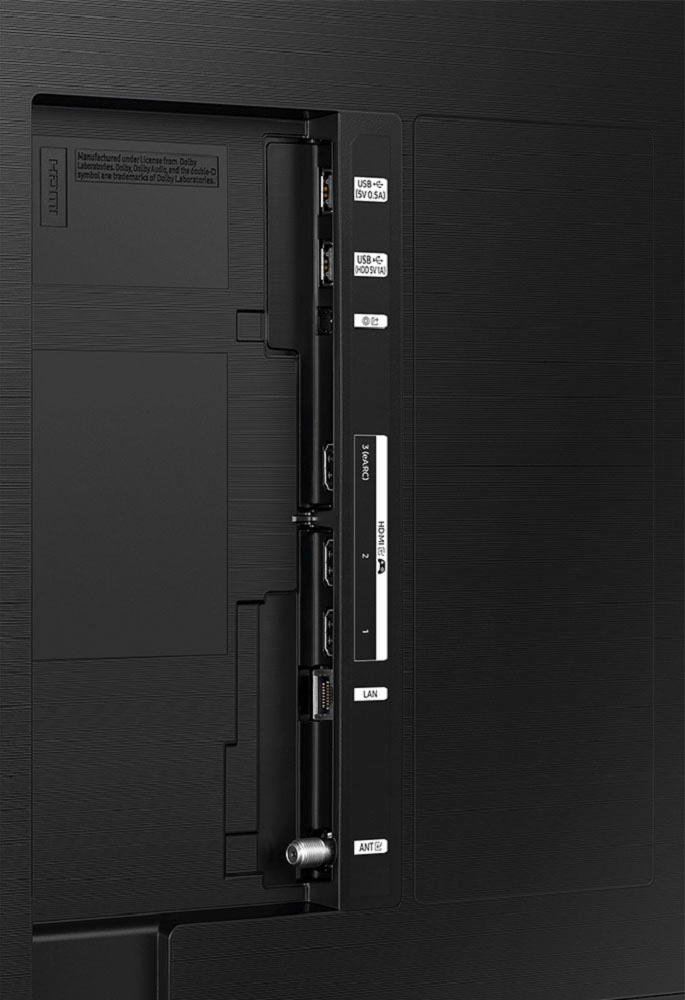



- Model:
- UN50CU8000FXZA
- SKU:
- 6537417
Rating by feature
- Picture Quality
Rating 4.7 out of 5 stars
- Sound Quality
Rating 4.4 out of 5 stars
- Brightness
Rating 4.7 out of 5 stars
Customers are saying
Customers are impressed with the picture quality, describing it as amazing, crisp, and crystal clear. They also appreciate the easy setup process, with many noting how quick and simple it was. The price point is seen as a major positive, with customers feeling they are getting great value for their money. While the sound quality is generally well-received, some users have expressed concerns about the volume not being loud enough.
This summary was generated by AI based on customer reviews.
- Pros mentioned:Color, Picture quality
Happy birthday to me!
||Posted . Owned for 1 month when reviewed.This reviewer received promo considerations or sweepstakes entry for writing a review.I love everything about this purchase. Samsung has never let me down and this is no exception. The color is great, the sound is clear and the size is perfect over my fireplace. I couldn’t be happier.
I would recommend this to a friend - Pros mentioned:Ease of use, Picture quality
great TV
||Posted . Owned for 1 month when reviewed.This reviewer received promo considerations or sweepstakes entry for writing a review.great picture and super easy to setup. have it connect via wifi and all streaming services run very smooth. the remote is a perfect small size and has quick buttons for netflix and amazon.
I would recommend this to a friend Loving it
||Posted . Owned for 2 months when reviewed.This reviewer received promo considerations or sweepstakes entry for writing a review.Only 4 stars because I have to unplug it weekly because it loses the media hub and I havent found a way to reset the tv thru settings. Lots of streaming apps and games available. Easy to attach accessories including ps5 console and an xbox controller or ps 4/5 controller to play streaming games. Walks thru the steps of setting up cell phones with remote control that is usually always there or you can use included remote that is rechargeable or solar. I love that I dont have an xbox but can still play using my ps5 controller.
I would recommend this to a friendBrand response from Samsung
Posted .Hi CatherineC,
It's great to hear you are enjoying the built-in app store and Samsung Gaming. If you are experiencing issues with your TV and need to reset it, please try the following:
First, let's make sure you are running the latest Firmware. Go to Settings> Support> Software Update.
Next, try running a cold boot on your TV. To do so, hold down the Power button on the Samsung TV remote until the TV turns off and then on again. This should take about 5 seconds.
If you need more help, Samsung is here for you. Please call us at 1-800-SAMSUNG, 8 AM - 12 AM EST, seven days a week. Our LiveChat agents are also available by clicking on the ‘Support’ link on our website.
~ Samsung Advisor
- Pros mentioned:Picture quality
Great picture, very light-weight
||Posted . Owned for 3 weeks when reviewed.This reviewer received promo considerations or sweepstakes entry for writing a review.This TV is great. I have another Samsung, about 5 years old, and love the updated operating system and solar remote. I remember when a 50” TV was considered huge - the picture is crisp and bright, and the TV is very lightweight and easy to maneuver. While it probably isn’t advisable, I wall-mounted it in my bedroom solo. My only gripe here is that I missed the sale when I purchased it, and the following week it was discounted again. No love from Best Buy on the price correction though, smh.
I would recommend this to a friend - Pros mentioned:Picture quality
Samsung UN8000
||Posted . Owned for 1 month when reviewed.This reviewer received promo considerations or sweepstakes entry for writing a review.Very nice TV. I have 2 of the and bought 1 for my parents as well. Very good picture. My parents felt they could hear it without being at full volume. Only issue we have is with the ESPN app, the tv will freeze sometimes and the only way to un freeze is to unplug and plug back. Same problem all three tv's, but only with the ESPN app. No issues with any other app. I really like that it has the abililty to load MSG+ app directly l, so it does not require casting from another device.
I would recommend this to a friend - Pros mentioned:Picture quality
♡Husband's Christmas SURPRISE!!♡
||Posted . Owned for 3 weeks when reviewed.This reviewer received promo considerations or sweepstakes entry for writing a review.I ended up purchasing this as a surprise for my husband for Christmas. He has been wanting a new T.v. as our other one was going out on us, so once he saw it he was stoked! We both love it, the colors in the picture are perfect and the volume is great, even without our soundbar & i also love the remote the fill & size!
I would recommend this to a friend - Pros mentioned:Picture quality
Number one TV
||Posted . Owned for 3 weeks when reviewed.This reviewer received promo considerations or sweepstakes entry for writing a review.Best tv I have ever purchased by far!!! The picture is clear and the colors are amazing. The sound is perfect. So many options on the smart screen. The game mode is awesome on the PS5 and the game mode sound is booming! I got the sound bar extra and it makes this tv even more better! Definitely getting a couple more for all the rooms!
I would recommend this to a friend - Pros mentioned:Ease of use, Picture quality
Great Value
||Posted . Owned for 1 month when reviewed.This reviewer received promo considerations or sweepstakes entry for writing a review.Great Value Excellent picture easy to use smart TV
I would recommend this to a friend - Pros mentioned:Picture quality
Great tv for the price point!
||Posted . Owned for 3 weeks when reviewed.This reviewer received promo considerations or sweepstakes entry for writing a review.Great tv and good quality picture for the price. I love Samsung tv's because they're the only ones that allow the Spectrum app to be used without the help of an external device. I Would definitely suggest this tv for anyone on a budget.
I would recommend this to a friend - Pros mentioned:Picture quality
A good Samsung TV
||Posted . Owned for 1 month when reviewed.This reviewer received promo considerations or sweepstakes entry for writing a review.I'm a gamer and youtube I recommend the Samsung crystal. It is one of the best experience on the subject in quality
I would recommend this to a friend - Pros mentioned:Picture quality
Great TV
||Posted . Owned for 3 weeks when reviewed.This reviewer received promo considerations or sweepstakes entry for writing a review.This TV is amazing! The picture is very clear and it truly is a great addition to our living room. It is by perfect where it is placed and we are happy that we chose this TV.
I would recommend this to a friend - Pros mentioned:Picture quality
Great TV!
||Posted . Owned for 1 month when reviewed.This reviewer received promo considerations or sweepstakes entry for writing a review.Absolutely love this TV. Great picture quality the smart technology is outstanding. So far so good!
I would recommend this to a friend - Pros mentioned:Ease of use
Great value
||Posted . Owned for 3 weeks when reviewed.This reviewer received promo considerations or sweepstakes entry for writing a review.It is a really nice television that works well with viewing and gaming. Easy set up and simple instruction when exploring its options. Easy set up as far as picture and sound options etc.
I would recommend this to a friend - Pros mentioned:Picture quality
Just paid some more for quality.
||Posted . Owned for 2 months when reviewed.This reviewer received promo considerations or sweepstakes entry for writing a review.Absolutely like this tv. Fast menu, beautiful picture. In the first days after connecting to the Internet, he was updating his software and therefore slowed down a bit.
I would recommend this to a friend - Pros mentioned:Picture quality
Great TV!
||Posted . Owned for 1 month when reviewed.This reviewer received promo considerations or sweepstakes entry for writing a review.We are loving our Samsung CU8000 TV. While we are still learning about all it can do, we love the super picture quality and the sound is very good, too.
I would recommend this to a friend - Pros mentioned:Picture quality
Samsung tv
||Posted . Owned for 1 week when reviewed.This reviewer received promo considerations or sweepstakes entry for writing a review.We were in need of a new tv, looking not to break the bank and this fit our budget. Easy setup skmole plug and play. Awesome picture
I would recommend this to a friend - Pros mentioned:Picture quality
Tv
||Posted . Owned for 3 weeks when reviewed.This reviewer received promo considerations or sweepstakes entry for writing a review.Works well, good picture. The warranty cost more than the tv.
I would recommend this to a friend - Pros mentioned:Picture quality
A true winner
||Posted . Owned for 3 weeks when reviewed.This reviewer received promo considerations or sweepstakes entry for writing a review.This Samsung Tv is awesome, feels like I could almost walk into the picture. Every easy setup
I would recommend this to a friend - Pros mentioned:Picture quality
Fantastic tv!
||Posted . Owned for 2 weeks when reviewed.This reviewer received promo considerations or sweepstakes entry for writing a review.Absolutely superb tv, super sleek, picture and sound are amazing. Great price too.
I would recommend this to a friend - Pros mentioned:Picture quality
Satisfied customer
||Posted . Owned for 3 weeks when reviewed.This reviewer received promo considerations or sweepstakes entry for writing a review.I received great service from Best Buy. My Samsung TV has a great picture and was worth the money
I would recommend this to a friend