Customer Ratings & Reviews
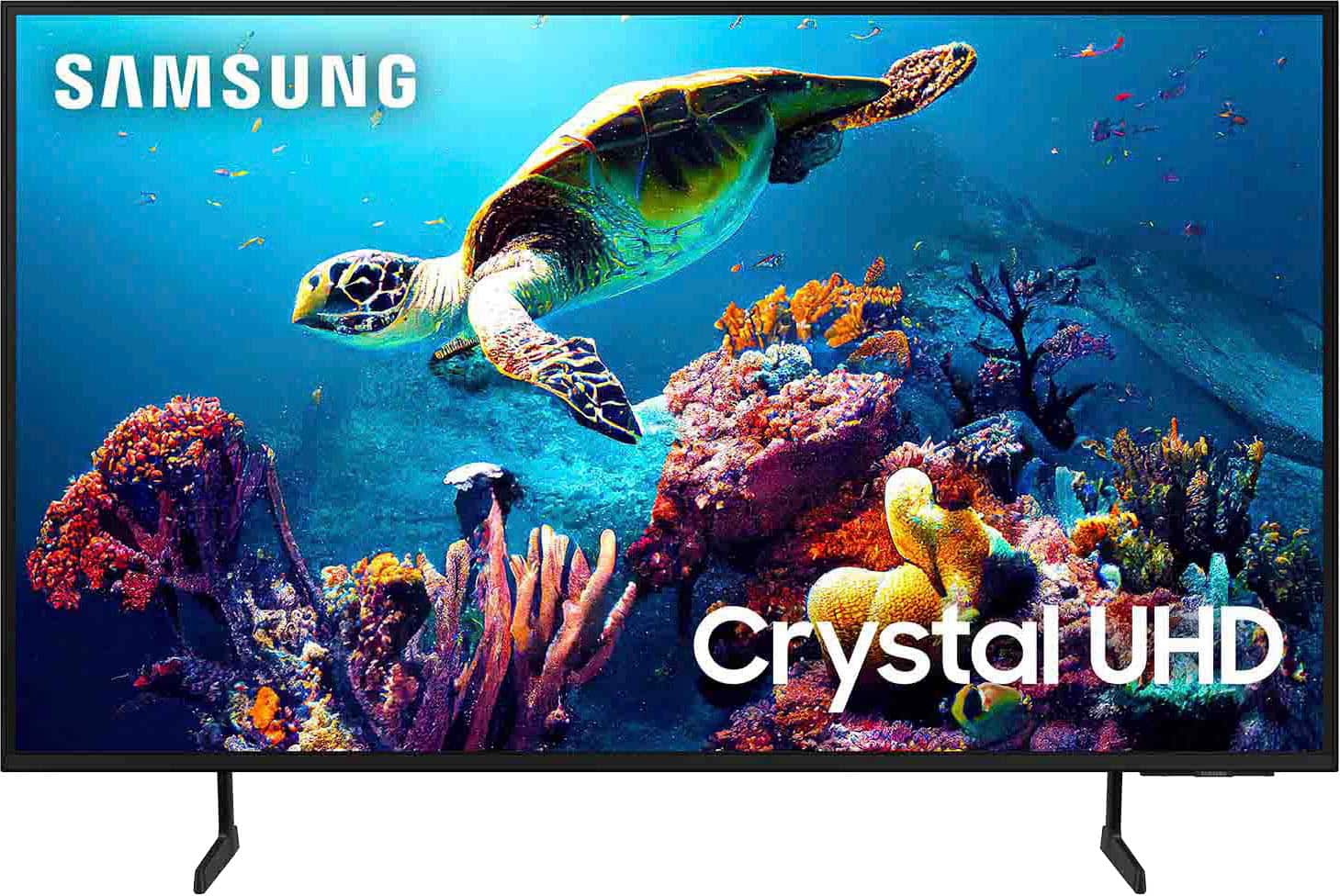

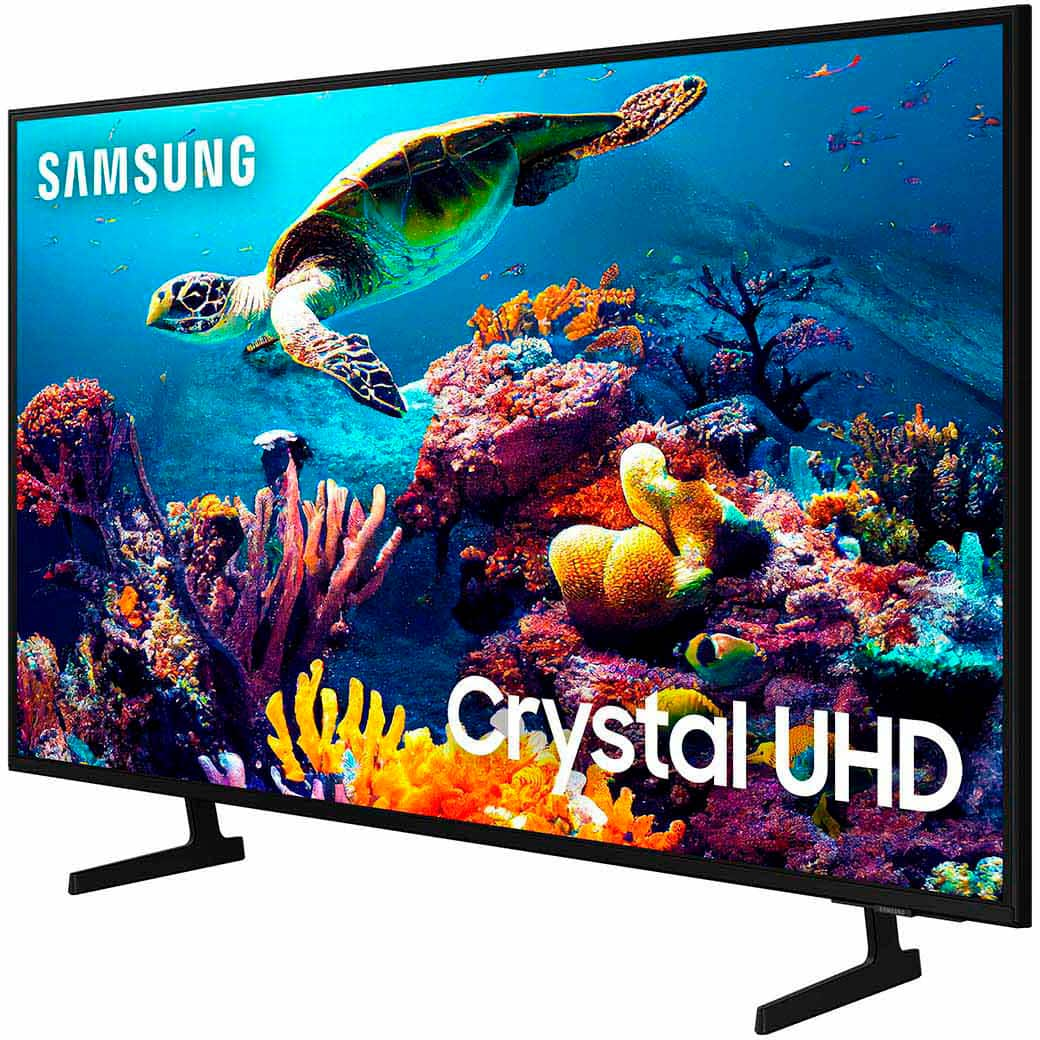
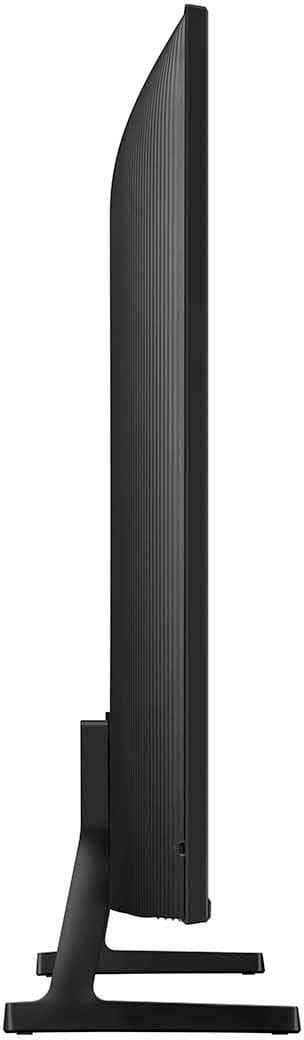

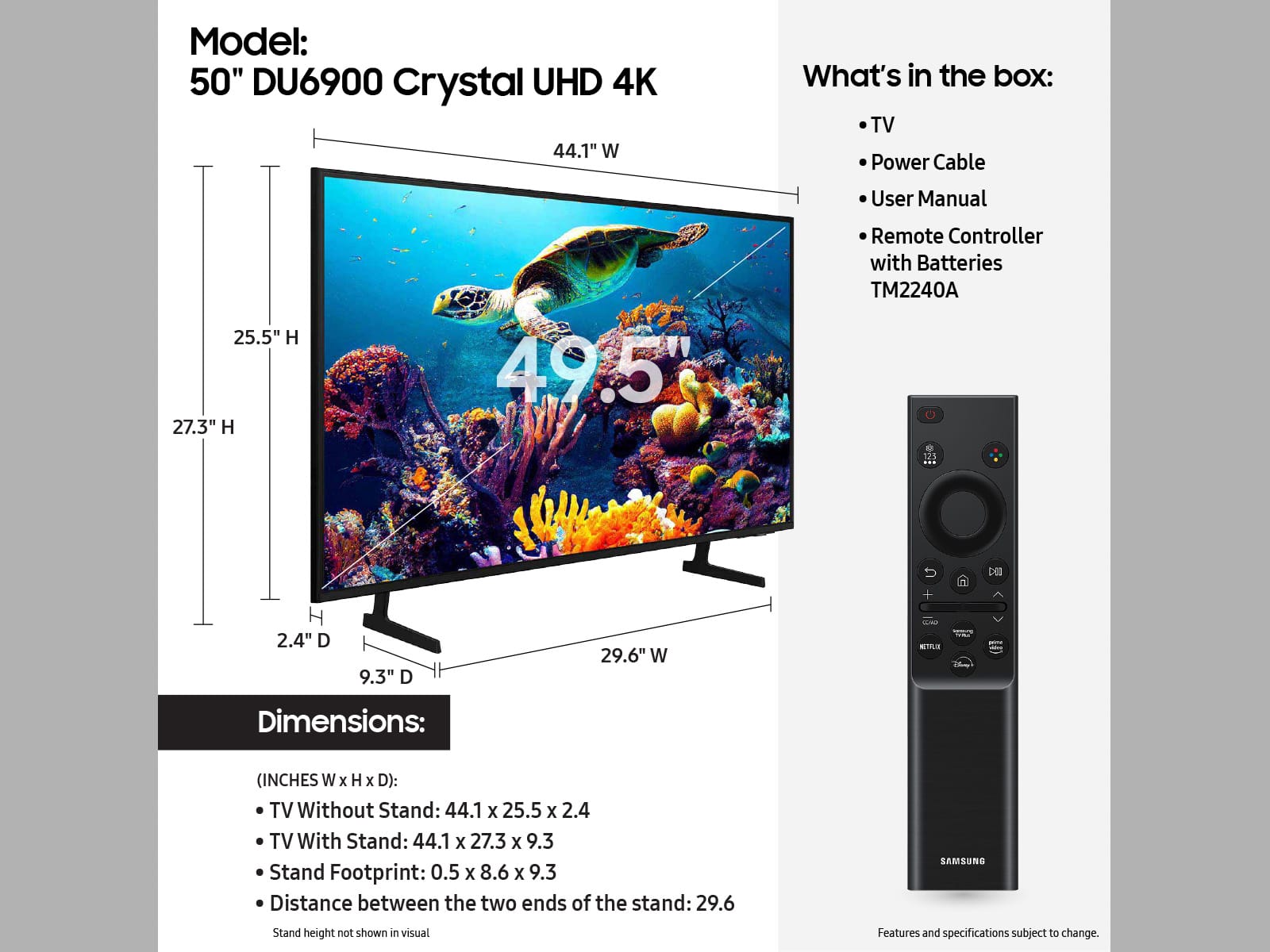







- Model:
- UN50DU6900FXZA
- SKU:
- 10187636
Rating by feature
- Picture Quality
Rating 4.8 out of 5 stars
- Sound Quality
Rating 4.6 out of 5 stars
- Brightness
Rating 4.8 out of 5 stars
Good price
||Posted . Owned for 2 weeks when reviewed.This reviewer received promo considerations or sweepstakes entry for writing a review.The TV was the right price, good quality. Returned due to damage.
I would recommend this to a friend50 inch
||Posted . Owned for 3 weeks when reviewed.This reviewer received promo considerations or sweepstakes entry for writing a review.Nice size and the clarity it great. Easy to set up as well.
I would recommend this to a friendQuality/price
||Posted . Owned for 2 weeks when reviewed.This reviewer received promo considerations or sweepstakes entry for writing a review.Very good quality, Samsung is the best on price vs quality.
I would recommend this to a friendGlad I picked a Samsung
||Posted . Owned for 3 weeks when reviewed.This reviewer received promo considerations or sweepstakes entry for writing a review.Perfect TV. East to set-up and use. Great picture.
I would recommend this to a friendStarter tv
||Posted . Owned for 11 months when reviewed.This reviewer received promo considerations or sweepstakes entry for writing a review.Not bad for a tv just to watch tv its a little slow but not a deal breaker
I would recommend this to a friendWould recommend
||Posted .This reviewer received promo considerations or sweepstakes entry for writing a review.Pretty alright tv for the price. Cant really say anything bad. Does everything its suppose too
I would recommend this to a friendAmazing tv
||Posted . Owned for 3 weeks when reviewed.This reviewer received promo considerations or sweepstakes entry for writing a review.Upgraded from a 32 inch TV that's over 8years old.
I would recommend this to a friendGreat Quality Slow UI
||Posted . Owned for 1 month when reviewed.This reviewer received promo considerations or sweepstakes entry for writing a review.Picture quality is fantastic. UI is a bit sluggish but its not a dealbreaker.
I would recommend this to a friendexceptional
||Posted . Owned for 3 weeks when reviewed.This reviewer received promo considerations or sweepstakes entry for writing a review.a wonderful tv Fit perfectly where I wanted it to
I would recommend this to a friendGreat tv great price
||Posted . Owned for 3 weeks when reviewed.This reviewer received promo considerations or sweepstakes entry for writing a review.Great tv at a great price. We have 3 Samsung TVs and they are all good. Ordered online thought it was in stock had to wait a few days to get it. Even though it showed one in stock then when I went to pay it updated to receive in a few days.
I would recommend this to a friendGreat Samsung TV
||Posted . Owned for 2 weeks when reviewed.This reviewer received promo considerations or sweepstakes entry for writing a review.Great price for a great product. I have bought 10 of these tv's.
I would recommend this to a friendKk Tv
||Posted . Owned for 1 month when reviewed.This reviewer received promo considerations or sweepstakes entry for writing a review.I am loving this TV and for the price it was steal
I would recommend this to a friendsamsung may have lost me after 20 yrs
||Posted . Owned for 1 year when reviewed.This reviewer received promo considerations or sweepstakes entry for writing a review.only able to connect to sound bars via Bluetooth. i love using HDMI or optical to connect
No, I would not recommend this to a friendGreat TV
||Posted . Owned for 1 month when reviewed.This reviewer received promo considerations or sweepstakes entry for writing a review.The TV has great Audio and Visual quality. Its easy to set up and we were able to get all of our apps connected quickly. The only downside that I saw was that the remote controller did not have light up buttons to press on in the dark. But that could be easily resolved by getting a better controller.
I would recommend this to a friendTv
||Posted . Owned for 3 weeks when reviewed.This reviewer received promo considerations or sweepstakes entry for writing a review.I loved my tv so much best tv I have ever got thank you
No, I would not recommend this to a friendSamsung TV
||Posted . Owned for 1 month when reviewed.This reviewer received promo considerations or sweepstakes entry for writing a review.Good TV for the price. Way to set up for my mom Light weight
I would recommend this to a friendAwesome tv
||Posted . Owned for 1 week when reviewed.This reviewer received promo considerations or sweepstakes entry for writing a review.Awesome product great picture great sound would recommend
I would recommend this to a friendSamsung Crystal UHD 50" TV
||Posted . Owned for 1 month when reviewed.This reviewer received promo considerations or sweepstakes entry for writing a review.Picture is good but the interface is not intuitive and the quality of sound isn't consistent across apps. Called Samsung to address this issue - I was told they'd have to reset the TV and then I'd have to go through the set-up process again. Frustrating!
No, I would not recommend this to a friendBrand response from Samsung
Posted .WendyM,
Thank you for purchasing the Samsung DU6900 TV and for bringing your concerns to our attention.
Please know that Samsung is committed to providing the best possible product experience, quality, and value, and your feedback will be shared with our product and customer care teams.
We recommend adjusting the Sound Settings to improve your experience. You can change the Sound Mode by going to Settings > All Settings> Sound > Sound Mode.
You can also customize the sound with Expert Settings by going to Settings > All Settings> Sound > Expert Settings.
Please contact Samsung Support again for further troubleshooting assistance. You can call us at 1-800-SAMSUNG, 8 AM - 12 AM EST, seven days a week. Our LiveChat agents are also available by clicking on the ‘Support’ link on our website.
~ Samsung Pro
Great TV
||Posted . Owned for 3 weeks when reviewed.This reviewer received promo considerations or sweepstakes entry for writing a review.Loved this tv. Has a clearer picture than most tv's.
I would recommend this to a friendI Love Samsung
||Posted .This reviewer received promo considerations or sweepstakes entry for writing a review.I love this smart television because it makes me feel like I'm actually right in the room with the characters on the screen!!
I would recommend this to a friend